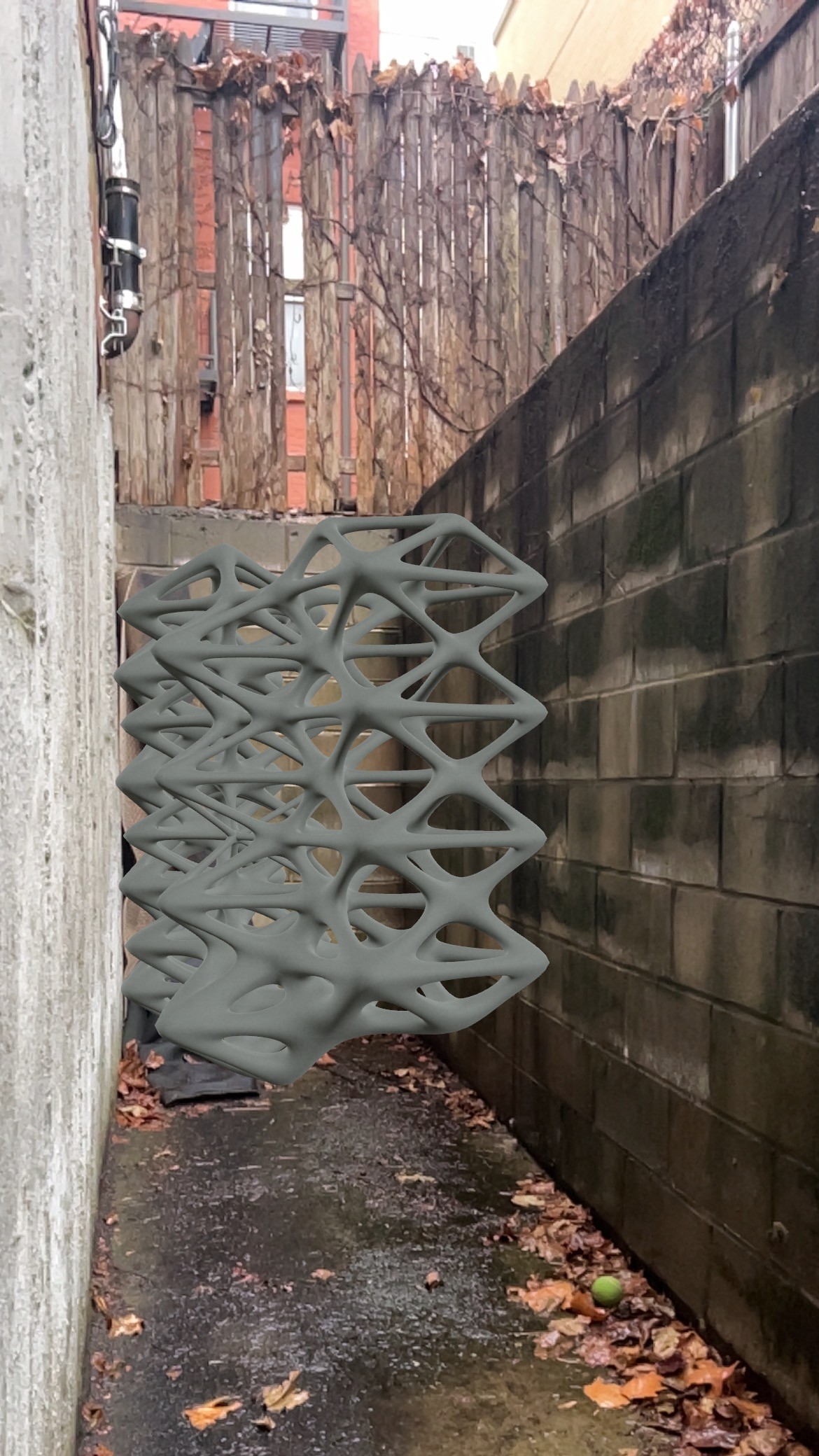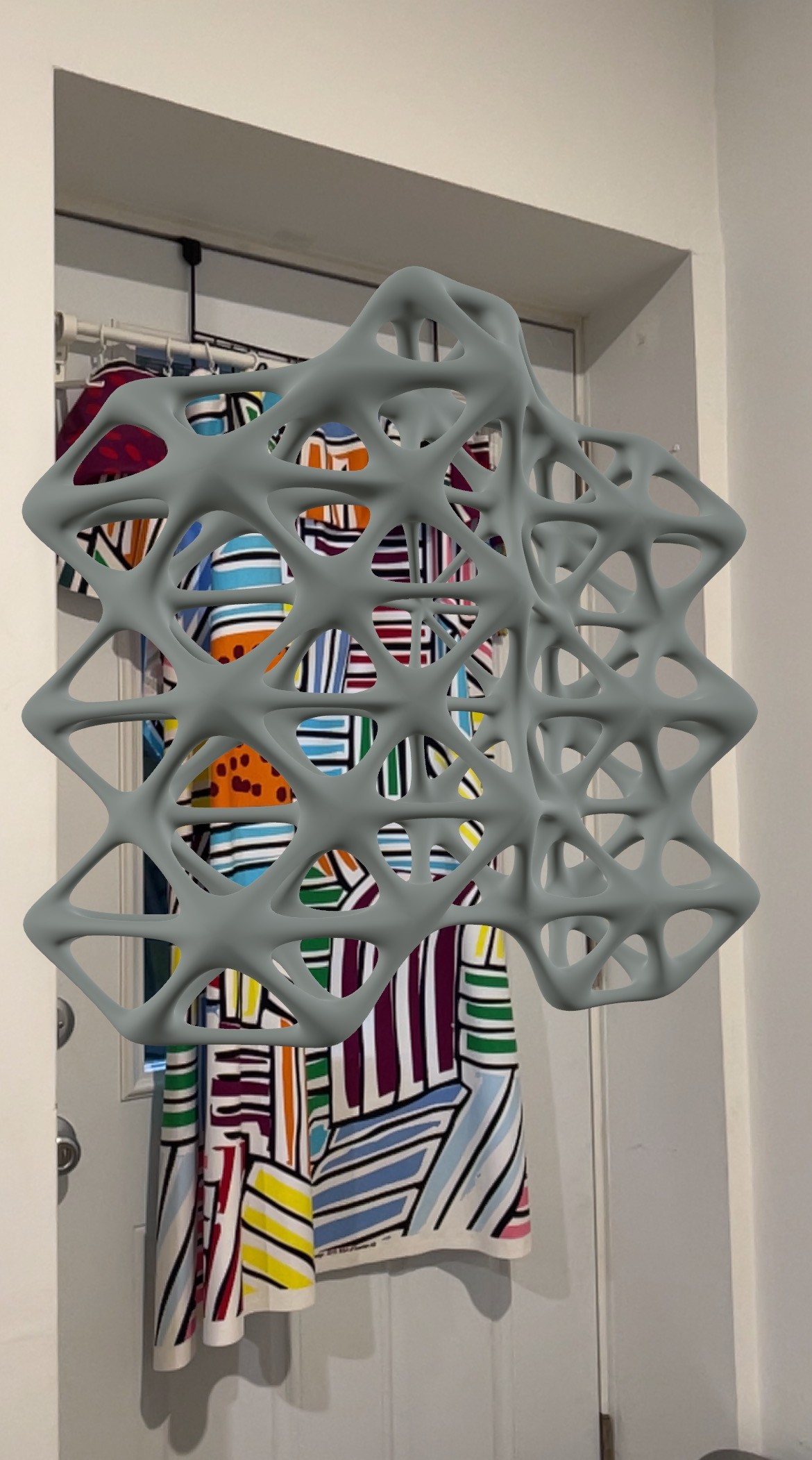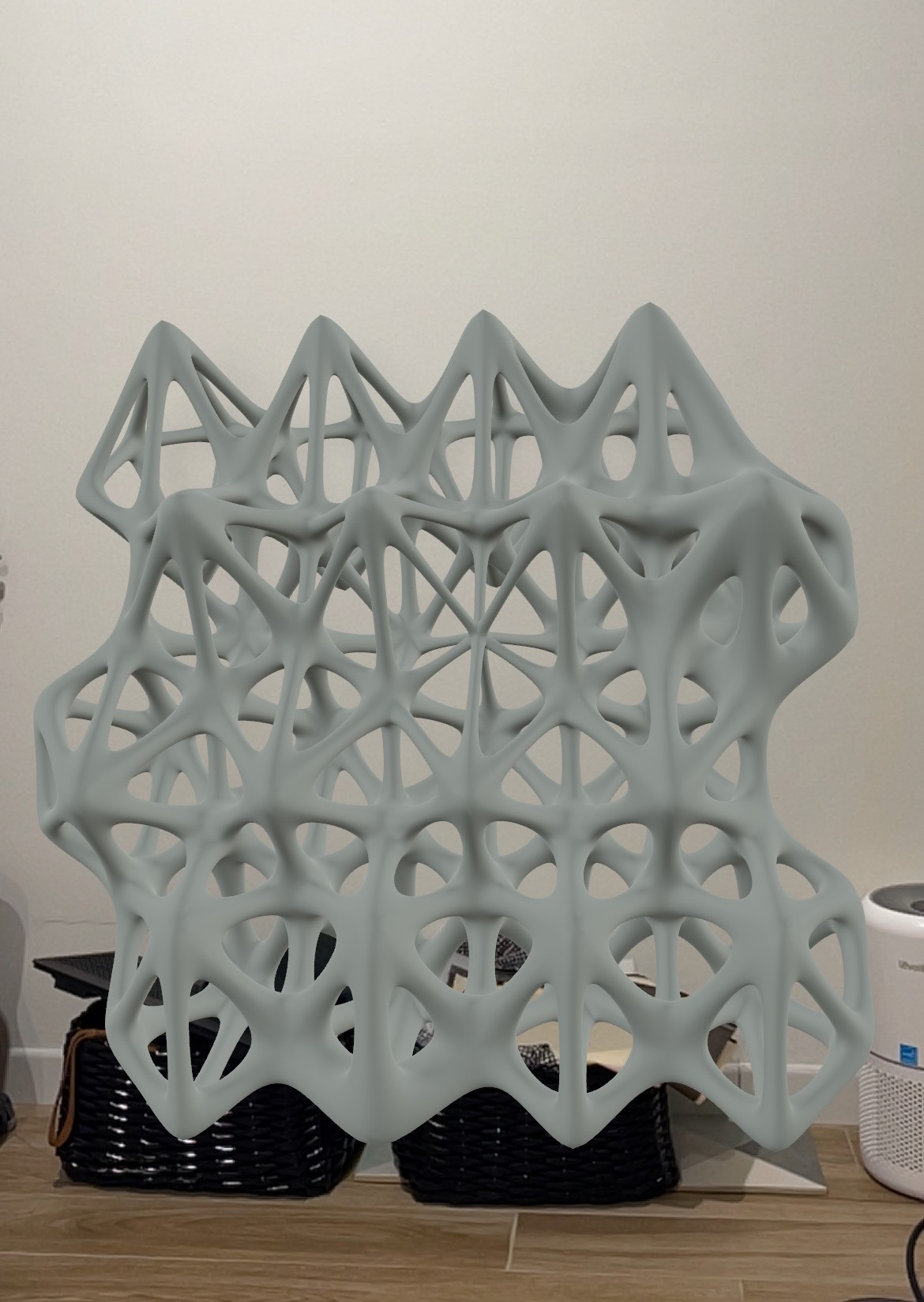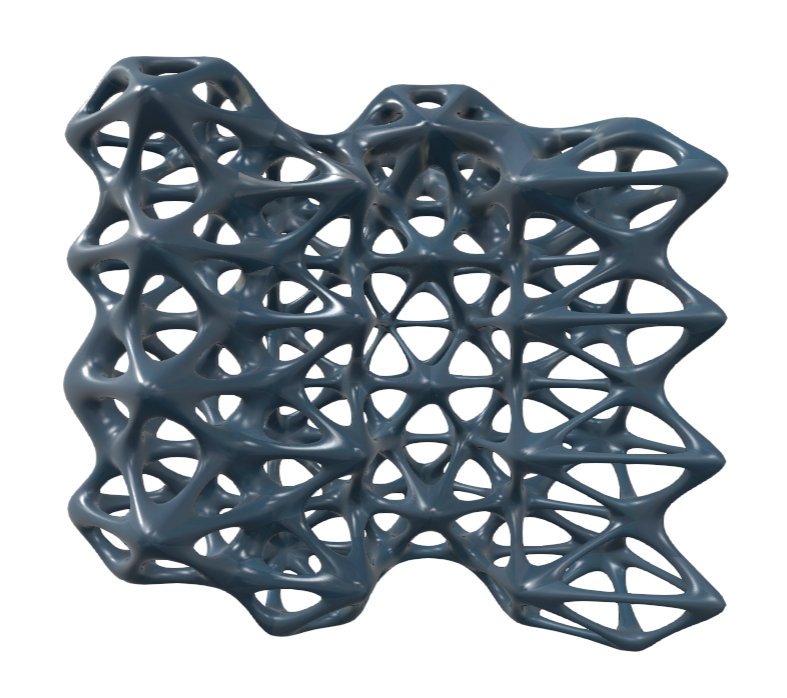
Privacy Screen

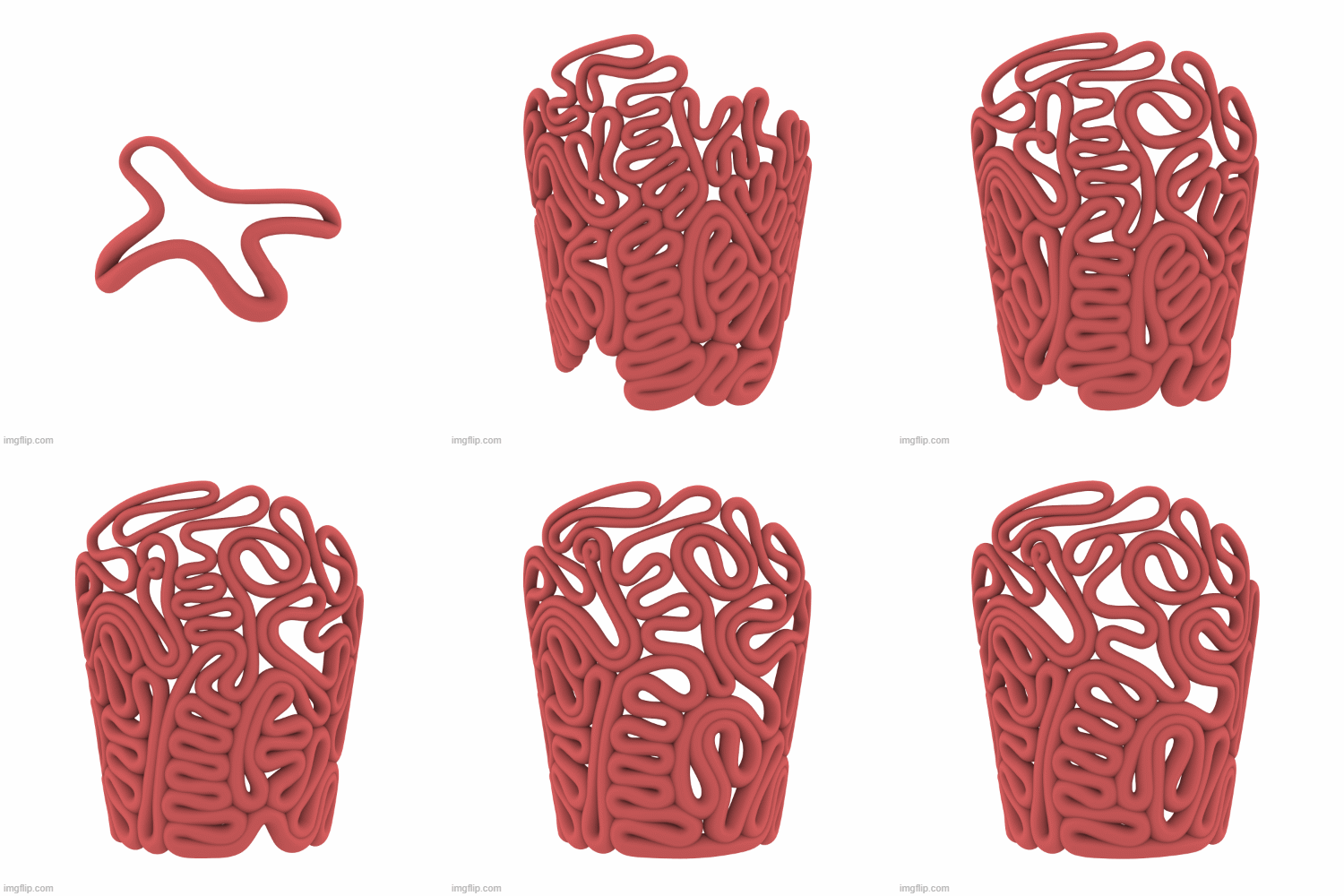
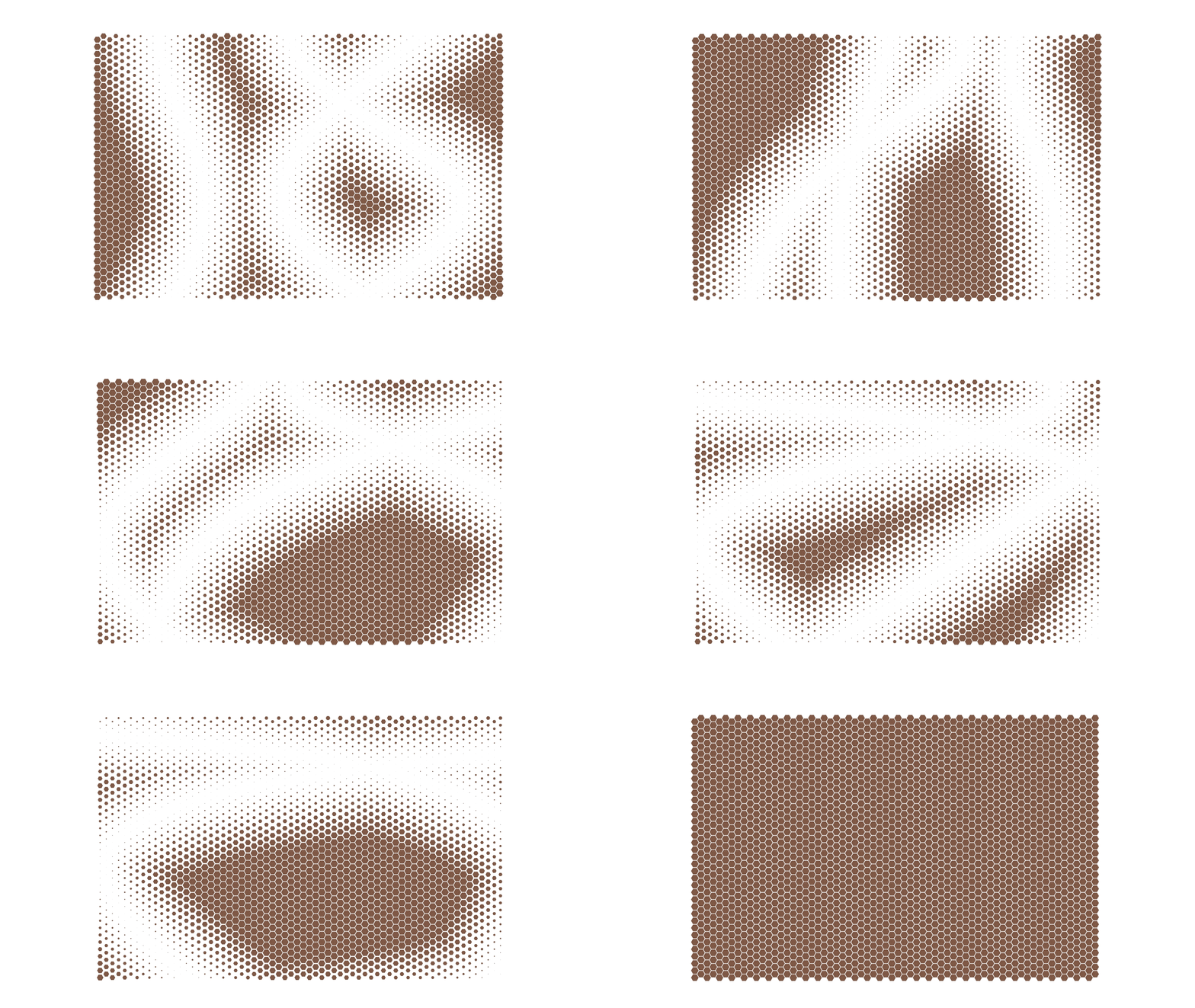
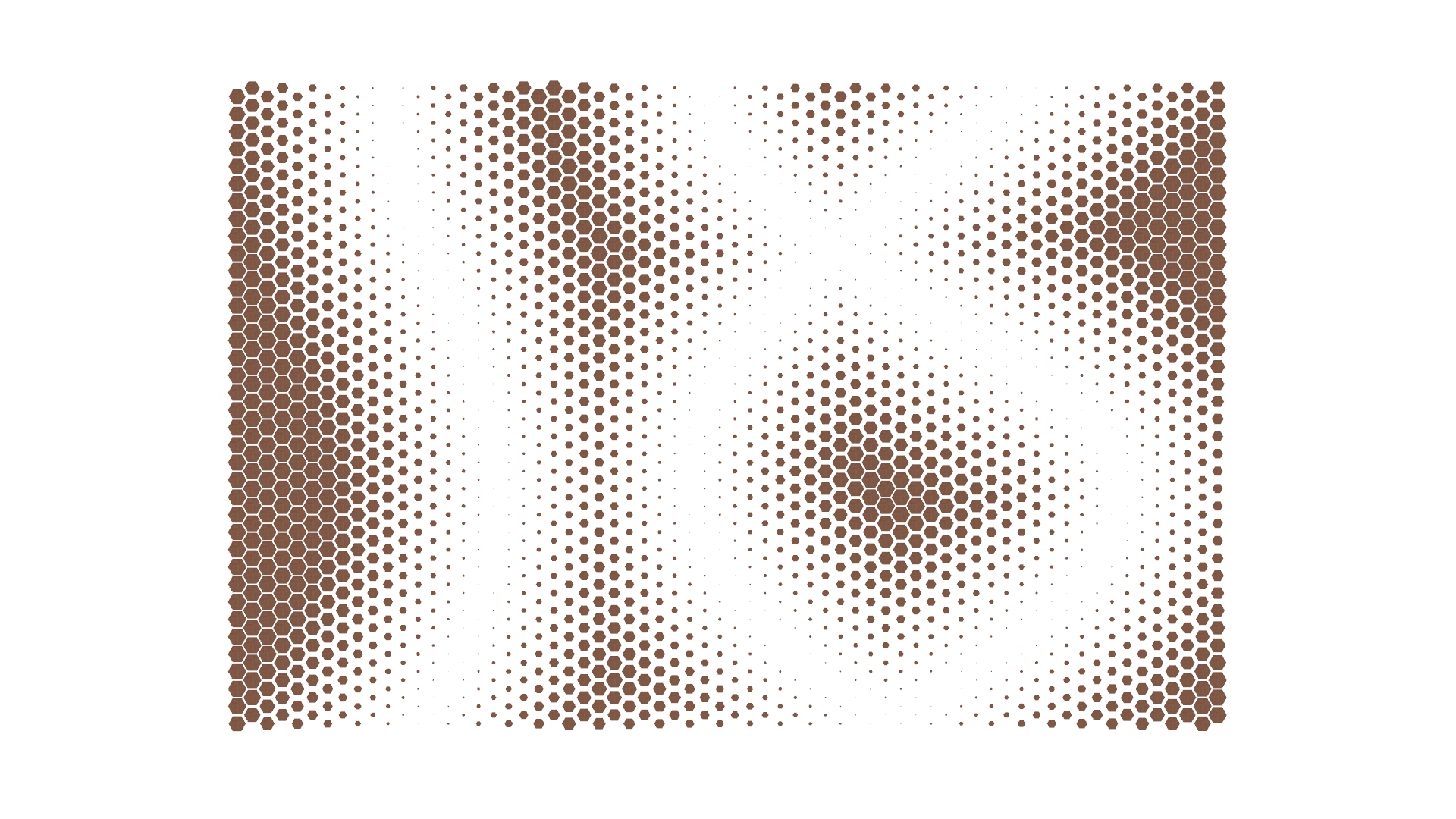
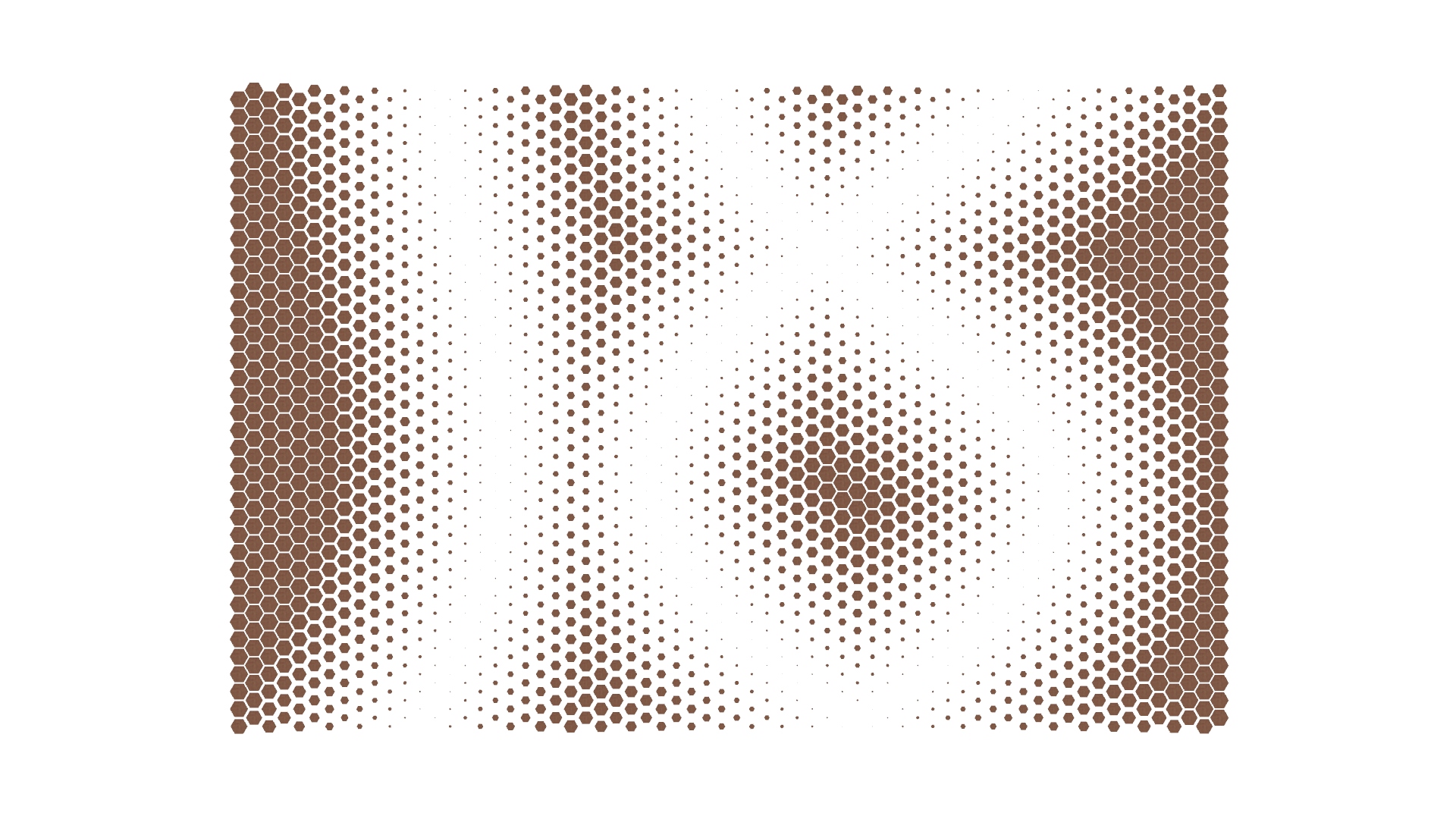
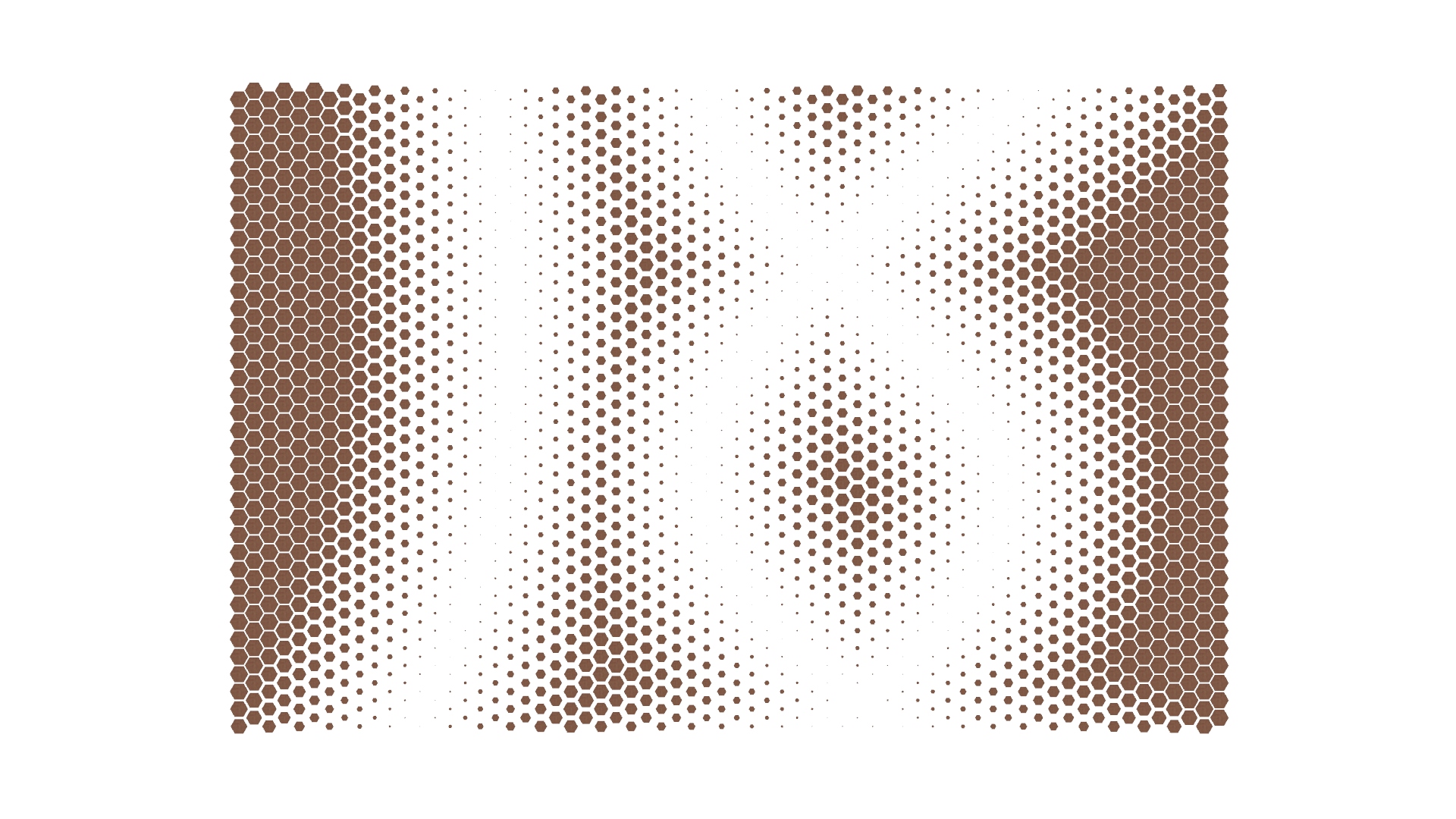
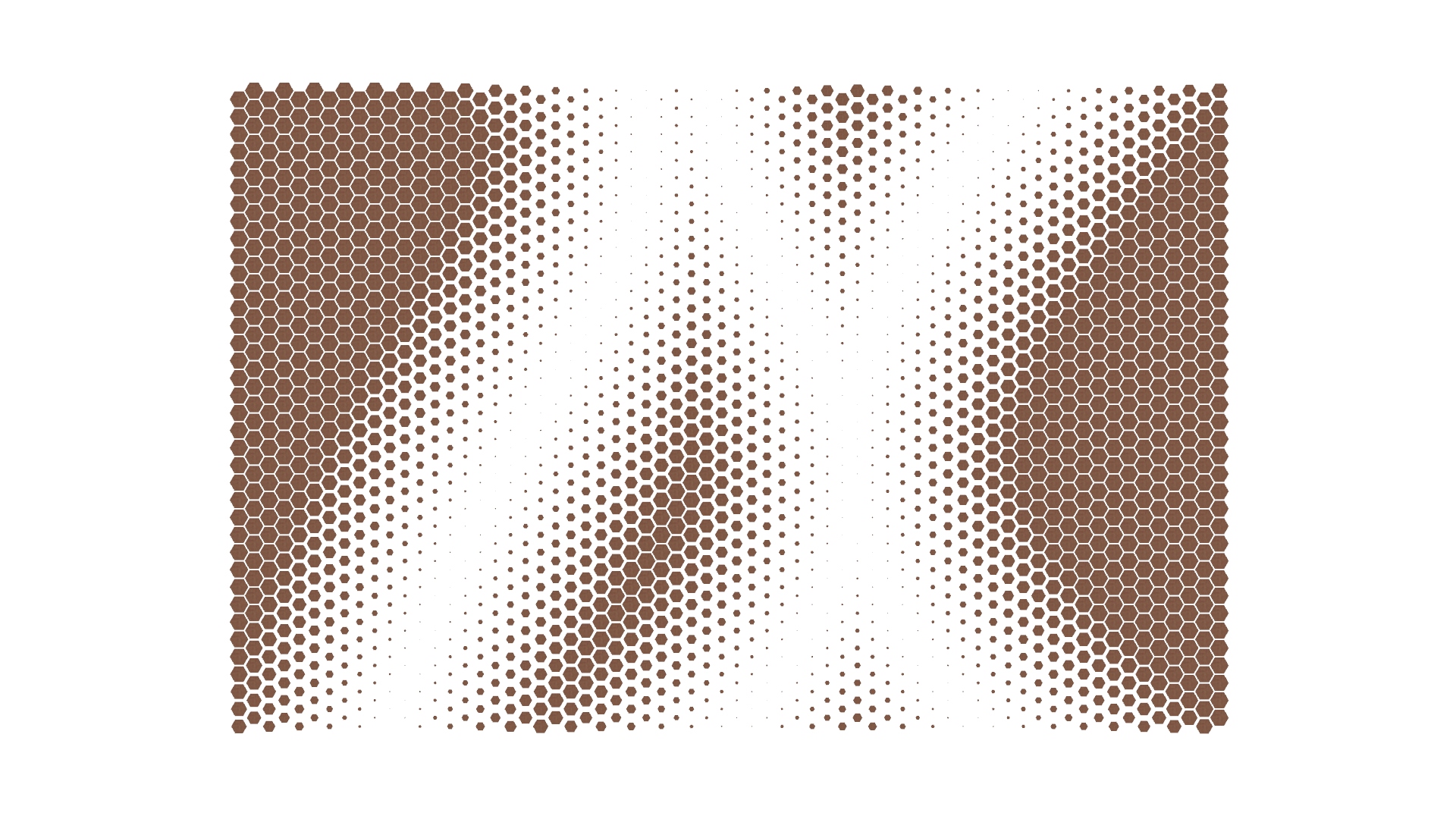
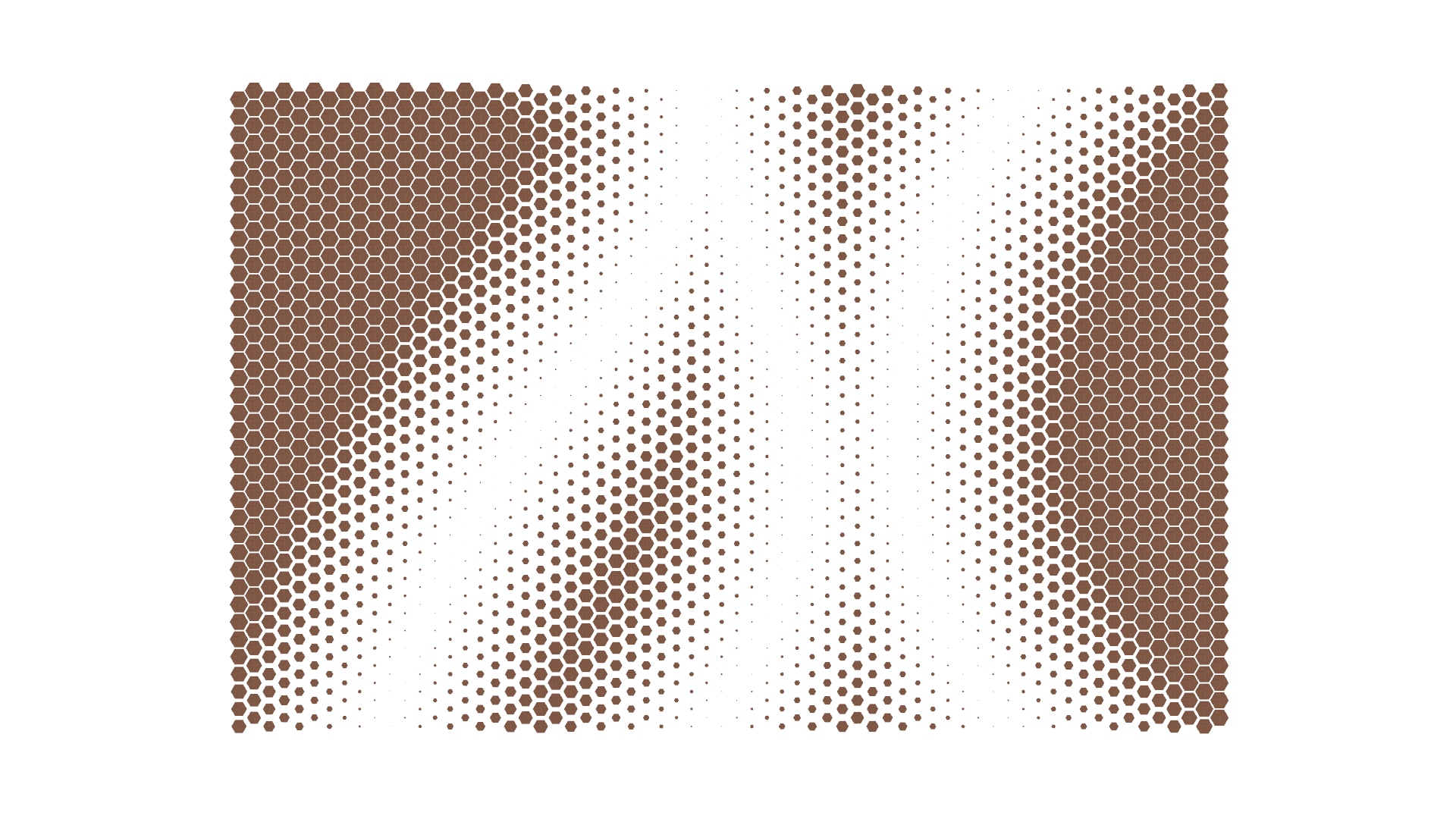
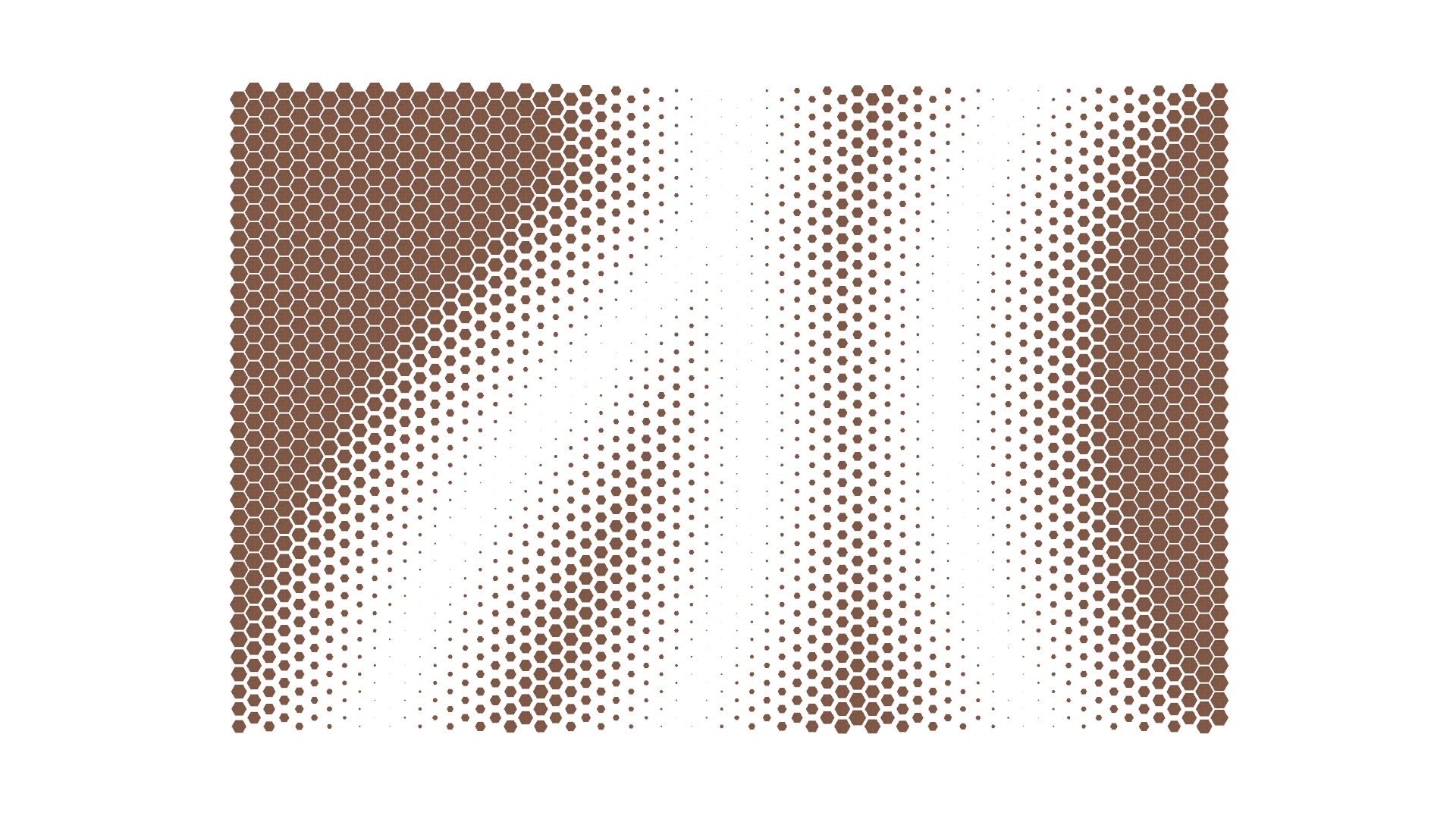
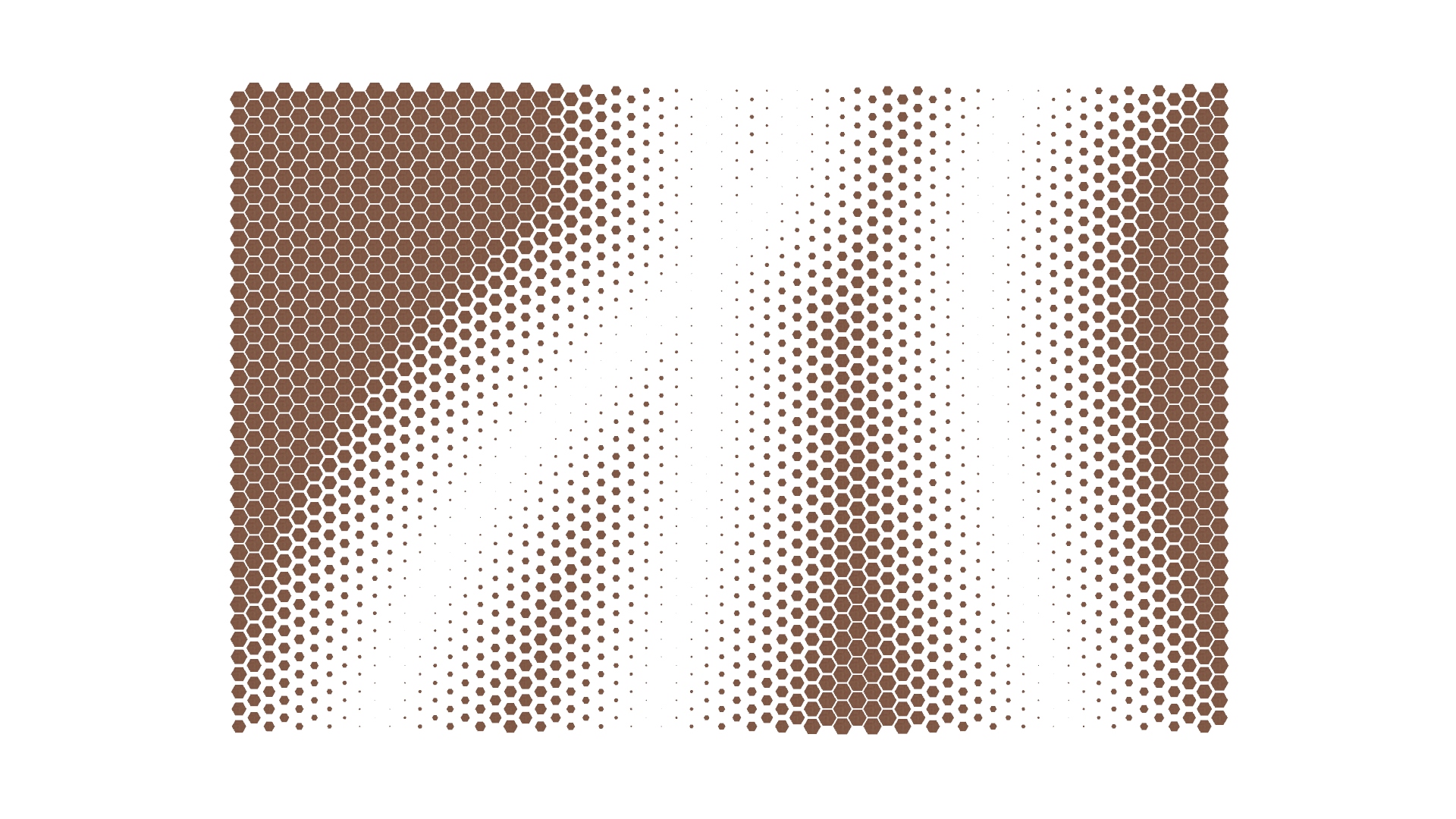
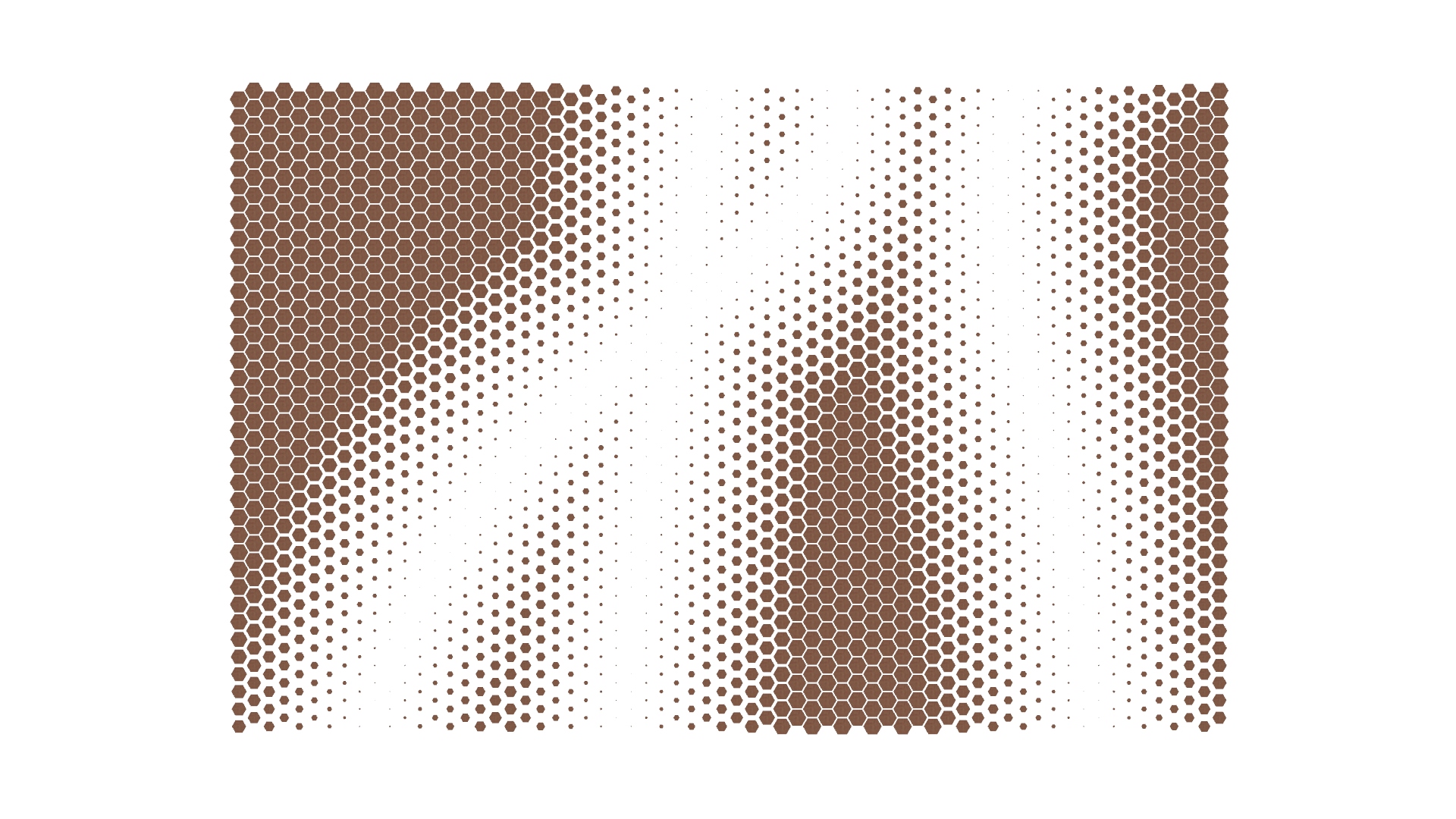
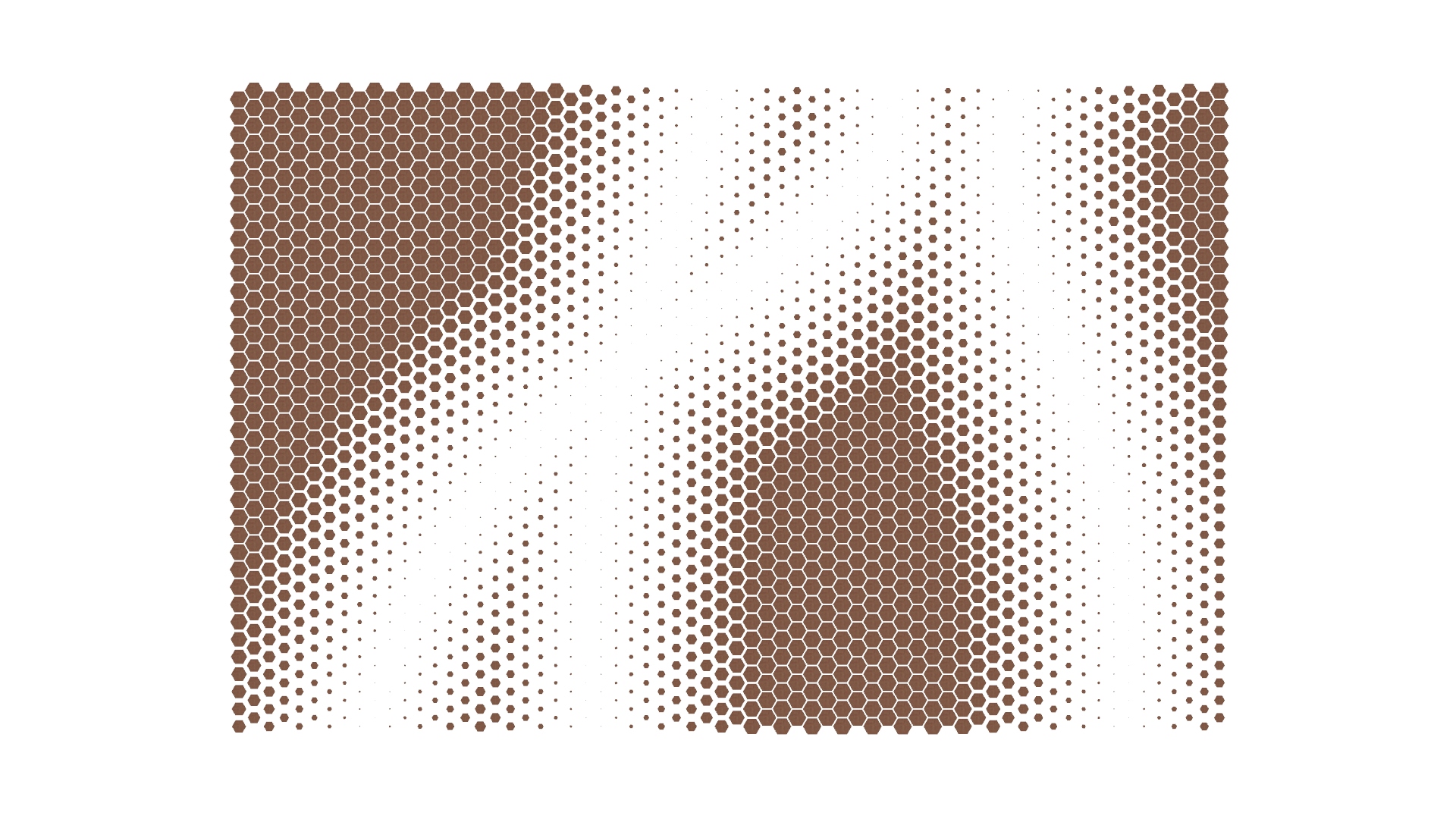
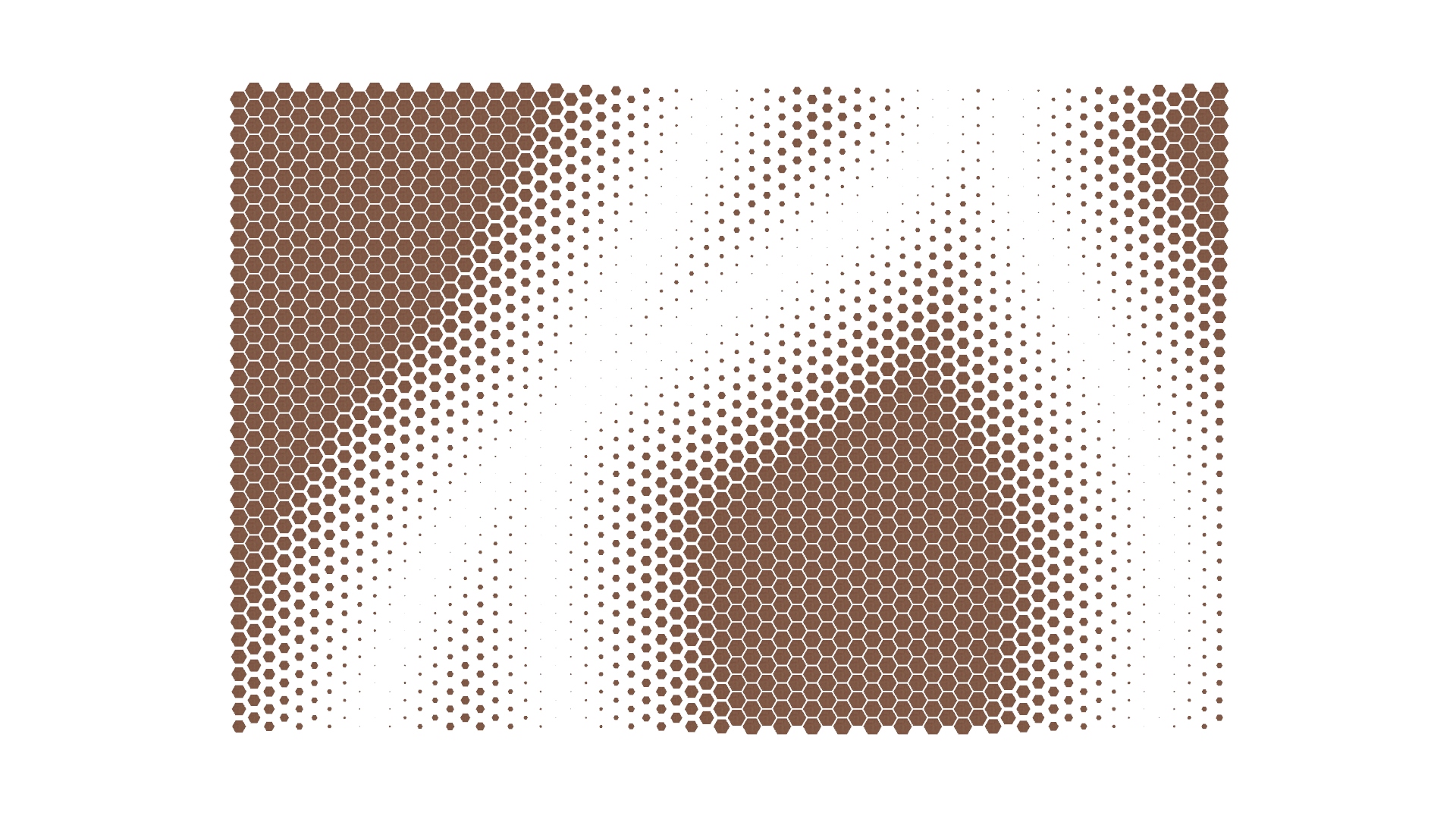
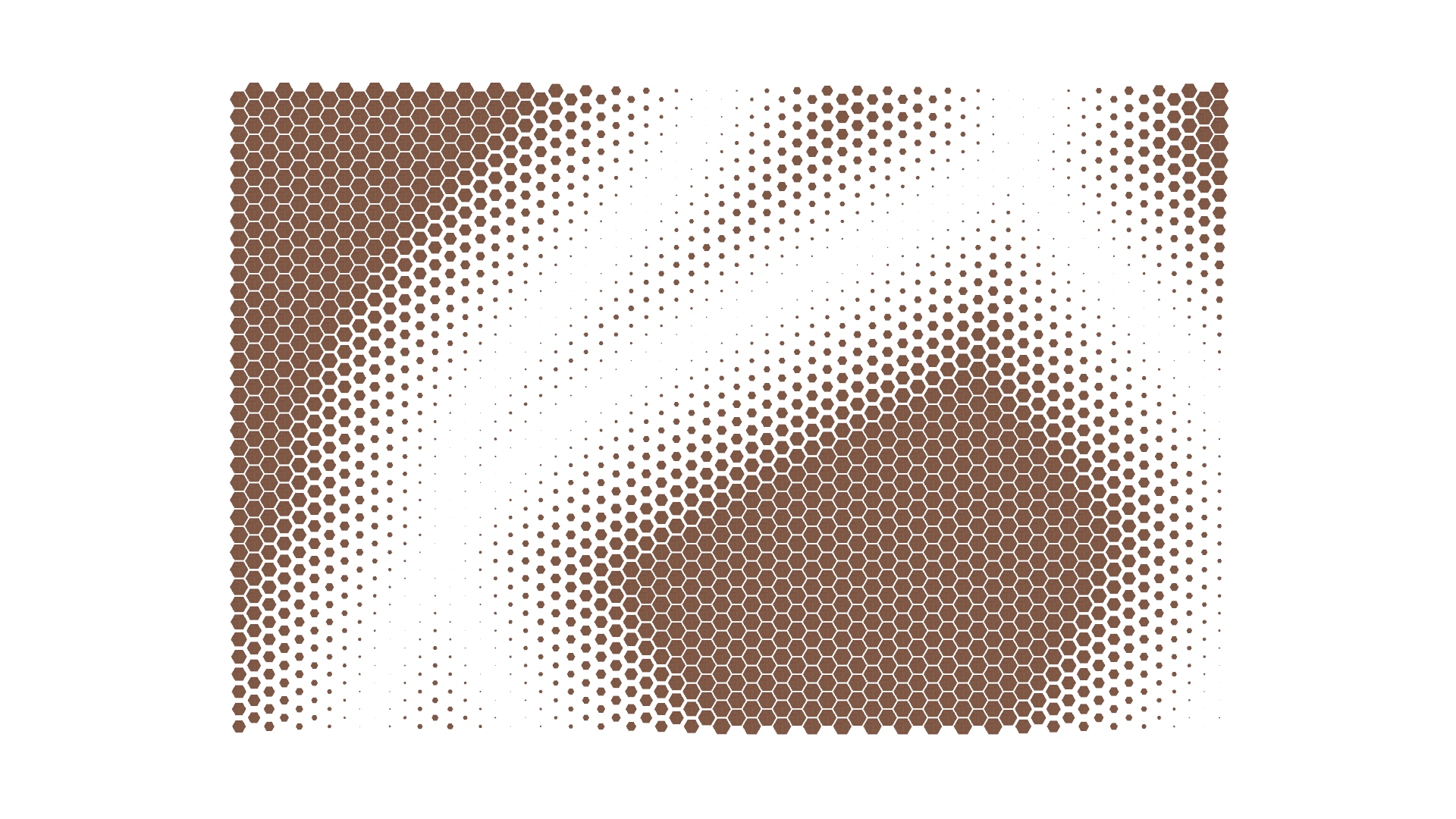
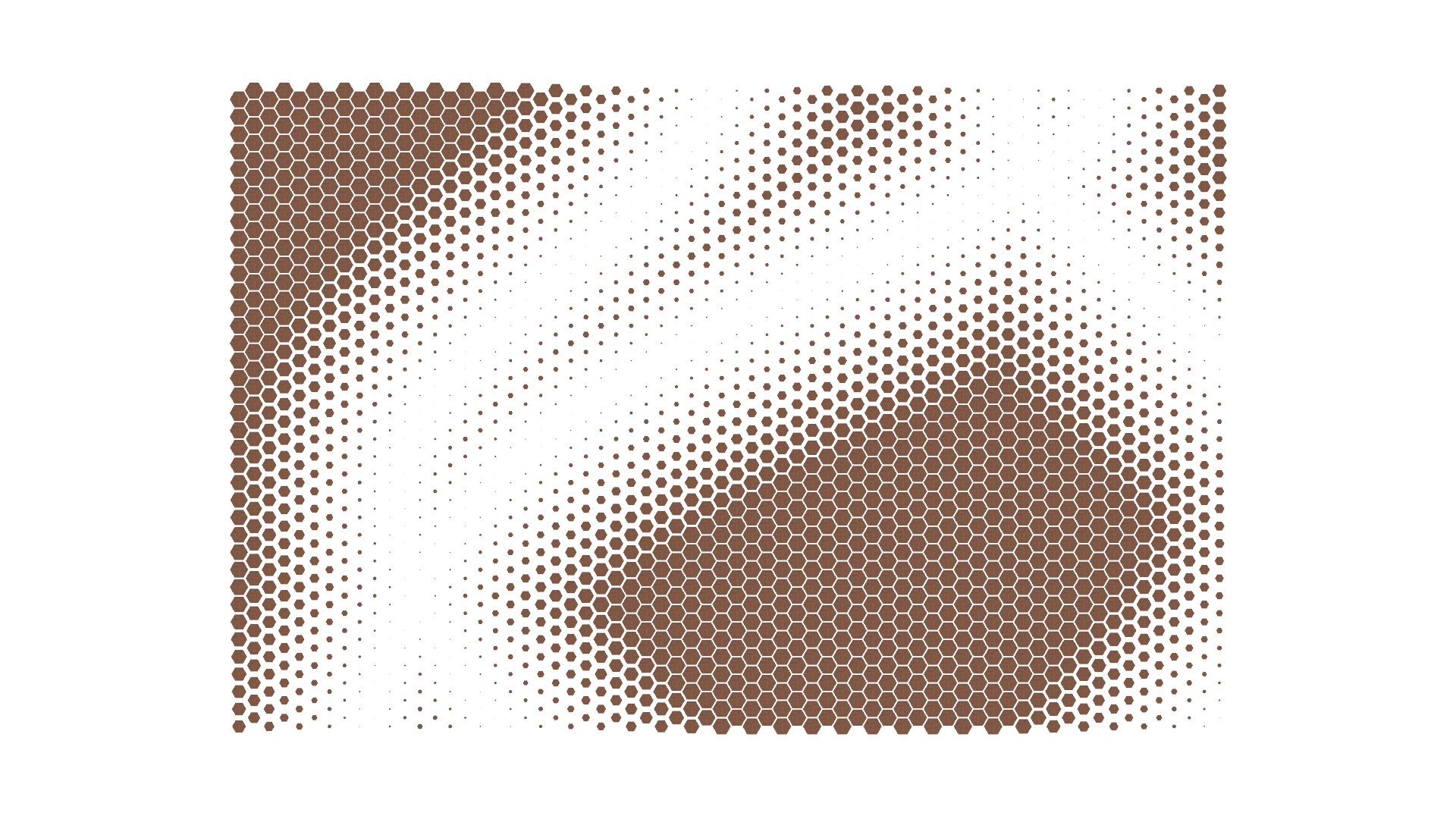
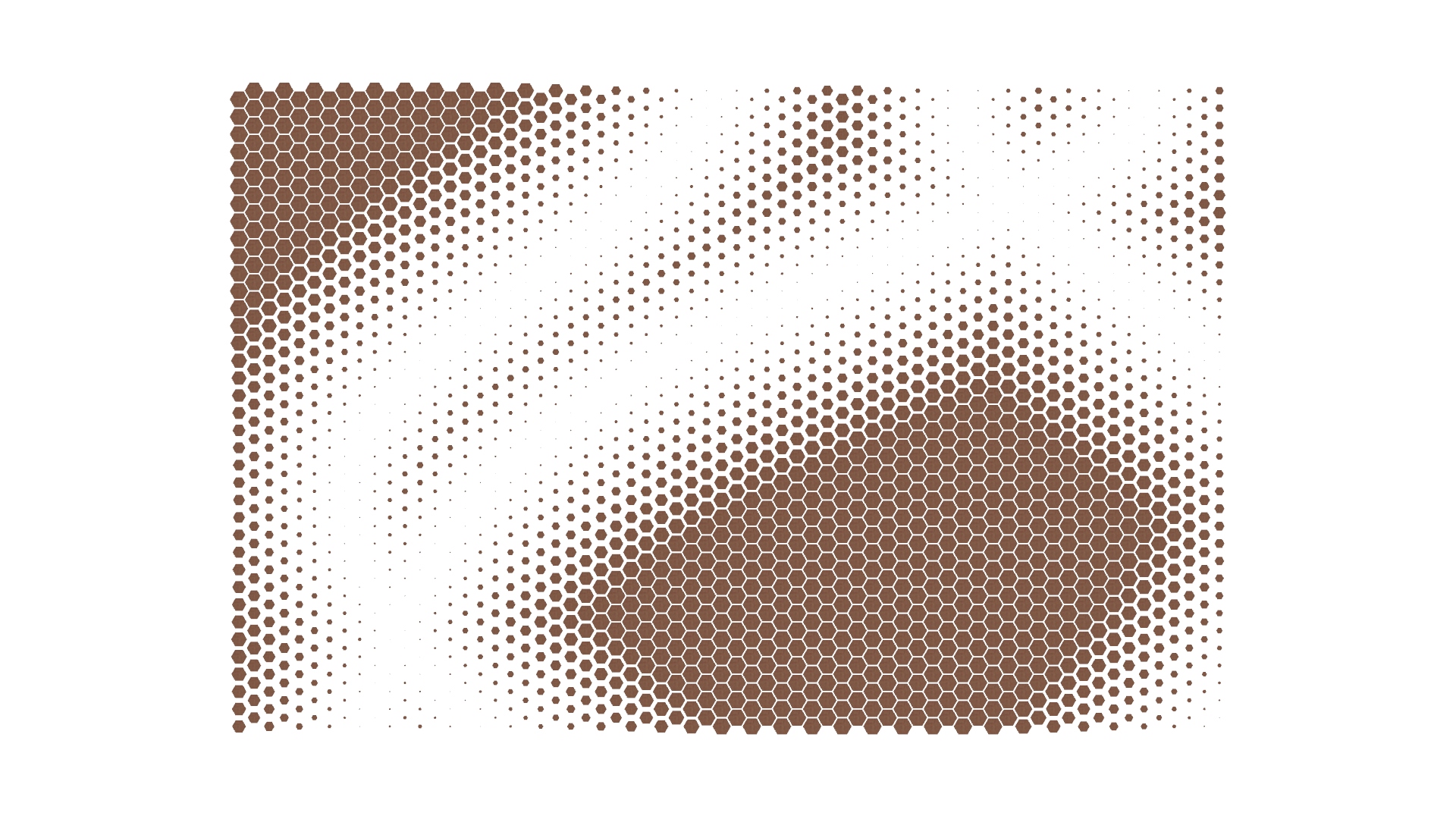
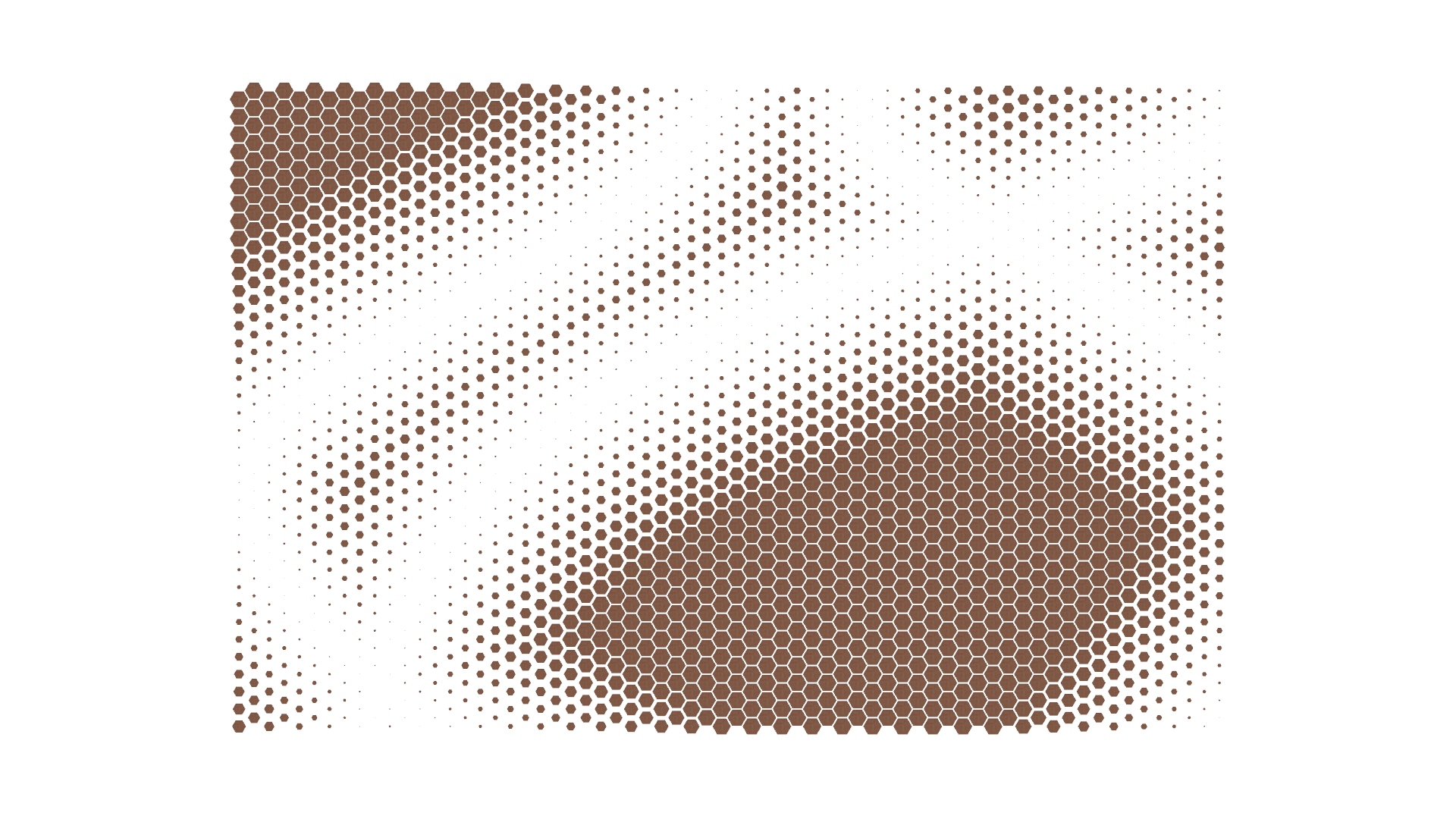
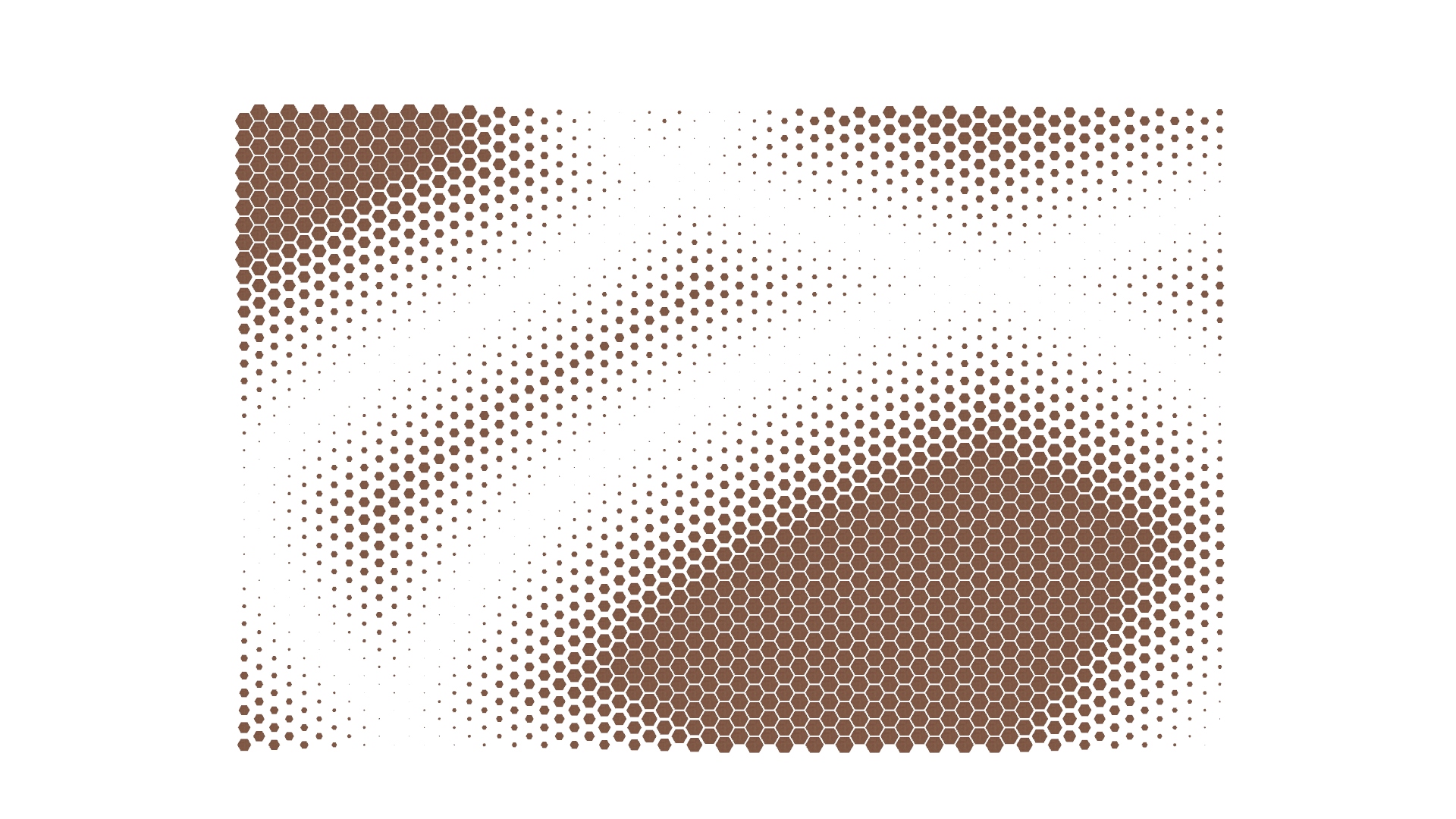
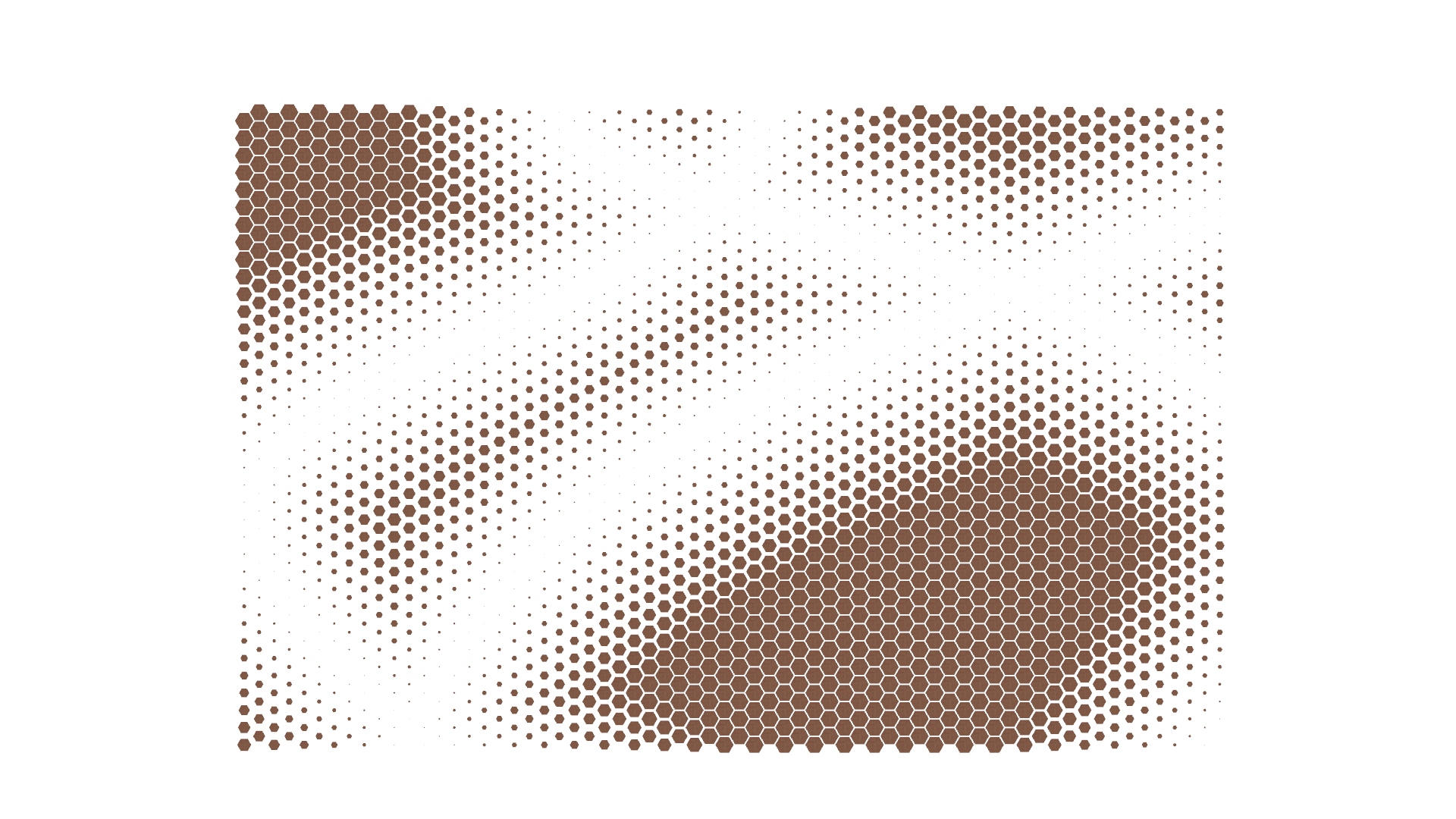
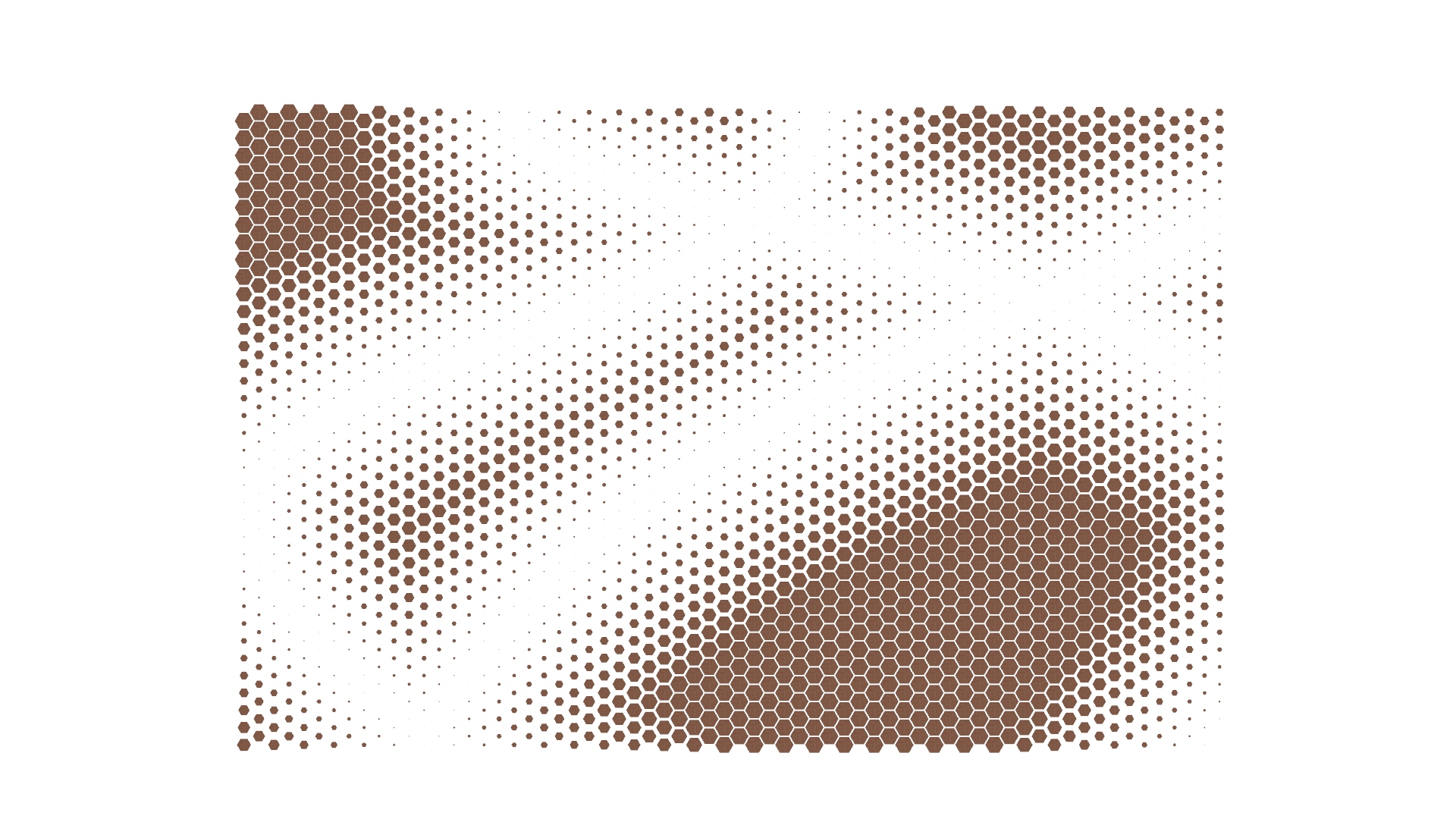
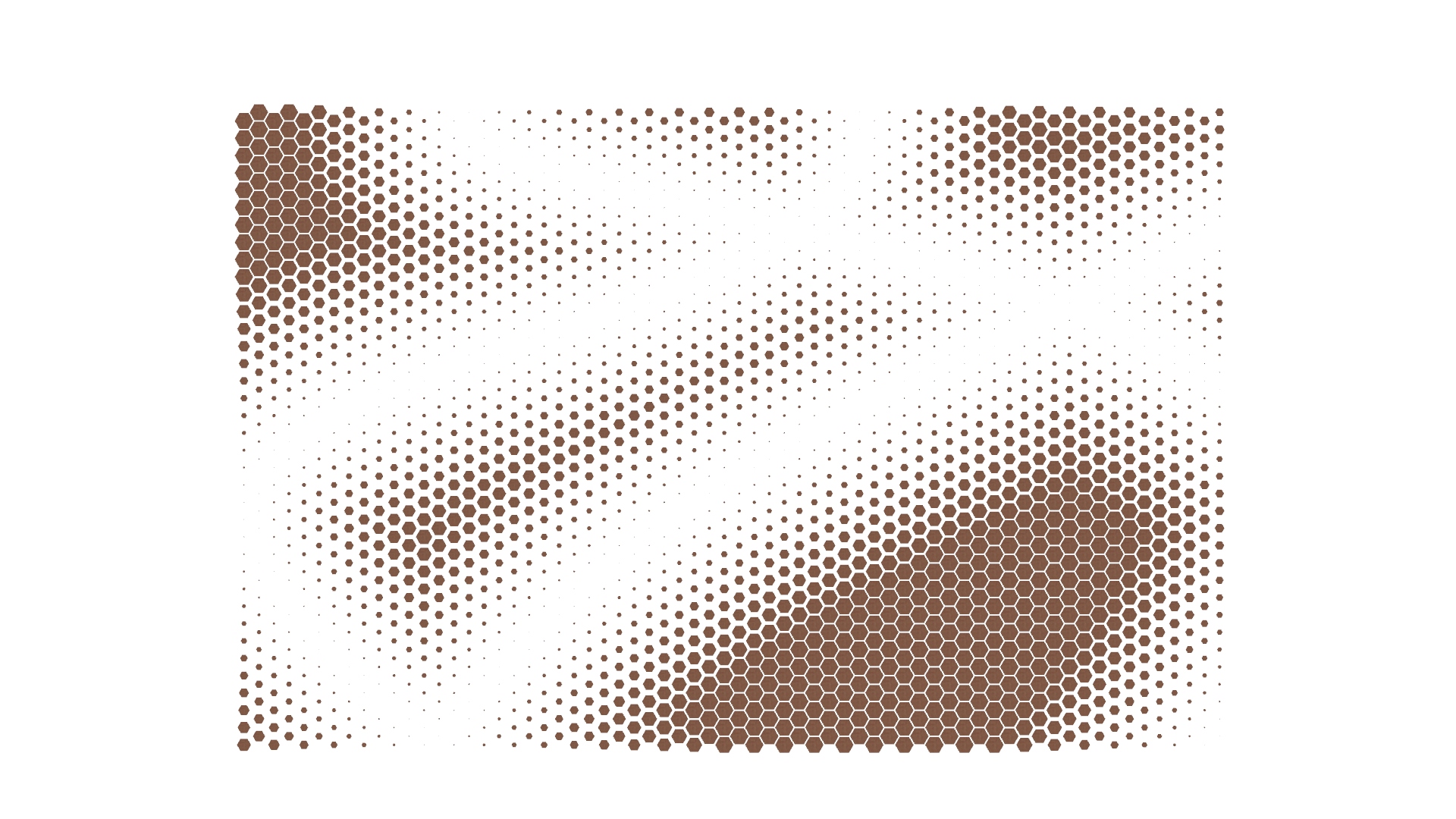
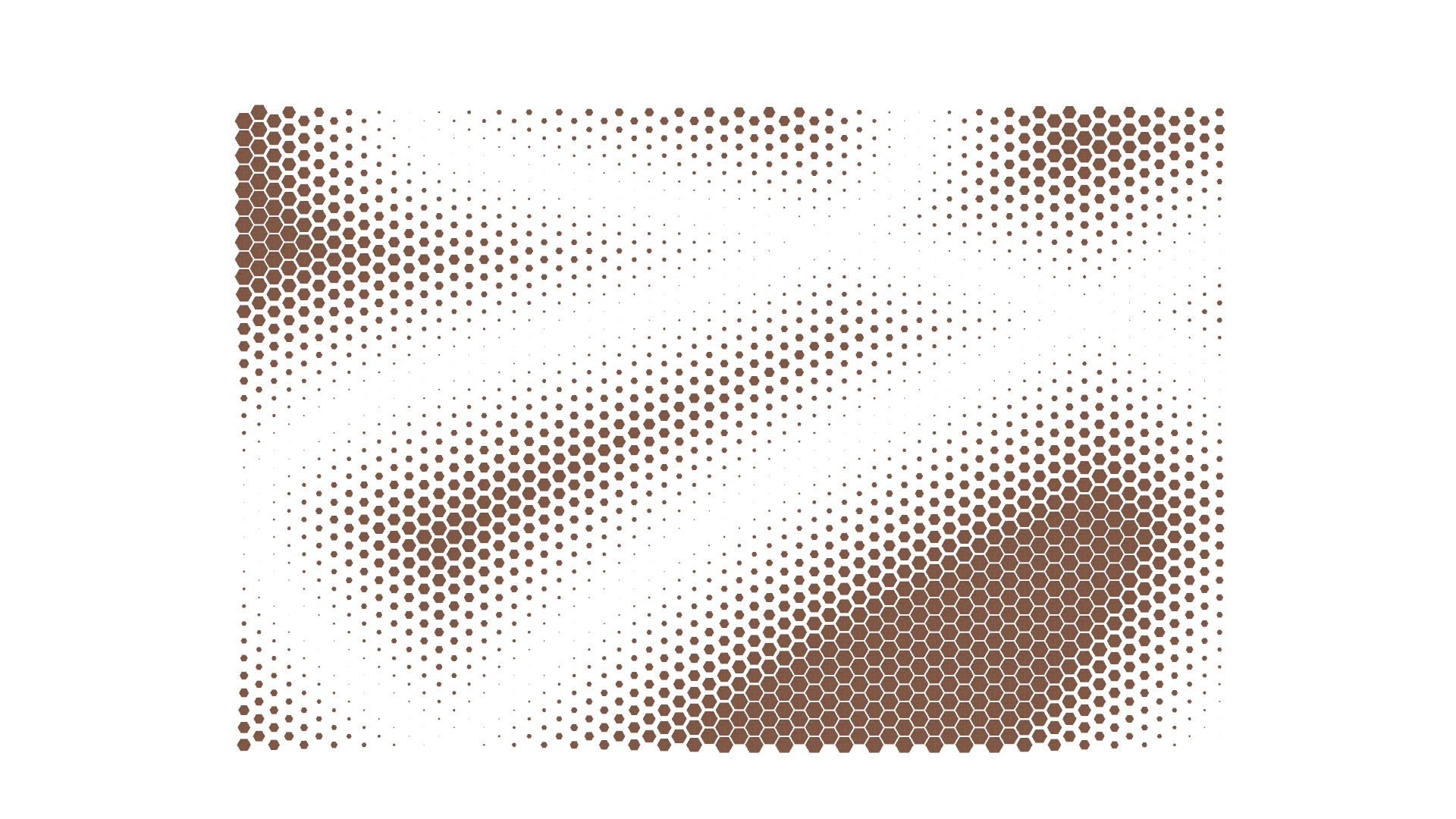
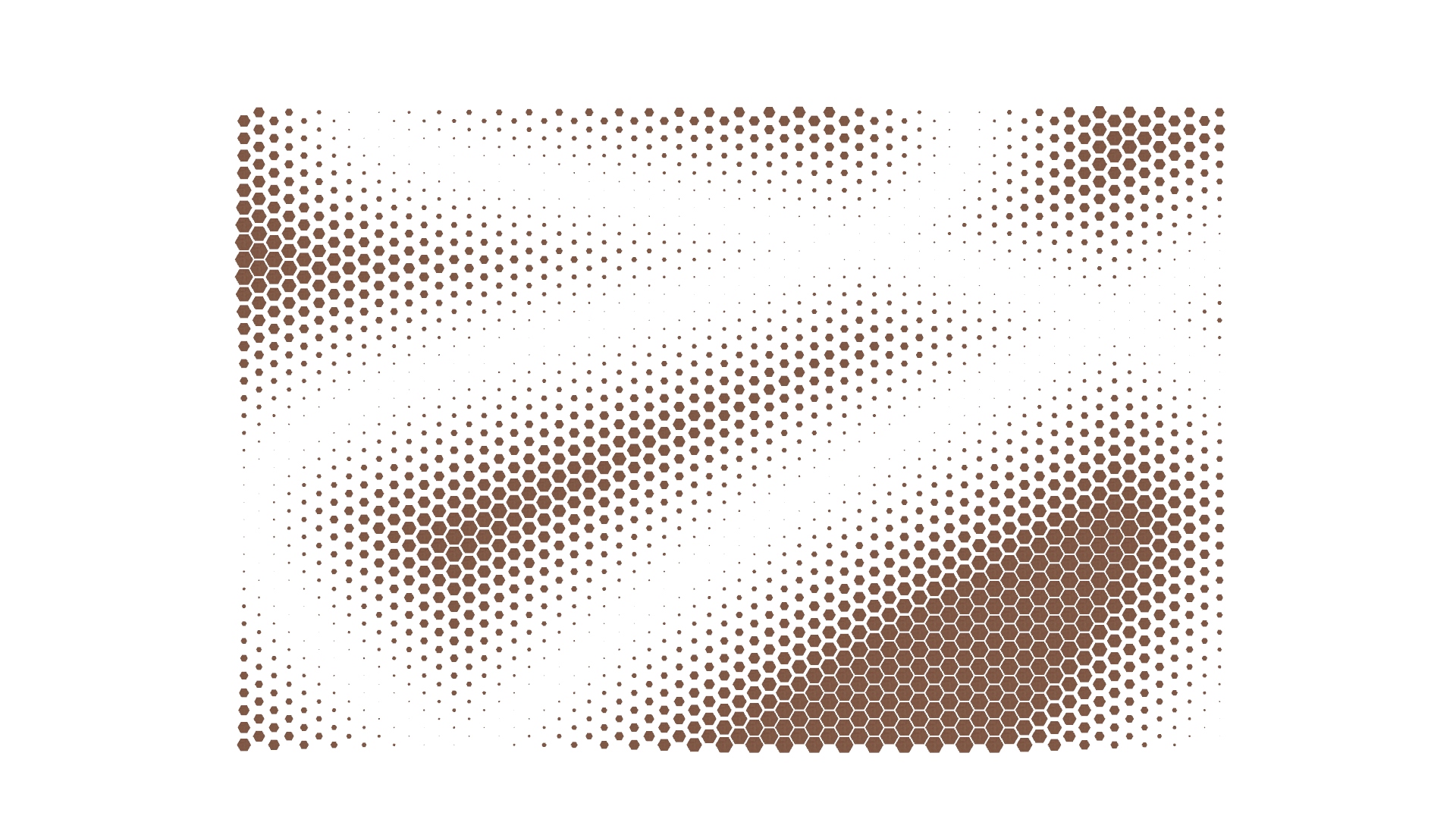
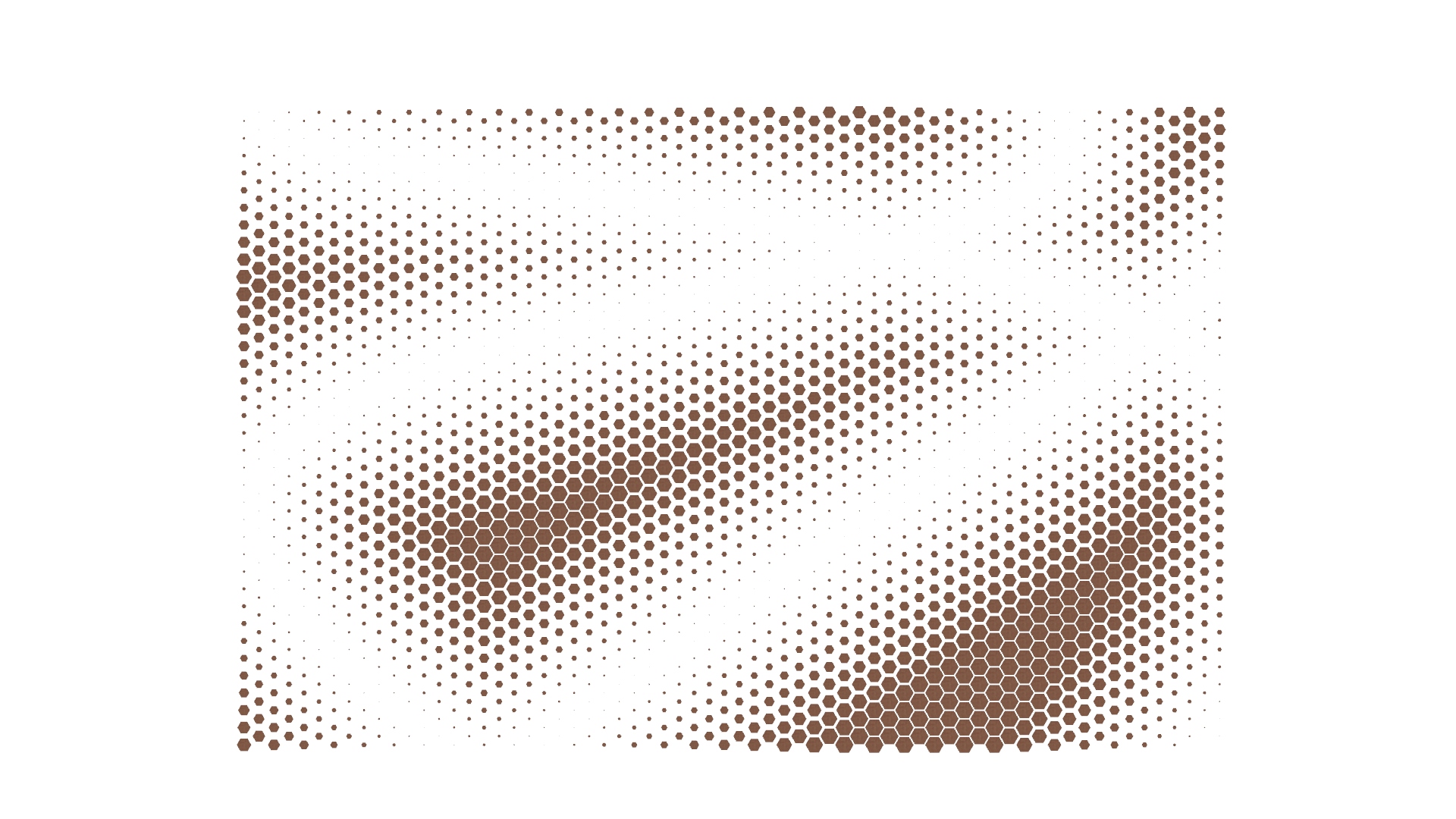
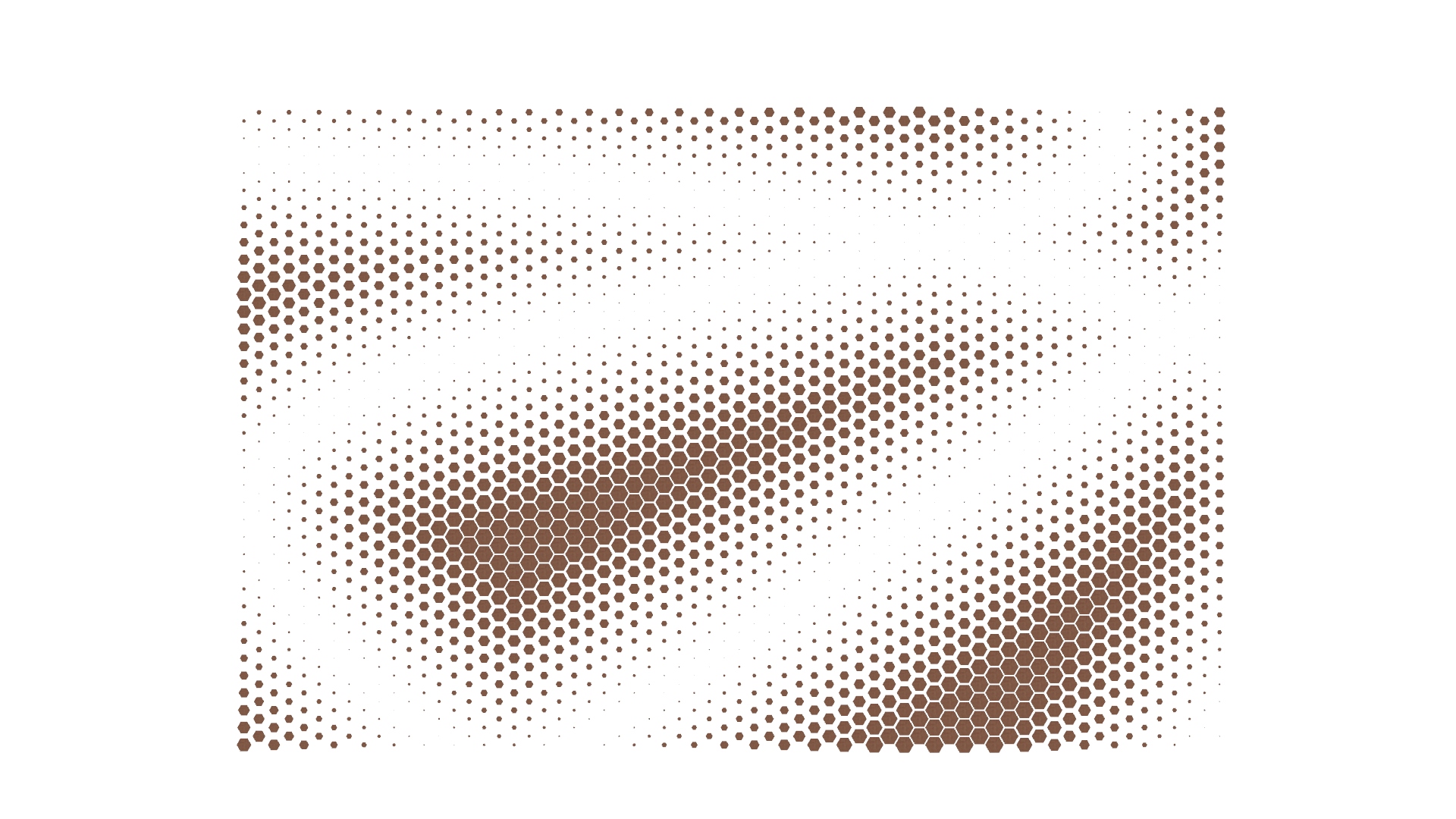
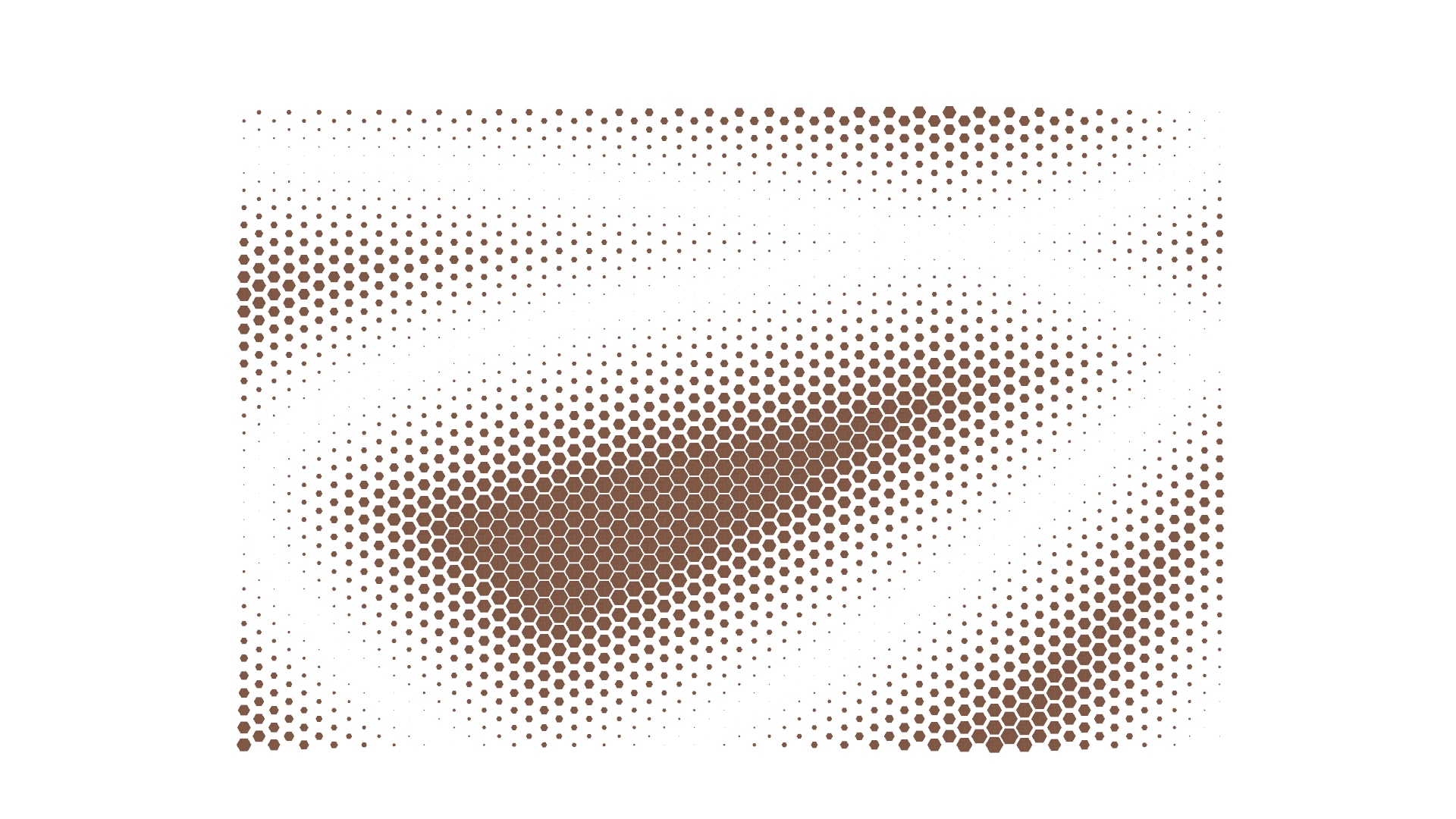
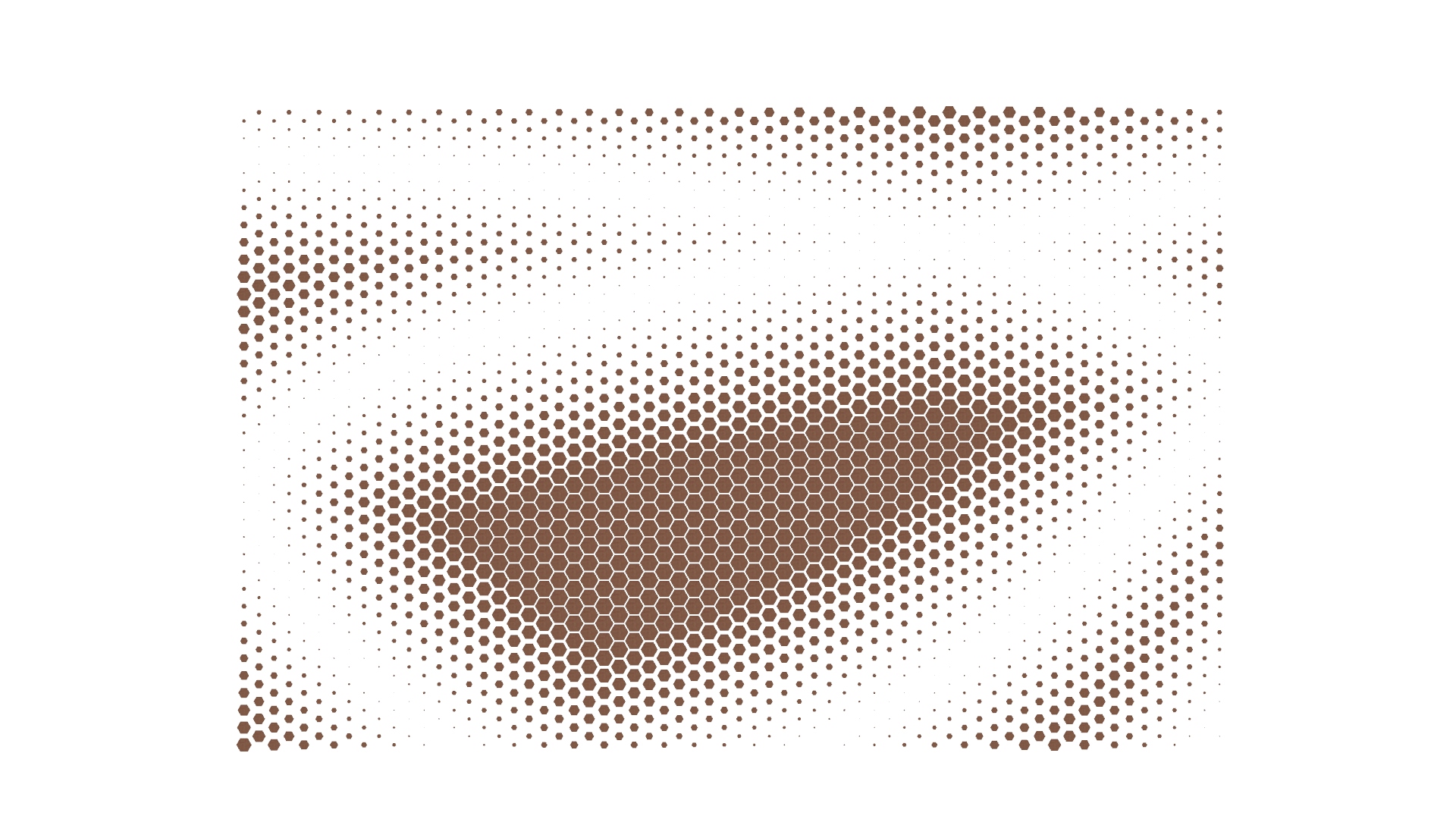
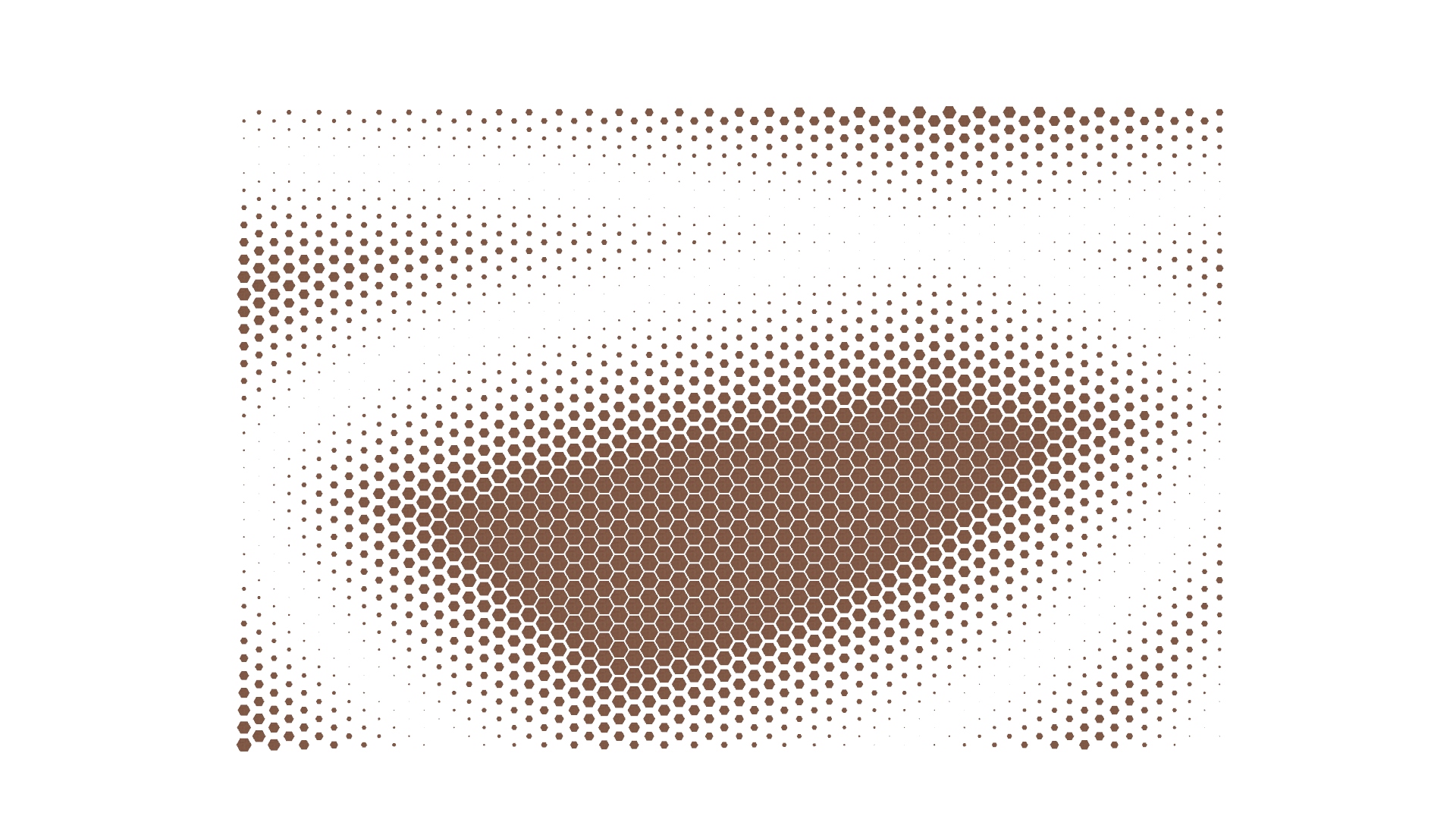
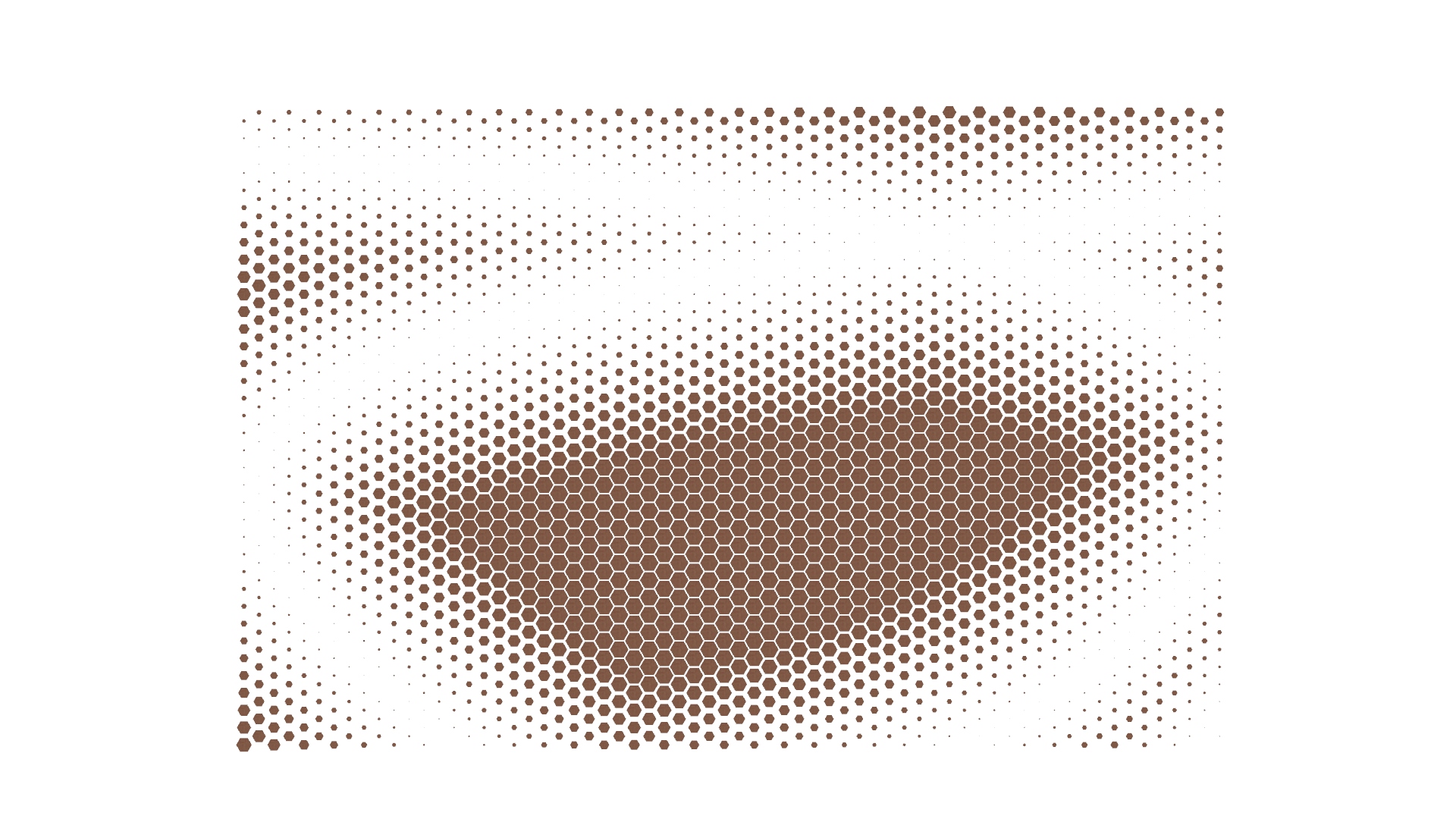
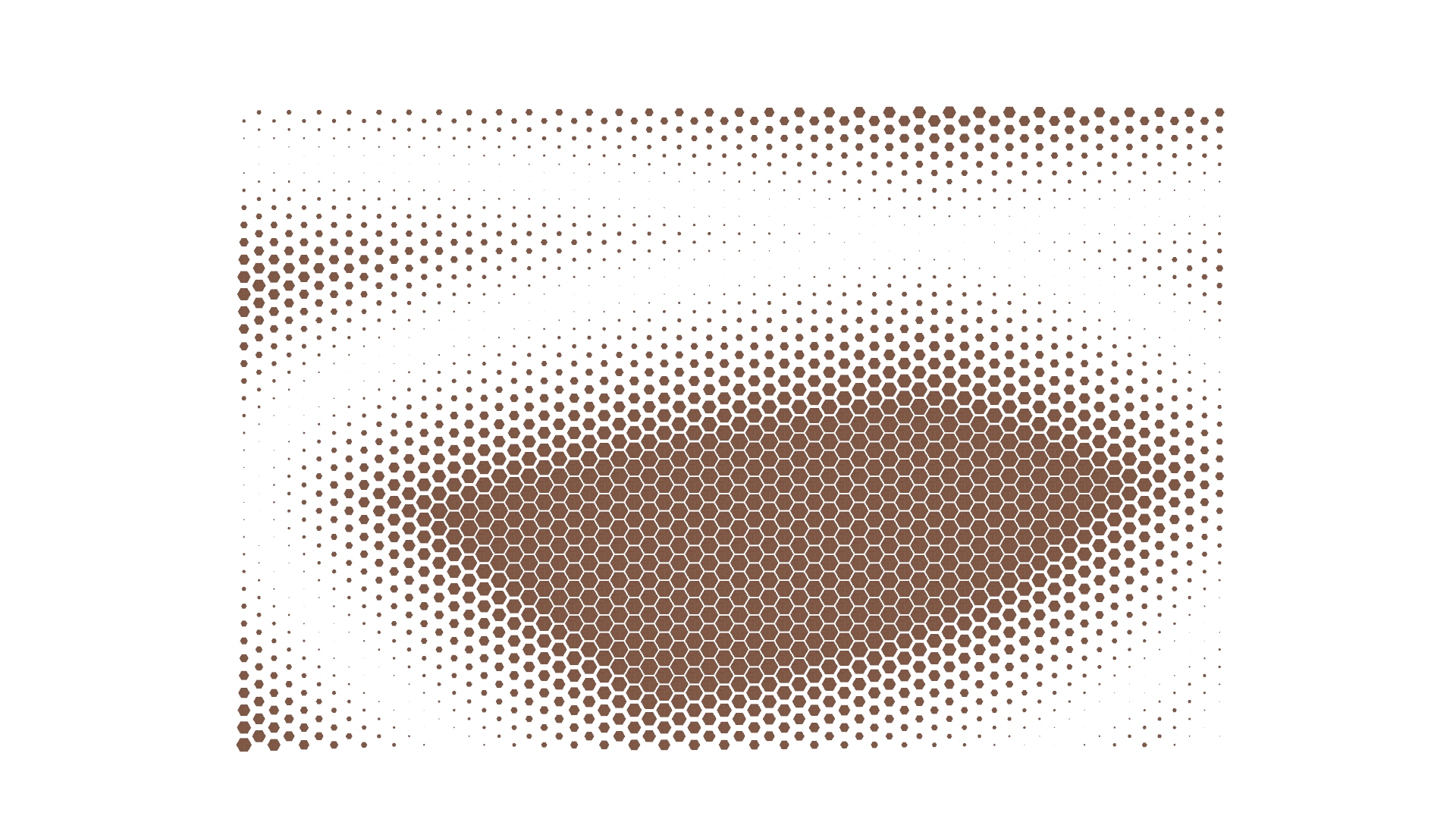
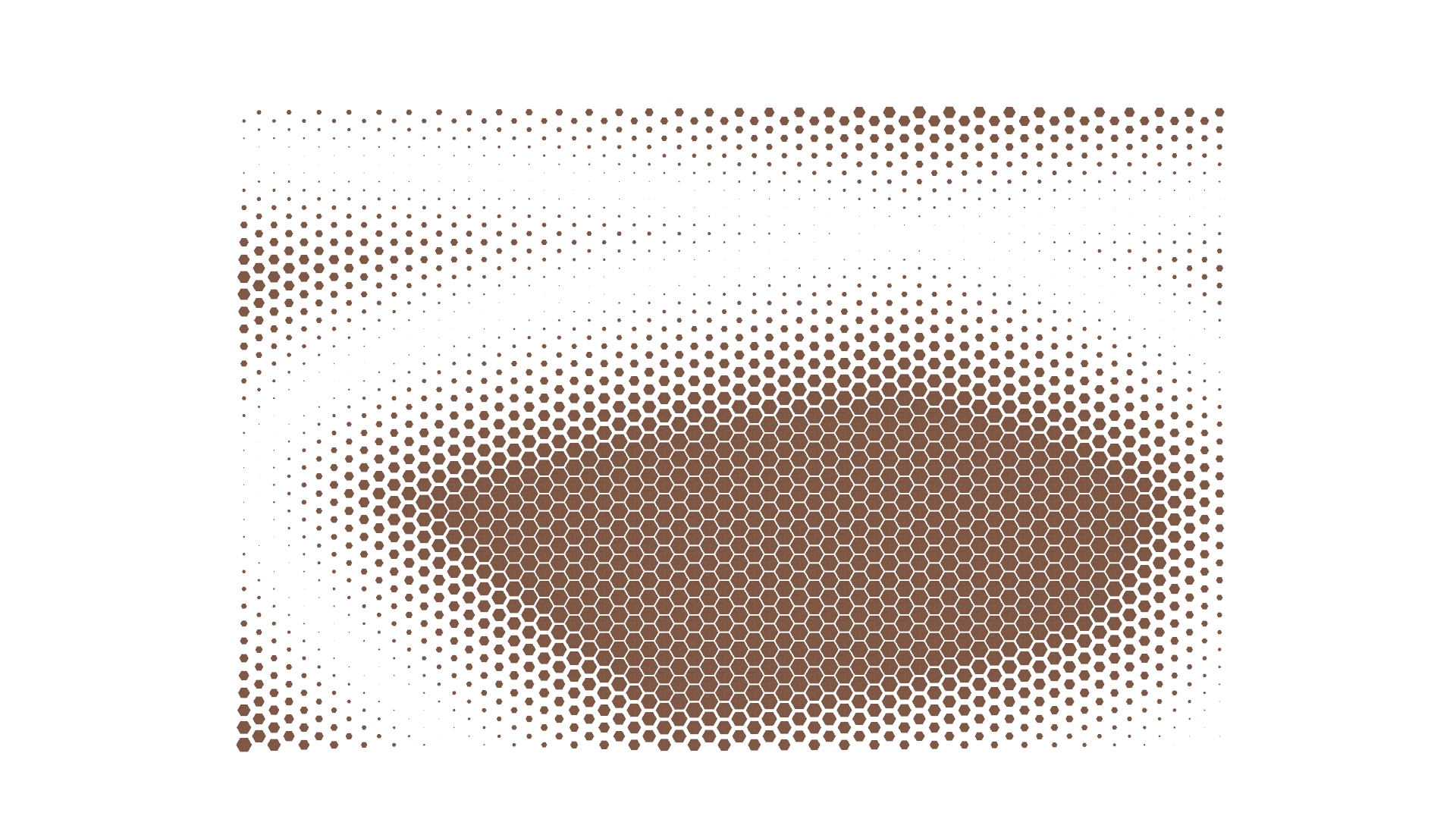
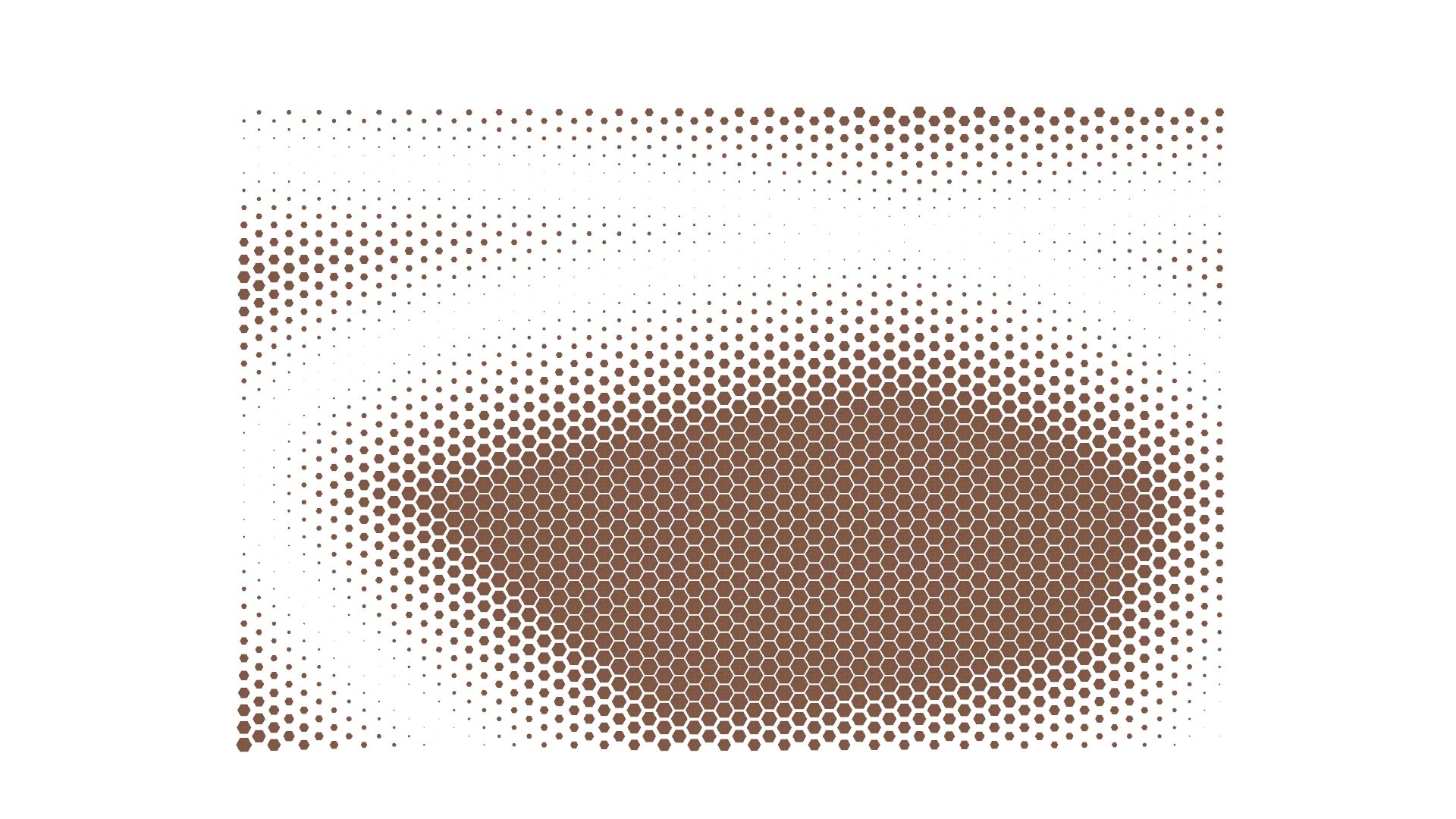
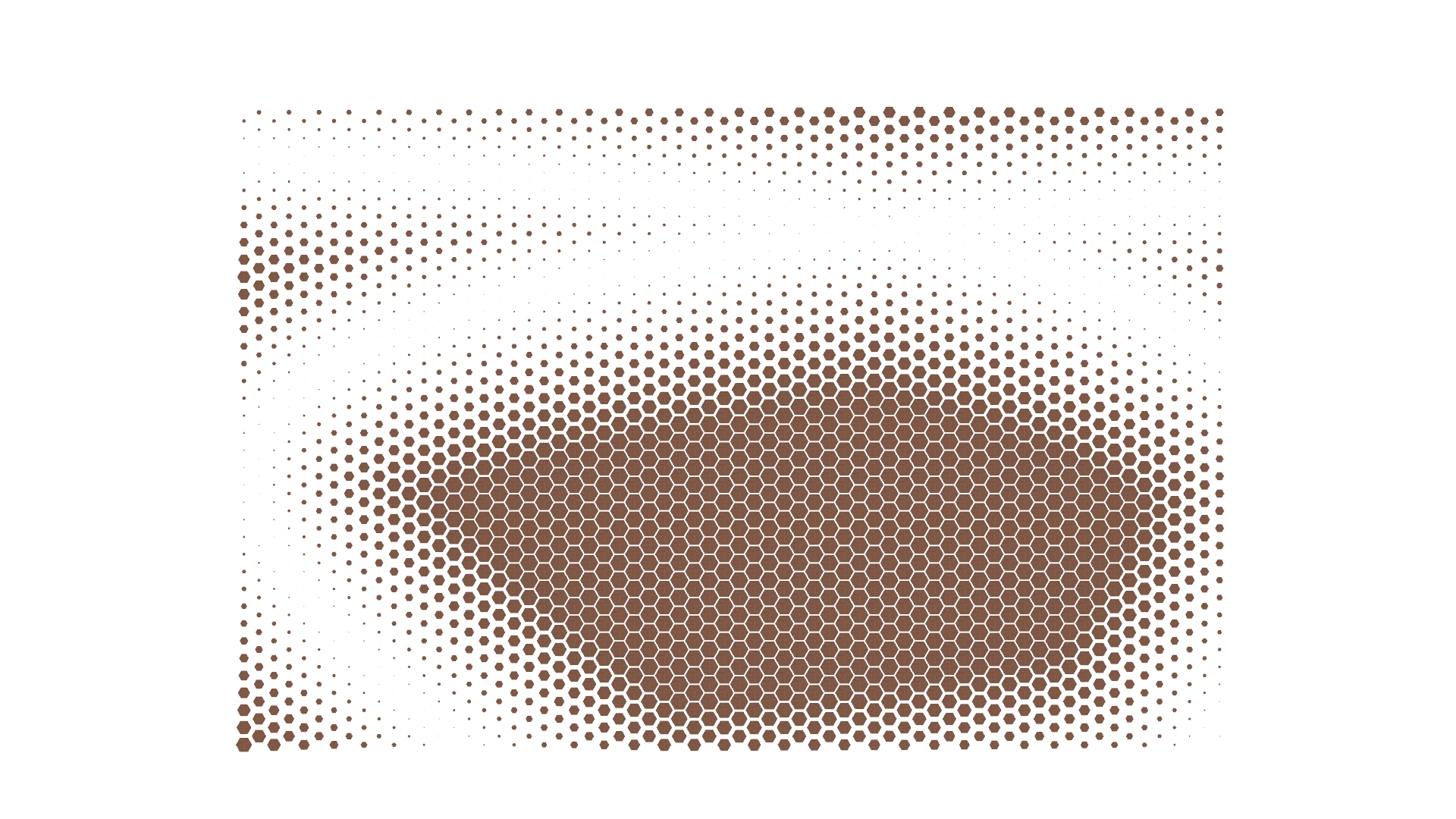
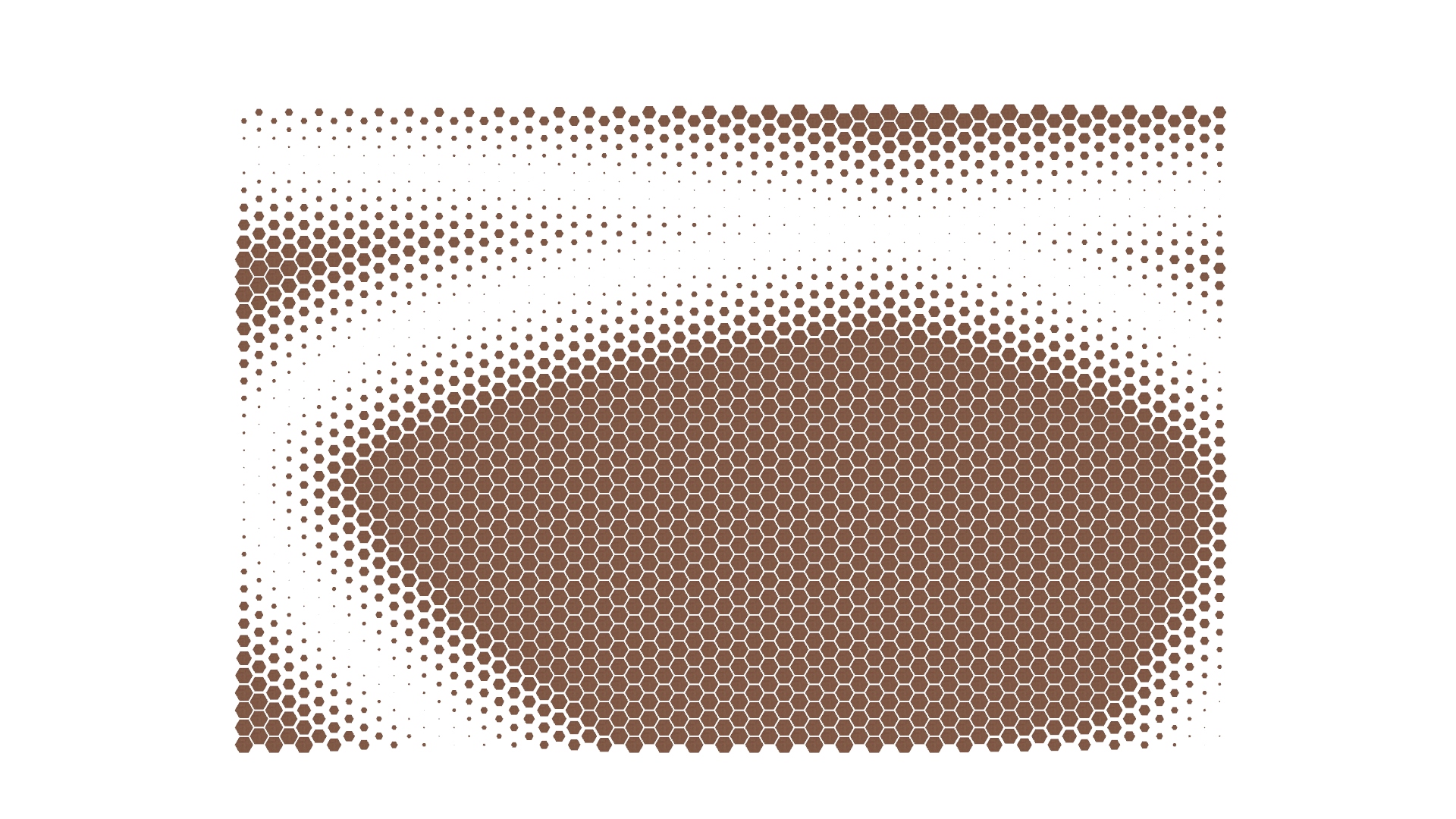
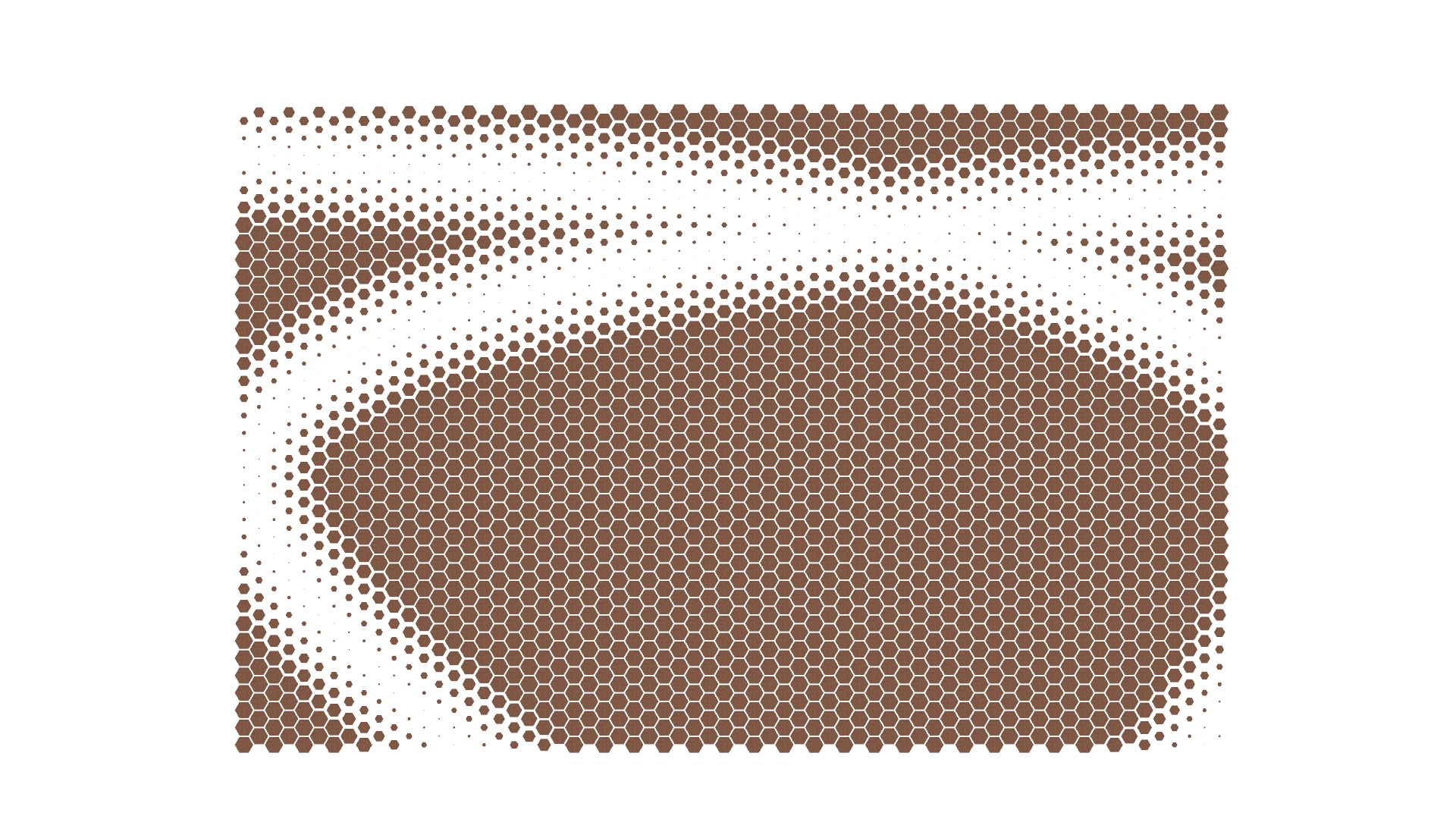
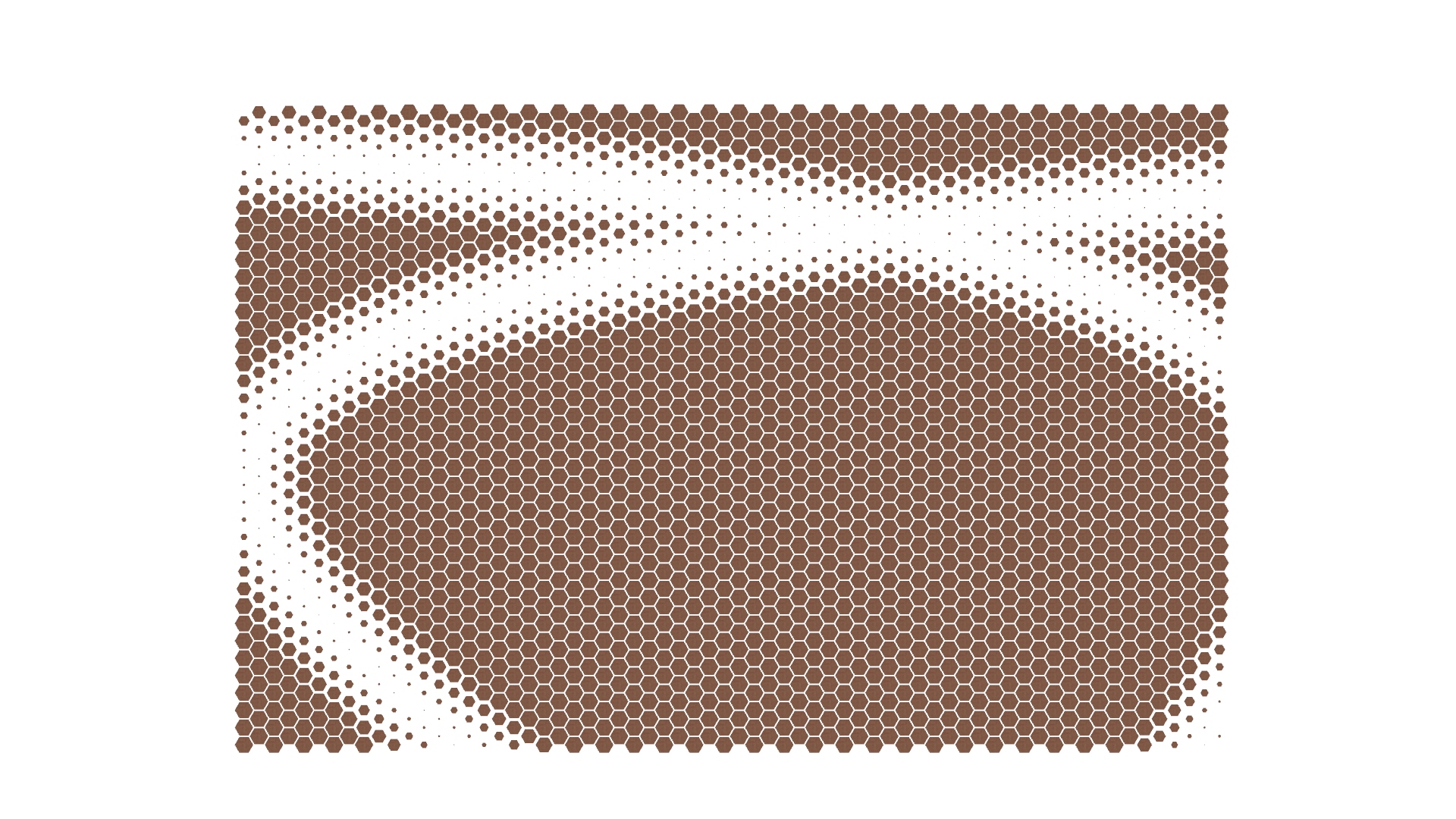
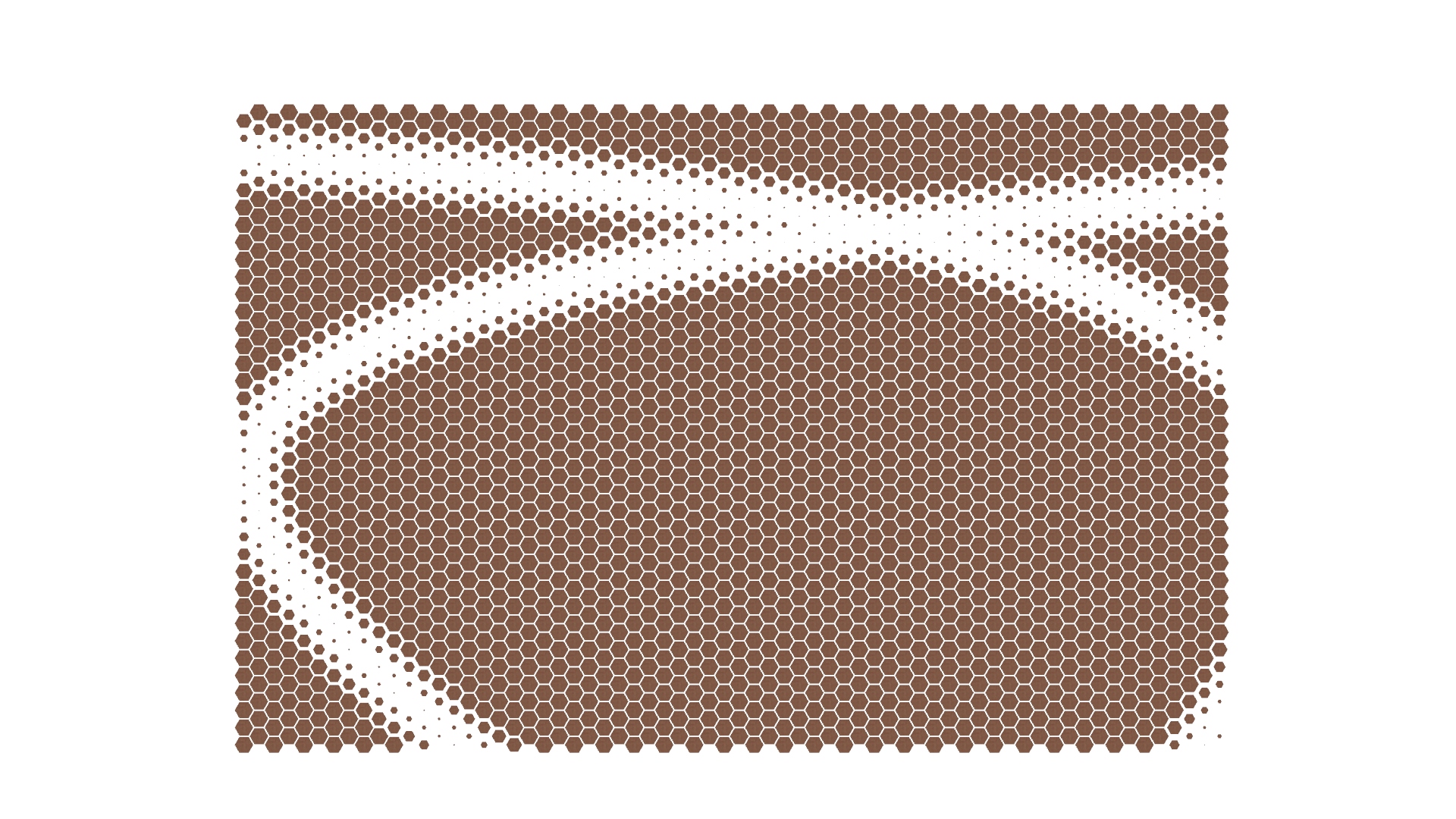
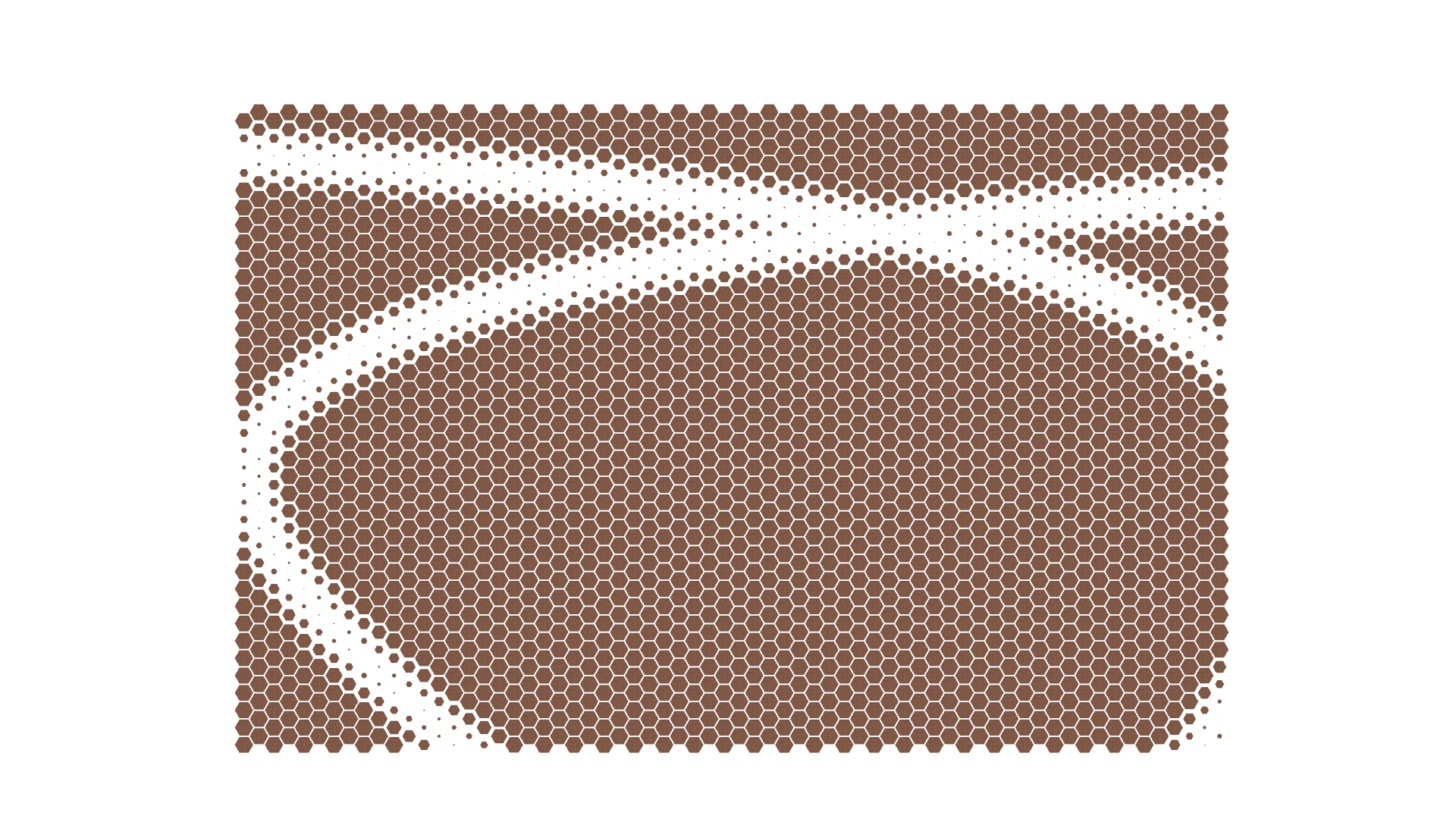
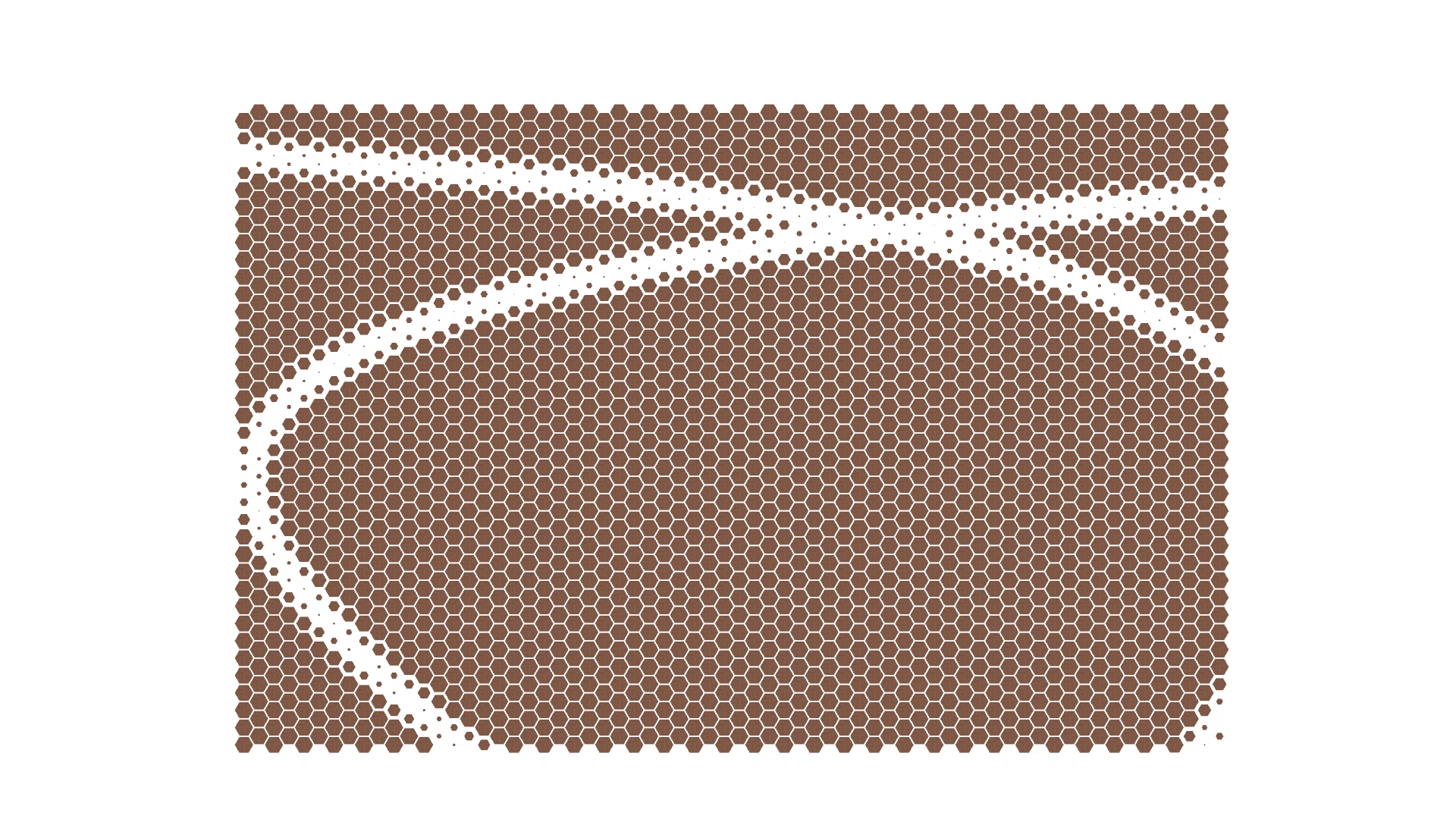
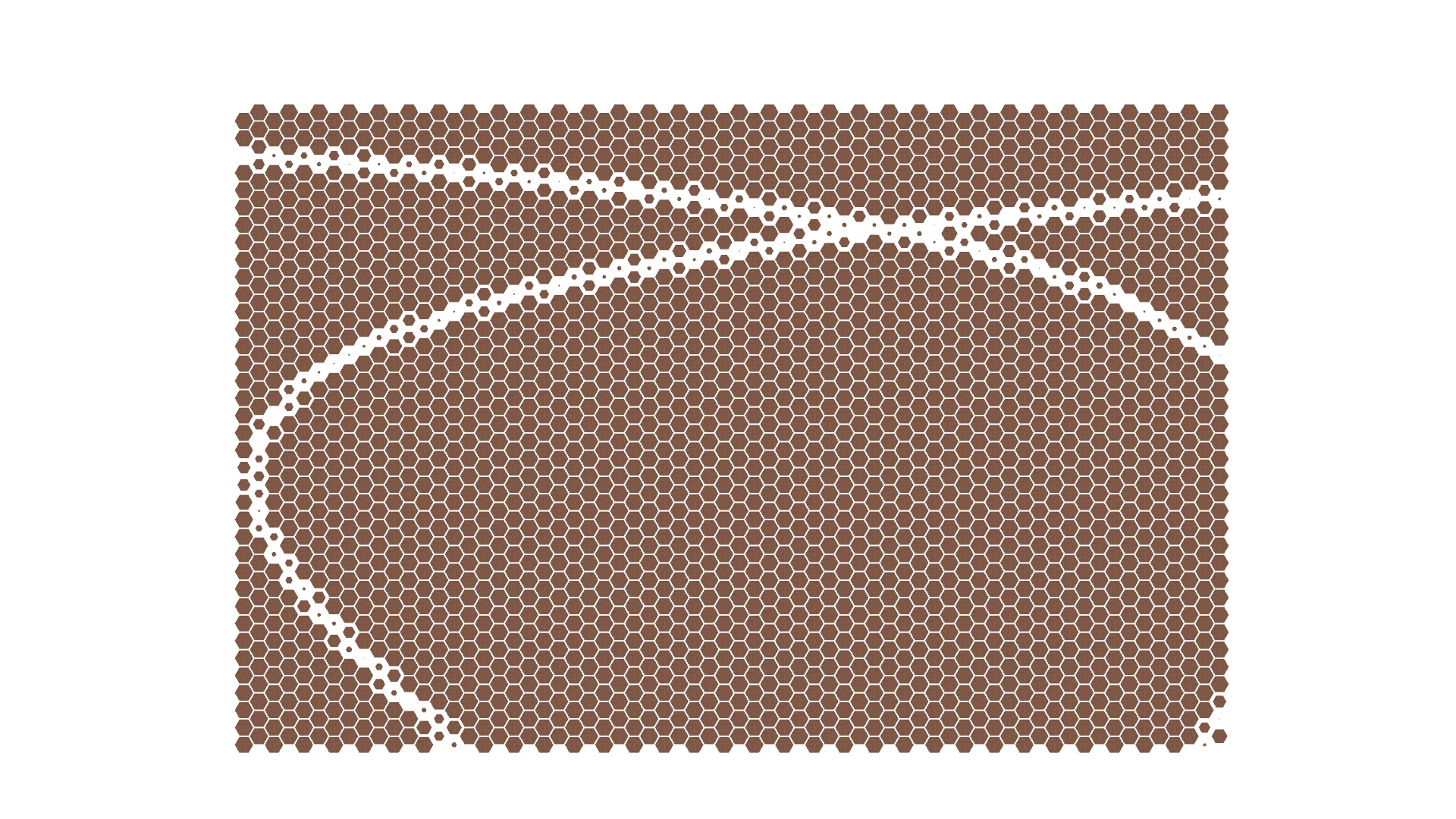
This privacy screen project explores the creation of a privacy screen using an endless weaving pattern. It starts with a simple 2D line geometry that’s multiplied and tiled across a grid, forming a continuous woven pattern. By adding thickness to the lines and incorporating a point attractor, the script controls the thickness of the geometry based on its distance from the attractor point. This creates areas where the pattern opens up or closes off, balancing transparency and privacy.

Hexagonal Count
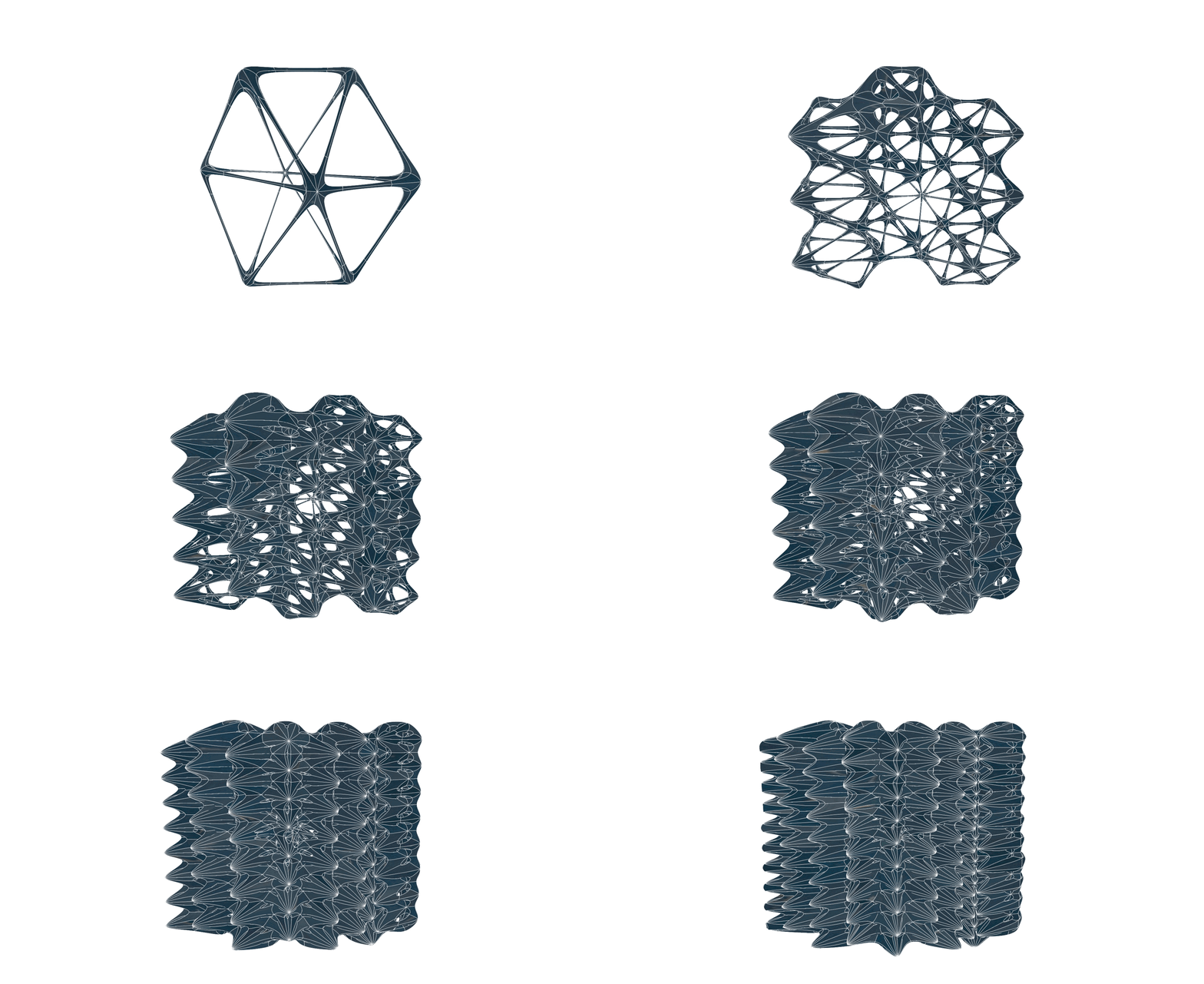
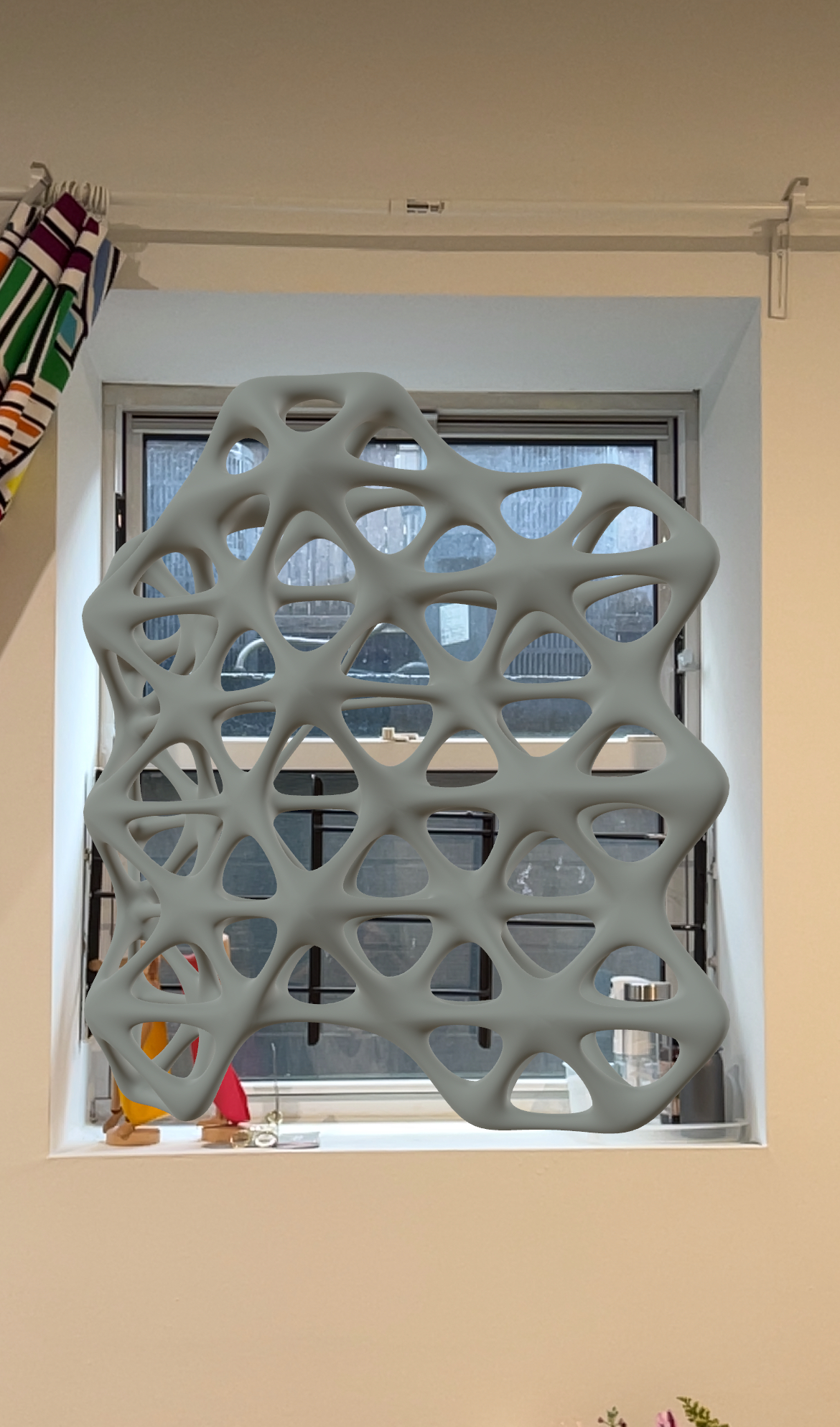
To take it further, a curvy surface was added to the script, and the pattern was oriented to follow the shape of the surface. This step demonstrates how the weaving pattern can adapt to different geometries, opening up possibilities for use on a variety of forms, like curved walls, facades, or even freestanding sculptural installations. The adaptability of the pattern highlights its potential for creative applications in both interior and exterior spaces.

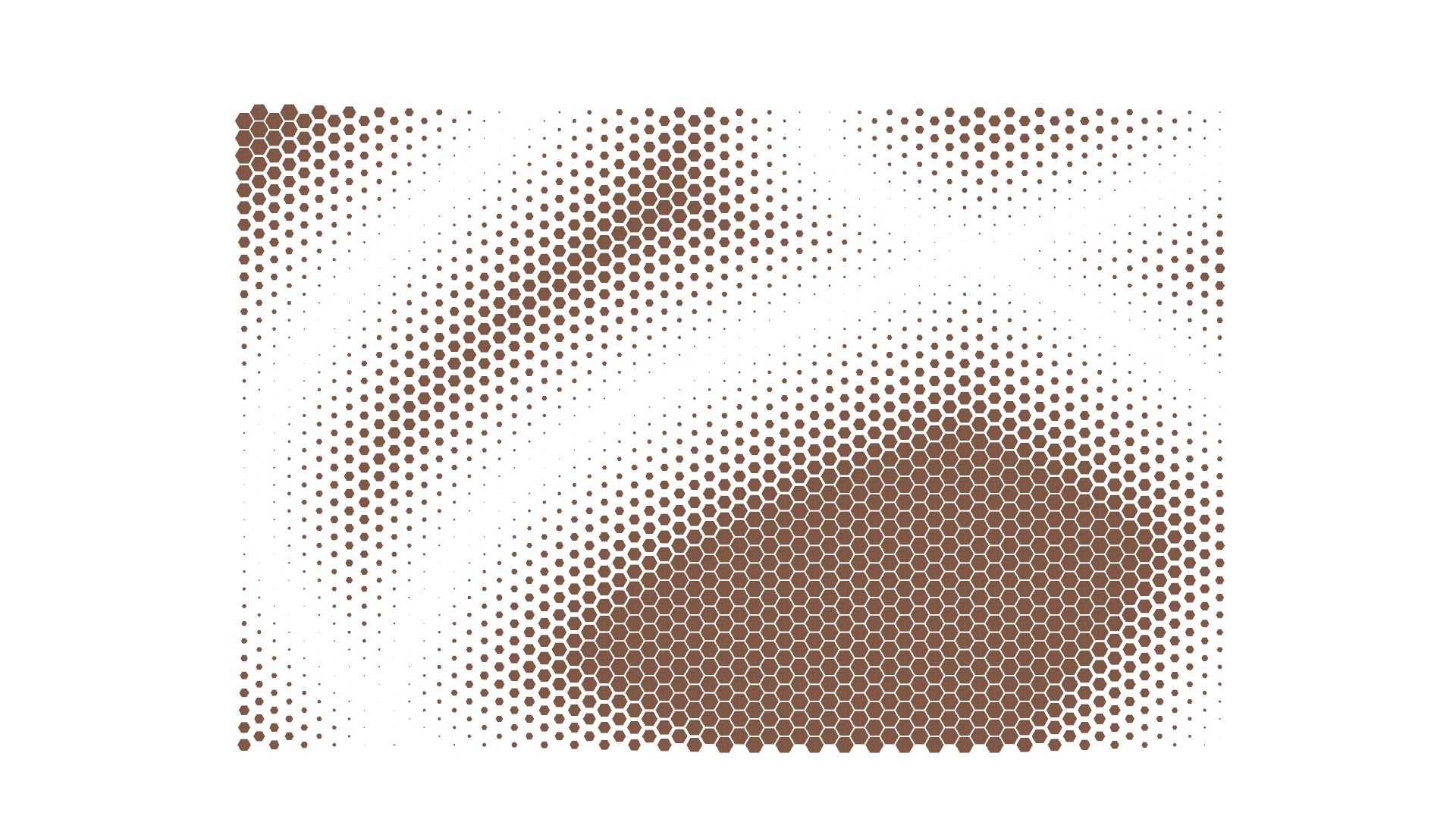
Thickness
The design blends traditional weaving techniques with computational tools, resulting in a piece that is both functional and visually striking. The thinner, more open parts of the pattern allow light and air to pass through, while the denser areas offer privacy and enclosure.

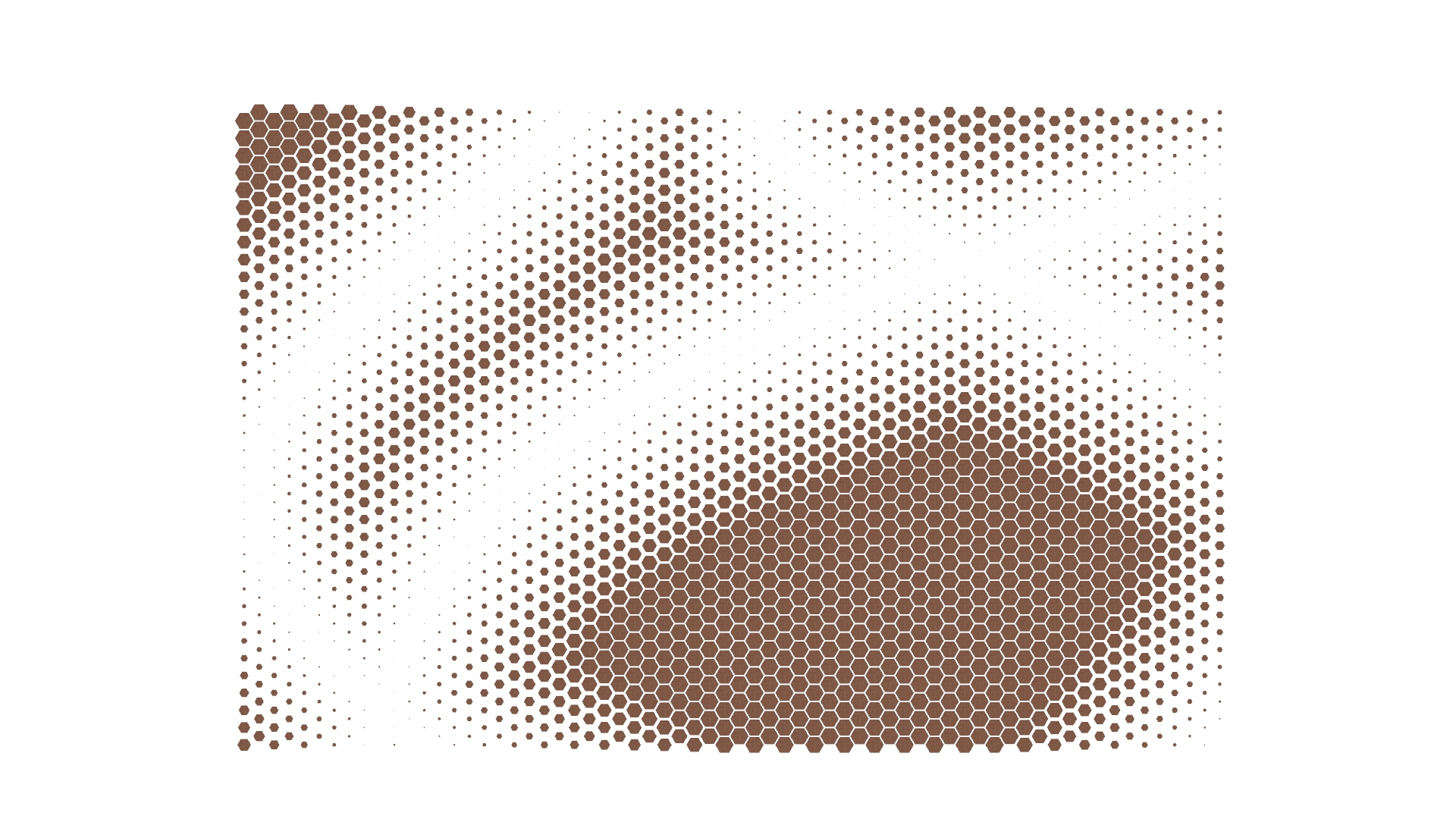
Node Size
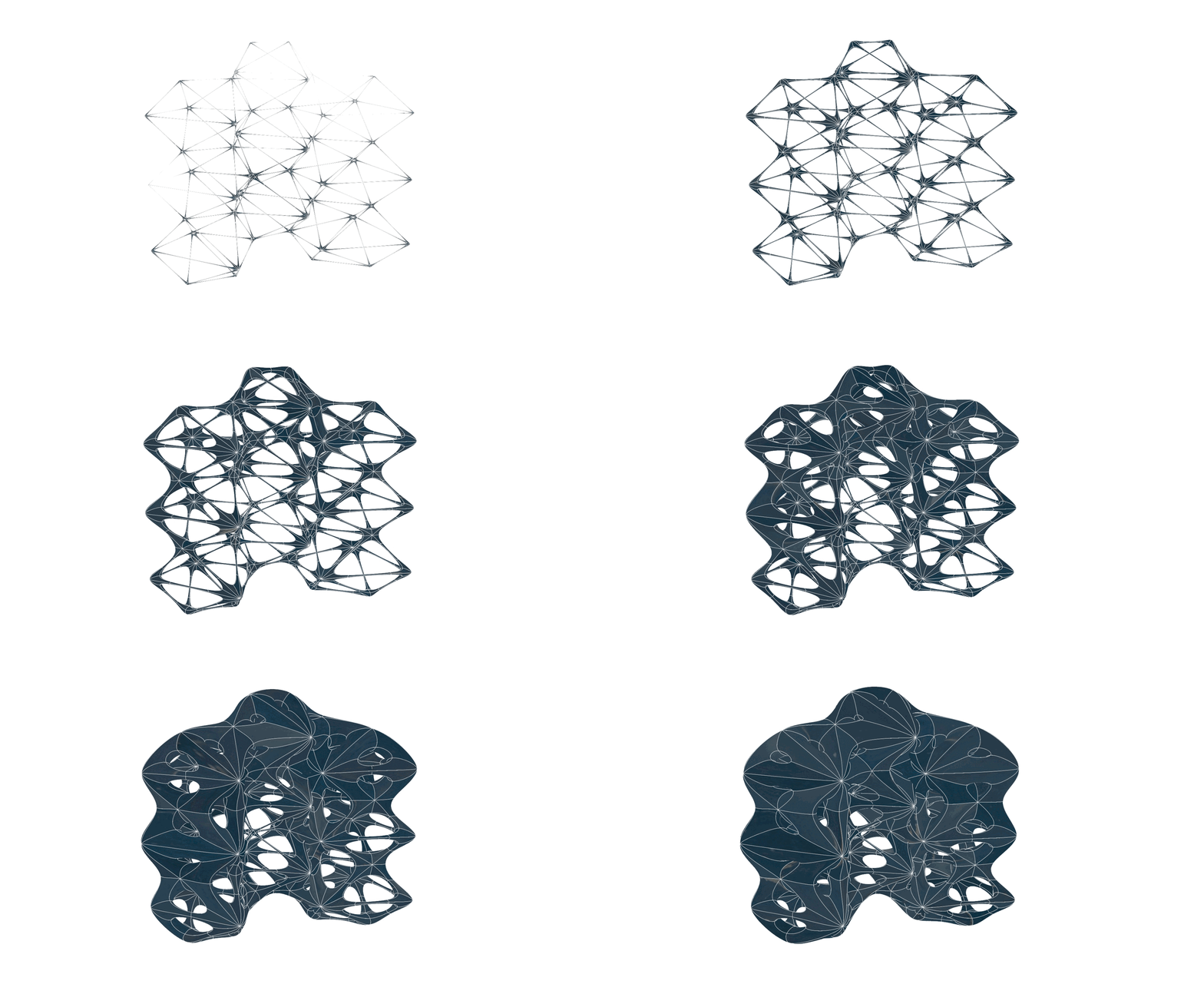
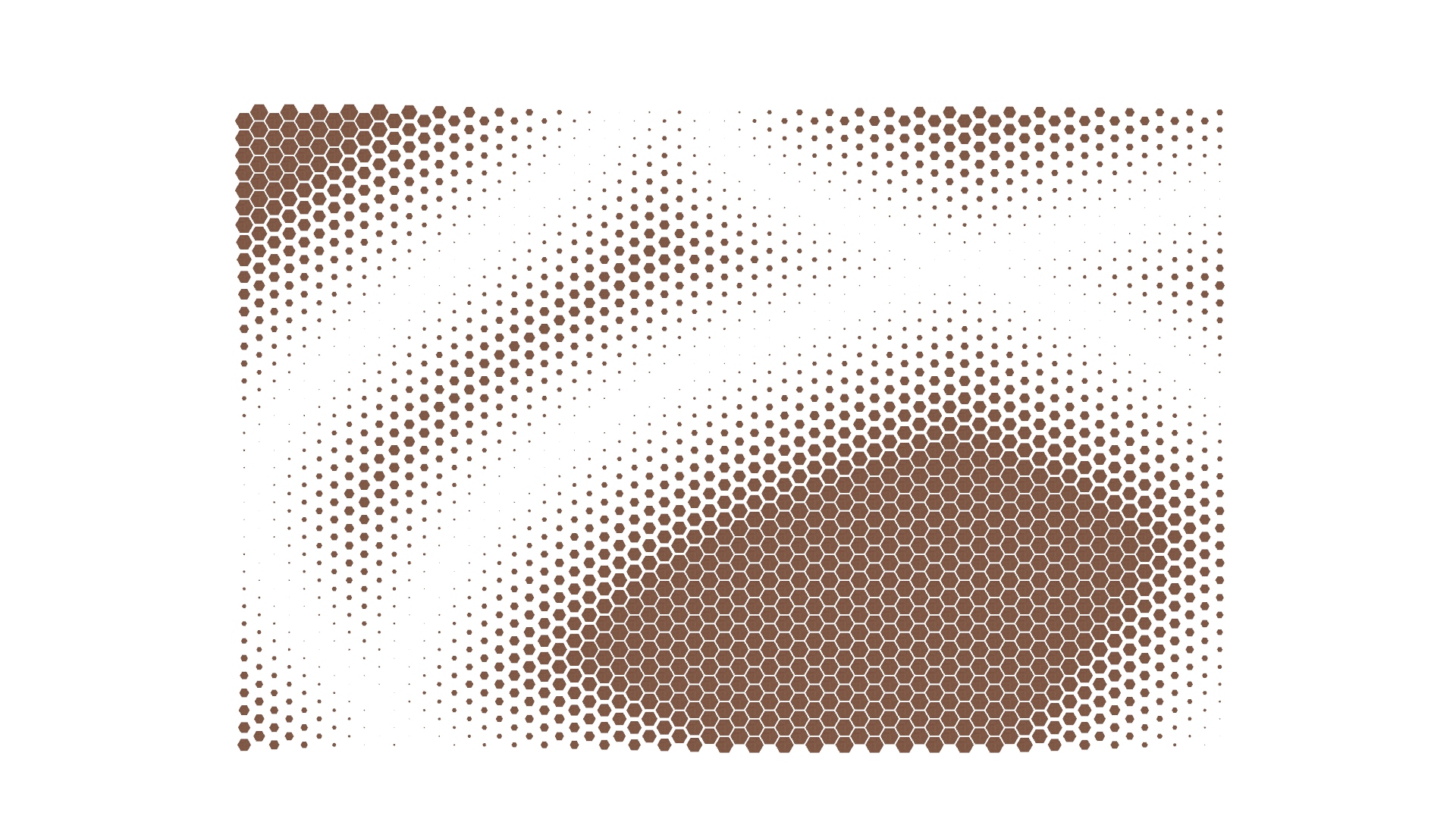
Strut Size
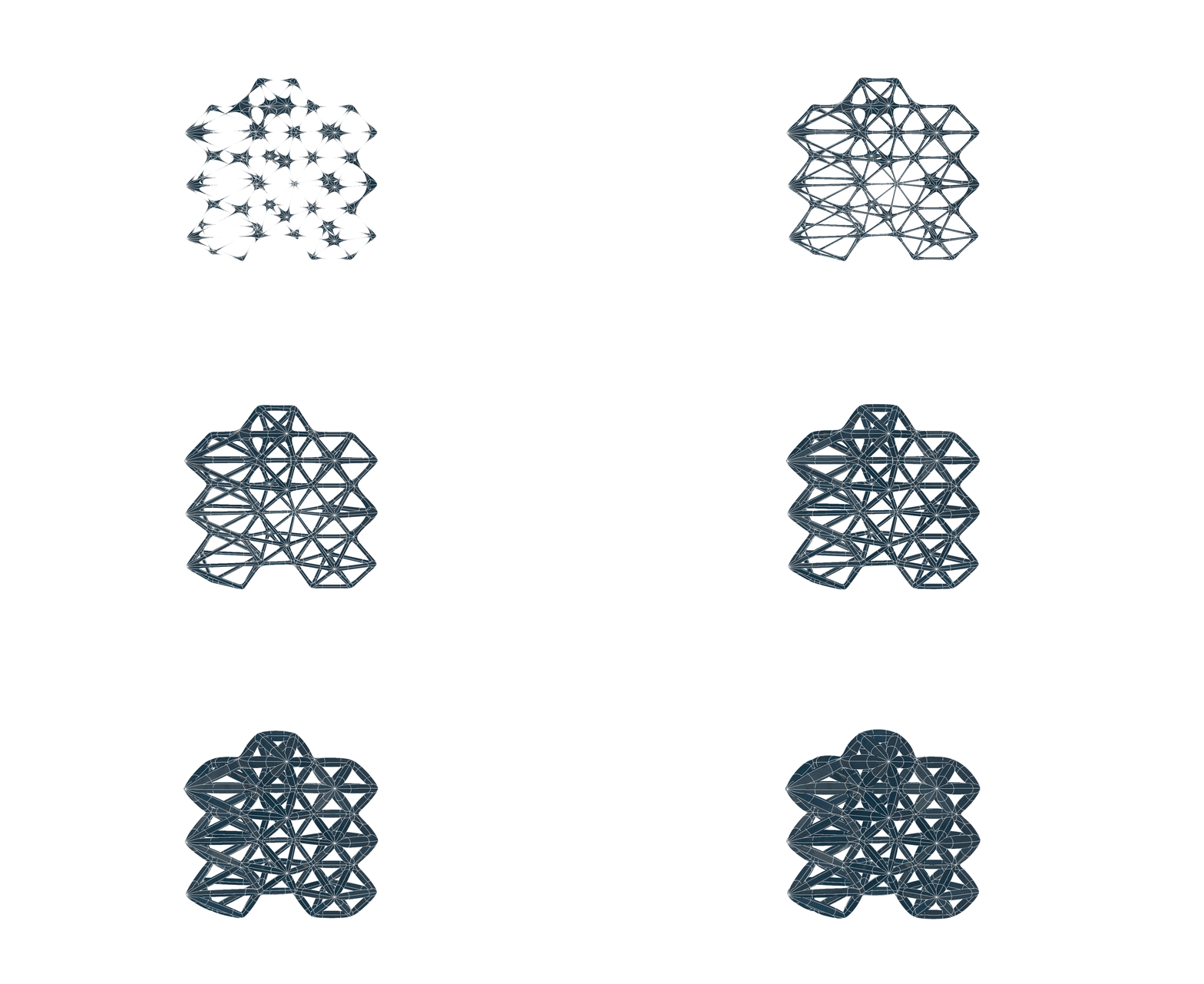
This project showcases how parametric design can transform simple ideas into dynamic, flexible solutions. By combining artistic inspiration with digital tools, it reimagines privacy screens as adaptable, sculptural elements that enhance and interact with the spaces they occupy.

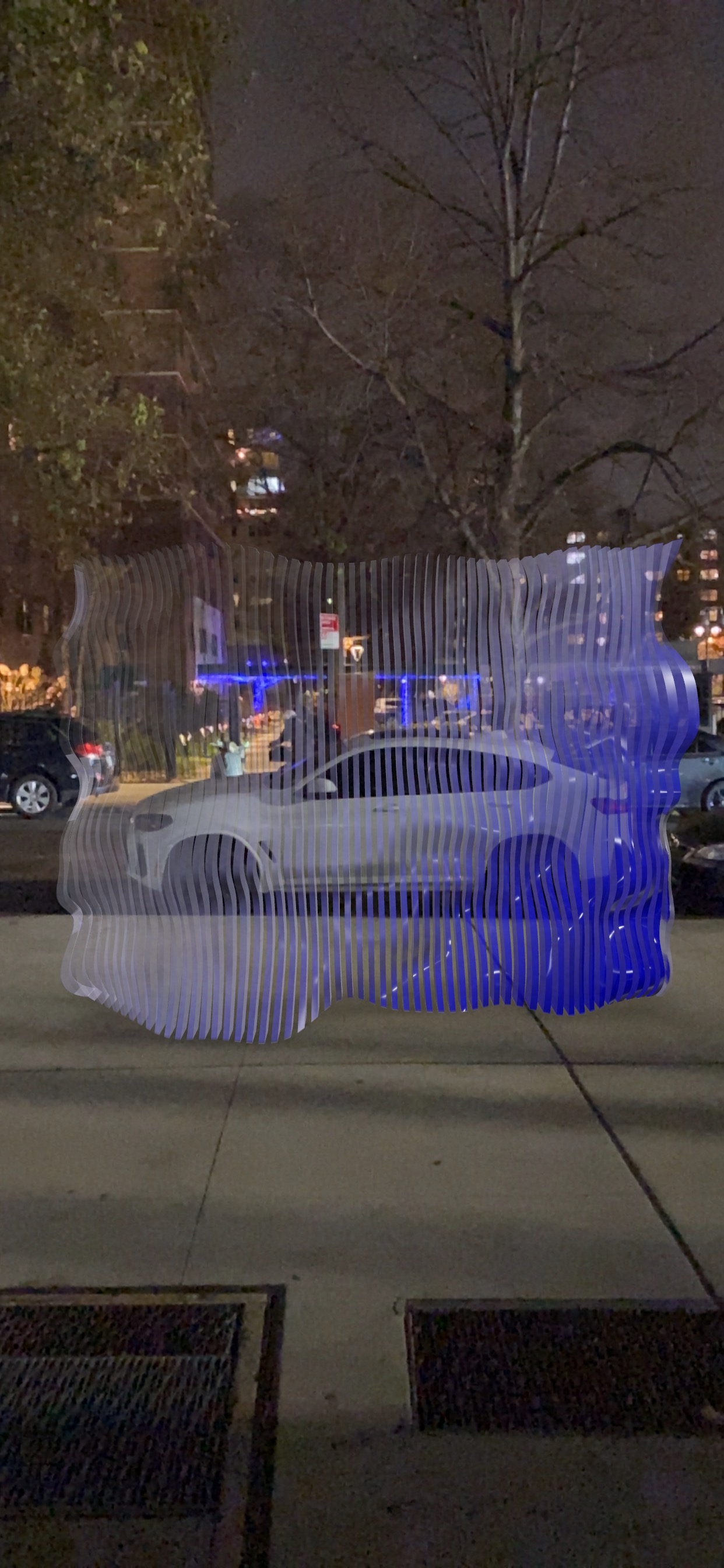
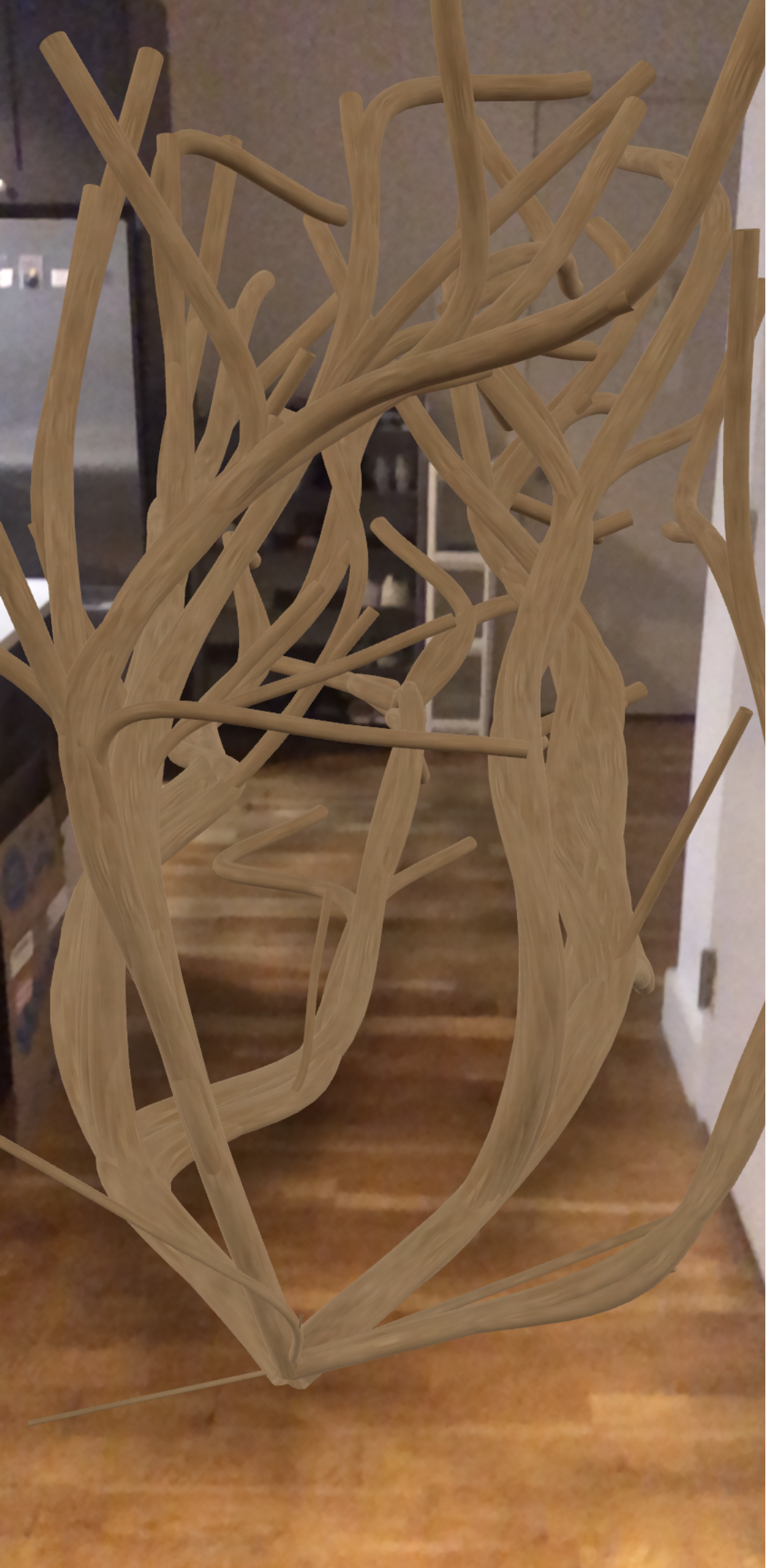
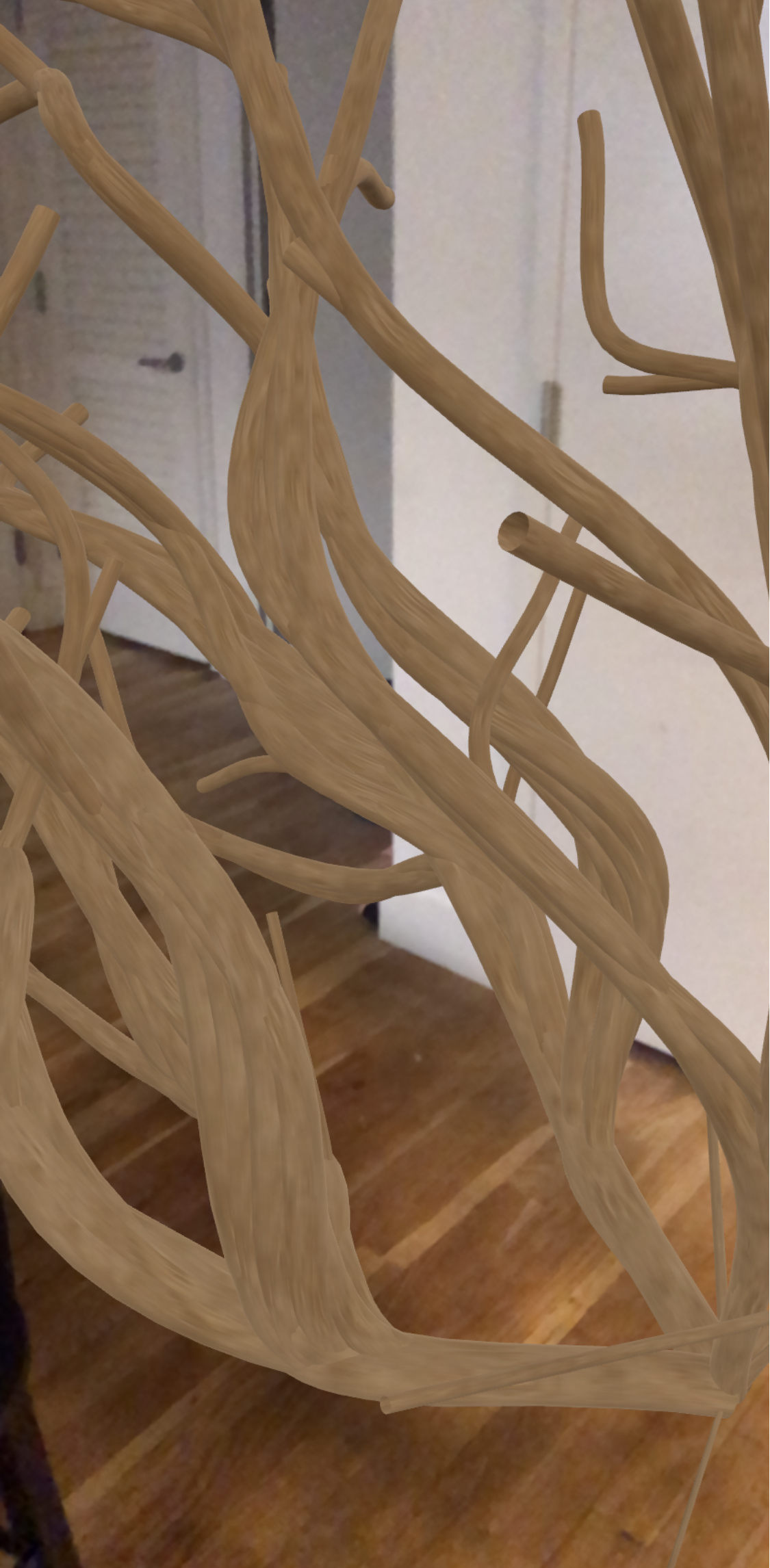
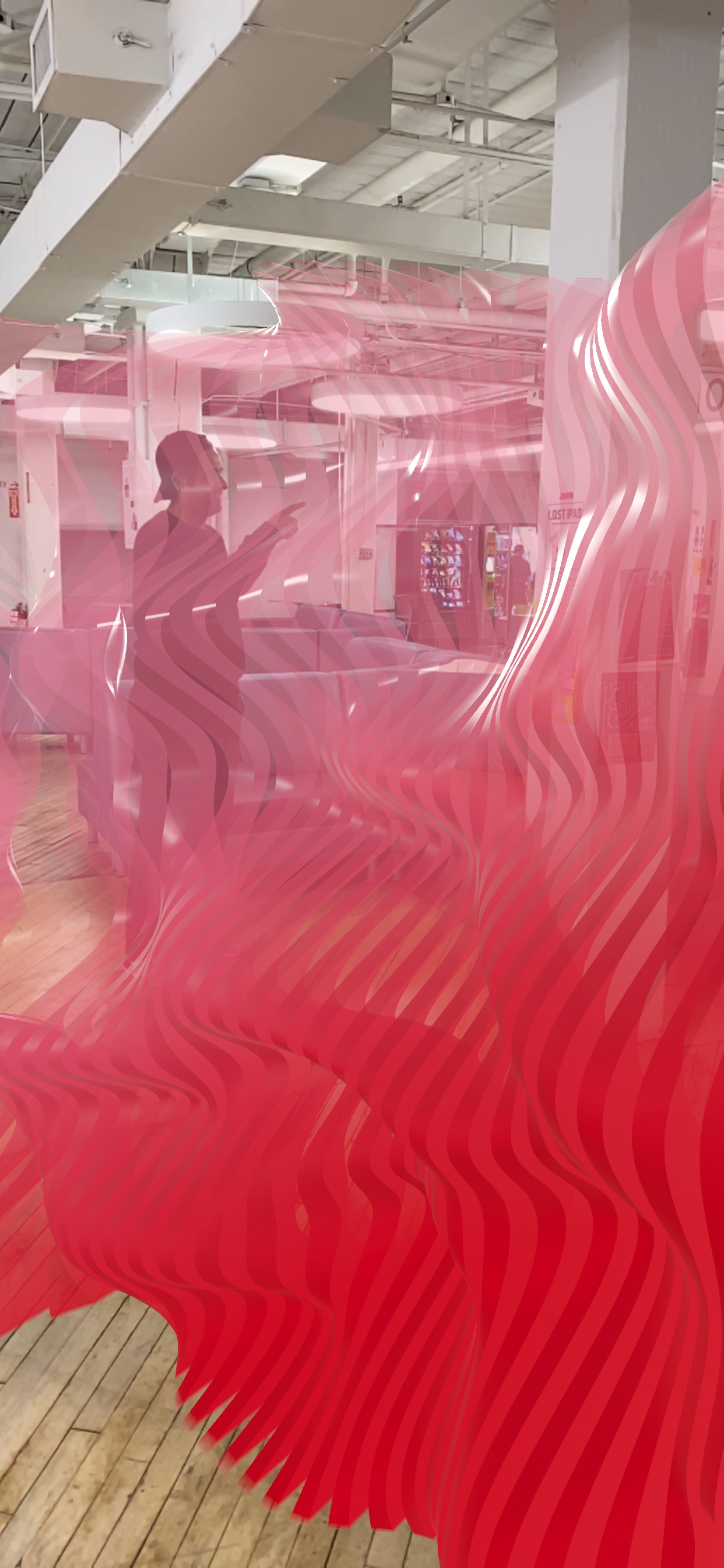
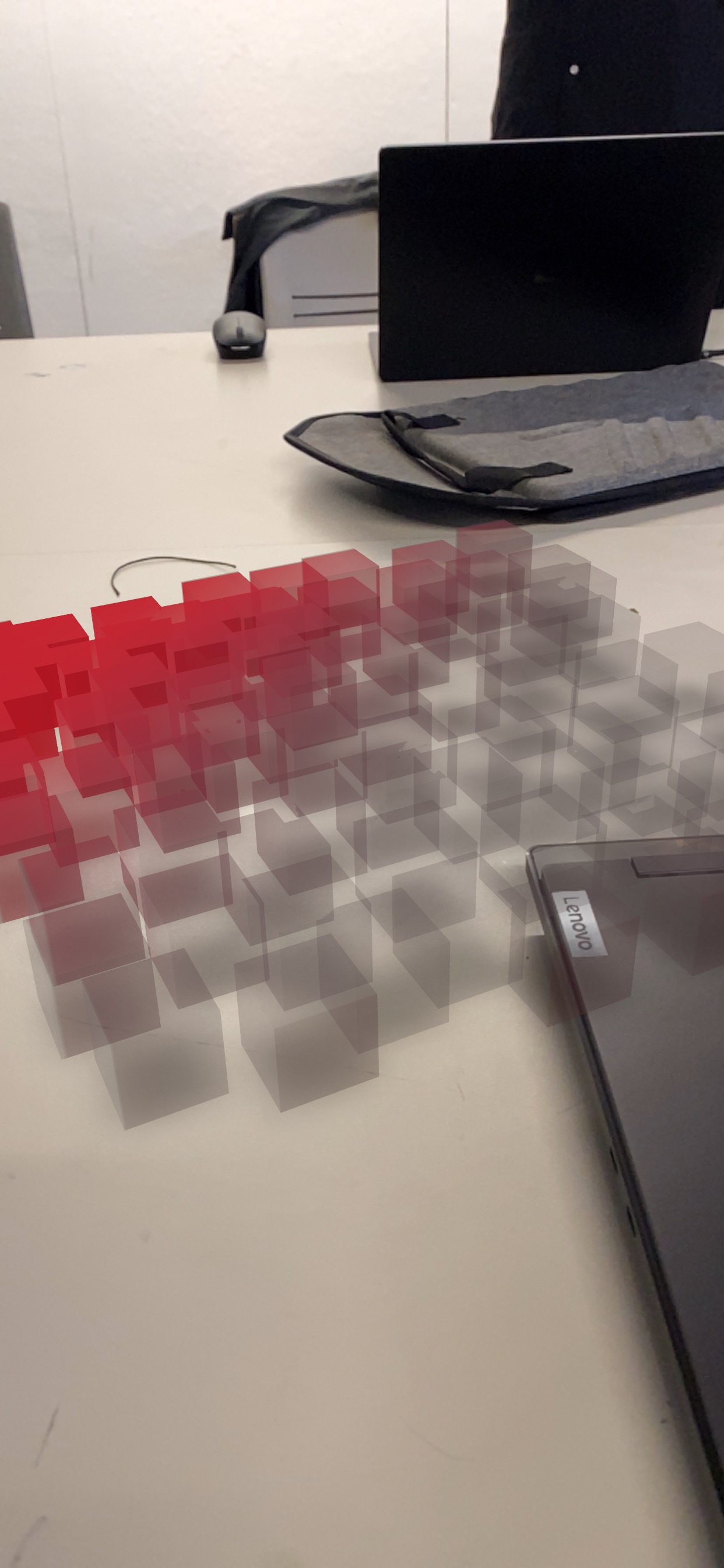
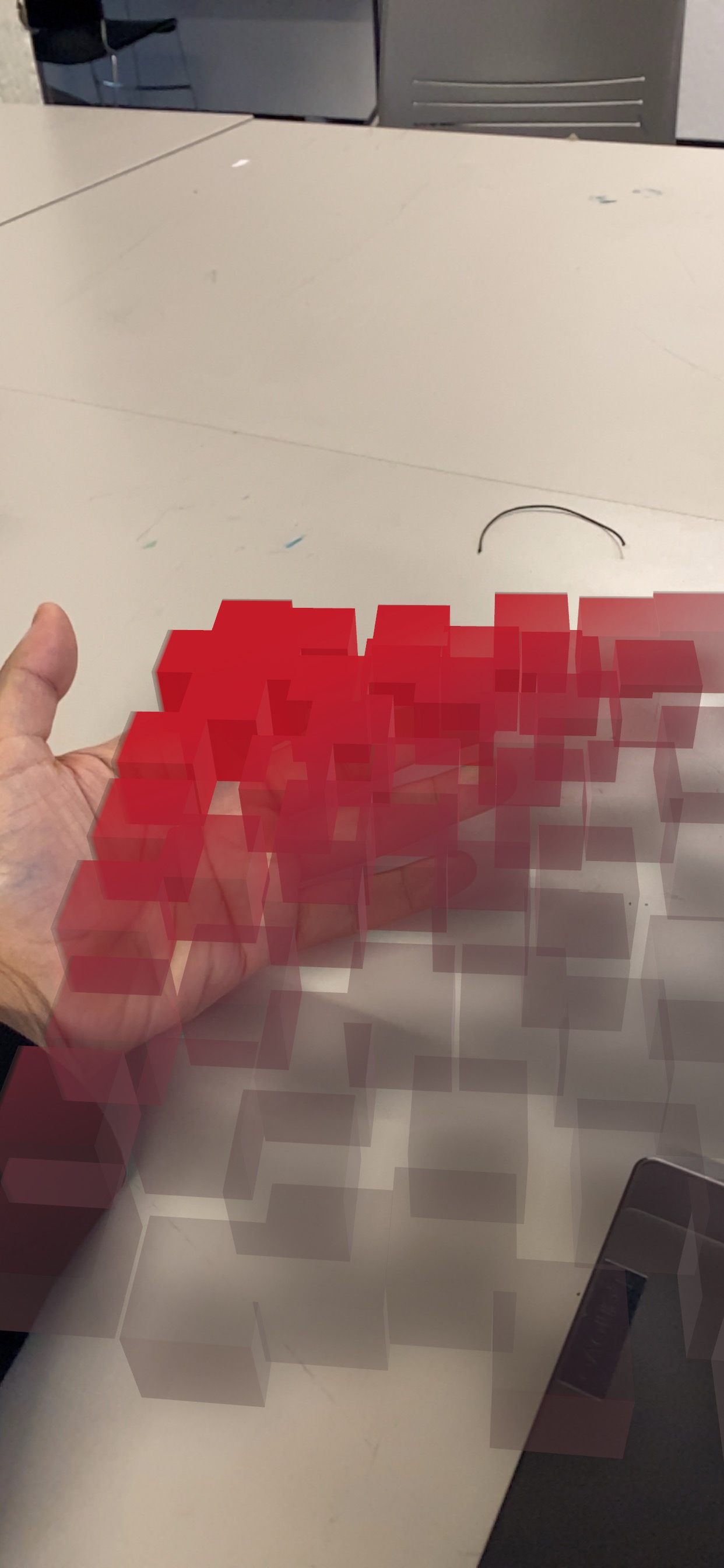
AR Photographs
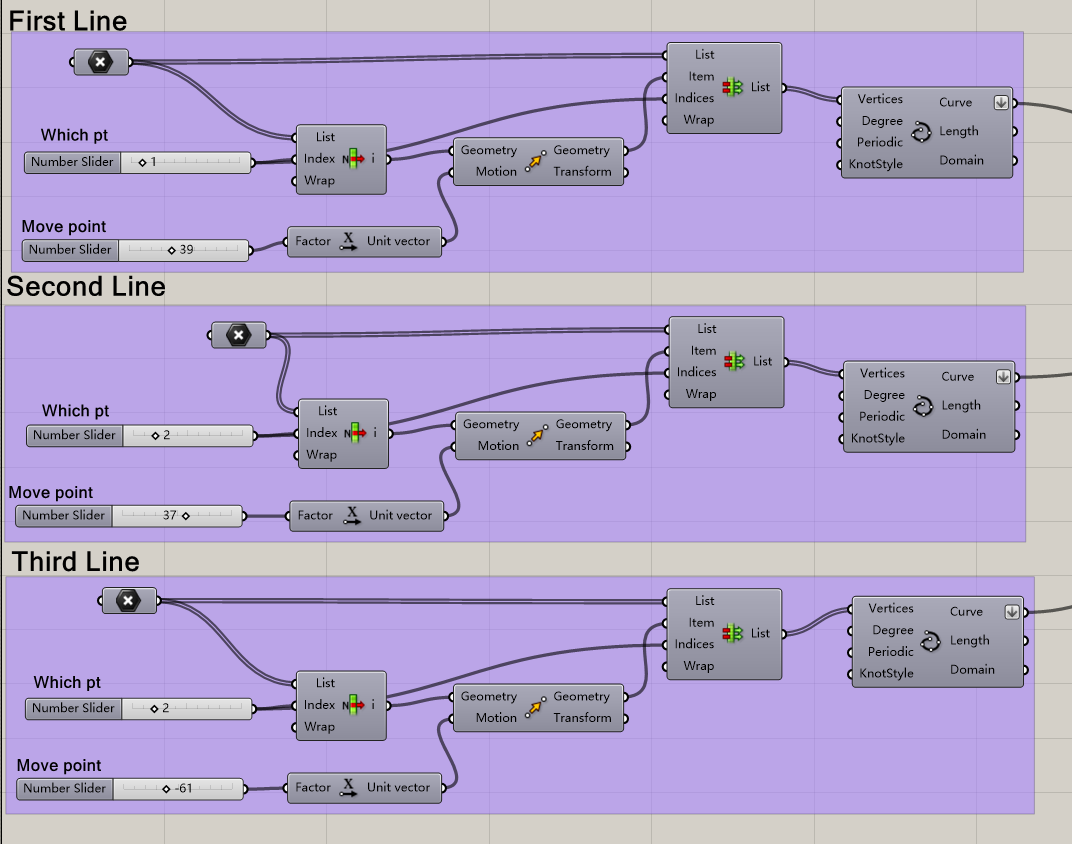
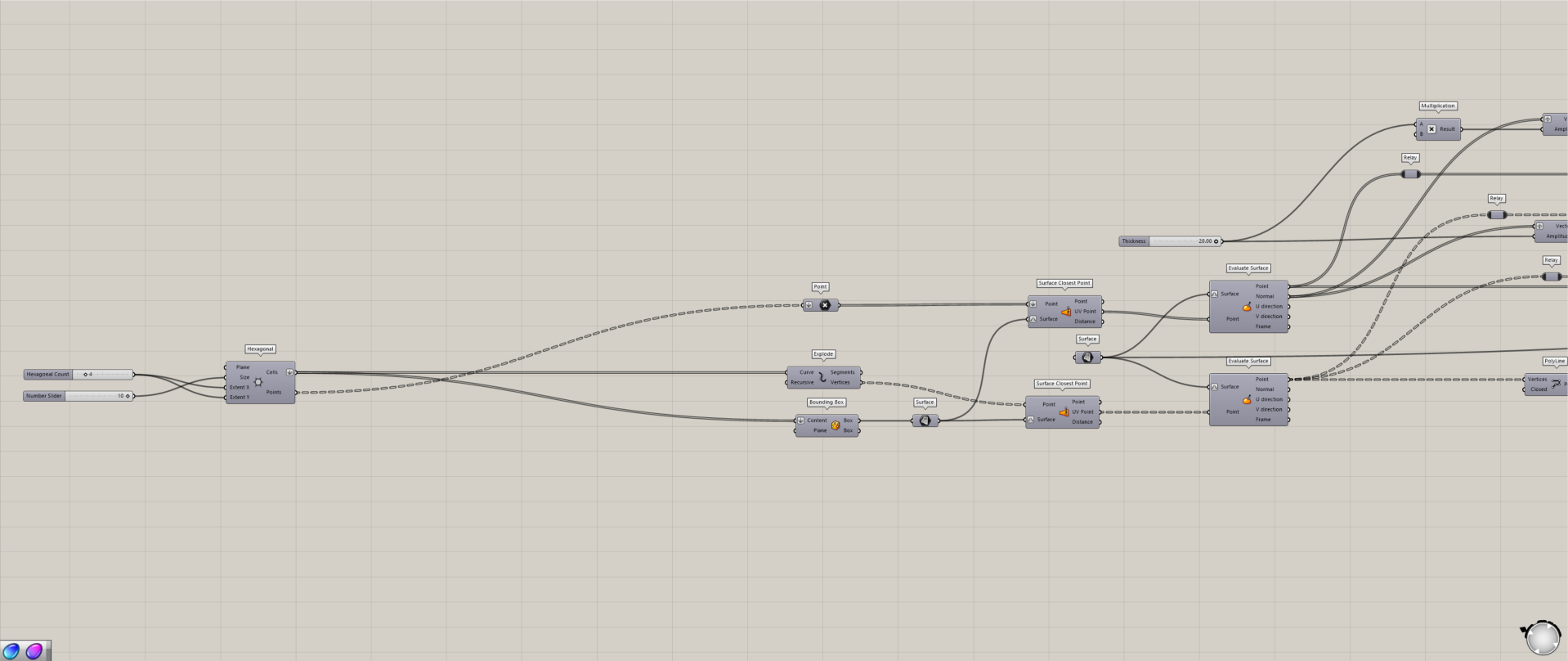
Grasshopper Script
AR QR Code

https://www.shapediver.com/app/m/cadyn-chien-privacy-screen

Privacy Screen

This parametric design project explores the creation of a privacy screen with gradient transparency using the Grasshopper plugin in Rhino. The project aims to combine functionality with aesthetics, offering a versatile architectural element that balances privacy and openness. By leveraging parametric modeling, the design incorporates dynamic patterns and gradients that respond to spatial needs and user preferences.
The workflow involves a systematic series of steps, beginning with the generation of base geometry through lines and curves. These are then extruded, divided, and manipulated to achieve varying levels of transparency. Utilizing Grasshopper’s powerful algorithms, the design integrates processes such as contouring, splitting, and dispatching to create complex gradients within the screen. This gradient design allows for an adaptable interplay of light and shadow, contributing to the screen’s functionality as both a partition and a sculptural element.

Through iterative testing and refinement, the project explores variations in form, structure, and transparency levels, resulting in a diverse range of outcomes. The design’s gradient effect not only serves privacy needs but also enhances the emotional connection between users and their surroundings, embodying the project’s emphasis on sustainability and emotional attachment in design. This privacy screen demonstrates the potential of parametric tools to create customizable, functional, and visually engaging architectural solutions.

https://www.shapediver.com/app/builder/v1/main/latest/?slug=int-731-481-privacyscreens-6-4

Privacy Screen

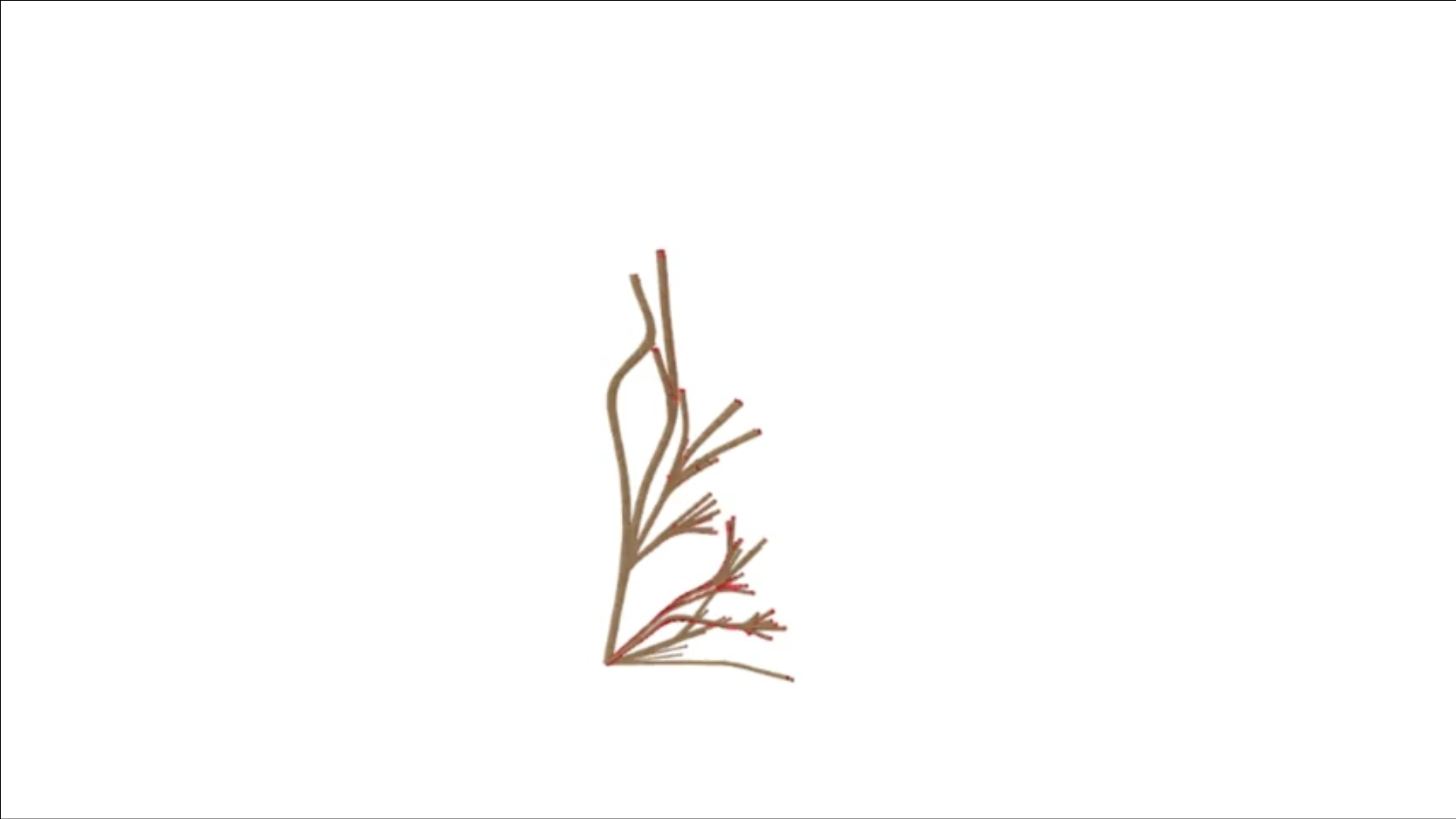
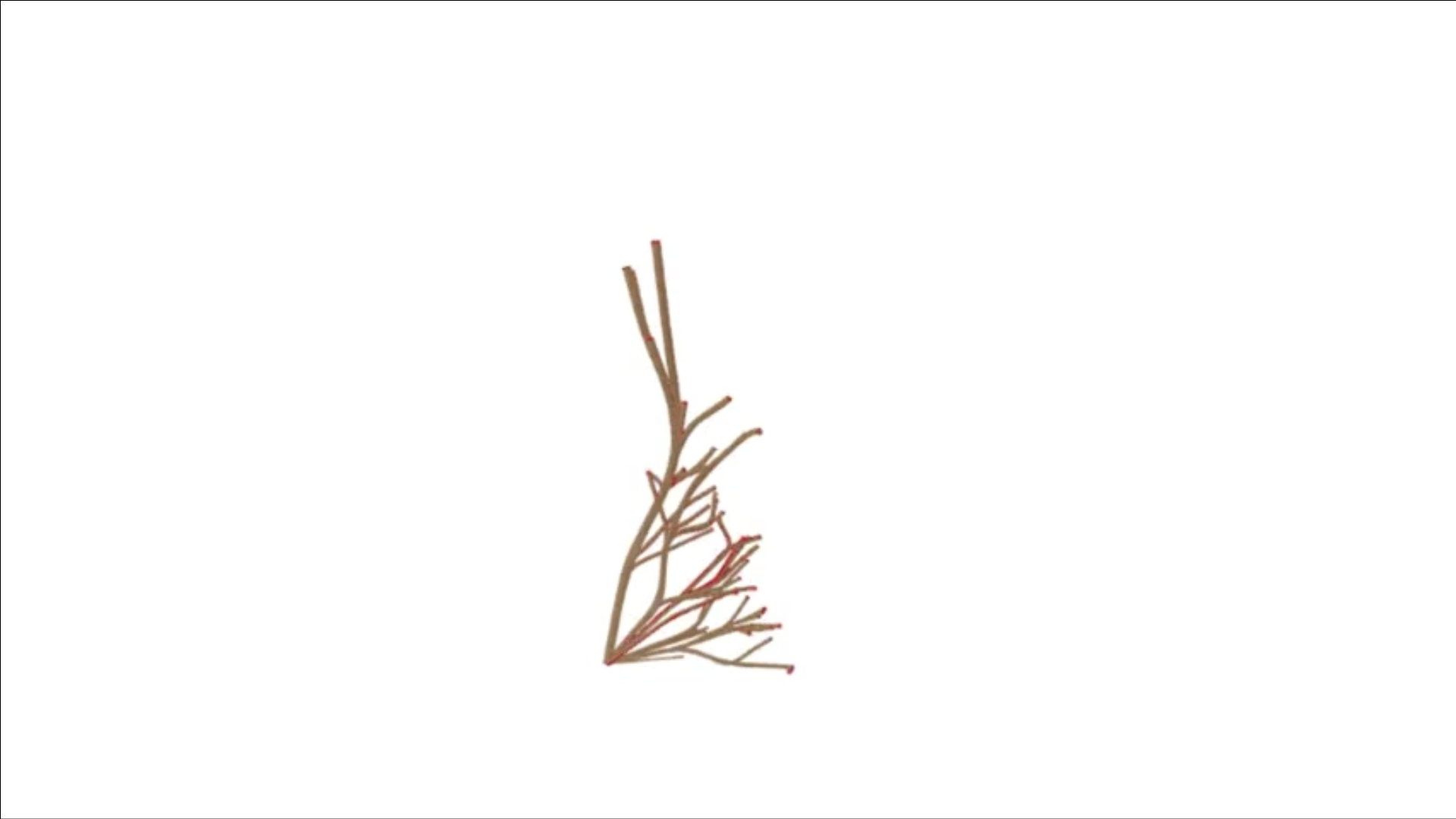
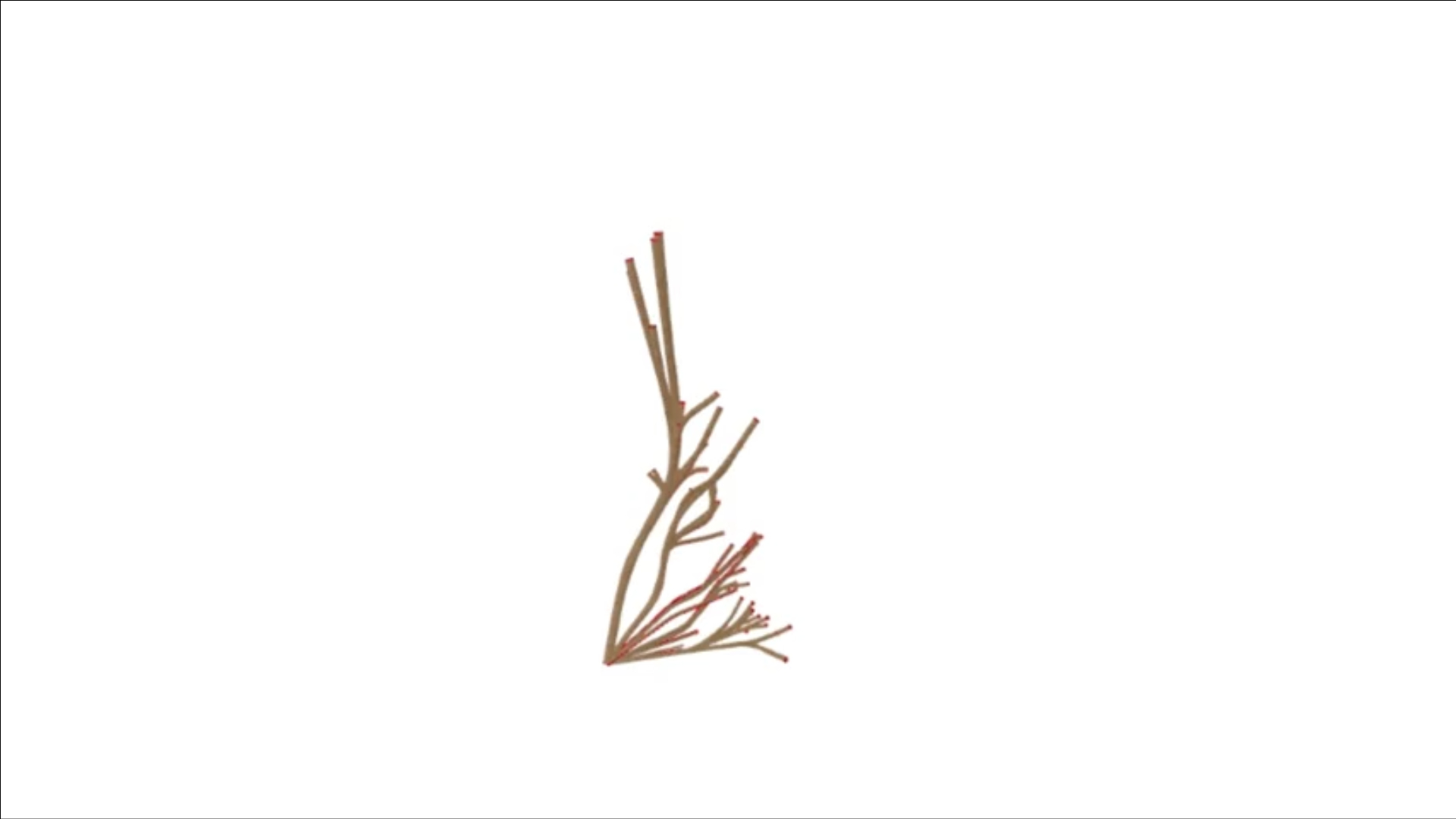
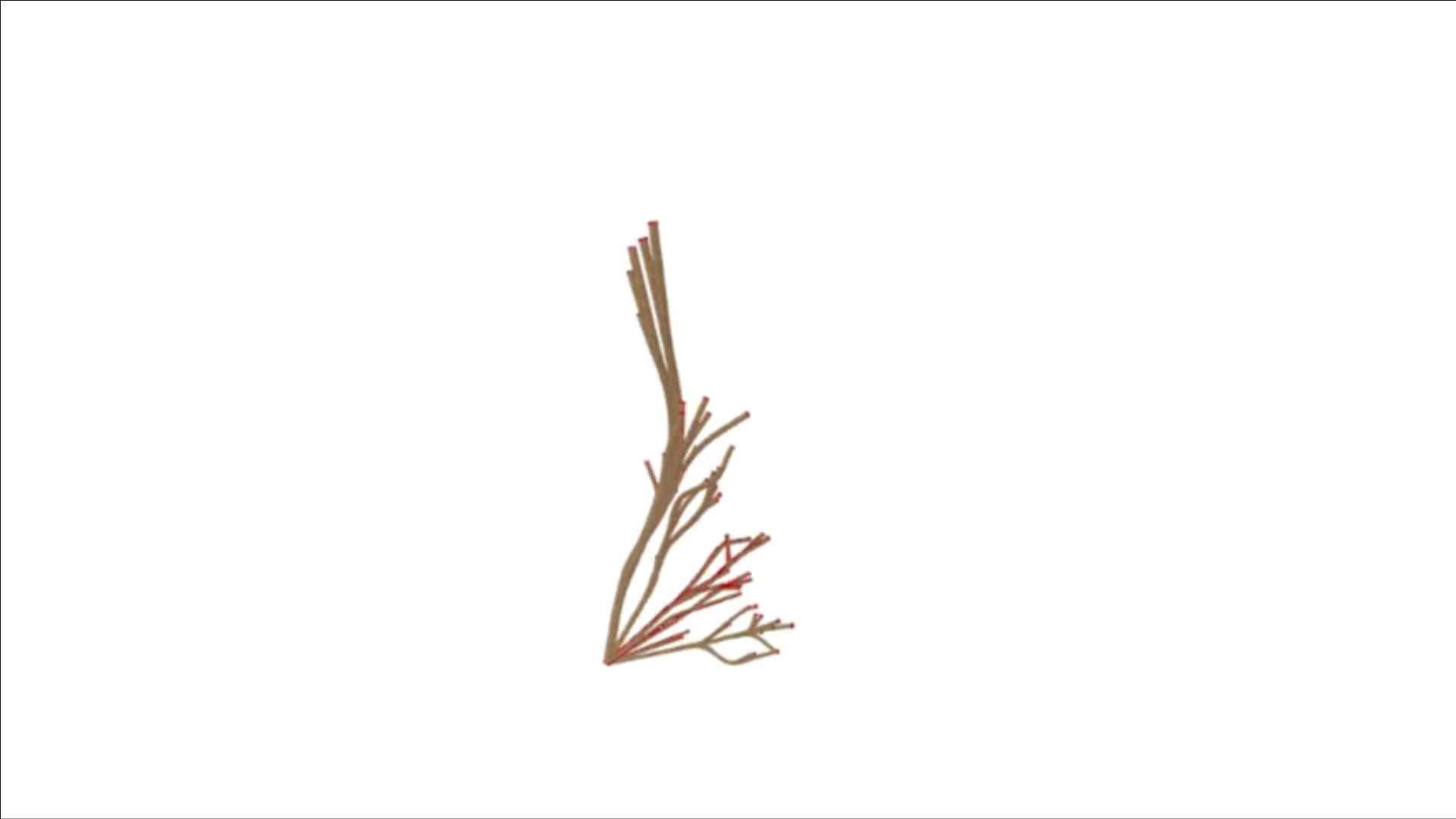
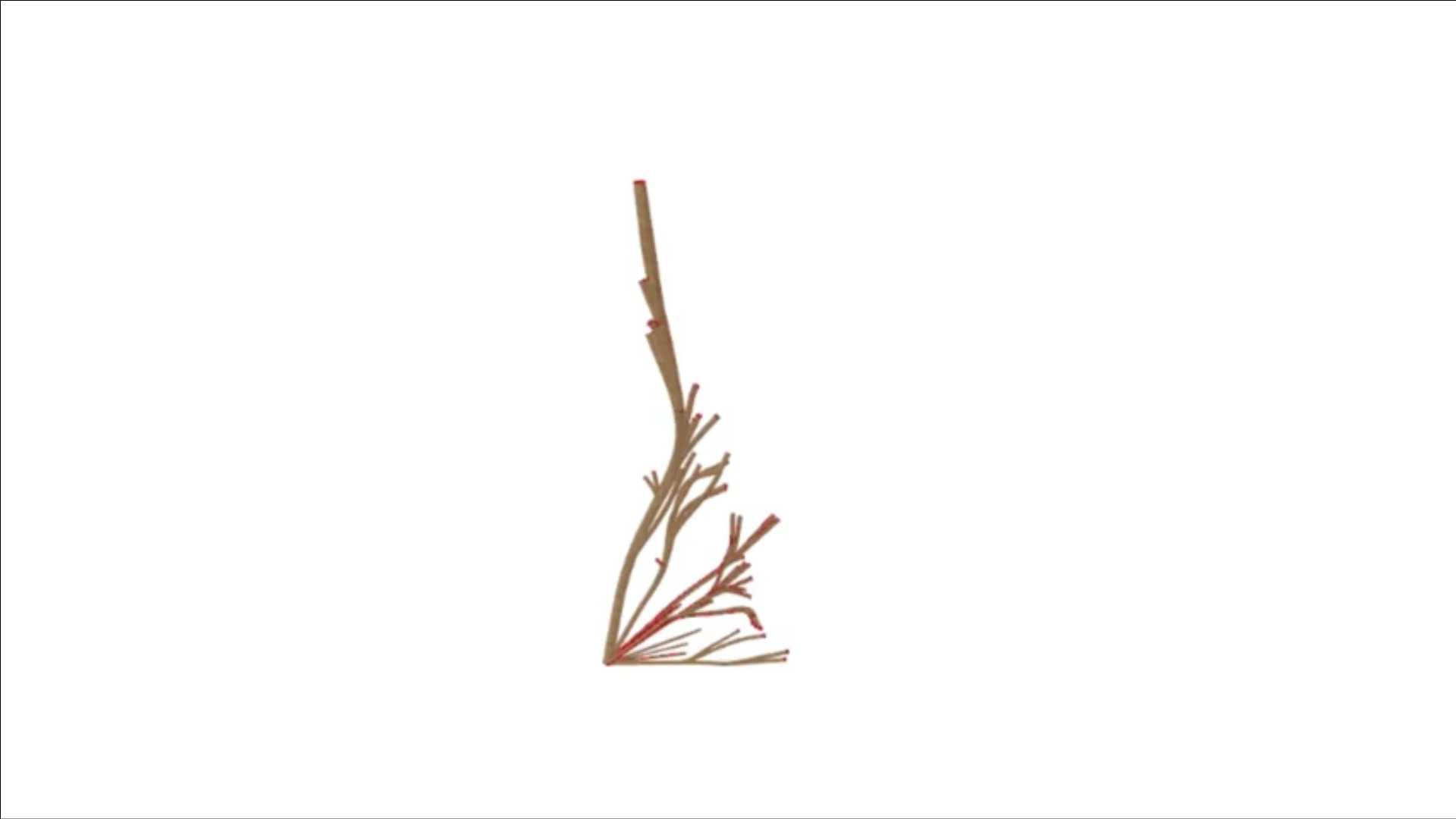
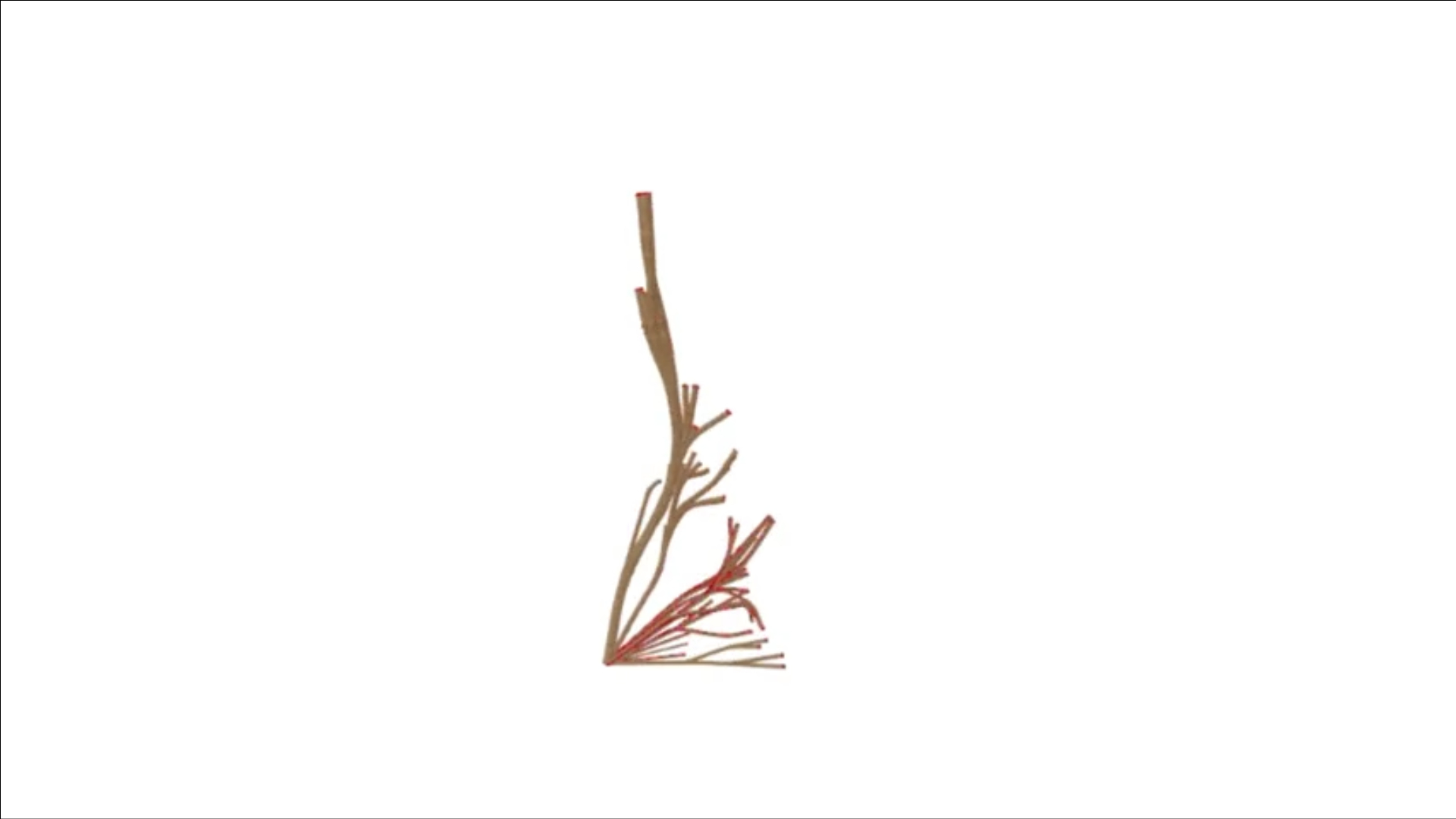
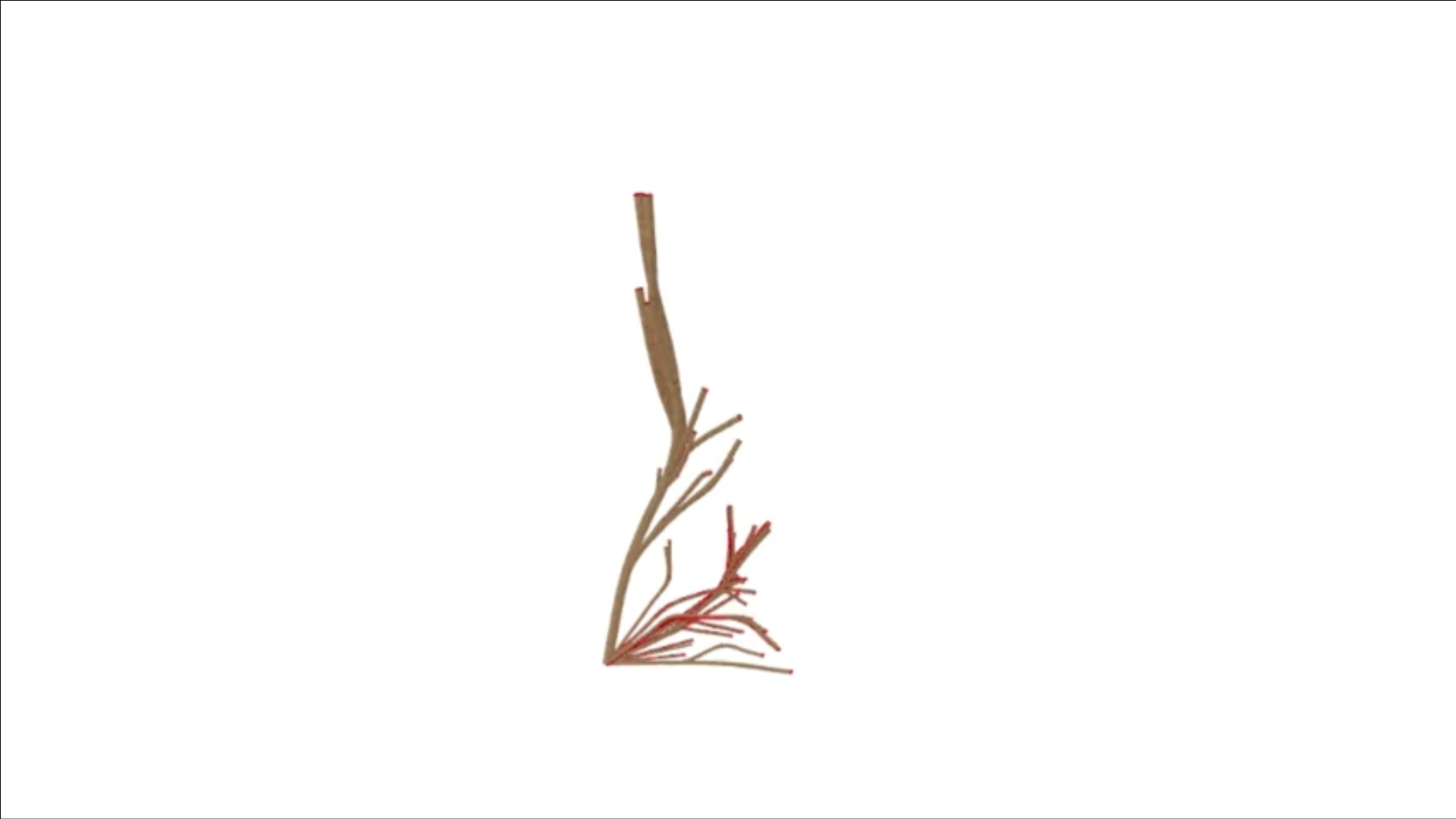
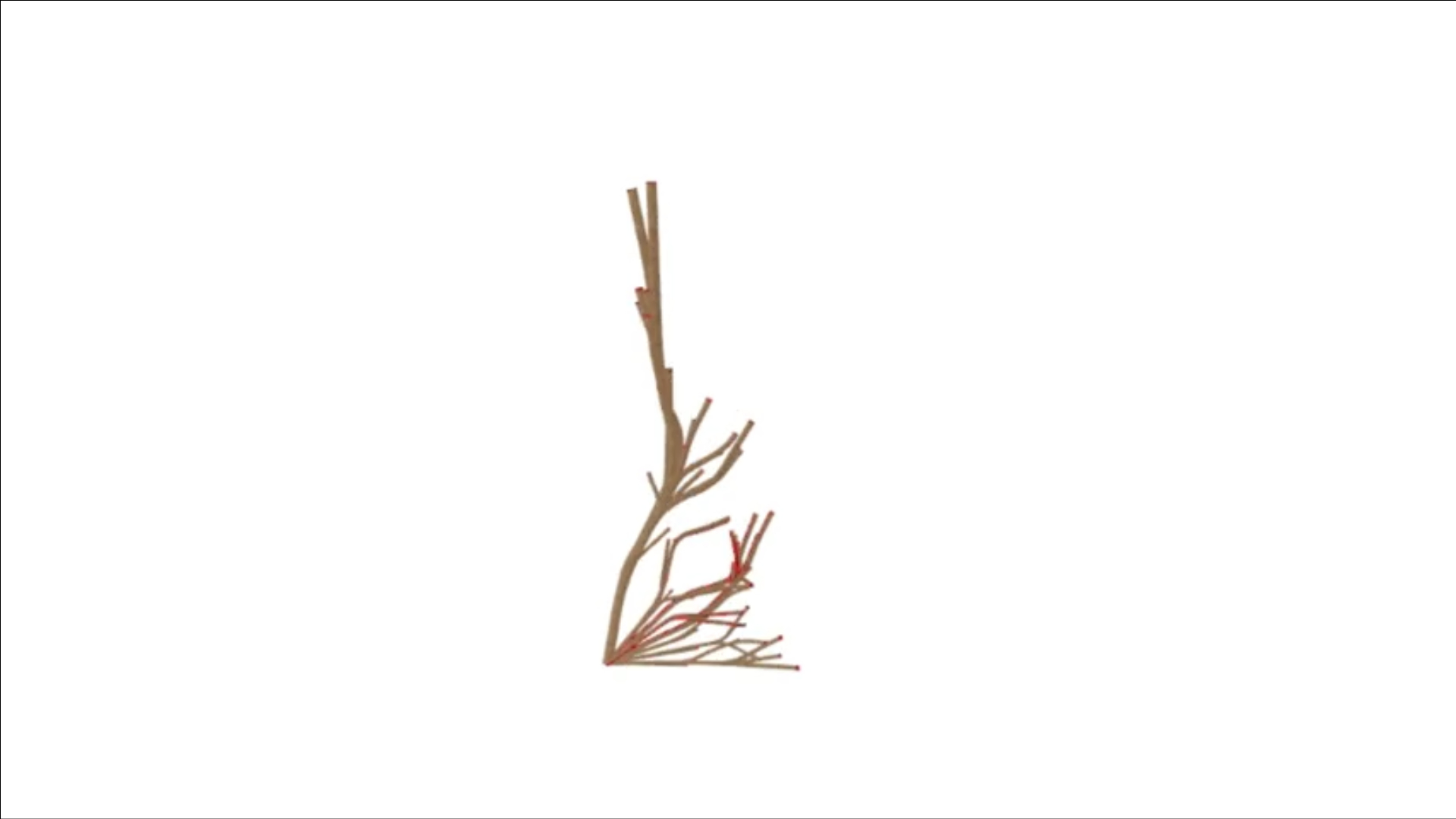
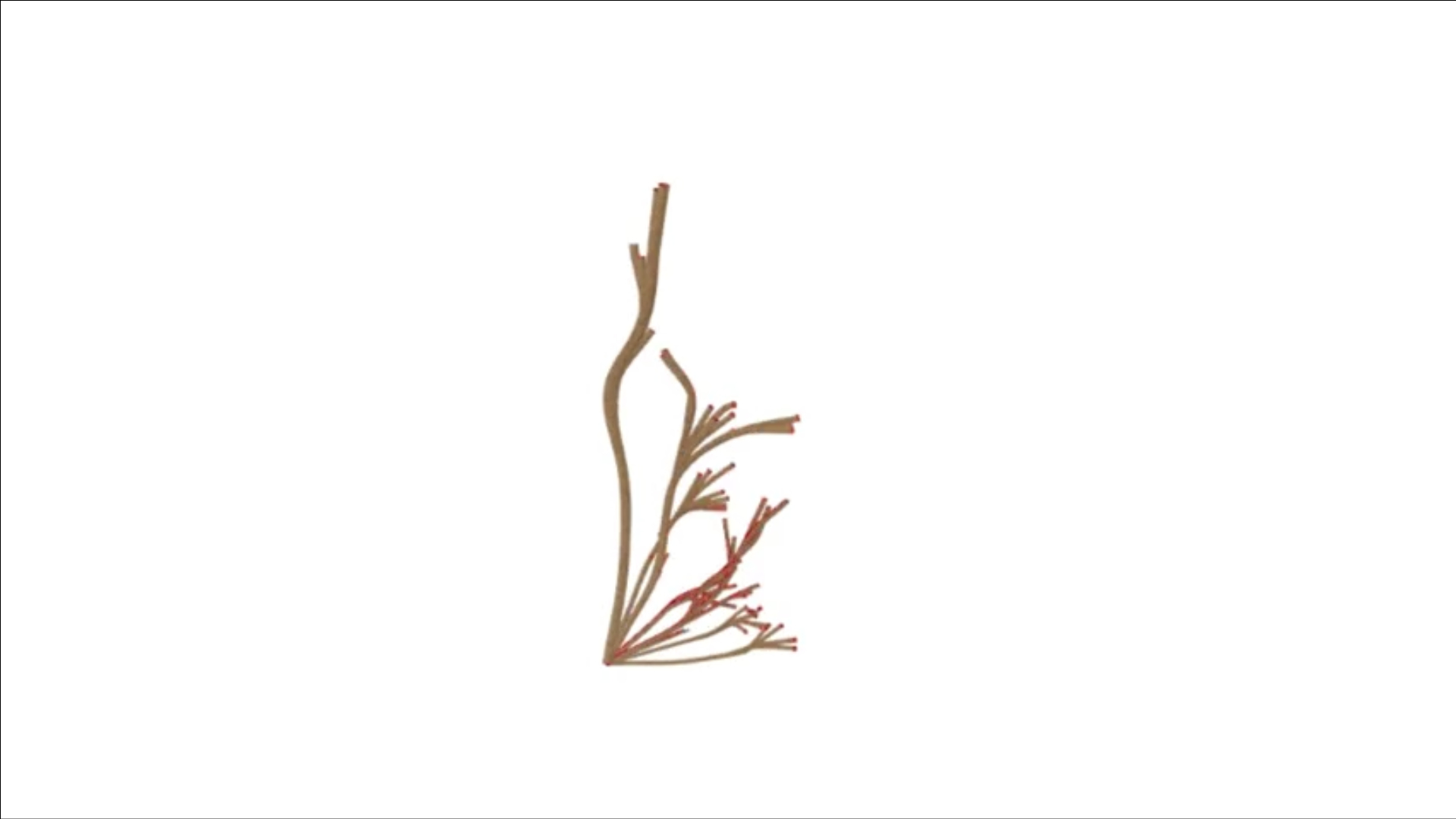
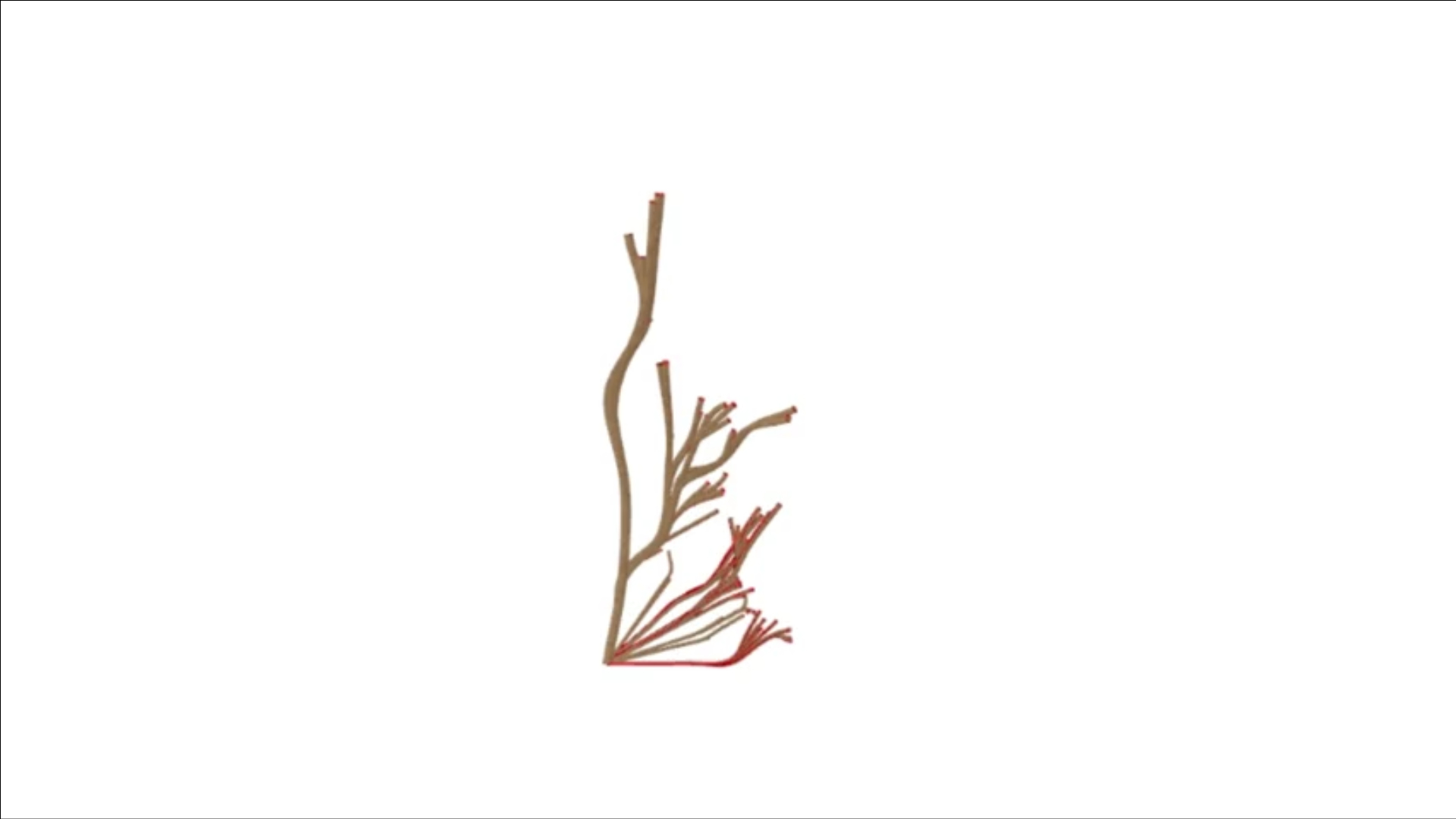
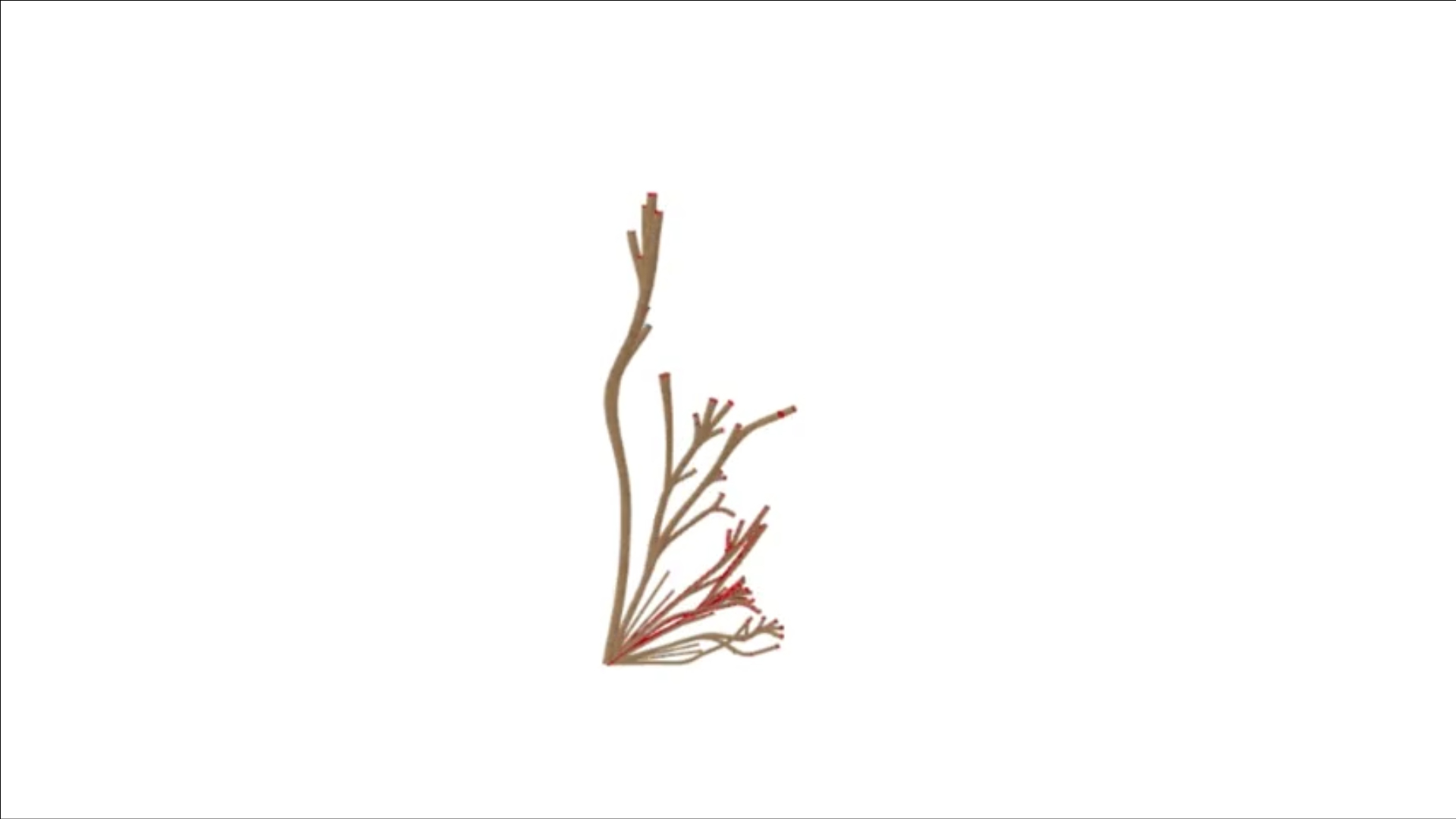
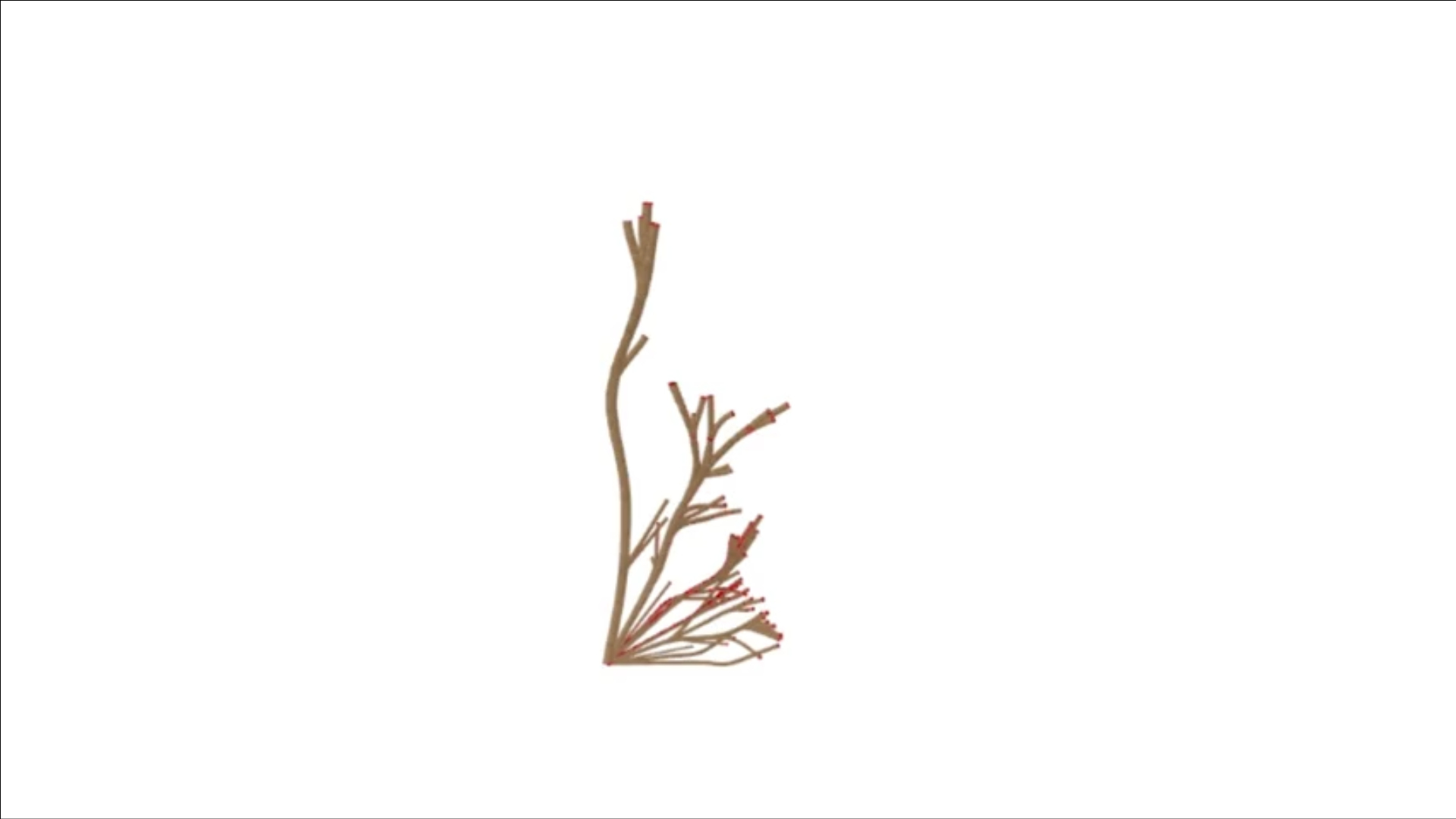
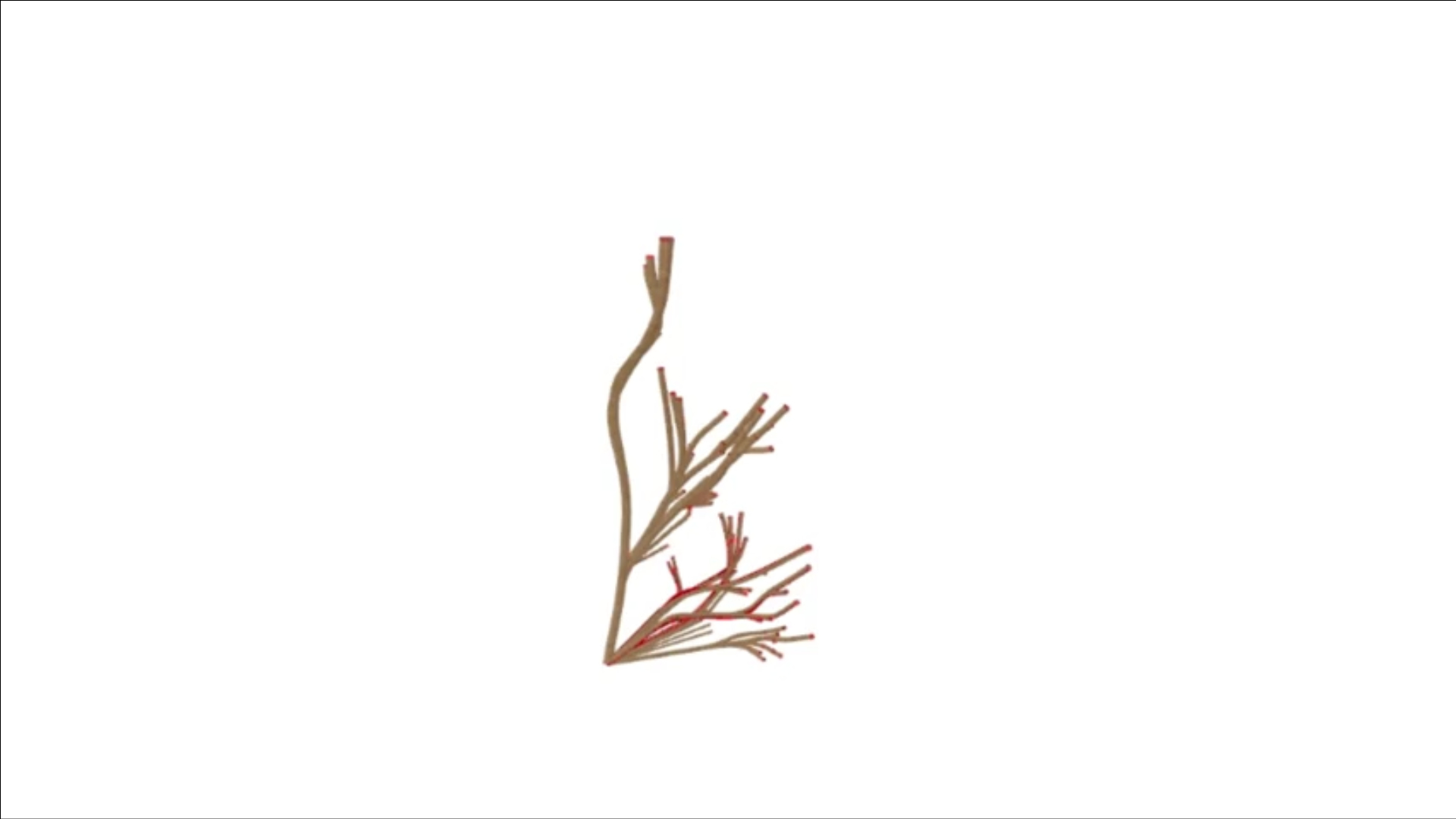
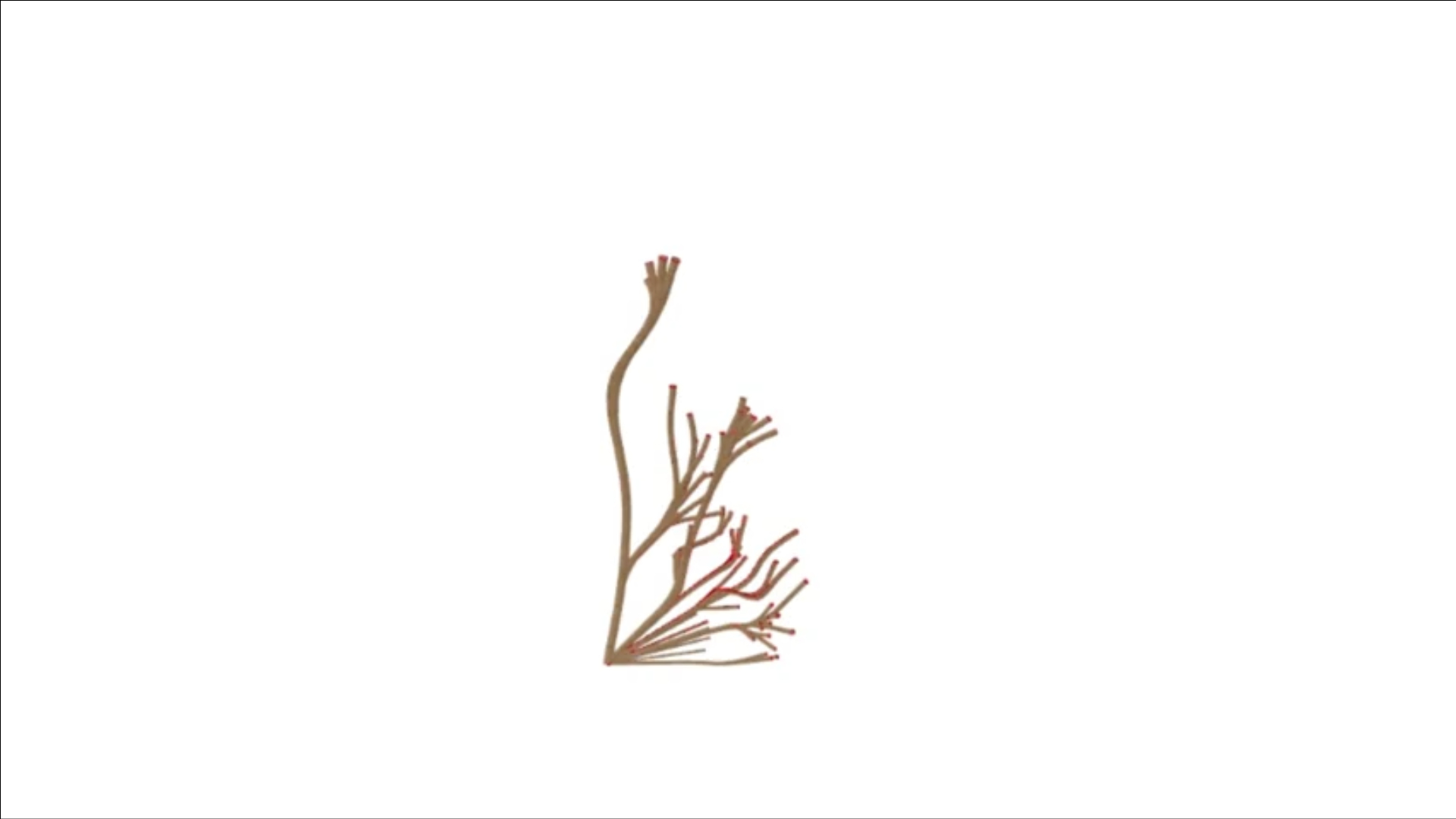
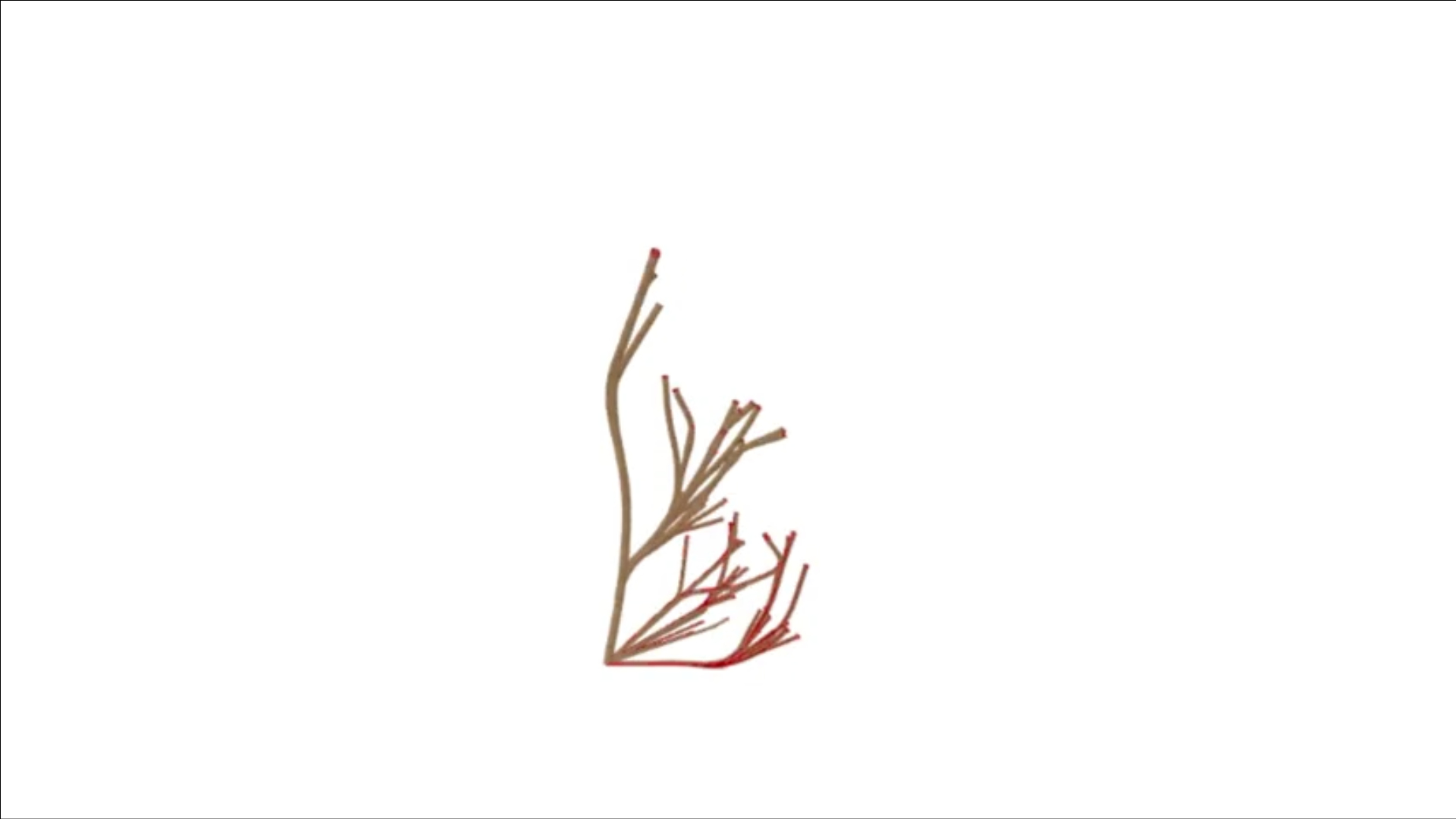
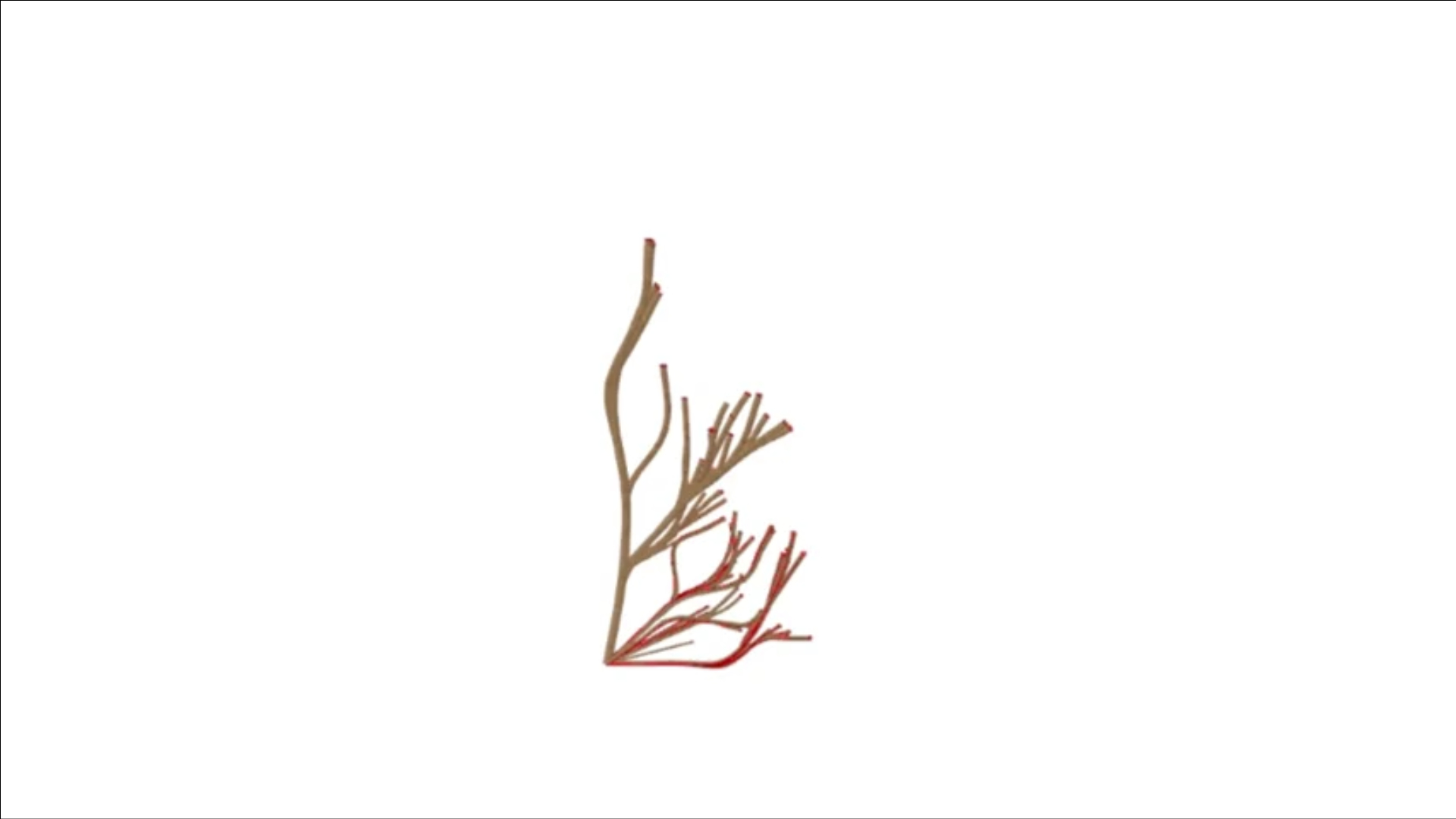
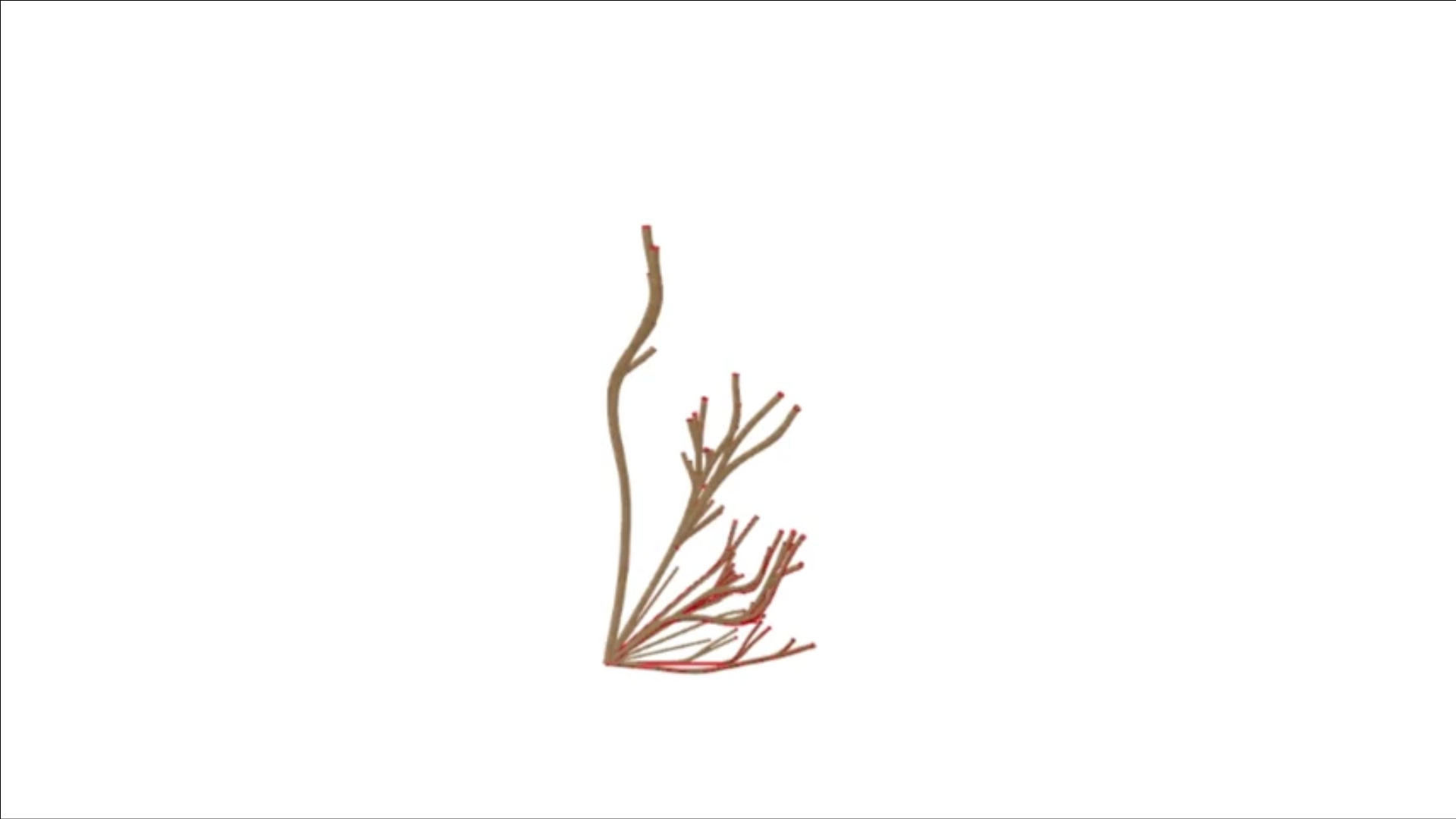
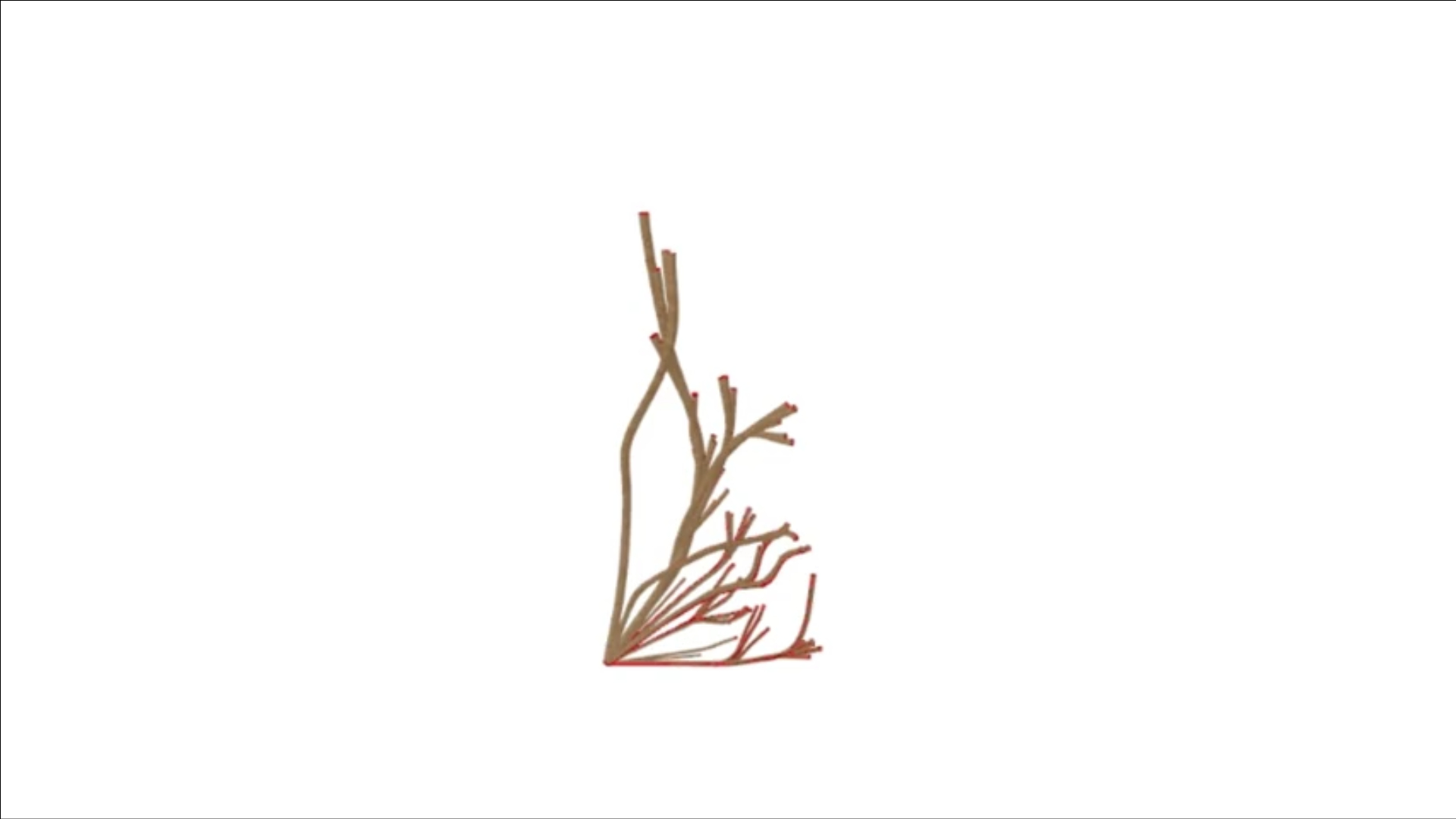
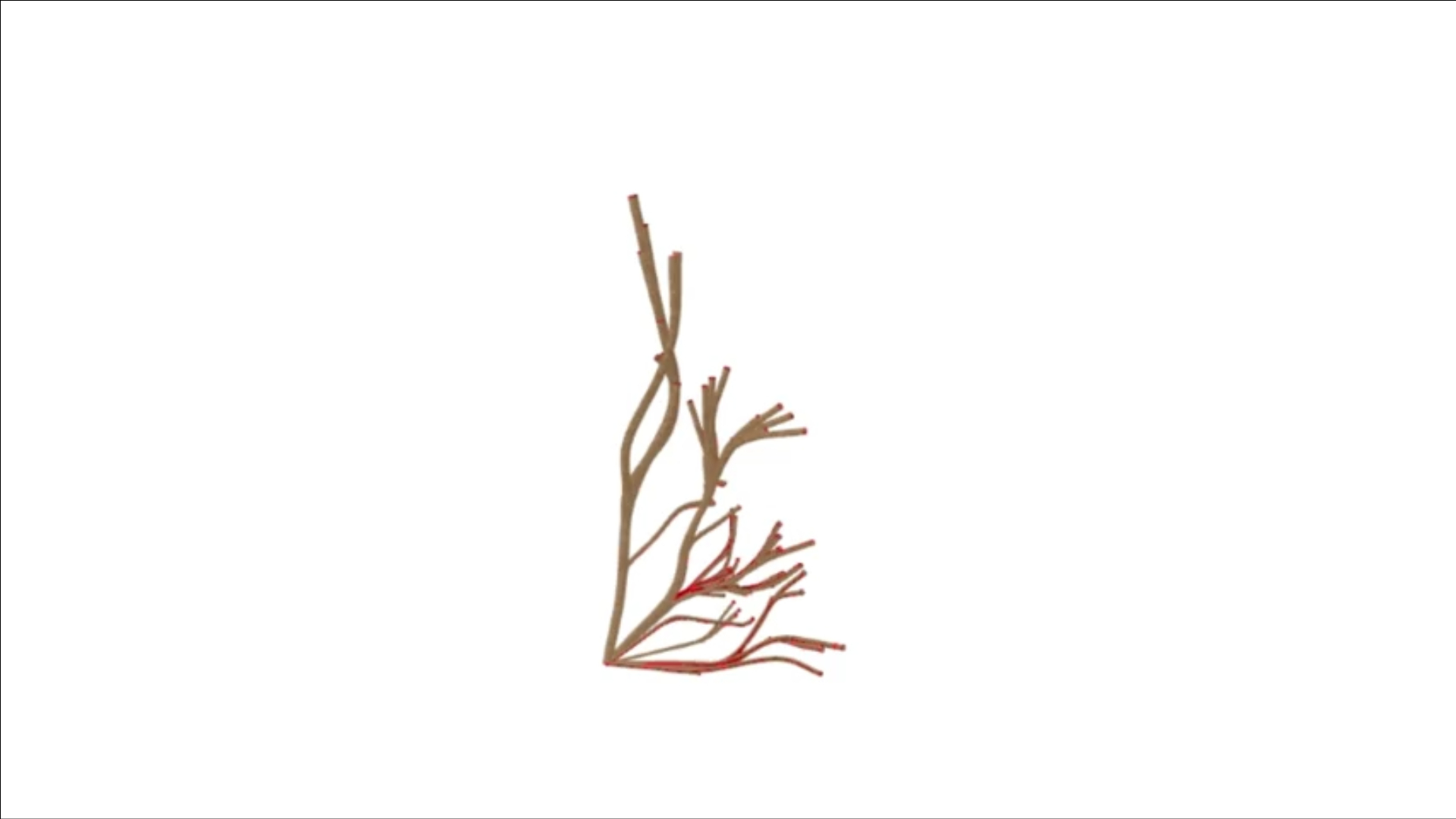
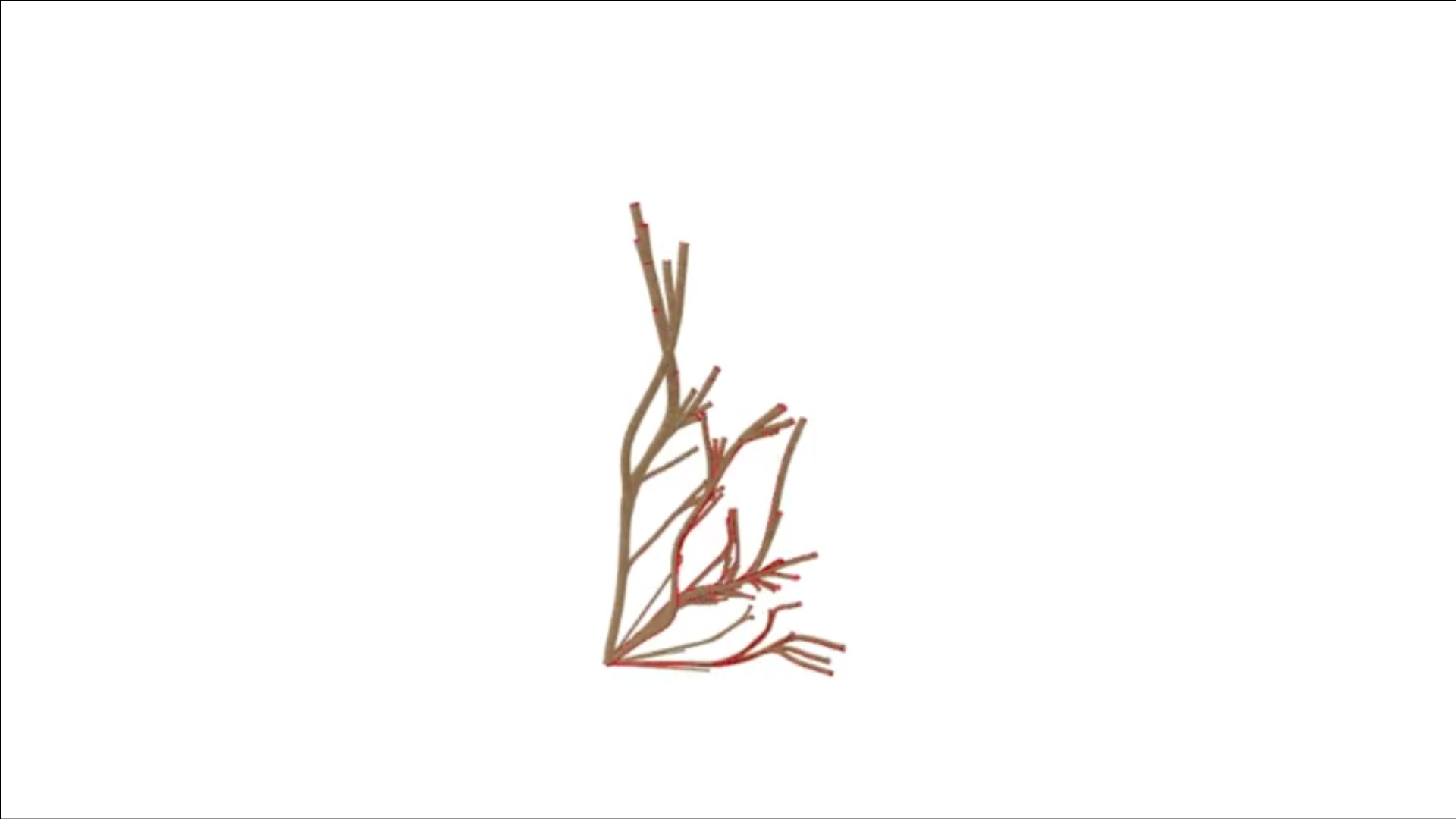
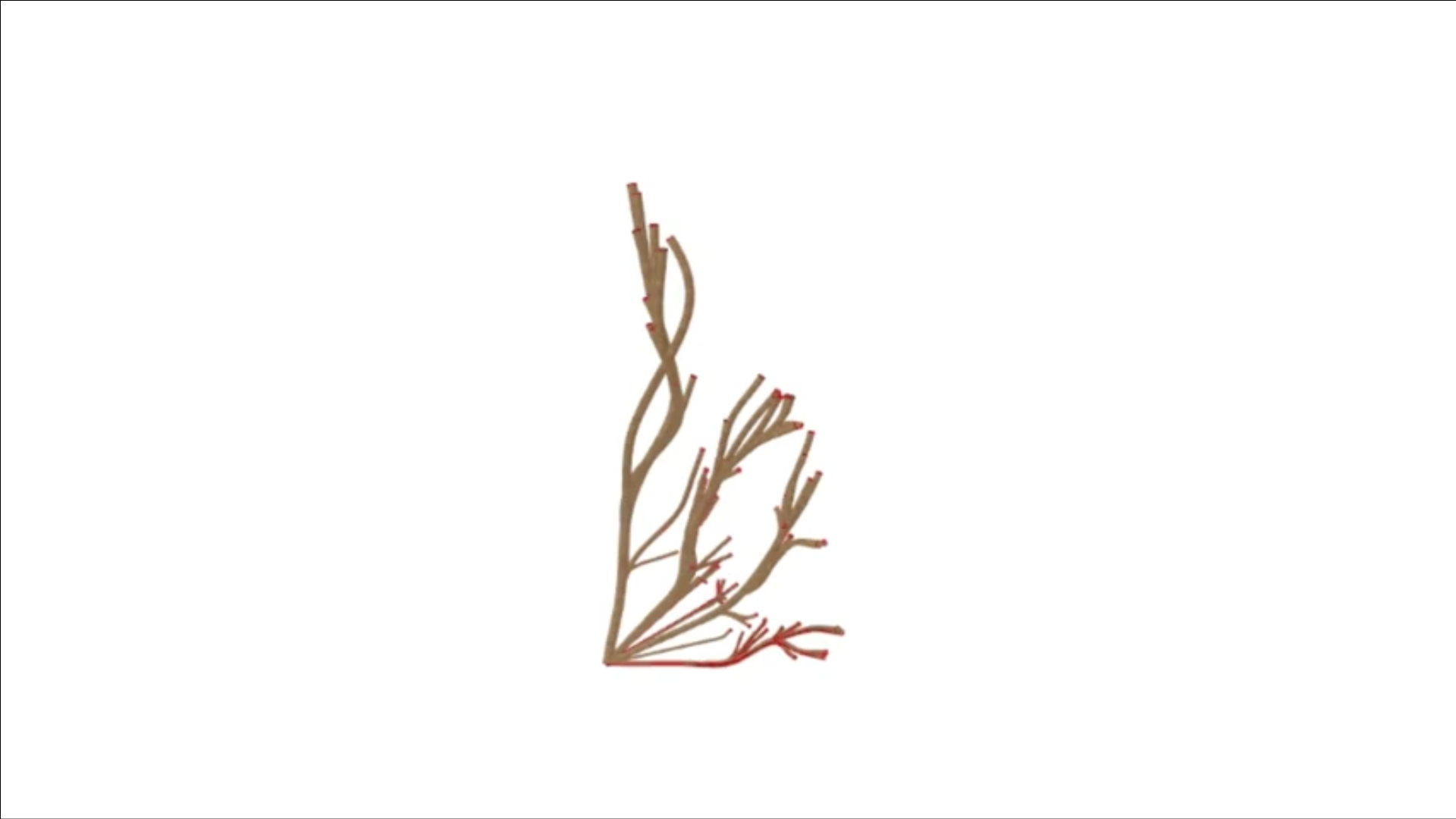
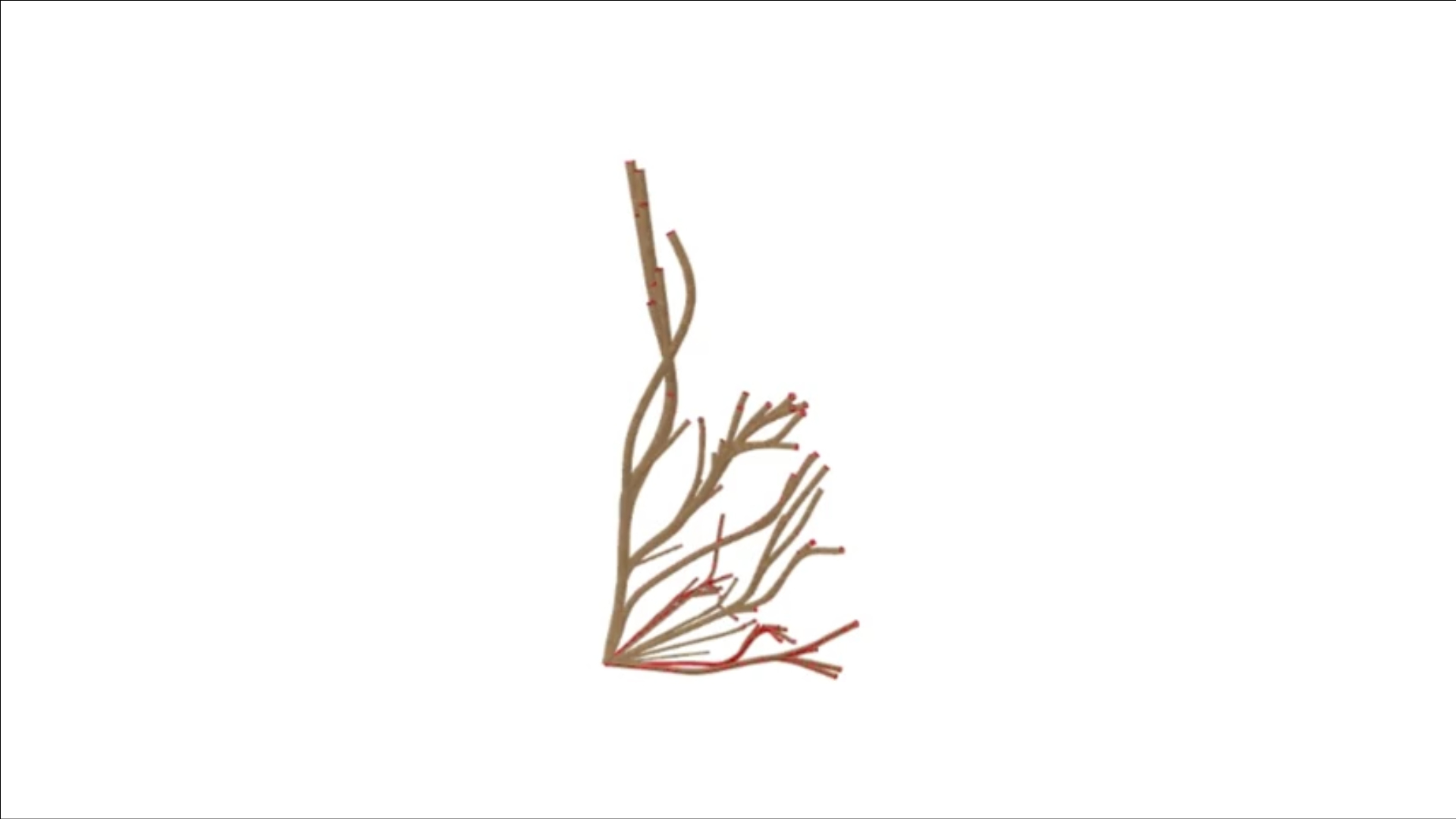
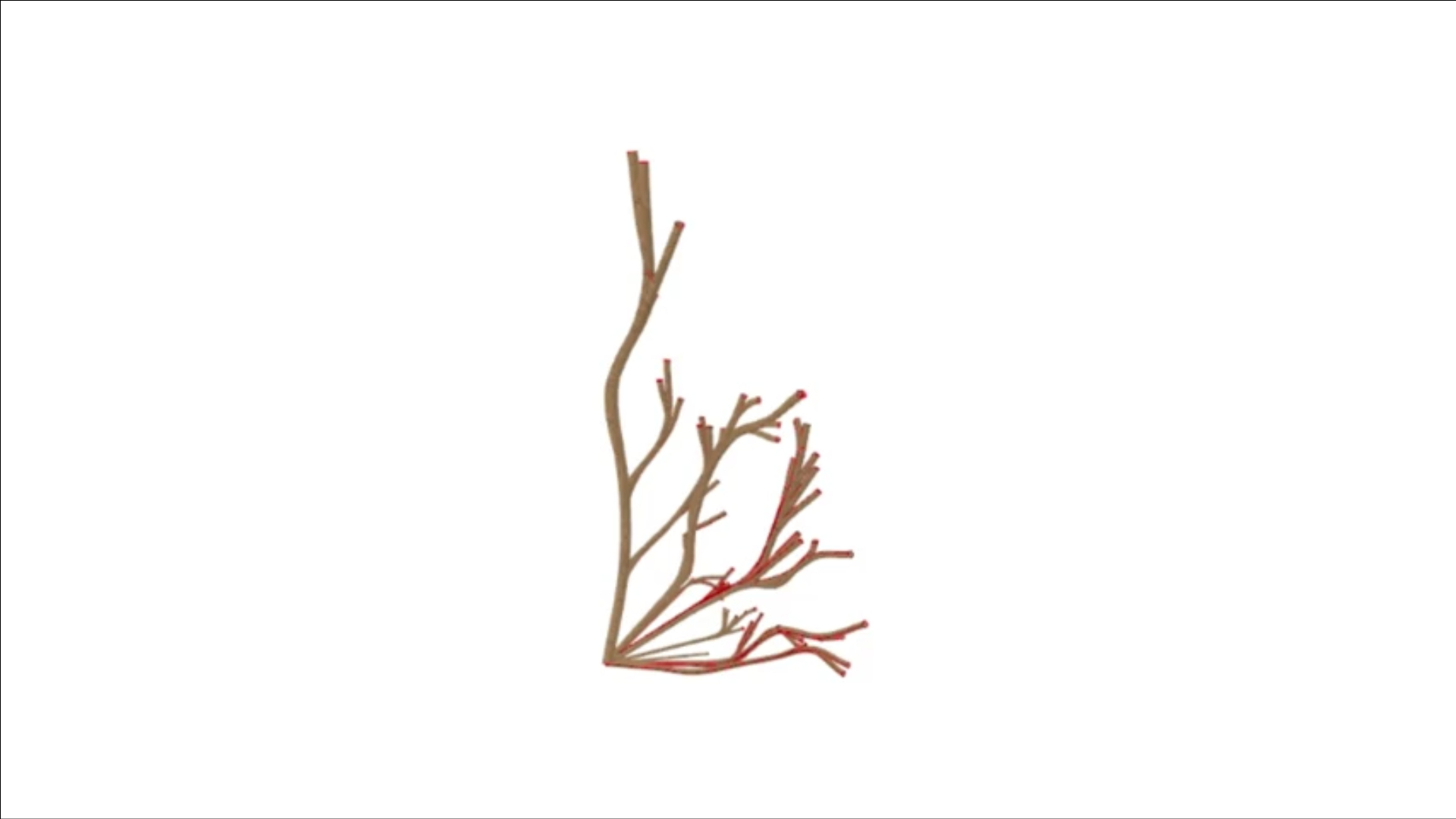
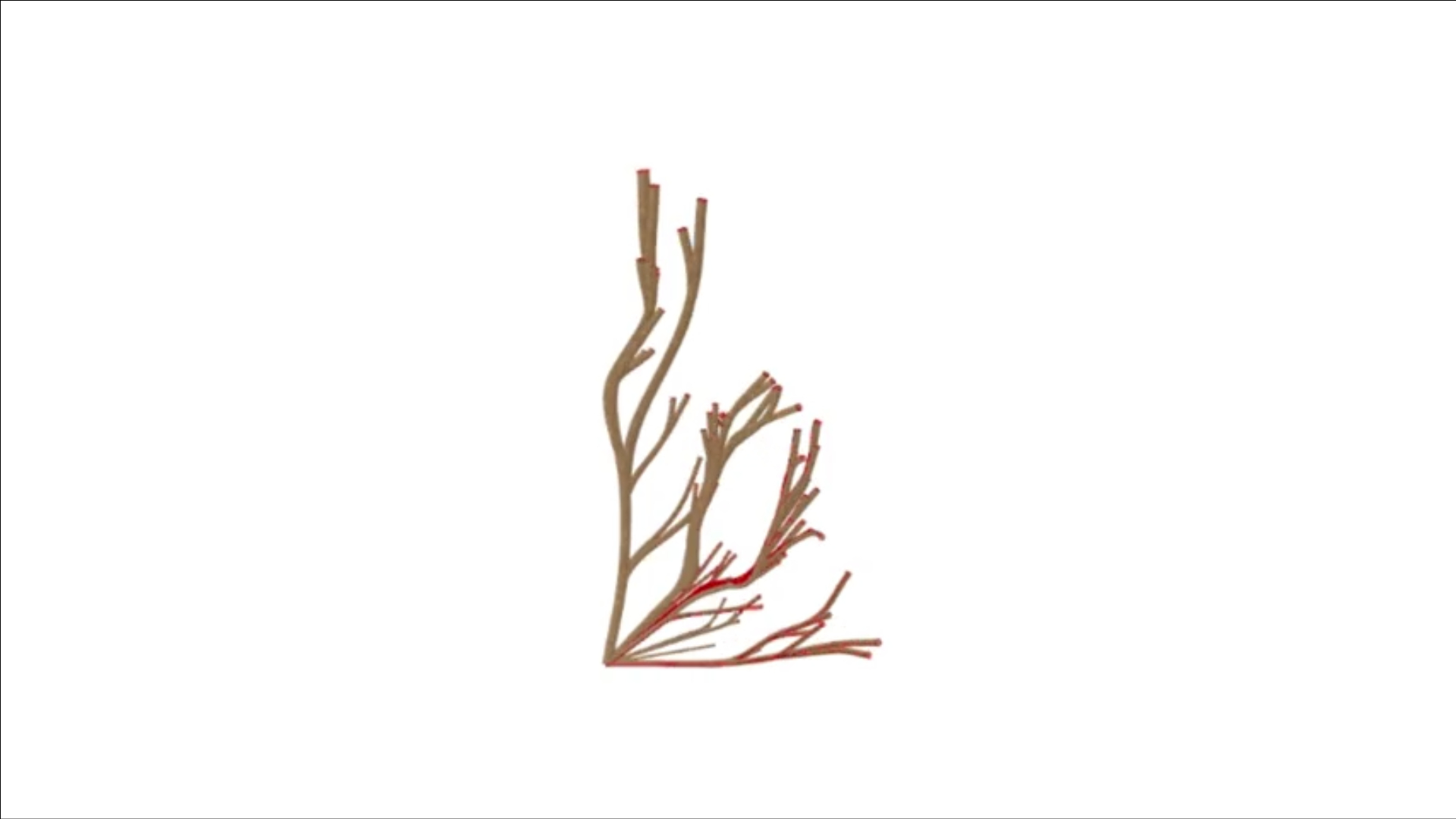
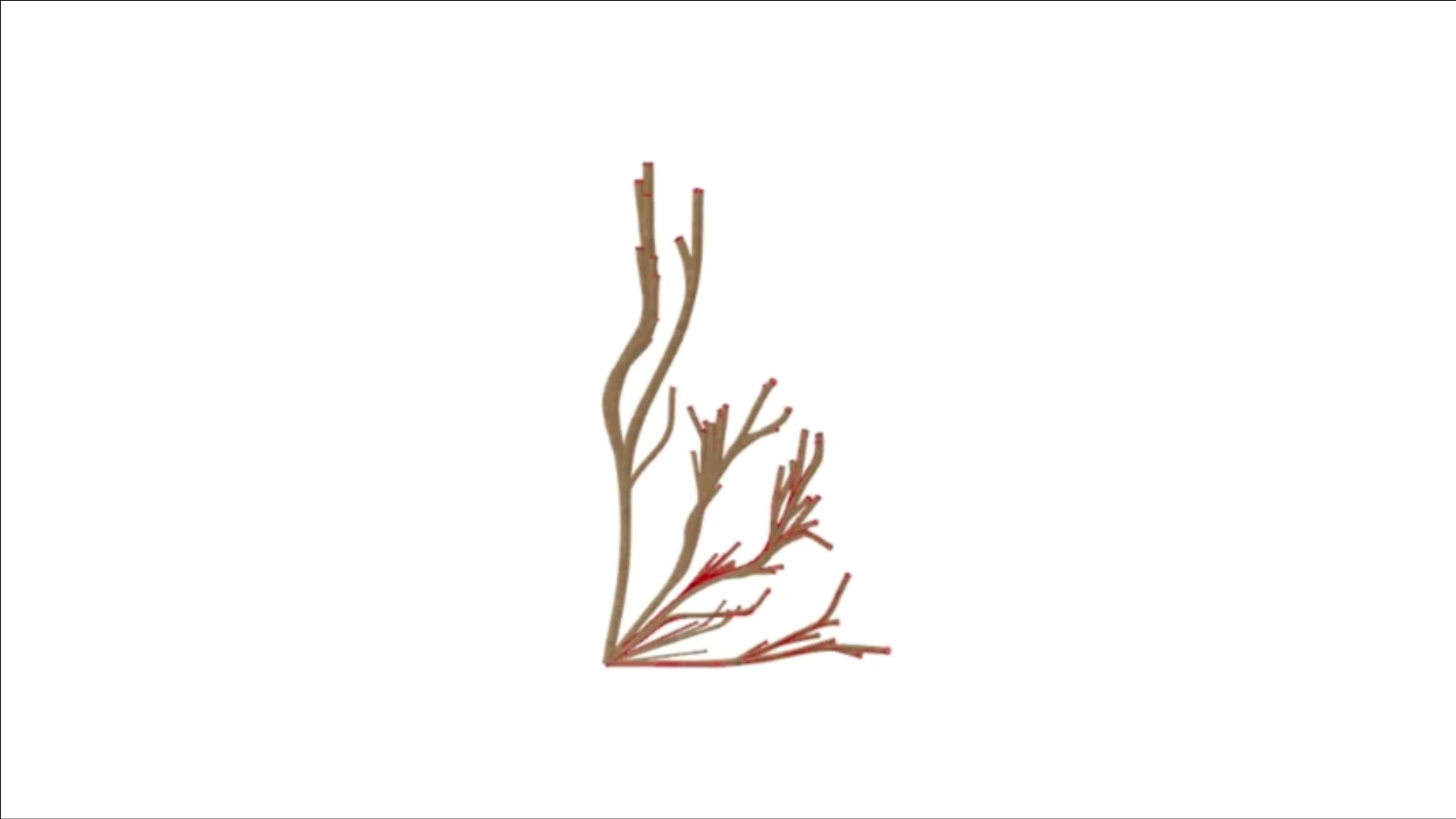
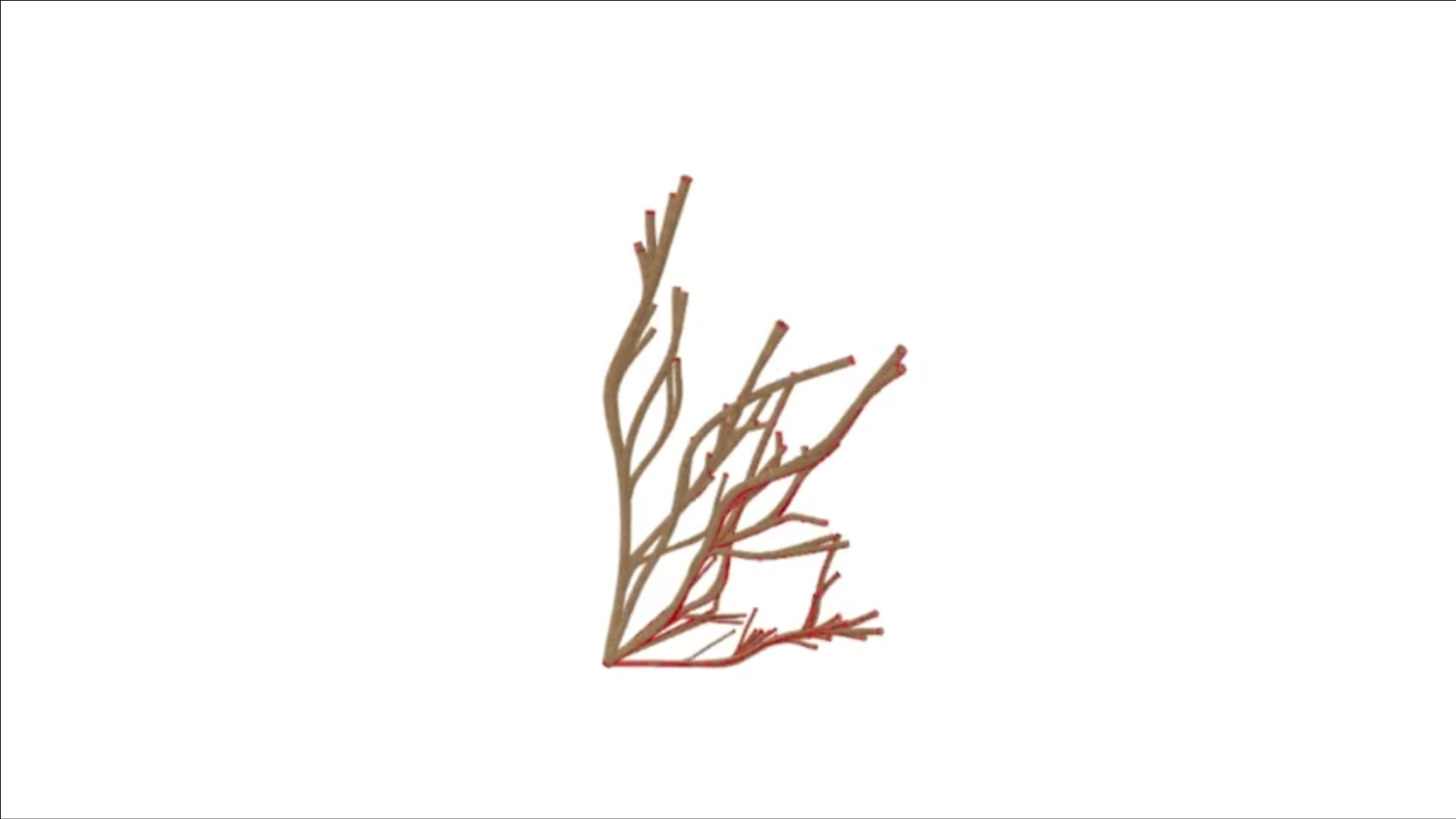
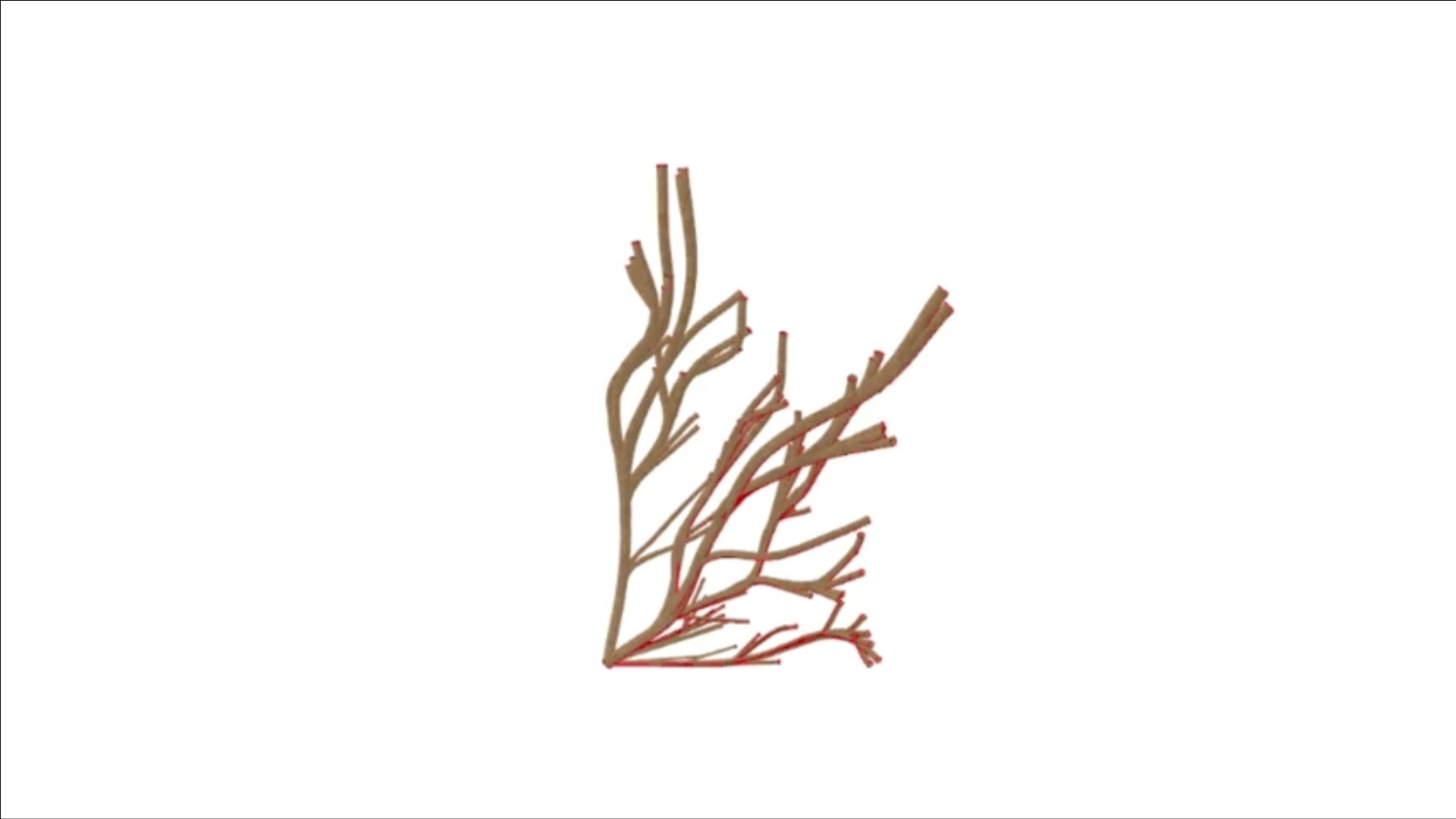
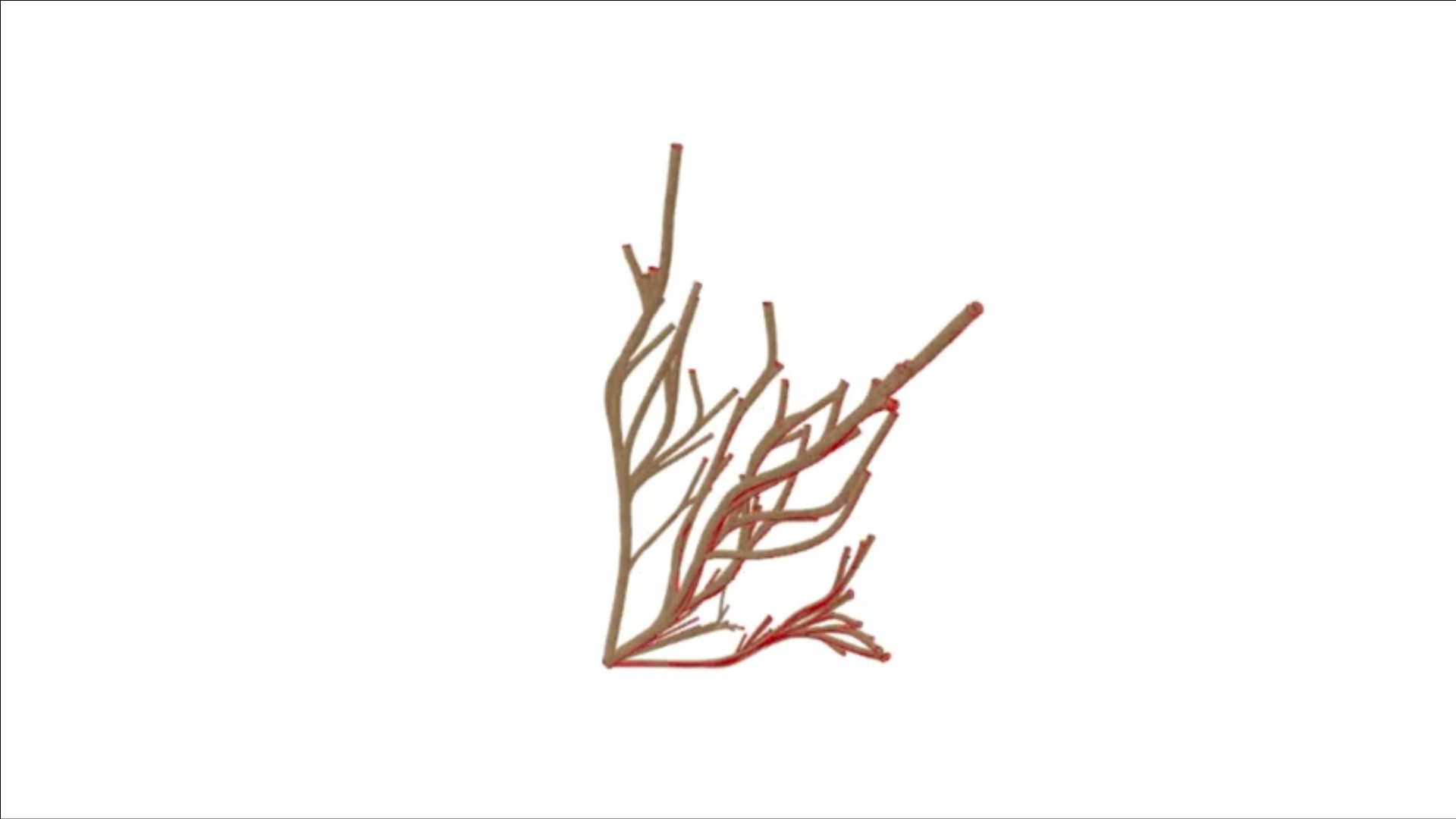
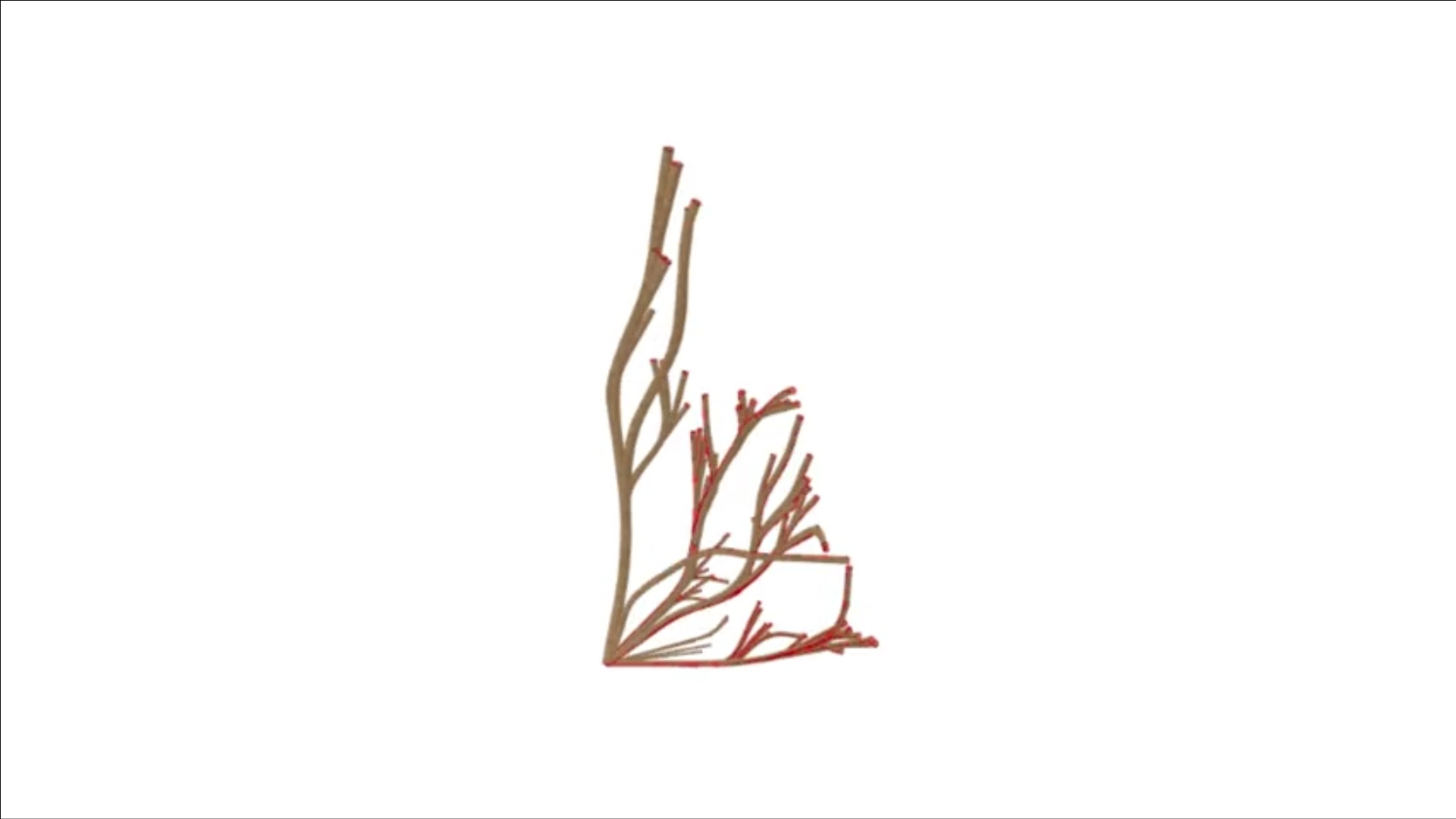
I approached this privacy screen project with a few key ideas in mind. My first goal was to use Kangaroo to create a swirling, growing effect—as if the screen were forming organically in its space. Additionally, I wanted to experiment with transparency and shape manipulation, allowing the privacy features of the screen to change parametrically. This adaptability would let the screen reveal or conceal more of what lies behind it, depending on its use.

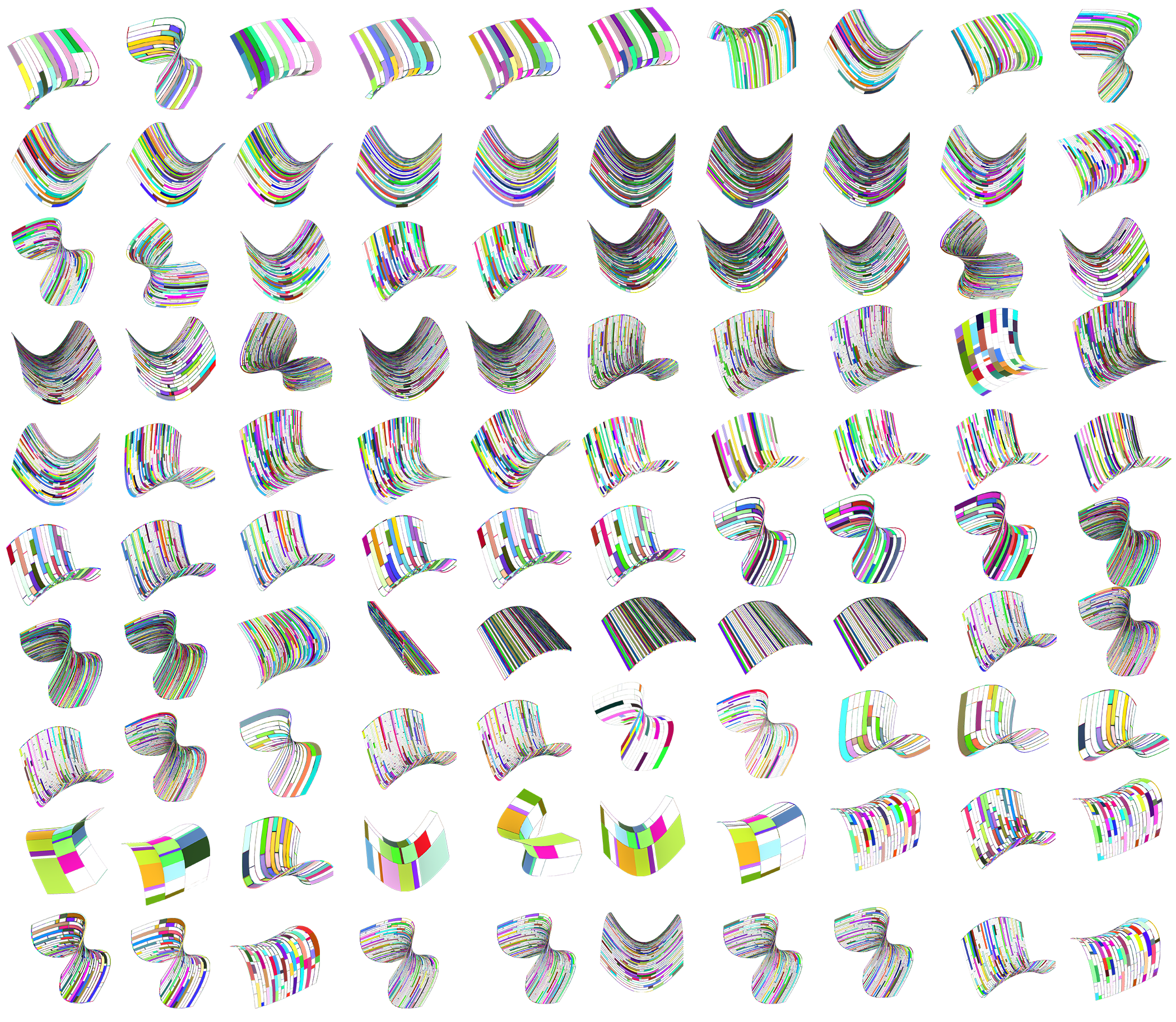
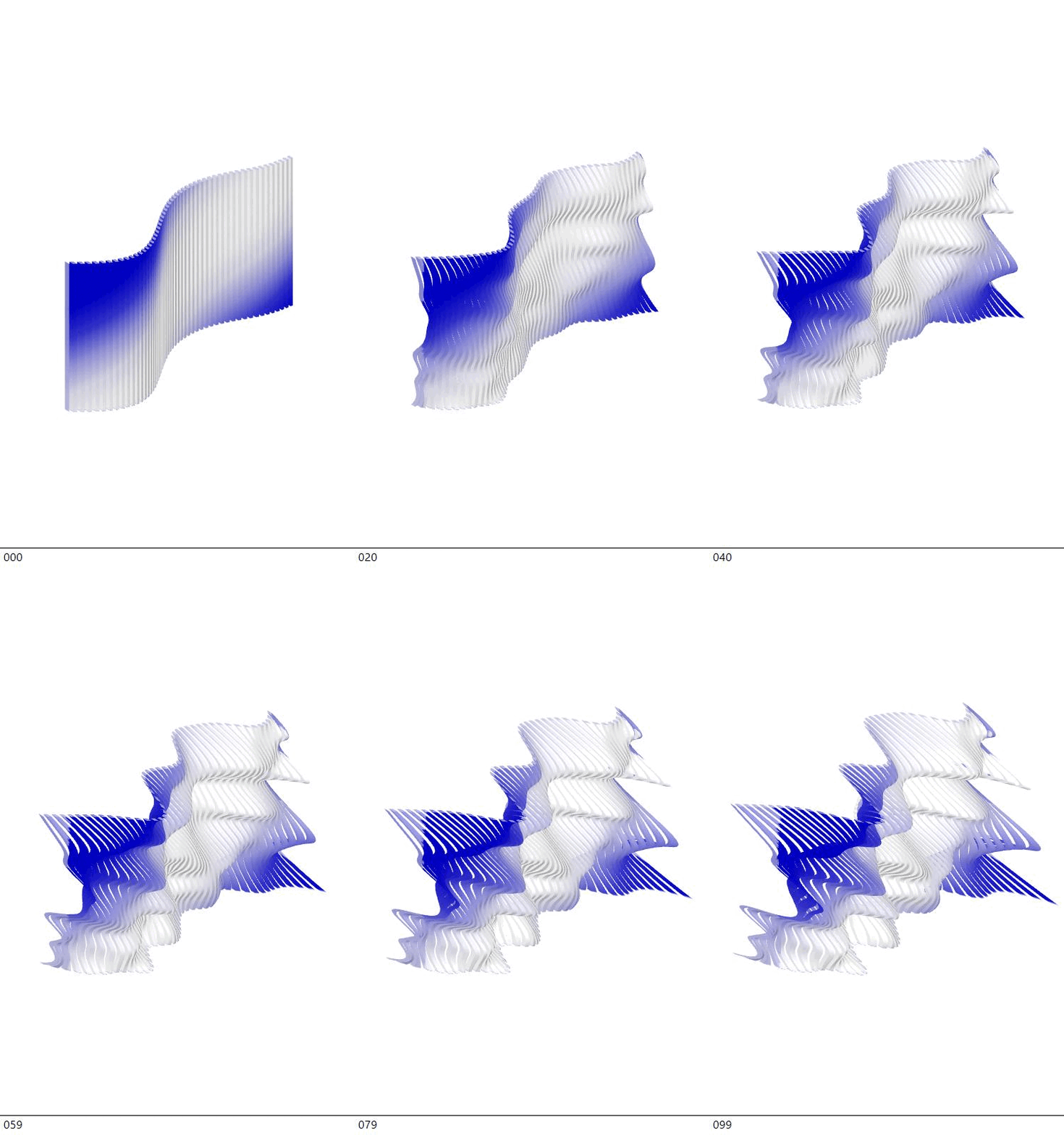
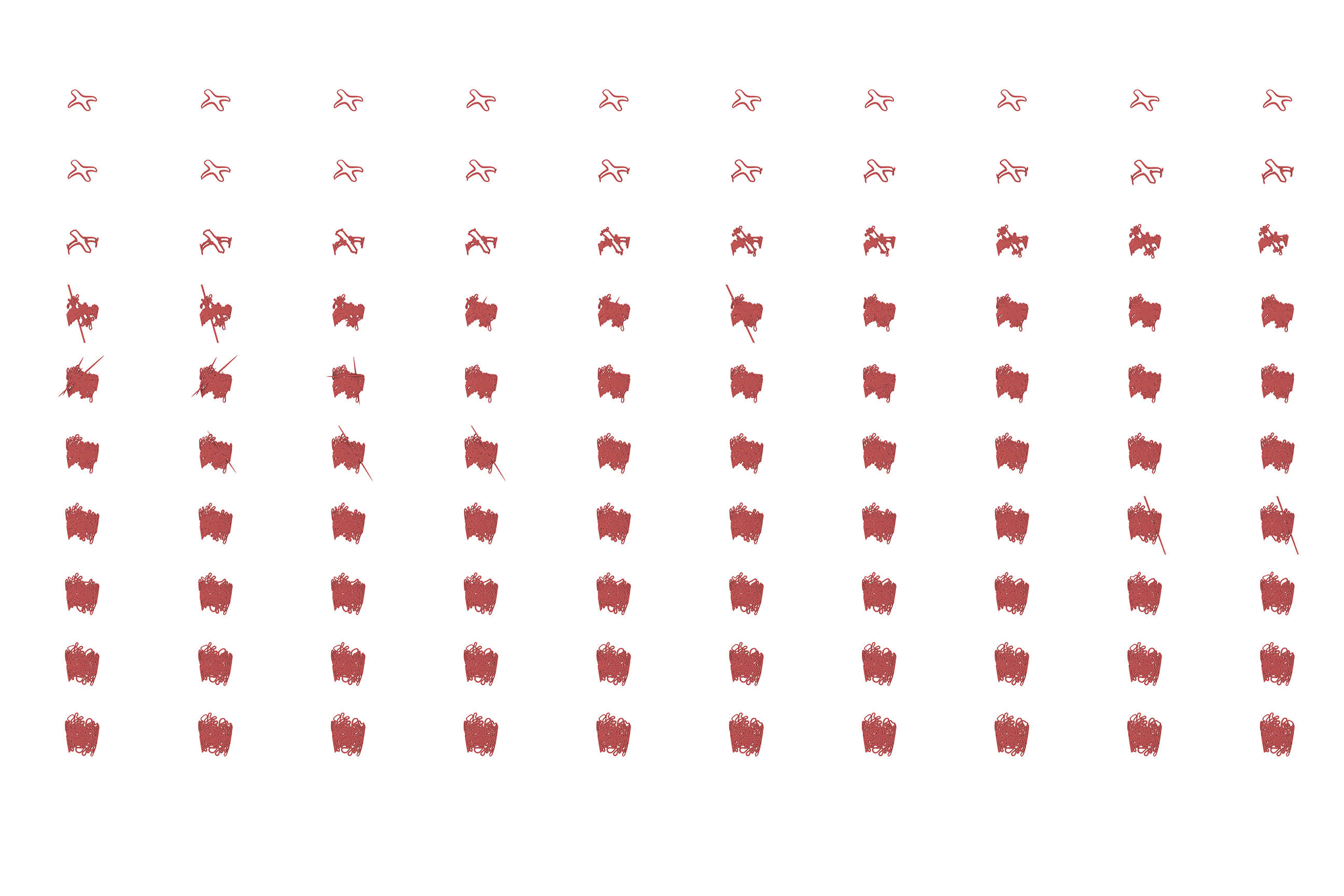
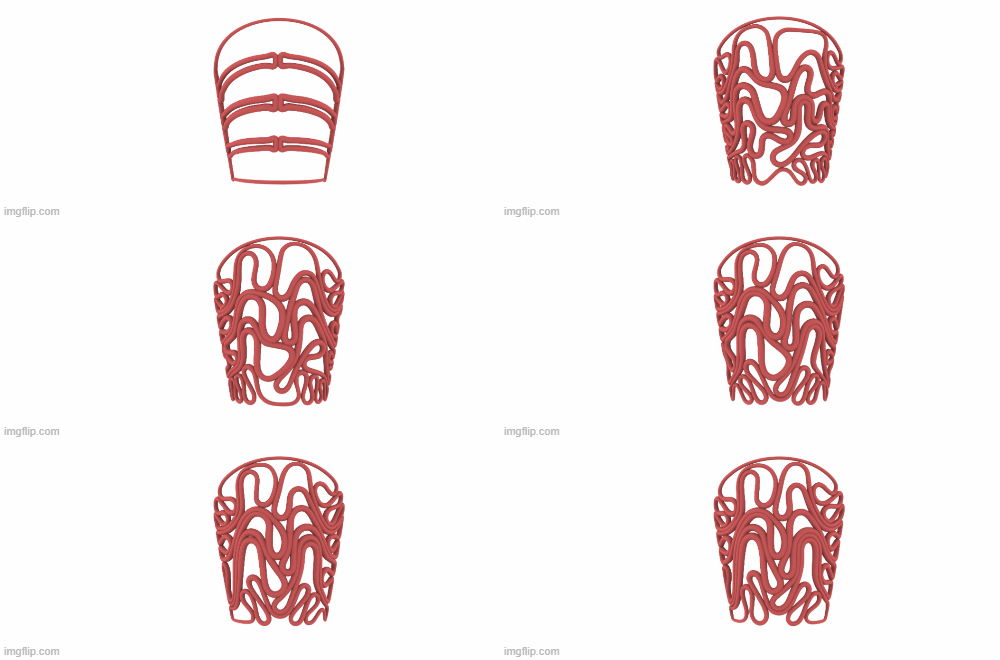
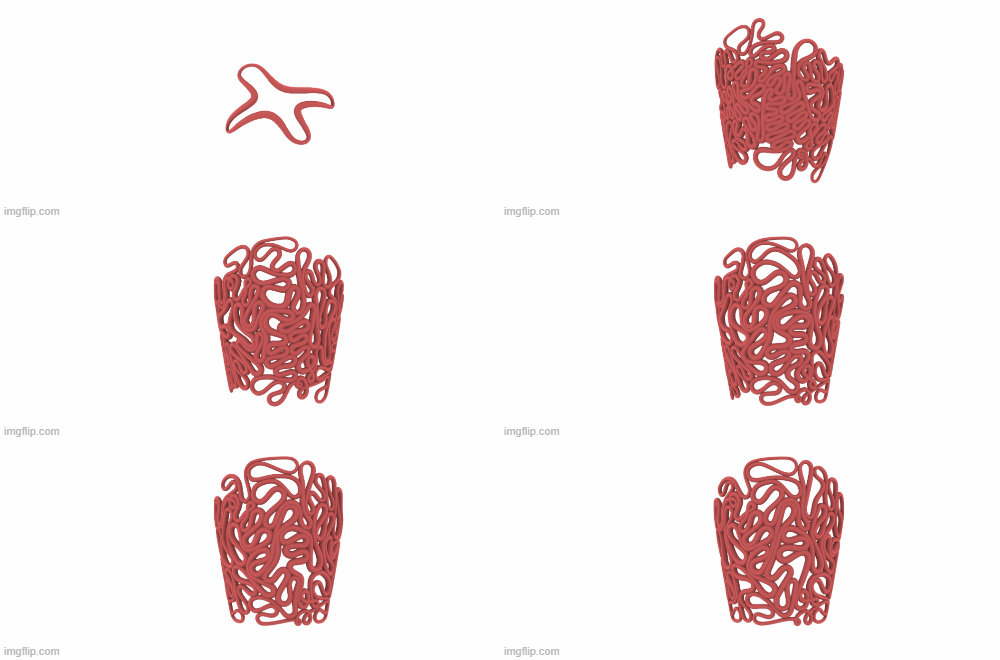
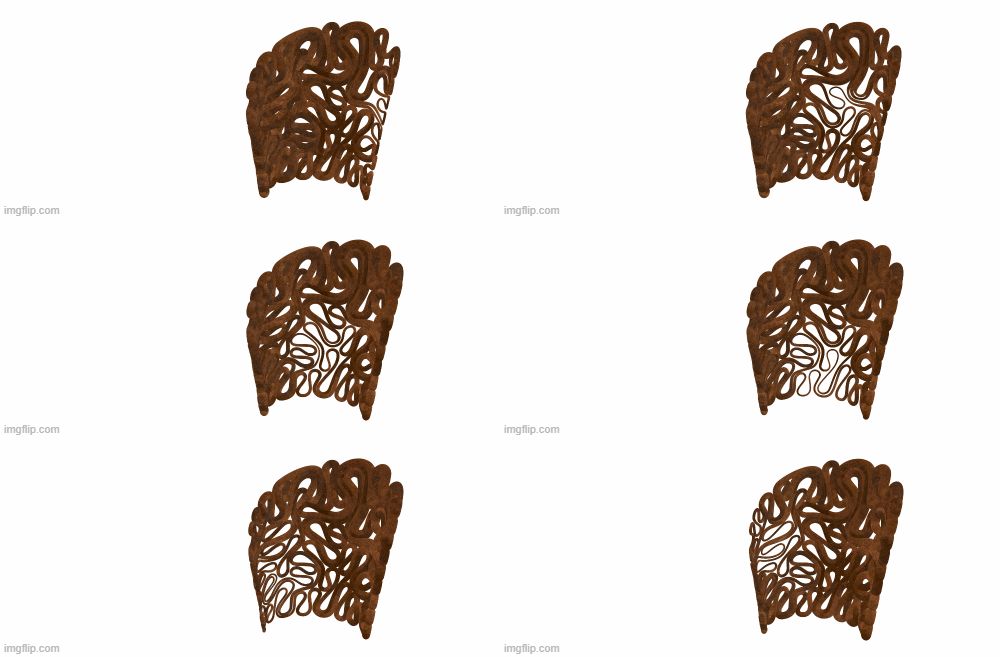
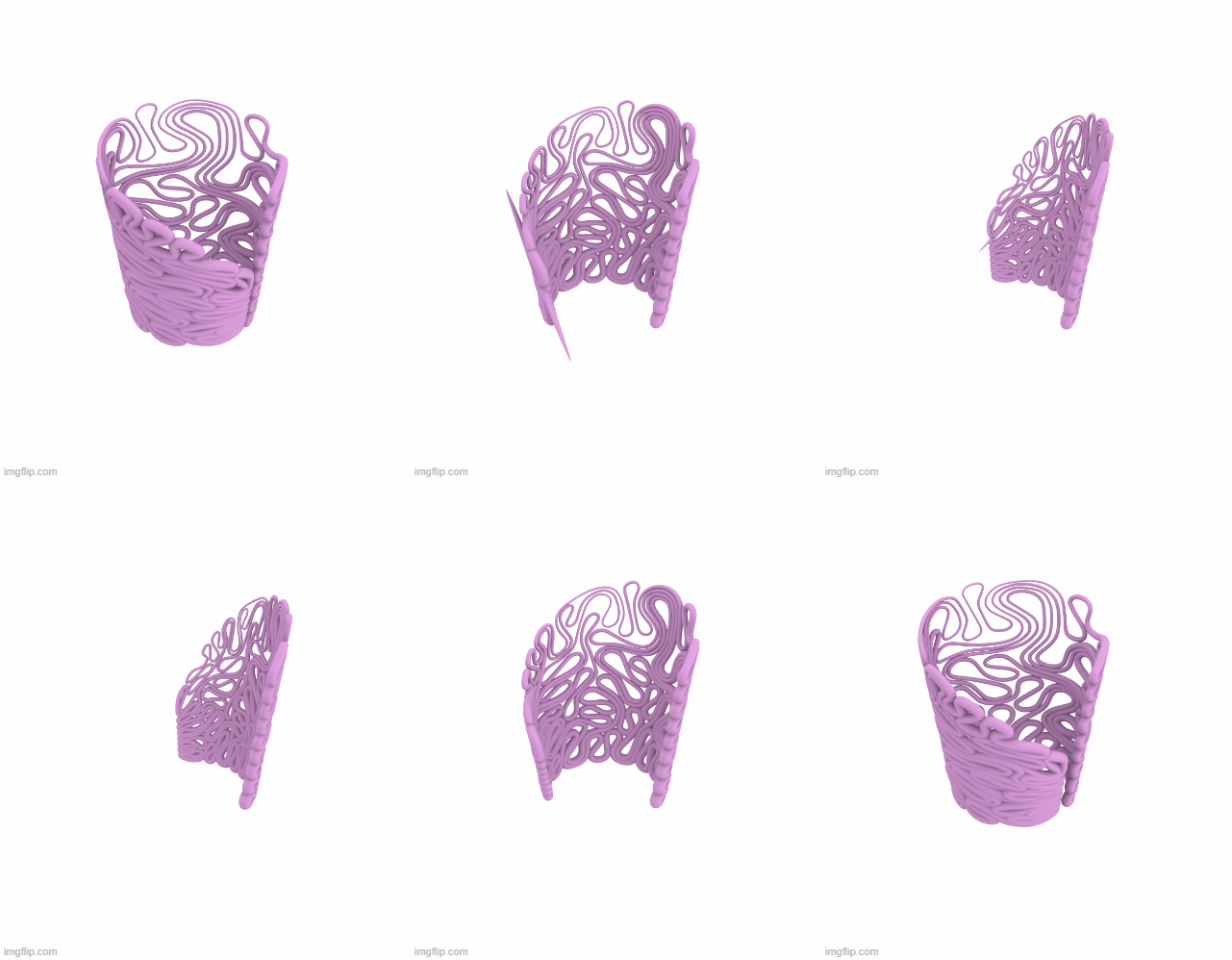
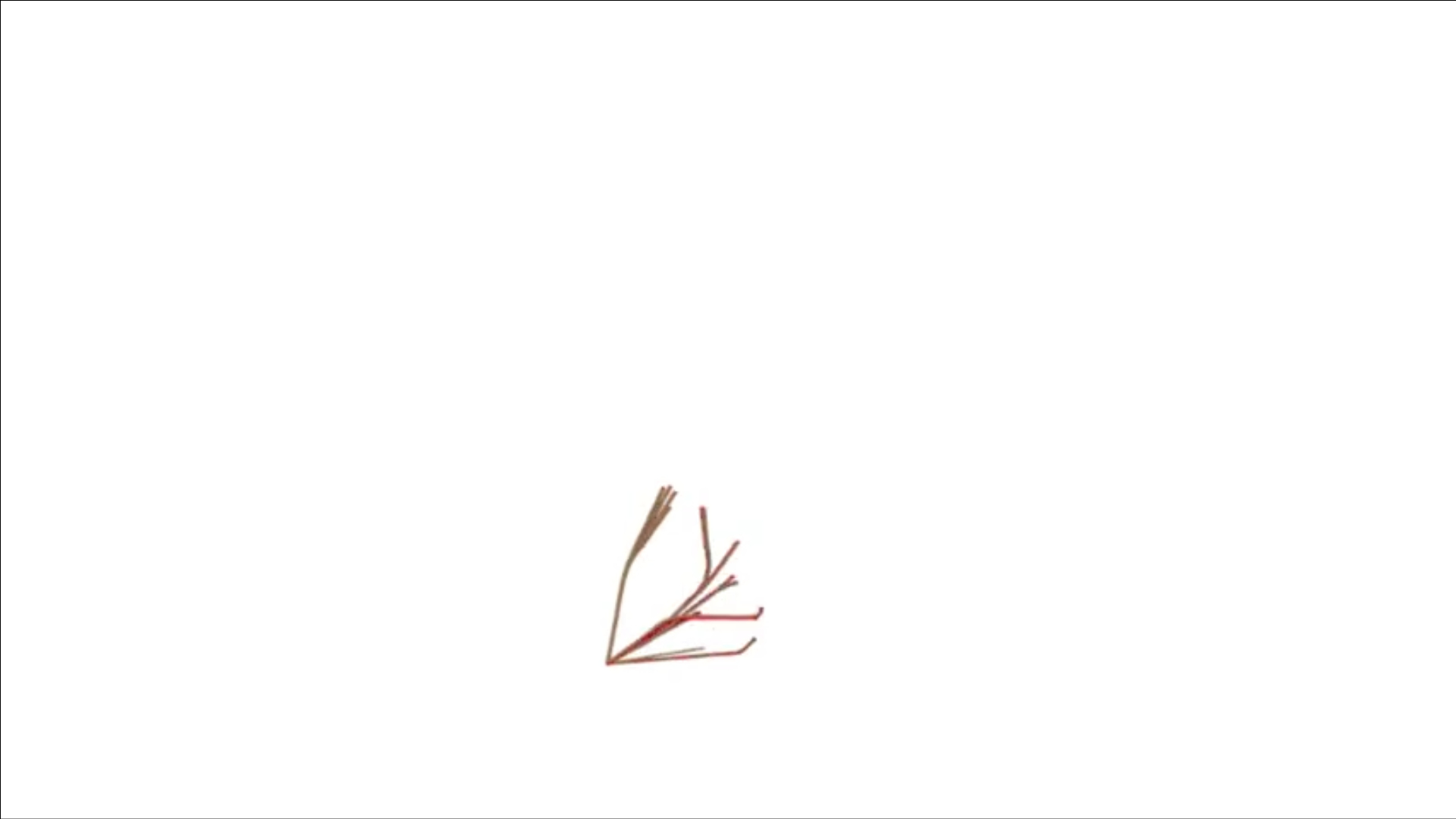
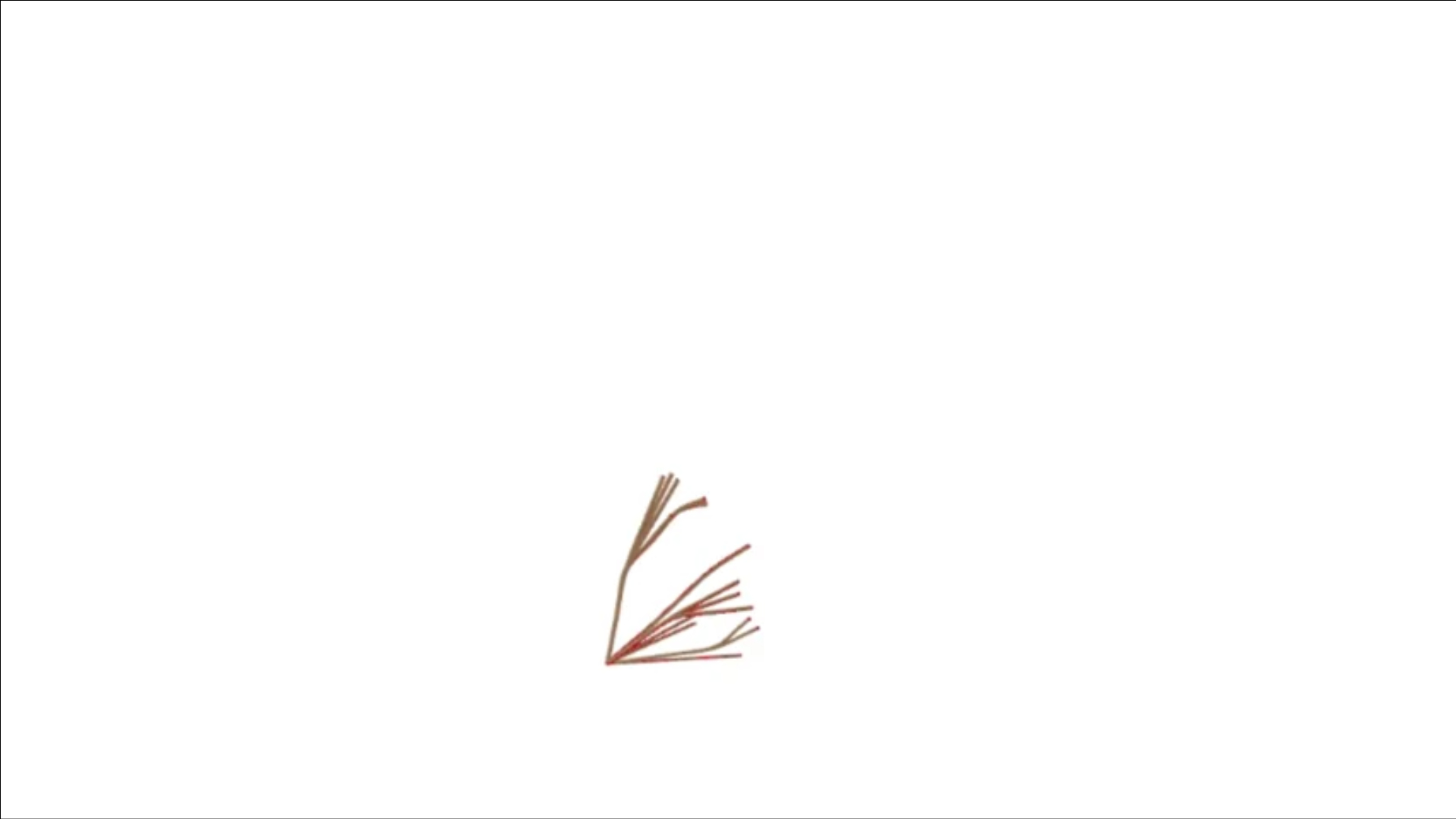
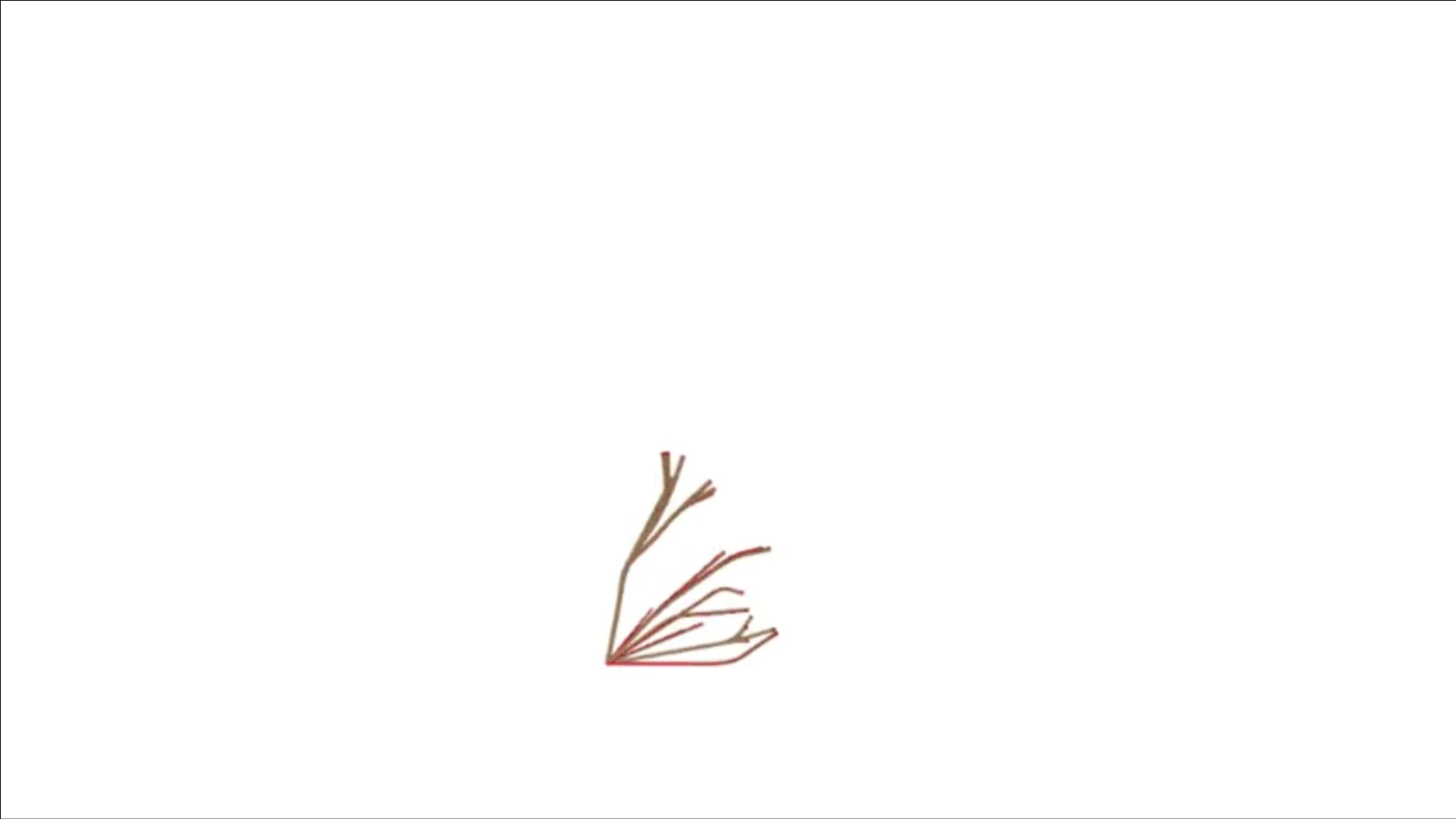
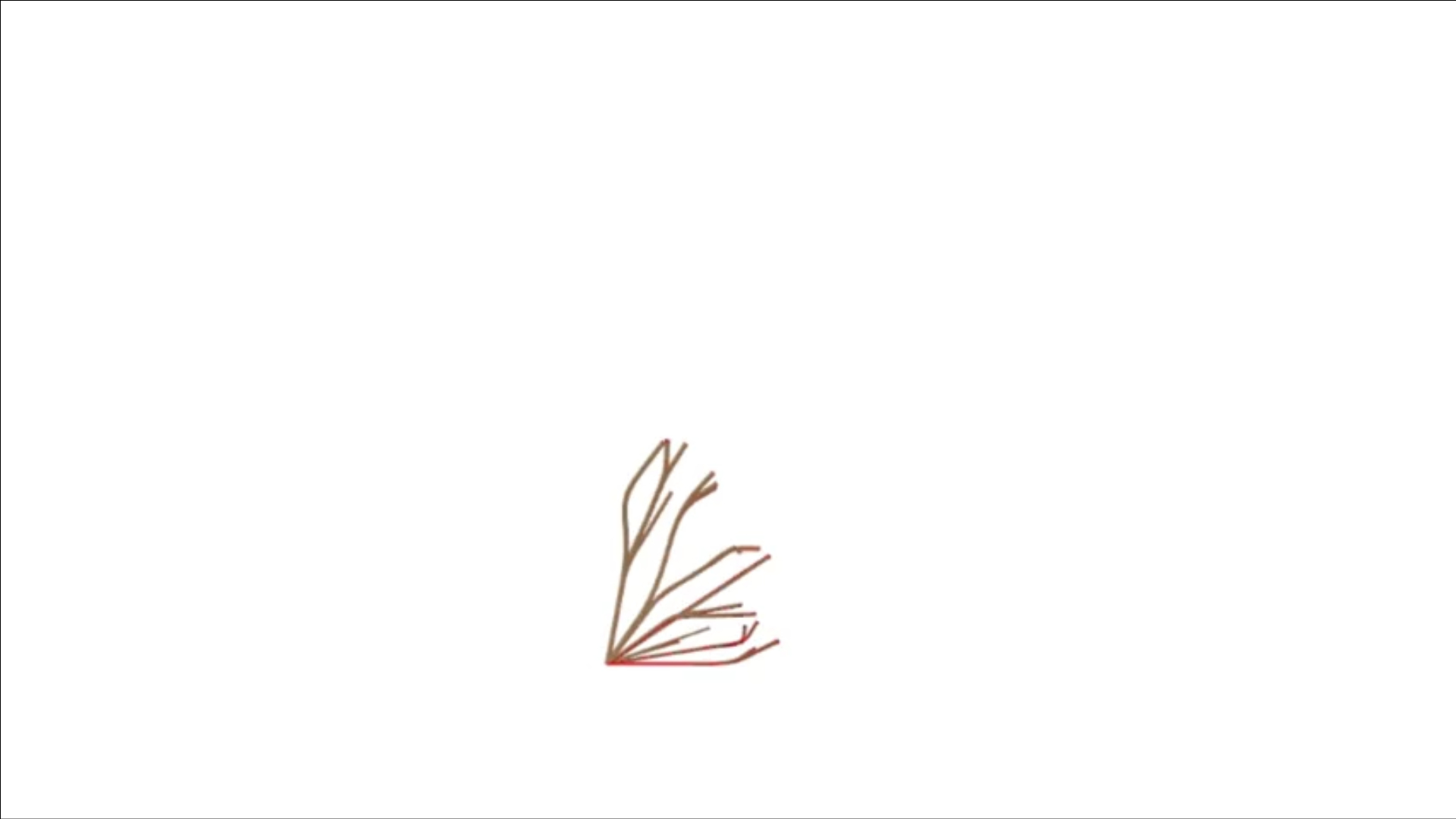
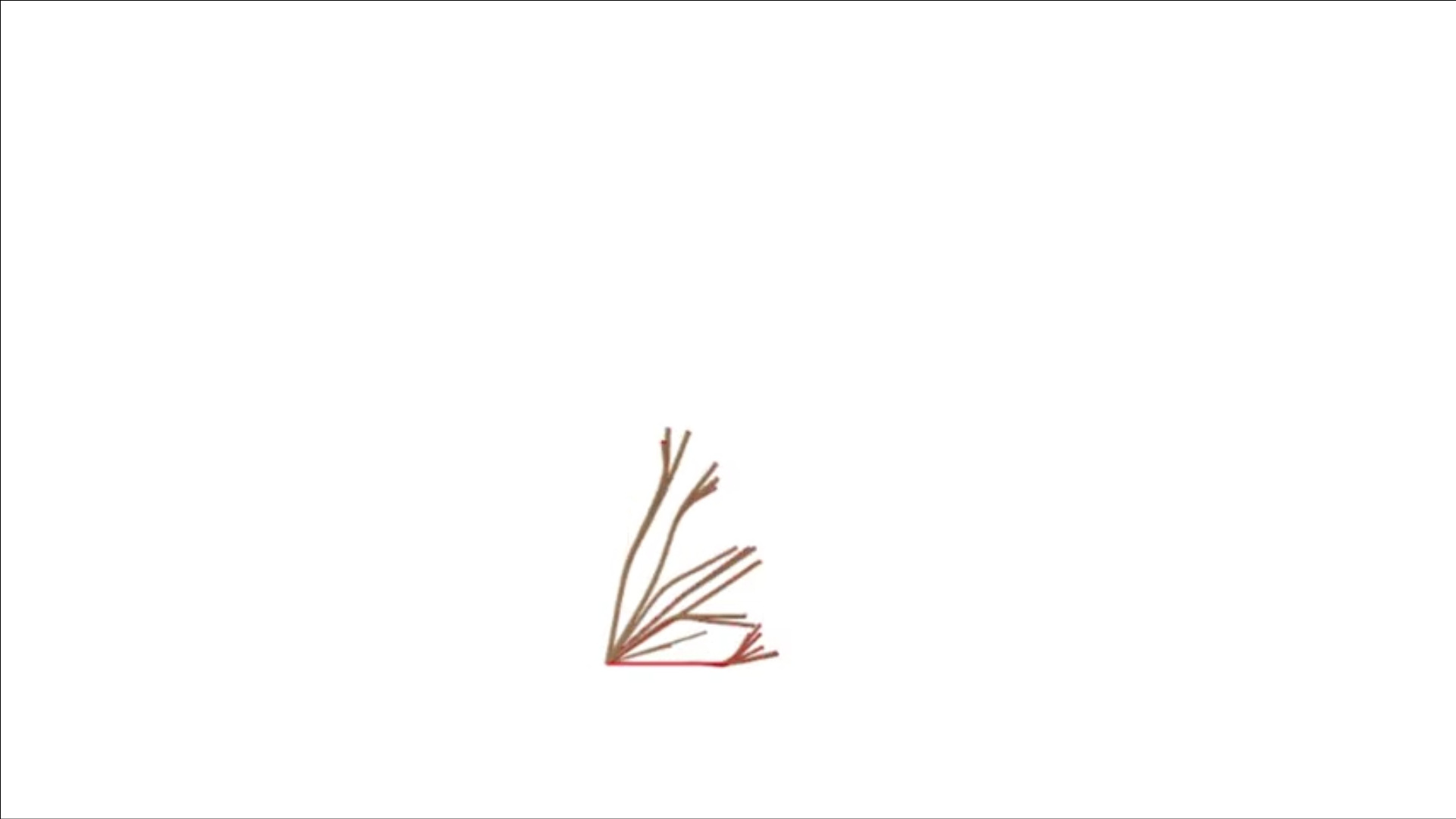
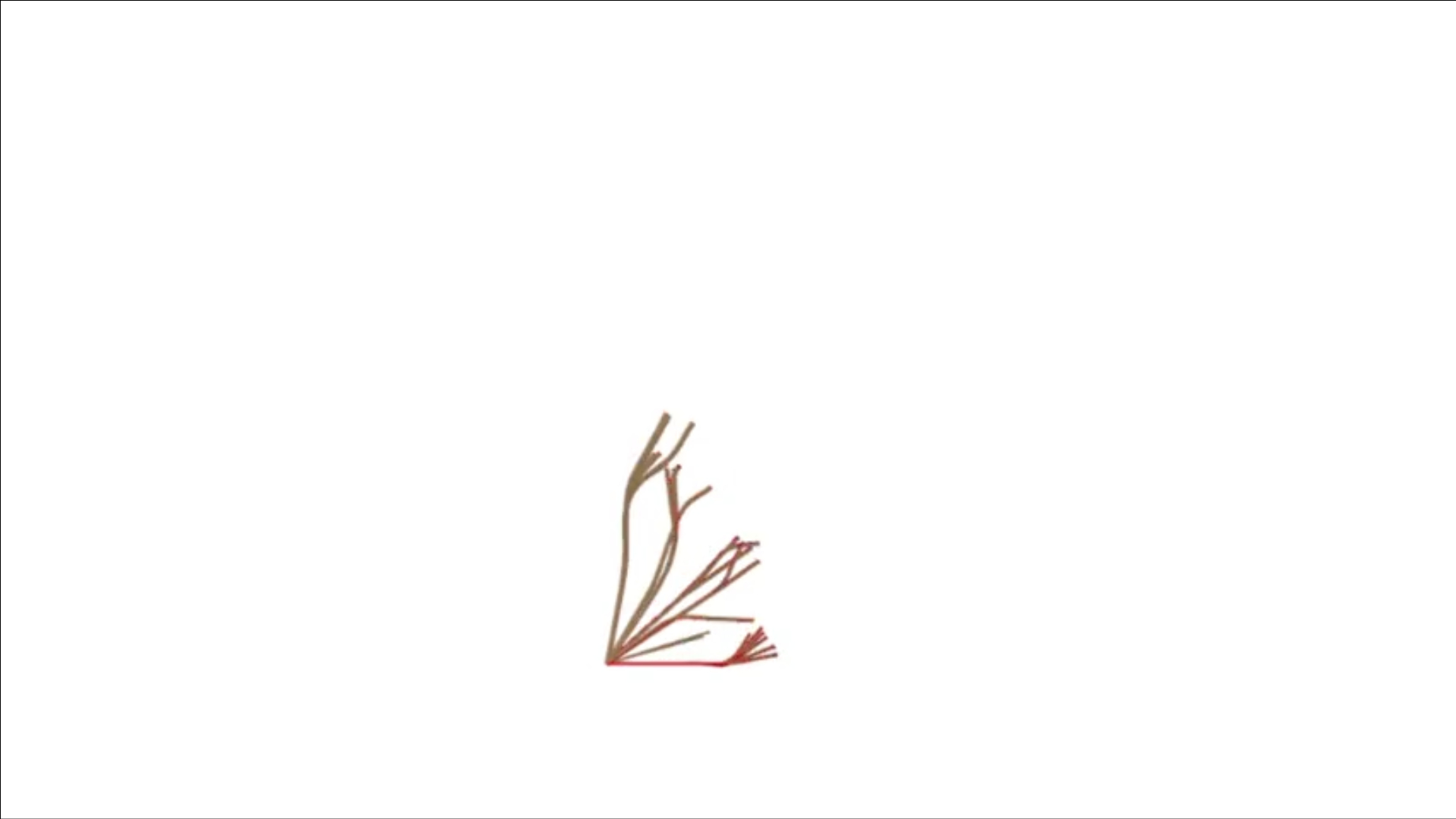
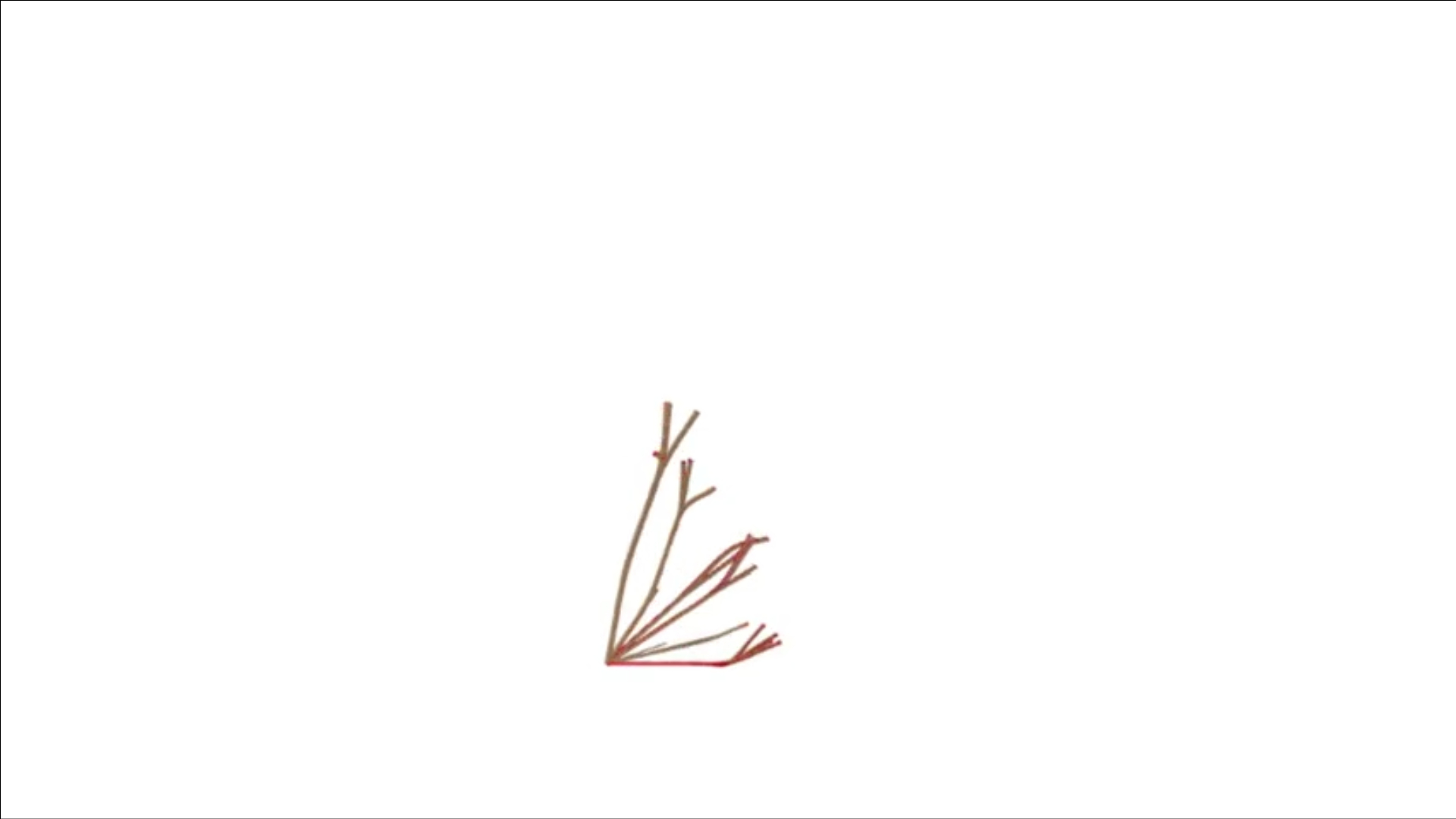
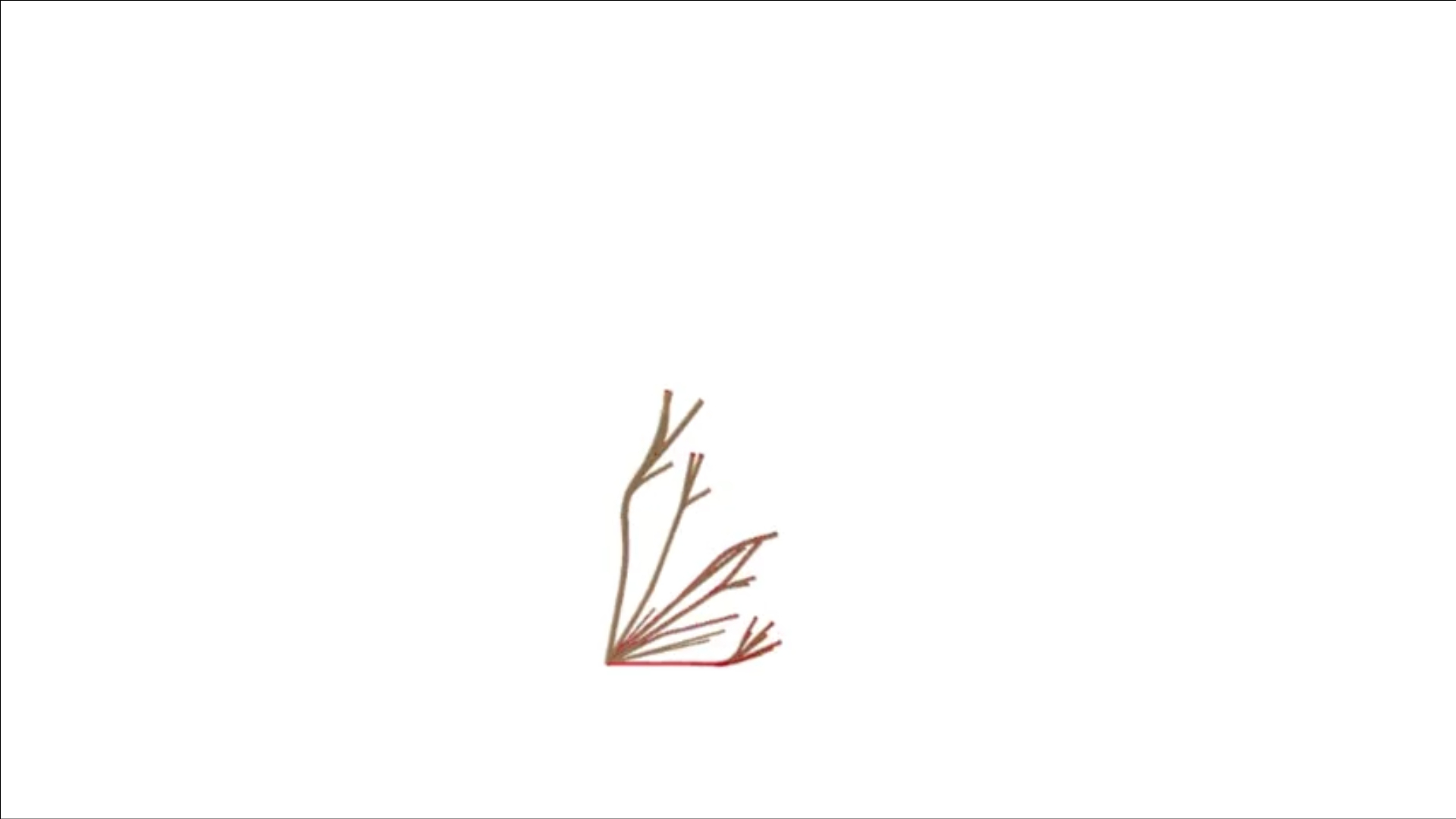
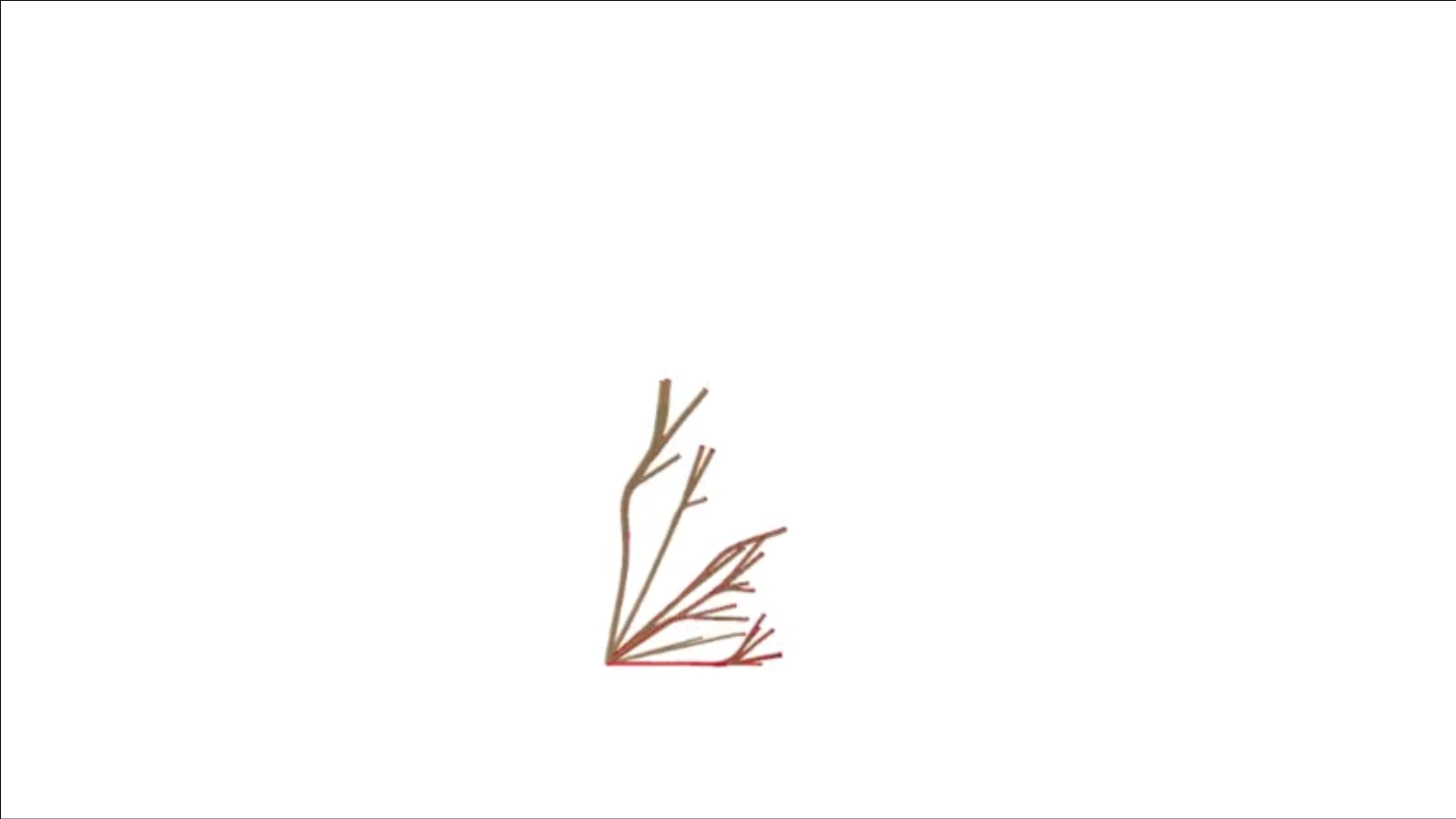
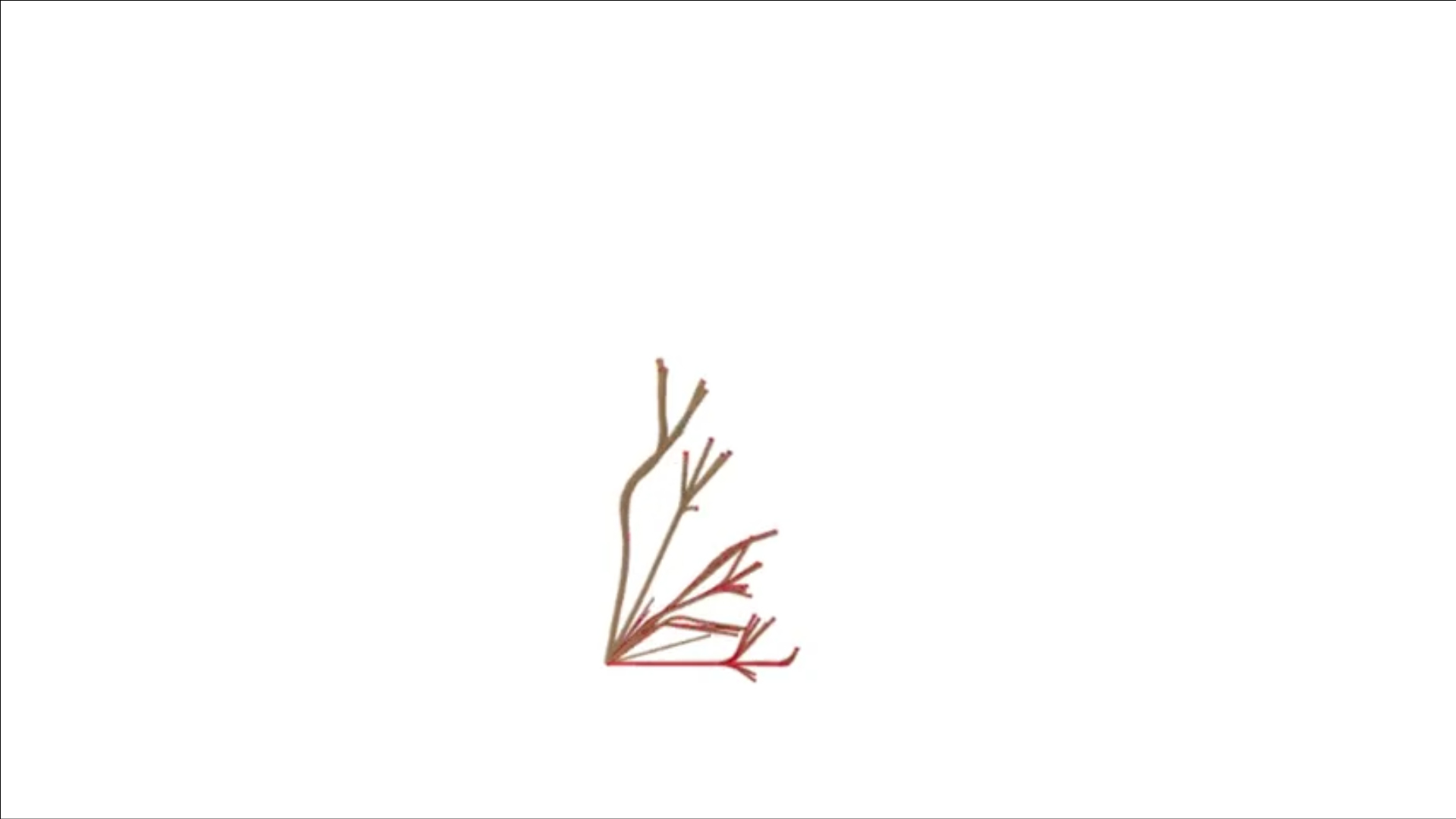
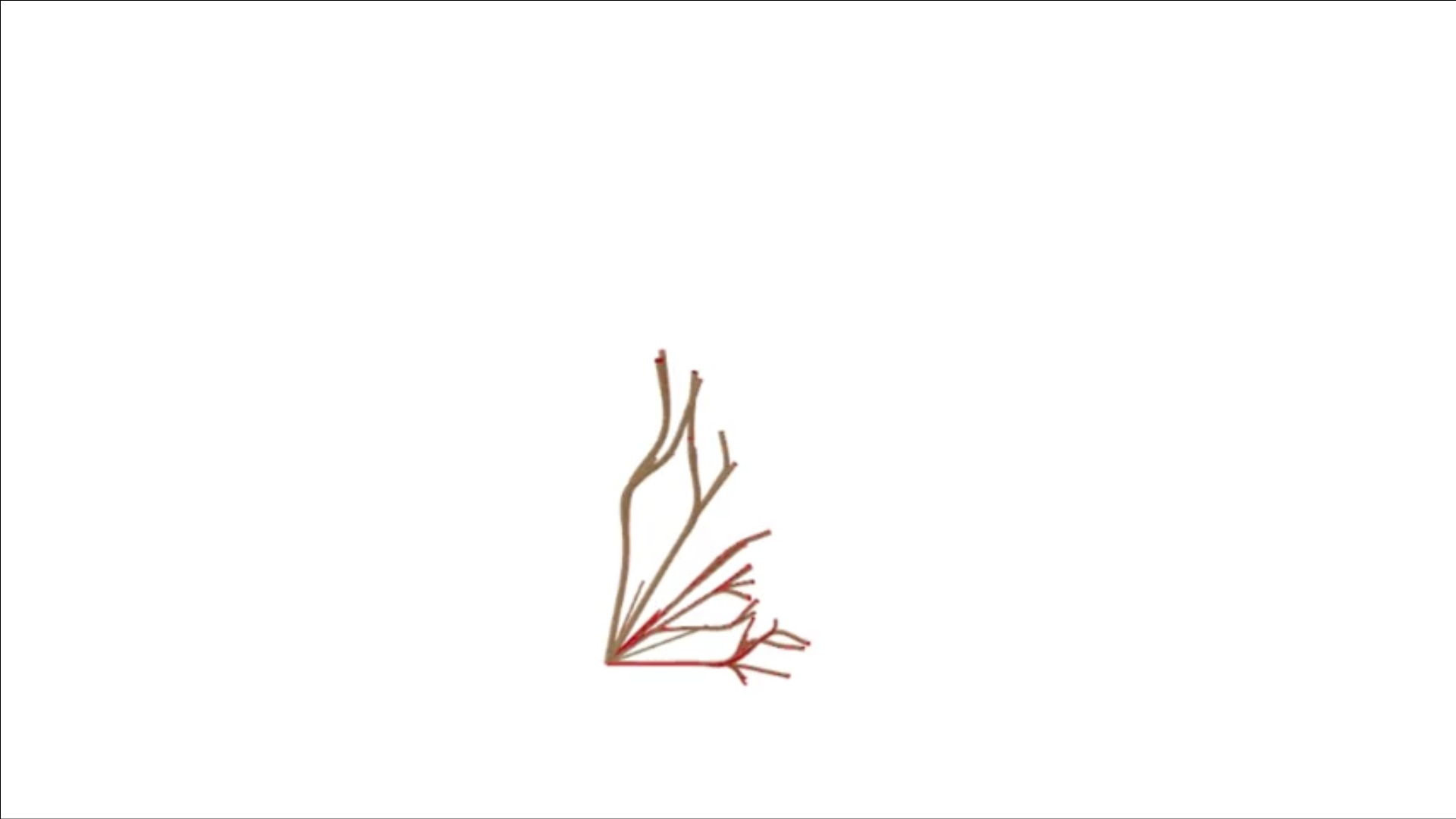
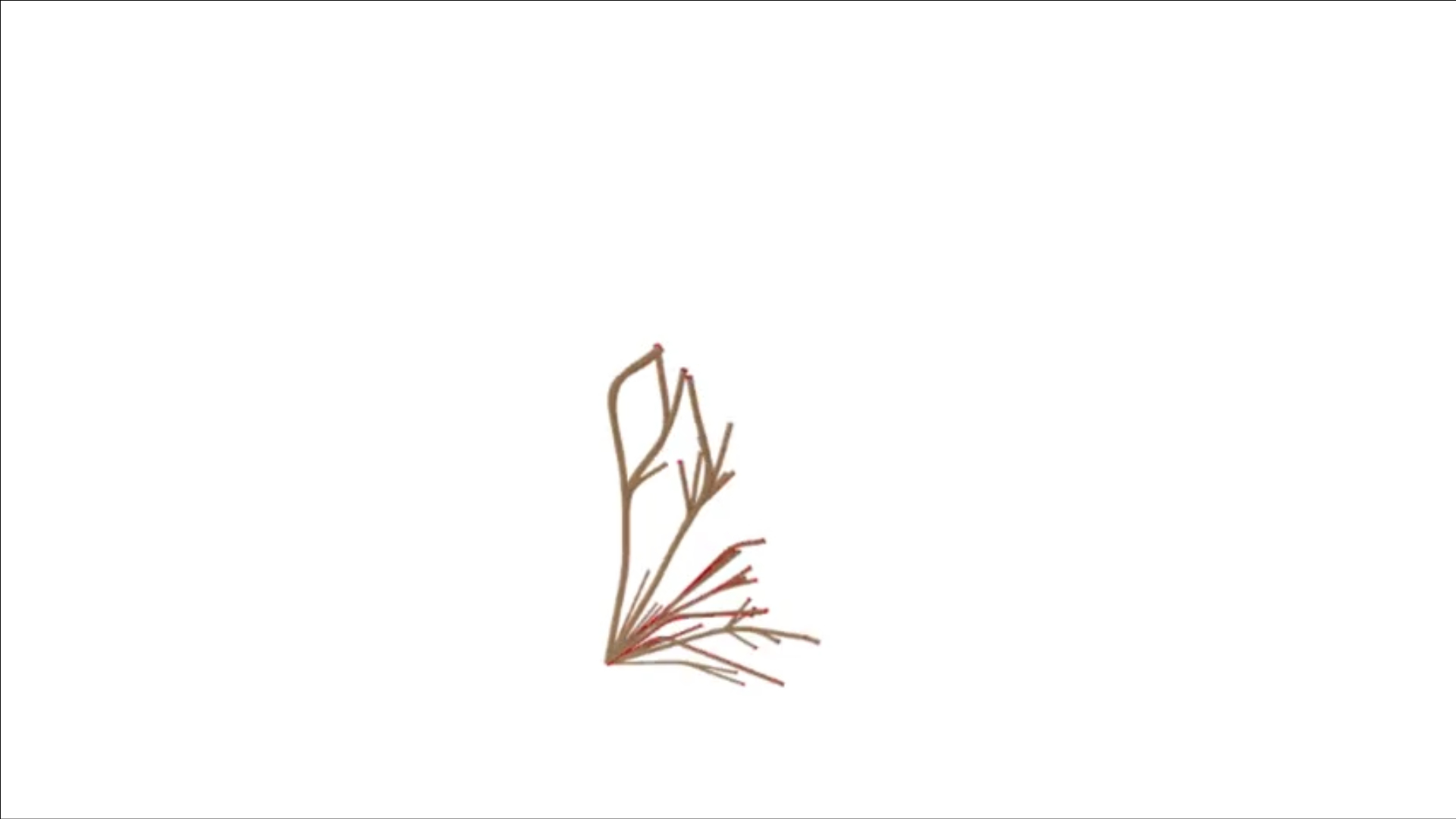
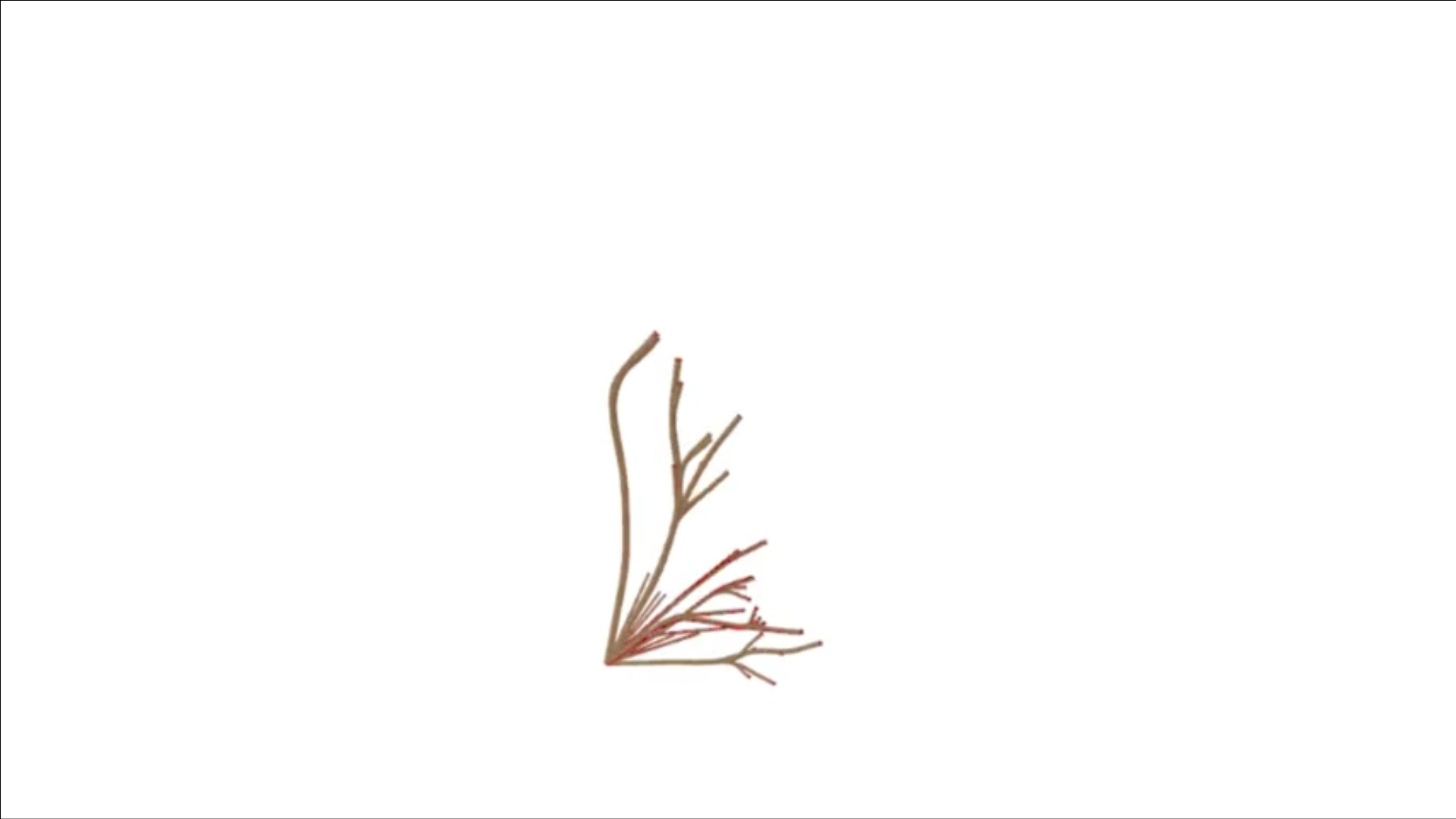
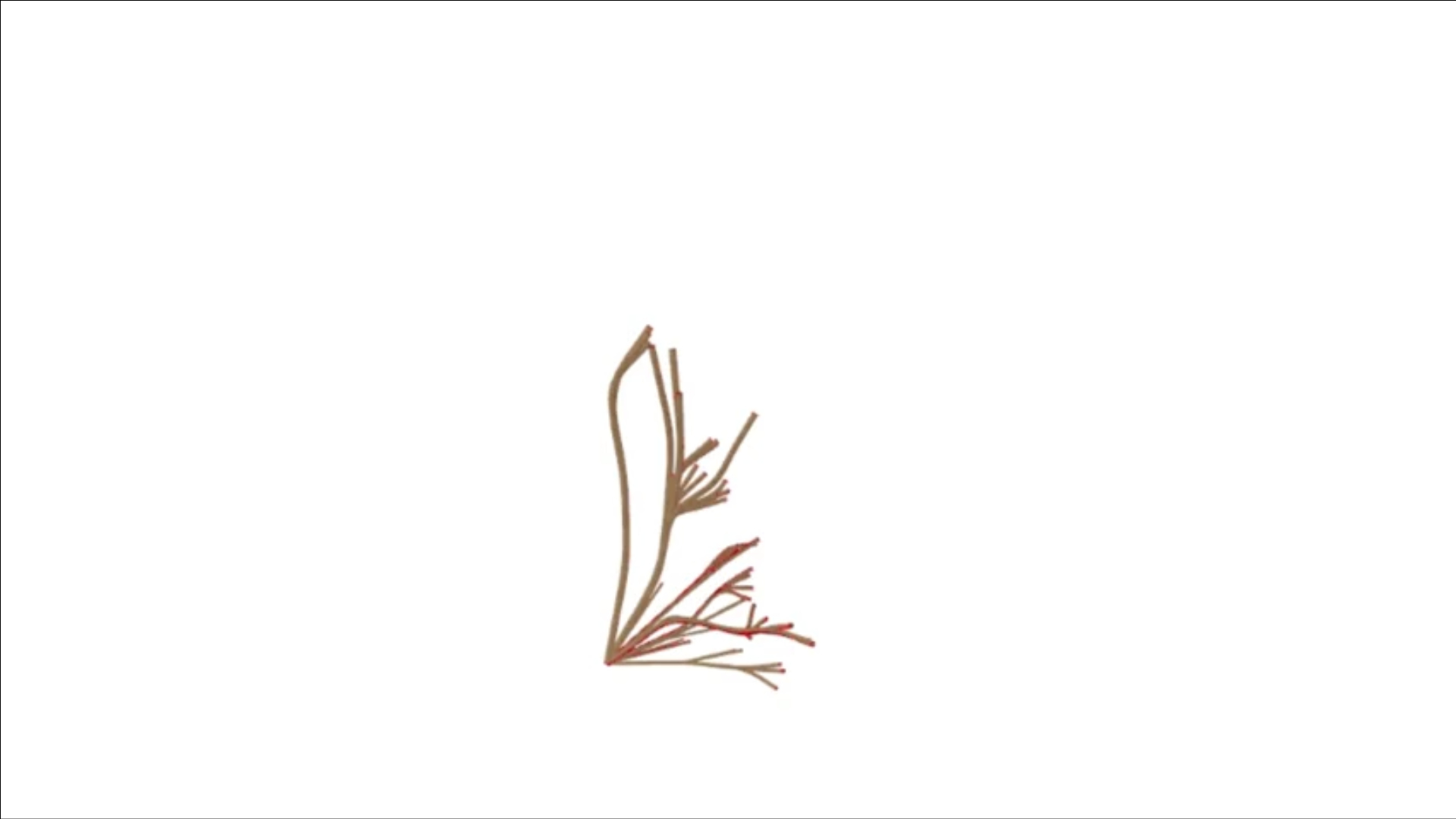
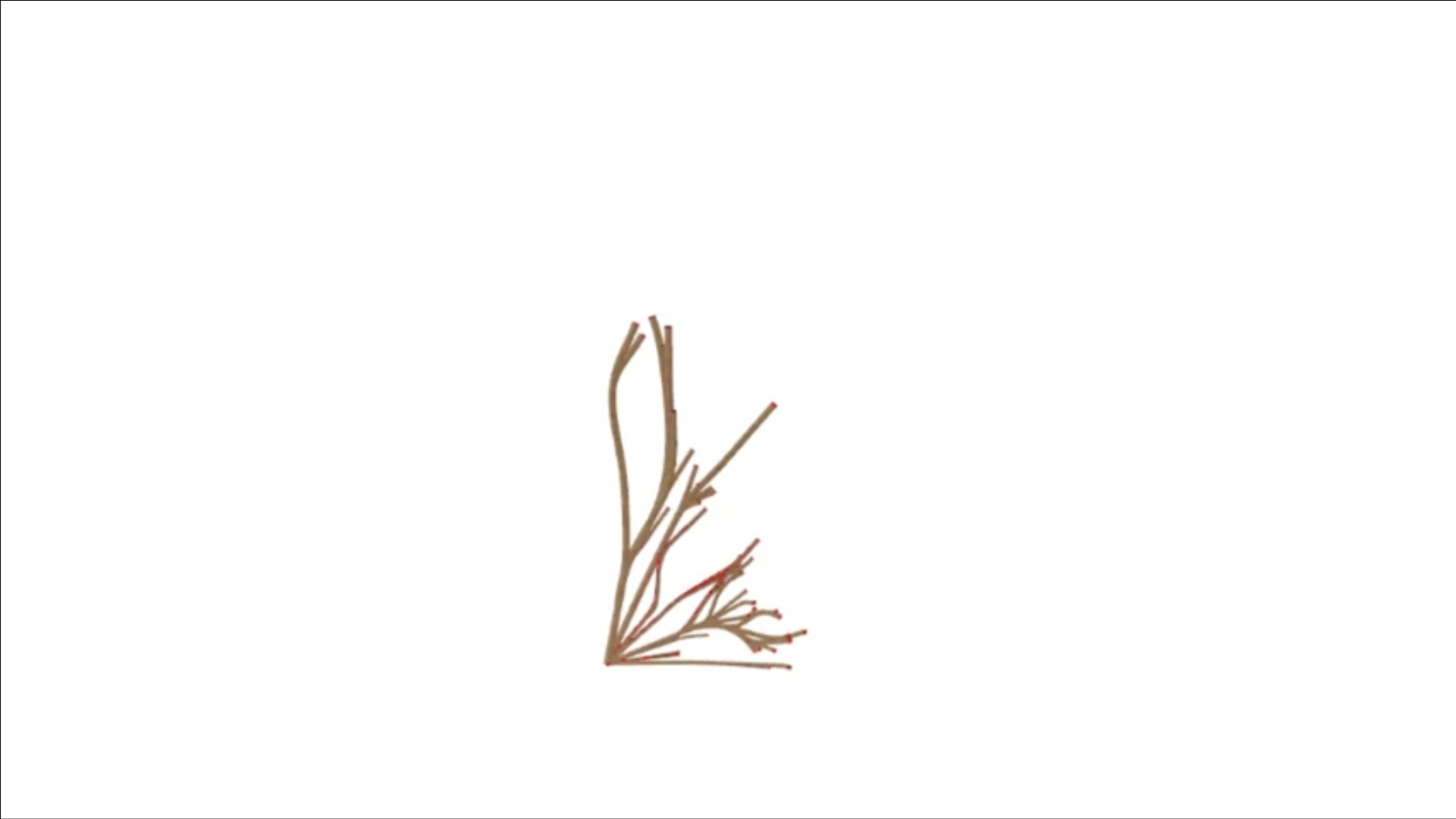
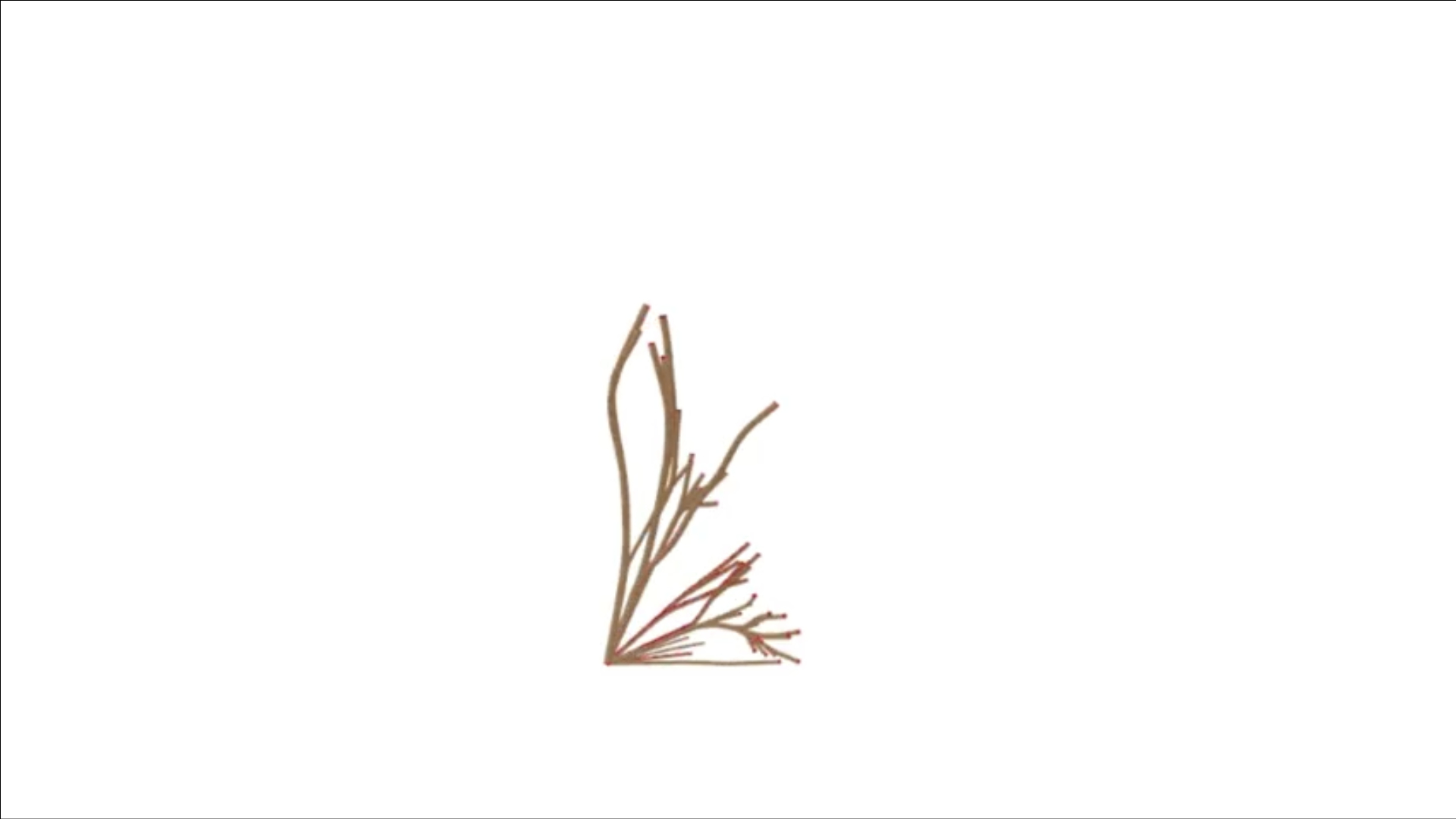
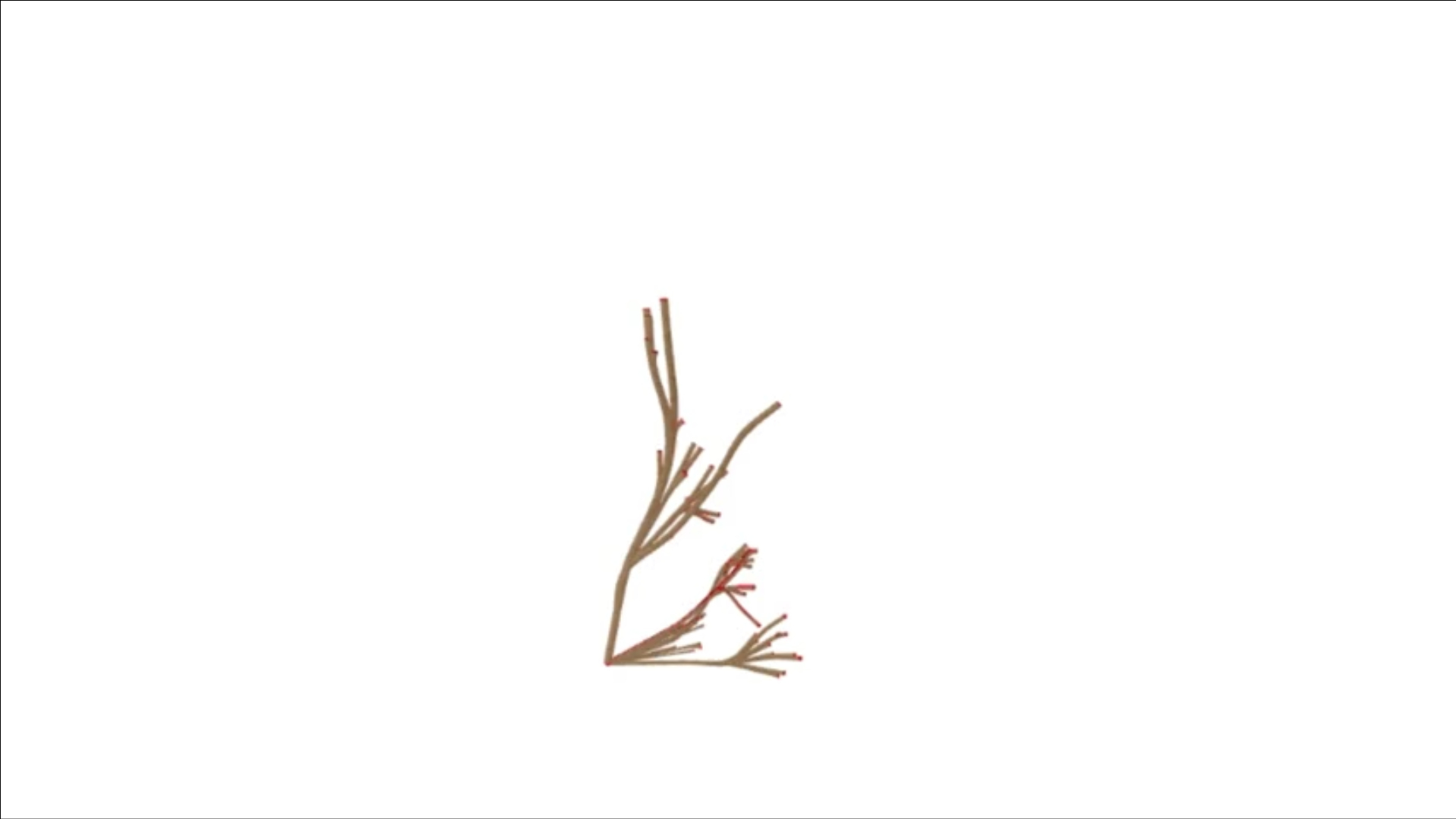
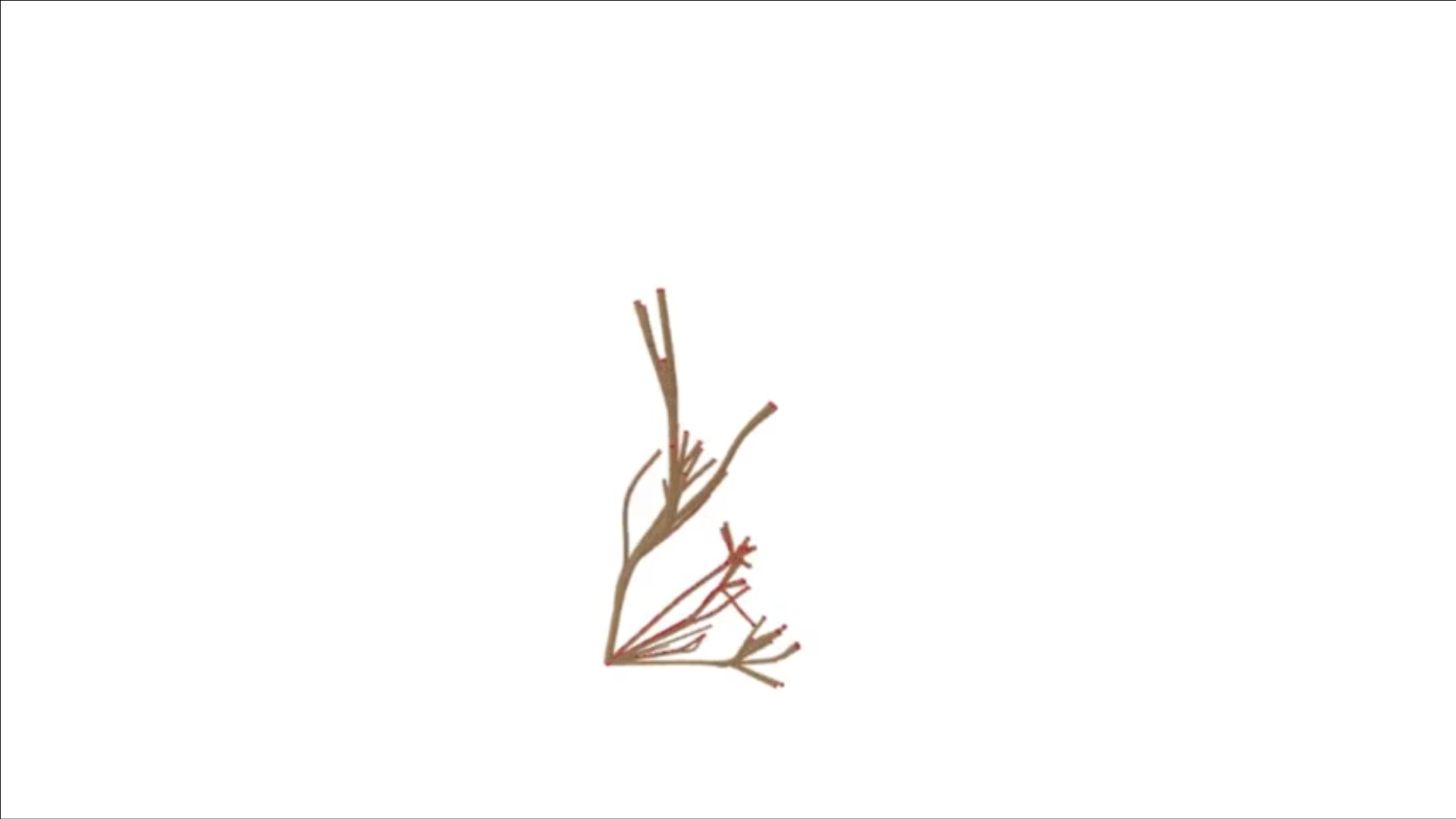
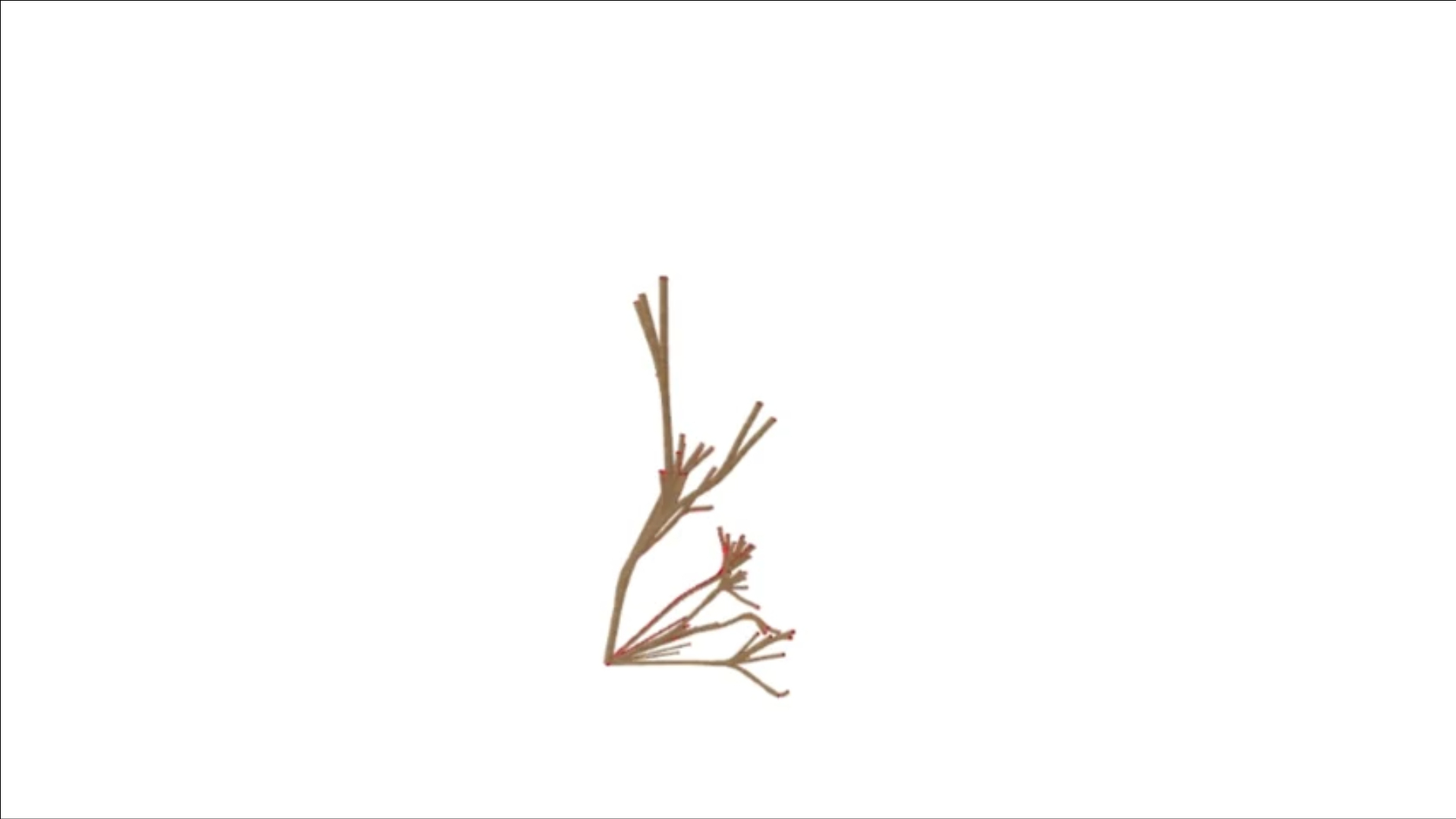
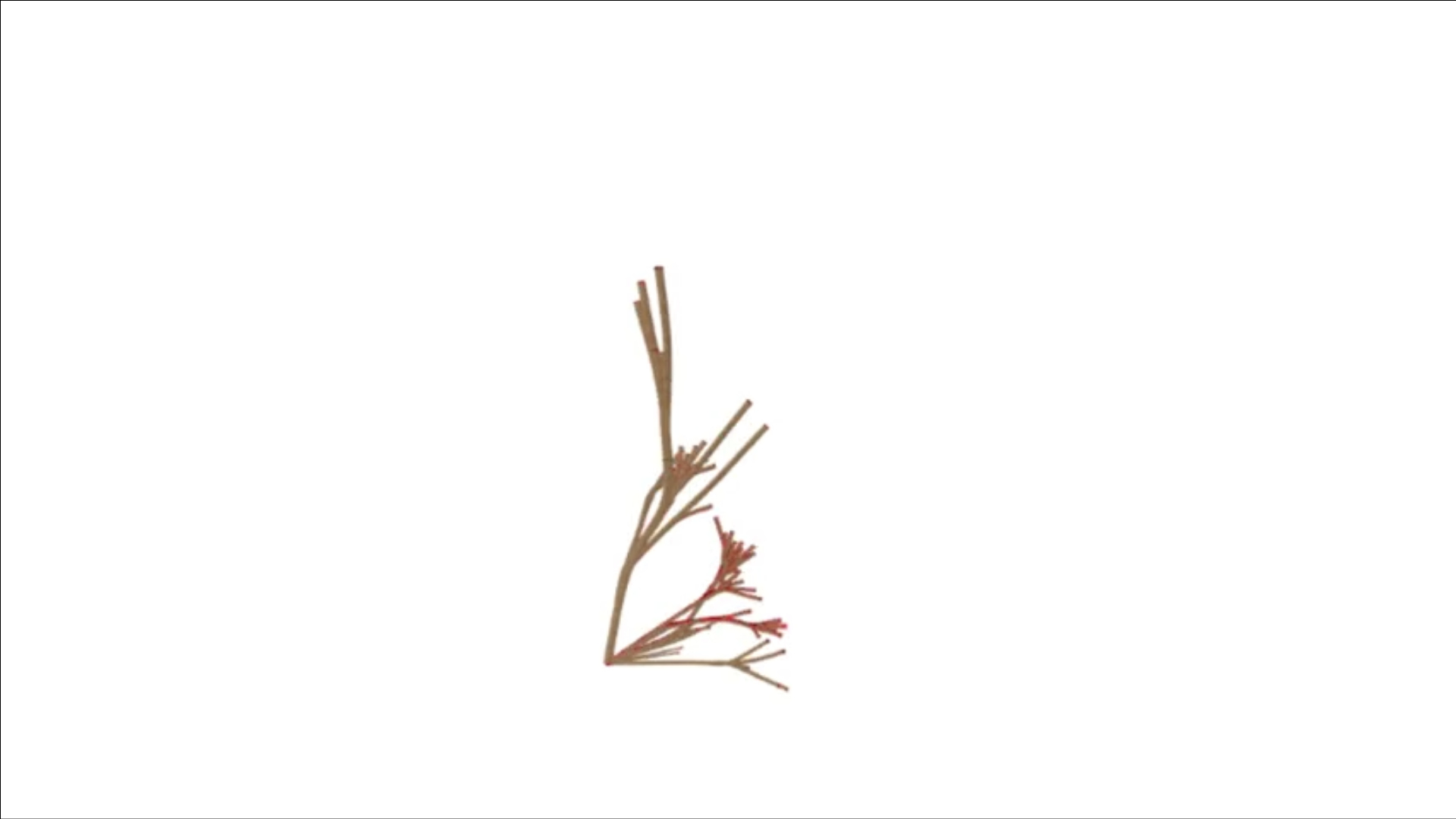
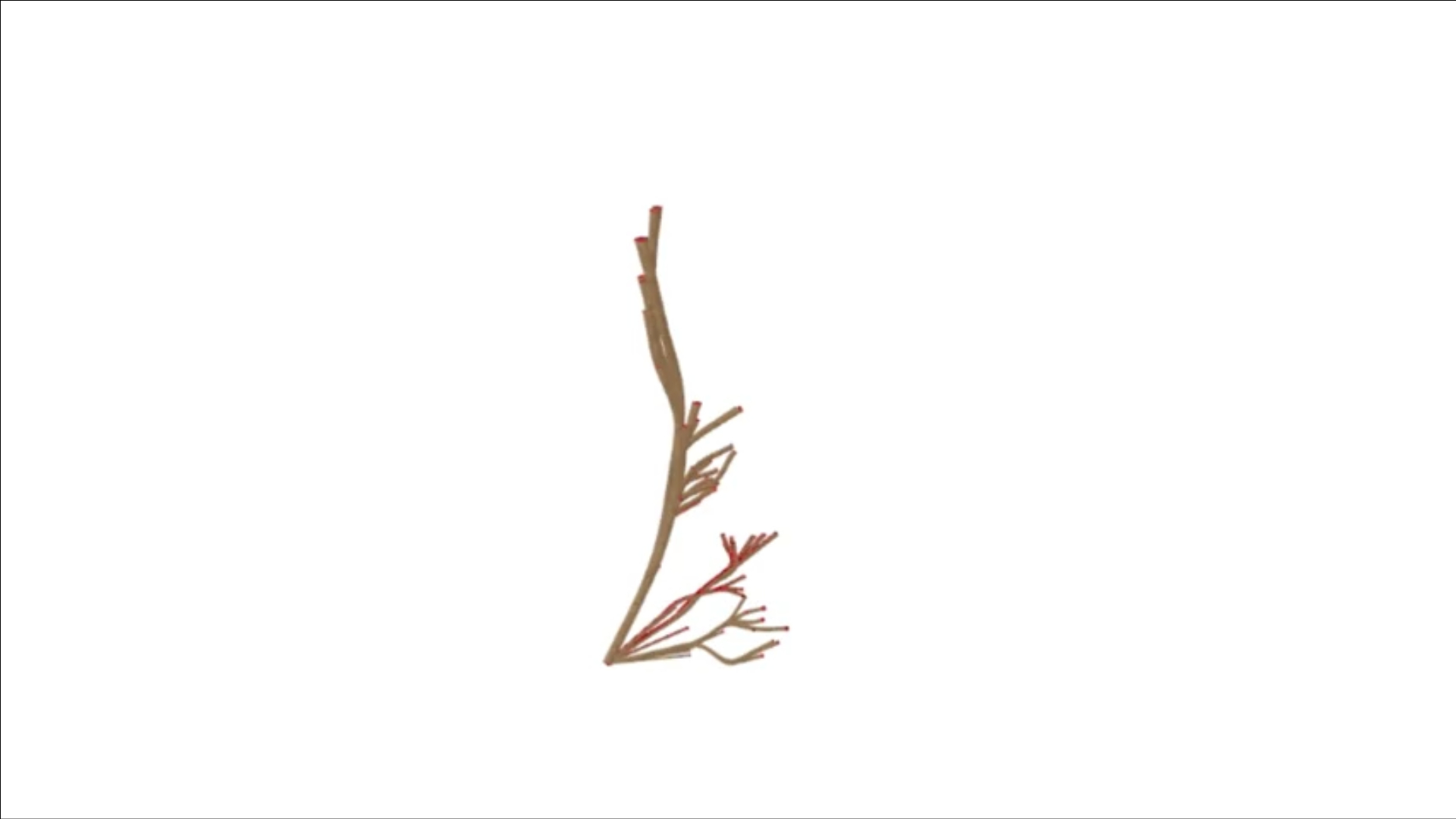
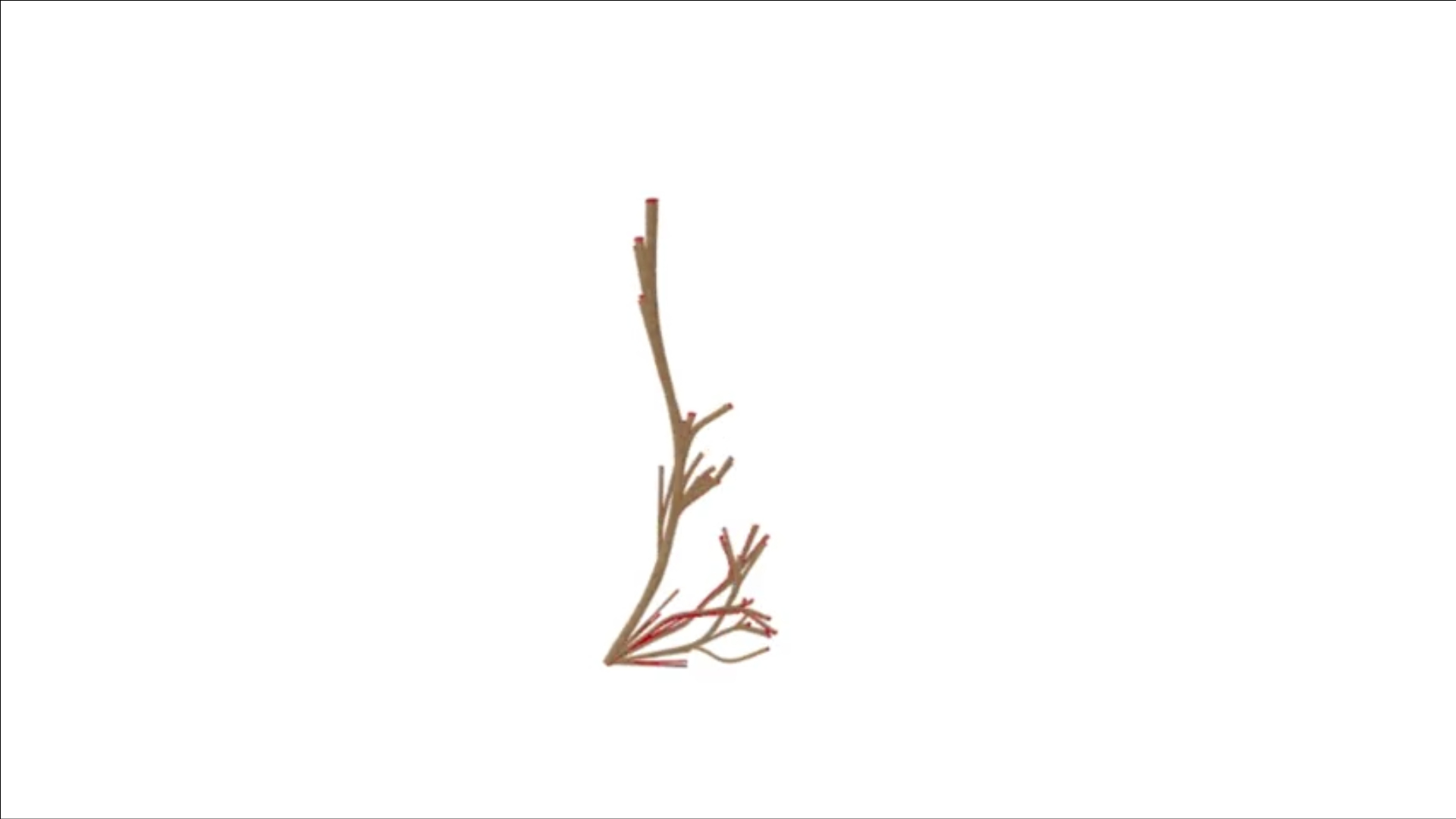
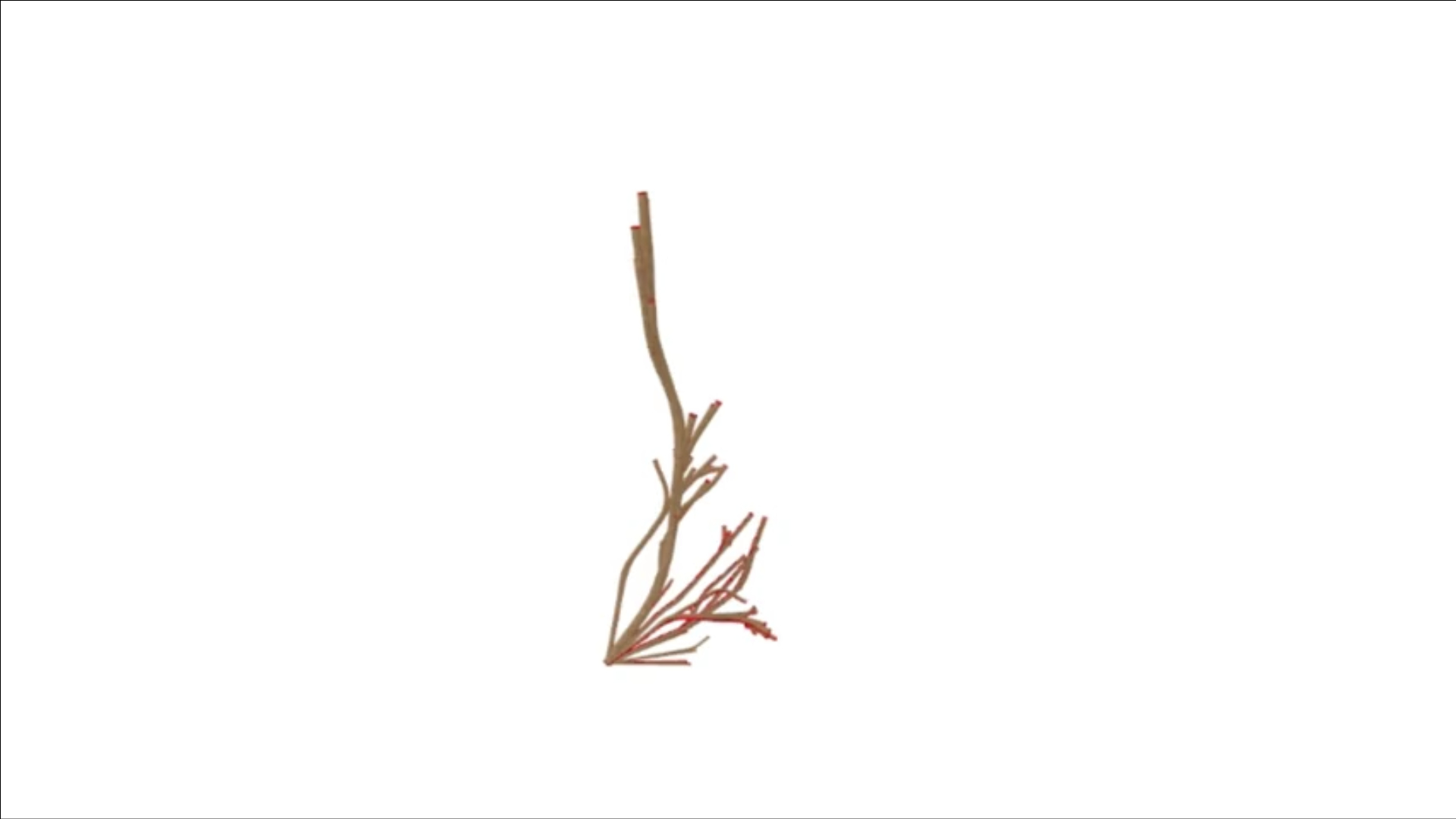
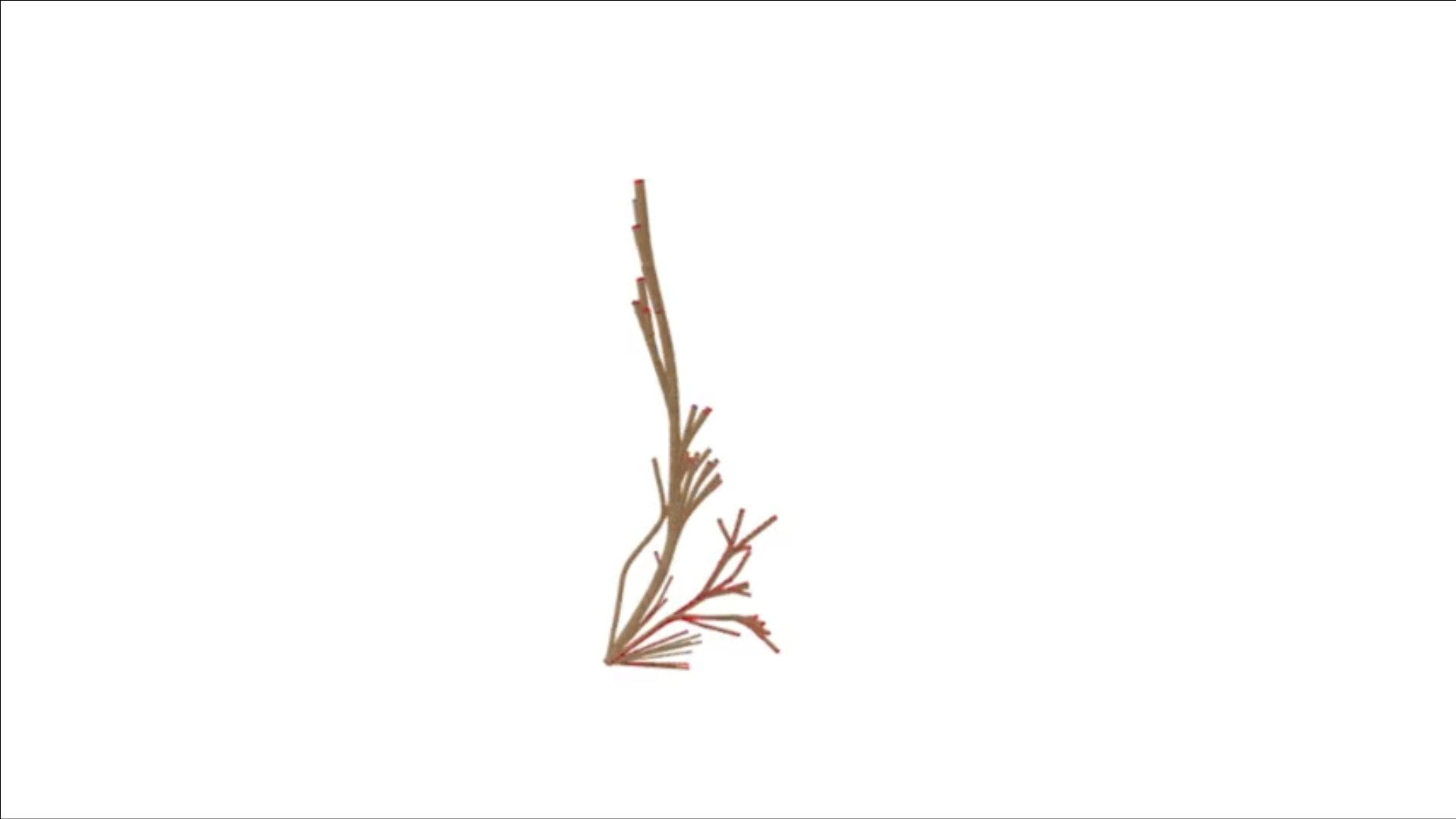
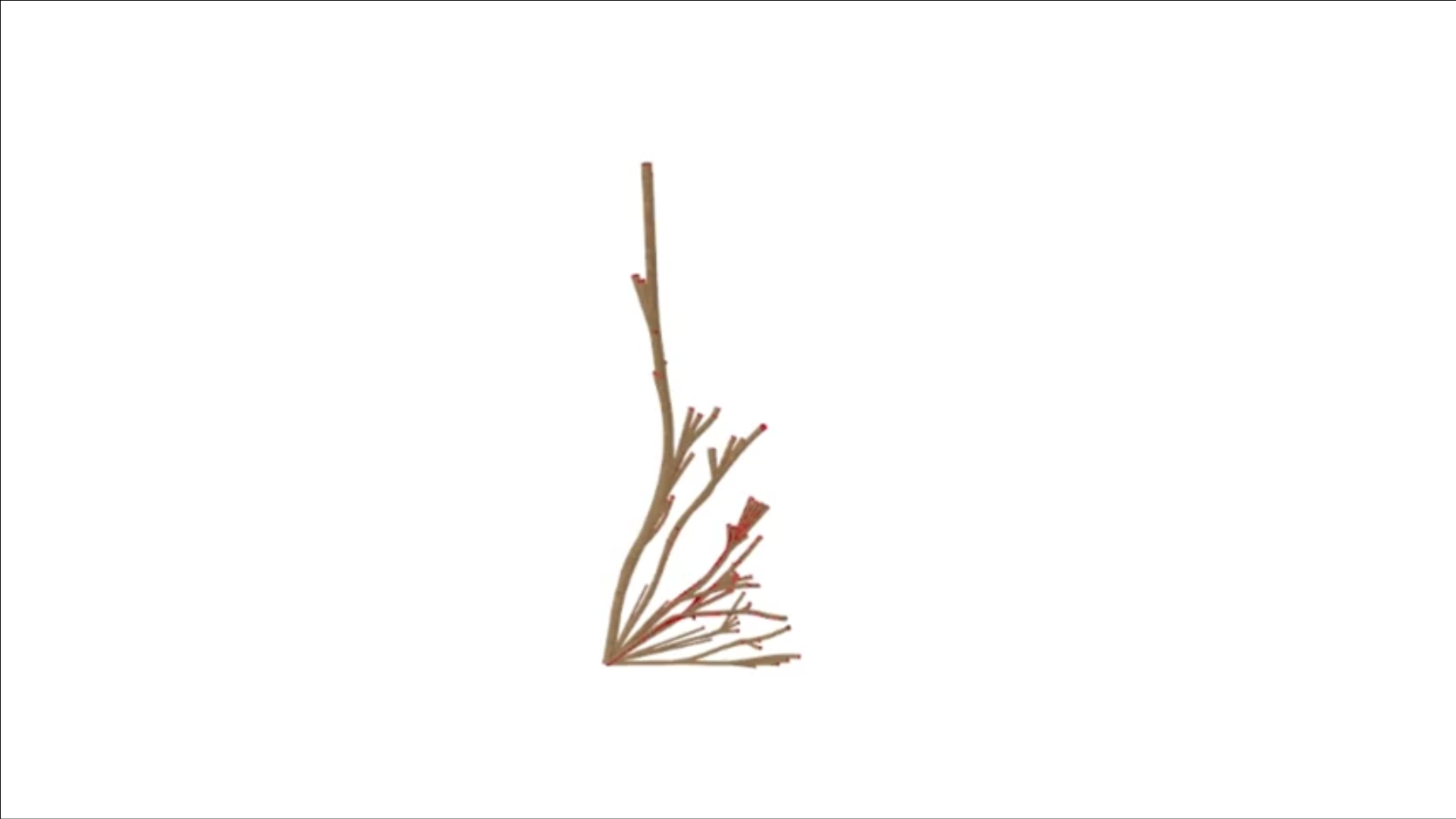
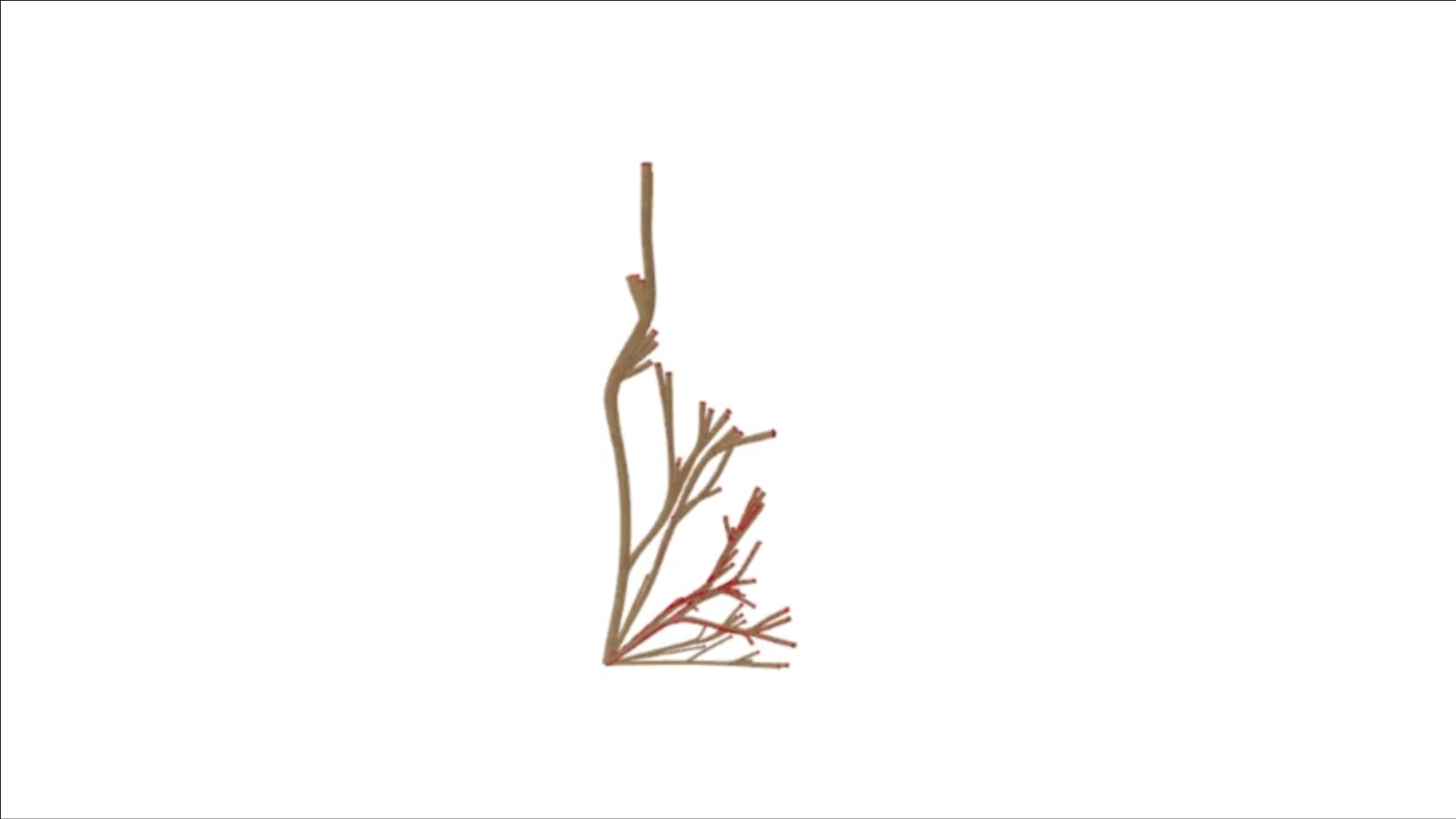
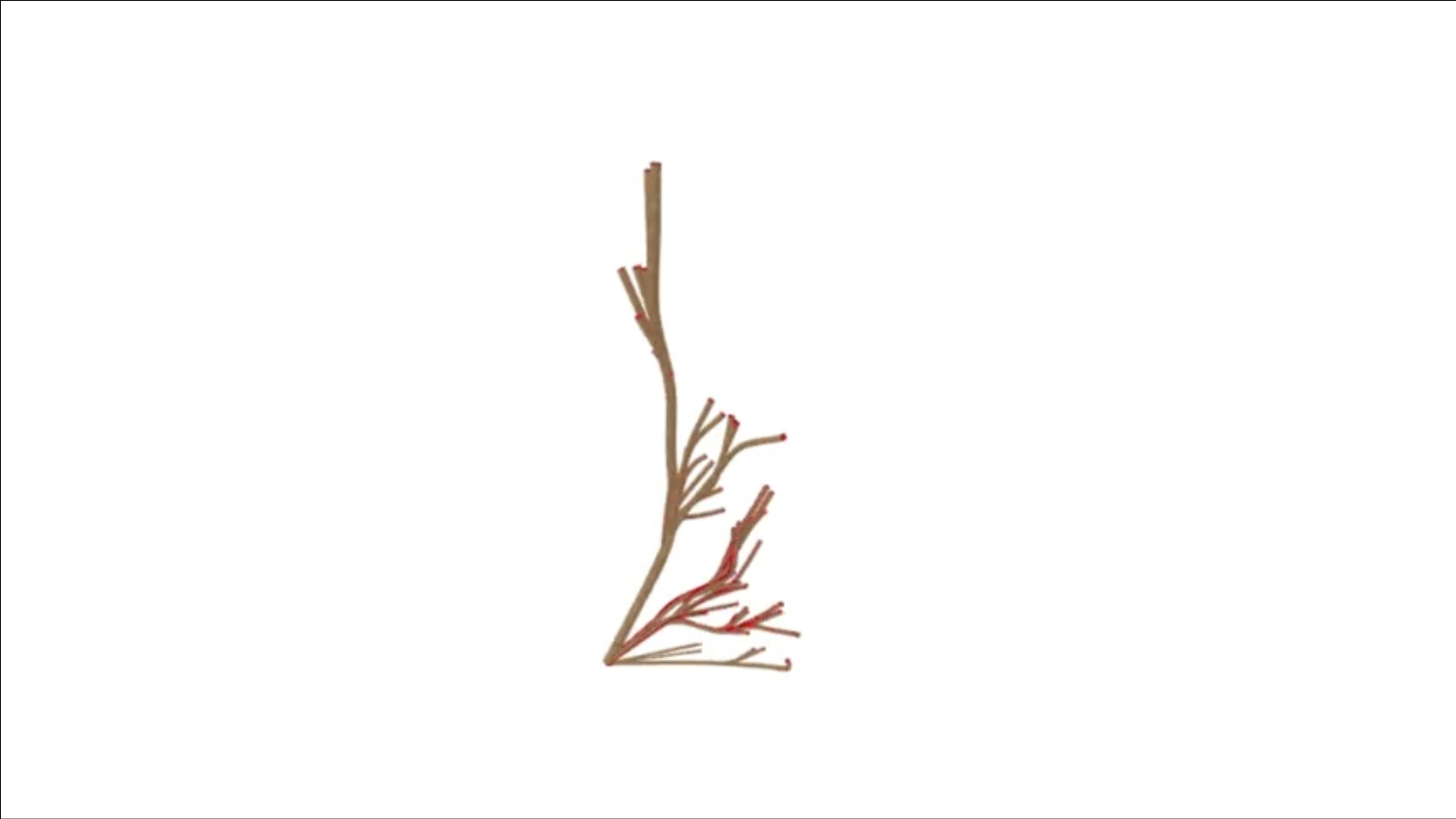
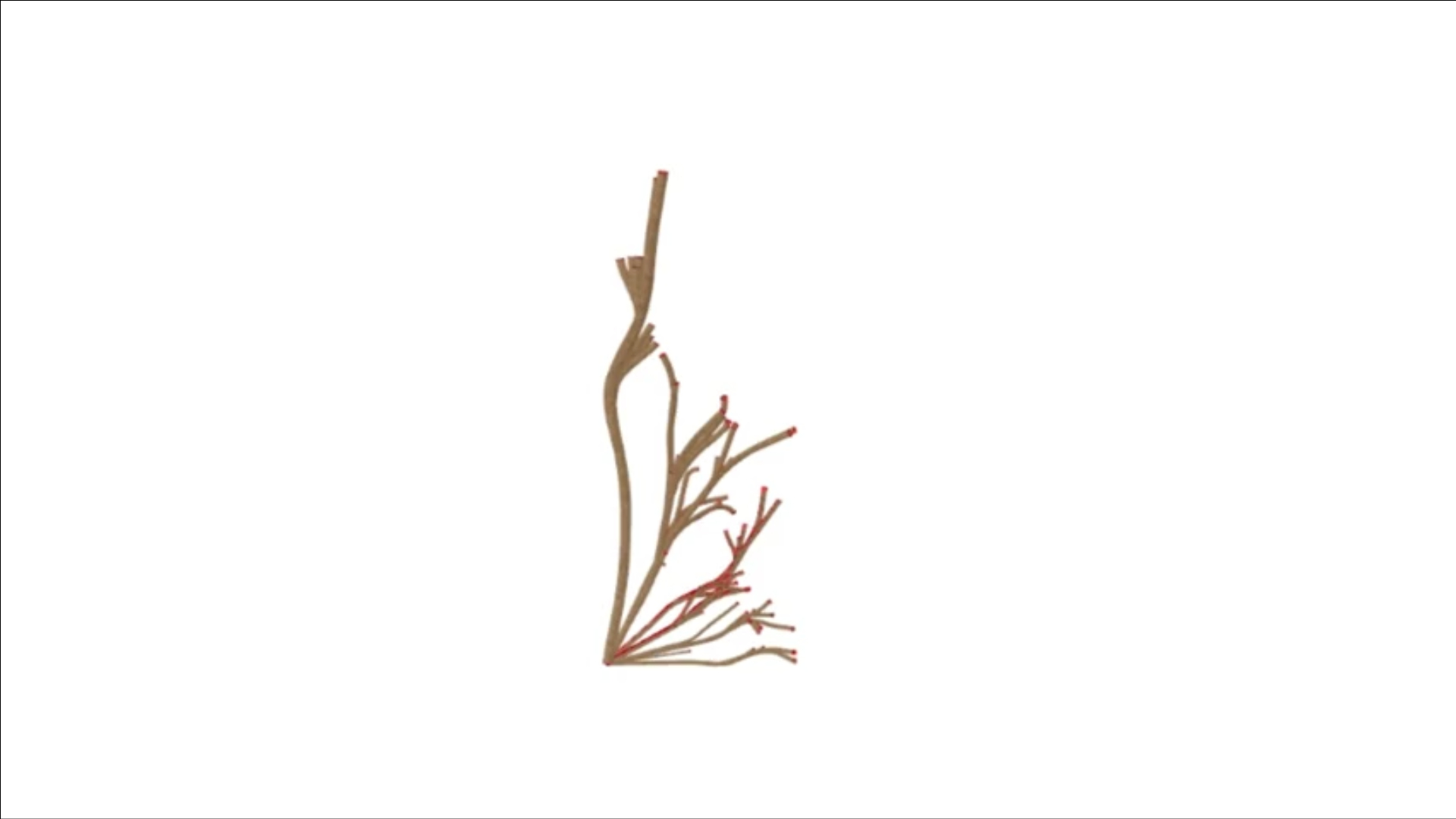
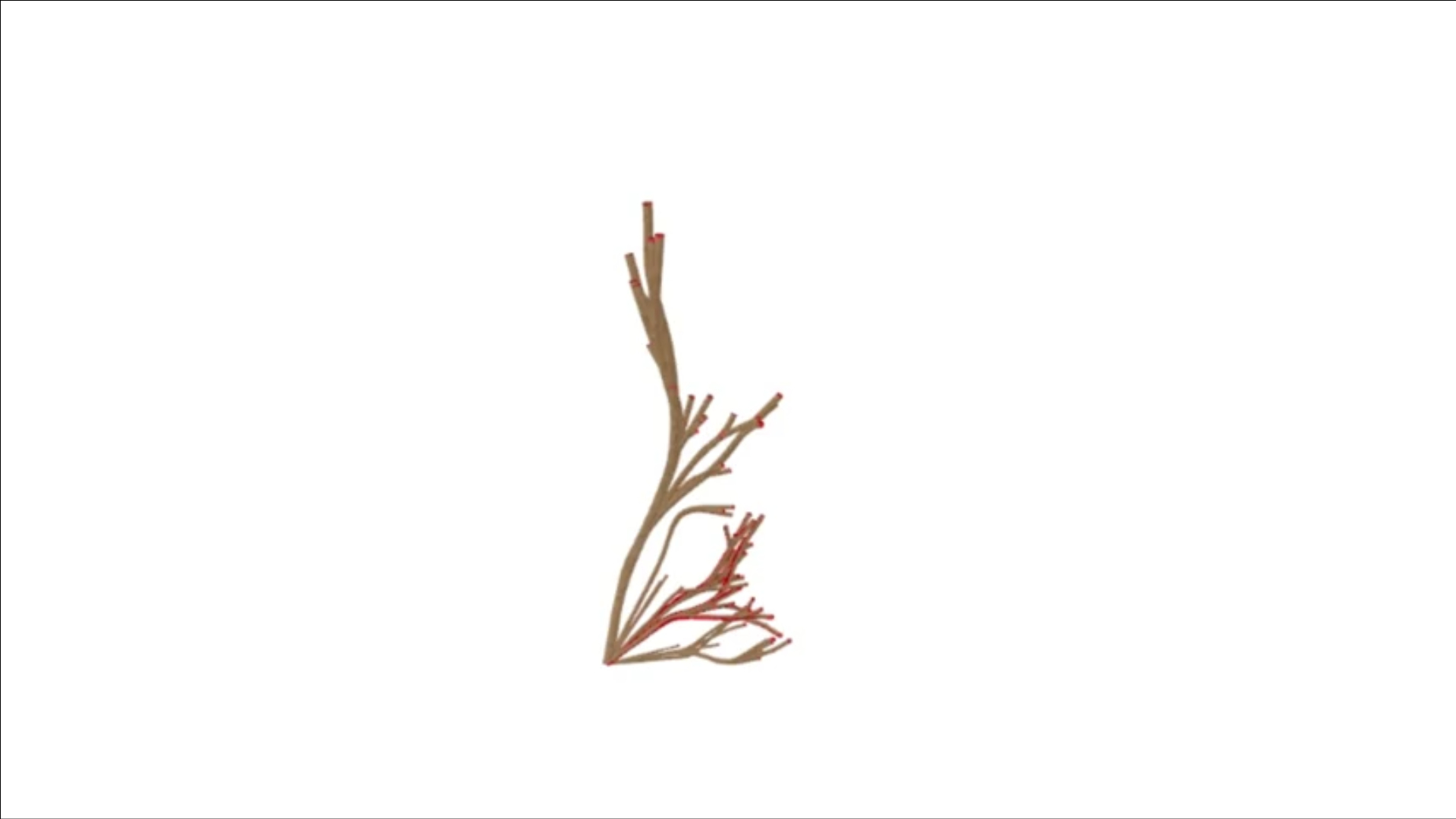
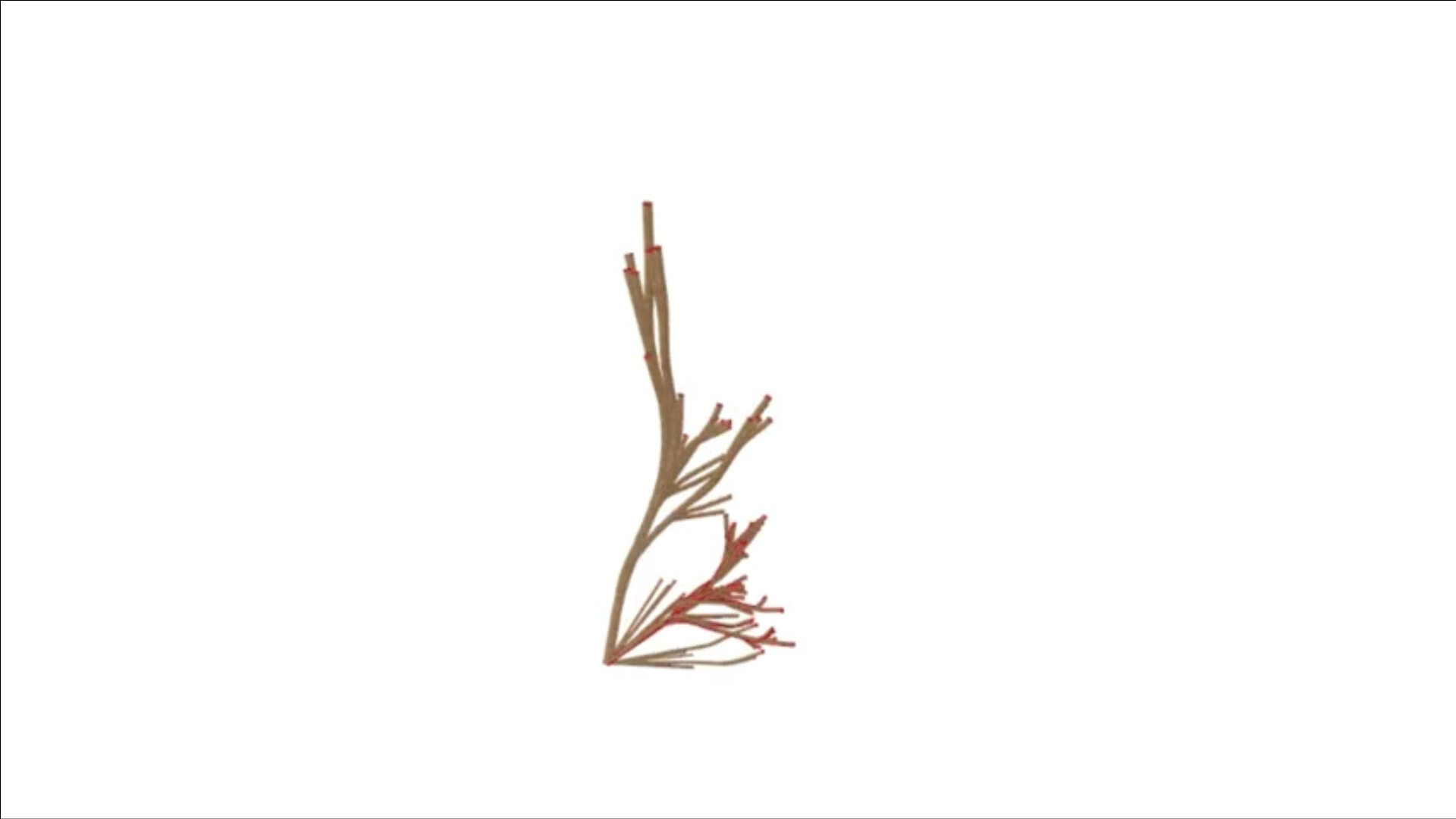
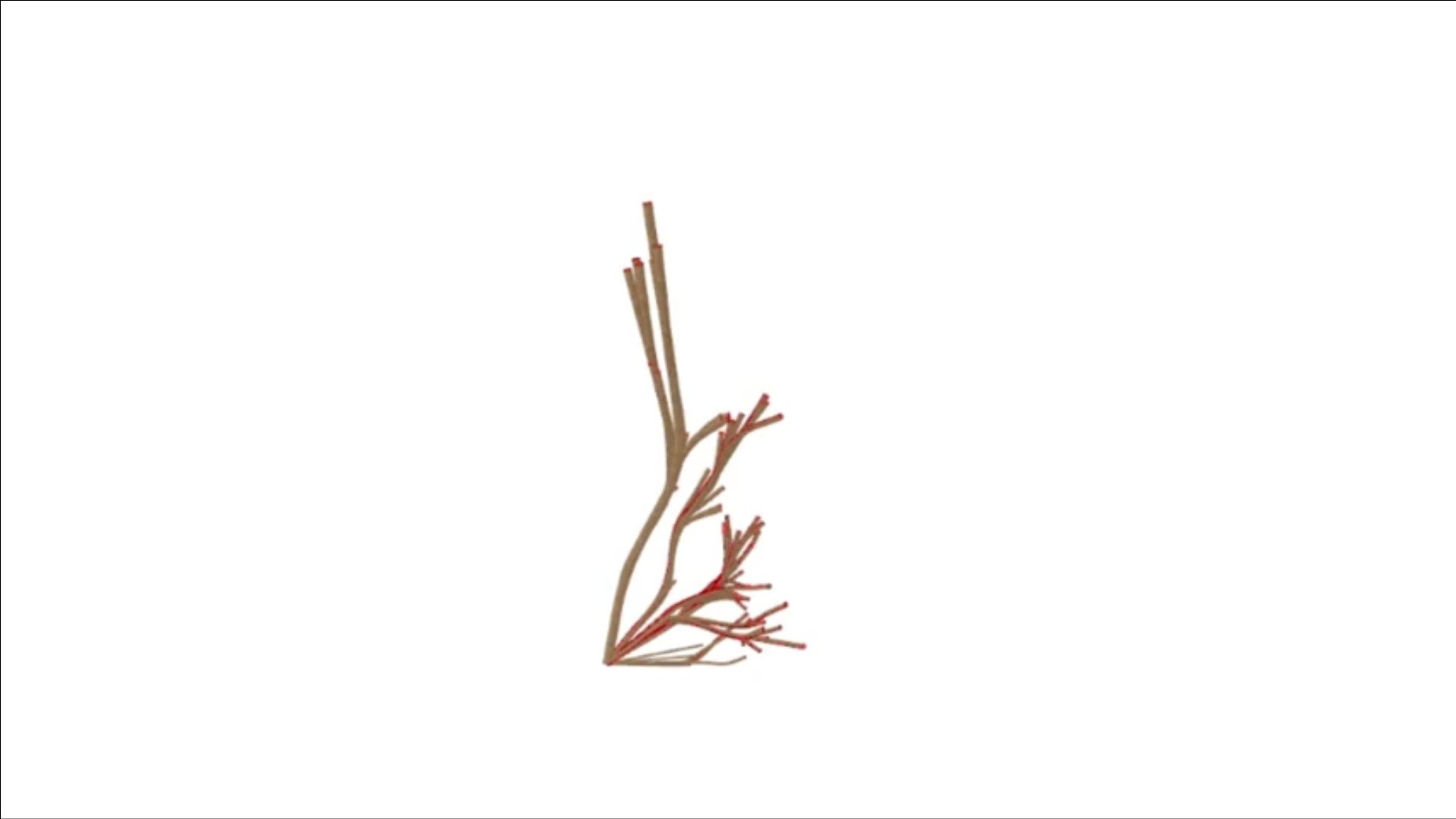
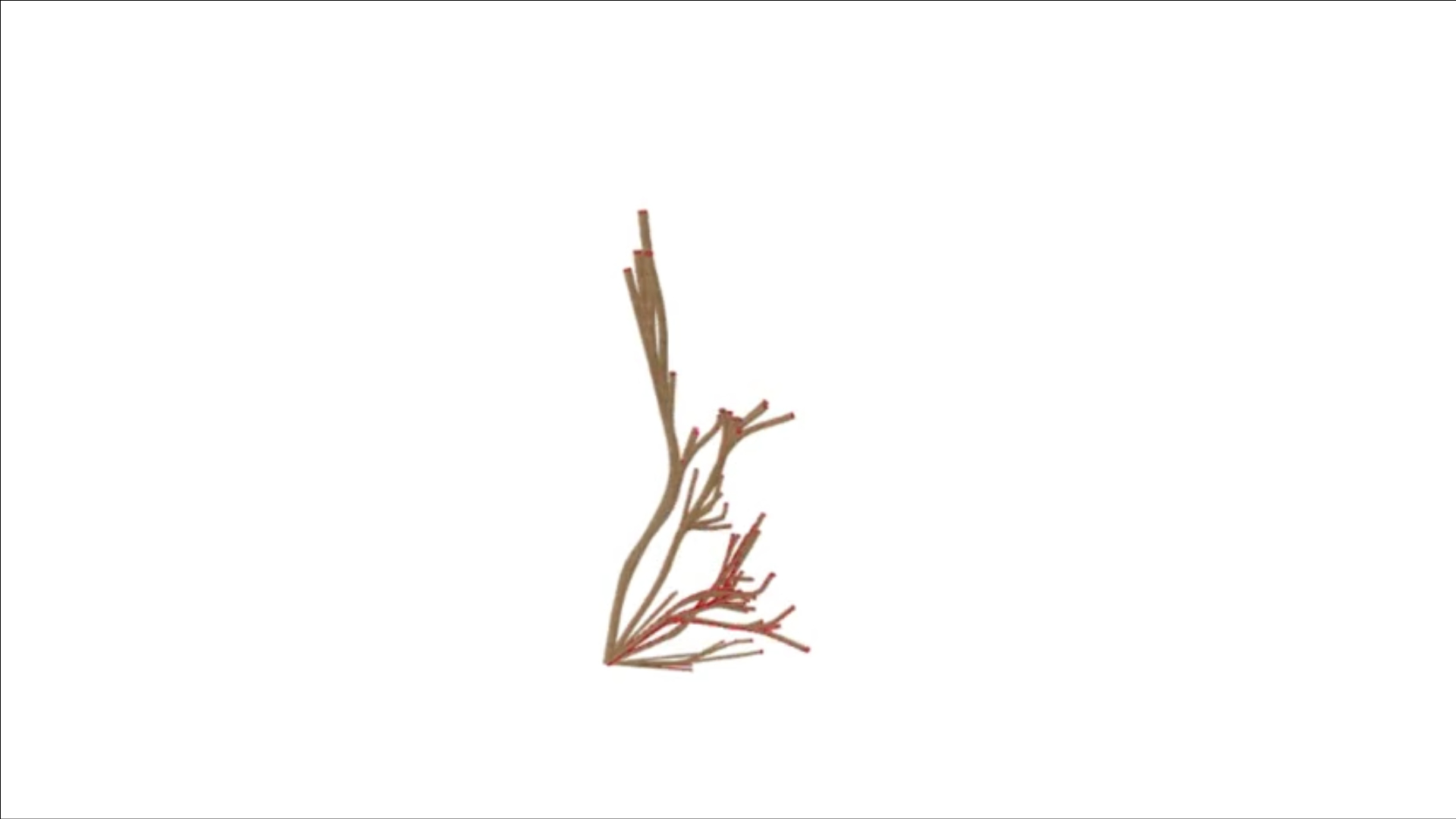
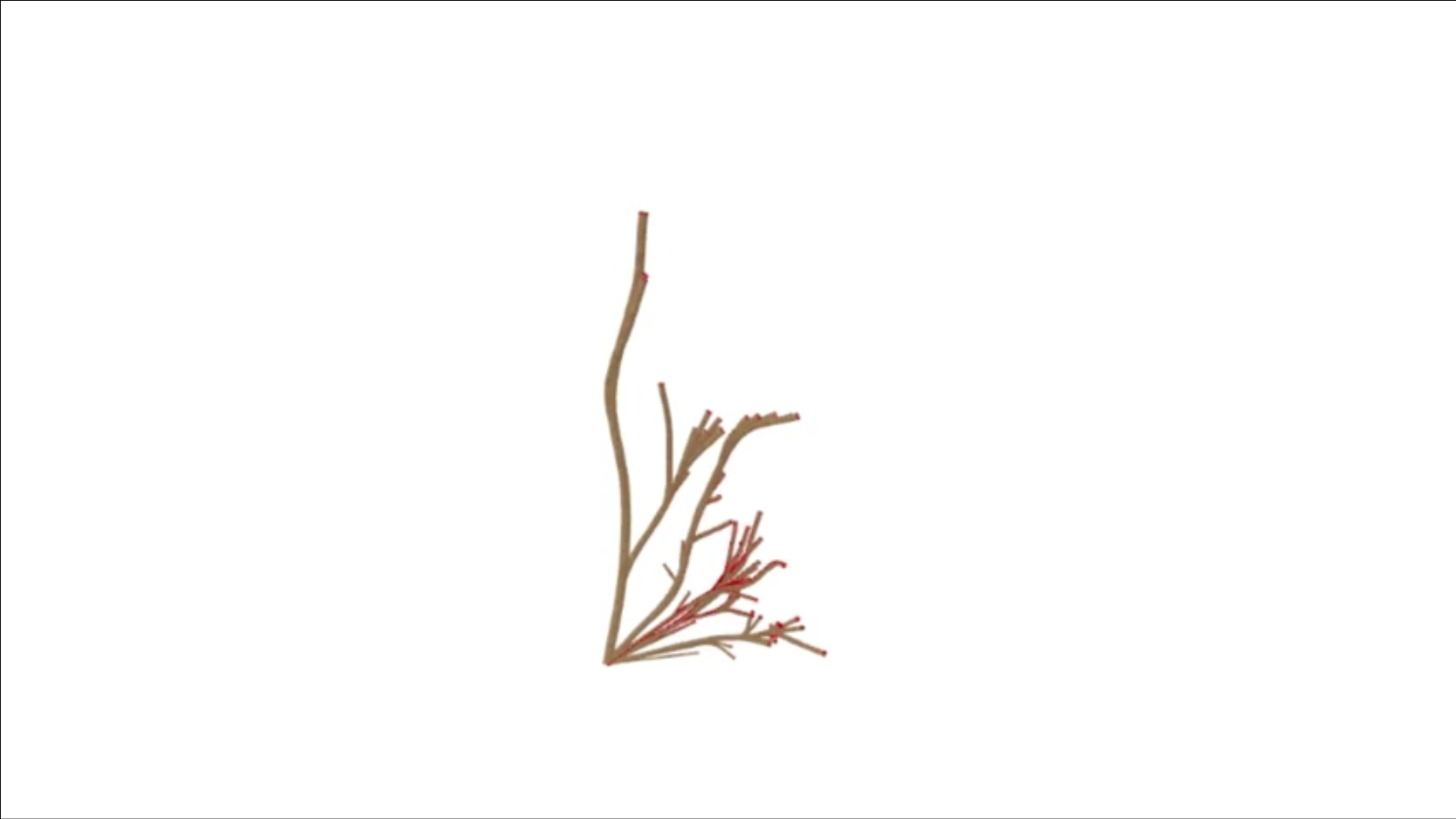
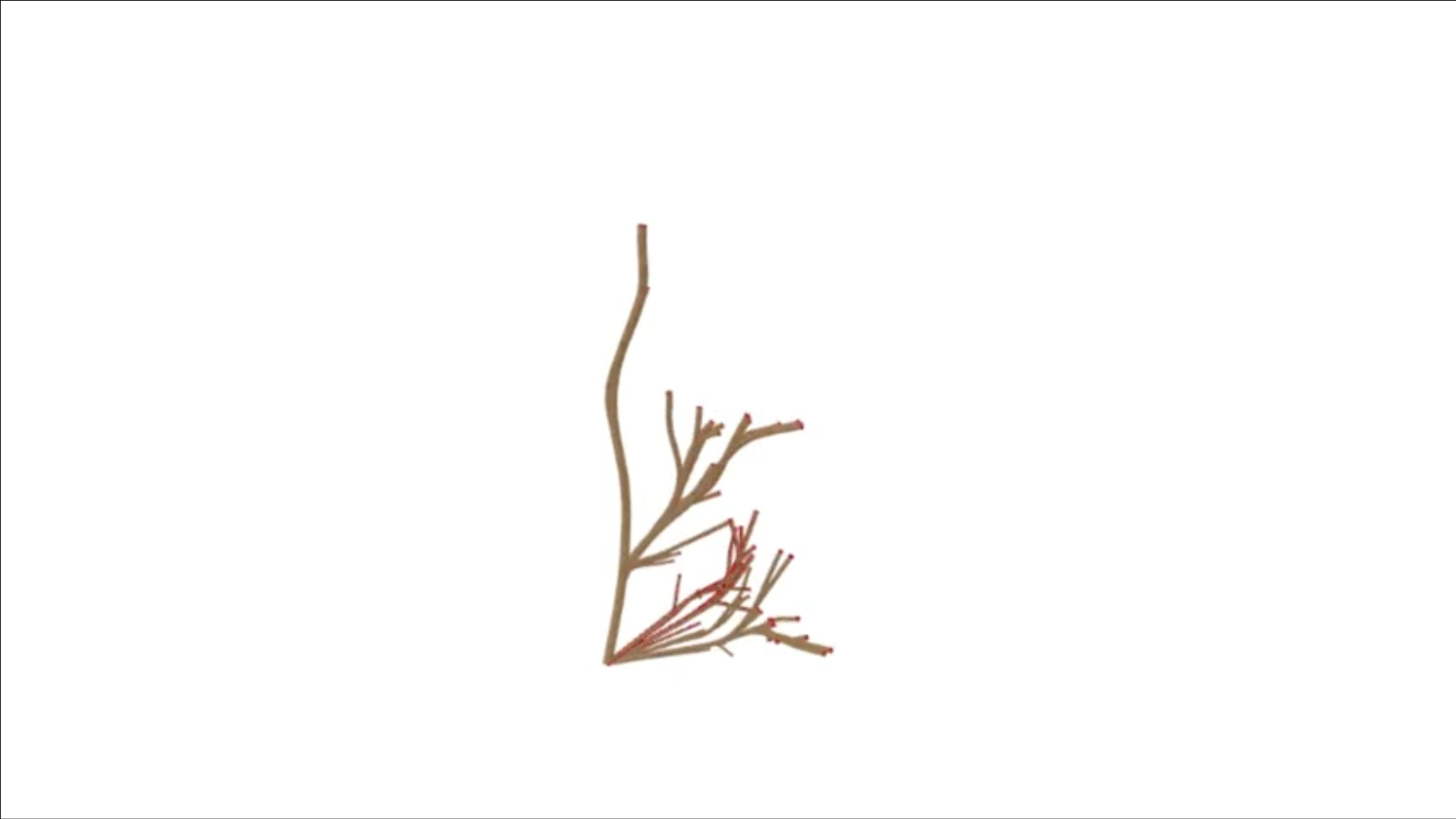
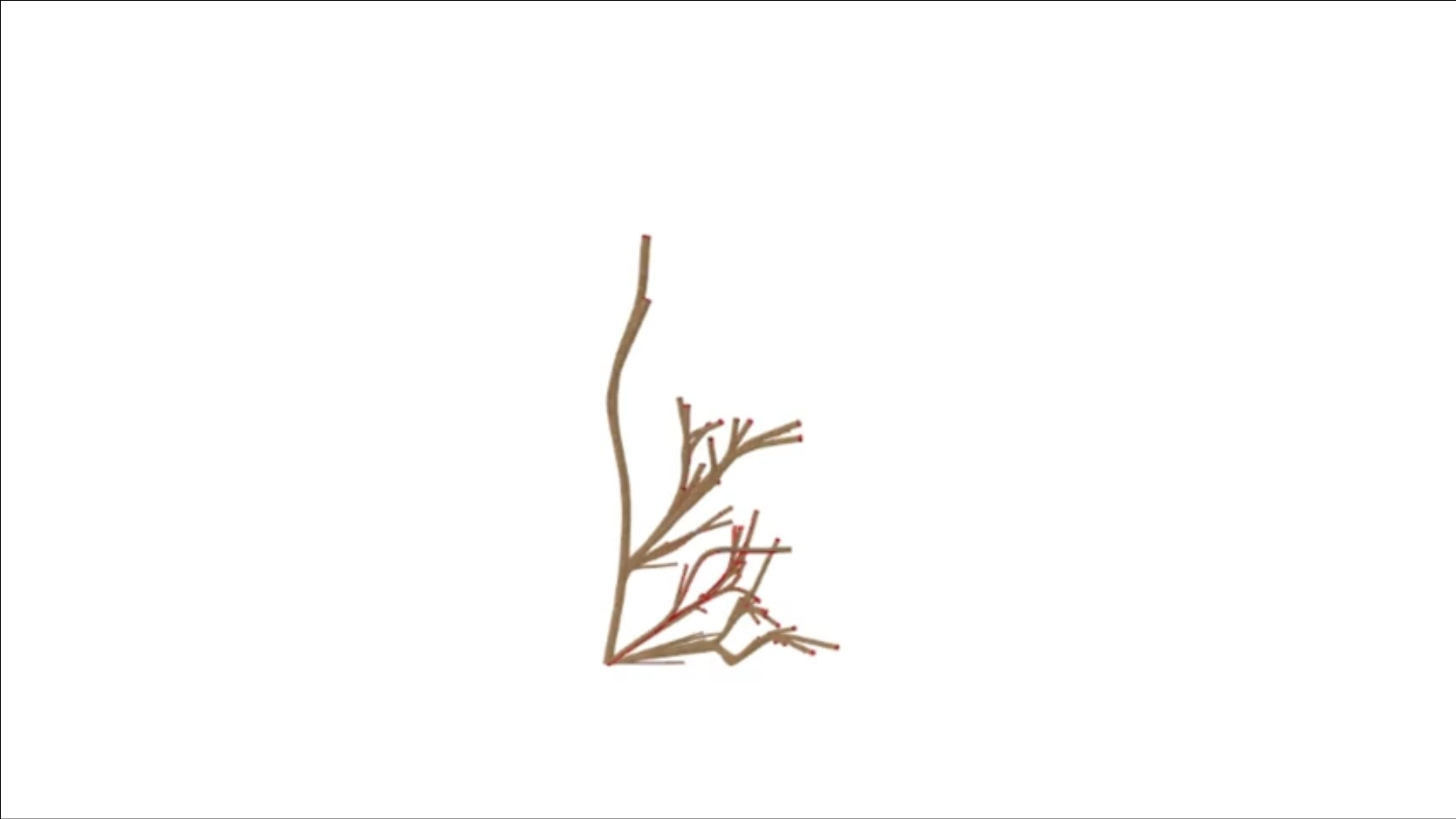
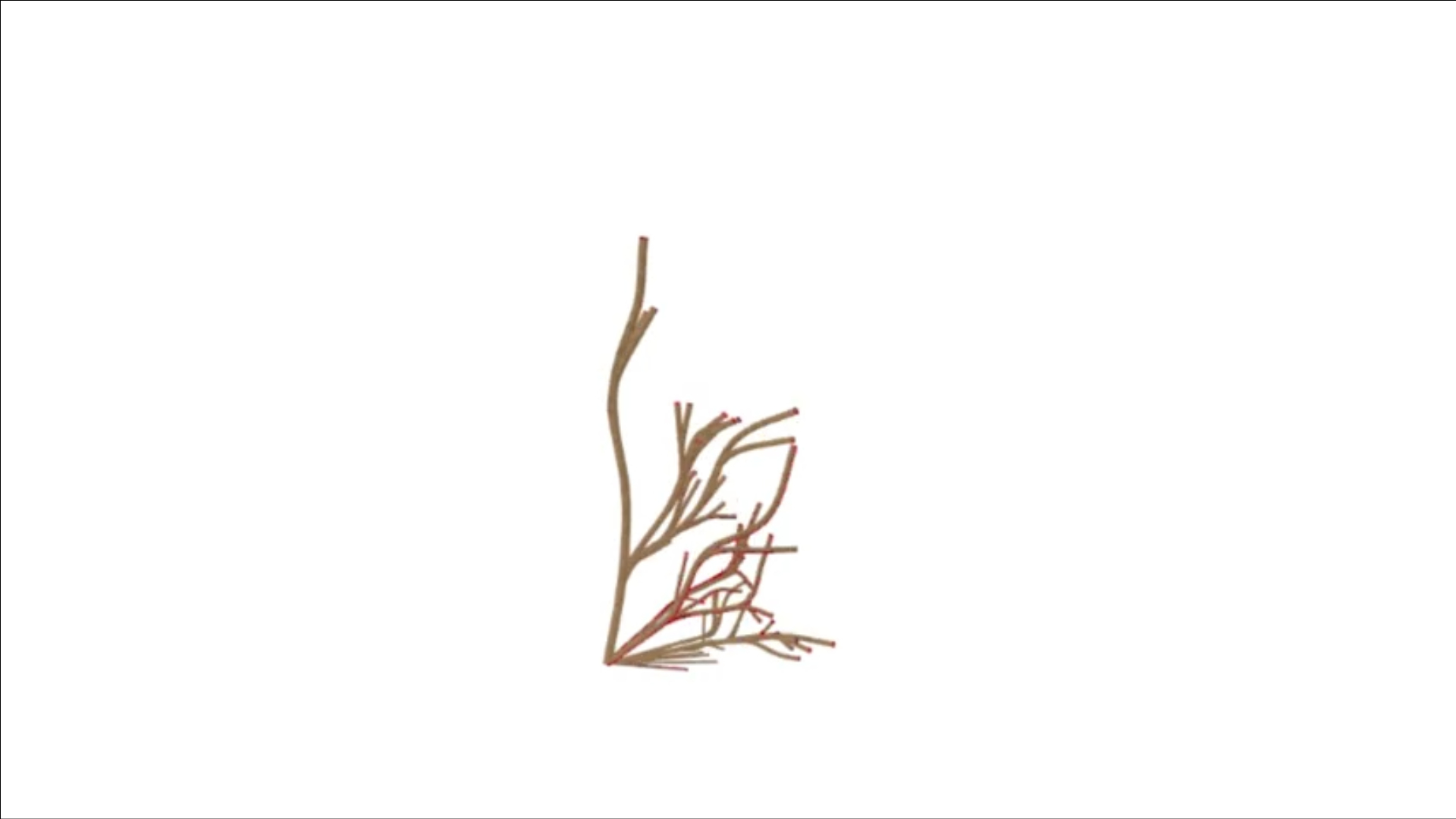
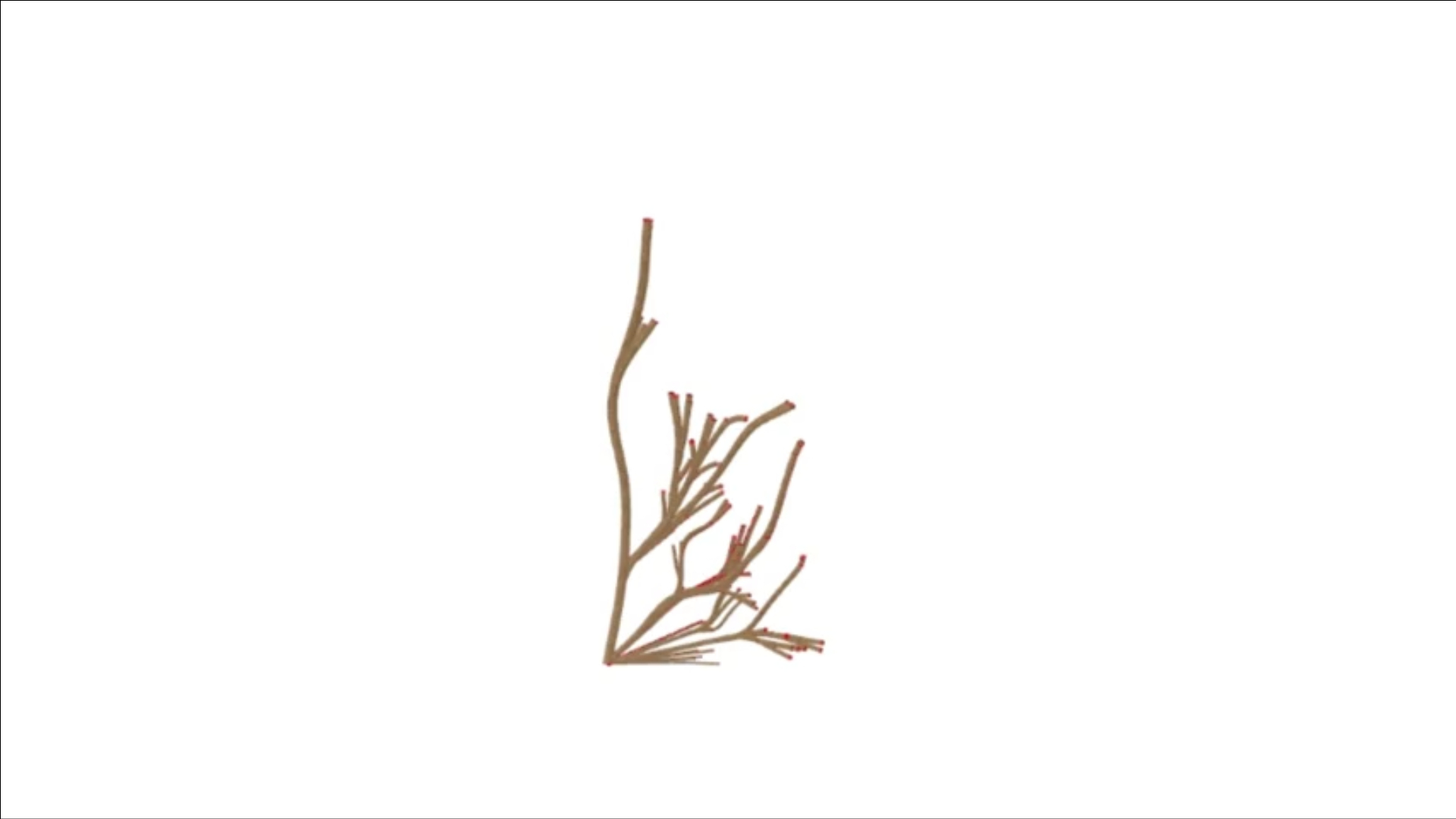
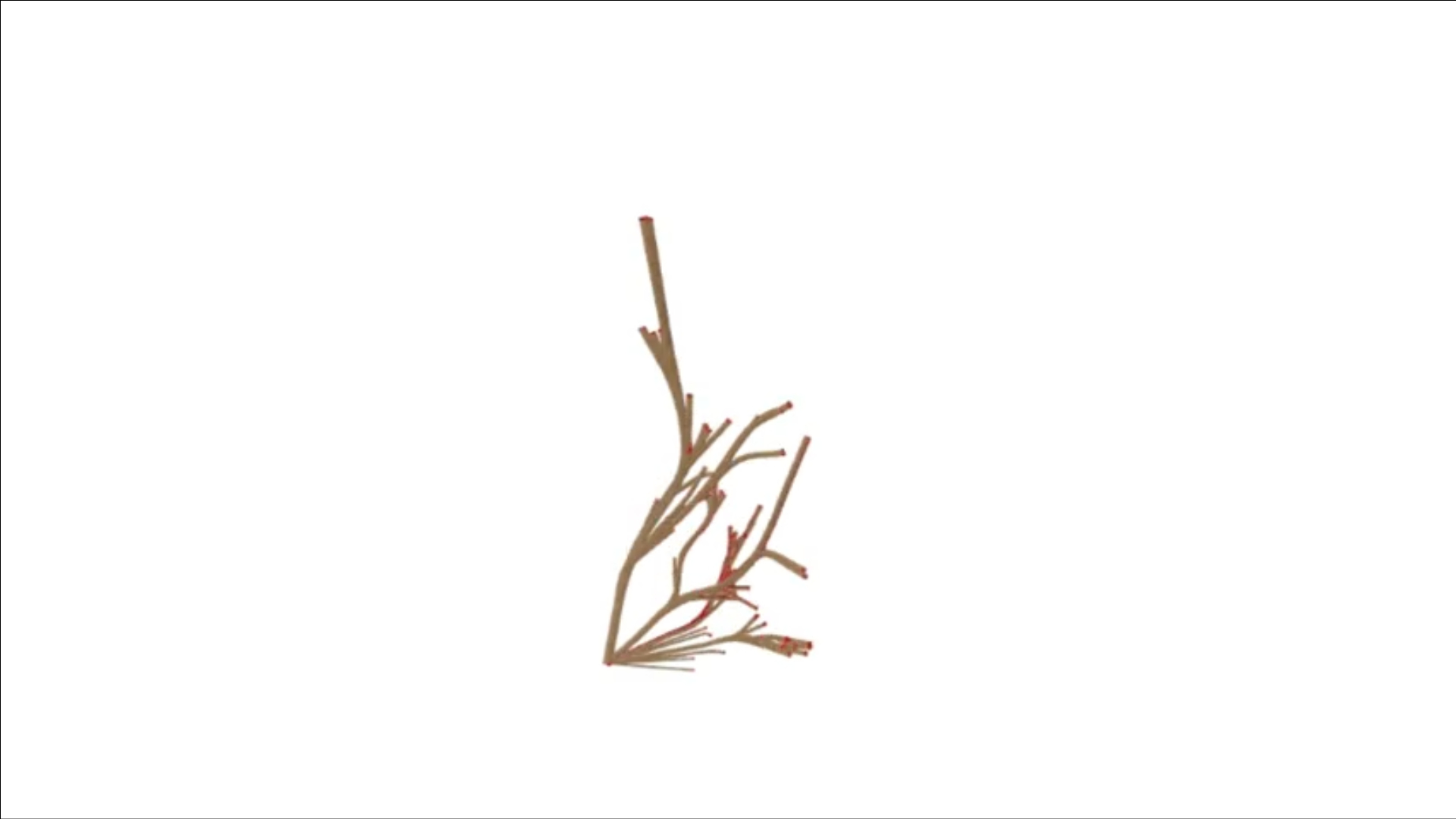
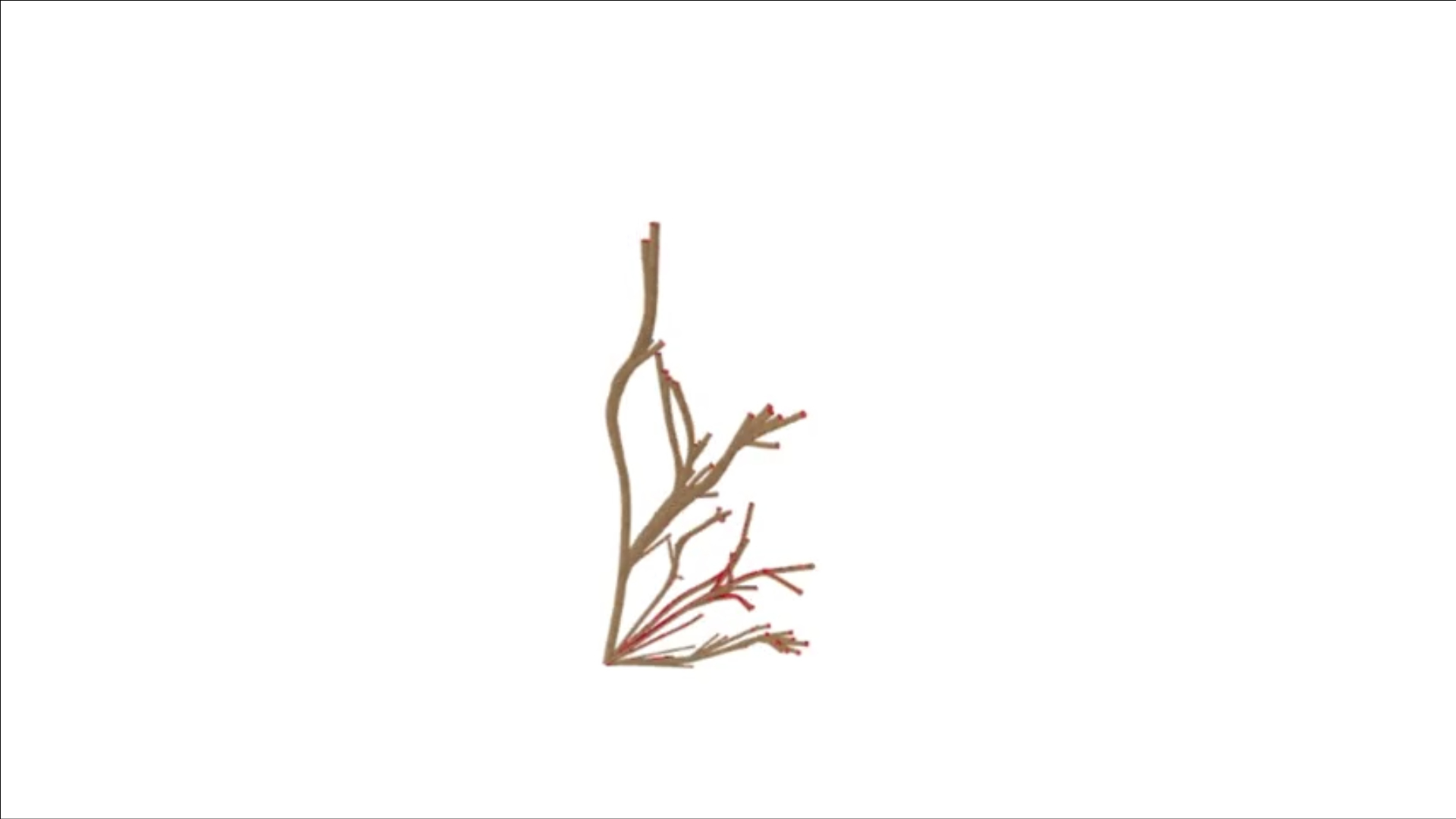
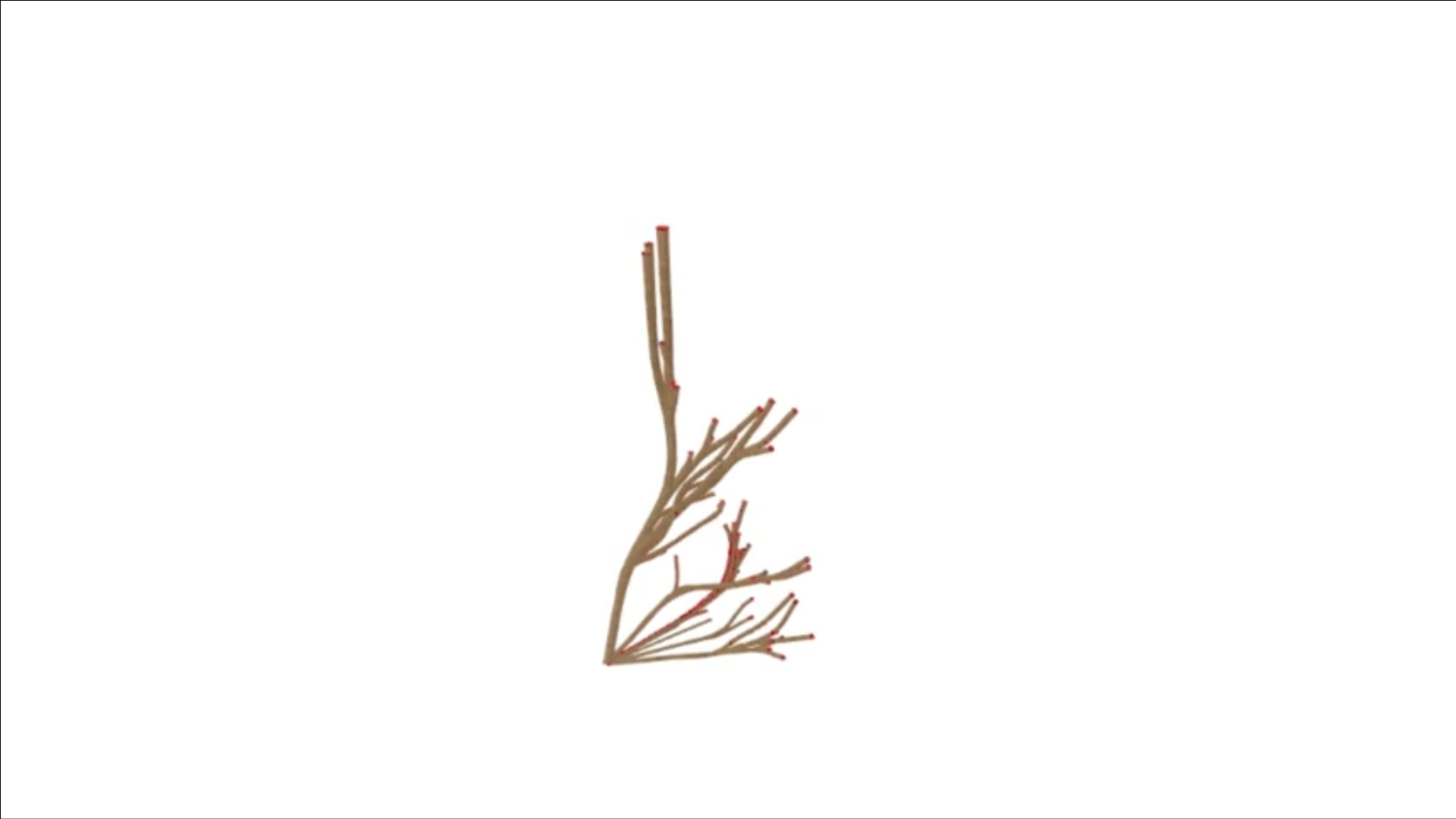
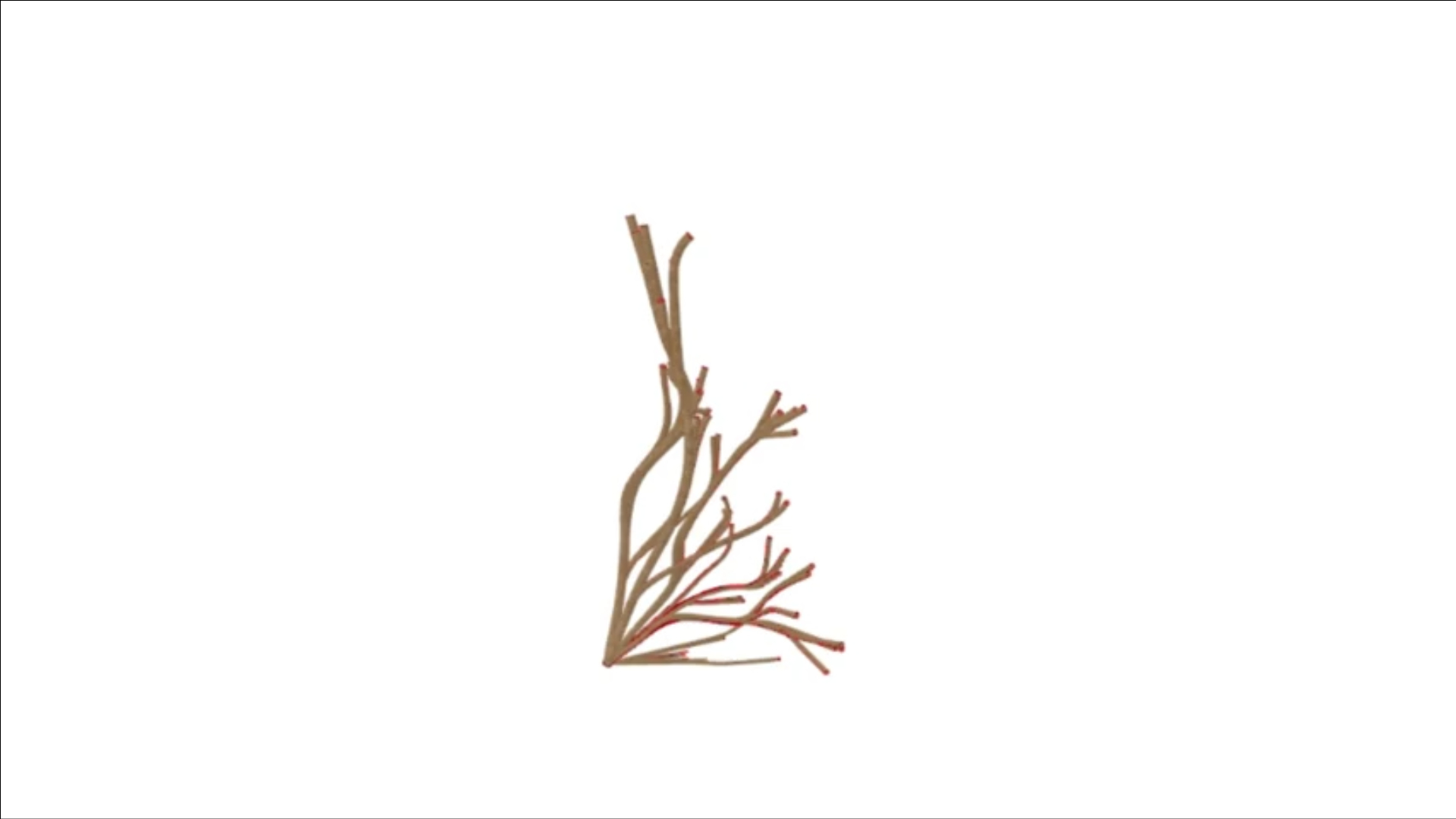
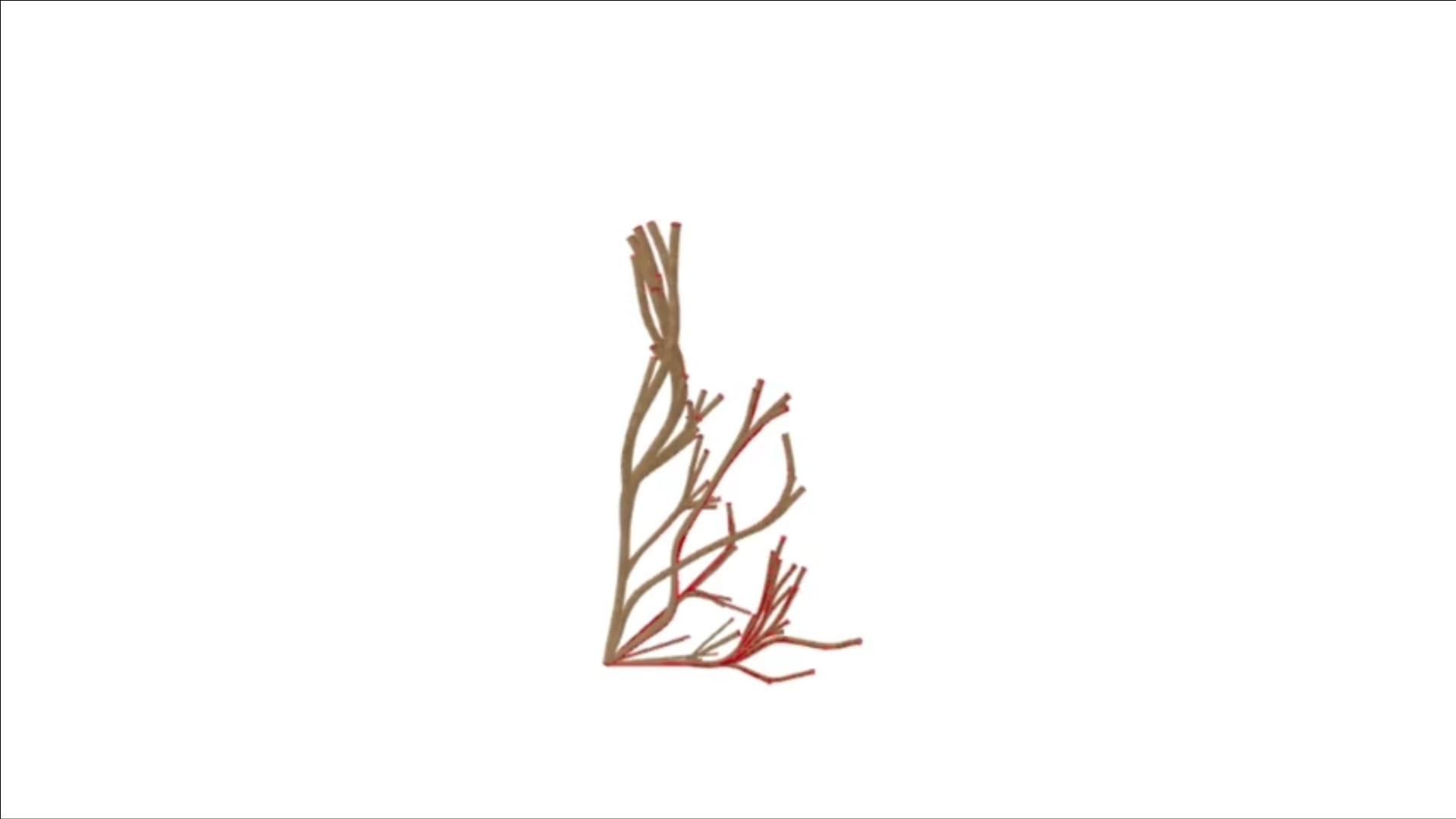
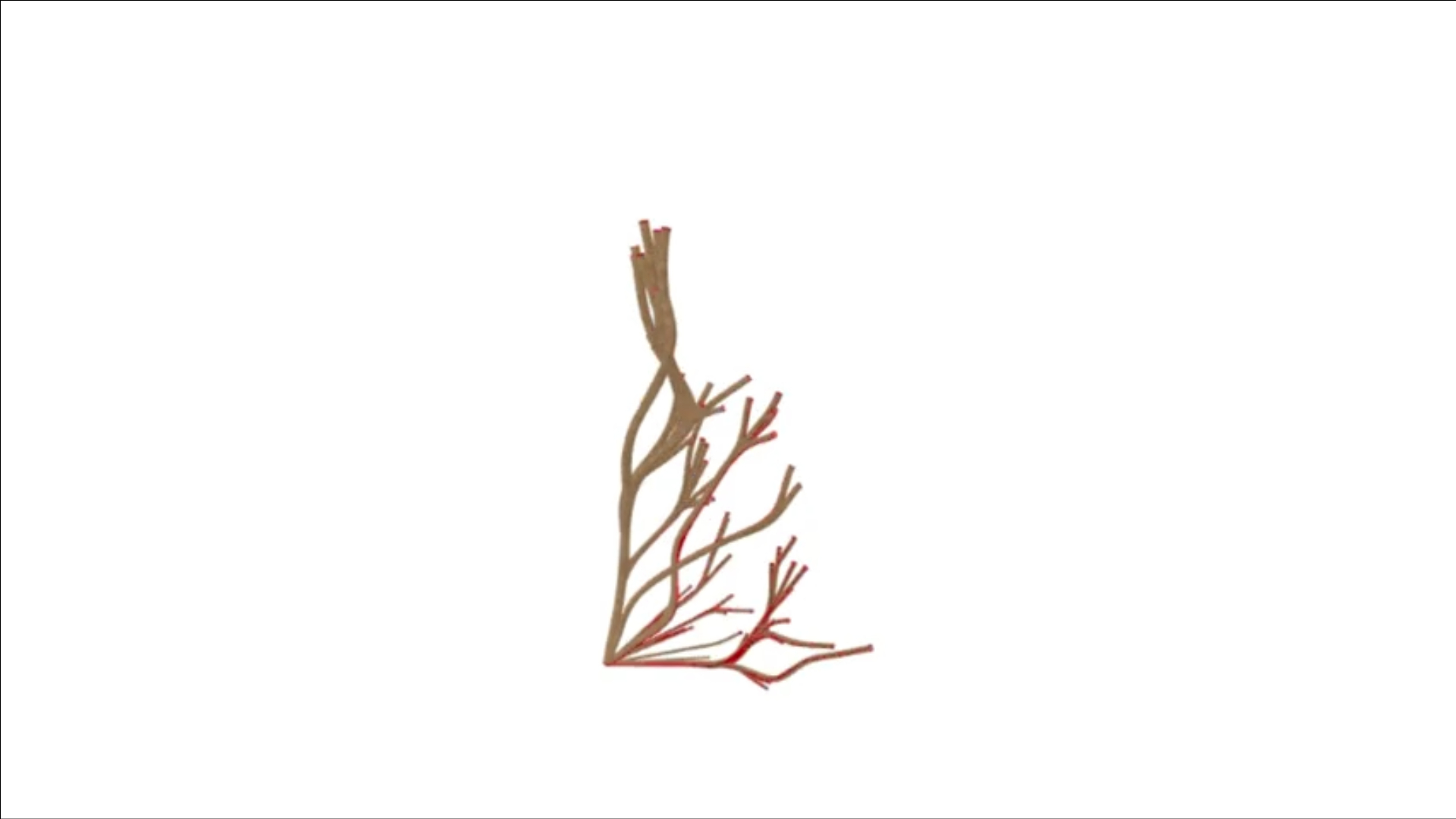
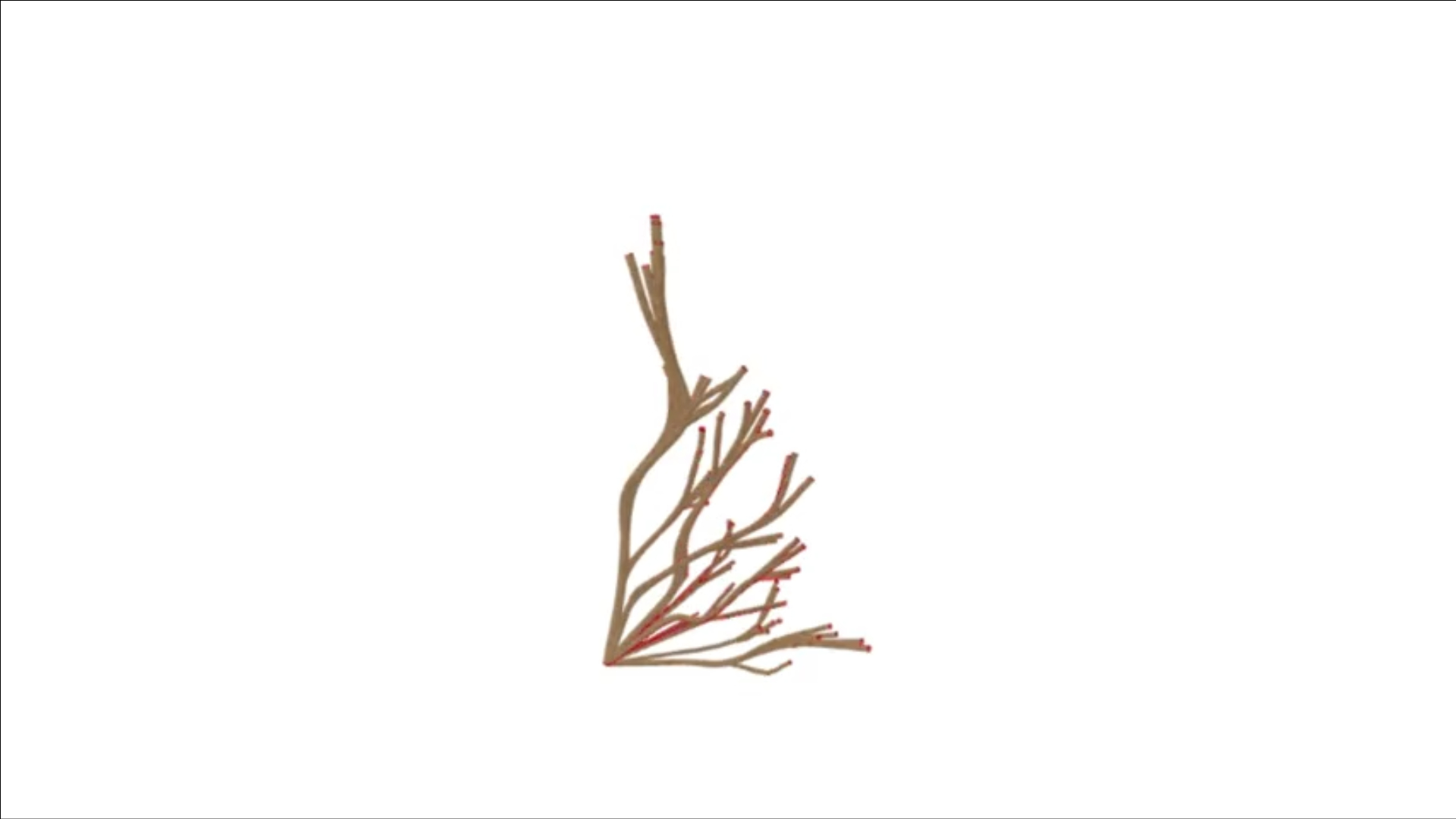
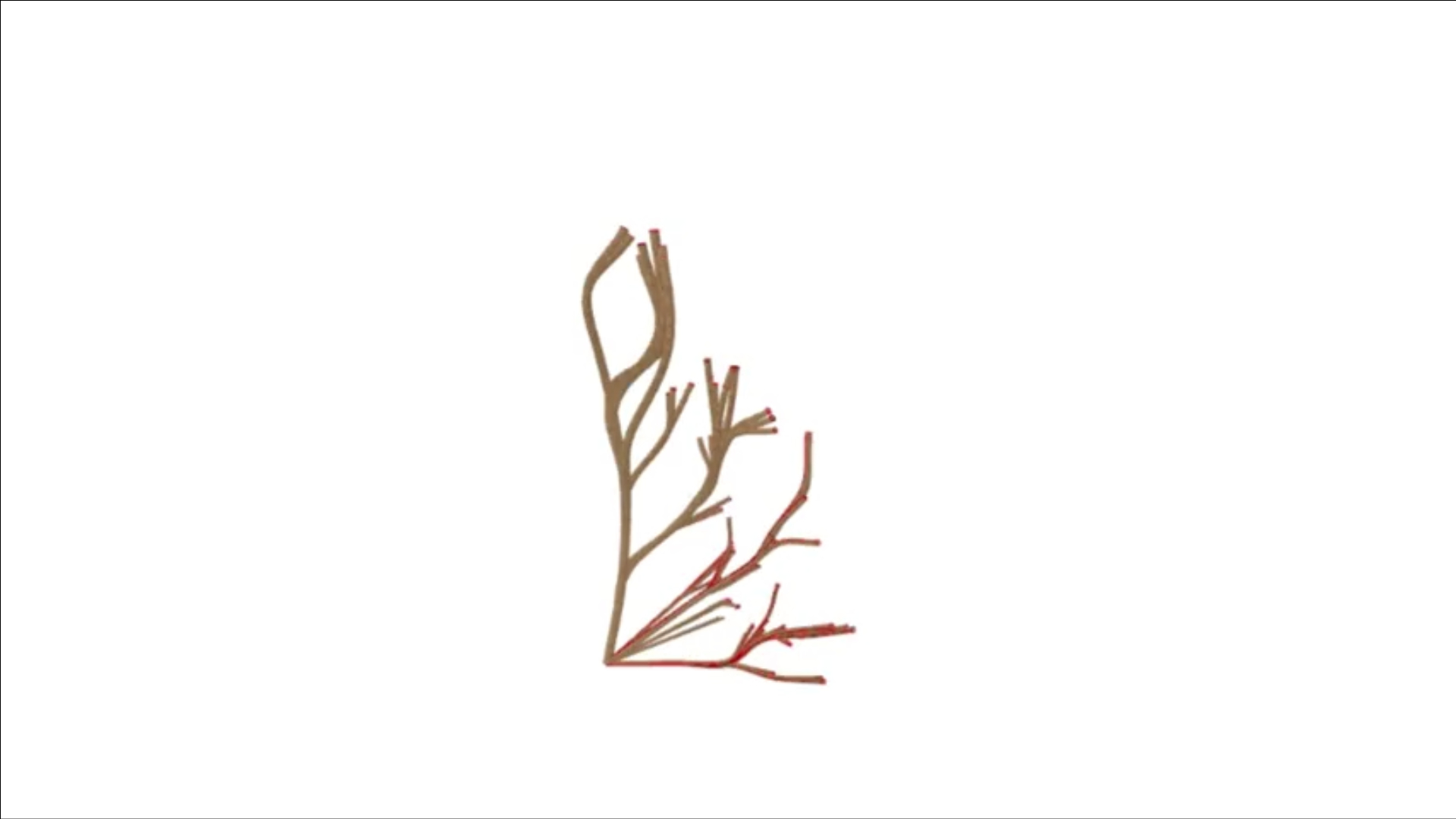
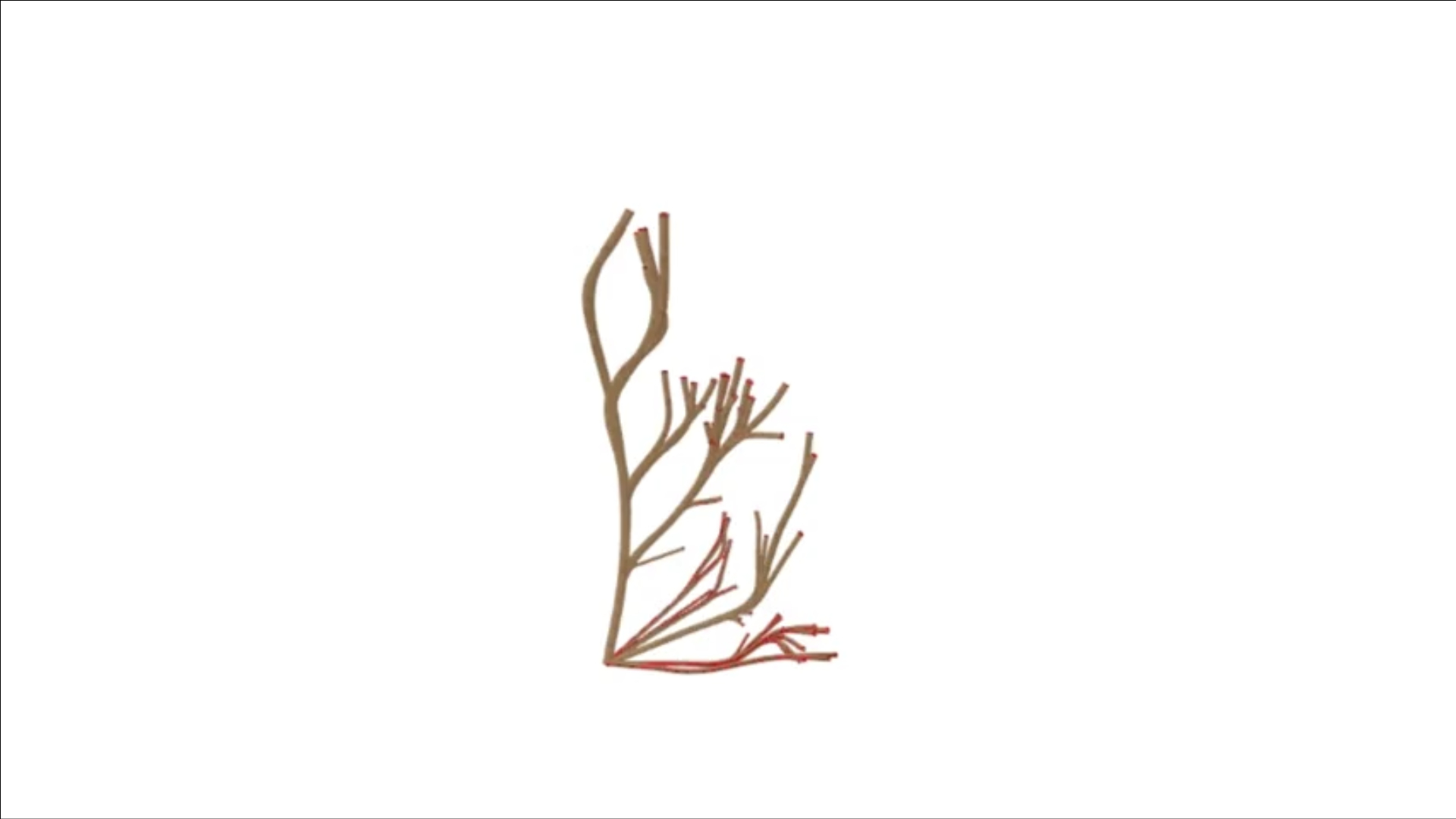
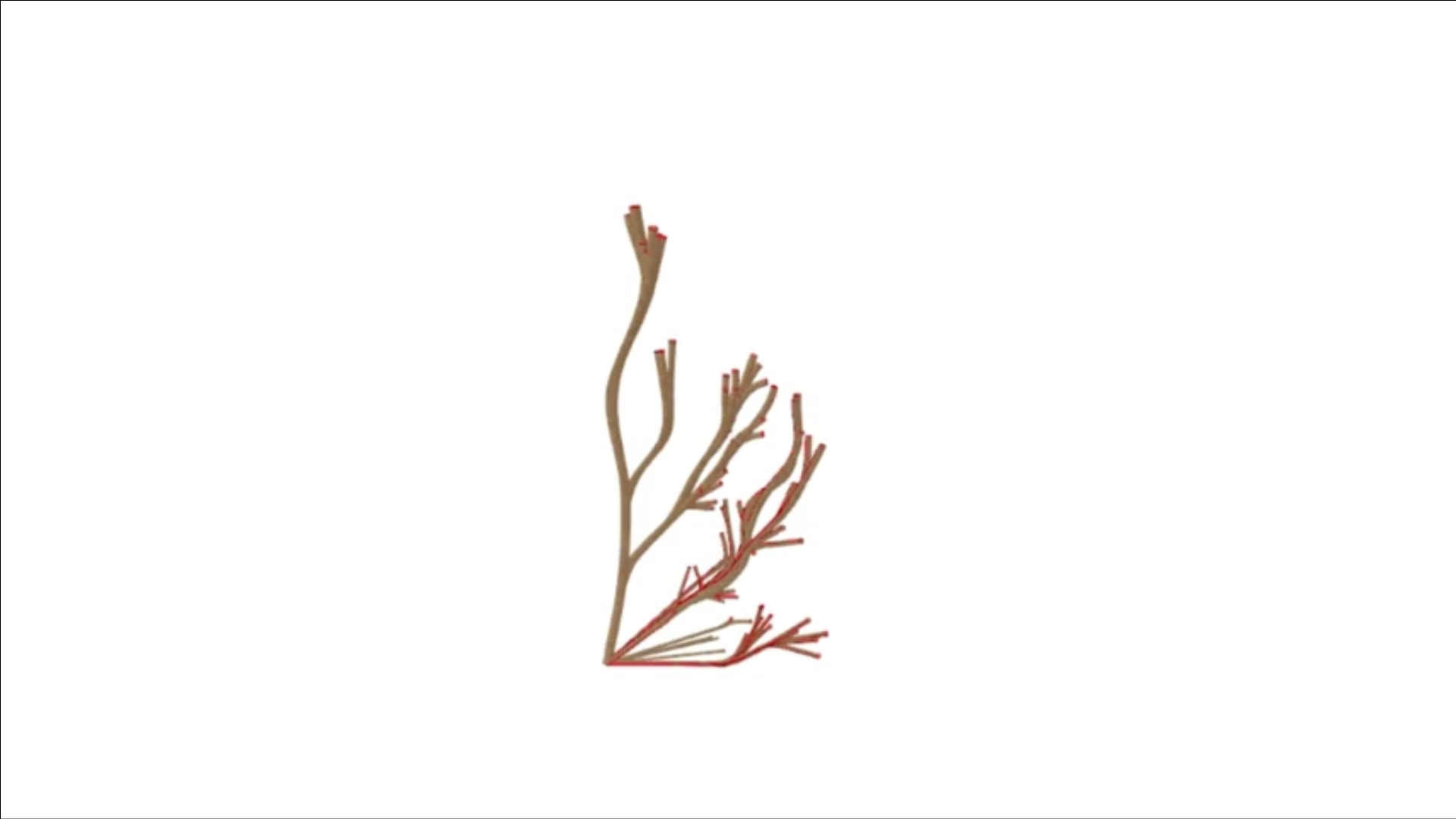
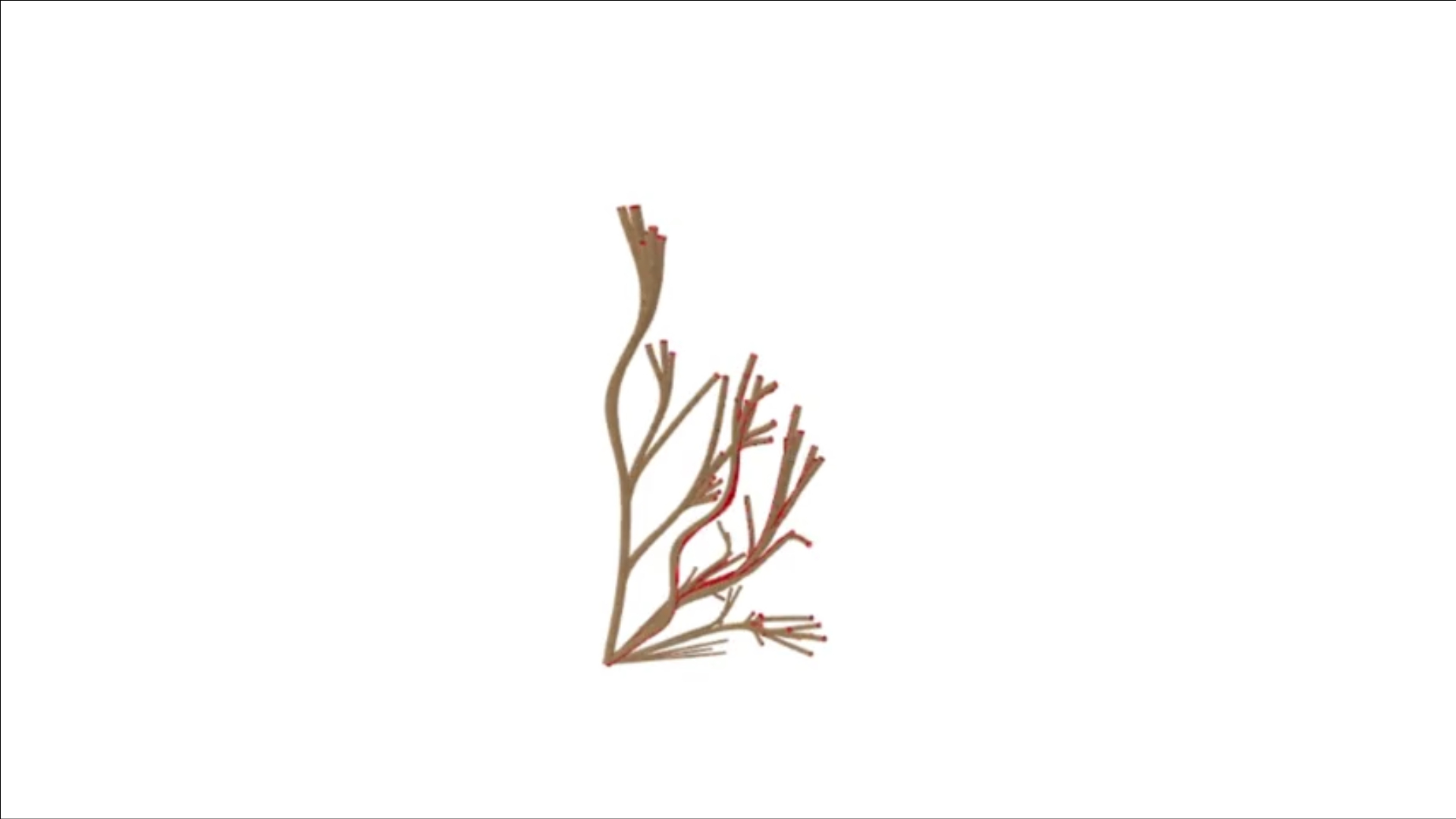
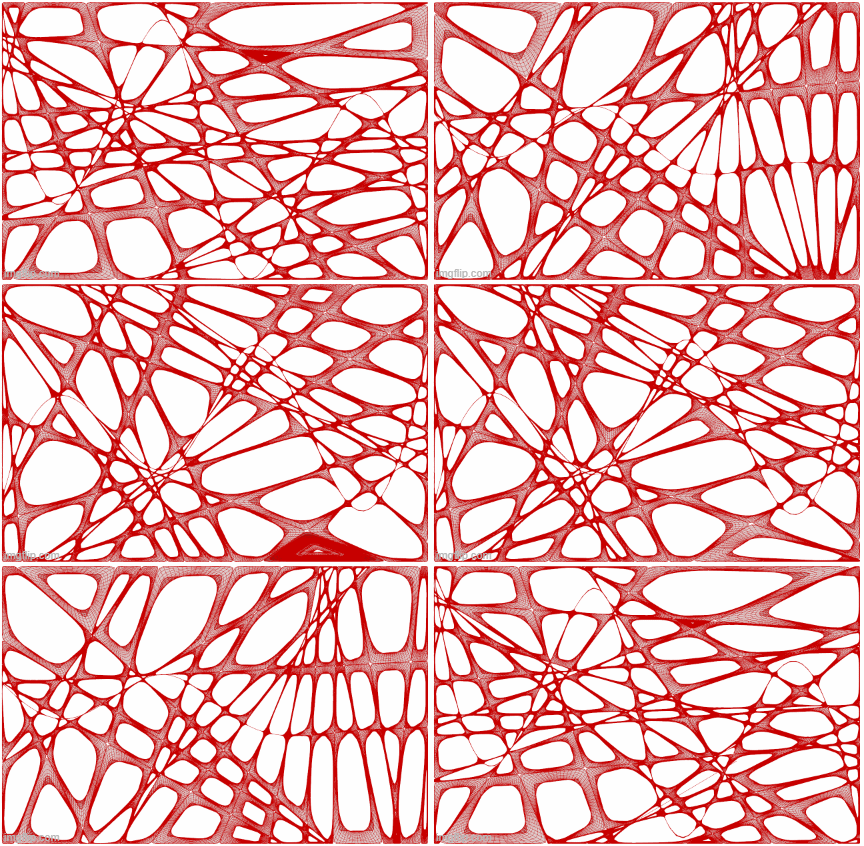
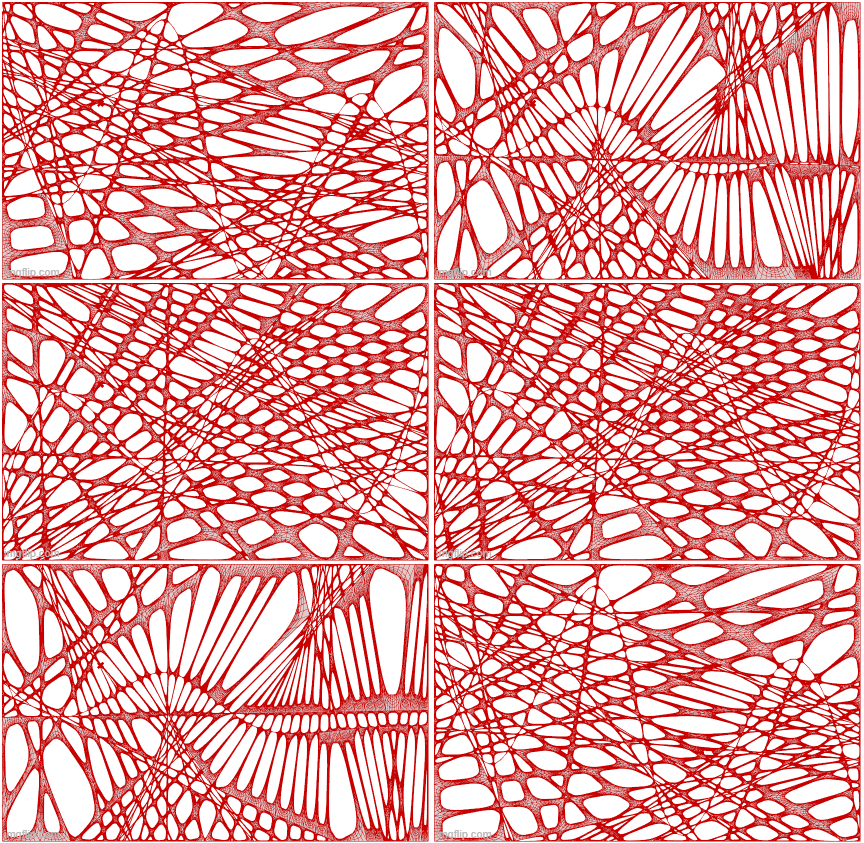
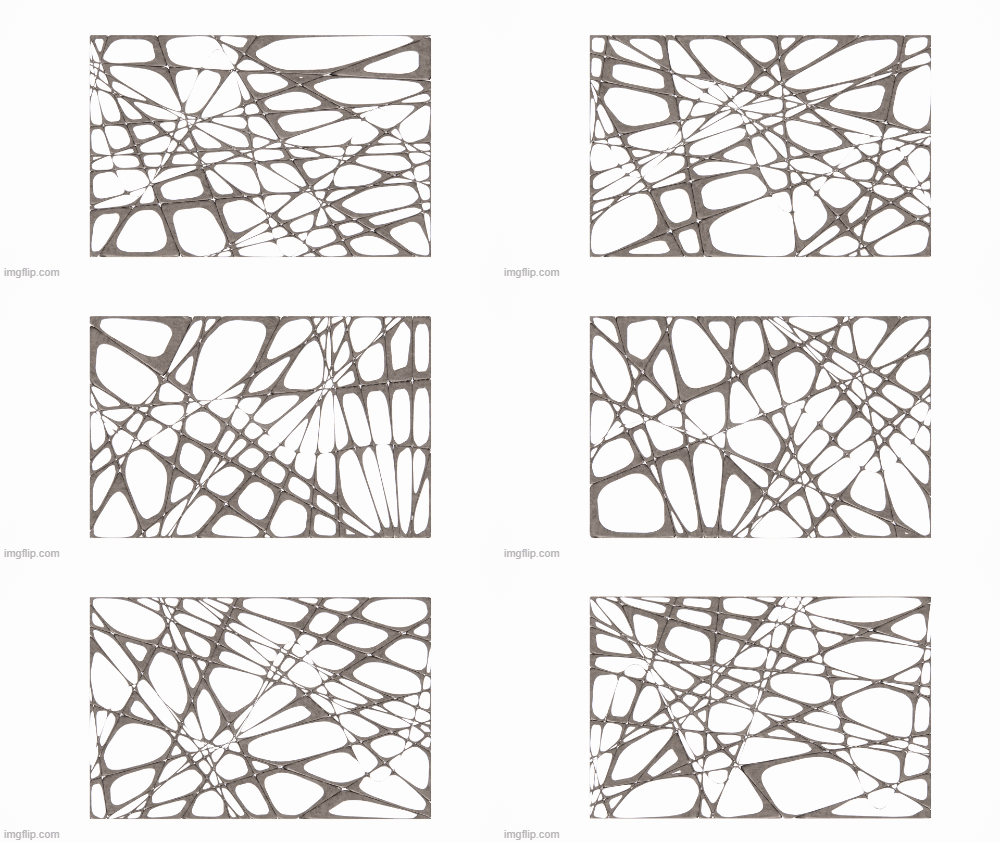
However, combining all these elements into a single model proved too computationally heavy to integrate into ShapeDiver. To address this, I broke the project into separate components. The first phase focused on the growth effect and the initial creation of the screen’s shape. This process is captured in a GIF and the series of 100 photos, showcasing the evolution of the form. The one at the top is my personal favorite but I included a few other variation as I played a with the settings and initial shape that it build from.

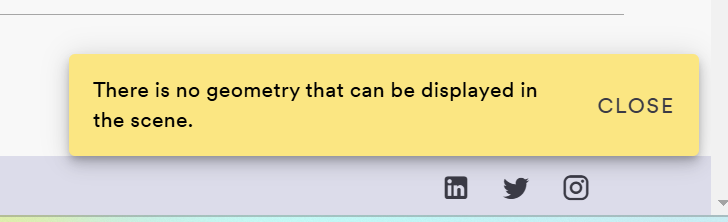
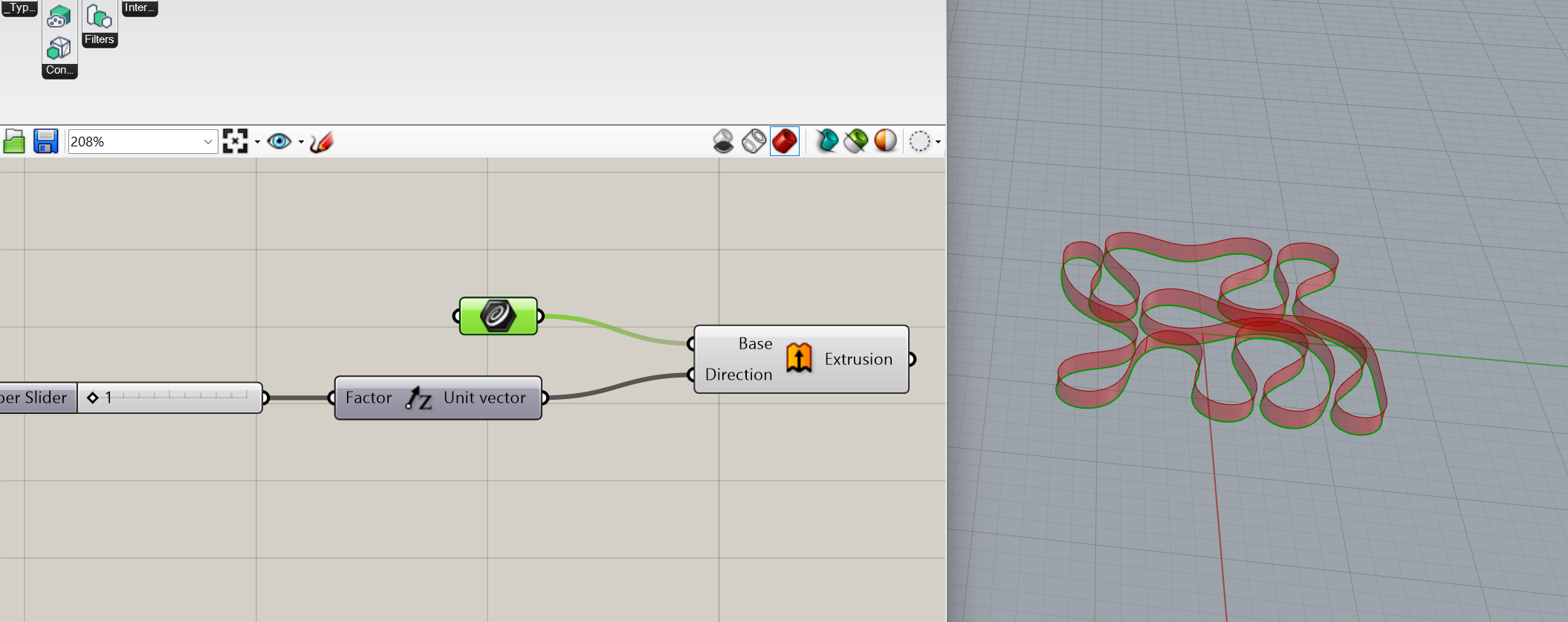
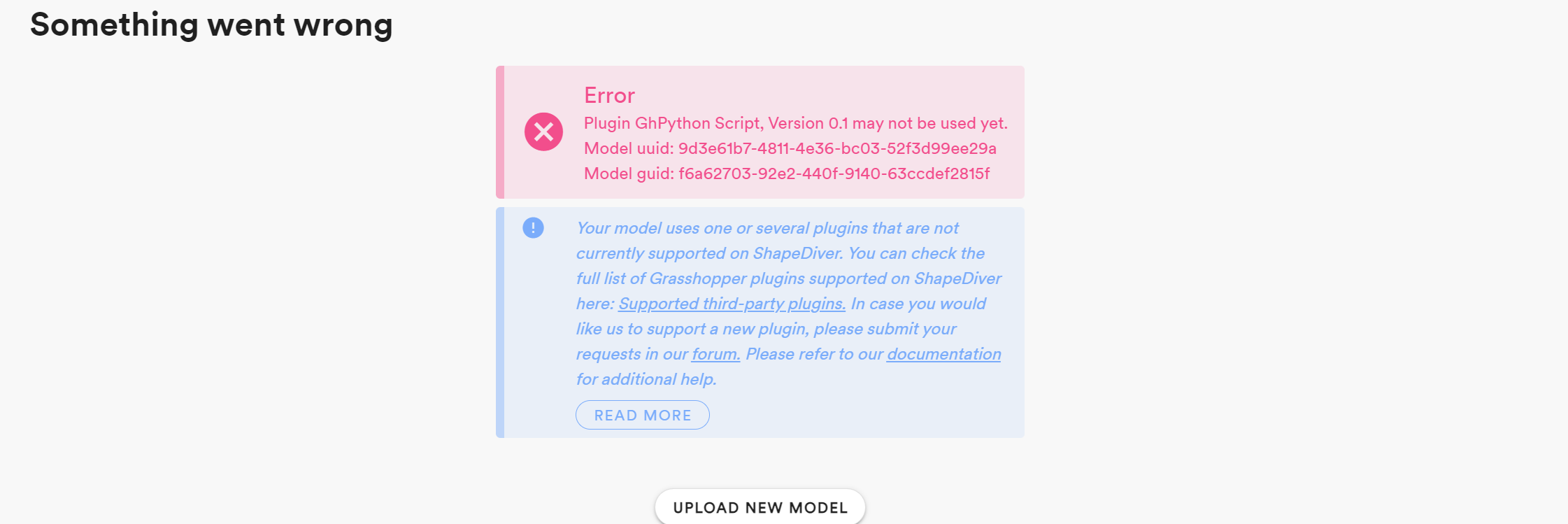
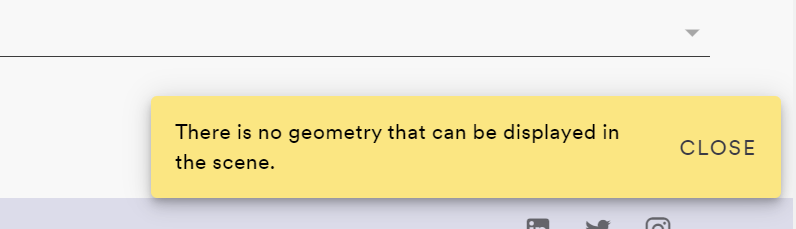
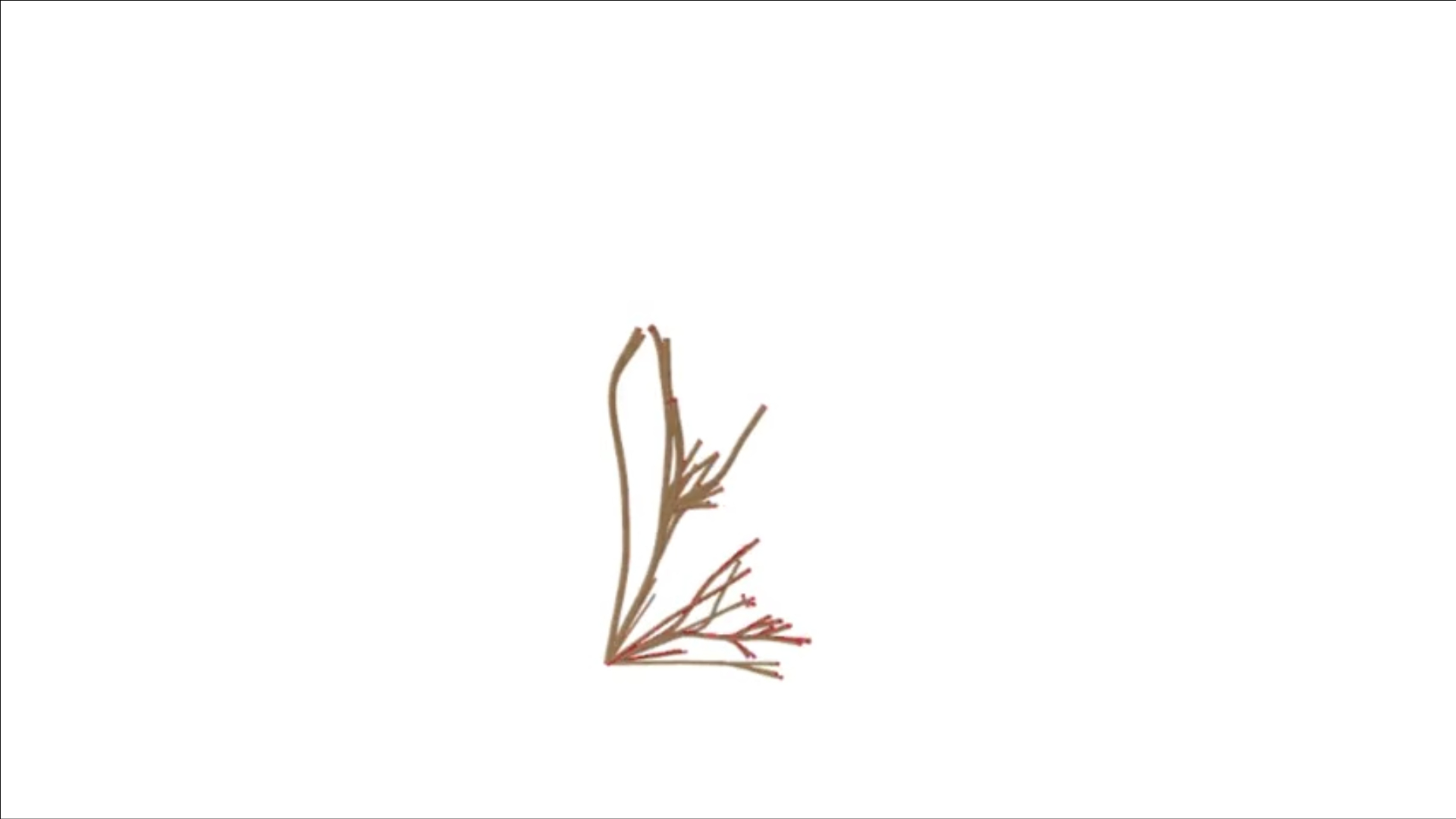
To try and get this geometry into ShapeDiver I selected my favorite configuration from the simulation results. This version retains the essence of the dynamic growth while allowing other aspects like transparency and shape to be altered in real time. I had an incredibly hard time getting this geometry into ShapeDiver, I exhausted all options that I could think of, simplifying the model, embedding geometry, reducing the number of sliders… nothing worked. I consistently got an error that there was no geometry to be shown even when imputing a model as simple as what is shown below. So, for now, I have everything shown in rhino but hopefully I can figure out what was wrong with ShapeDiver.

I utilized an attractor point to dynamically adjust the radius of the piping as it weaves through the model. This approach could be particularly useful in a privacy screen, allowing for controlled visibility by modifying the points where one can see through while still maintaining a sense of privacy.

I also aimed to design a form that could transition between open and closed states, transforming from a flat wall into a fully enclosed circular partition.

Lastly, I experimented with transparency, incorporating gradients to create sections of the model that transition between transparent and opaque, moving dynamically along the geometry.

PROJECT 1

The movement of this geometry is entirely dependent on a spline curve that runs through the center of the piece. The geometry is generated by dividing the curve into a variable number of segments and extruding normal lines from the curve. As the curve moves so do the regions the lines create. In the first GIF, the spline is divided into 20 points.

This gif shows a version of the same methodology but with 50 subdivisions of the spline curve.

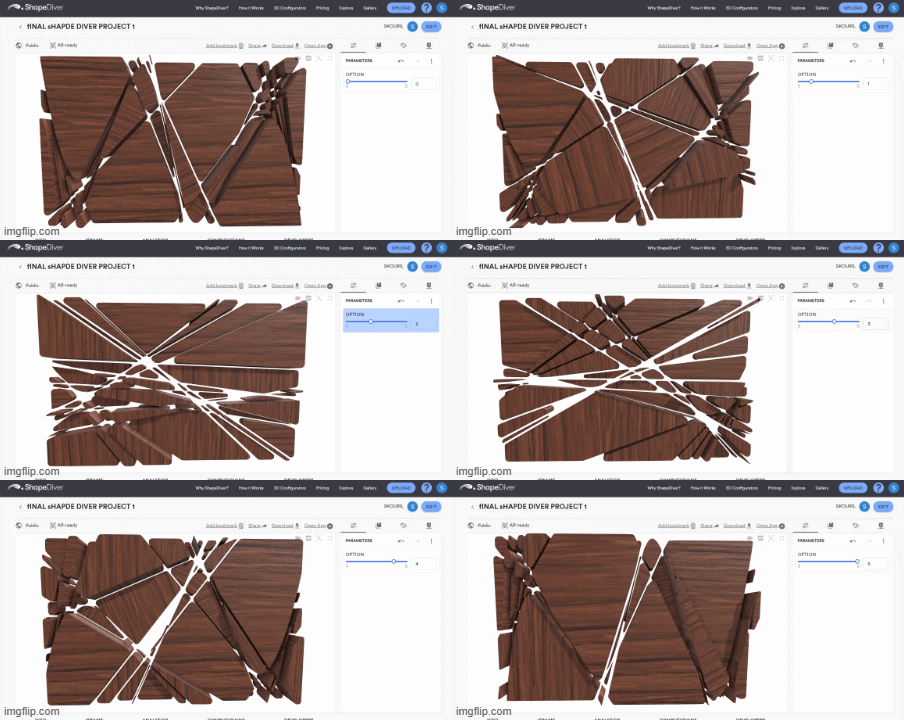
Problems with the mesh geometry prevented me from applying a texture directly in Grasshopper. To work around this, I baked 10 individual frames and assigned a texture to them, achieving a more three-dimensional effect.

Several issues came up when importing the original script into ShapeDiver. I was using a plugin that wasn’t supported, the geometry was too complex and heavy to embed in the script, and the mesh geometry was too distorted for ShapeDiver to display.

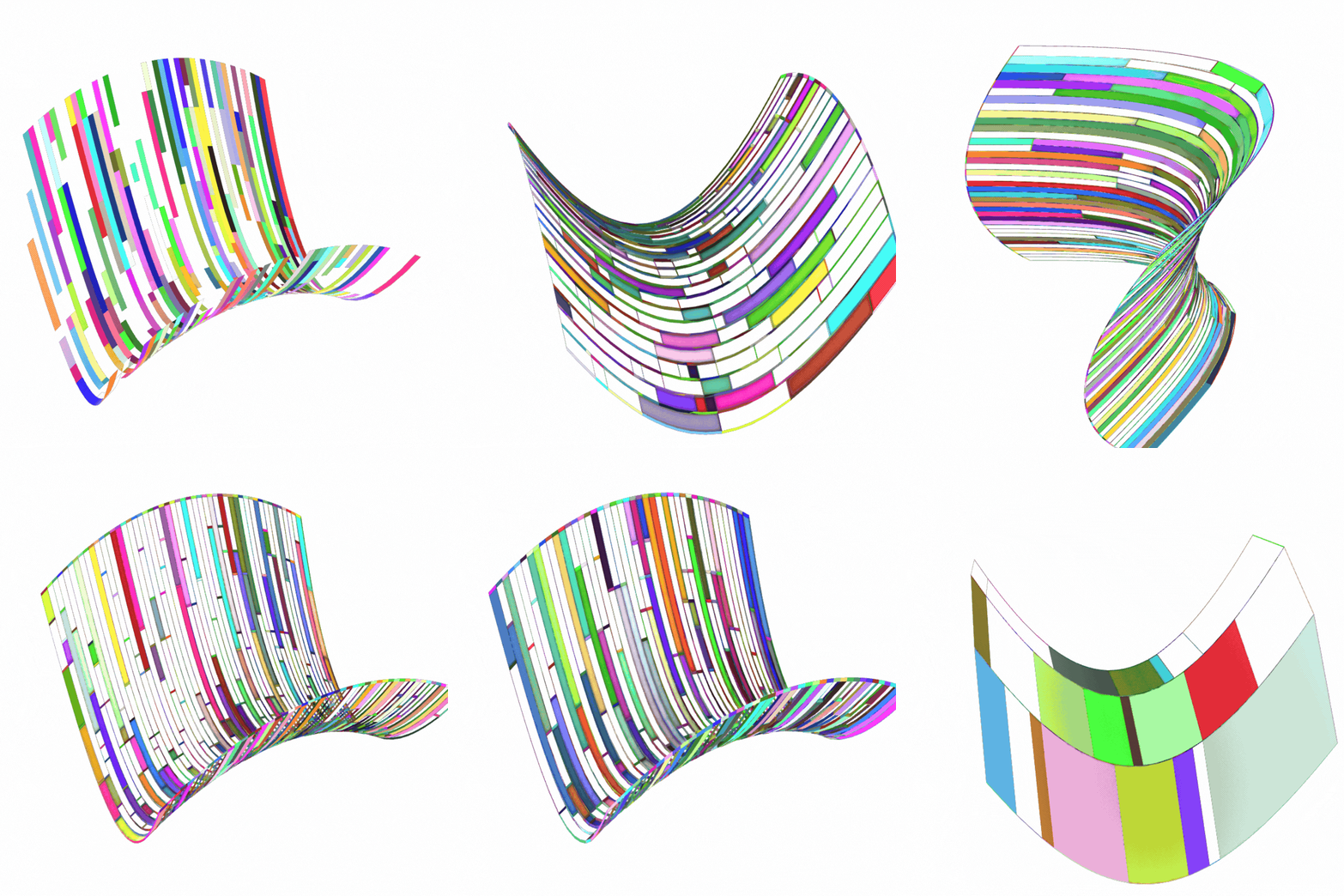
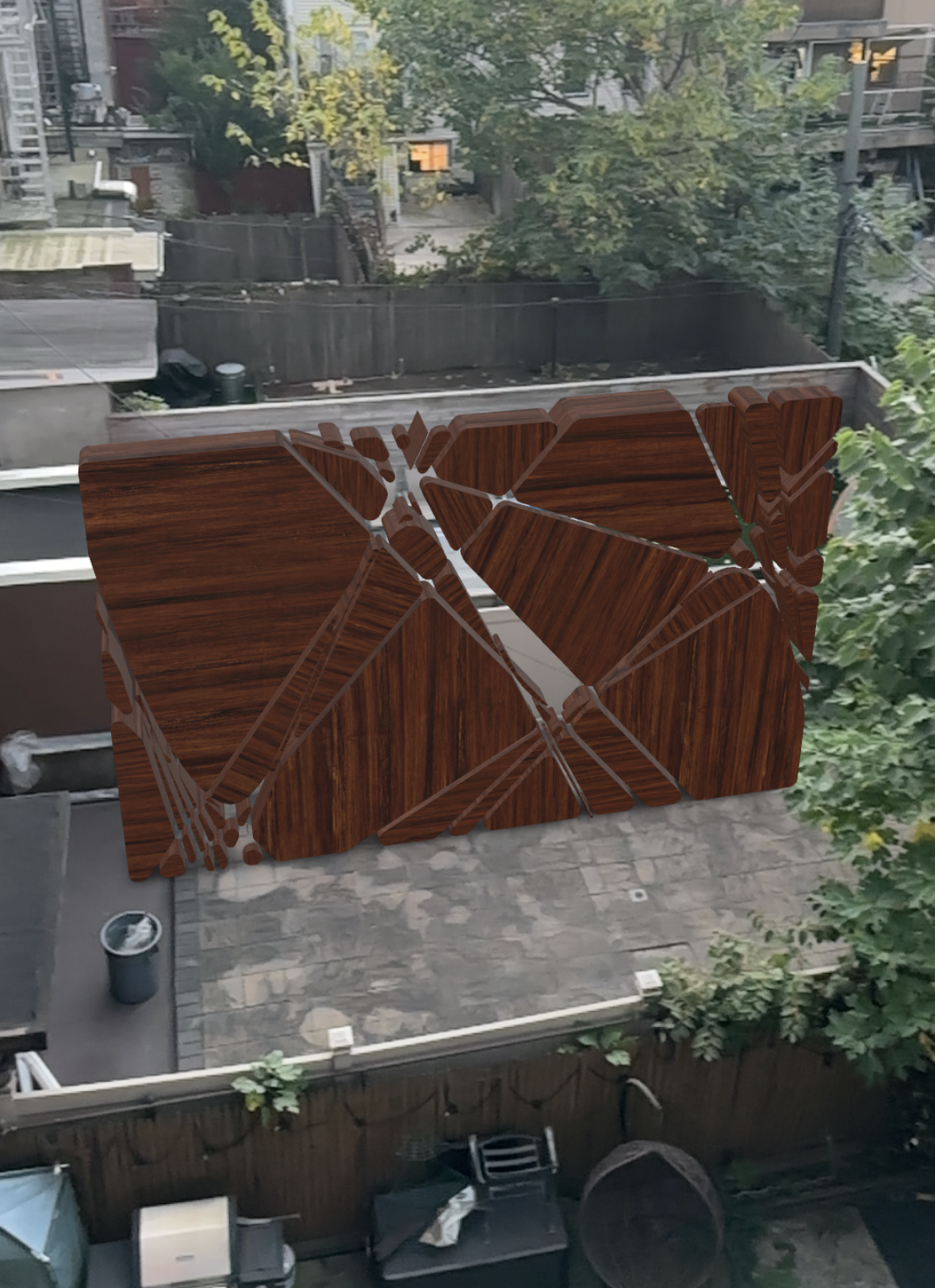
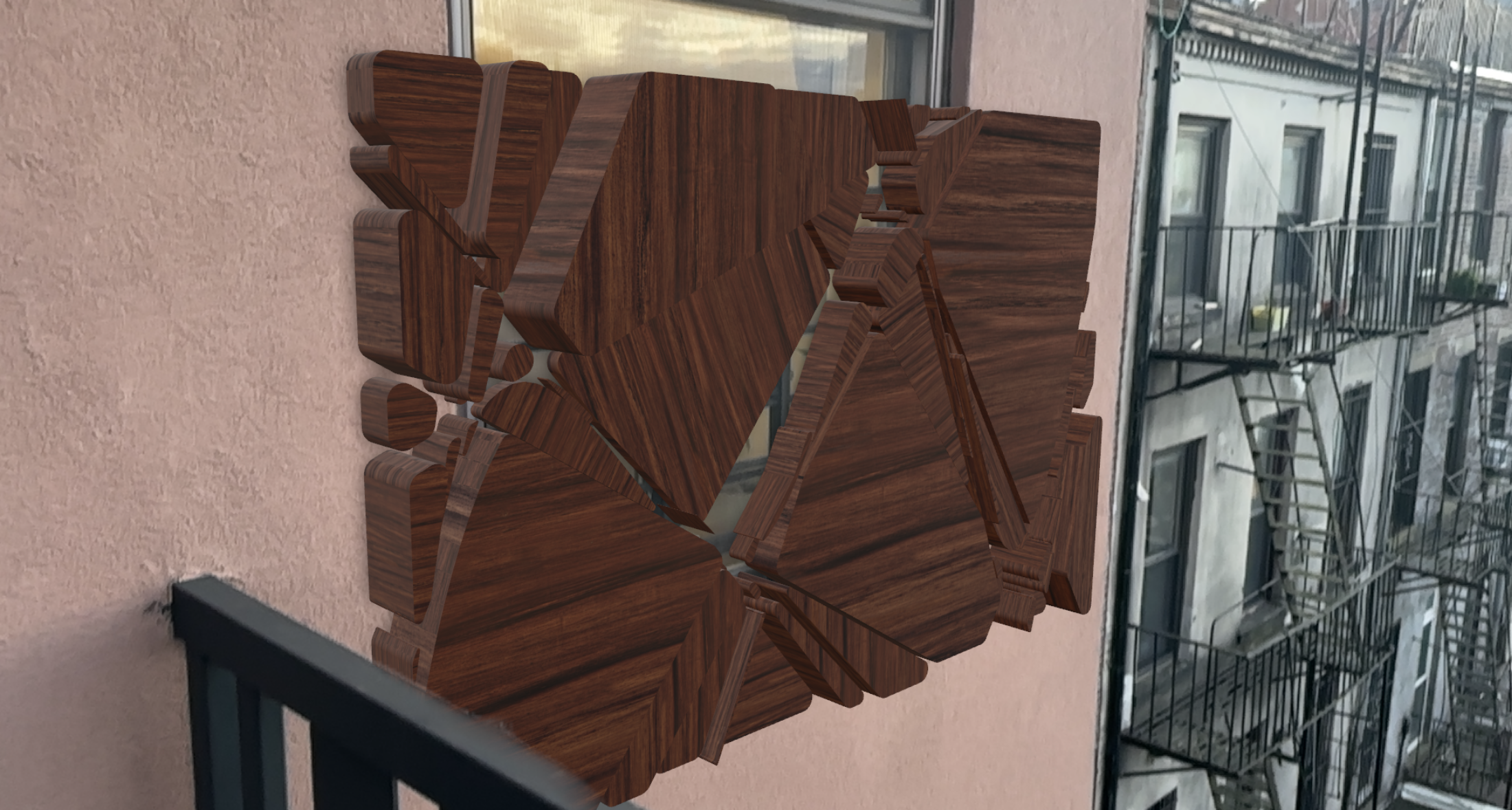
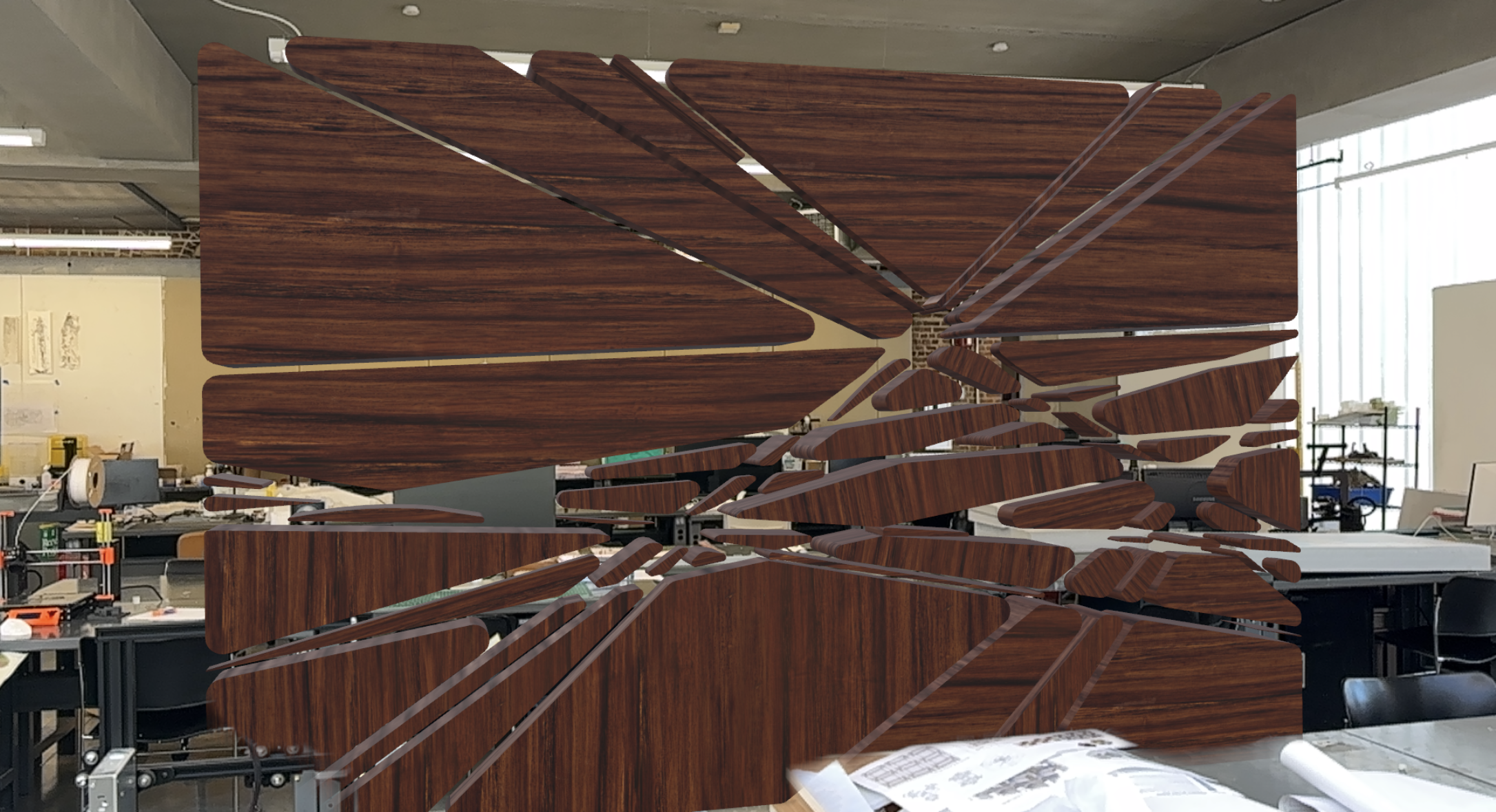
I had to create a simplified script using the same logic of dividing the curve to create spaces in between, but this time using NURBS modeling and fewer lines. However, the plugin I used still wasn’t supported by ShapeDiver, so I had to embed a few preset options and create a toggle to switch between them. This approach allowed me to apply materials to the object while offering a limited variety of configurations to toggle through in ShapeDiver