By Nima Luorong
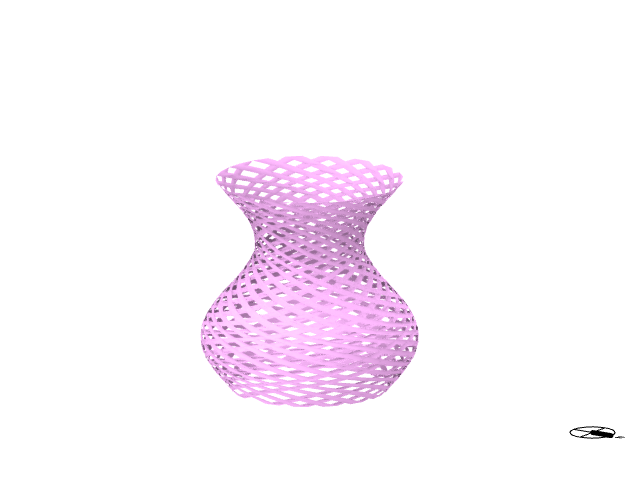
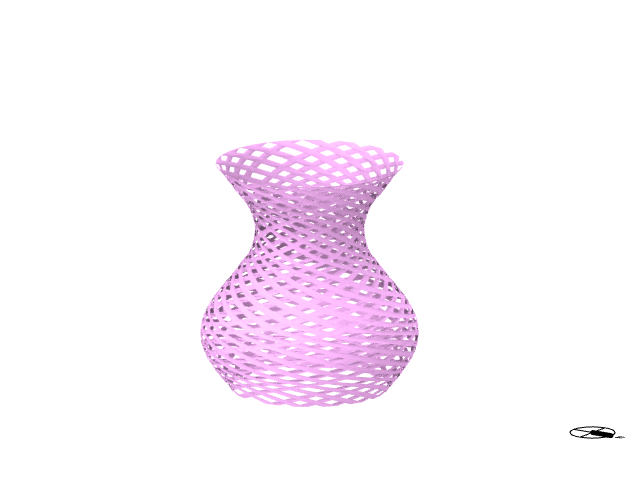
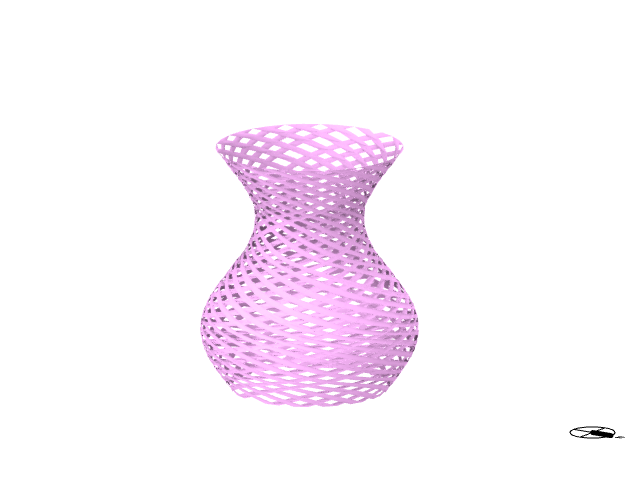
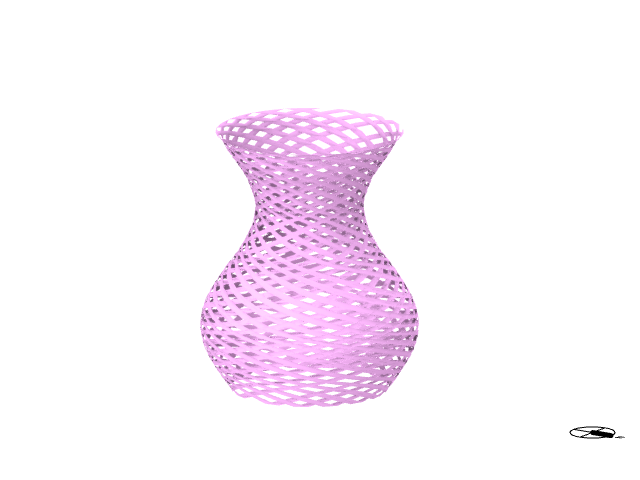
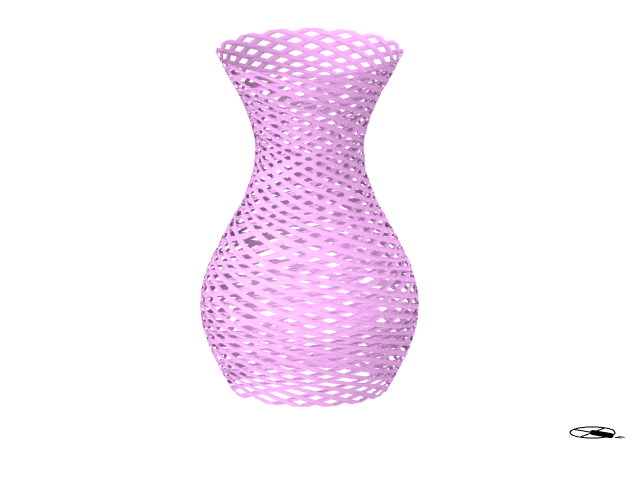
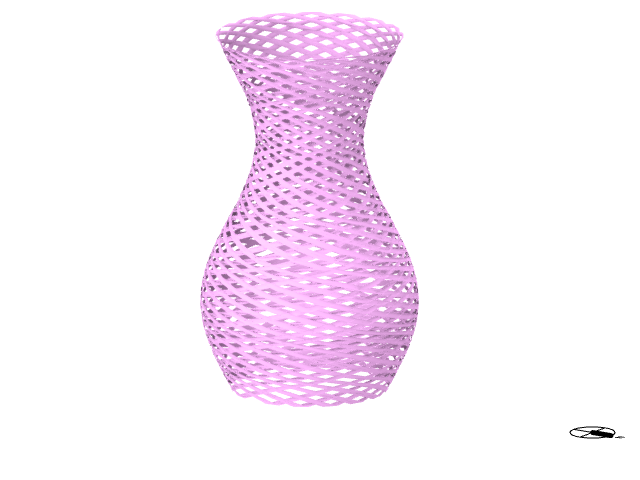
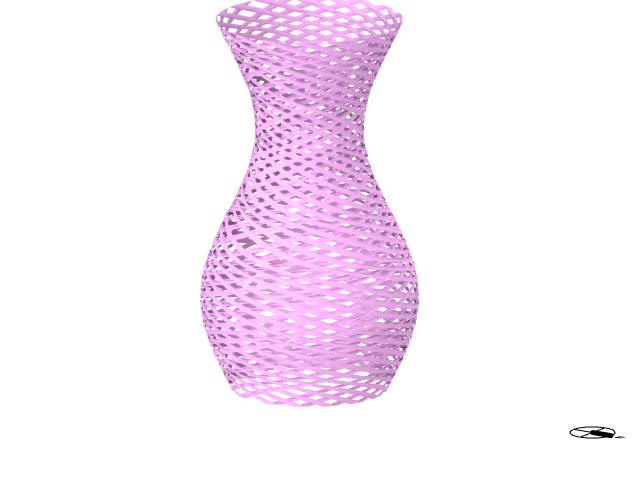
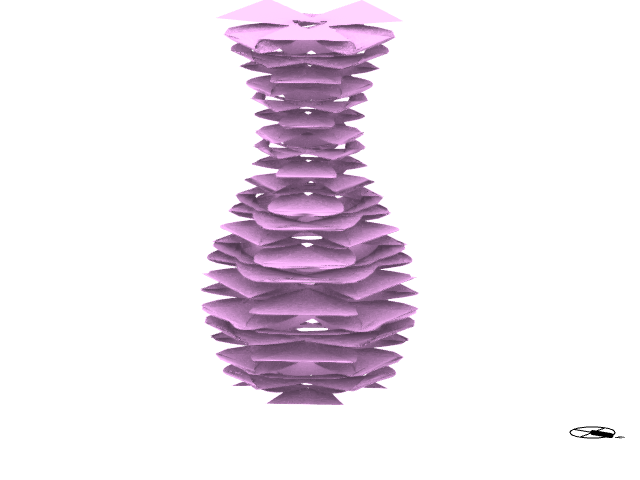
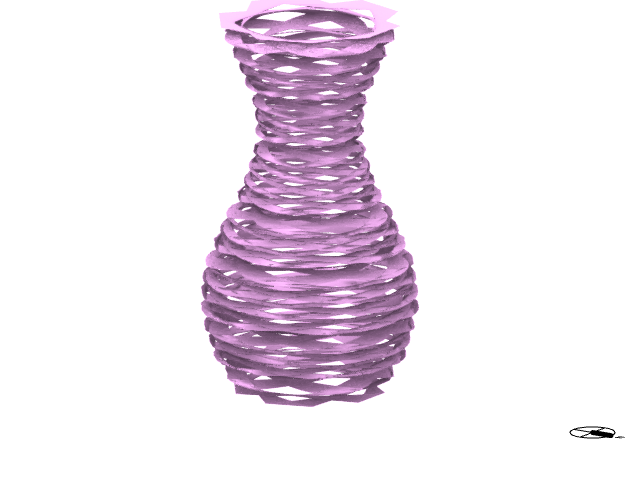
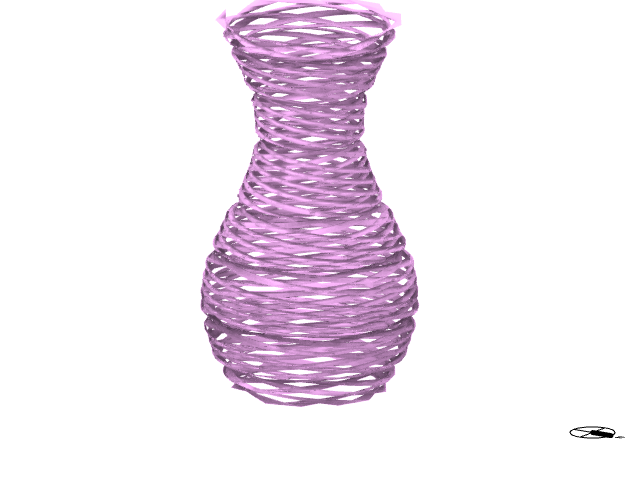
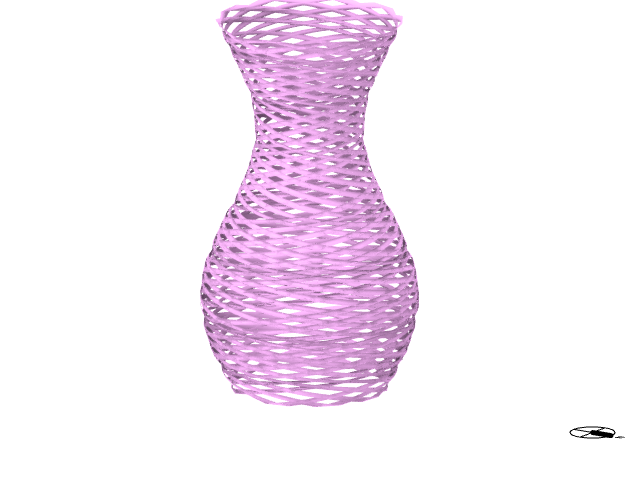
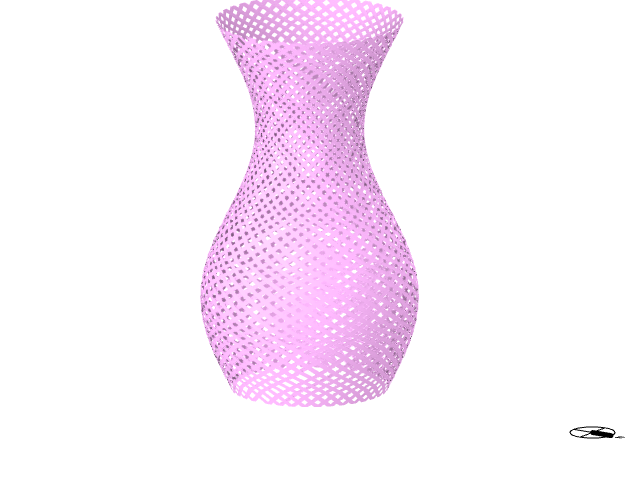
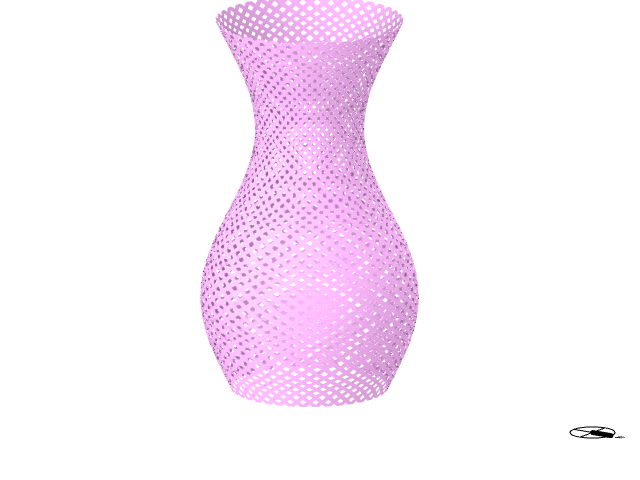
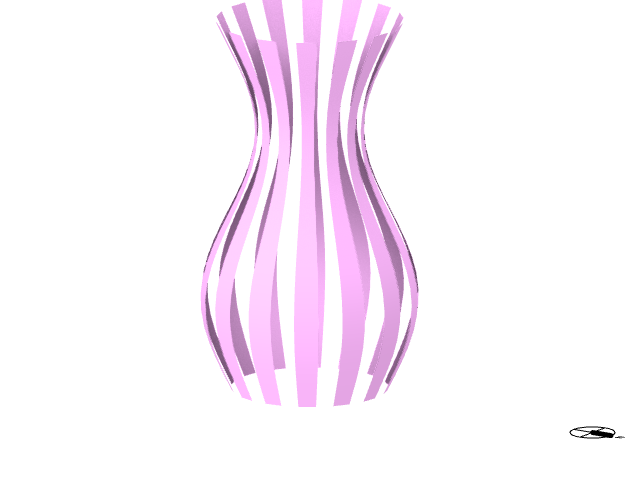
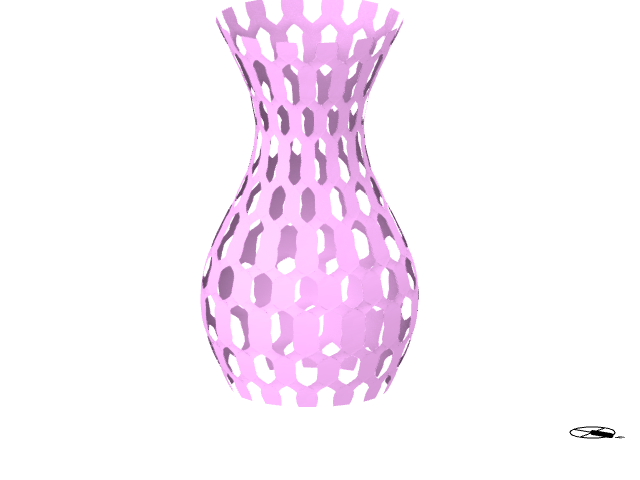
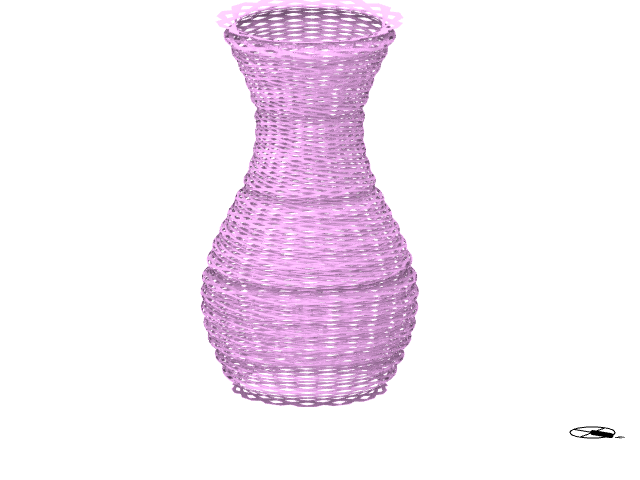
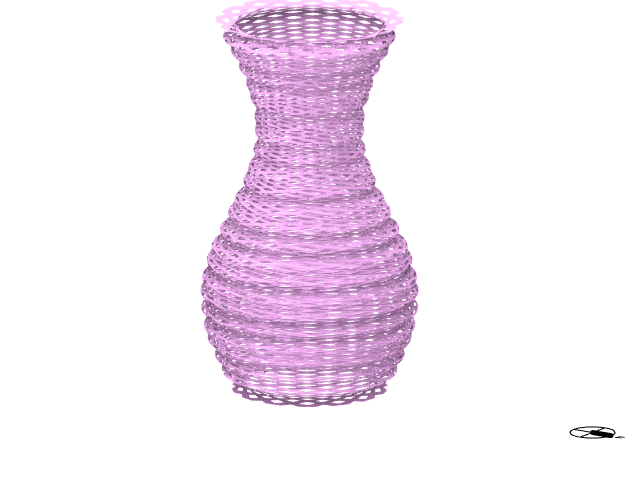
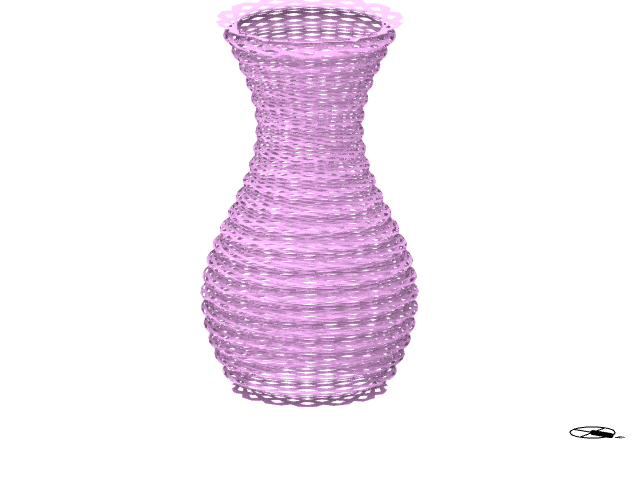
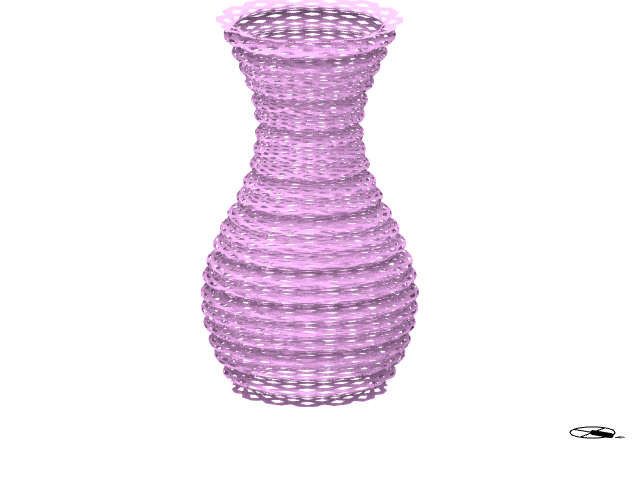
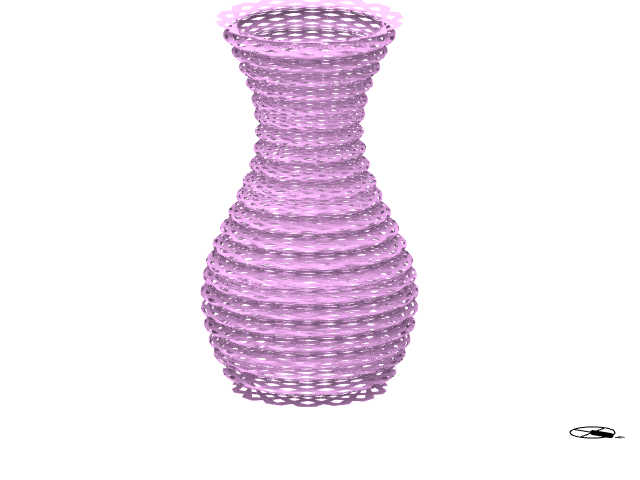
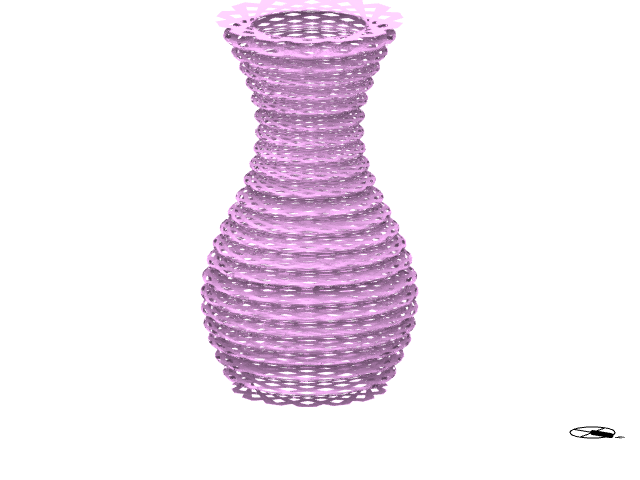
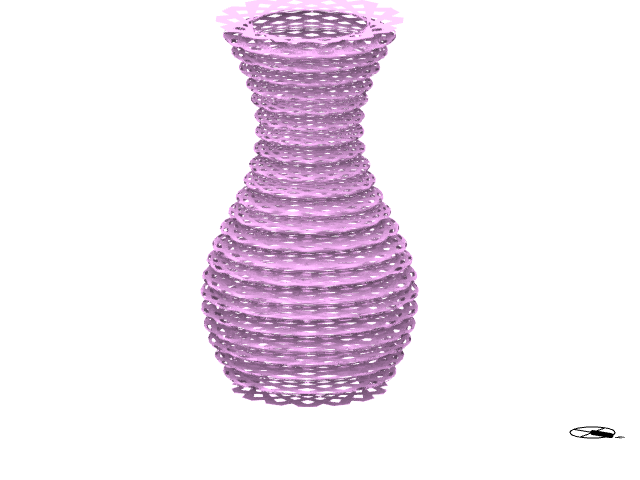
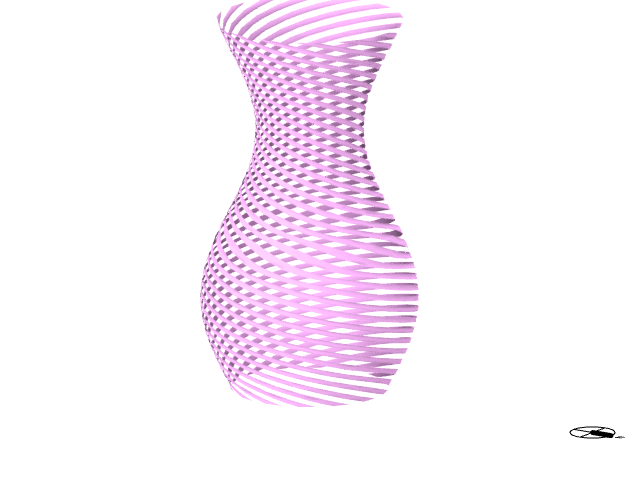
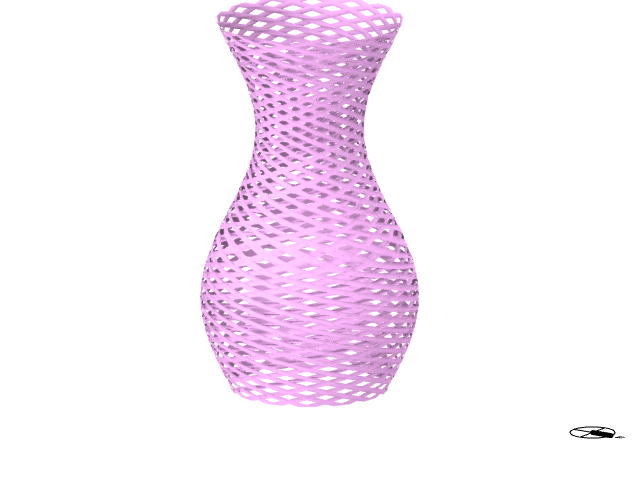
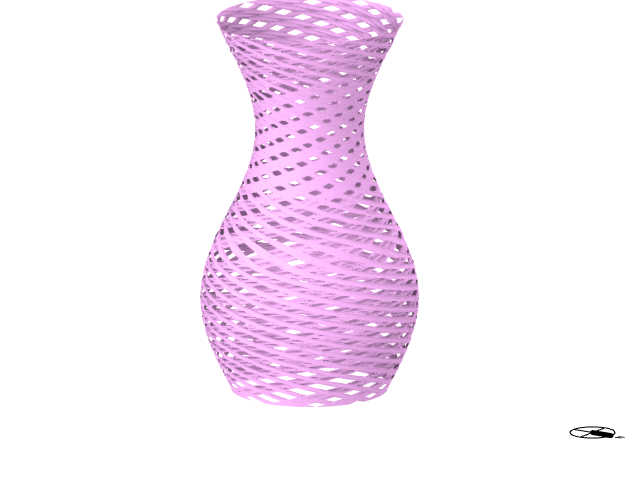
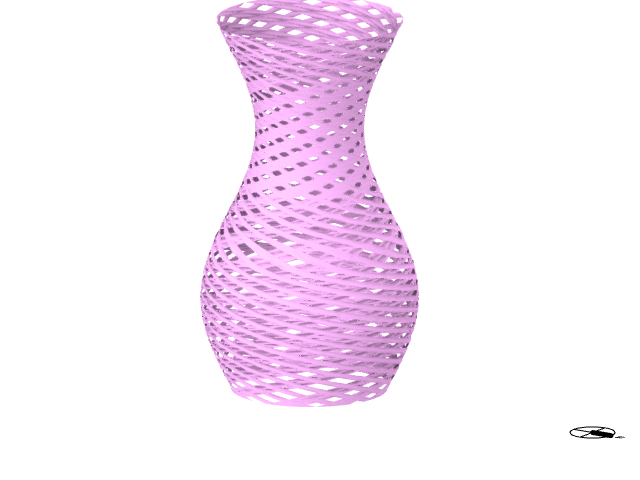
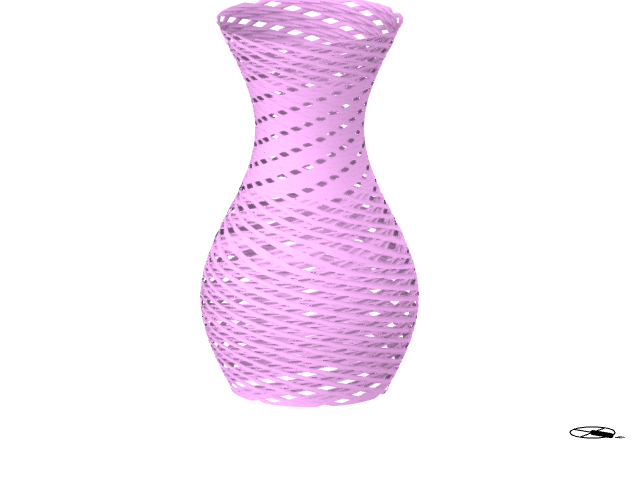
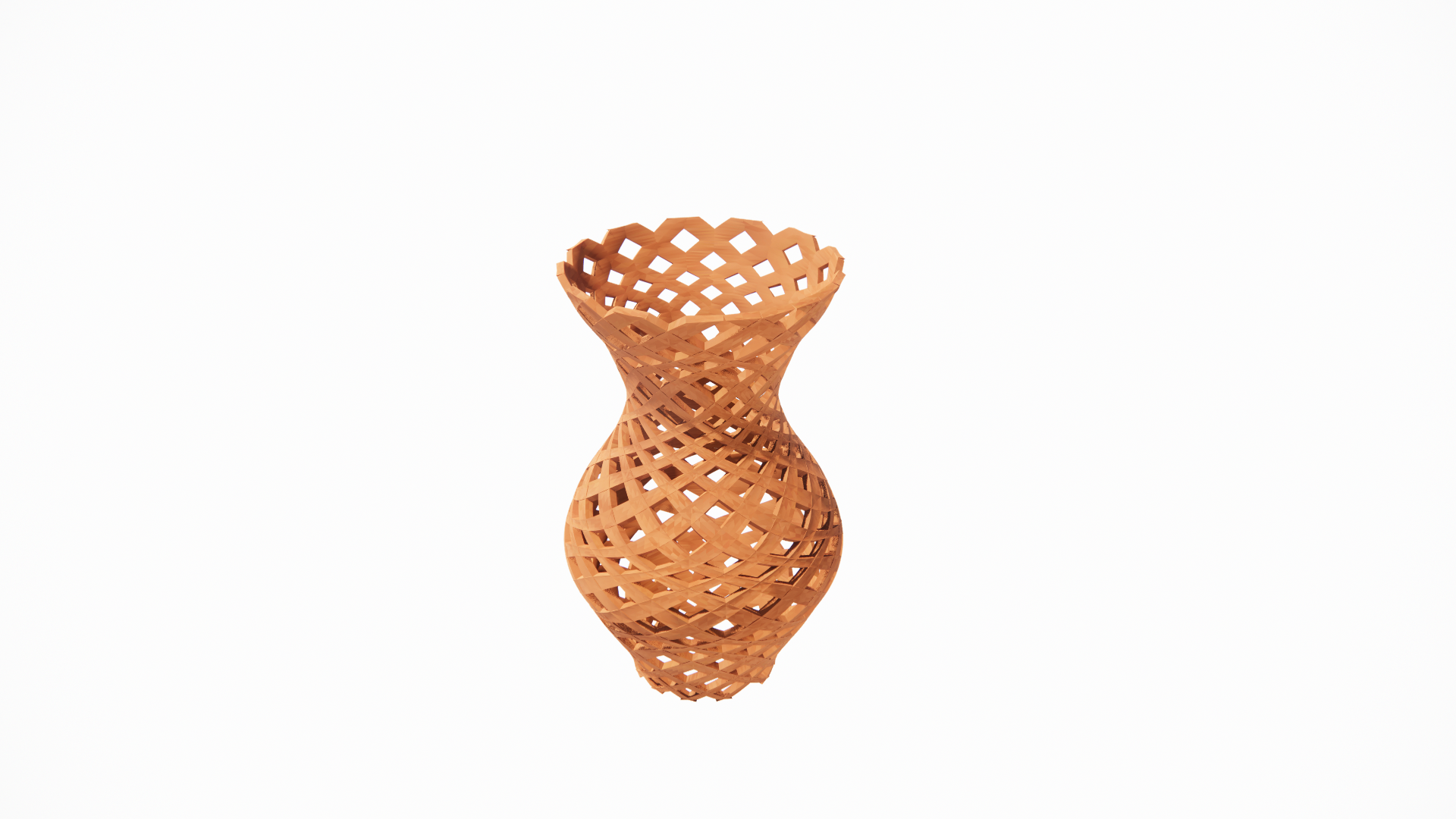
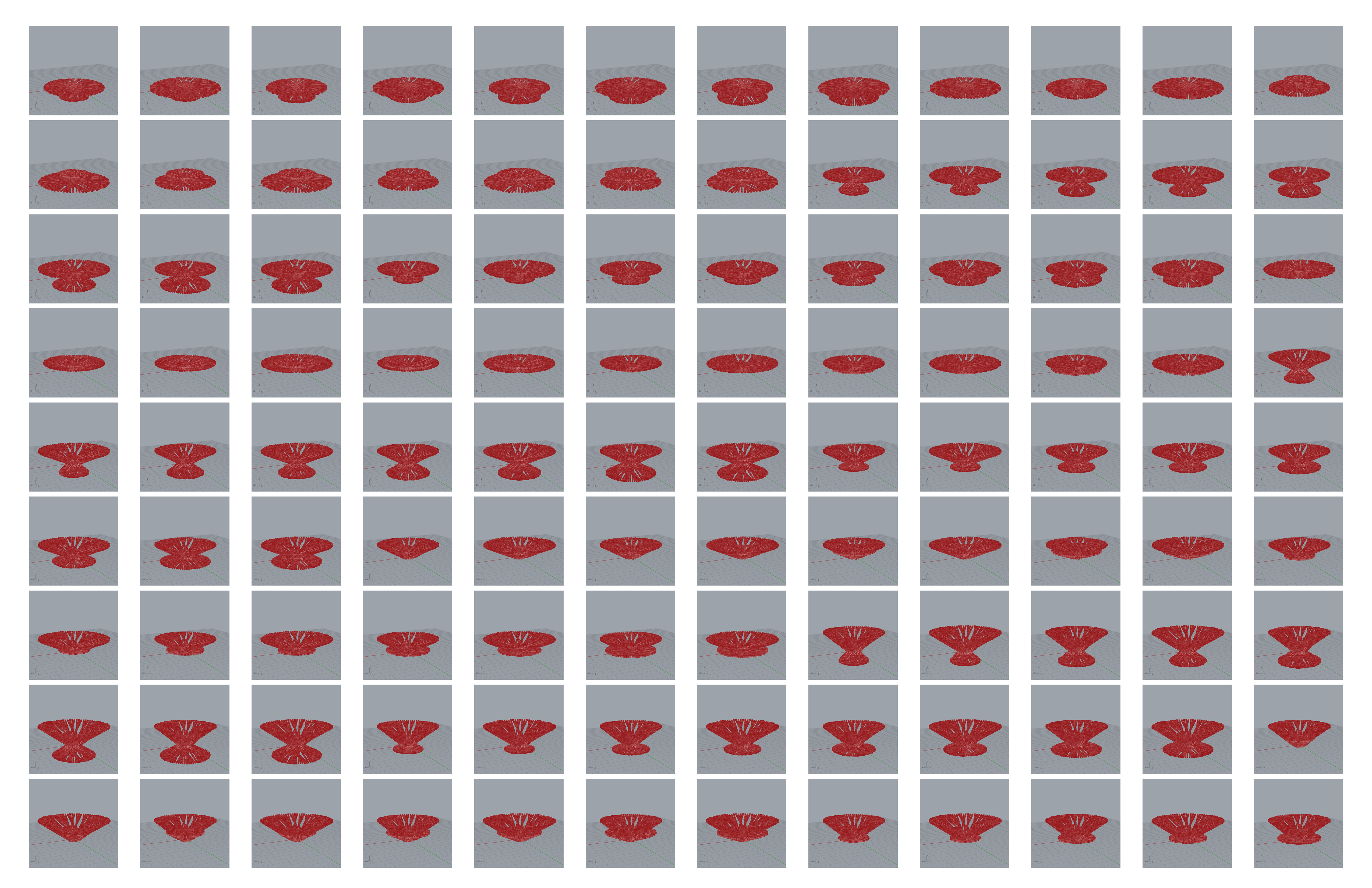
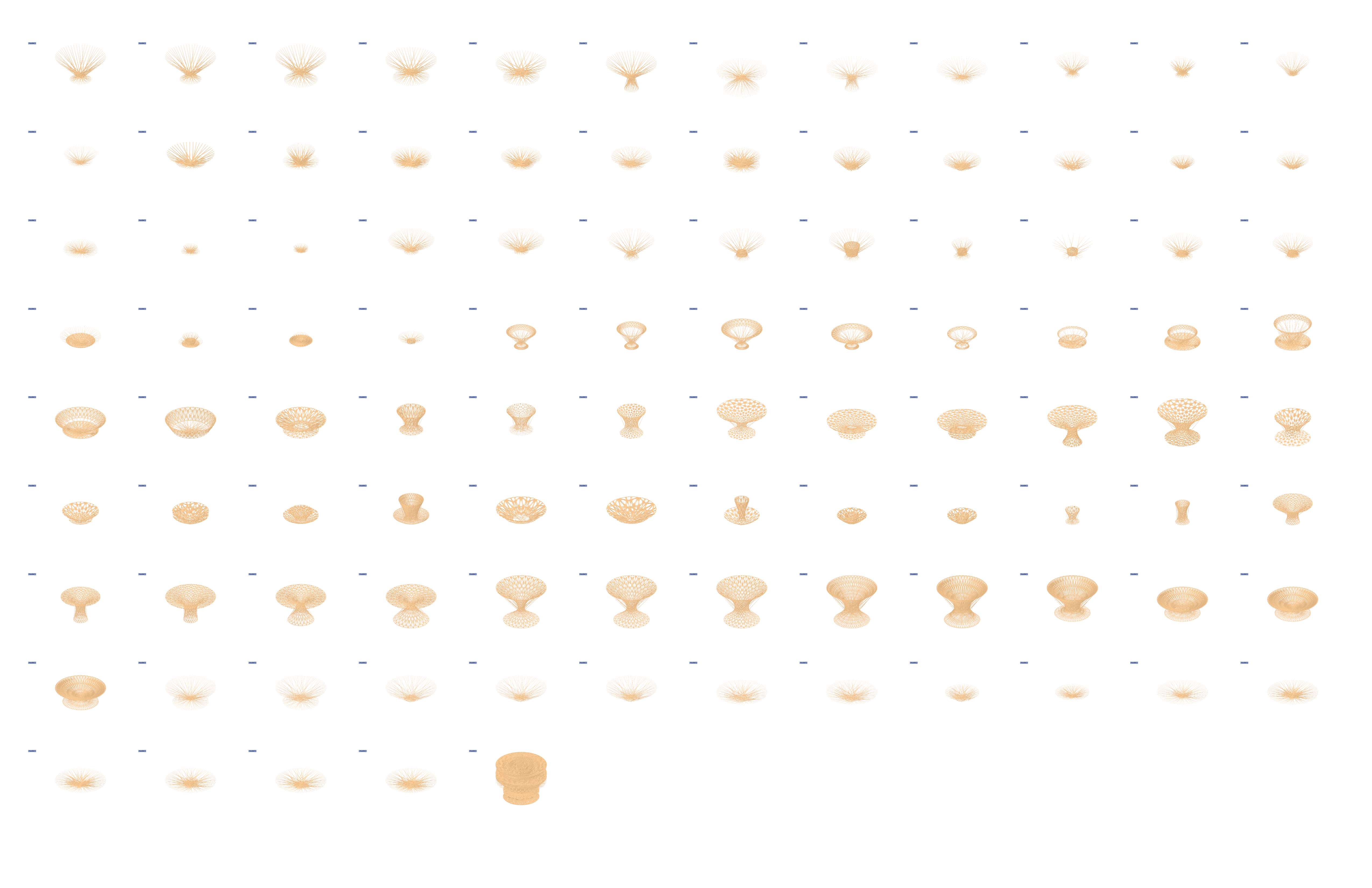
Greetings everyone! Welcome back to another exciting blog where I delve into the realm of design using Grasshopper and Rhino. In this project, my focus is on creating a versatile family of 100 products that seamlessly coexist within a unified design space—all thanks to a meticulously crafted Grasshopper definition.
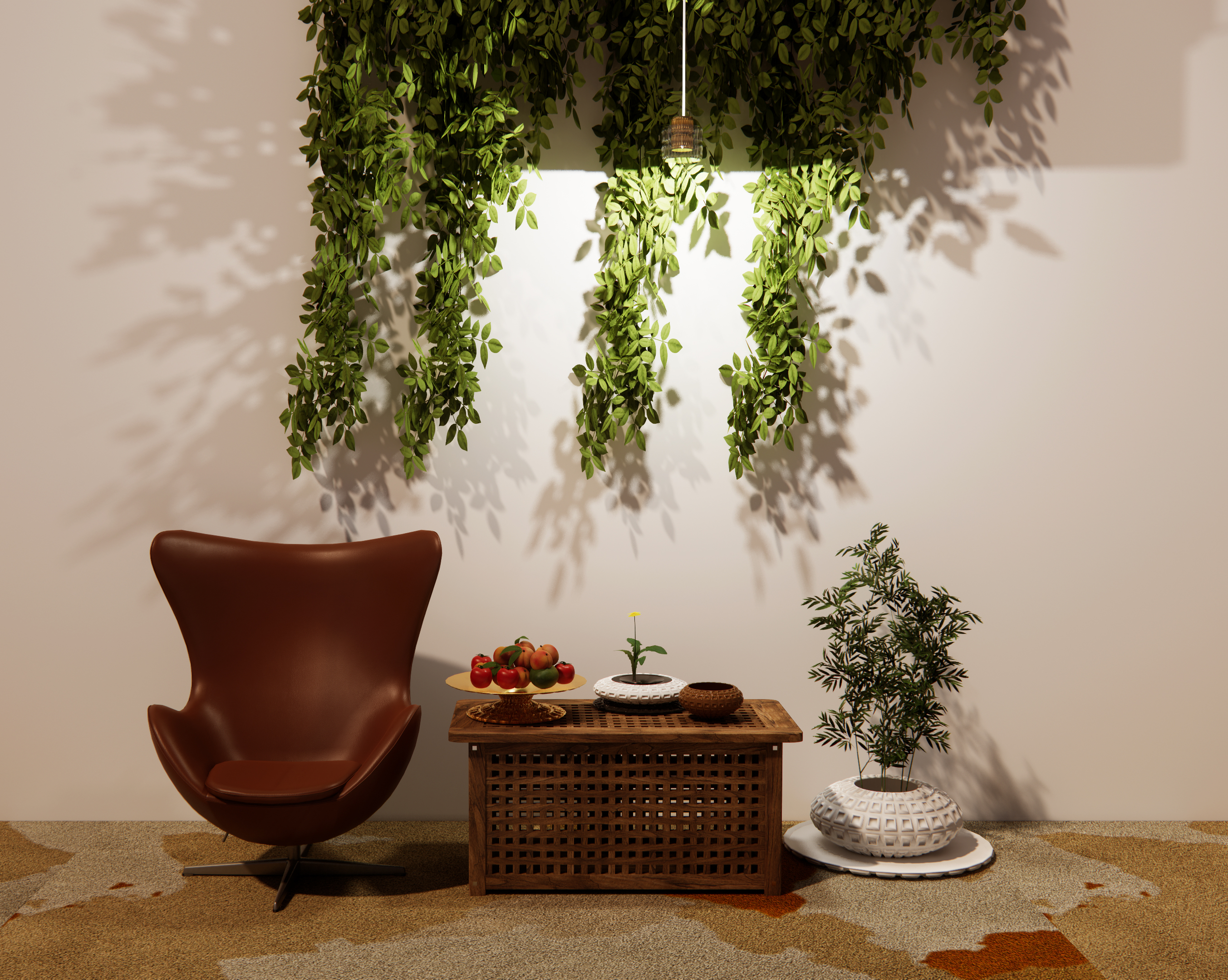

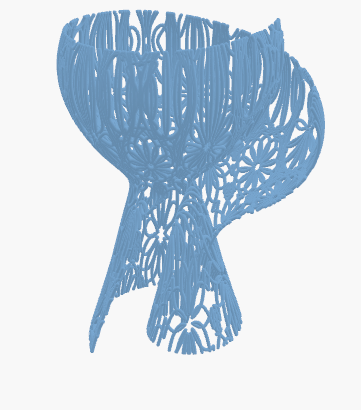
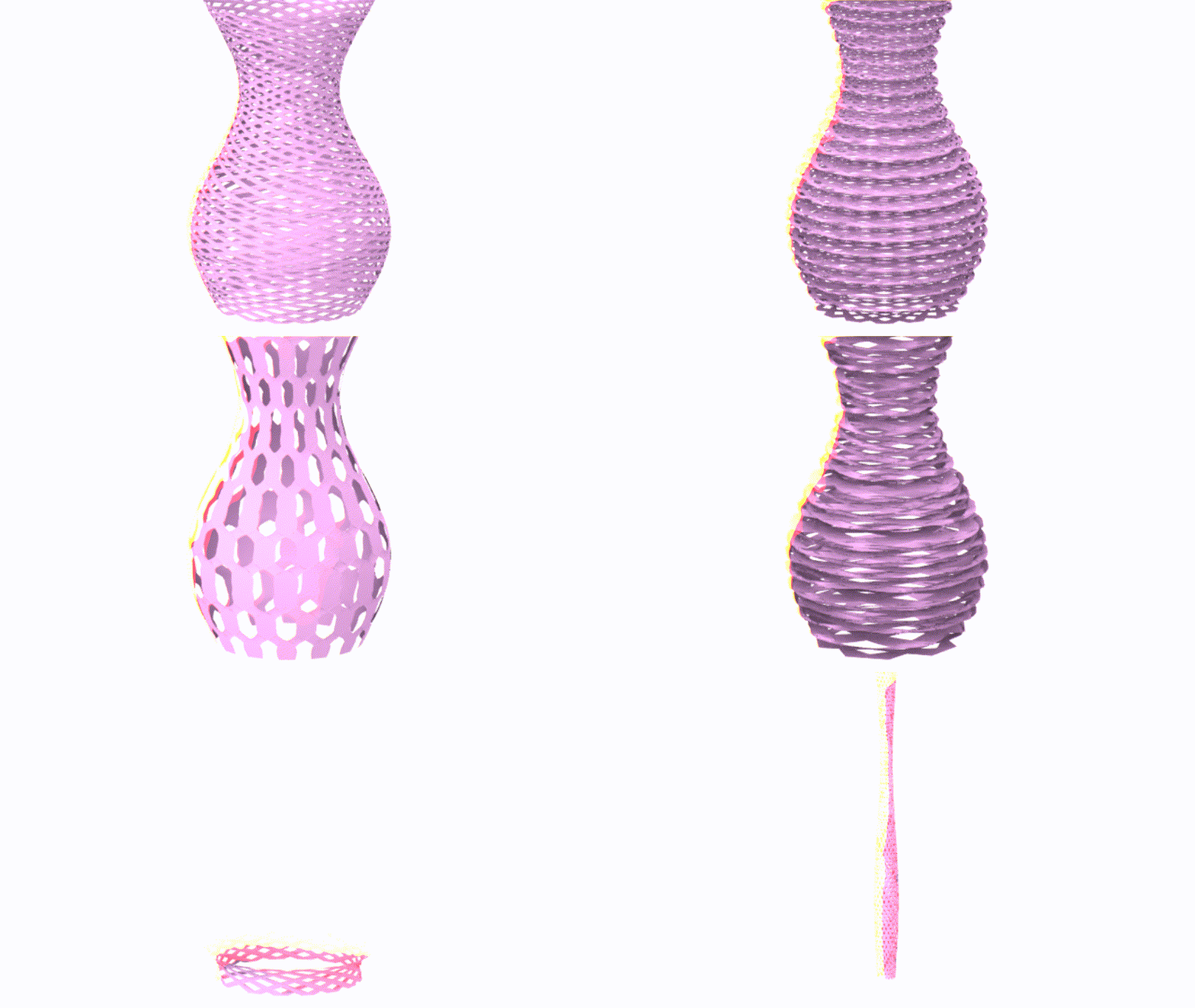
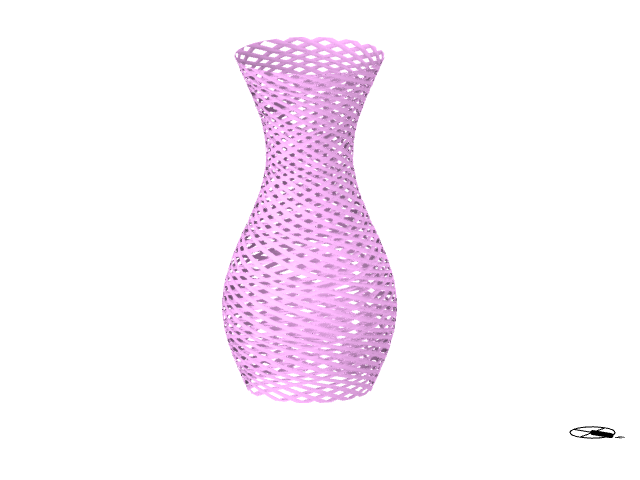
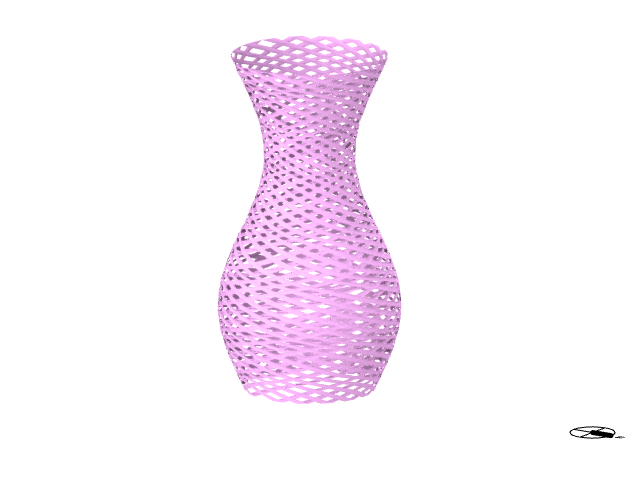
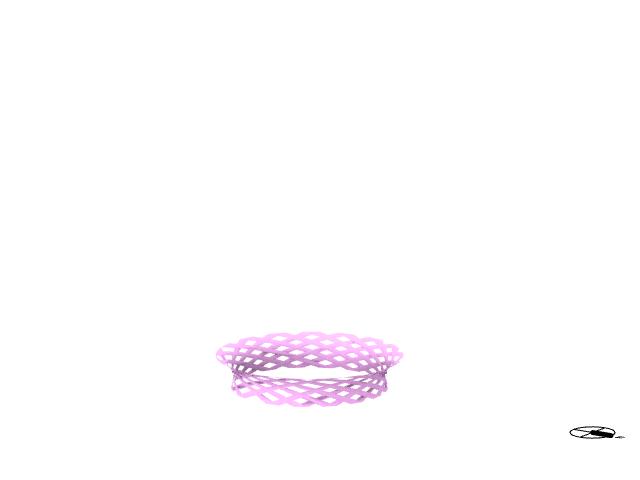
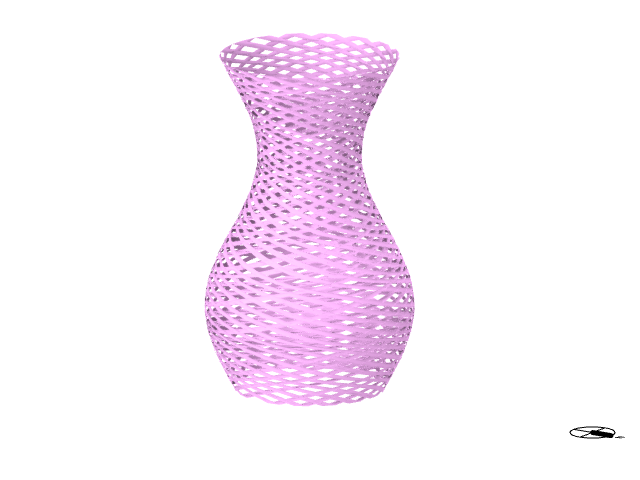
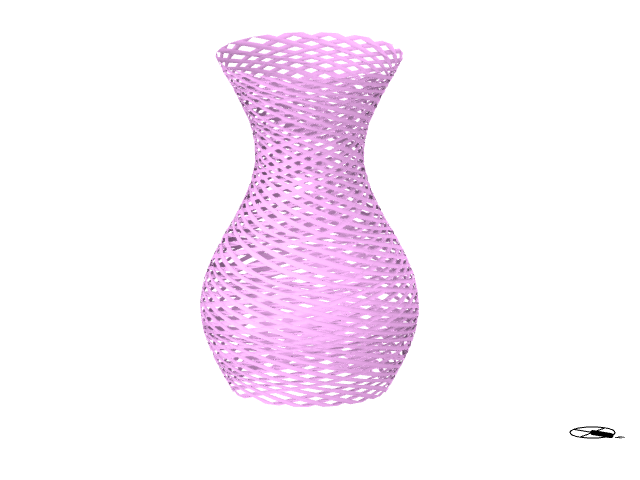
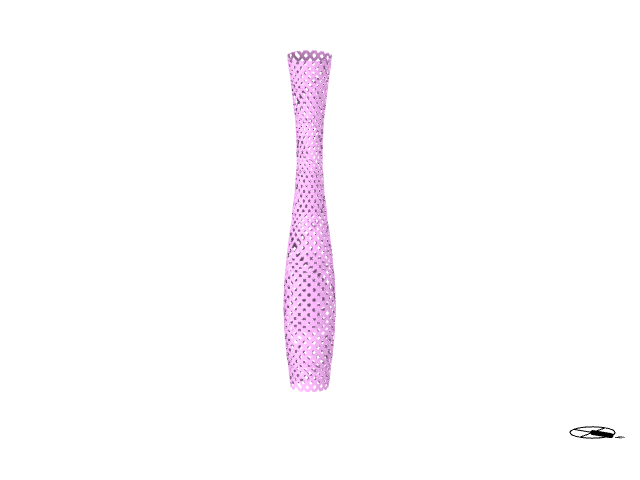
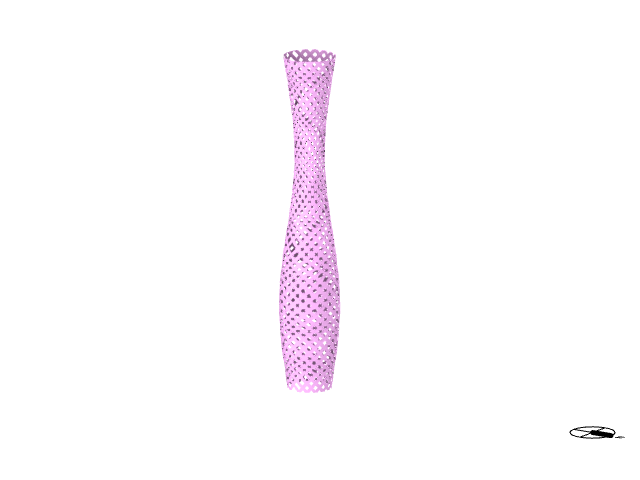
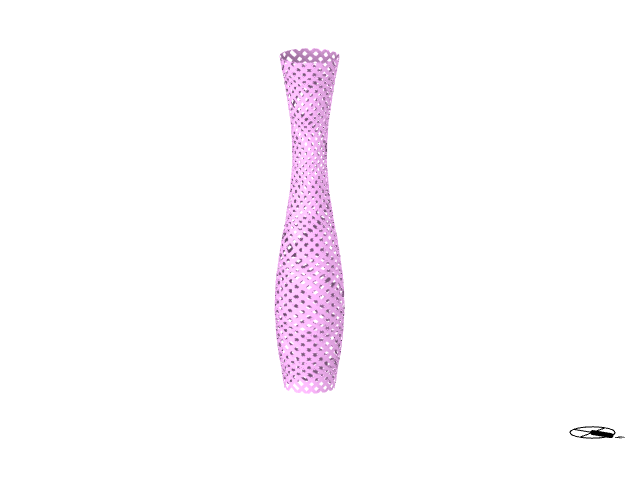
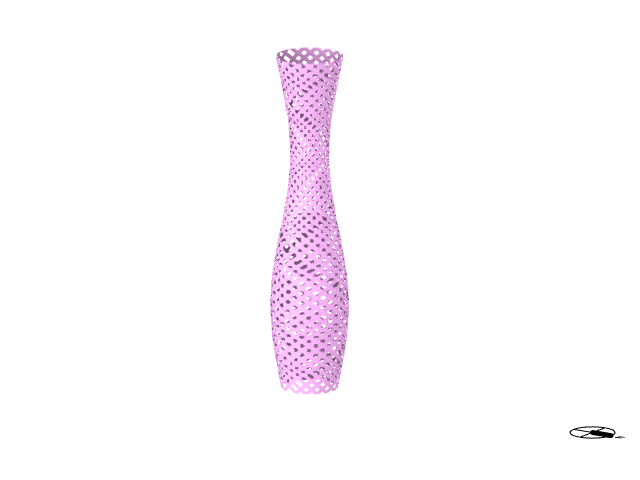
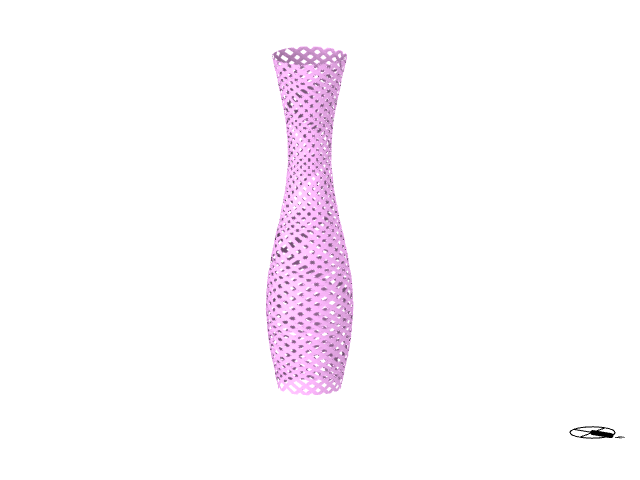
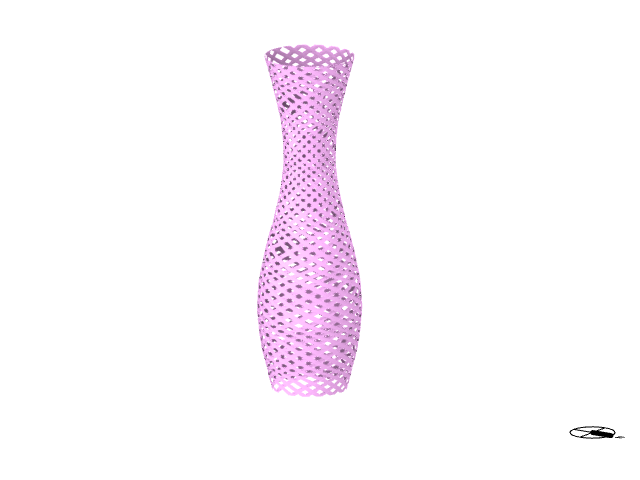
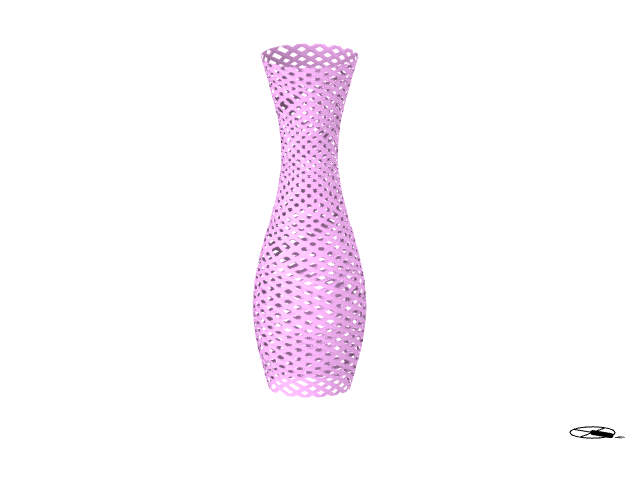
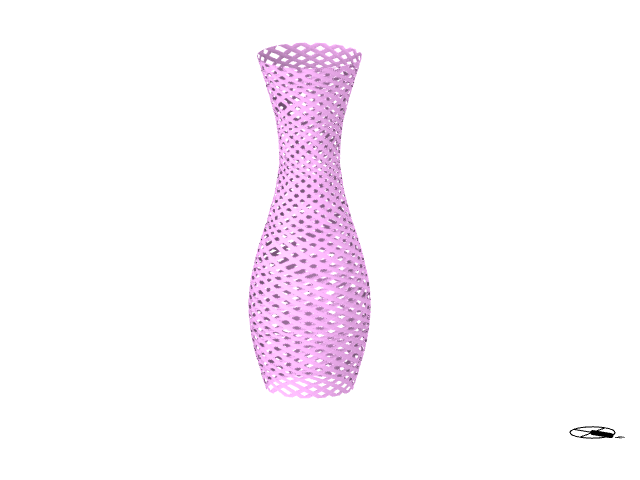
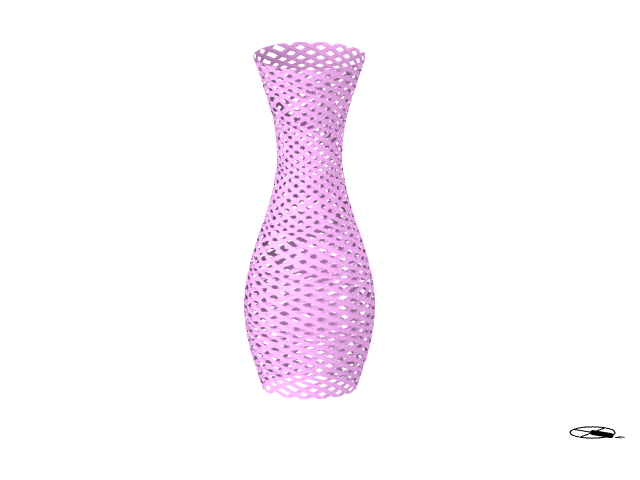
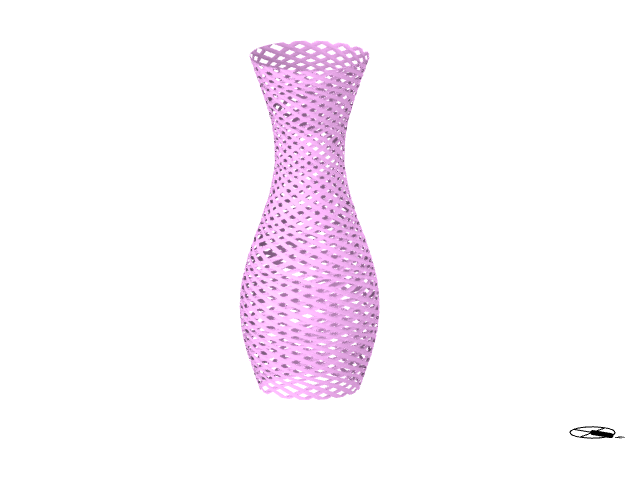
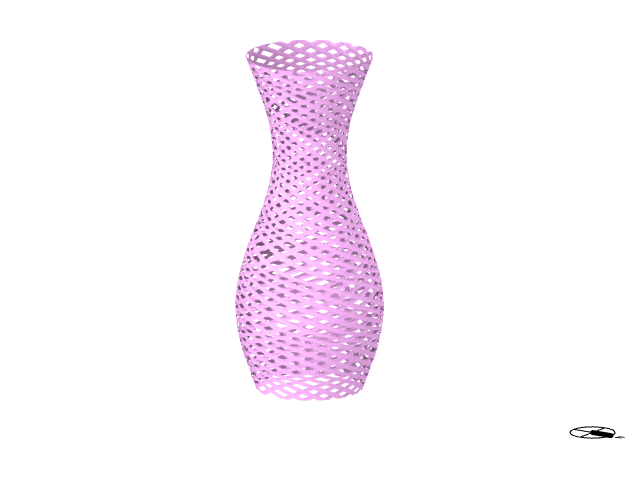
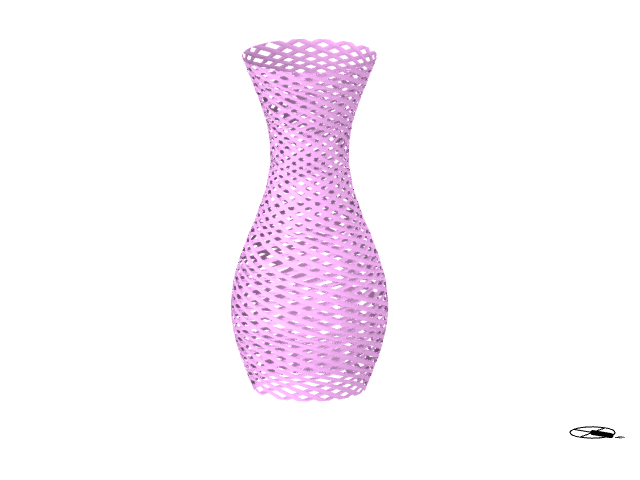
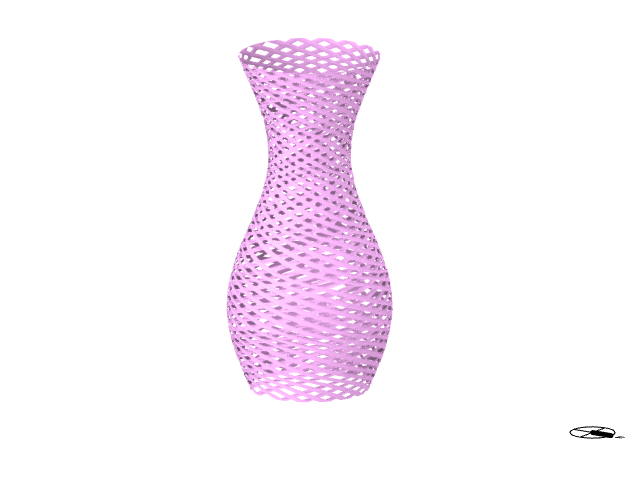
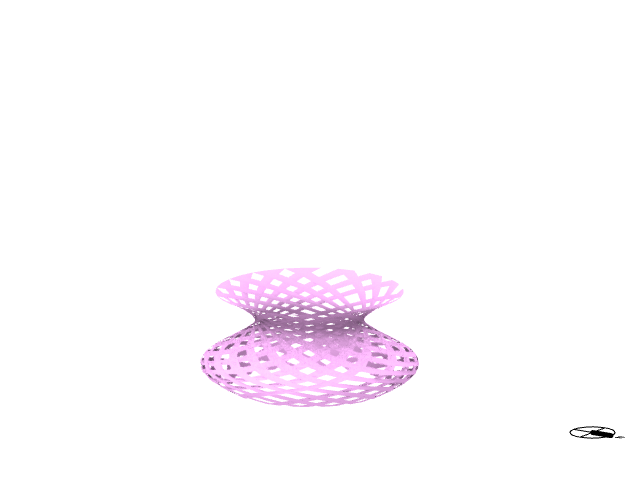
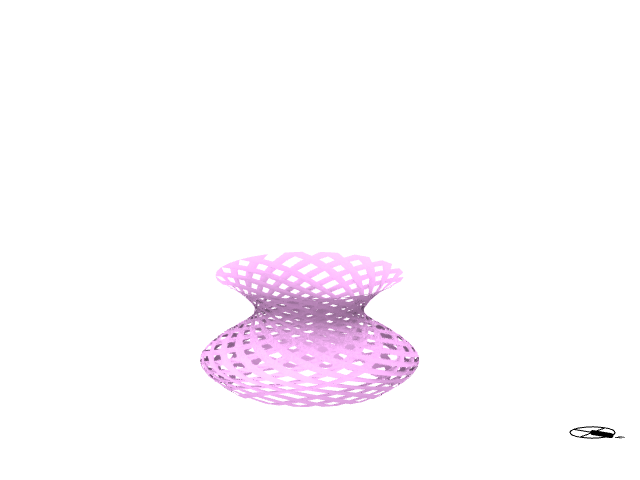
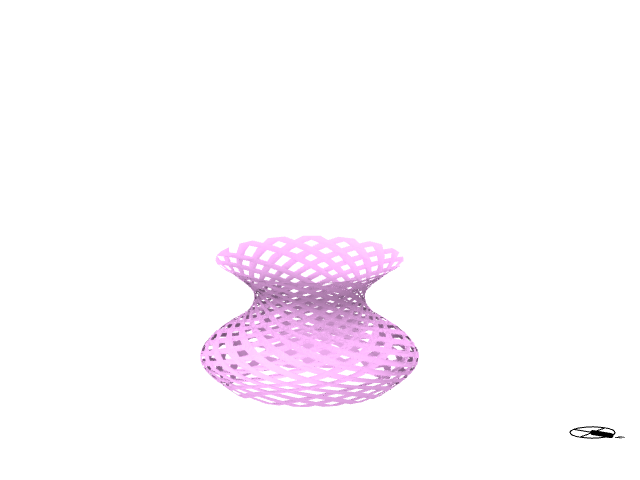
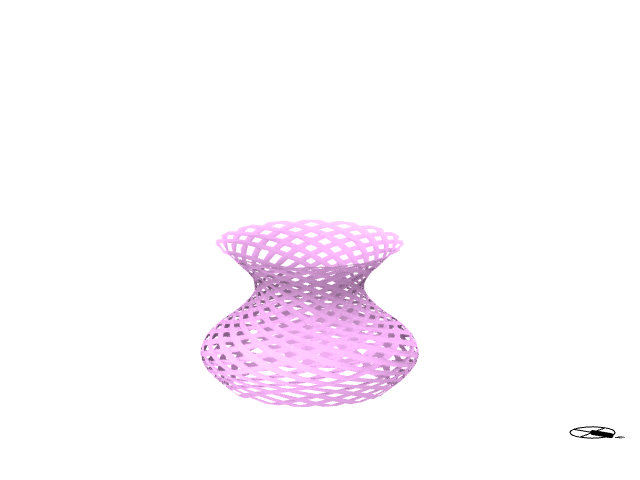
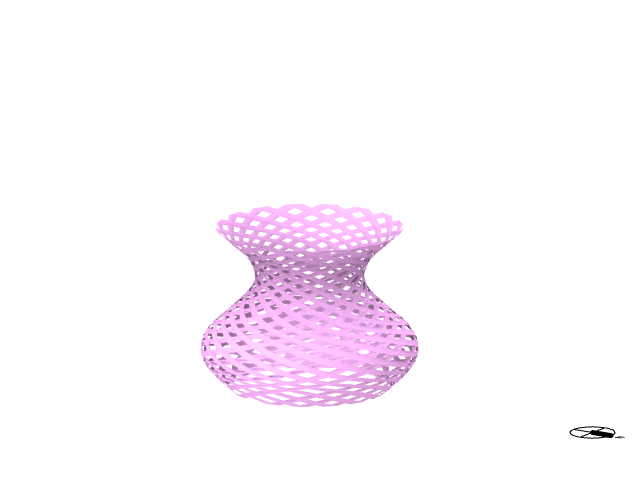
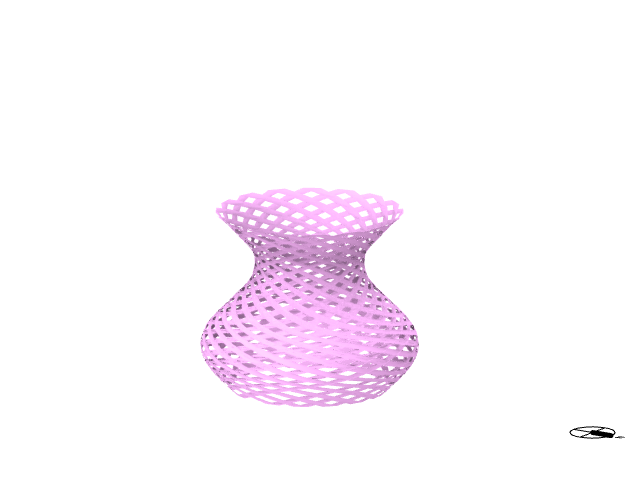
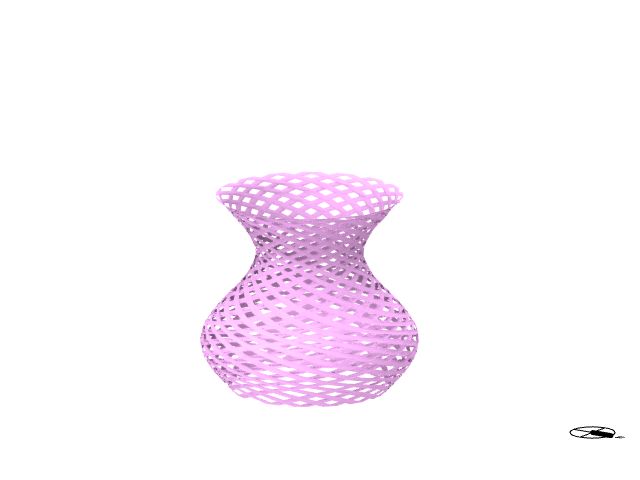
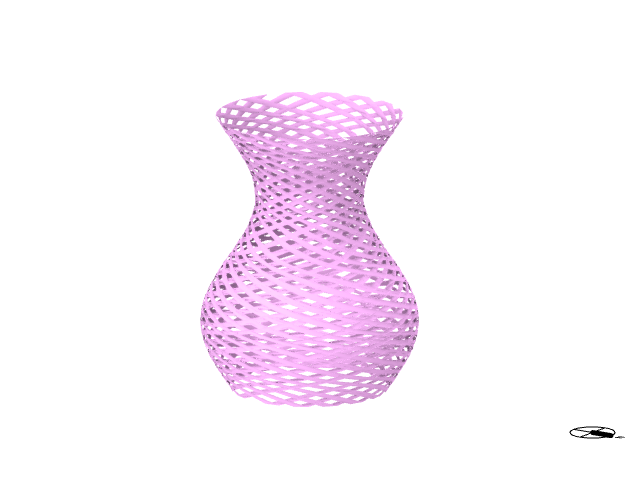
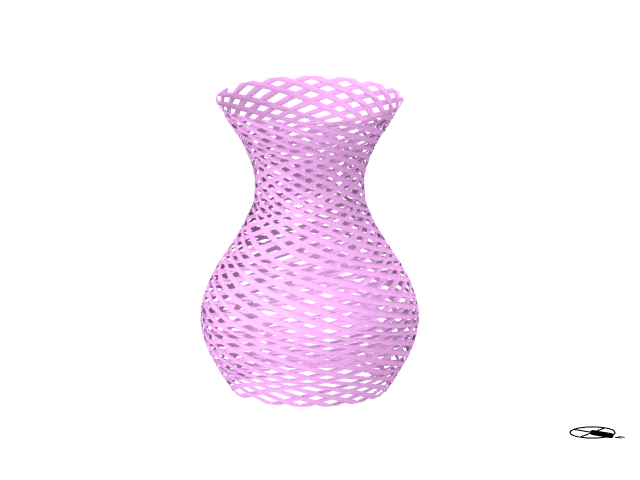
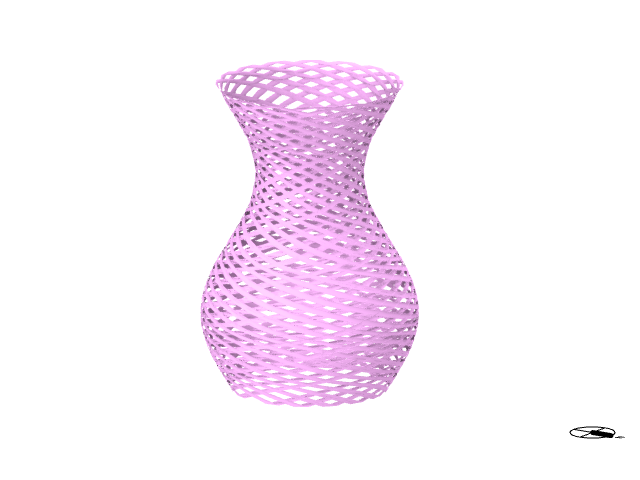
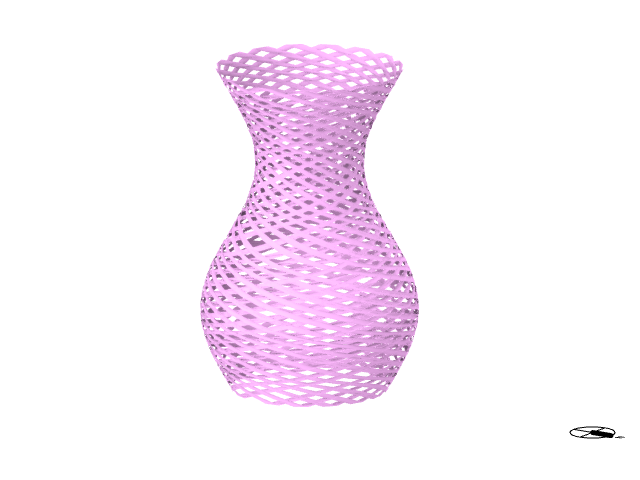
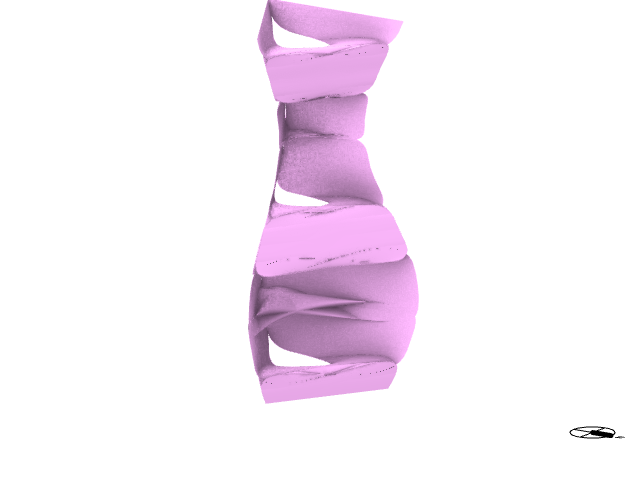
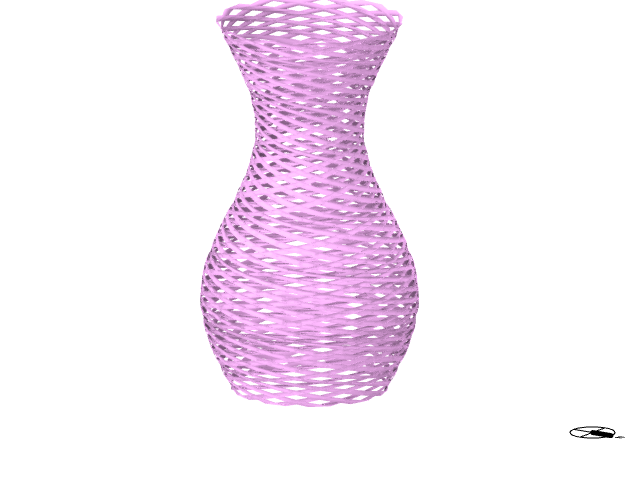
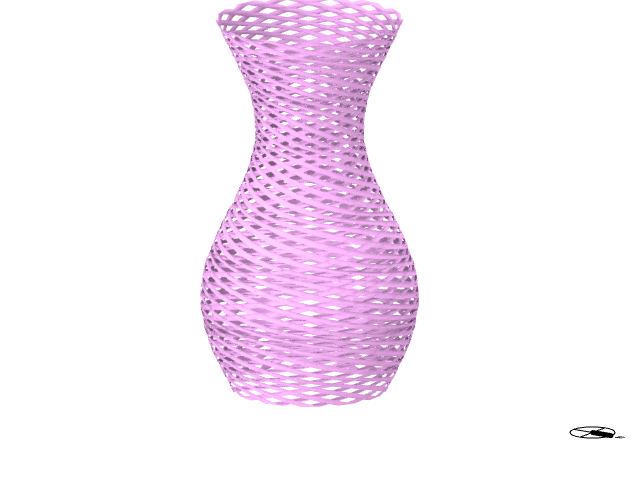
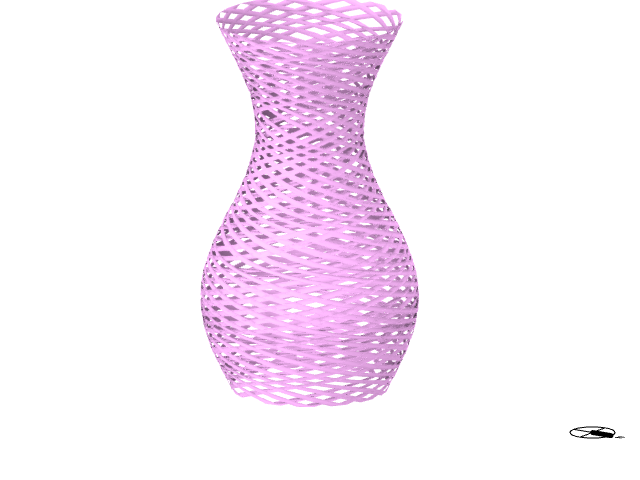
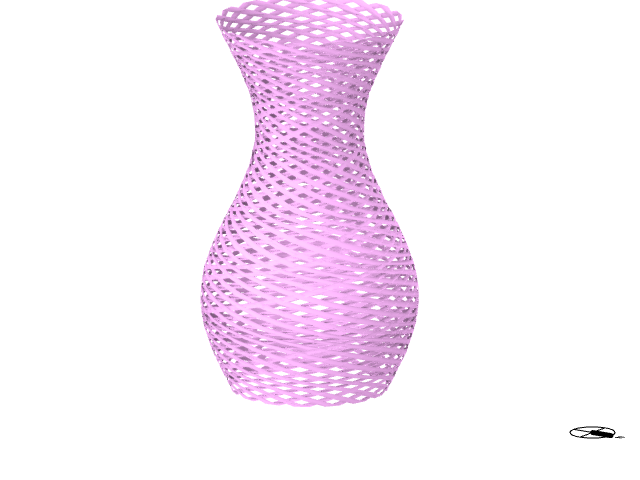
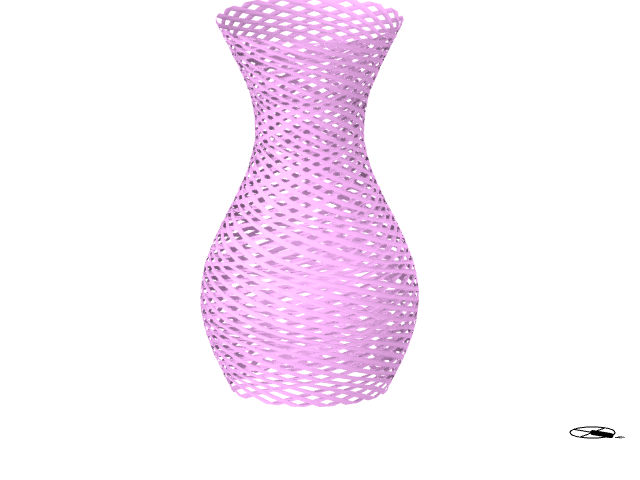
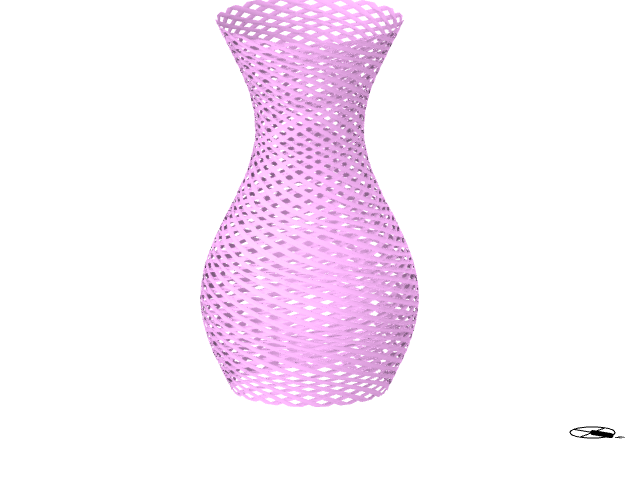
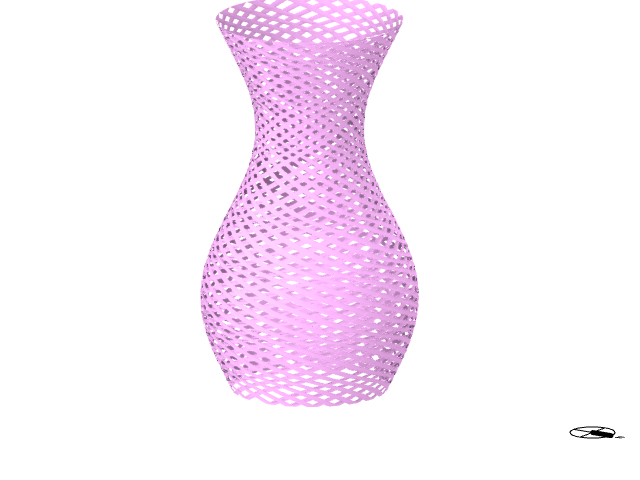
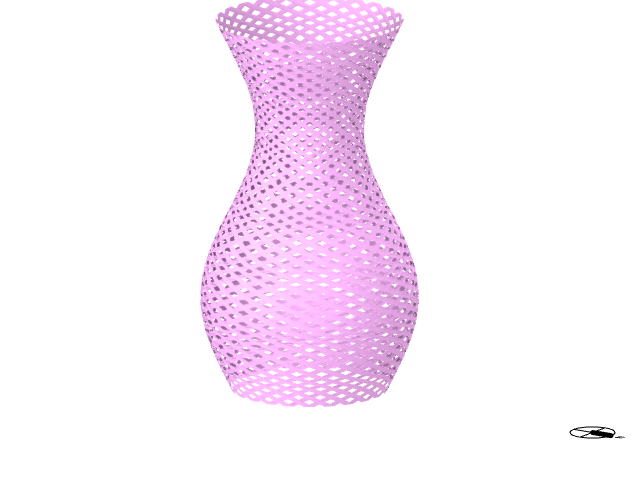
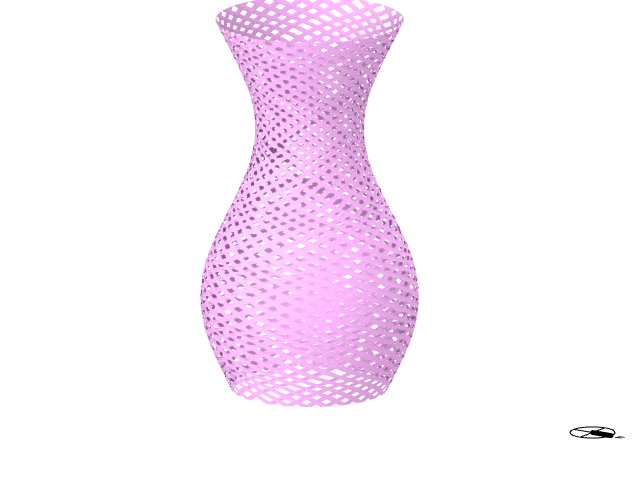
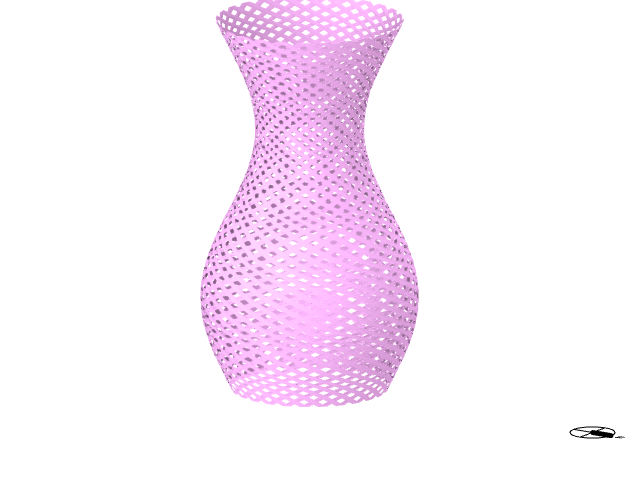
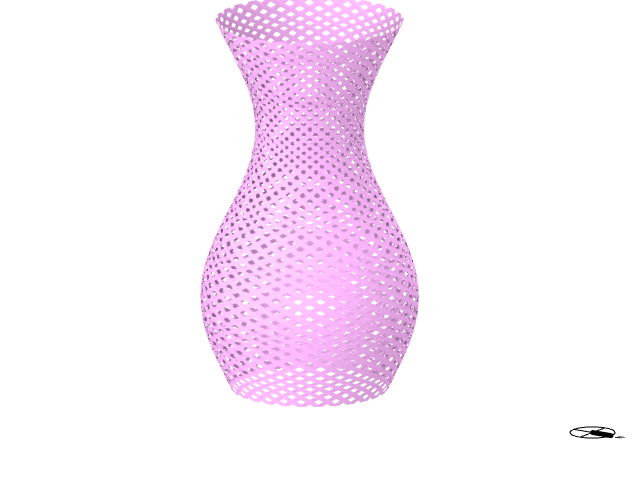
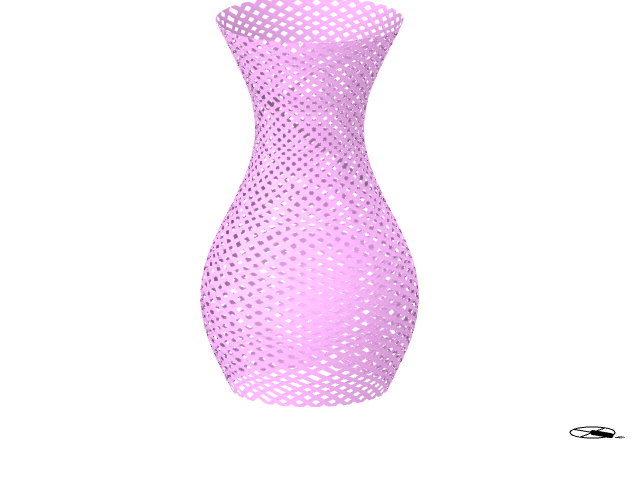
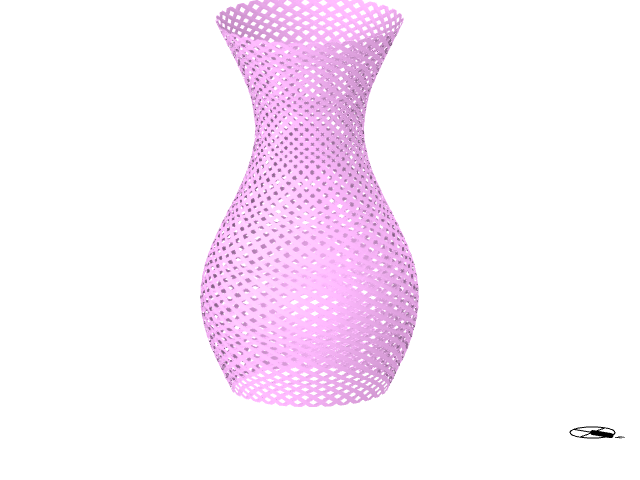
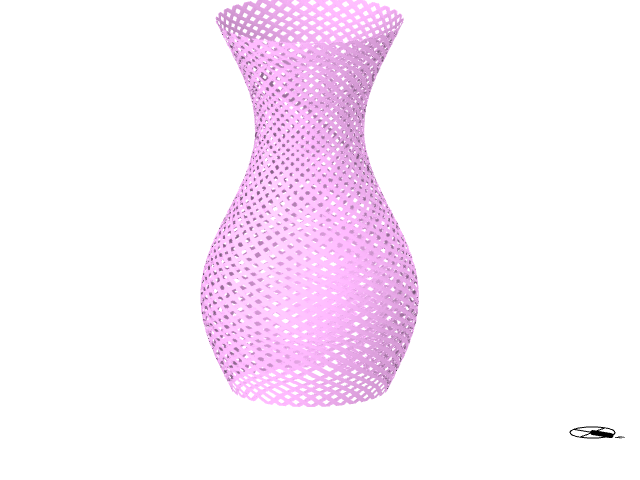
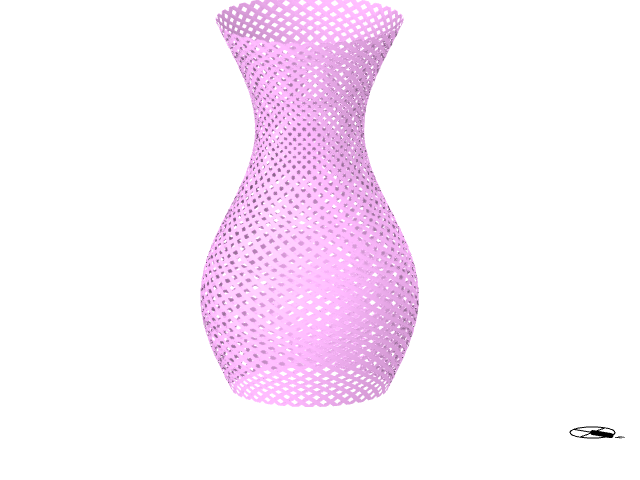
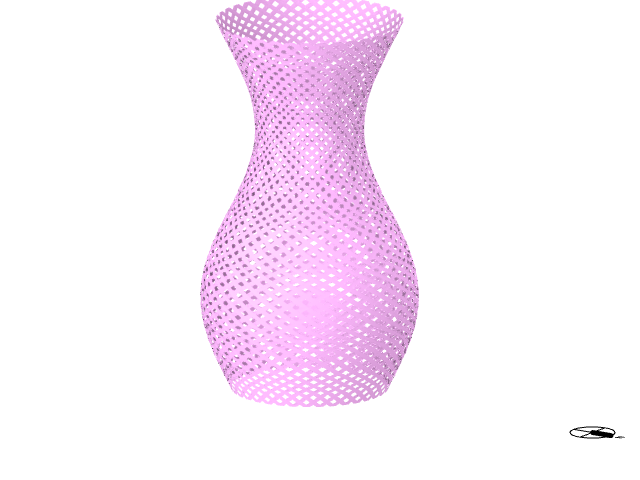
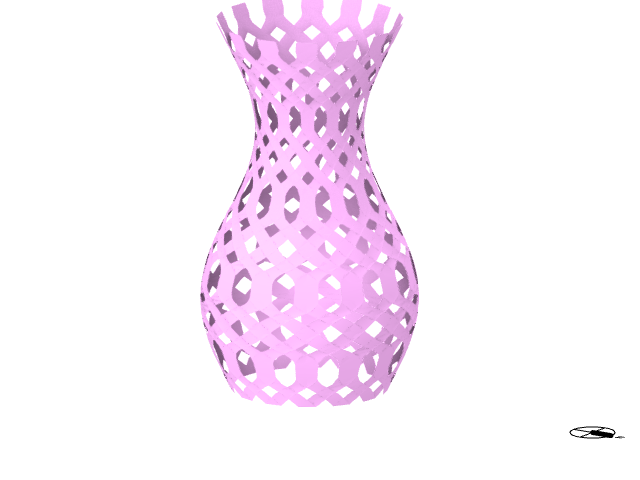
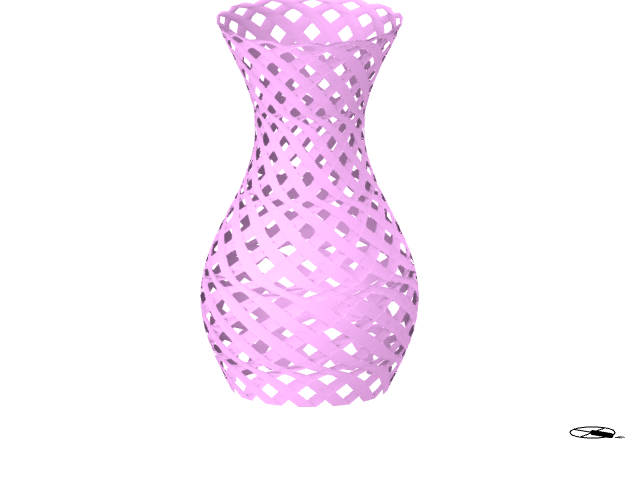
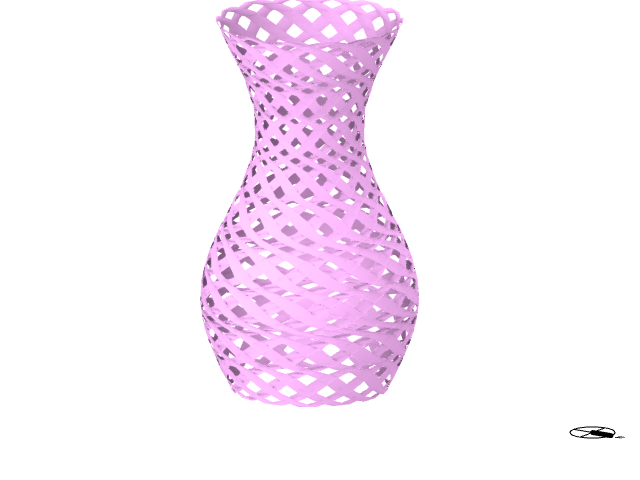
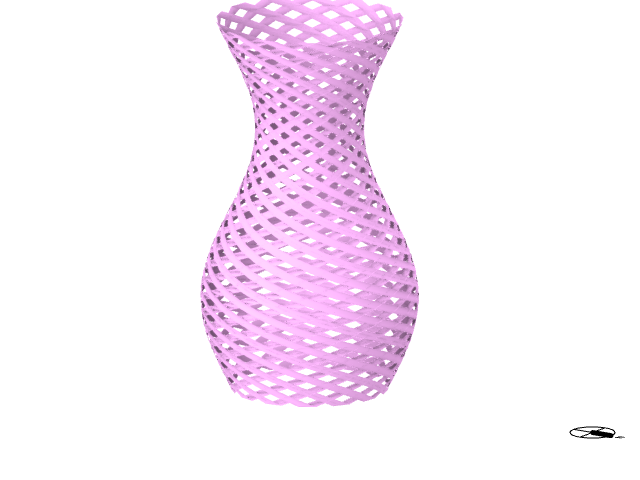
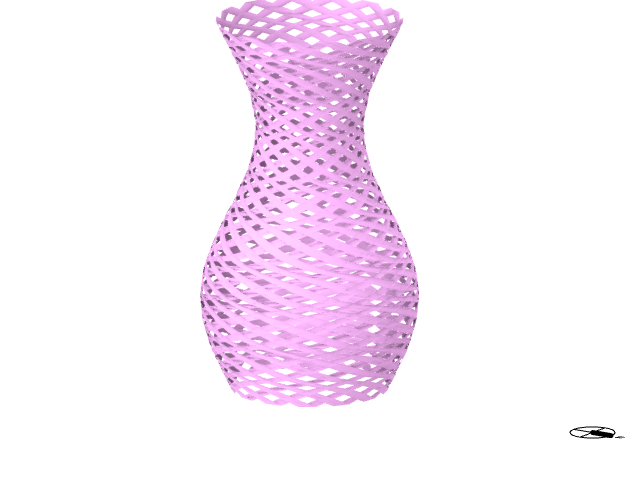
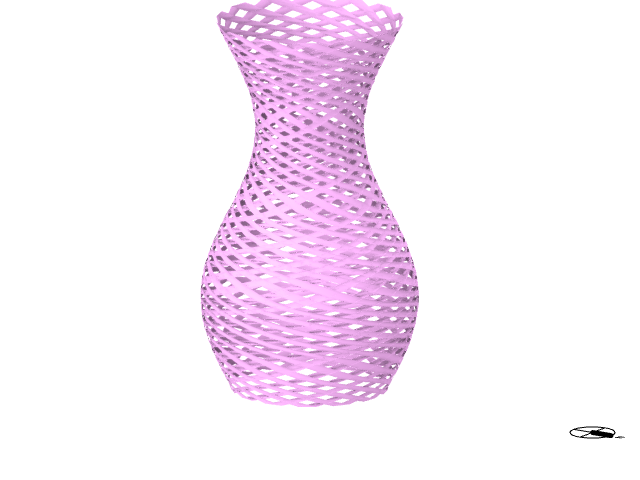
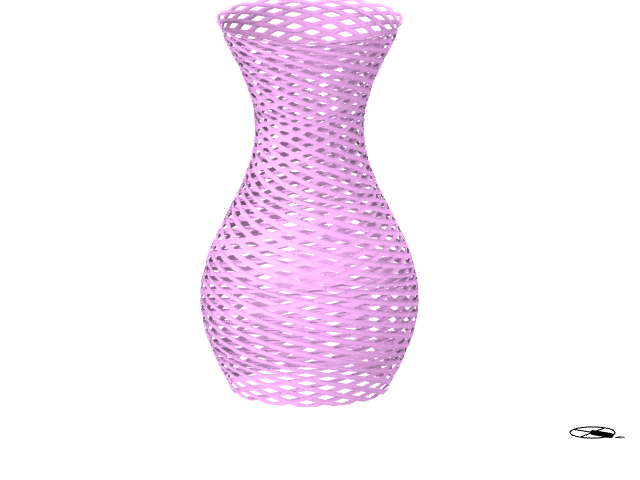
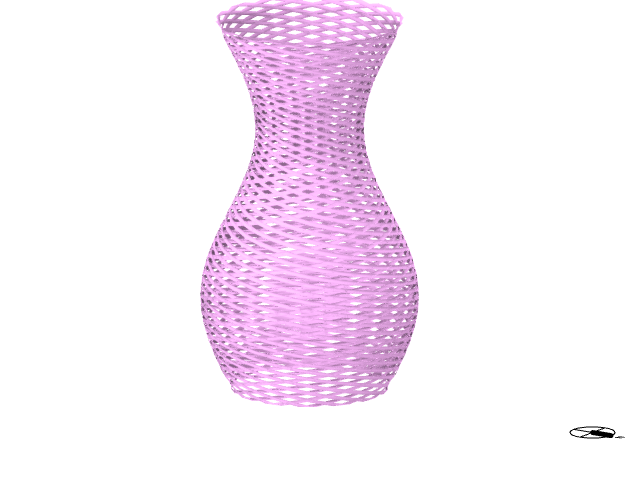
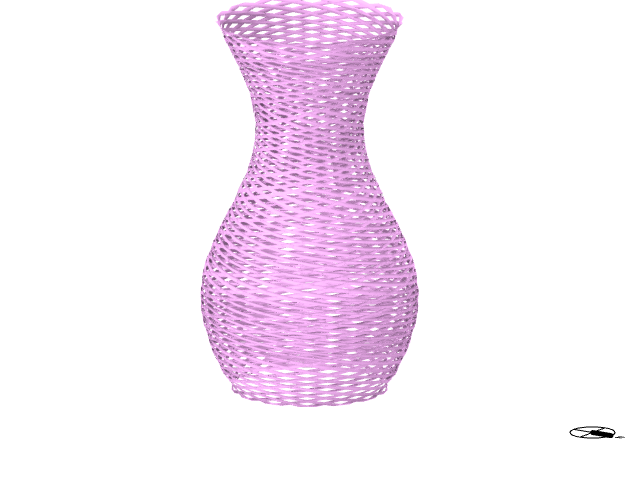
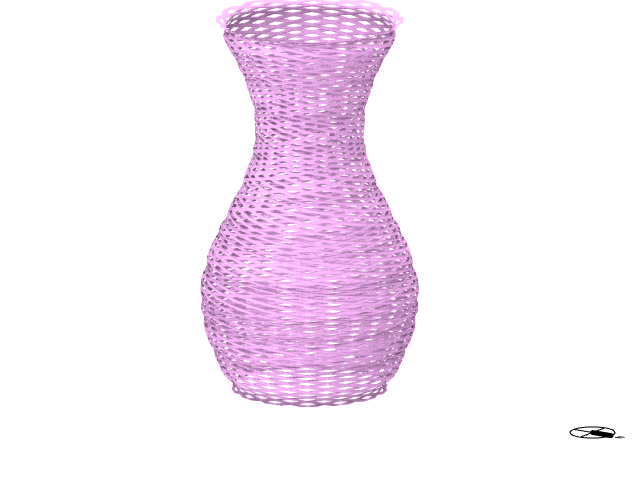
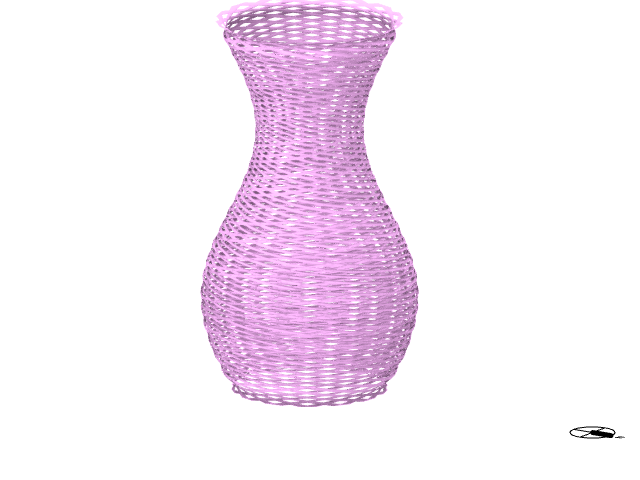
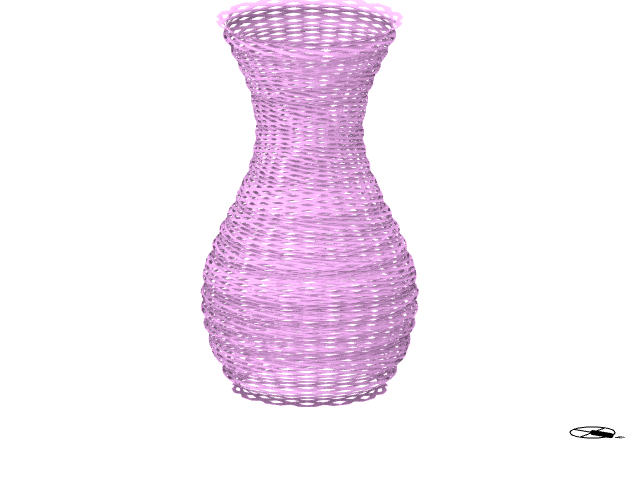
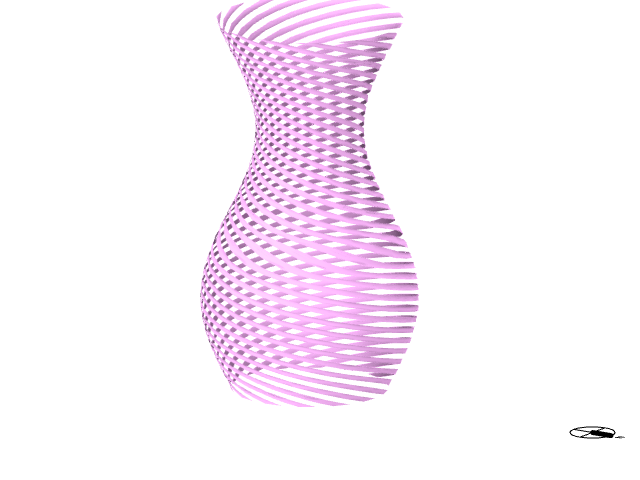
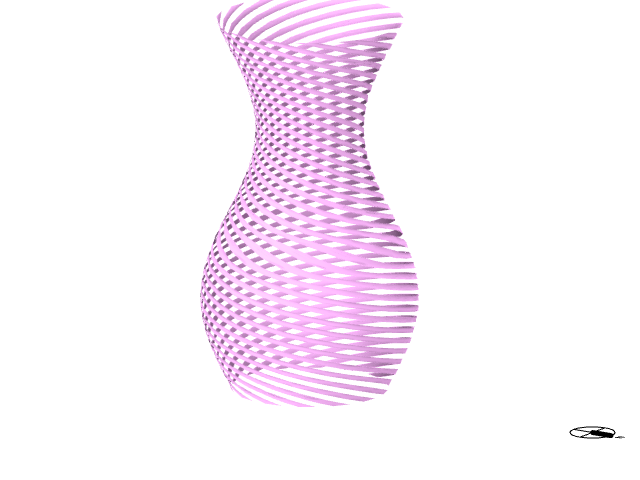
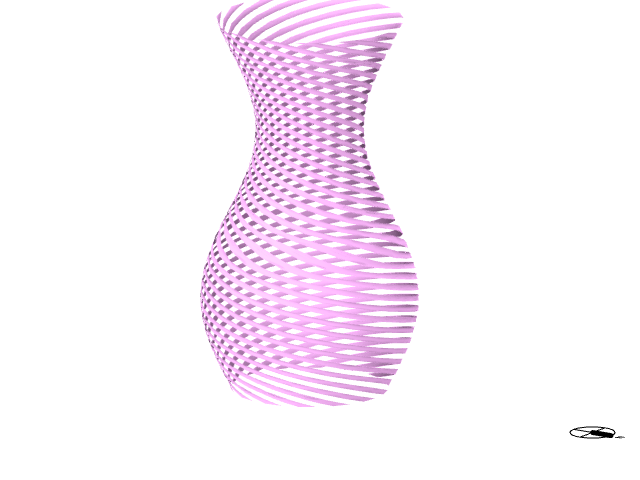
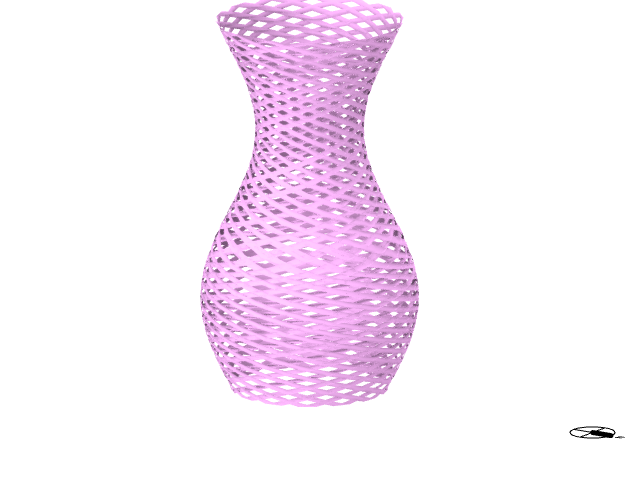
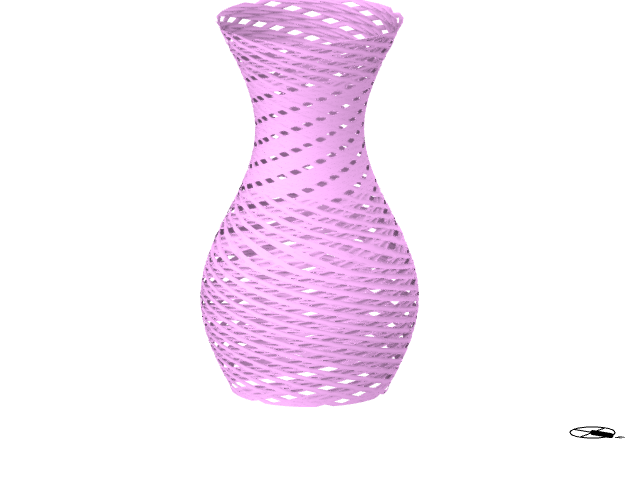
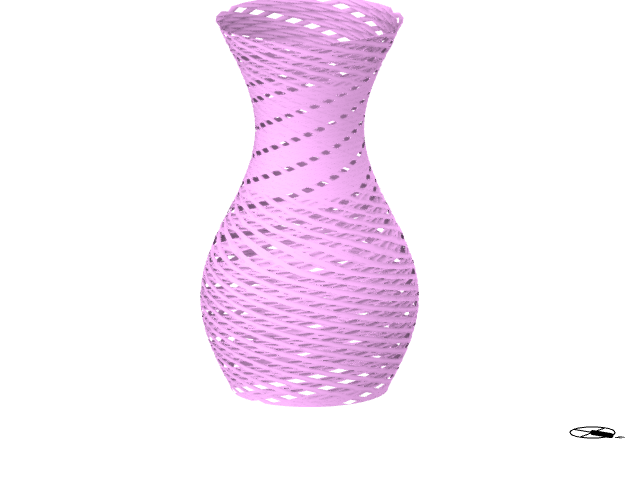
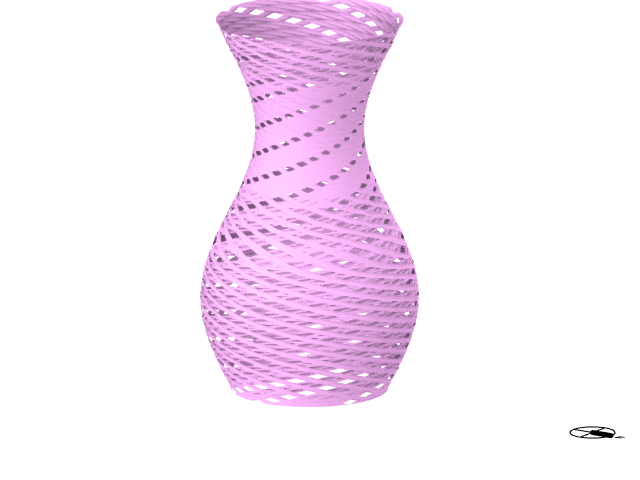
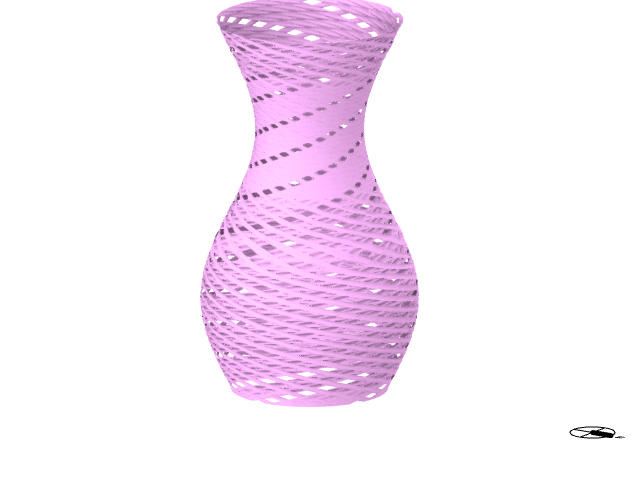
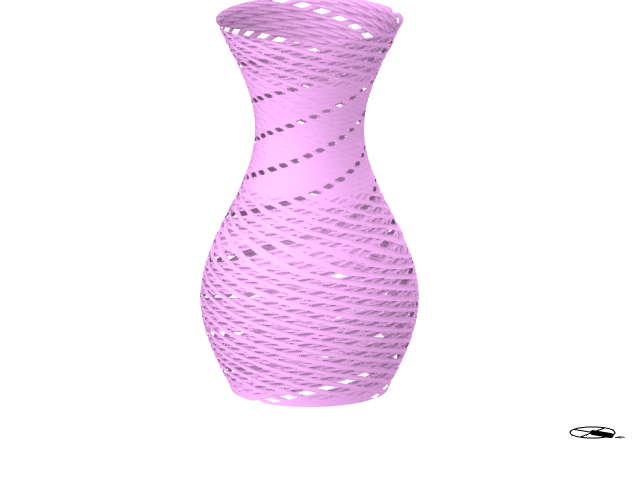
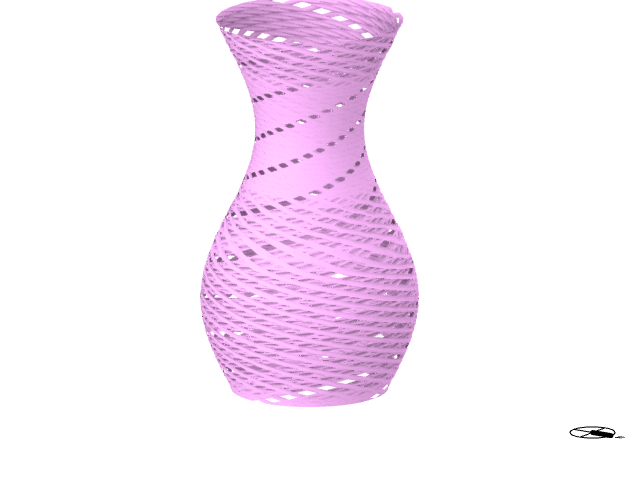
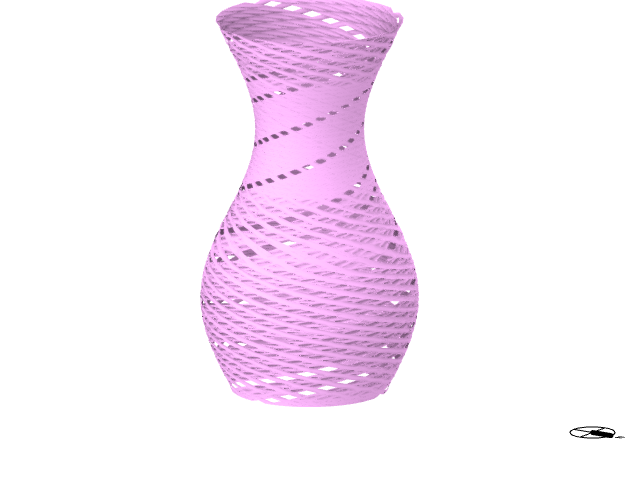
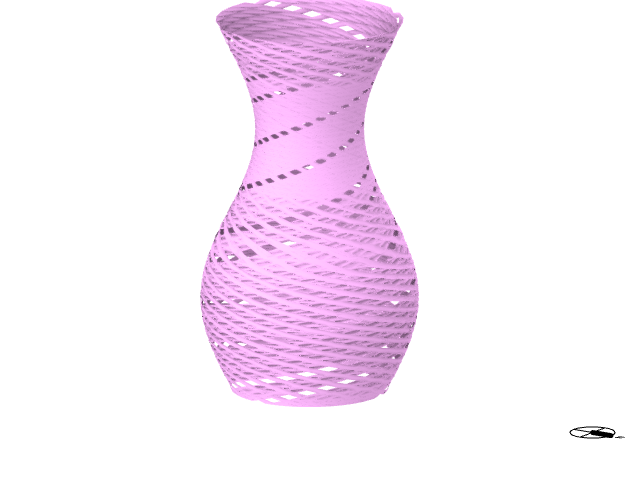
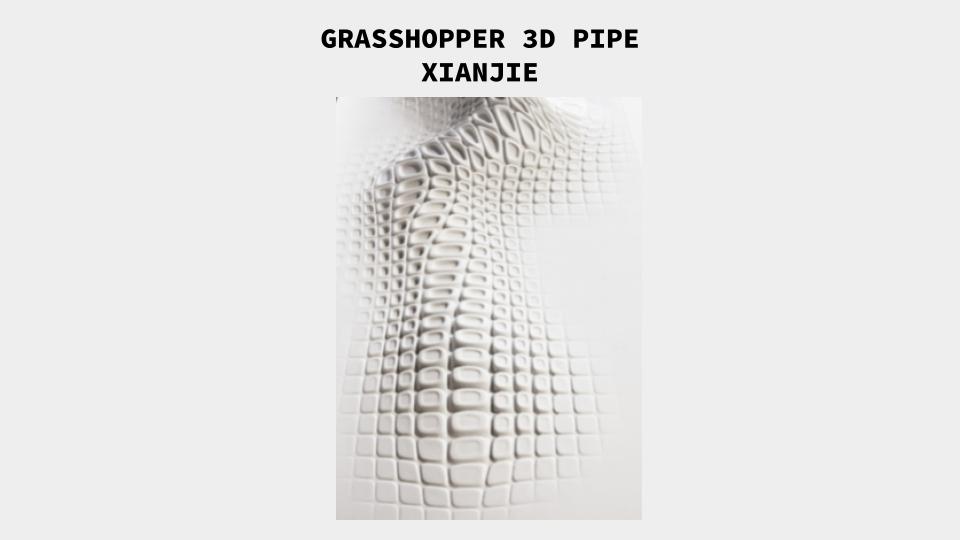
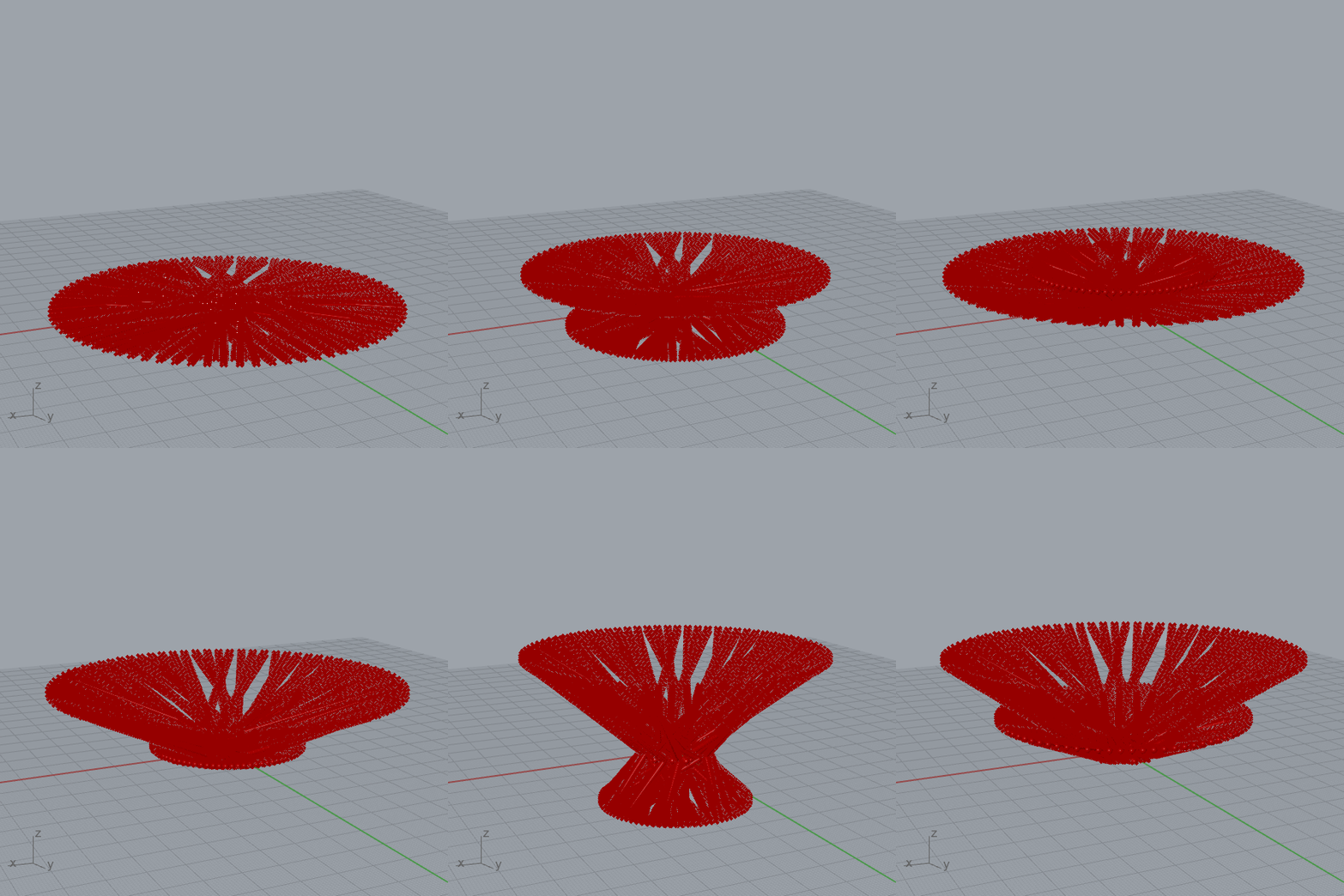
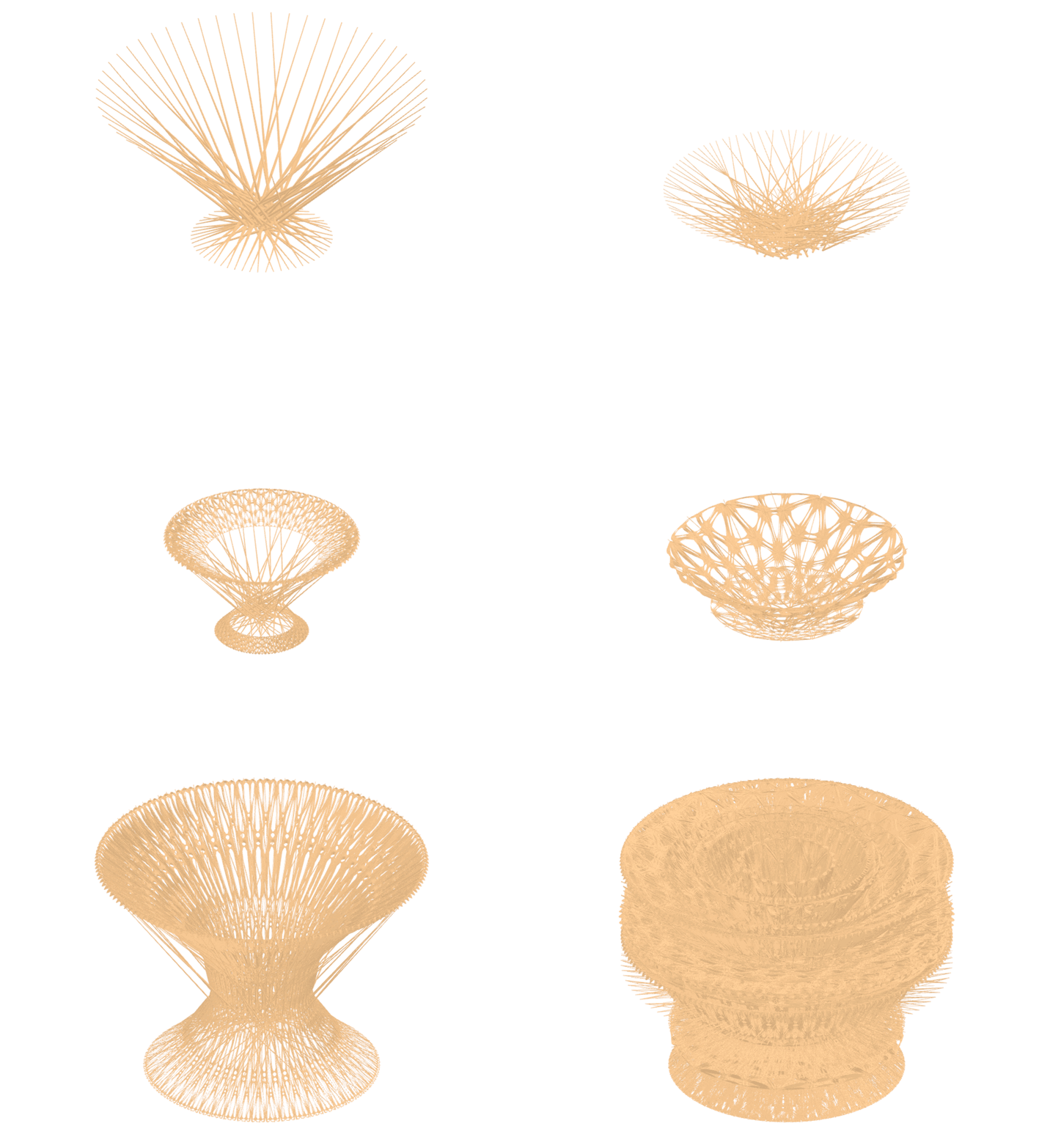
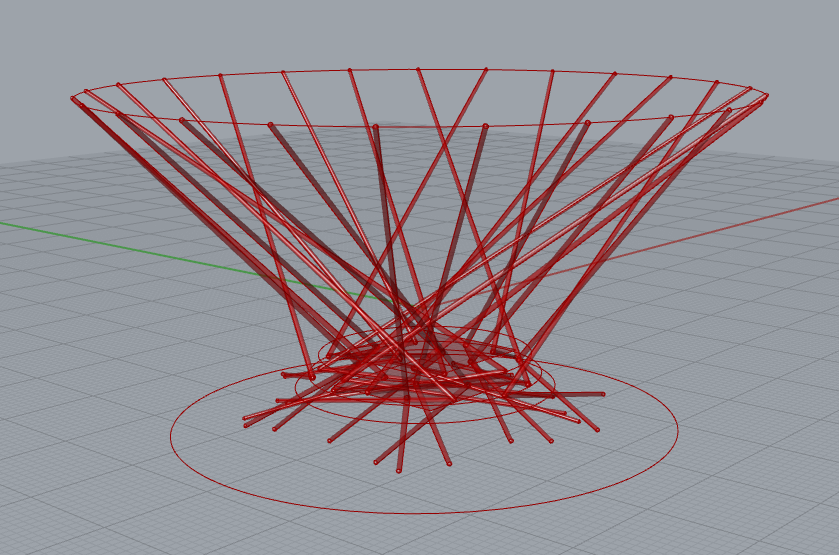
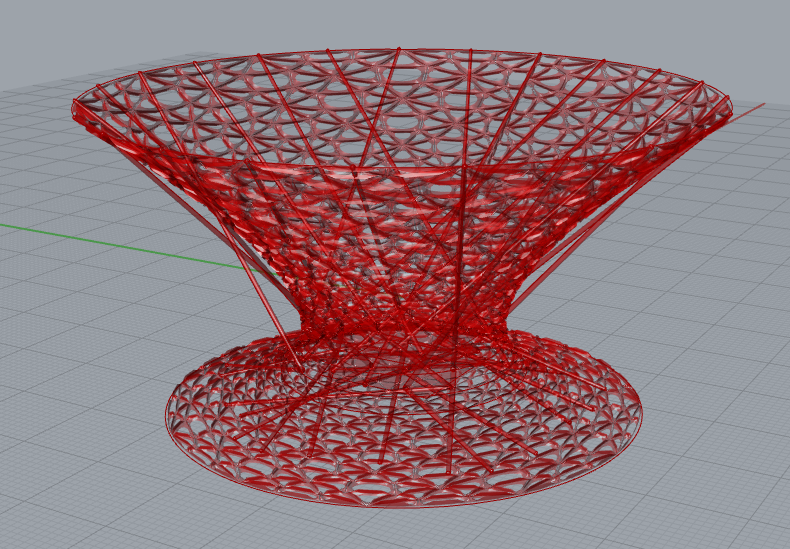
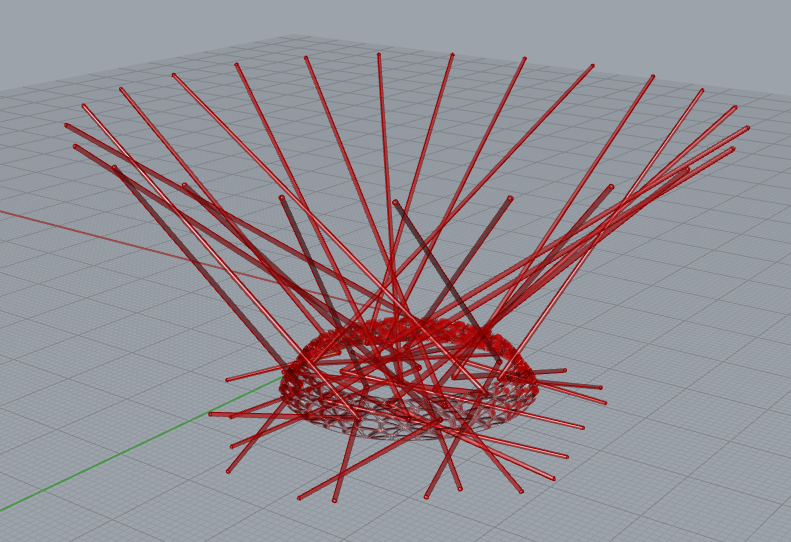
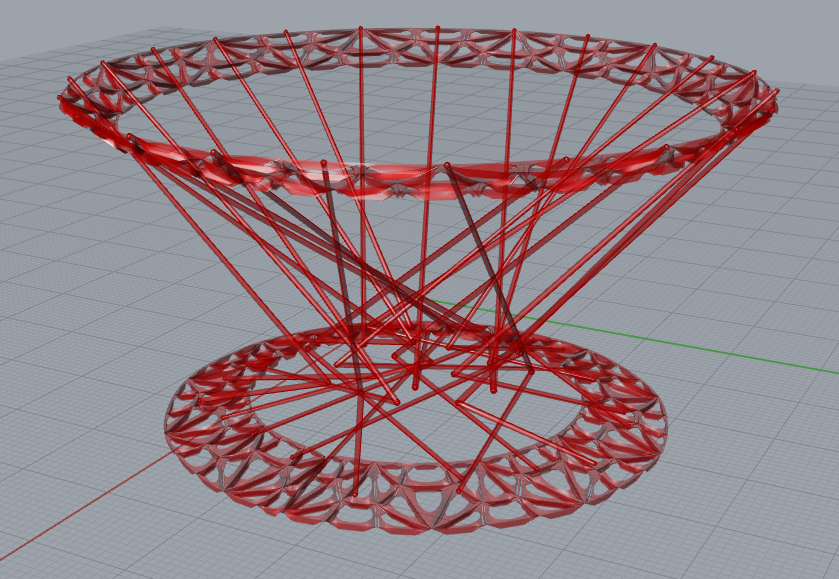
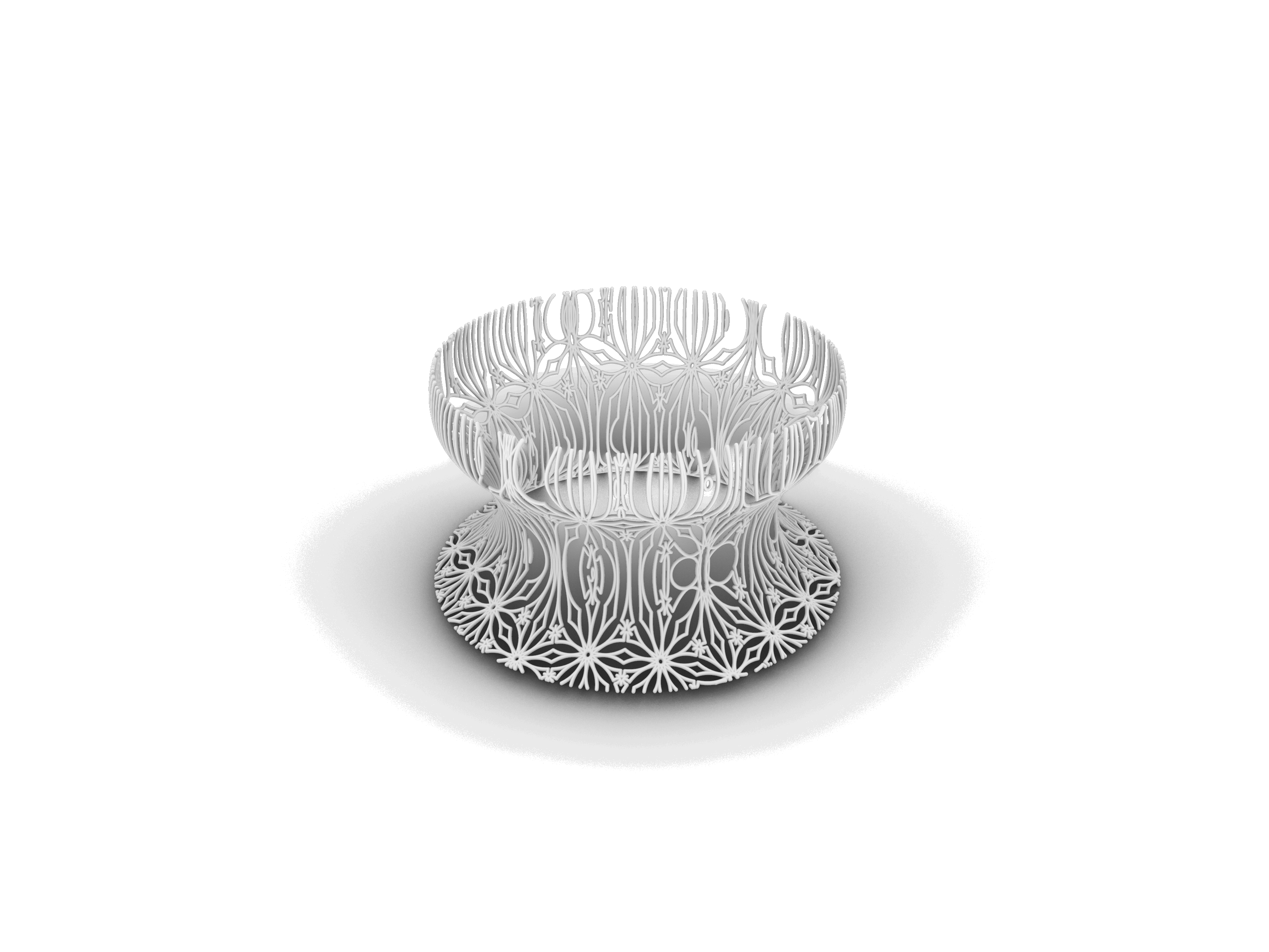
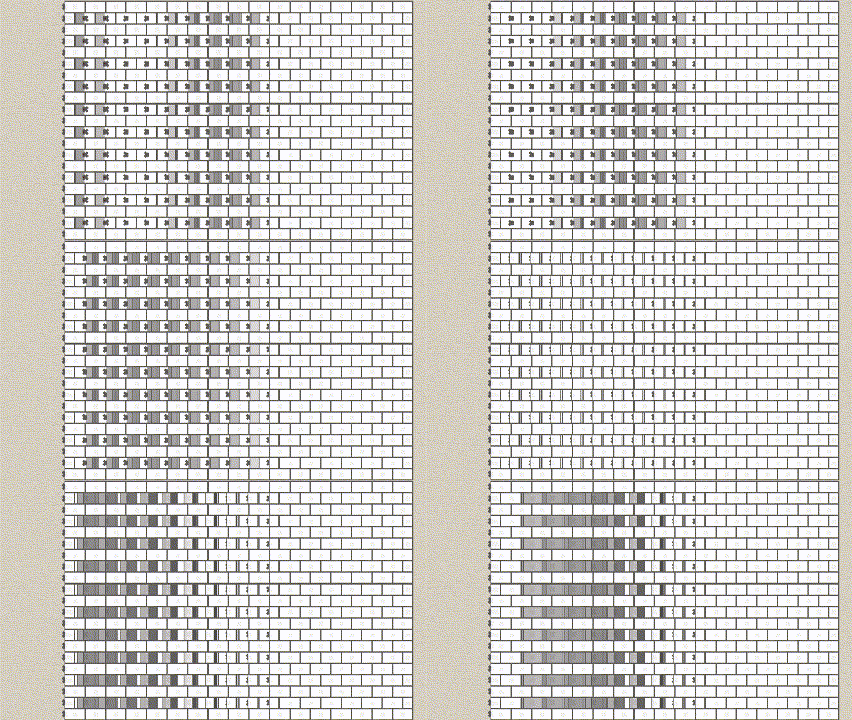
The core concept revolves around vessels, which dynamically transform into various forms such as plates, bowls, and more. What sets this project apart is the intriguing ability of the product’s textures to evolve alongside its changing shape. Picture a design that adapts not only in form but also in texture, adding a layer of visual sophistication to each product.
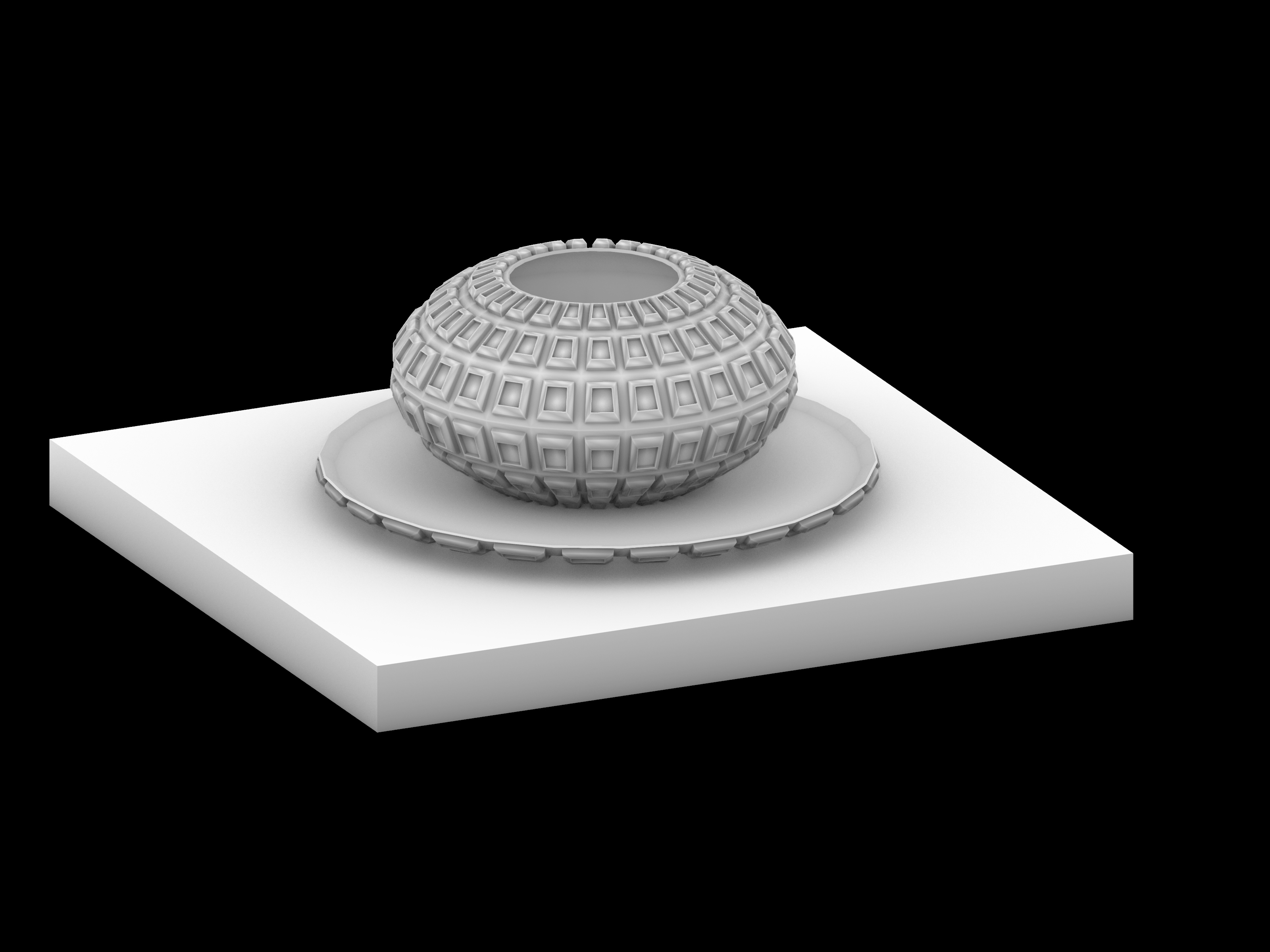


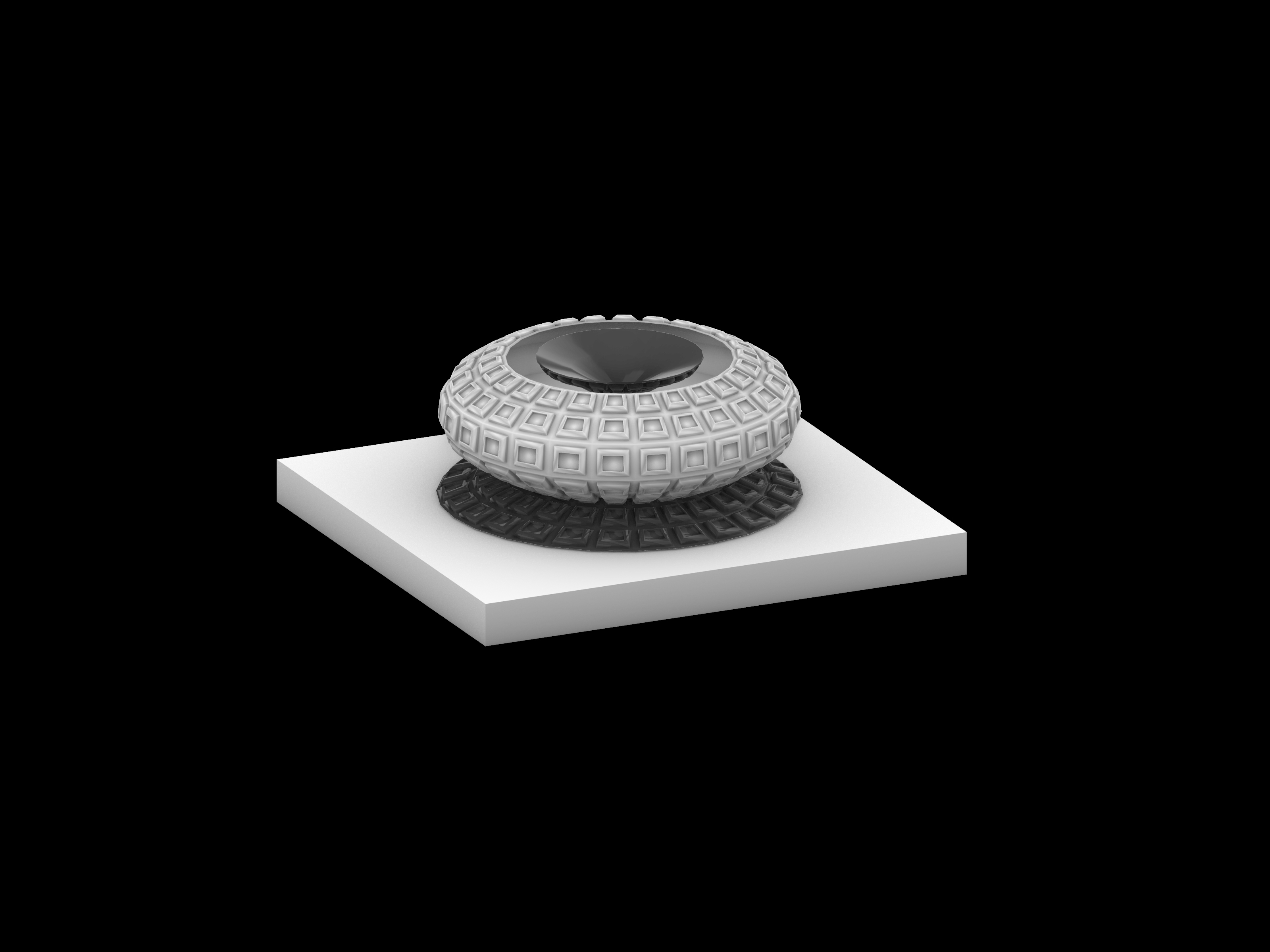
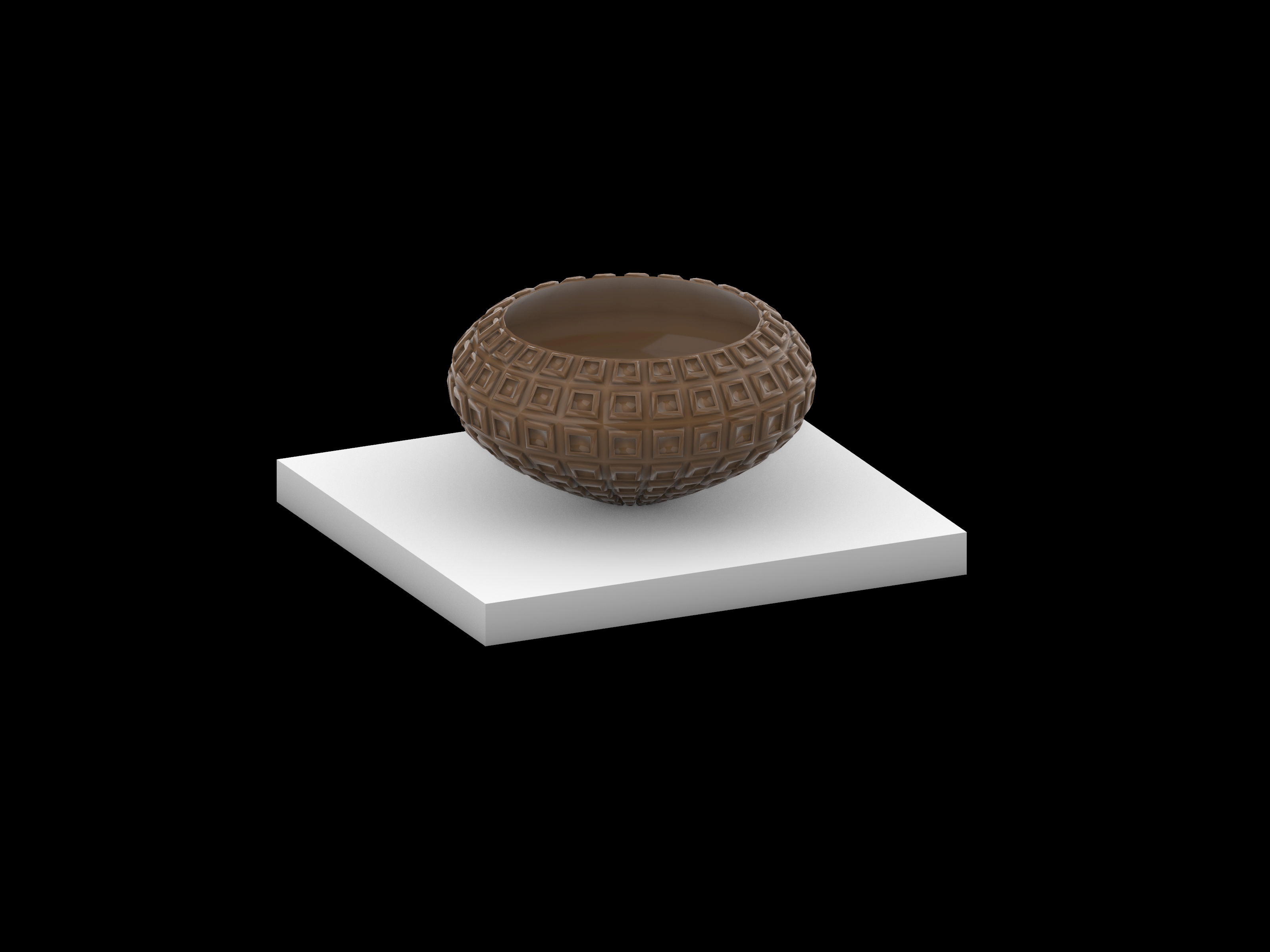
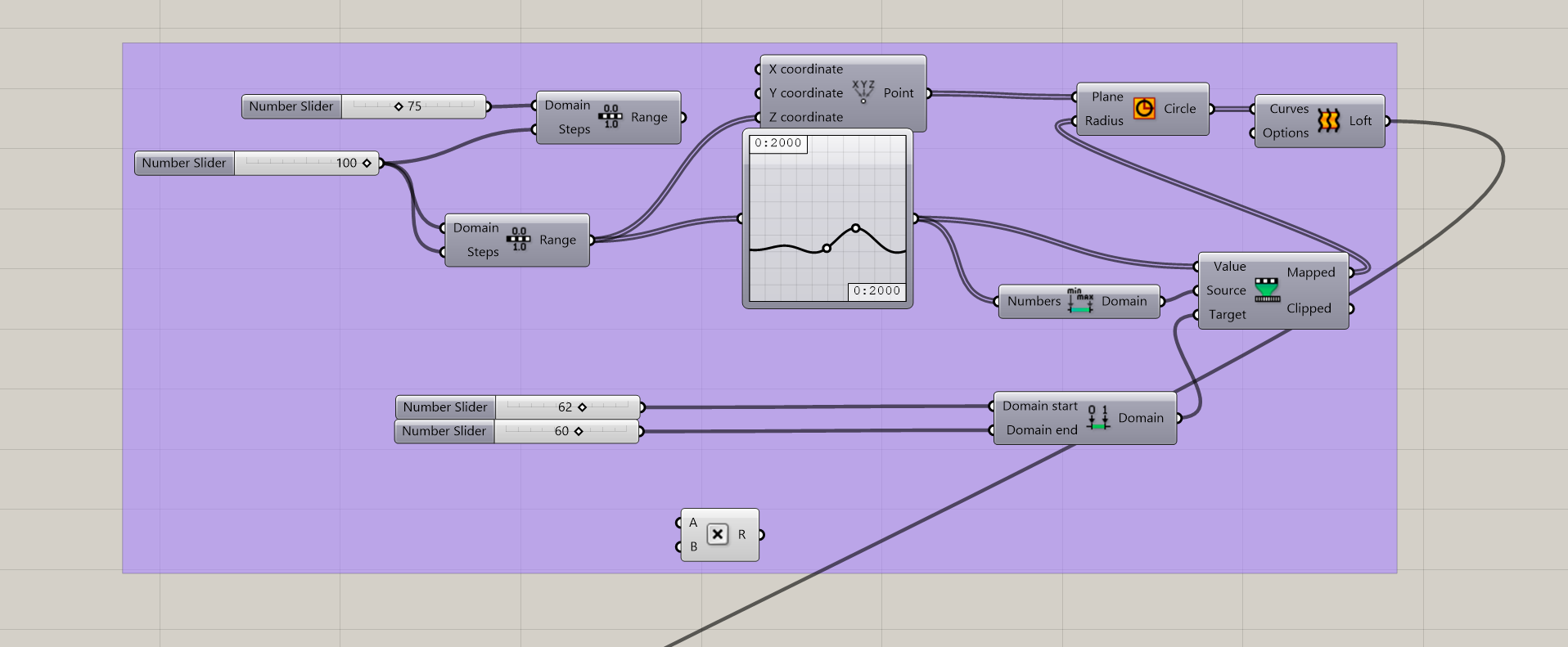
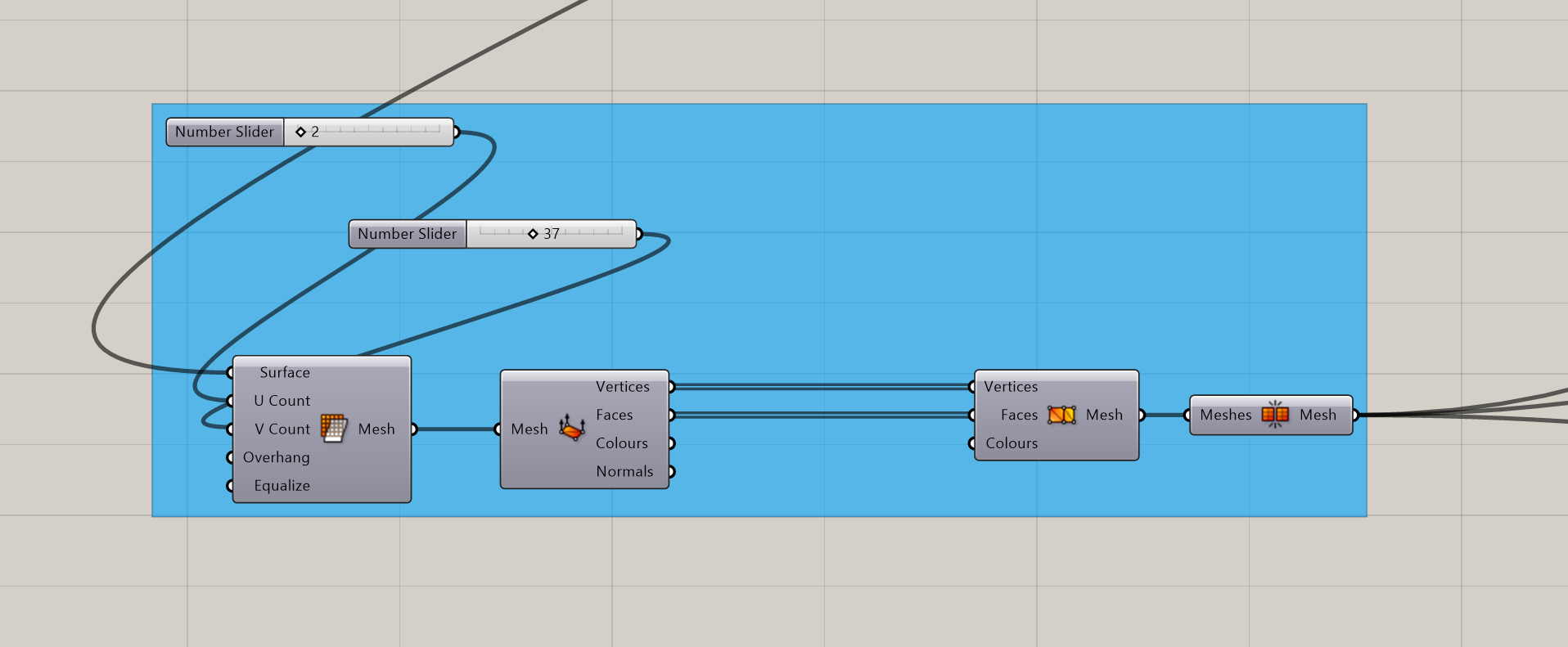
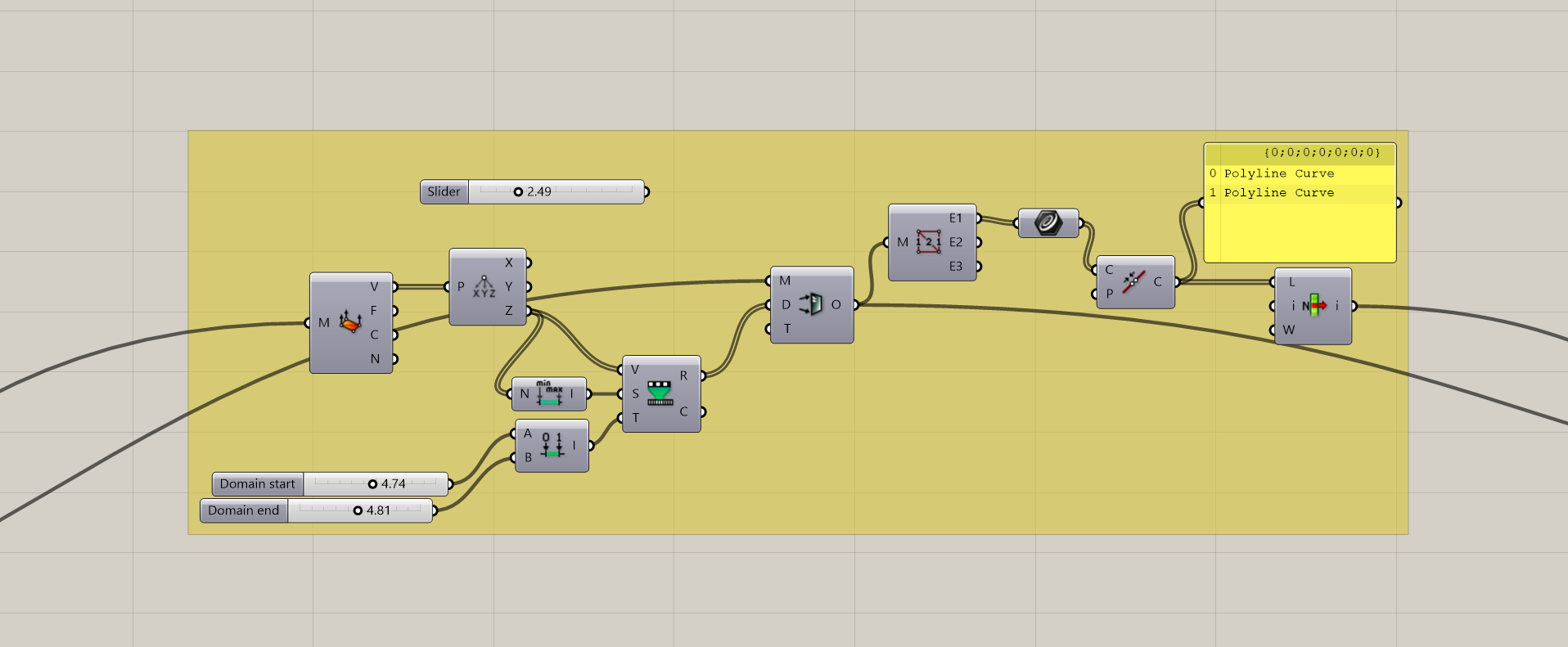
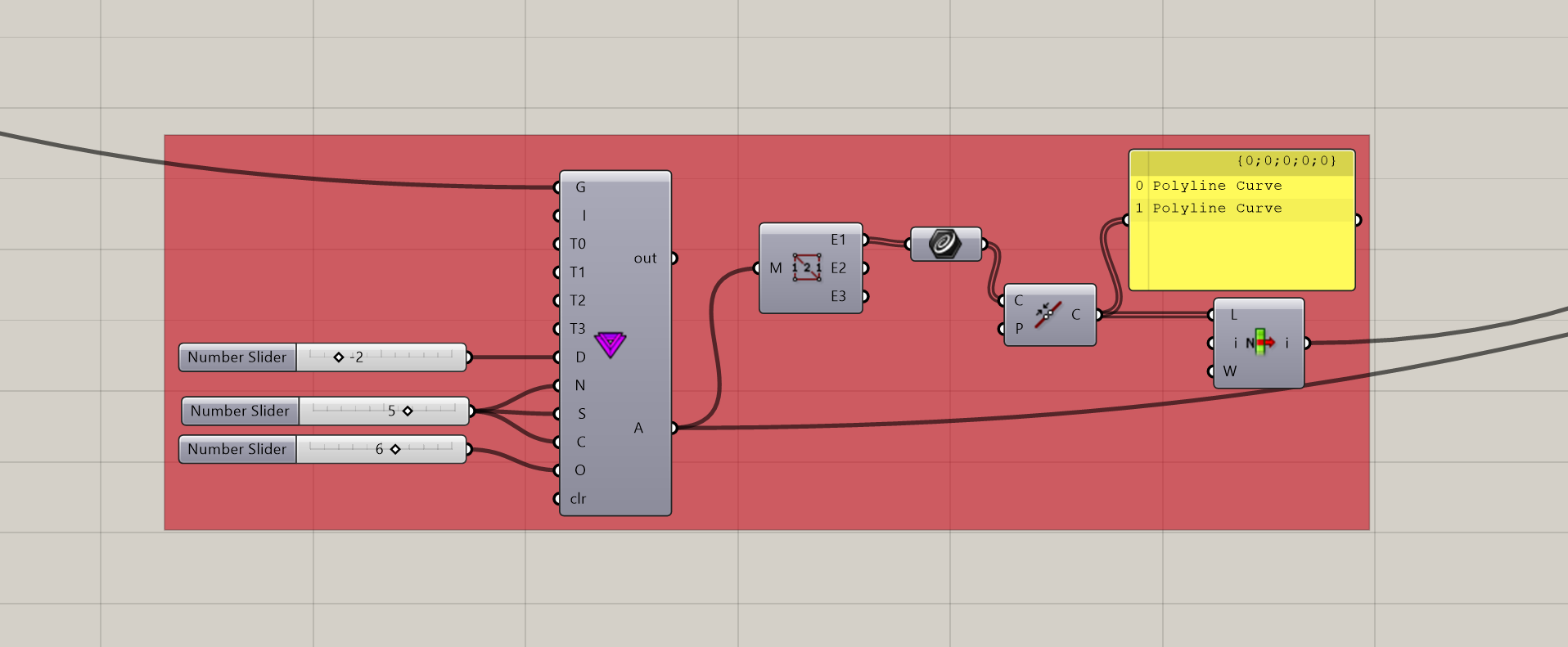
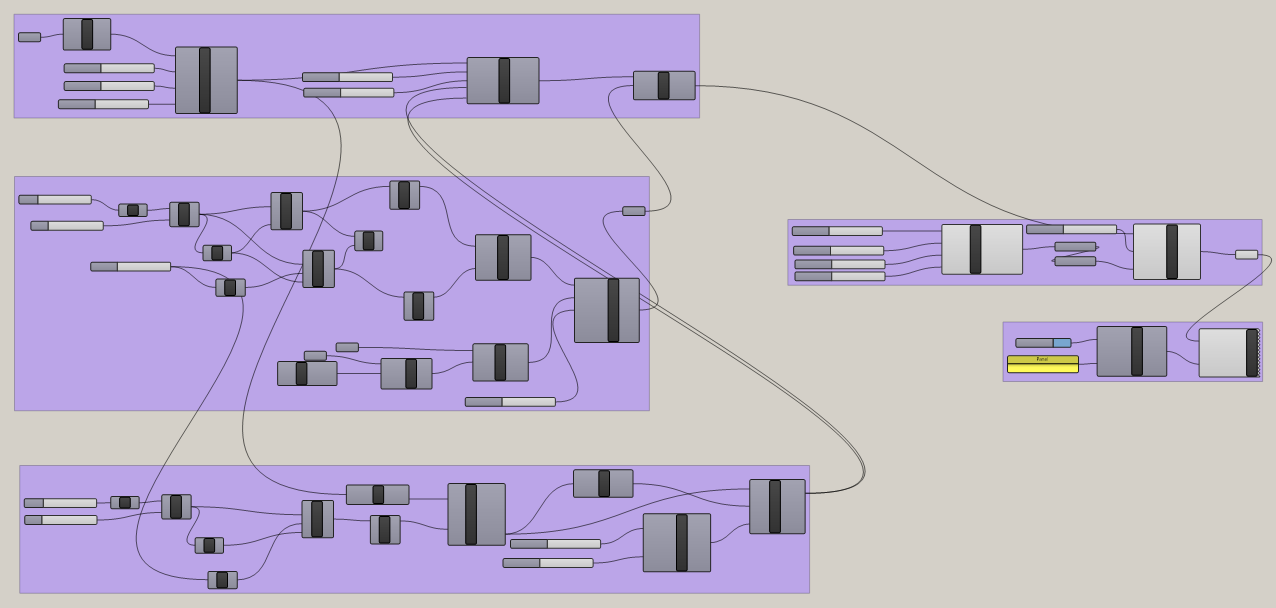
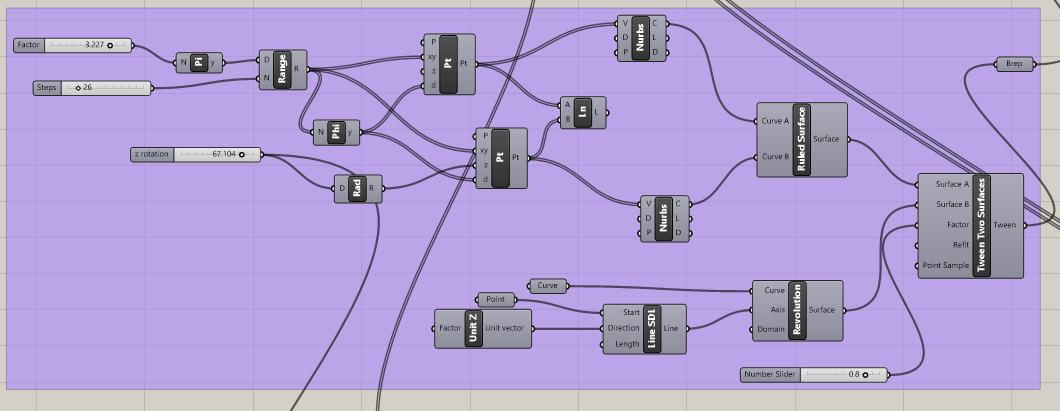
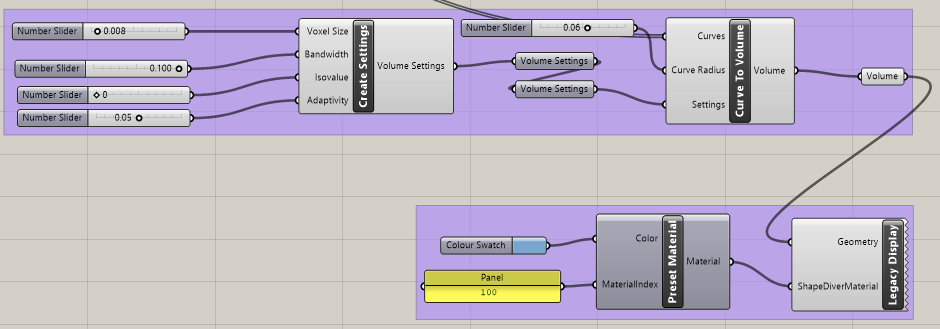
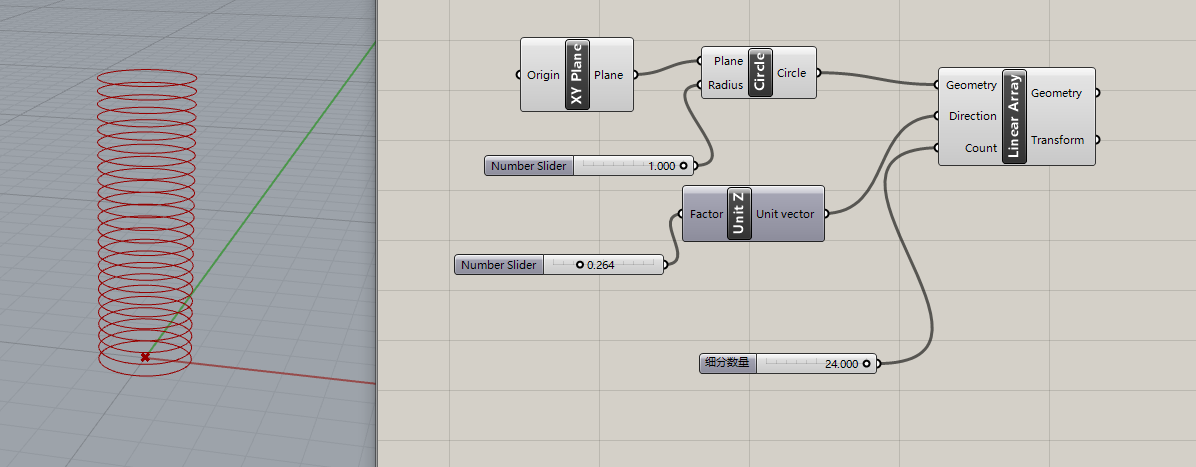
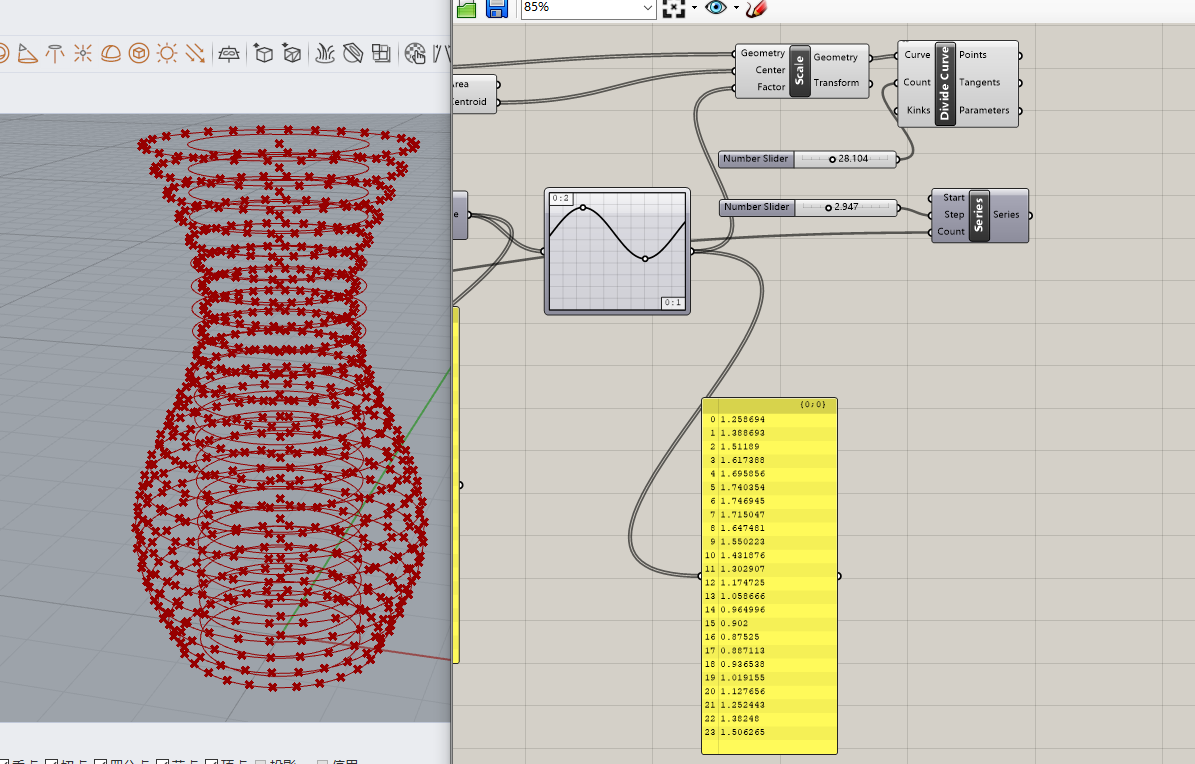
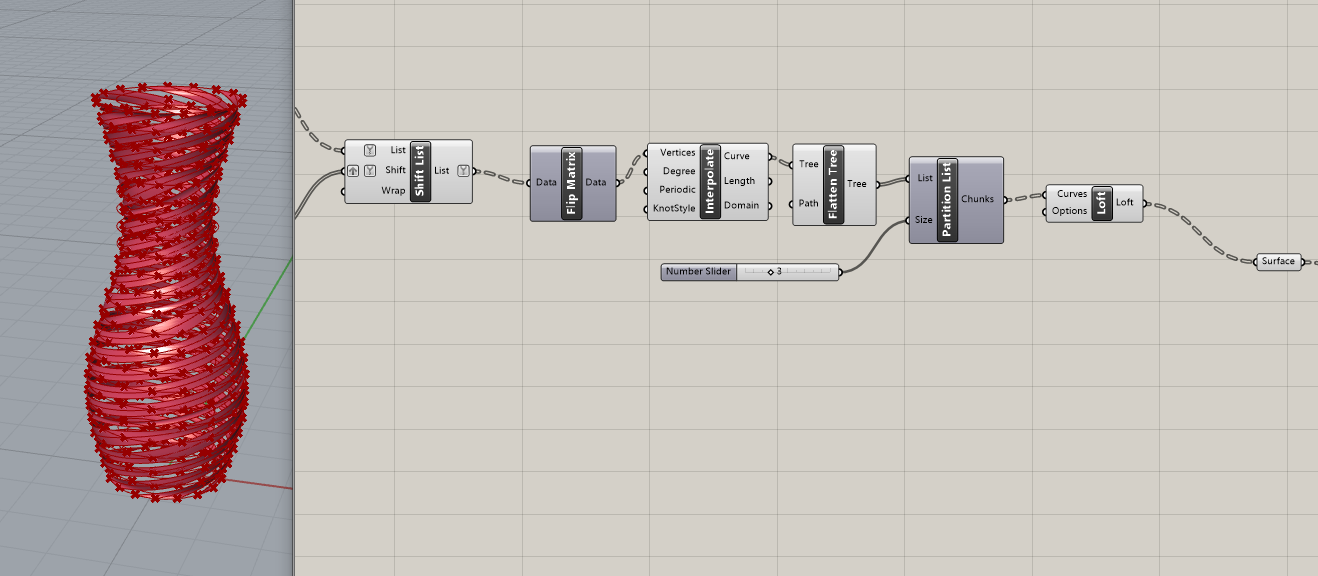
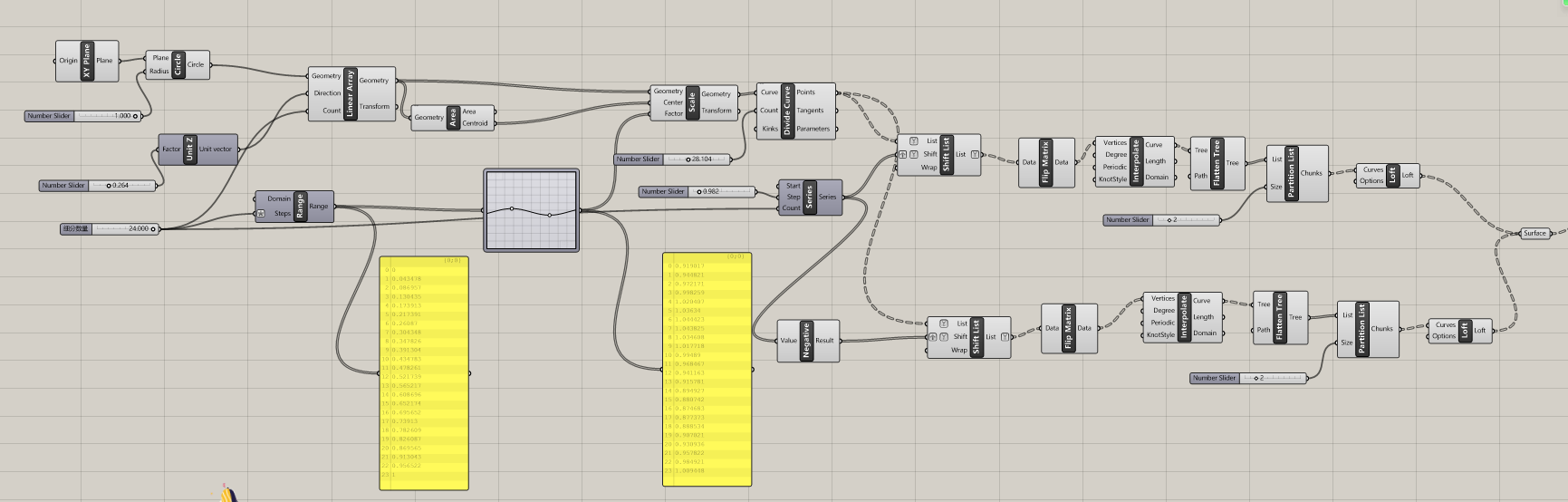
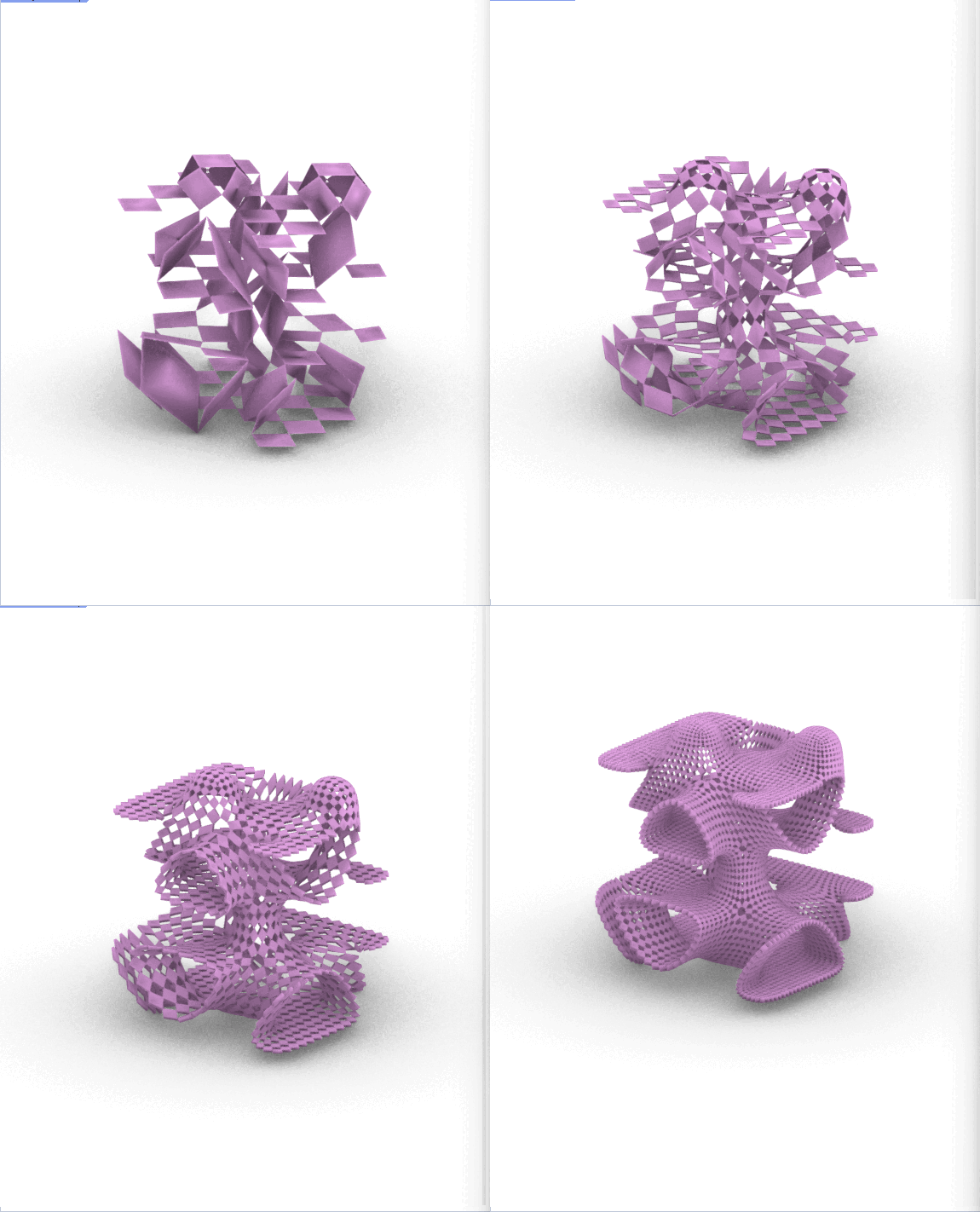
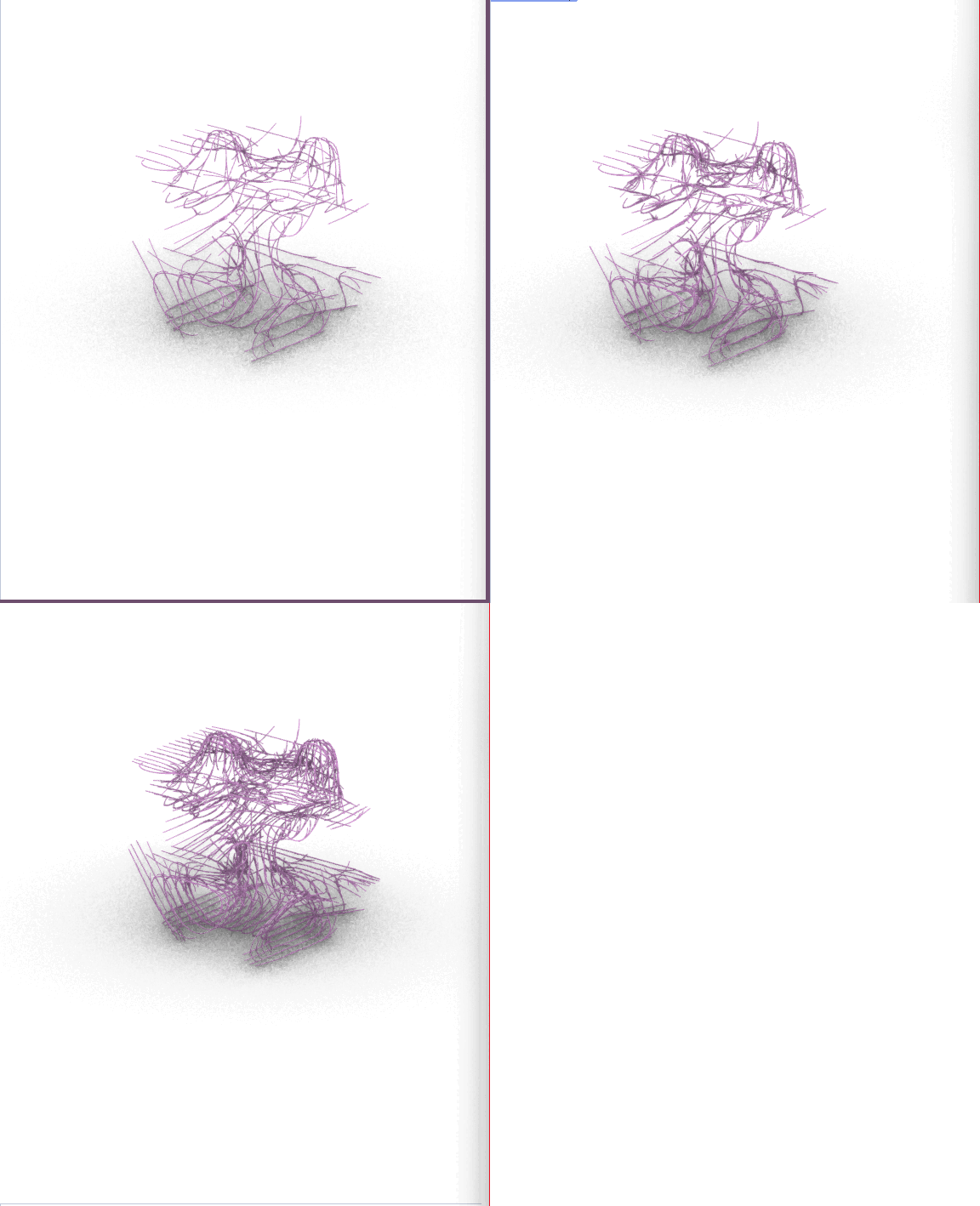
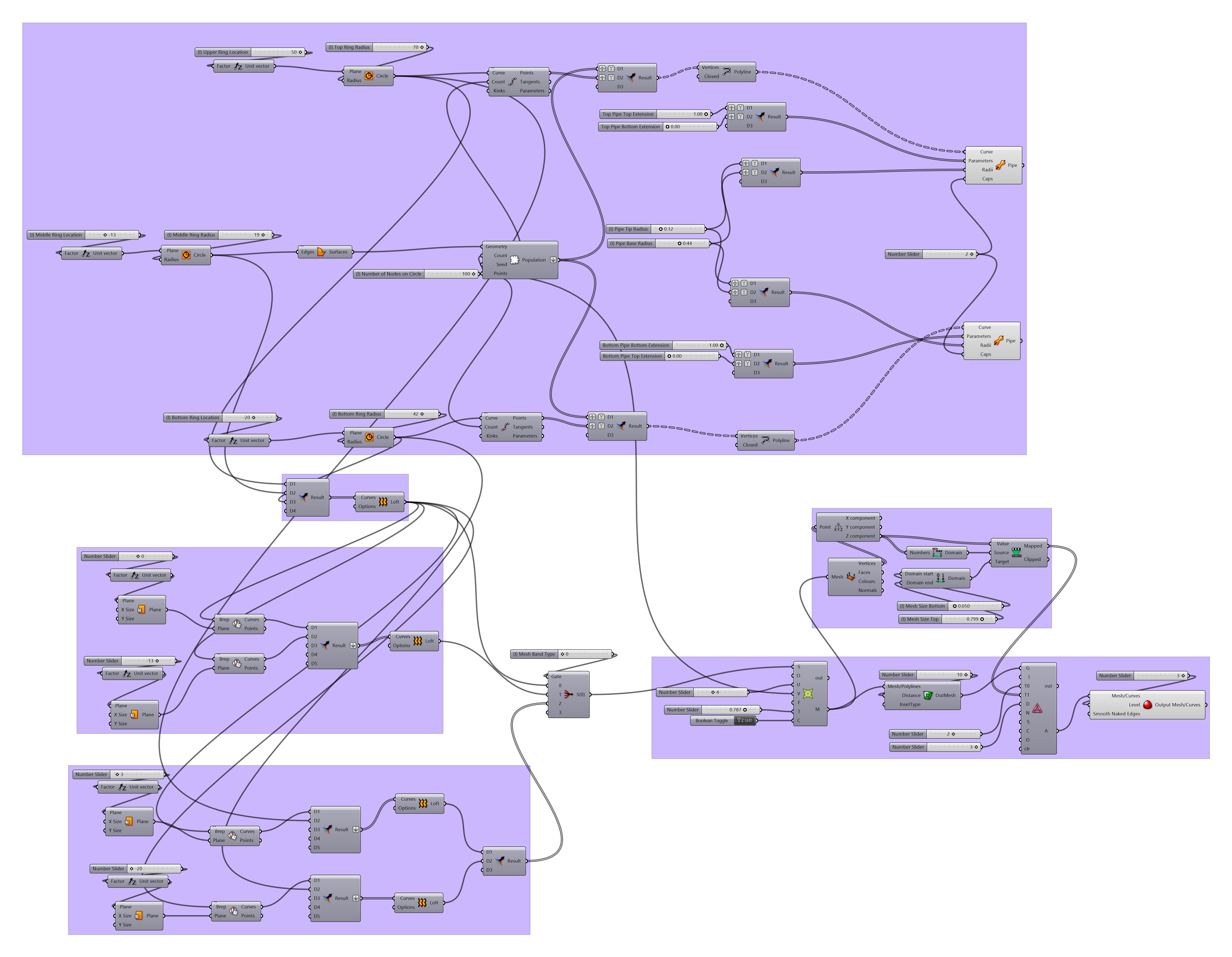
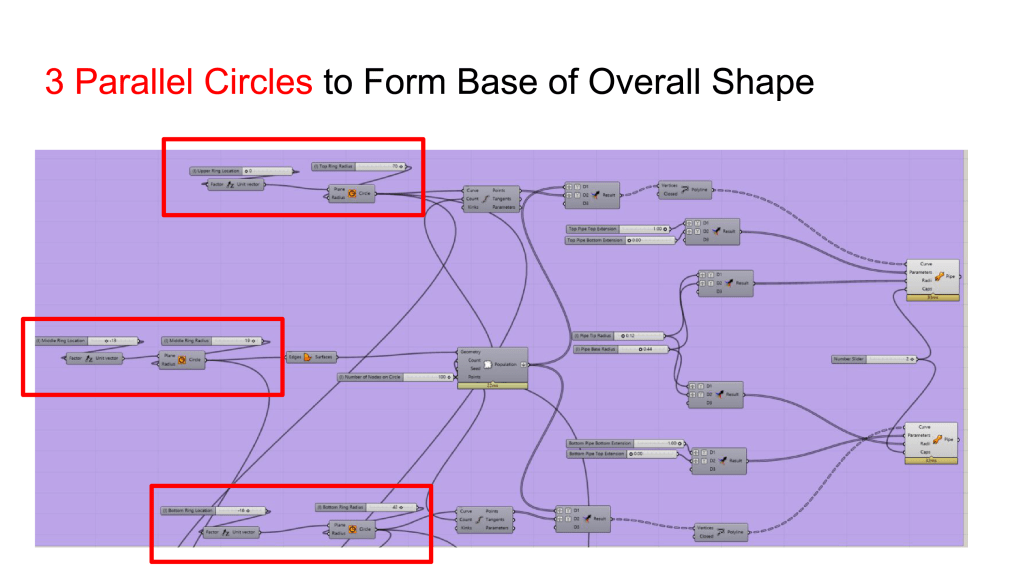
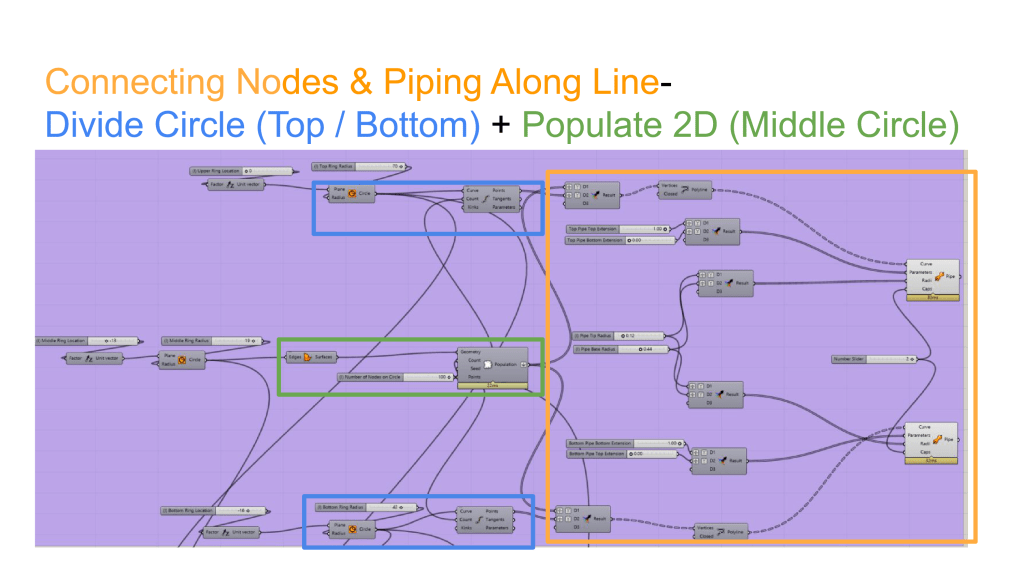
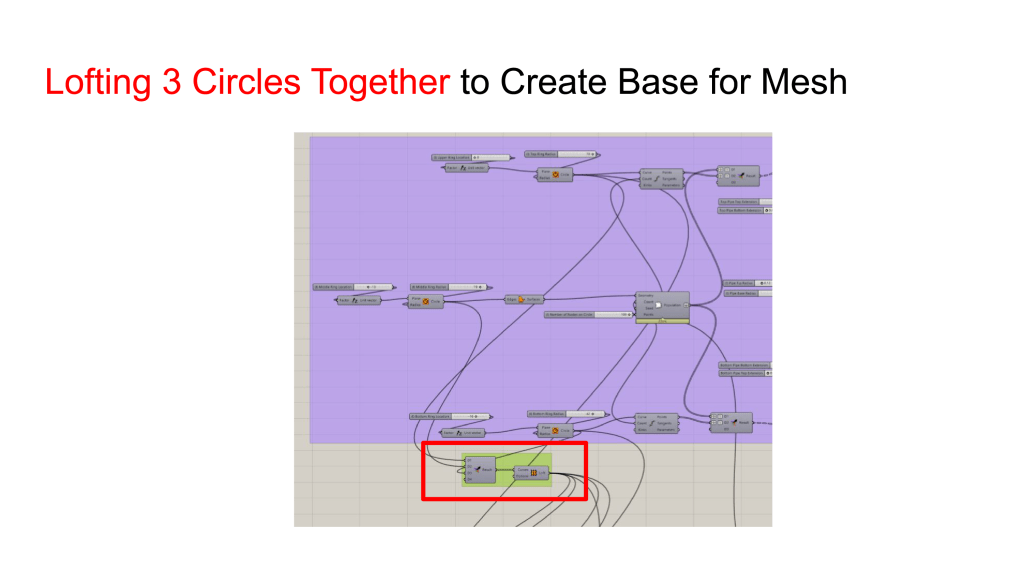
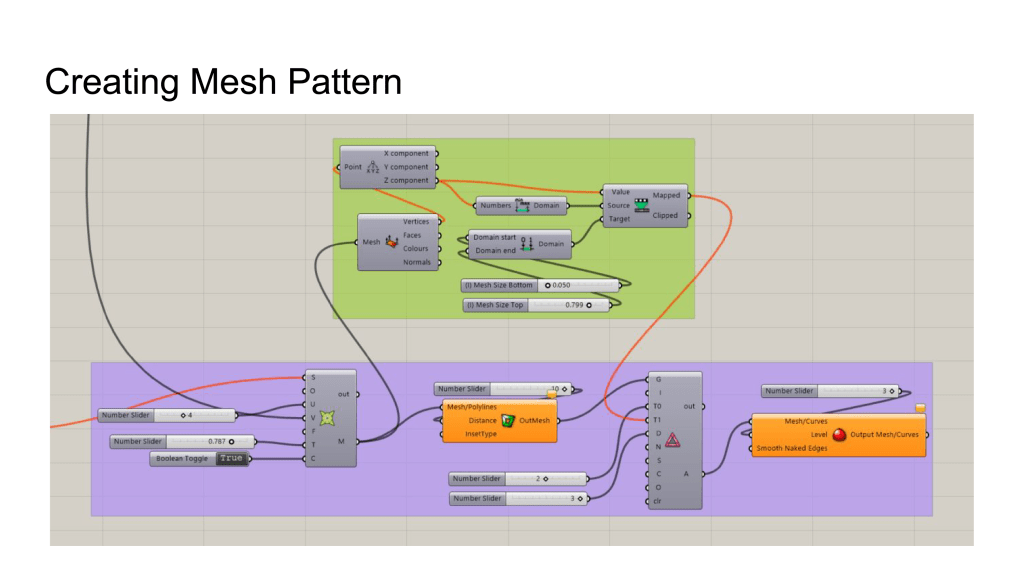
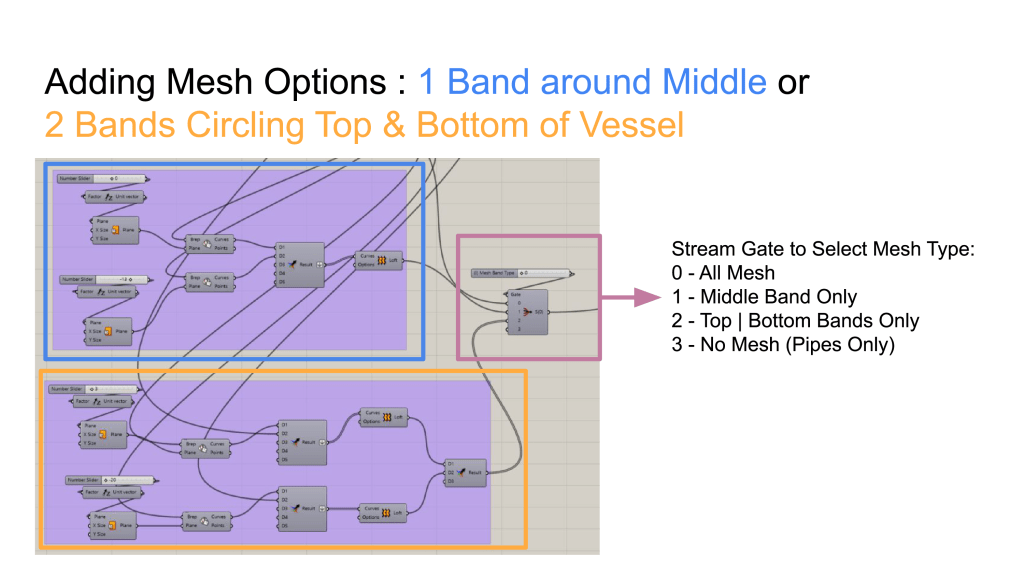
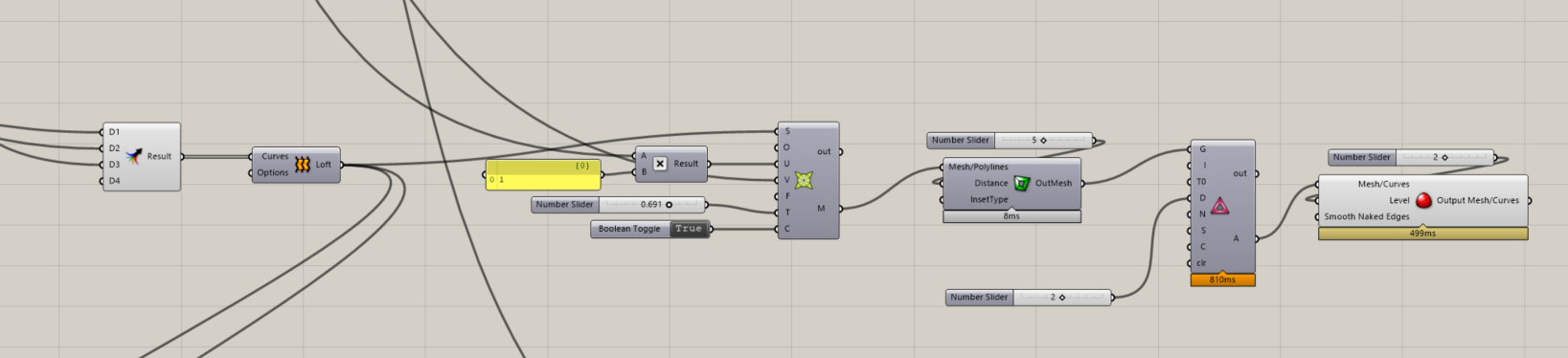
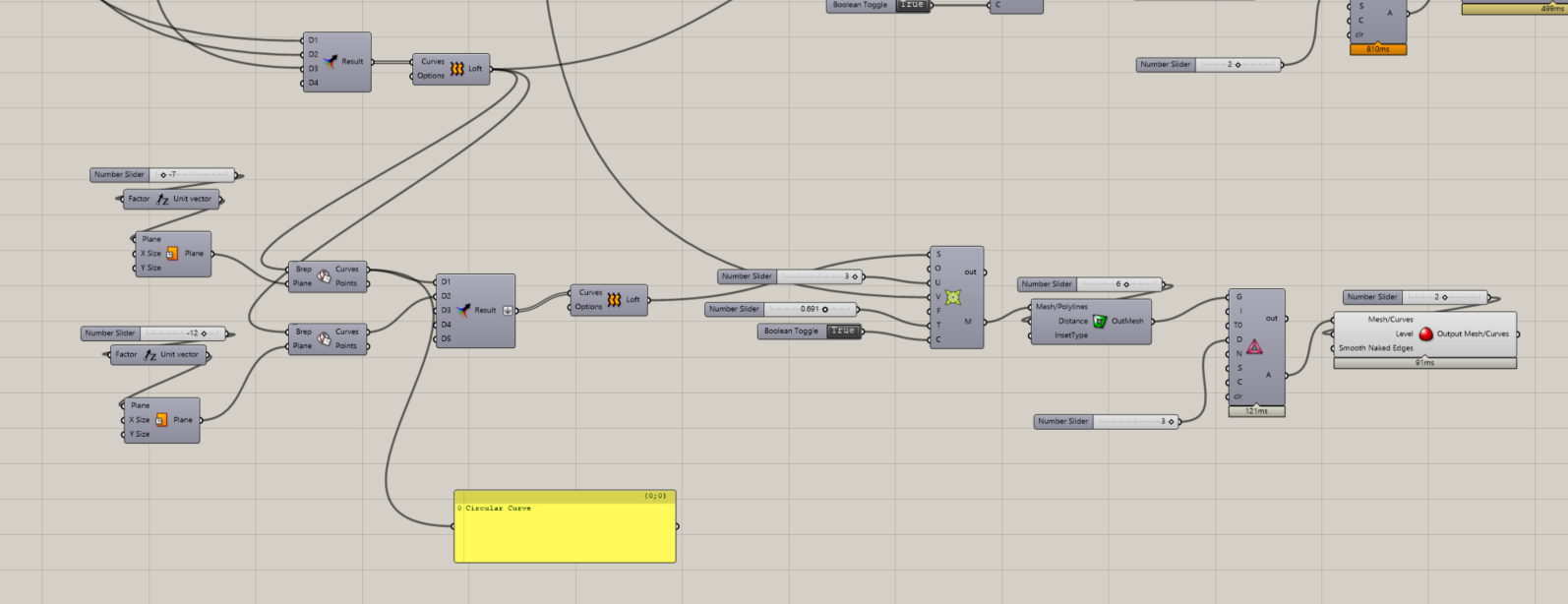
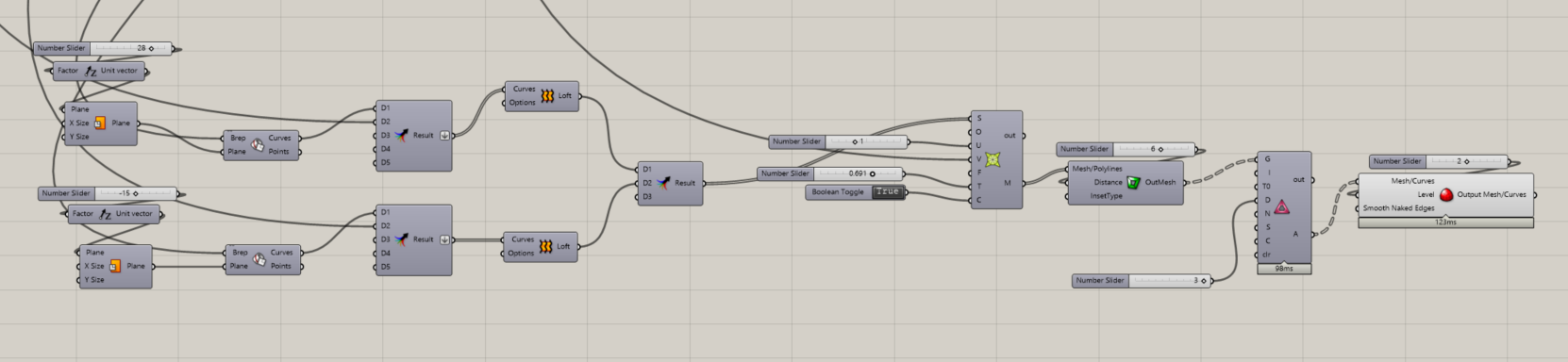
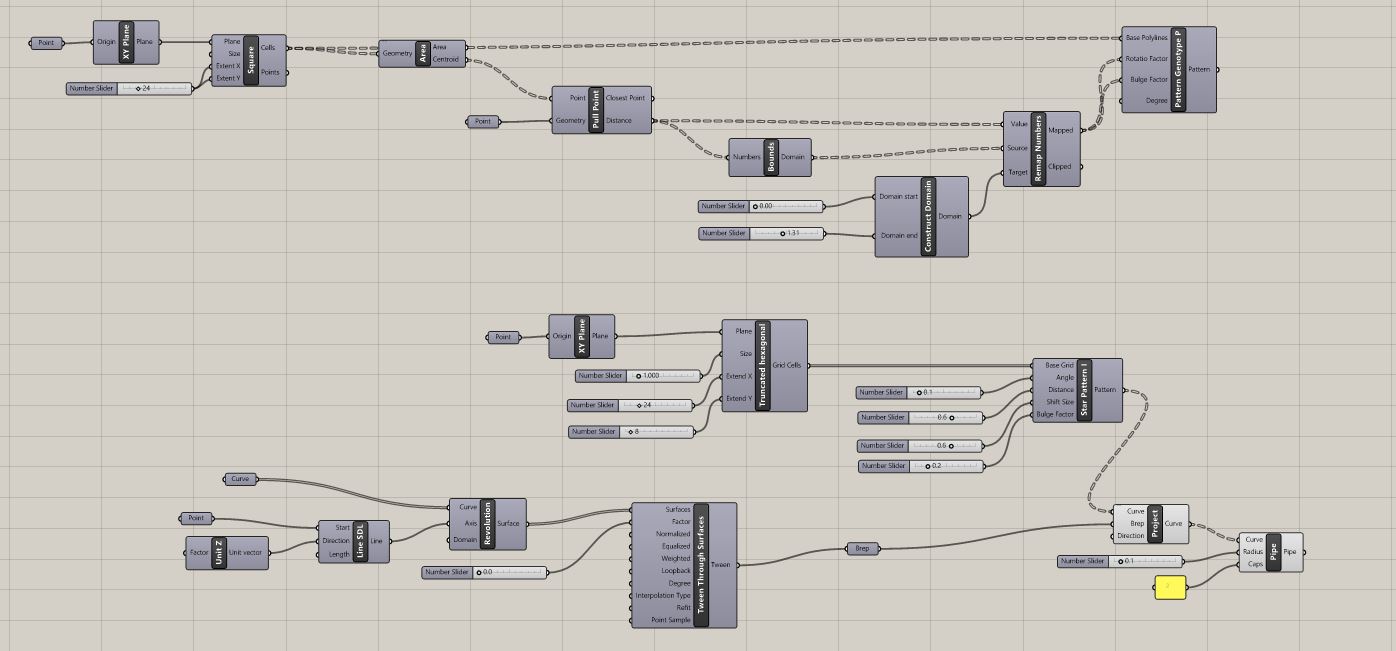
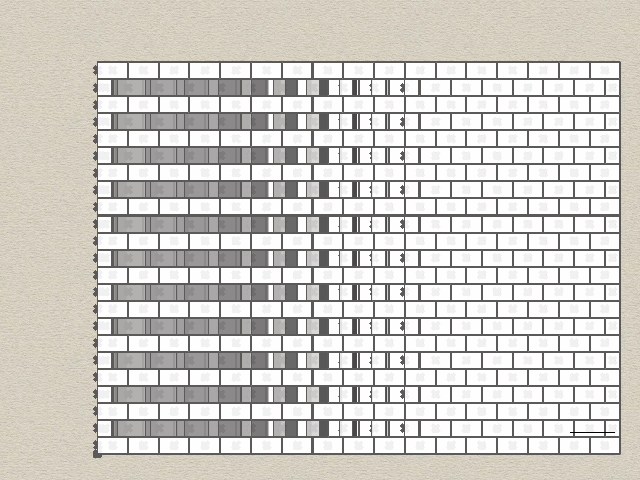
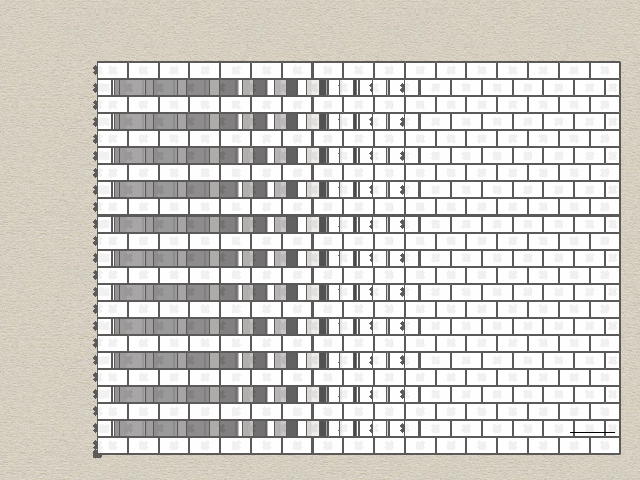
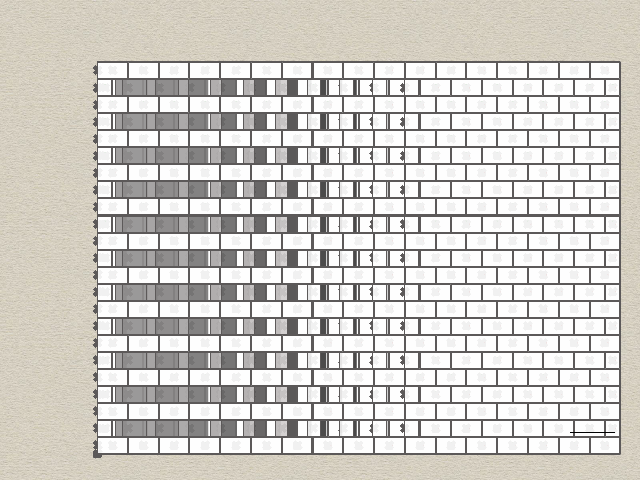
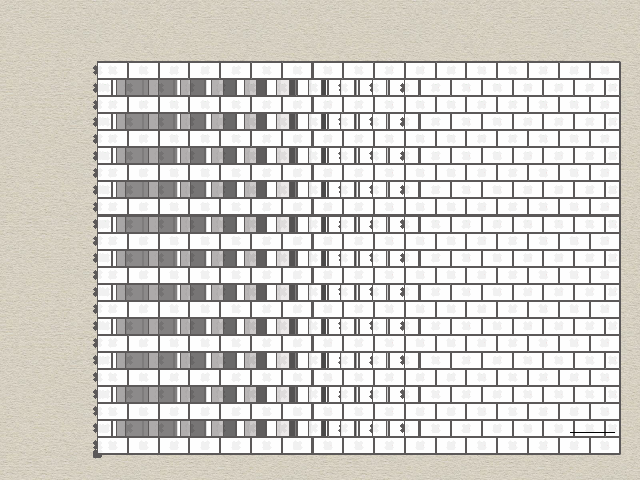
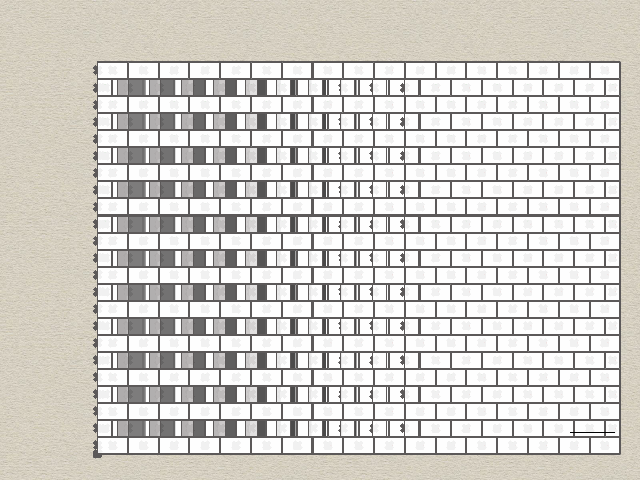
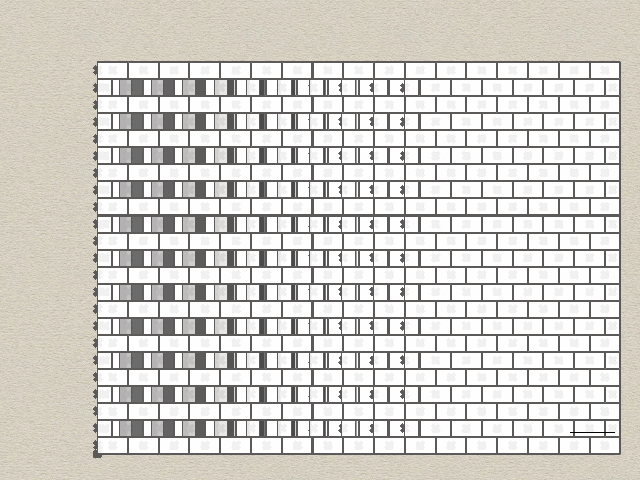
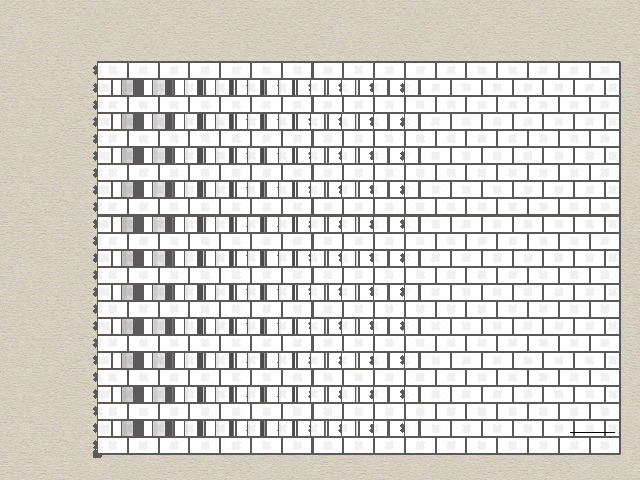
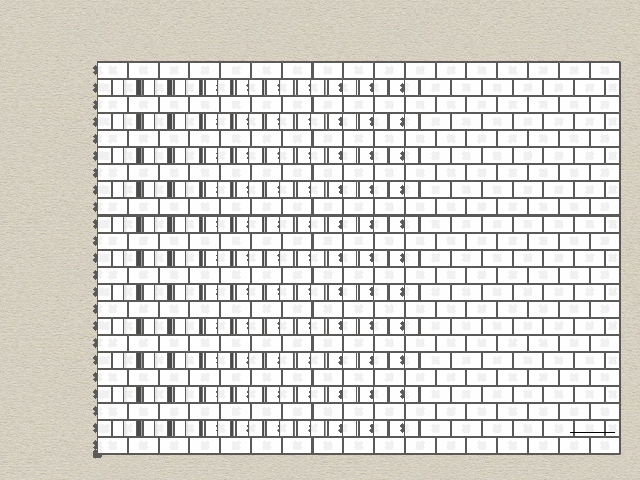
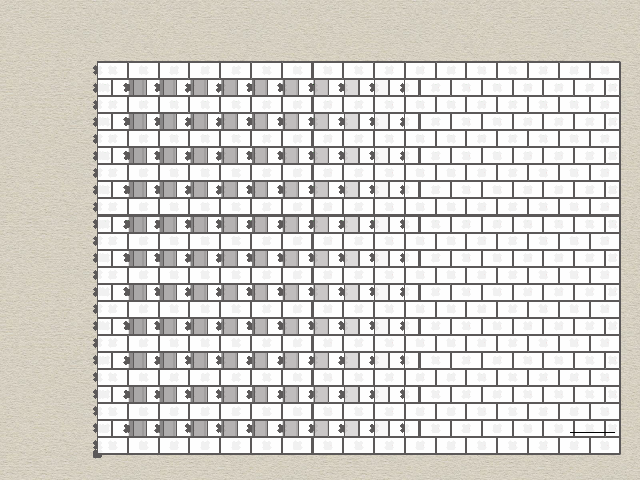
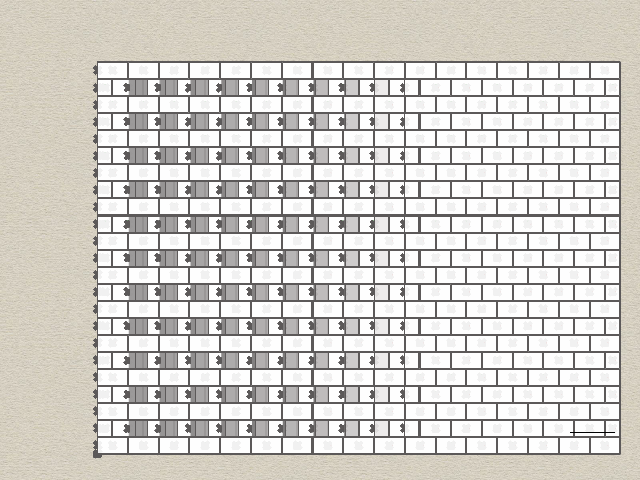
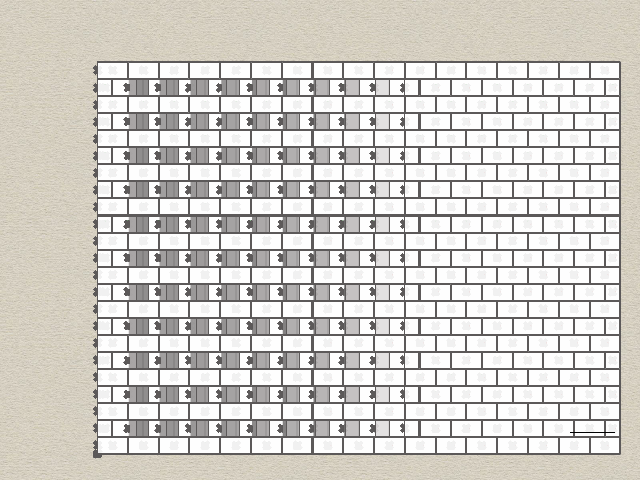
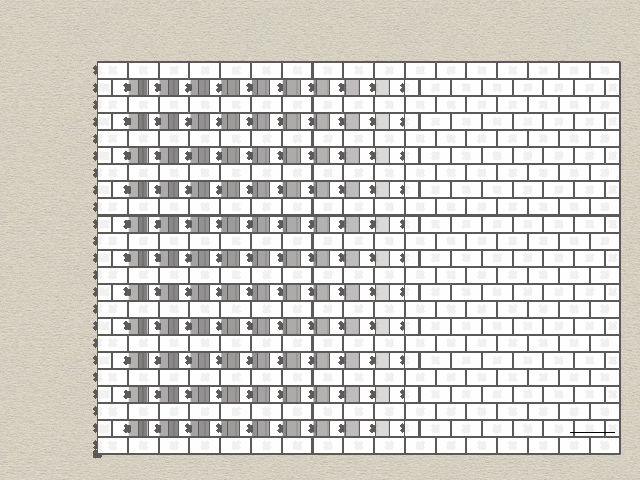
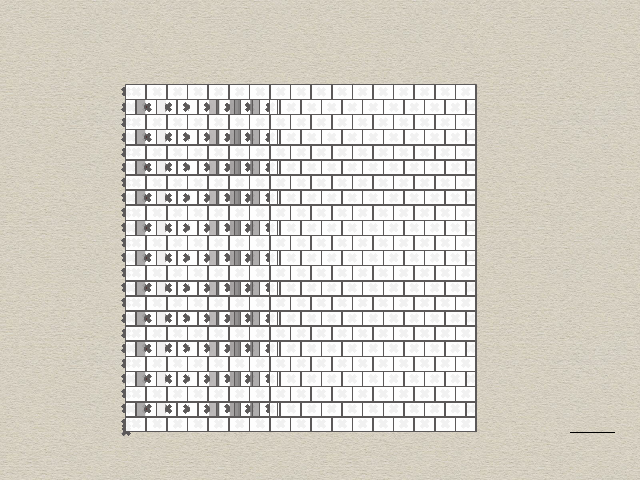
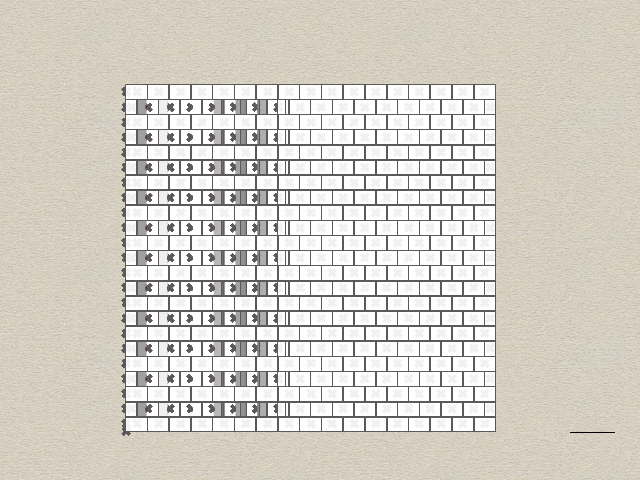
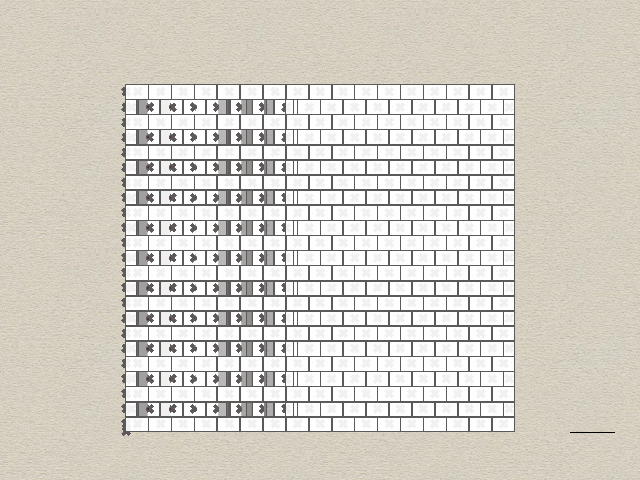
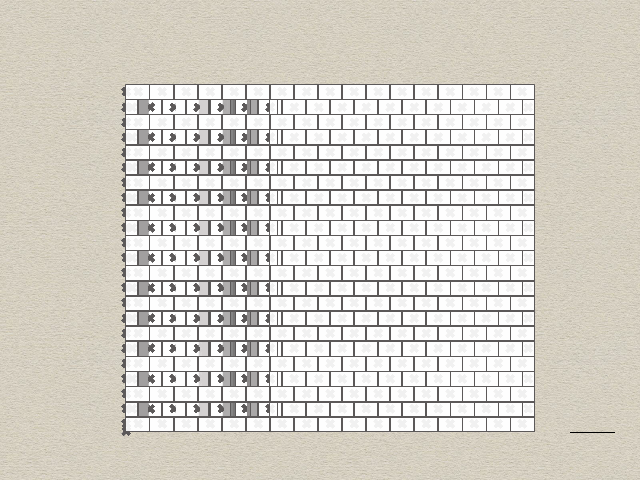
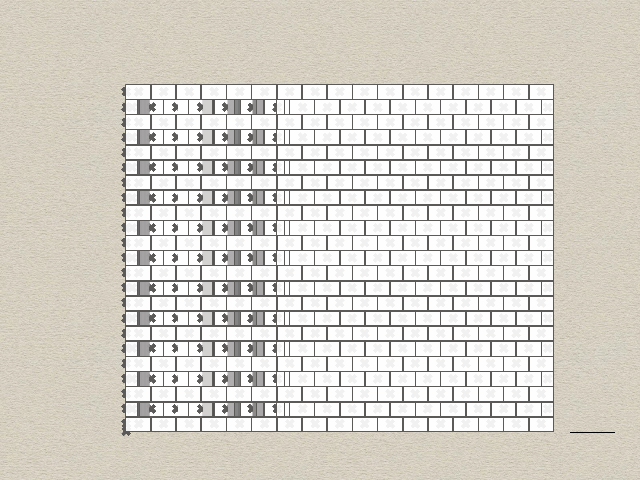
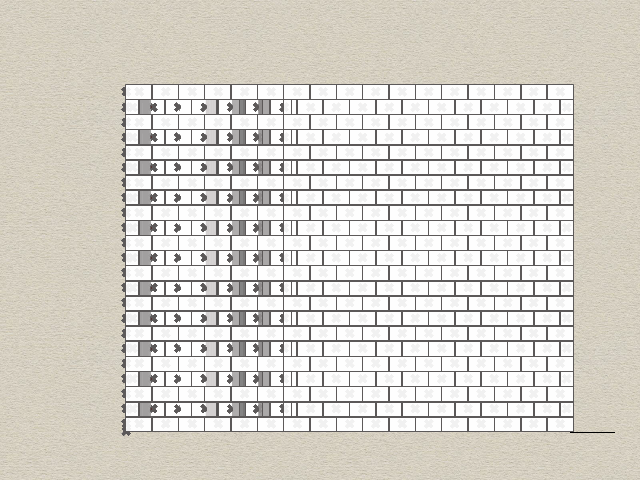
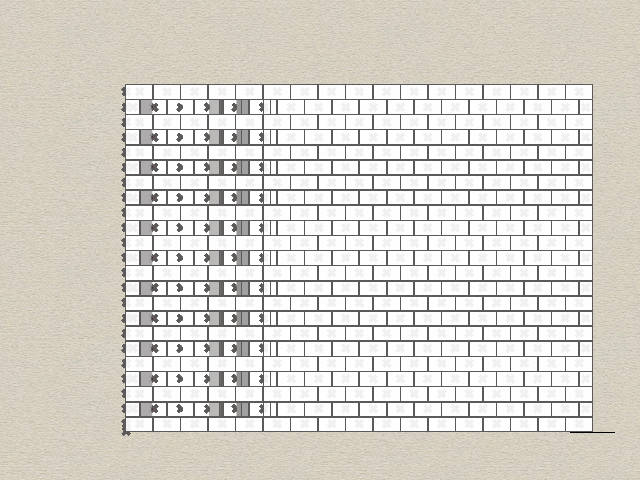
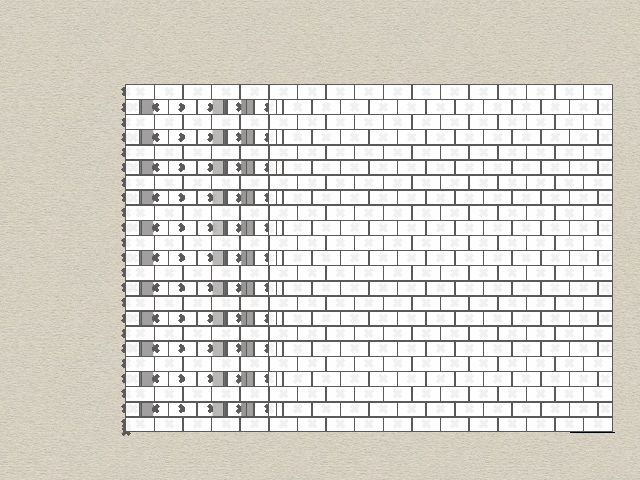
A key highlight of this endeavor is the flexibility it offers. The complexity of the products can be easily adjusted to cater to individual preferences. Whether you prefer a sleek and minimalist aesthetic or a more intricate and detailed design, the power is in your hands. Please follow the following Grasshopper Definition:

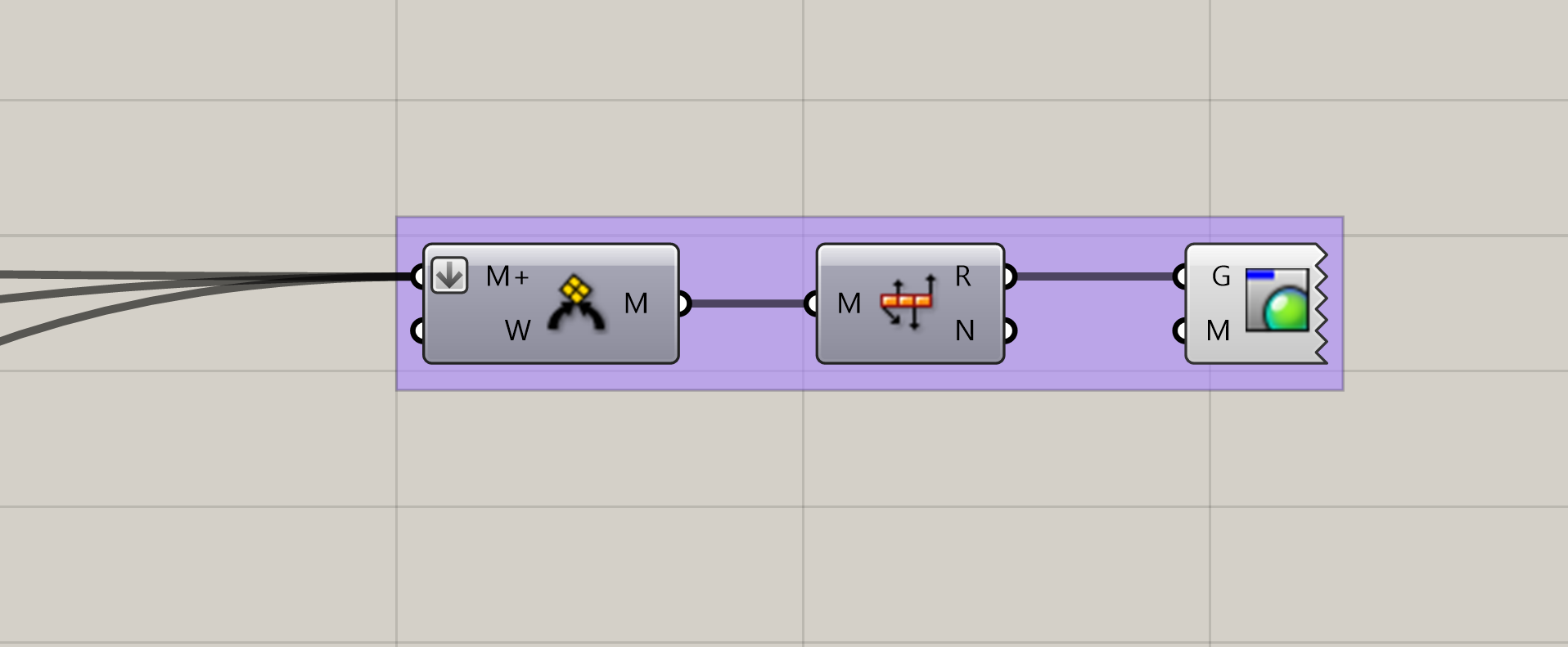
The ultimate objective of this product design venture is to establish a harmonious family of items that seamlessly integrate into our daily lives. These products aren’t just aesthetically pleasing; they are designed with functionality in mind, making them practical additions to our daily routines.
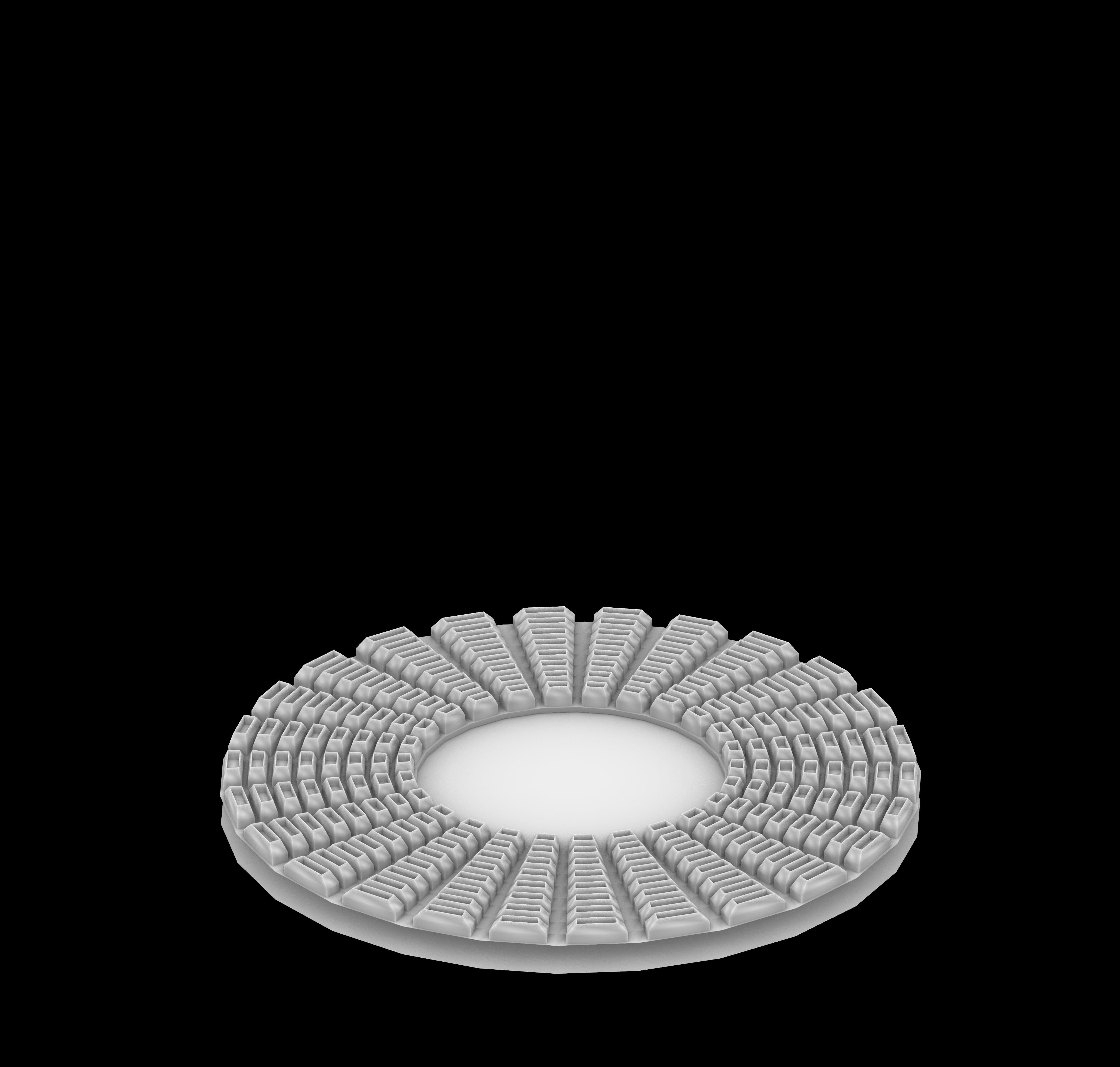
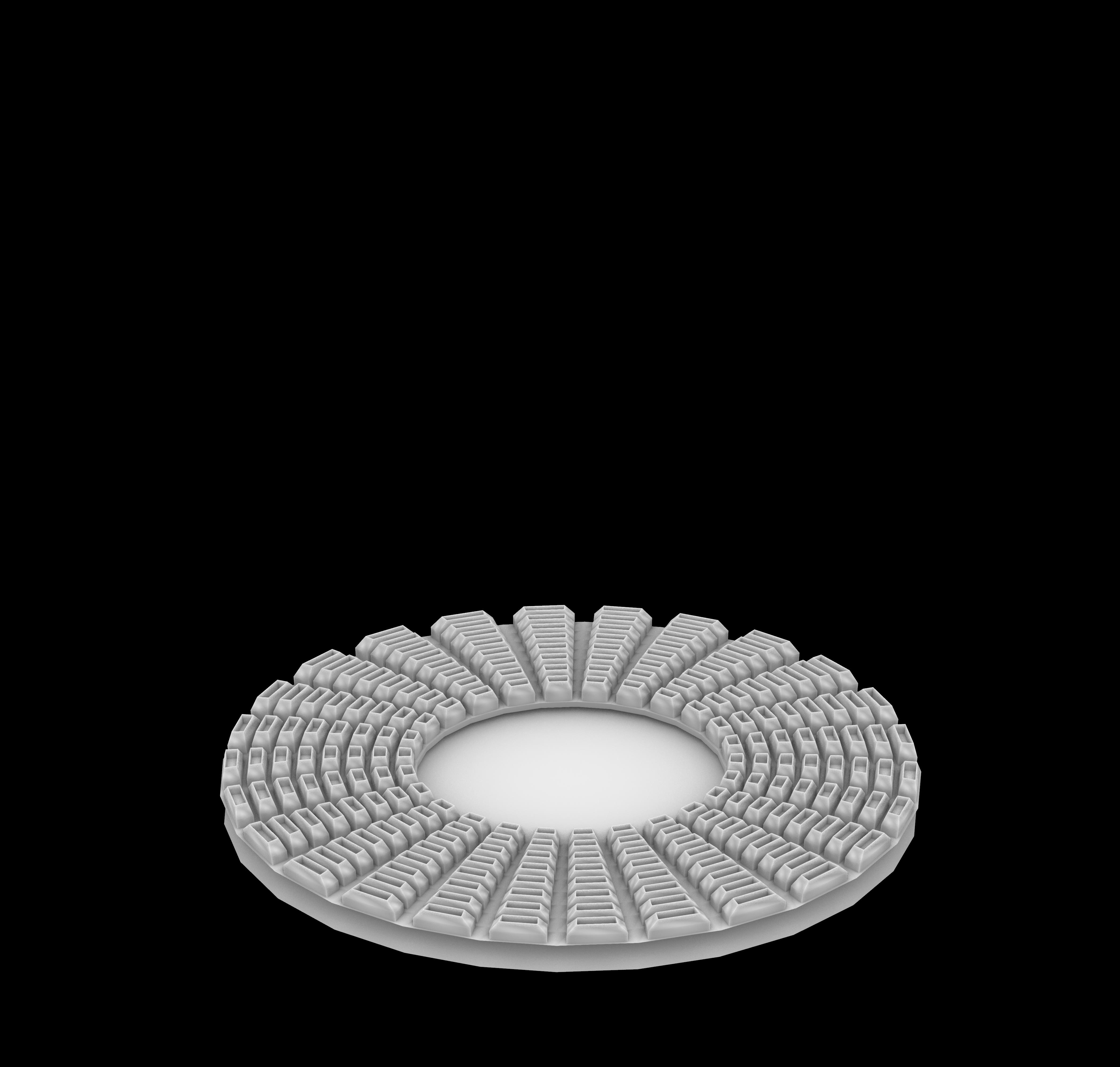
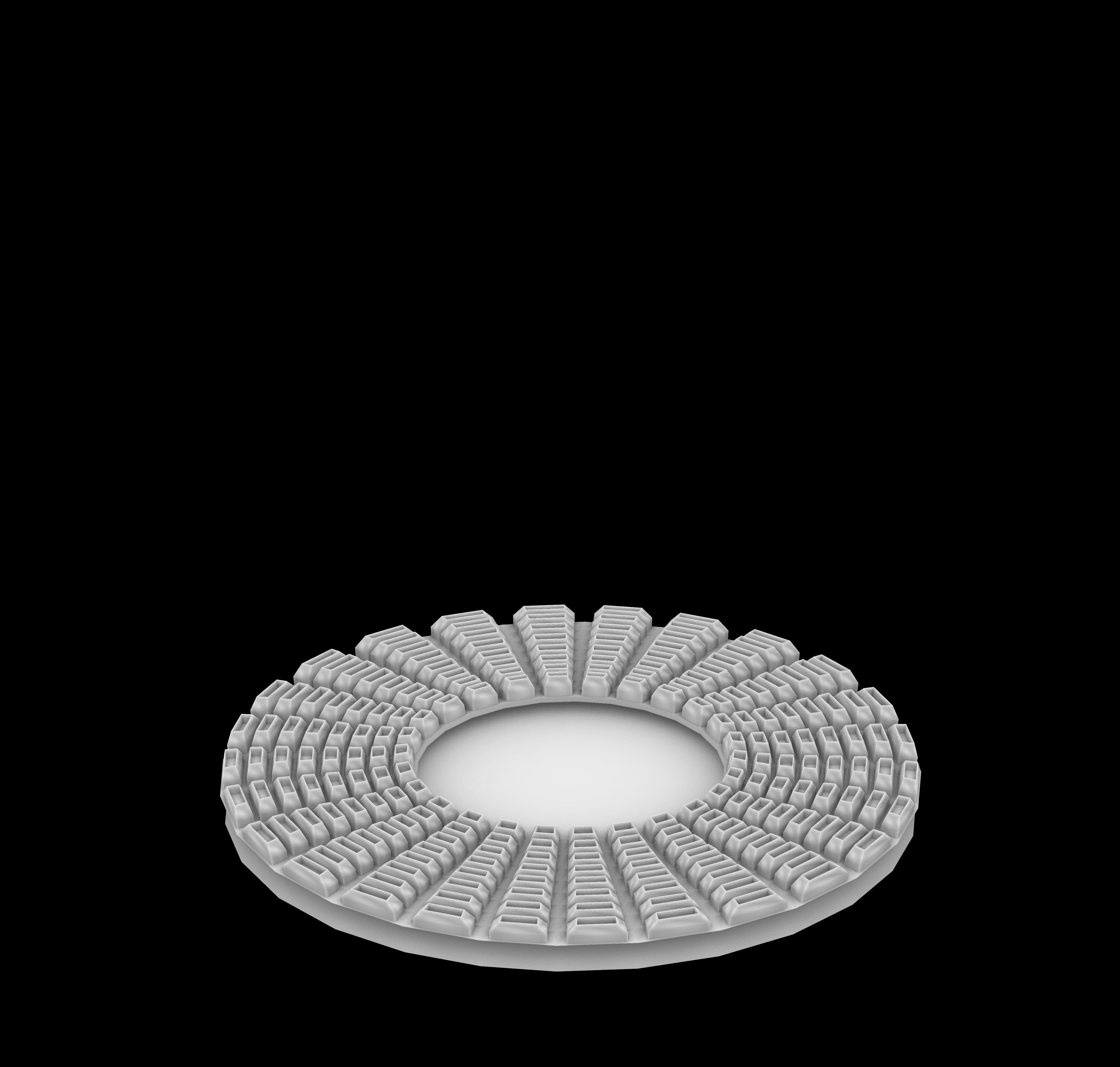
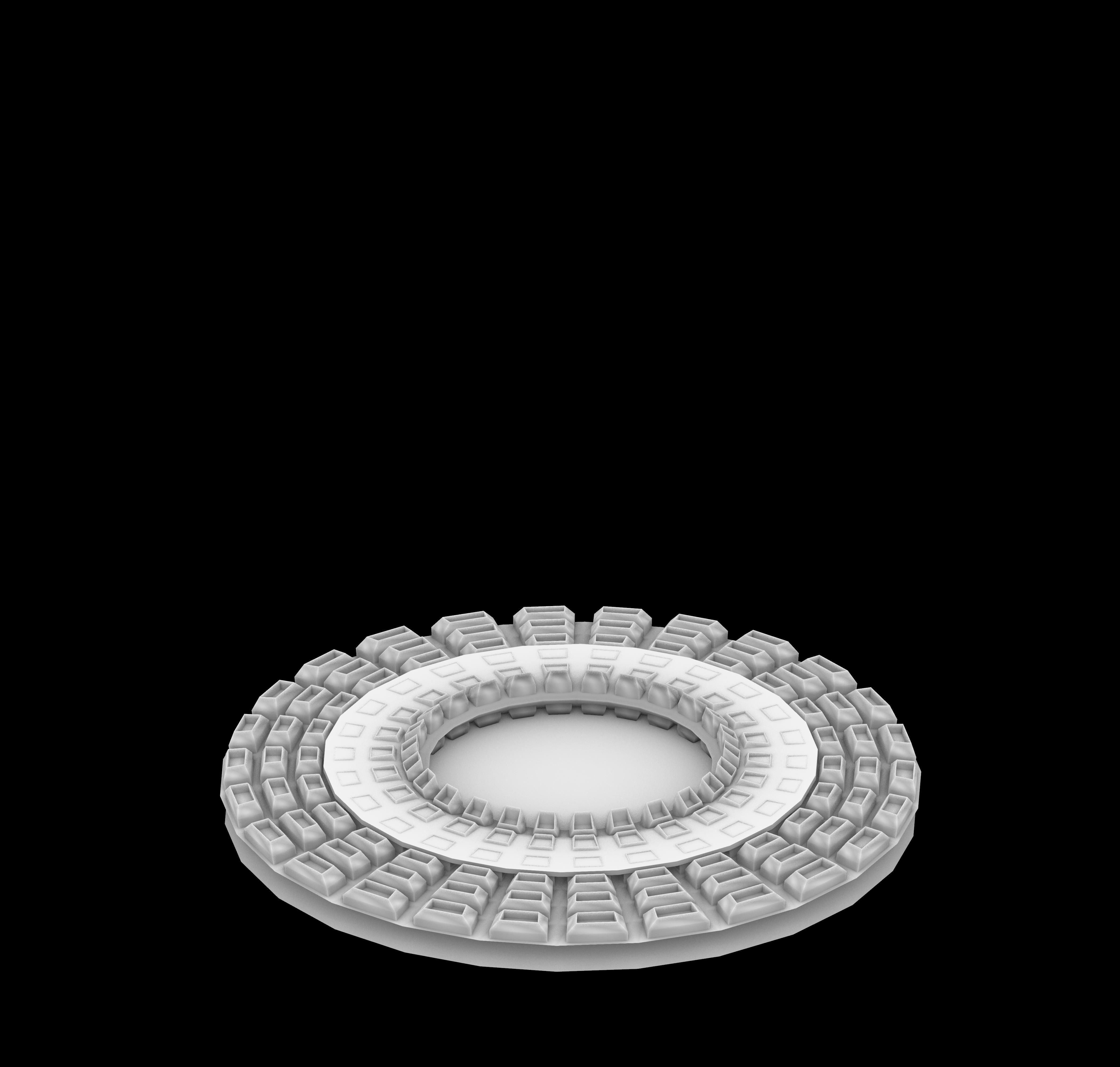
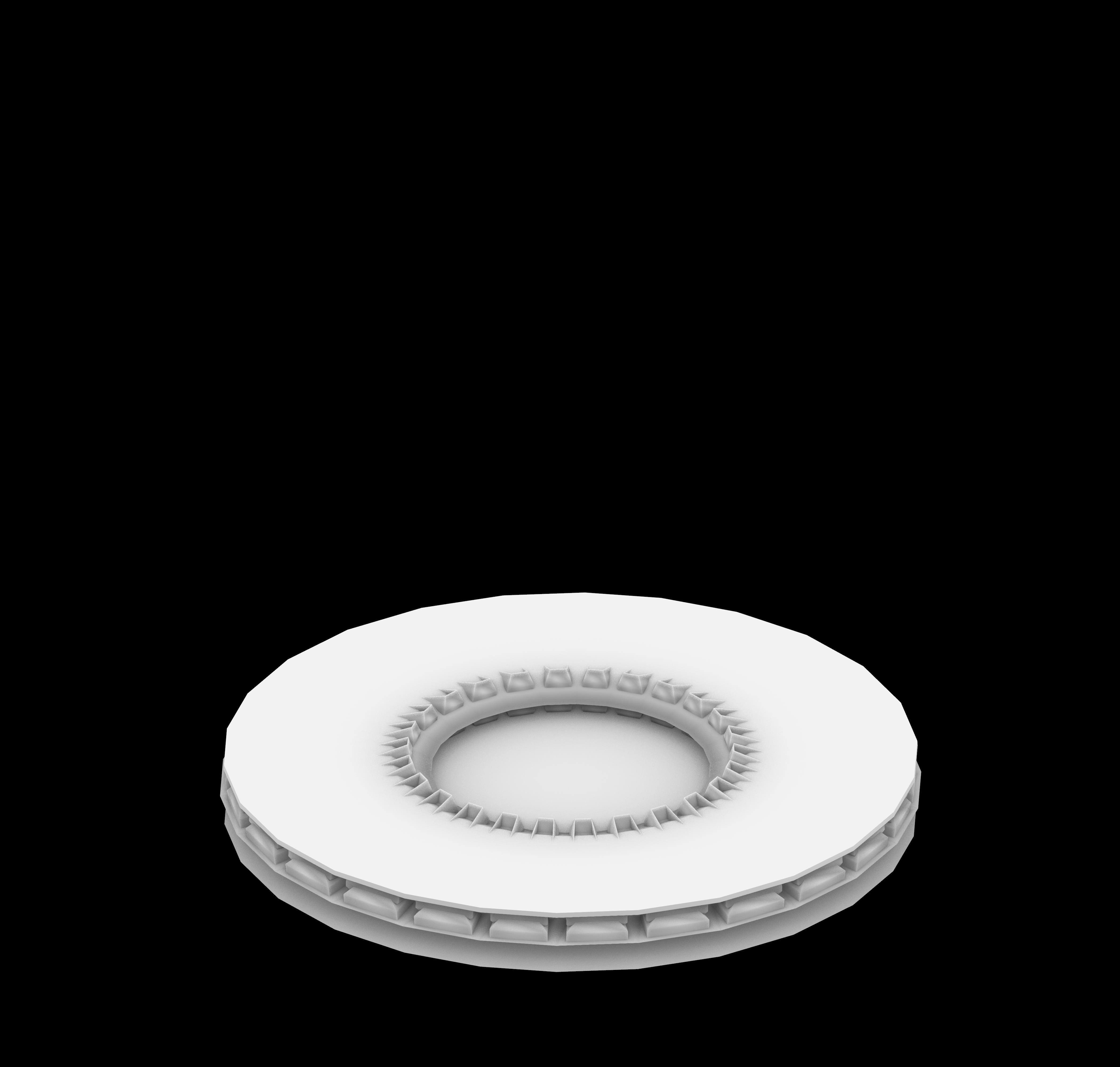
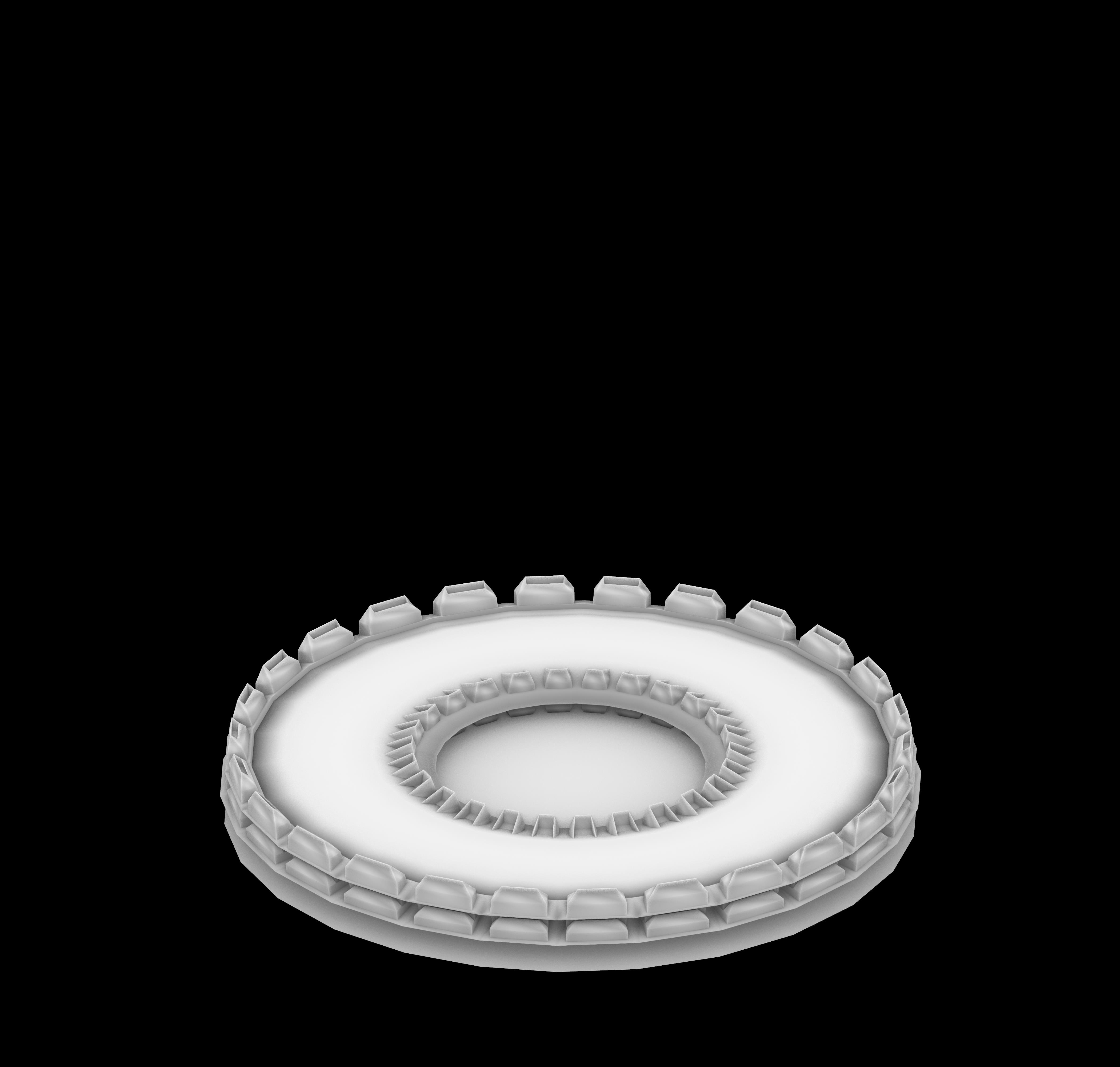
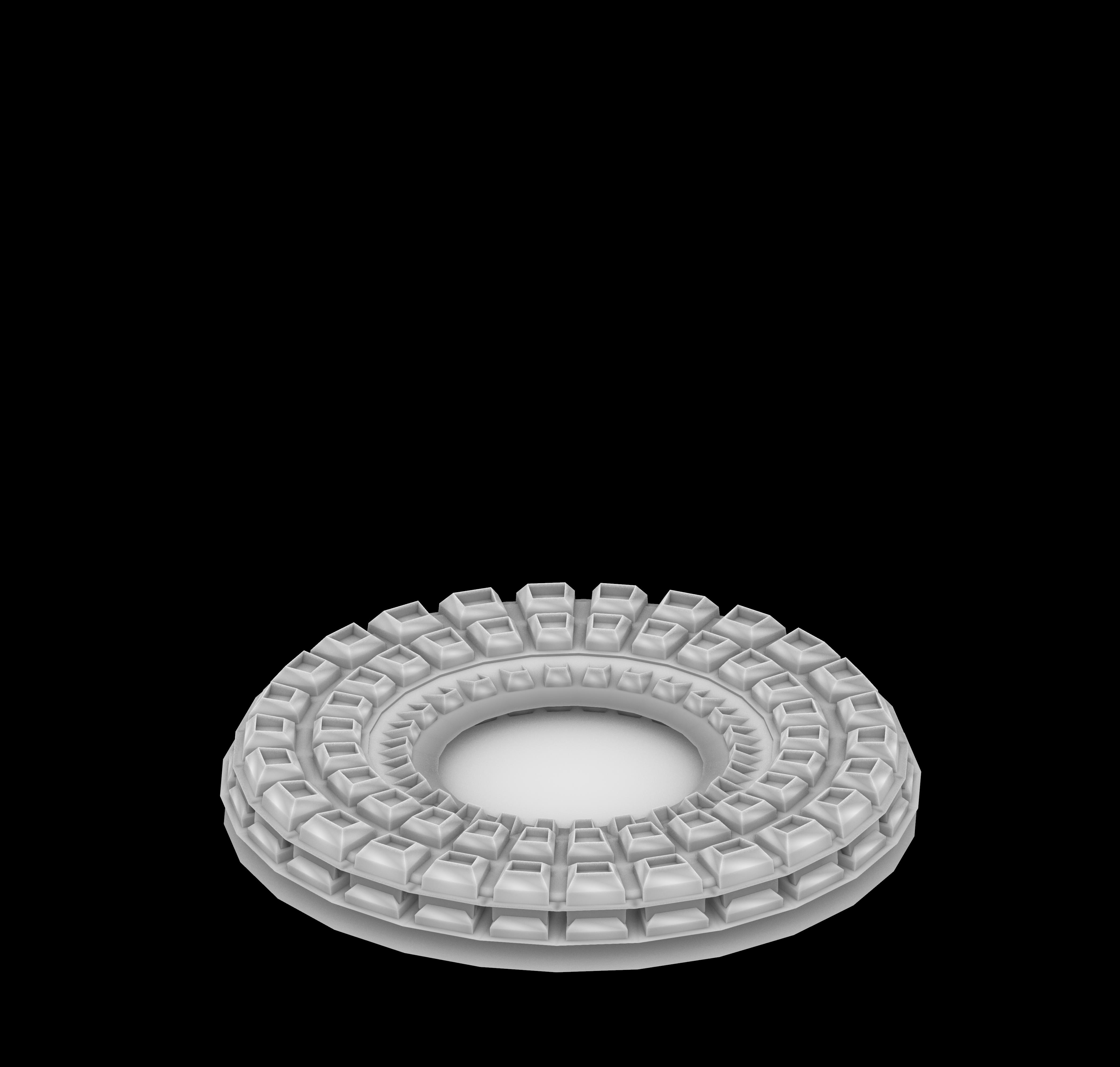
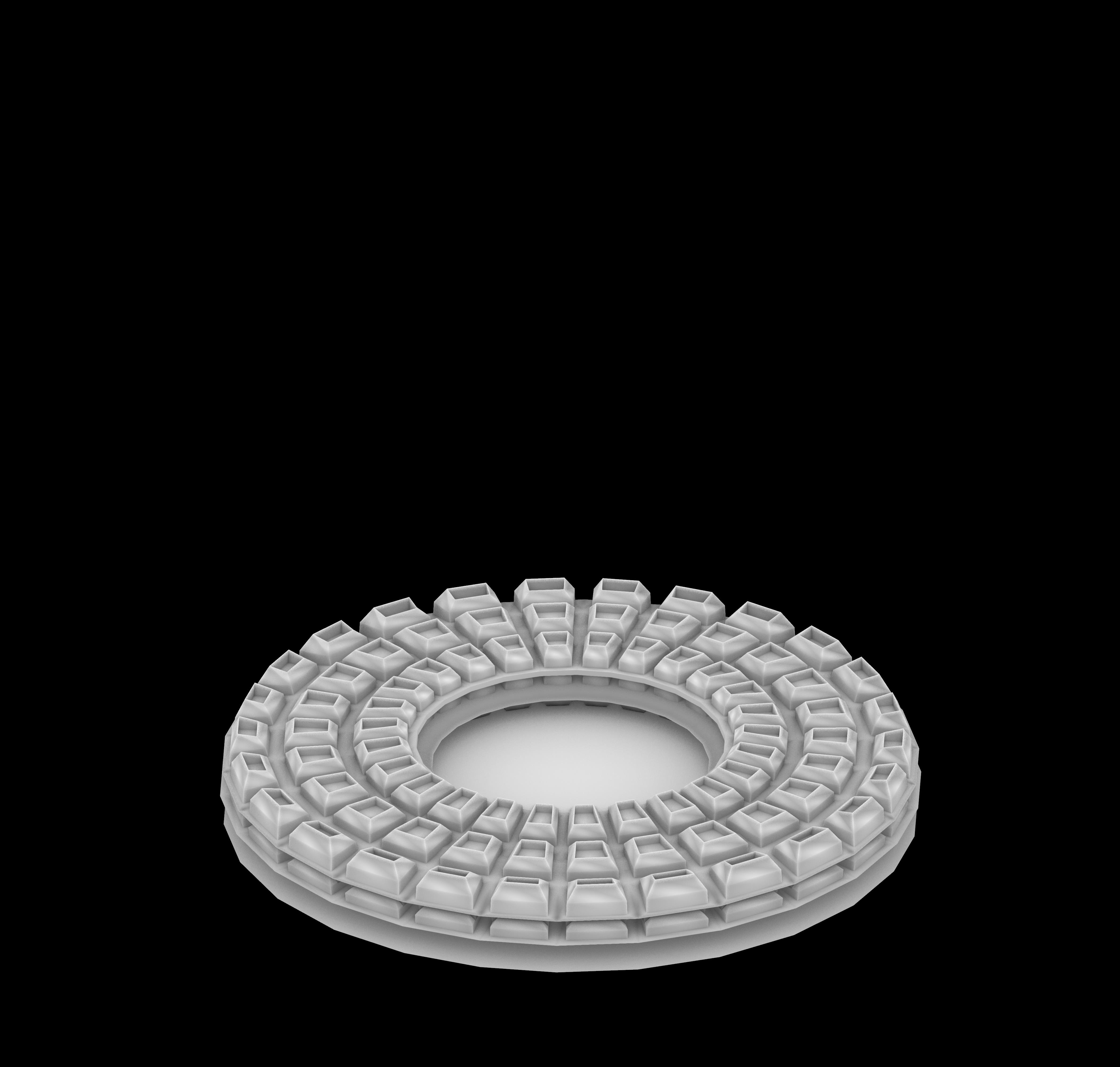
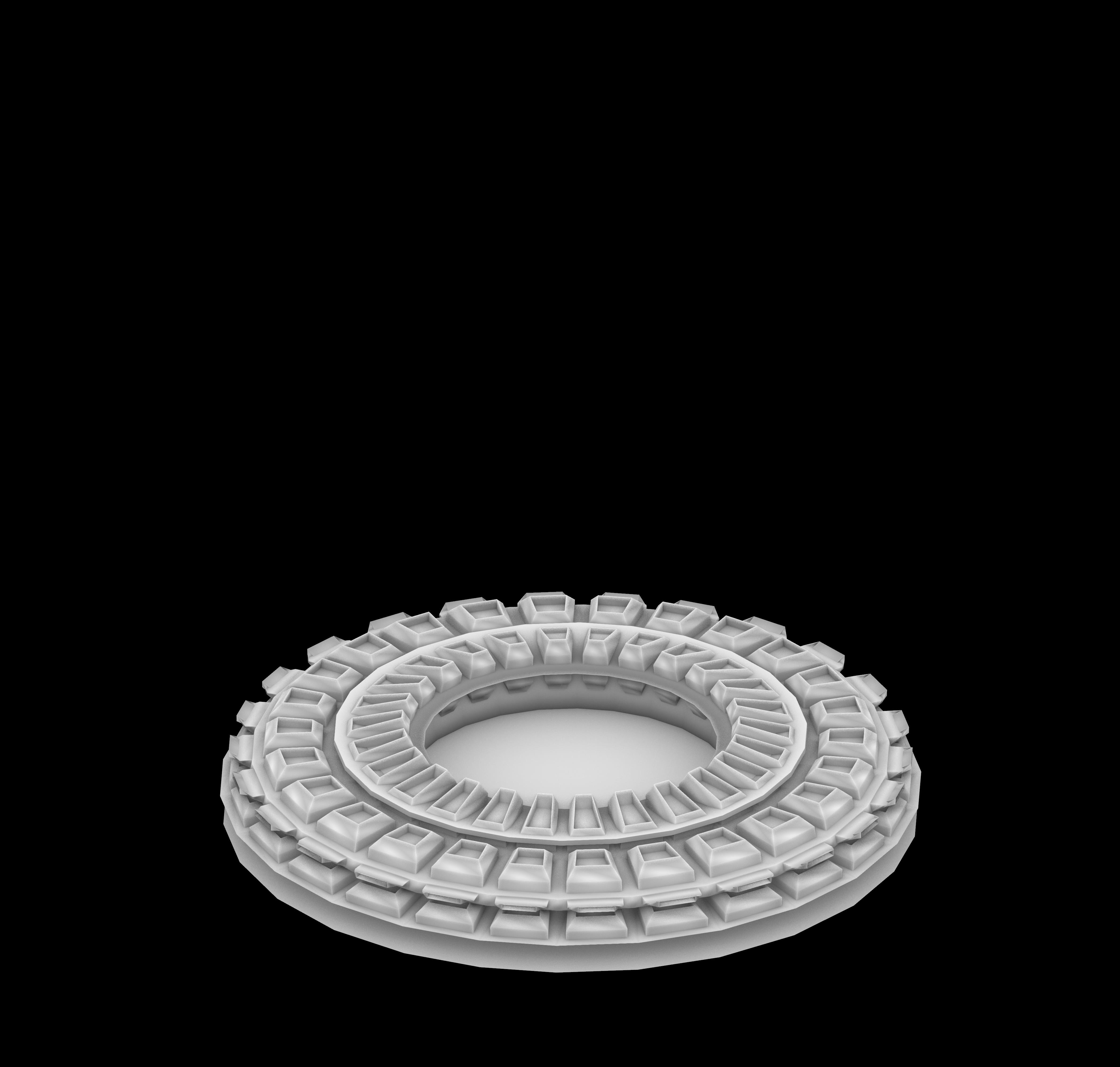

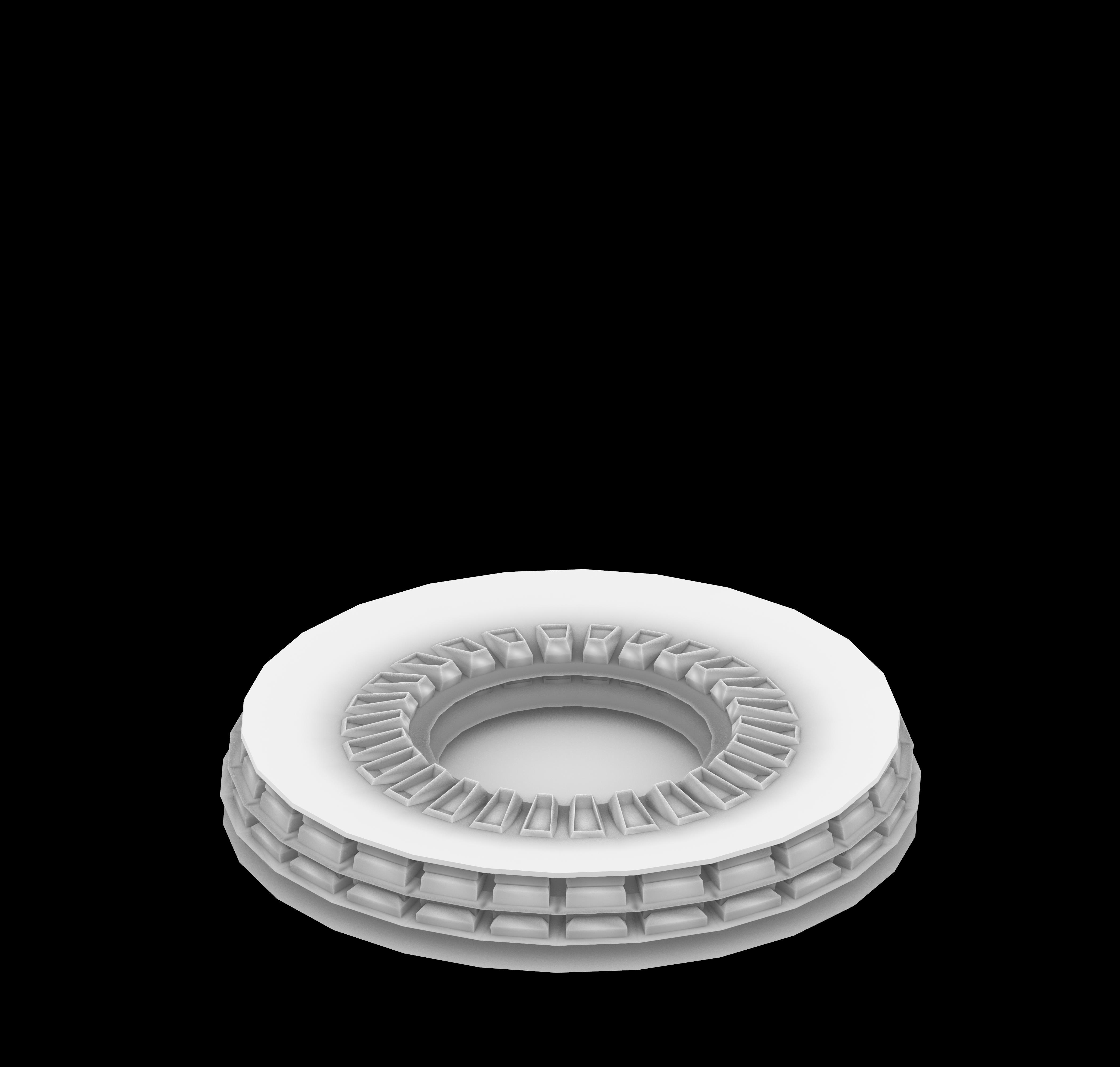
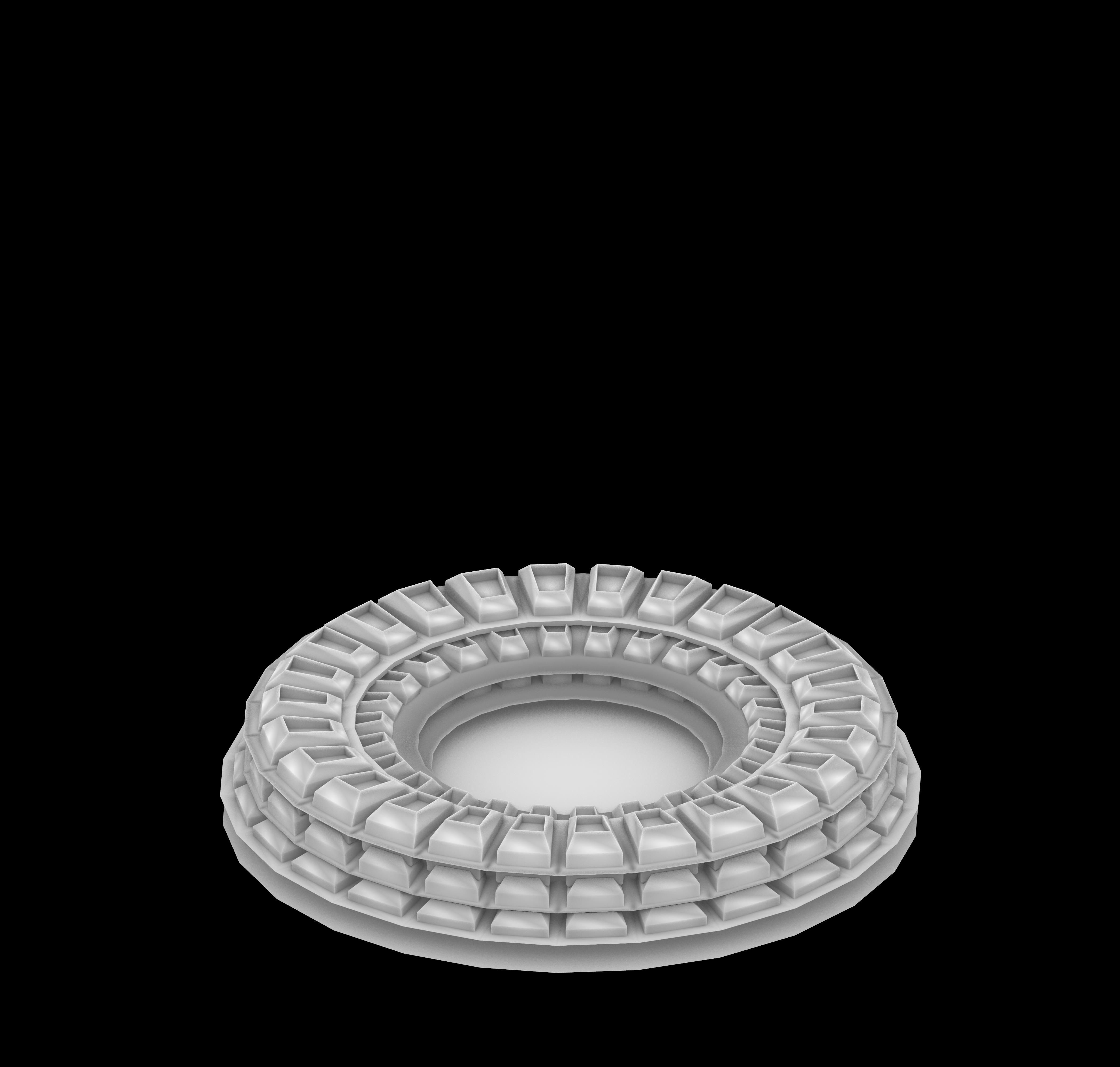
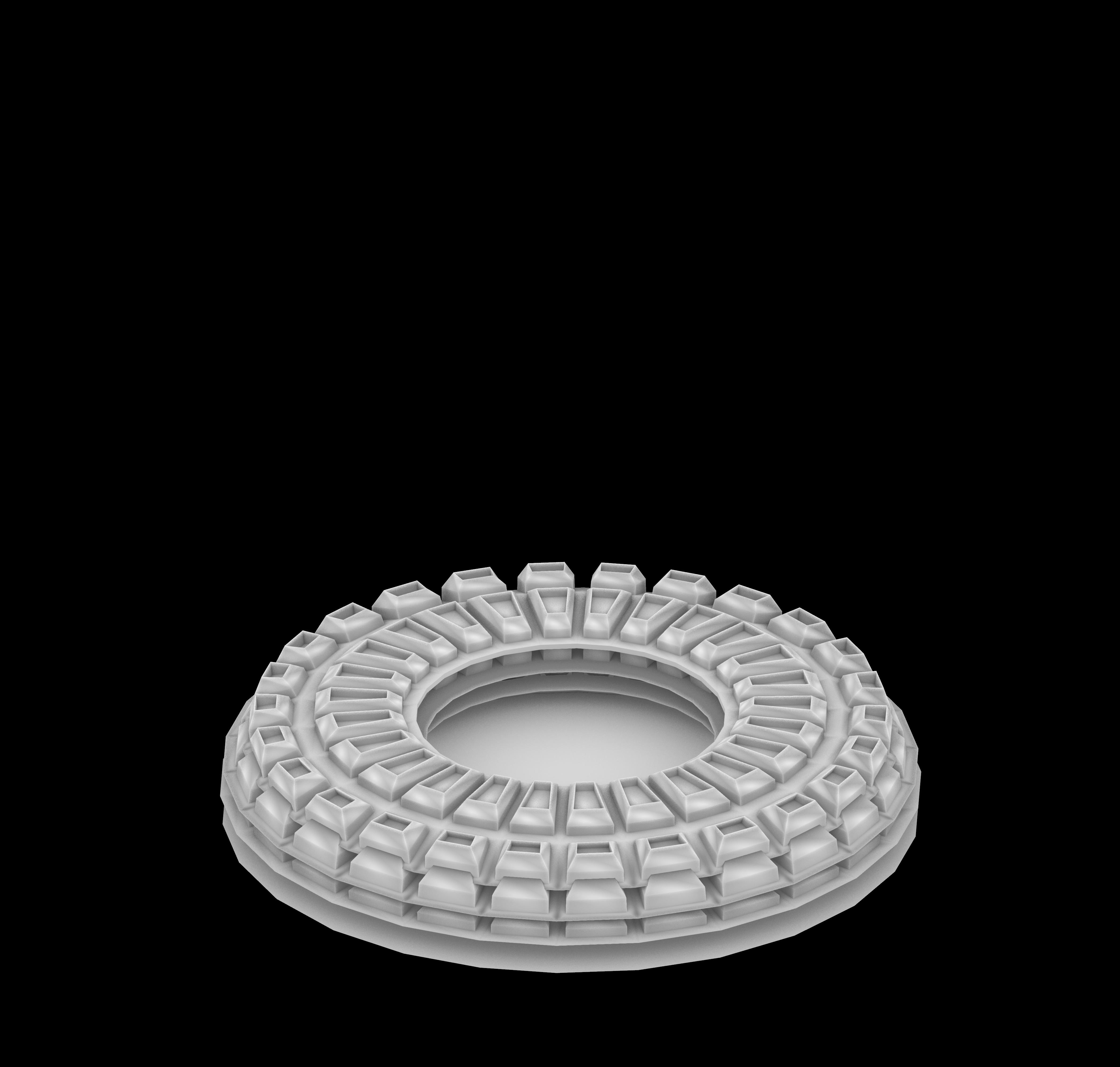
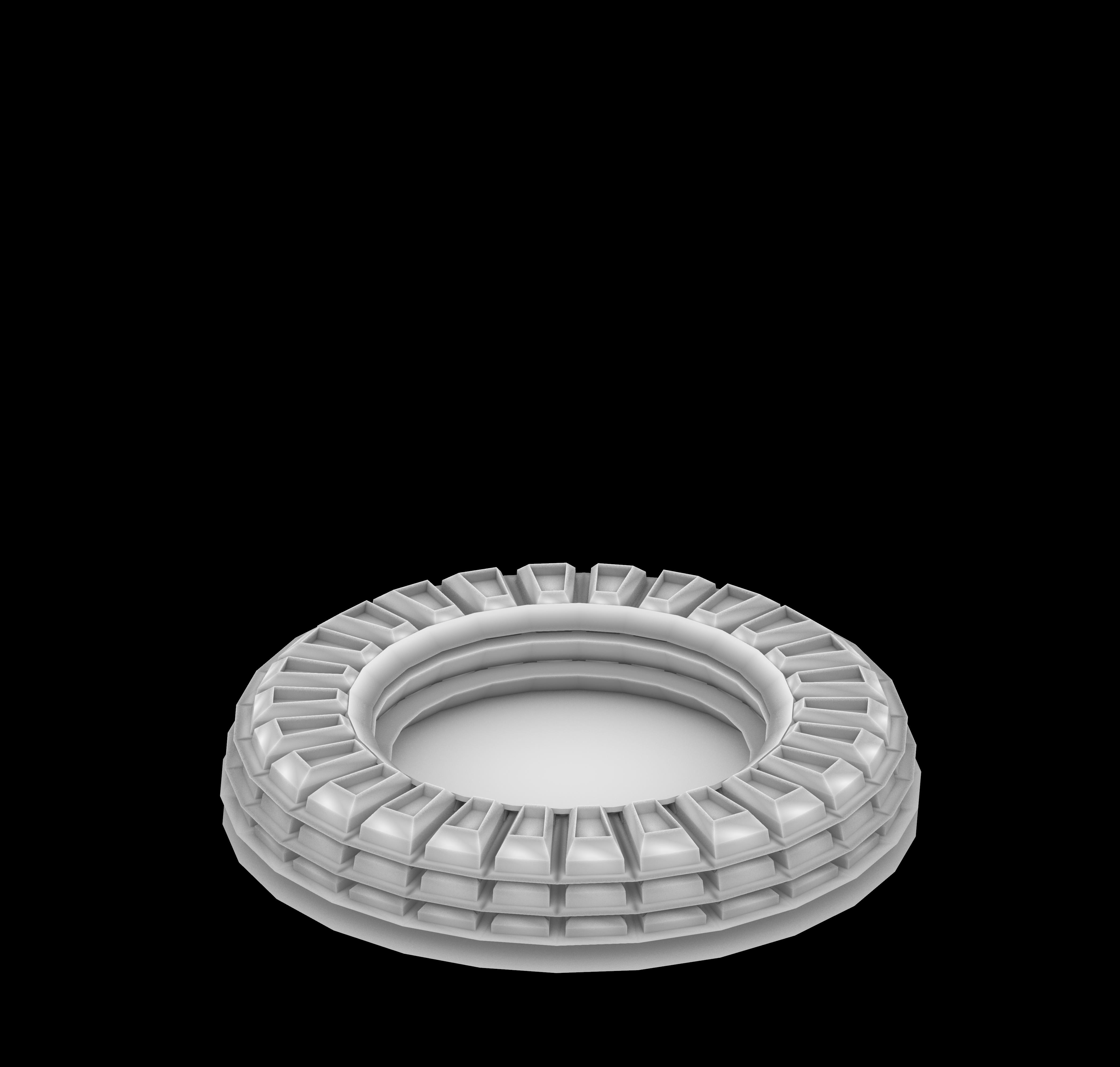
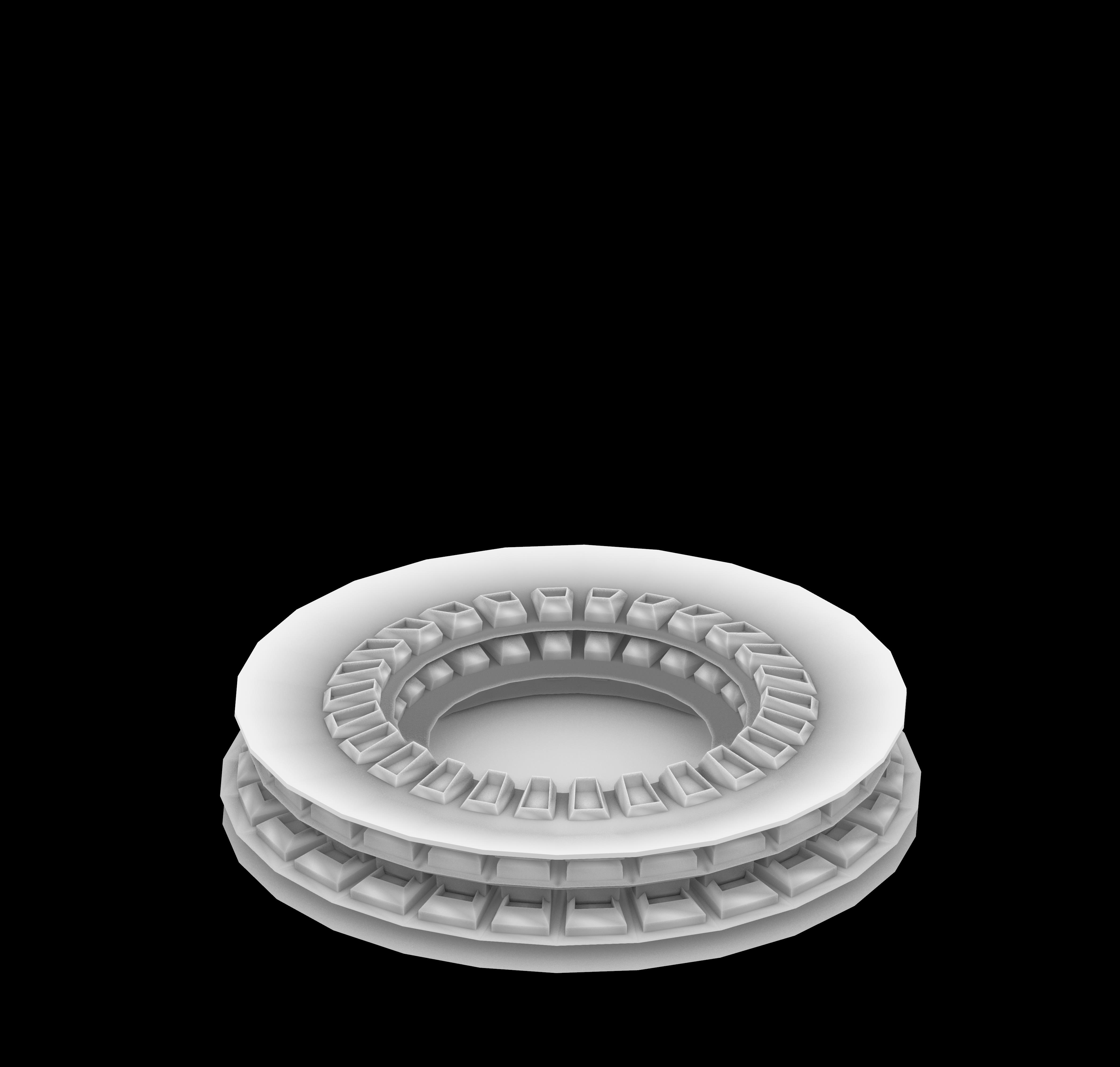
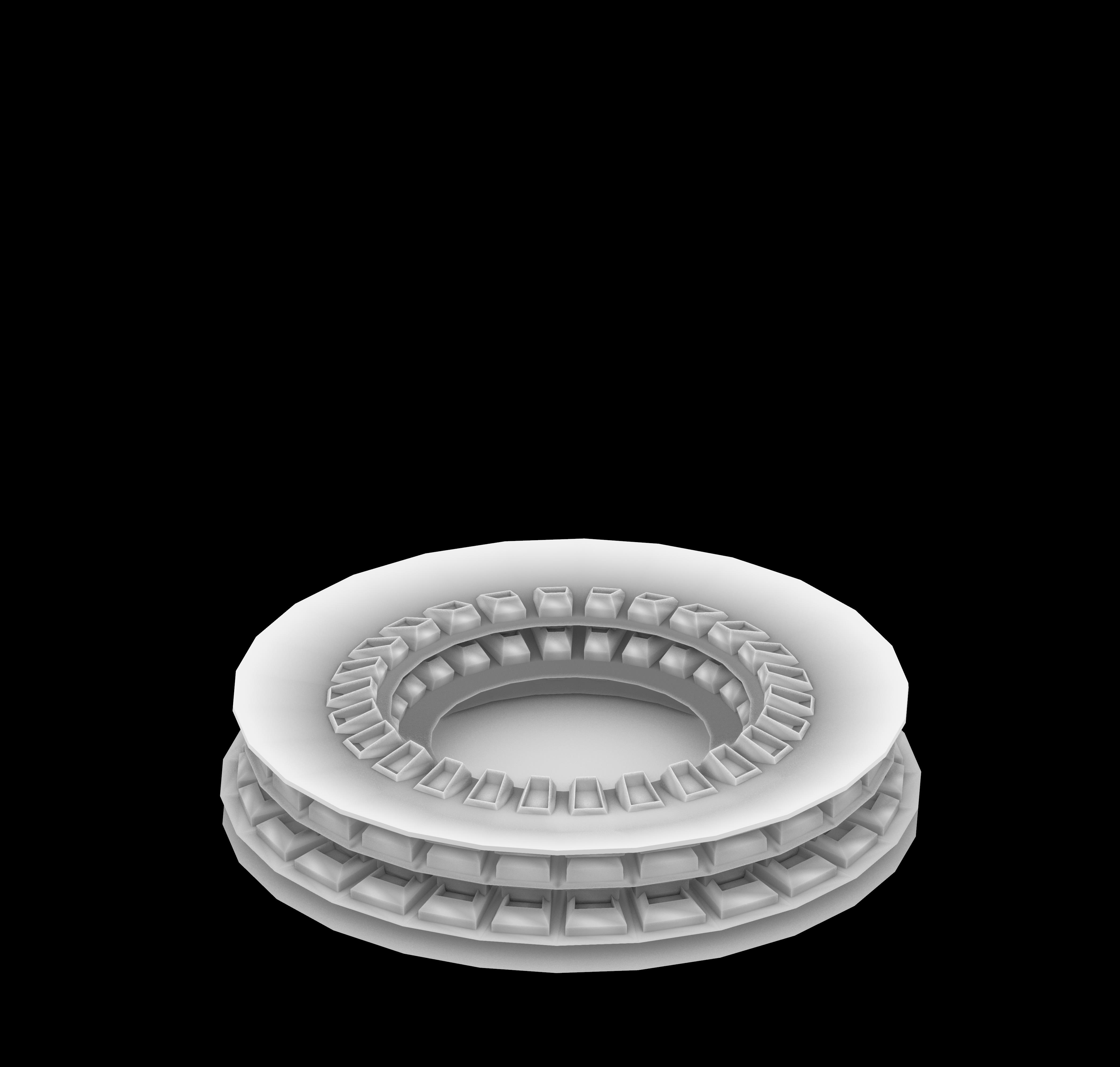
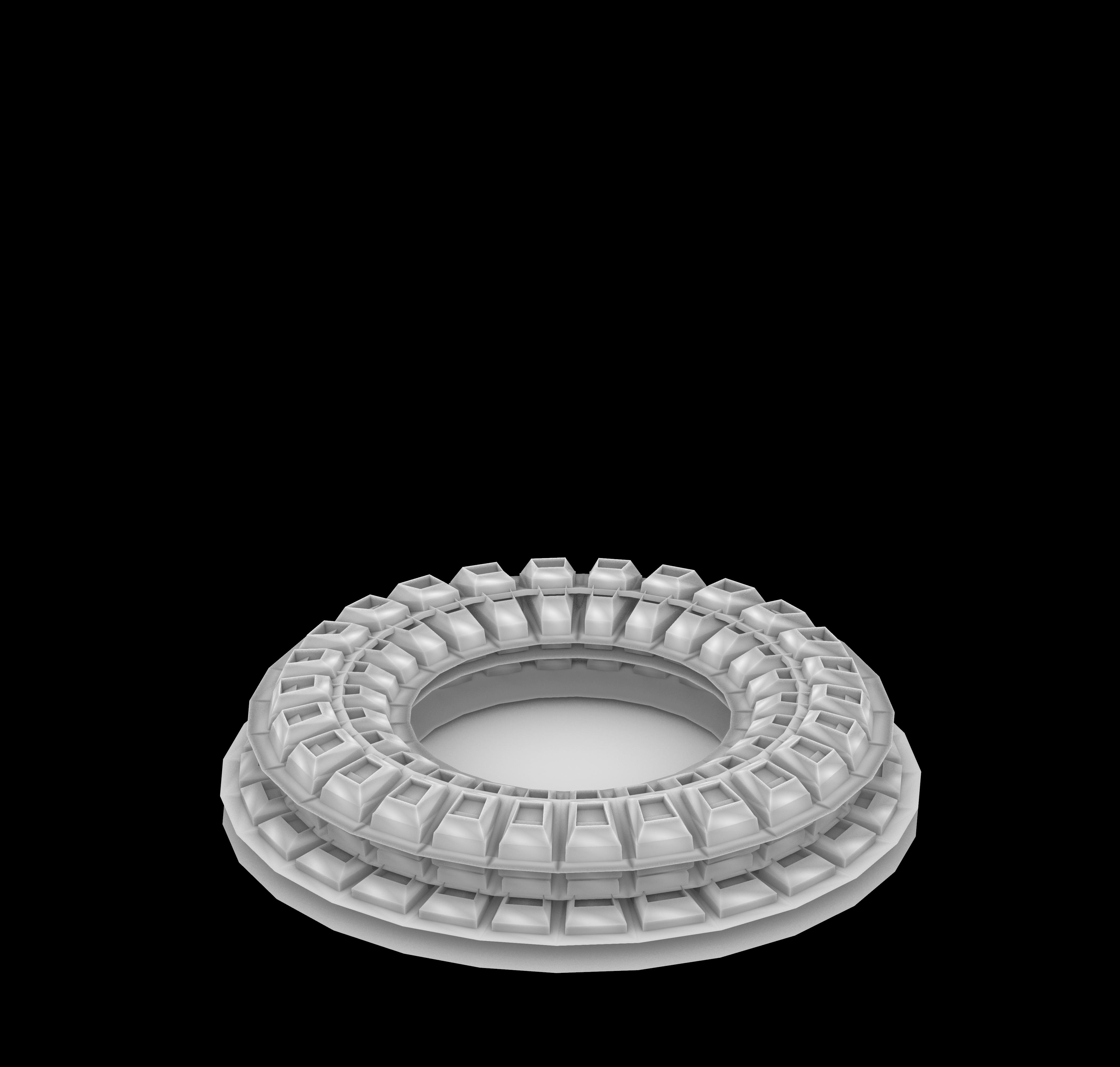
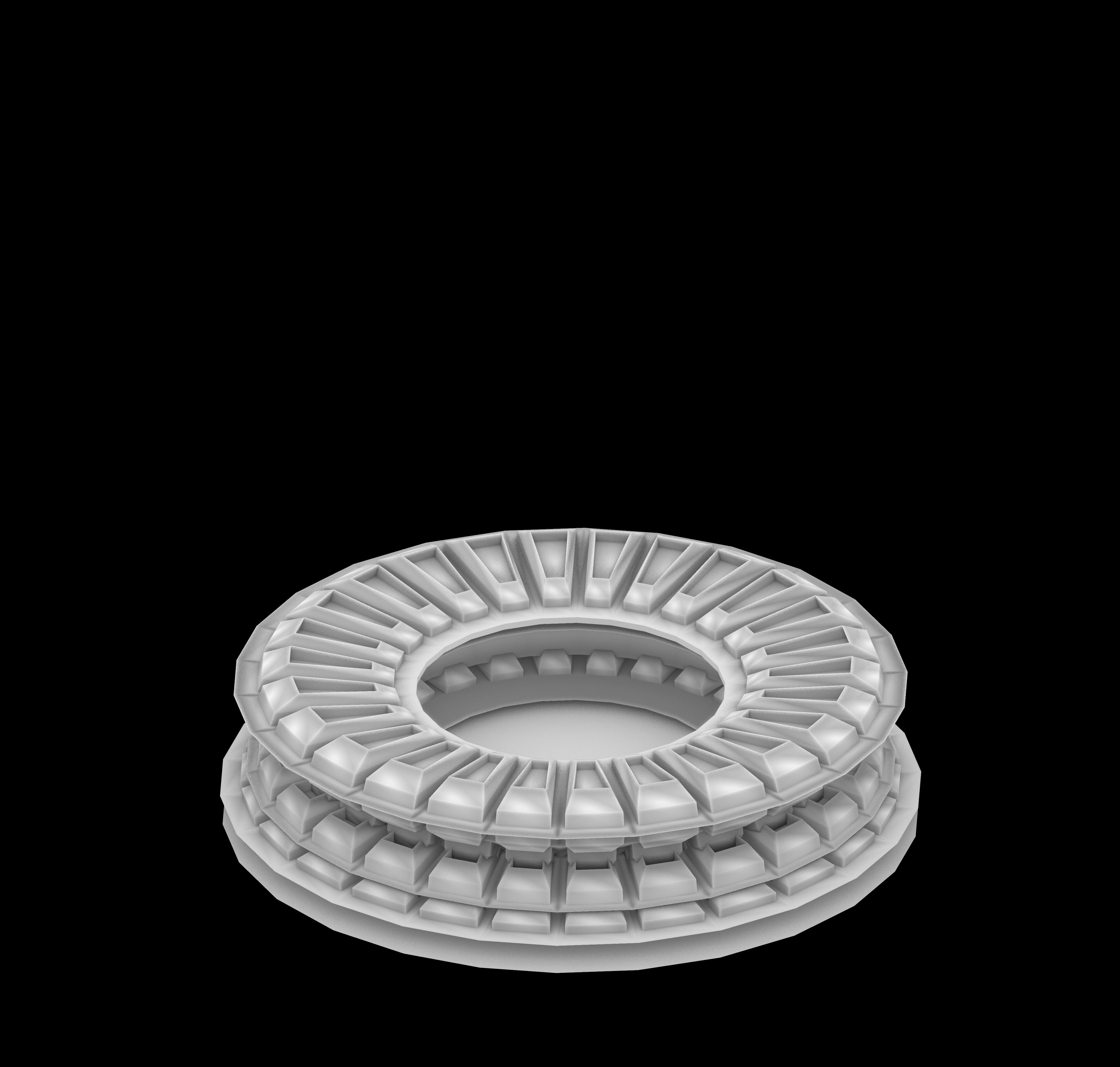
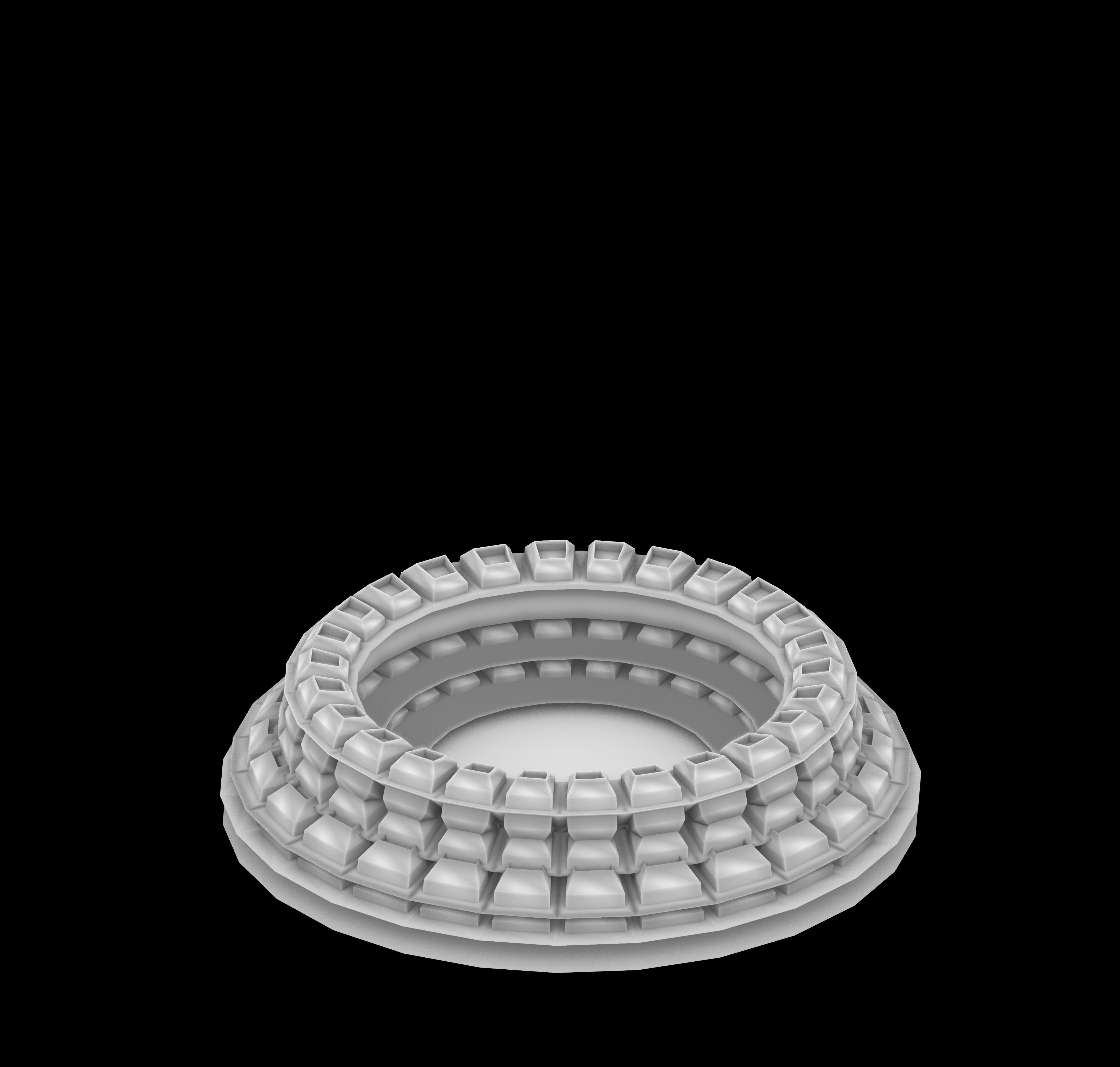
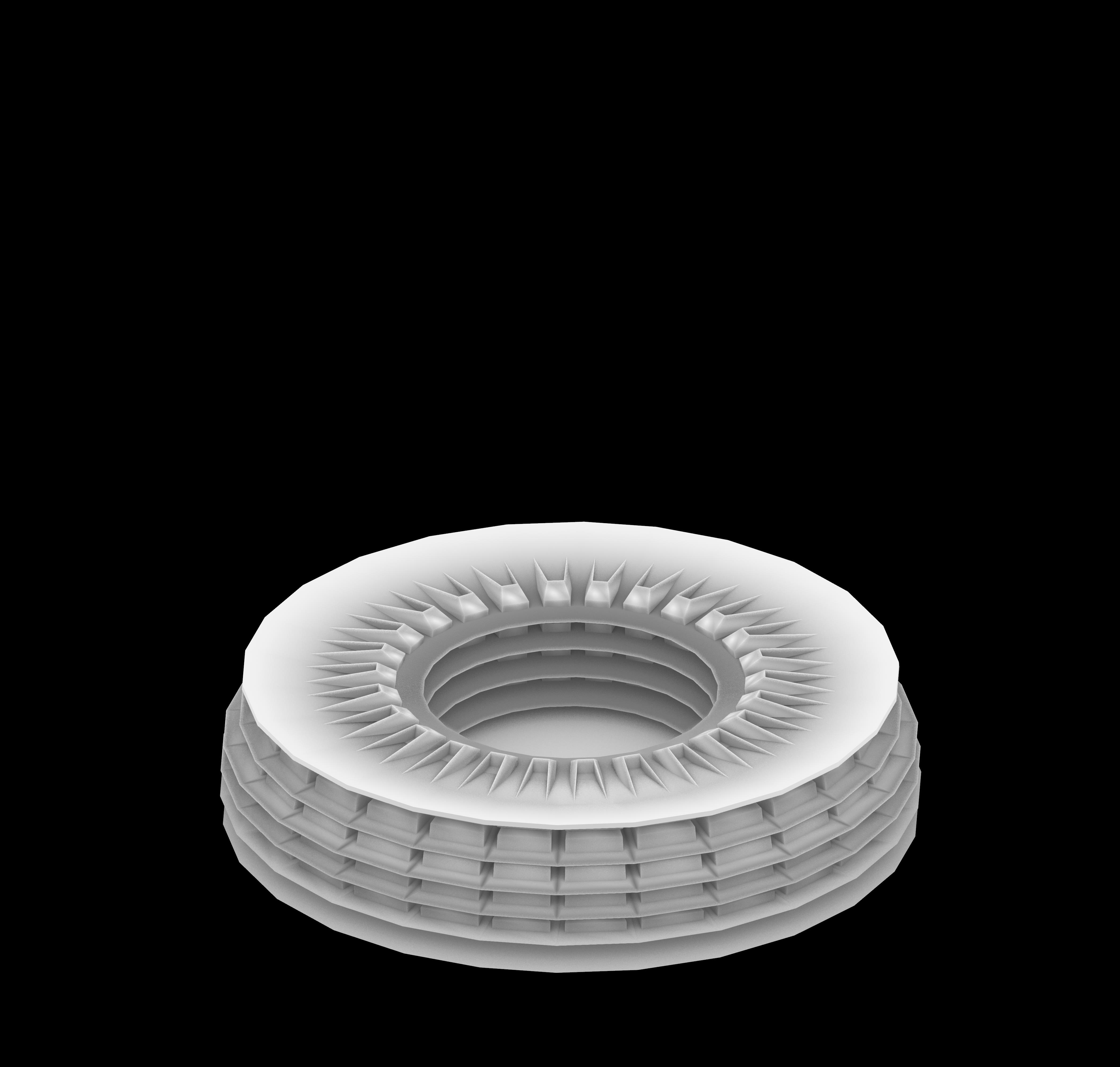
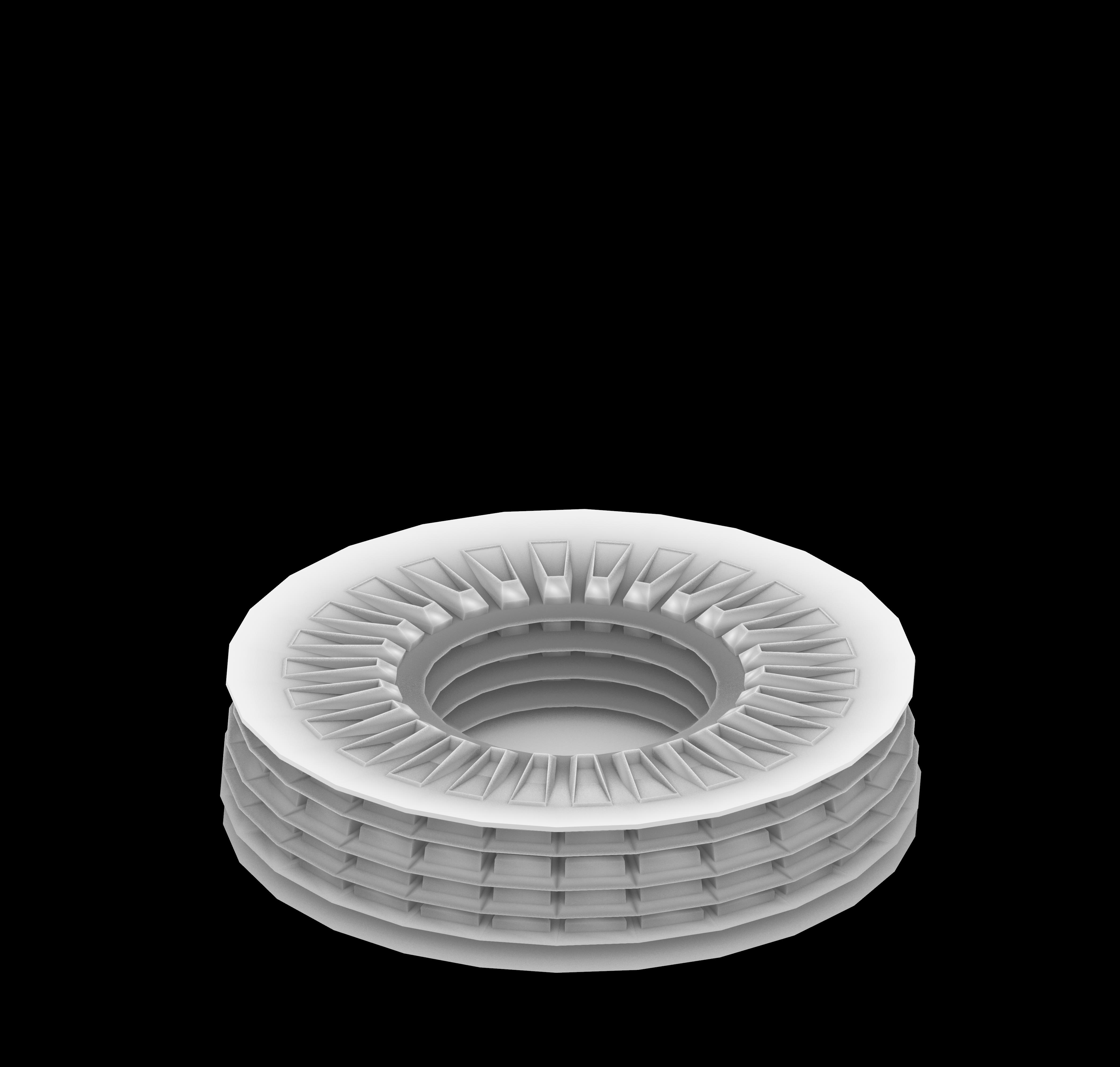
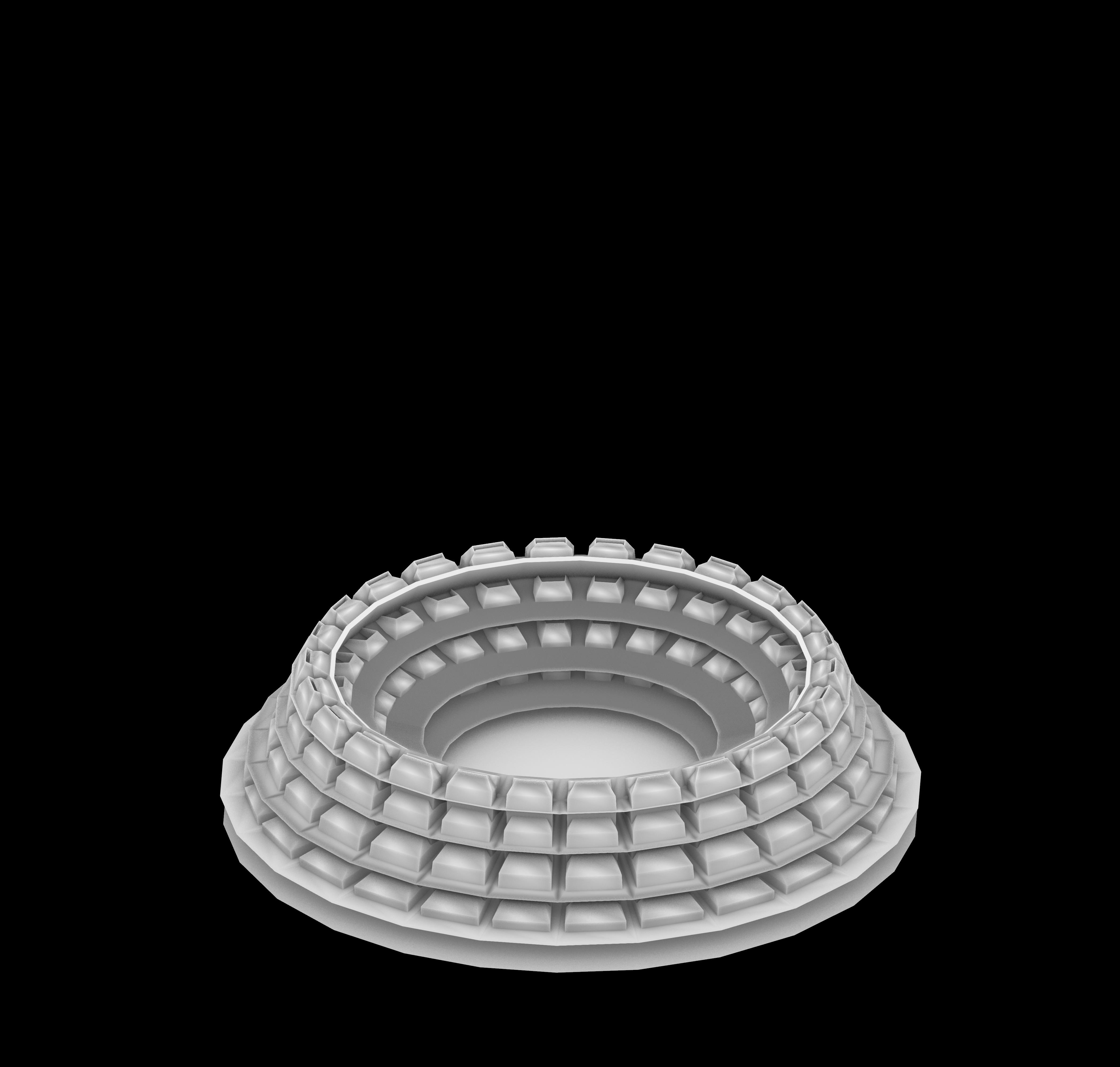
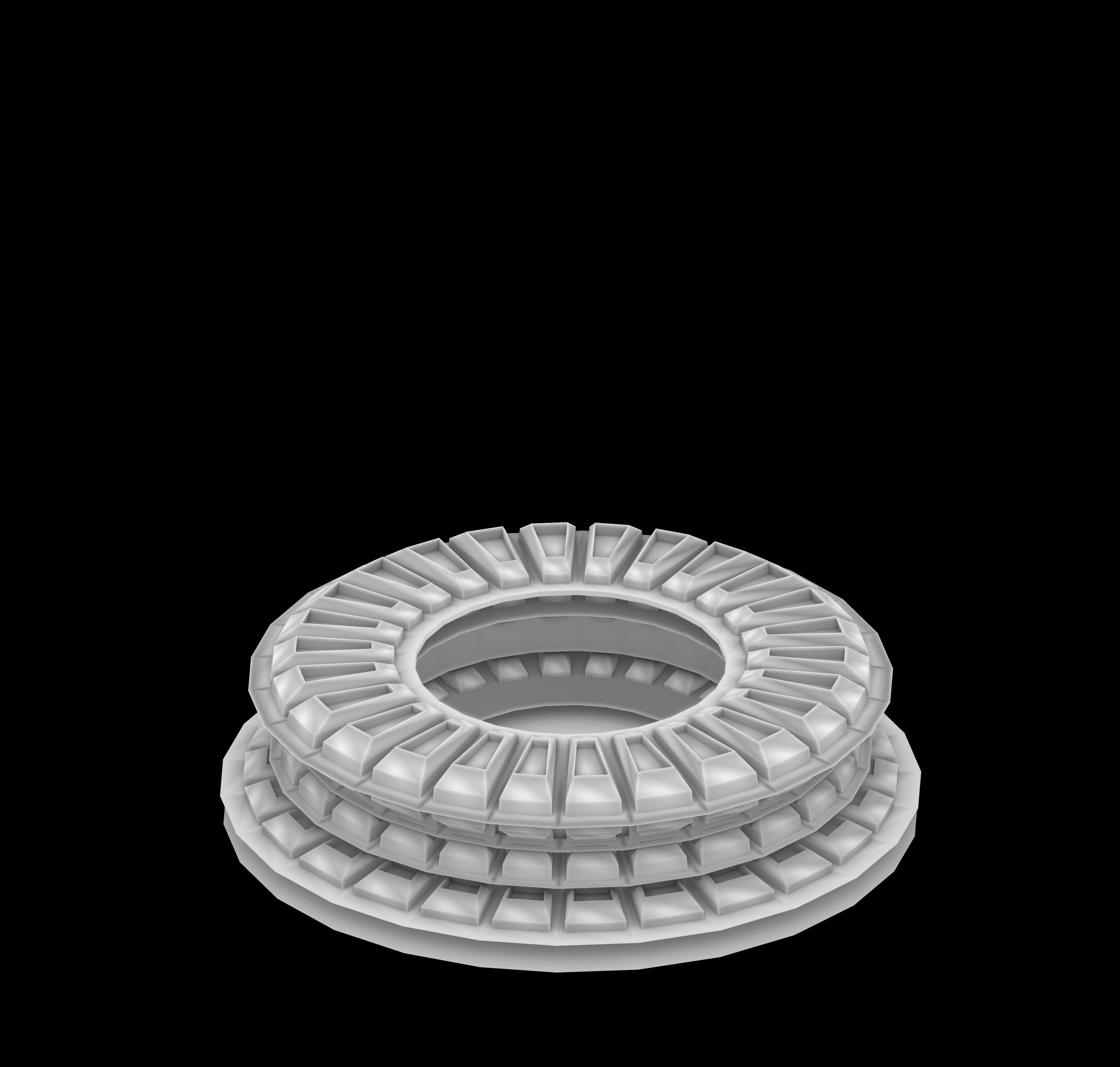
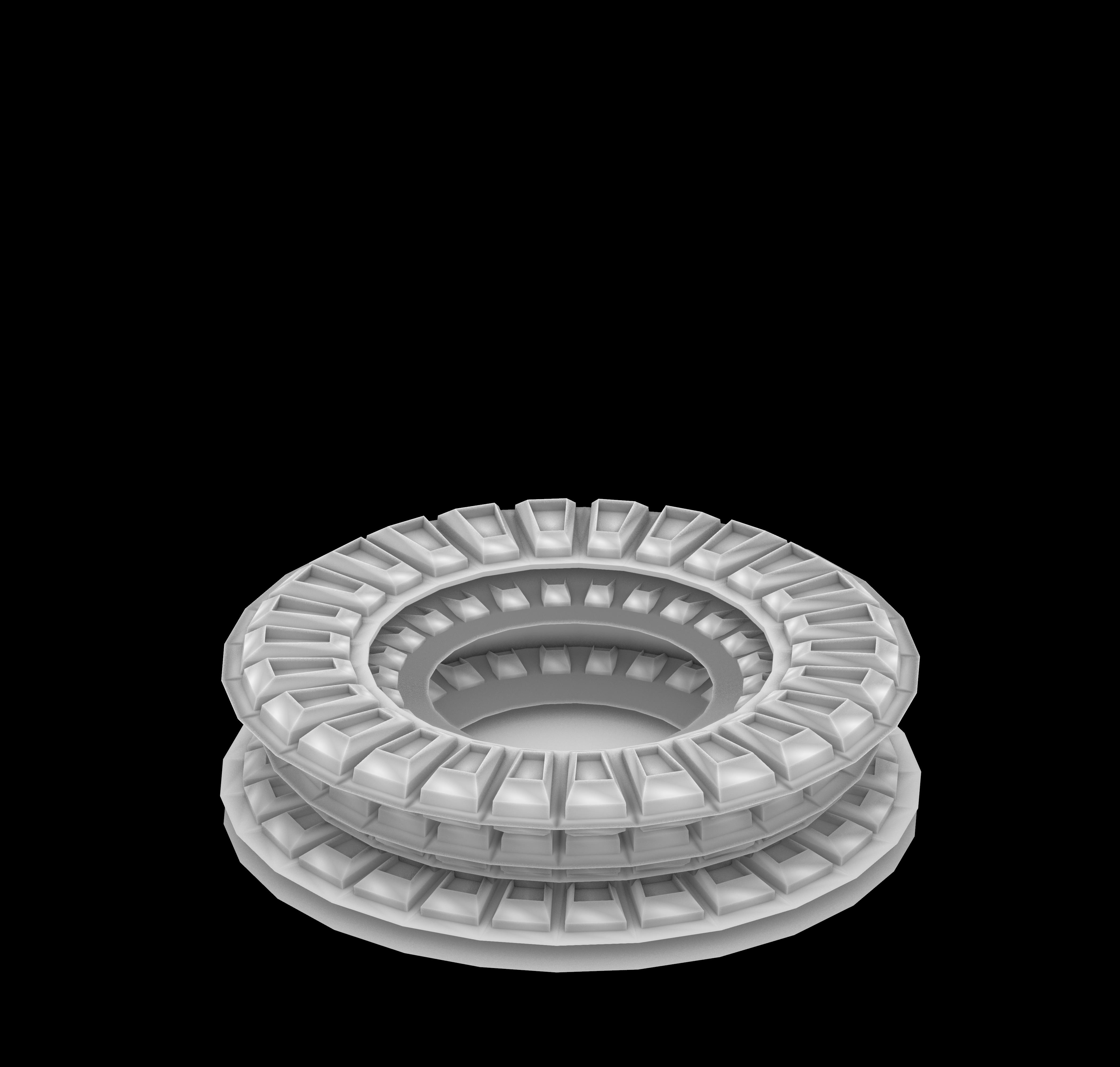
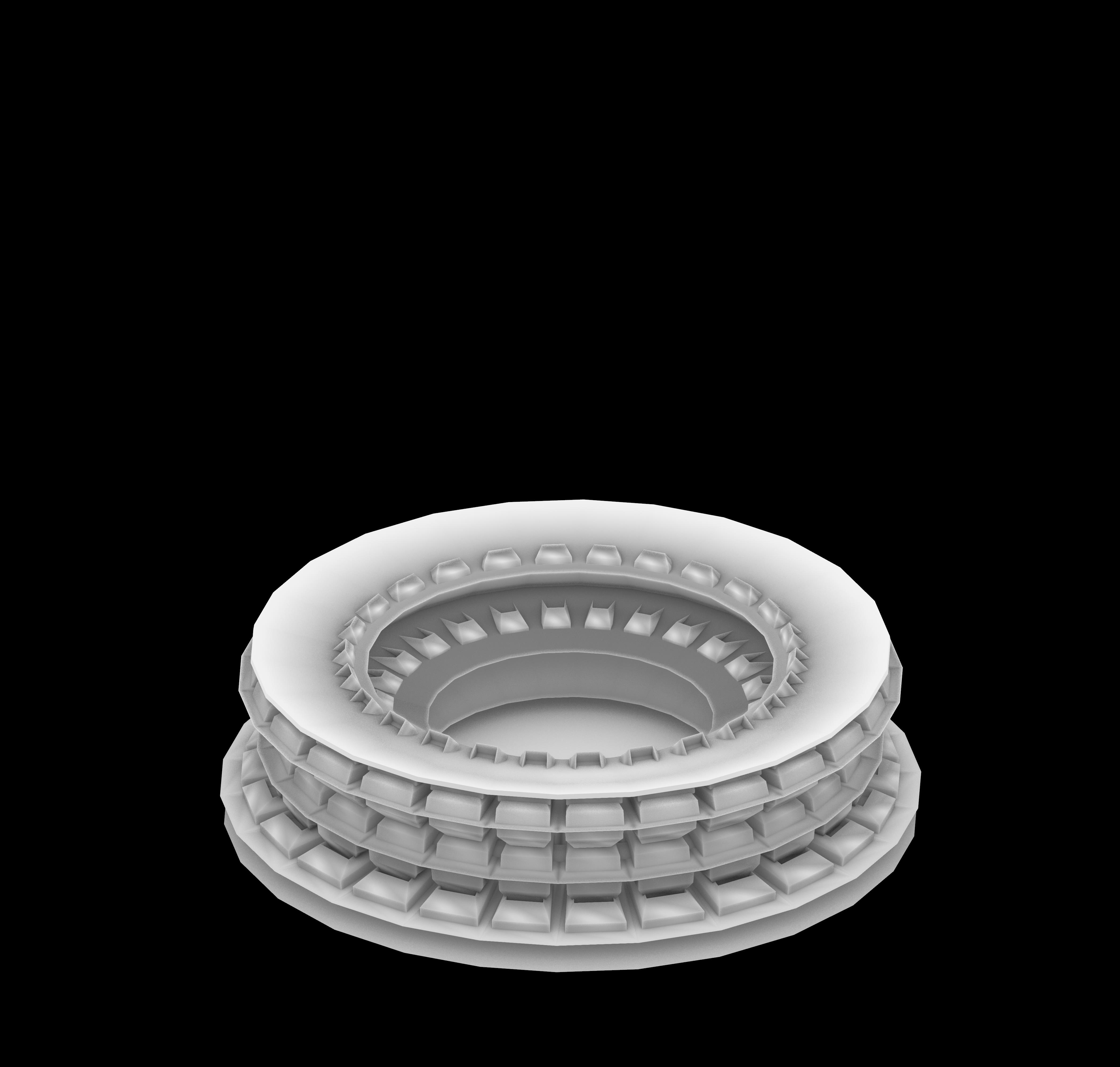
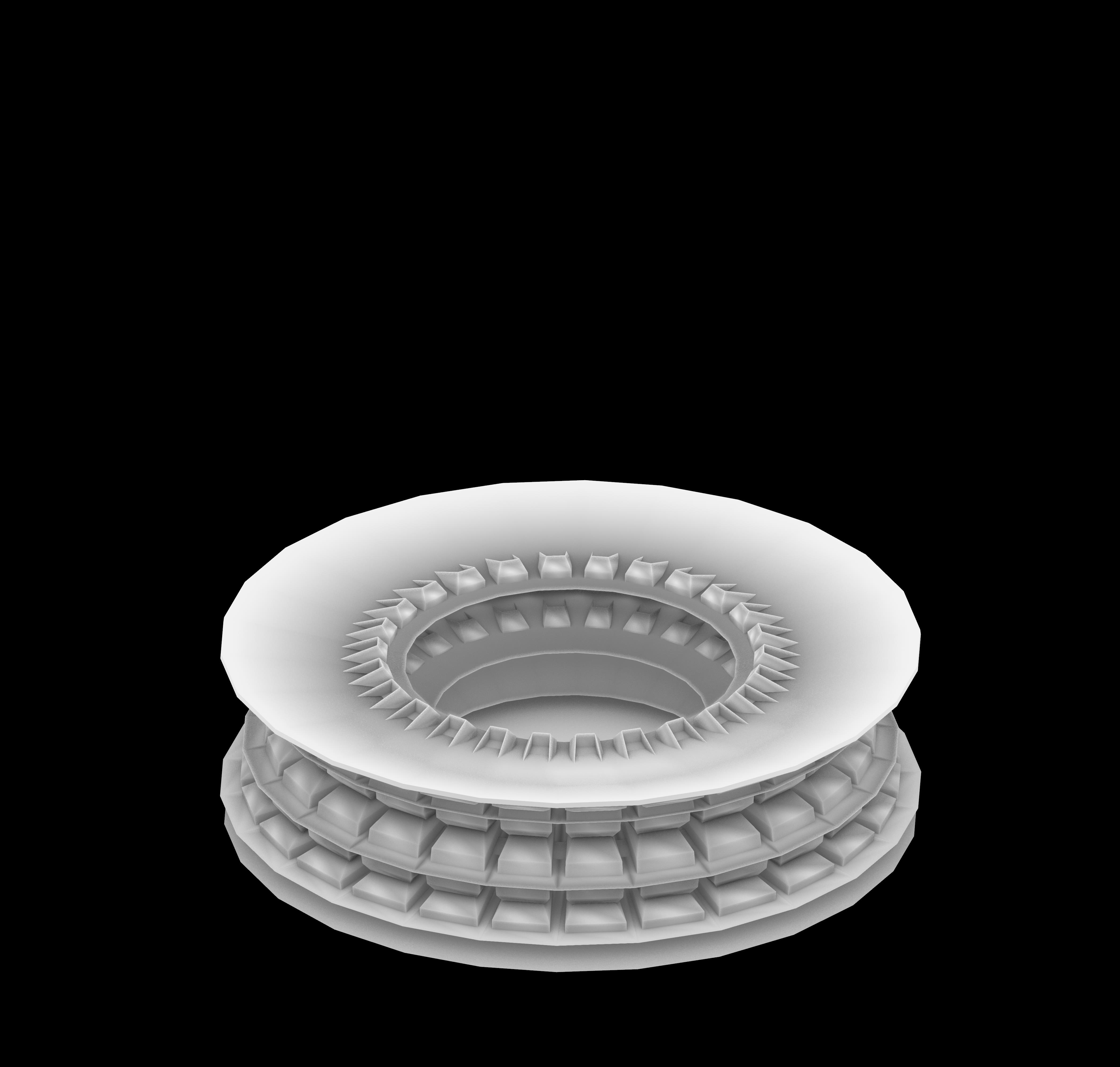
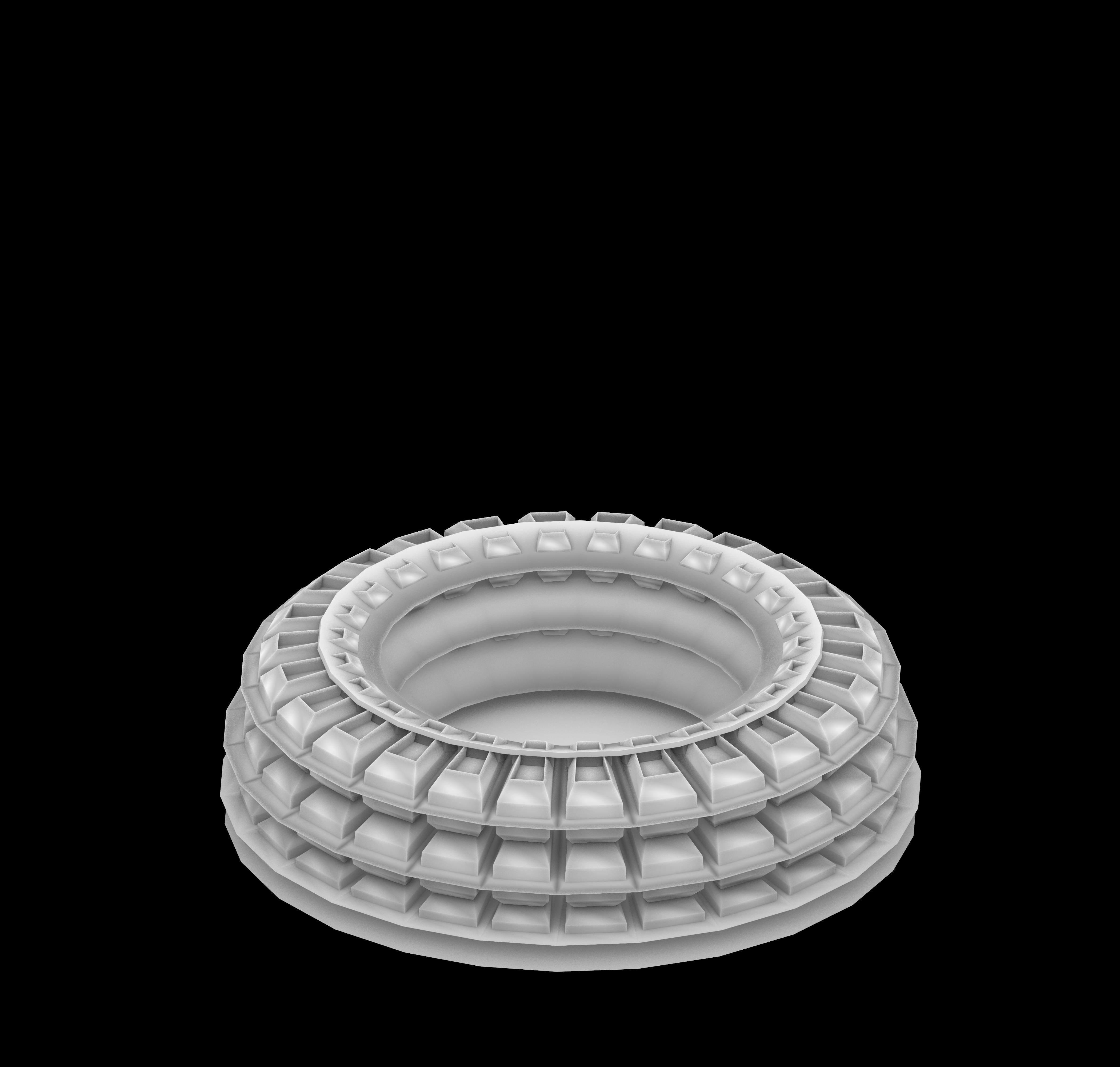
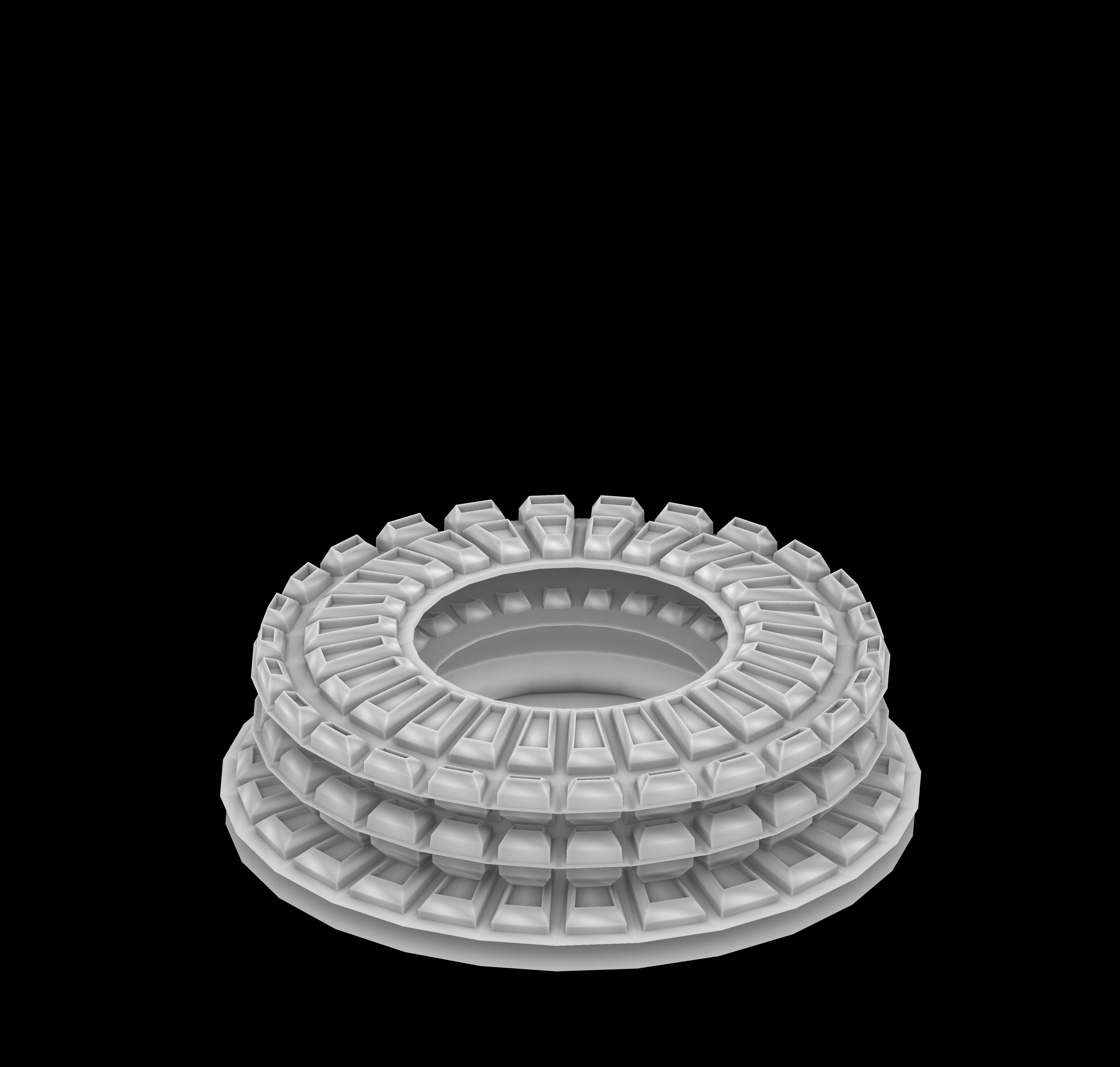
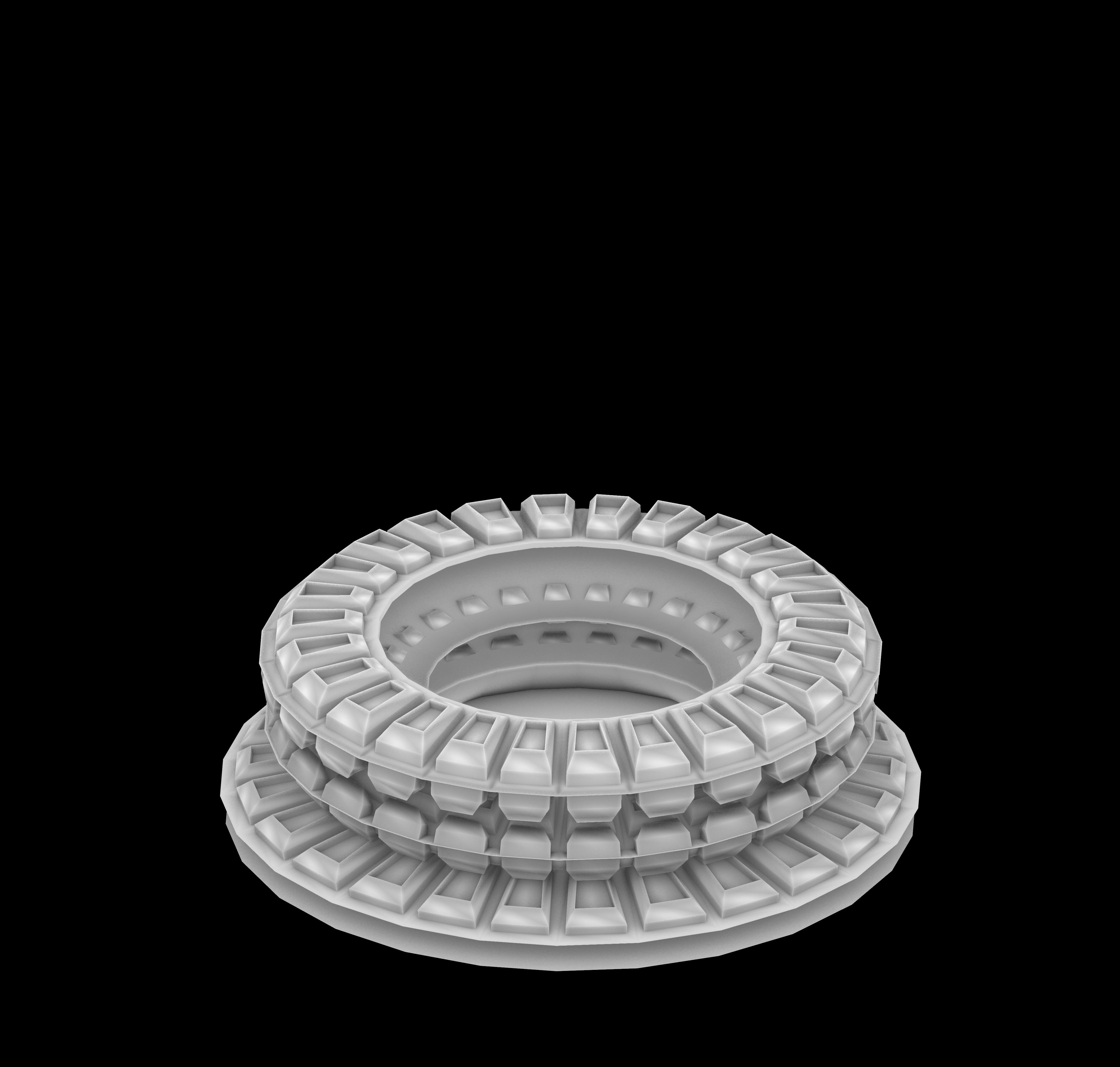

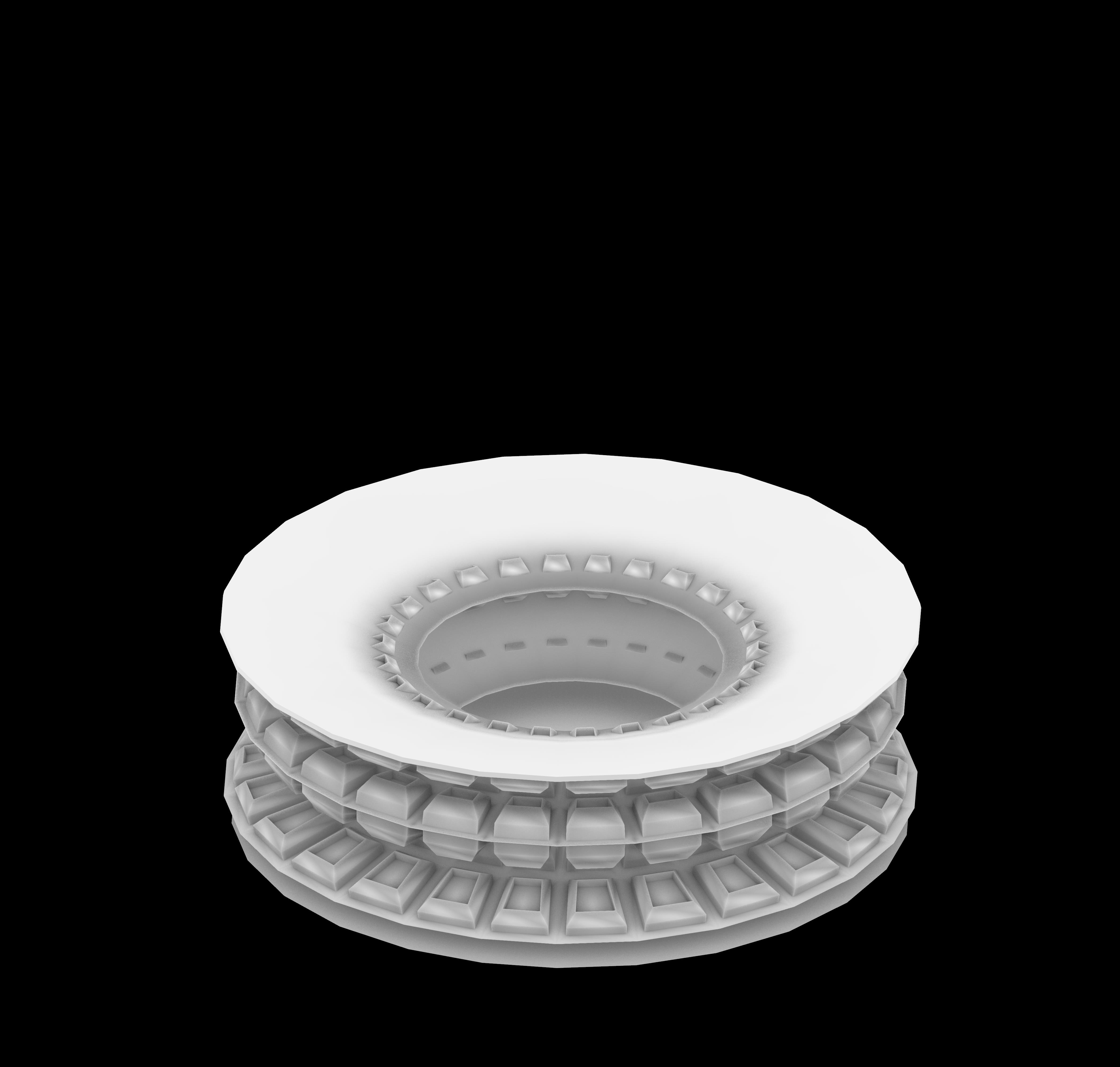
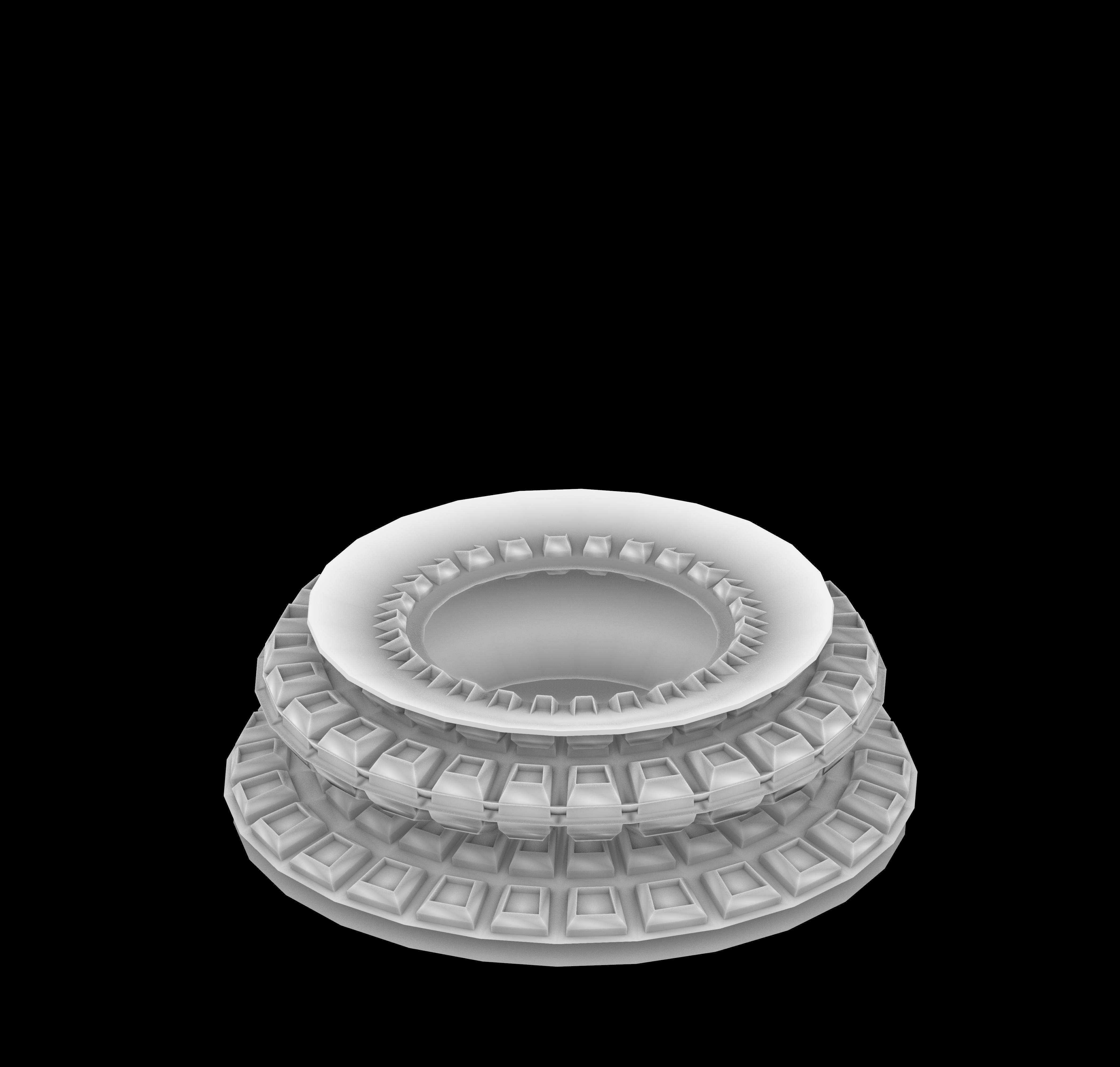
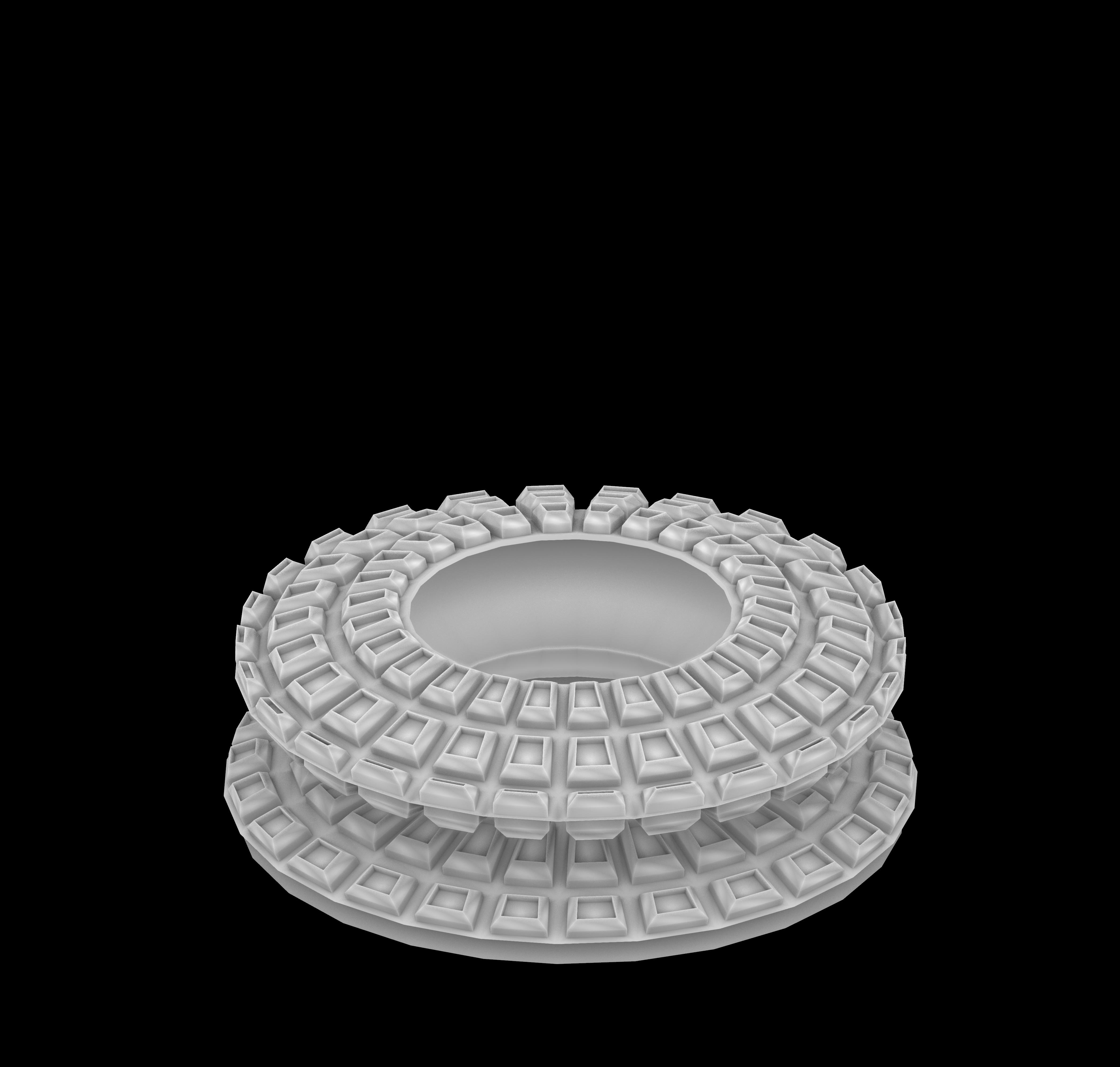

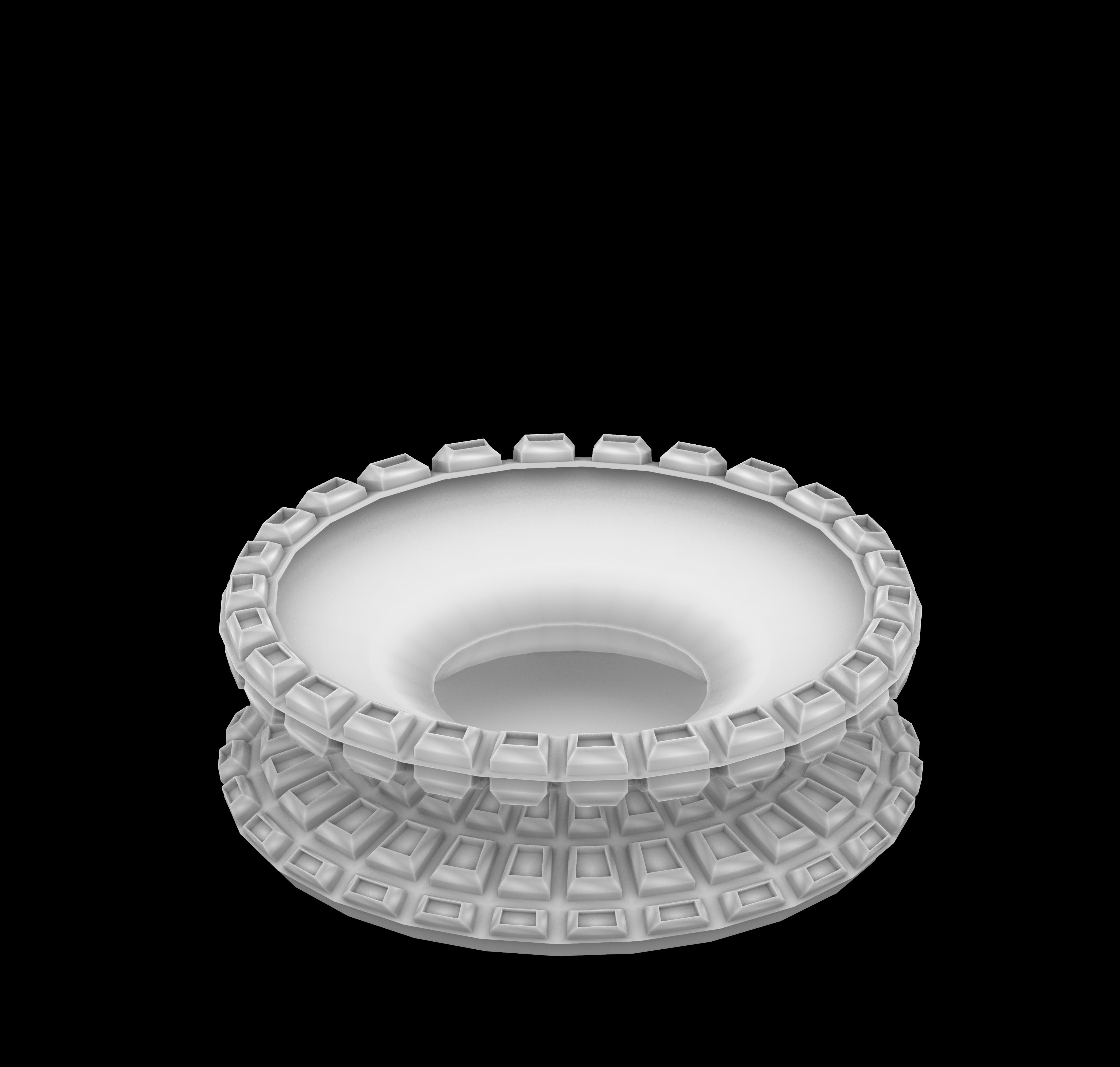
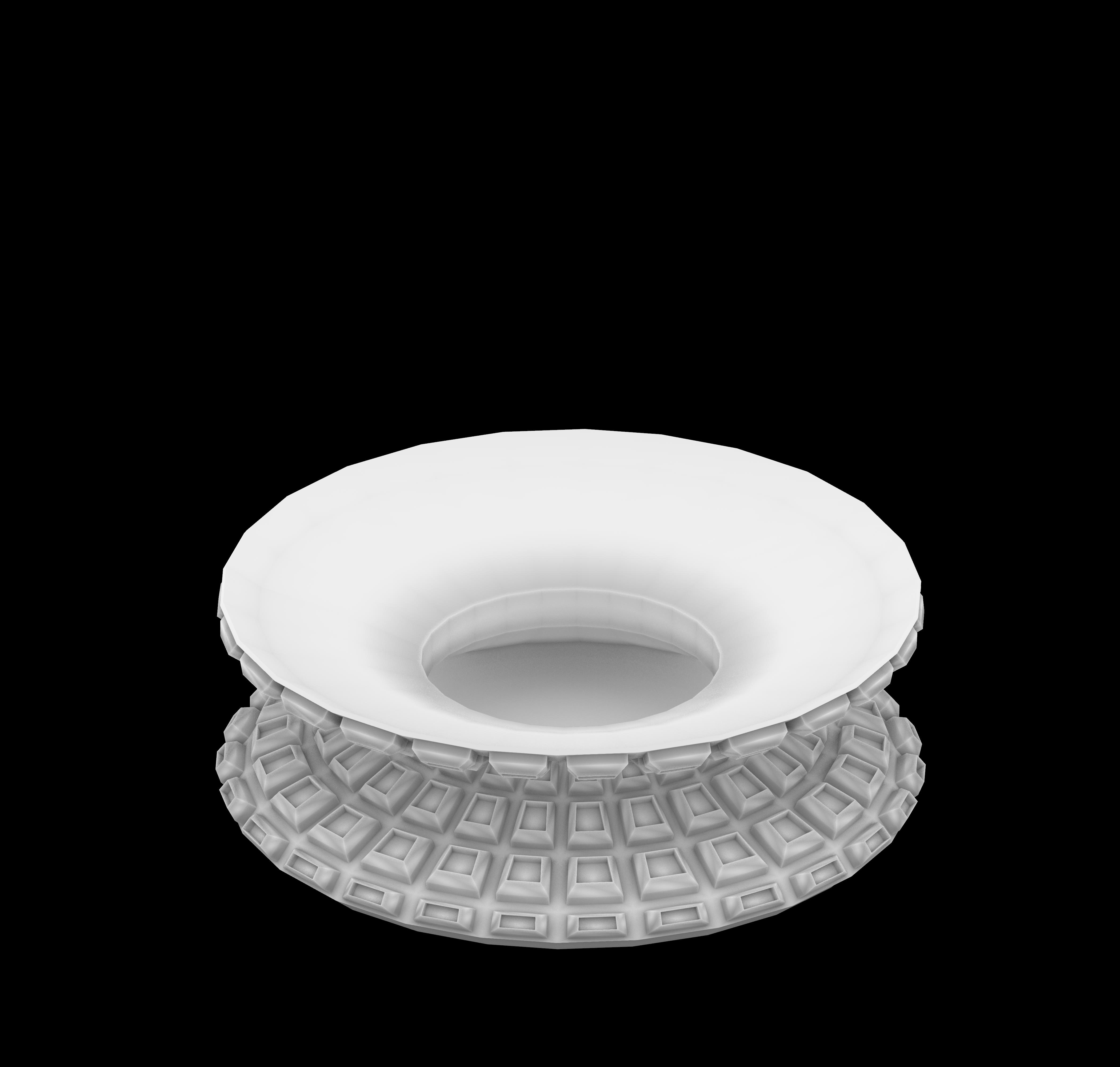
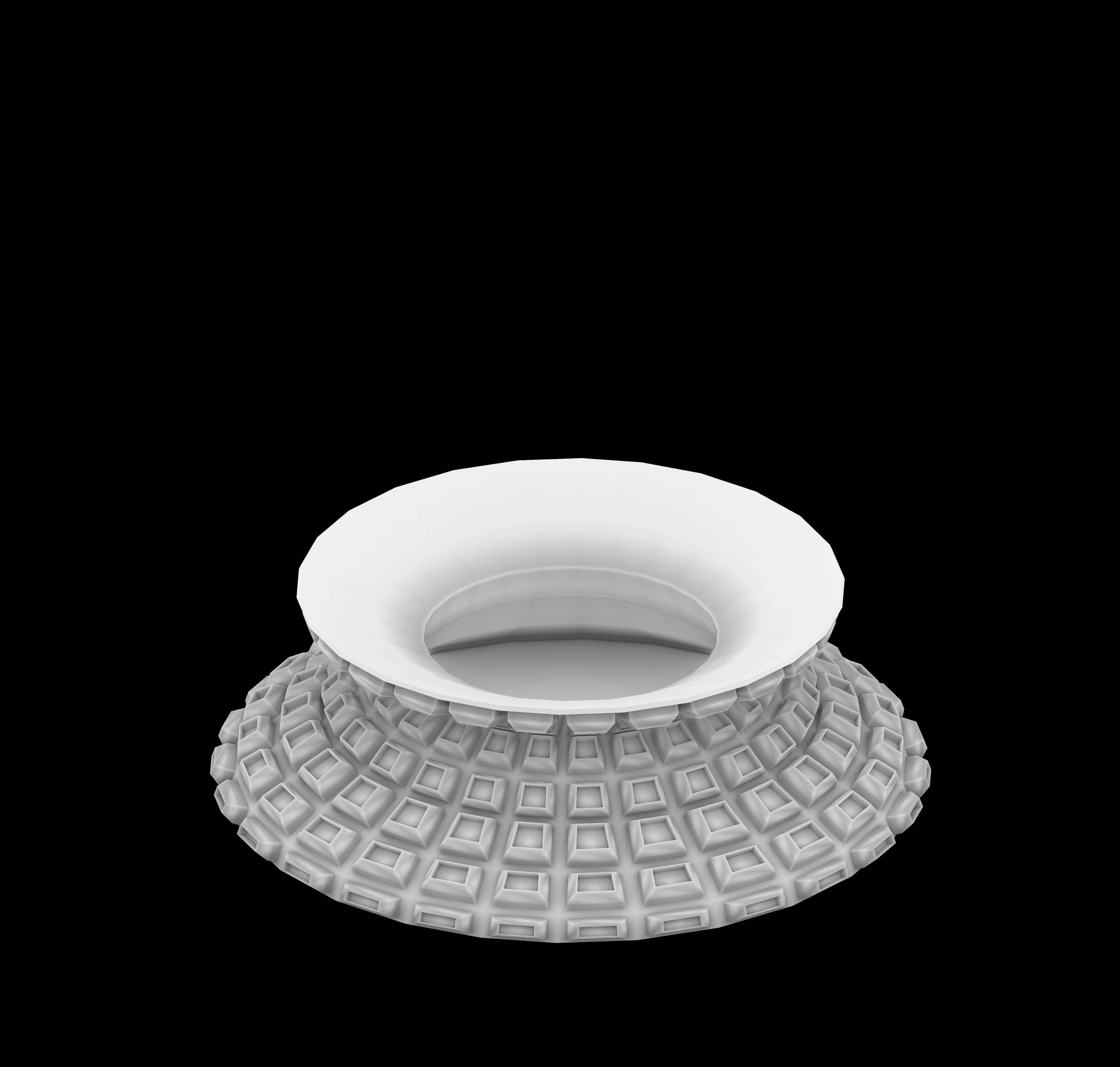
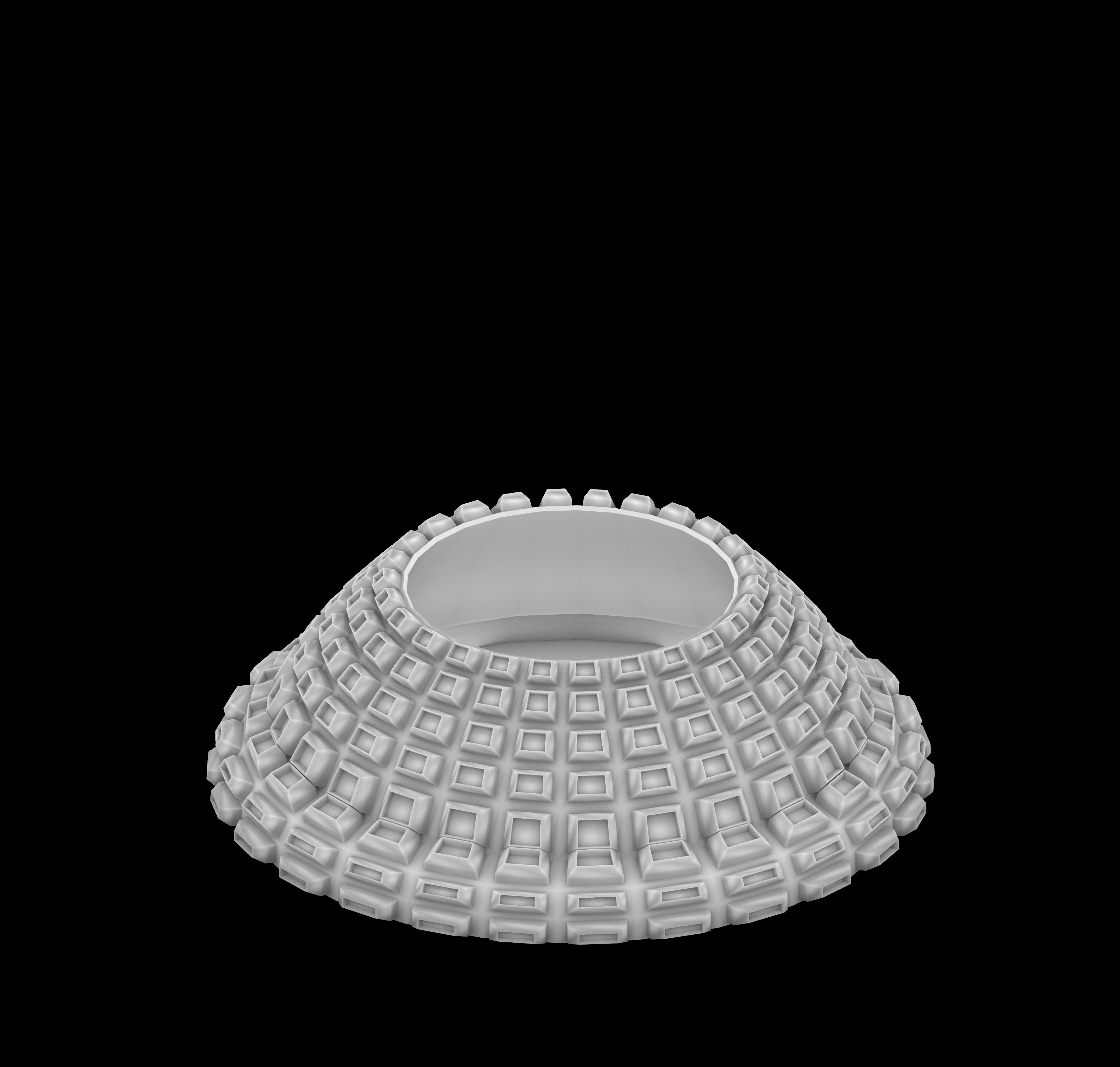
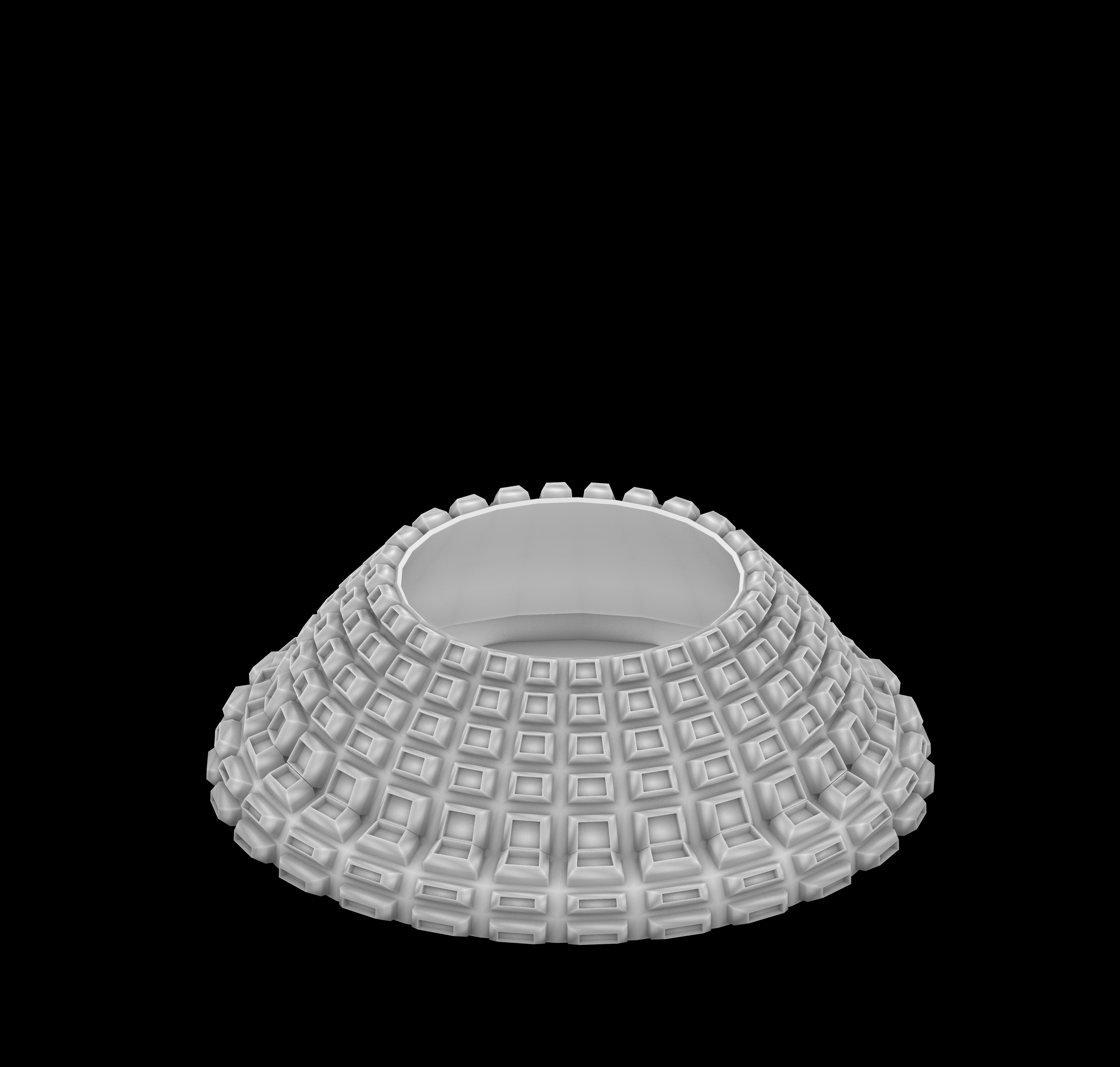
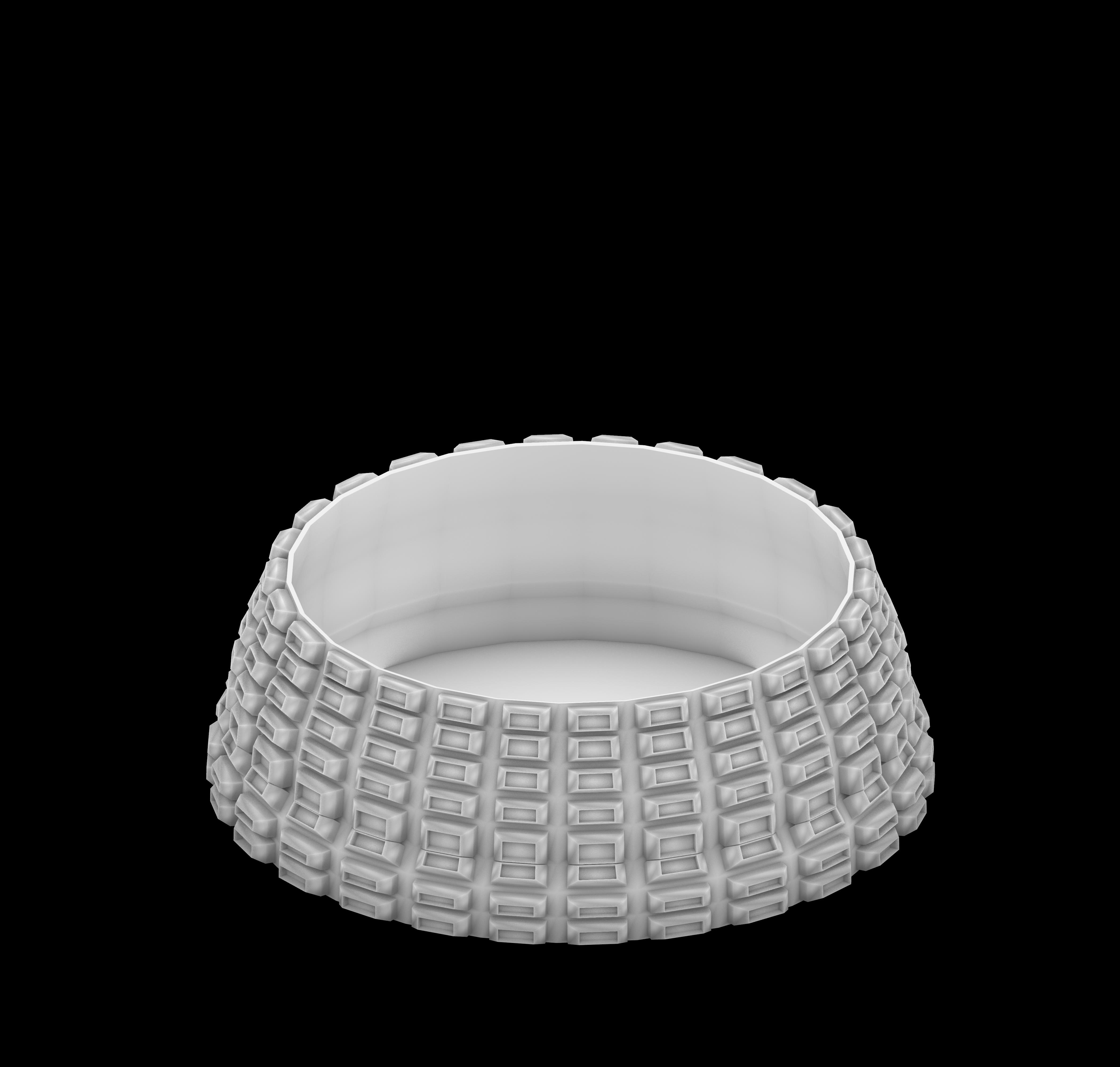
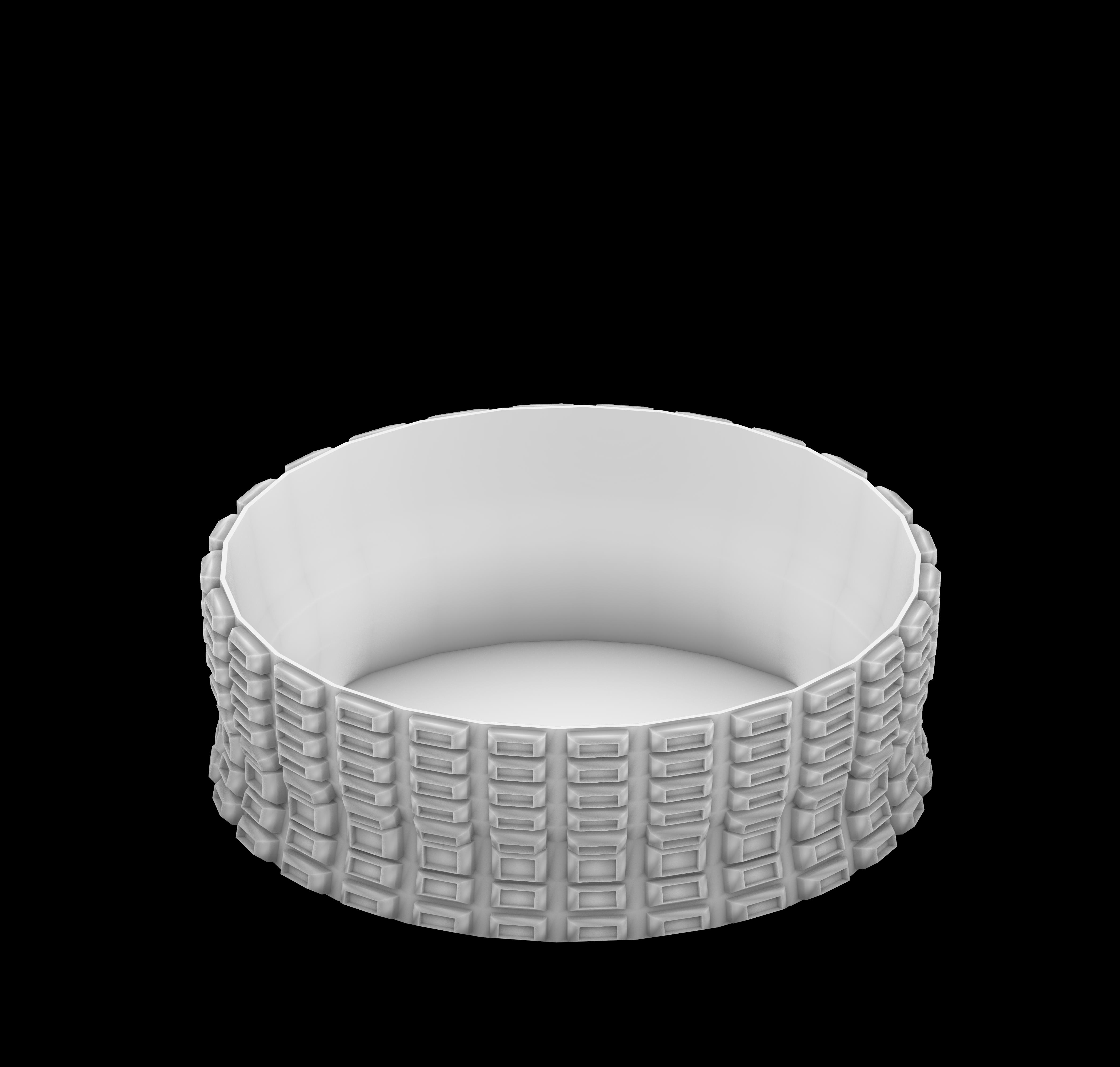
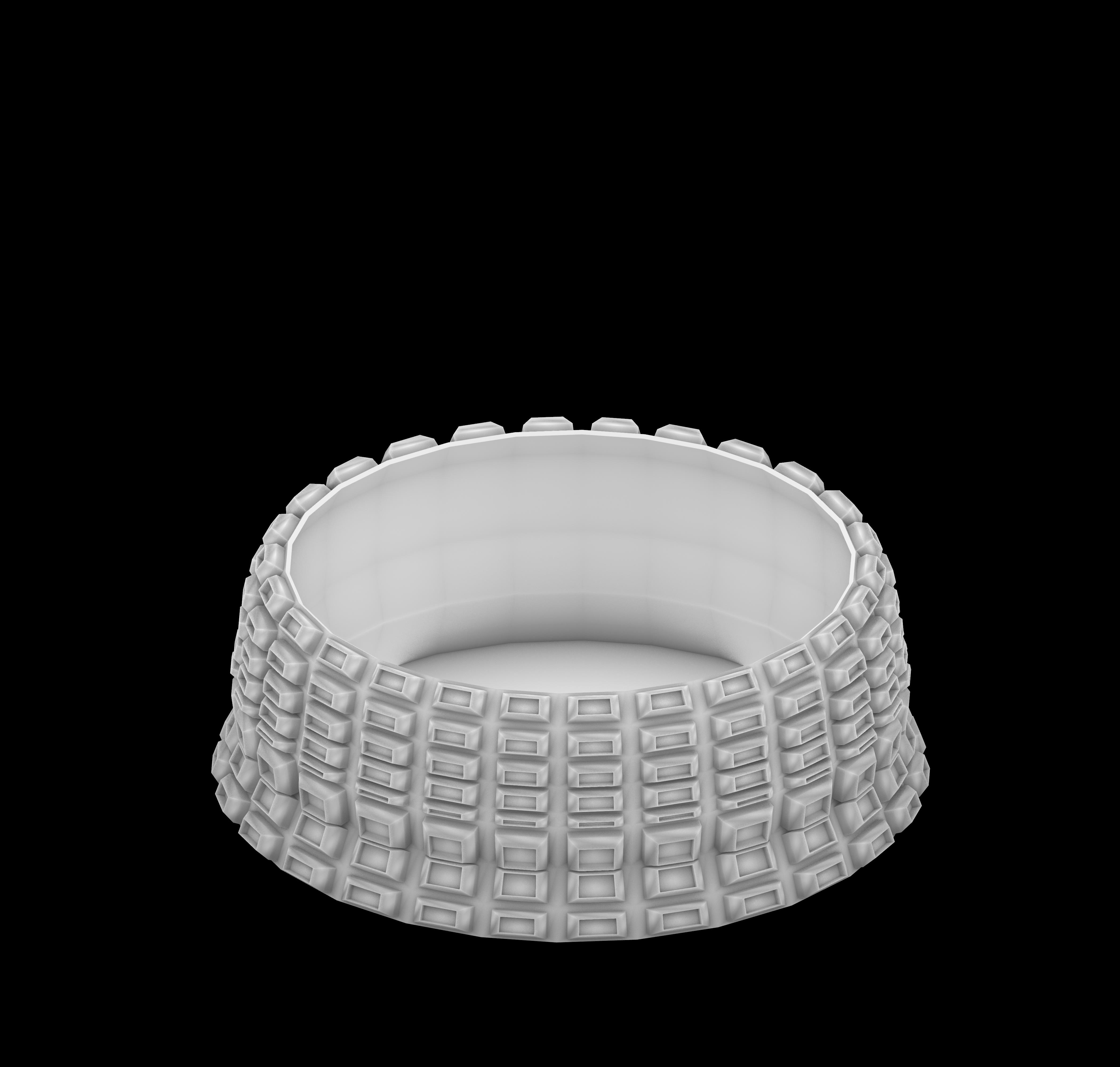
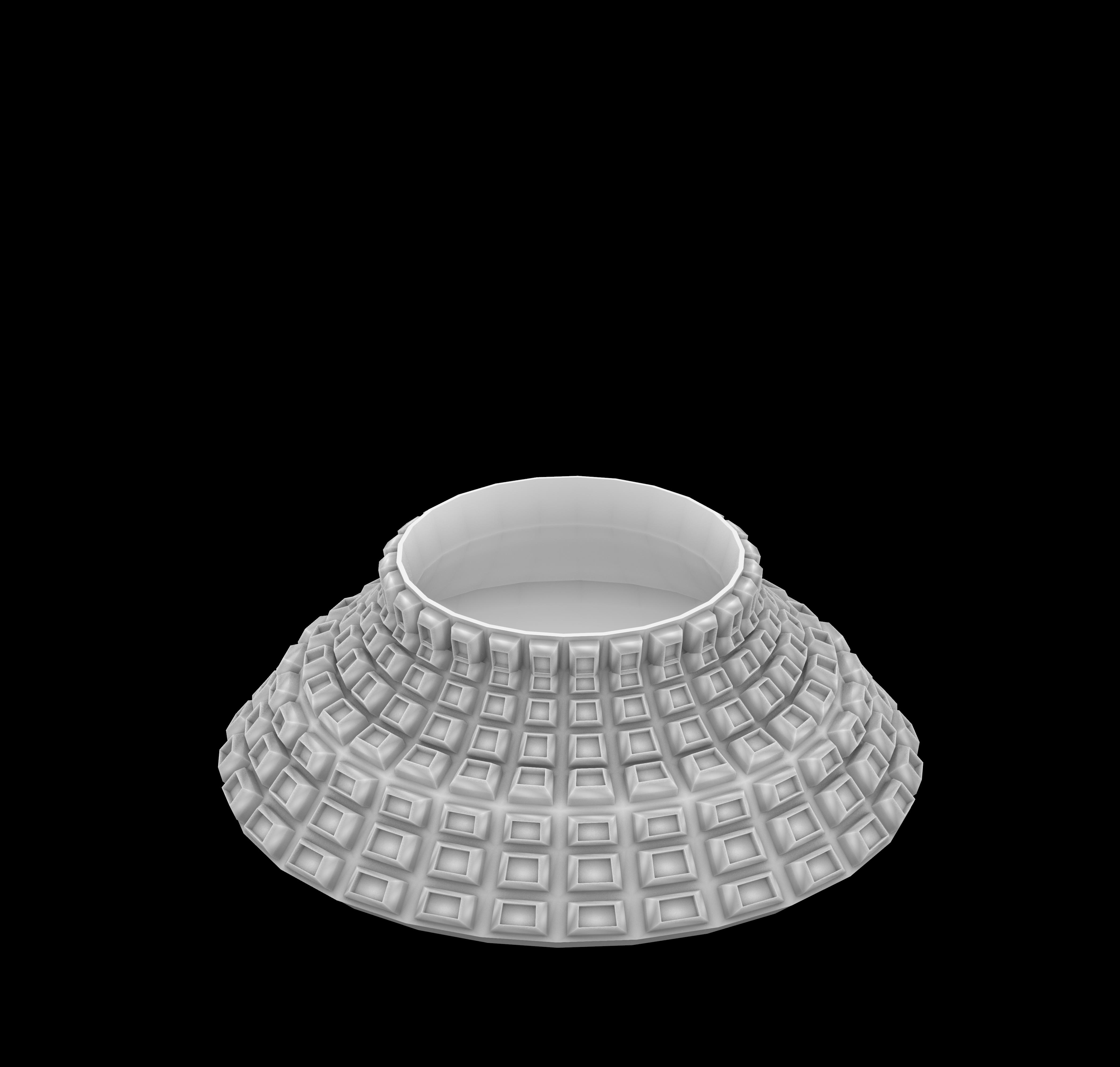
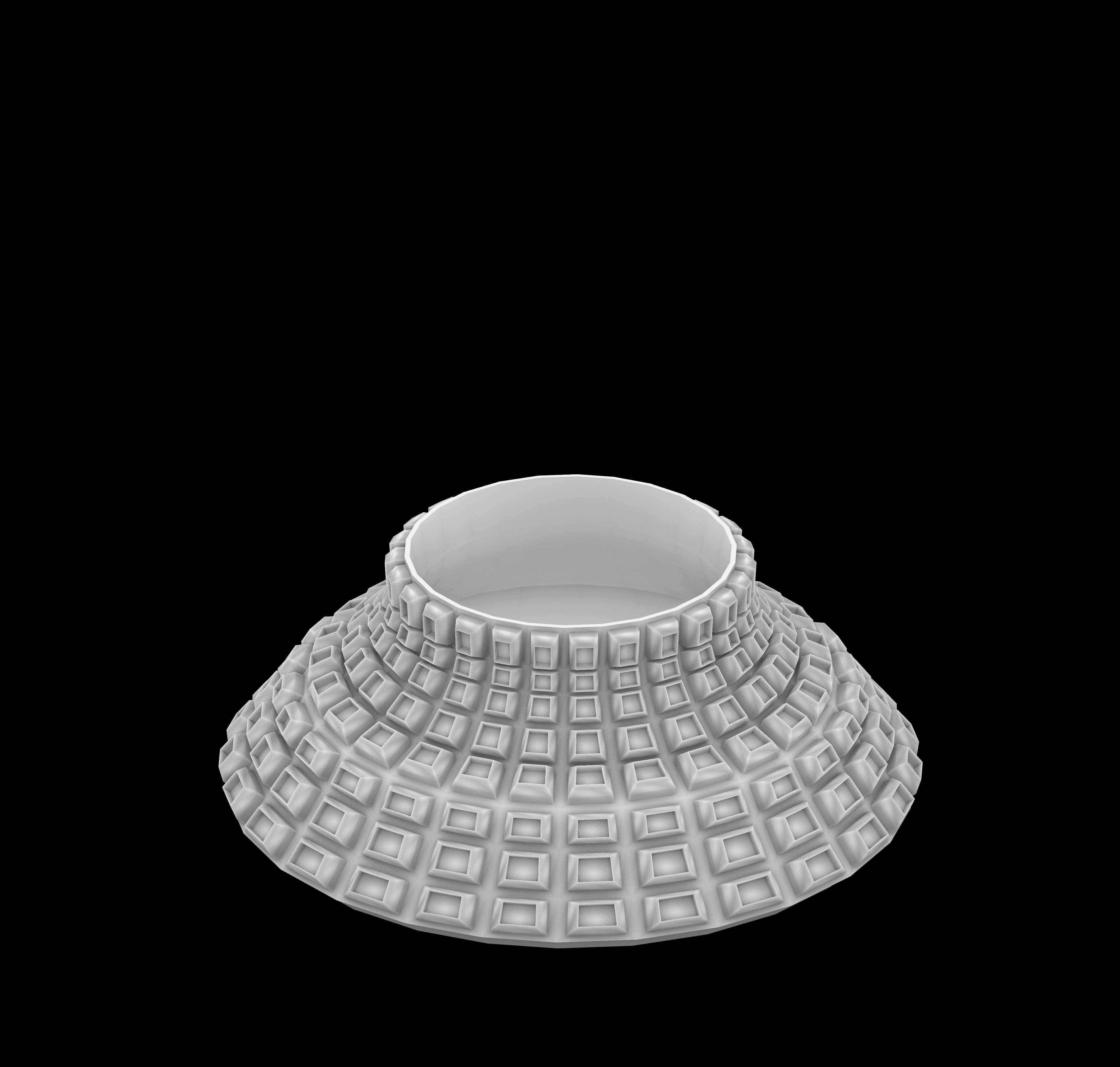
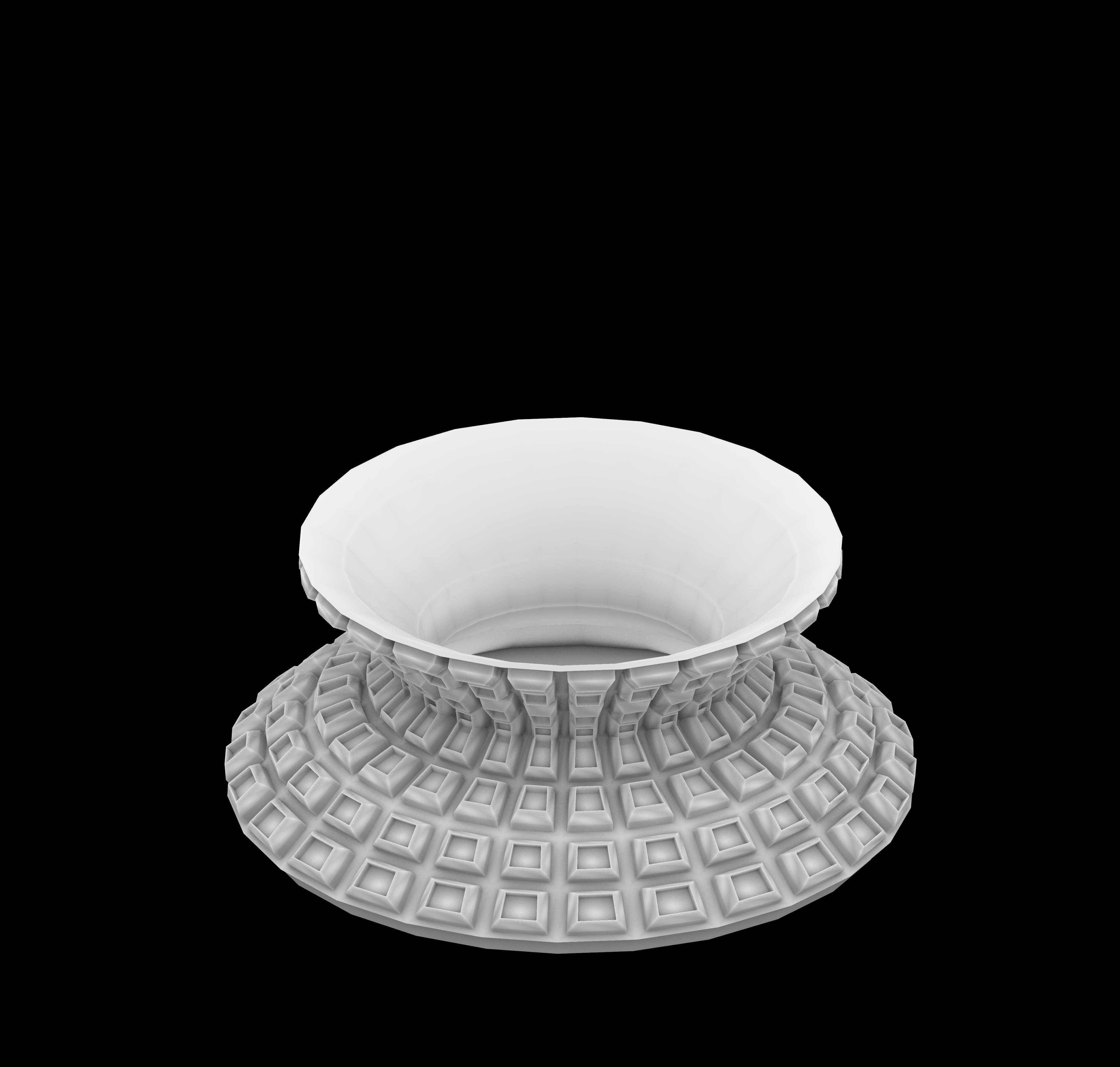
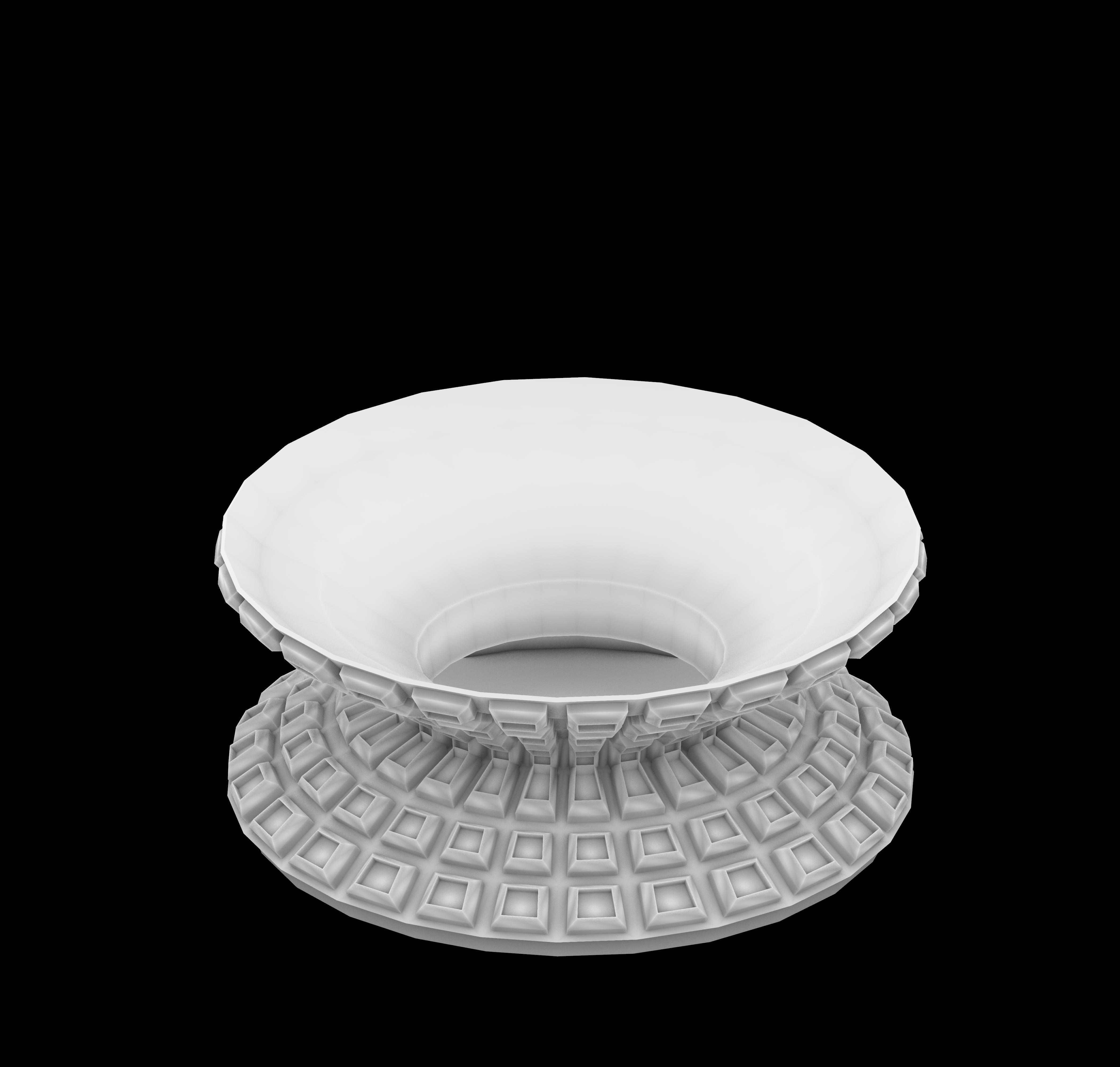
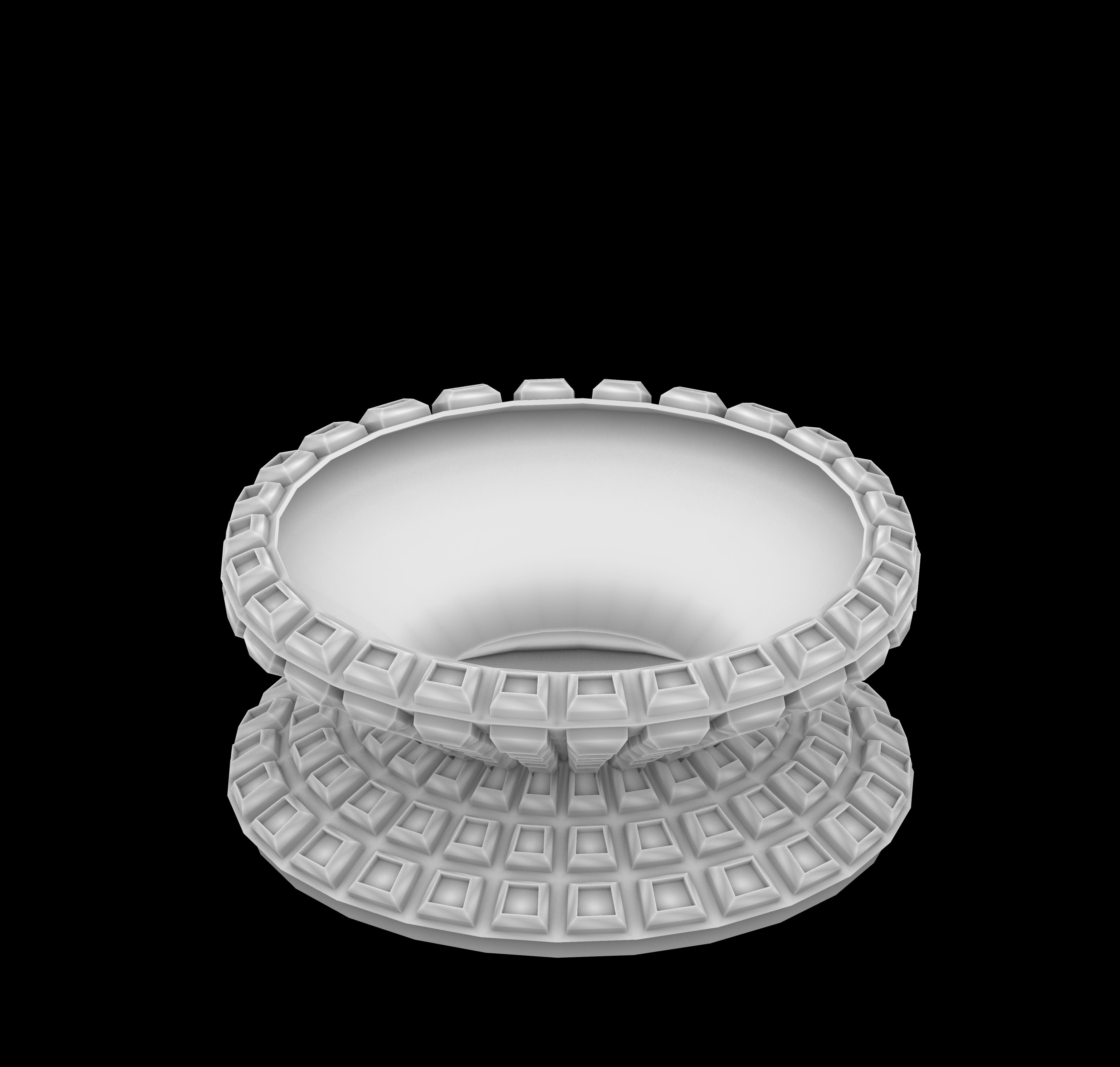
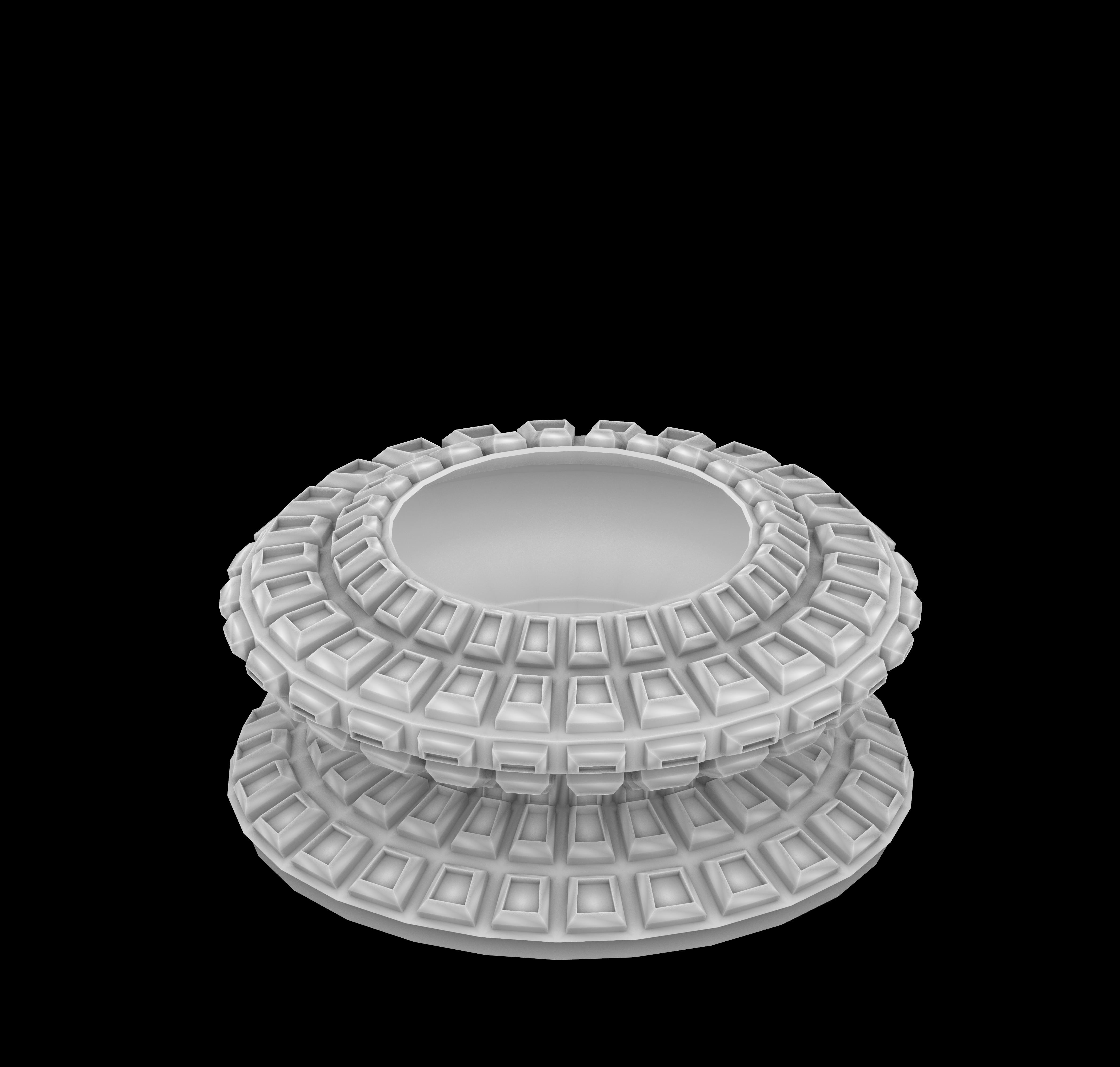
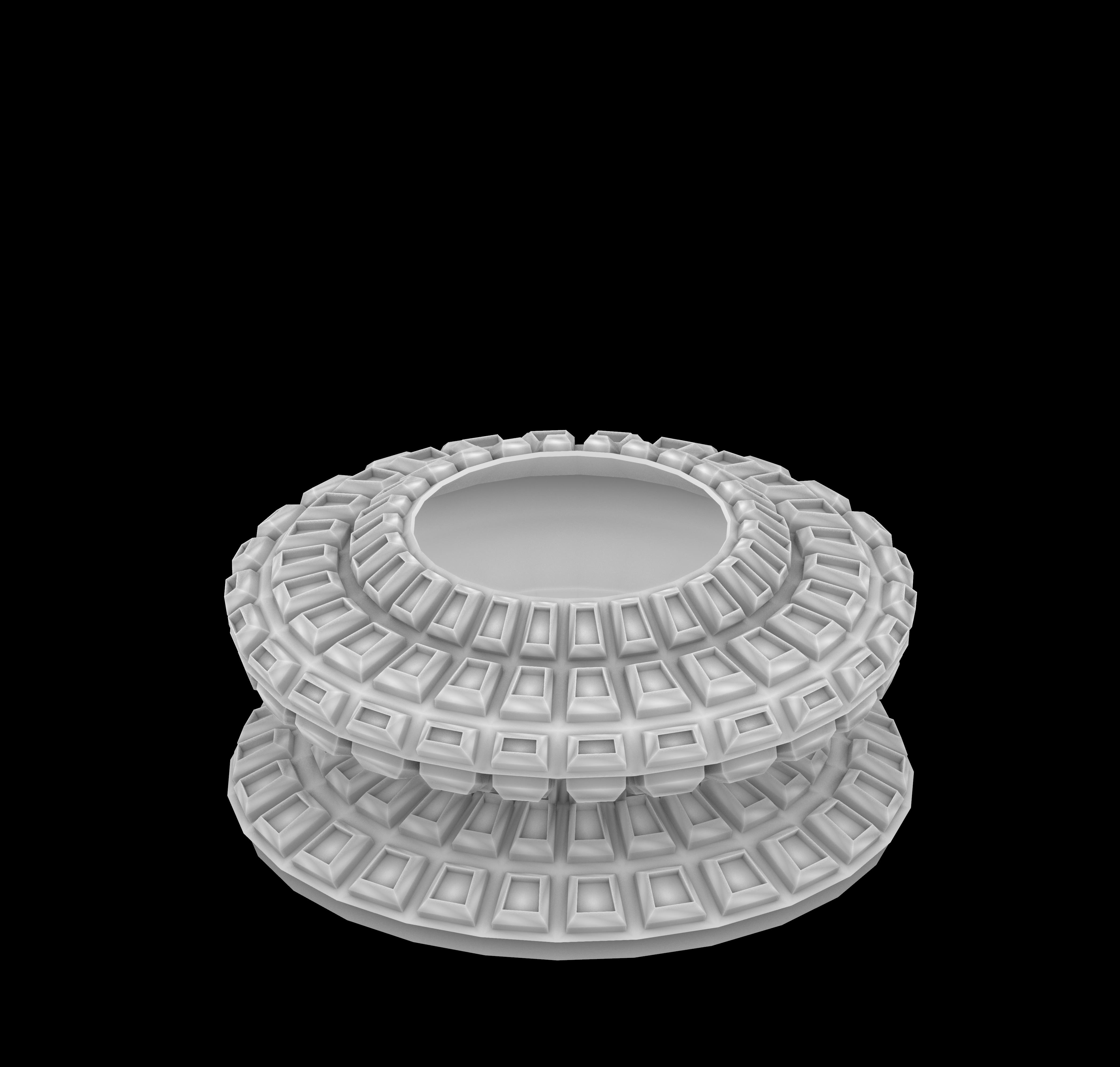
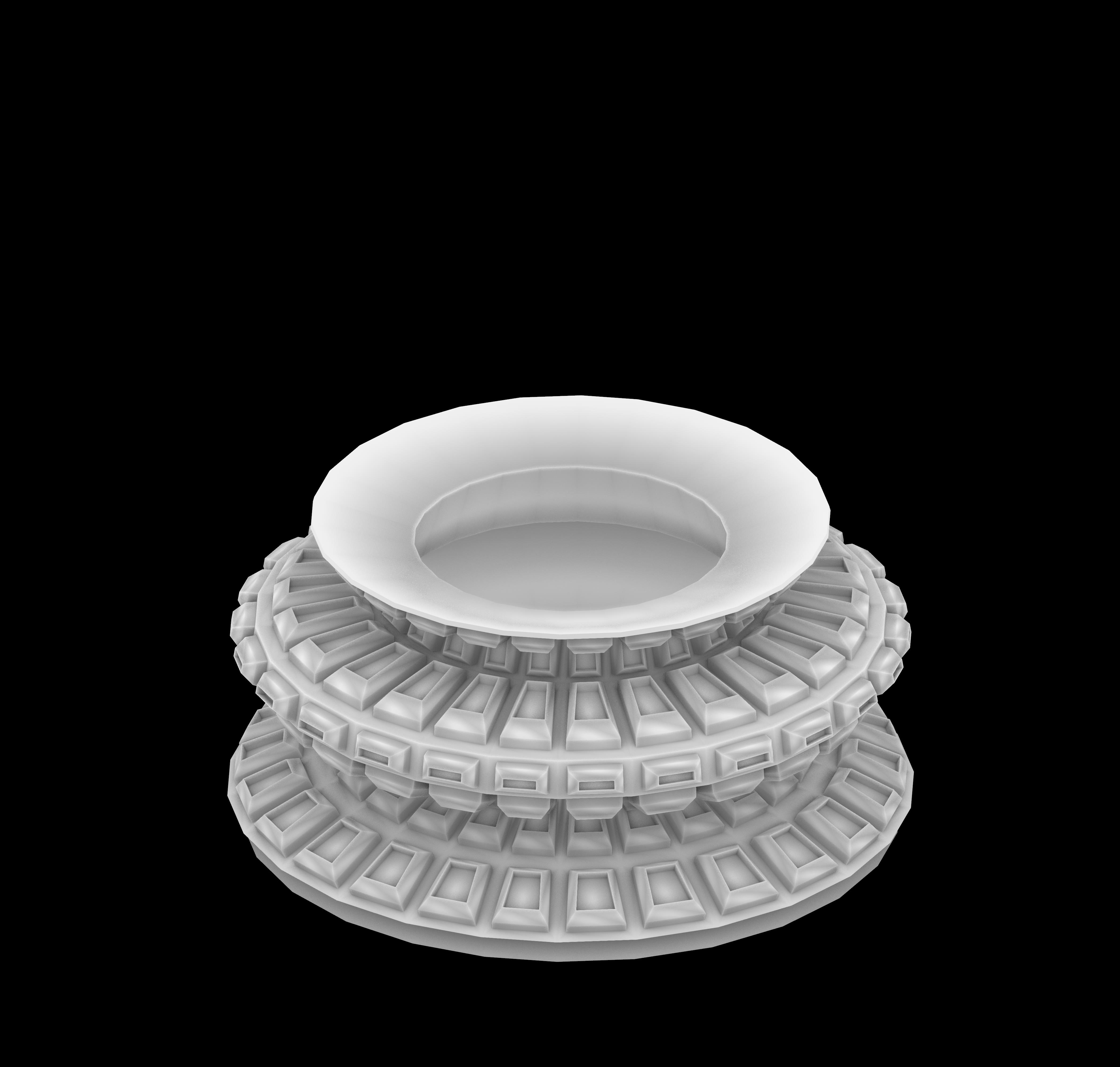
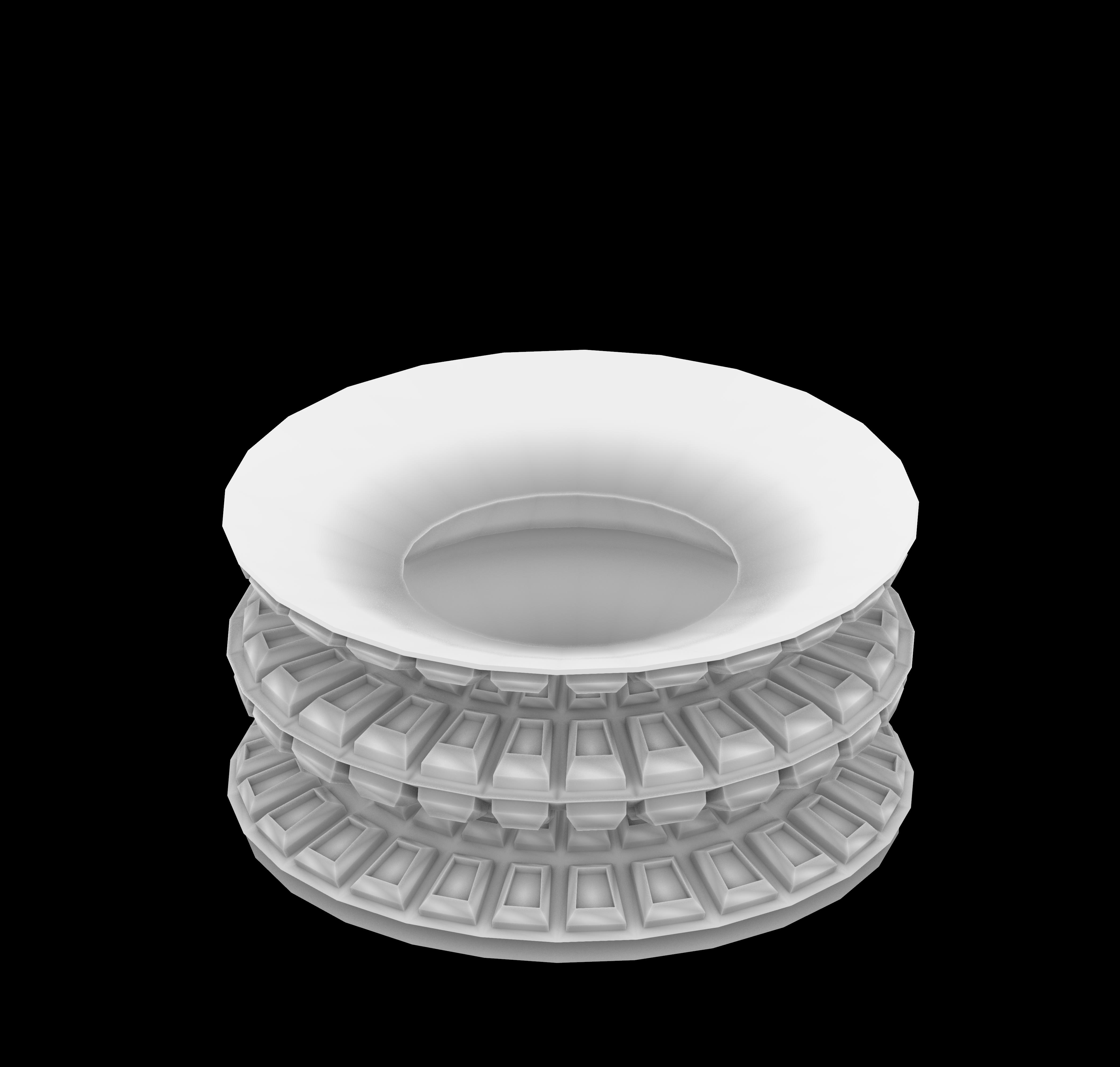
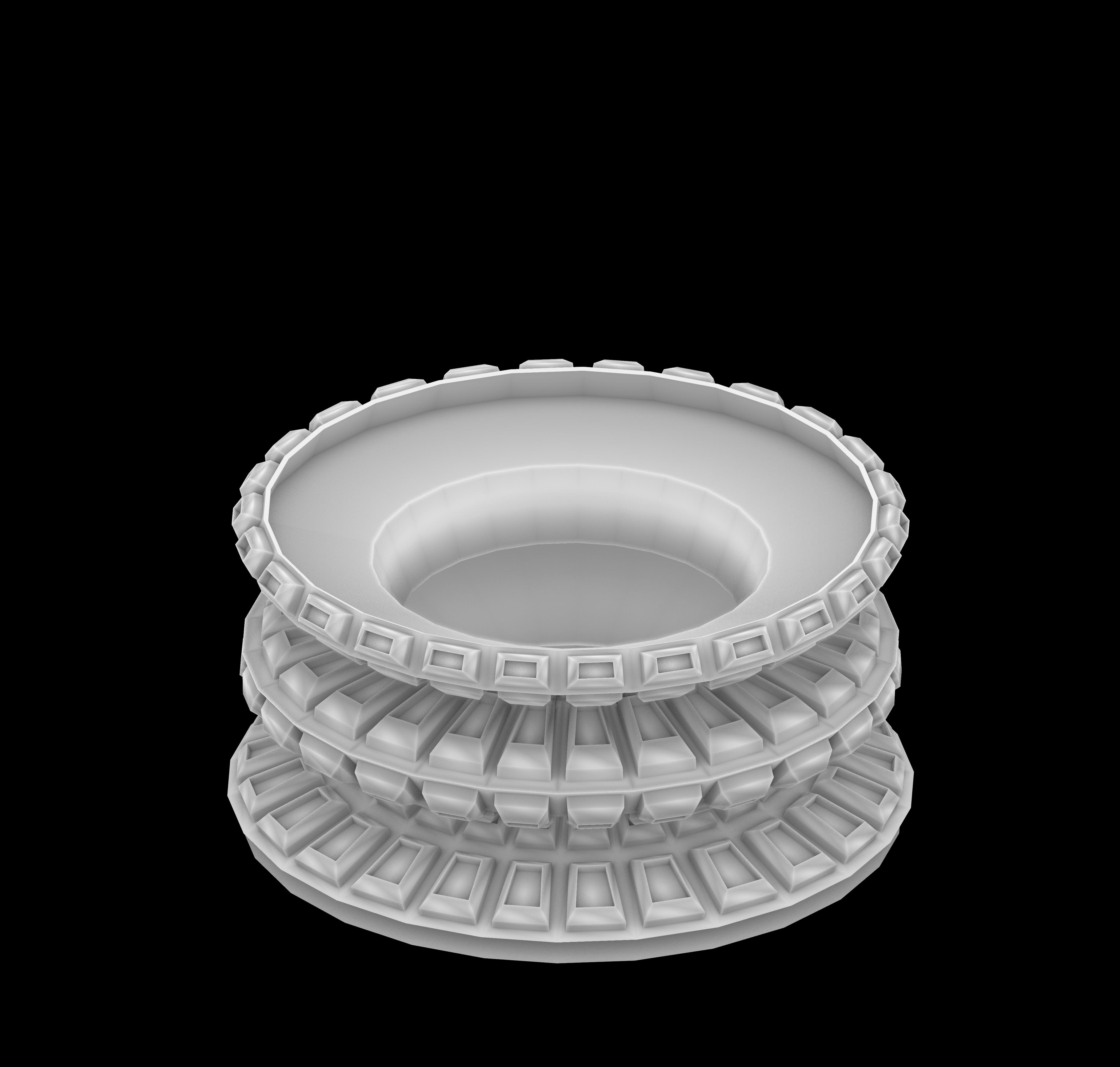
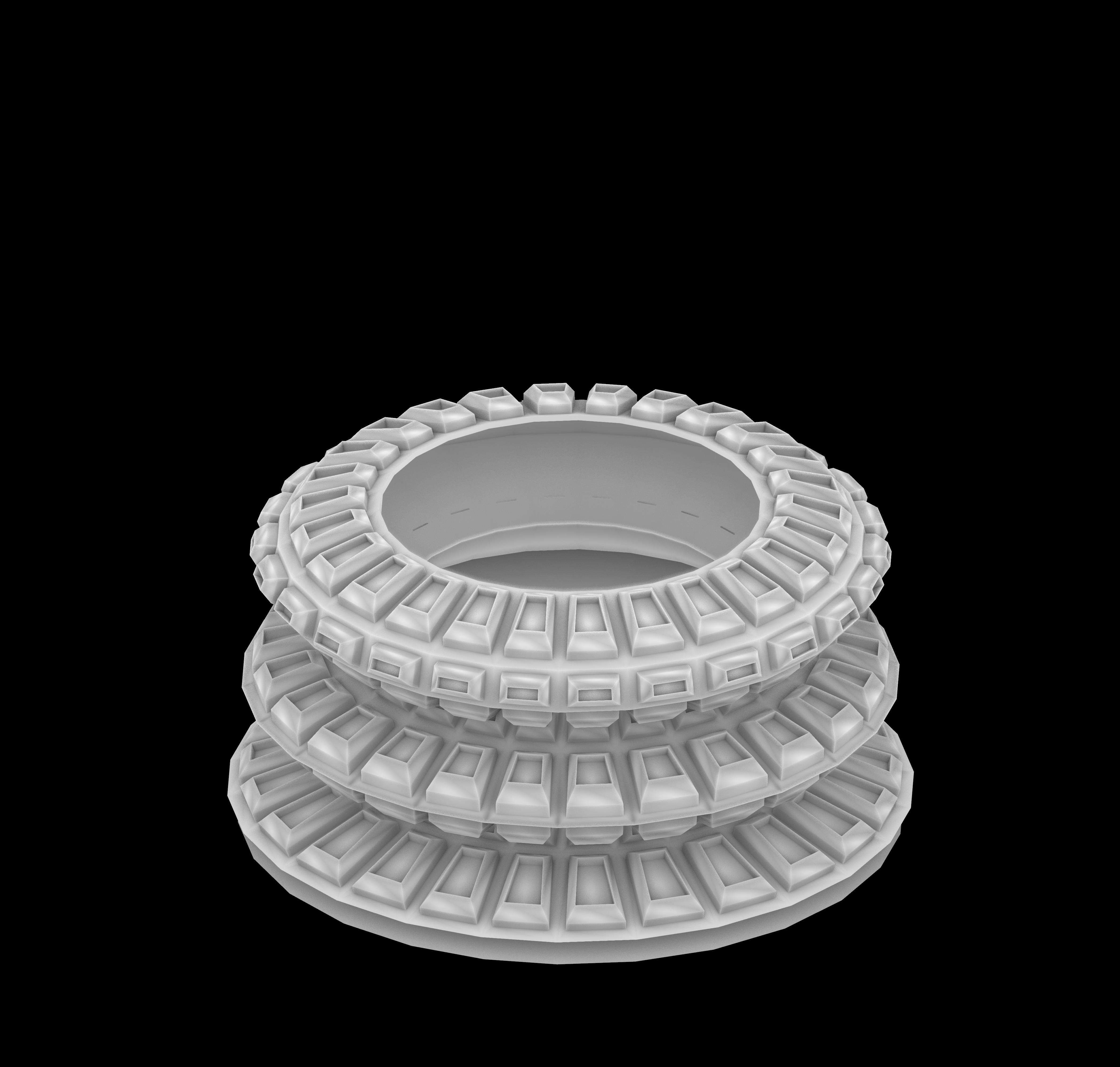
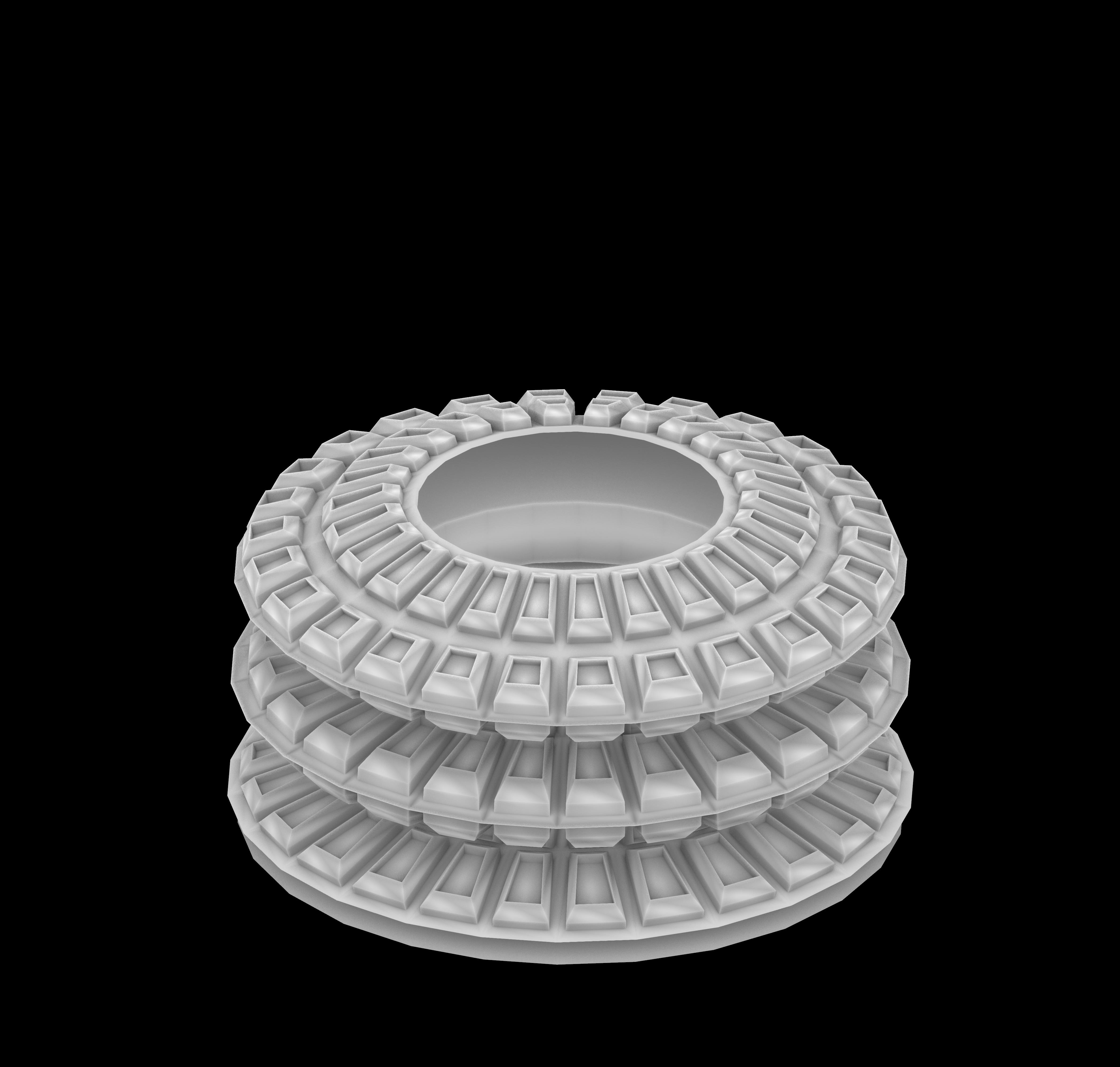
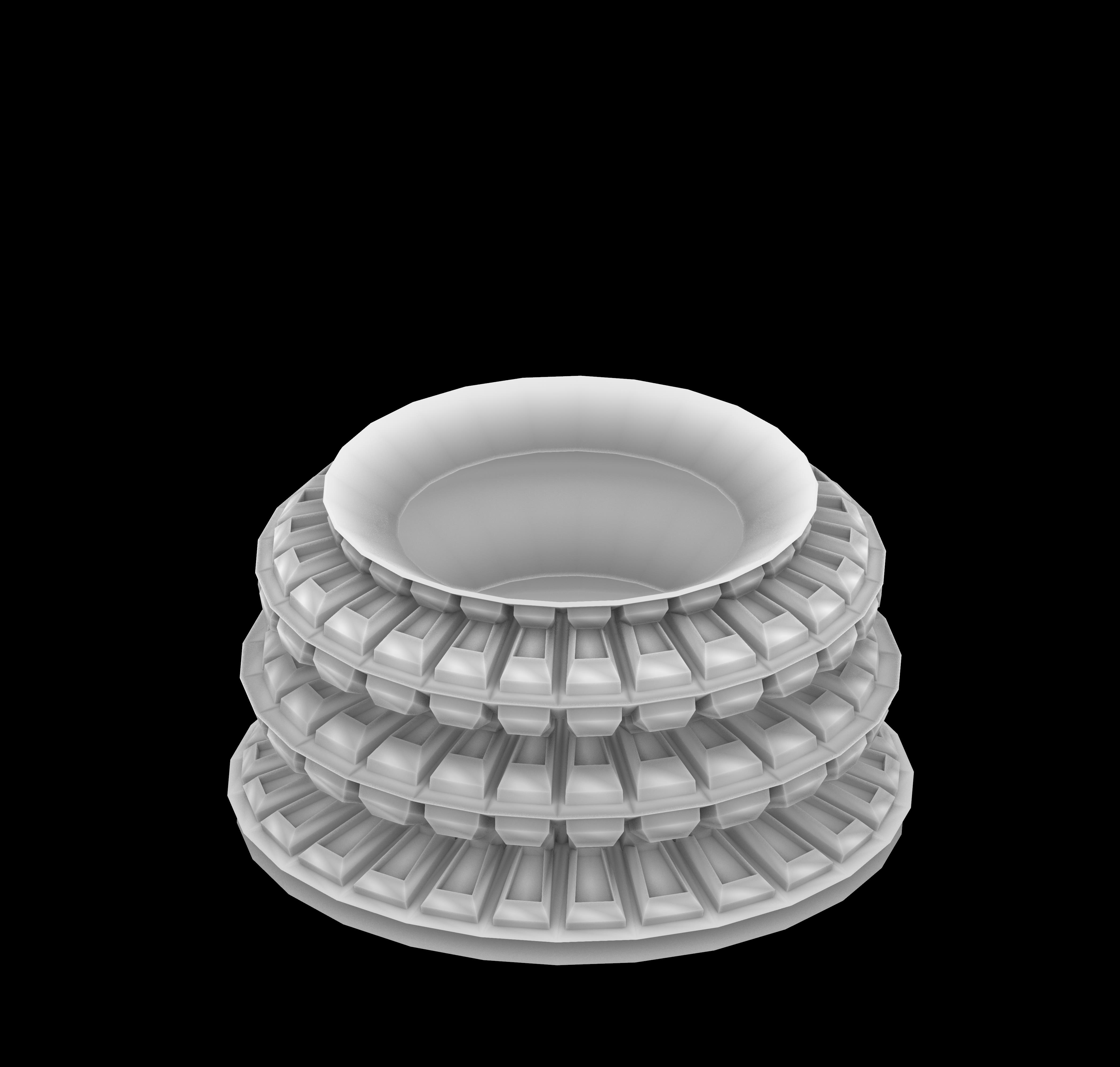
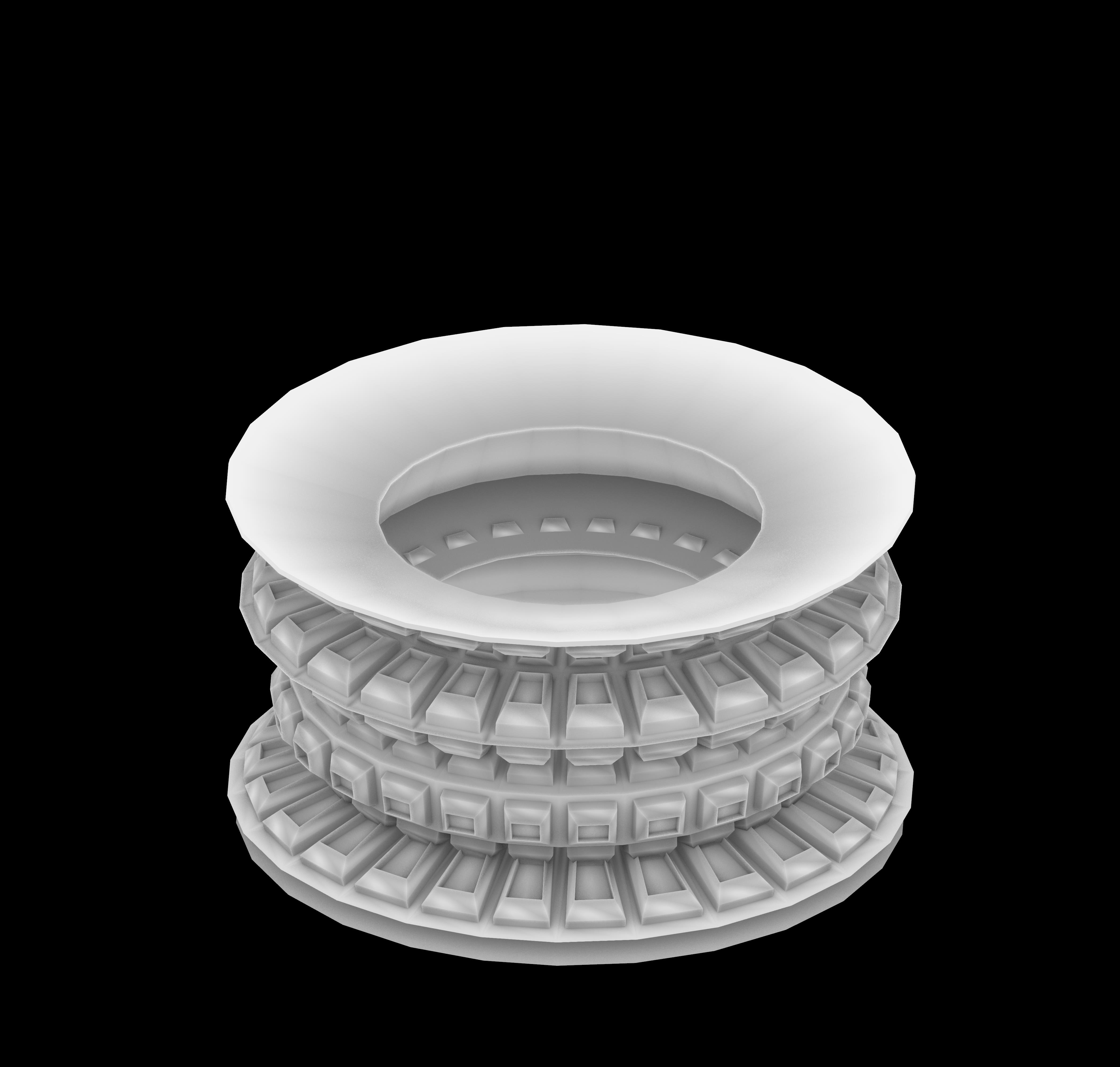
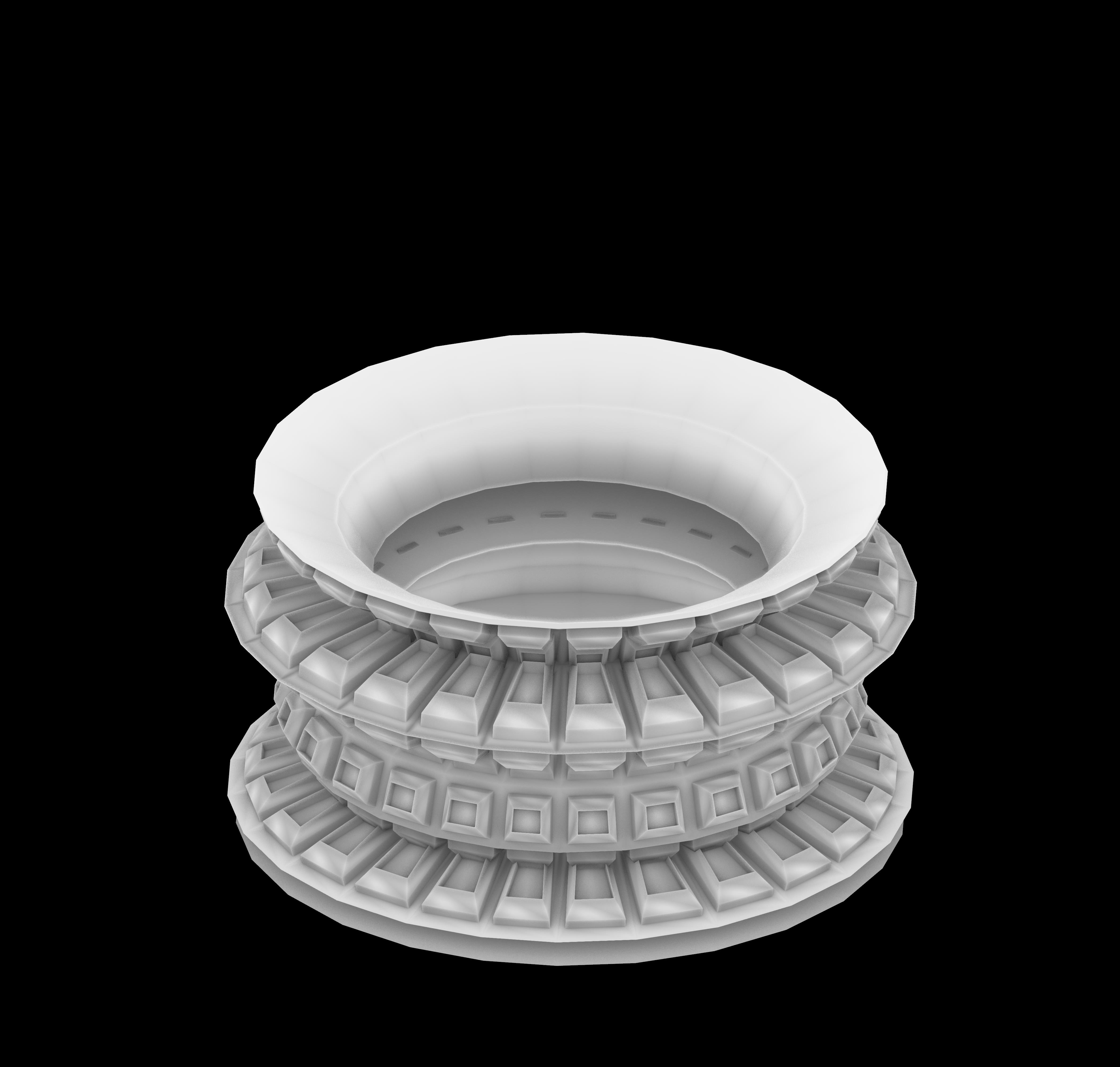
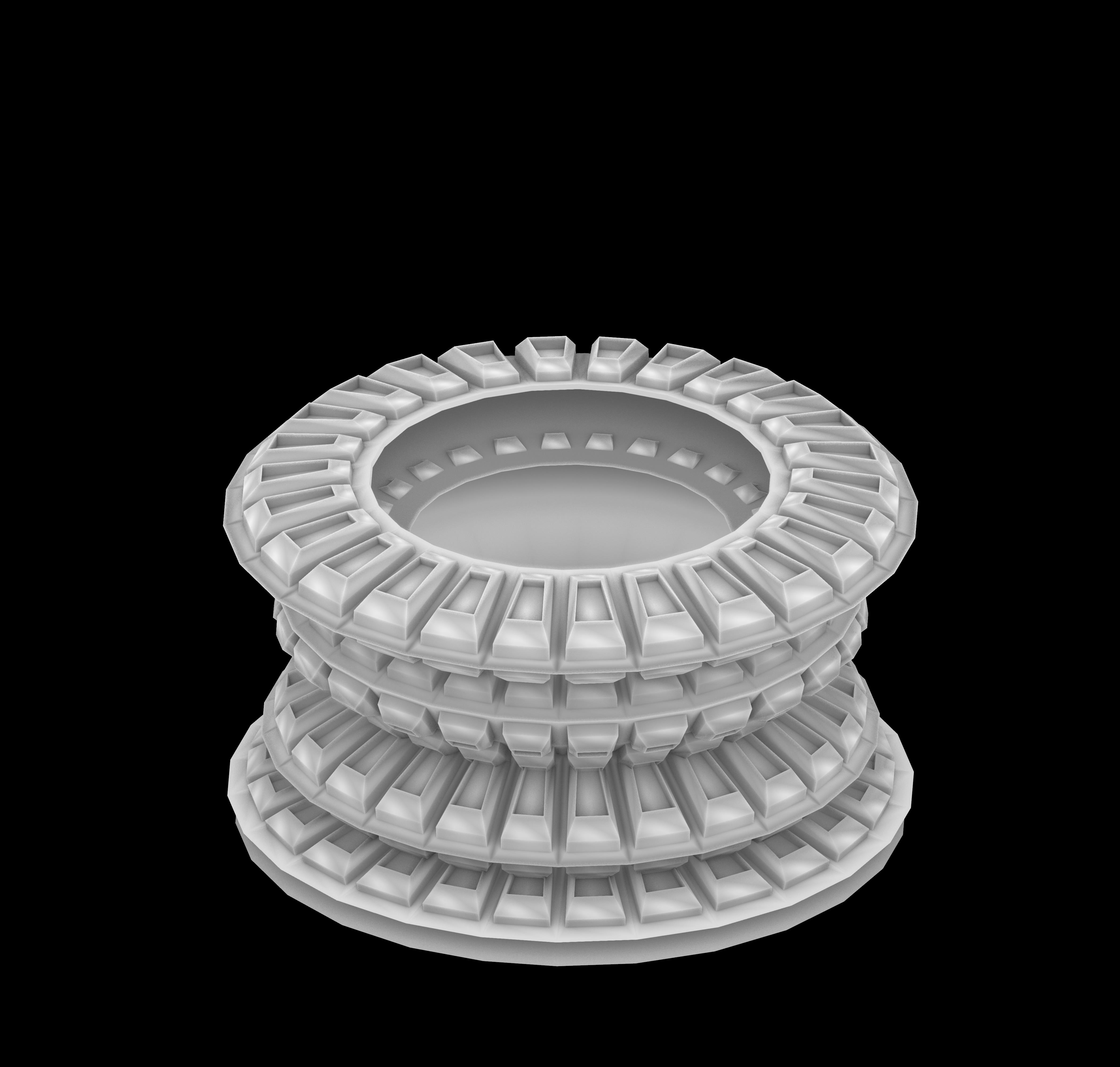
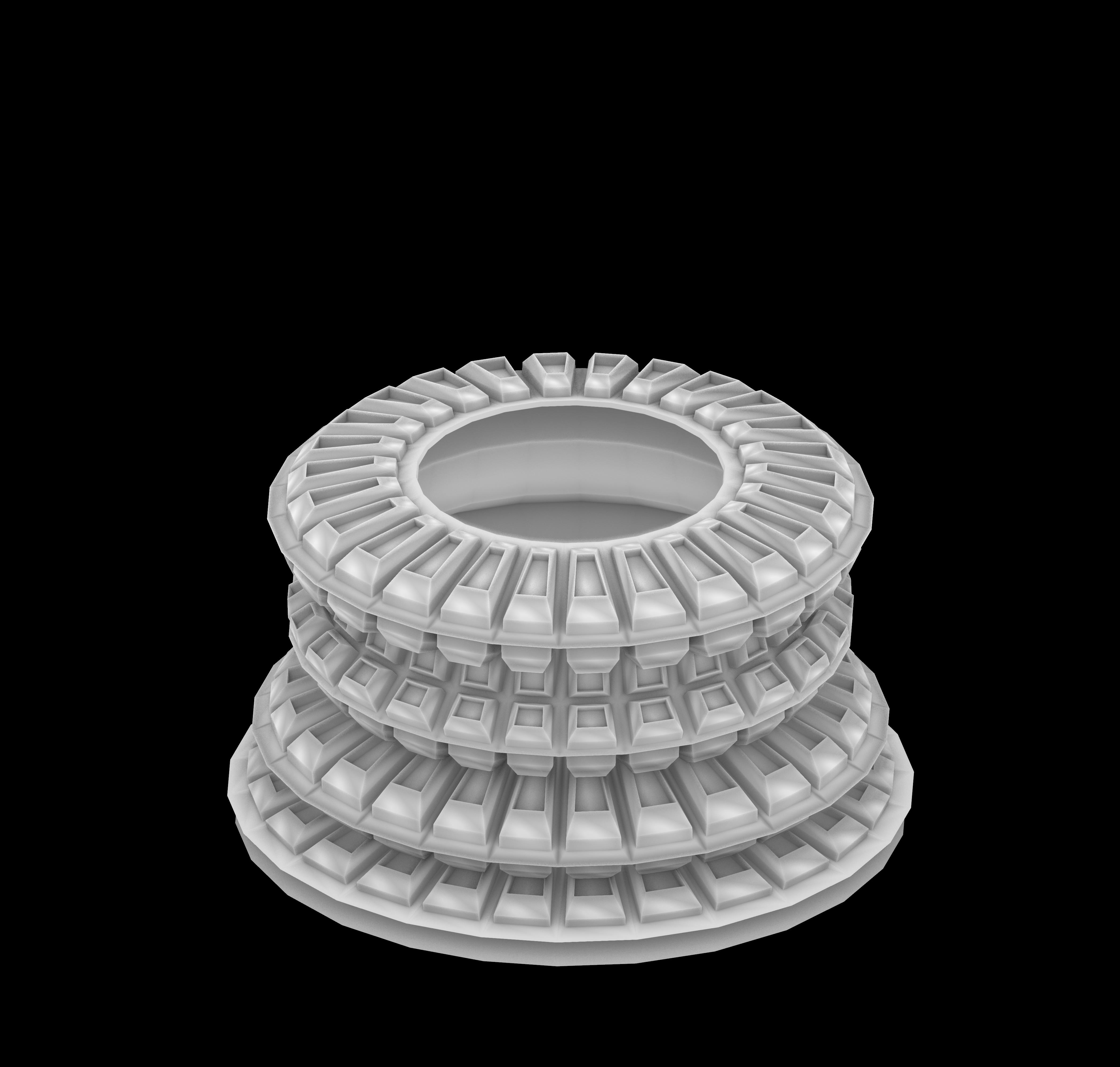
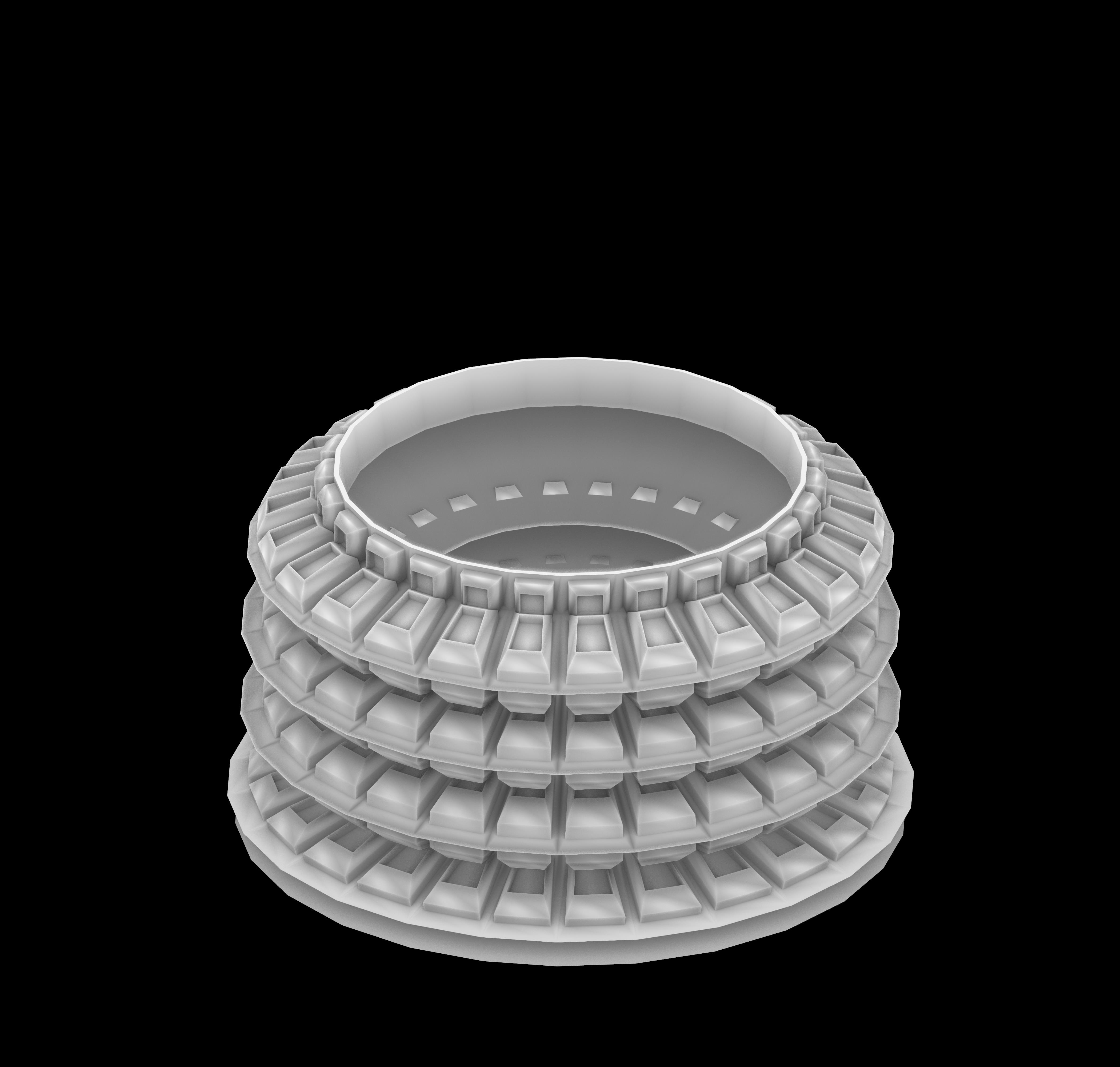
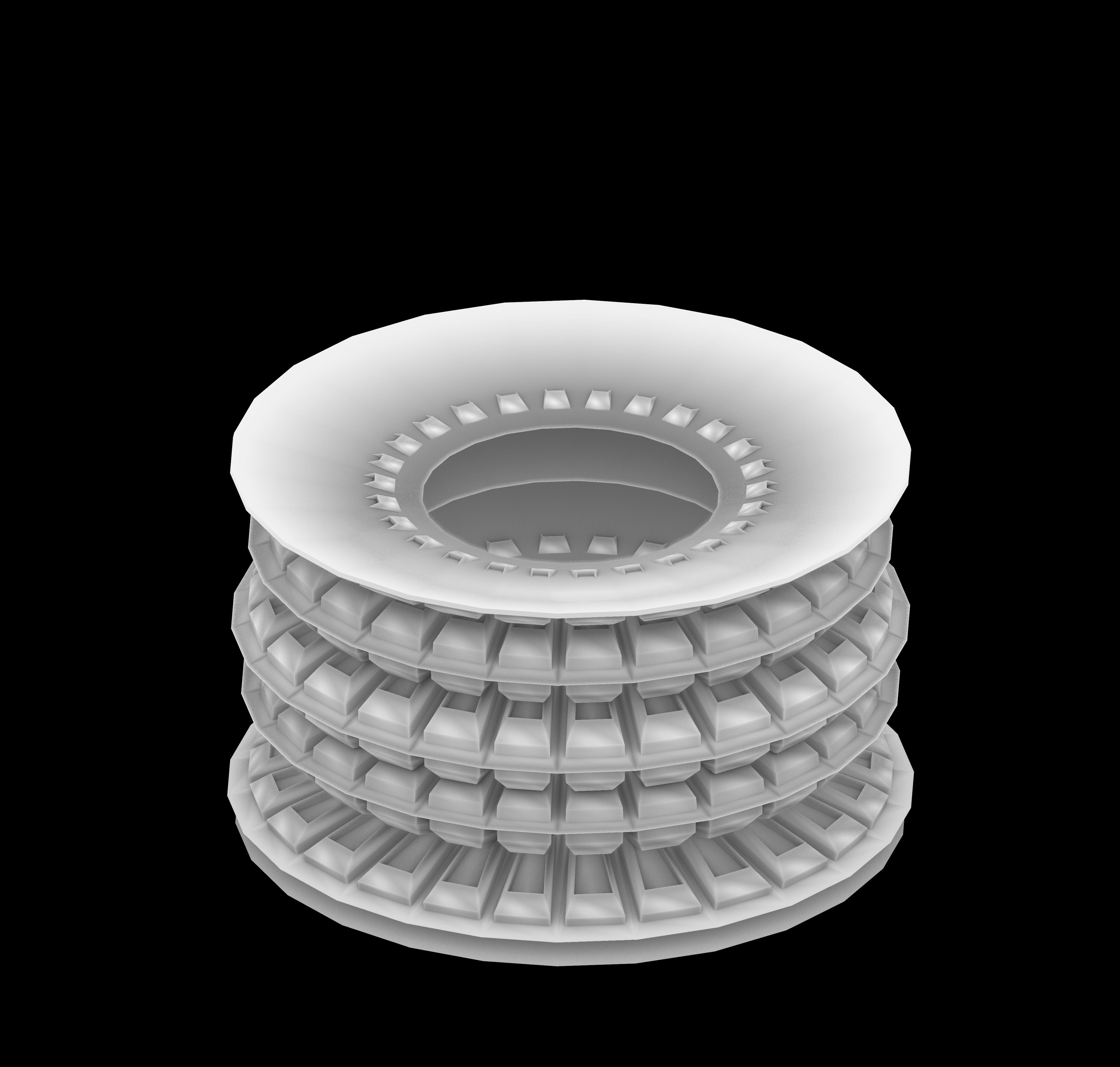
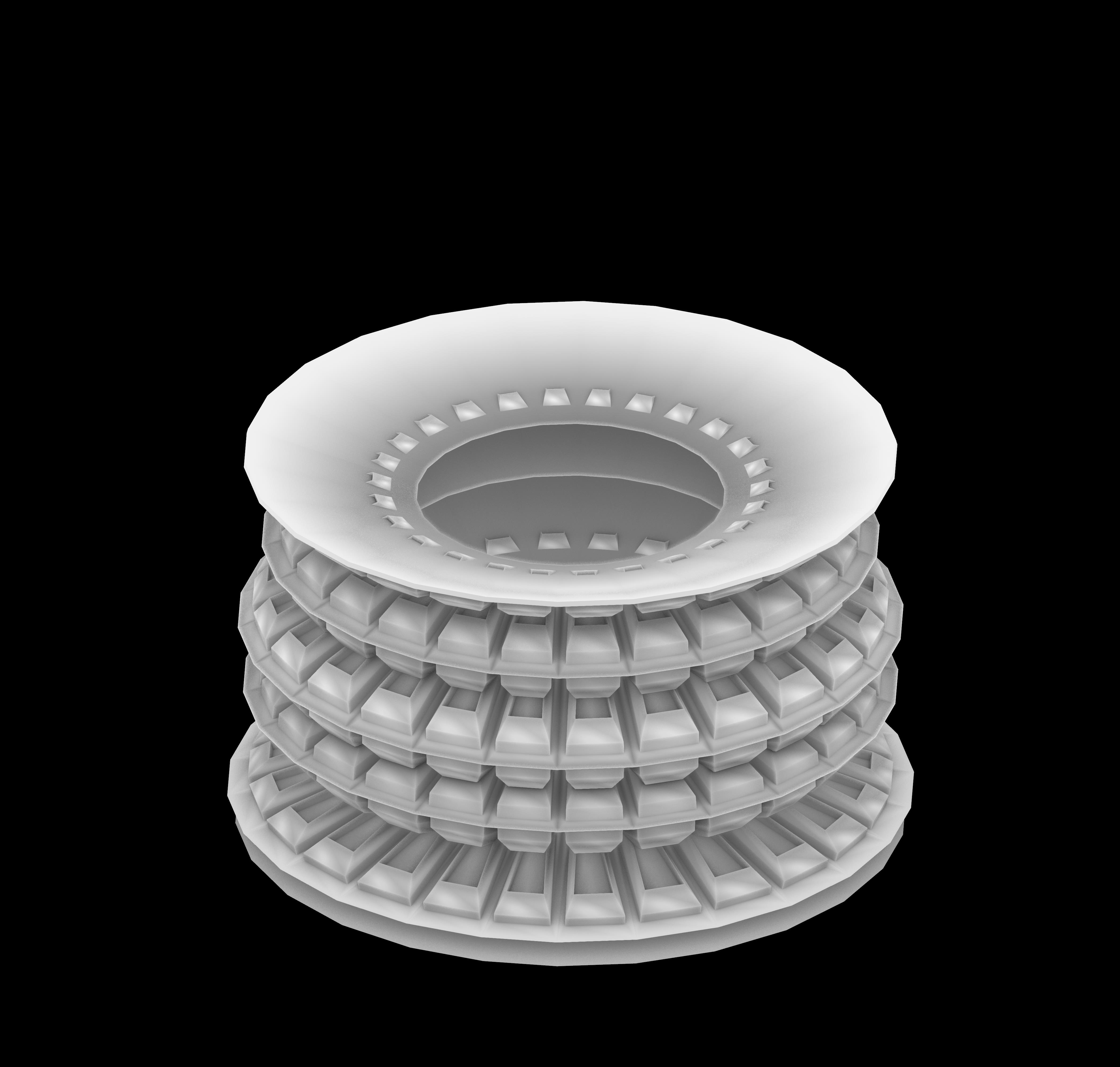
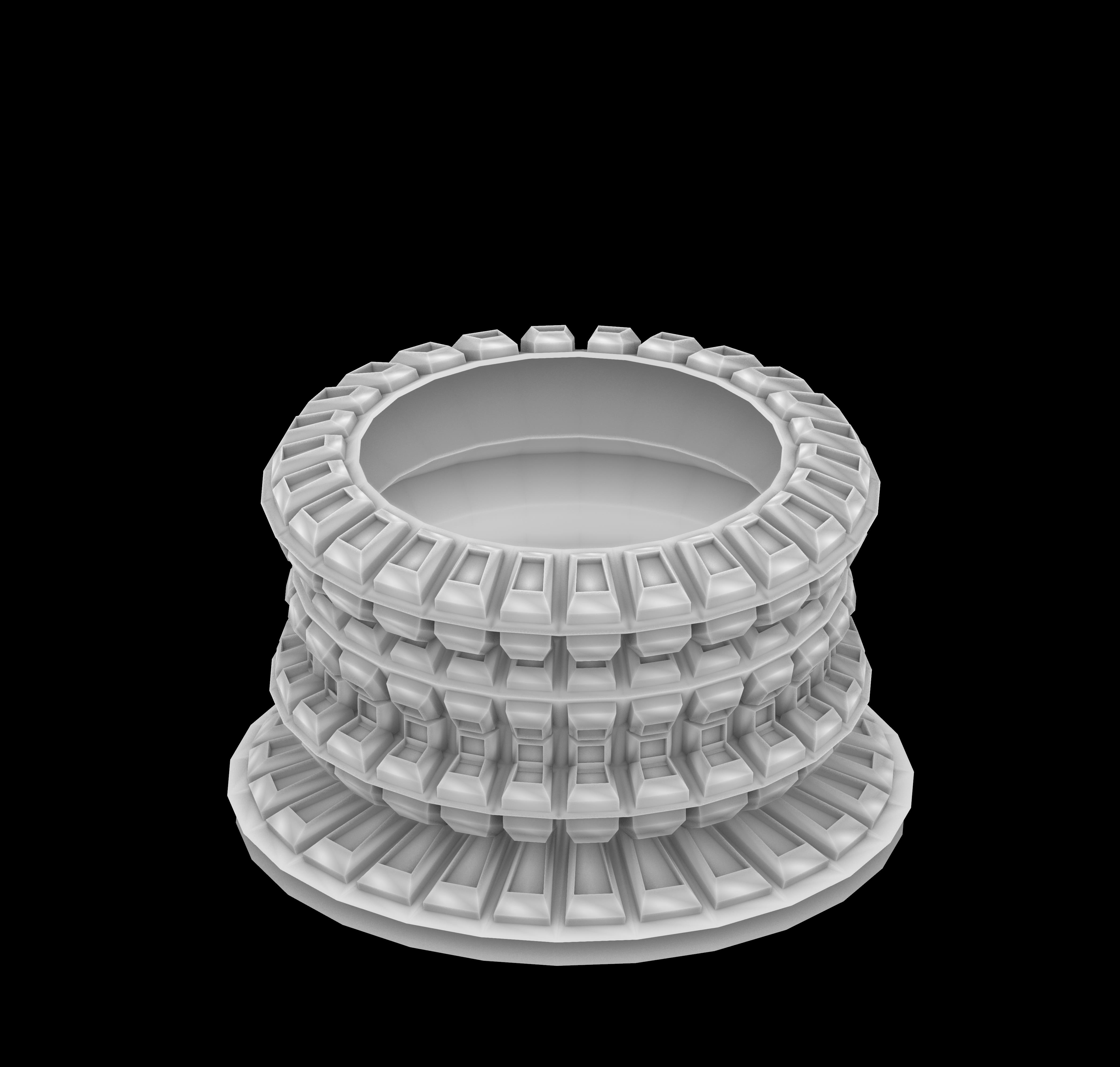
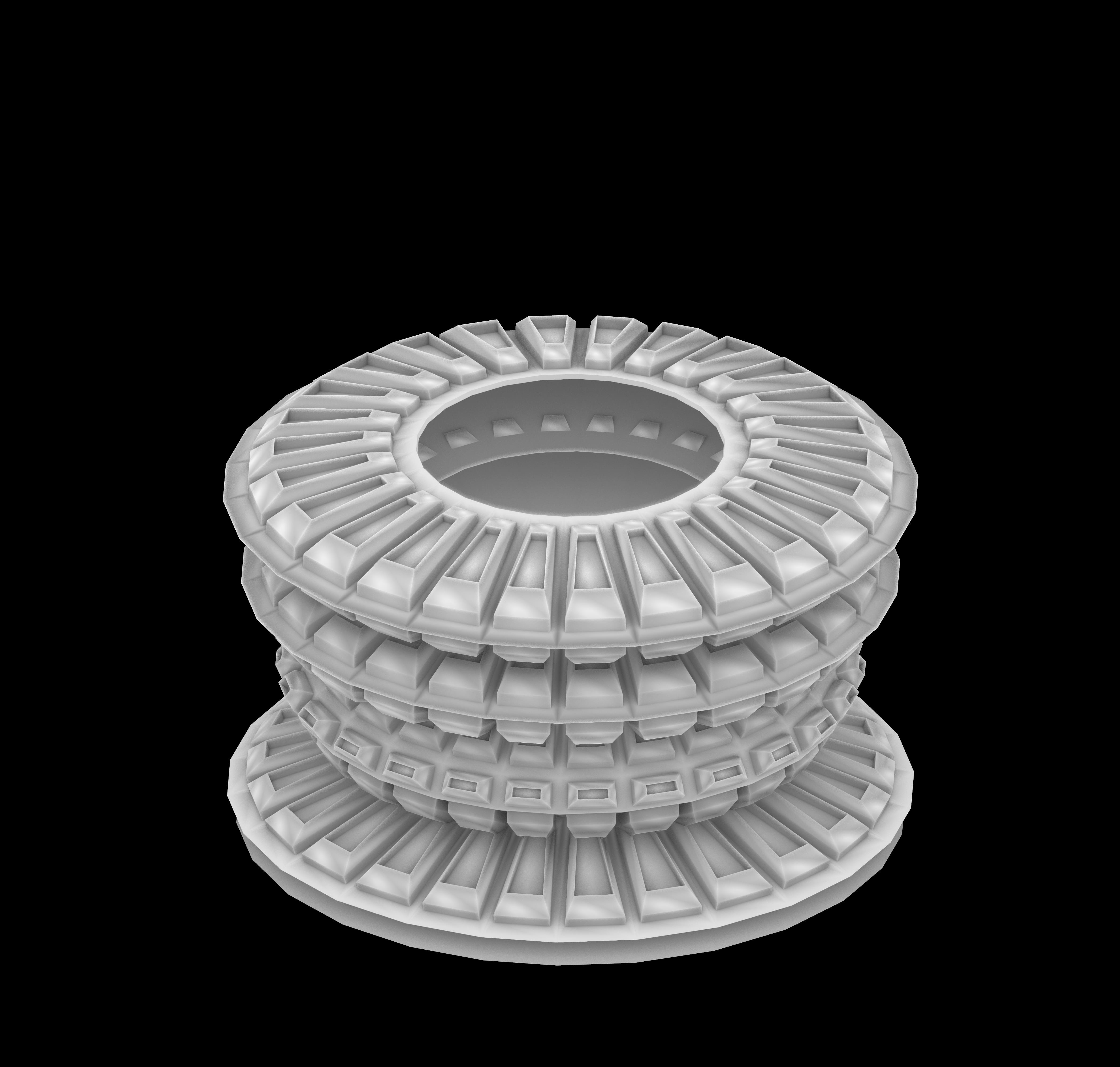
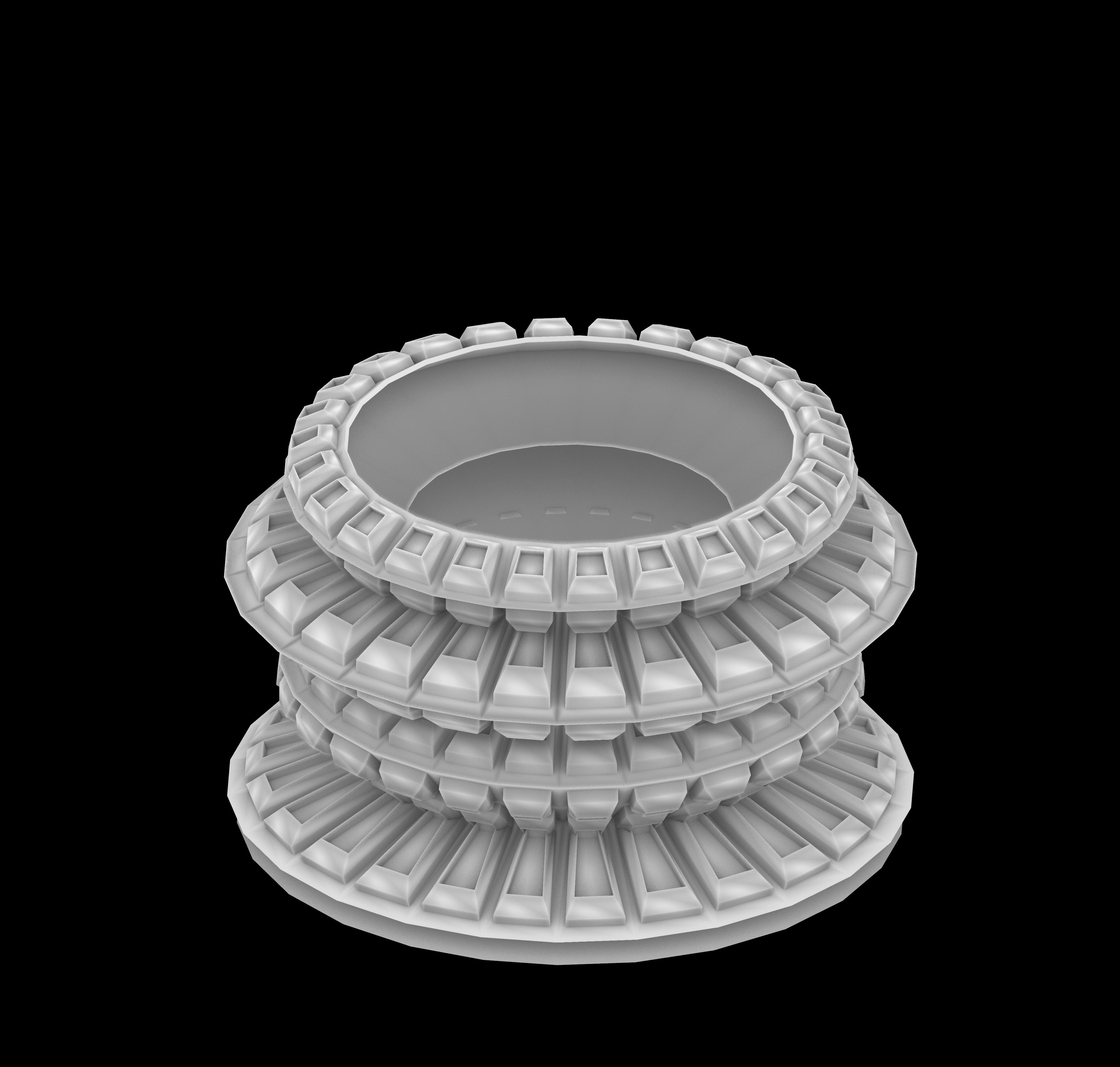
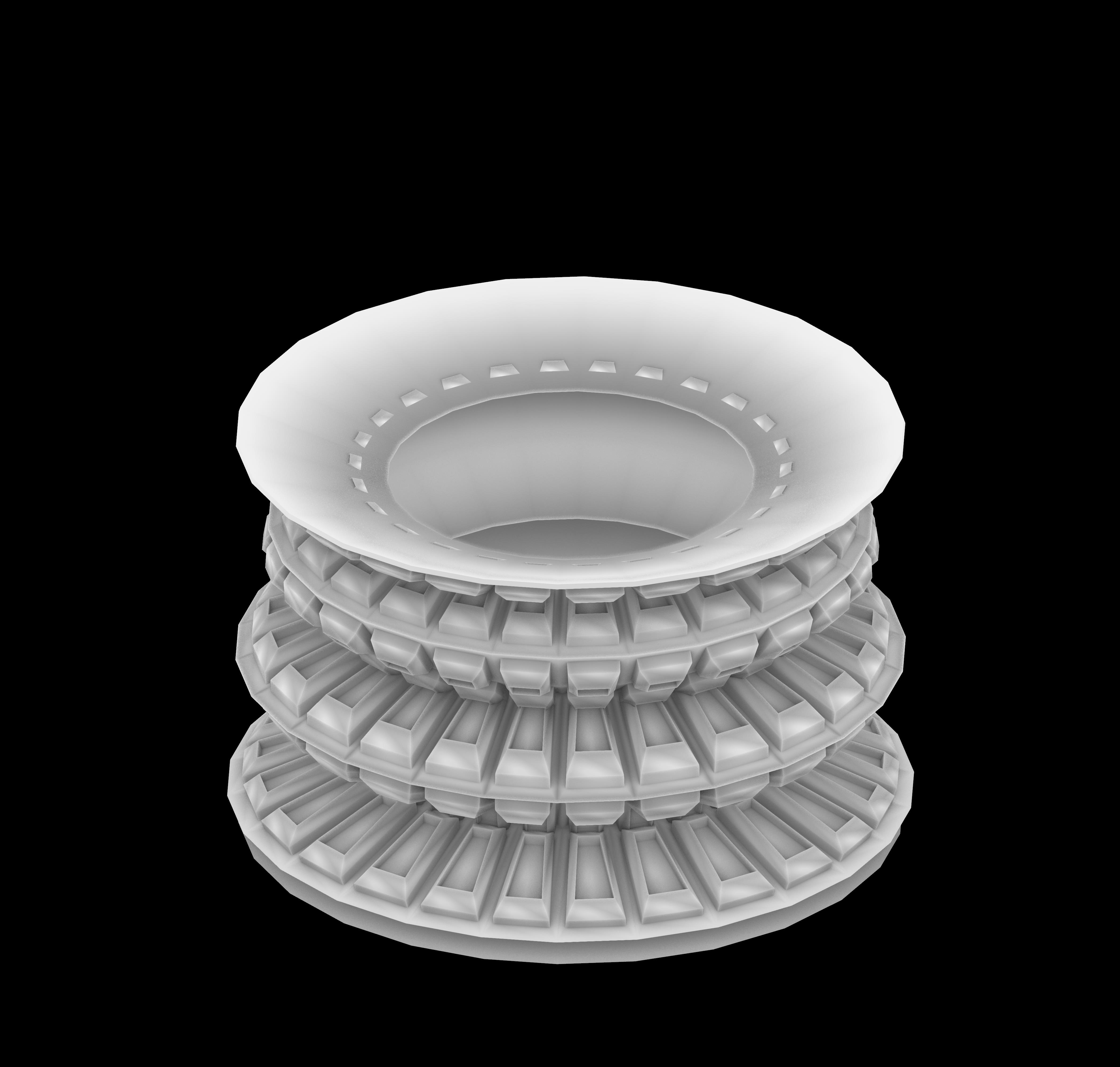
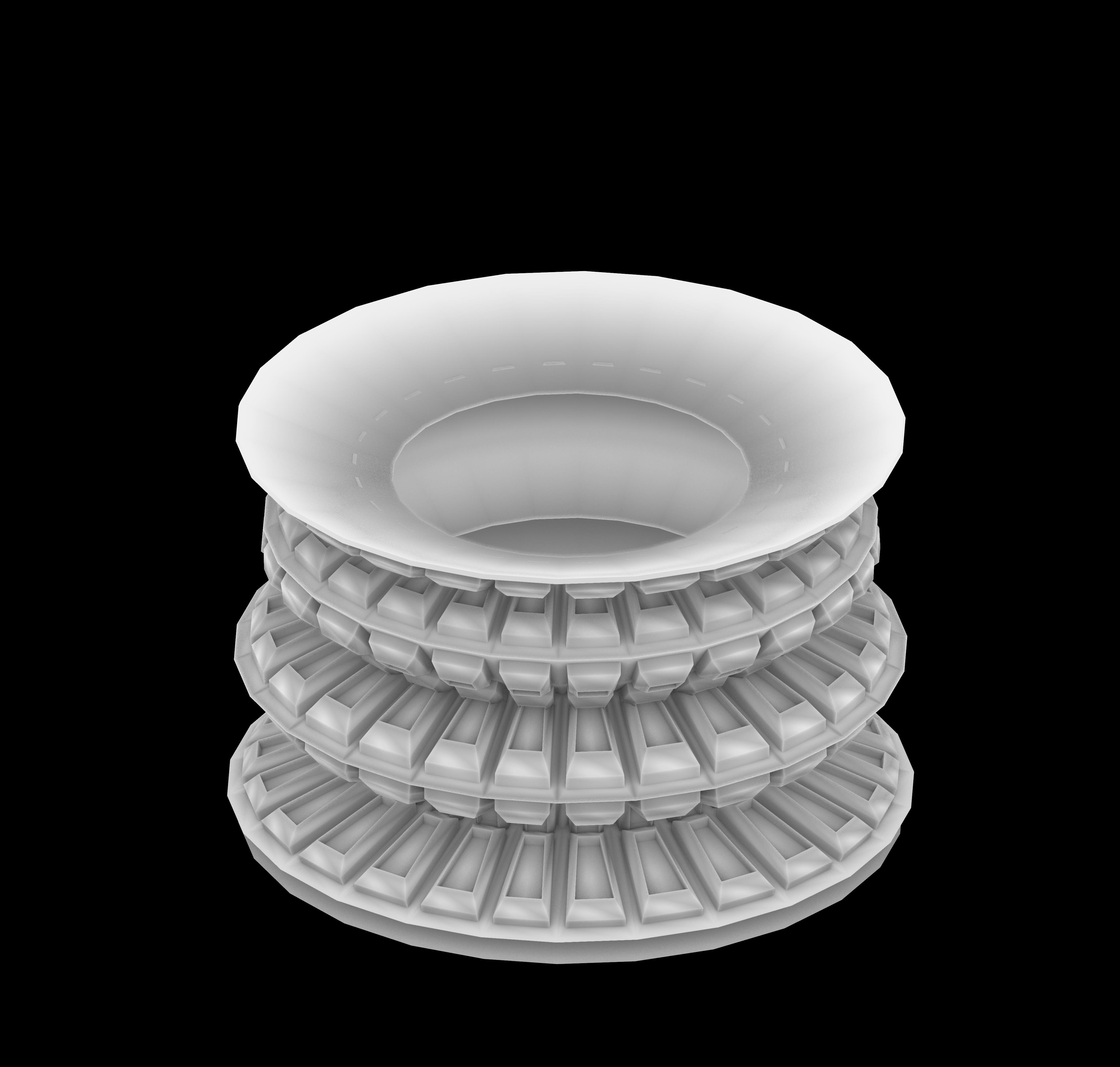
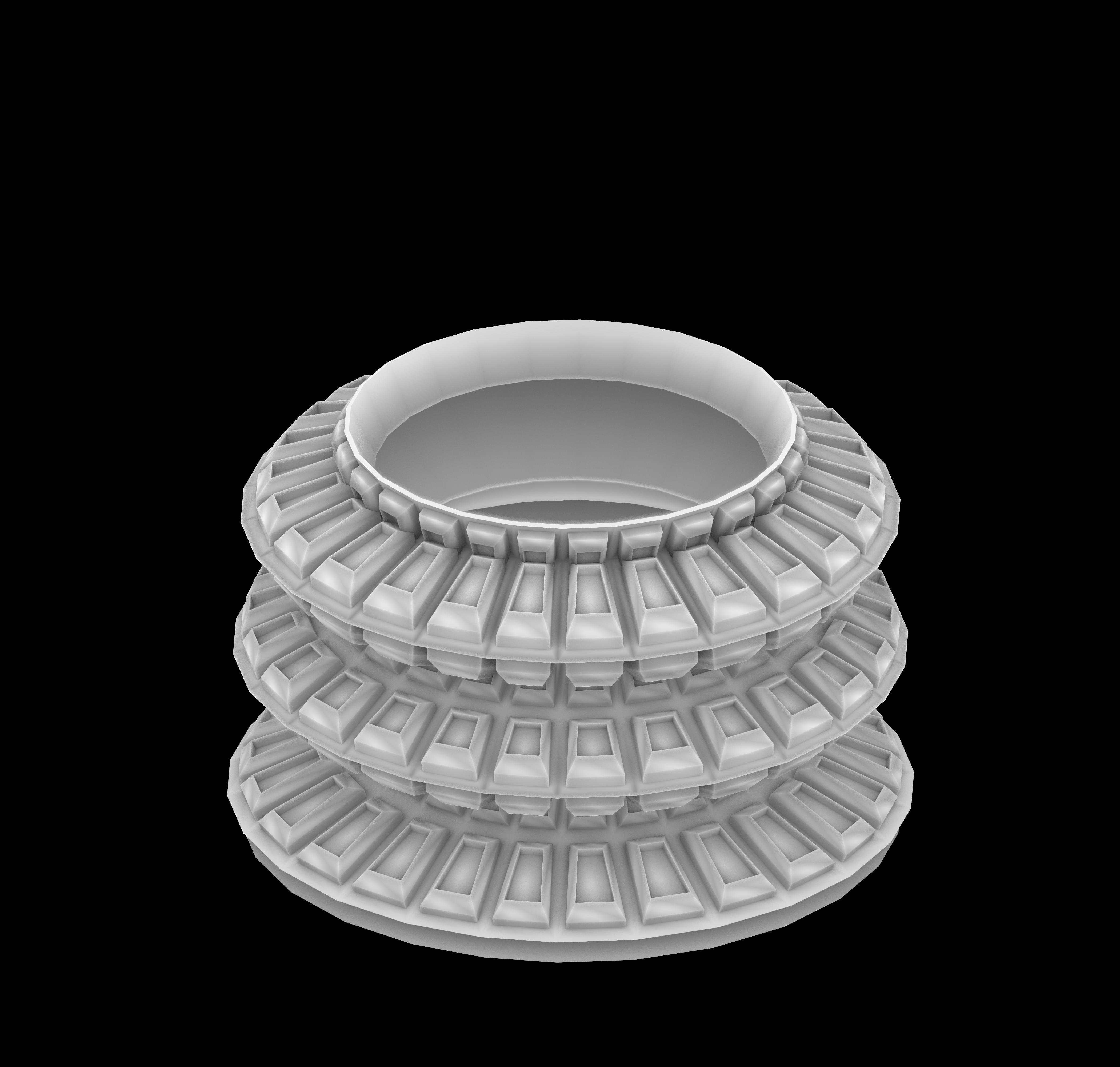
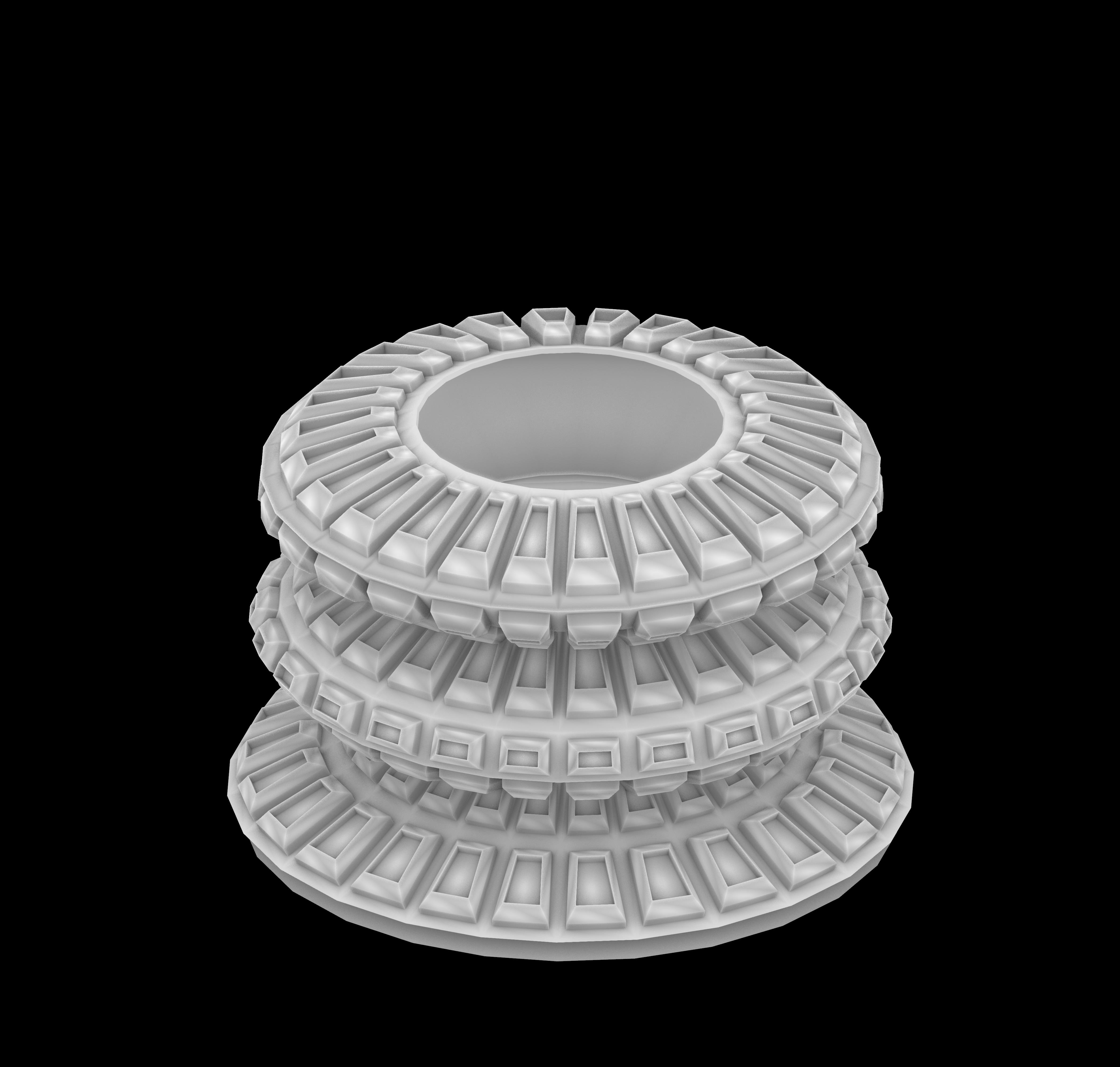
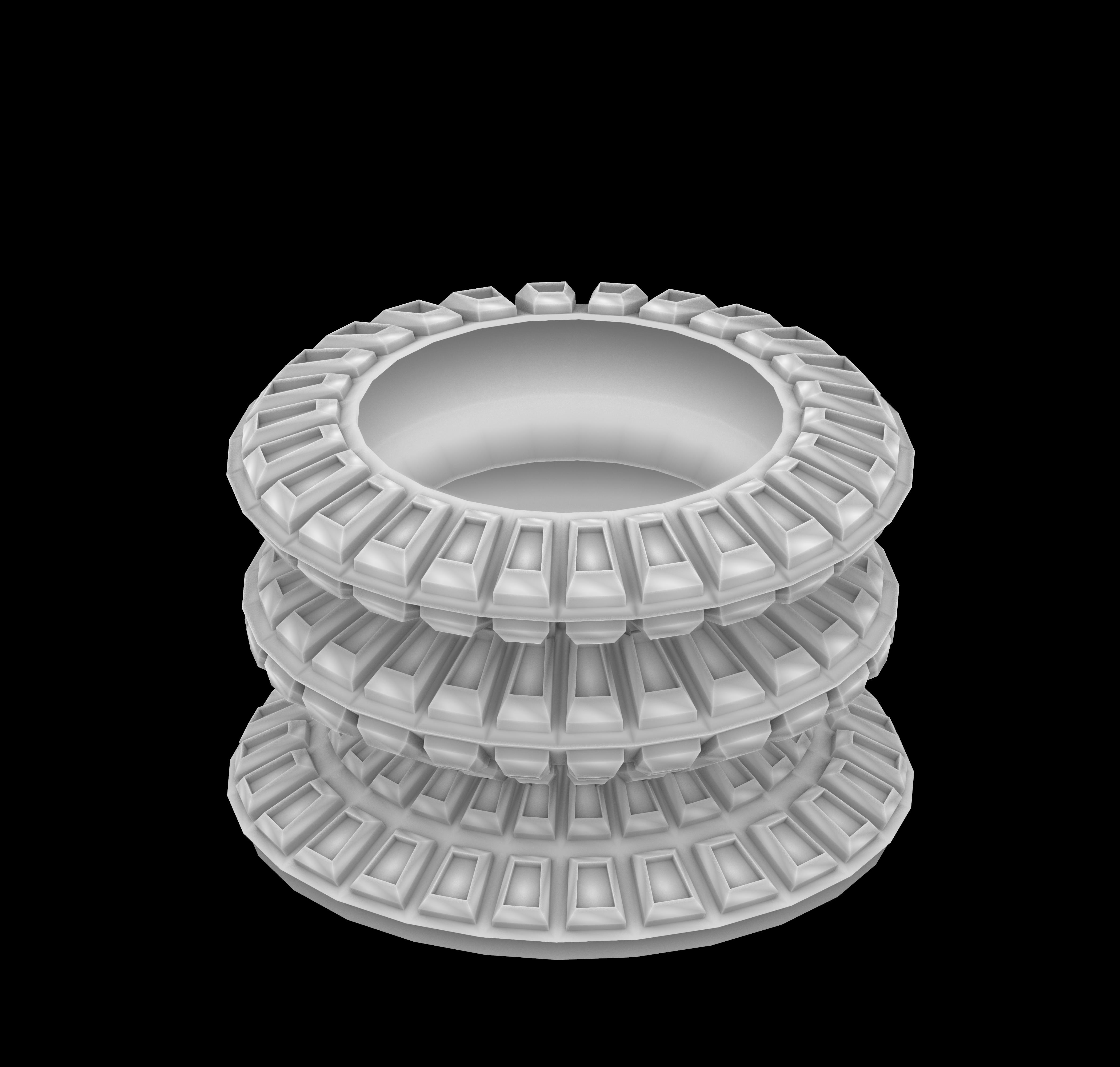
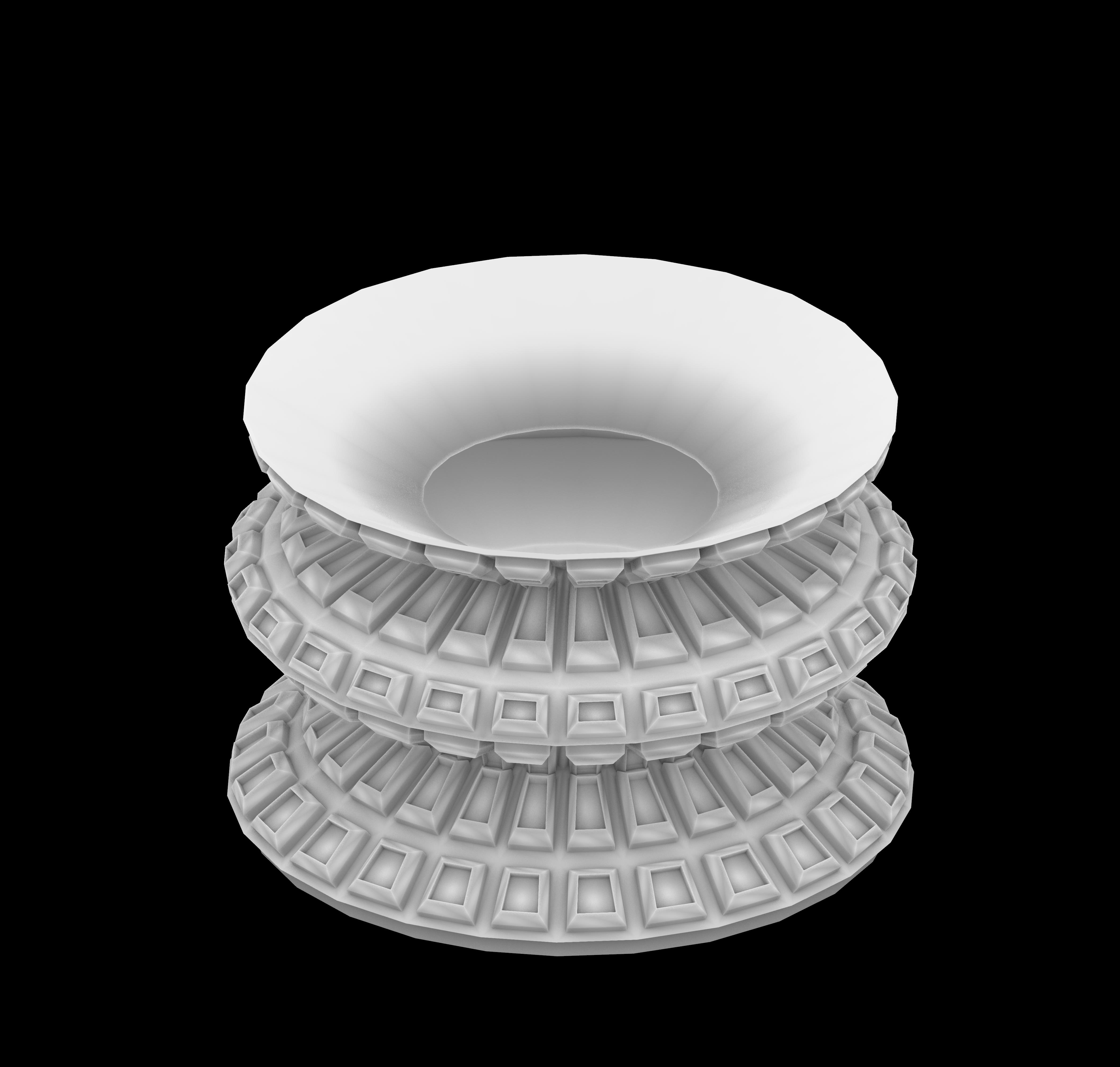

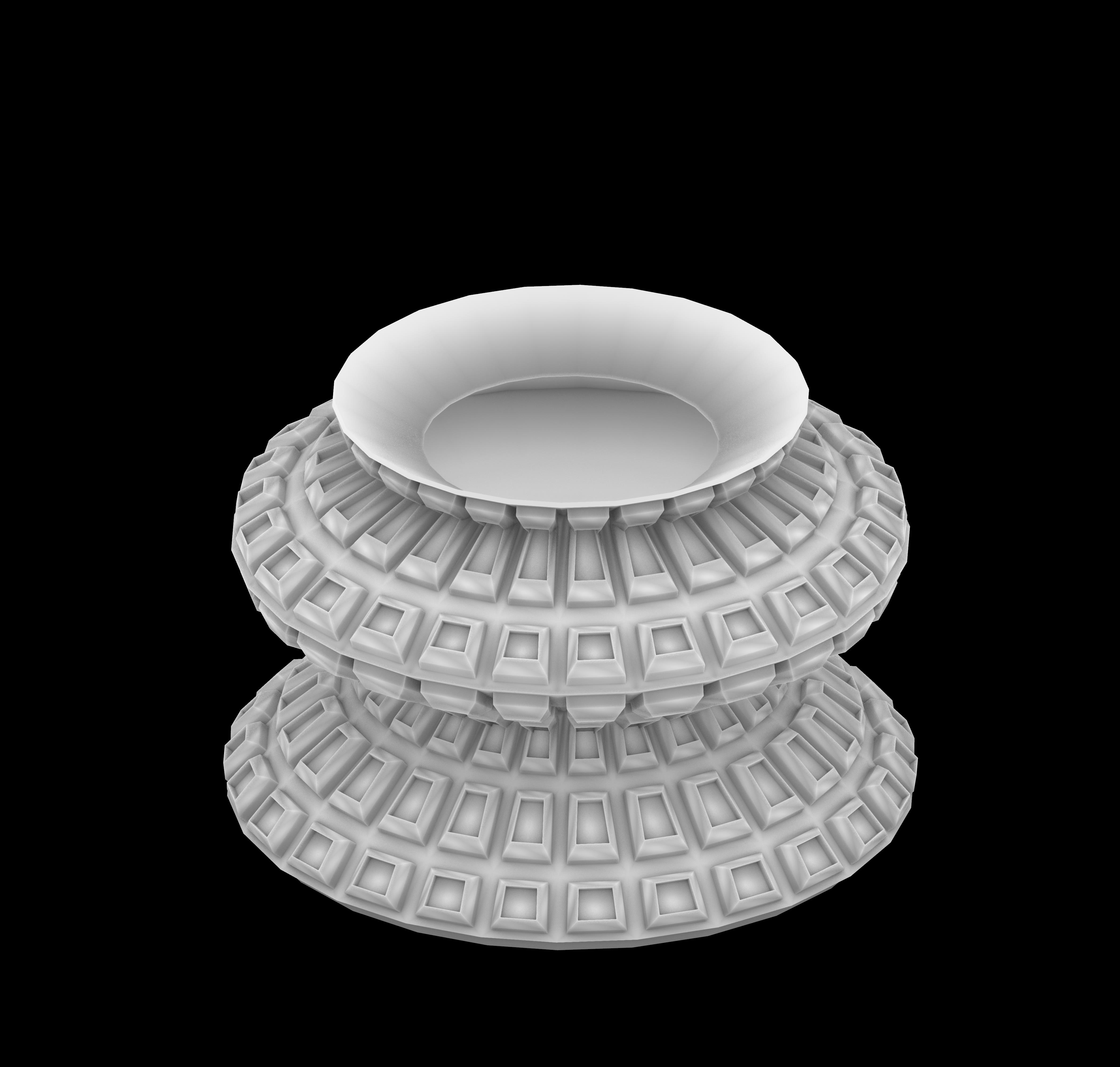
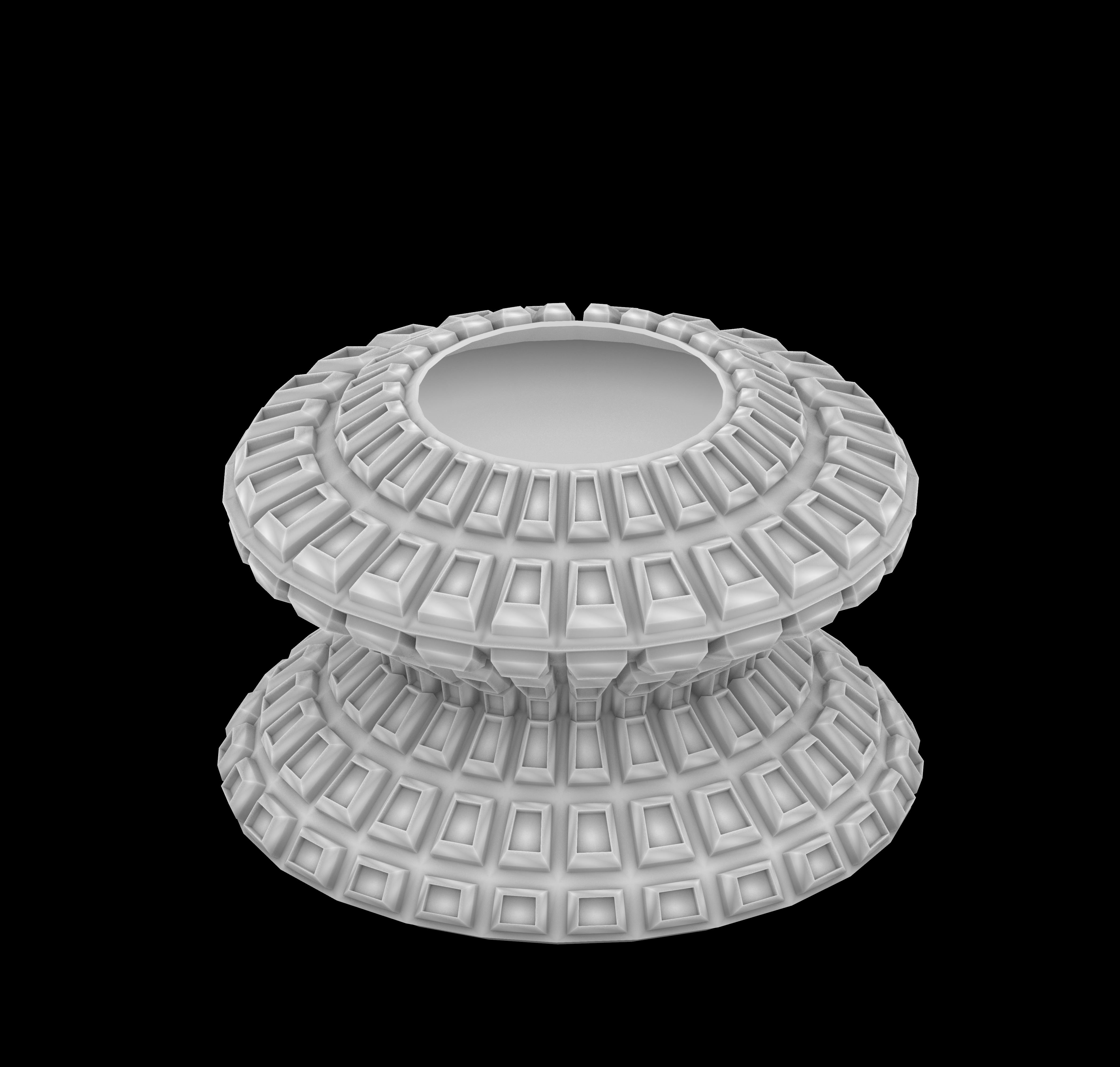
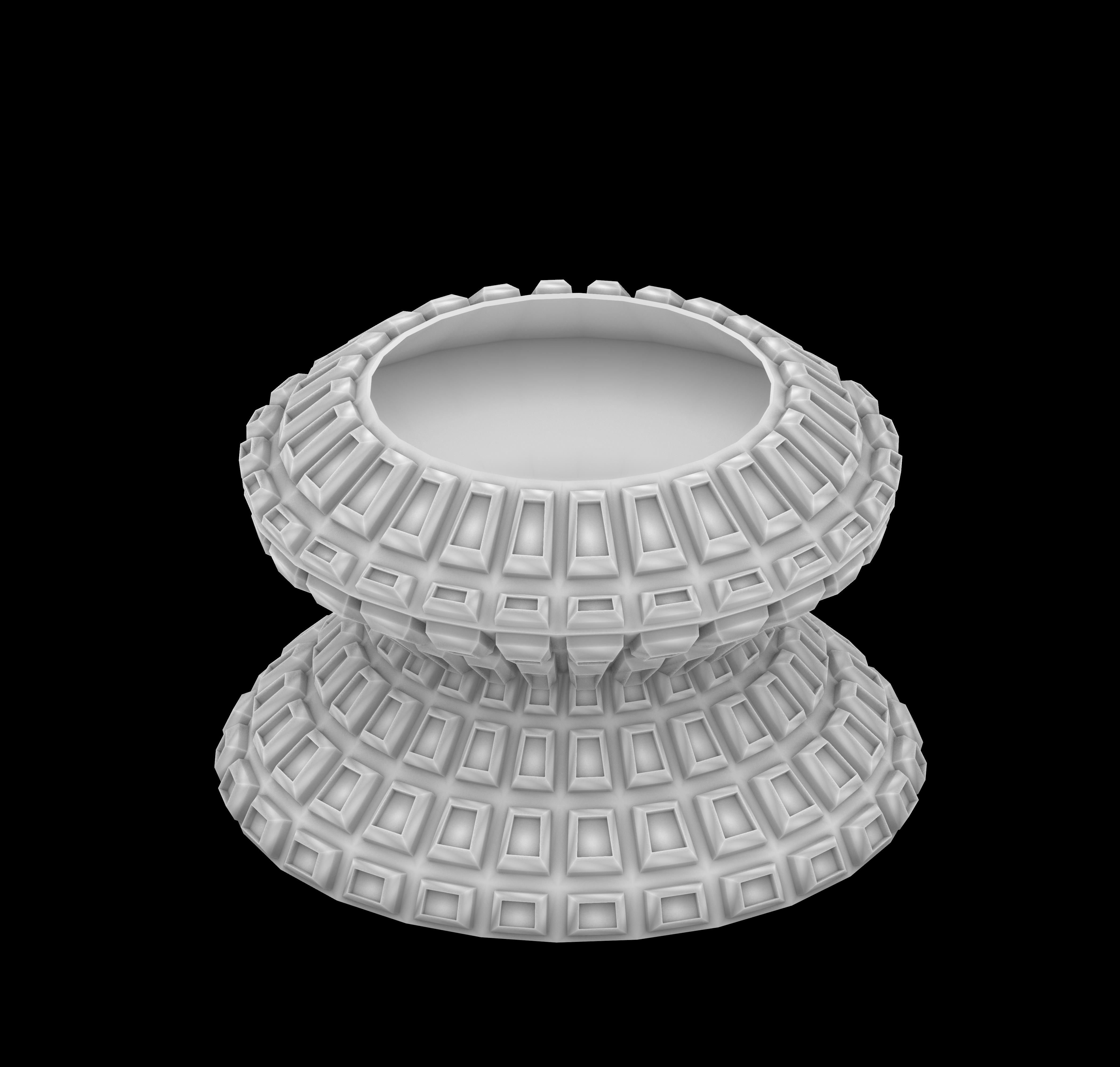
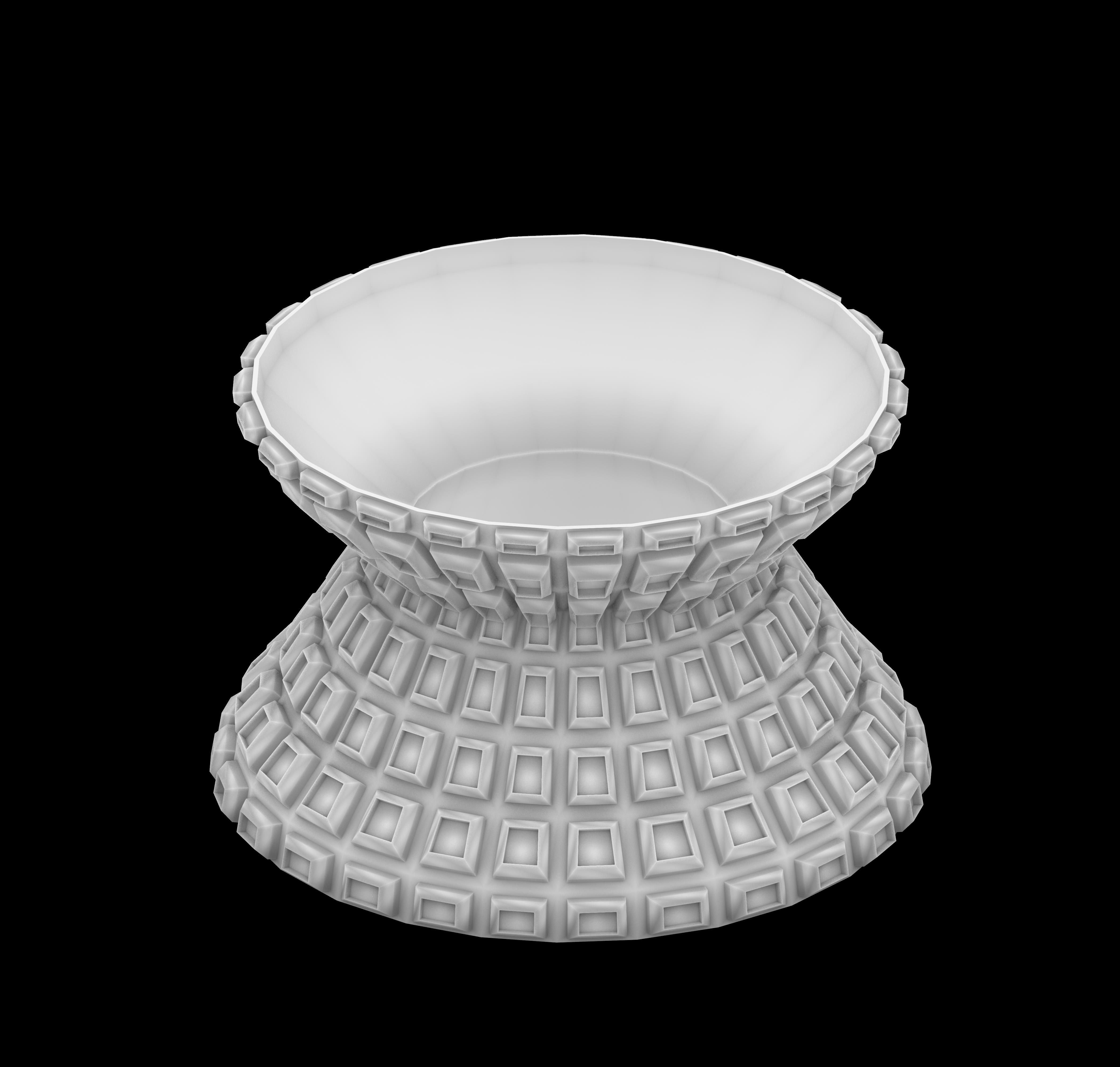
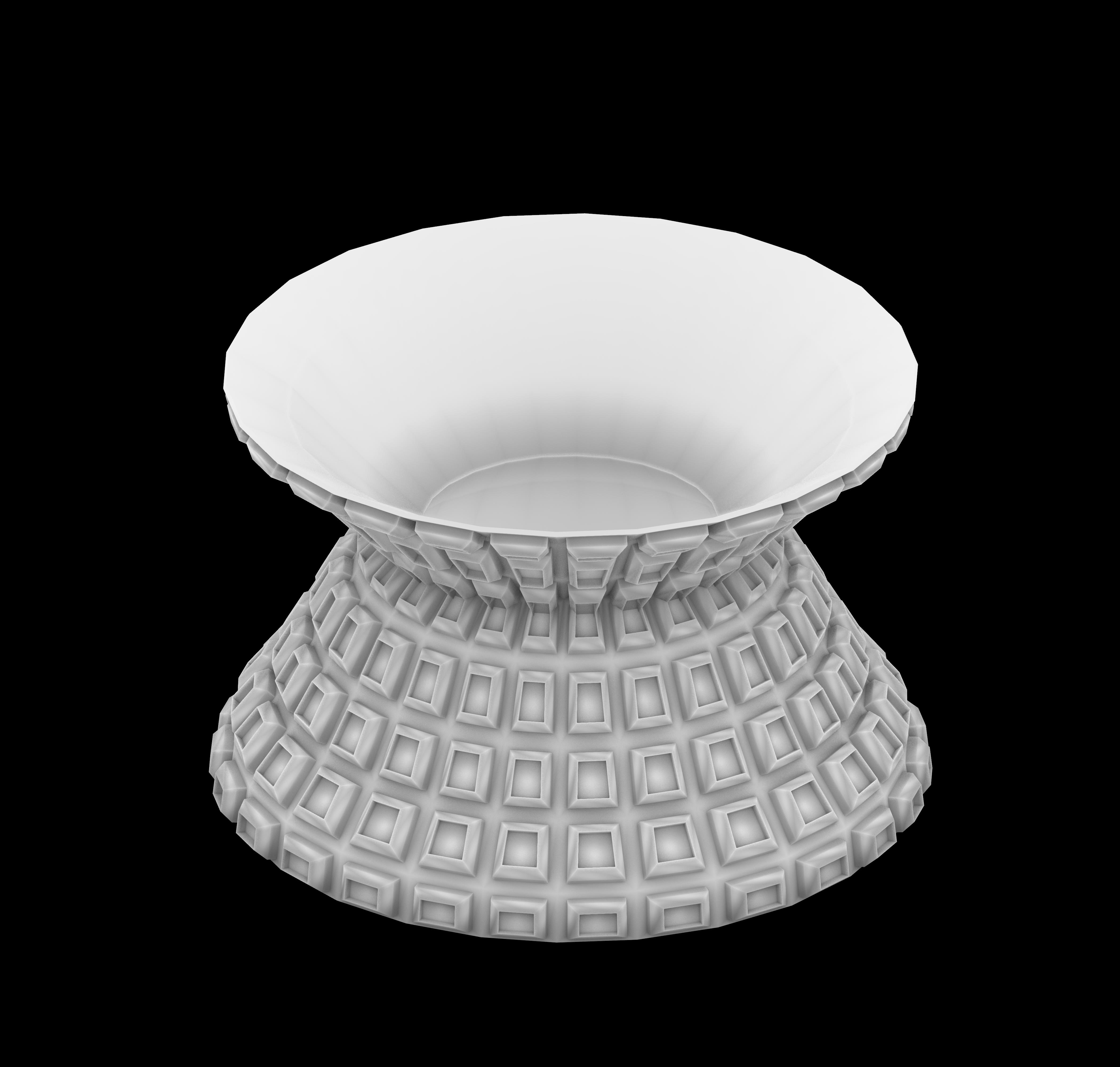
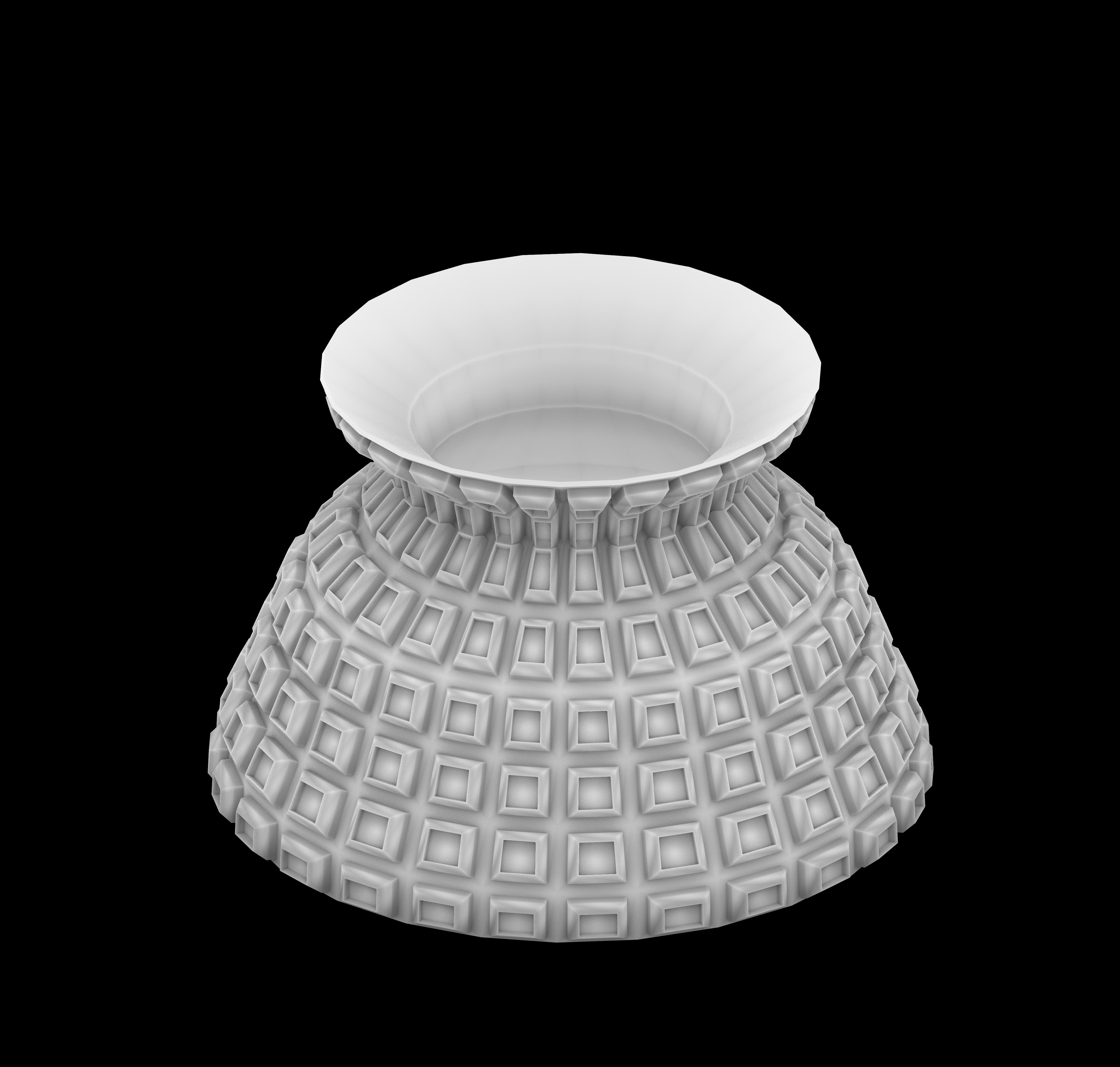
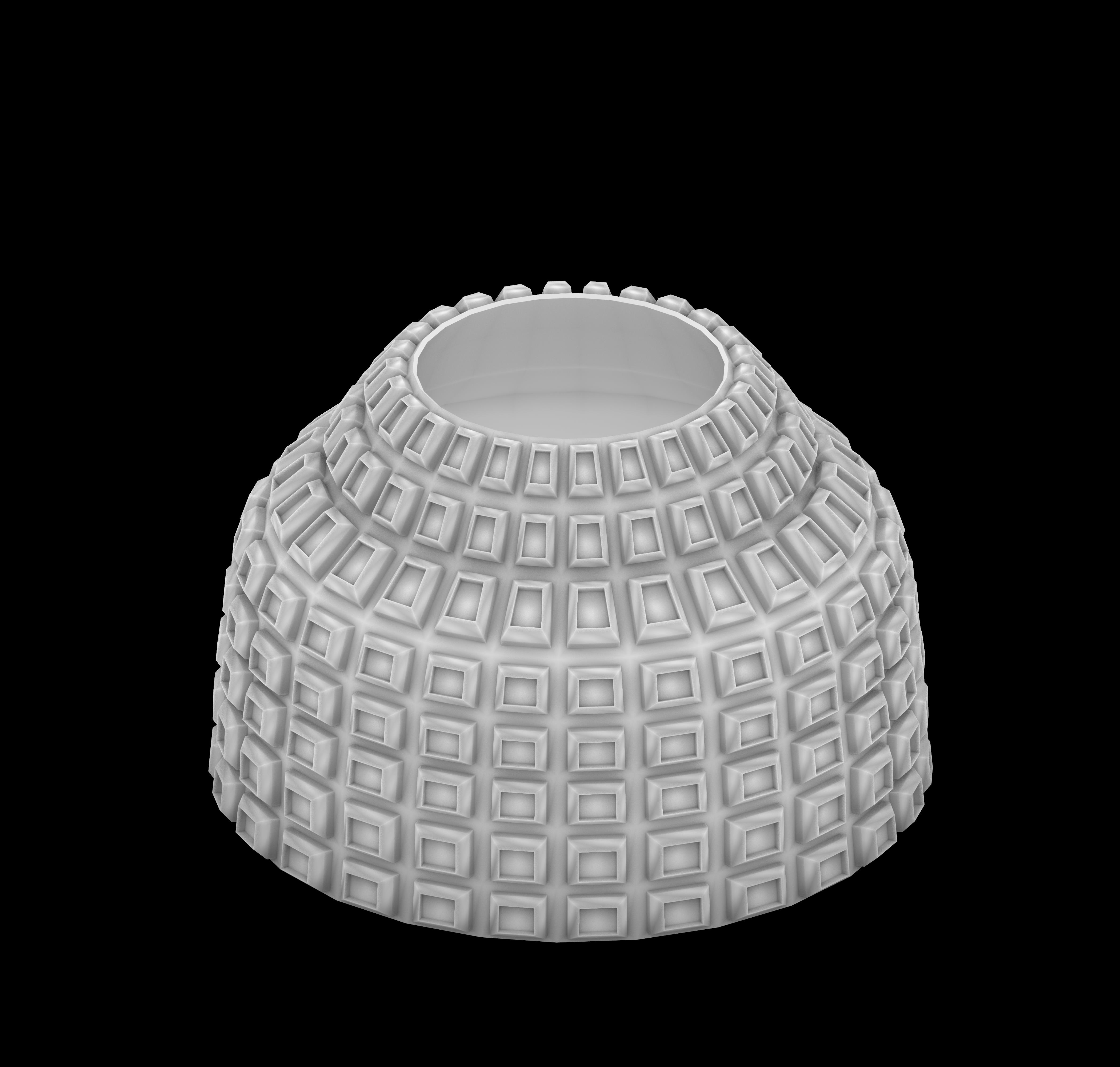
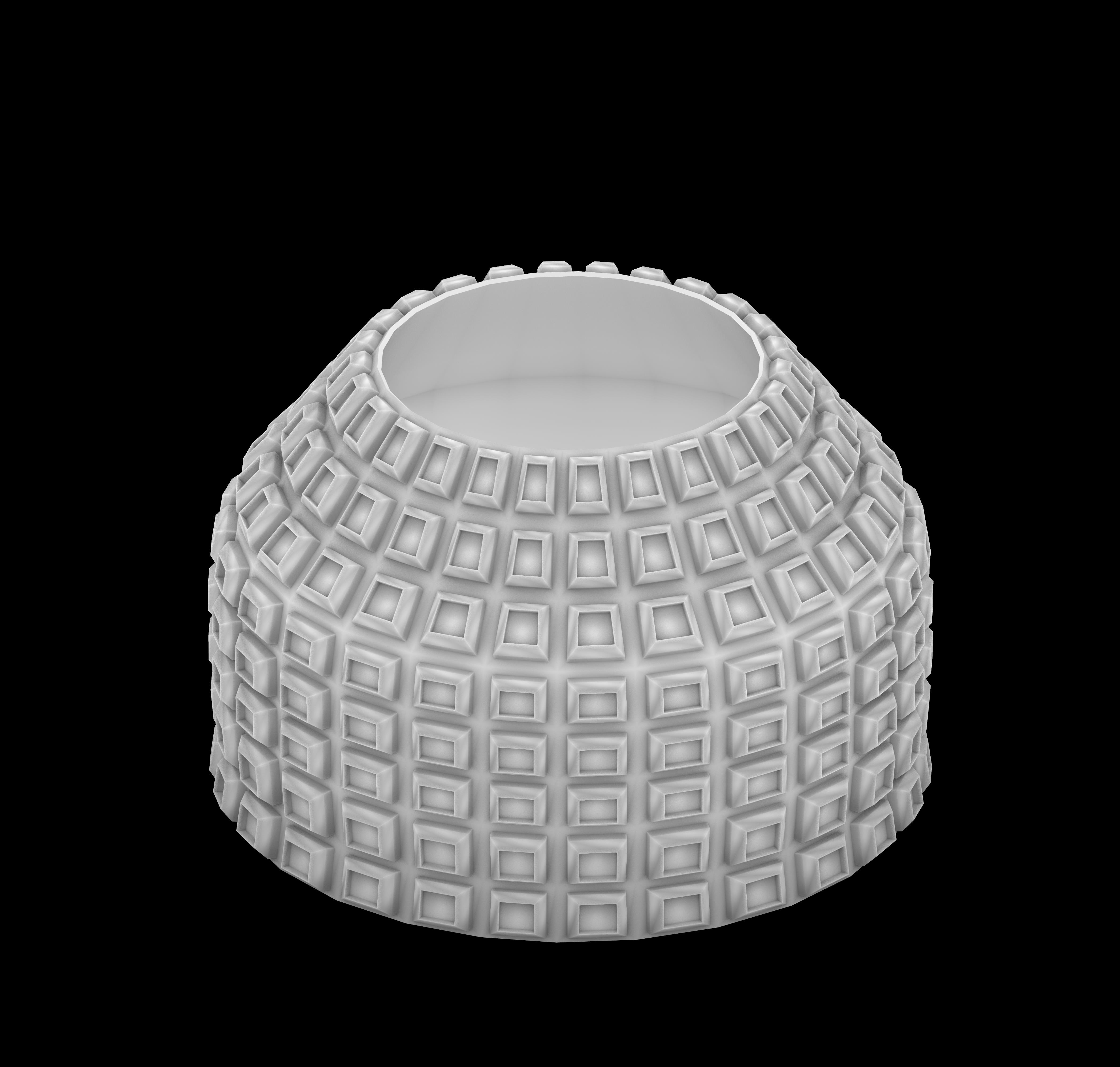
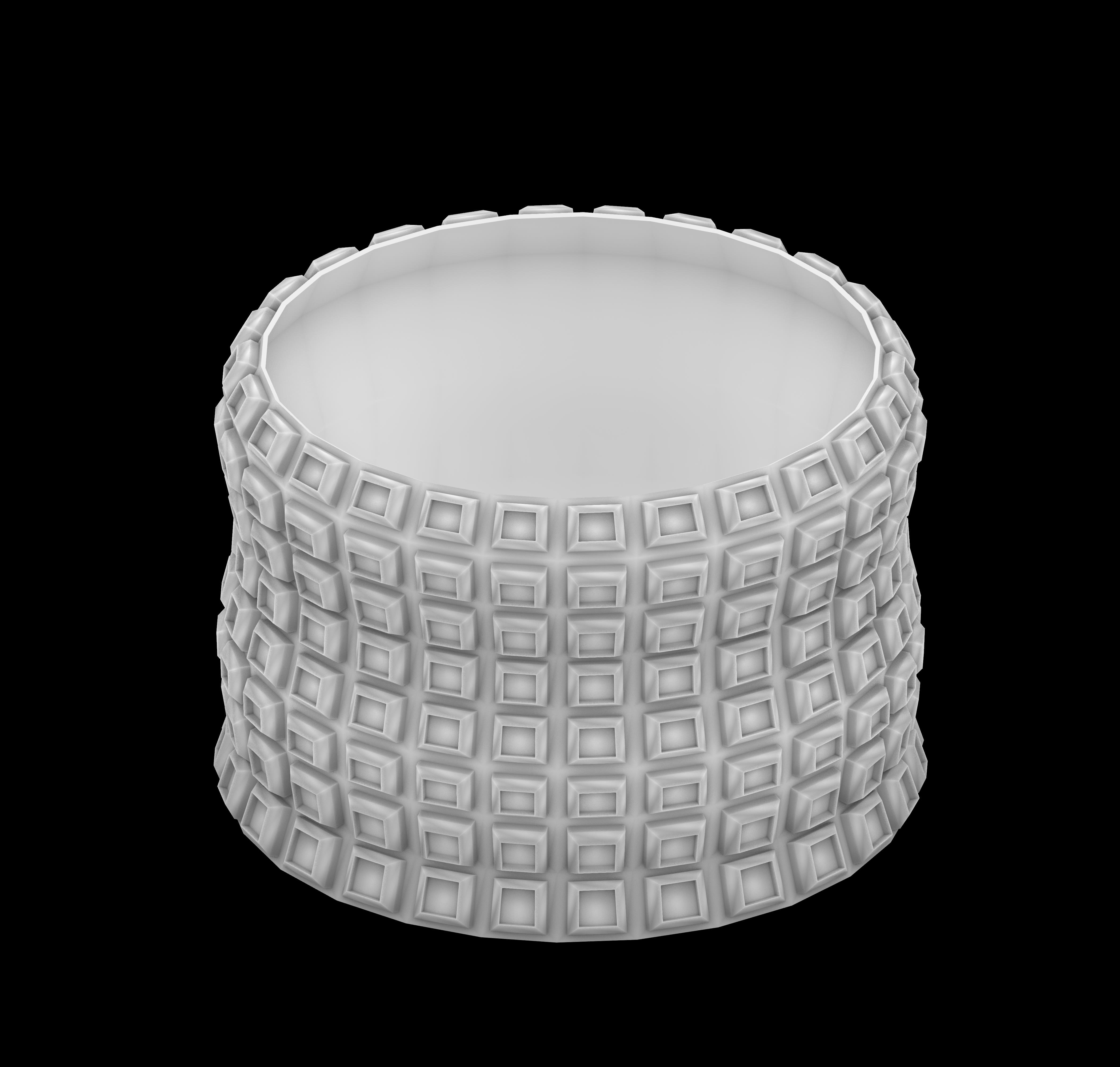
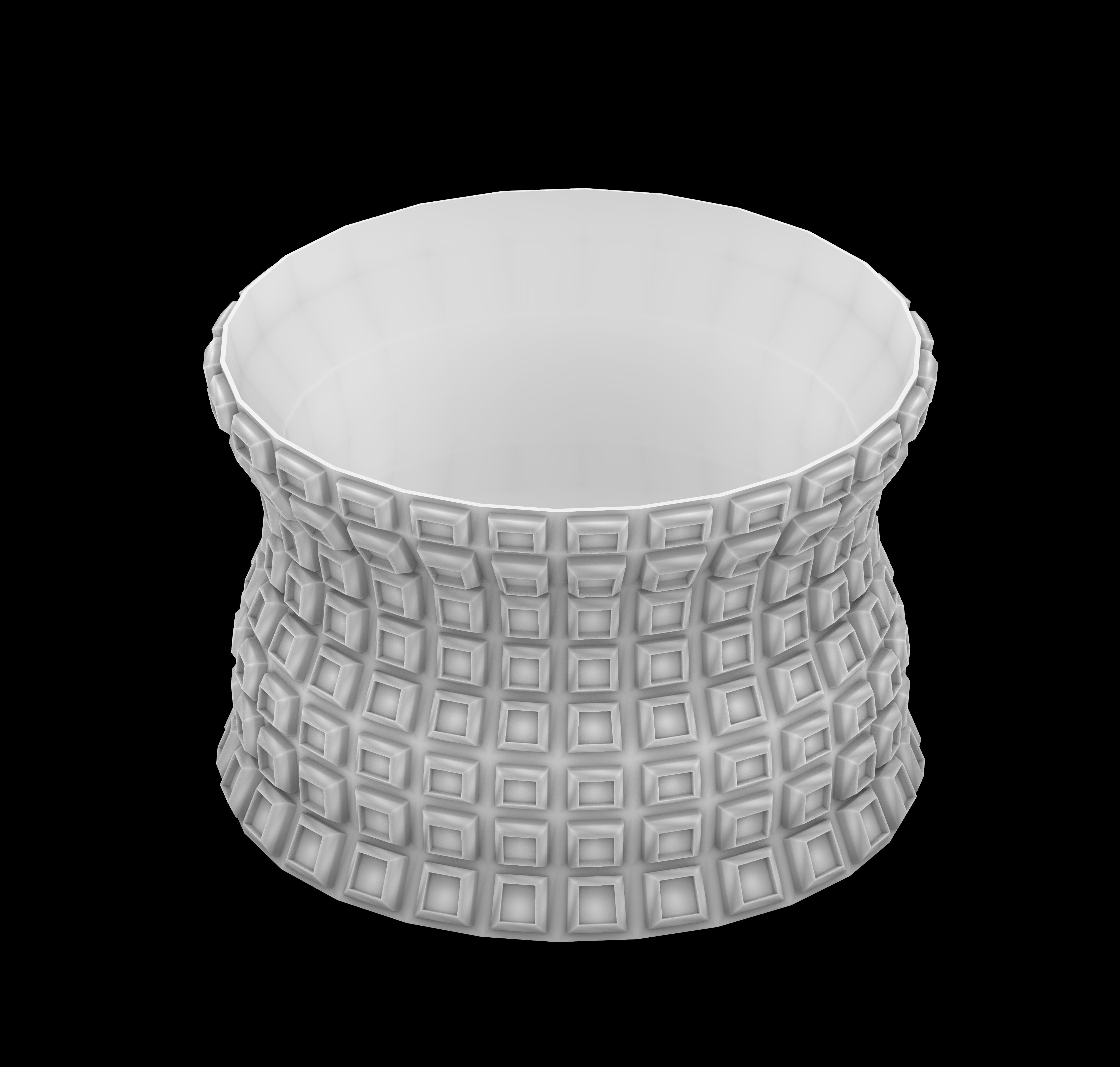
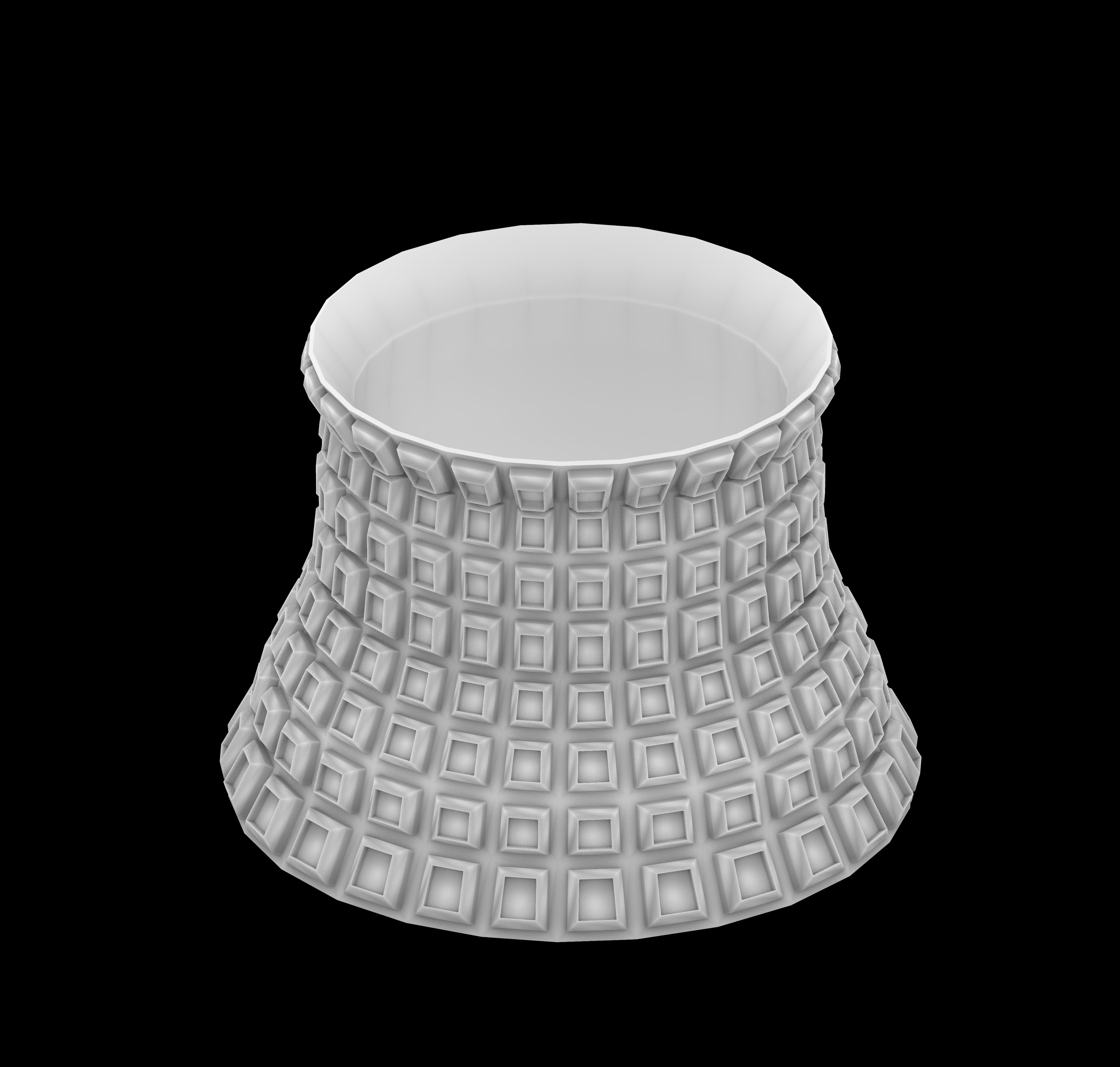
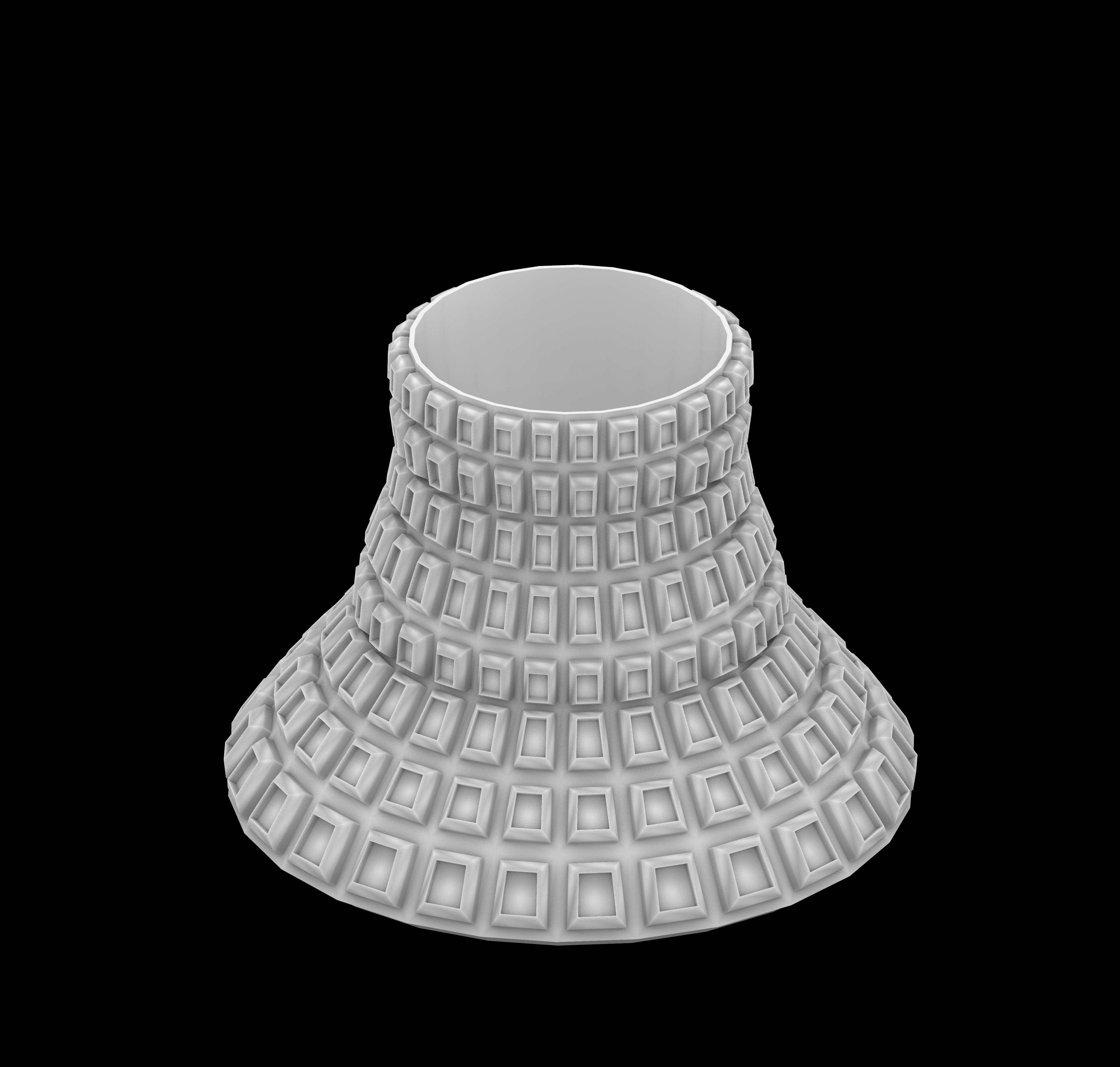
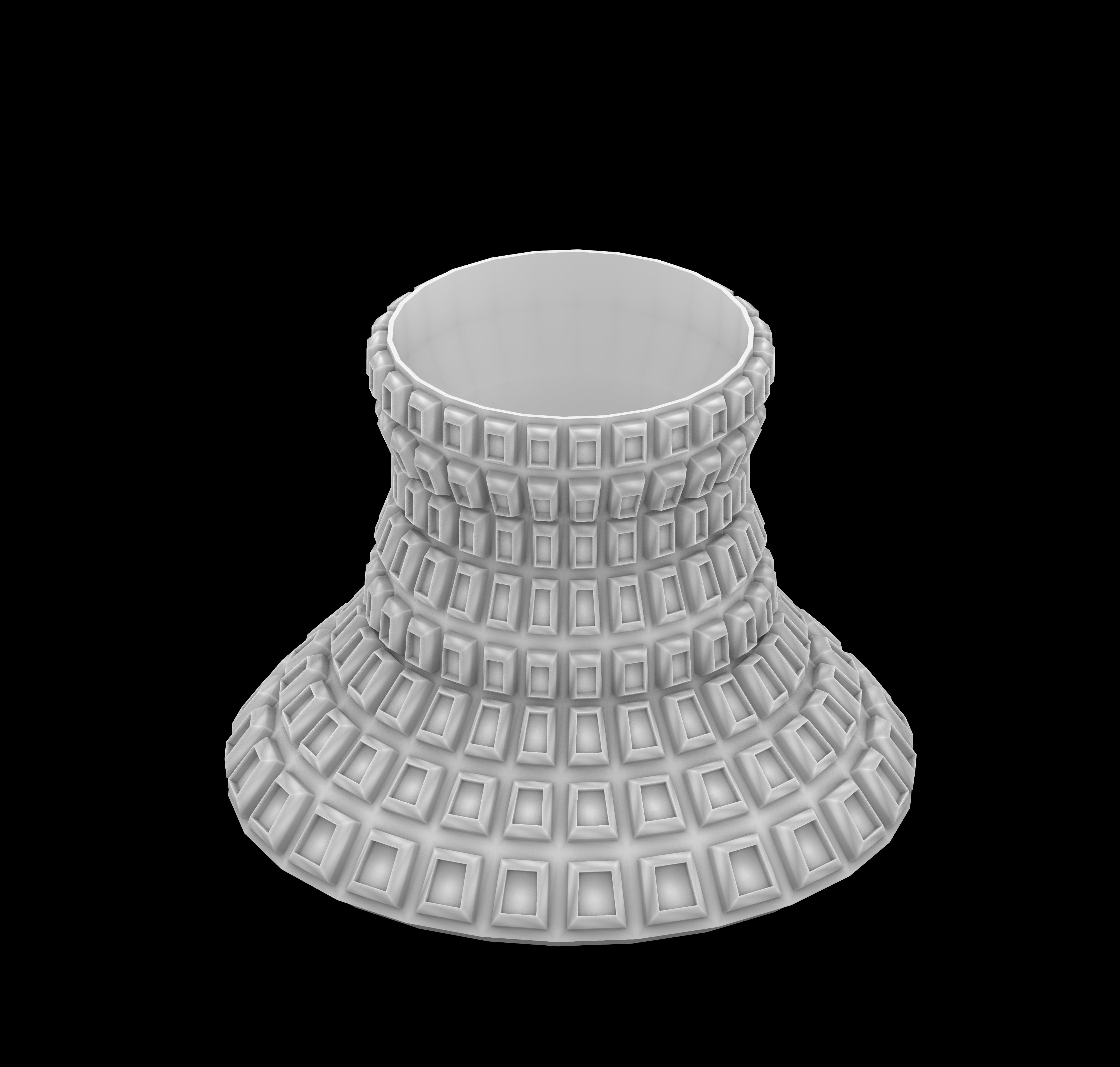
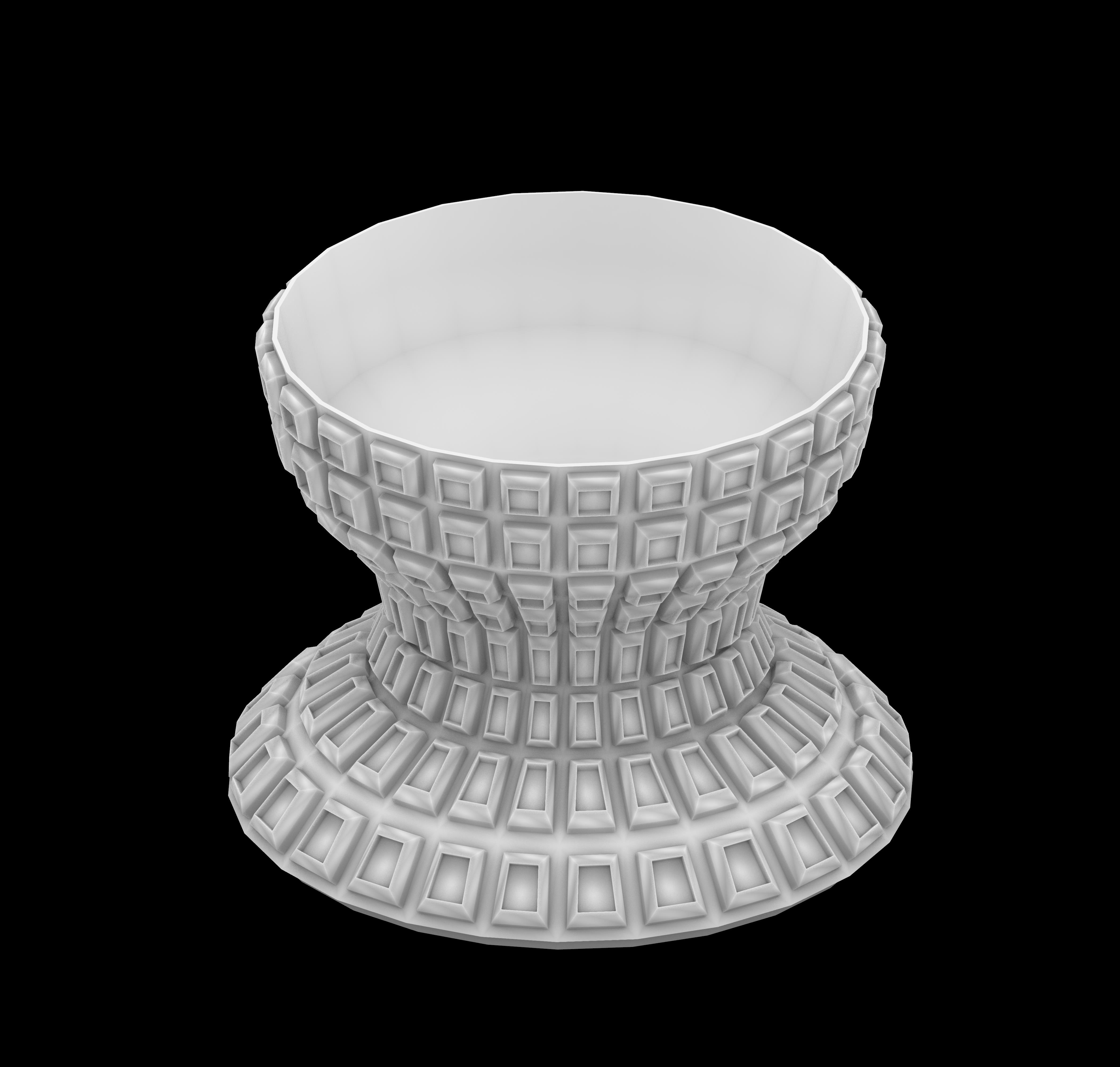
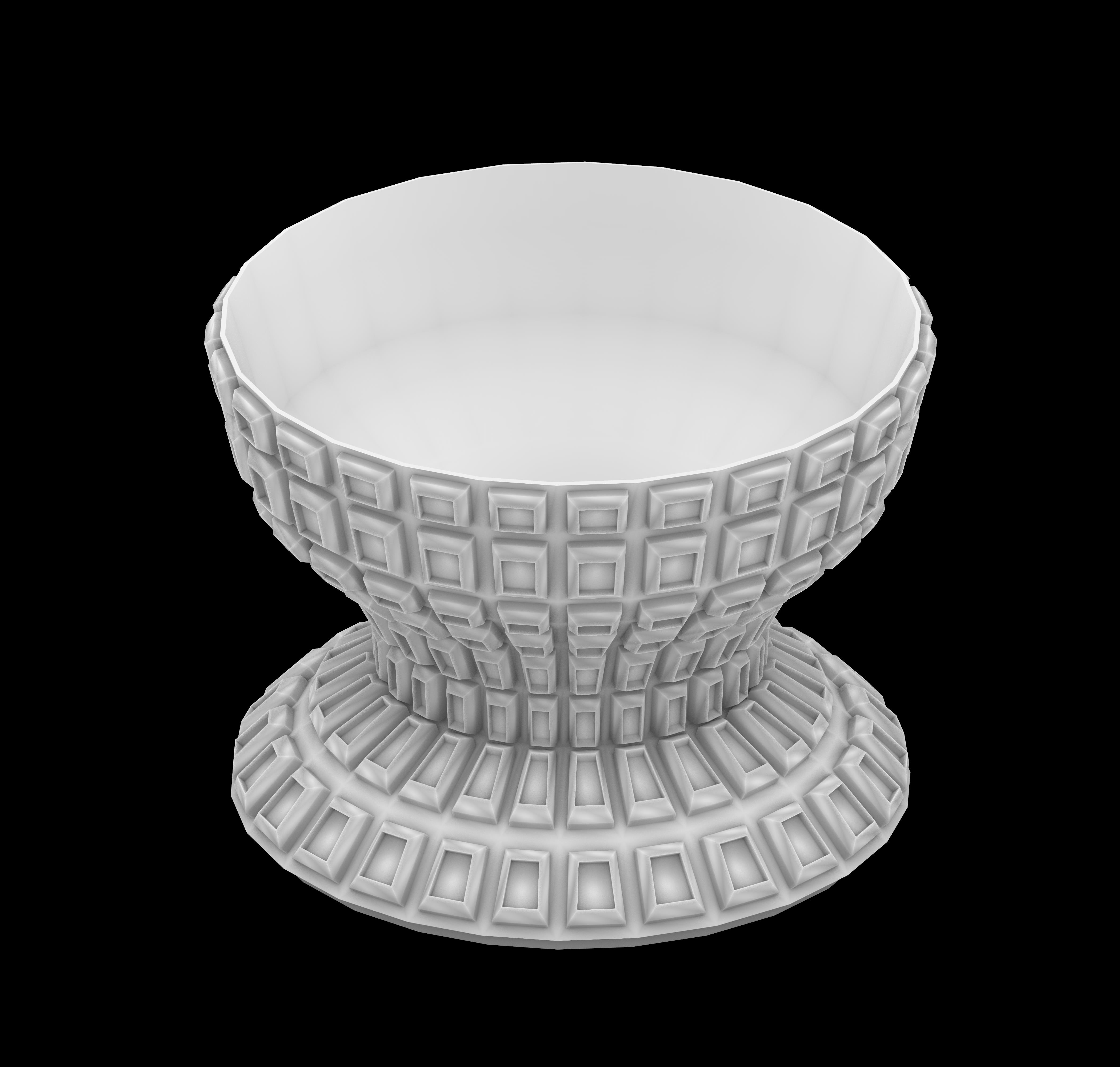
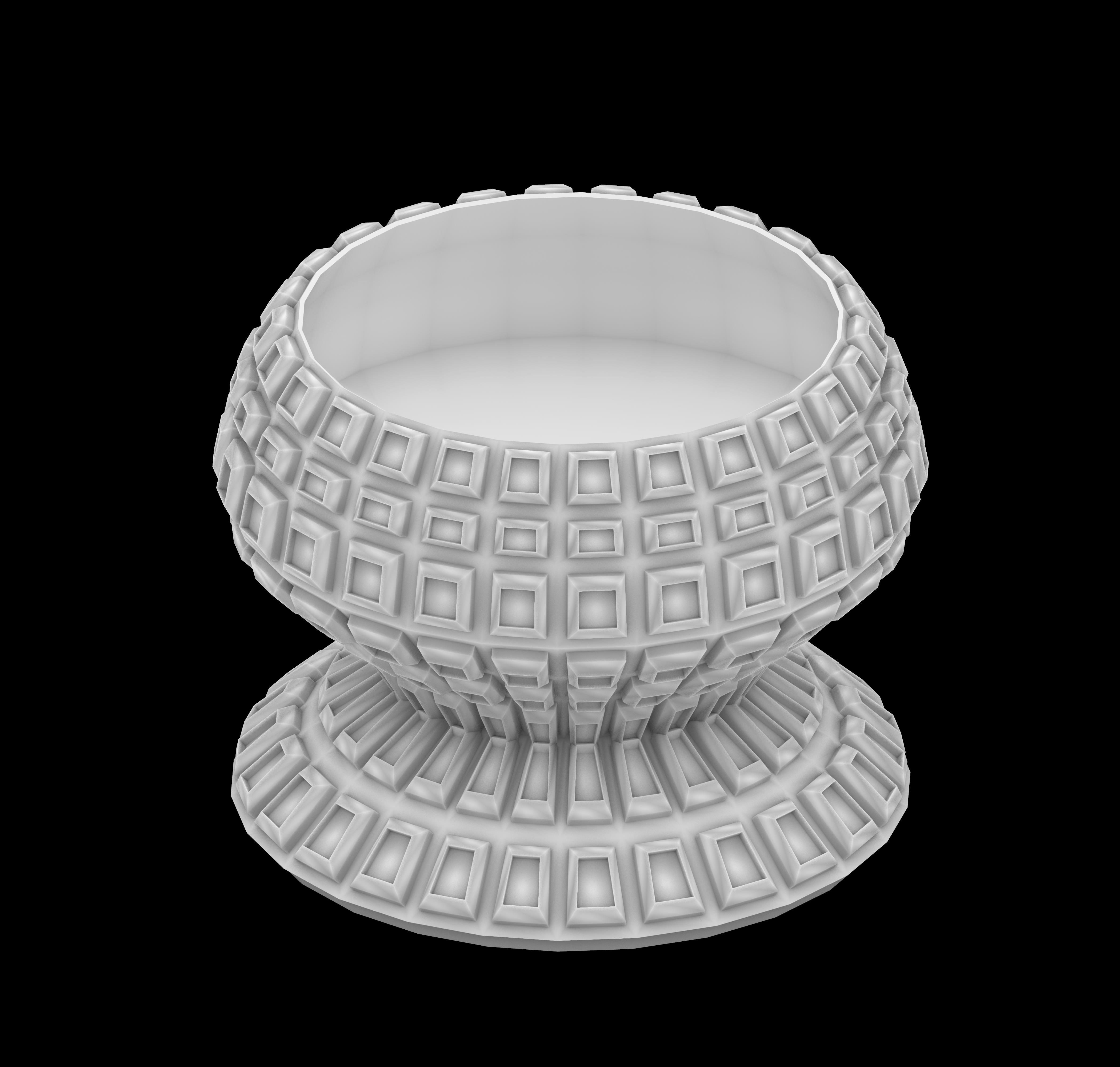
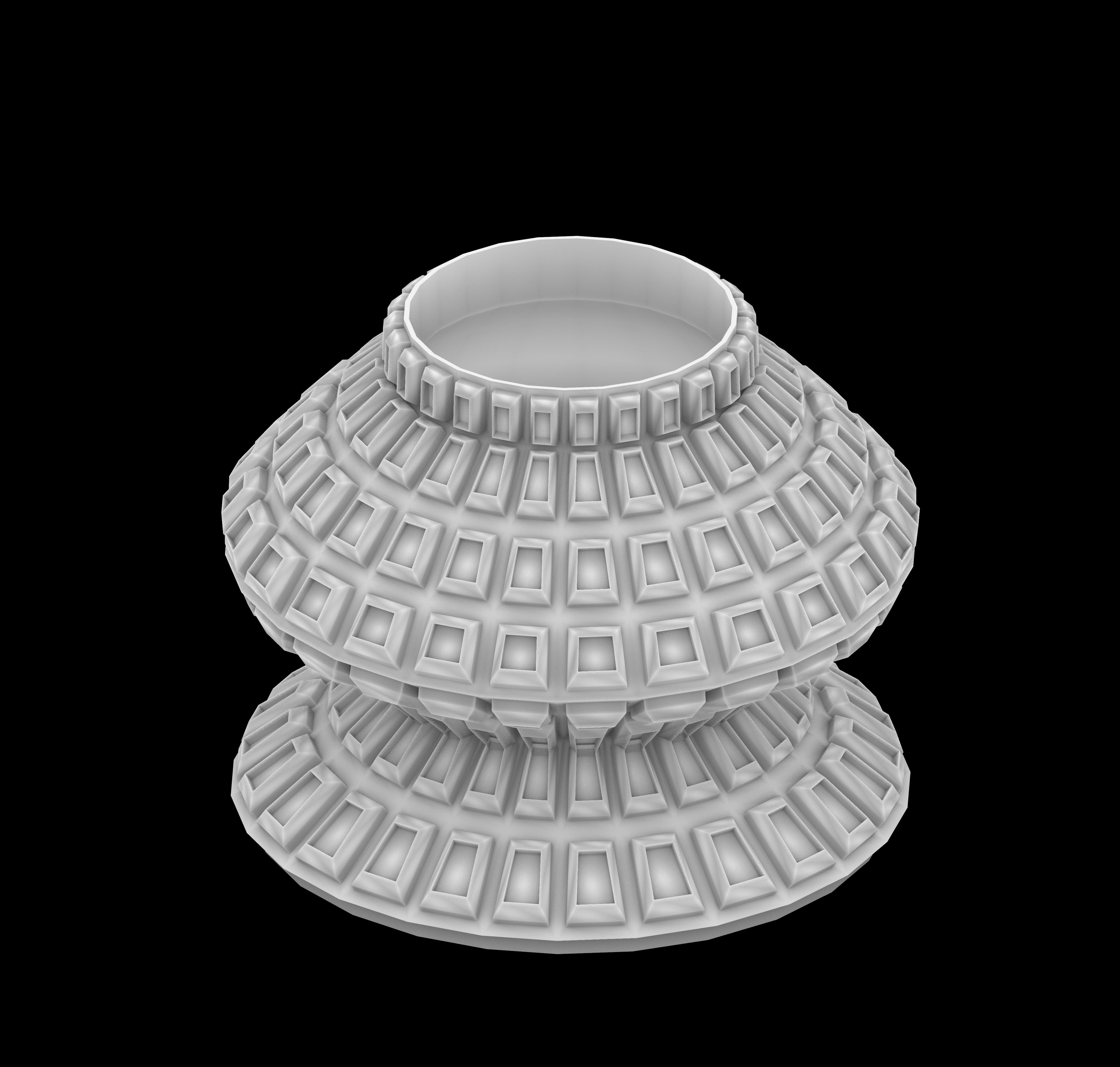
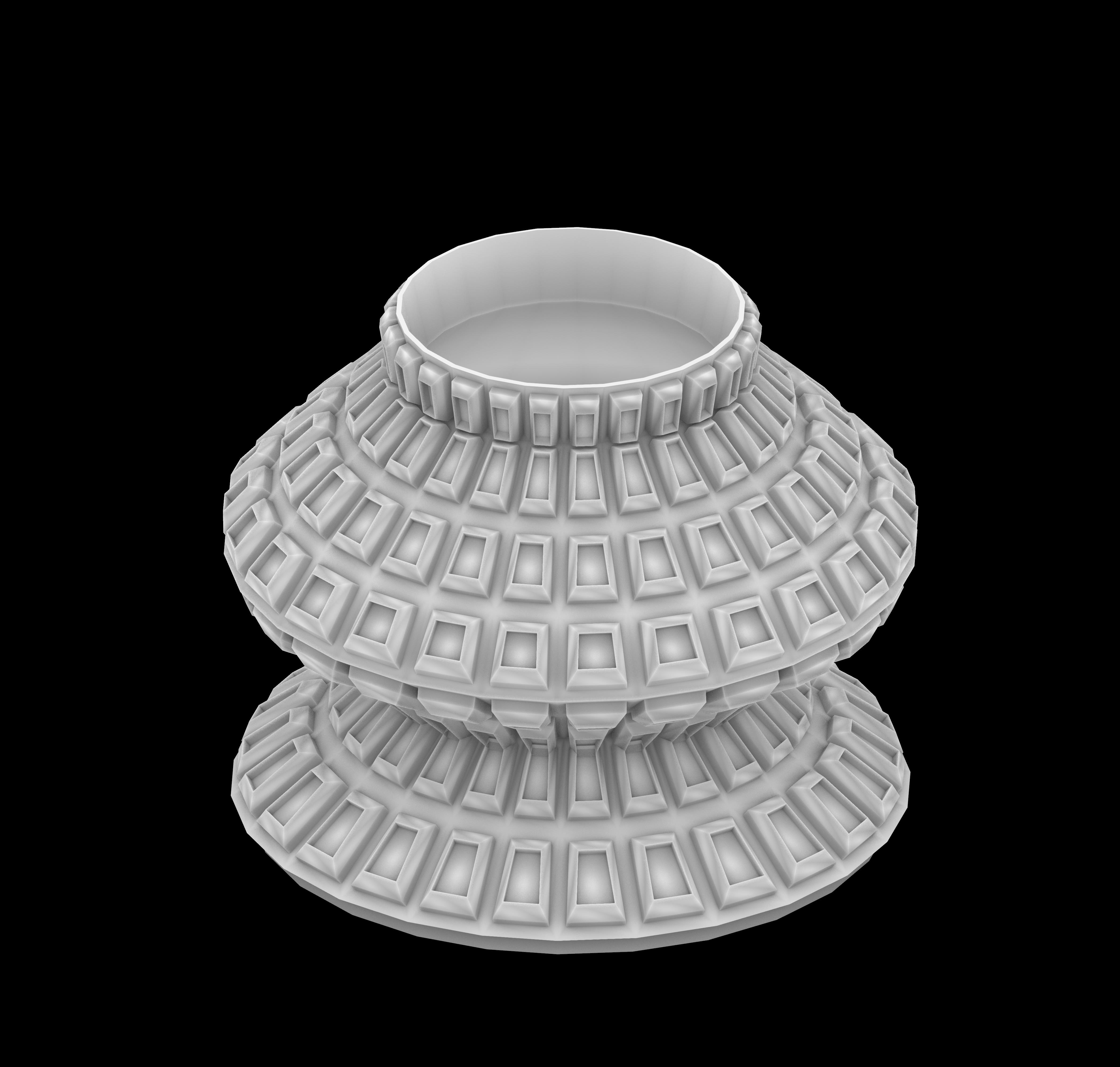
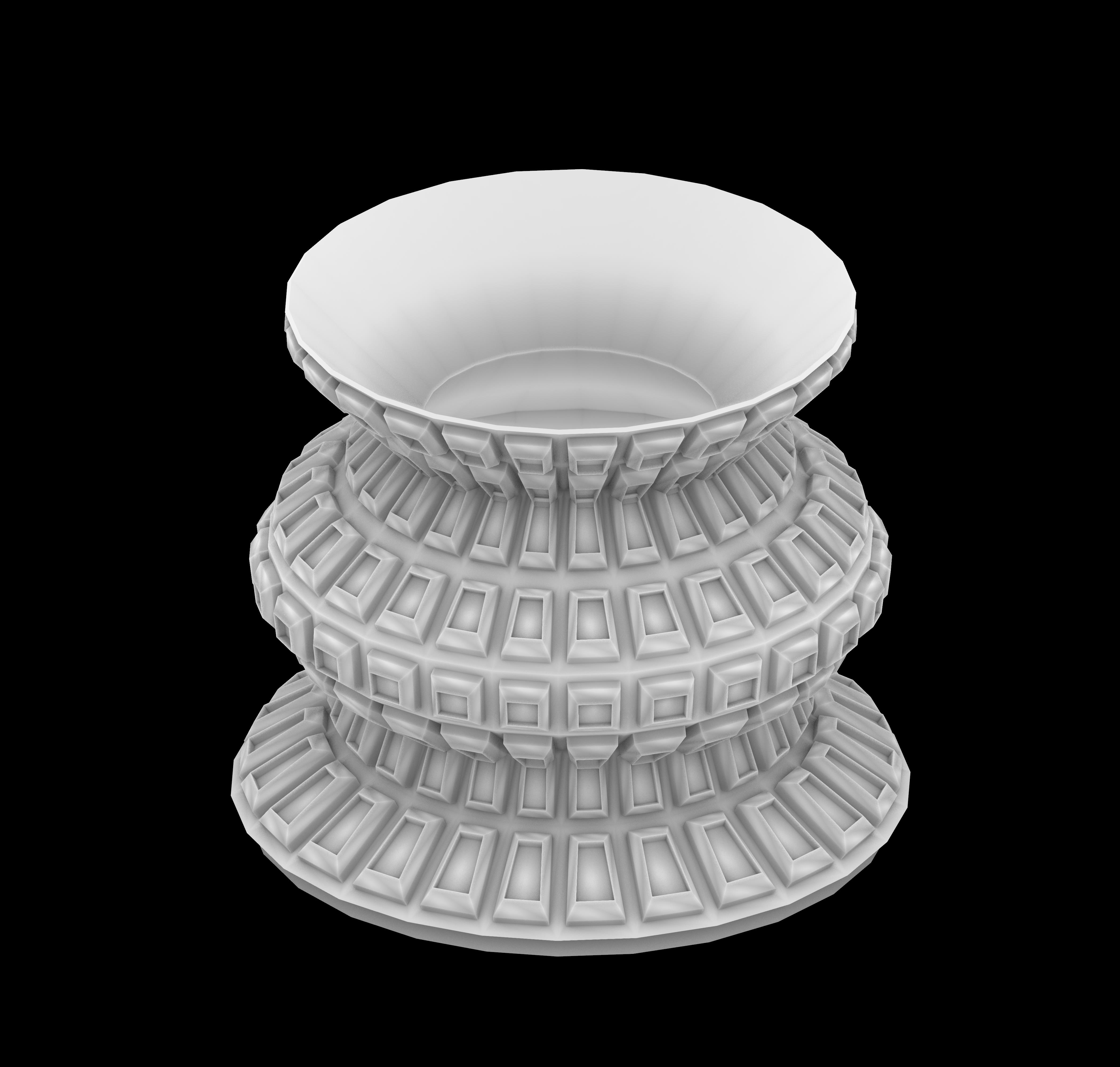
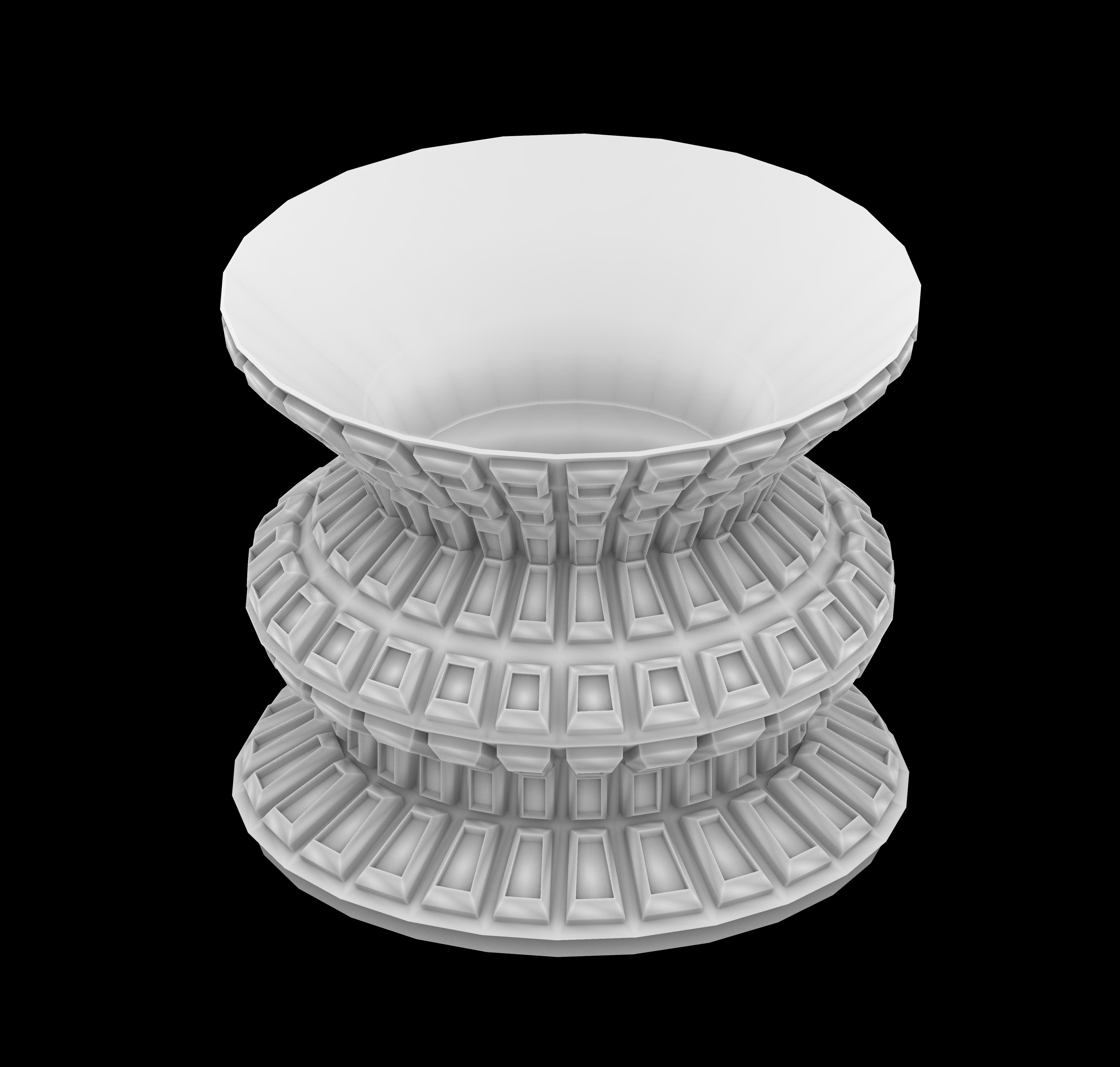
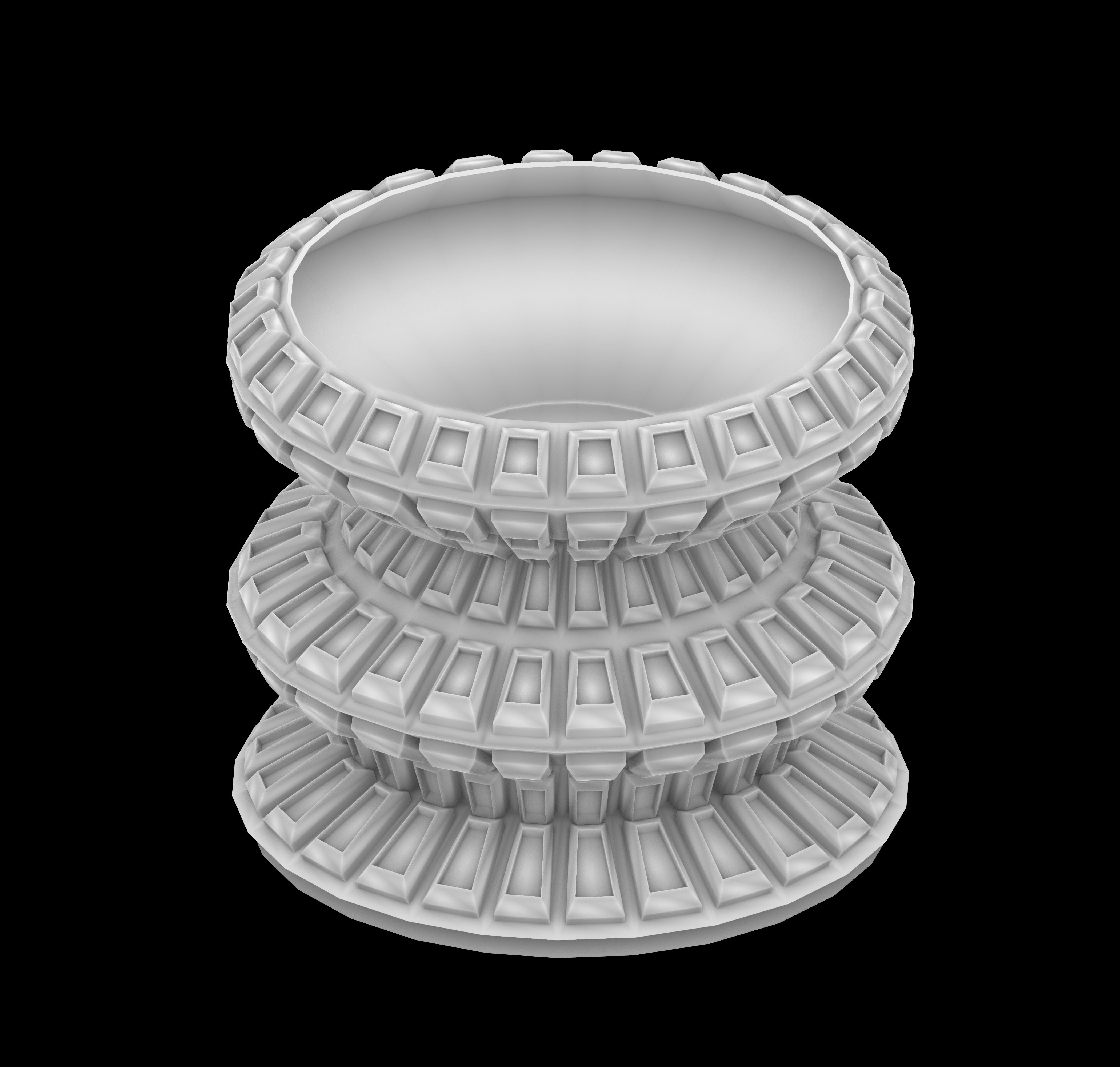
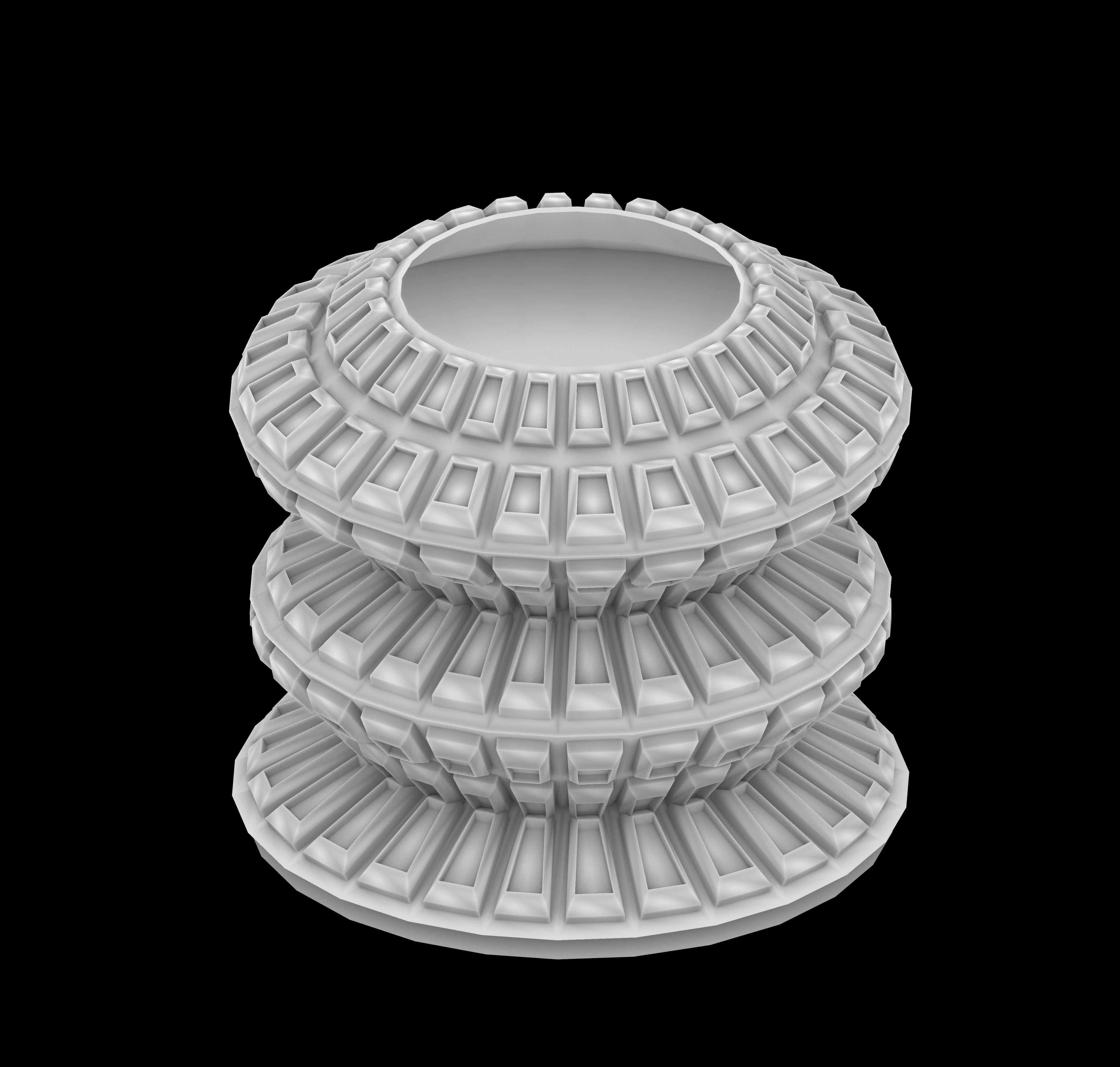
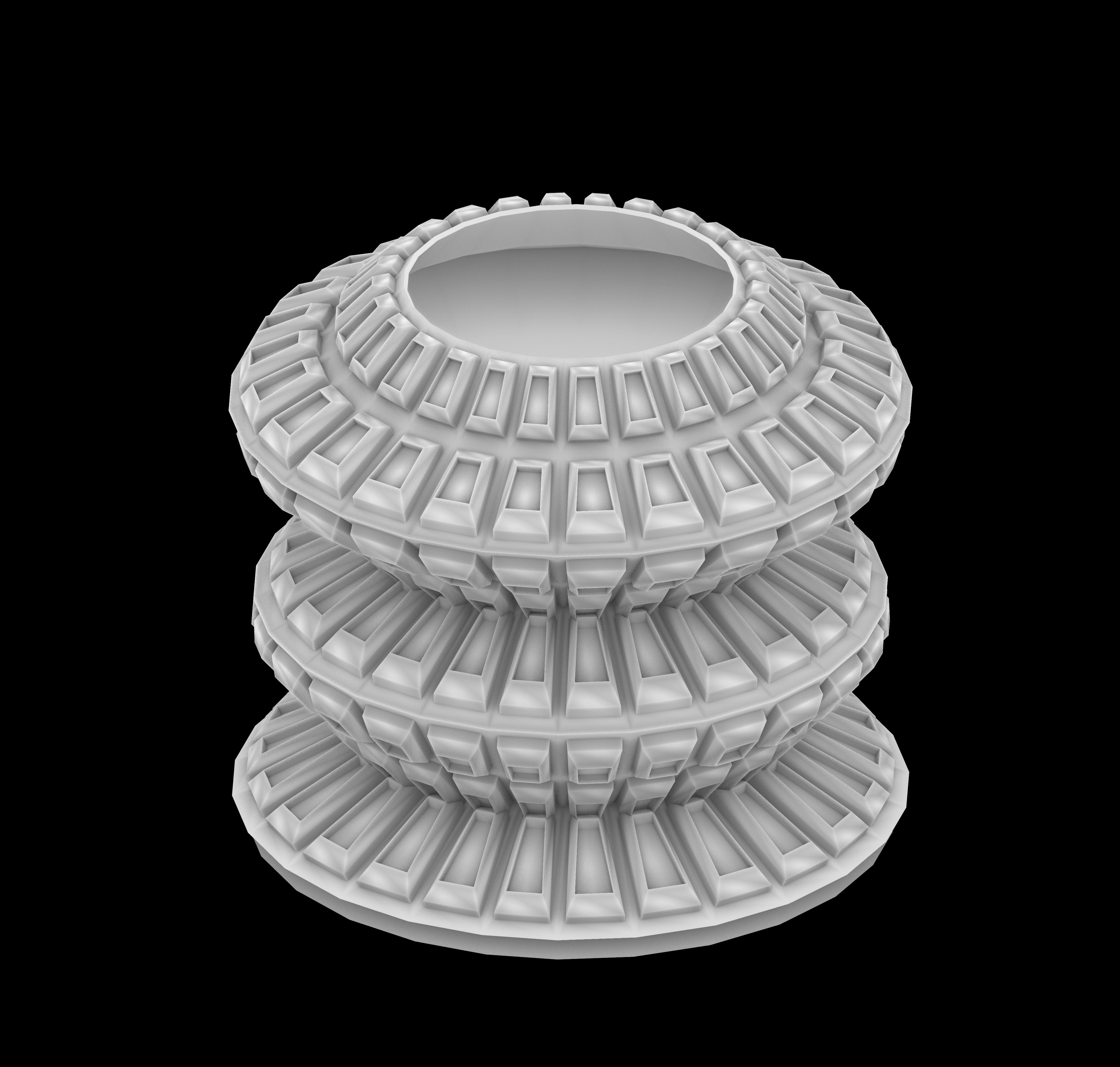
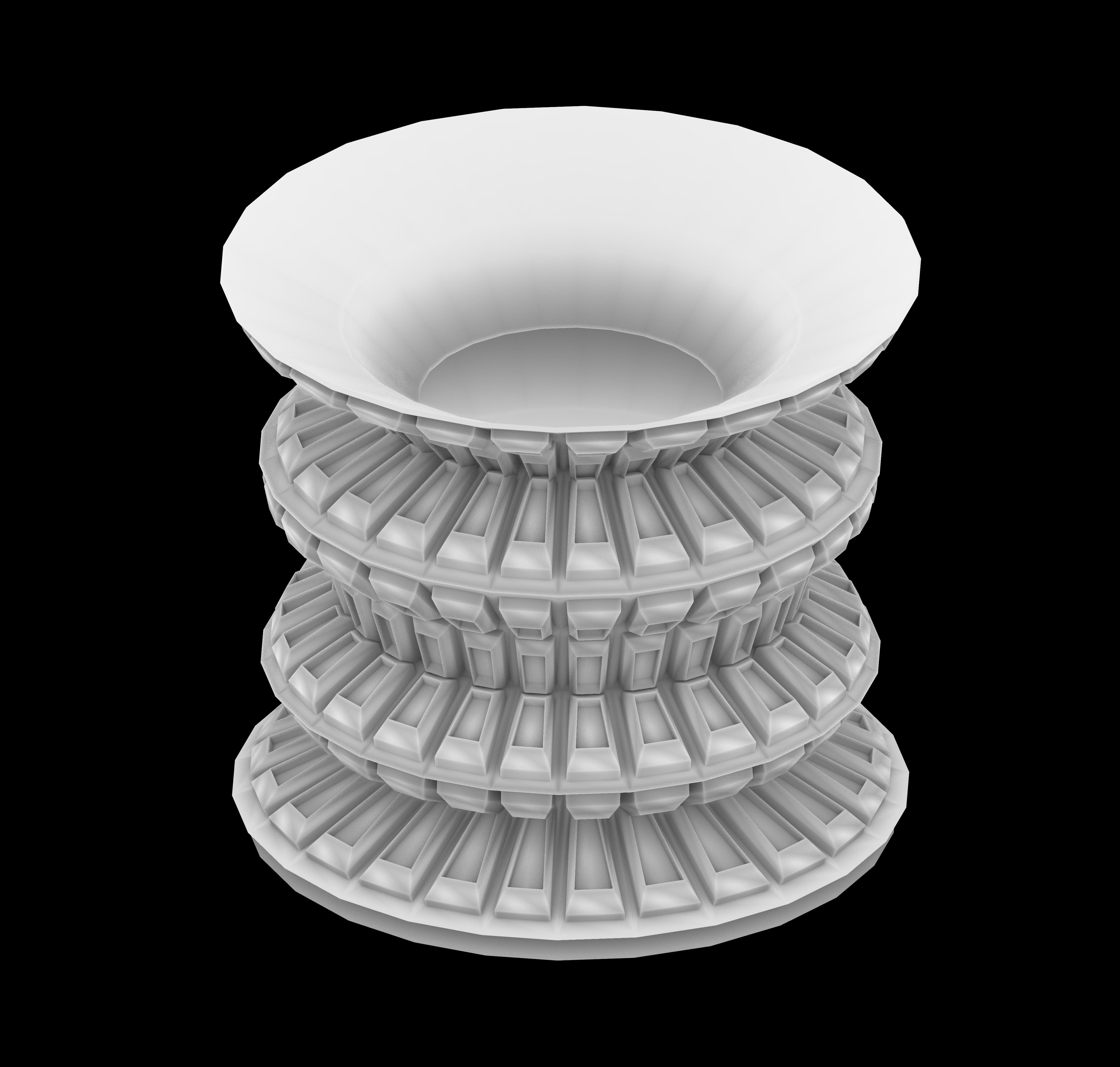
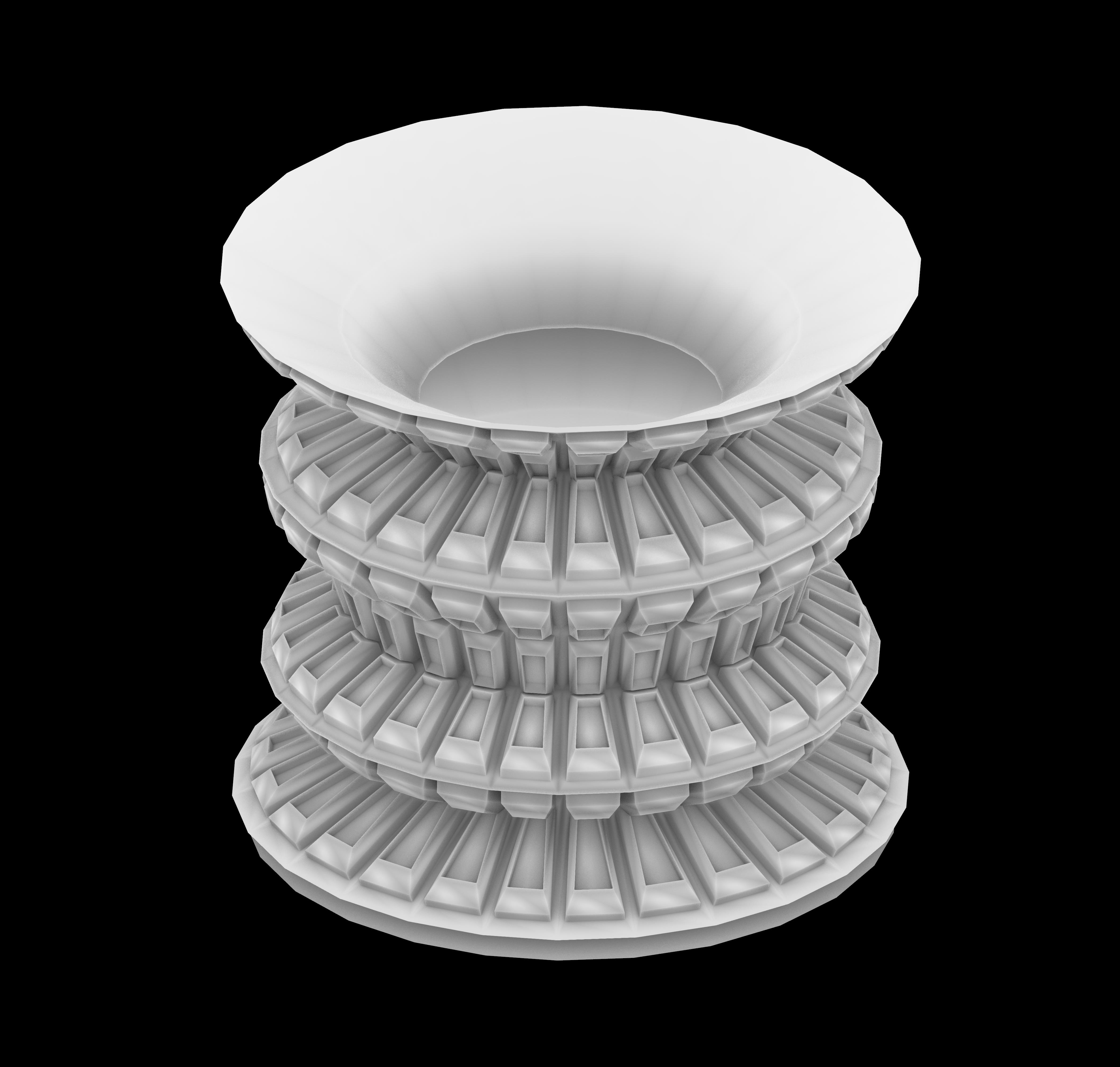
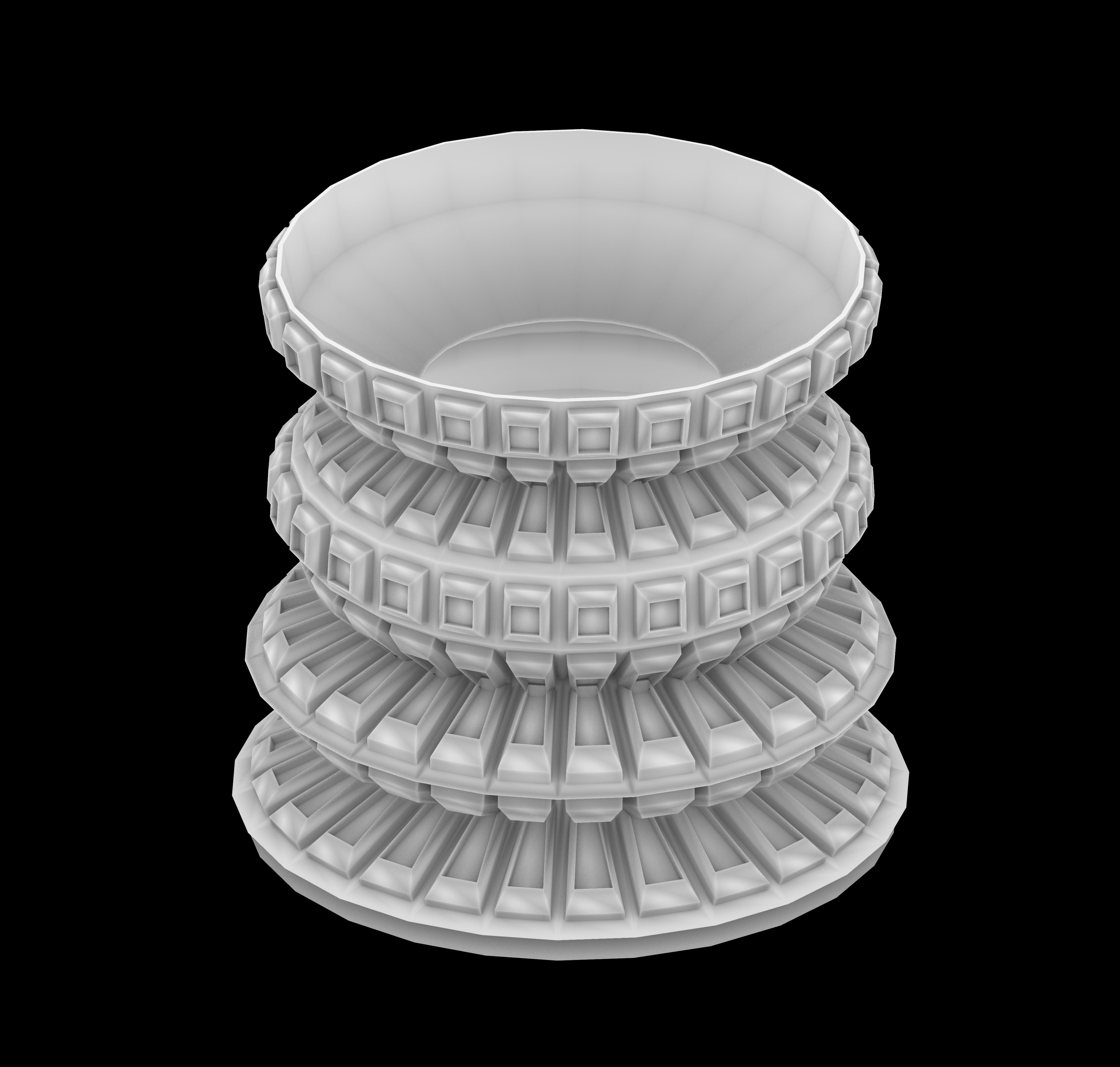
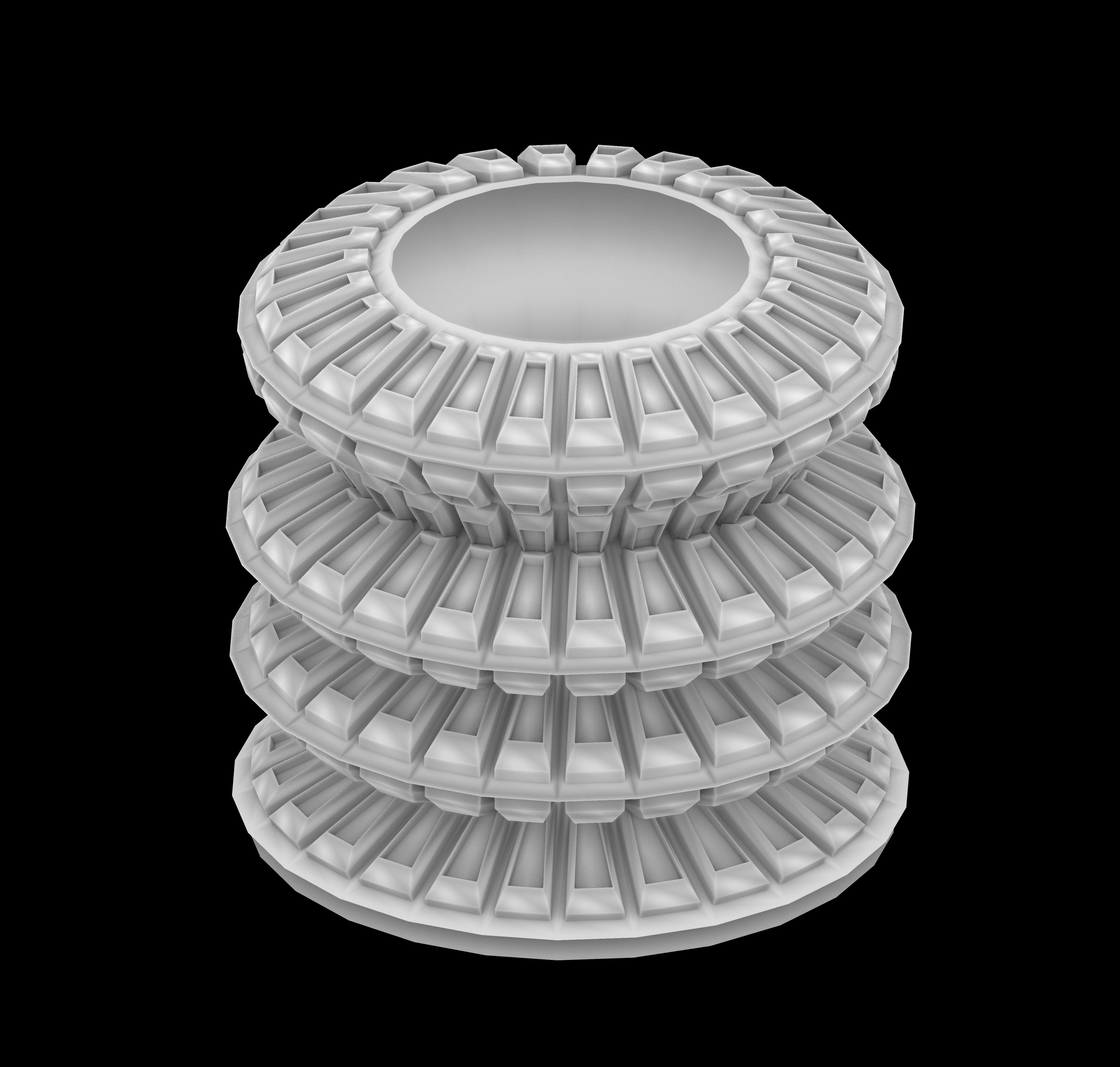
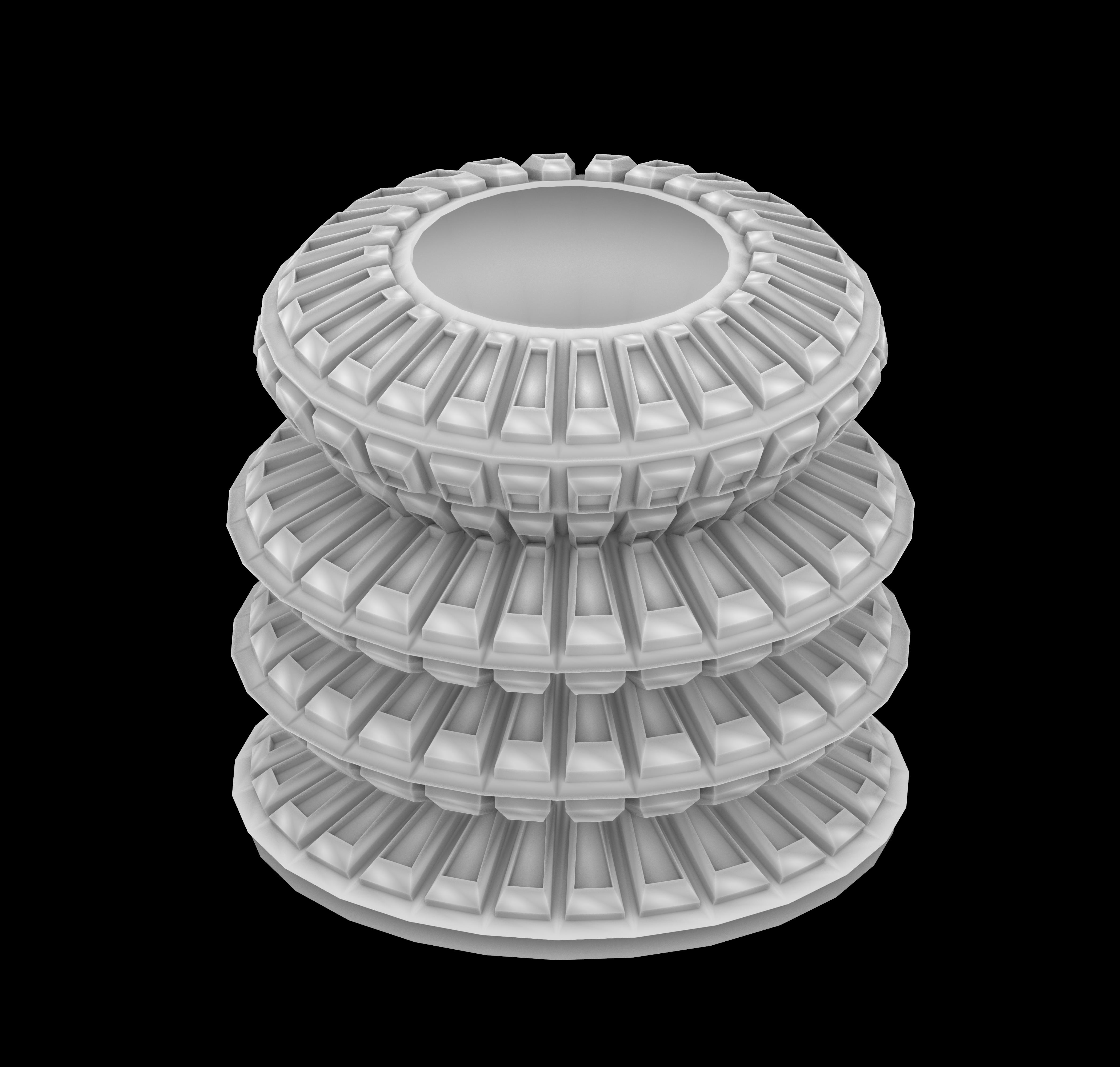
The result is not just a collection of products but a dynamic family that mirrors the diversity and fluidity of our lives. Stay tuned for more design adventures and let your imagination run wild! SEE YOU NEXT ROUND.





























 Parametrics
You must be logged in to post a comment.