Author: sarahberger24
Screen Parameters Video
here are pictur…
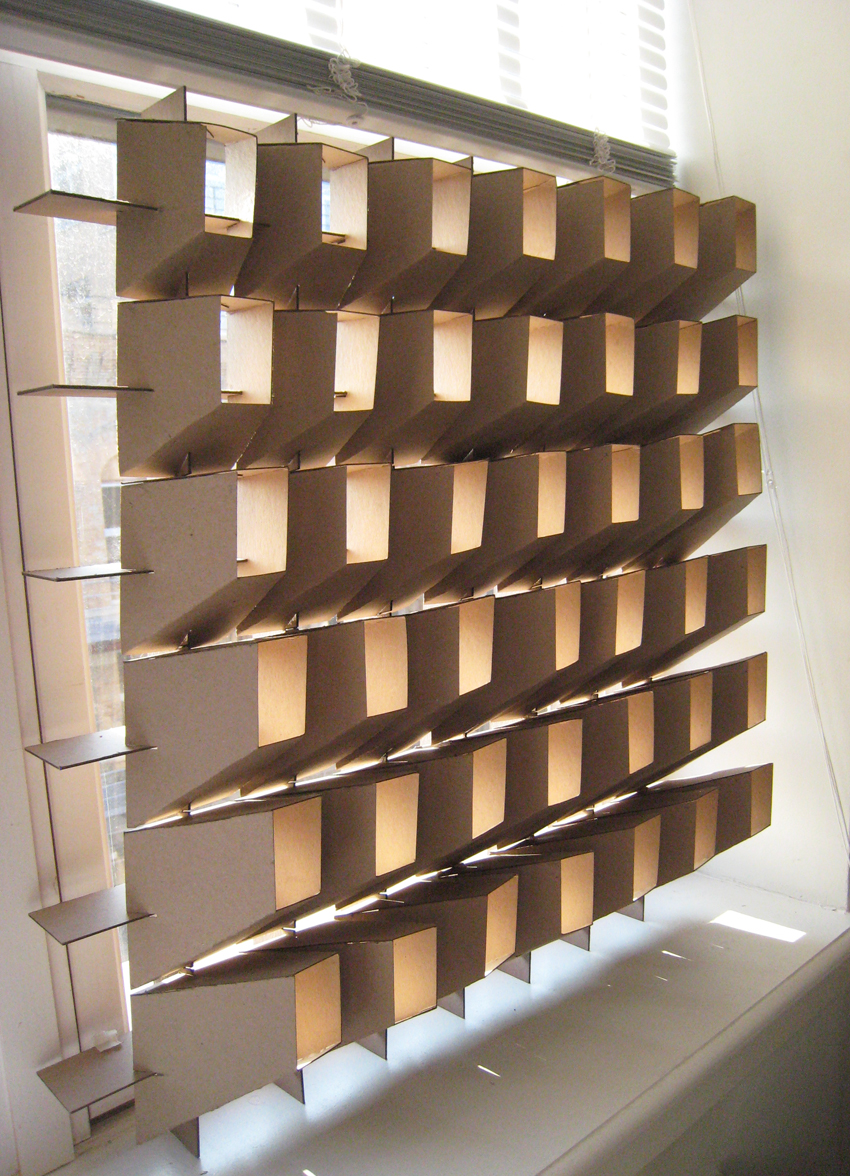
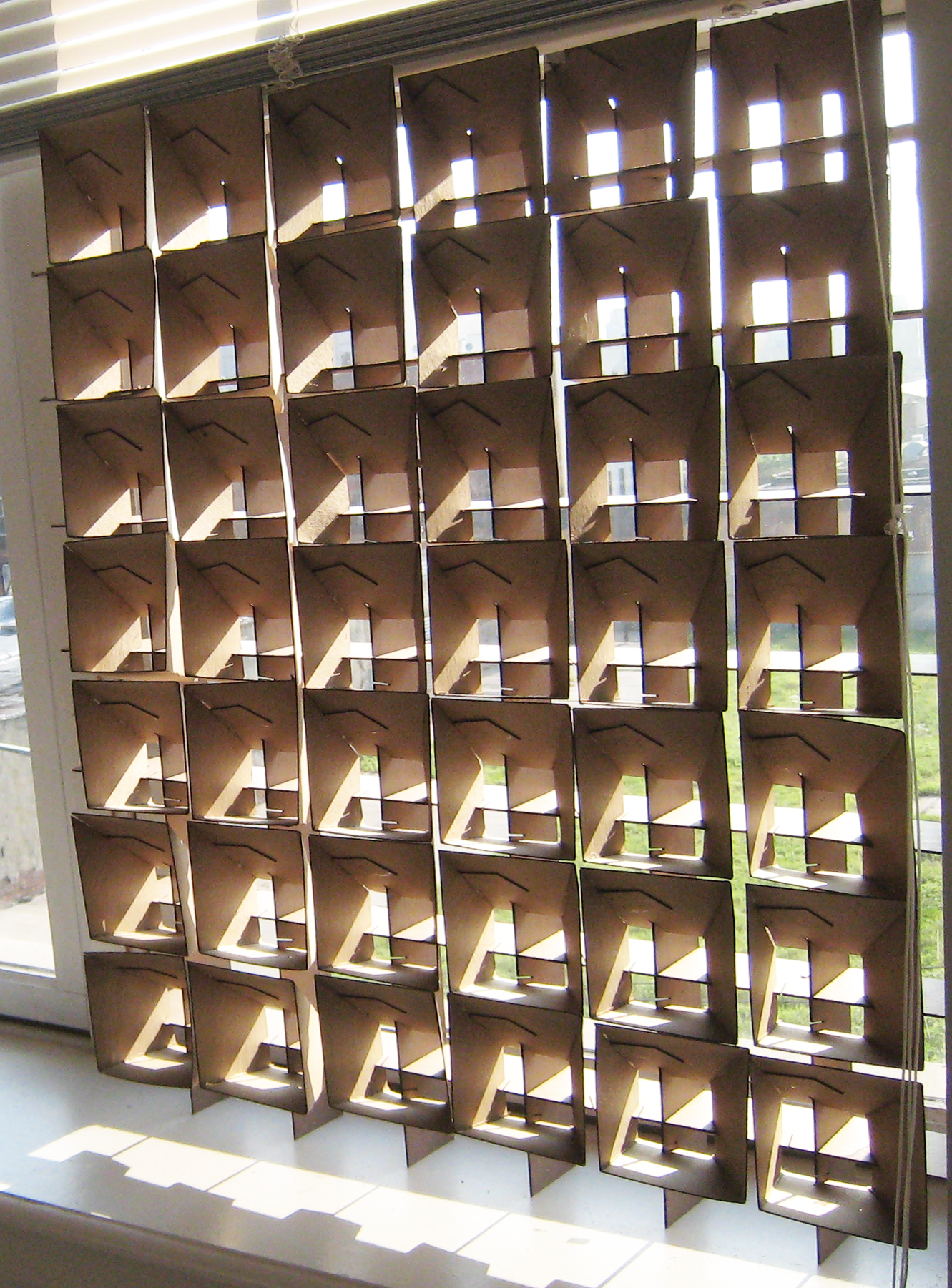
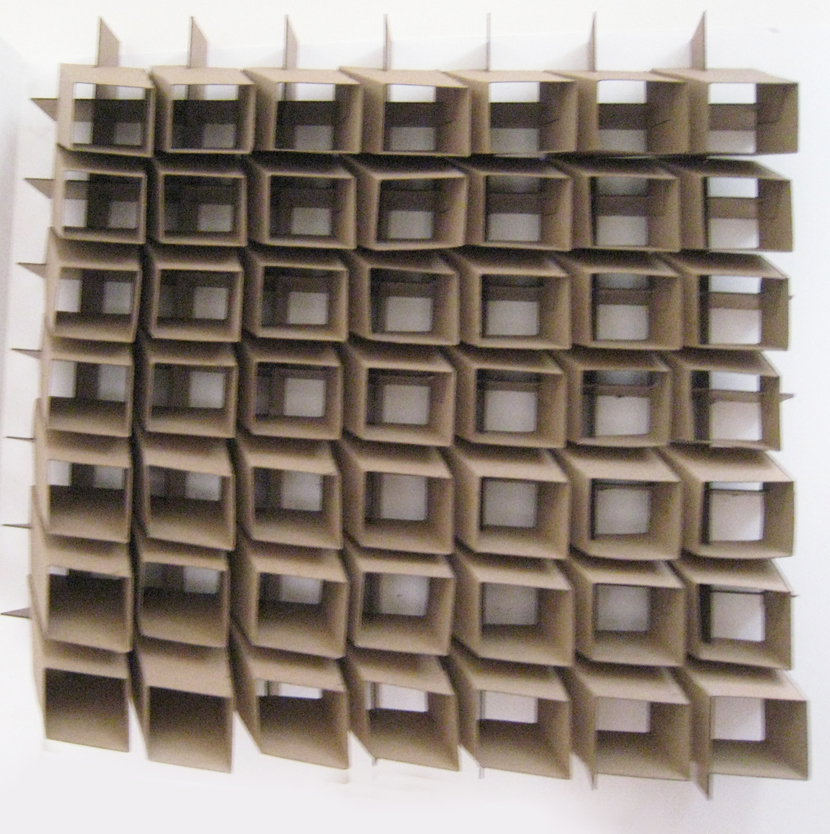
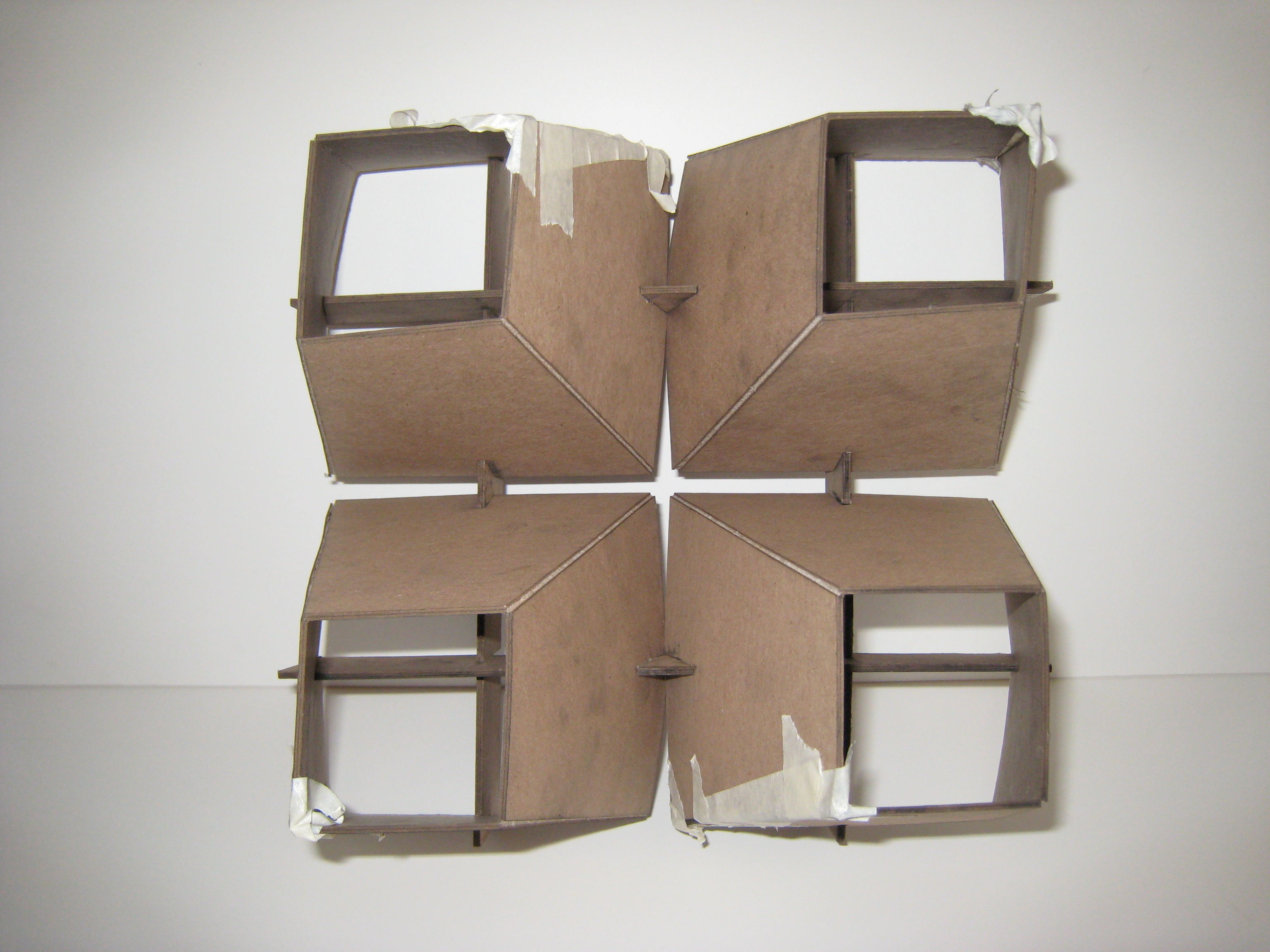
here are pictures of my first model for my light screen. 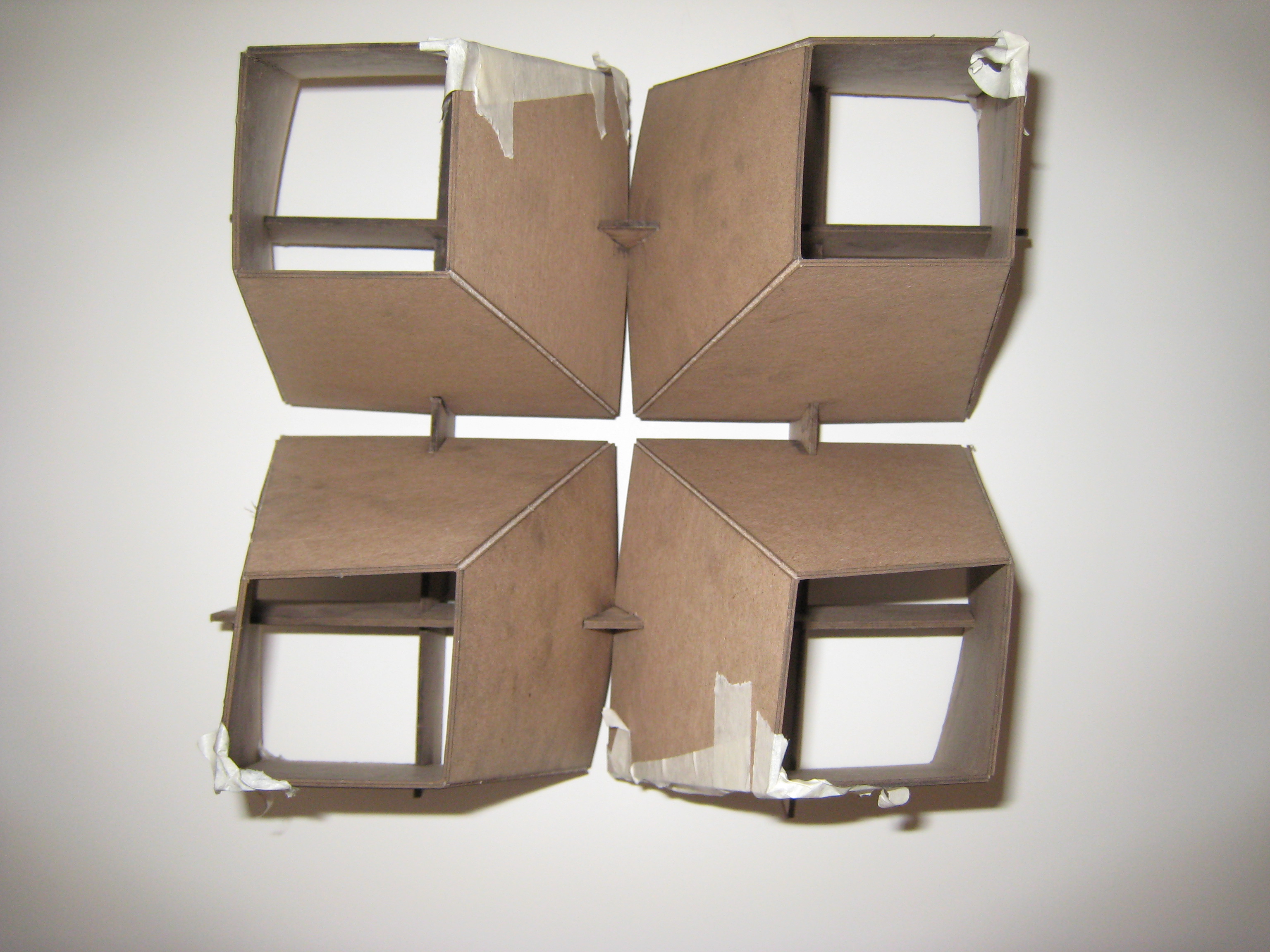
Images of Rendered Benches Cont.



Images of Rendered Benches 1

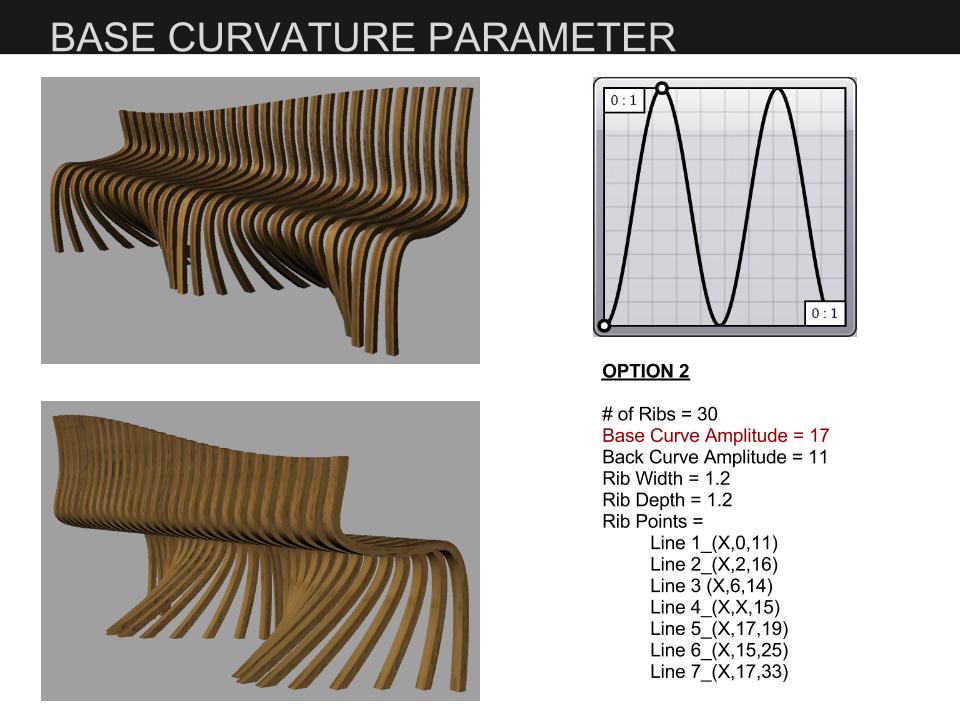
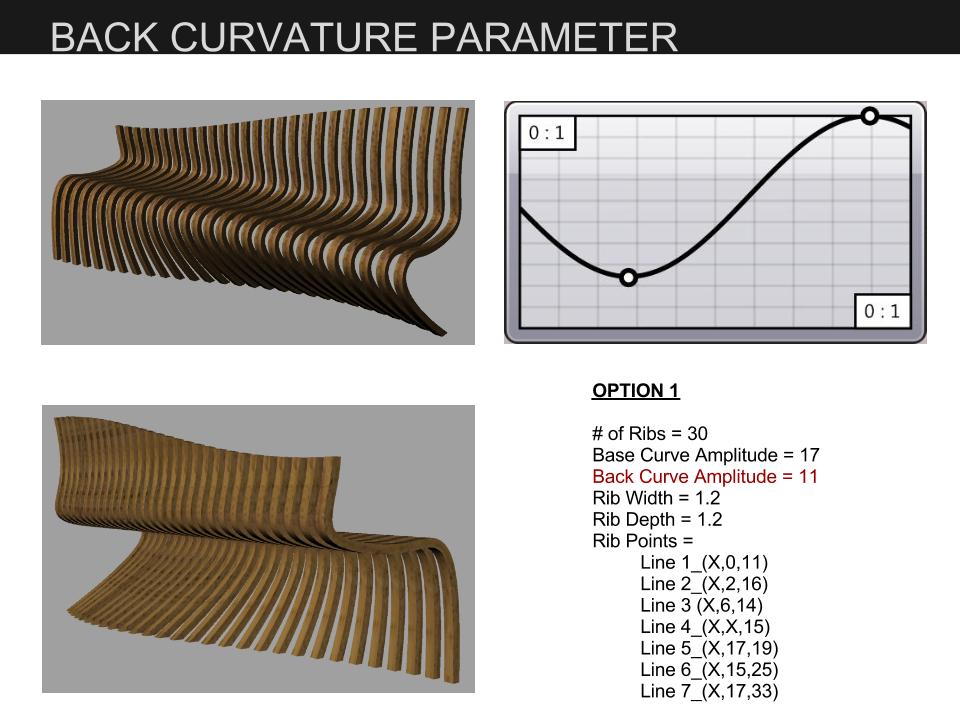
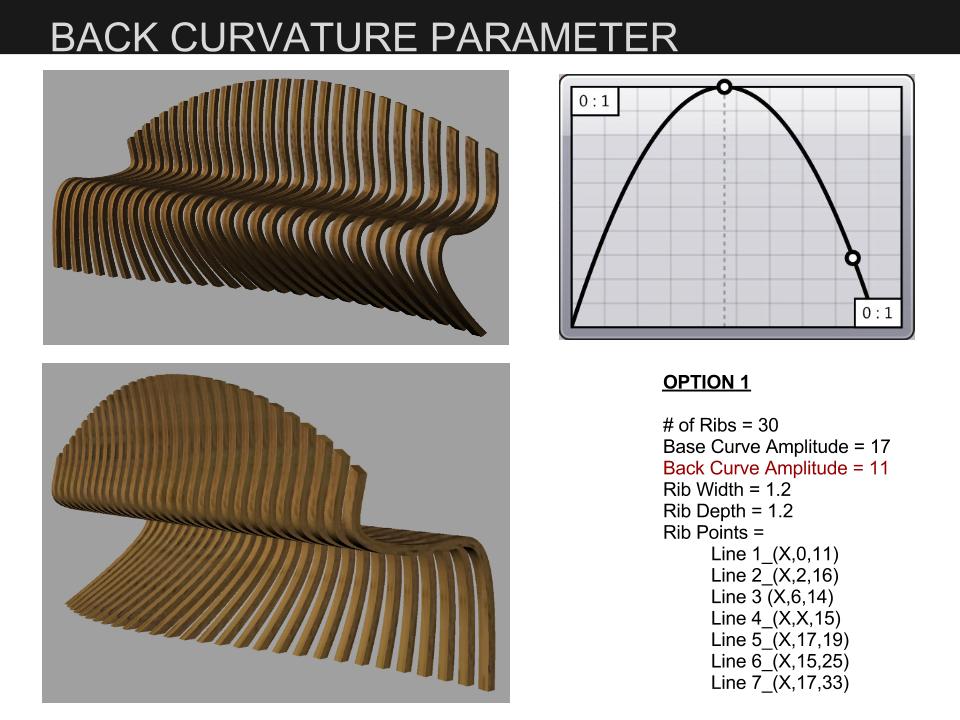
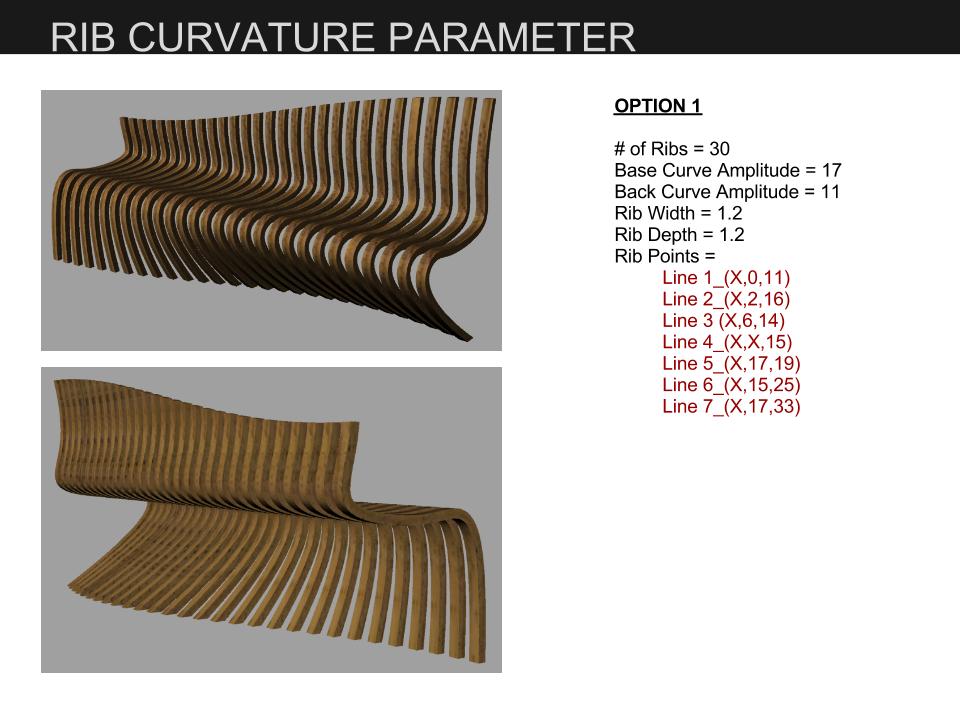


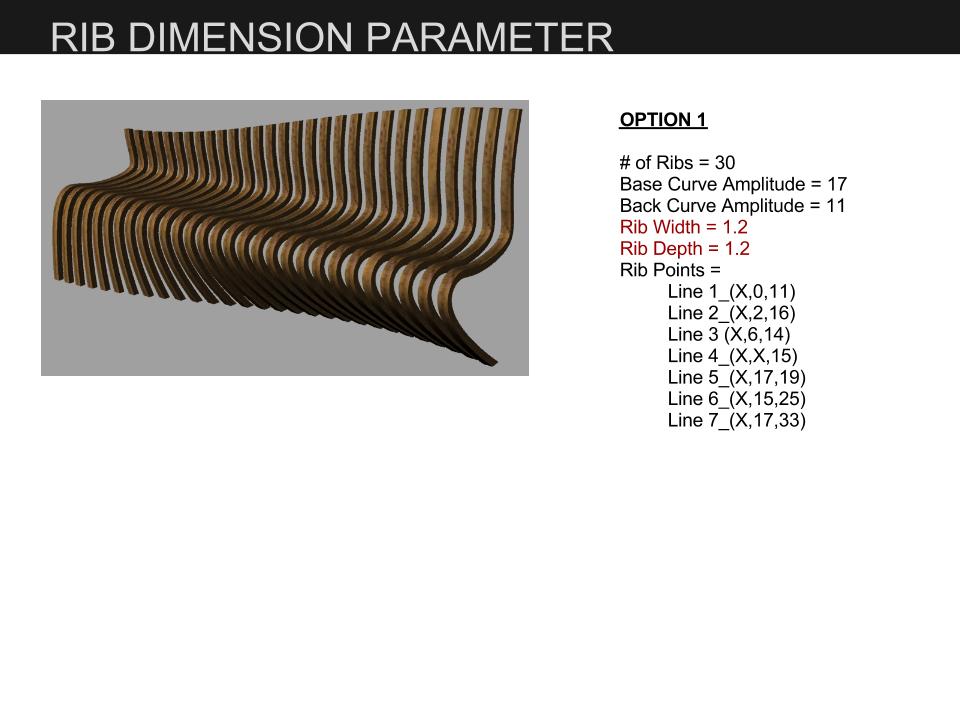
Bench Parameters Presentation
Teak Bench Parameters Presentation
For my bench I wanted to adjust the curvature of the form. I accomplished this by creating parameters that allowed me to modify the base curve, the back curve, and the shape of the ribs. For the base and back curves I used the graph mapper tool to change the shape of the curves. The process I used to build the ribs allowed me to play with the form. I created points that I drew a curve through to generate the ribs. I attached sliders to Y and Z values of the points so the curvature of the ribs could be adjusted.
Since my bench is composed of ribs I wanted to play with the density and dimensions of the ribs to further change the look of the bench. I was able to adjust the number of ribs and the width and depth of the ribs by using sliders. To create the parameter for the number of ribs I first drew a line in Rhino and divided it in Grasshopper. I attached a slider to control the number of divisions. I built the ribs referencing the division points so when I moved the slider to change the number of divisions the number of ribs also changed. To modify the width and depth of the ribs I used the offsetting tool and attached a slider to it.
Sarah’s Parameters Video
This video quickly demonstrates how the form of my bench is altered as I modify the parameters I created in Grasshopper.
Sarah’s Parametric Bench Video
This video demonstrates the process I went through to build my parametric bench in Grasshopper.
Bench Progress
Here are screen shots of my bench…

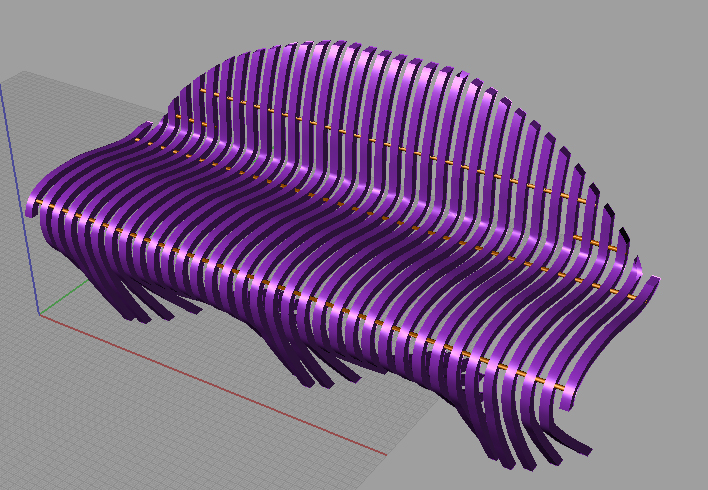

For my next step I plan on modifying the number of ribs and the curvature of the form.
Hi
Here is the chair I plan on modeling…

 Parametrics
You must be logged in to post a comment.