
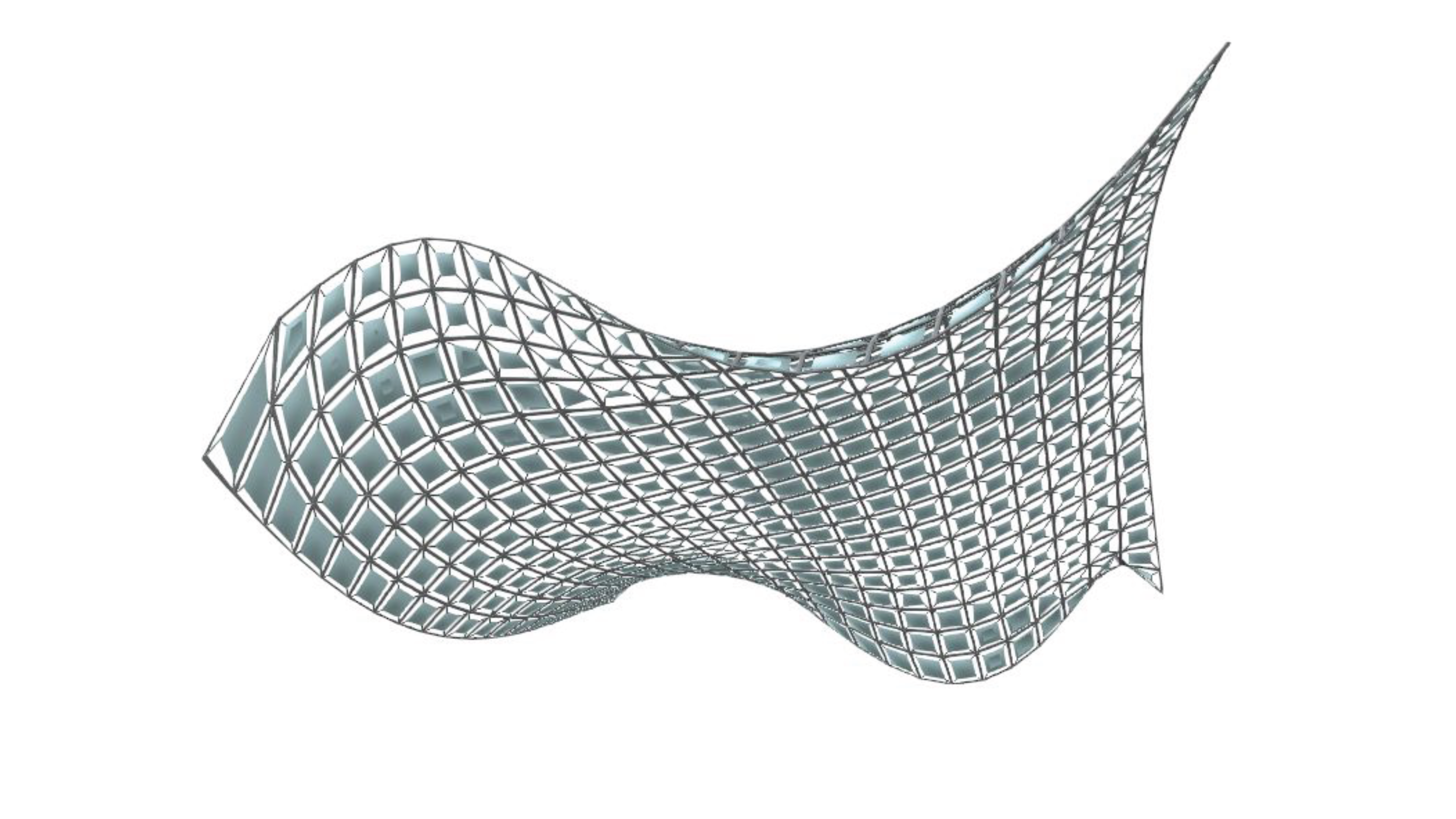
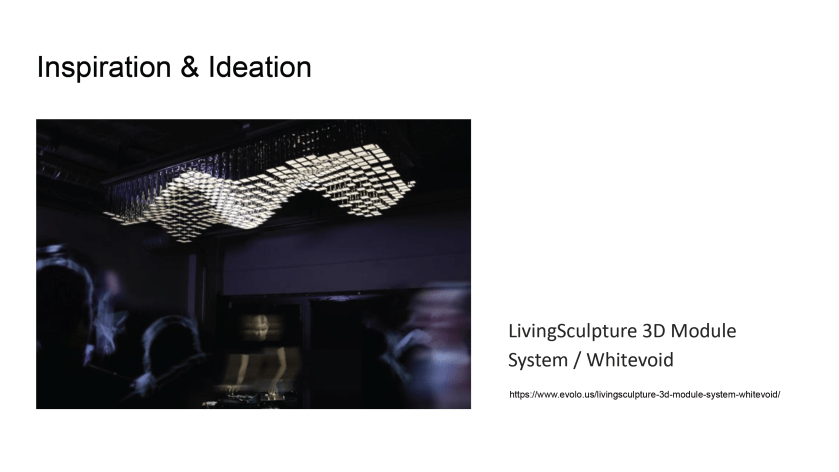
Flowing ceiling
Demo video
VR display

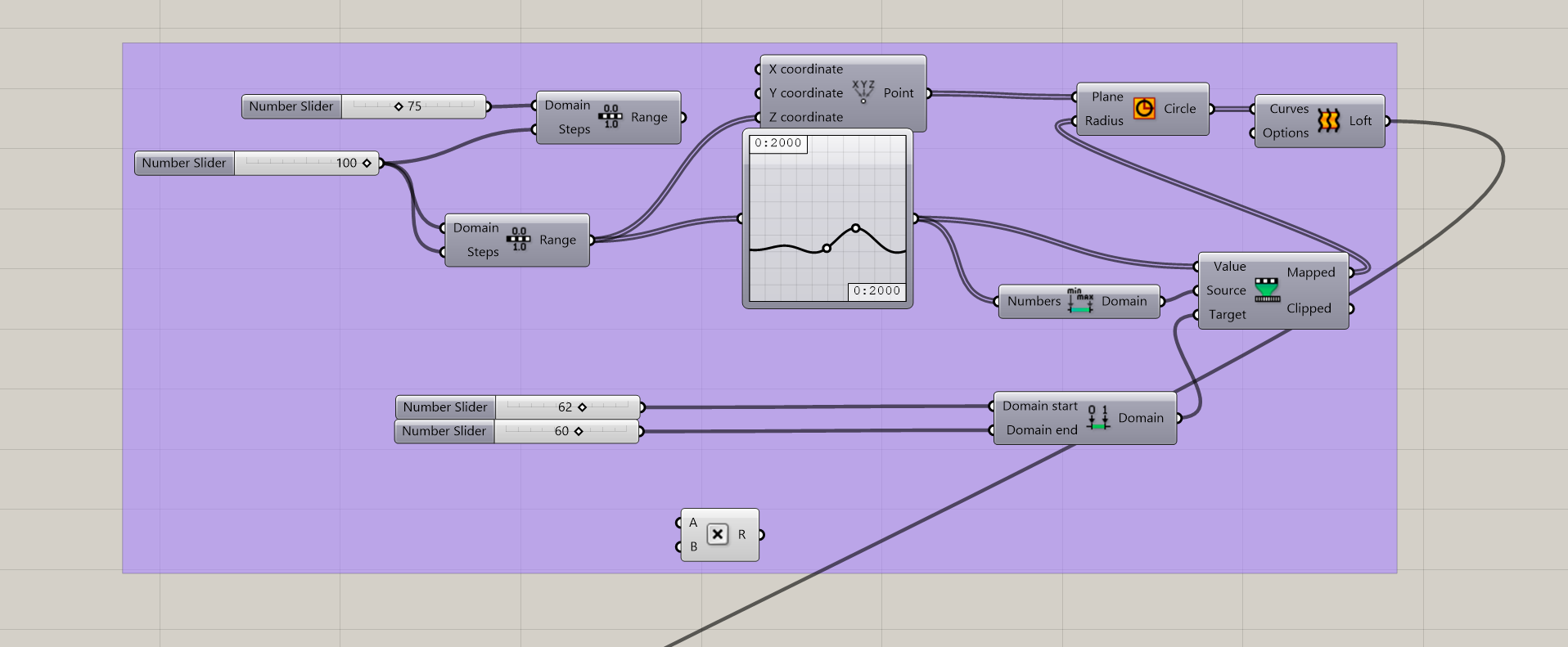
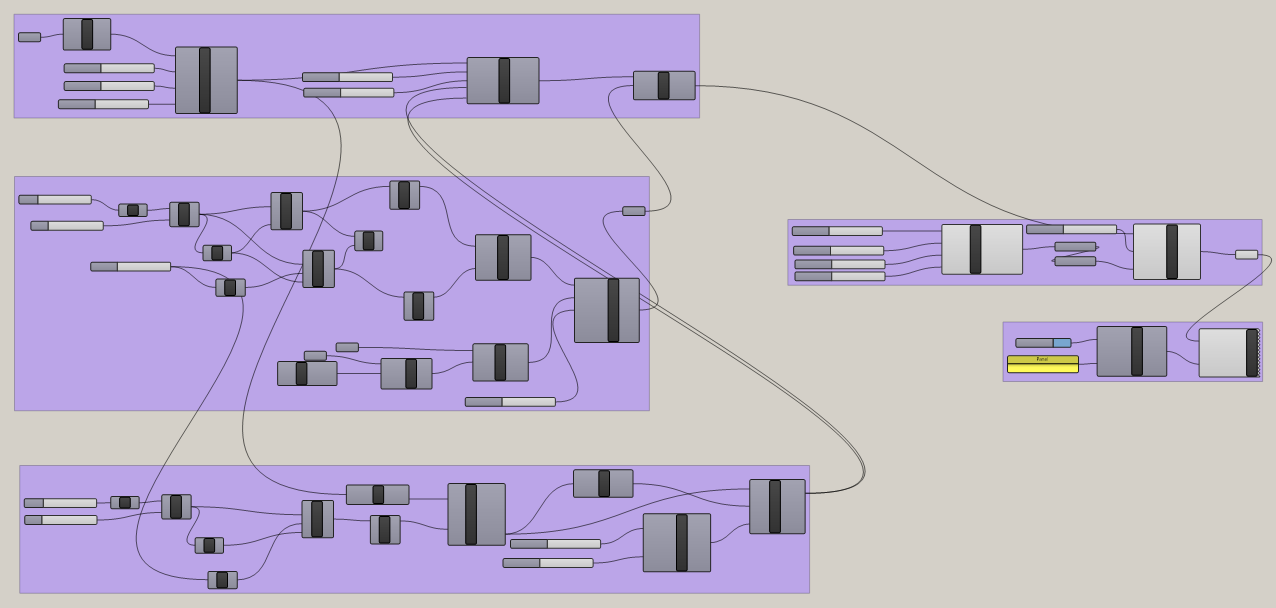
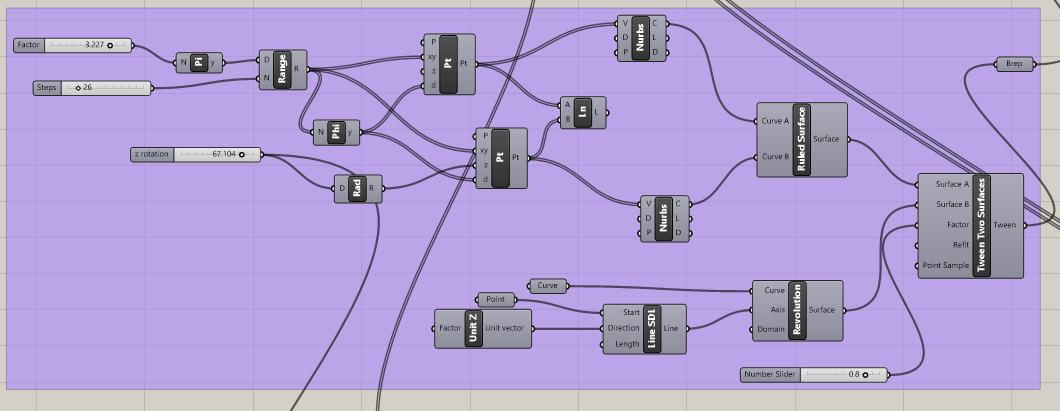
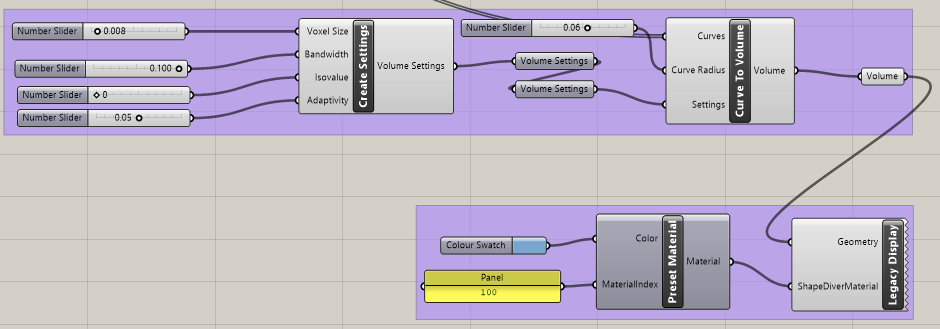
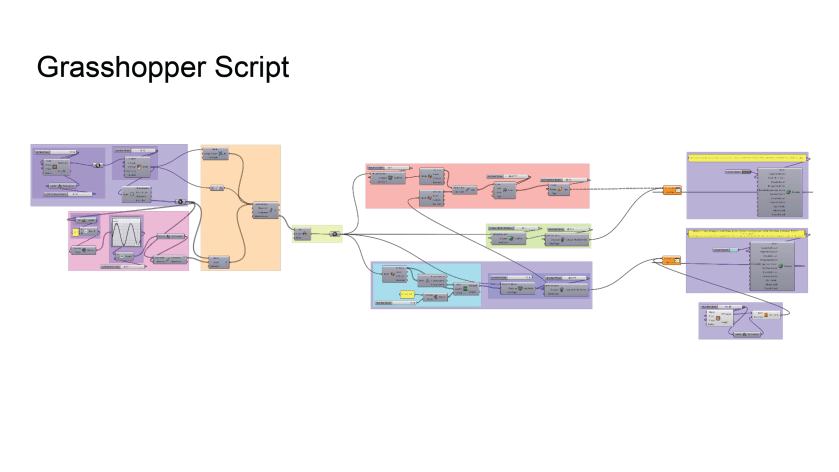
The entire Grasshopper Script
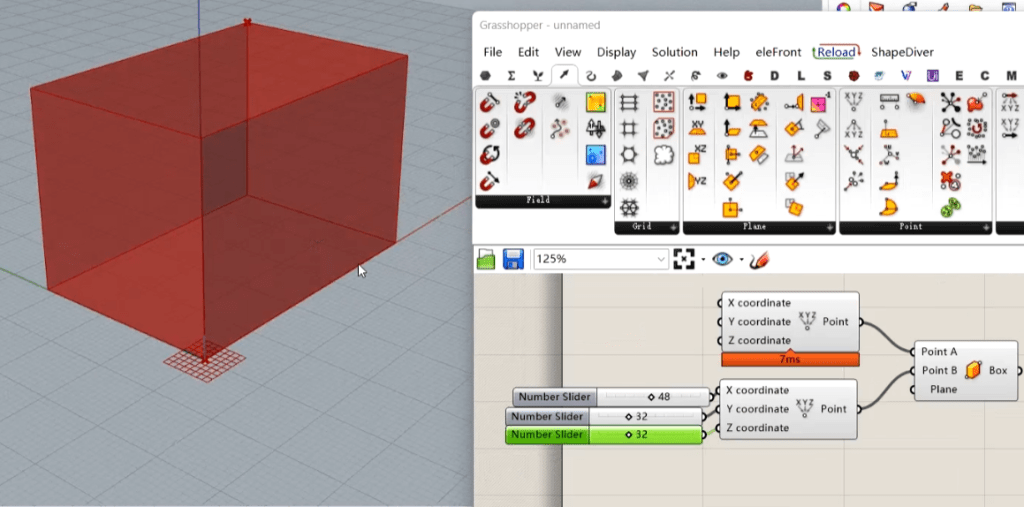
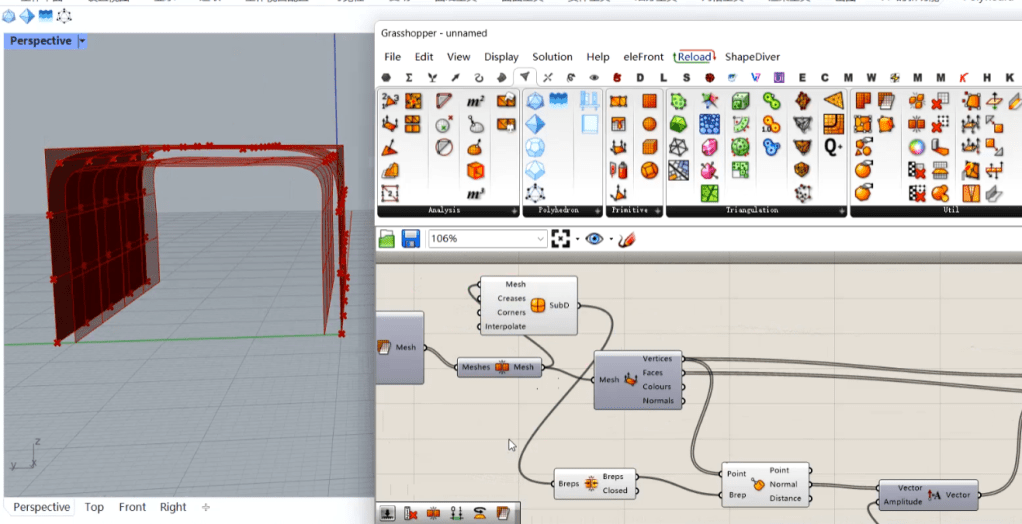


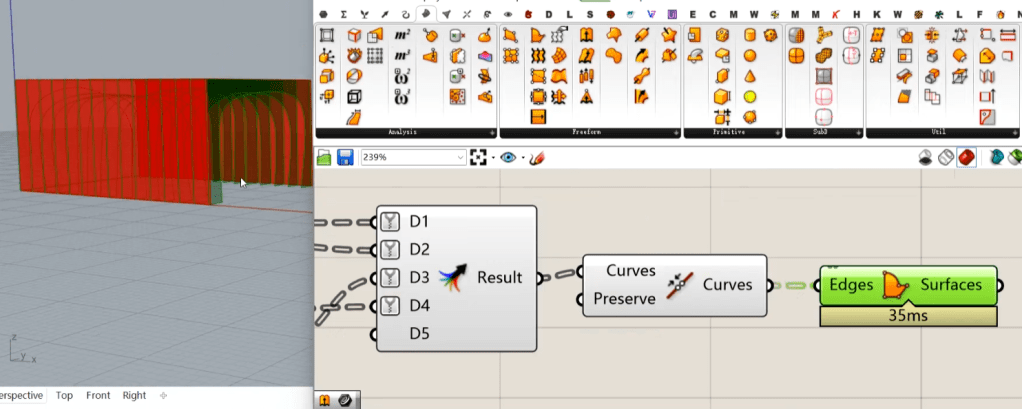
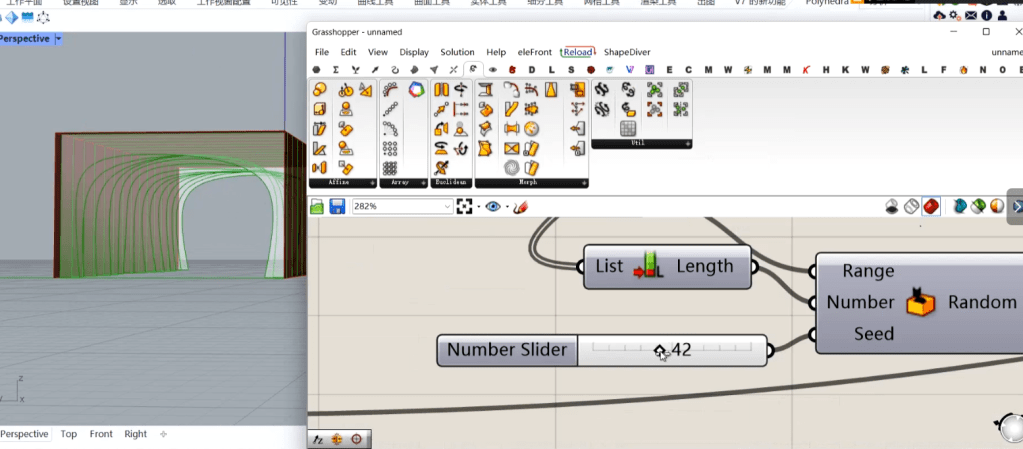
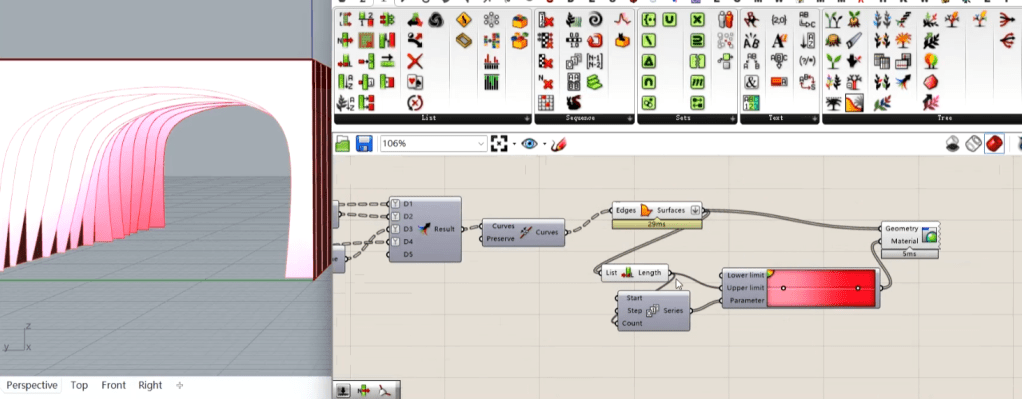
process


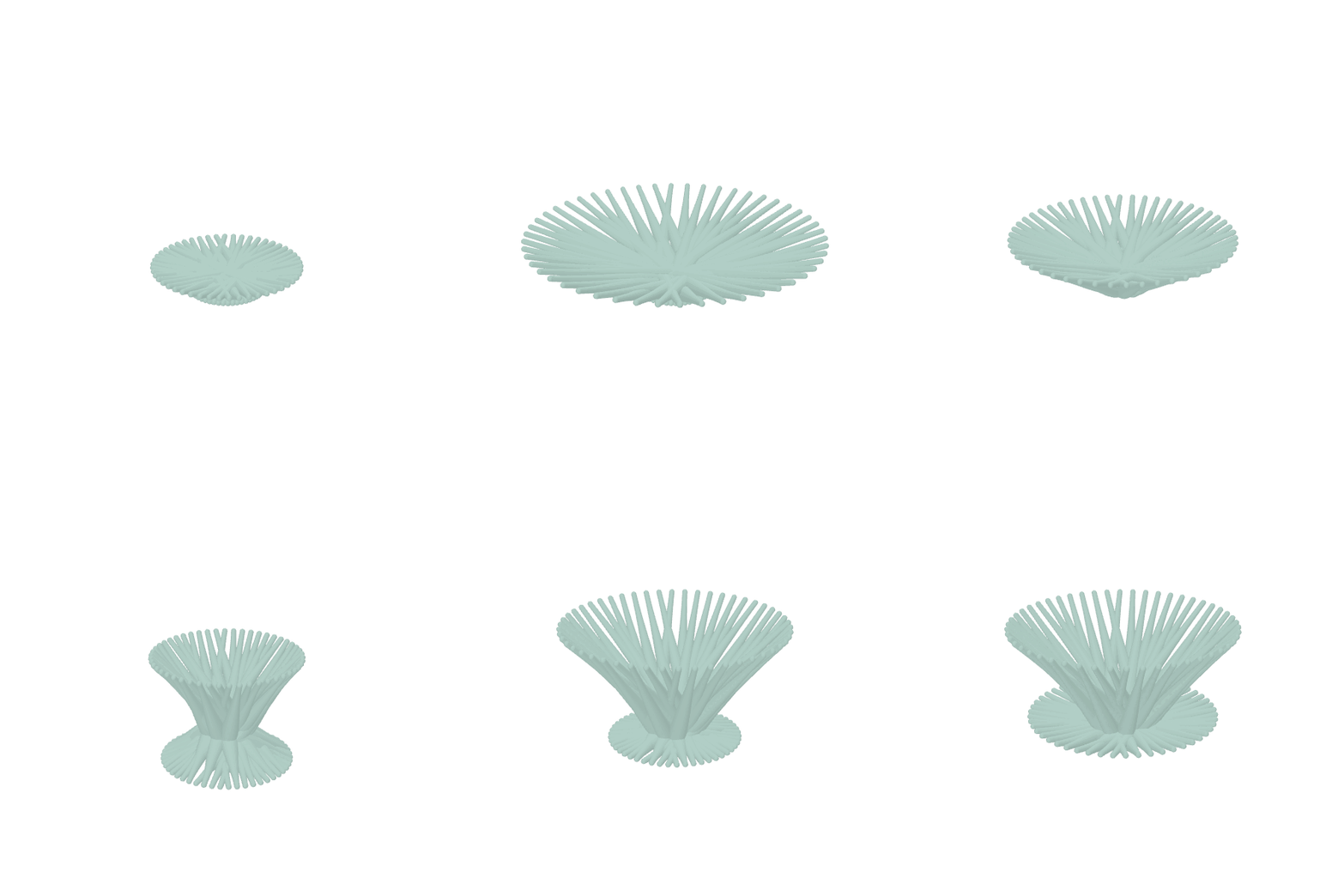
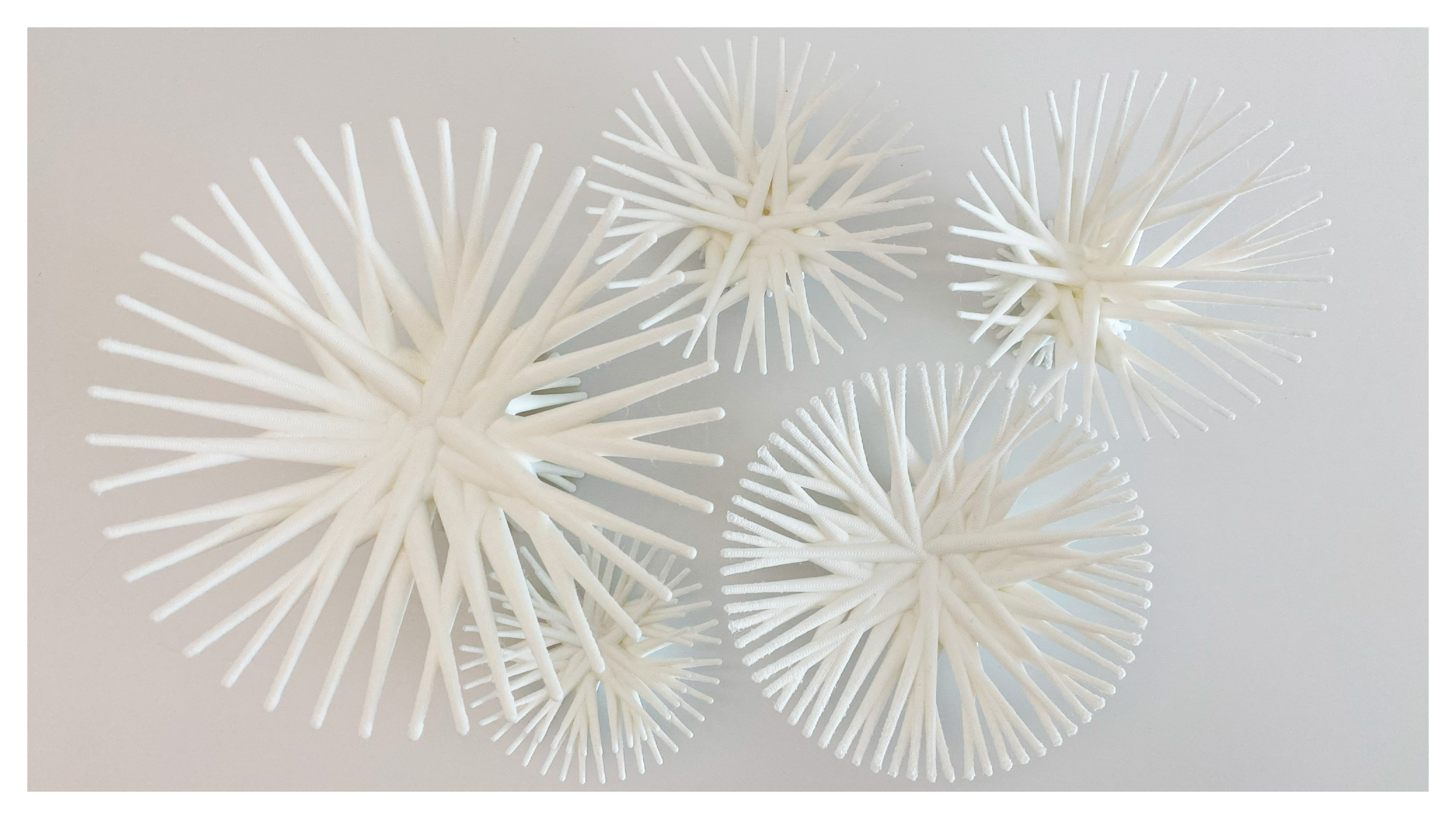
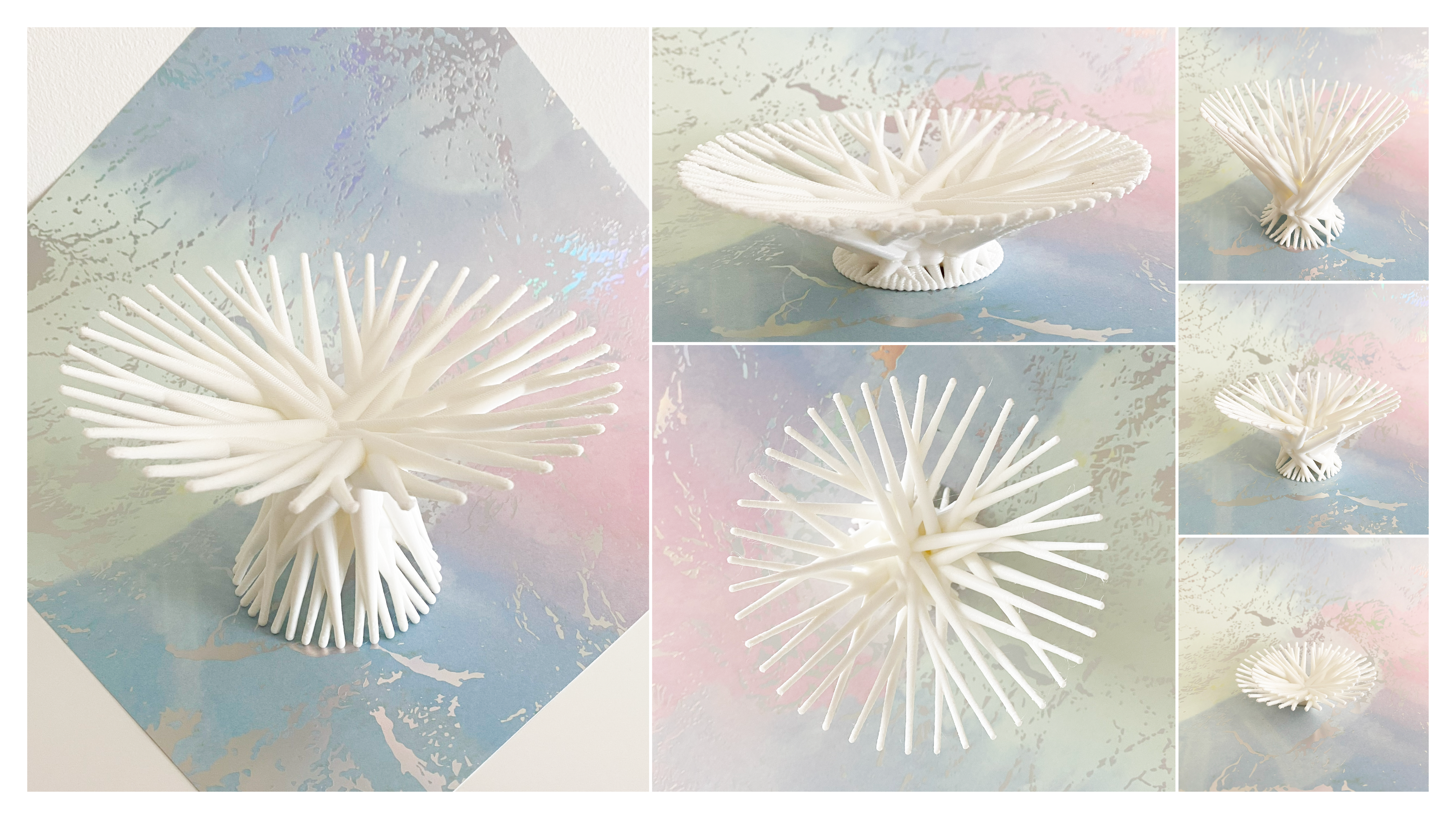
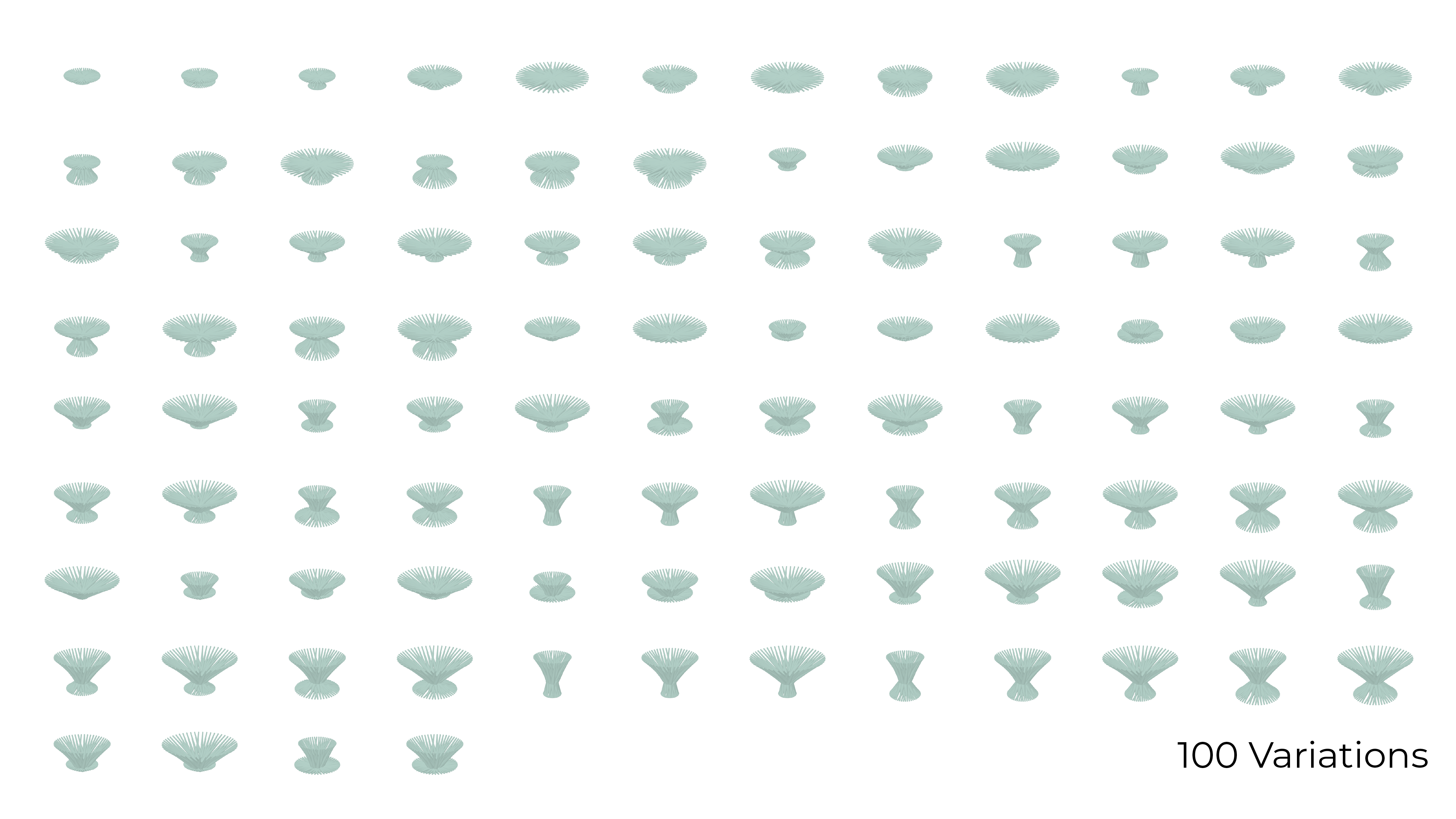
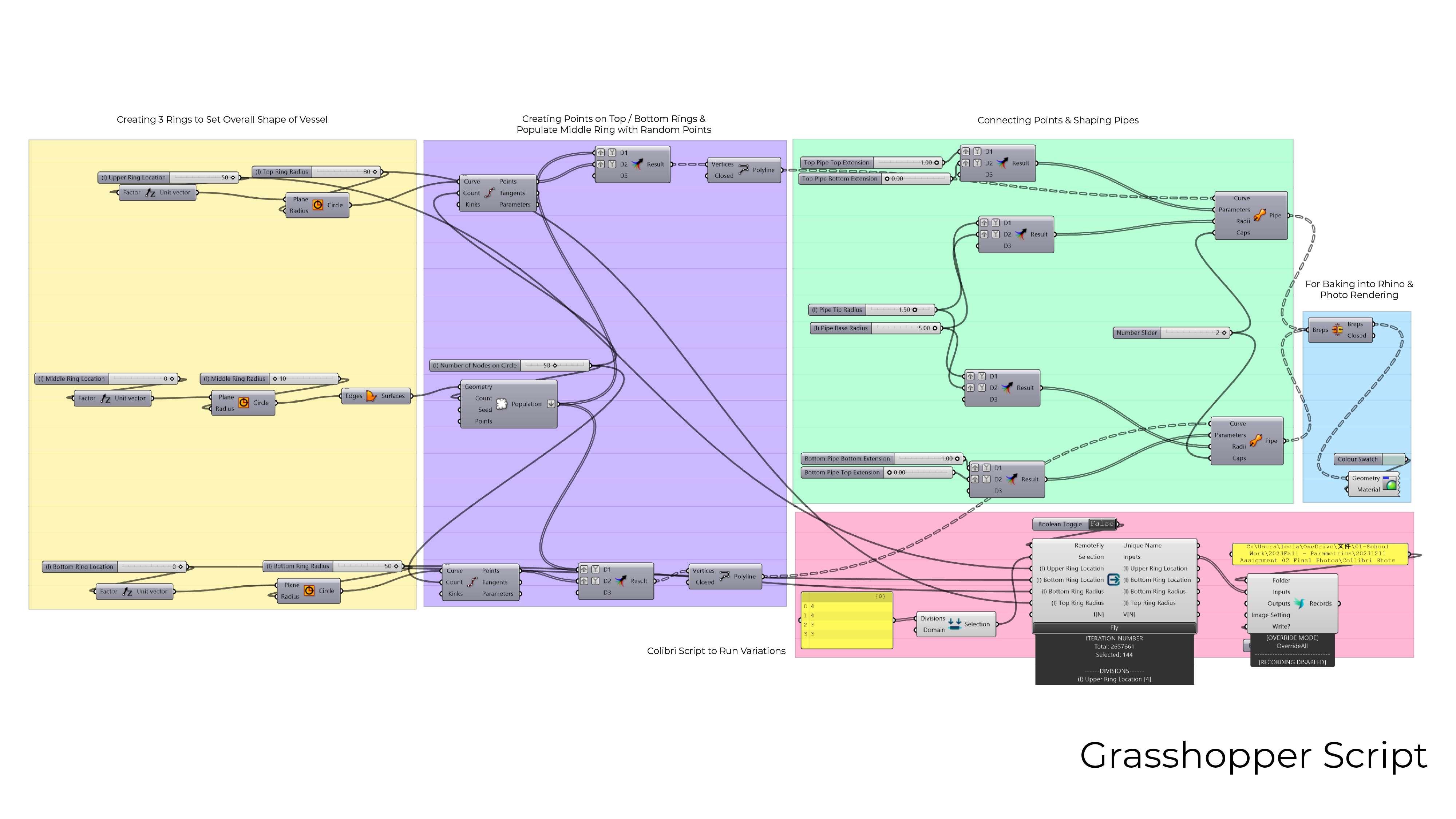
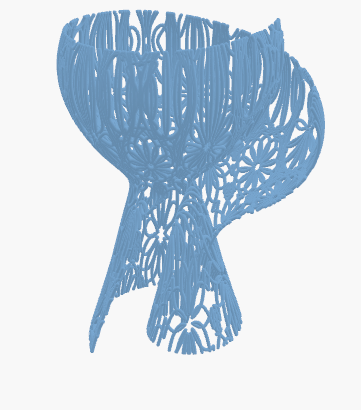
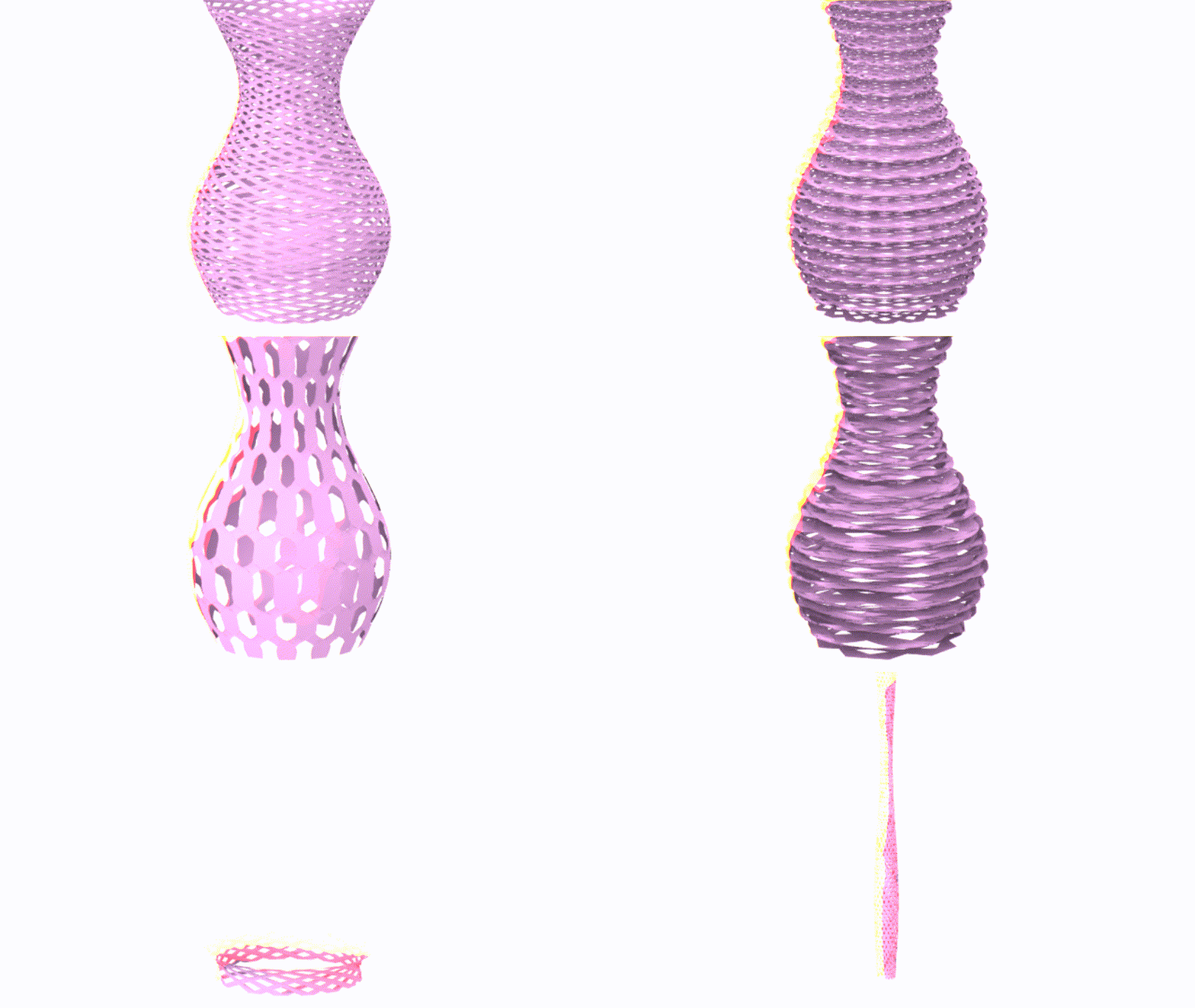
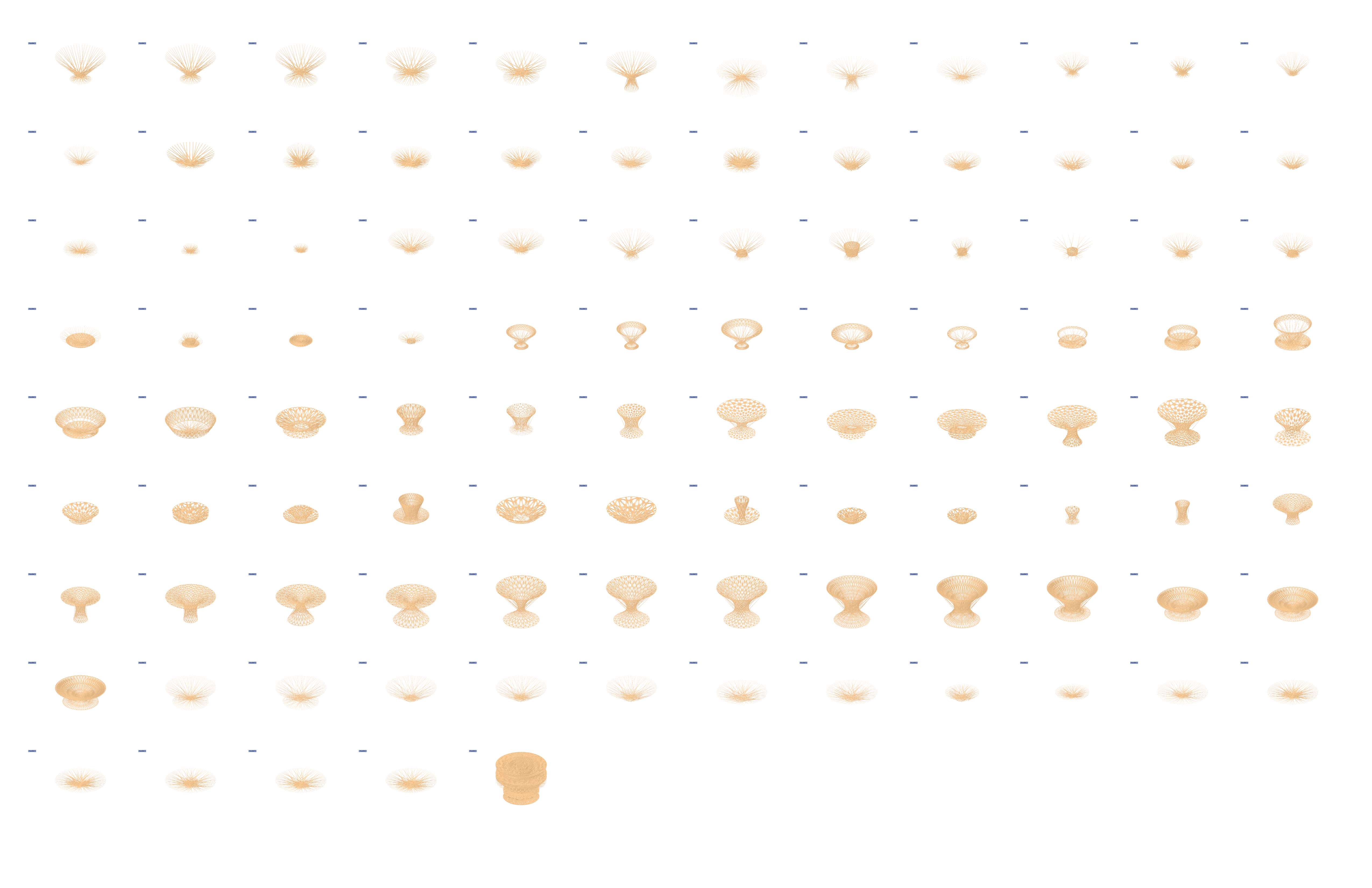
After experimenting with 3D print settings and figuring out the angle my 3D printer can print without the need of supports, I have managed to print out my set of 5 vessels based on my original design. Here are the final model photos, 100 variations, and the grasshopper script.

By Nima Luorong
Greetings everyone! Welcome back to another exciting blog where I delve into the realm of design using Grasshopper and Rhino. In this project, my focus is on creating a versatile family of 100 products that seamlessly coexist within a unified design space—all thanks to a meticulously crafted Grasshopper definition.
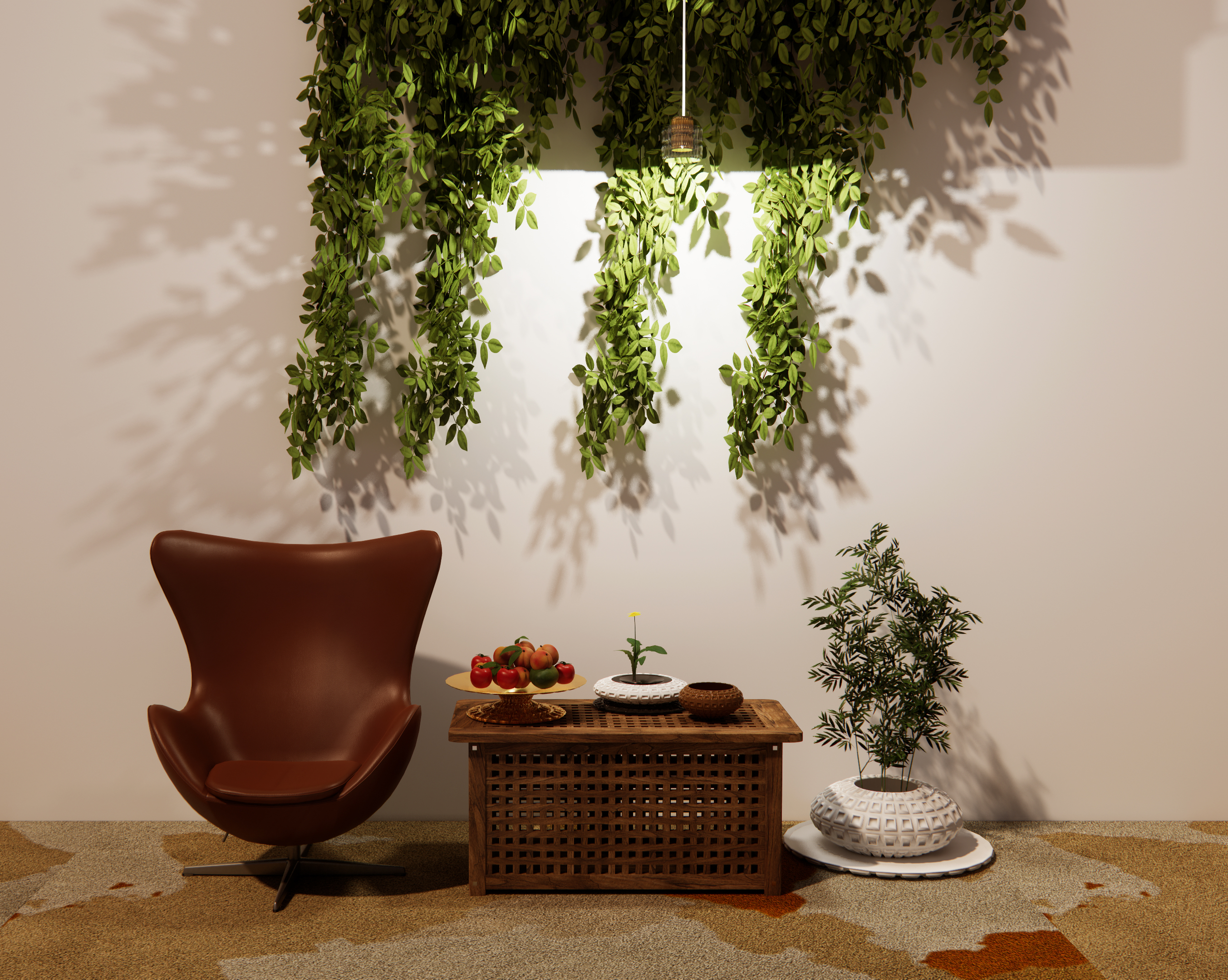

The core concept revolves around vessels, which dynamically transform into various forms such as plates, bowls, and more. What sets this project apart is the intriguing ability of the product’s textures to evolve alongside its changing shape. Picture a design that adapts not only in form but also in texture, adding a layer of visual sophistication to each product.
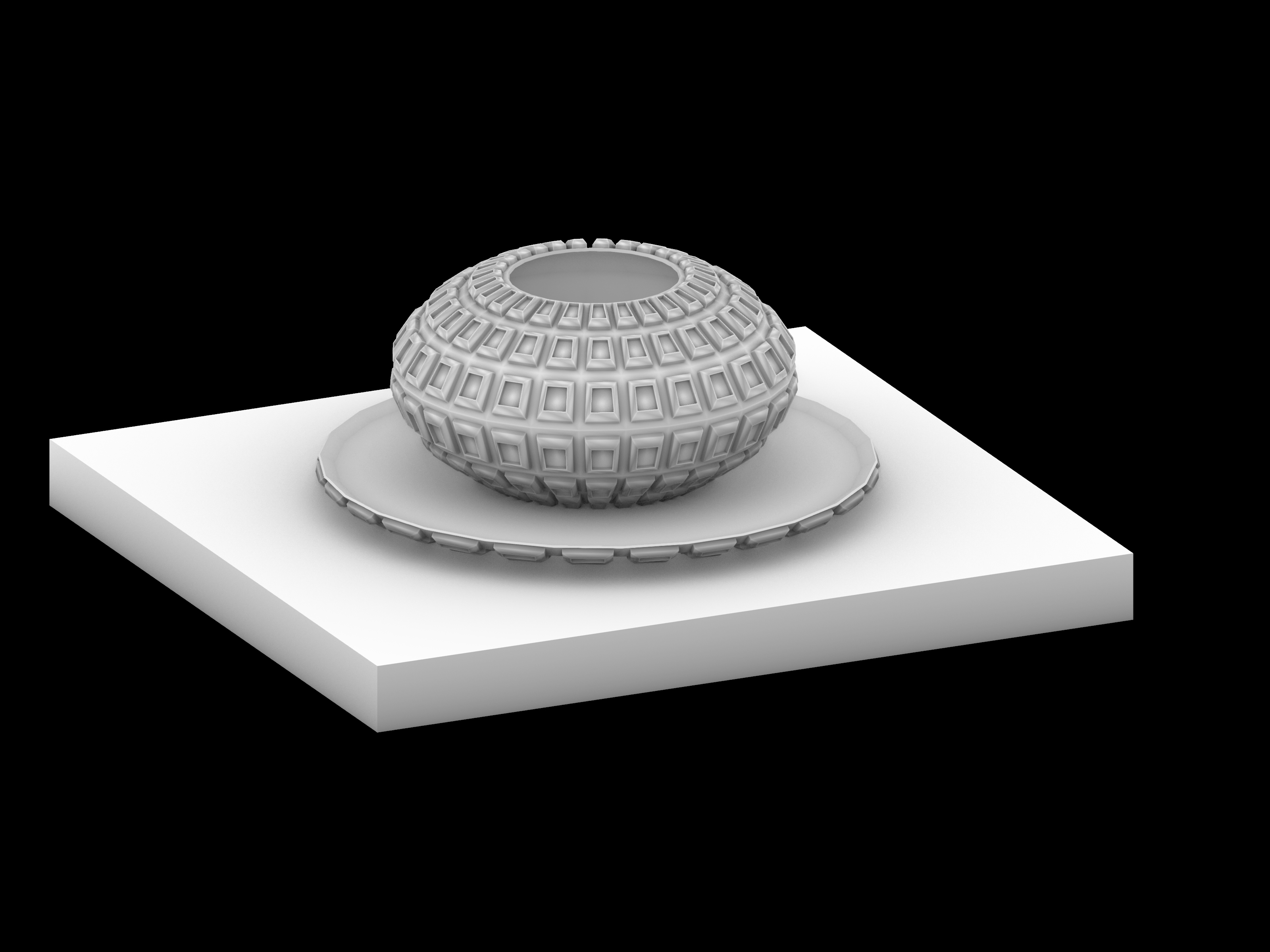


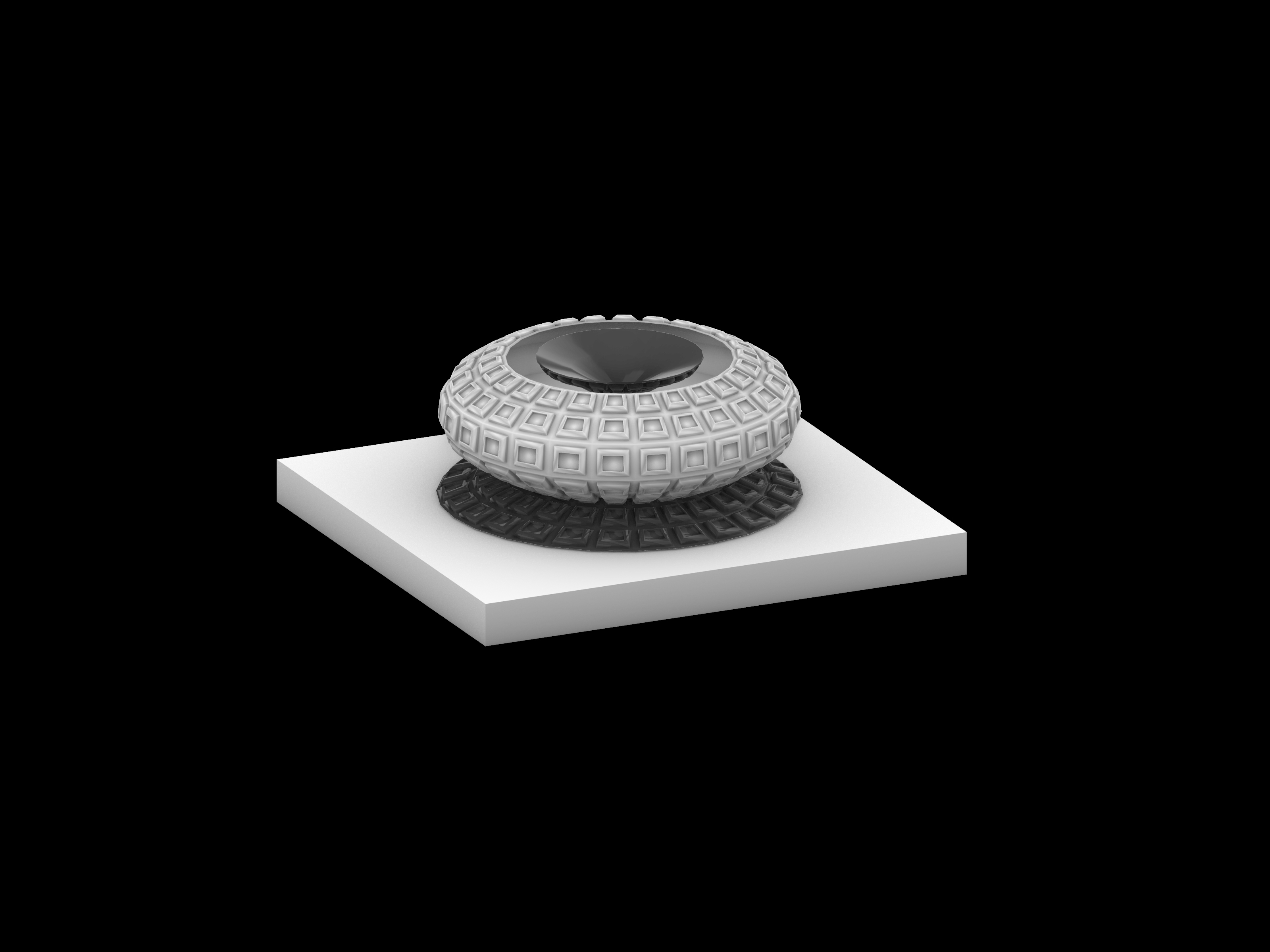
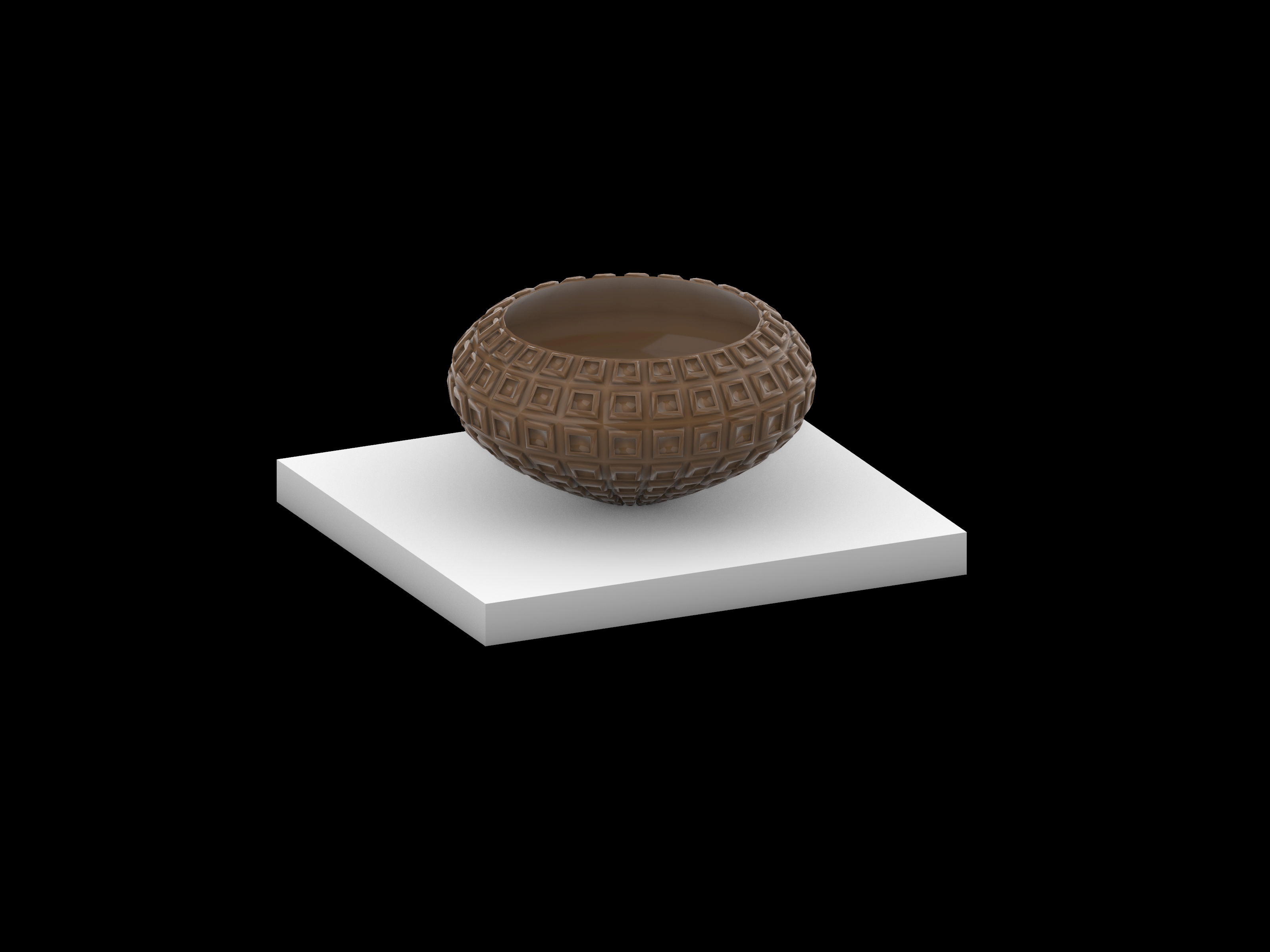
A key highlight of this endeavor is the flexibility it offers. The complexity of the products can be easily adjusted to cater to individual preferences. Whether you prefer a sleek and minimalist aesthetic or a more intricate and detailed design, the power is in your hands. Please follow the following Grasshopper Definition:
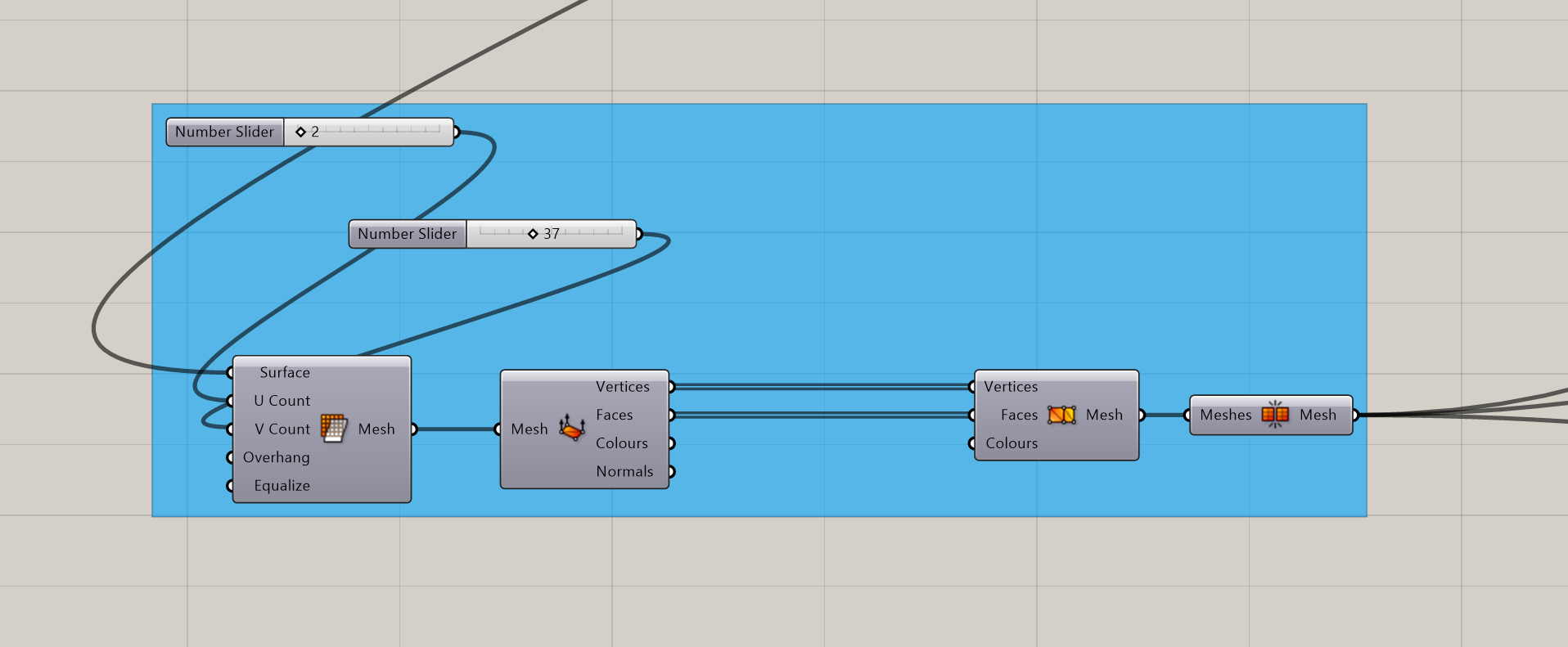
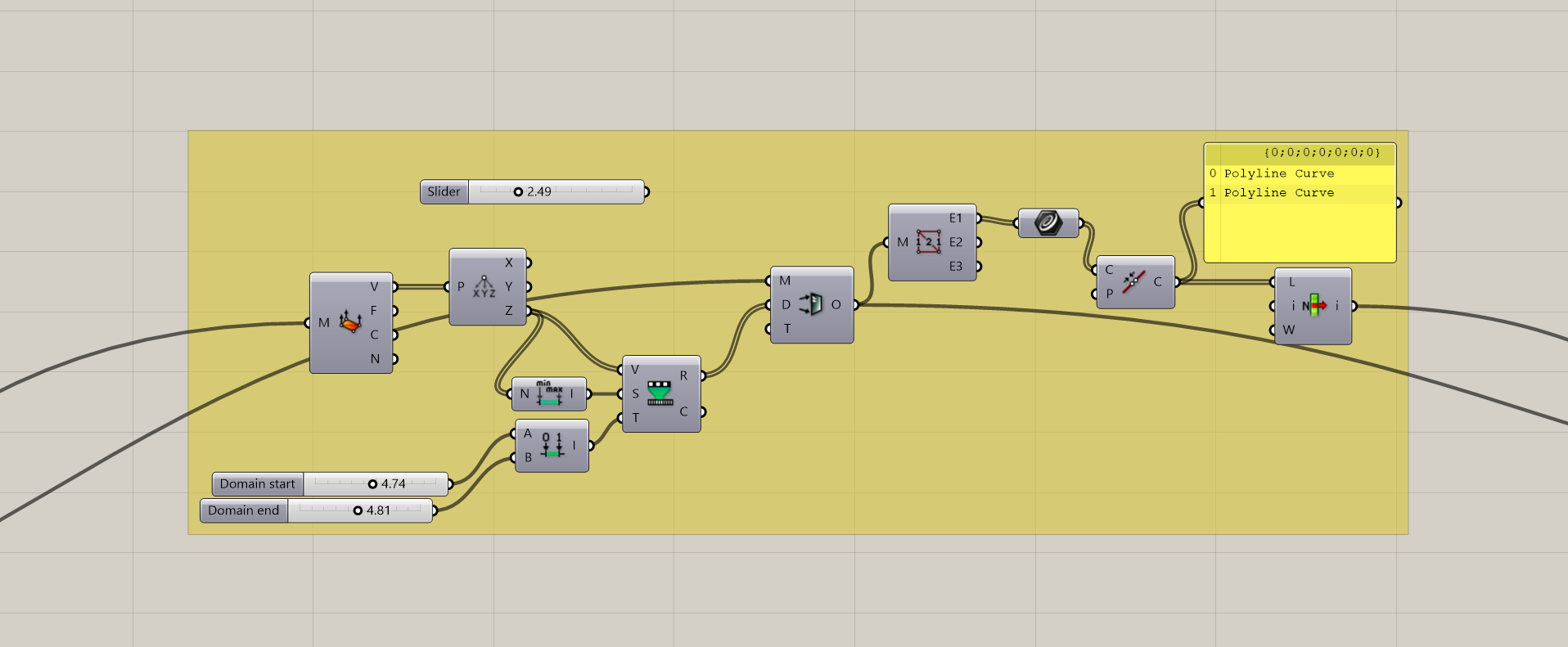
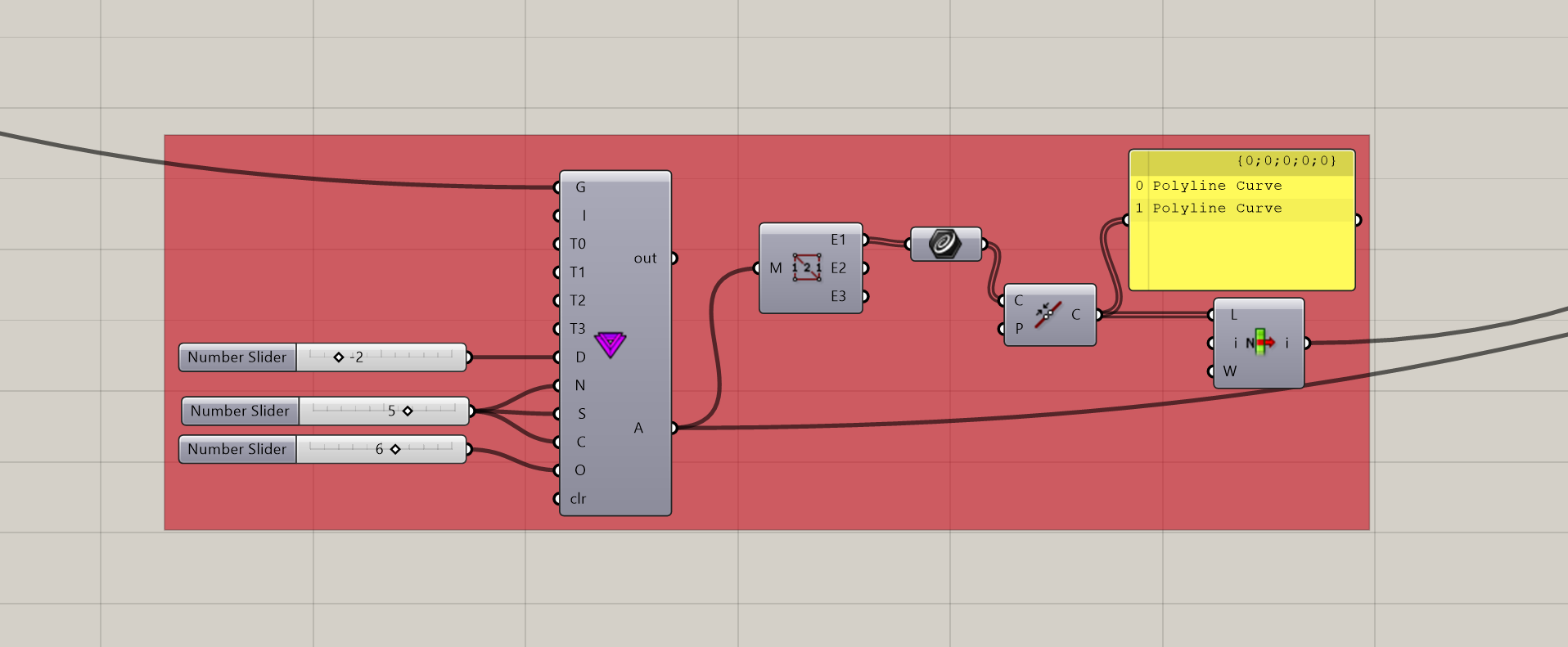

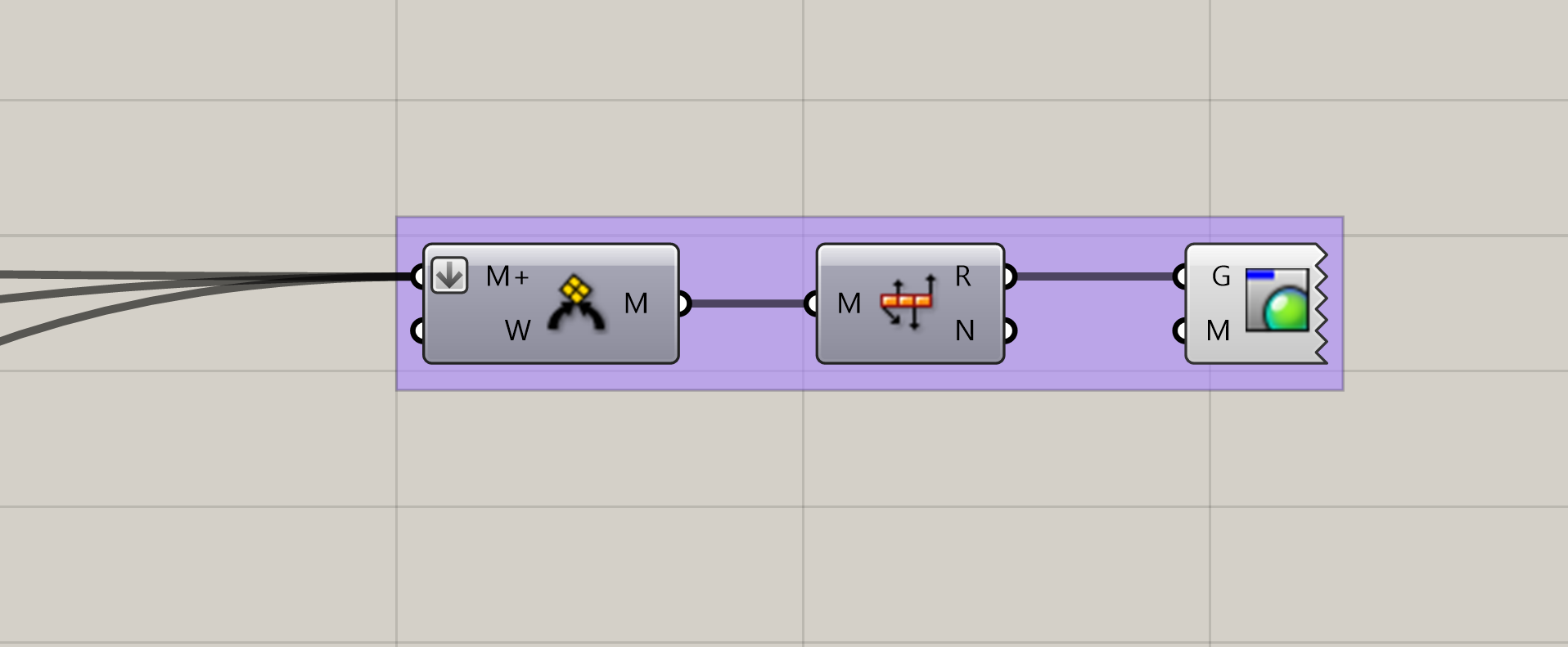
The ultimate objective of this product design venture is to establish a harmonious family of items that seamlessly integrate into our daily lives. These products aren’t just aesthetically pleasing; they are designed with functionality in mind, making them practical additions to our daily routines.
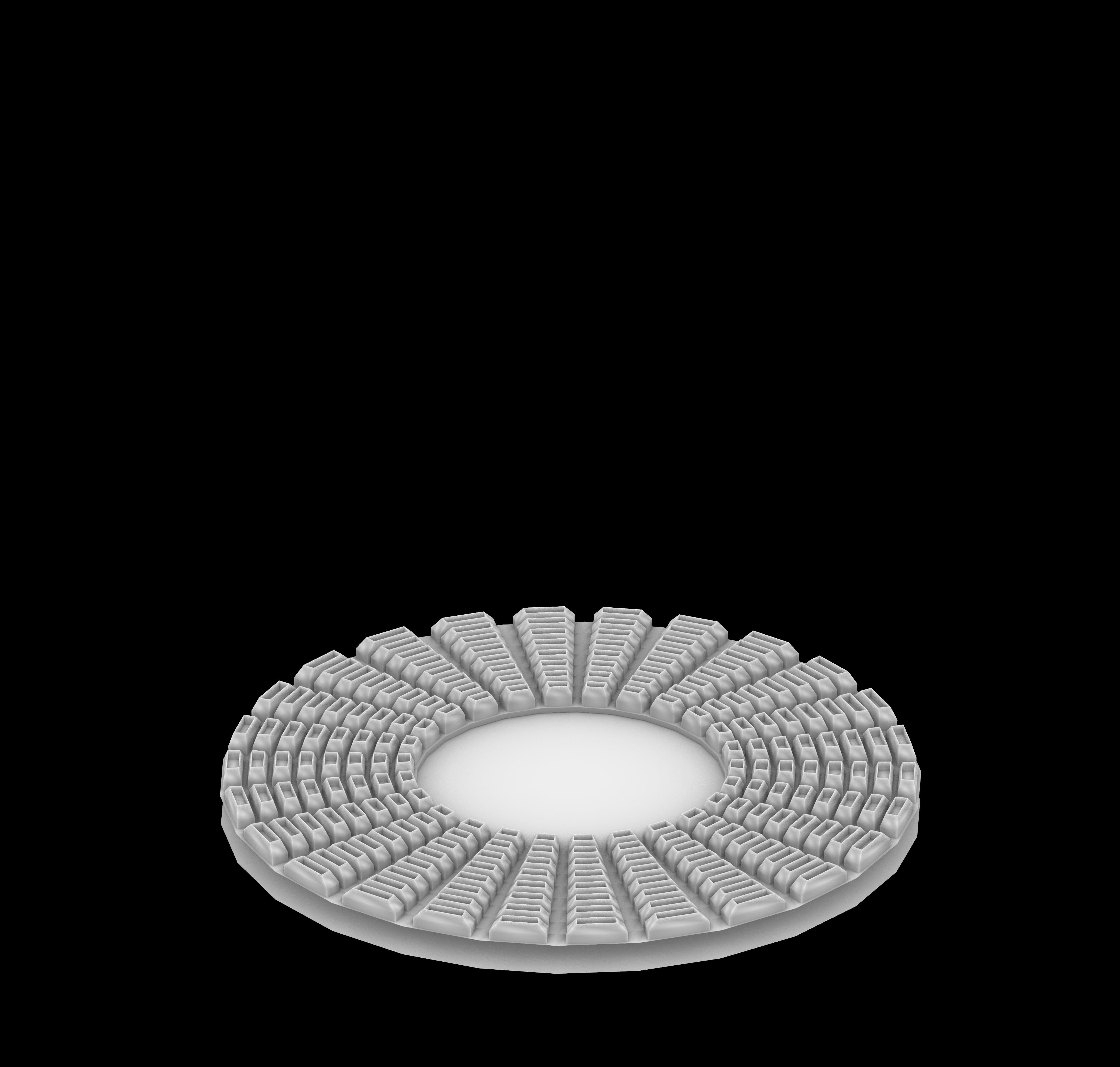
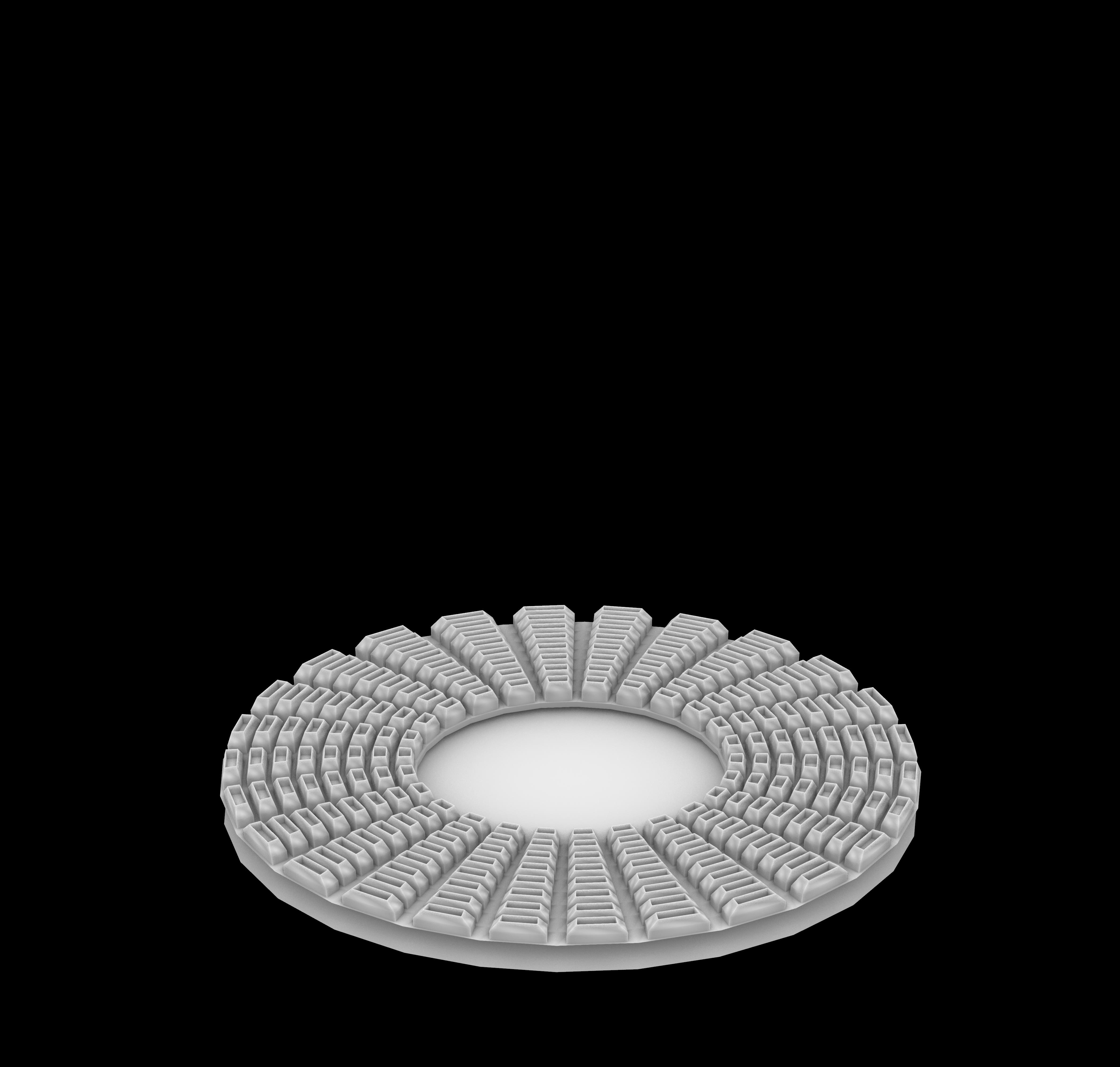
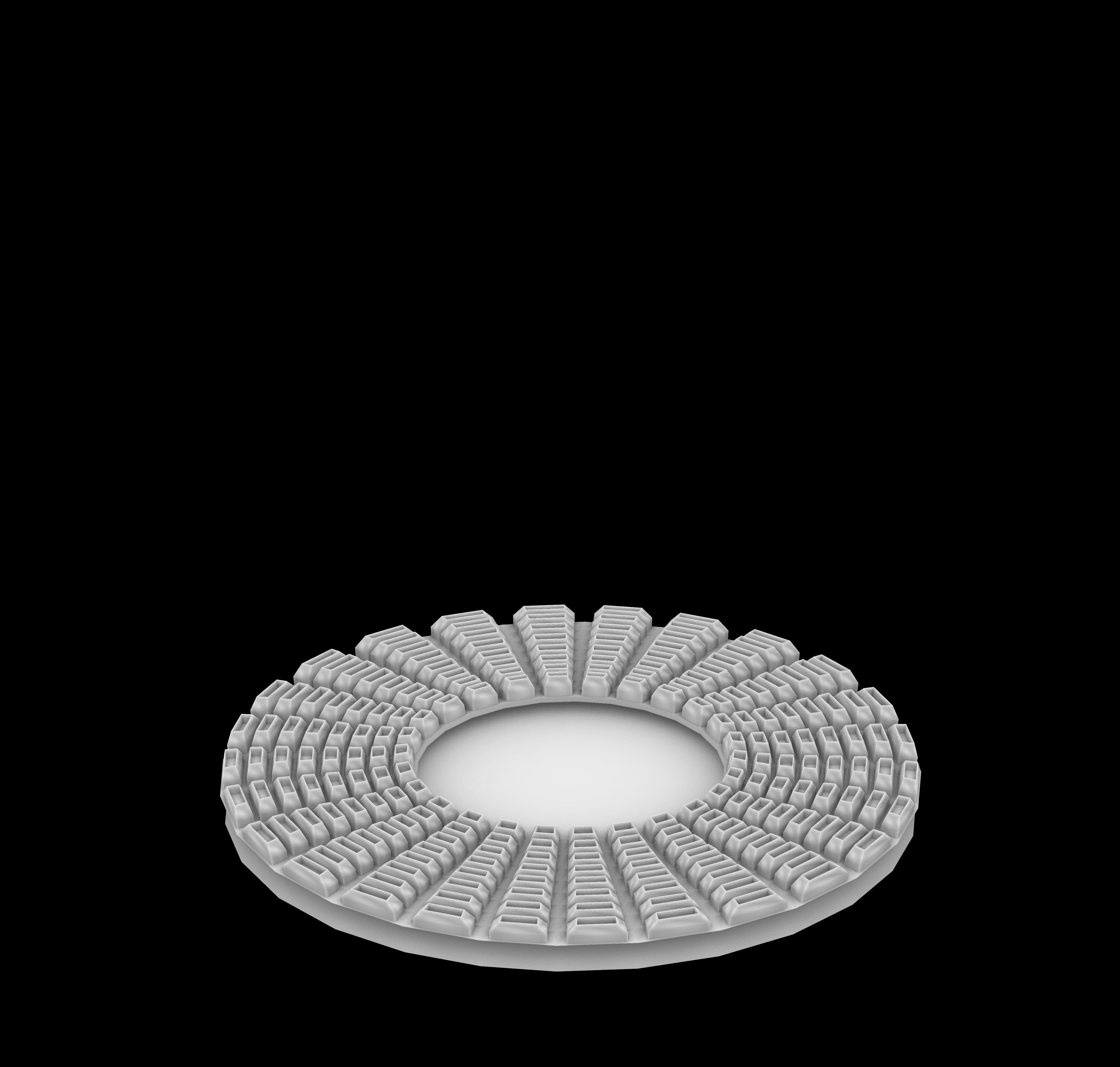
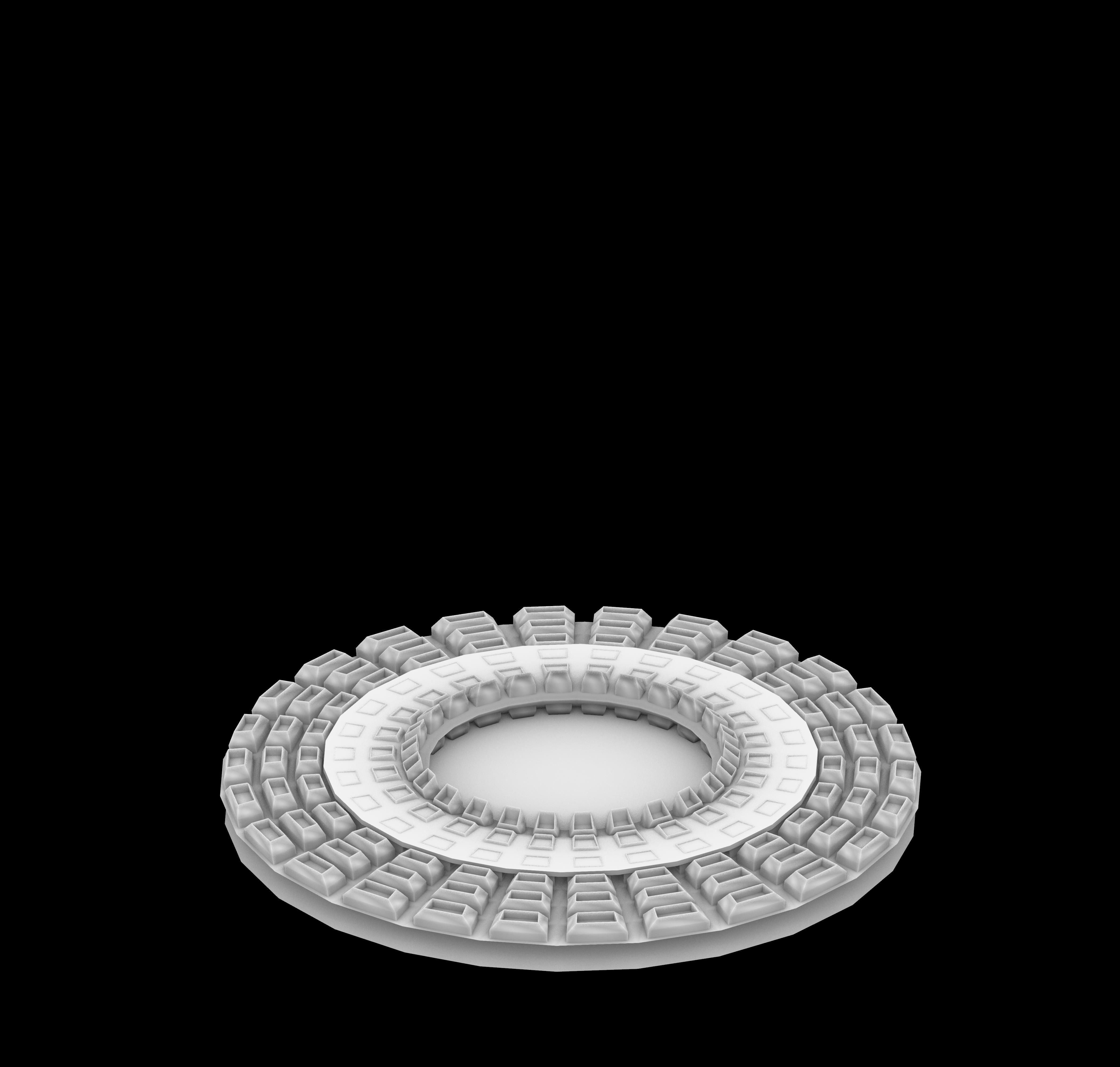
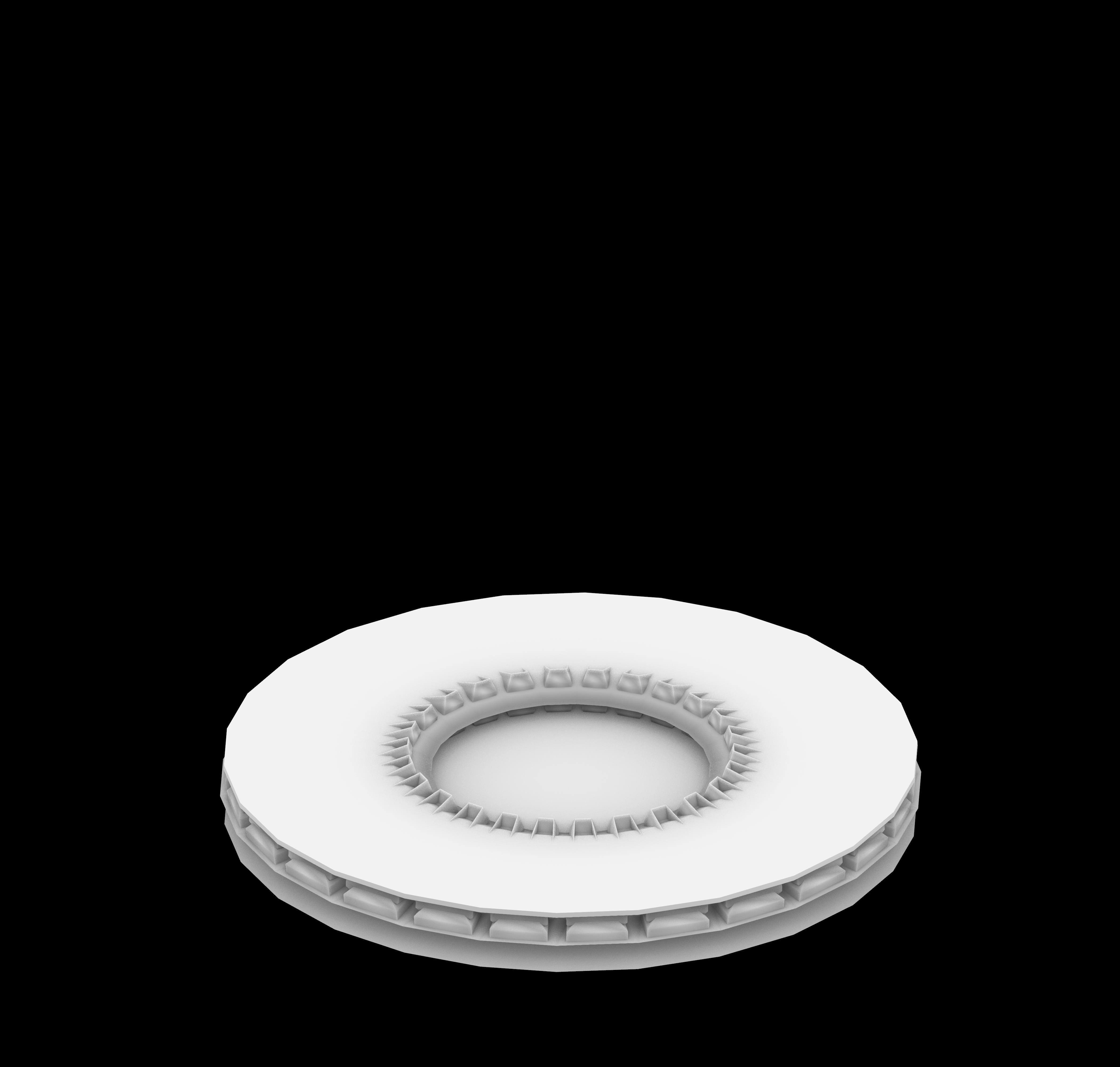
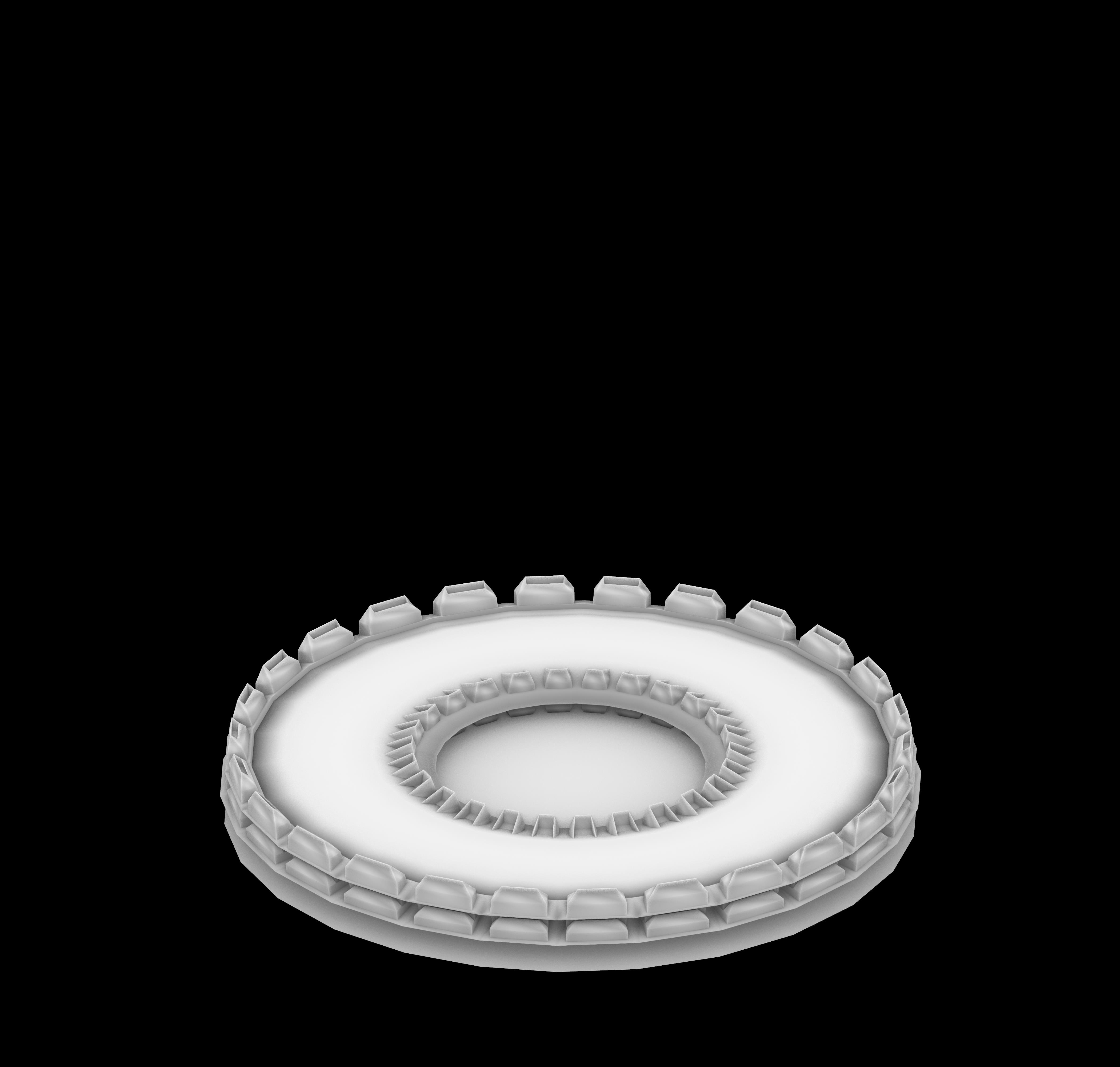
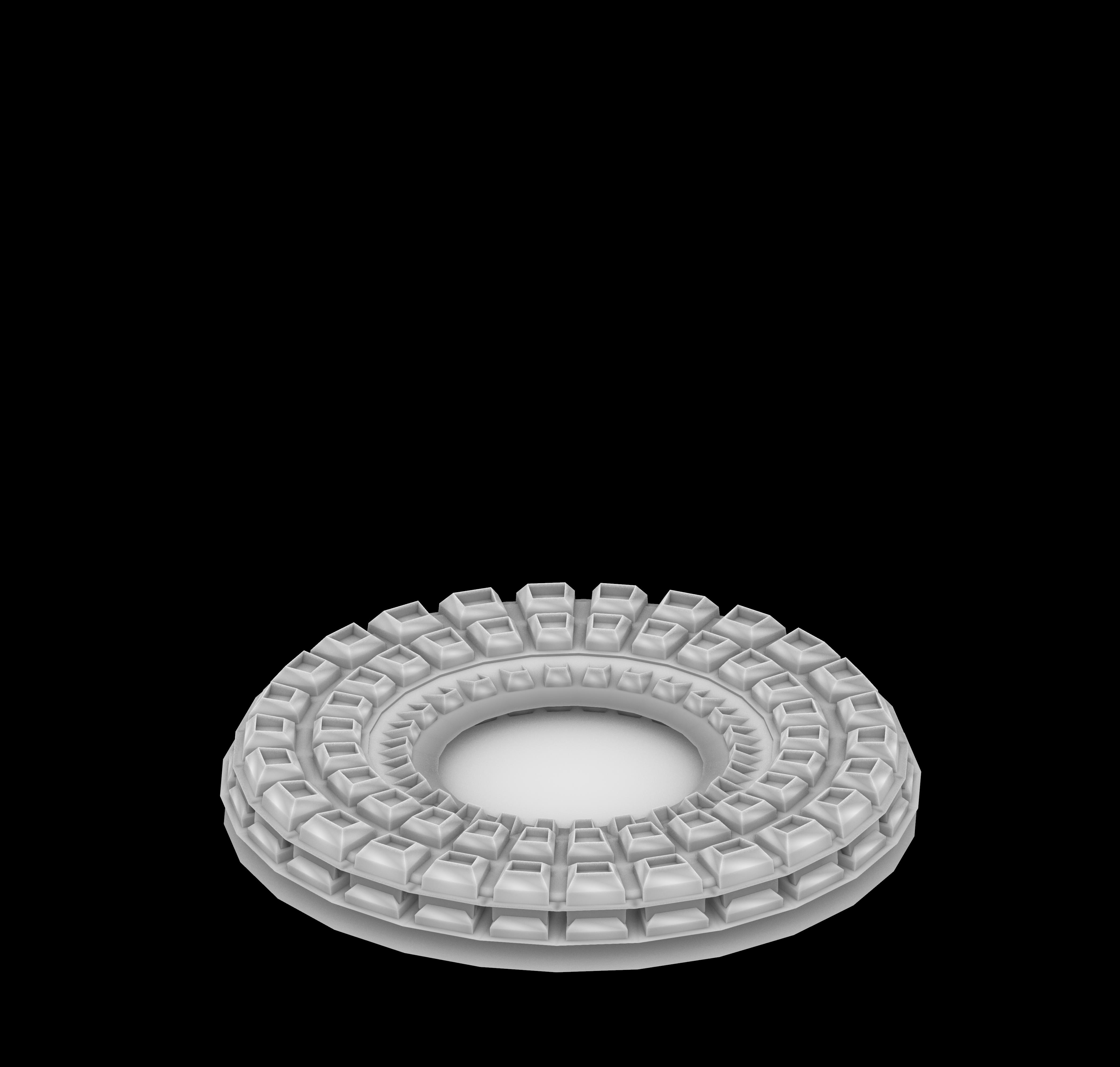
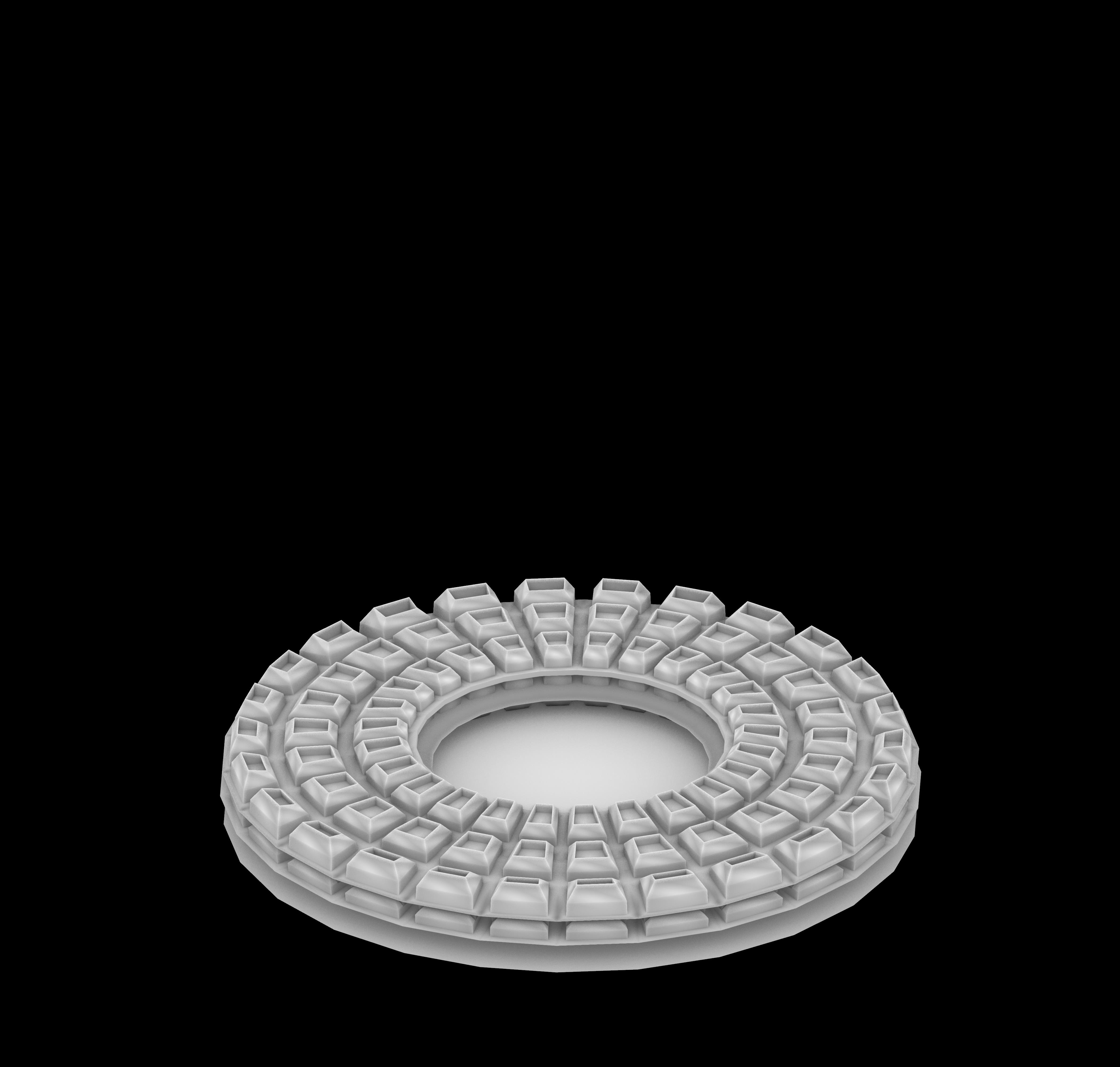
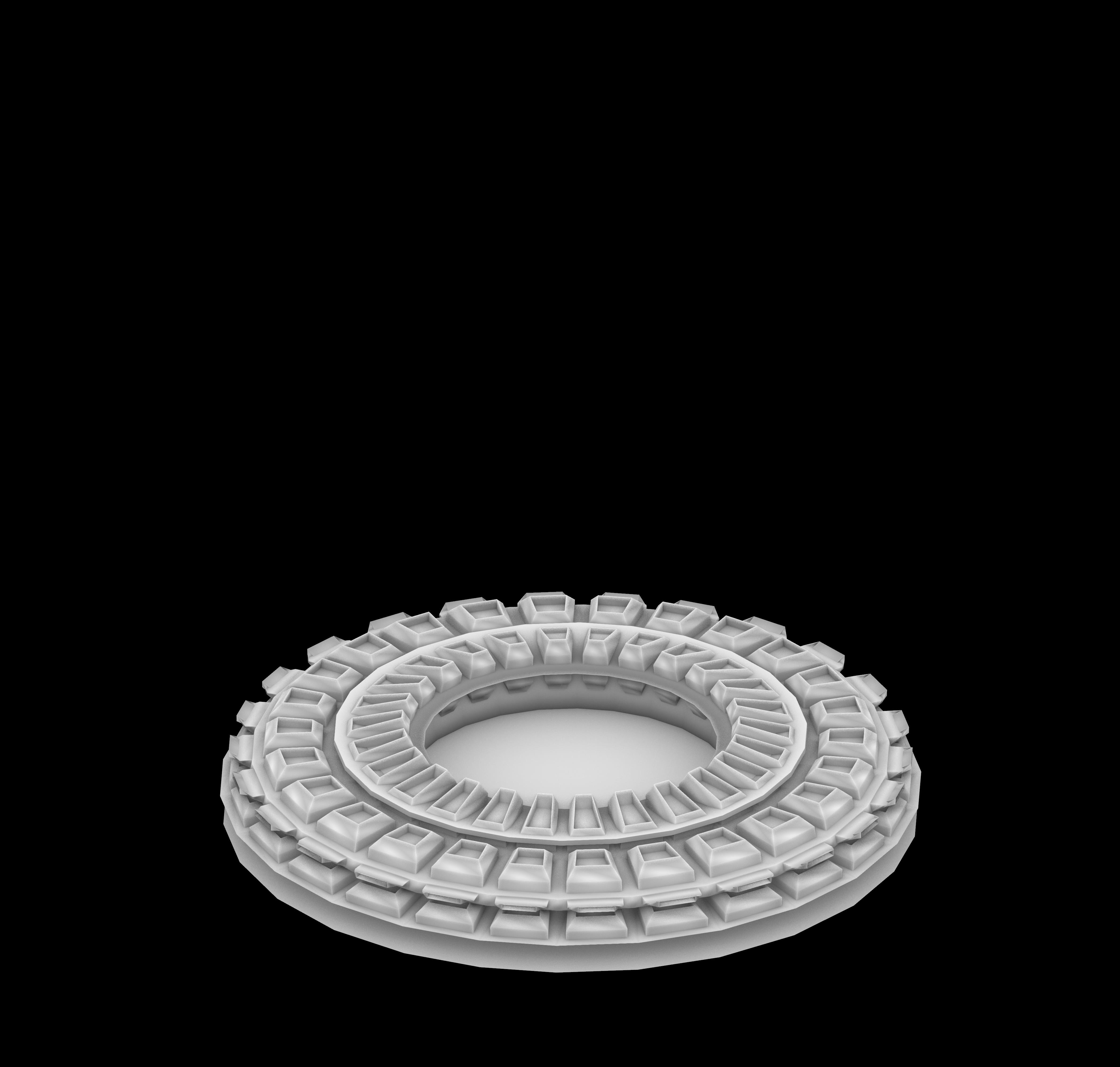

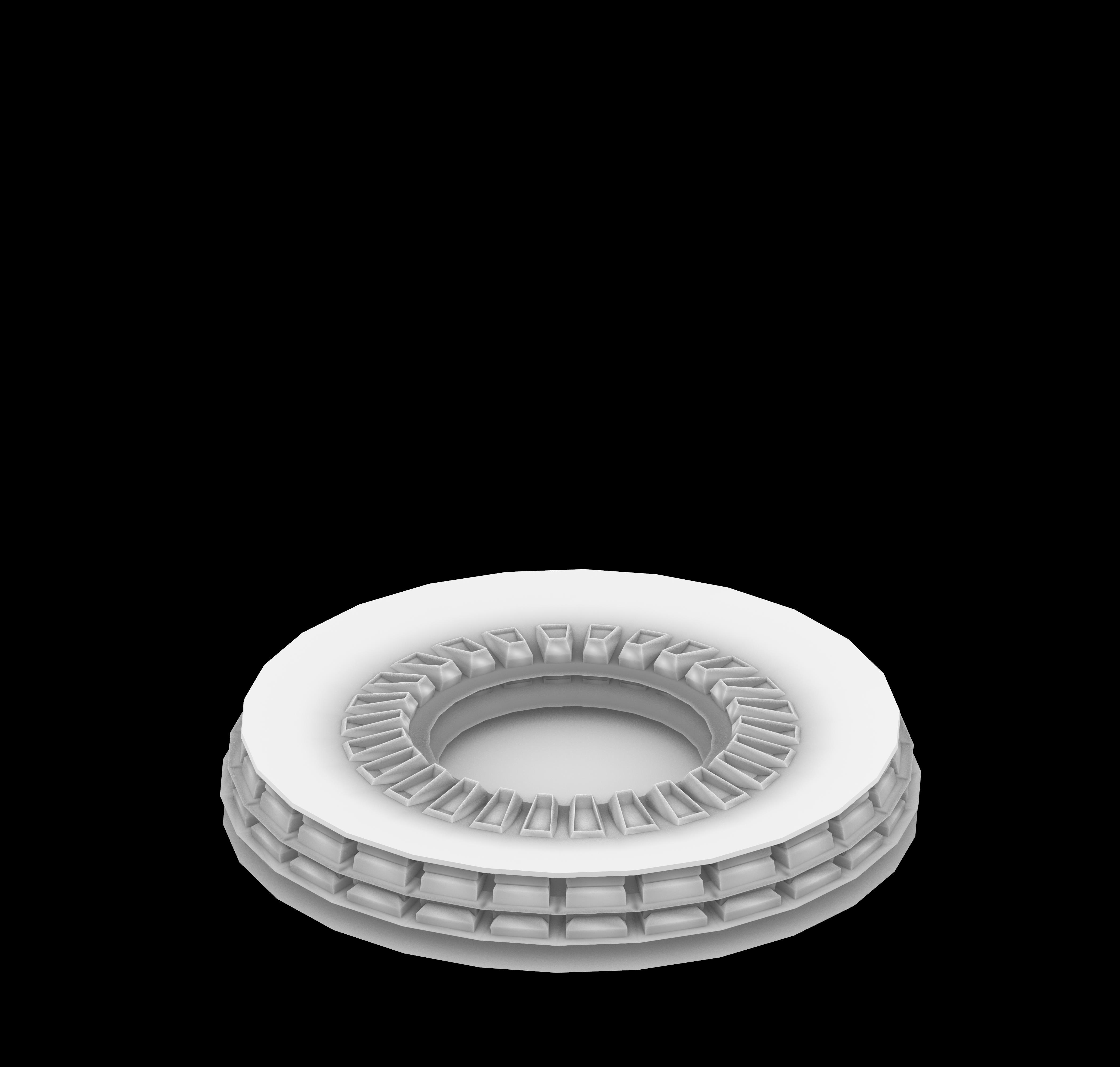
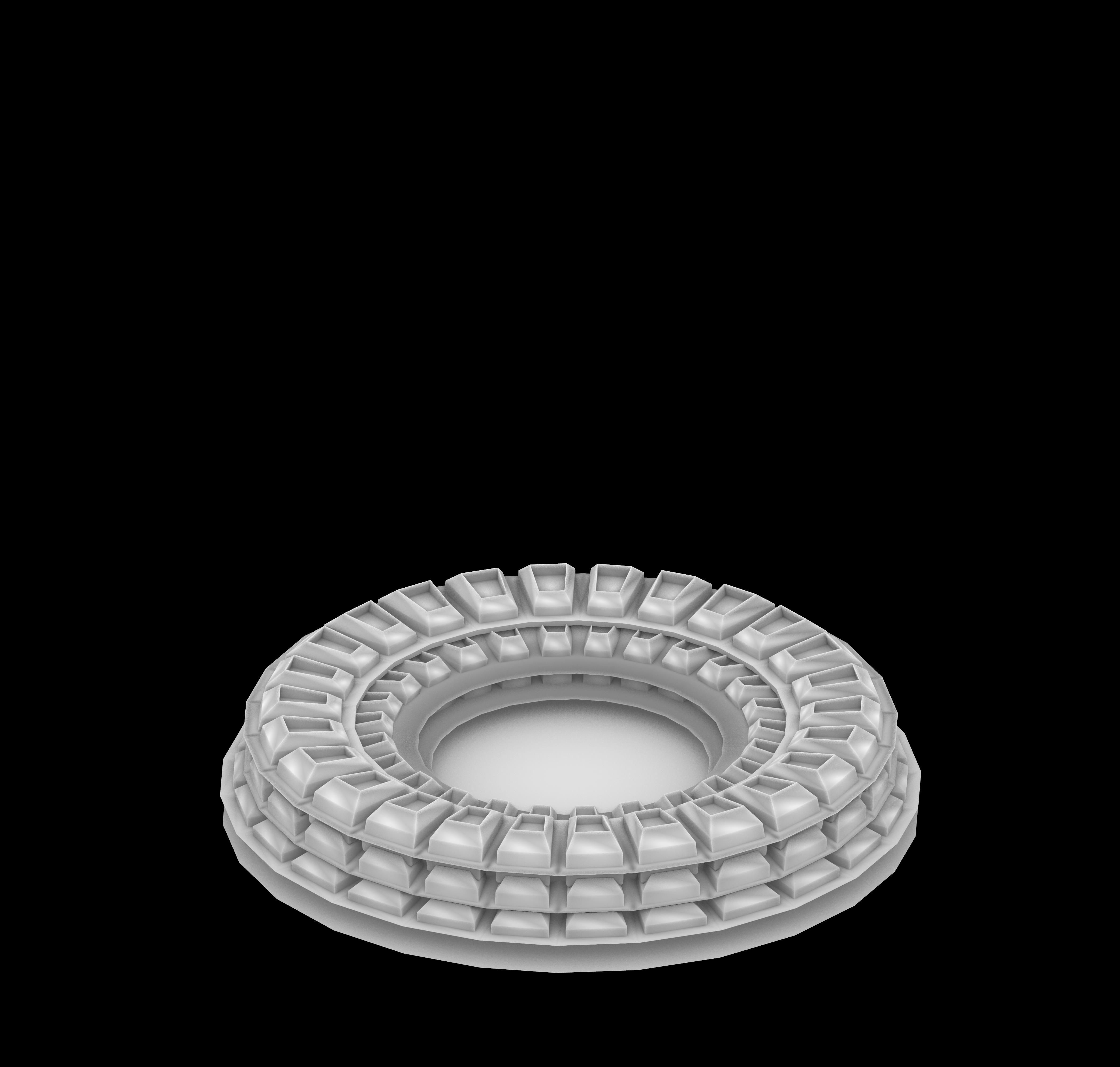
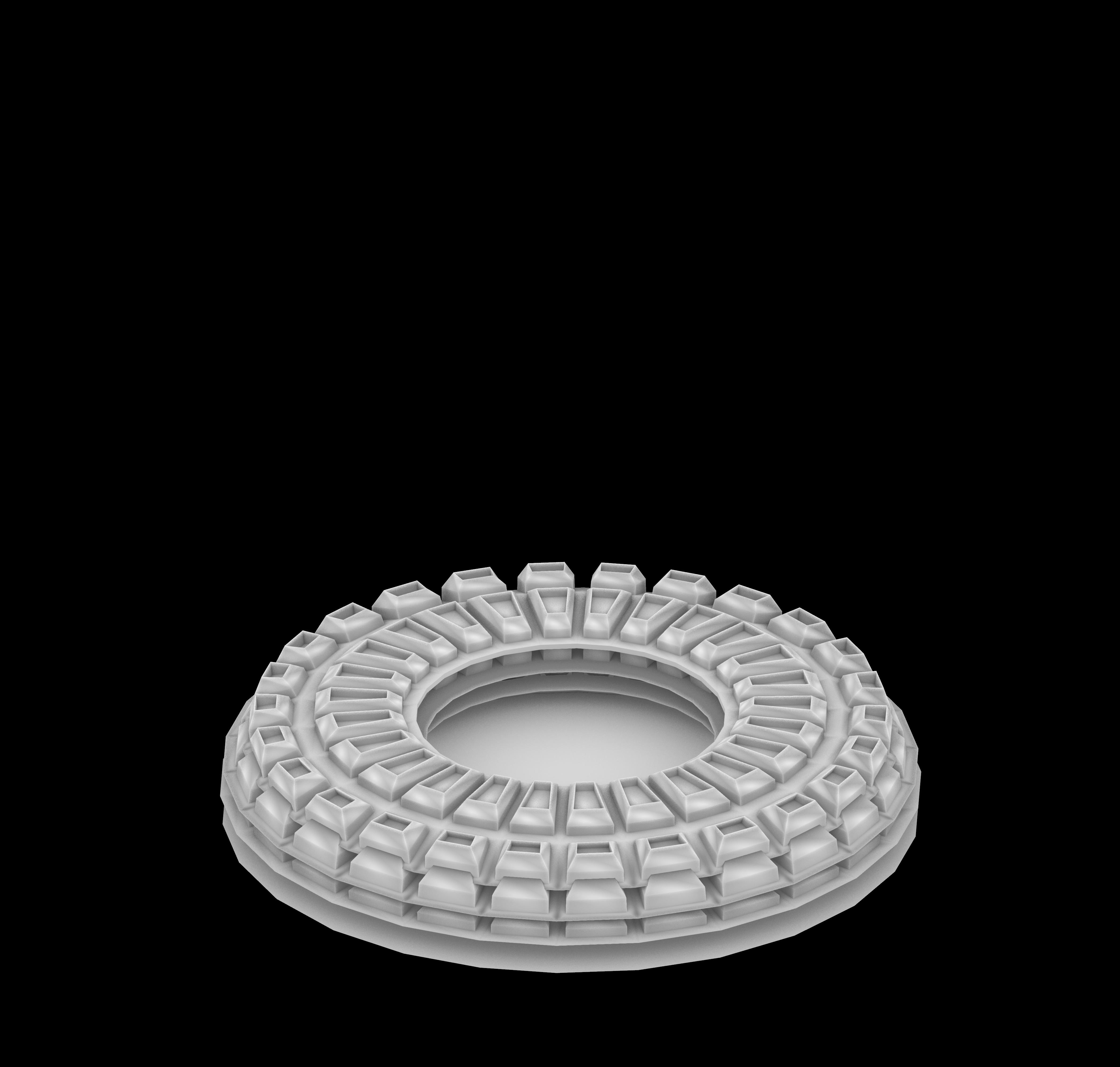
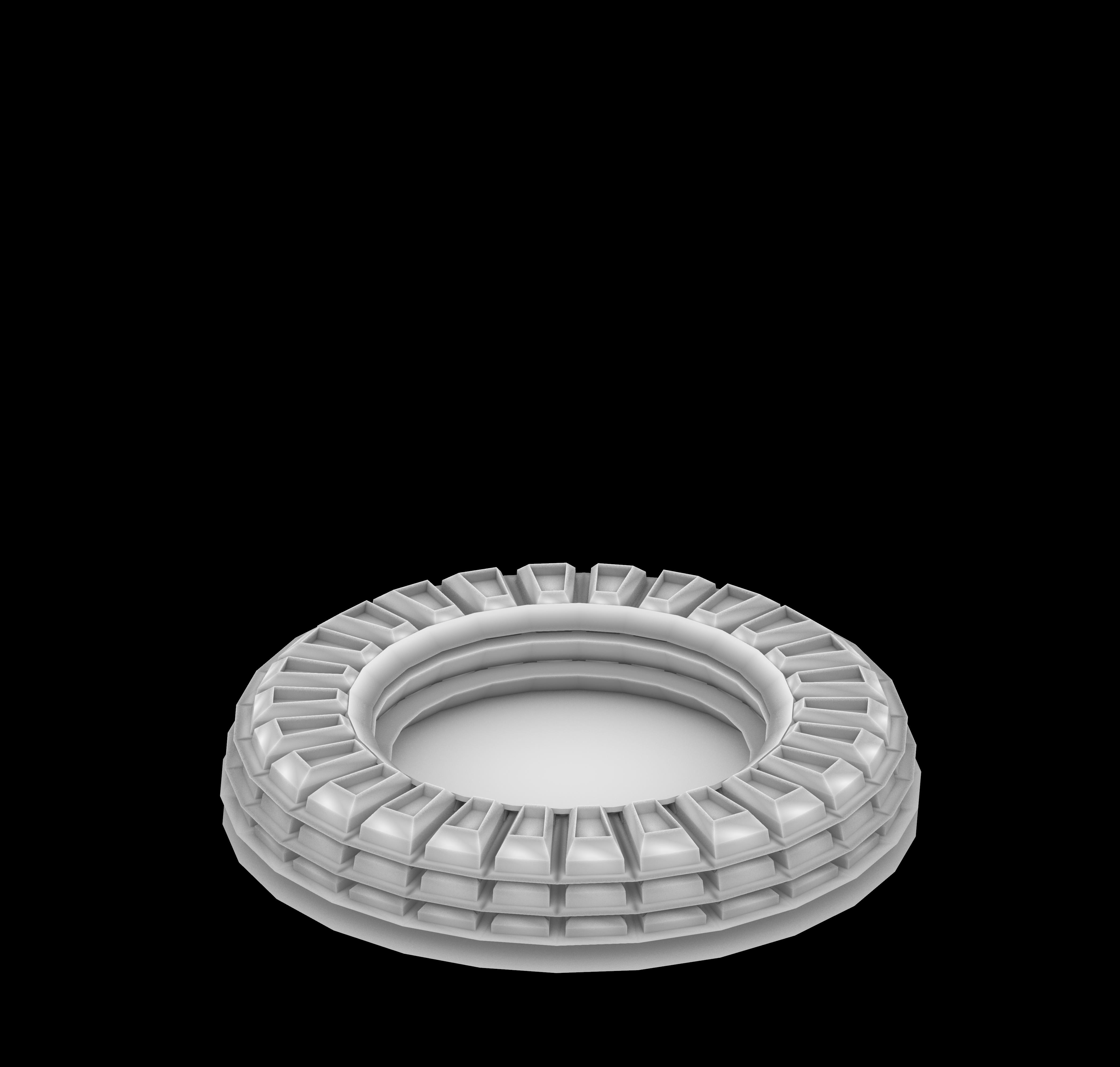
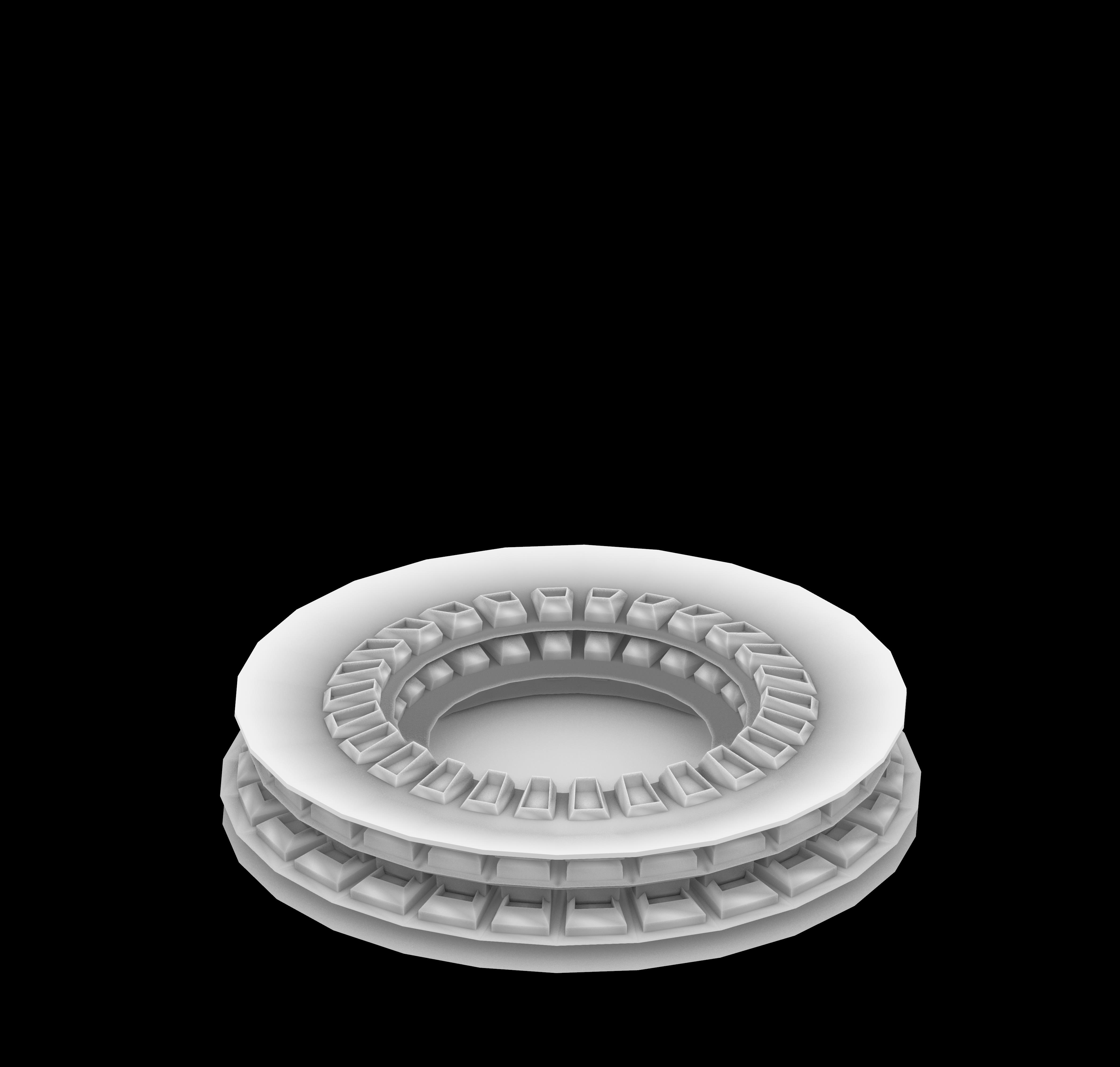
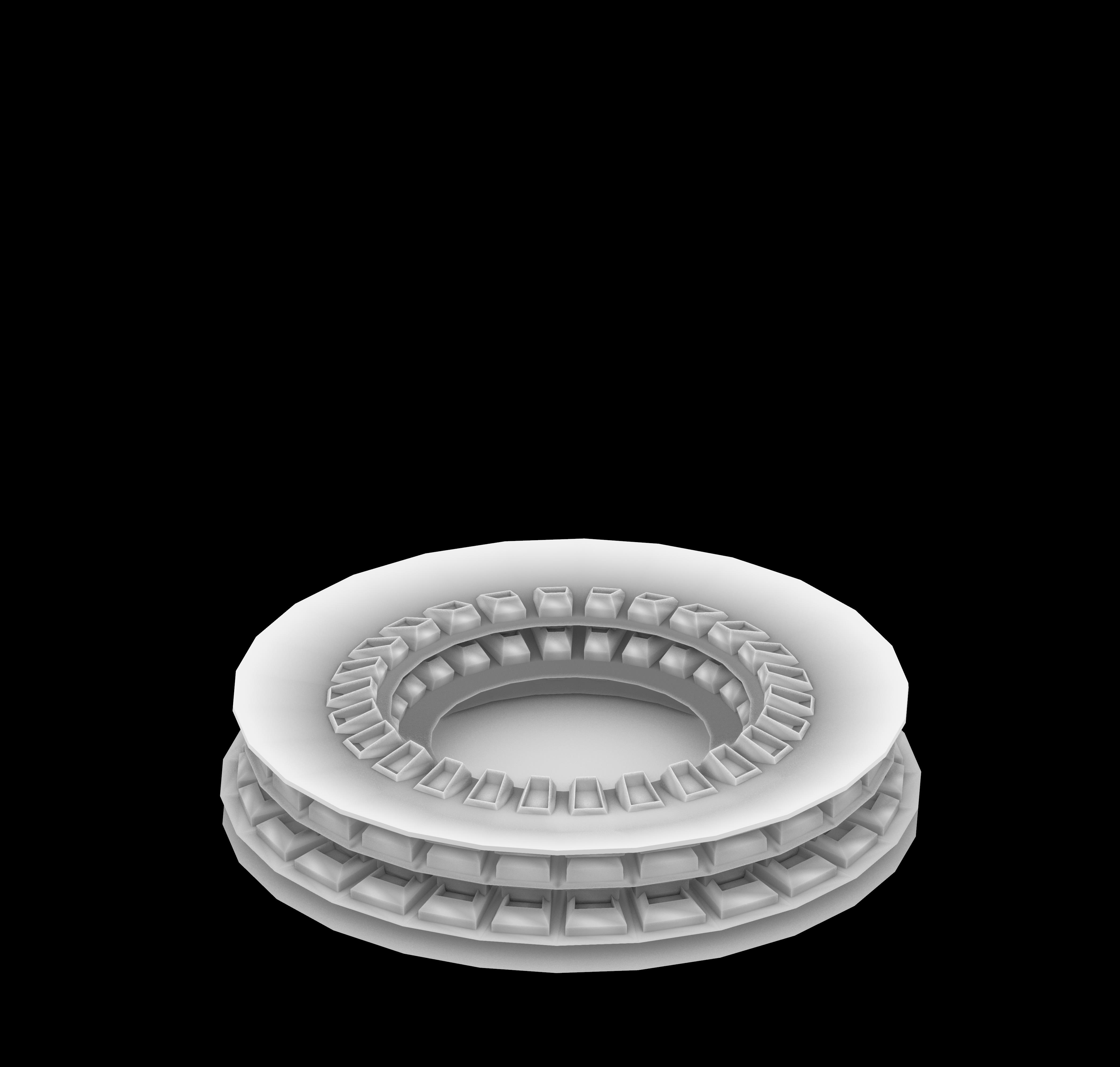
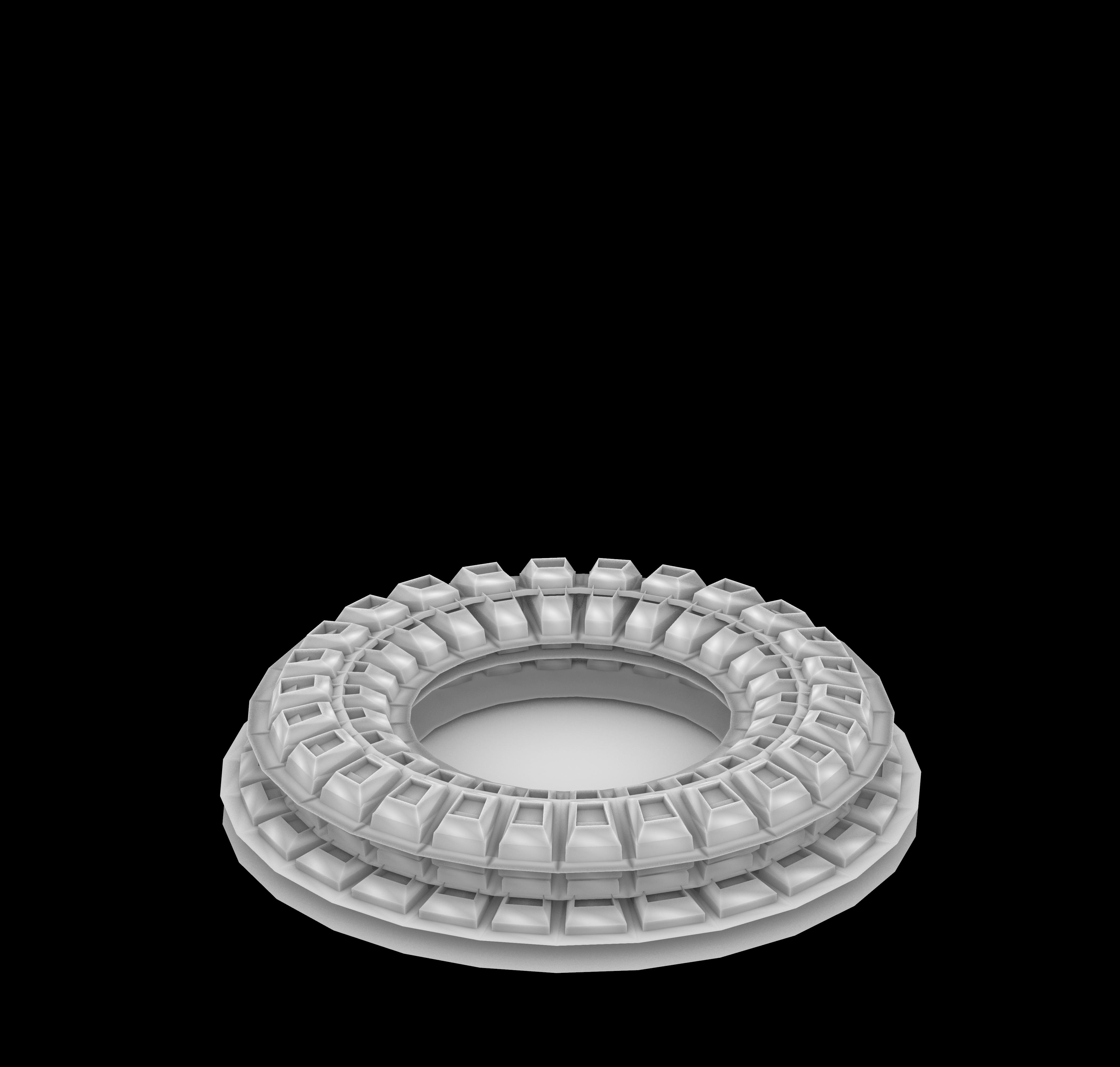
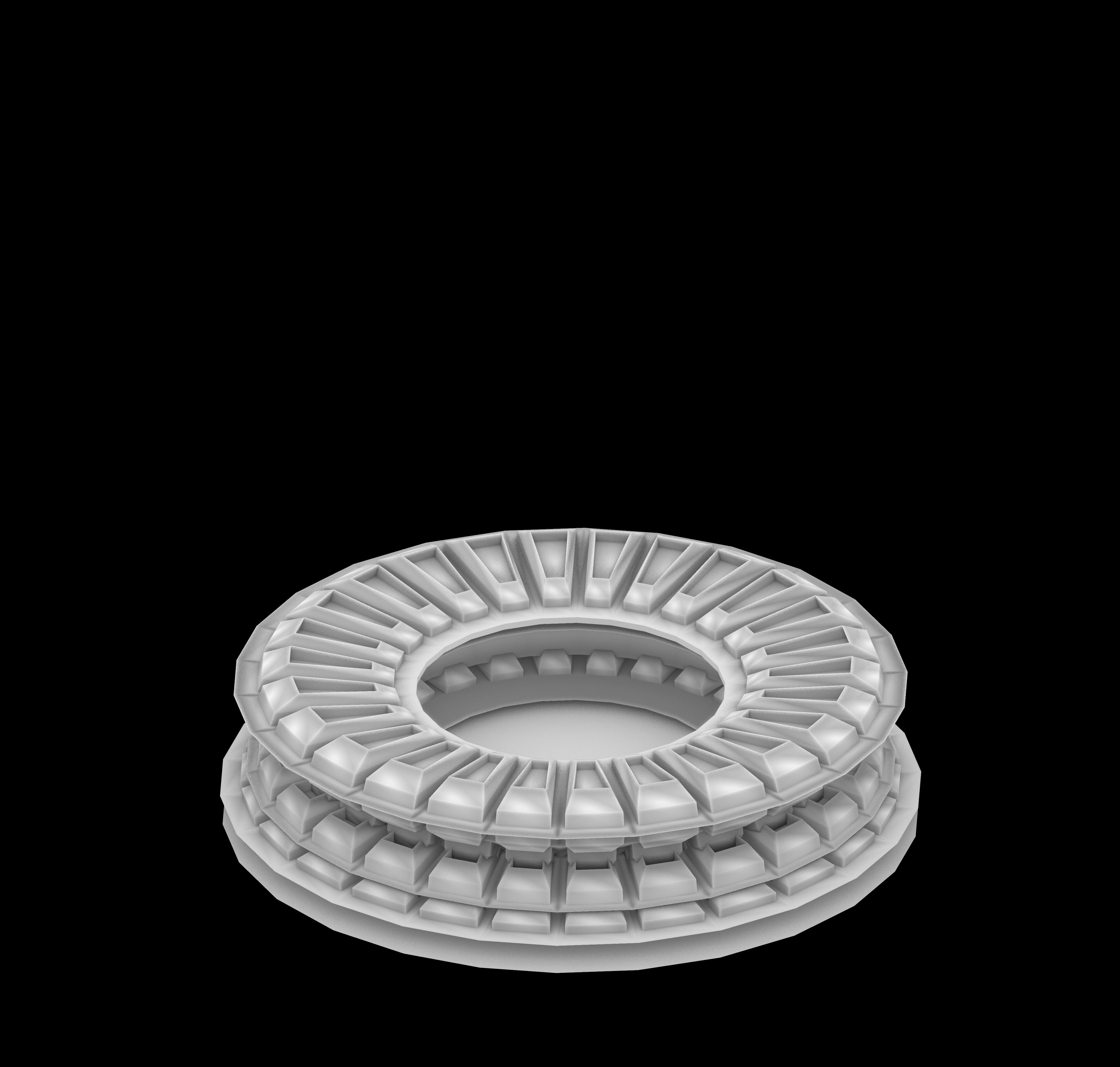
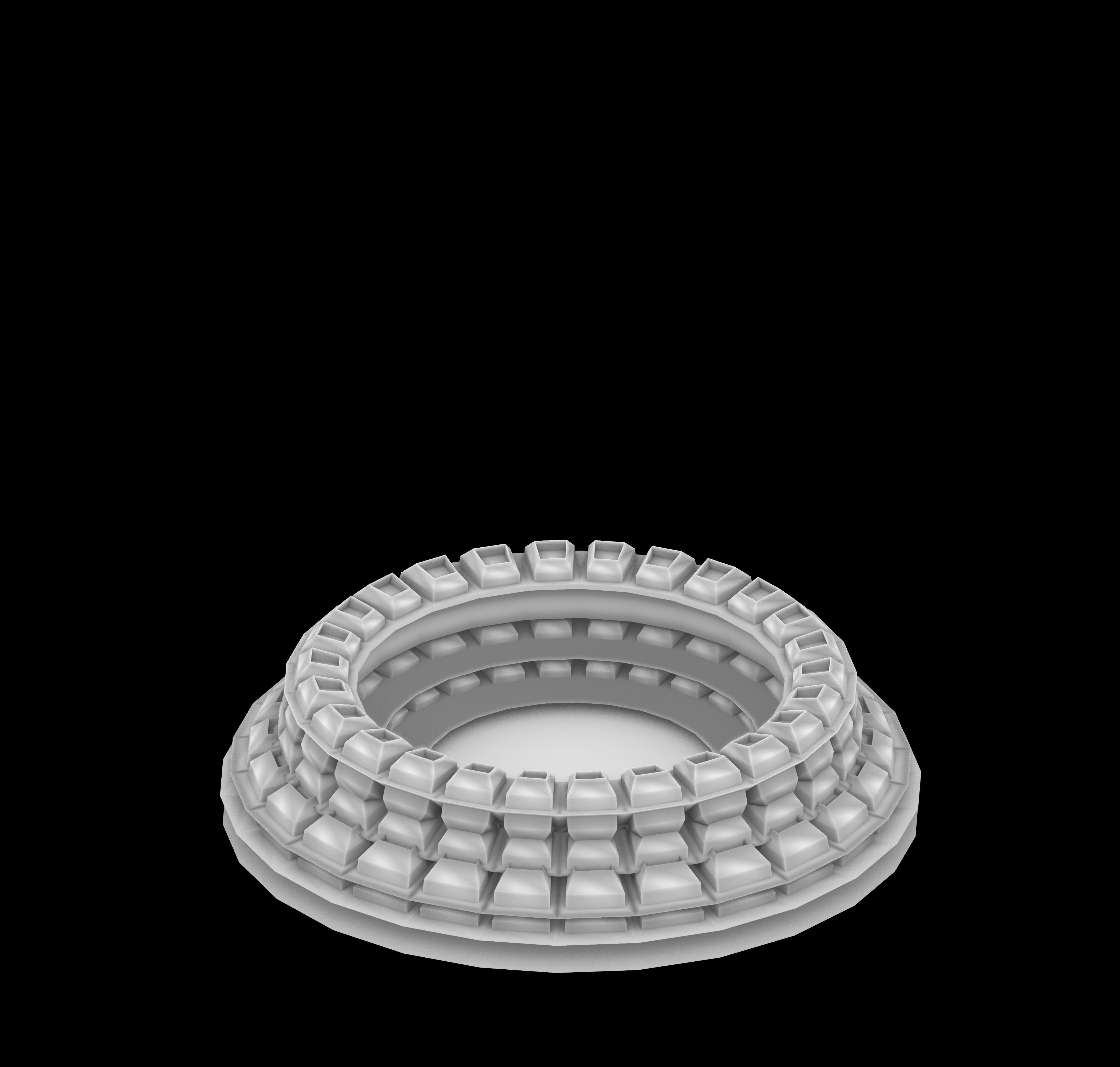
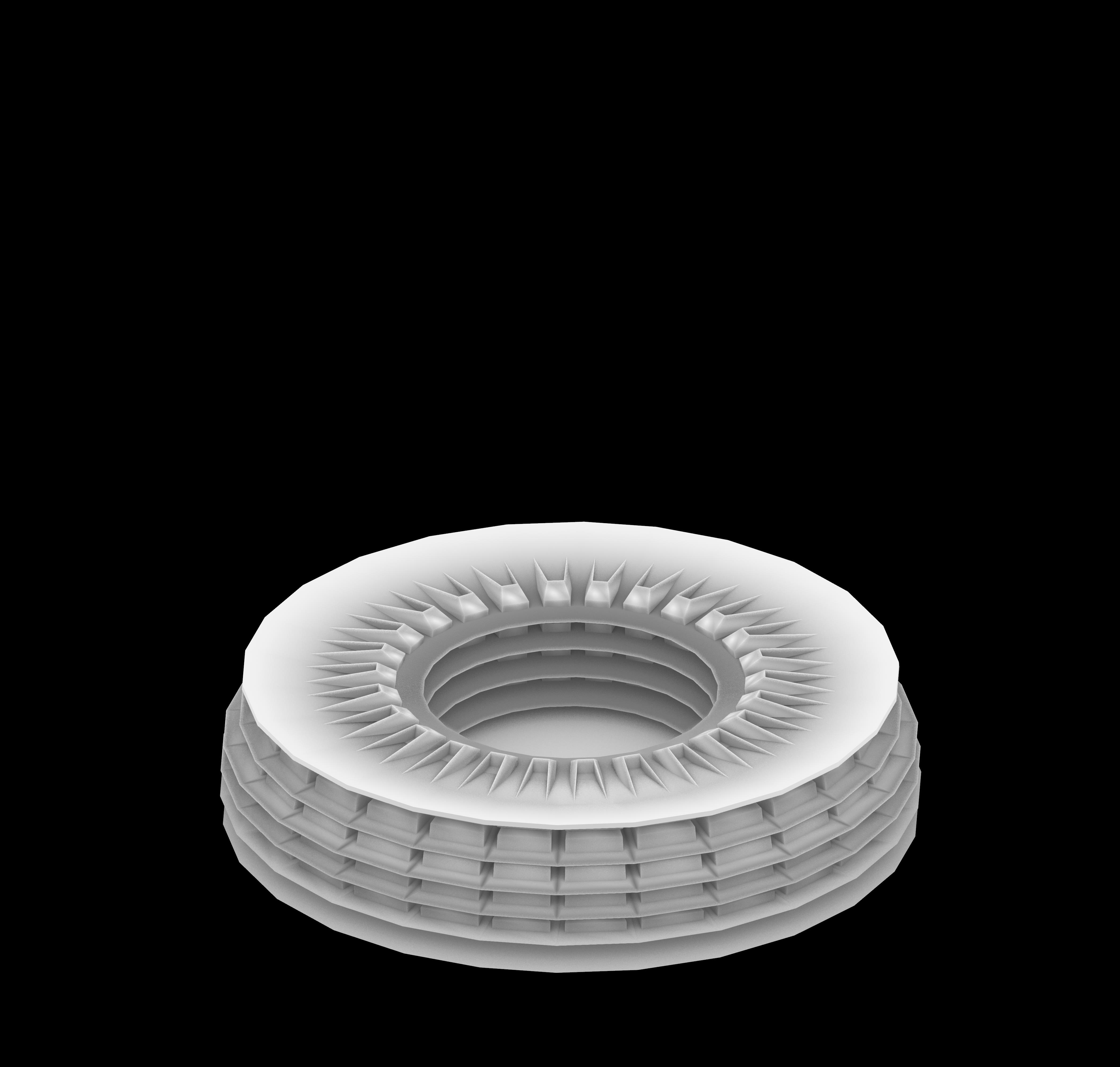
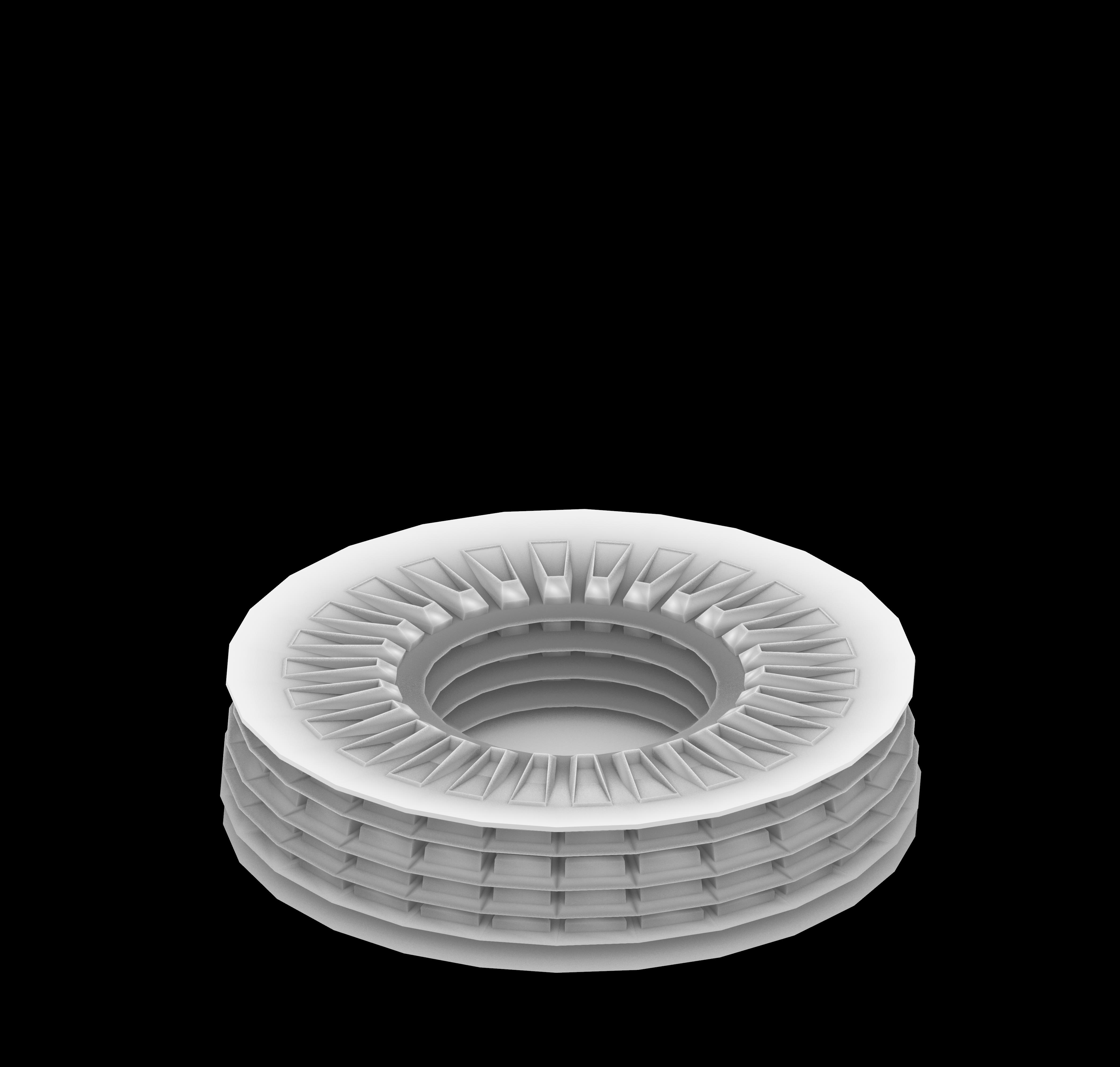
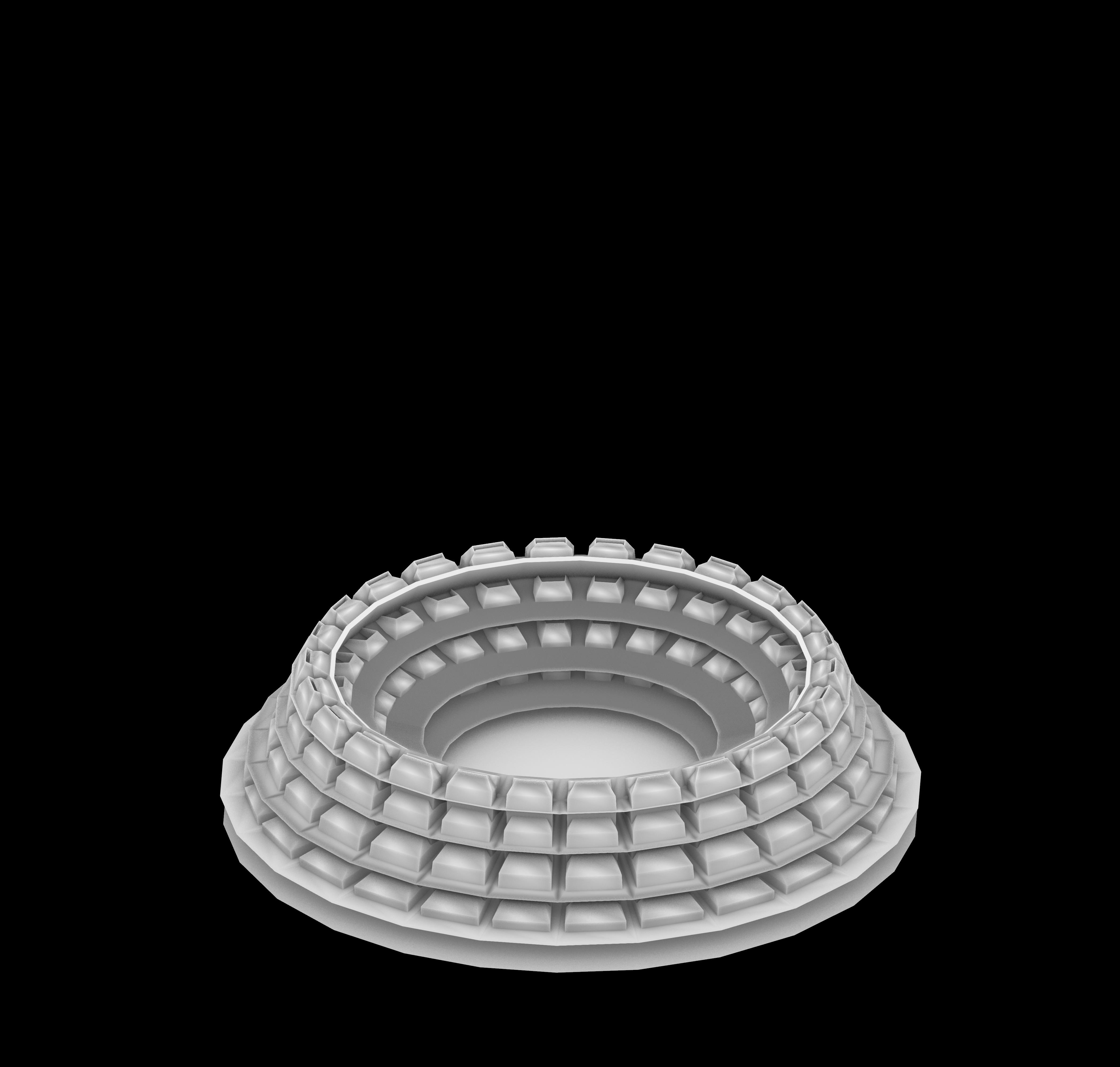
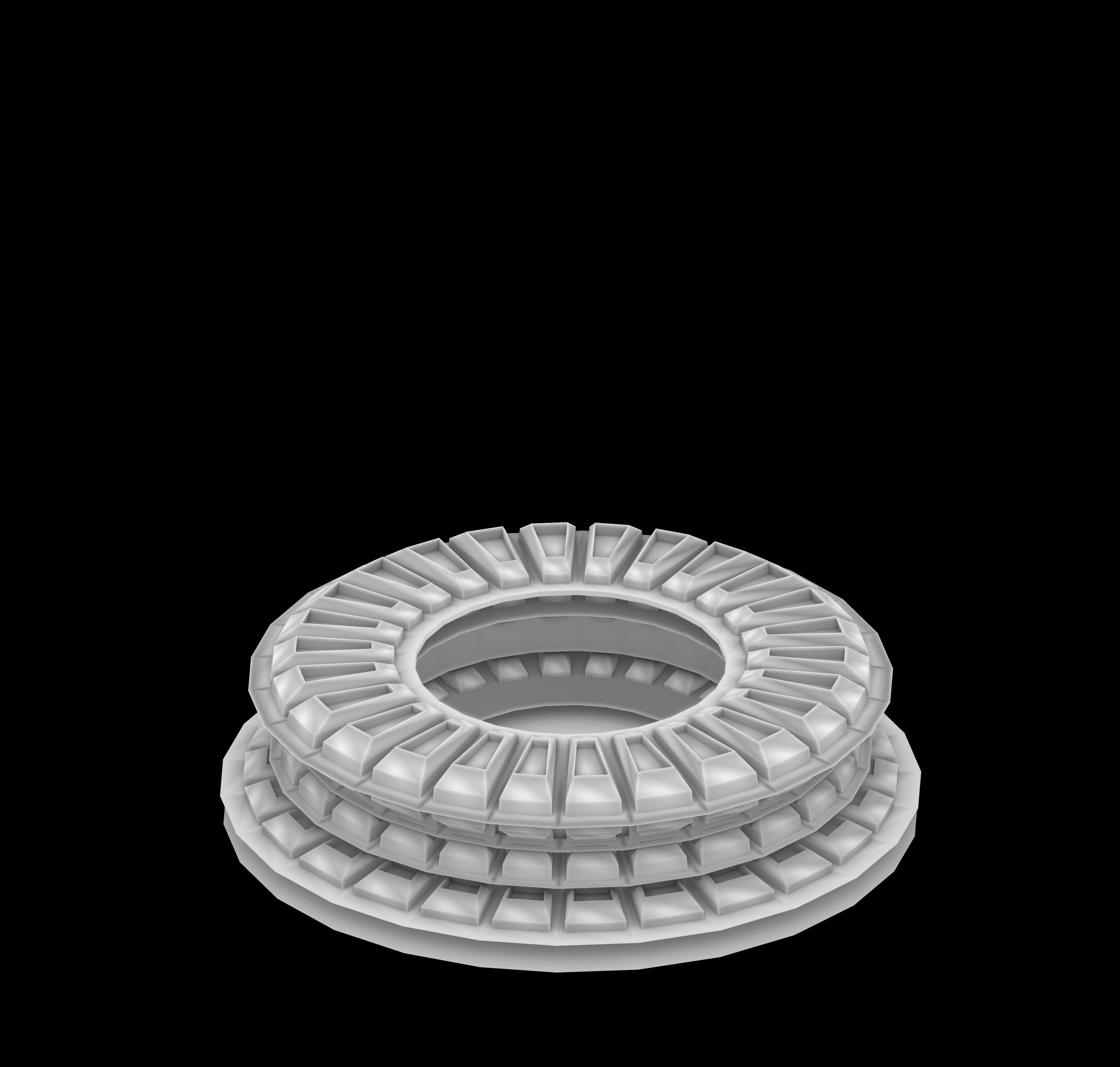
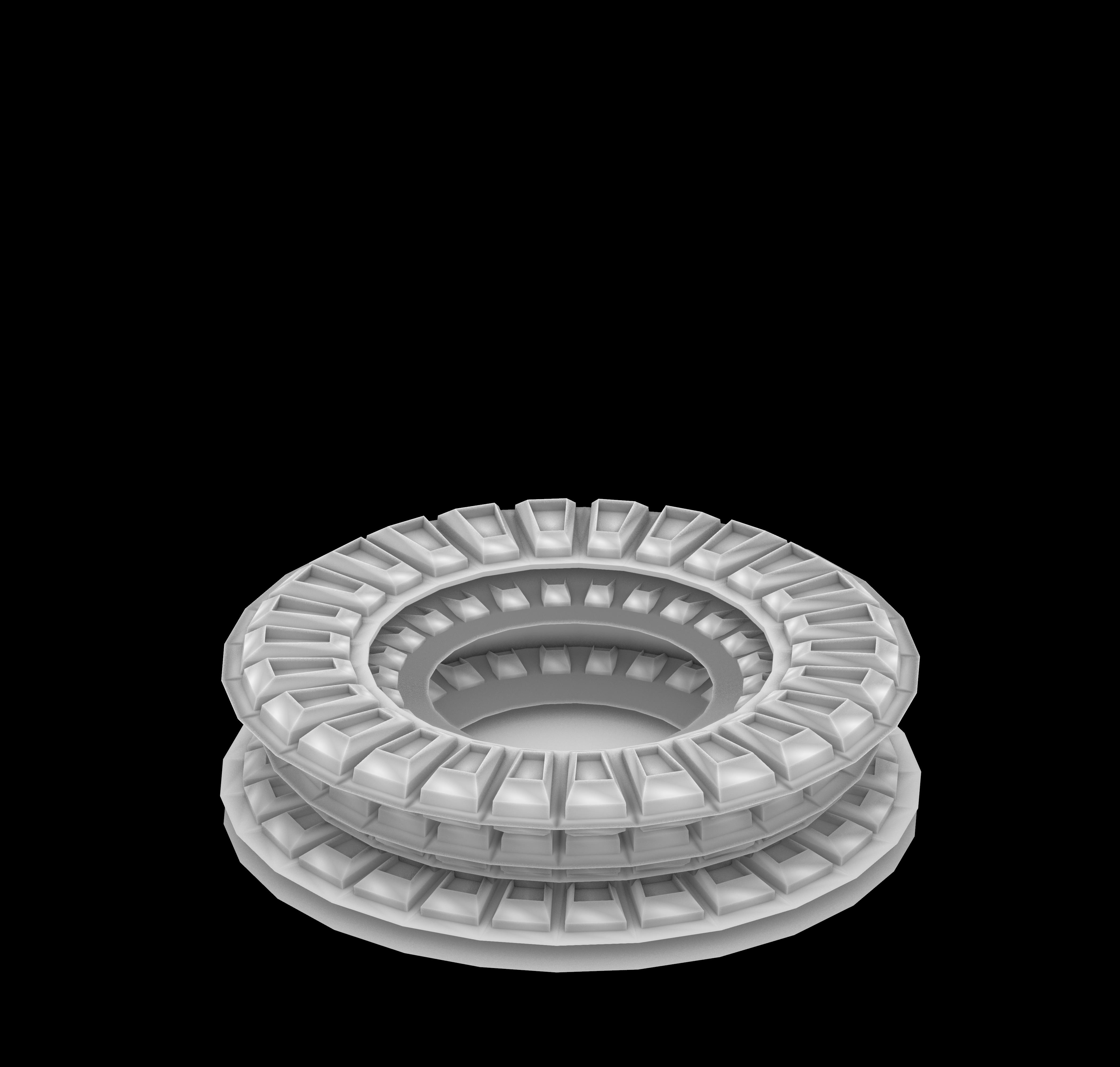
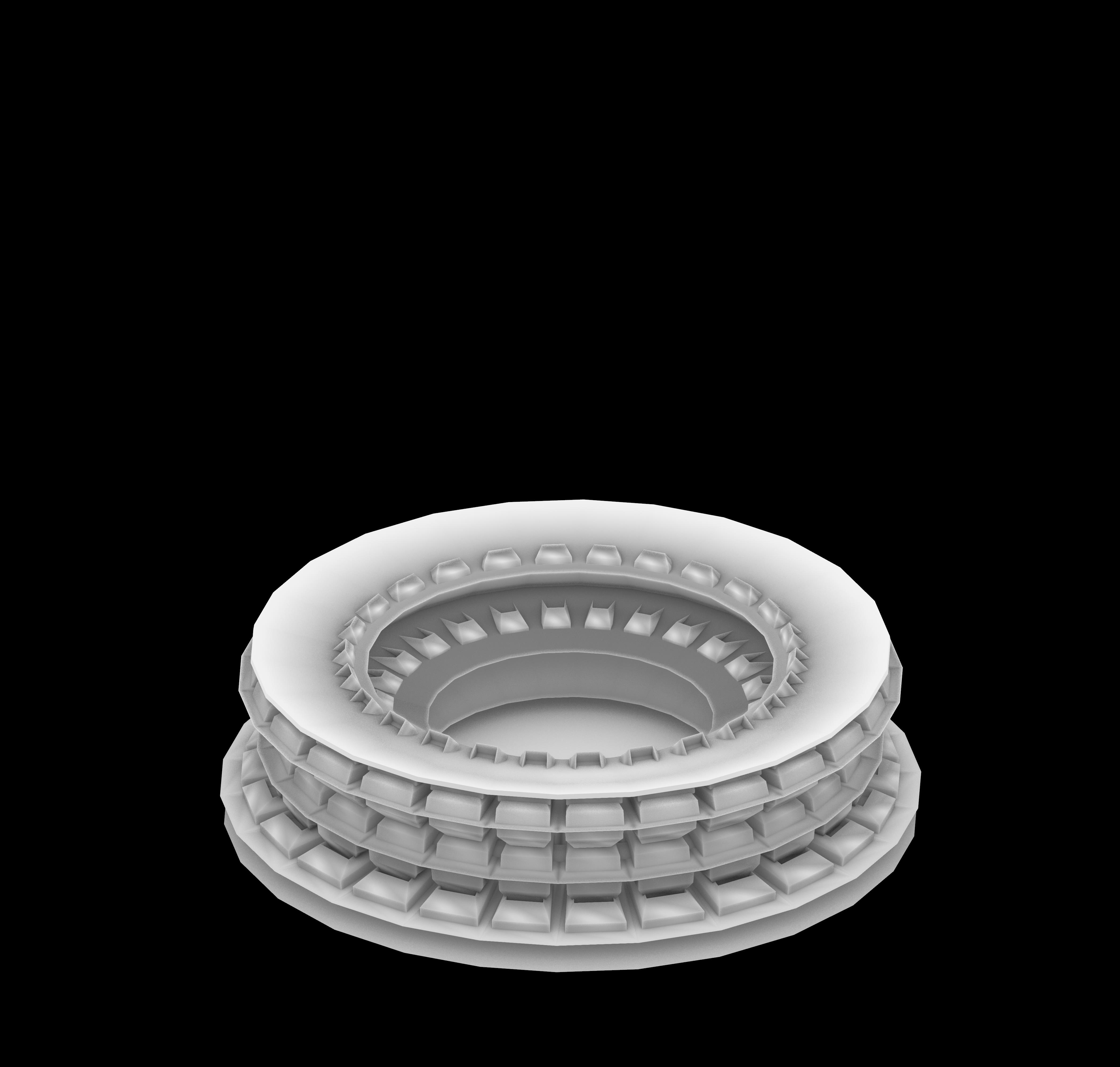
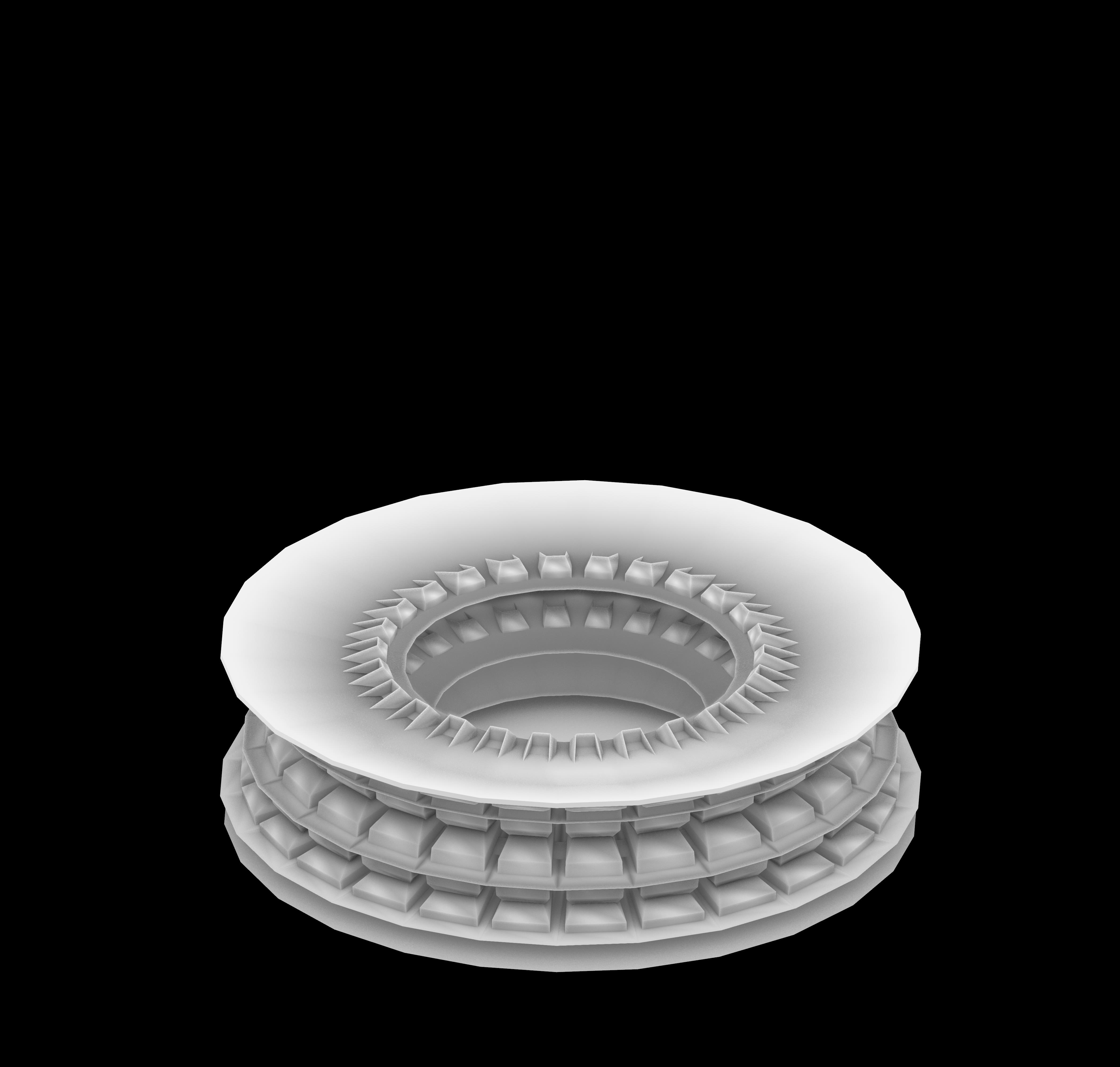
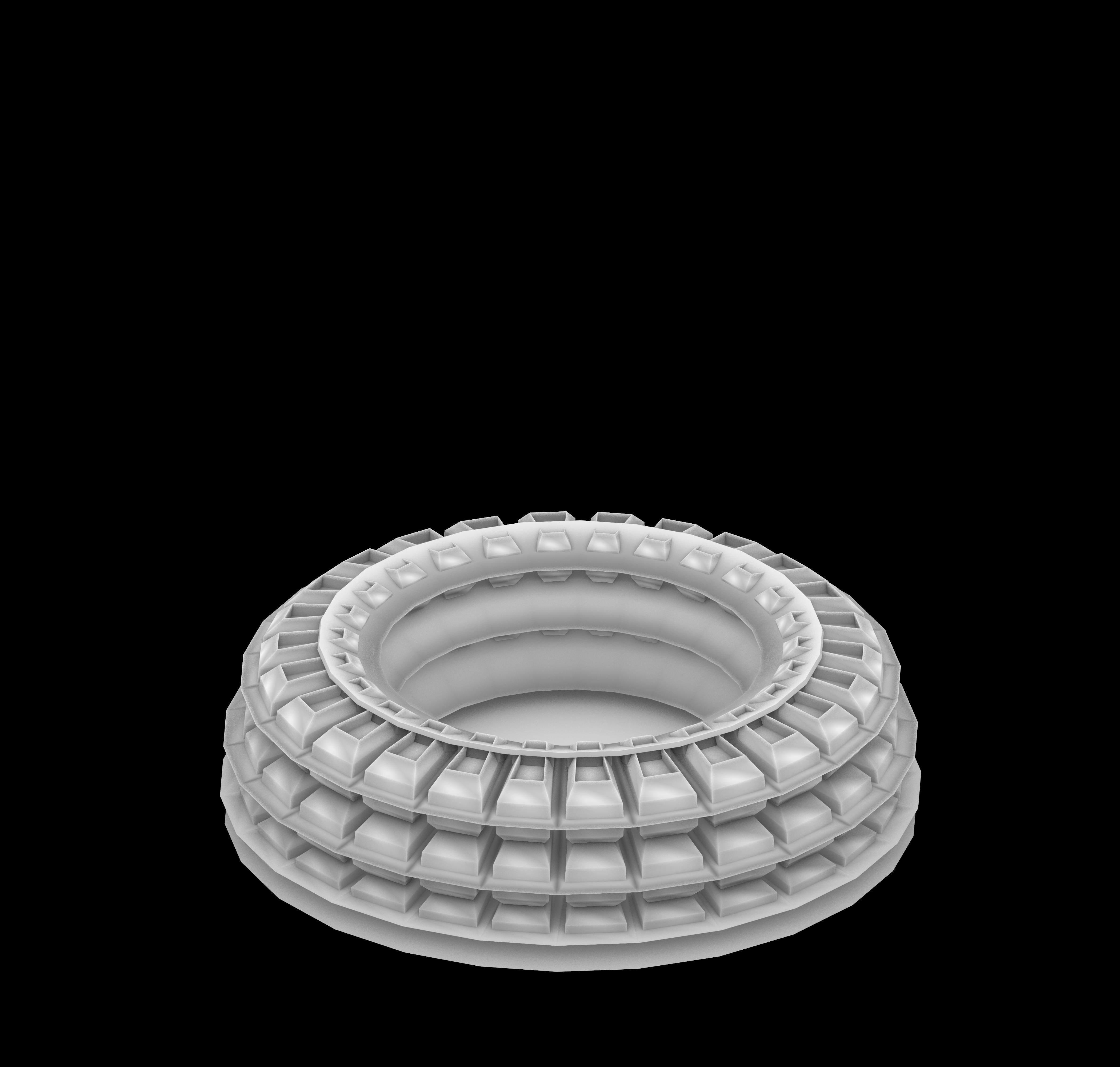
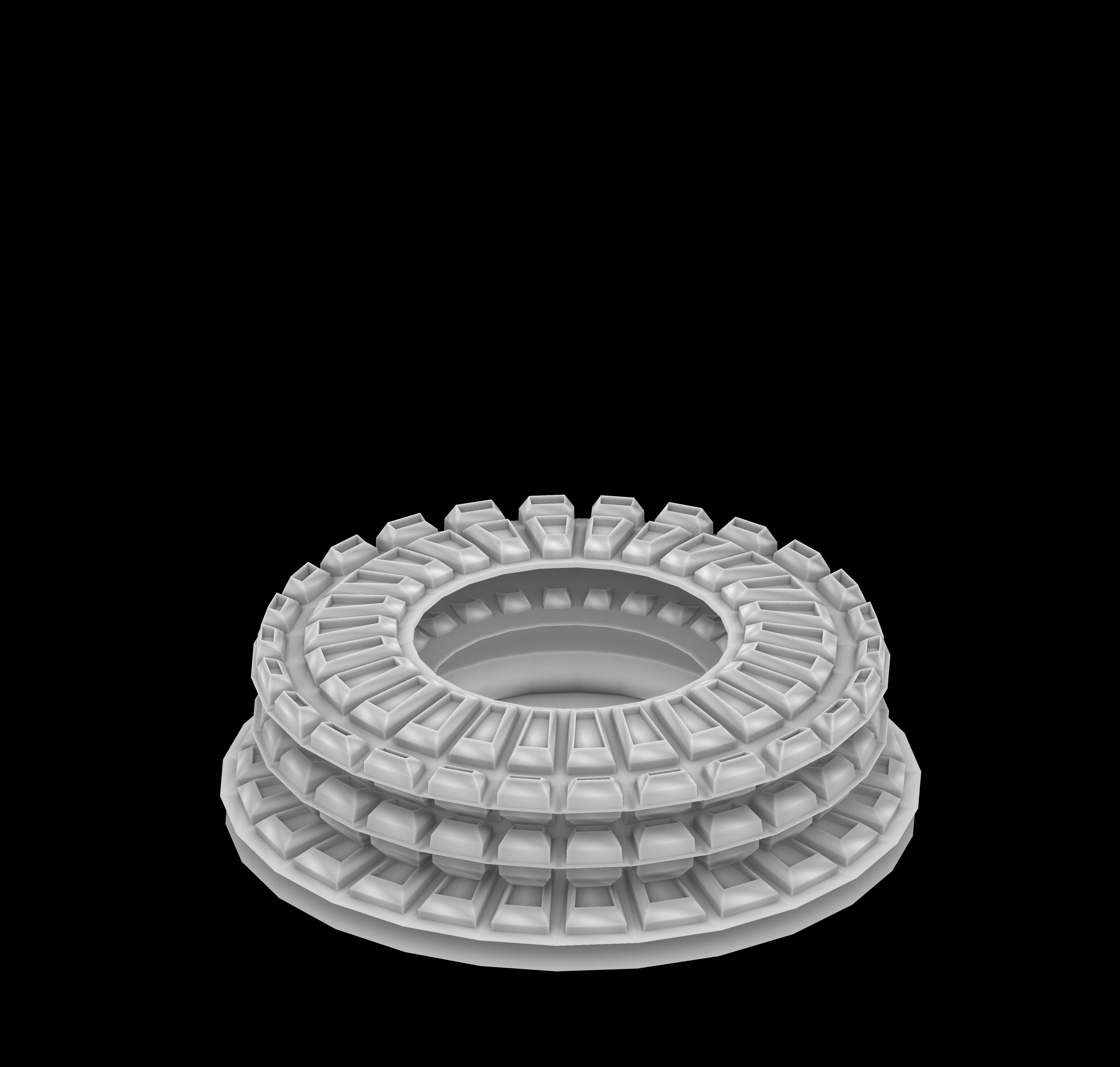
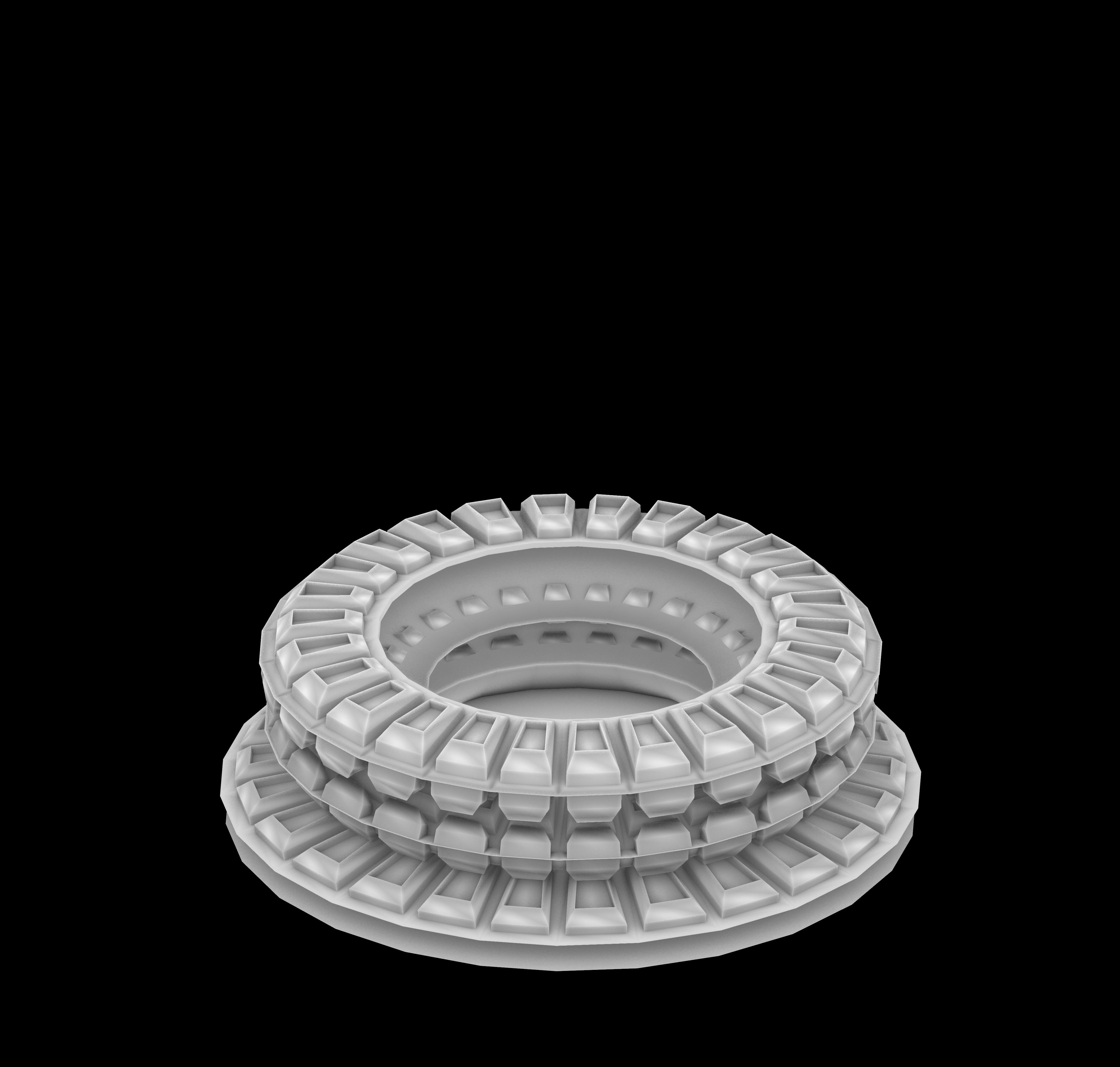

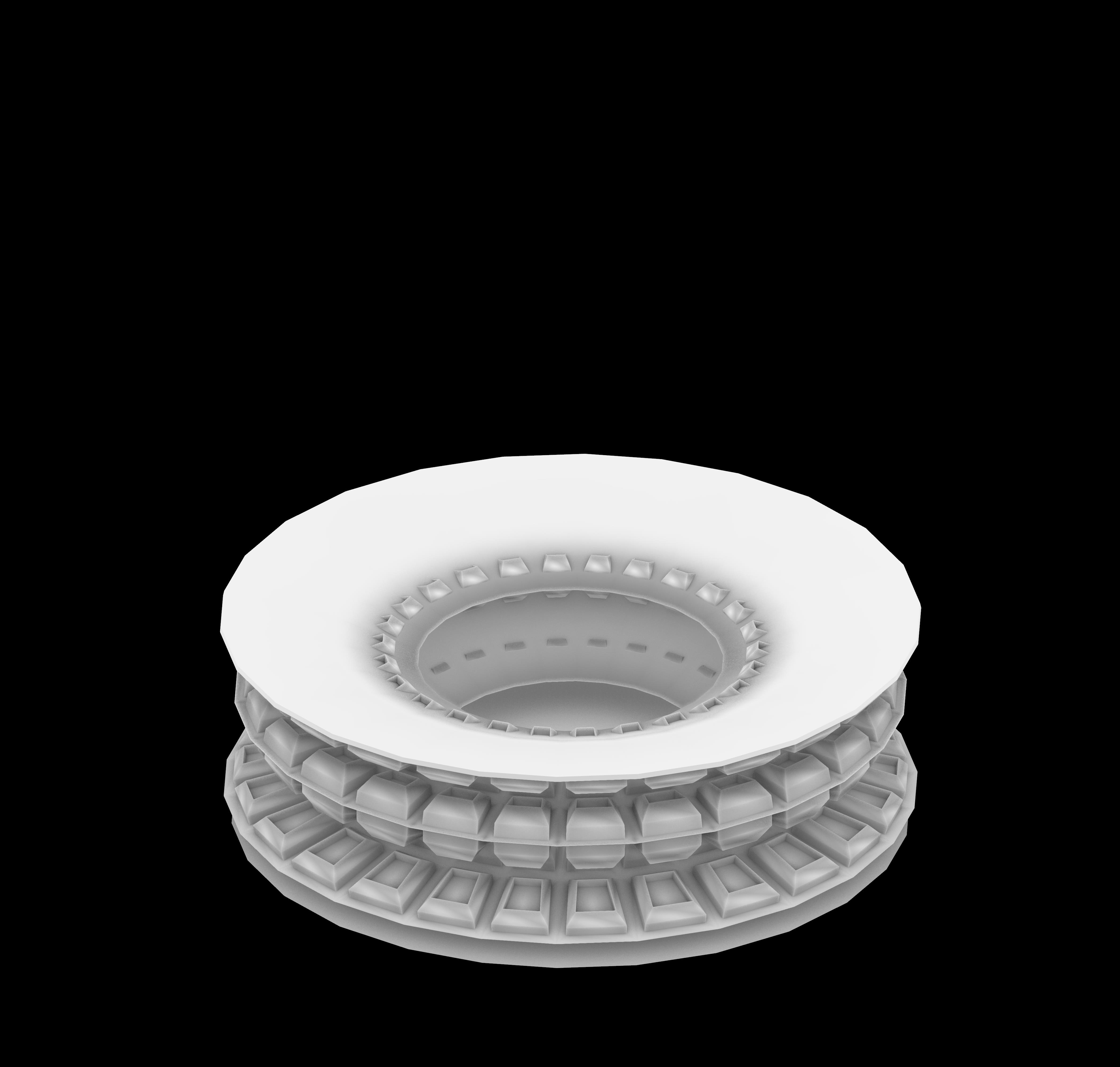
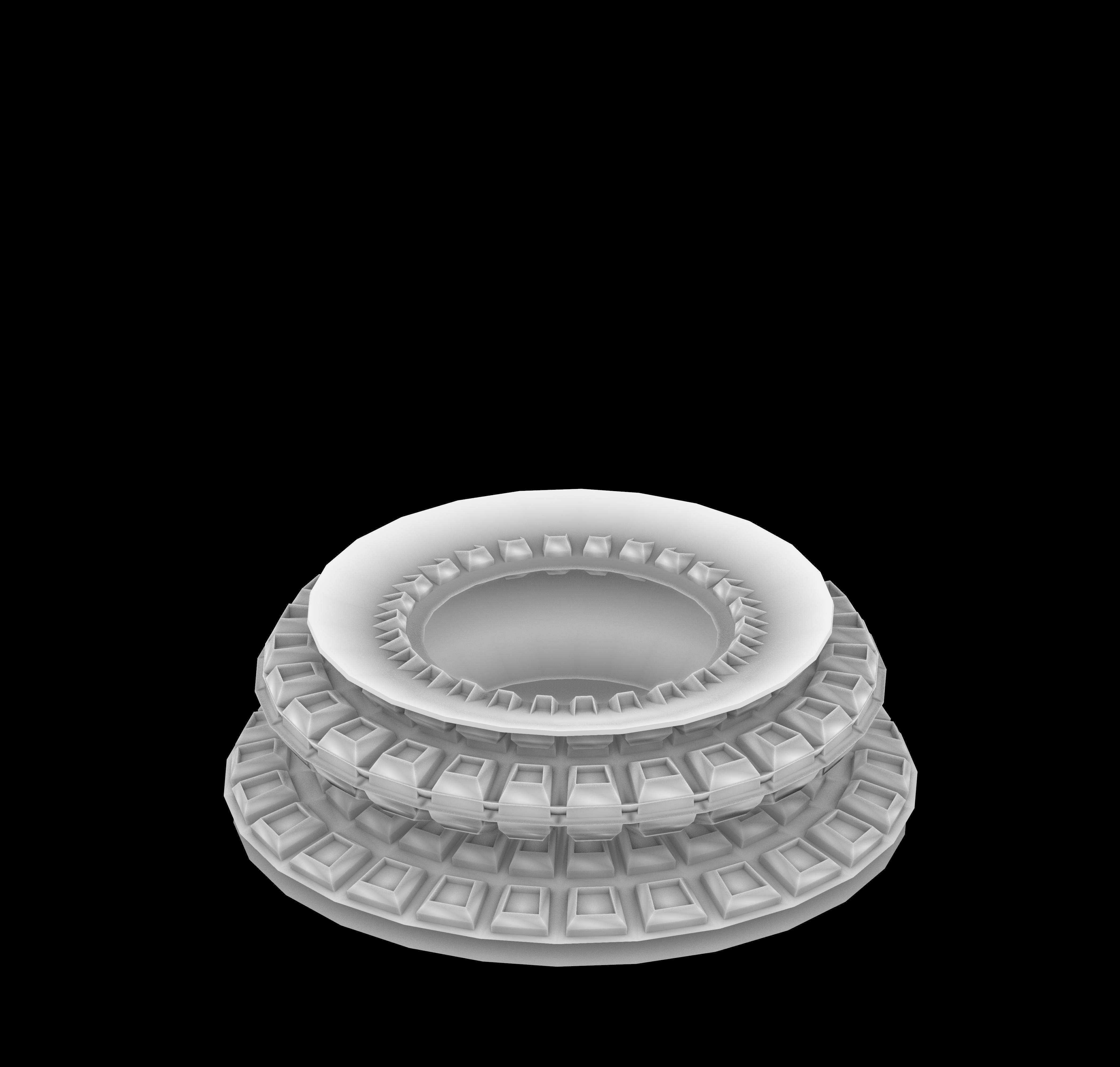
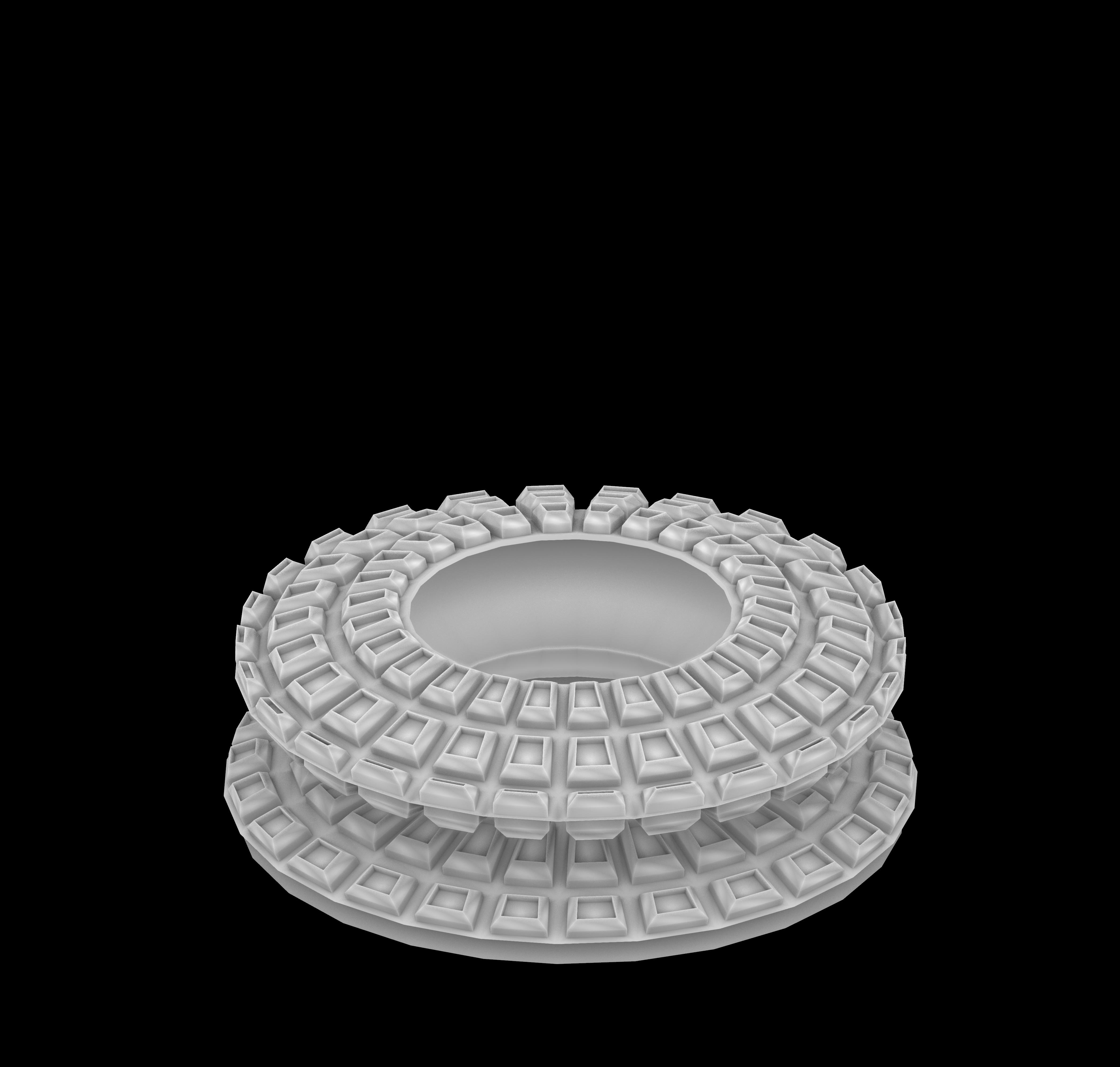

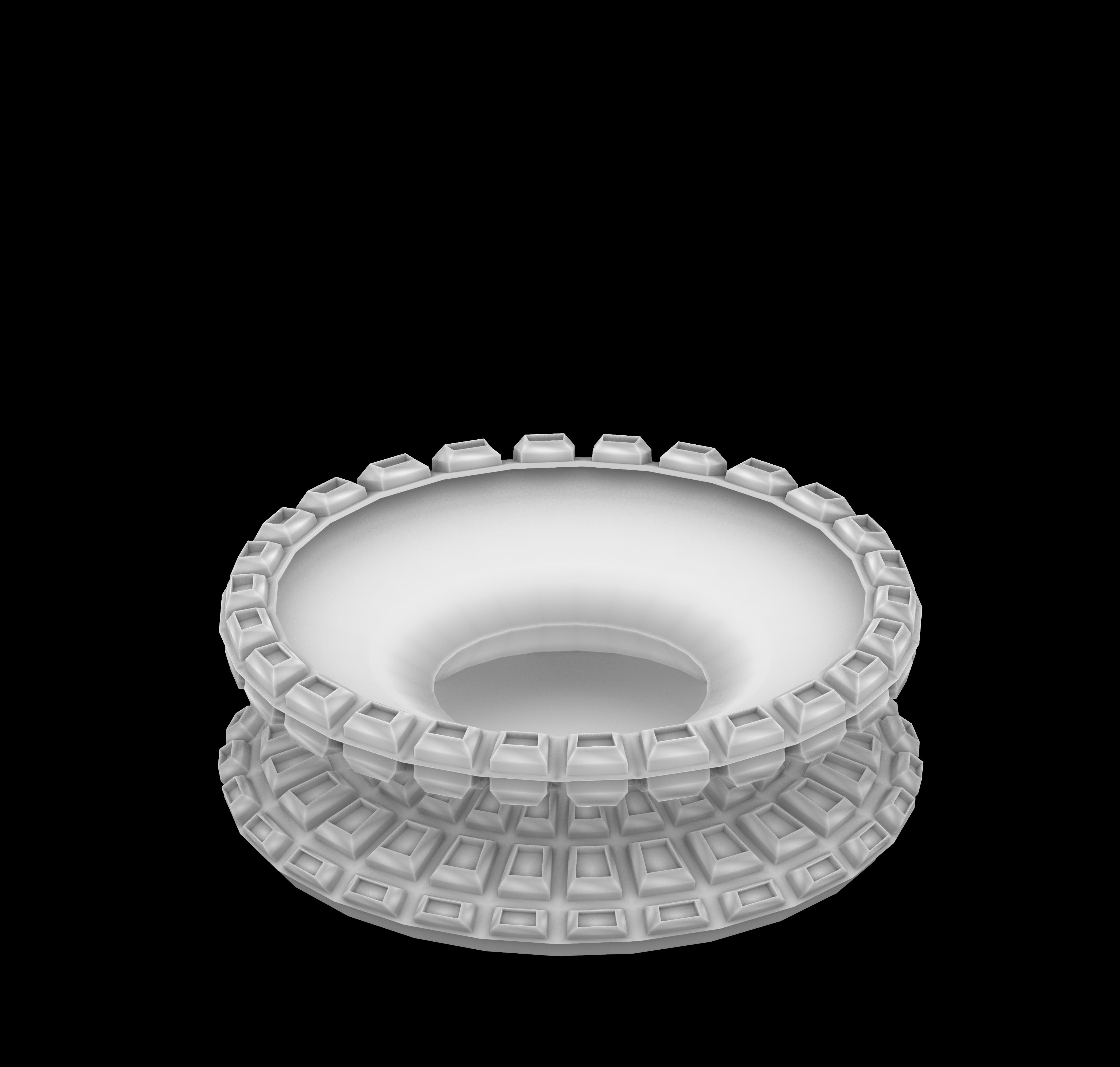
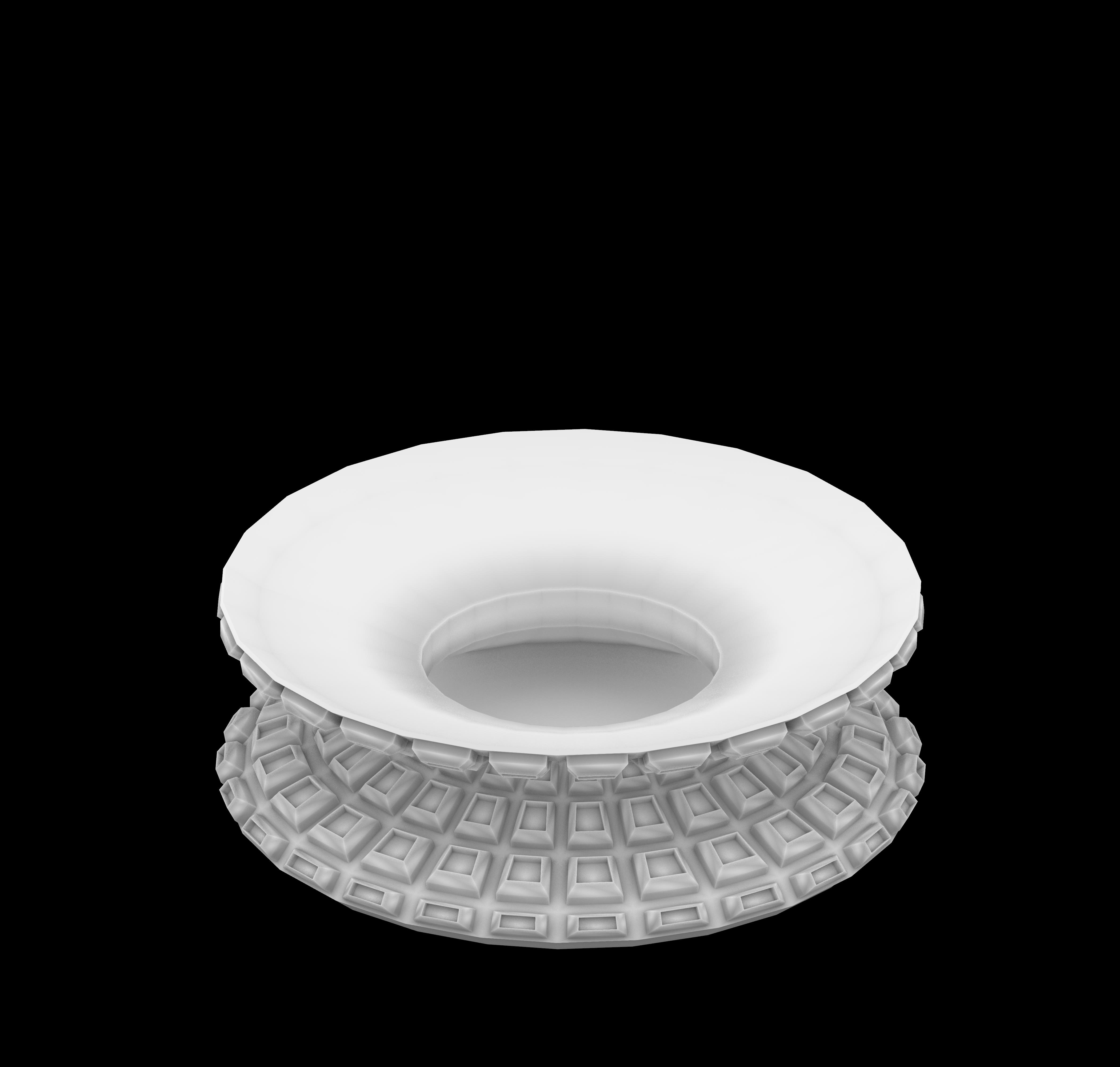
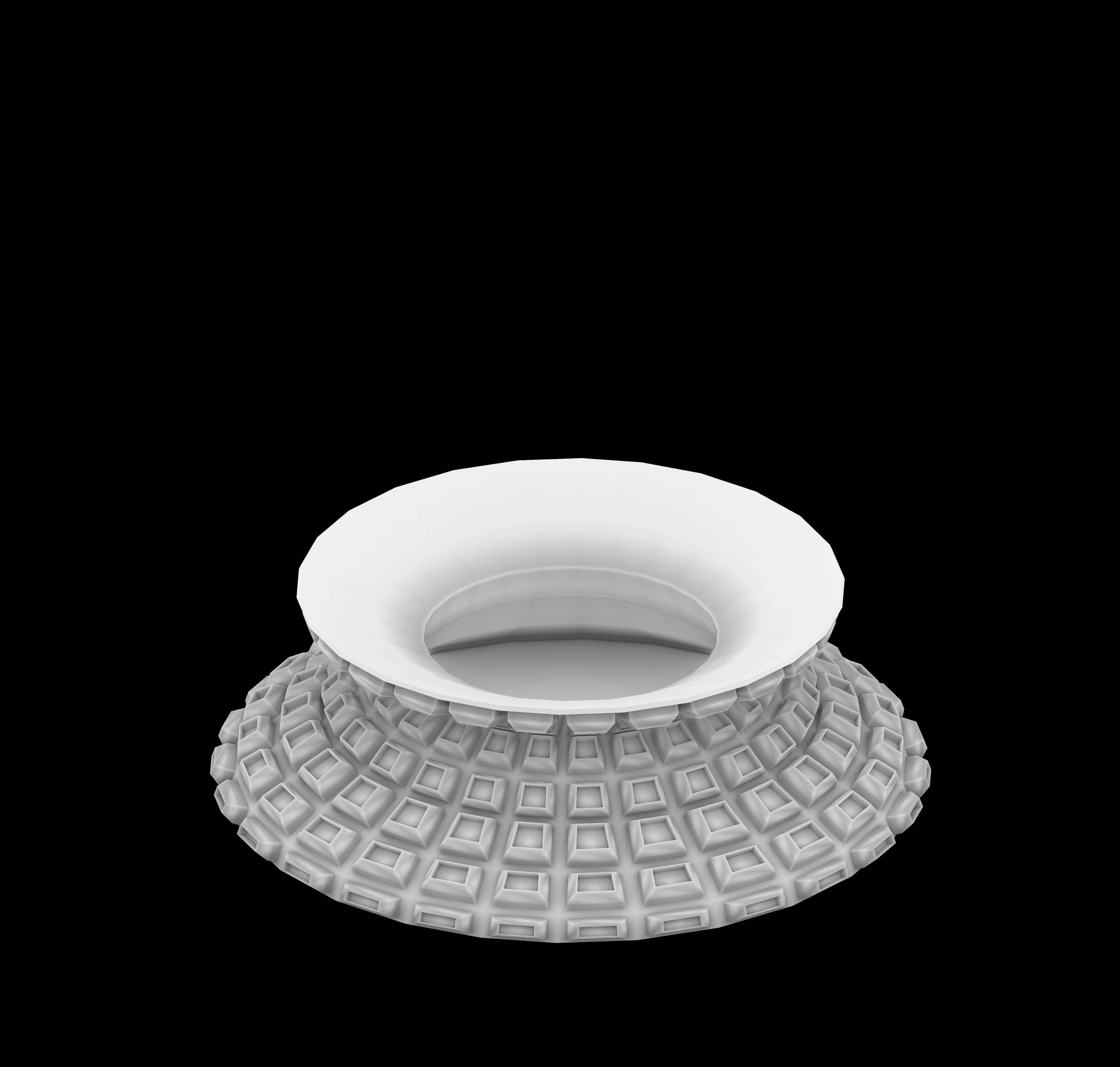
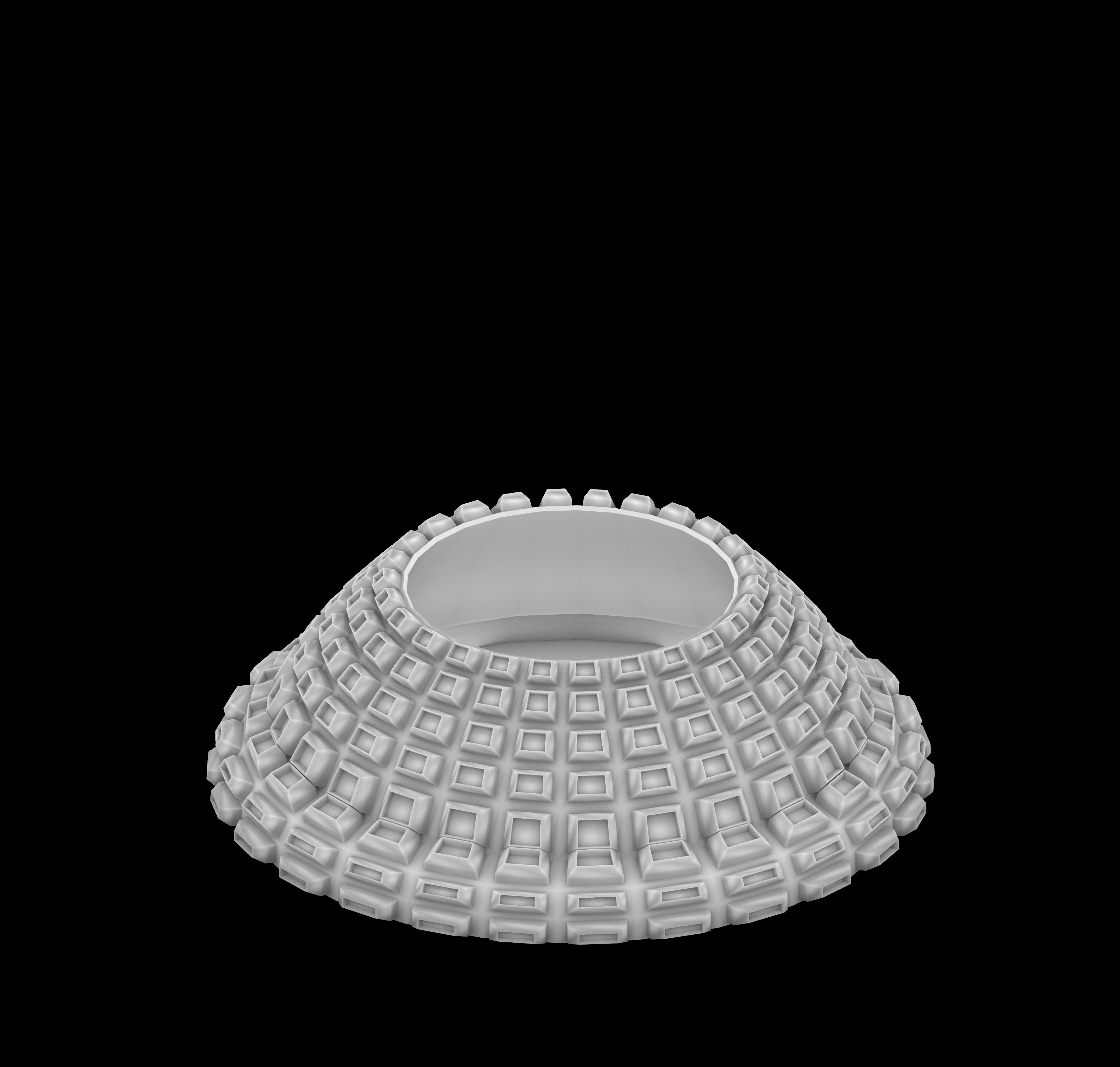
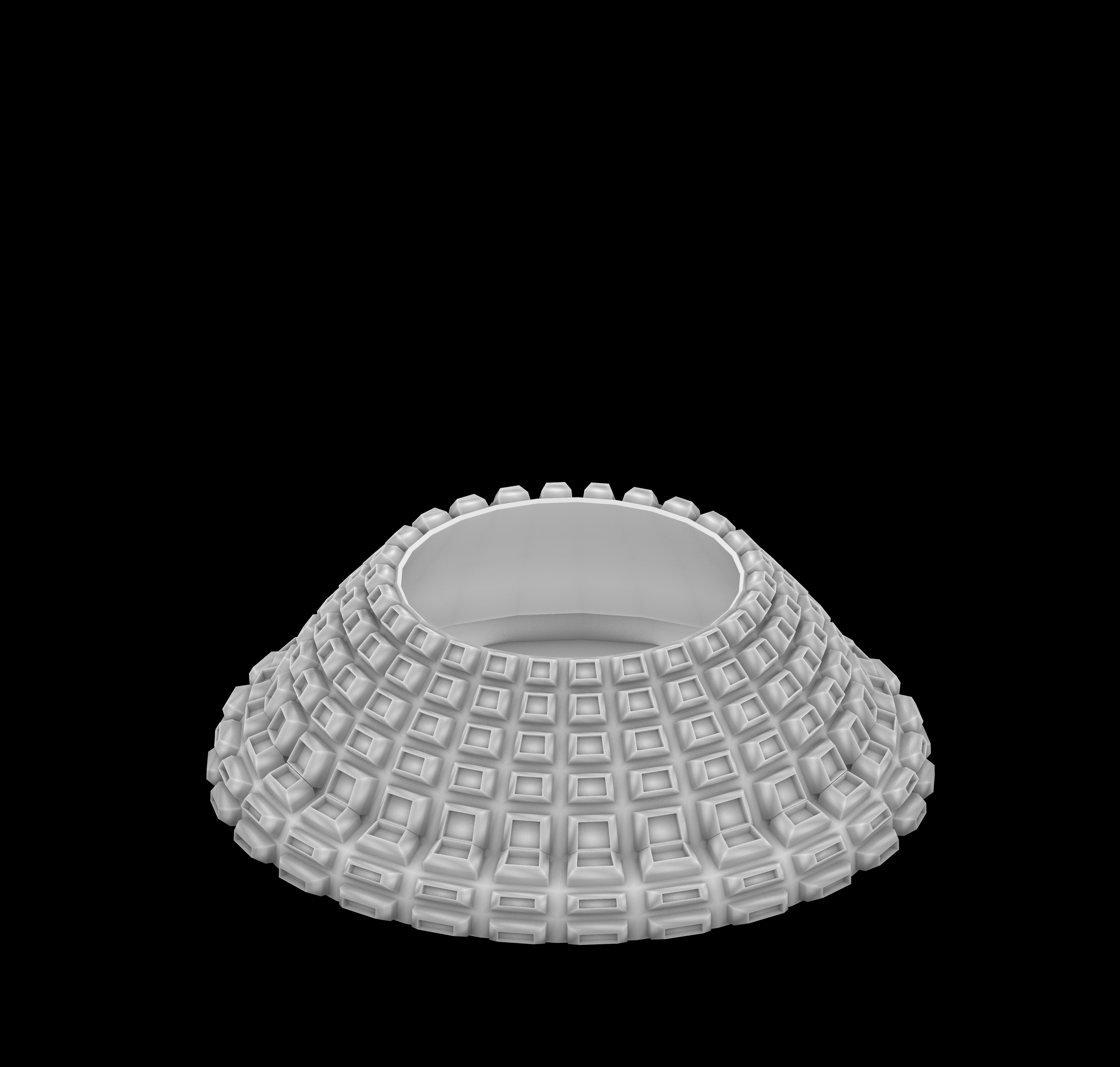
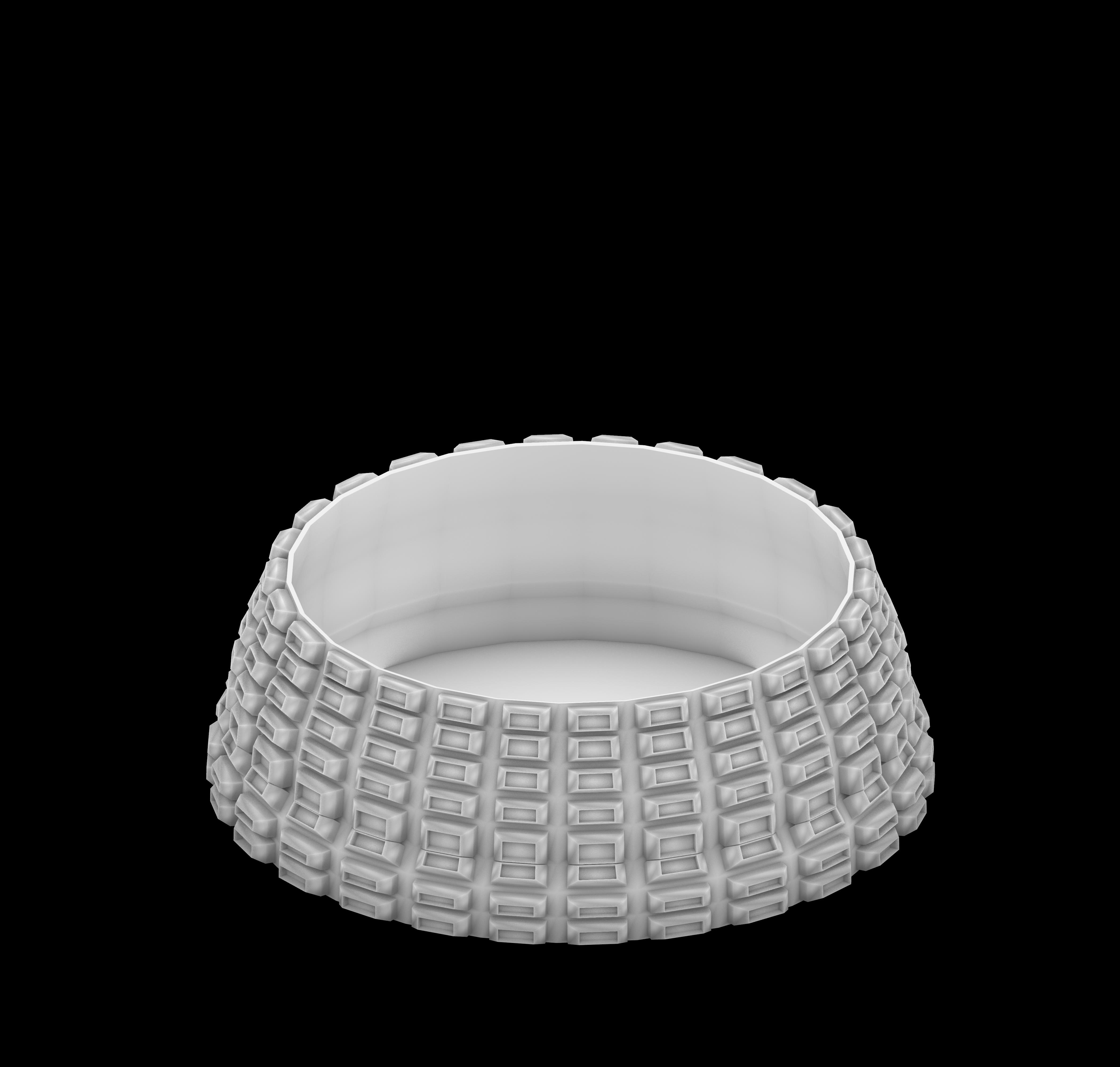
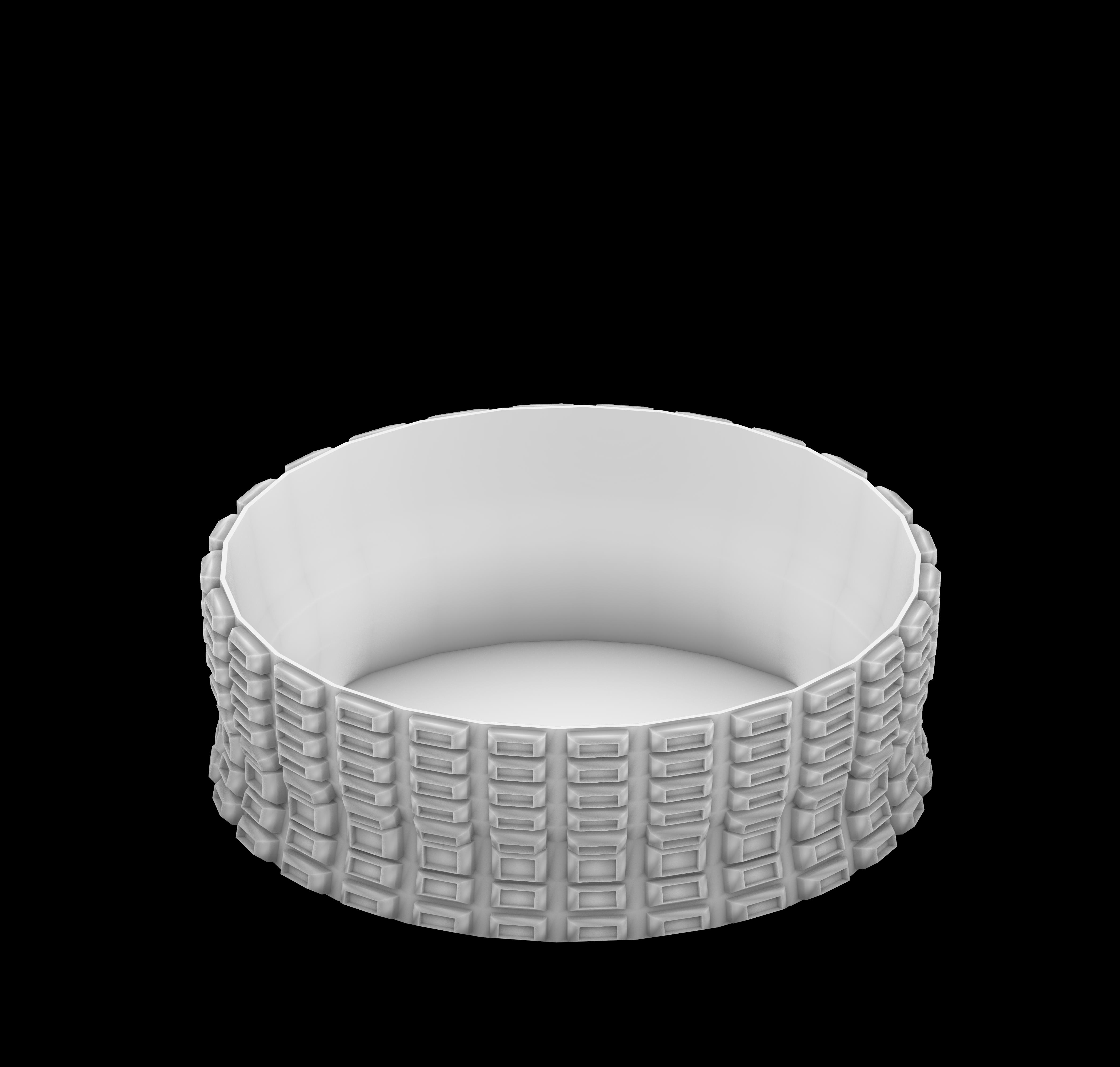
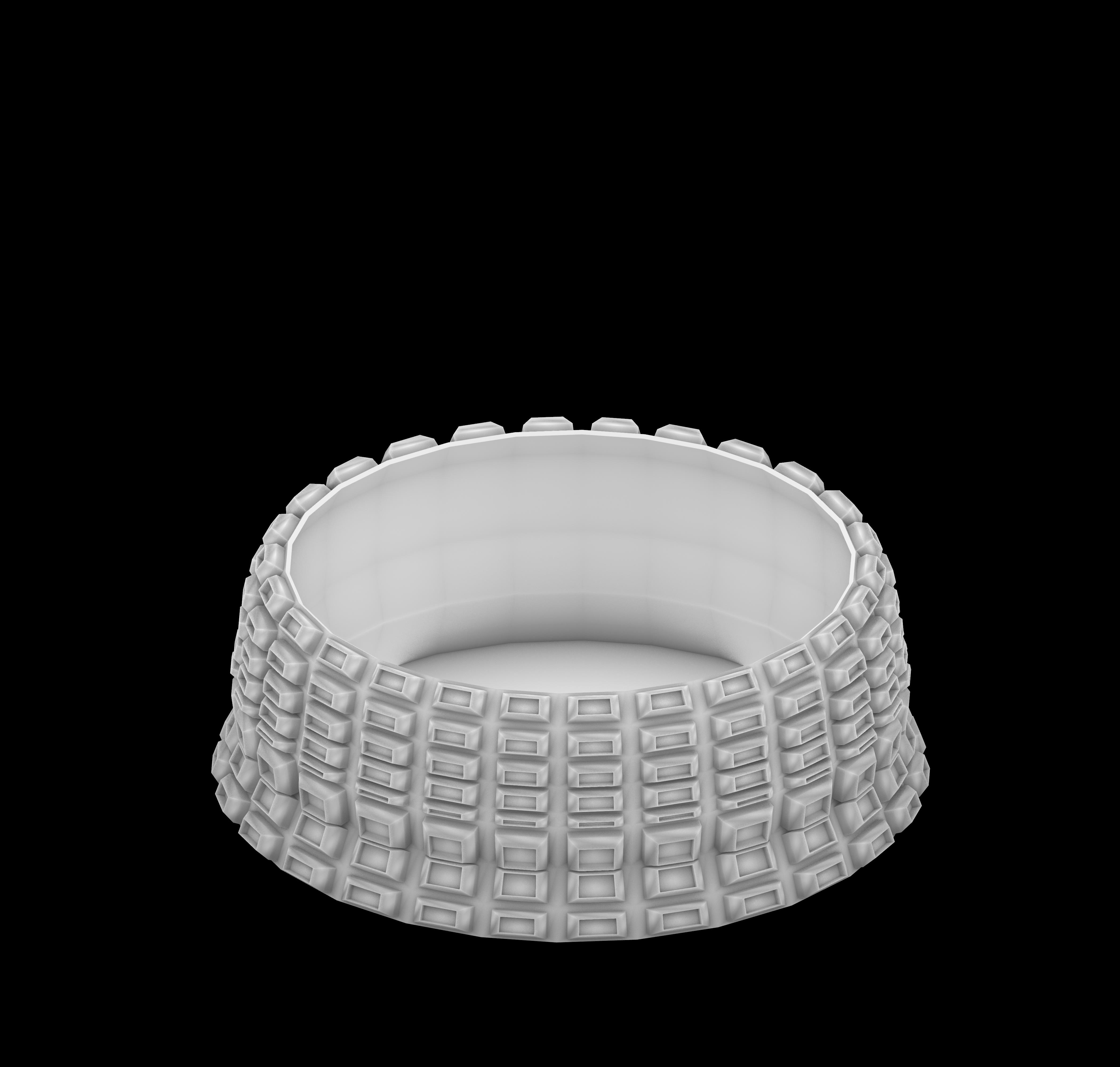
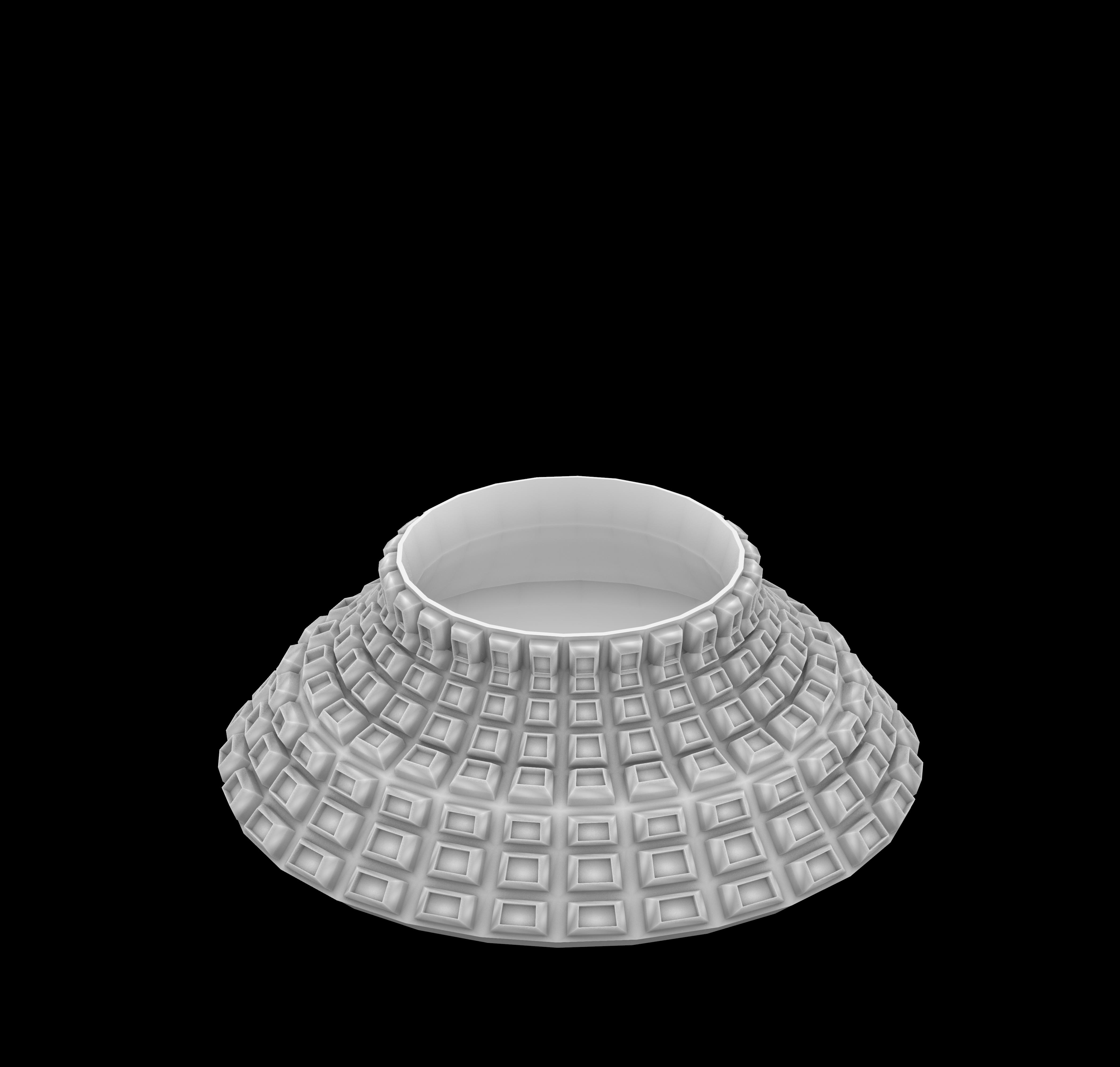
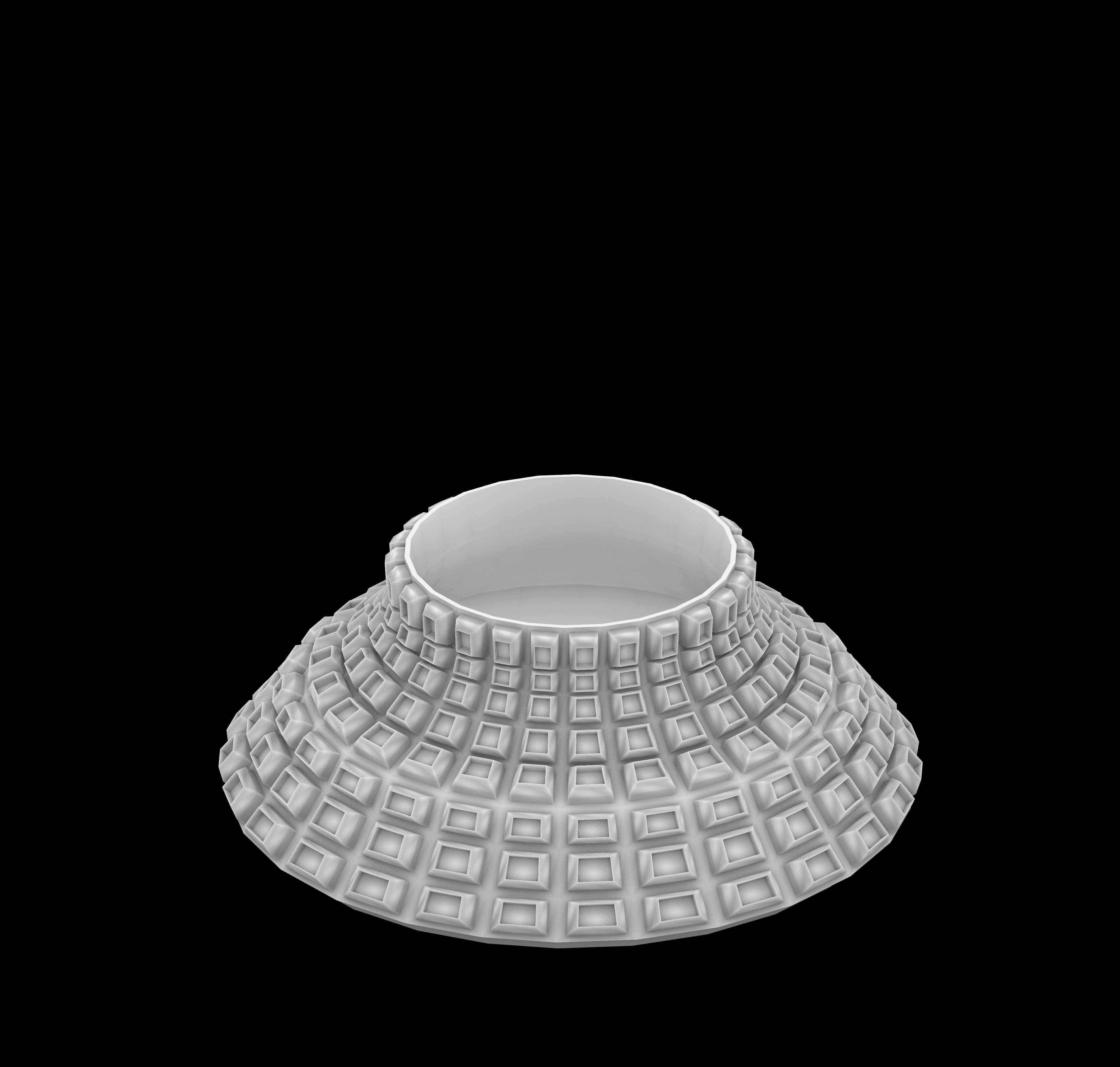
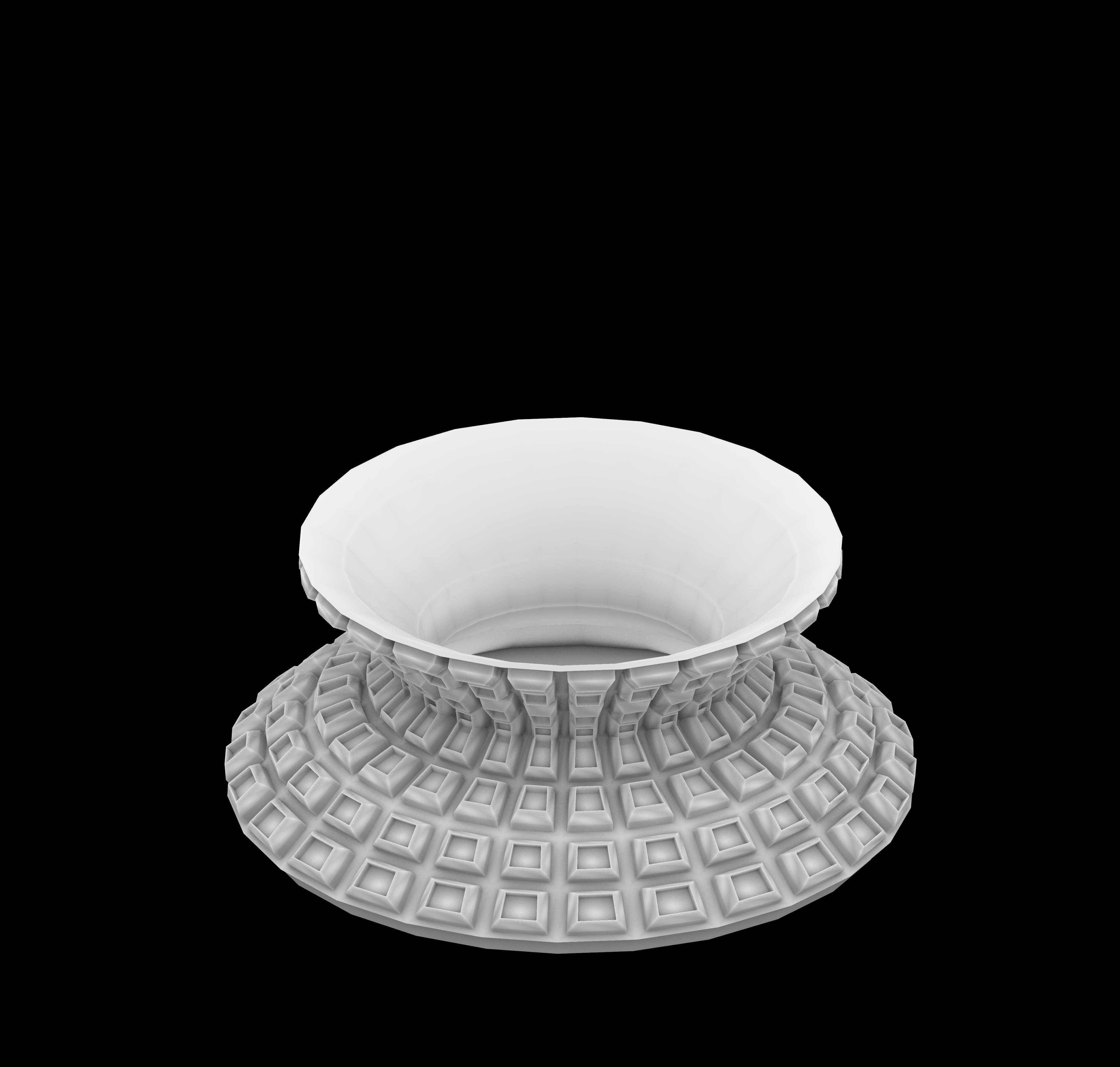
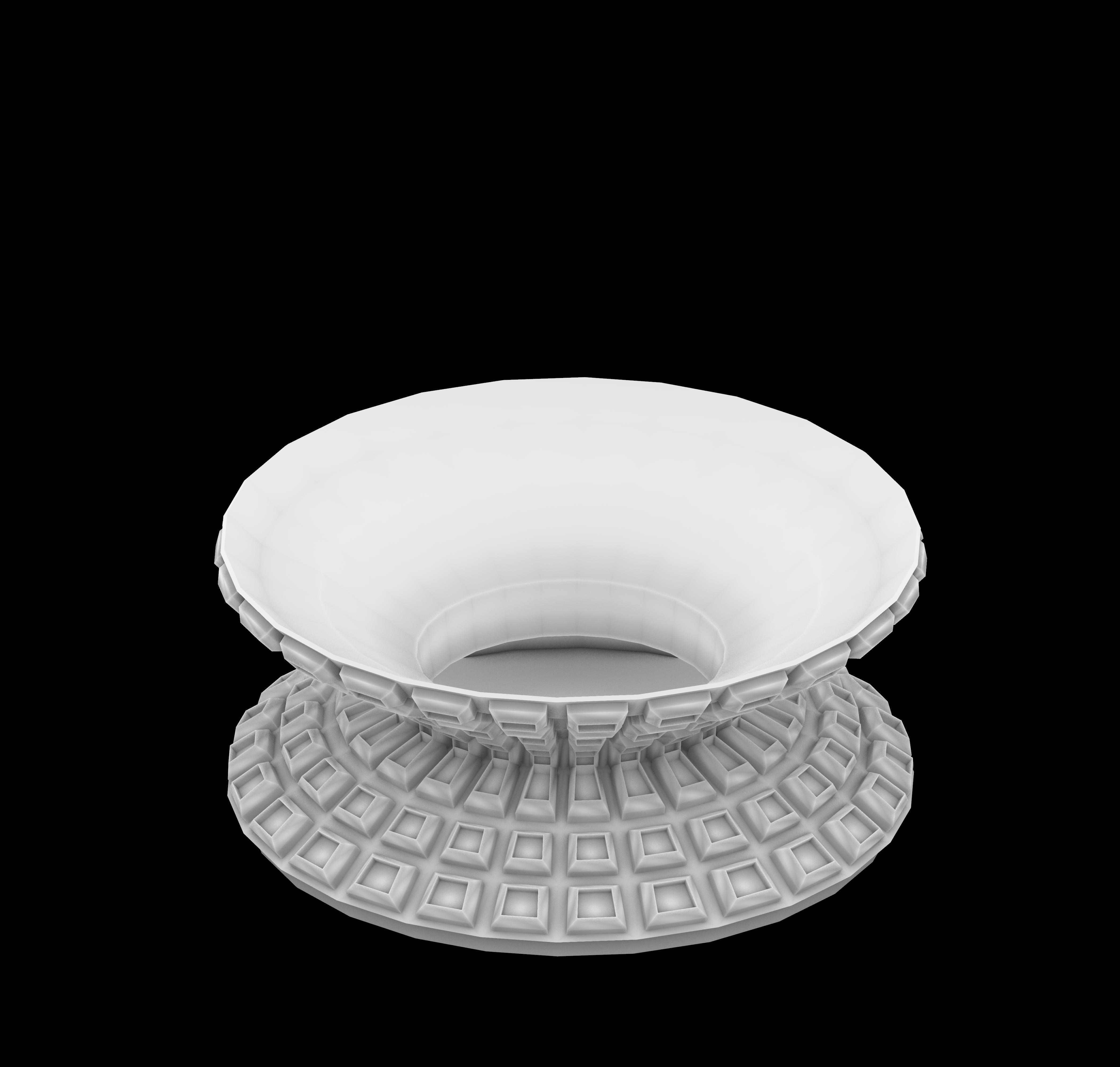
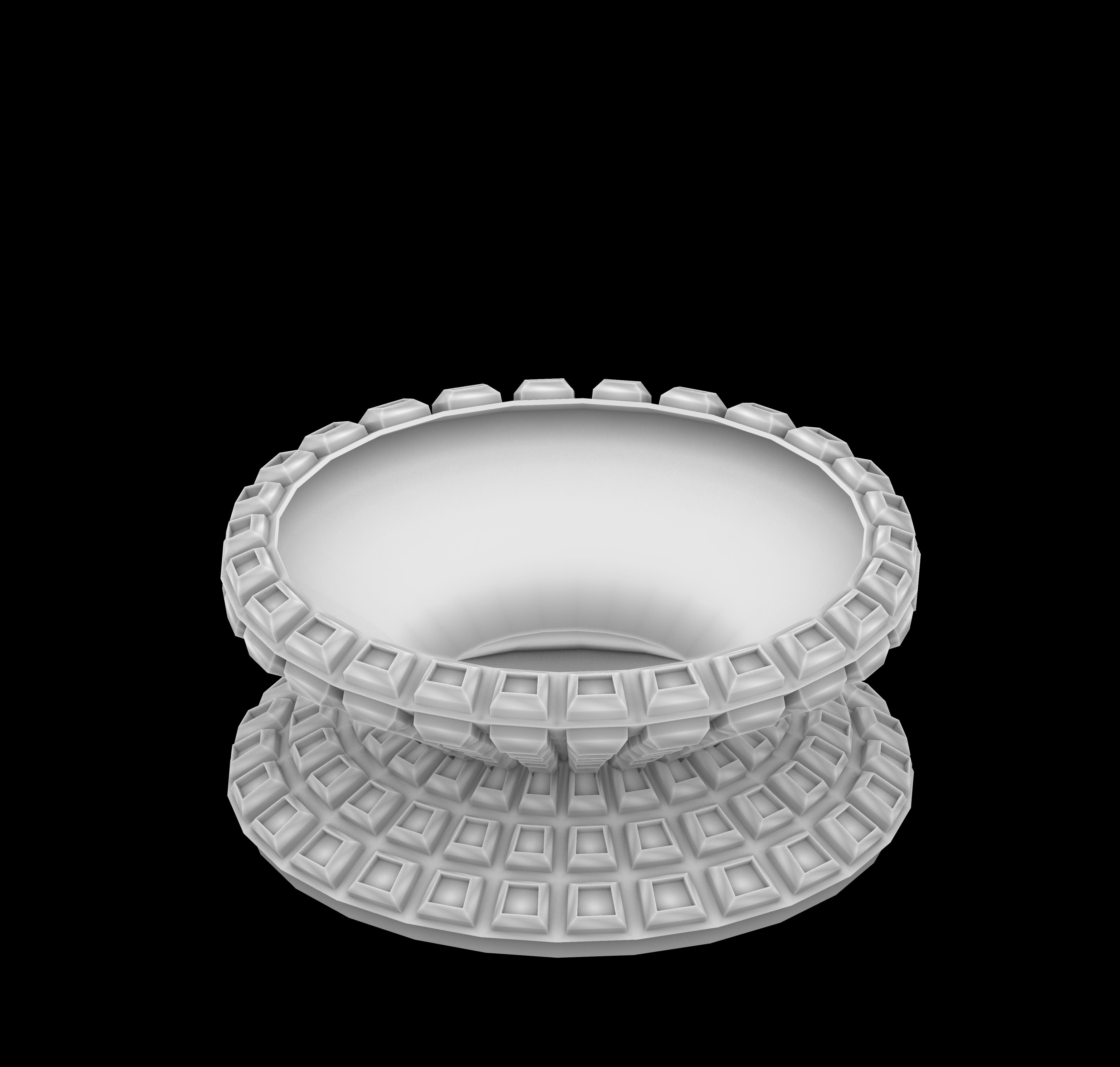
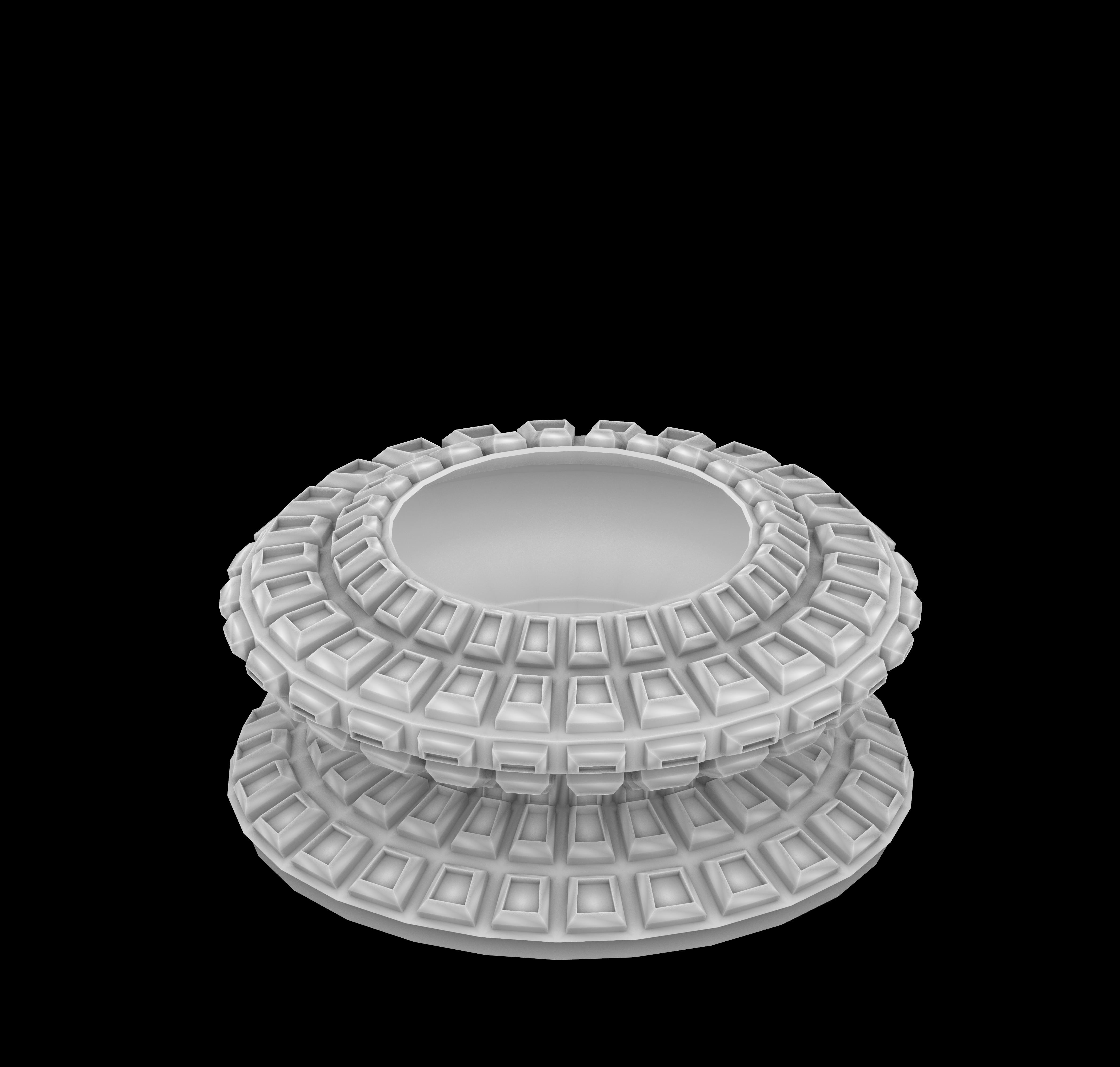
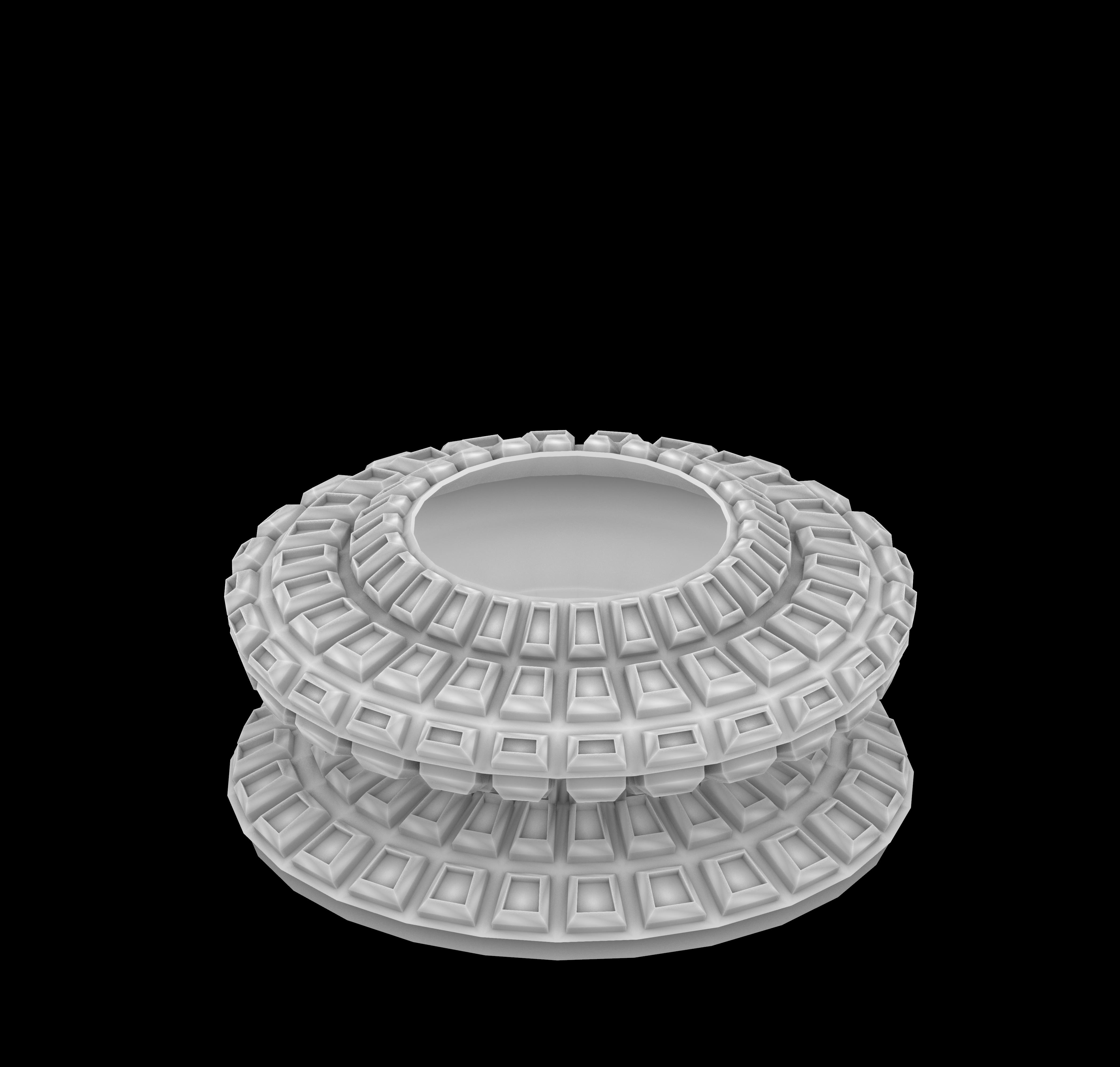
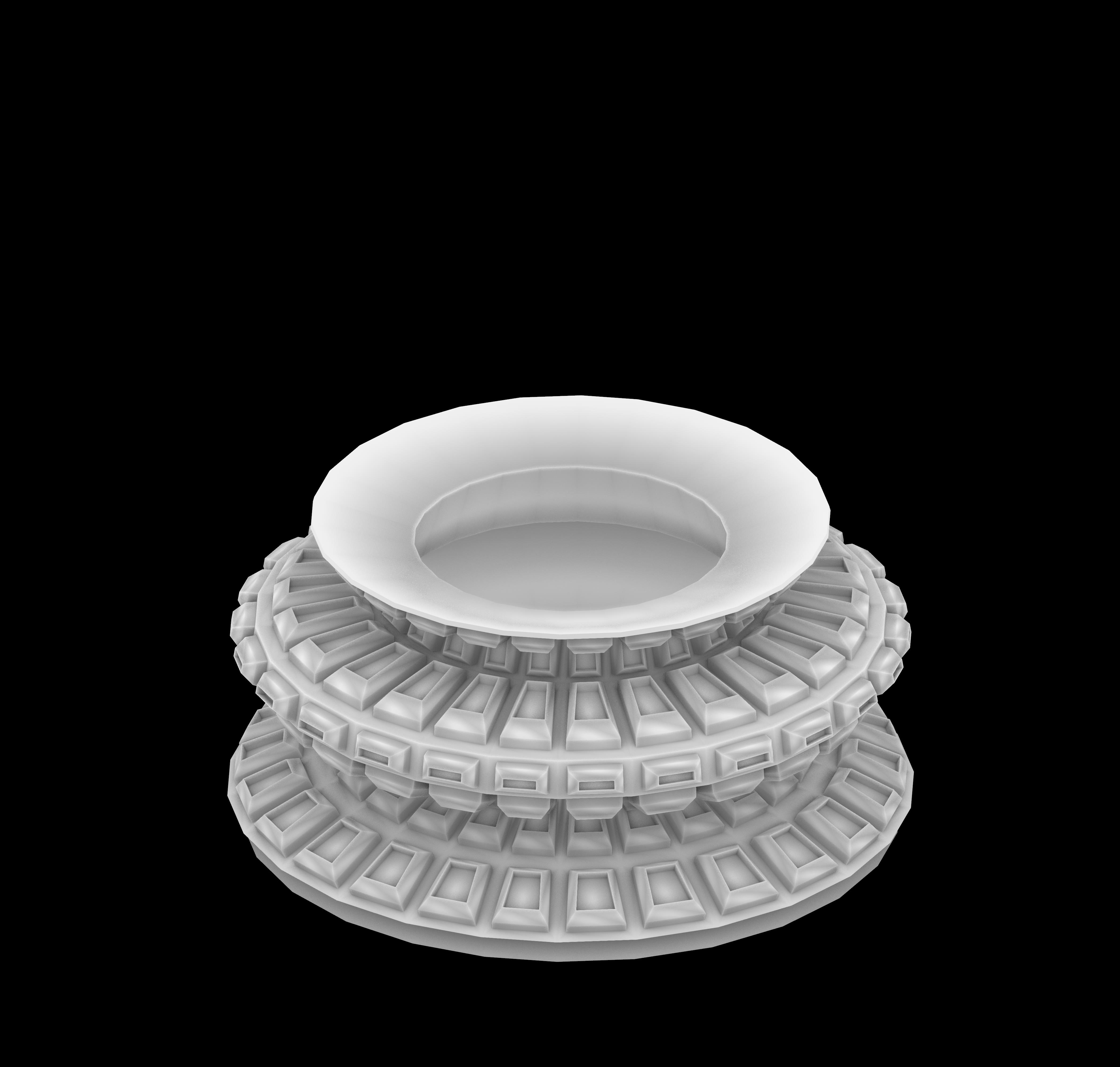
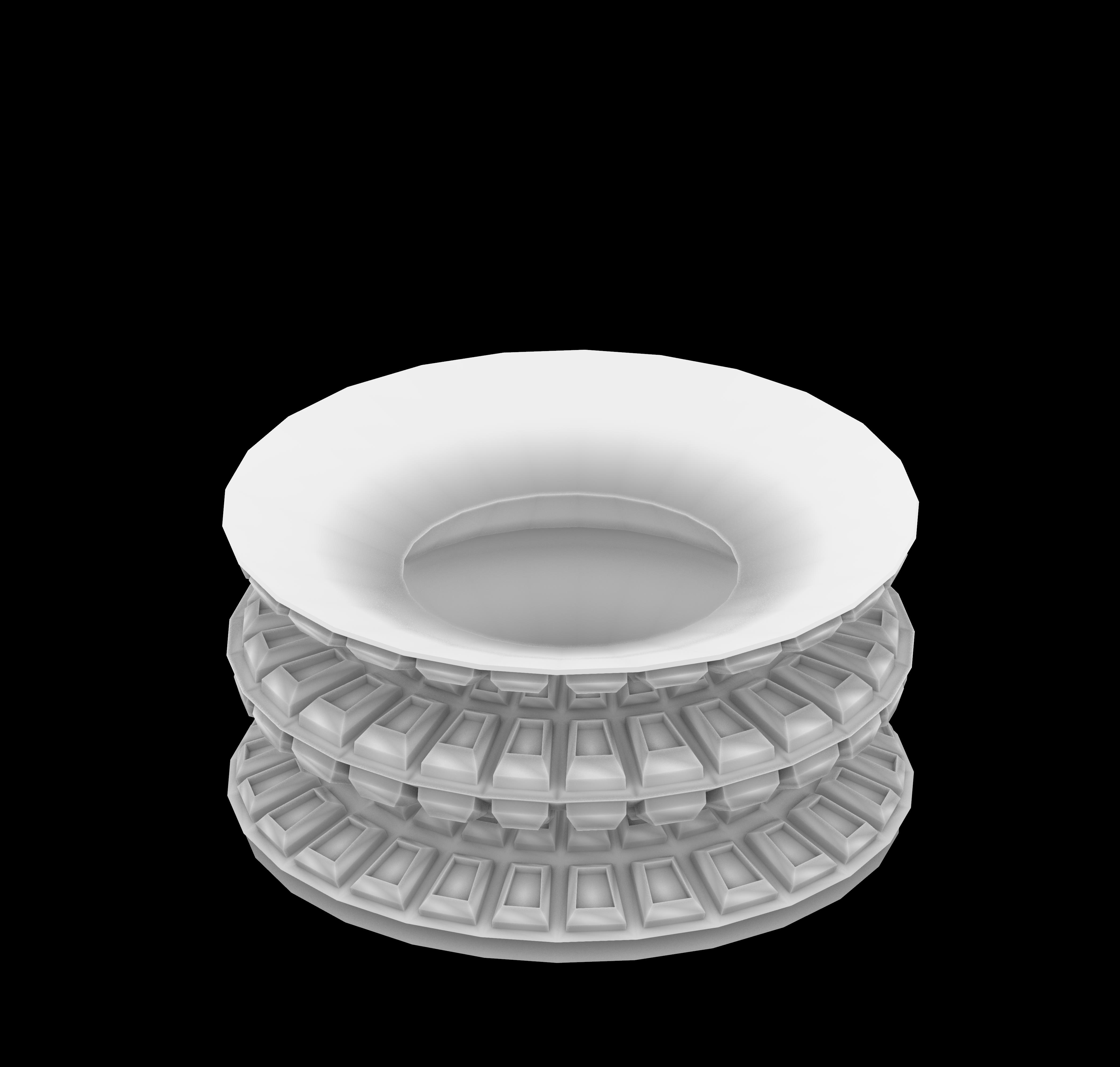
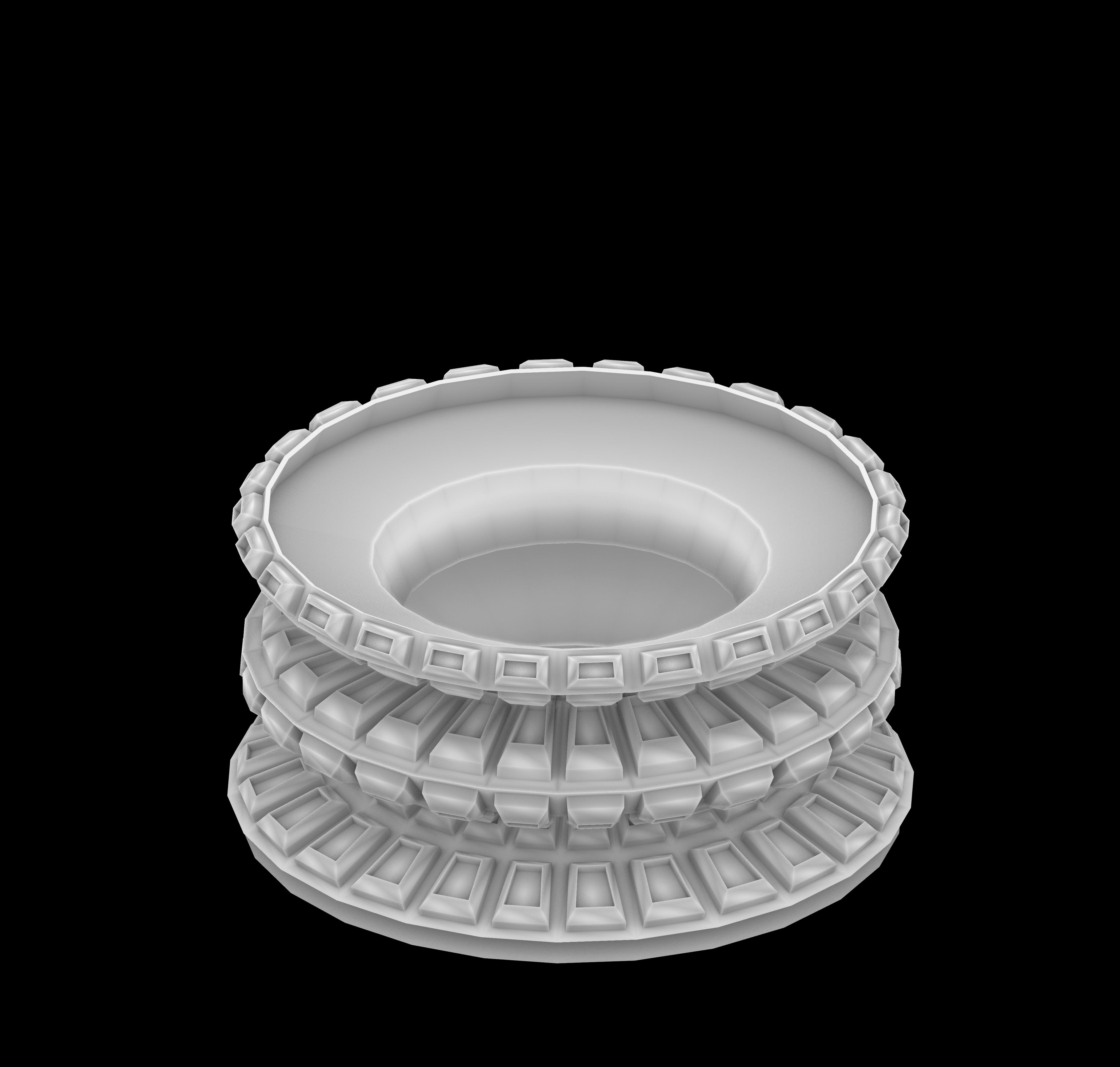
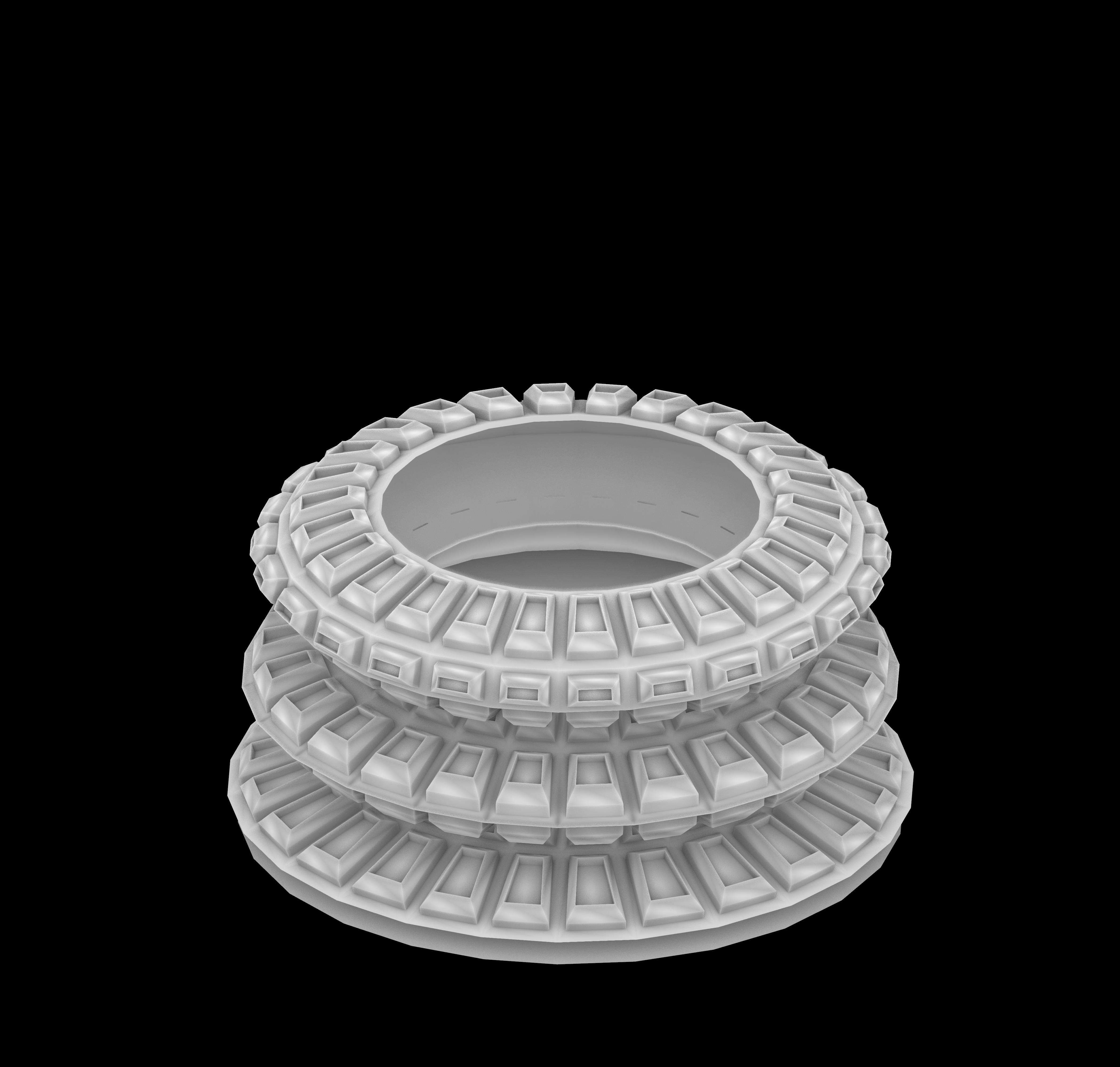
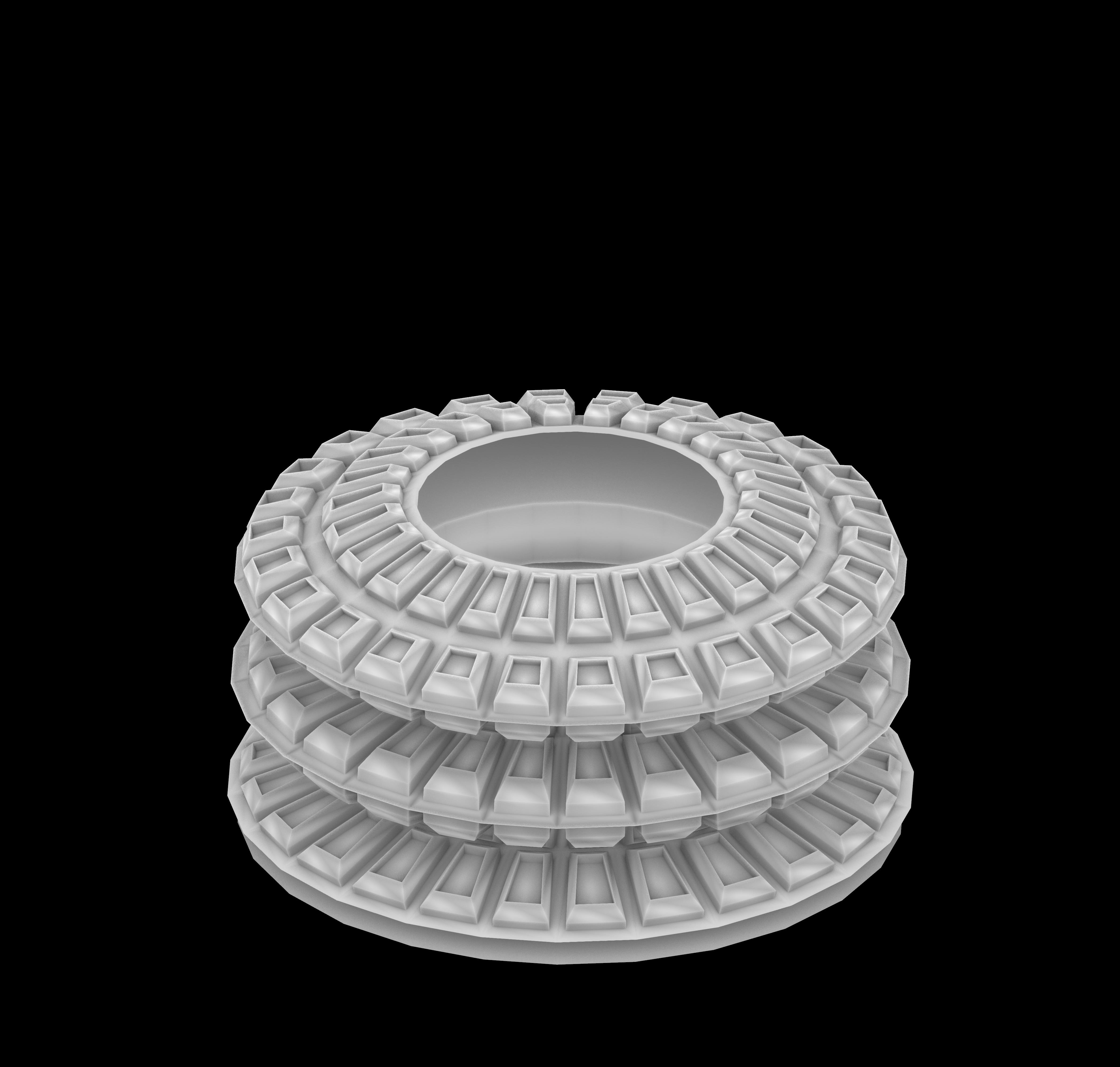
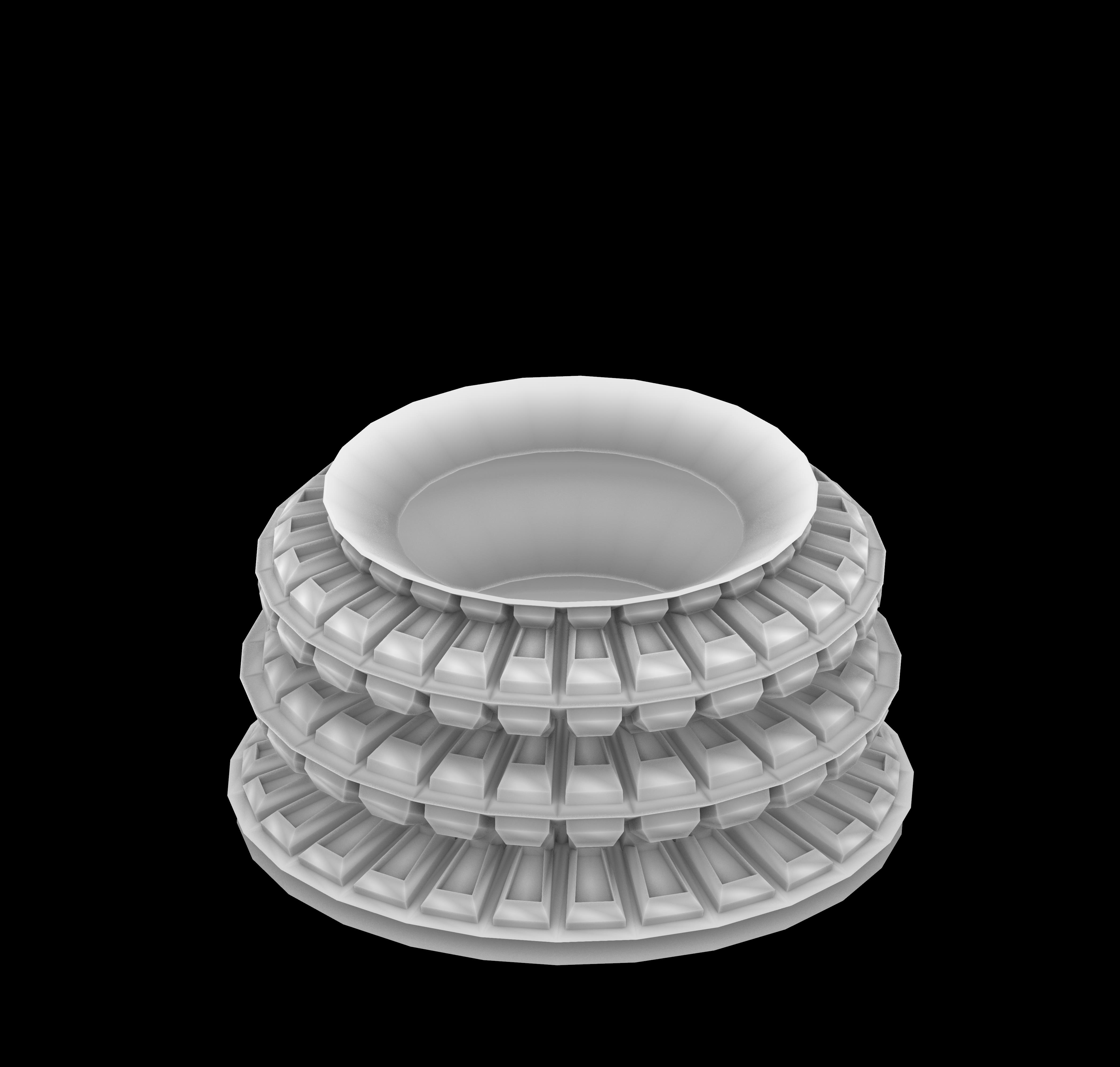
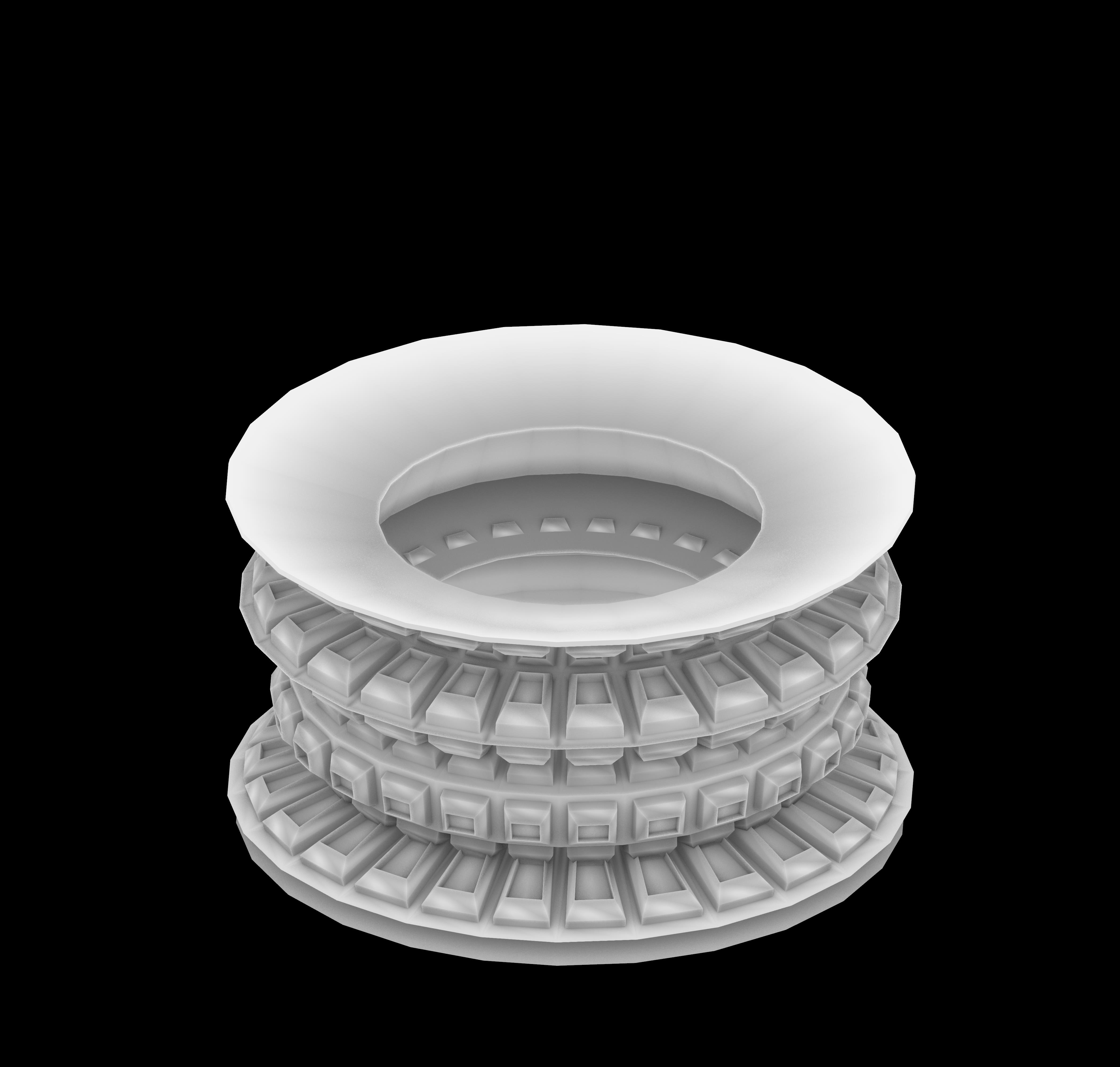
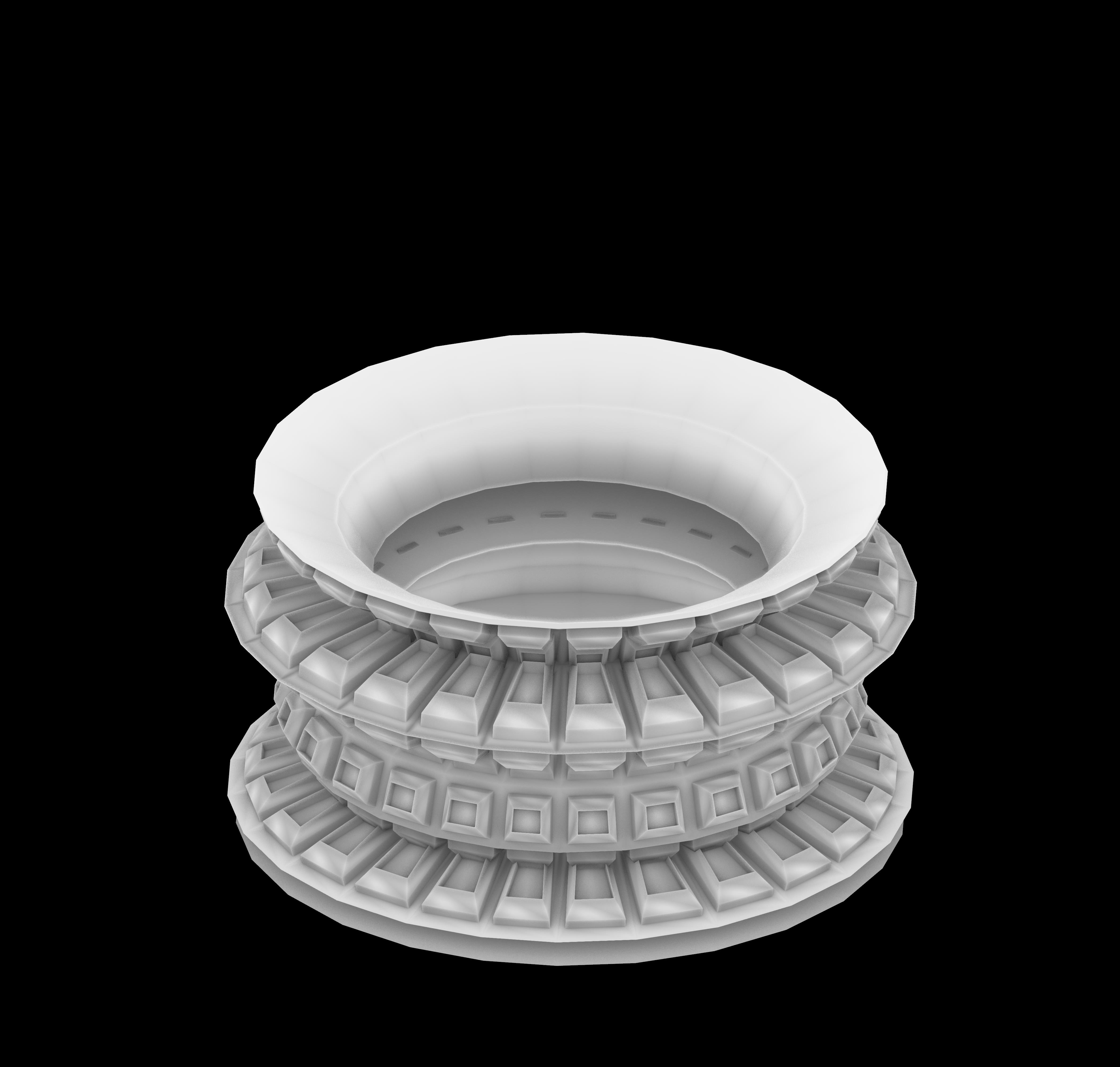
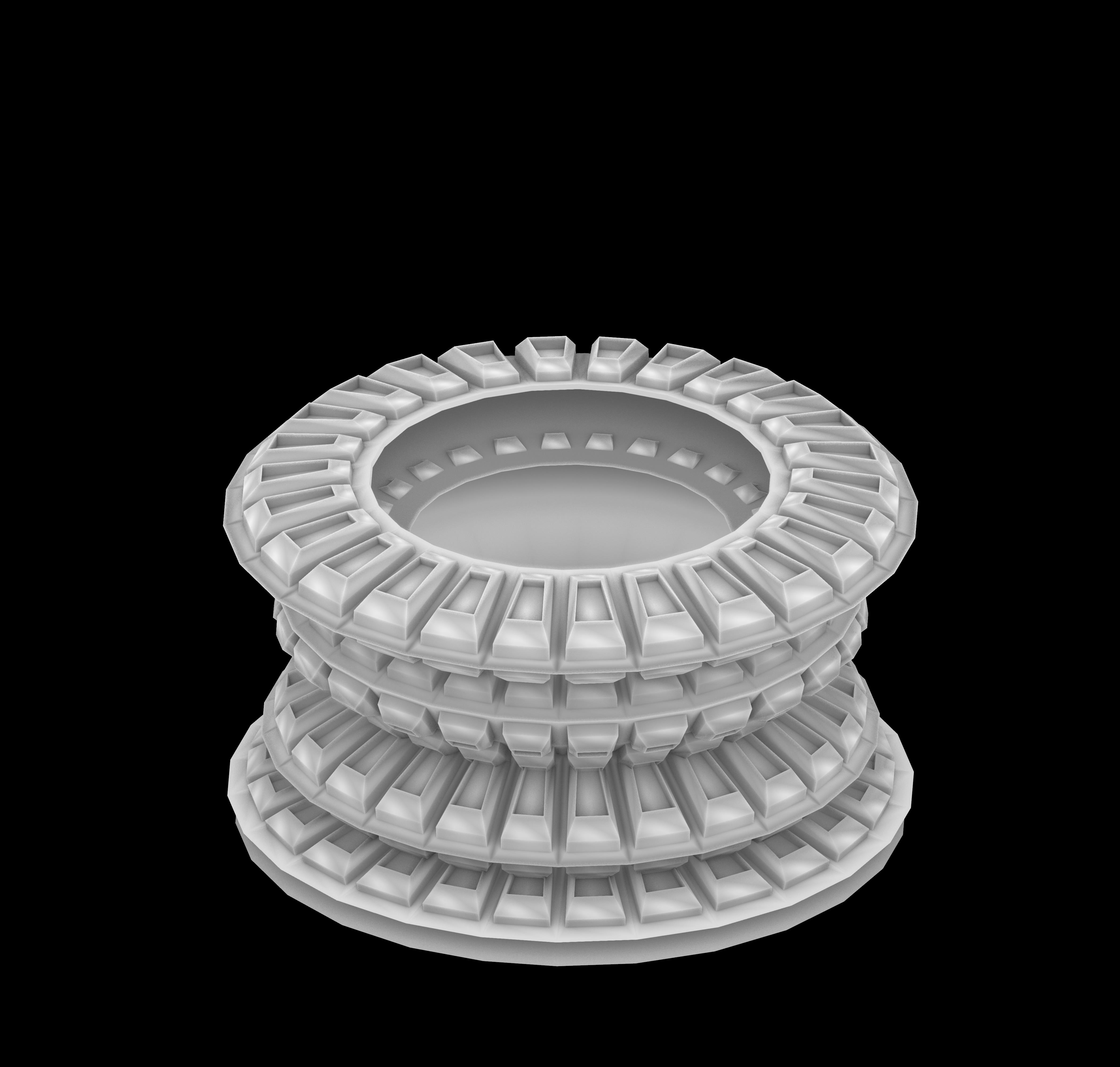
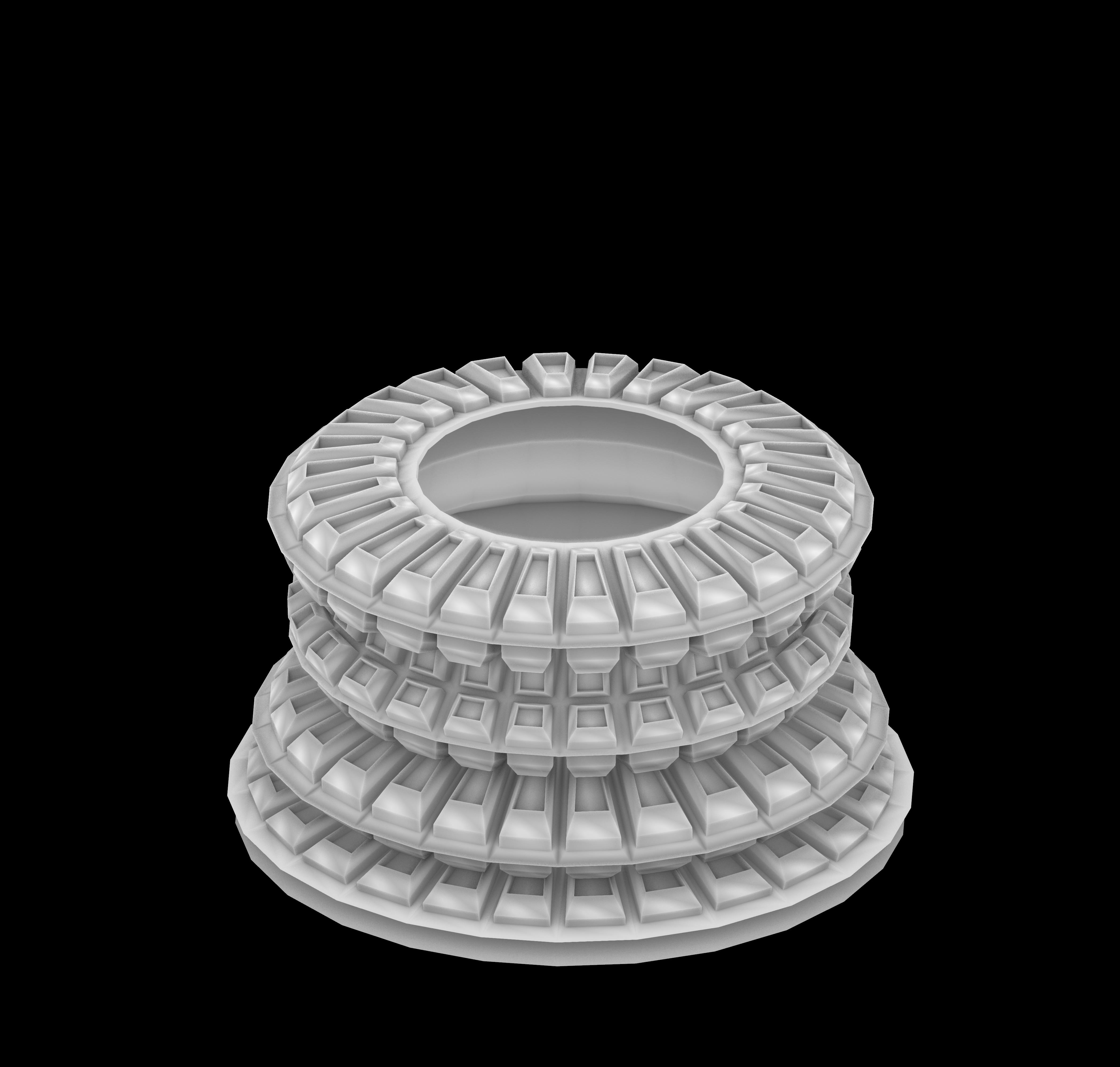
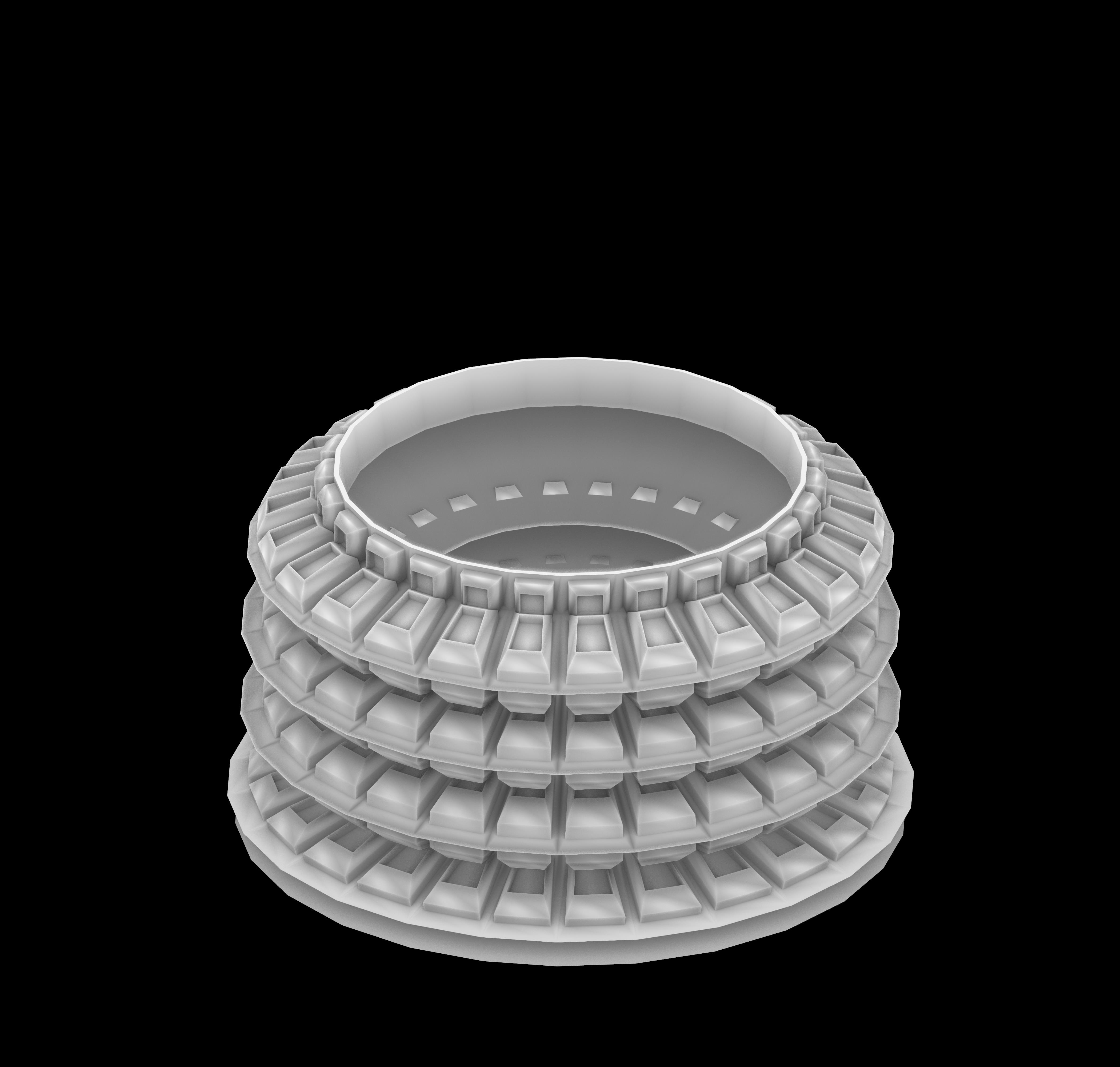
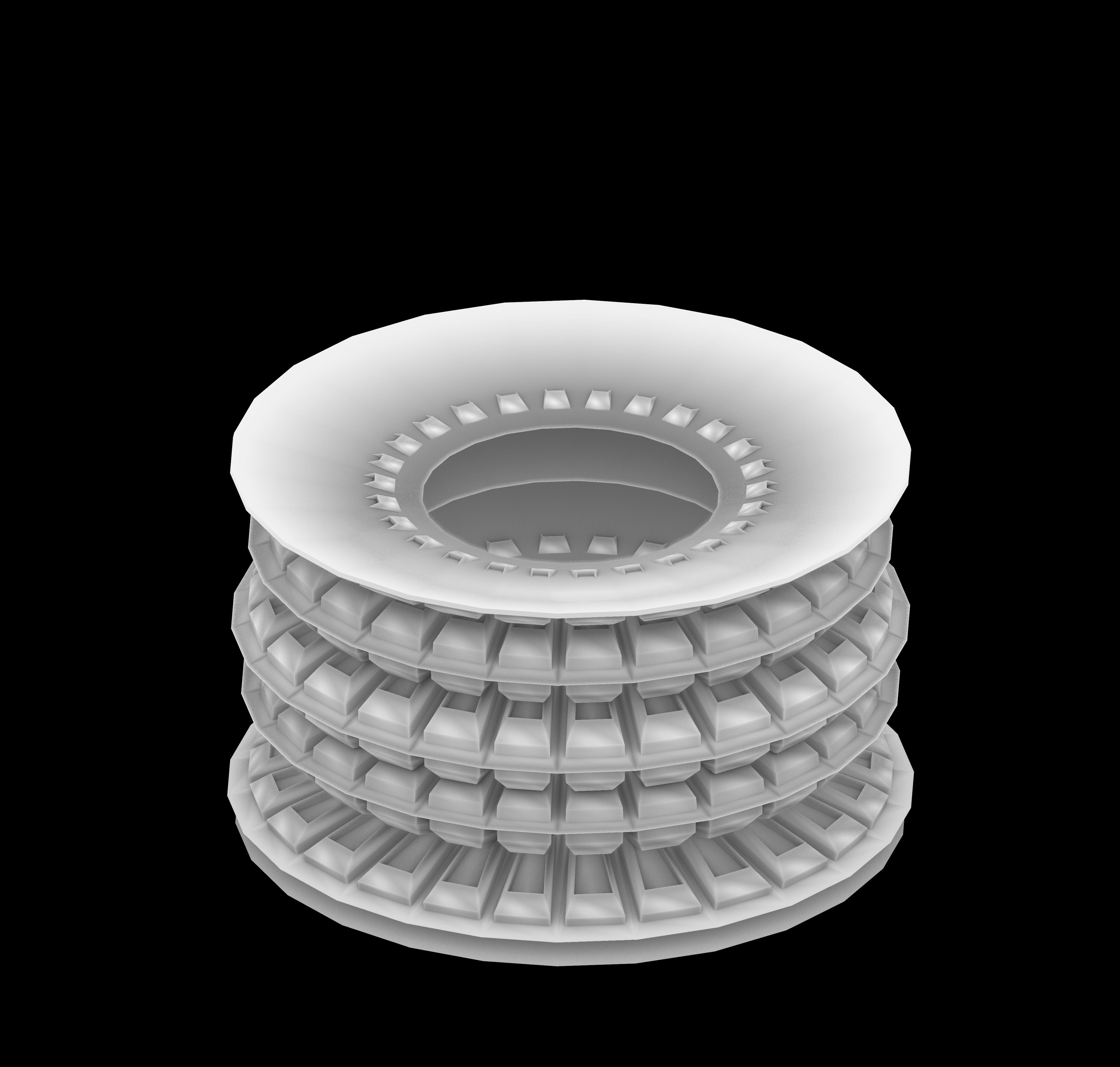
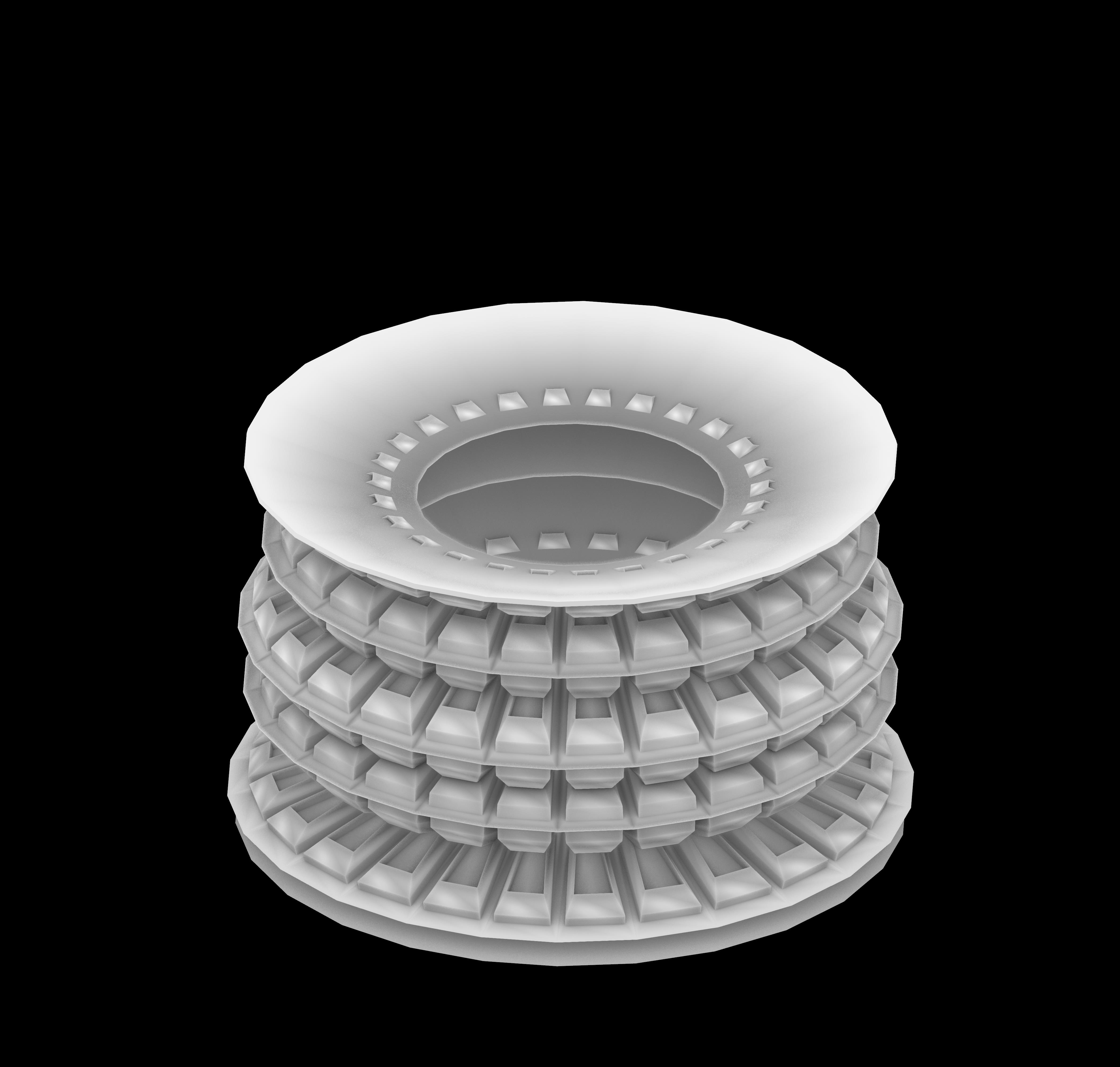
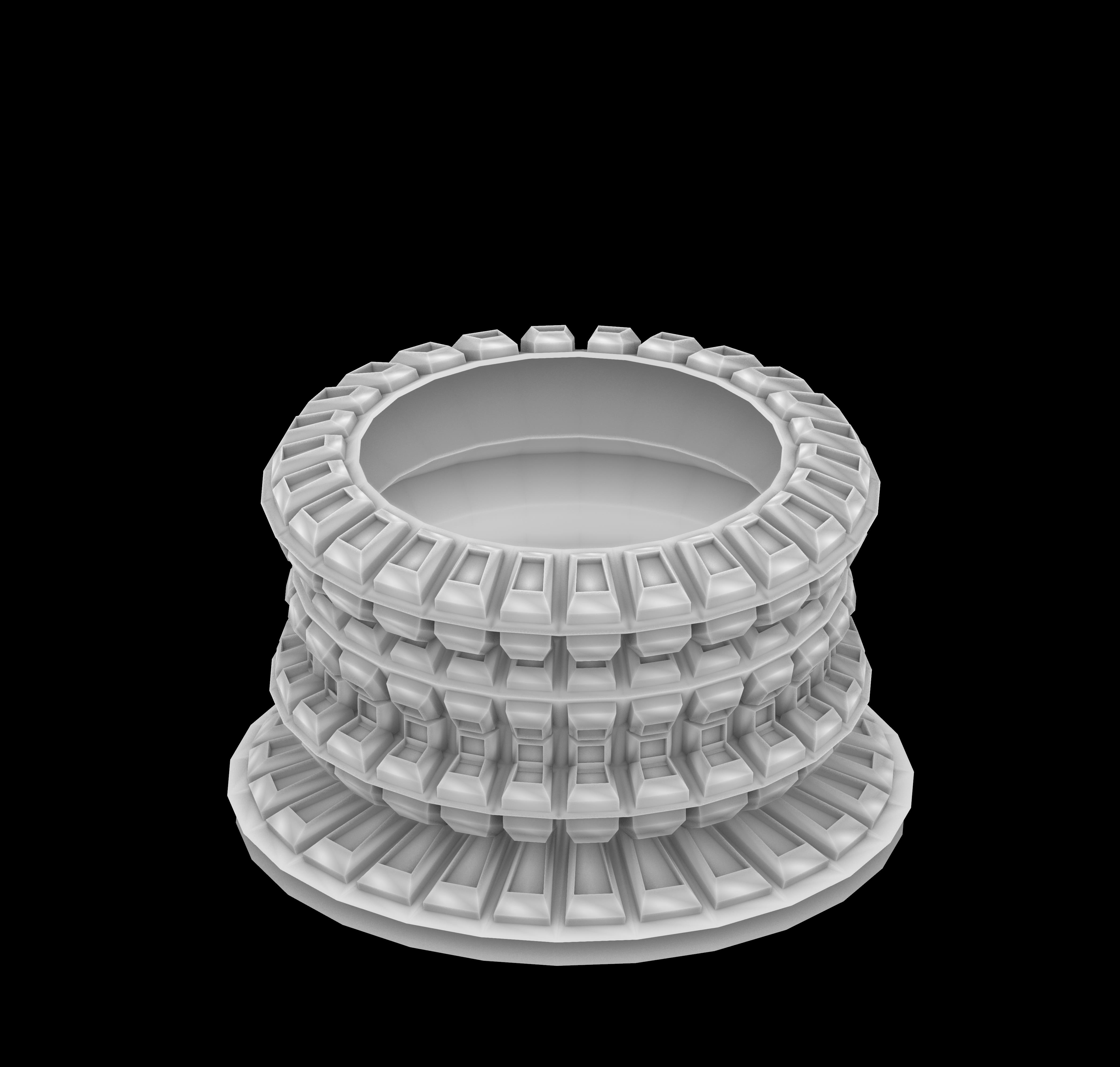
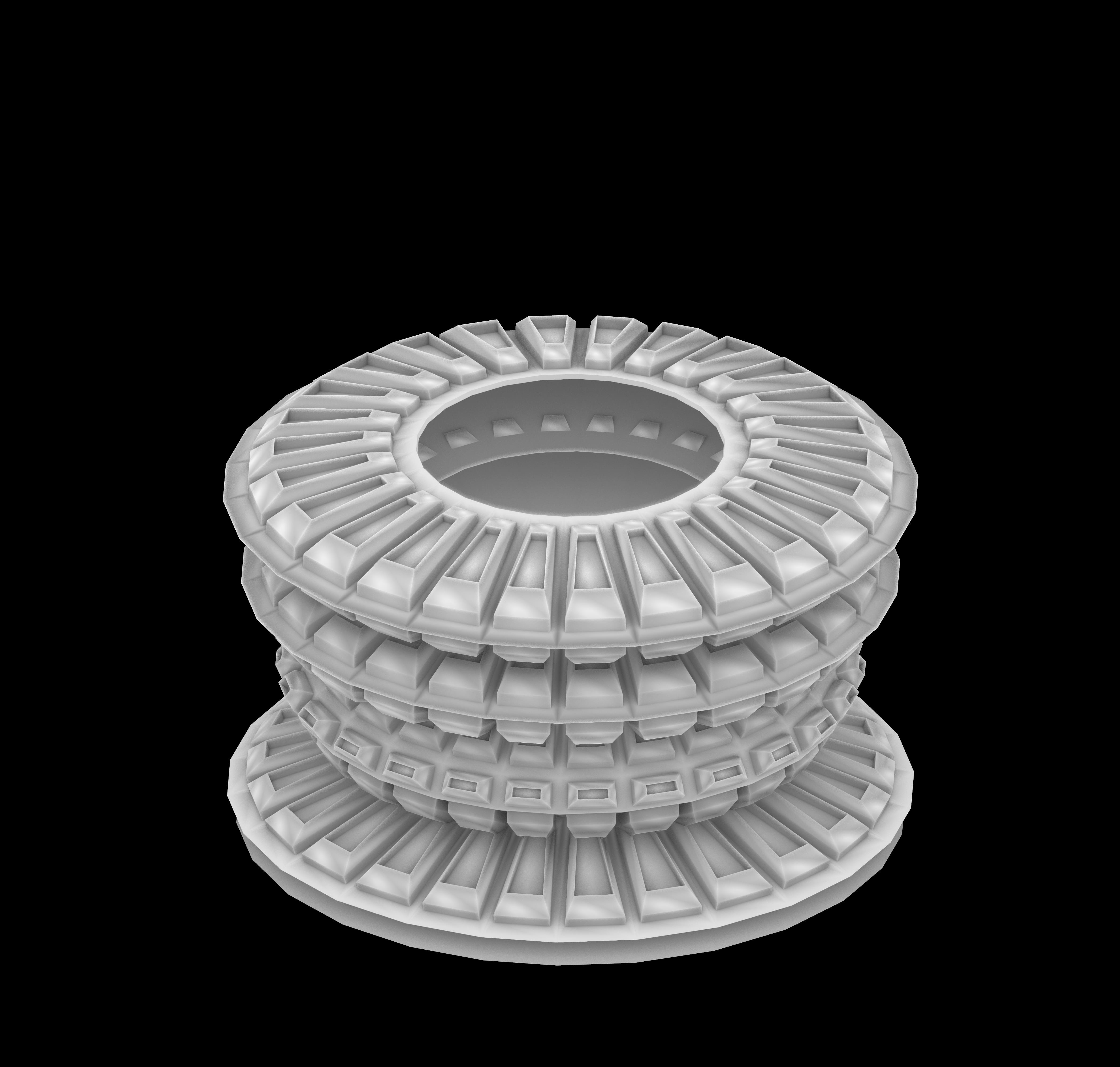
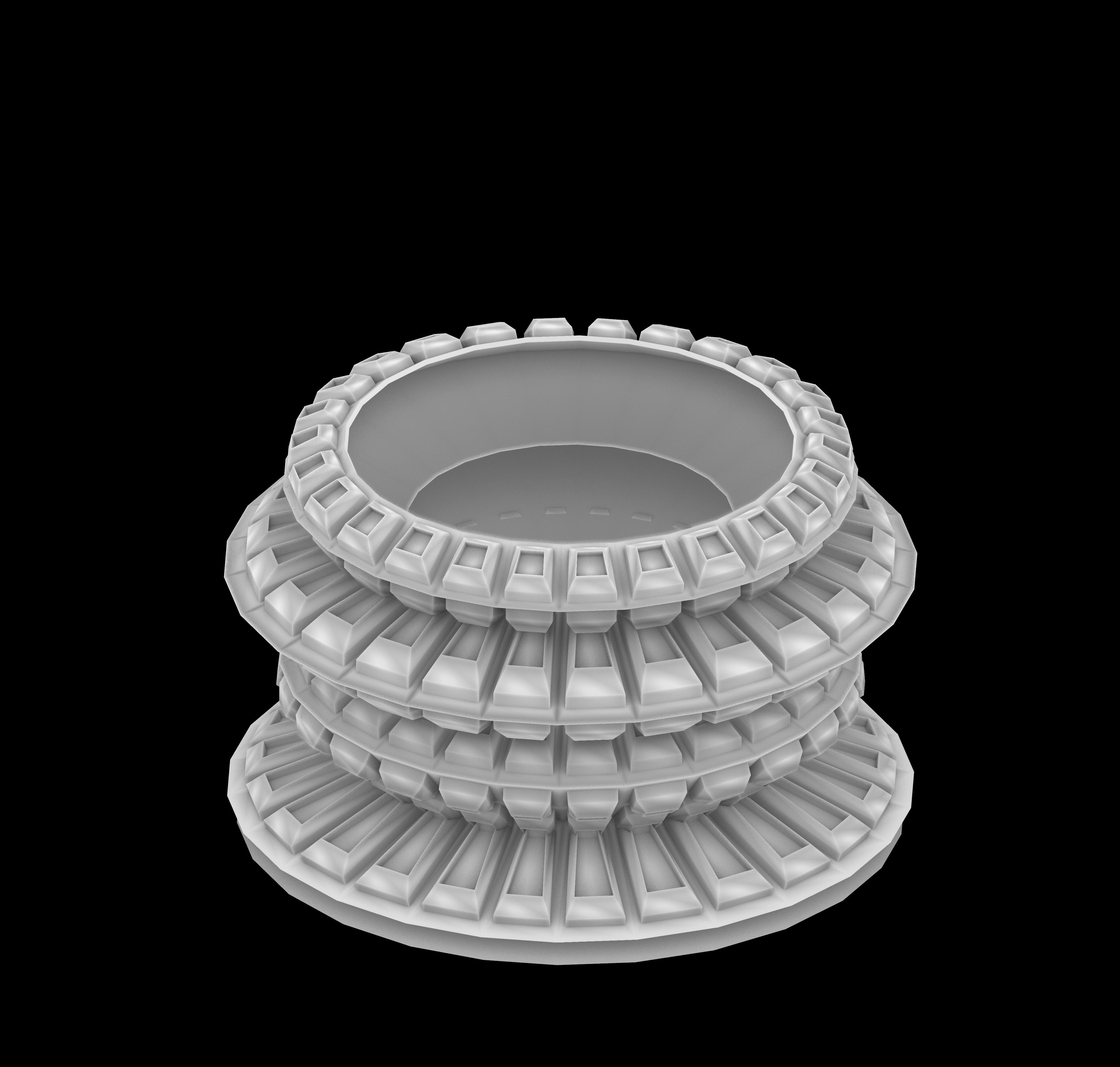
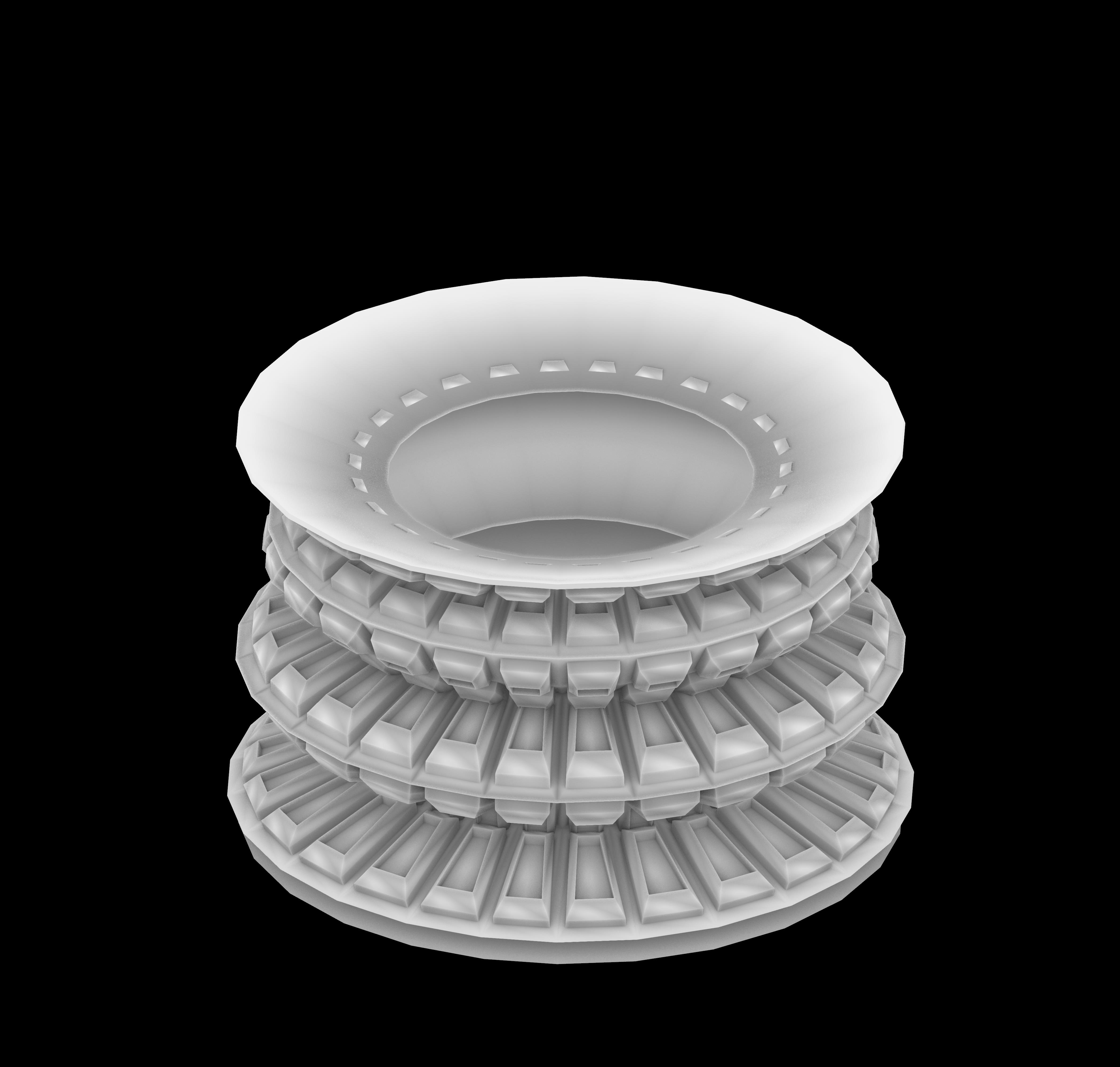
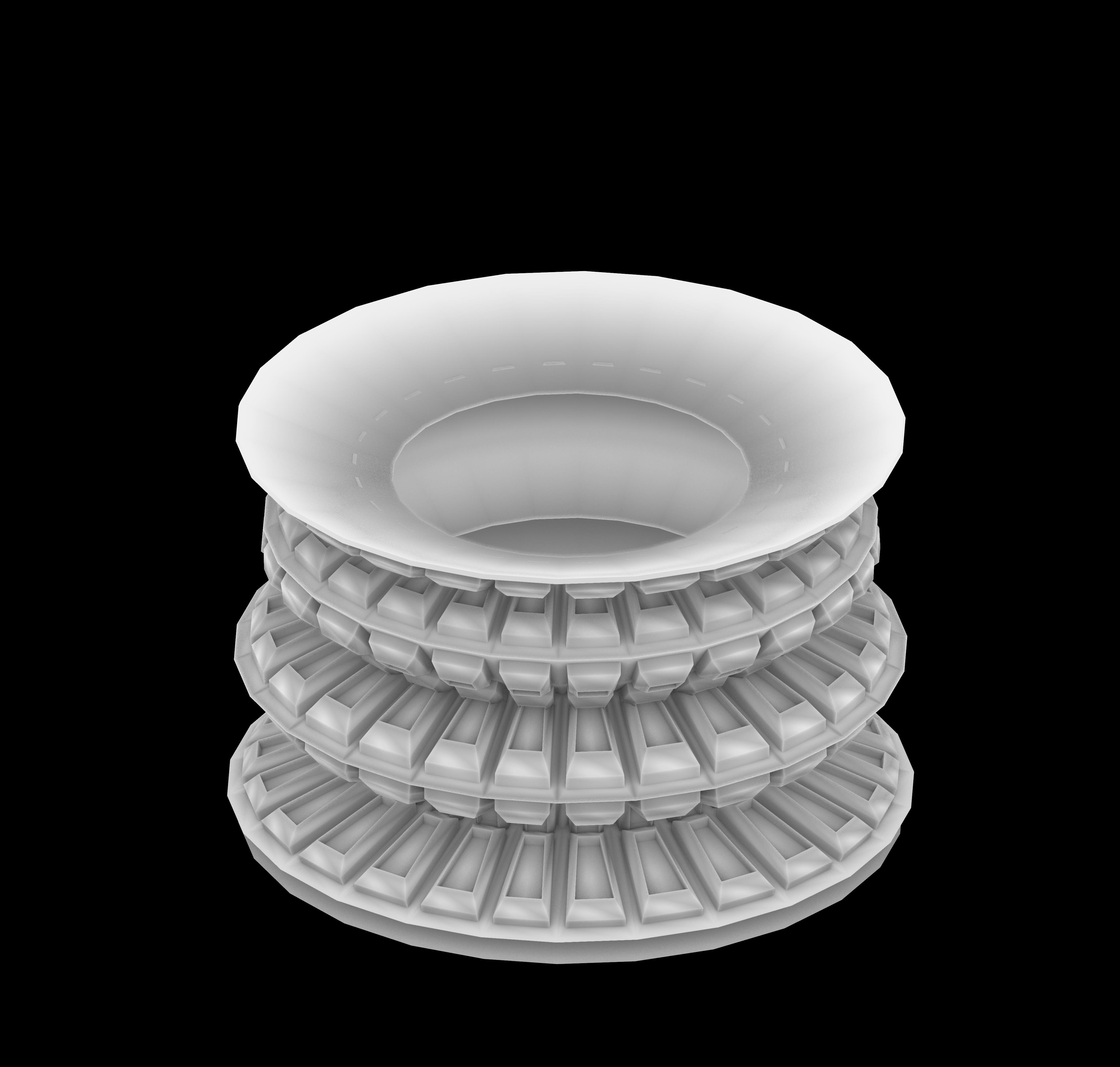
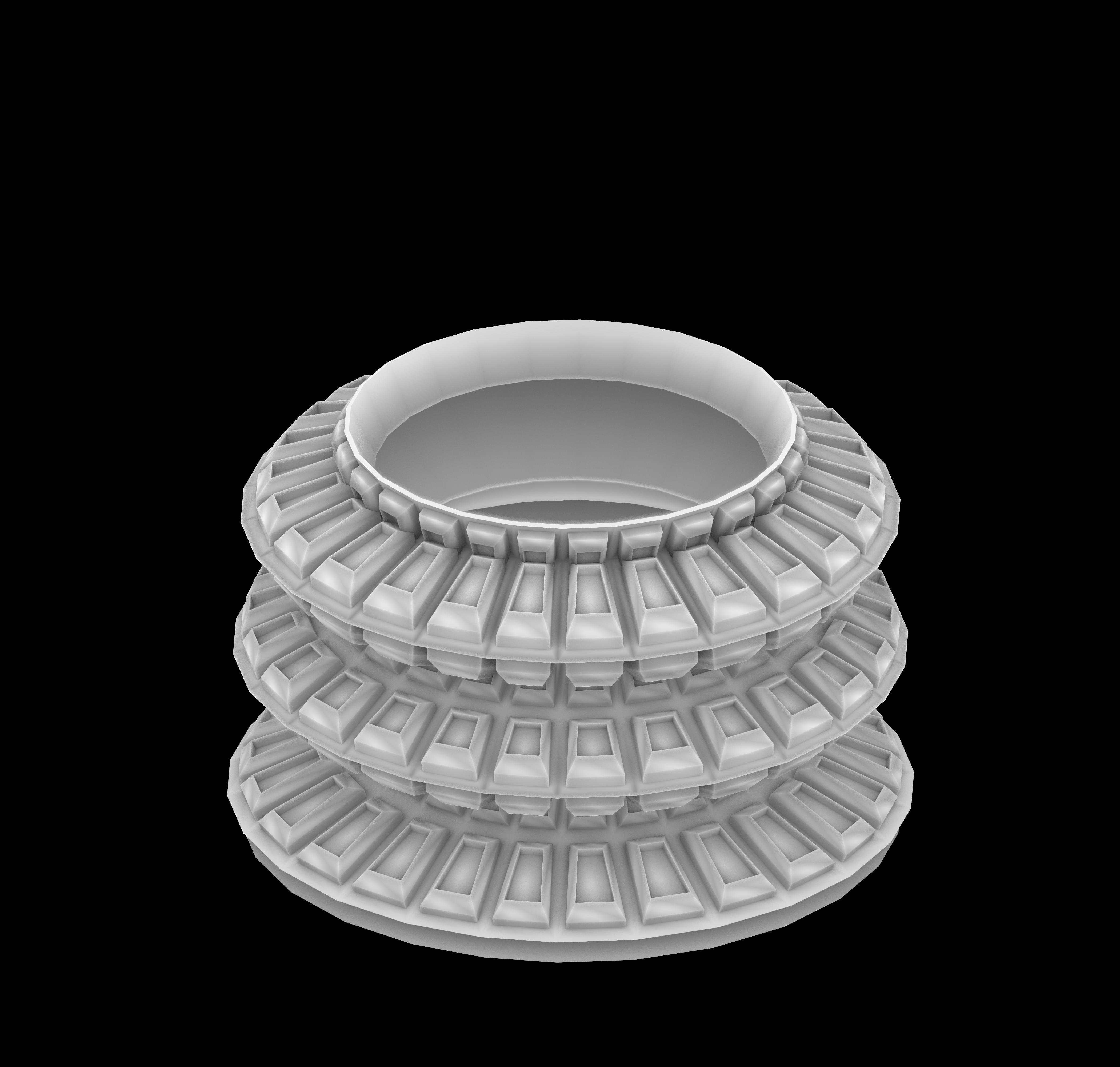
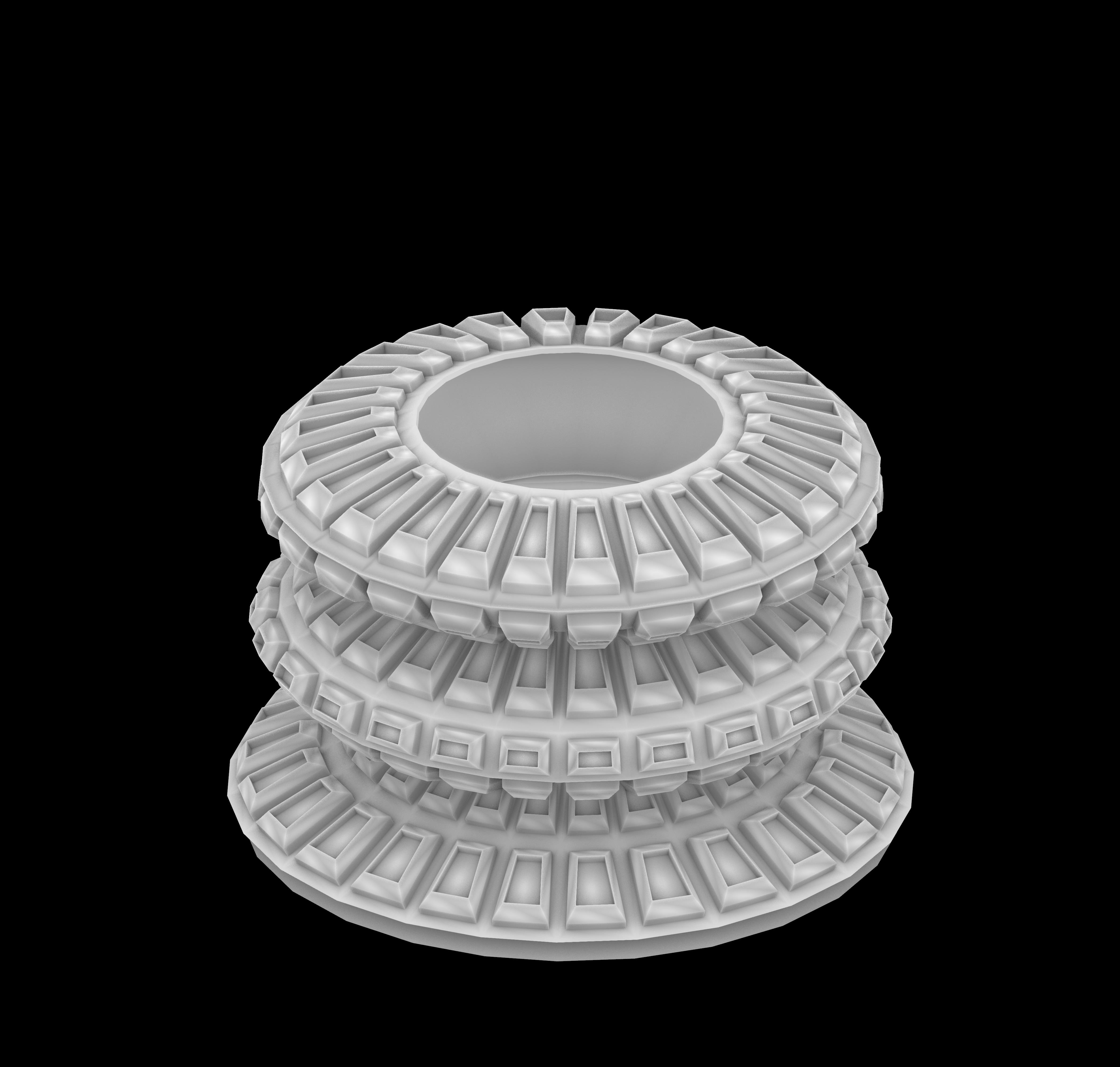
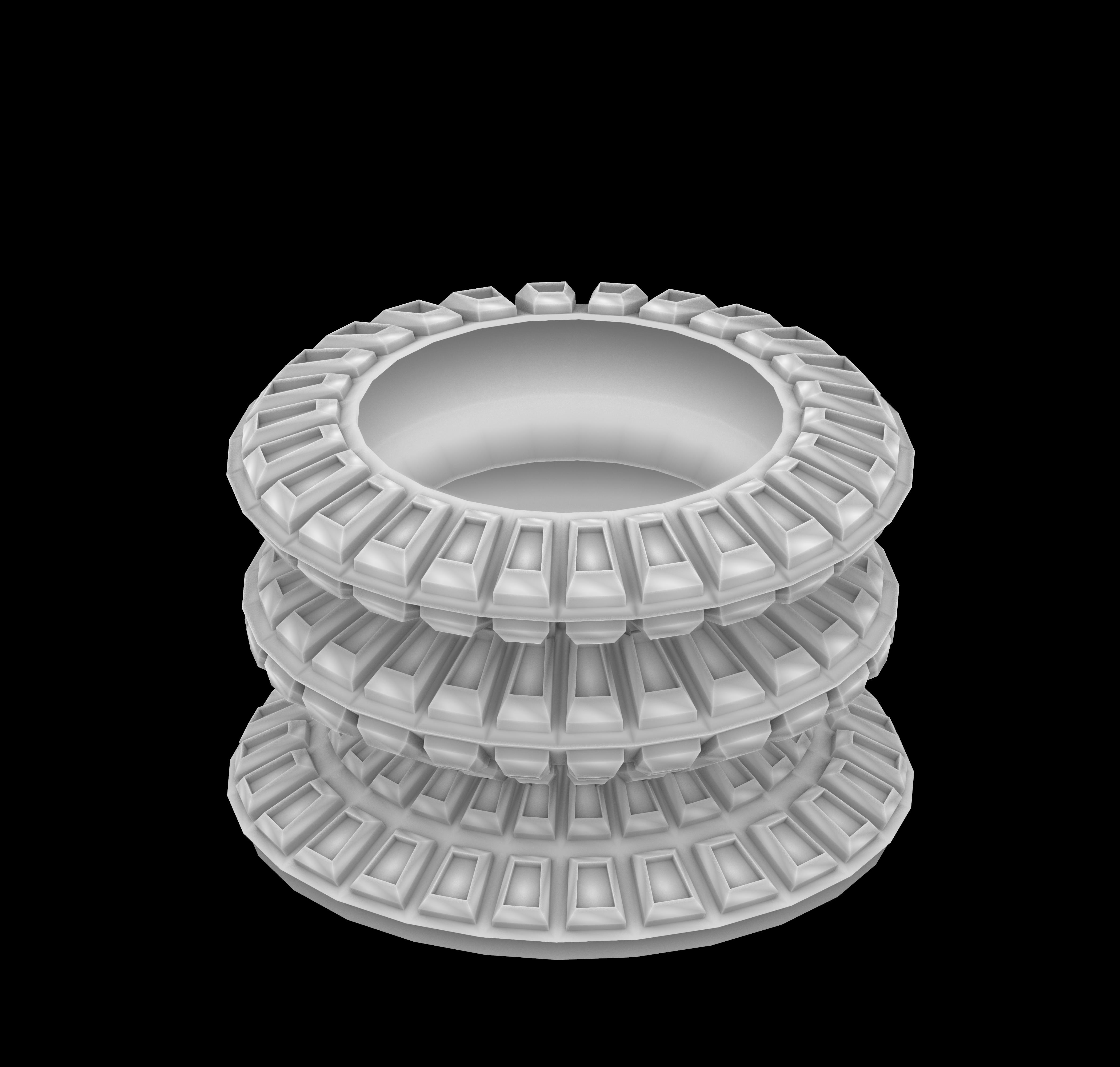
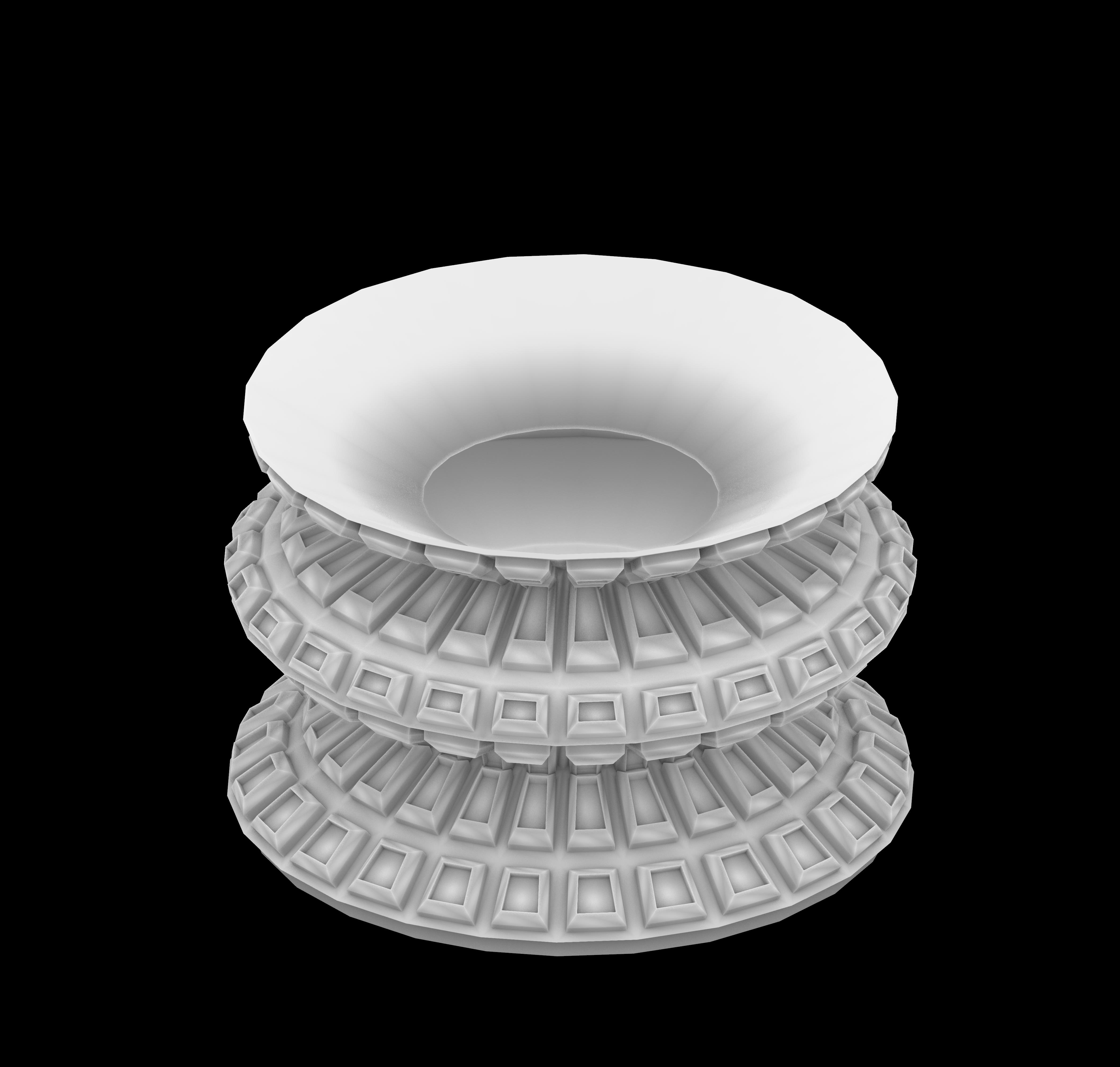

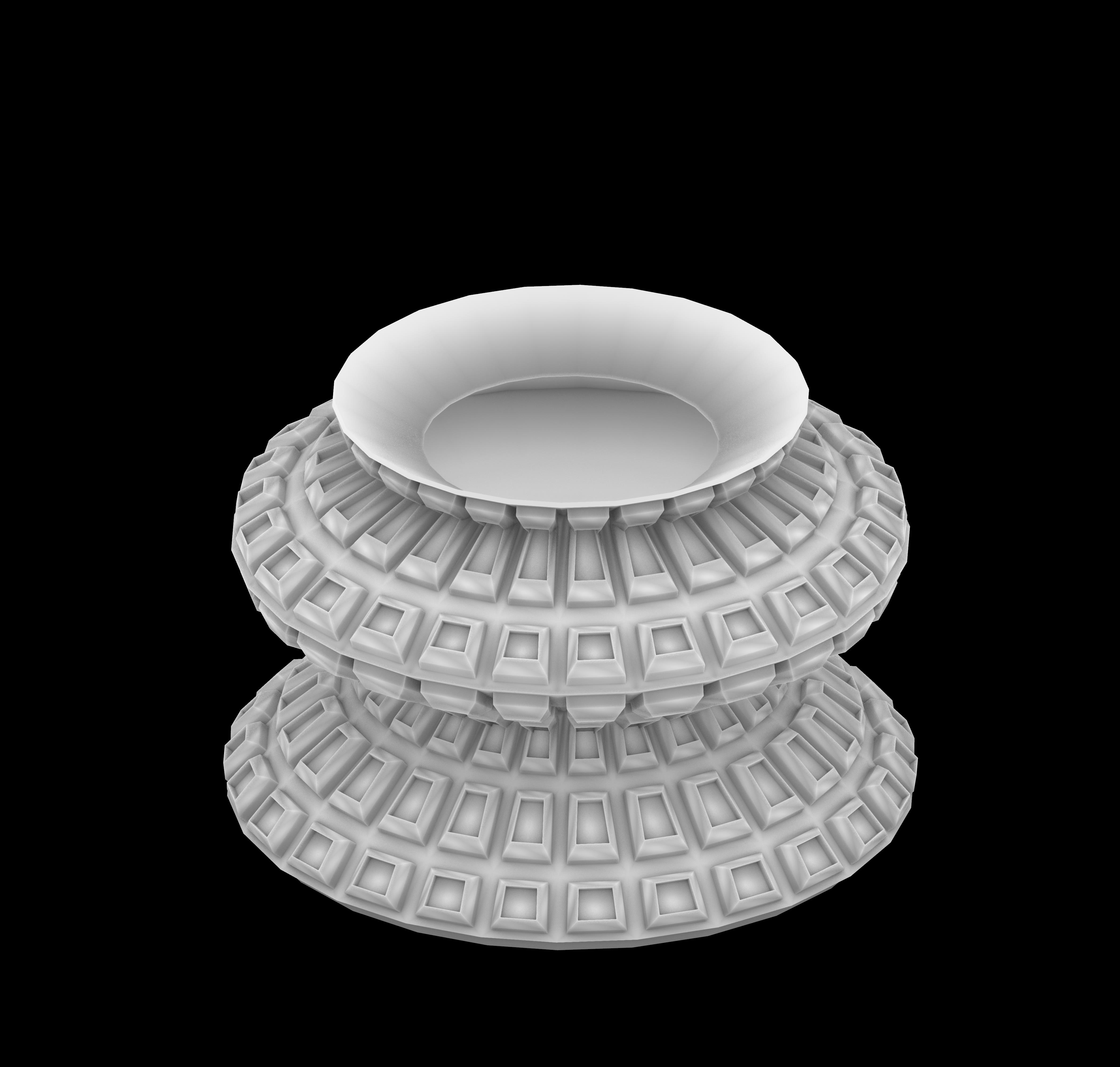
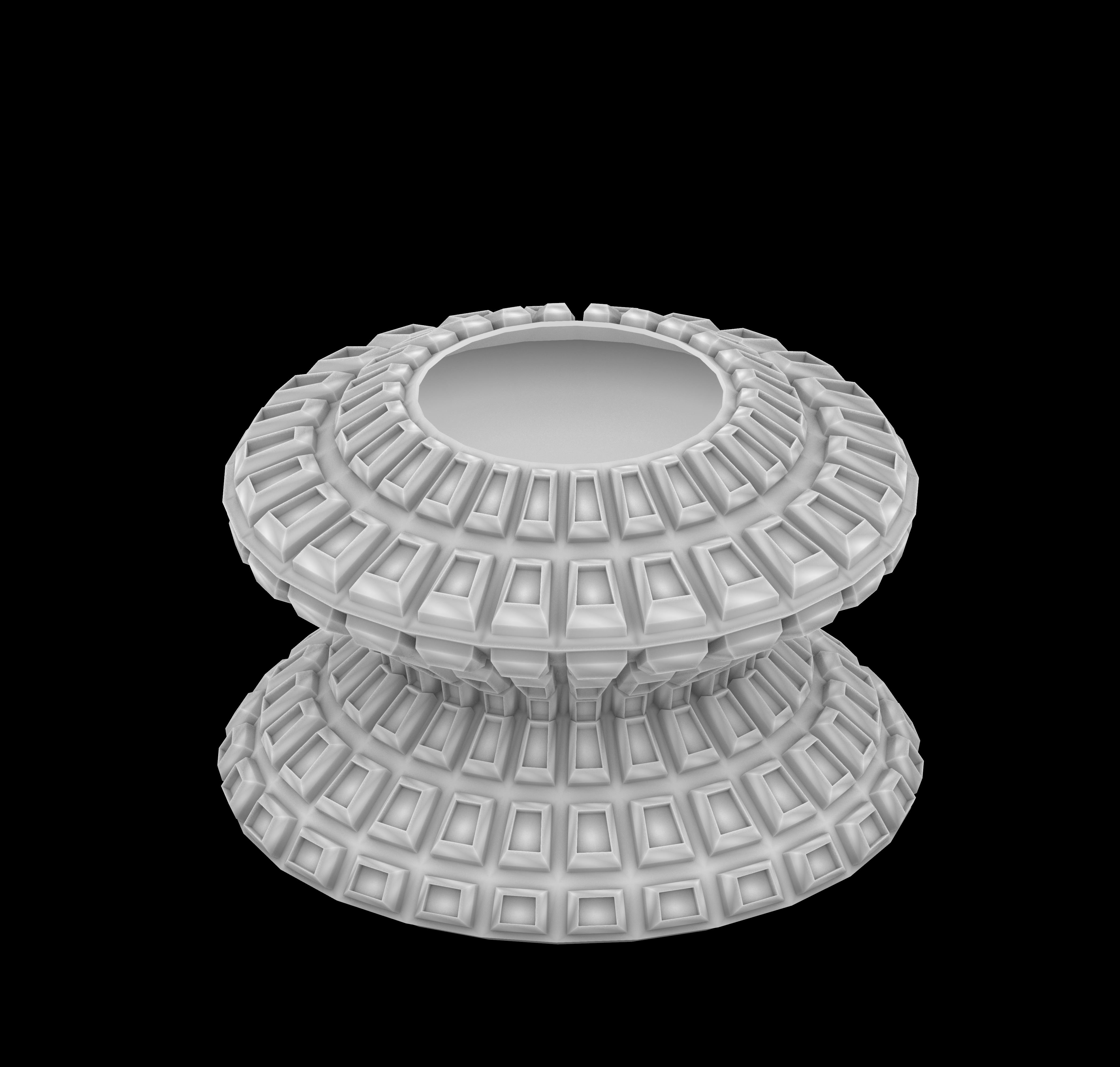
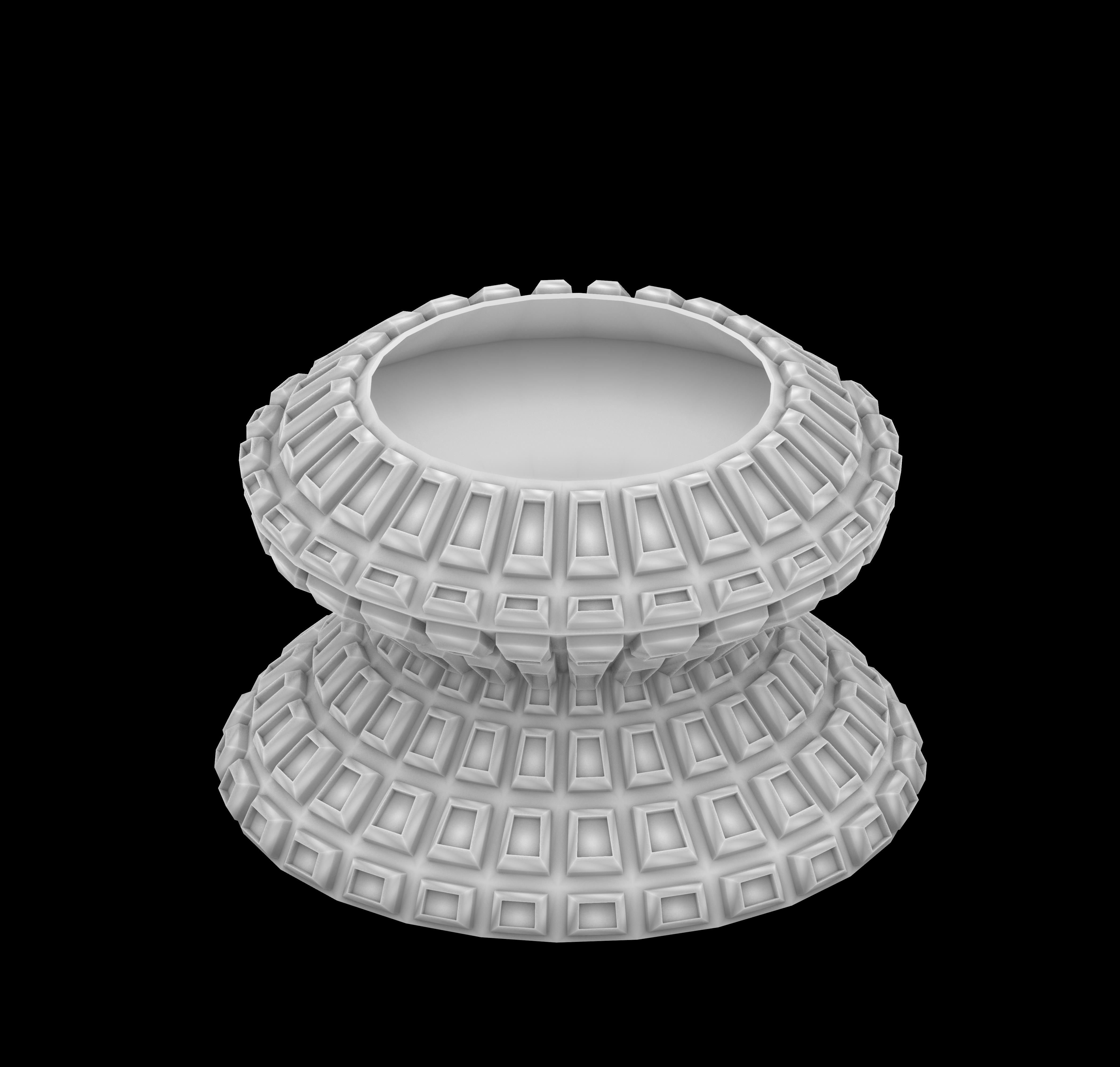
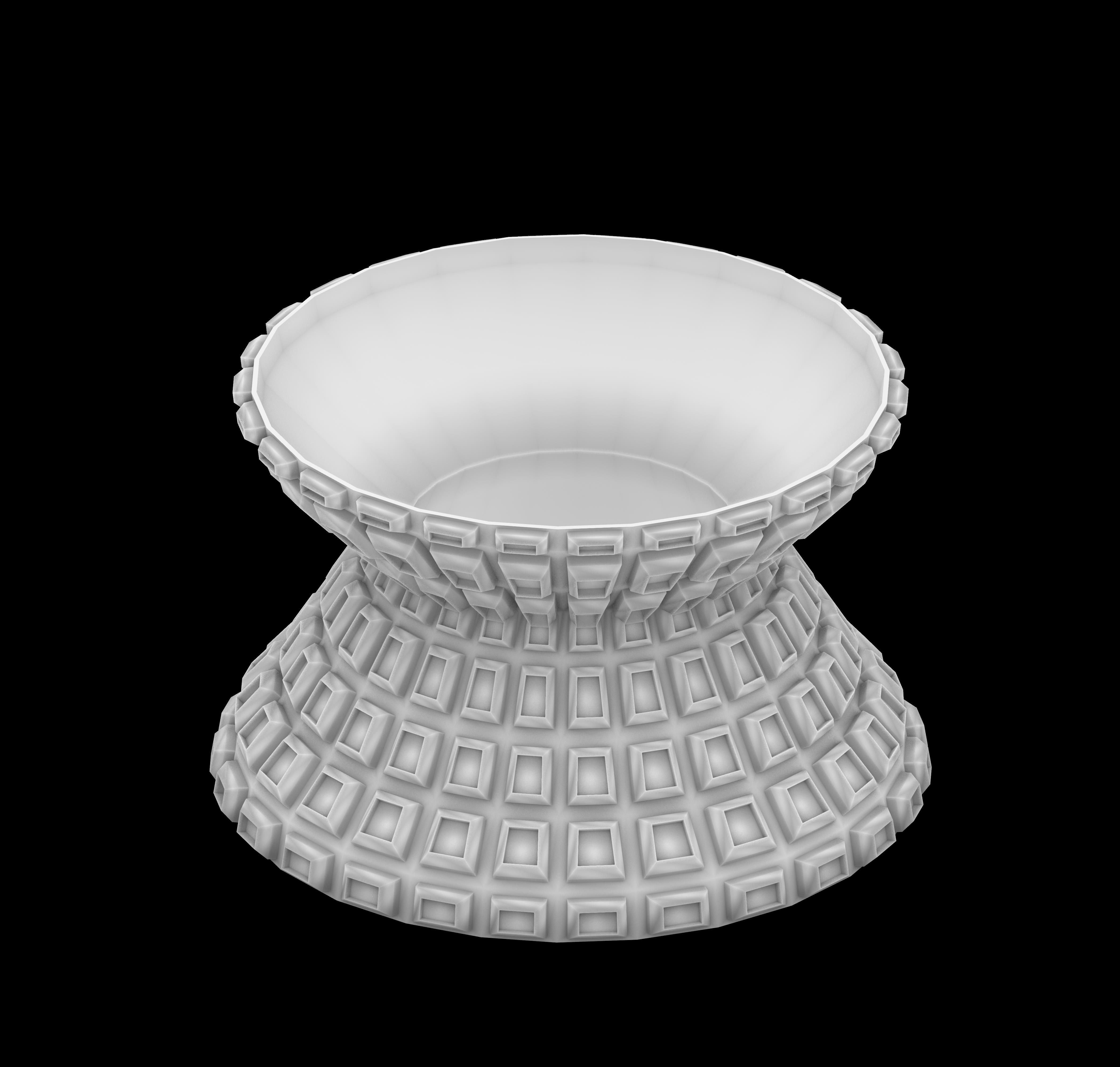
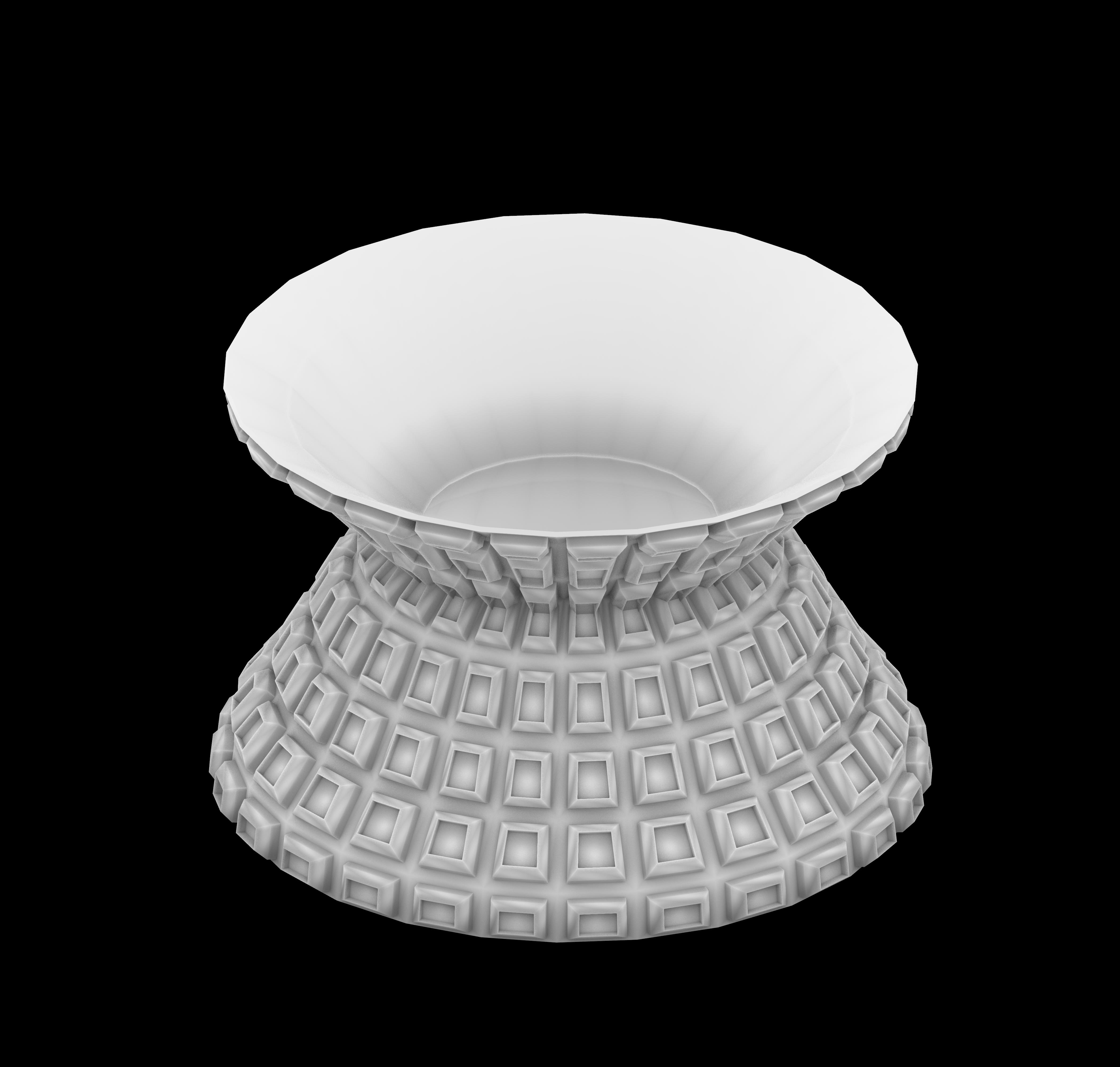
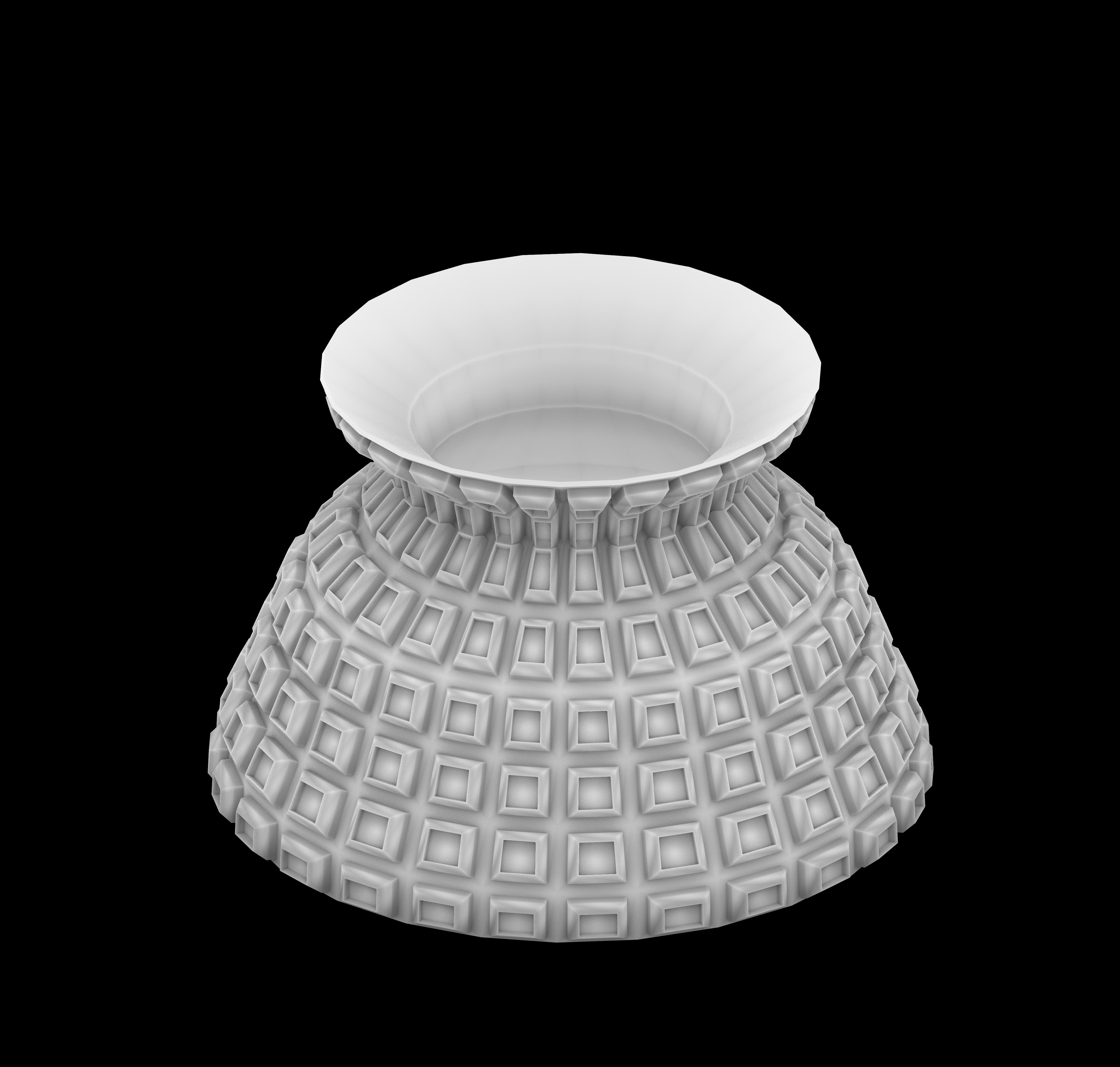
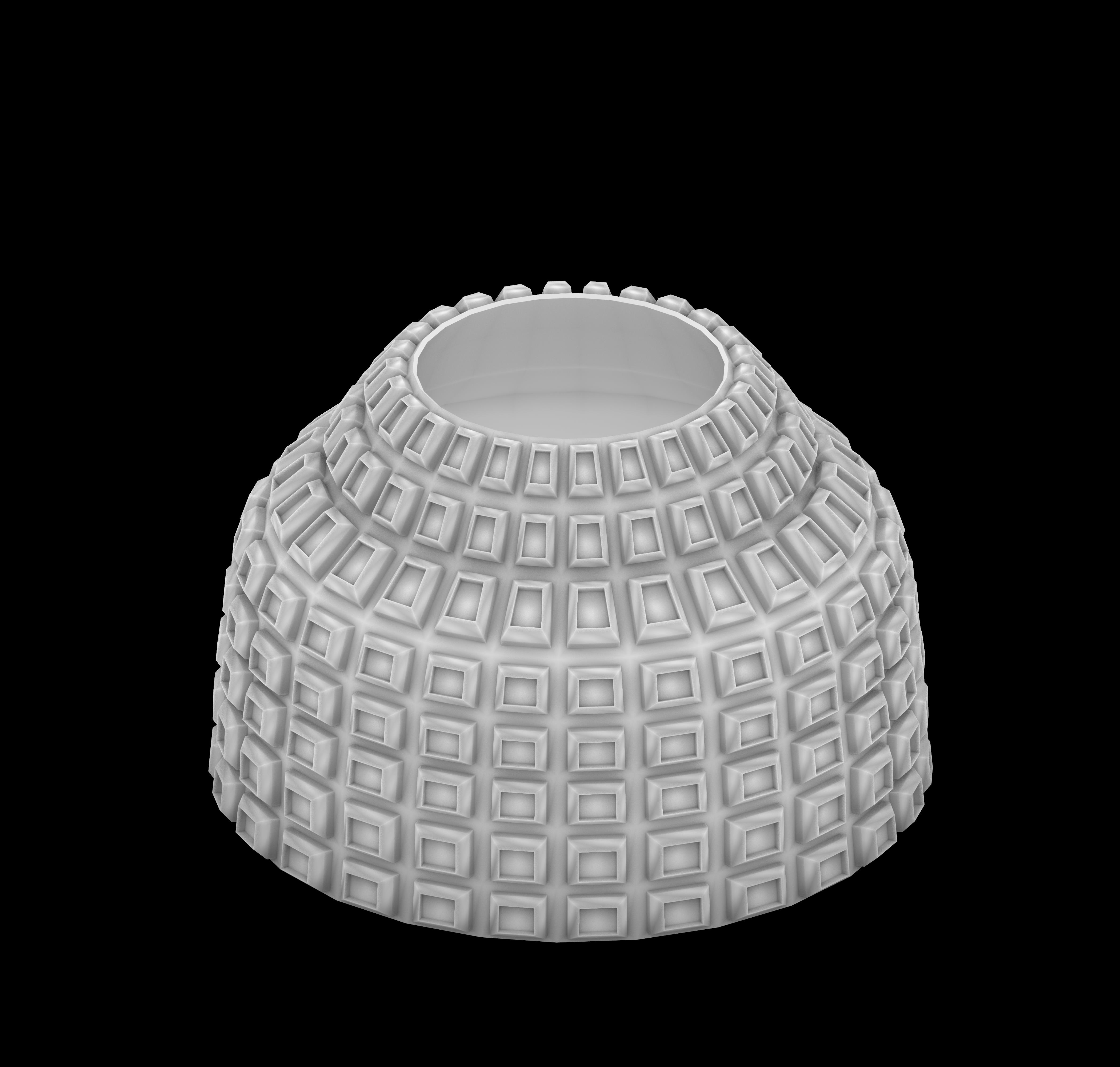
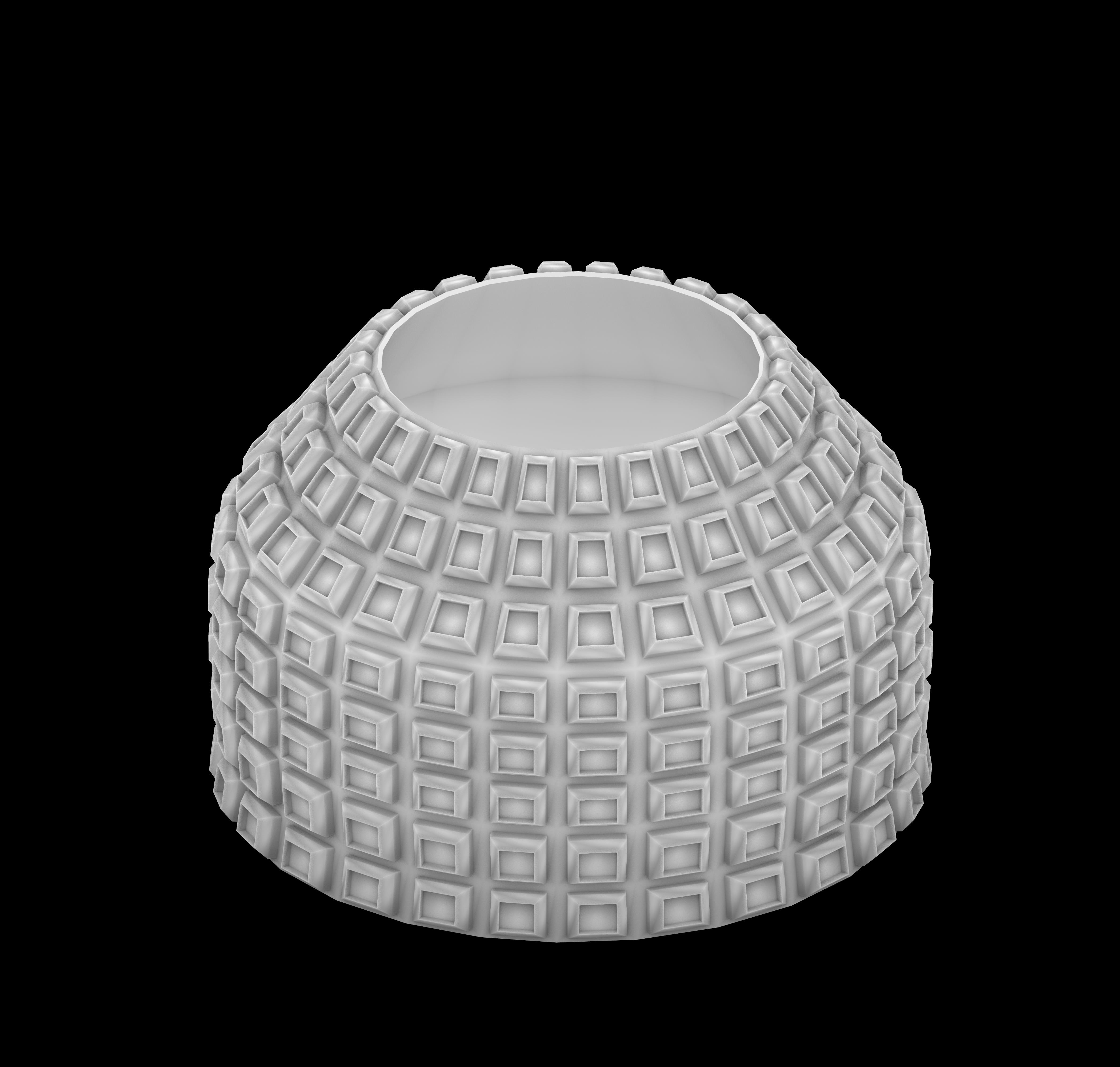
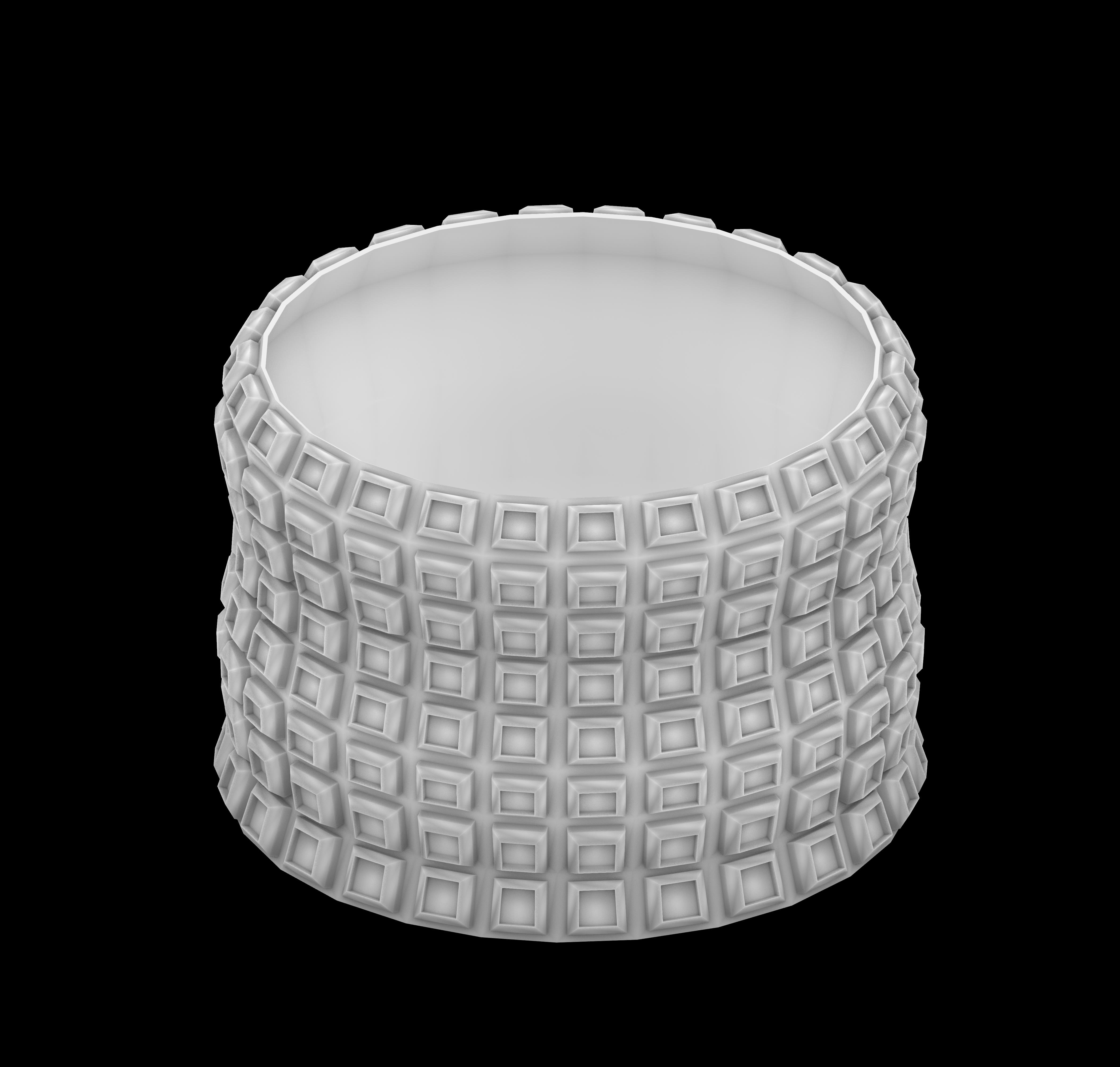
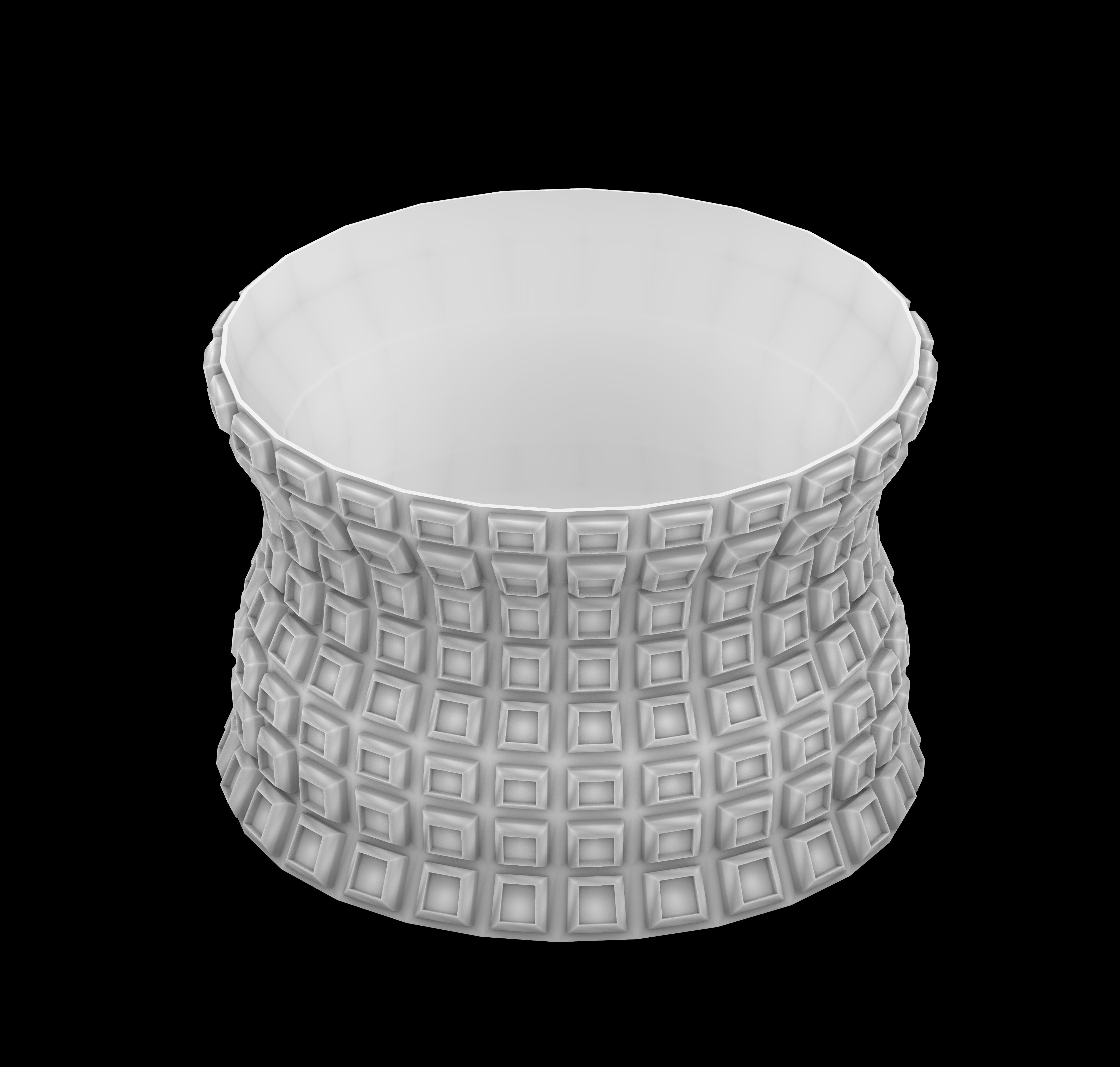
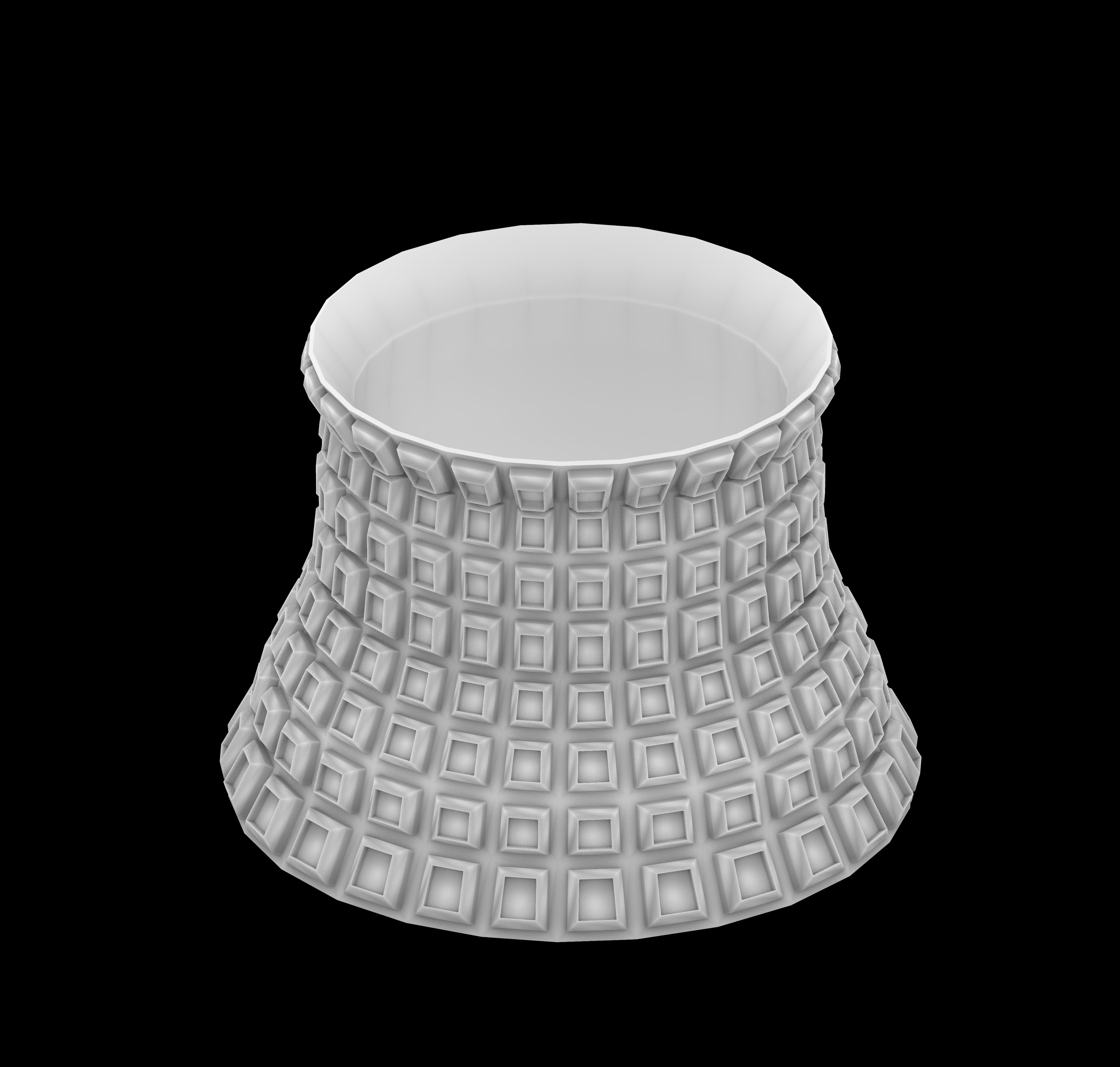
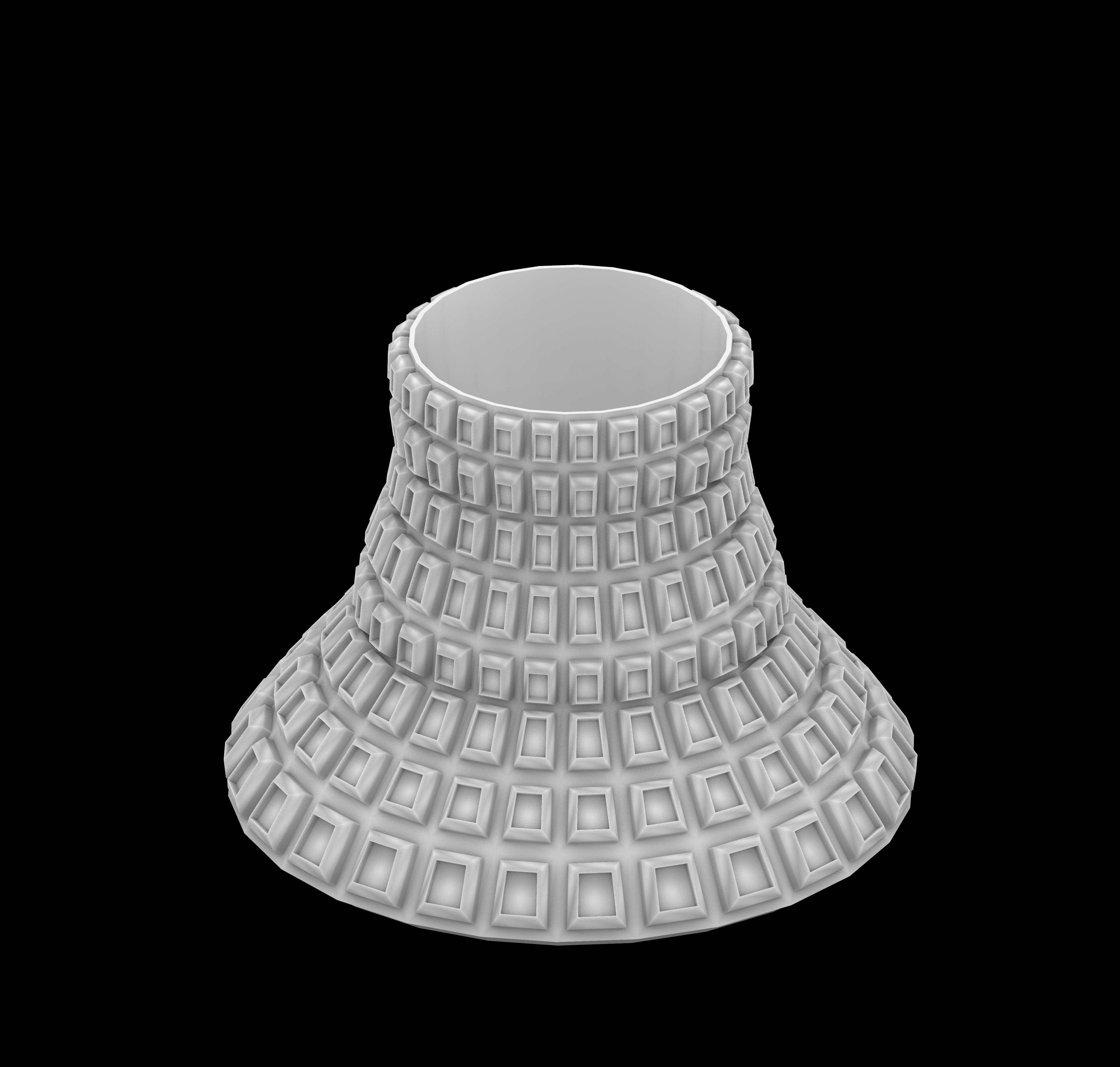
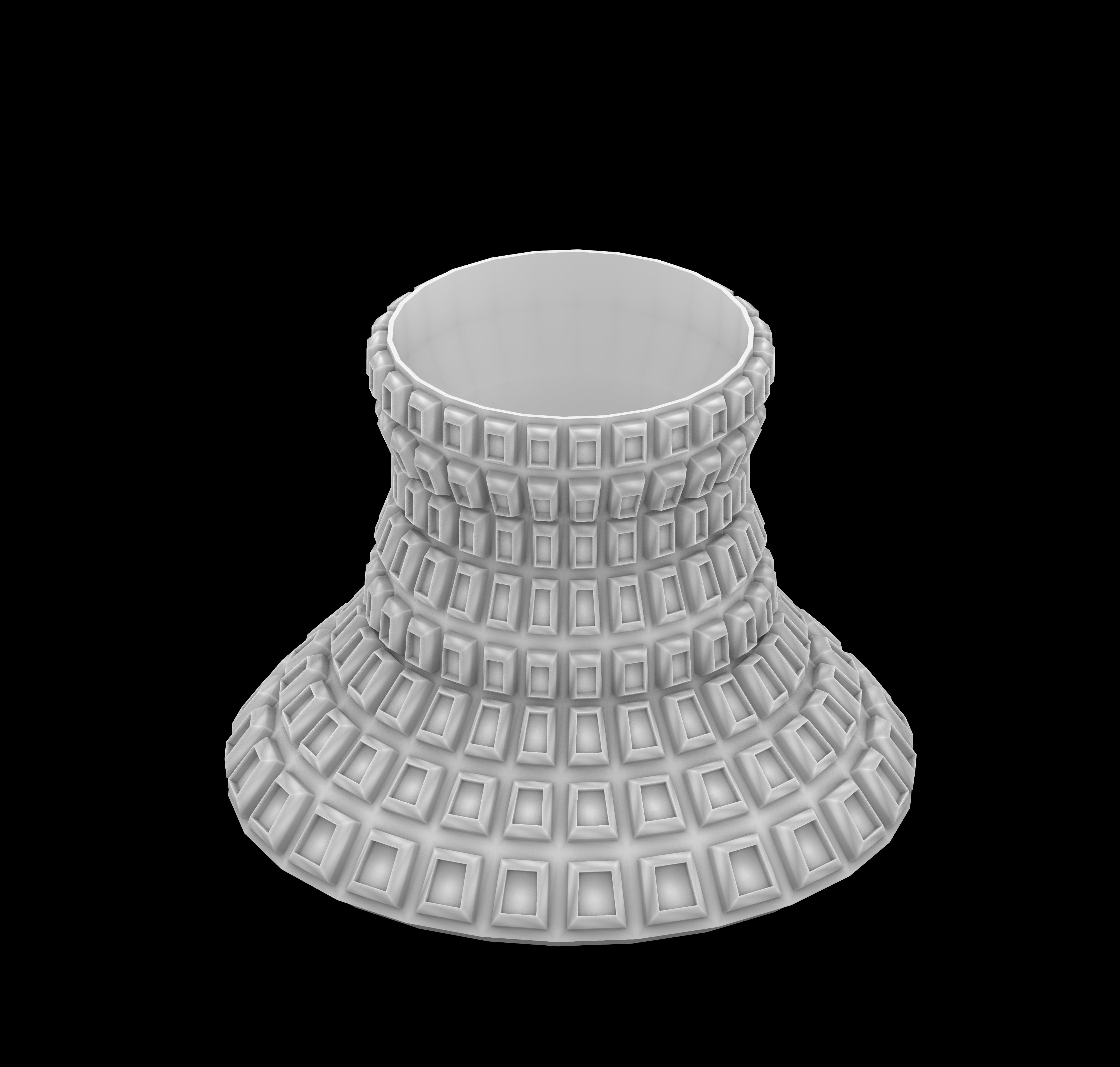
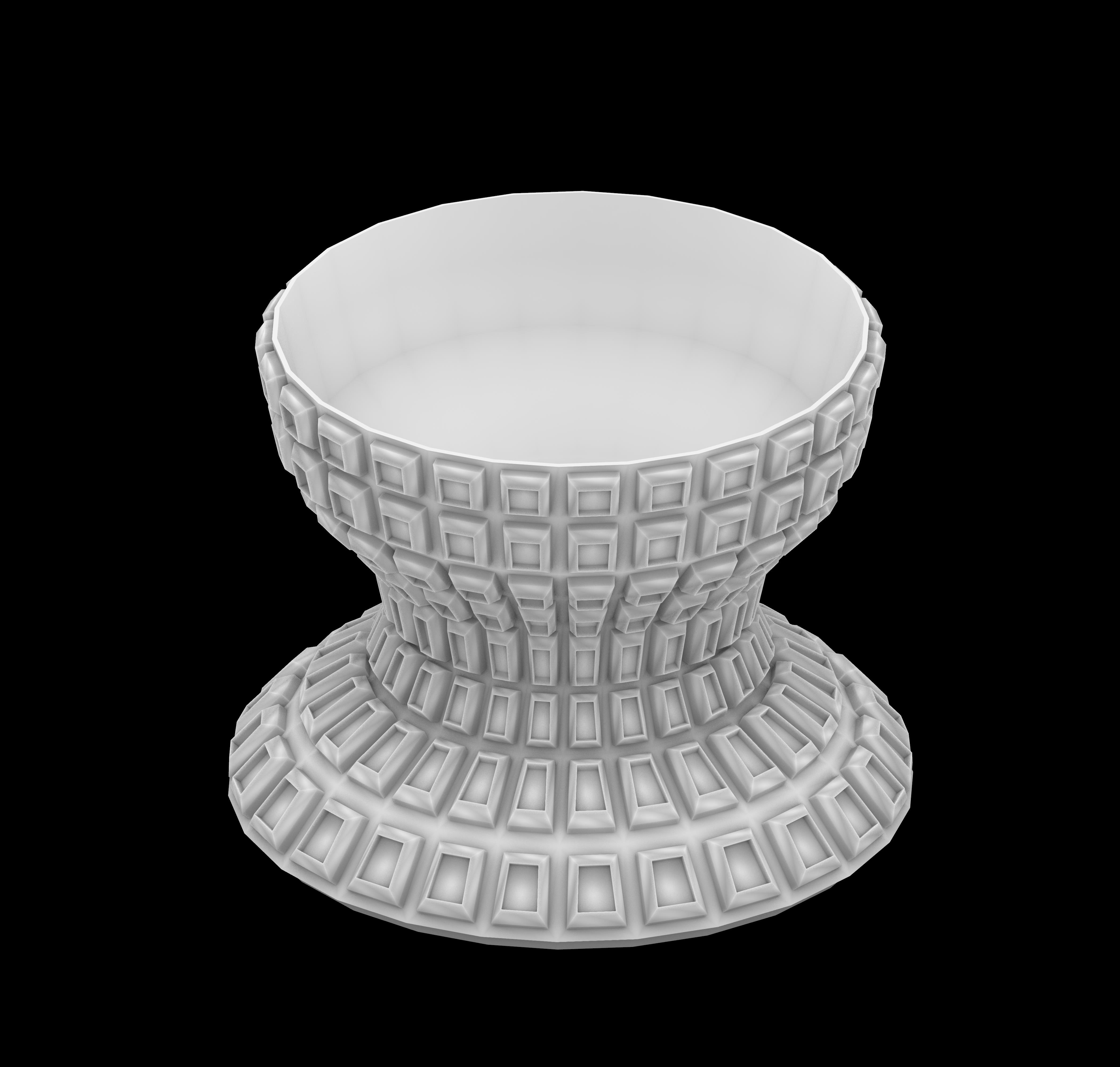
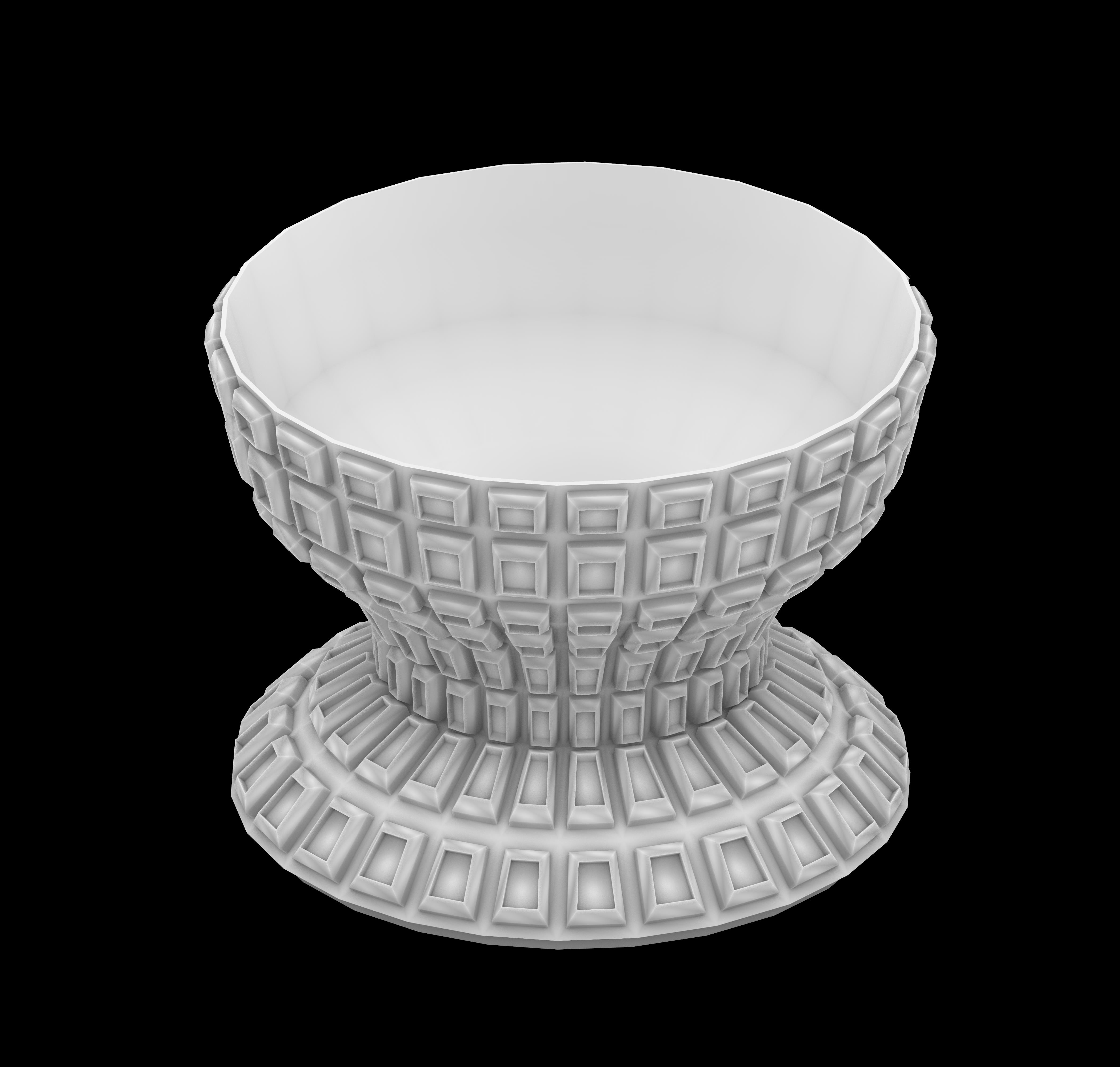
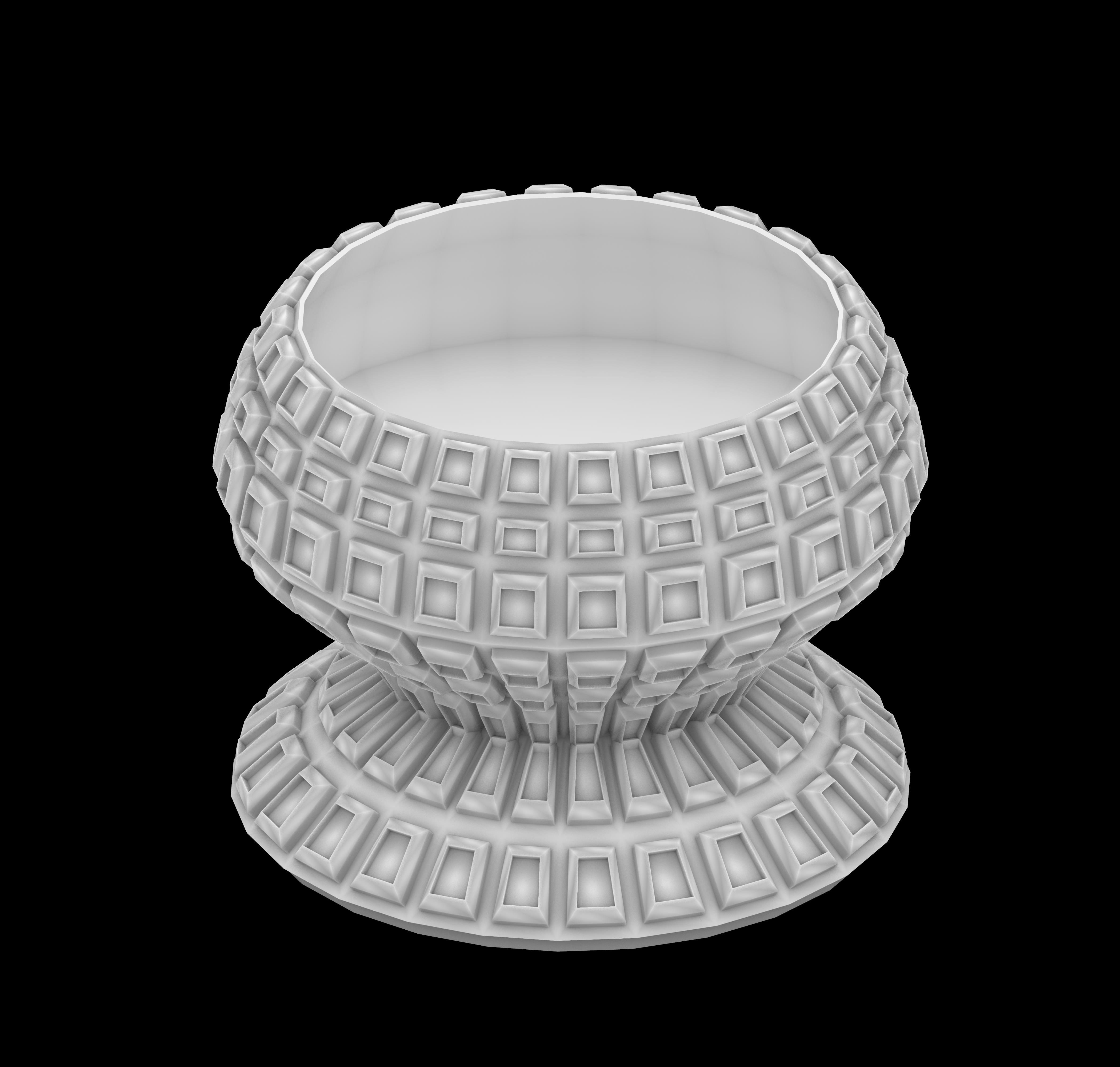
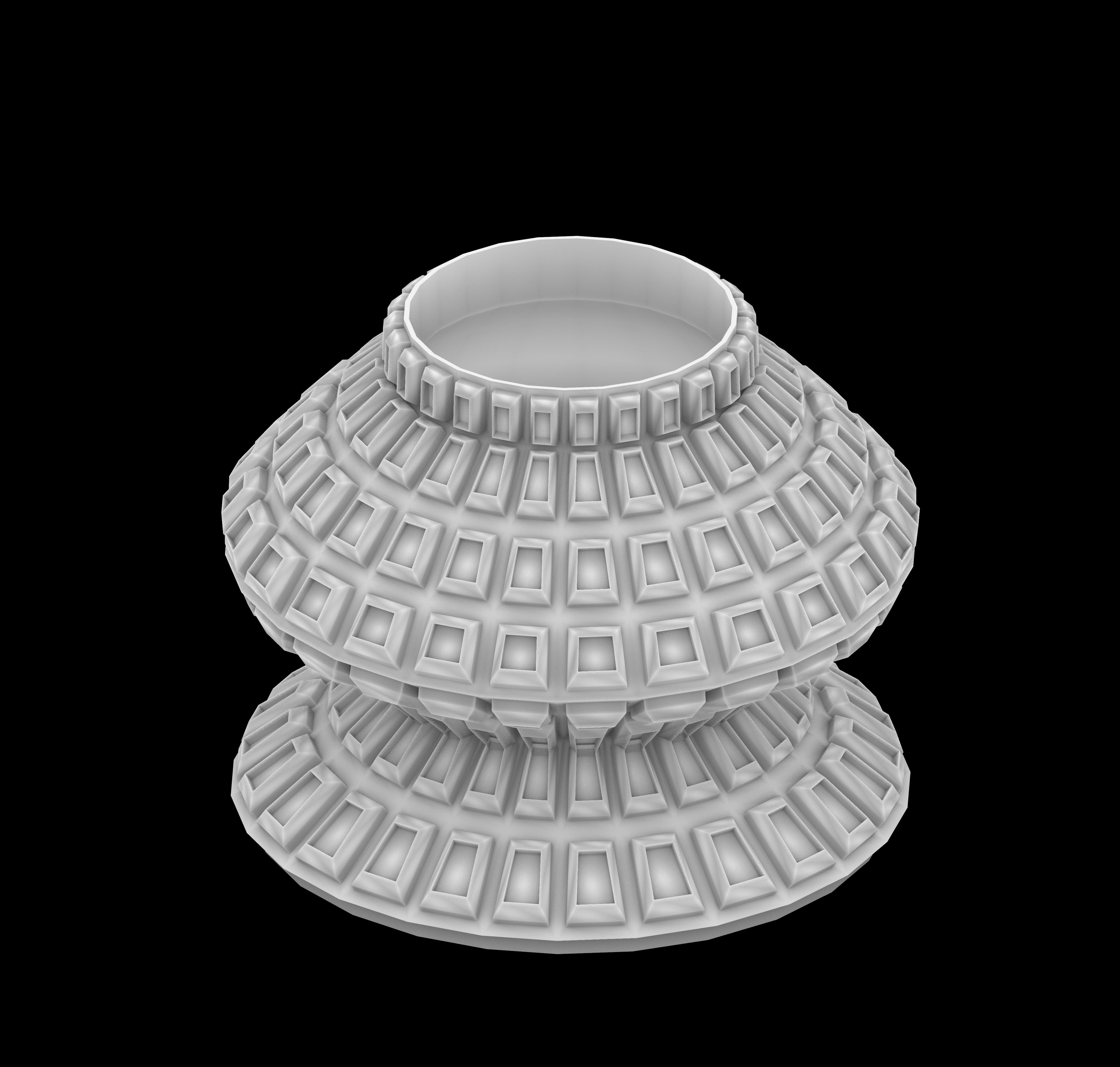
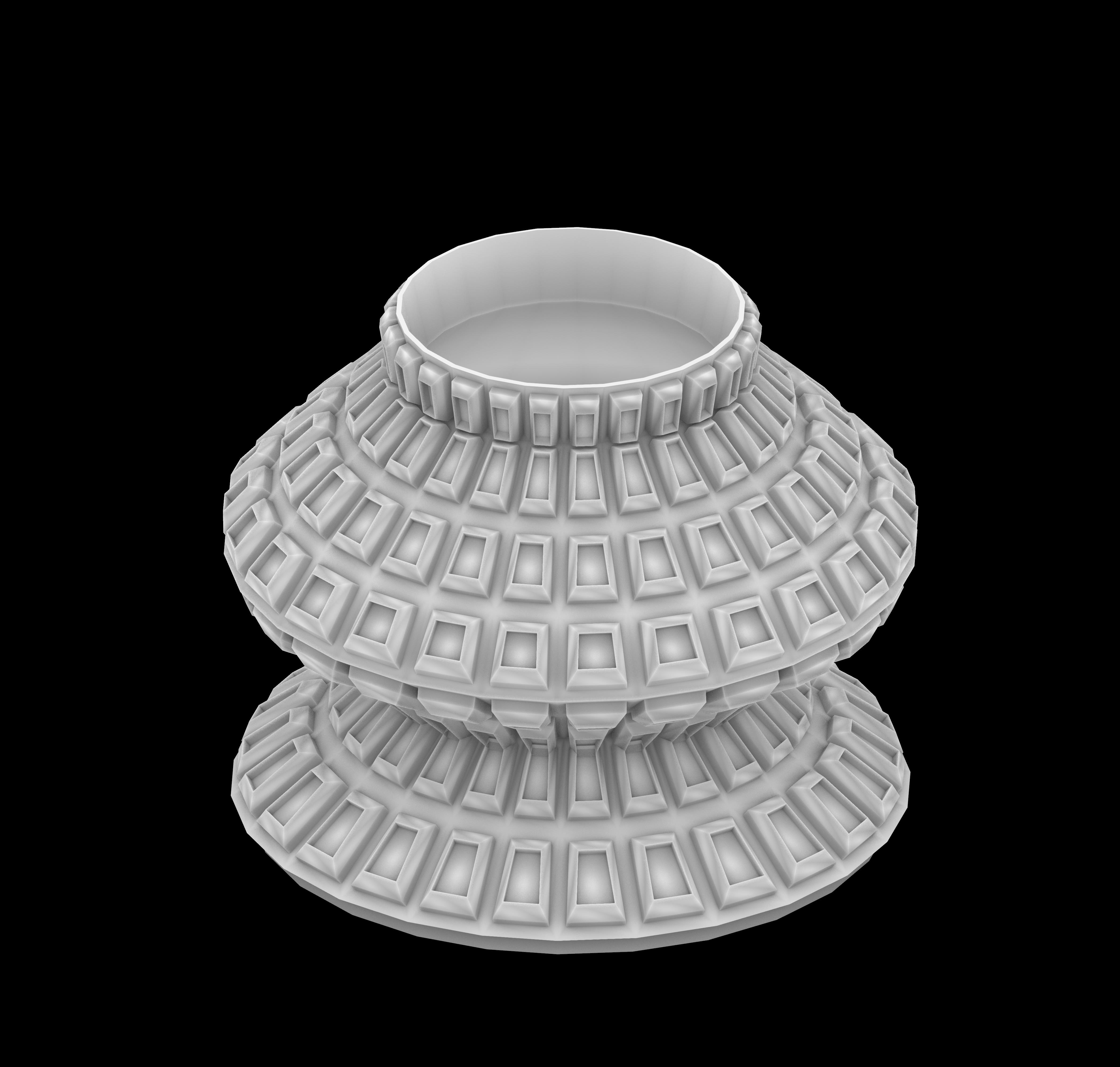
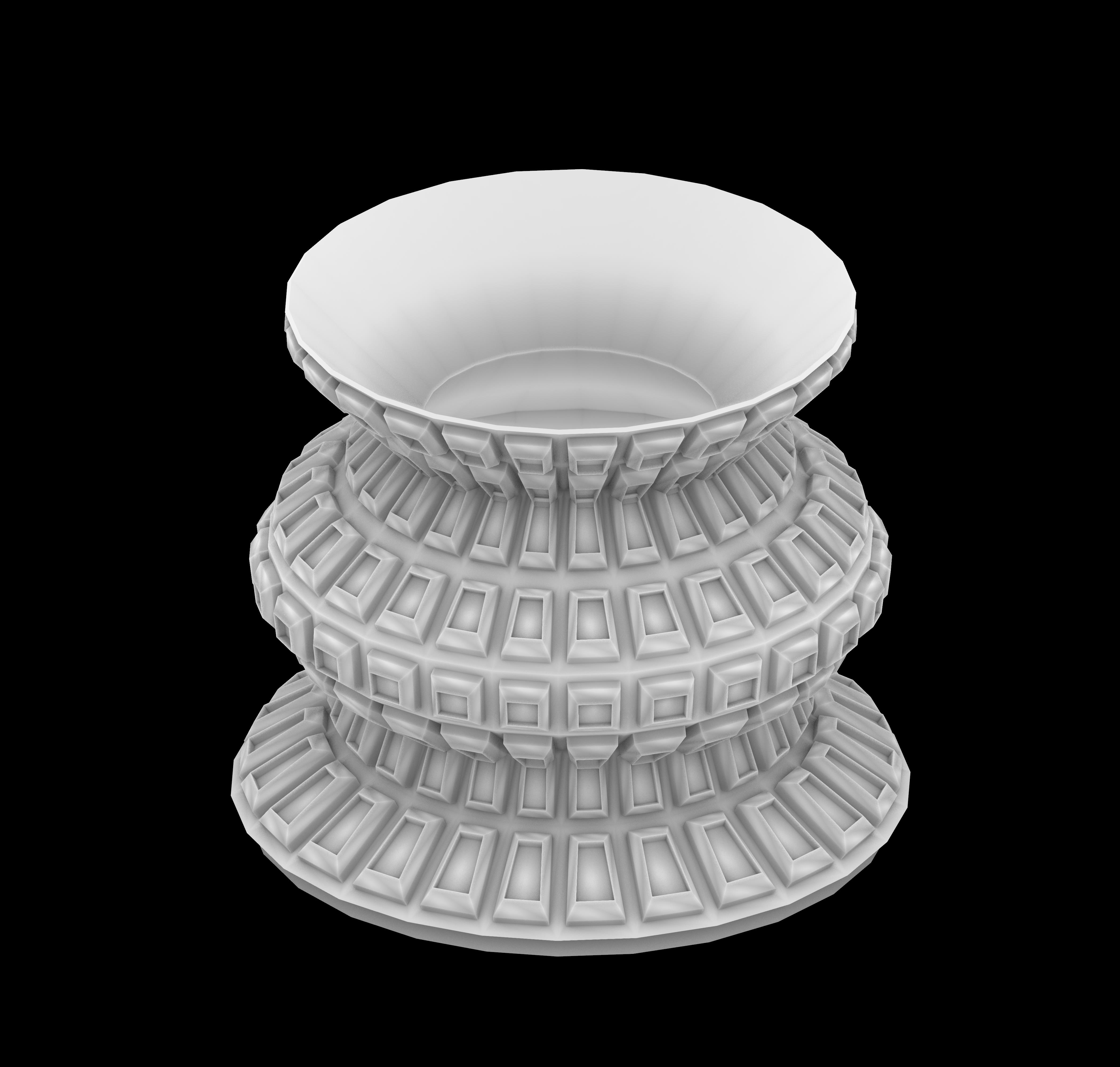
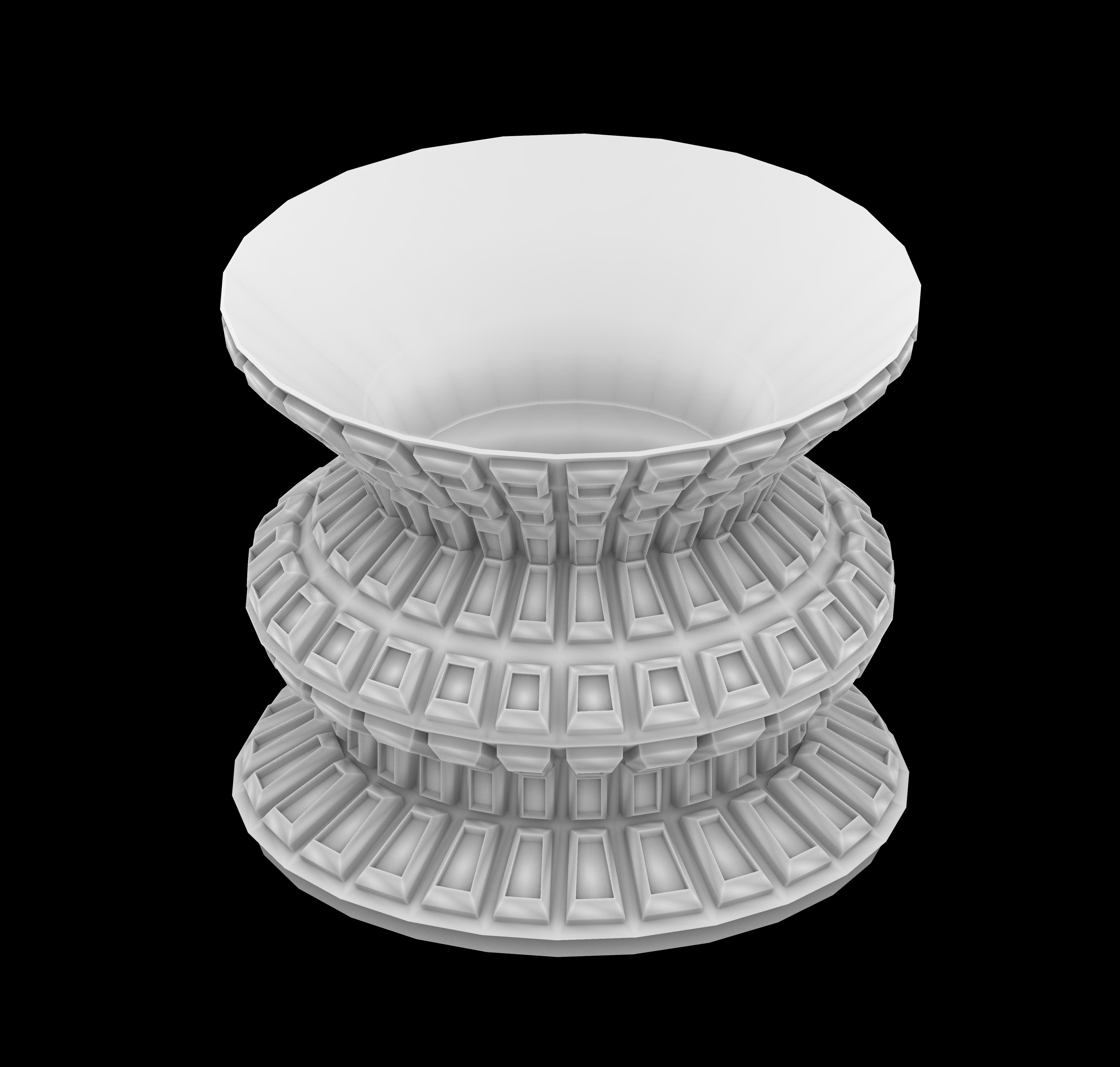
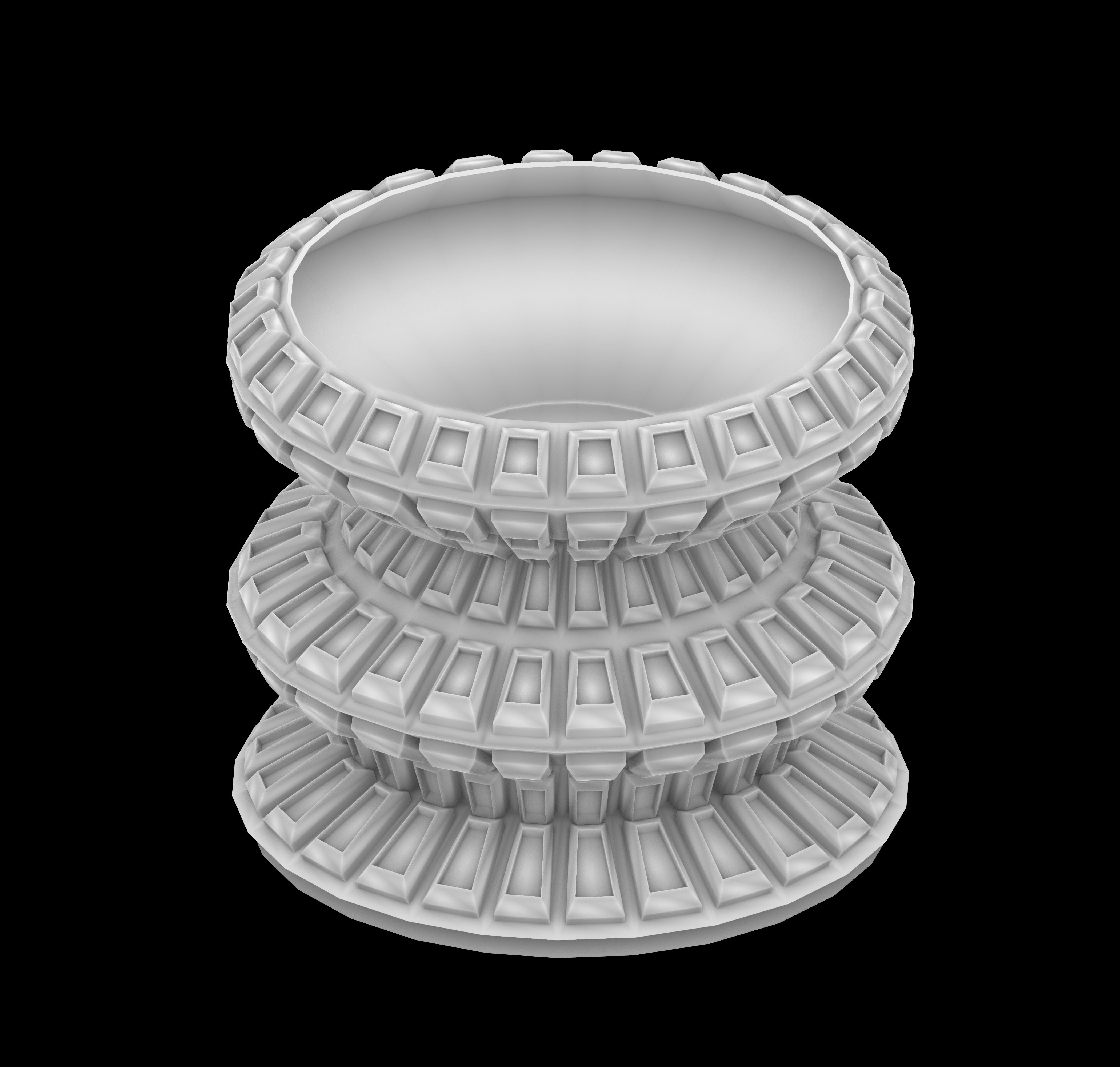
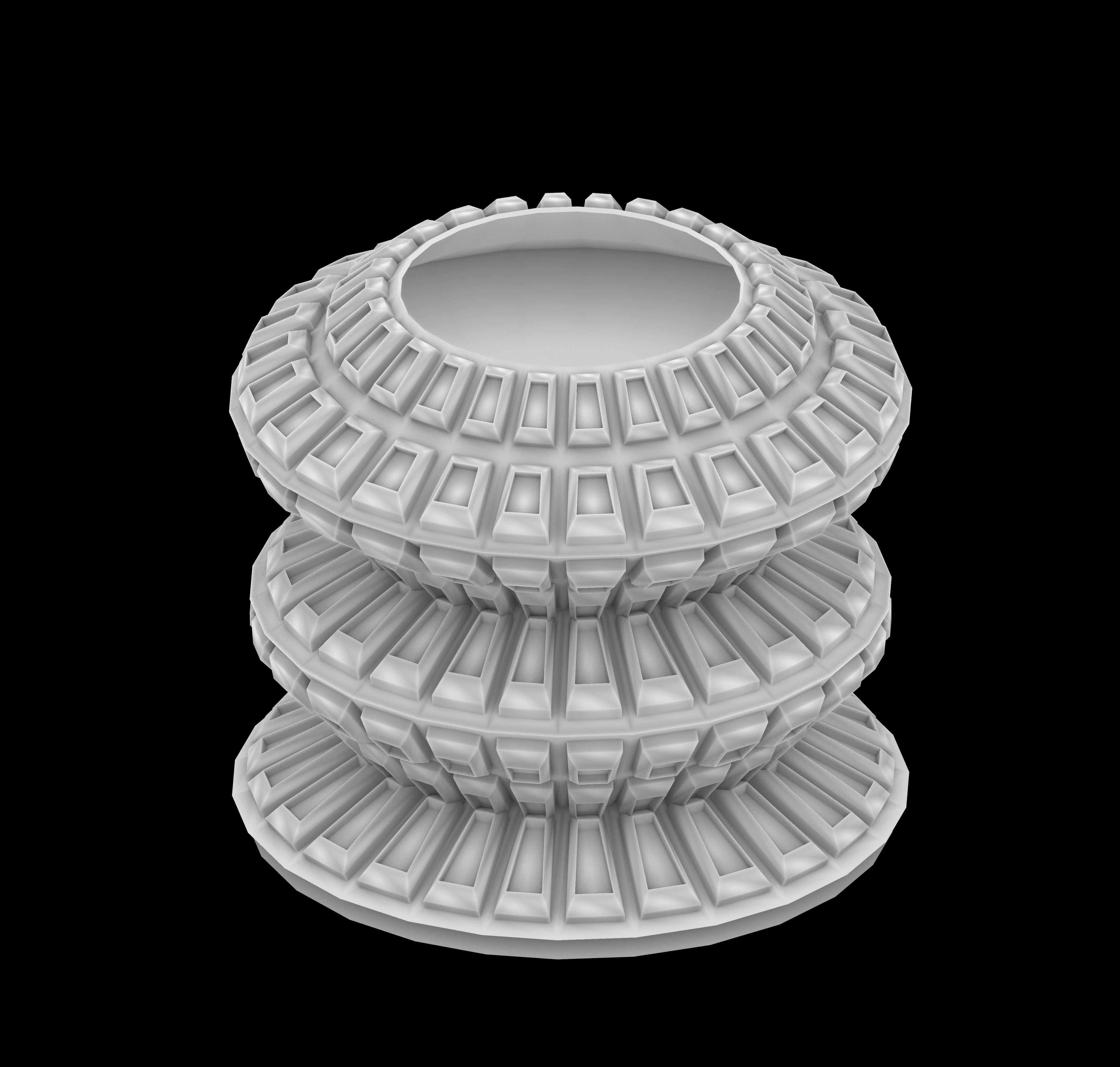
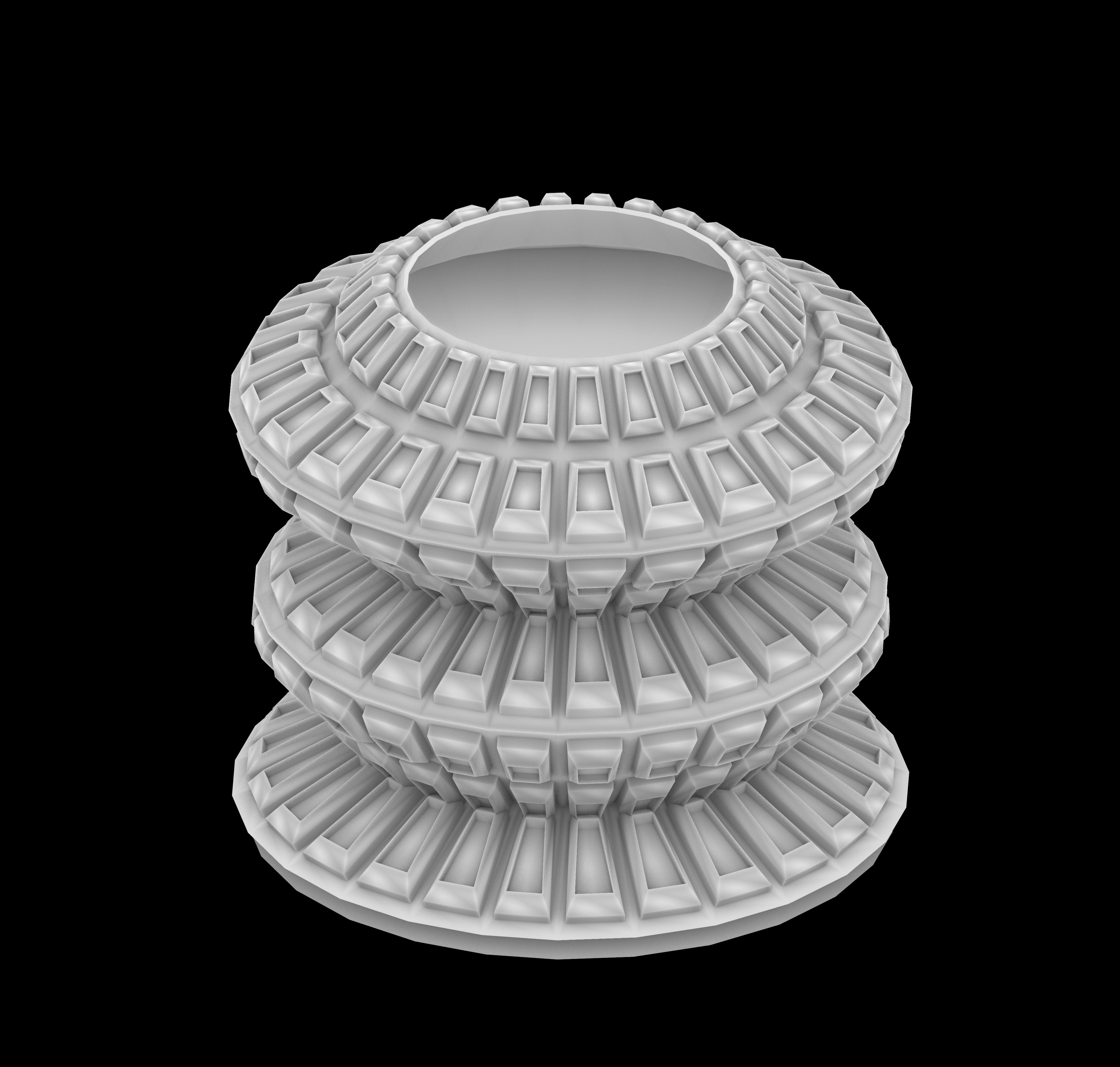
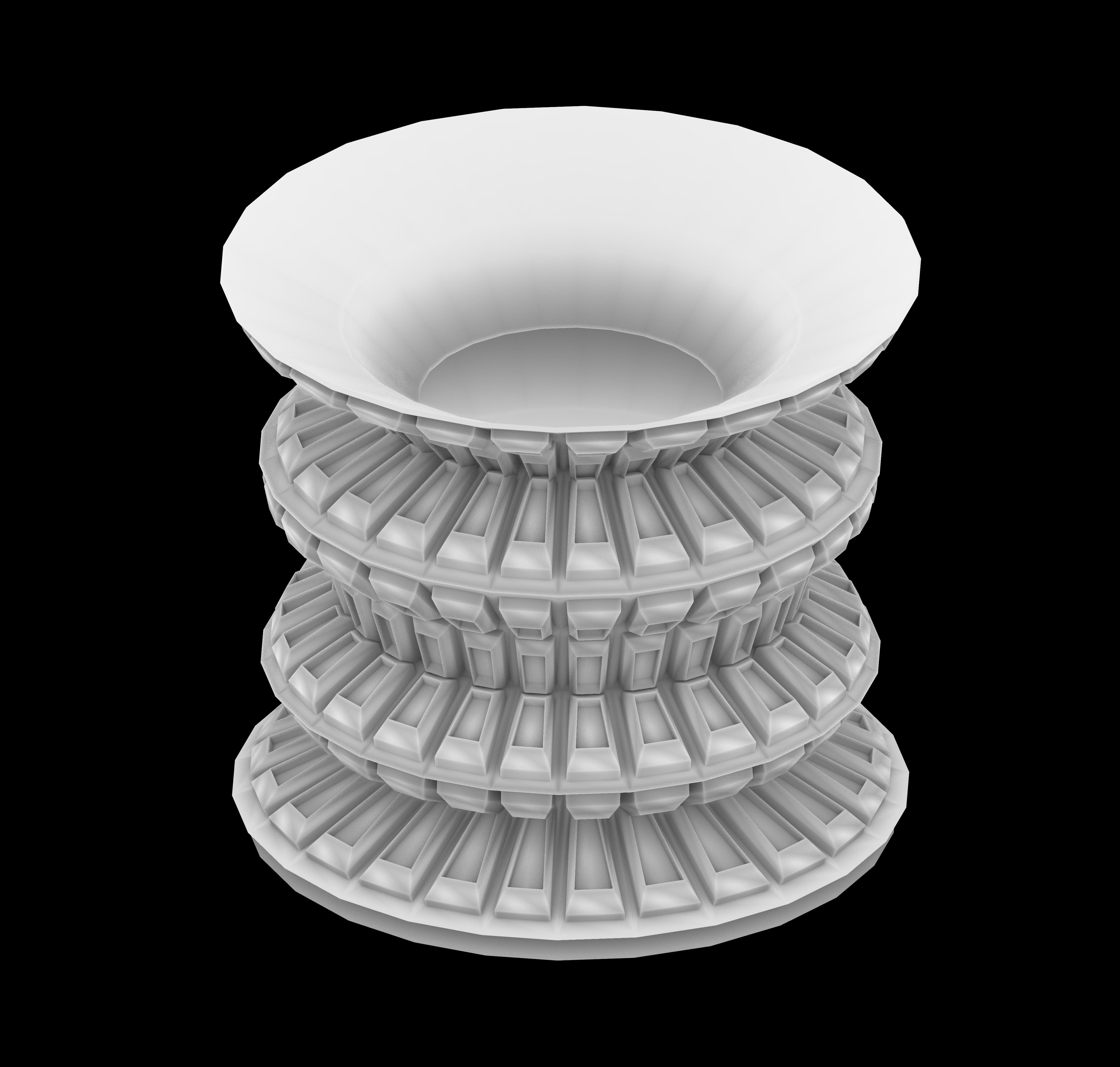
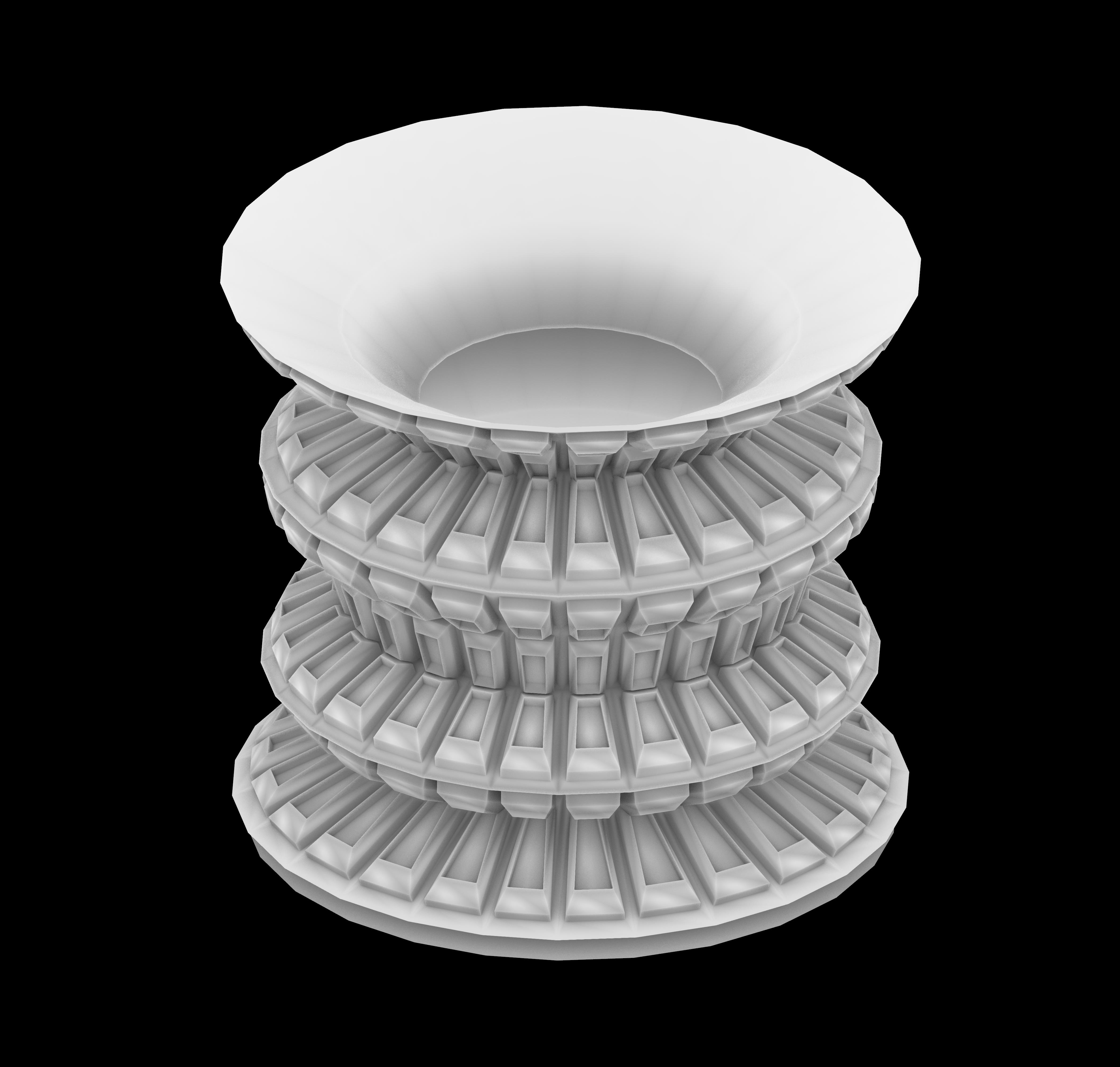
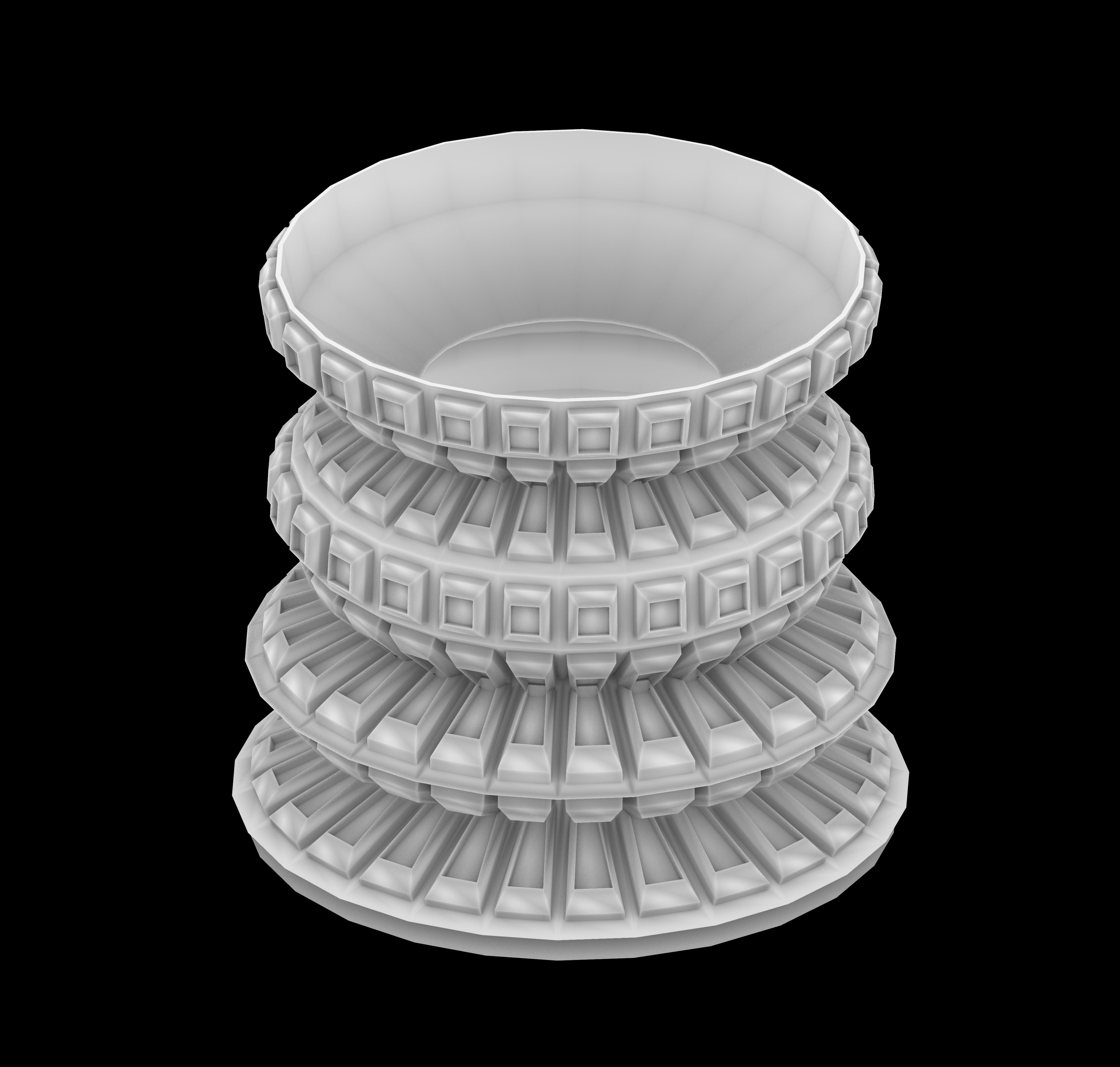
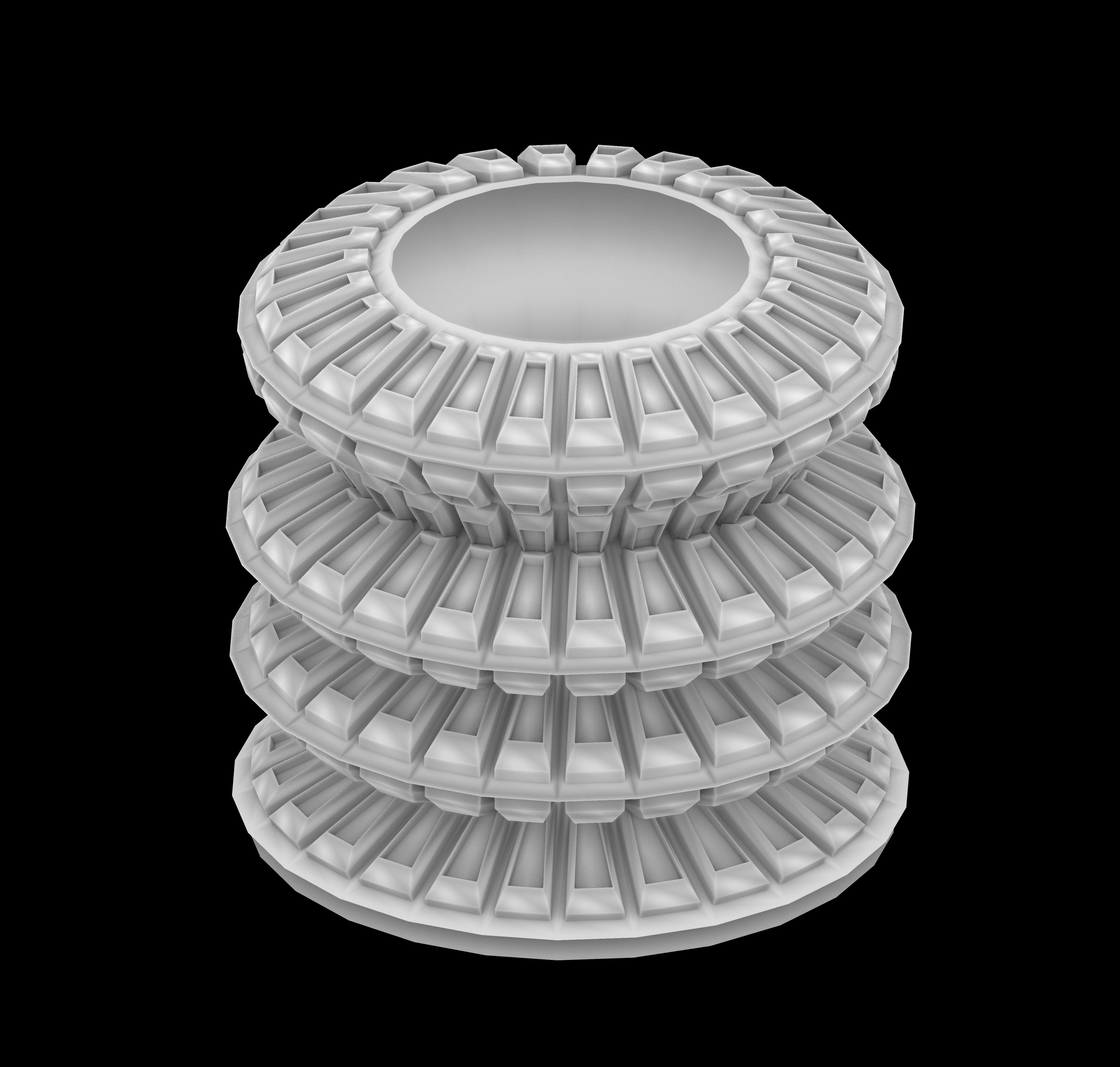
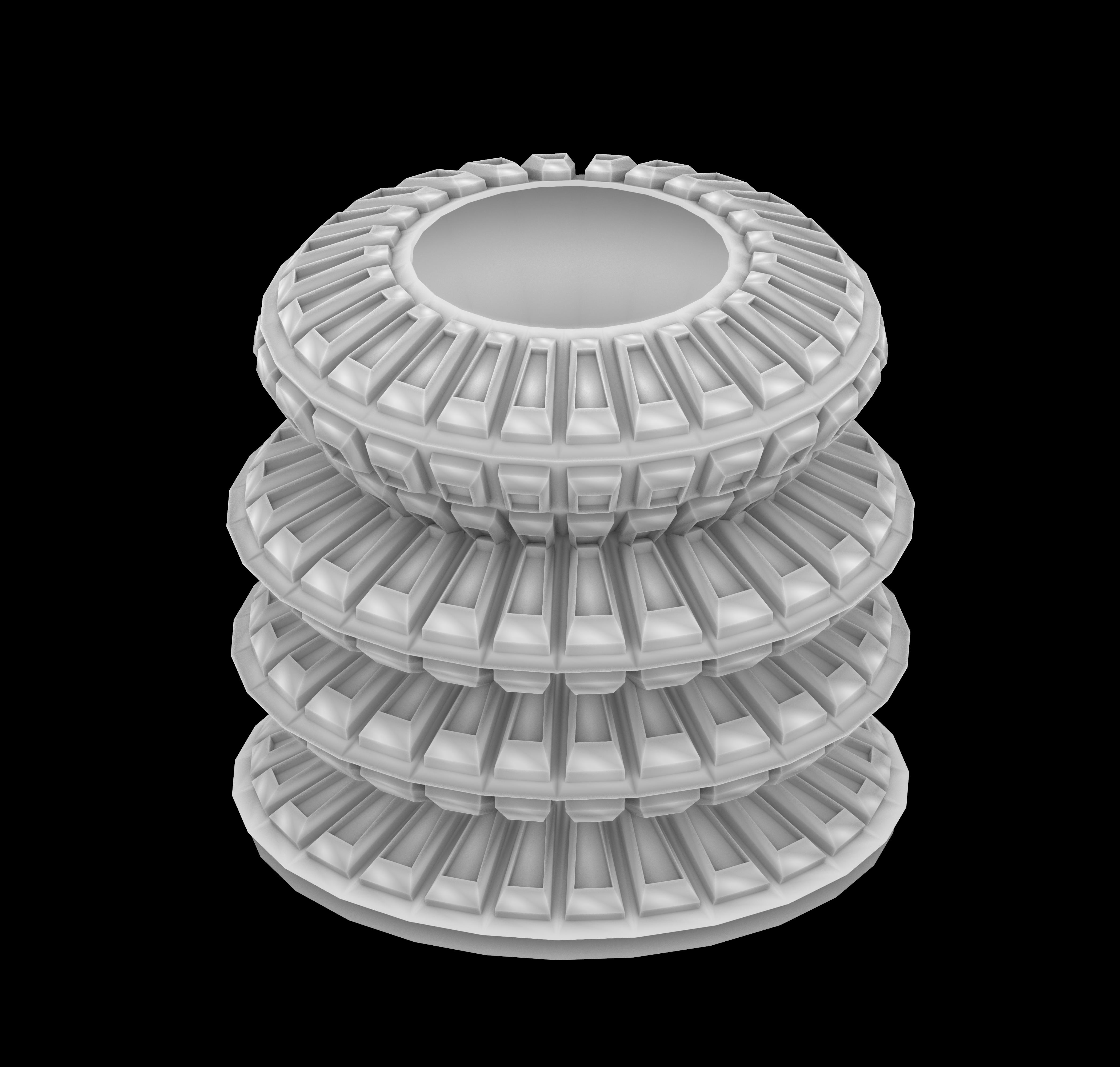
The result is not just a collection of products but a dynamic family that mirrors the diversity and fluidity of our lives. Stay tuned for more design adventures and let your imagination run wild! SEE YOU NEXT ROUND.
Hello! Below is my work for assign 2.
Here are more details:


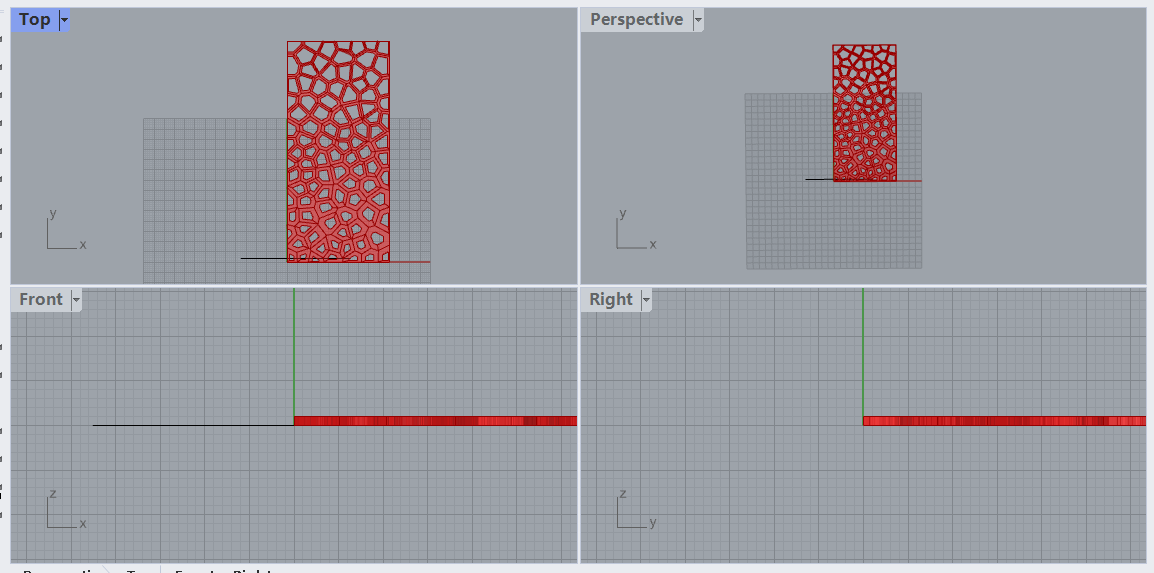
Hi all, so for project 1 I want to create the Voronoi pattern screen. I used the tutorial from YouTube as a reference. The link is attached :)
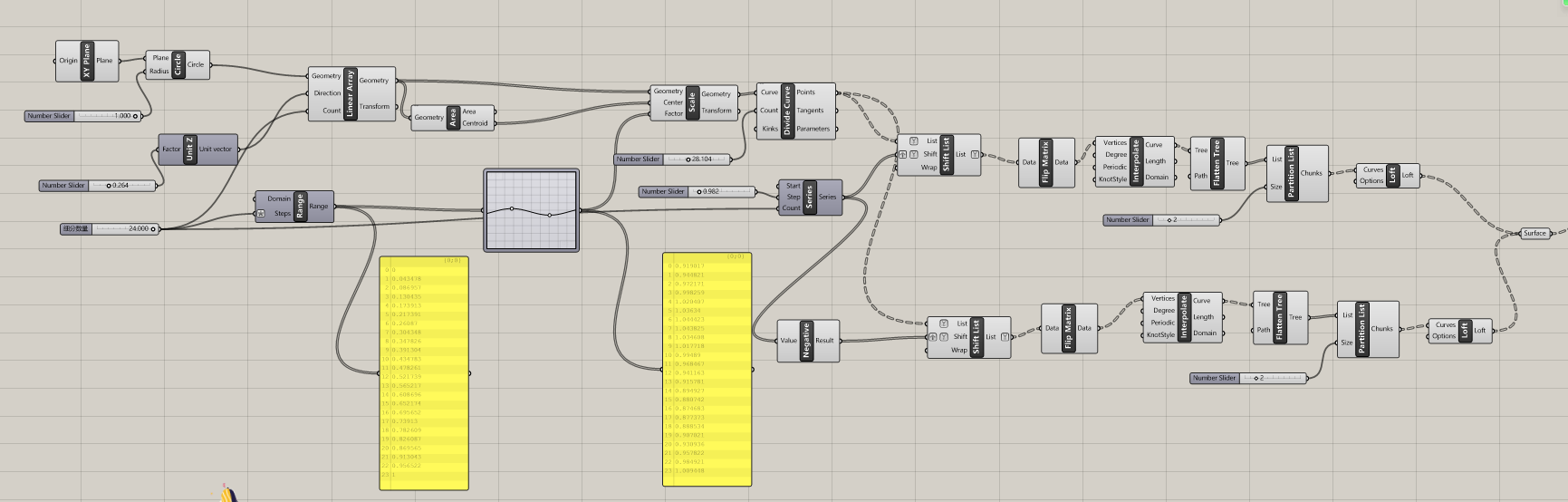
Here is my script:


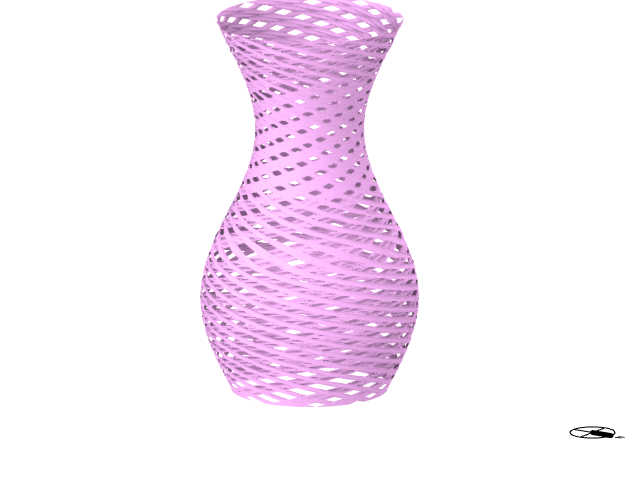
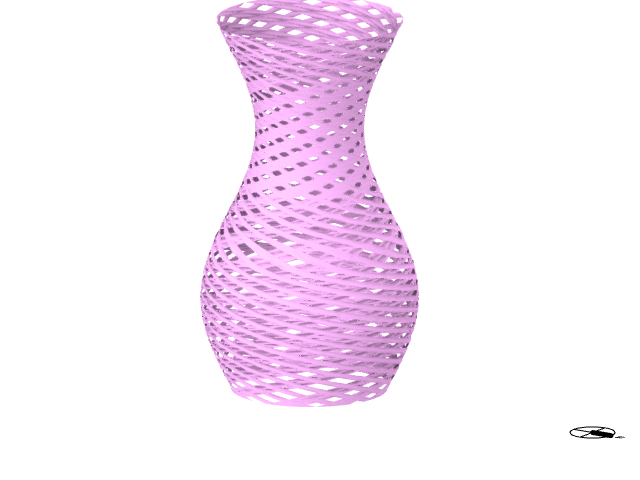
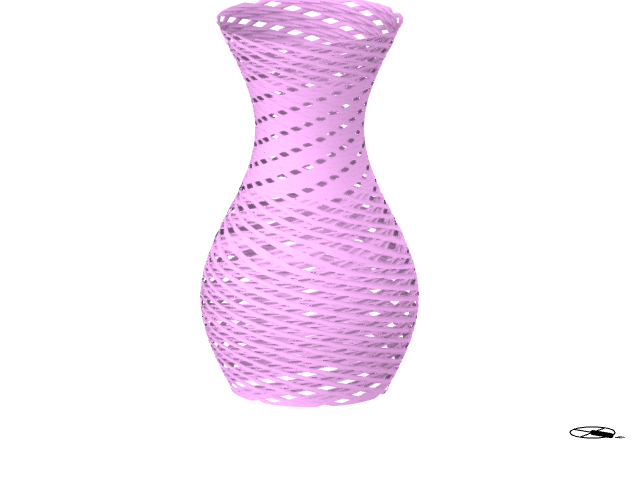
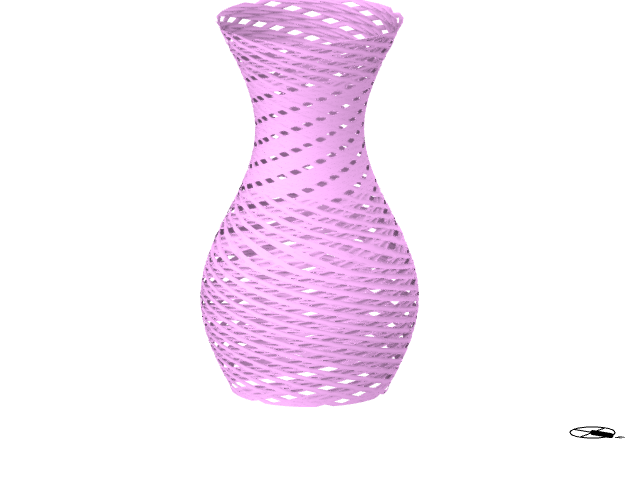
The approach for this project involves subdividing multiple circular shapes into lines, then performing a positive rotation, duplicating, and subsequently a negative rotation to create a container.
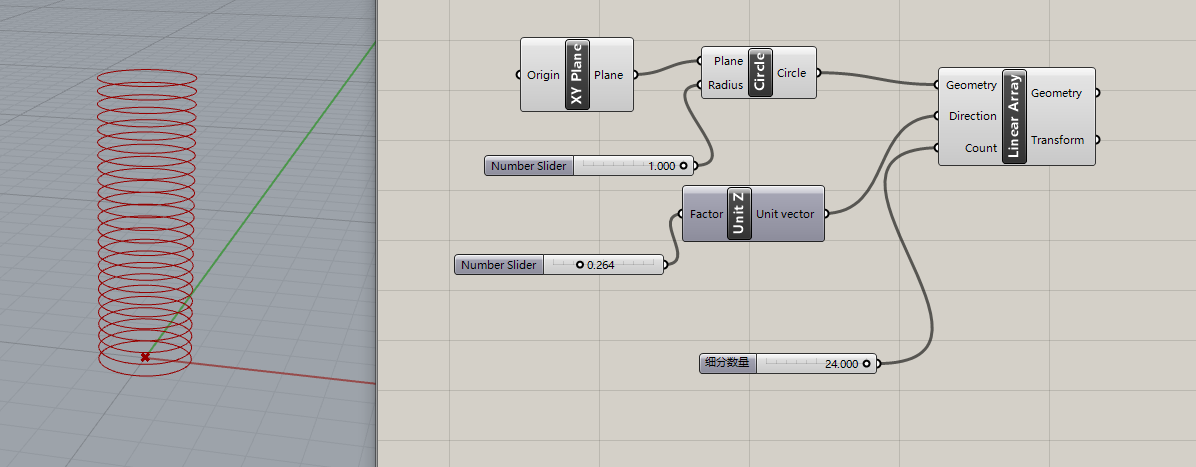
Create a circle in the xy panel and control its quantity and diameter ,direction
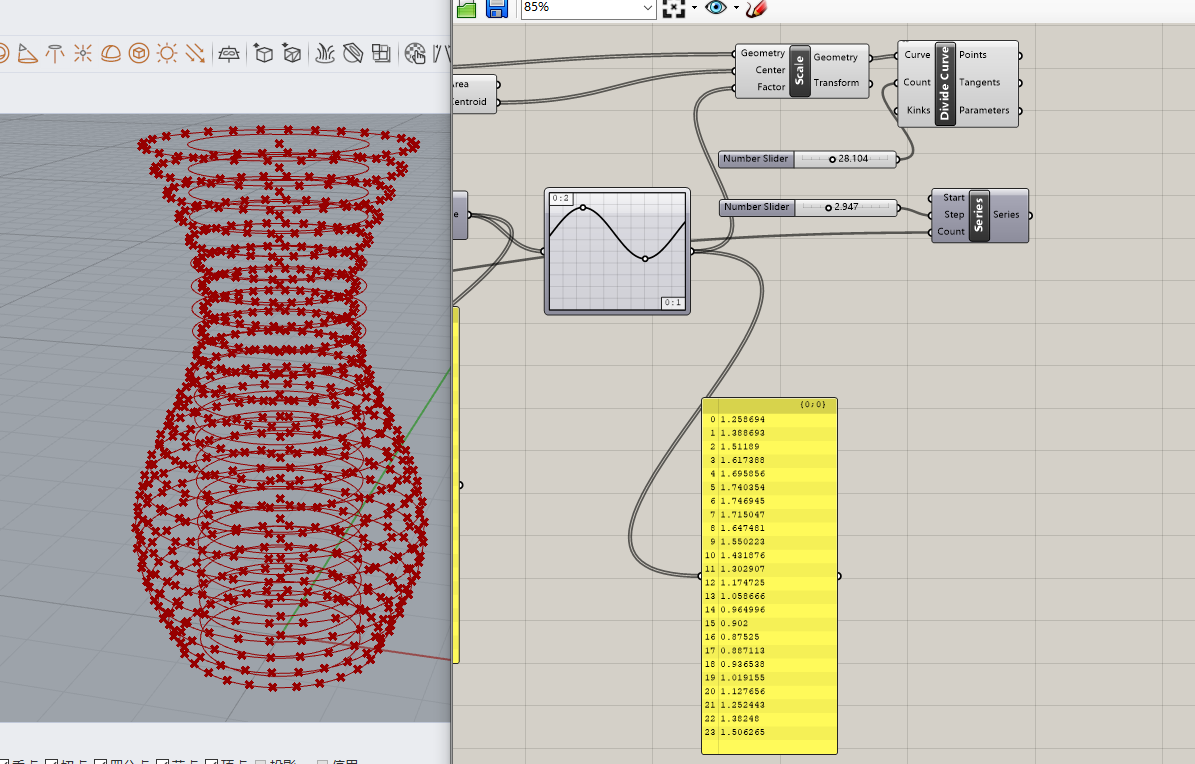
Use graph mapper to control the range of circle changes, and then use divide curve to subdivide the average points.
connecting points form faces
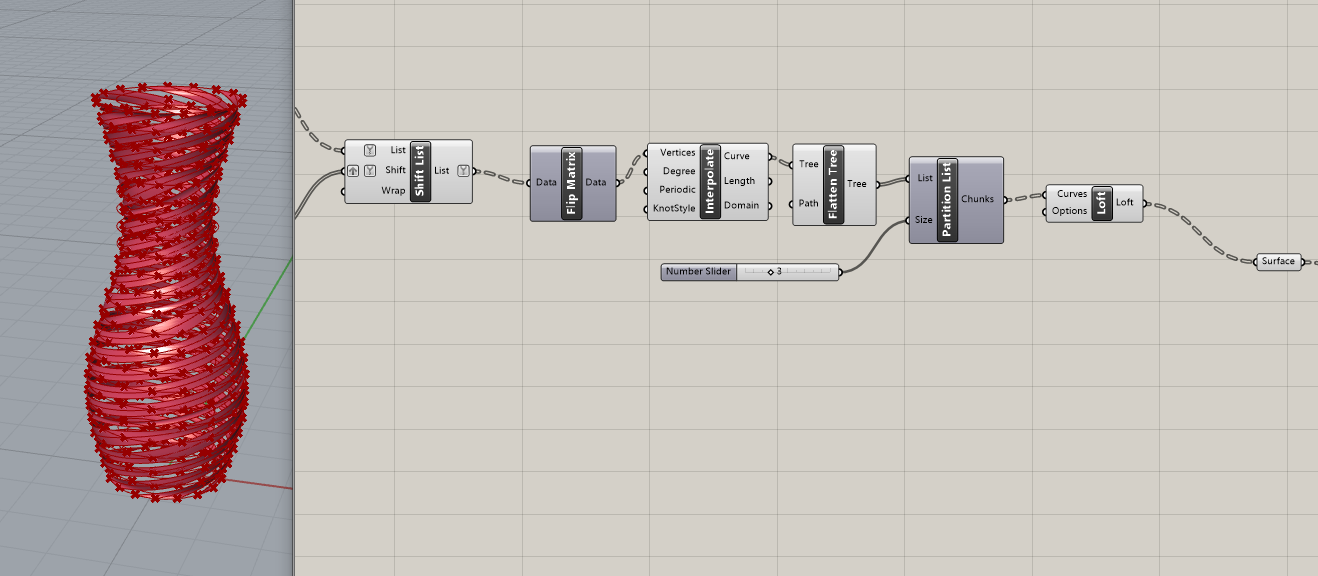
copy this part and use negative to rotate it in the opposite direction.

My Script
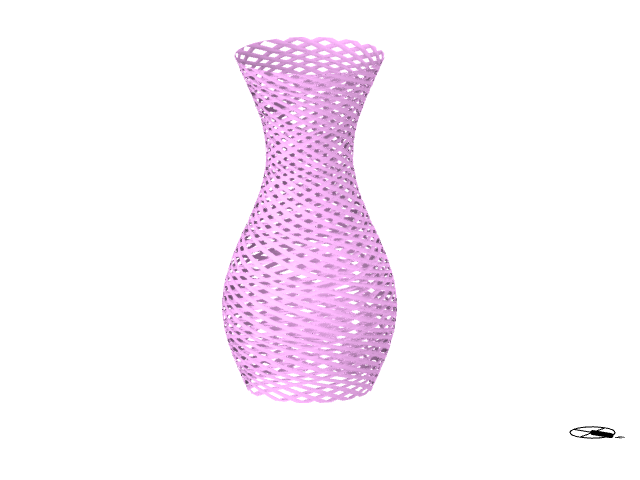
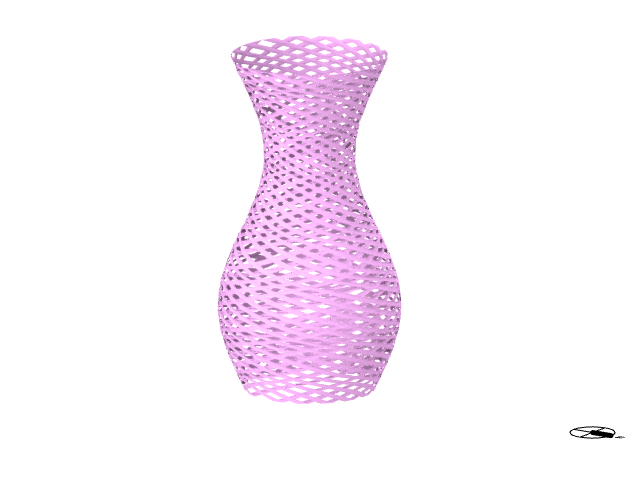
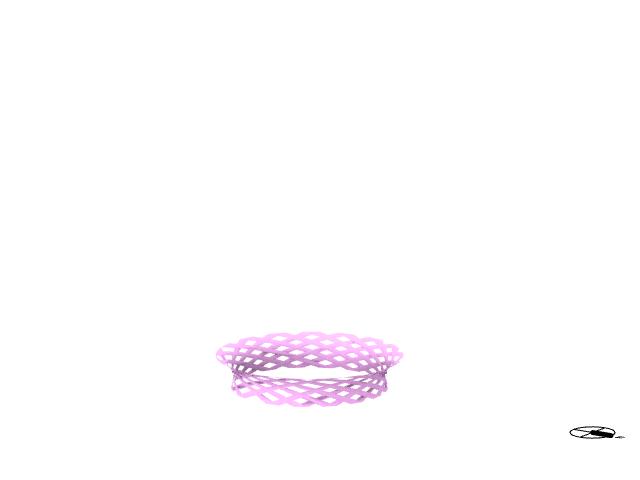
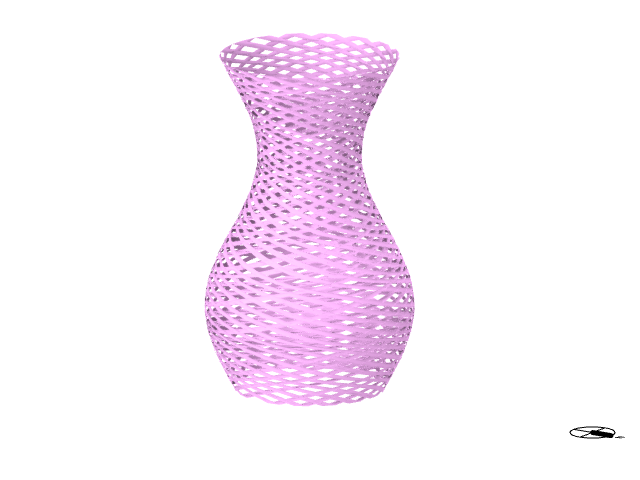
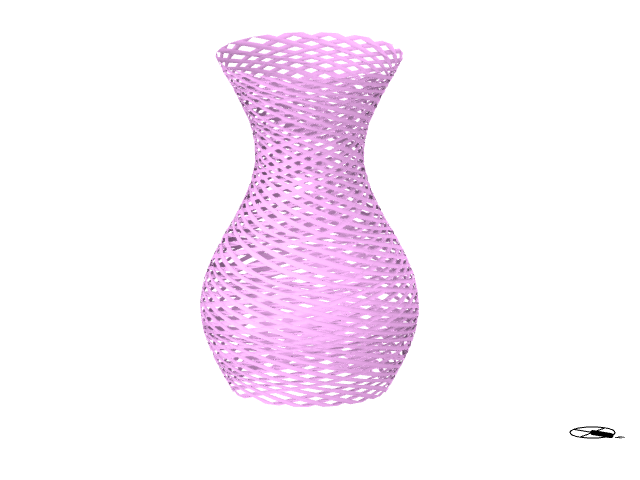
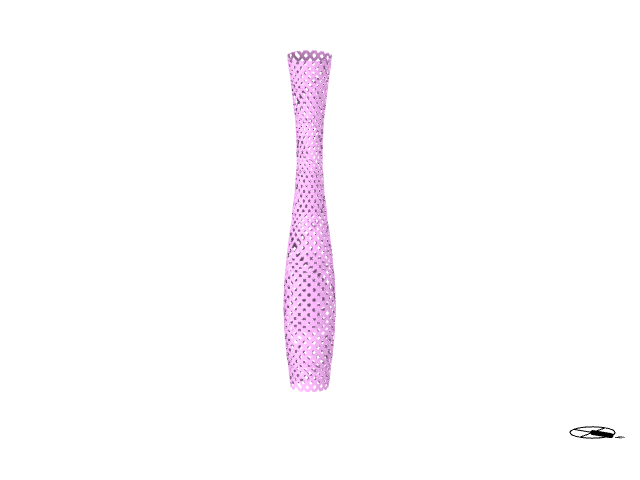
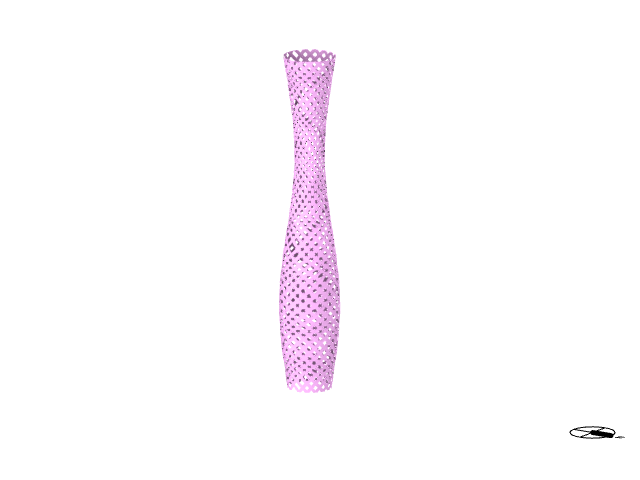
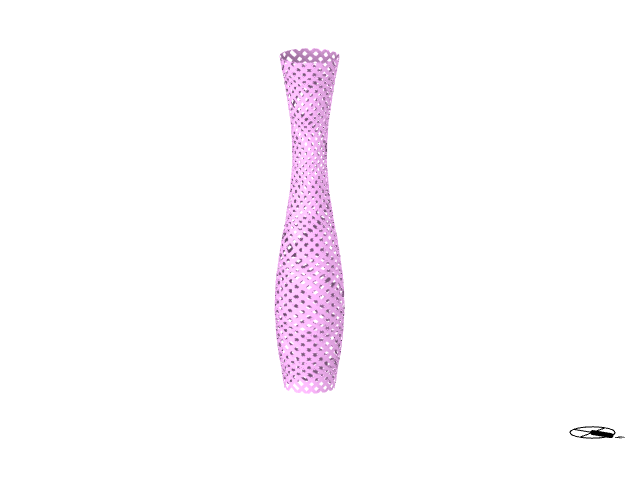
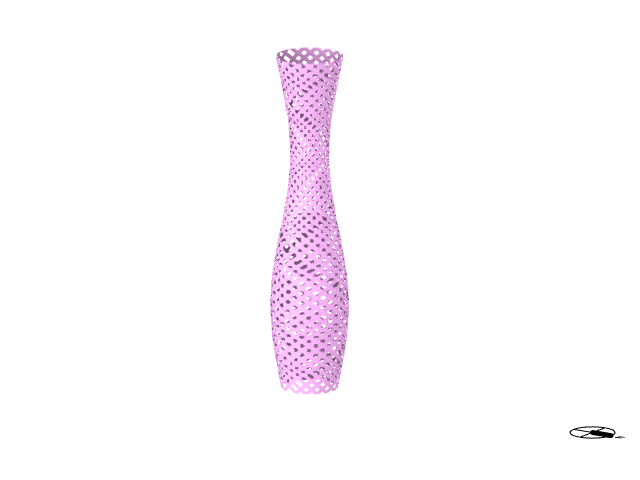
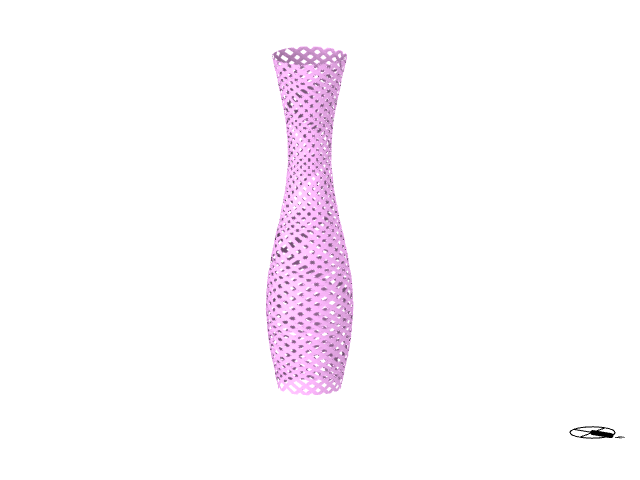
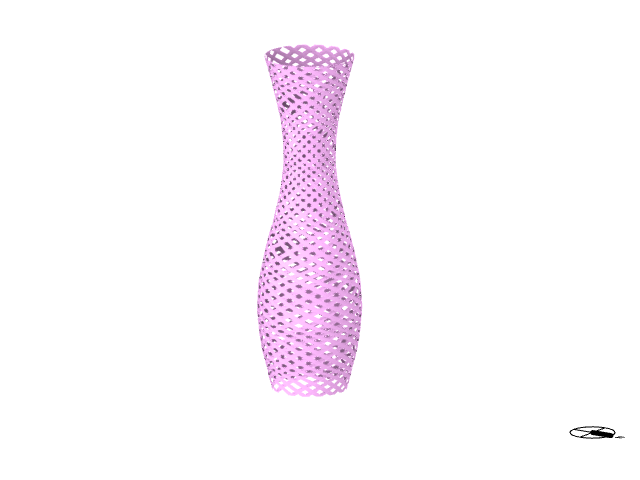
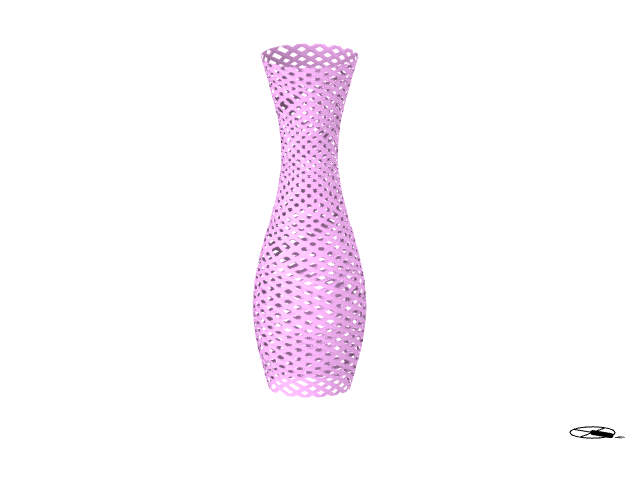
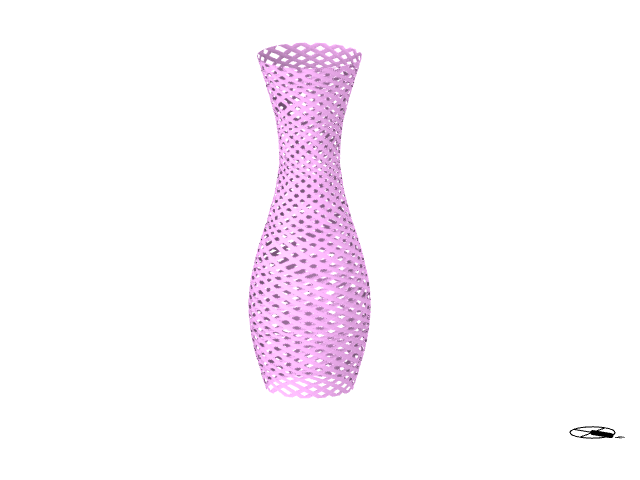
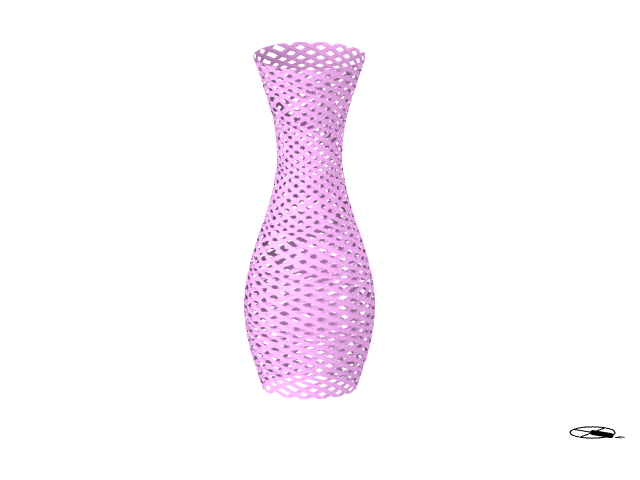
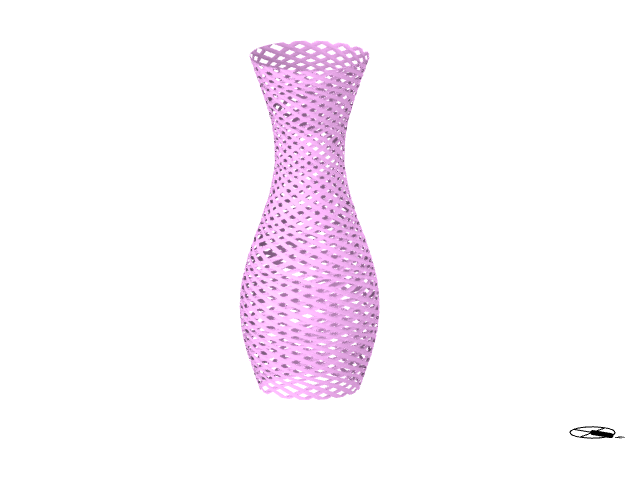
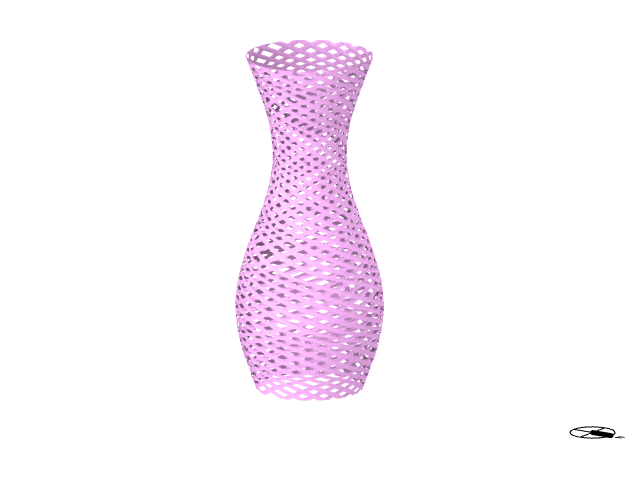
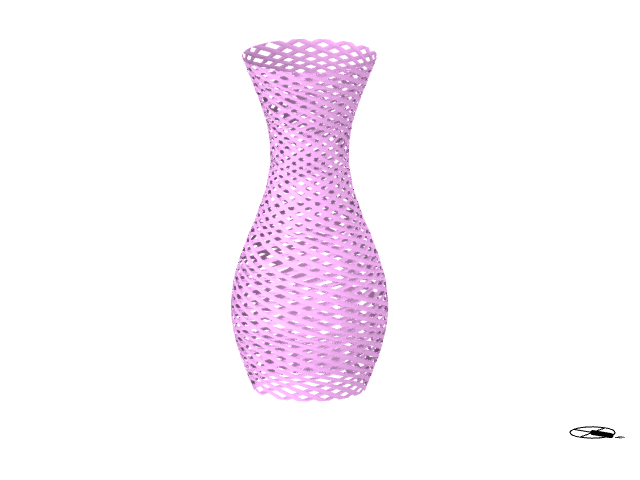
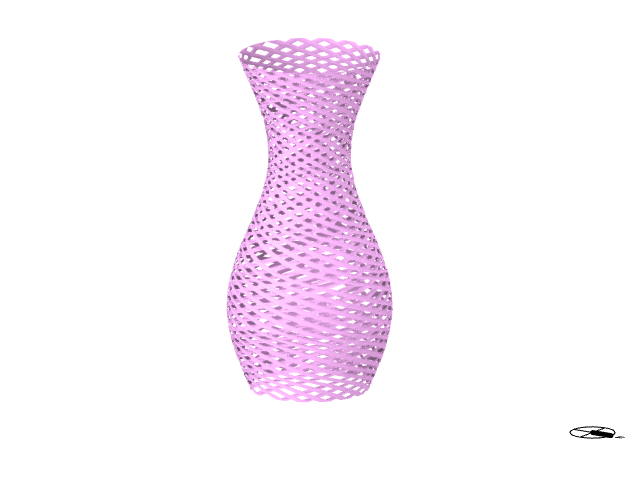


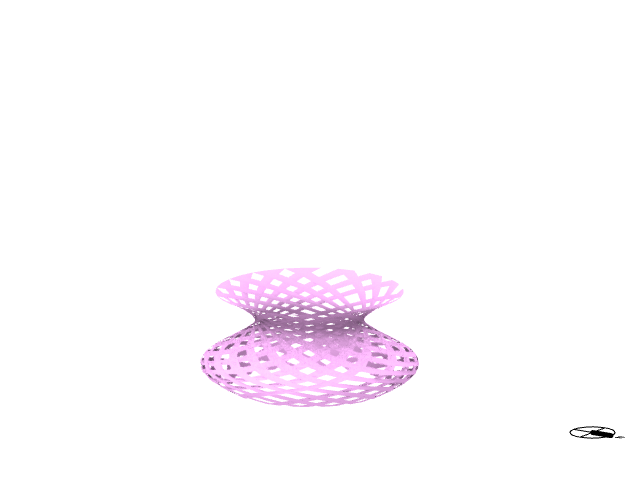
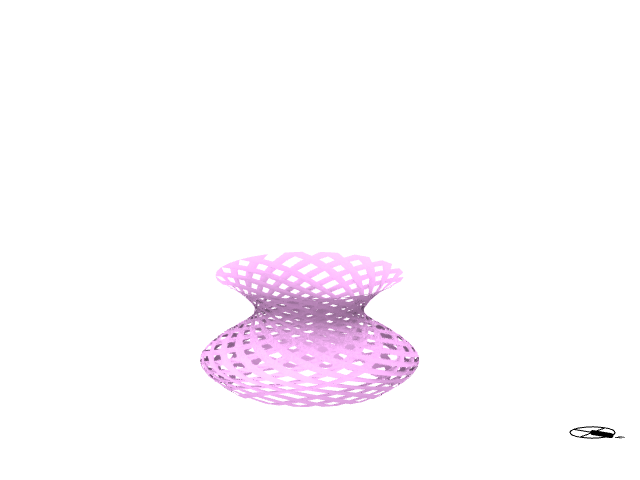
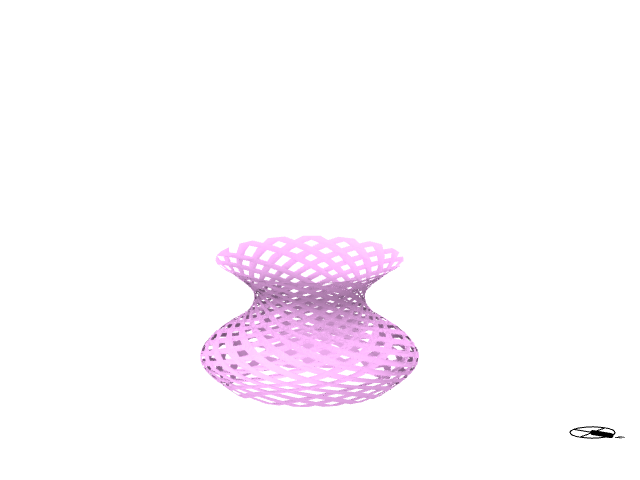
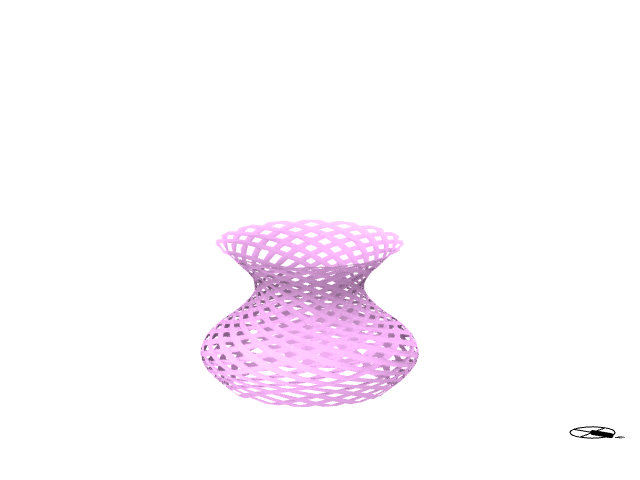
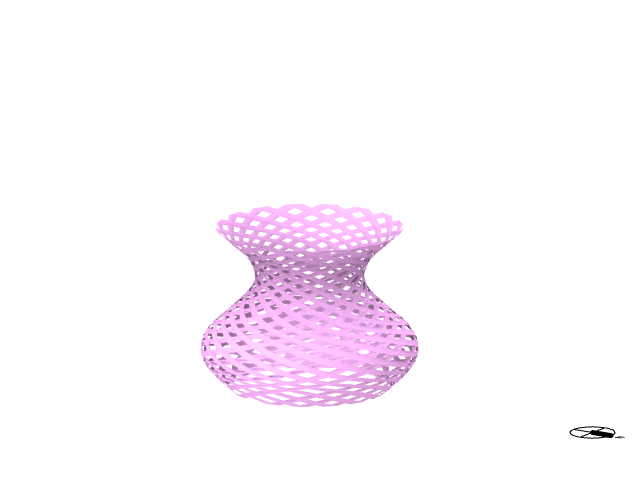
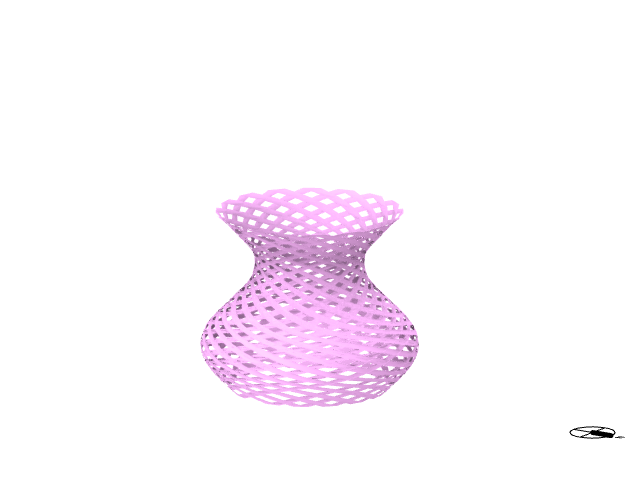

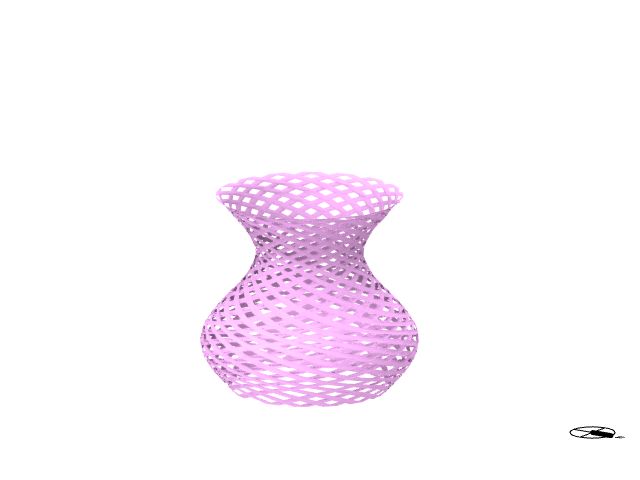
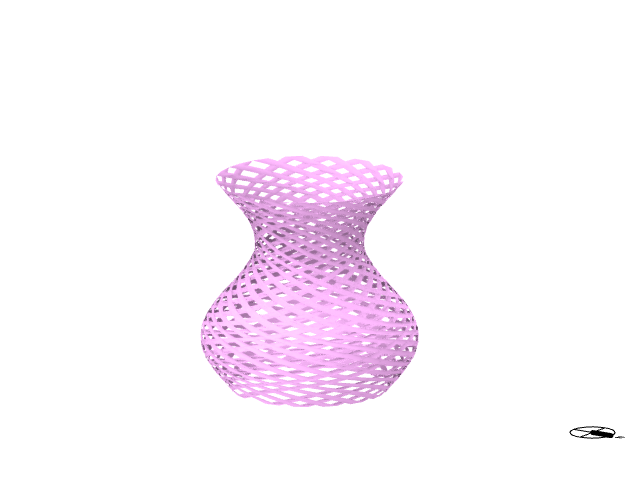
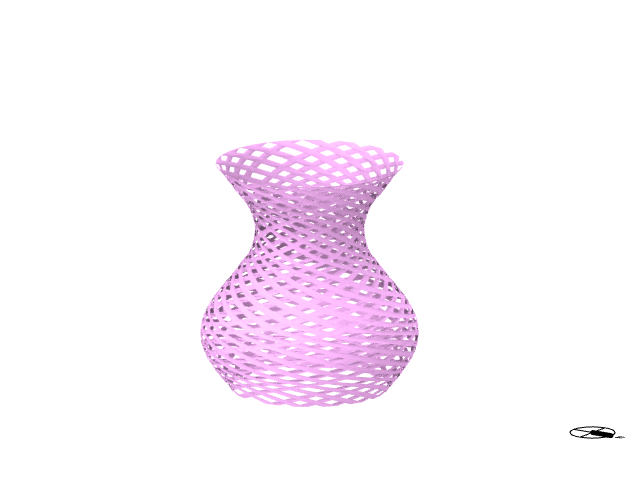
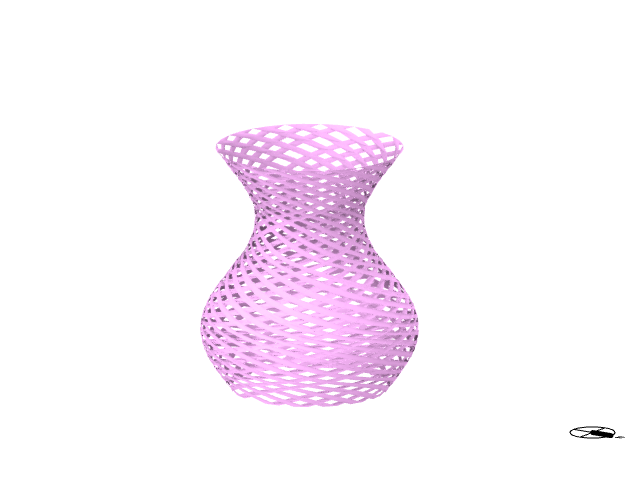
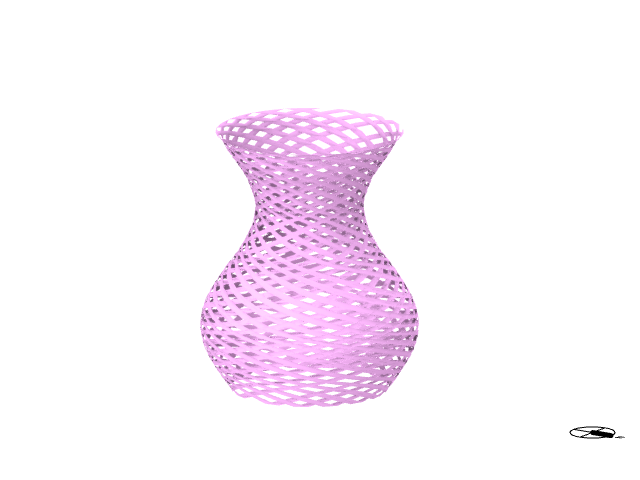
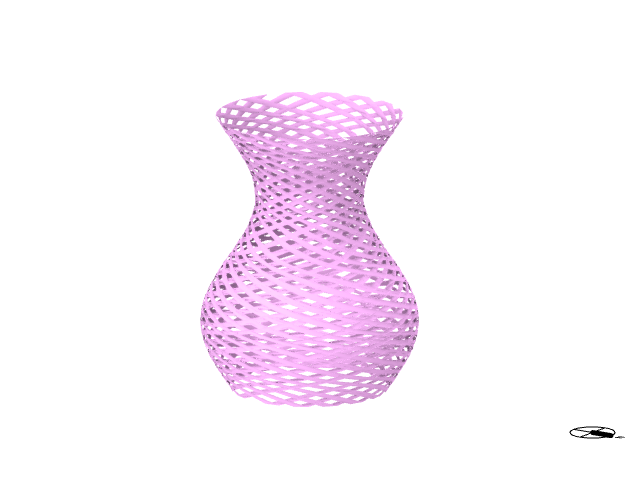
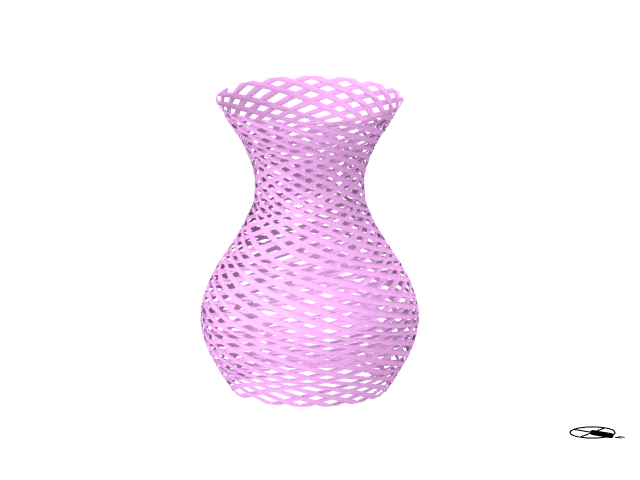
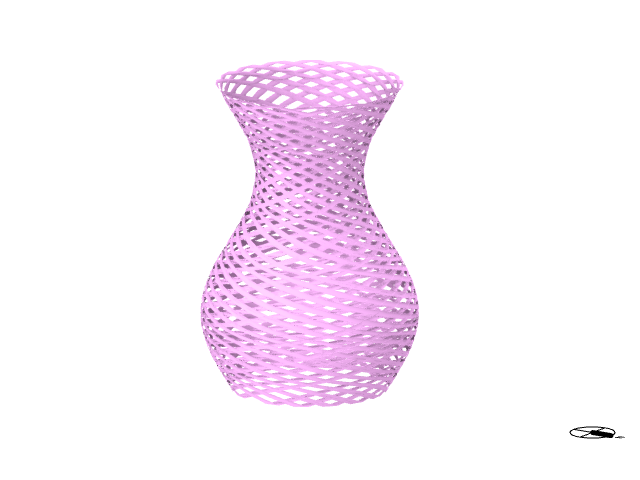
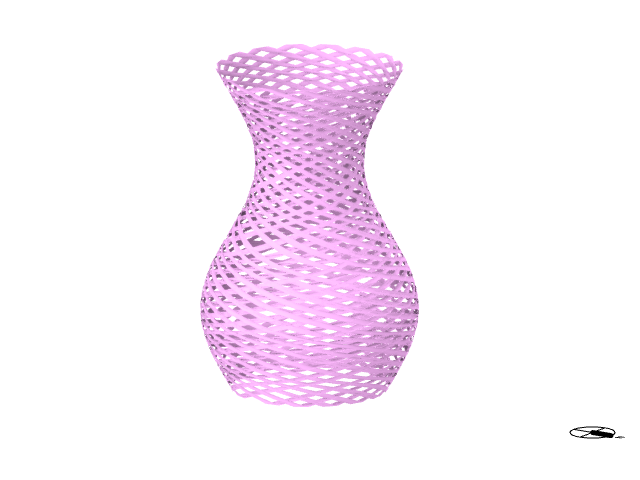
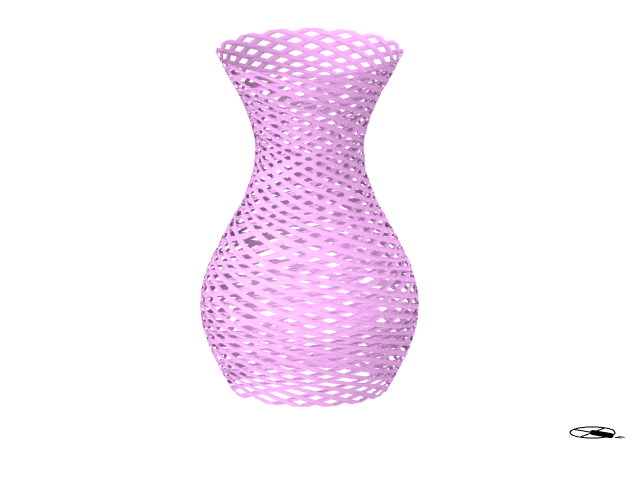
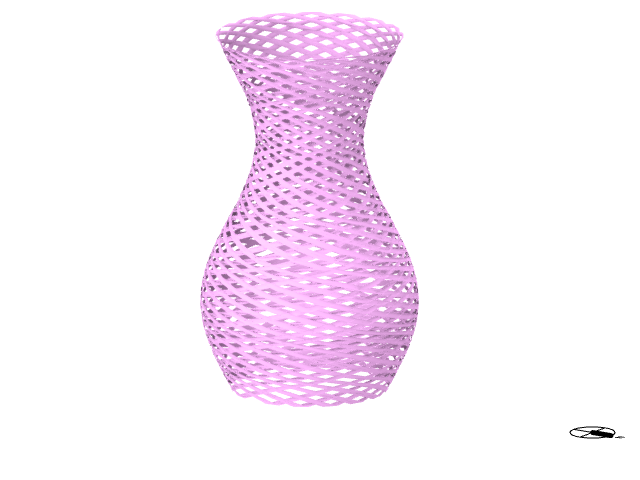
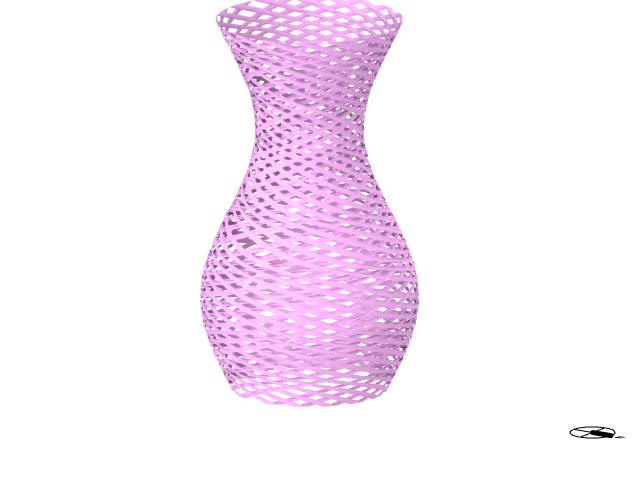
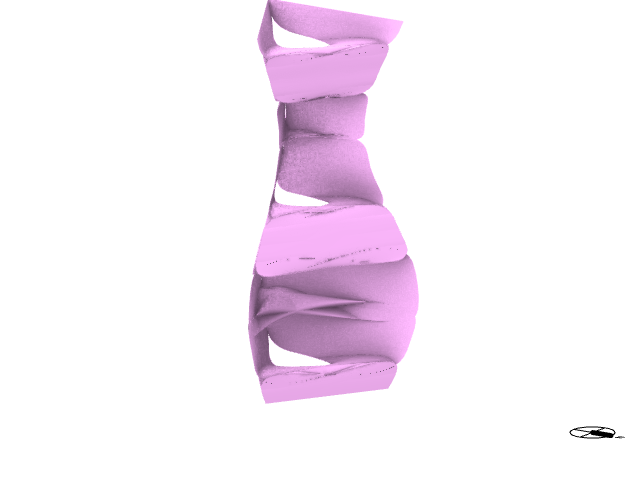
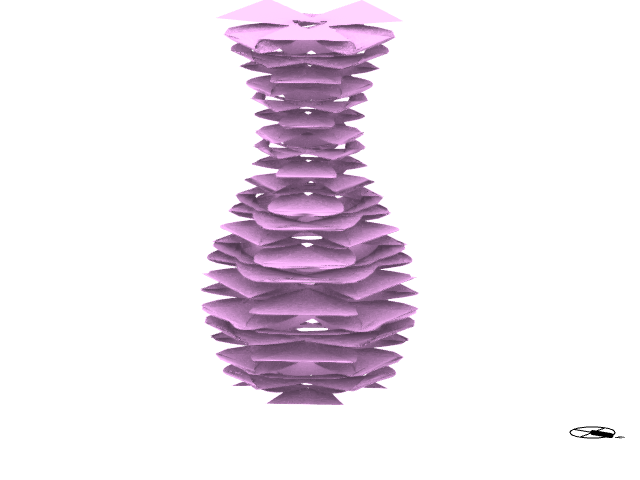
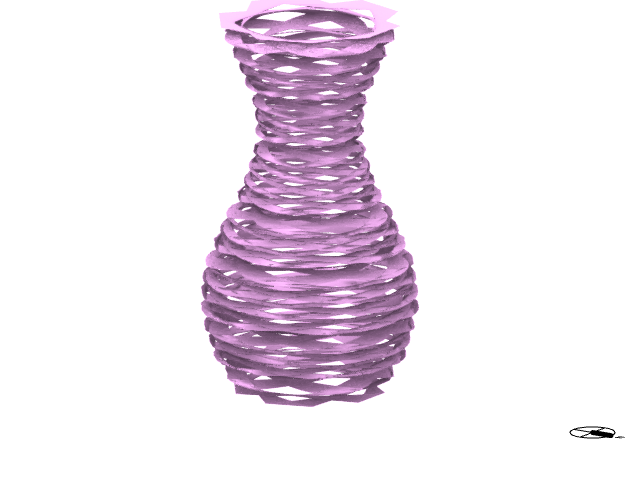
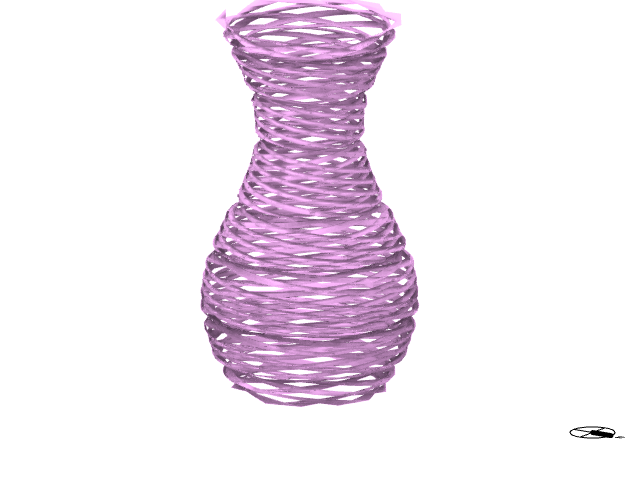

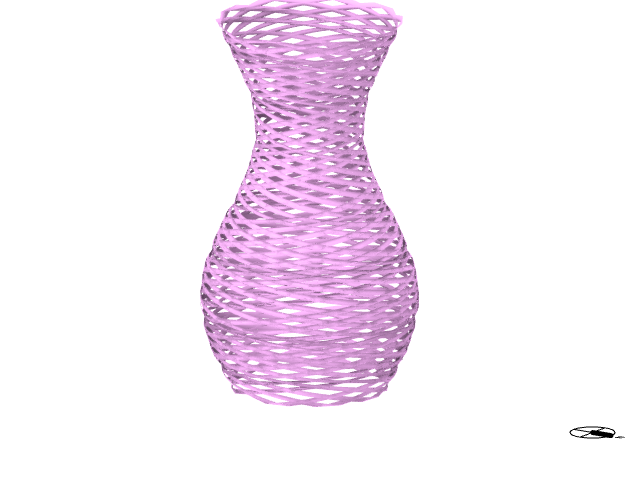
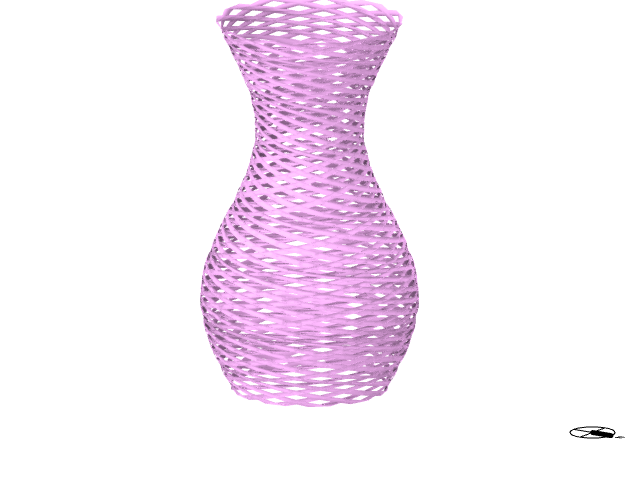
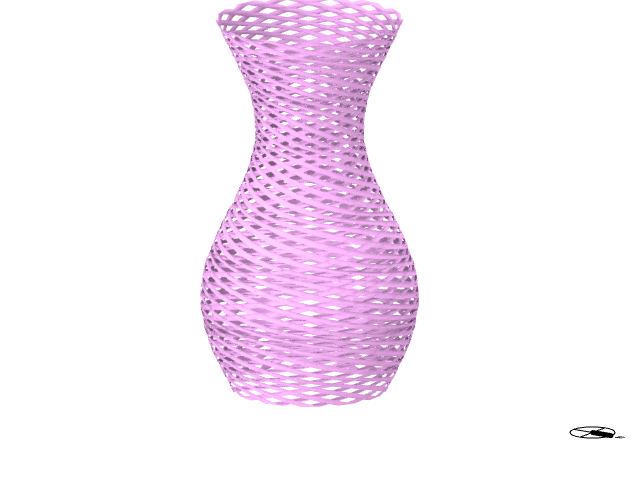
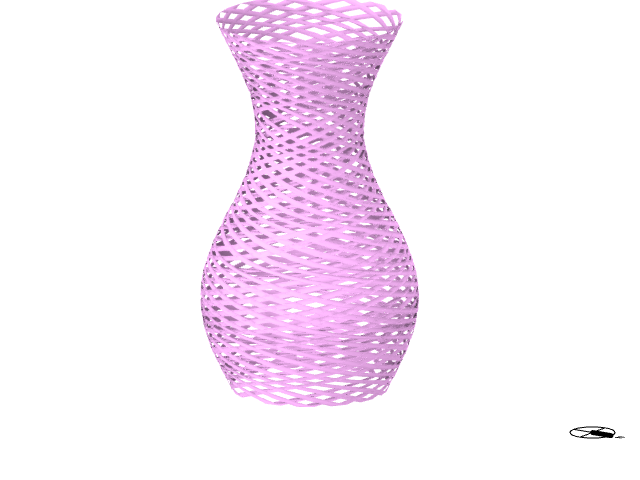
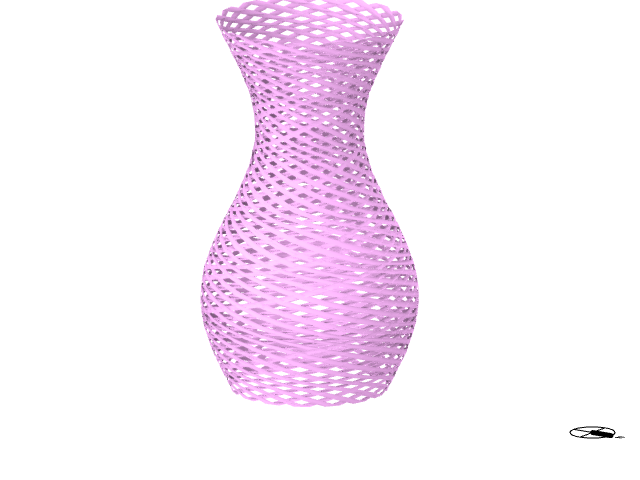
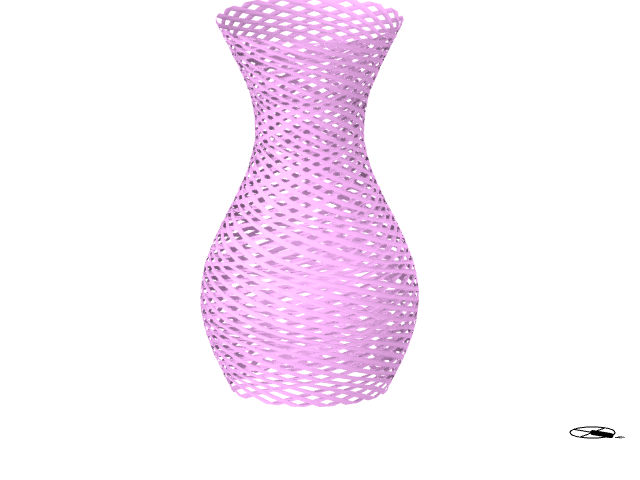
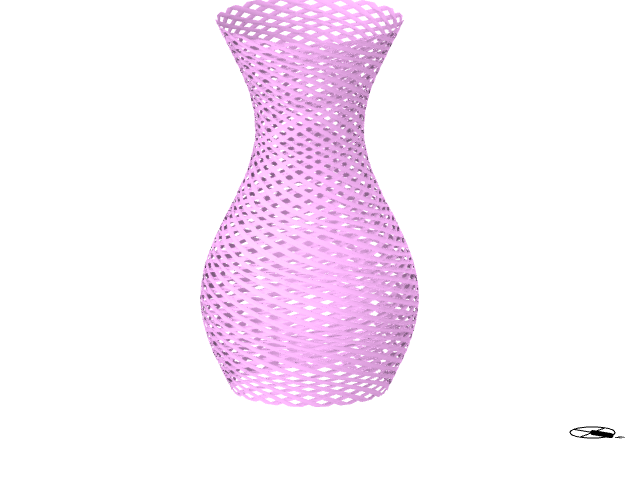

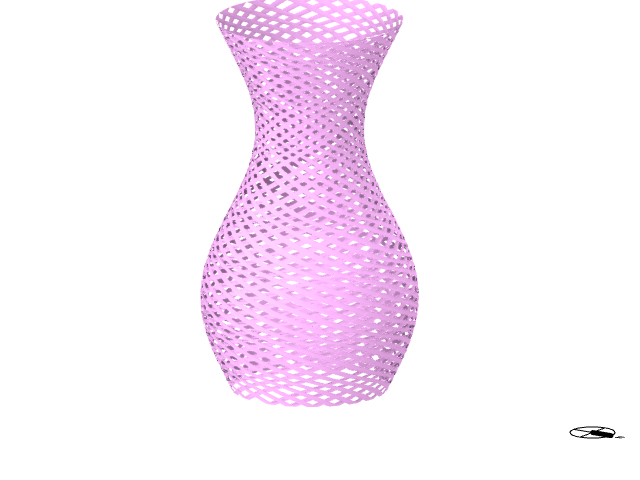
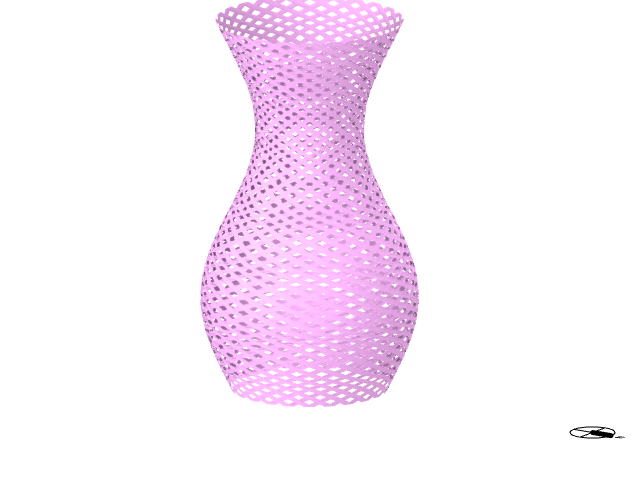
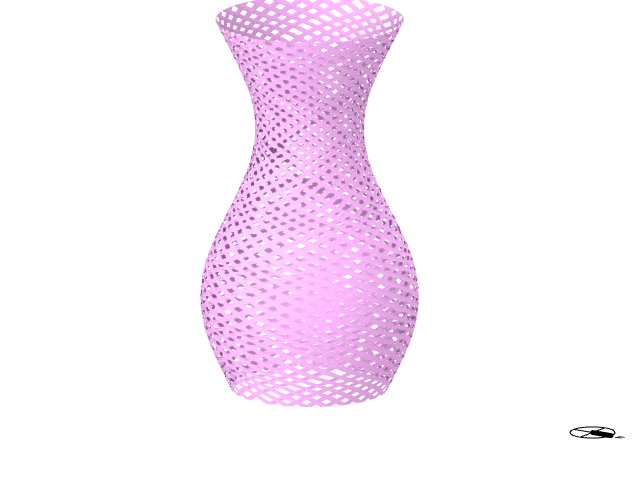
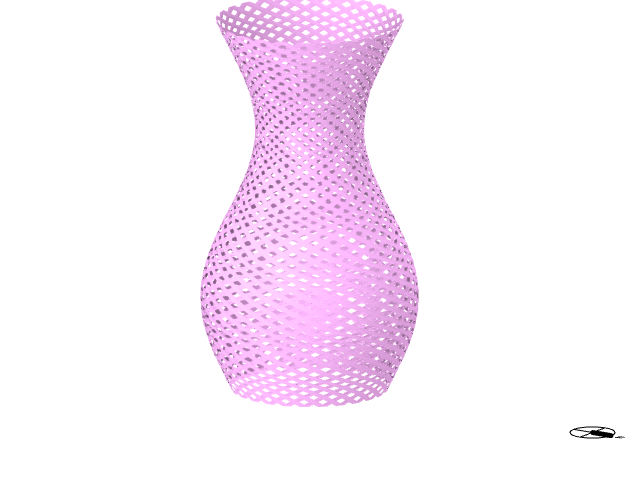
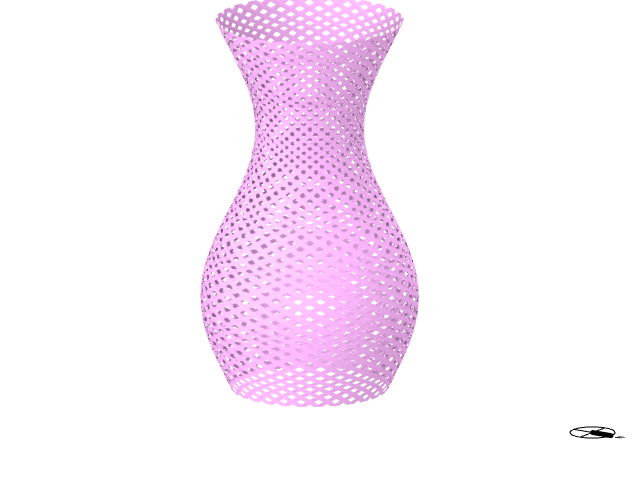
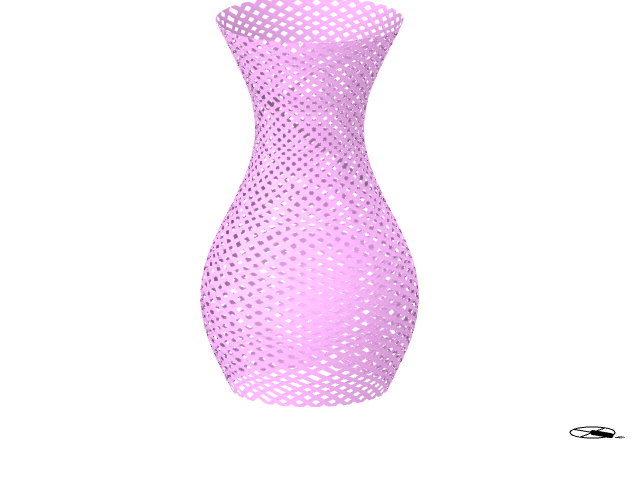
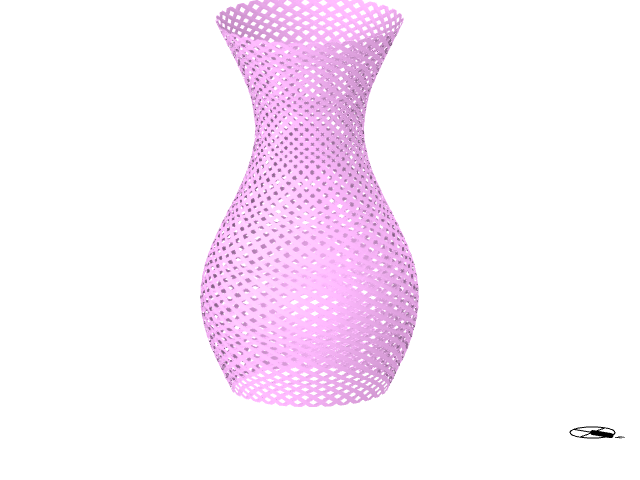
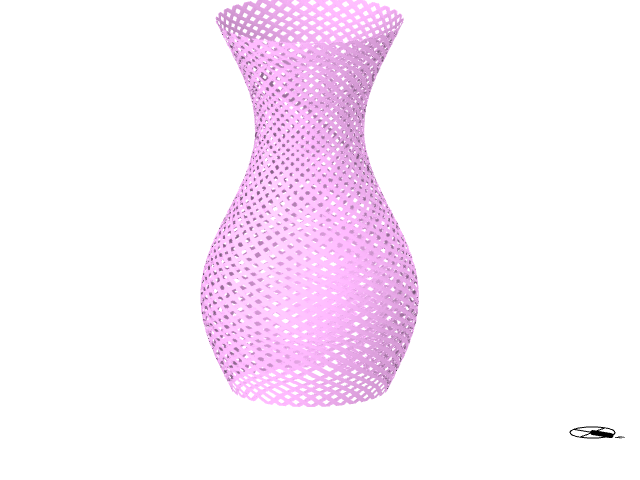
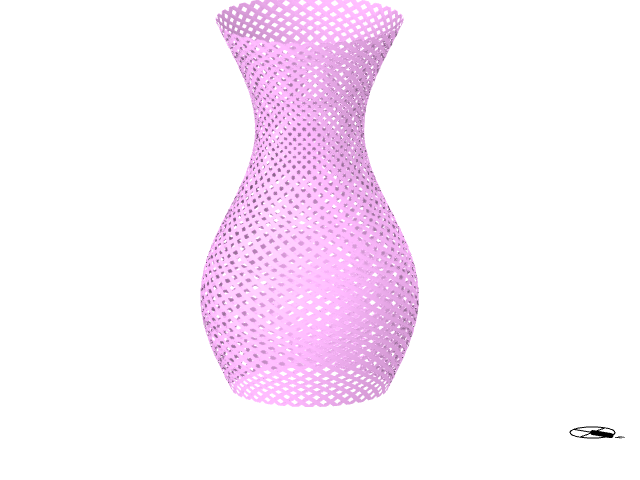
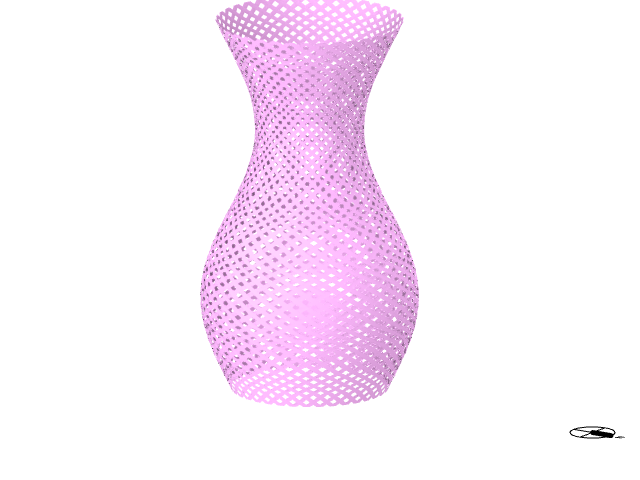
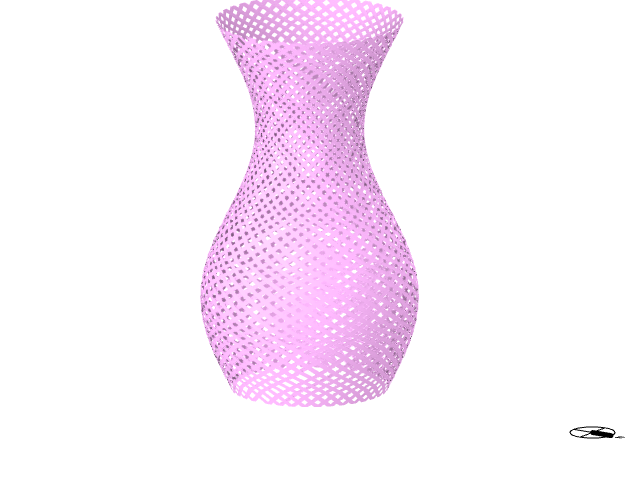
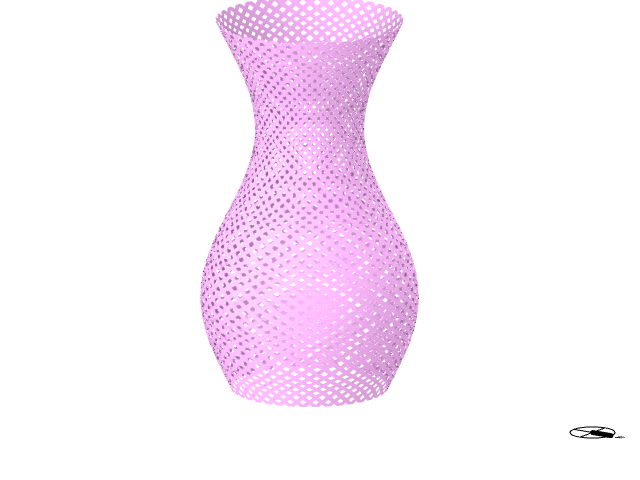
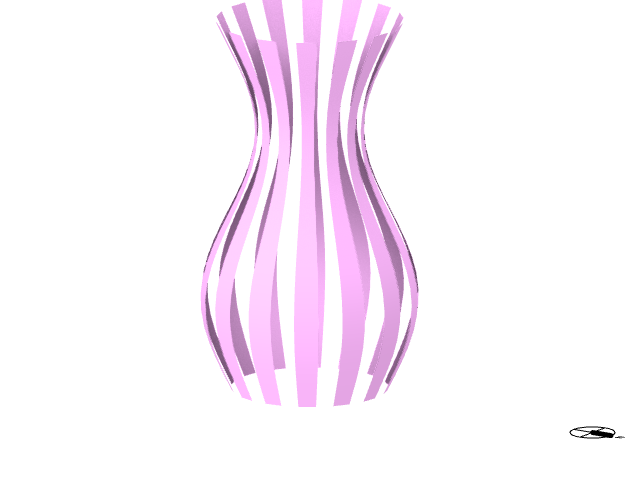
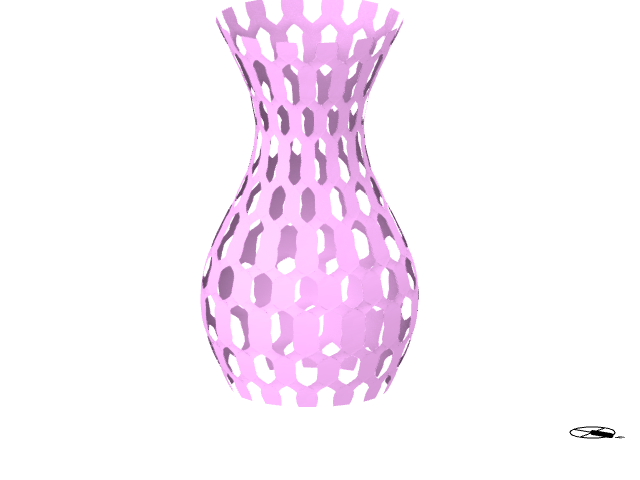
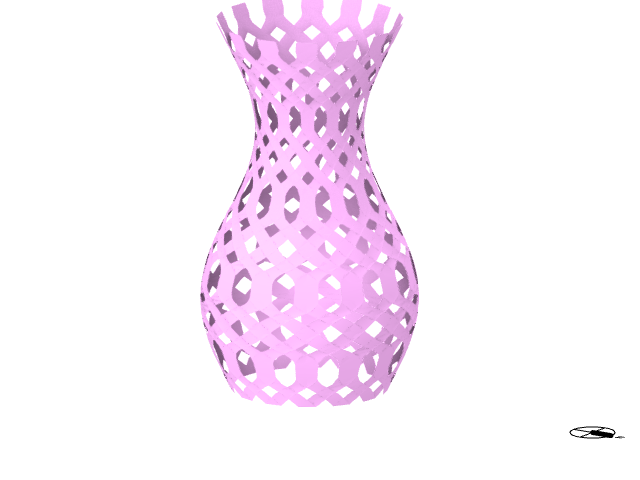
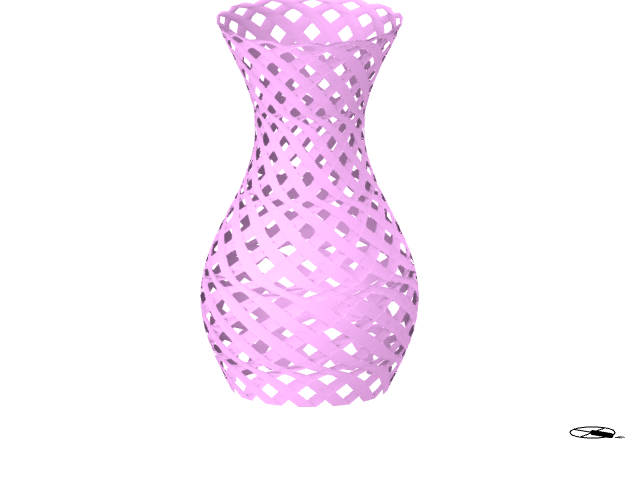
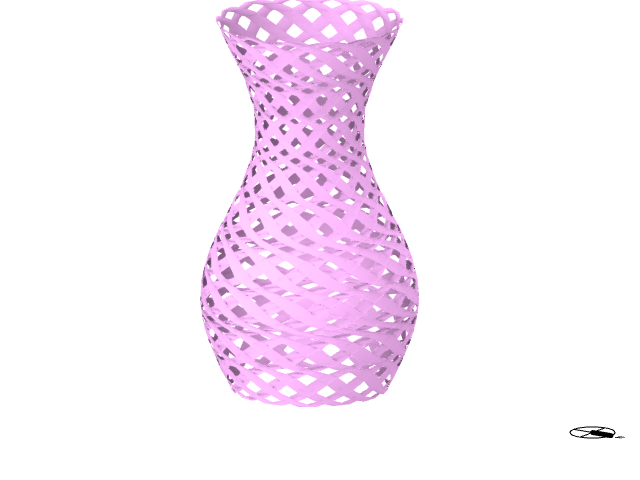
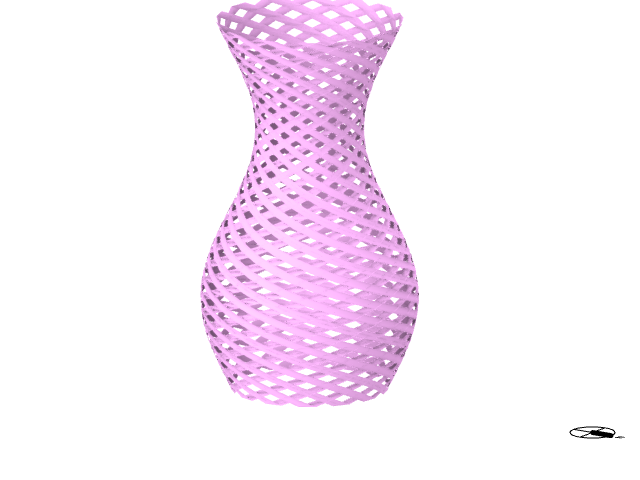
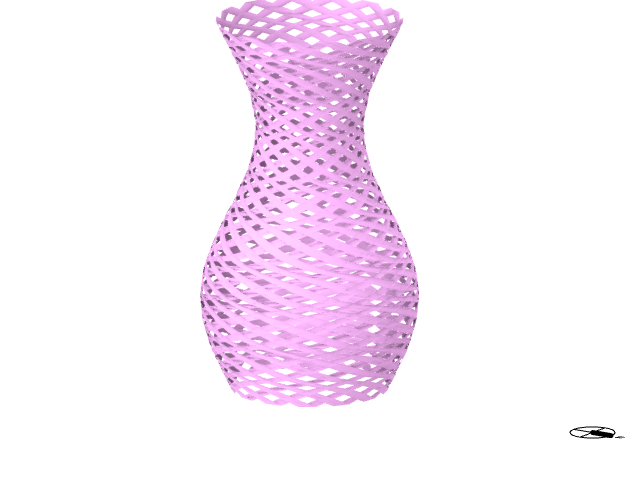
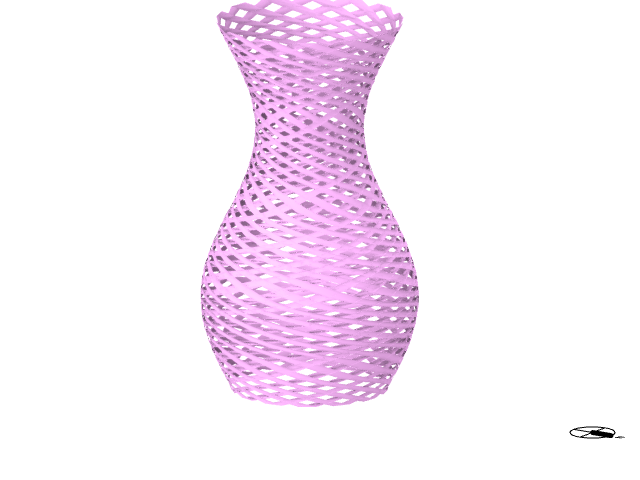
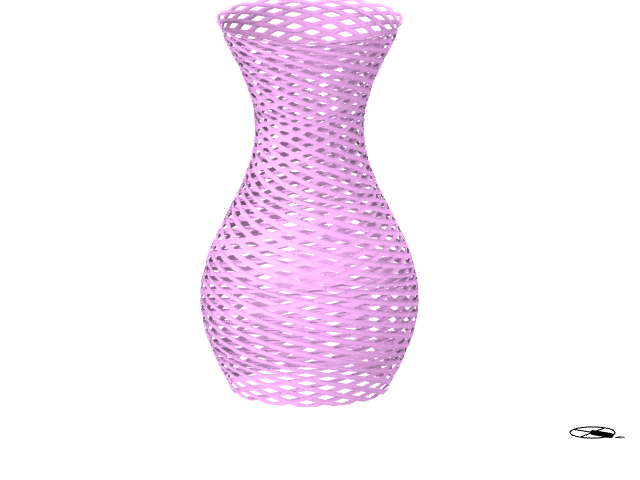

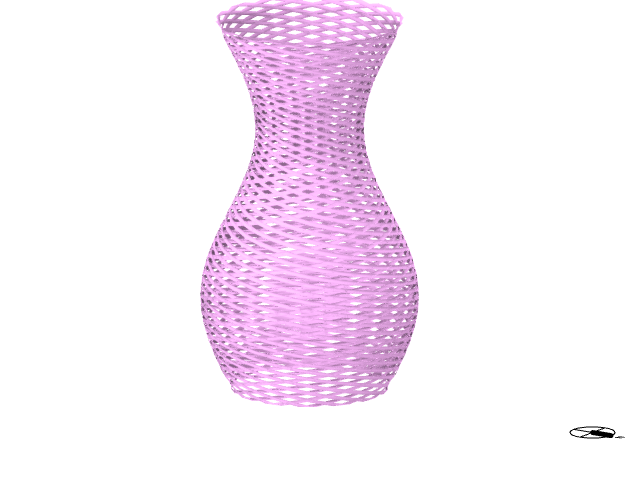

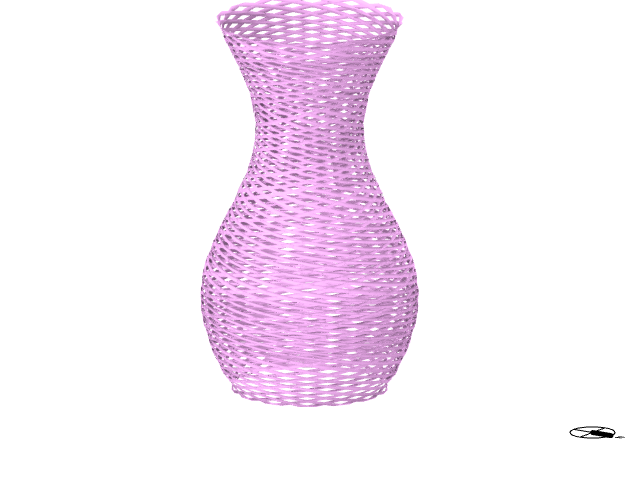

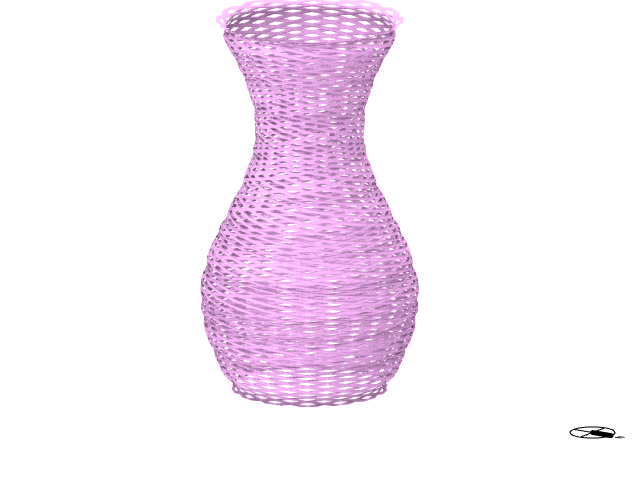
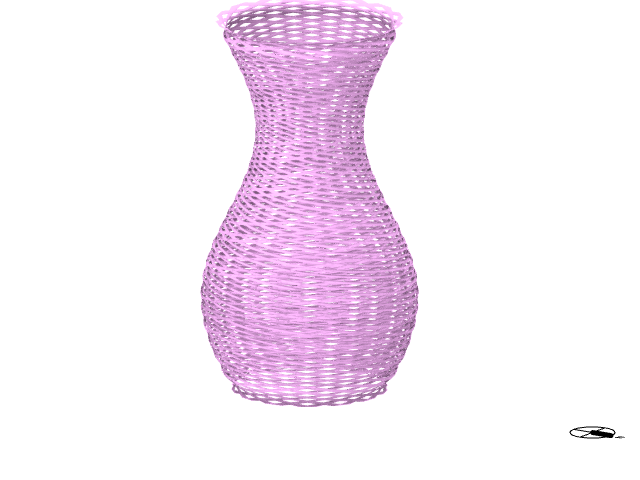

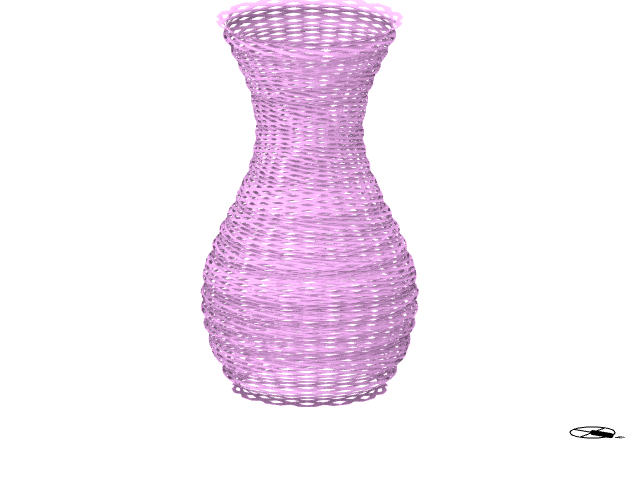
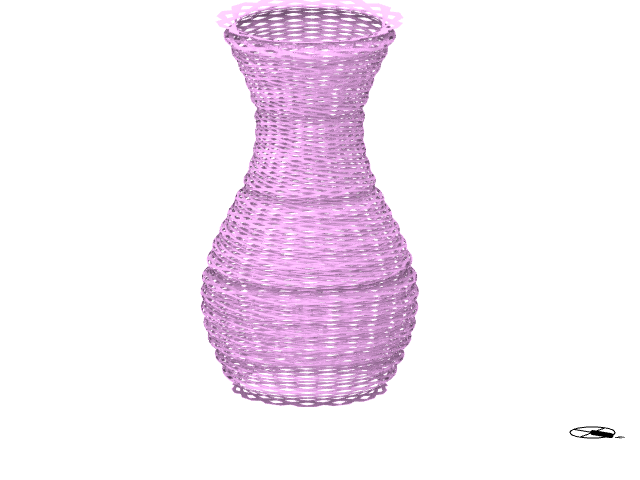
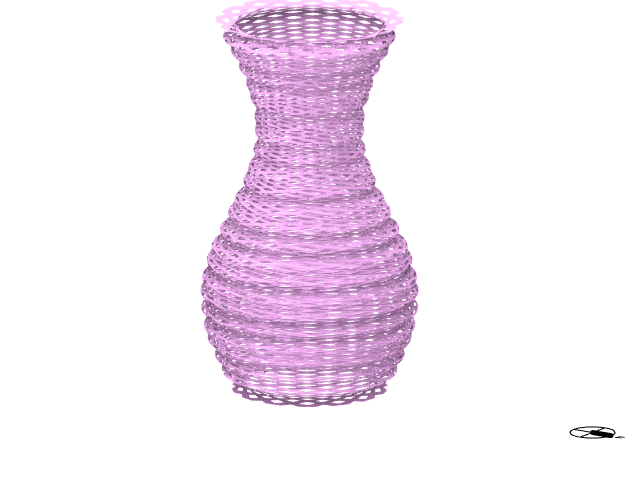
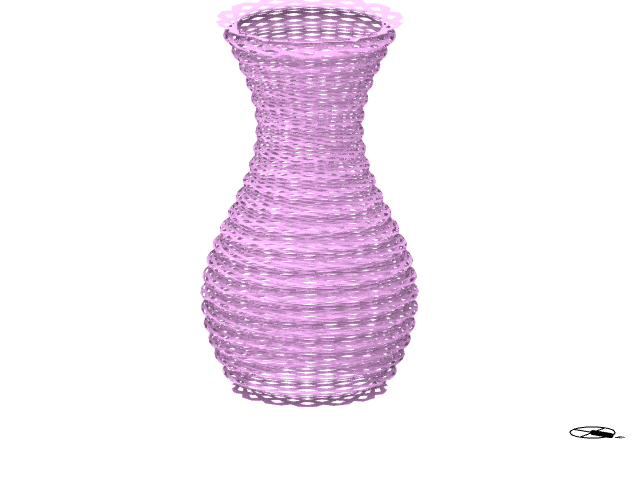
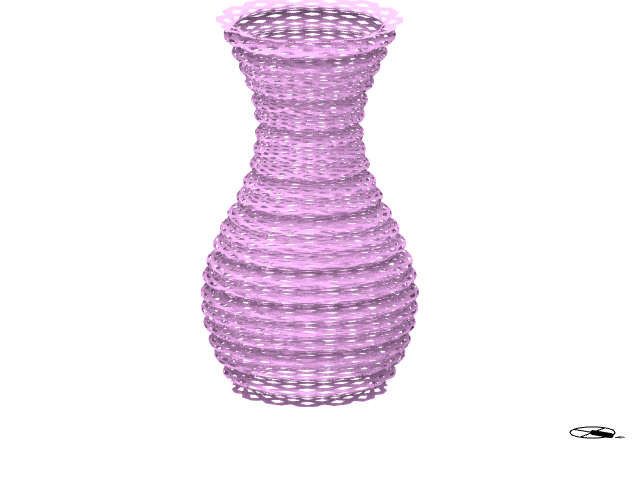
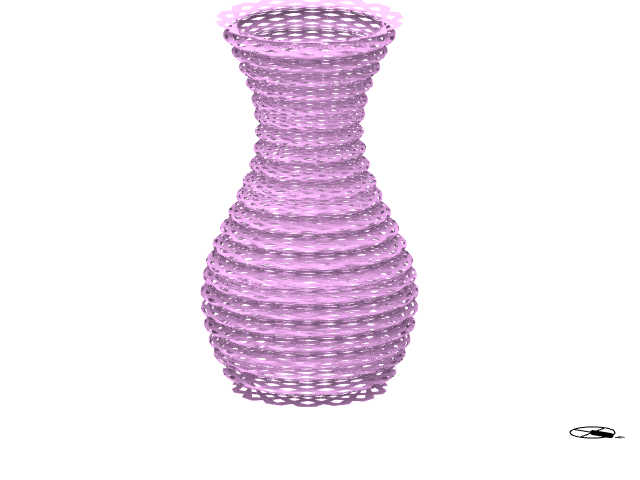
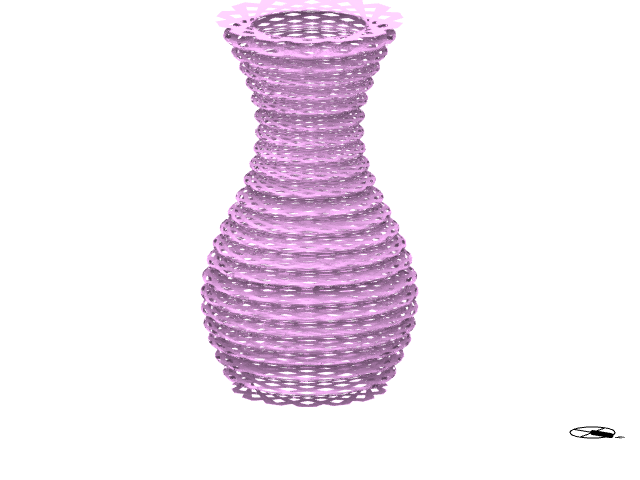
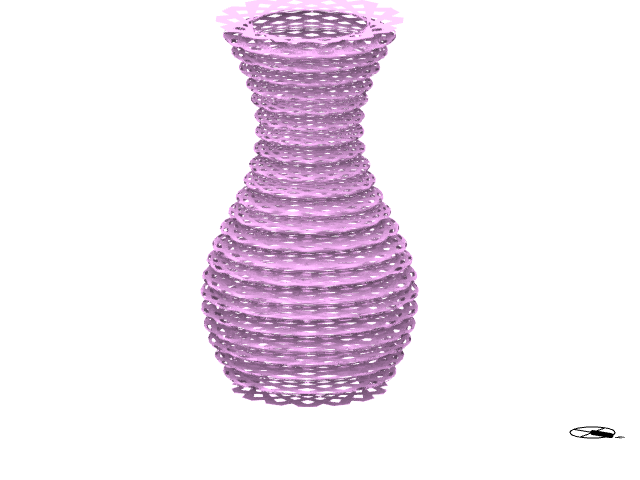

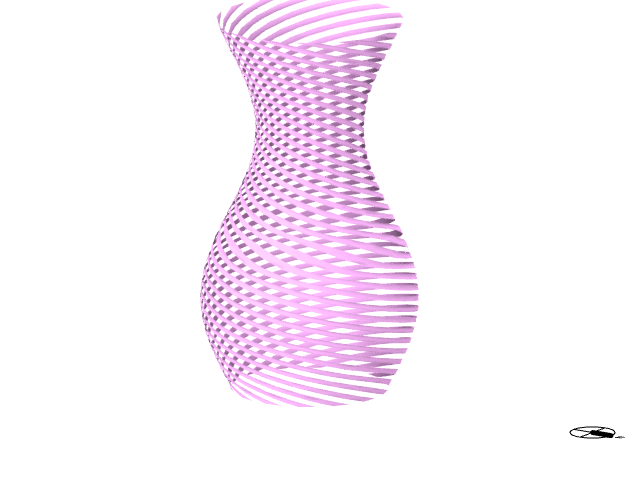
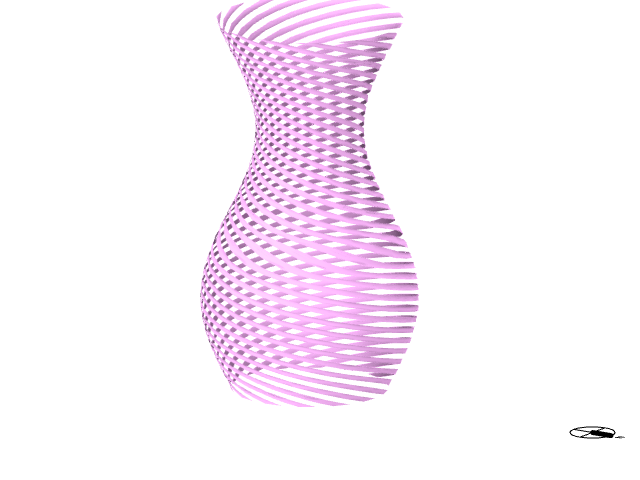
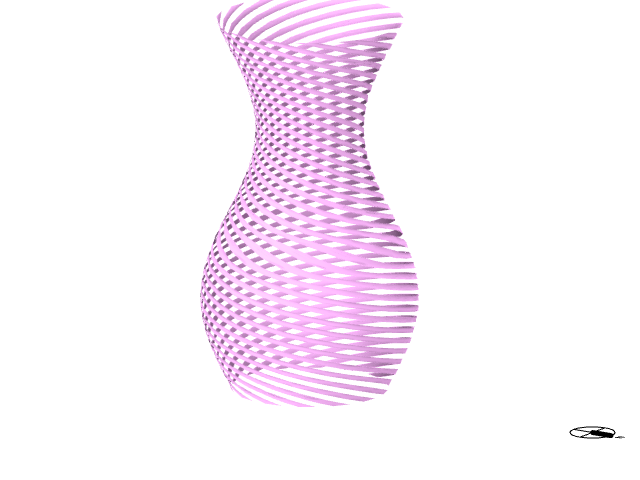
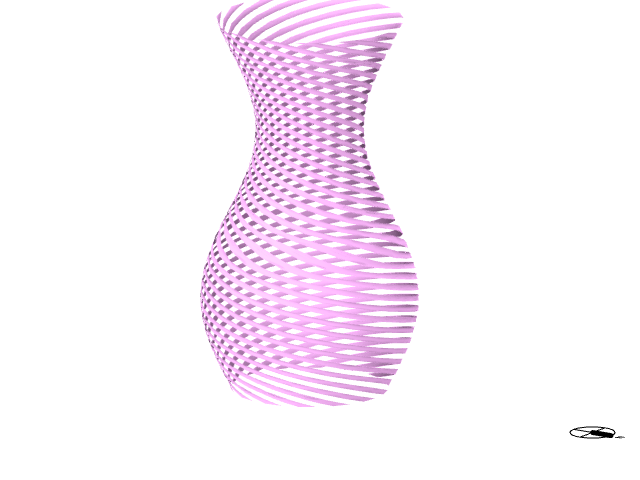
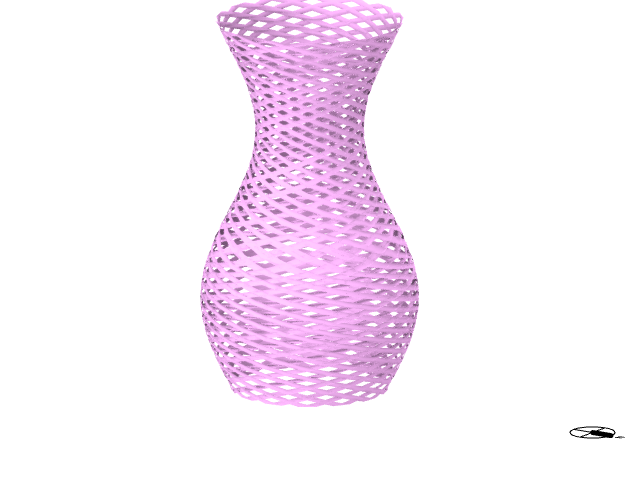
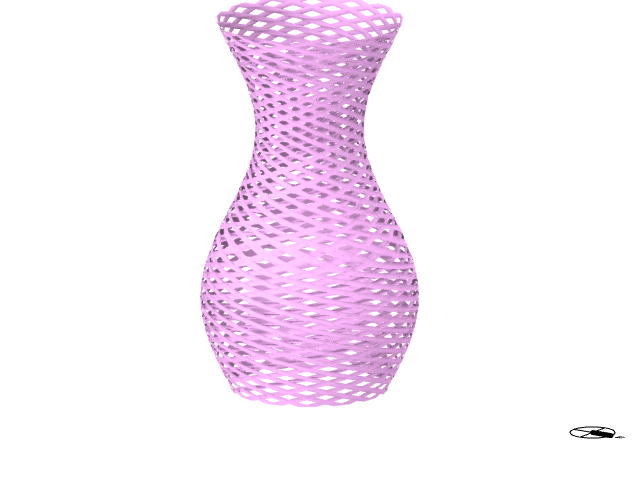


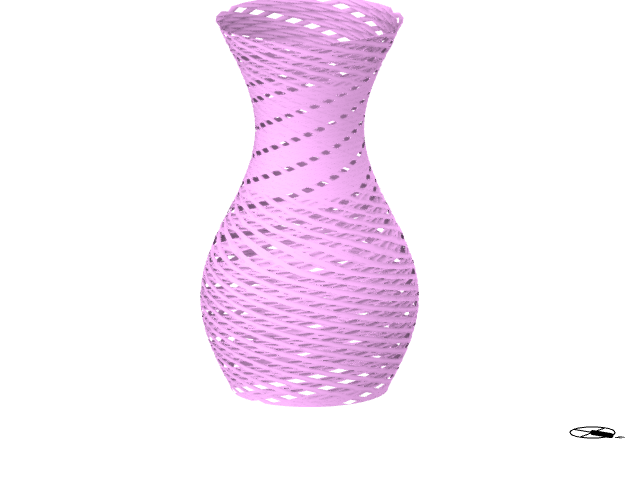
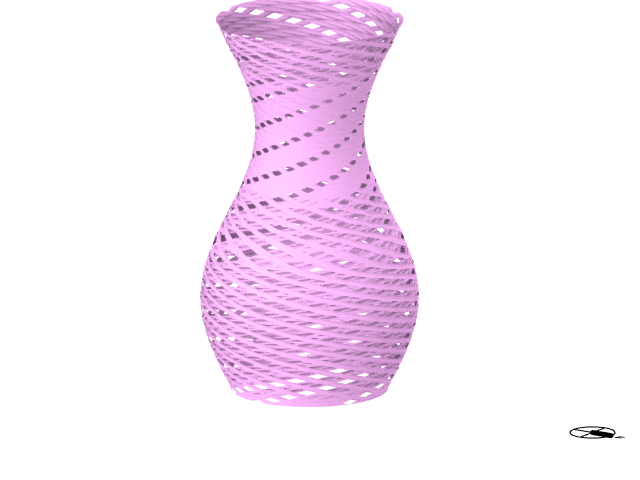
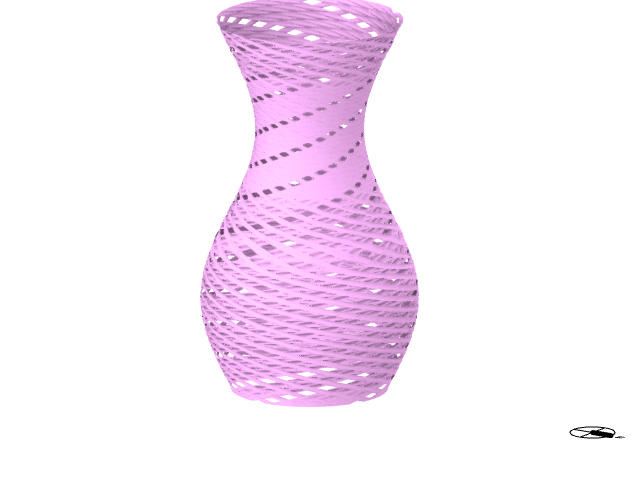


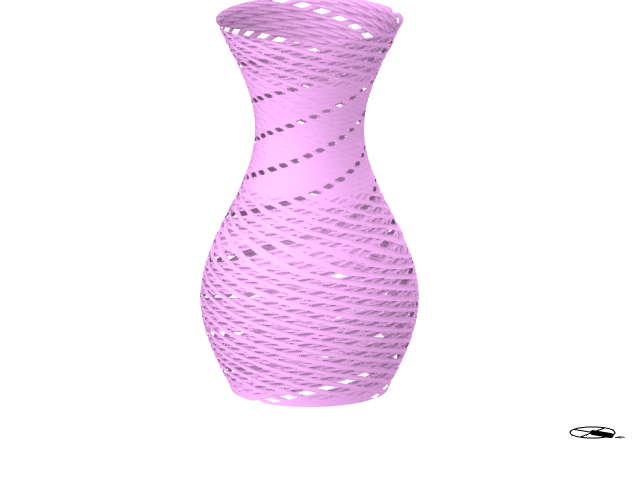
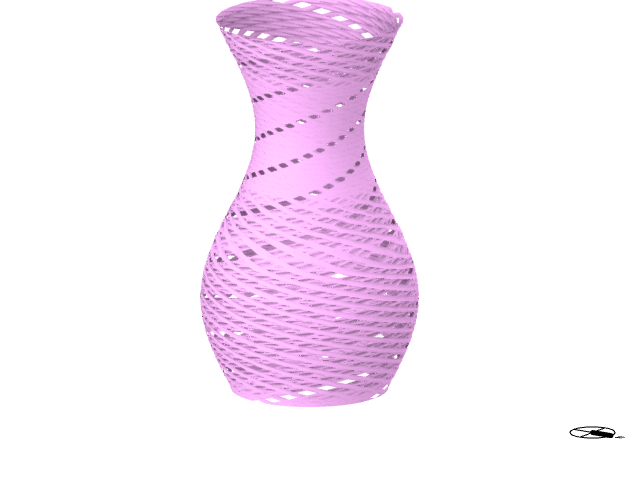
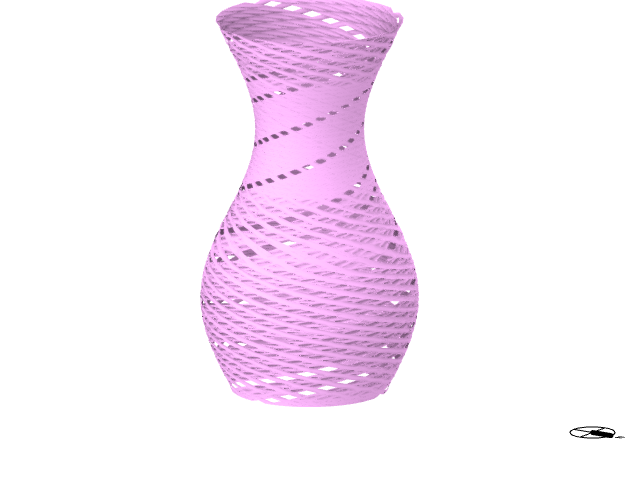
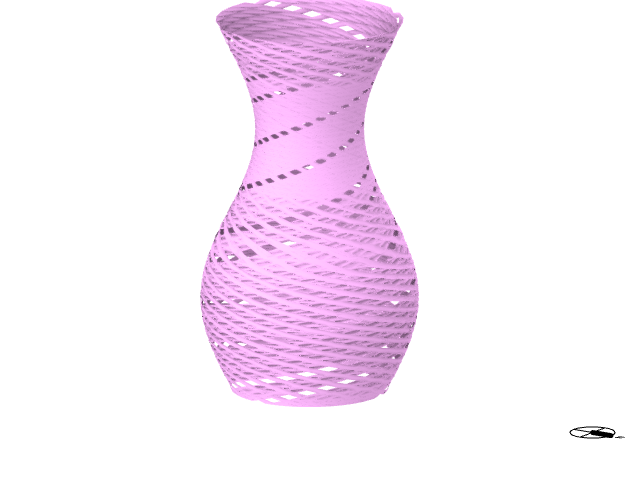
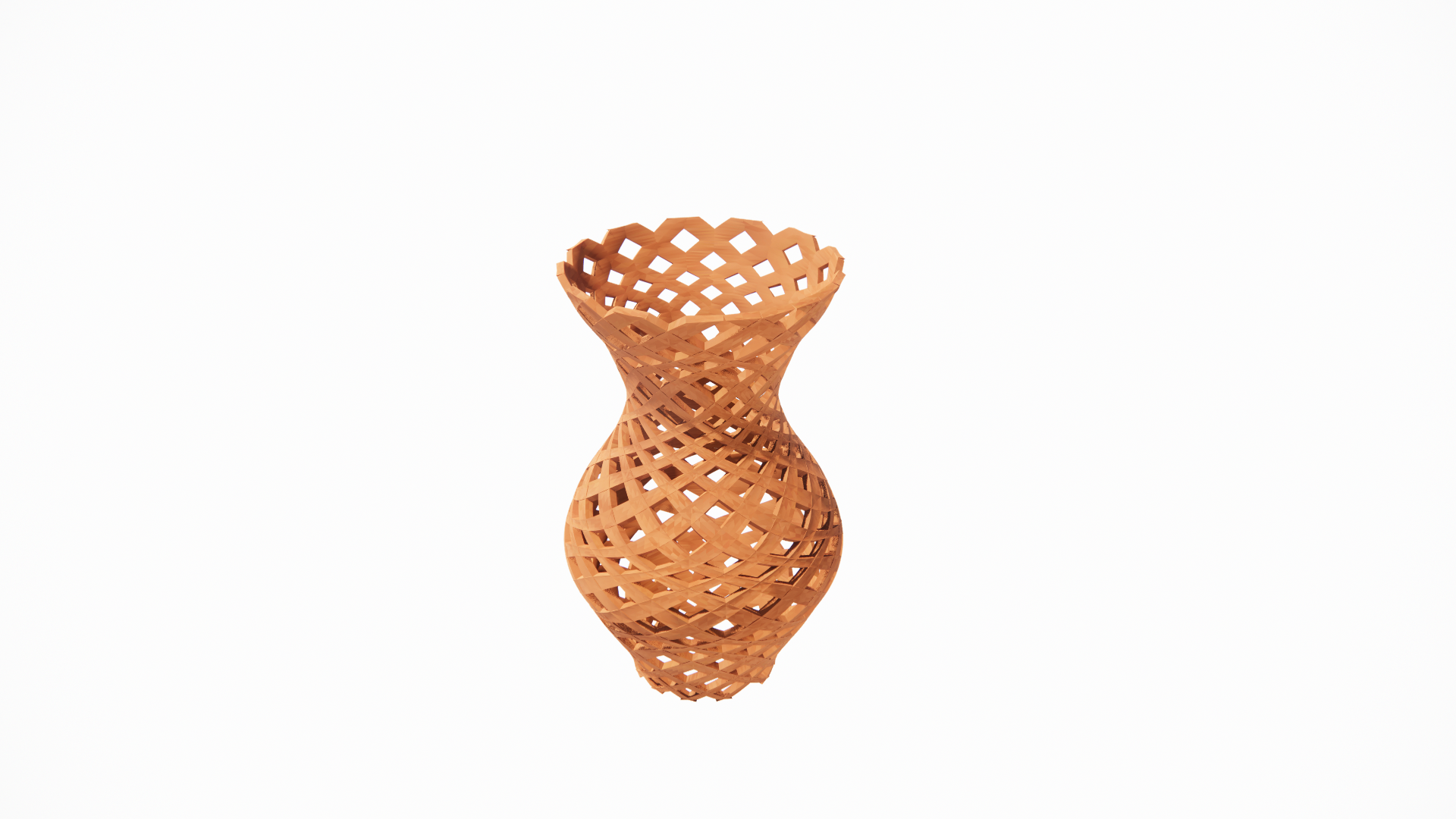
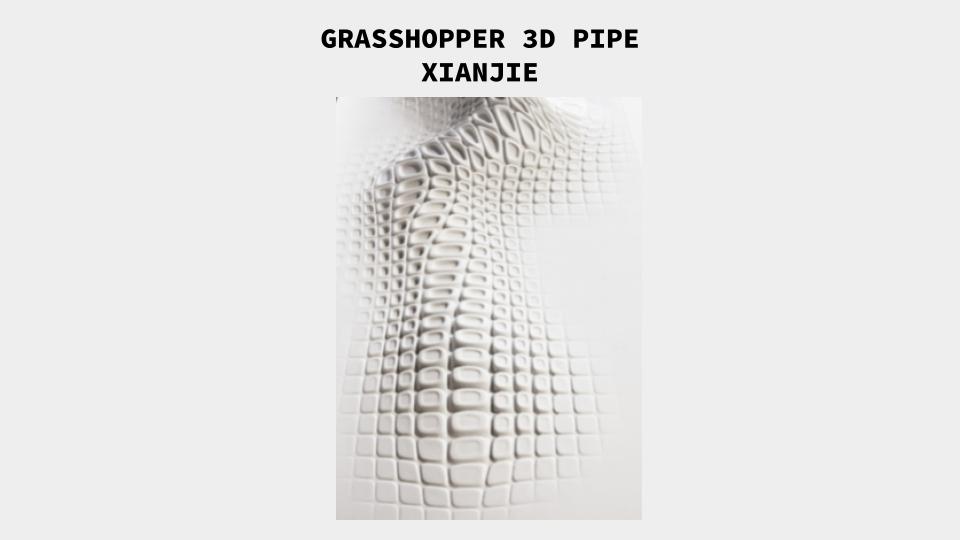
For the 3D idea, I try to explore about the pipe way from SubD or Mesh.
Tutorial Video for Morph to Twisted Box: https://grasshopperdocs.com/components/pufferfish/morphToTwistedBox.html


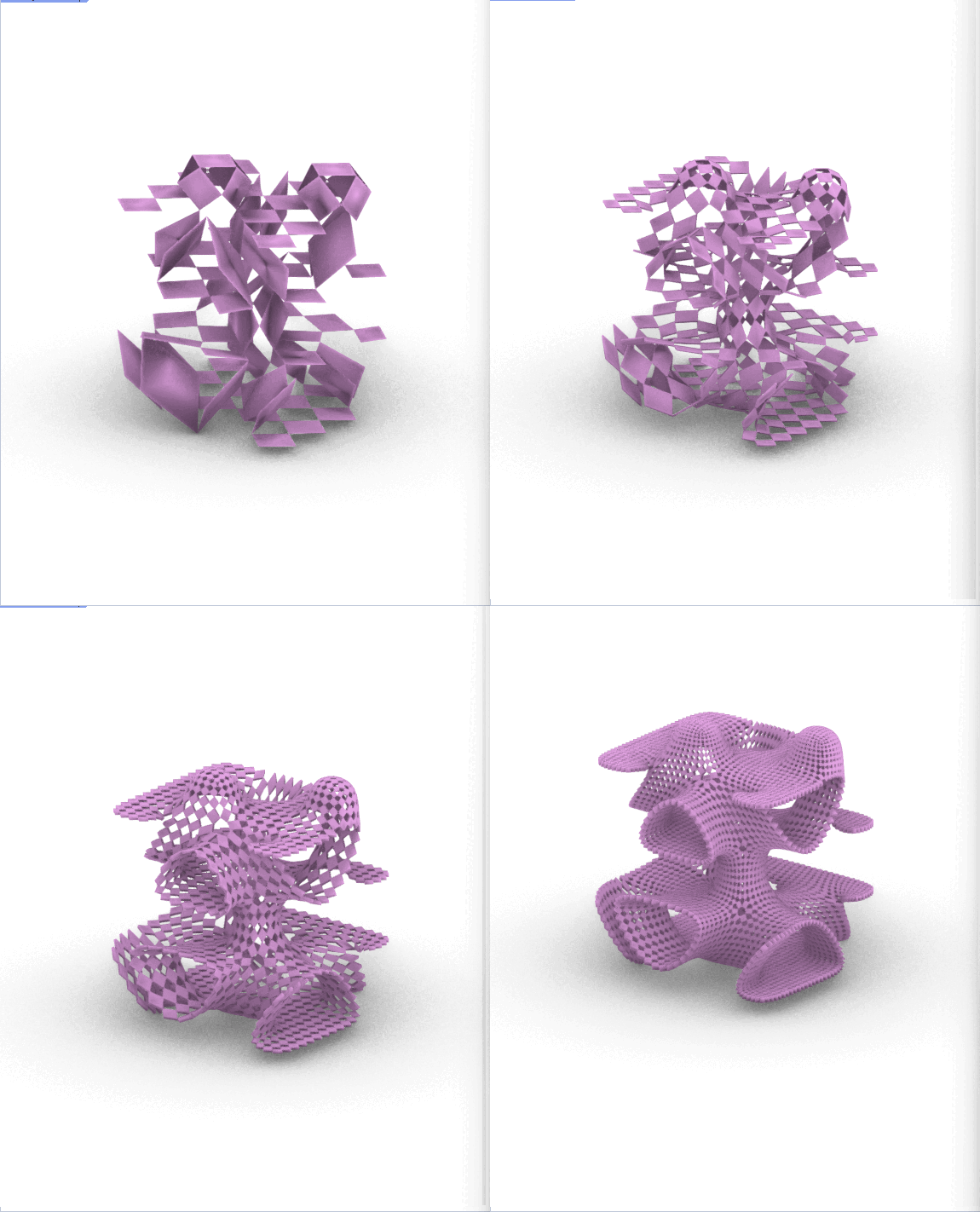
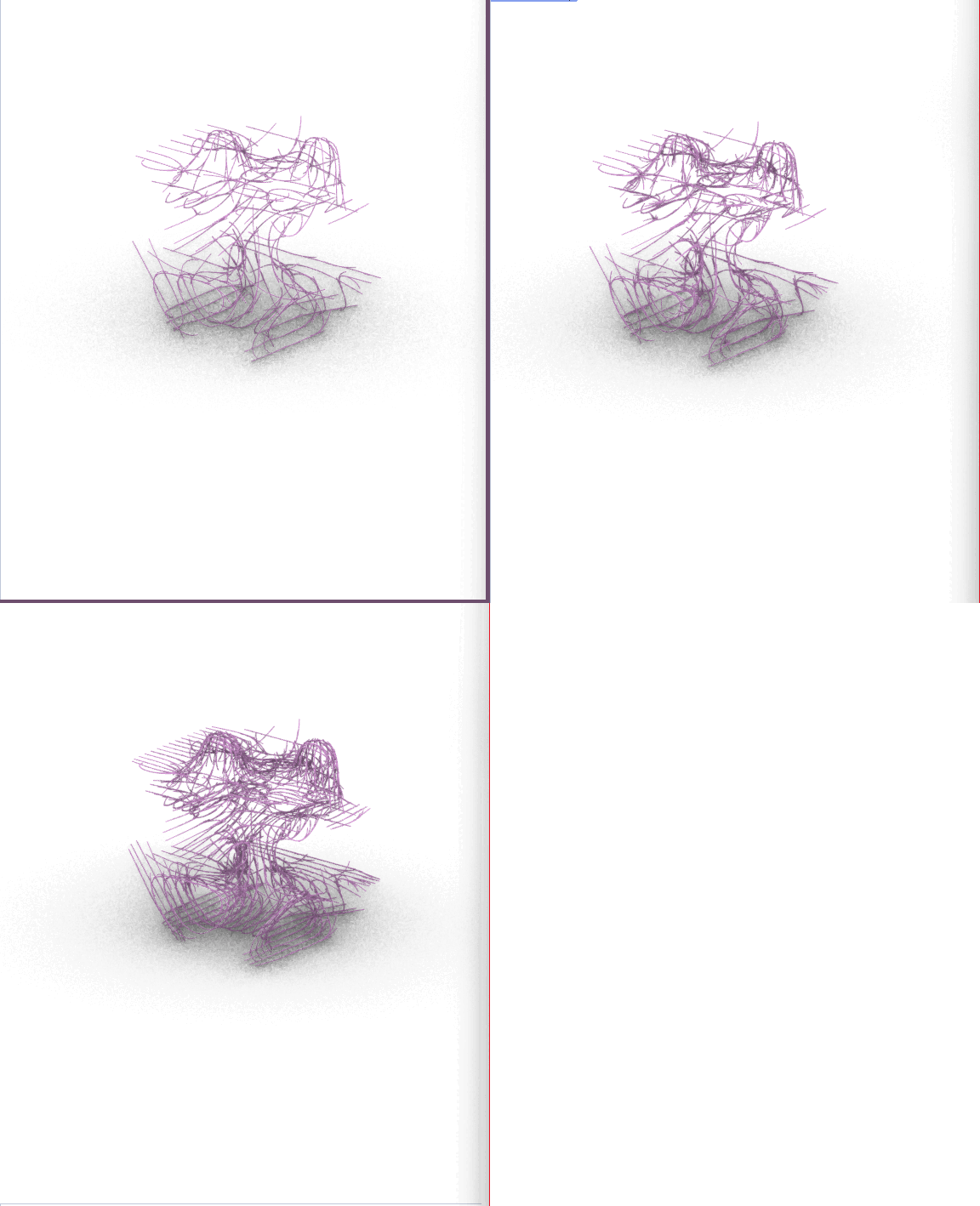
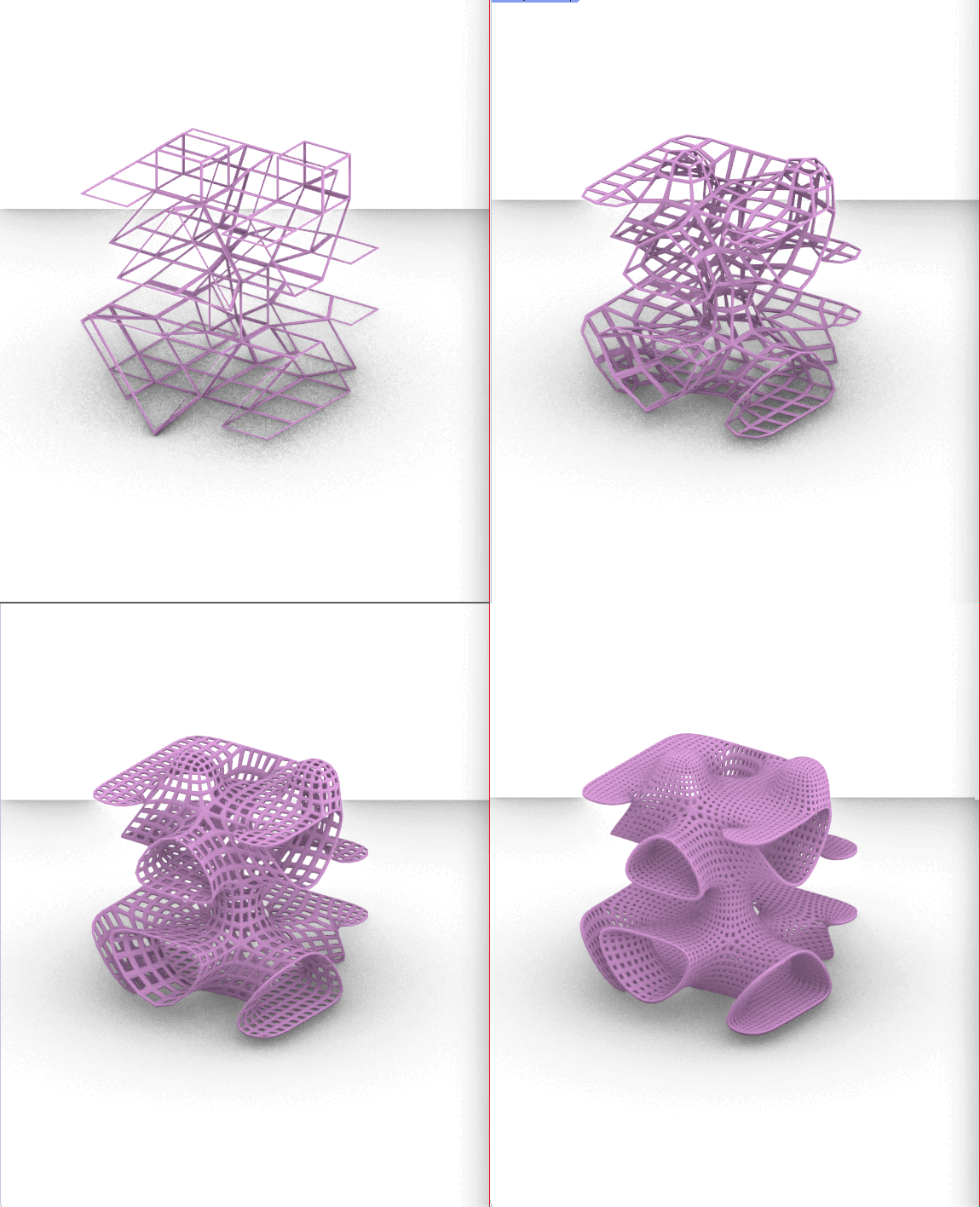


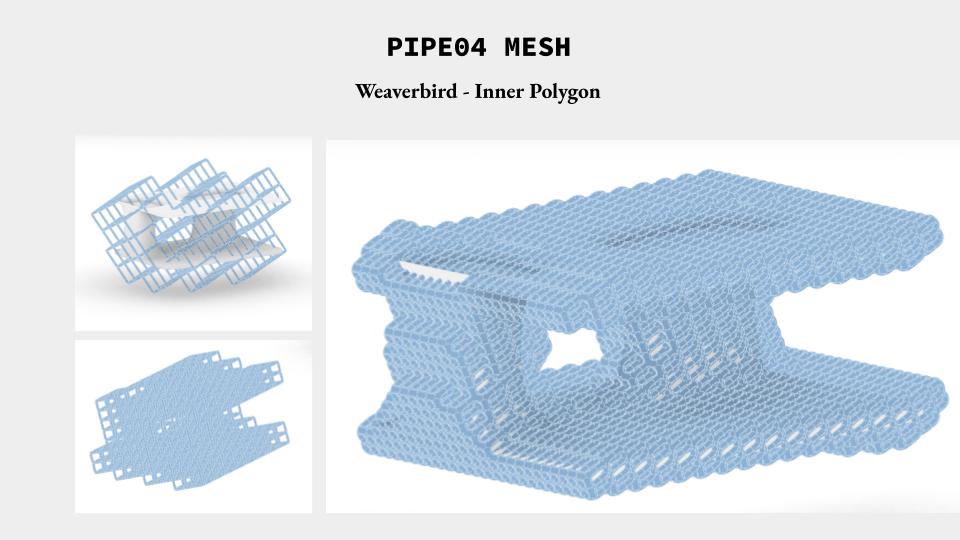
(Updates Oct 29, 2023)
I simplified my previous design using Dendro, and ran various simulations through Colibri. Here is my updated script & results:

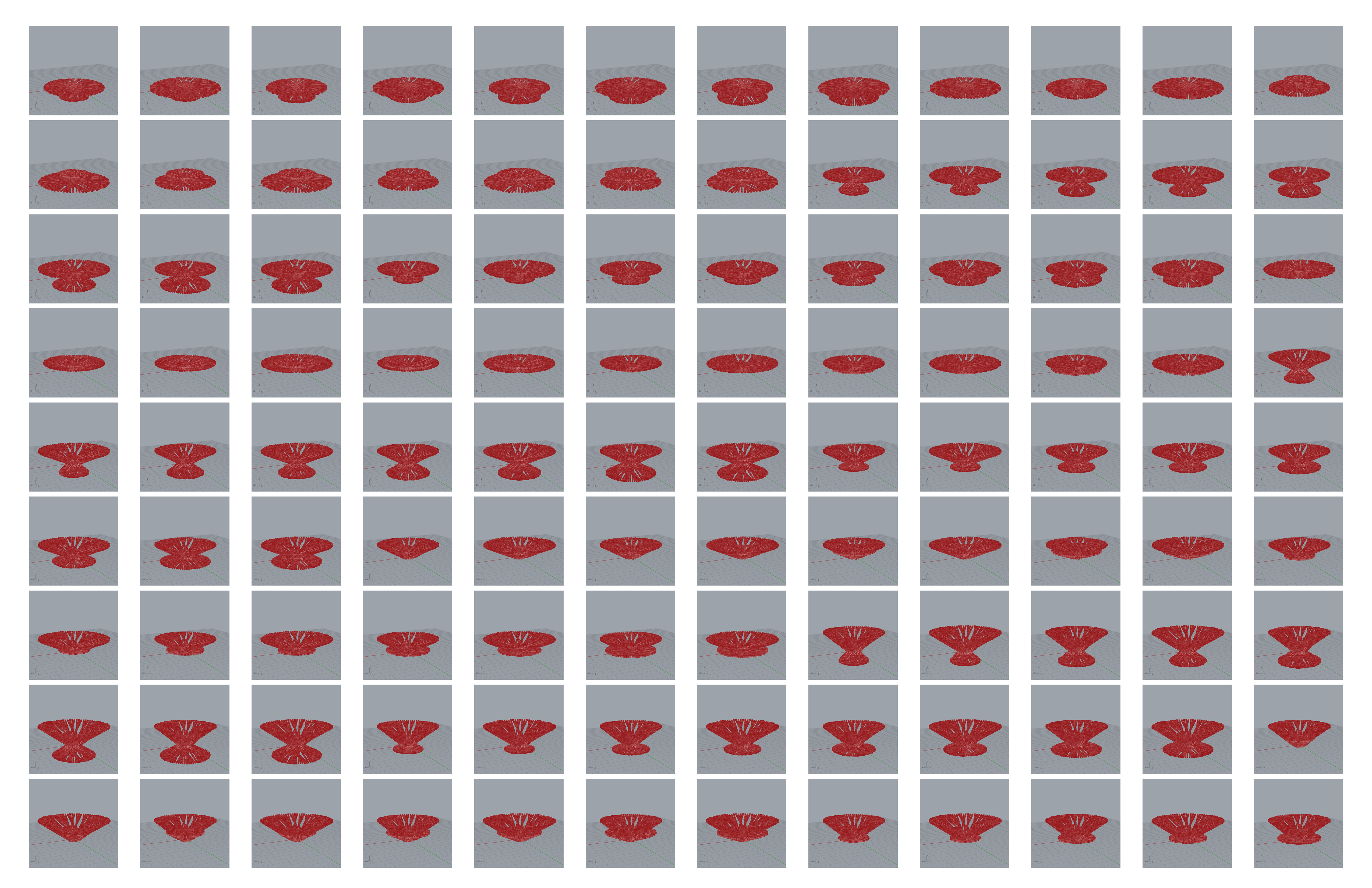
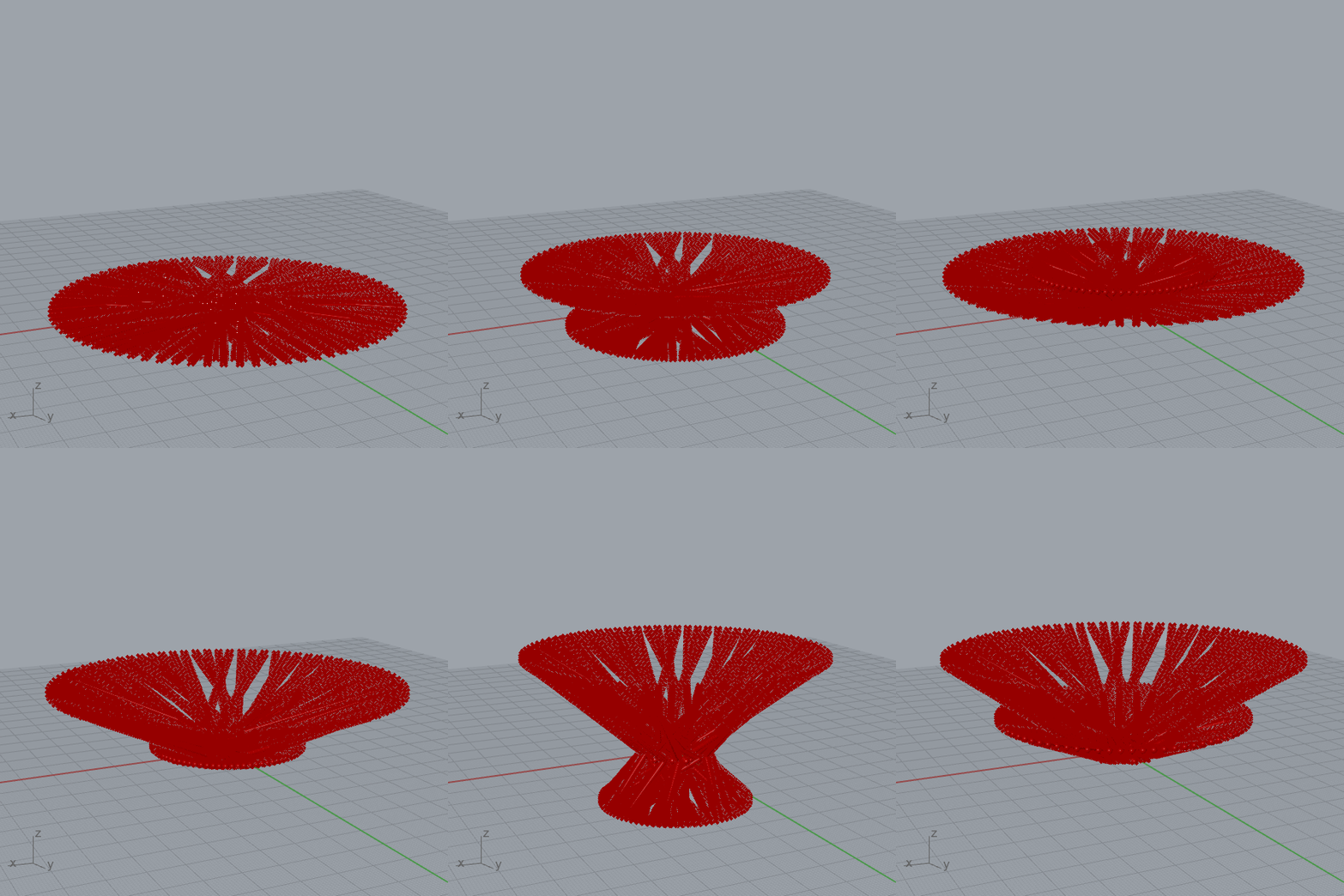
(Original Post Below)
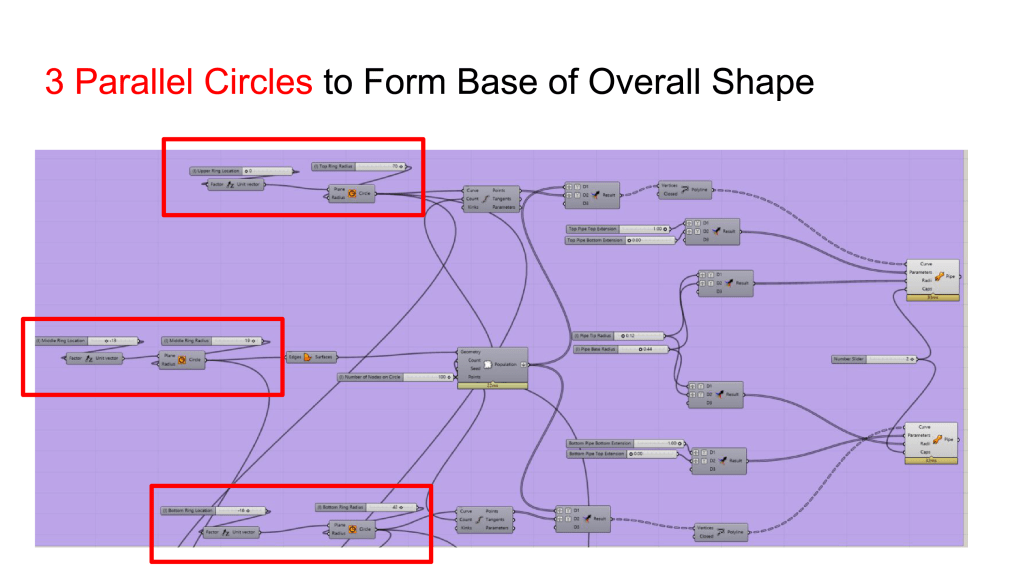
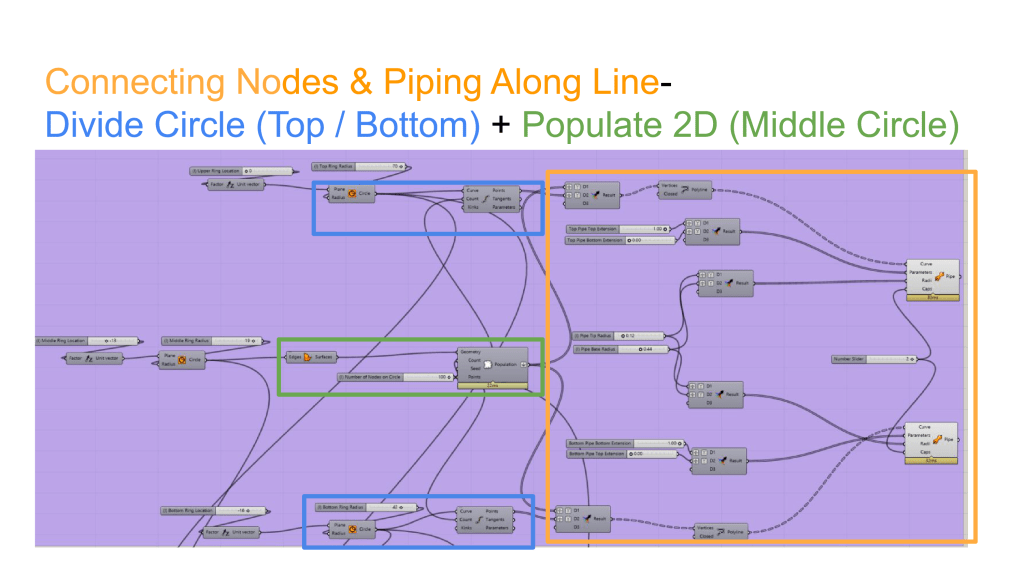
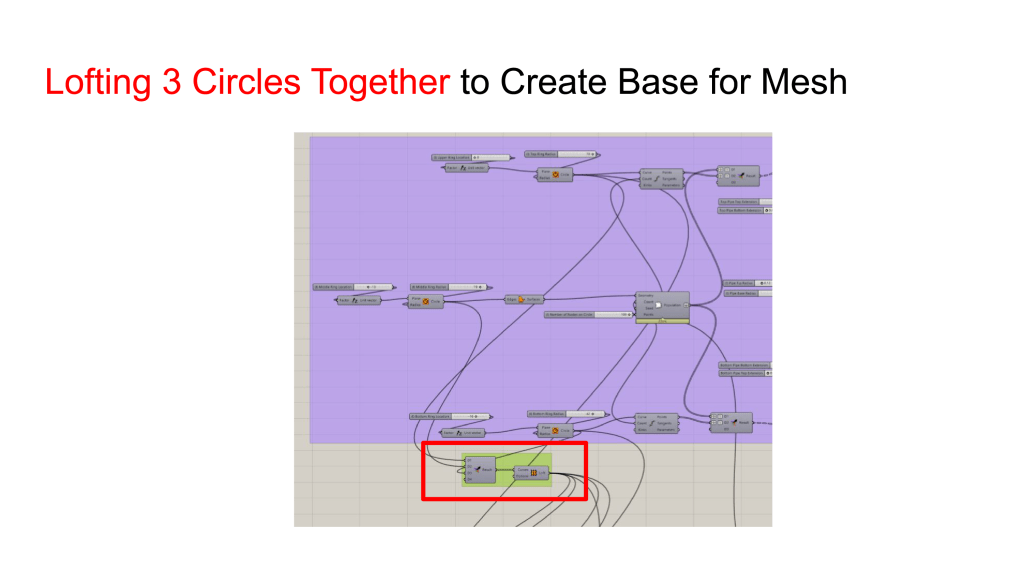
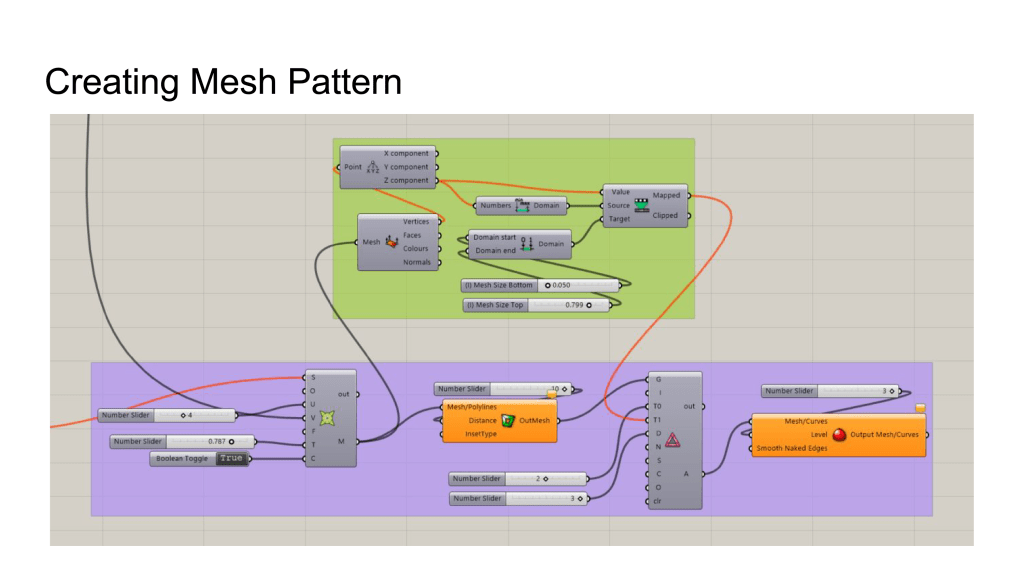
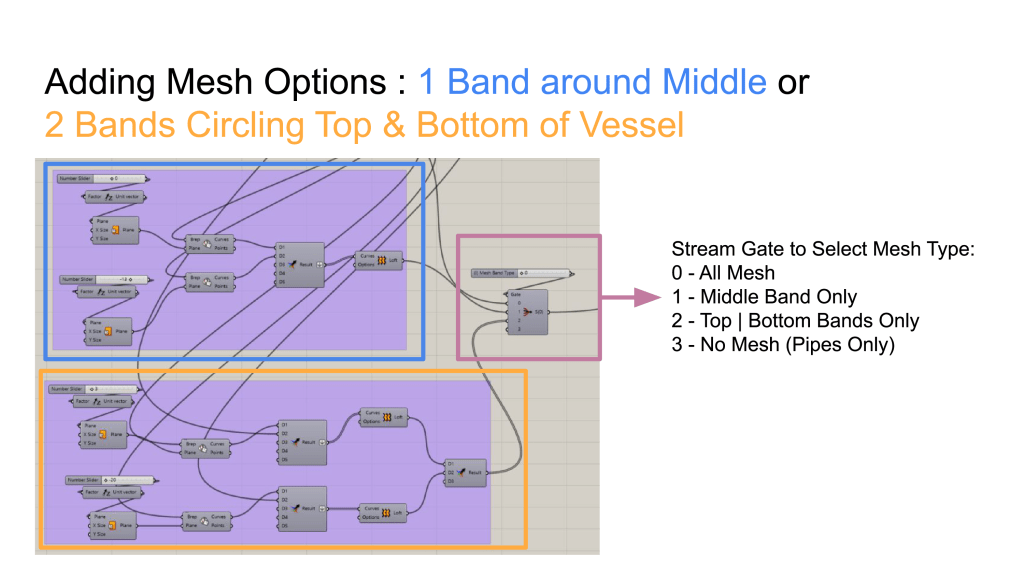
This product family’s overall shape is controlled by the radii and offset distance from main plane of 3 parallel circles, with pipes that connect nodes on all three circles to form a container. Mesh bands are added to the shape to connect pipes together.
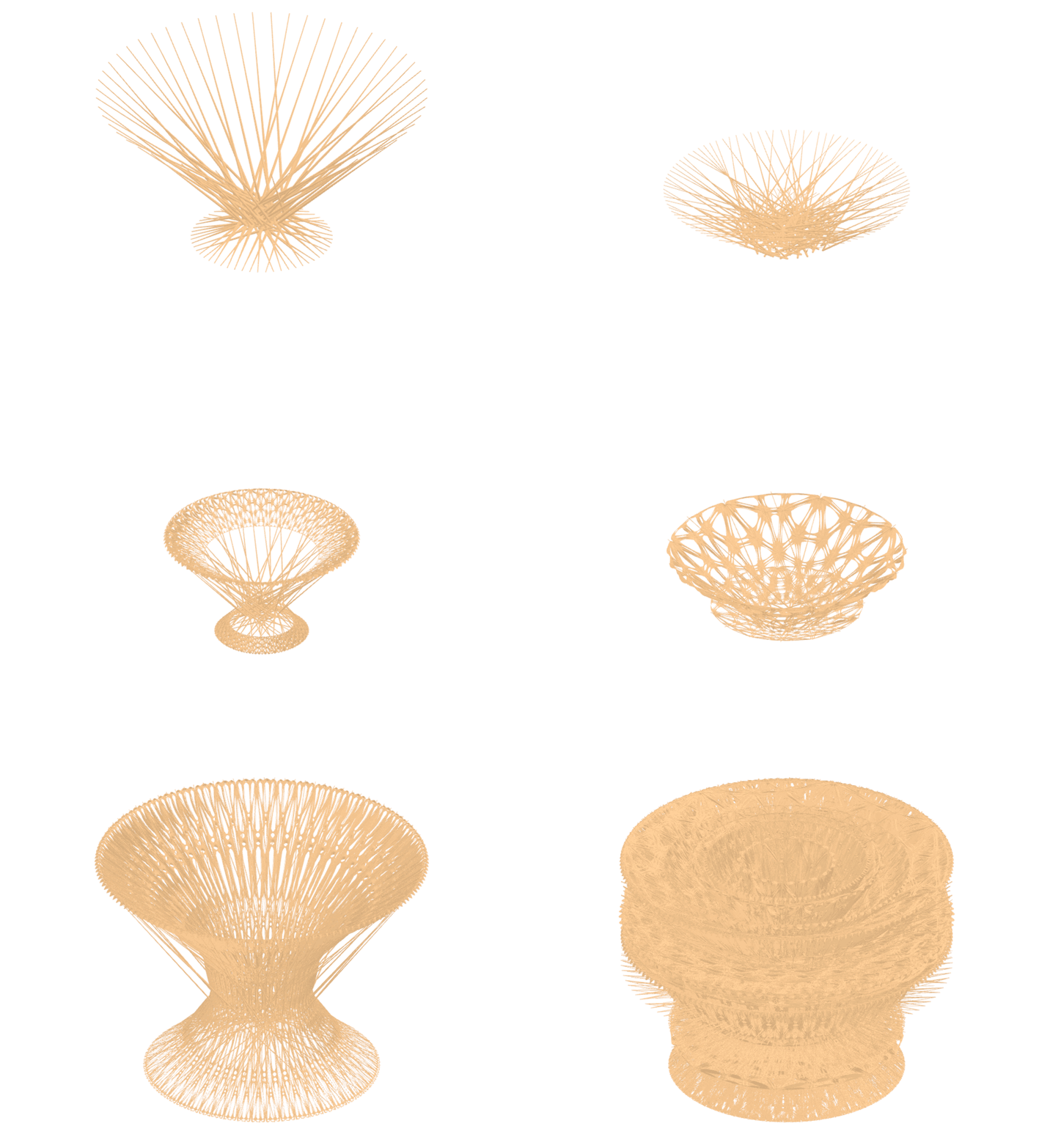
My Script:
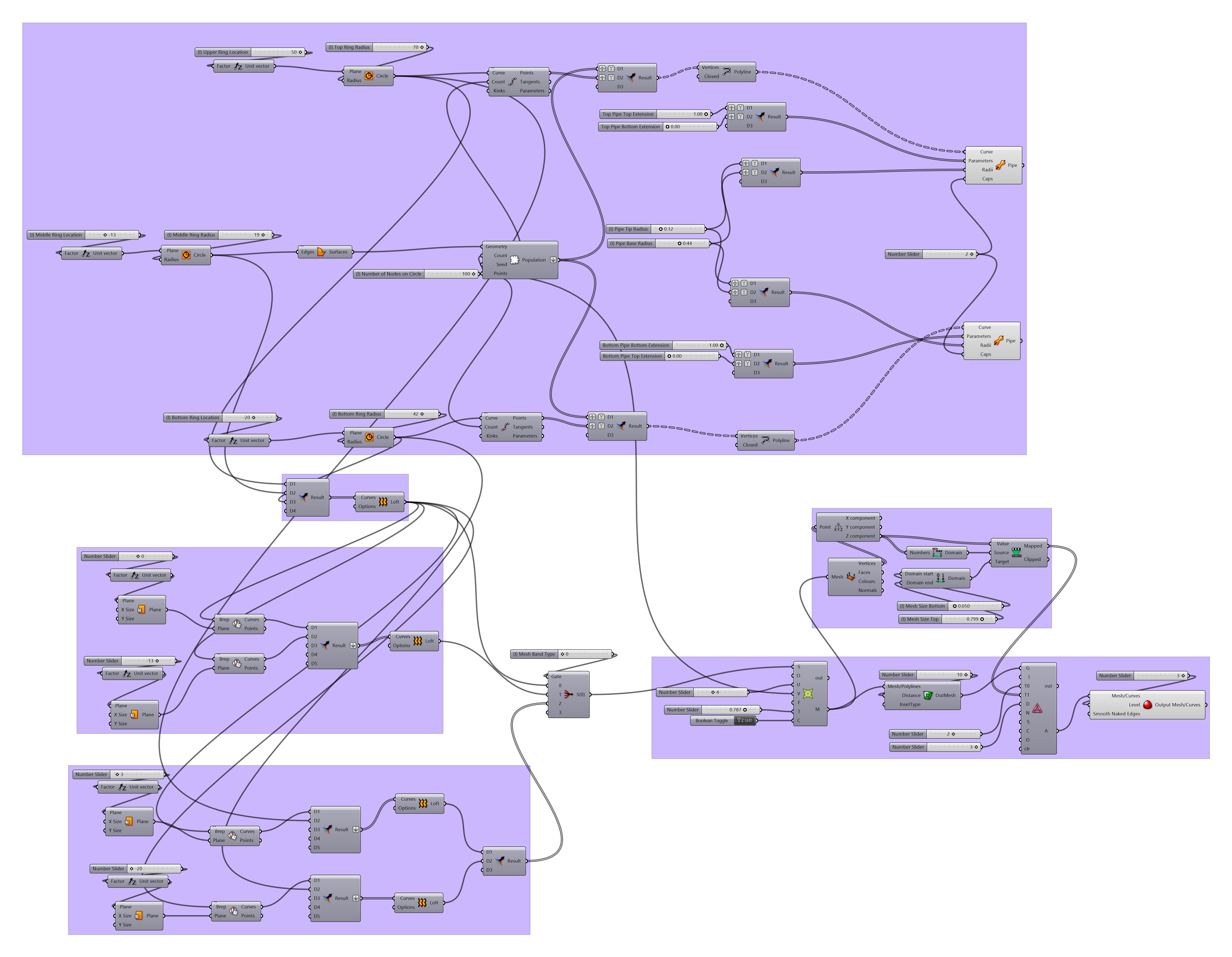
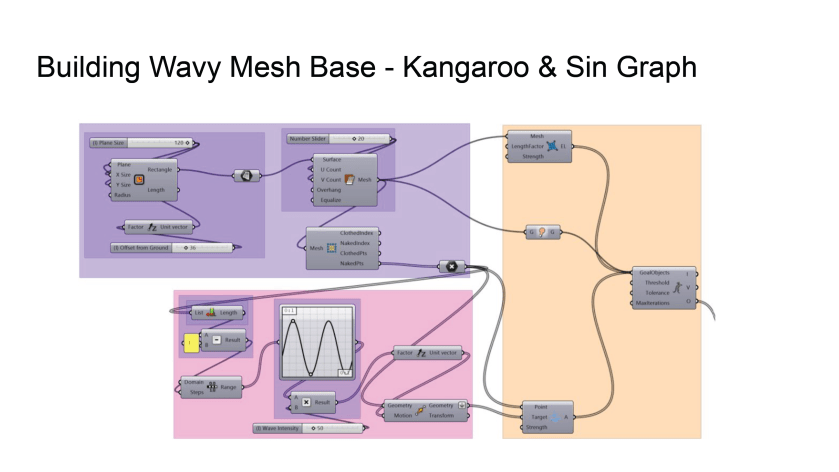
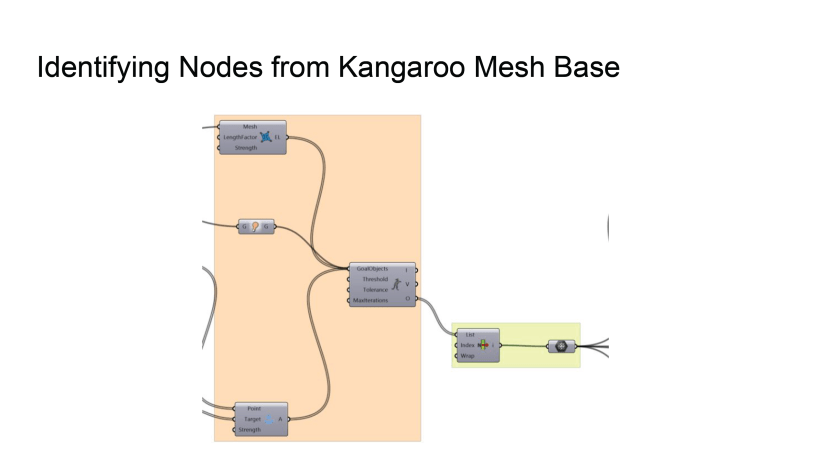
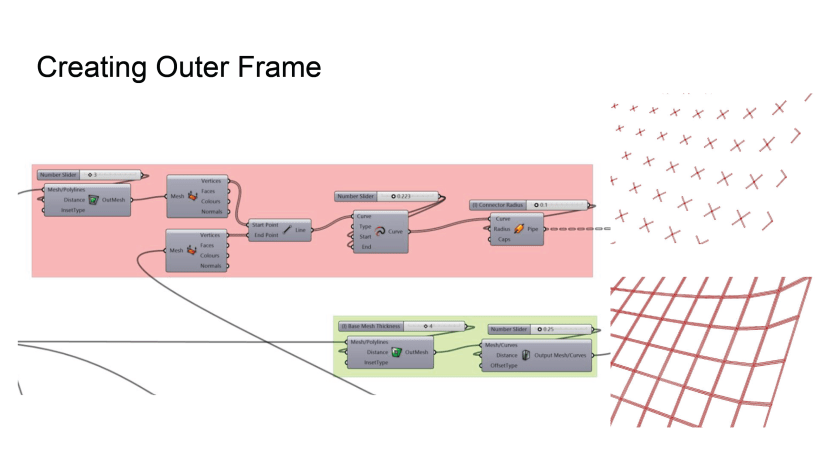
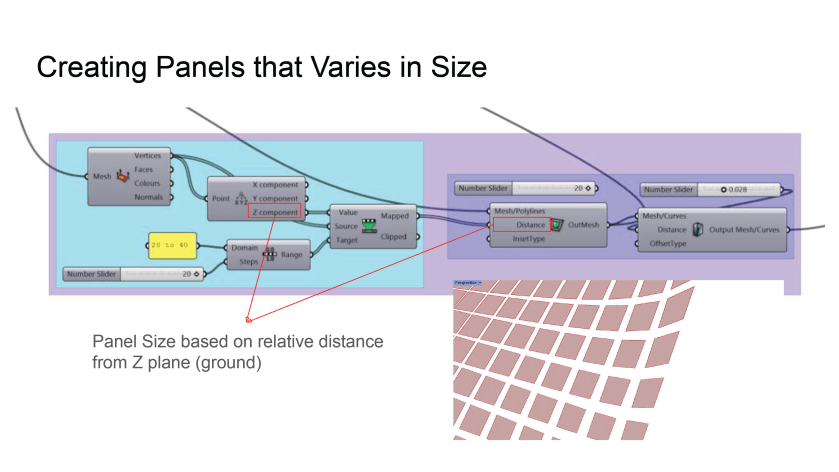
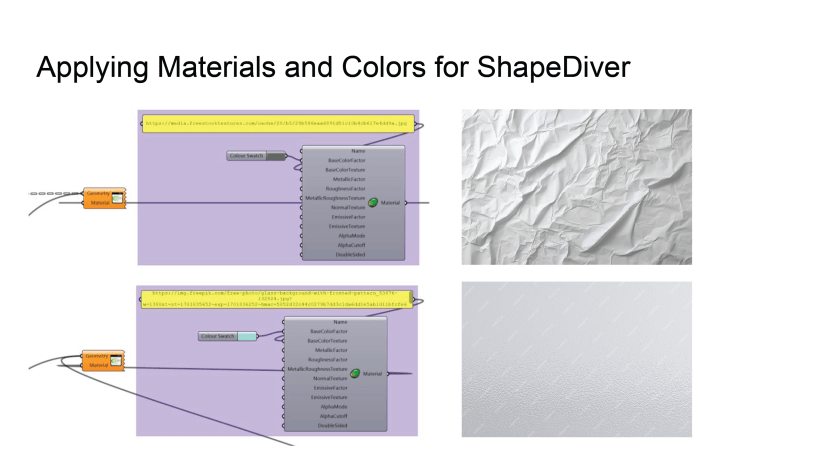
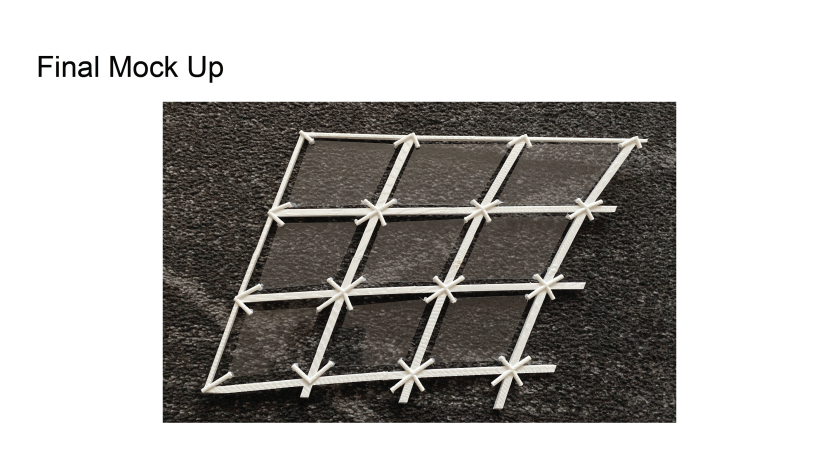
Refer to following slides for script details:

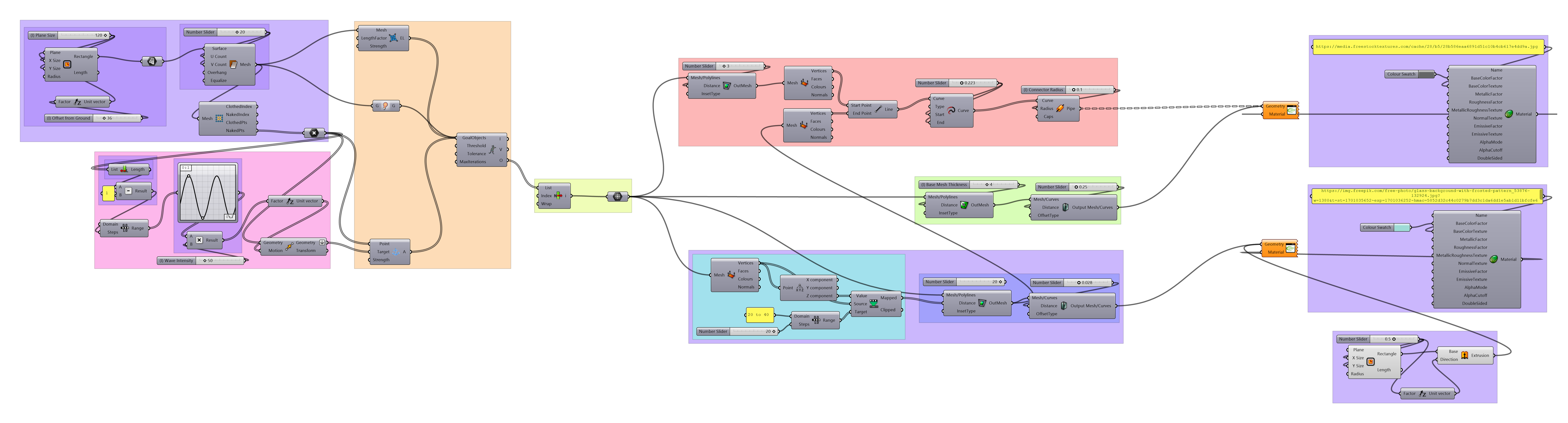



 Parametrics
You must be logged in to post a comment.