Assignment 01-2D patterning Nima Luorong

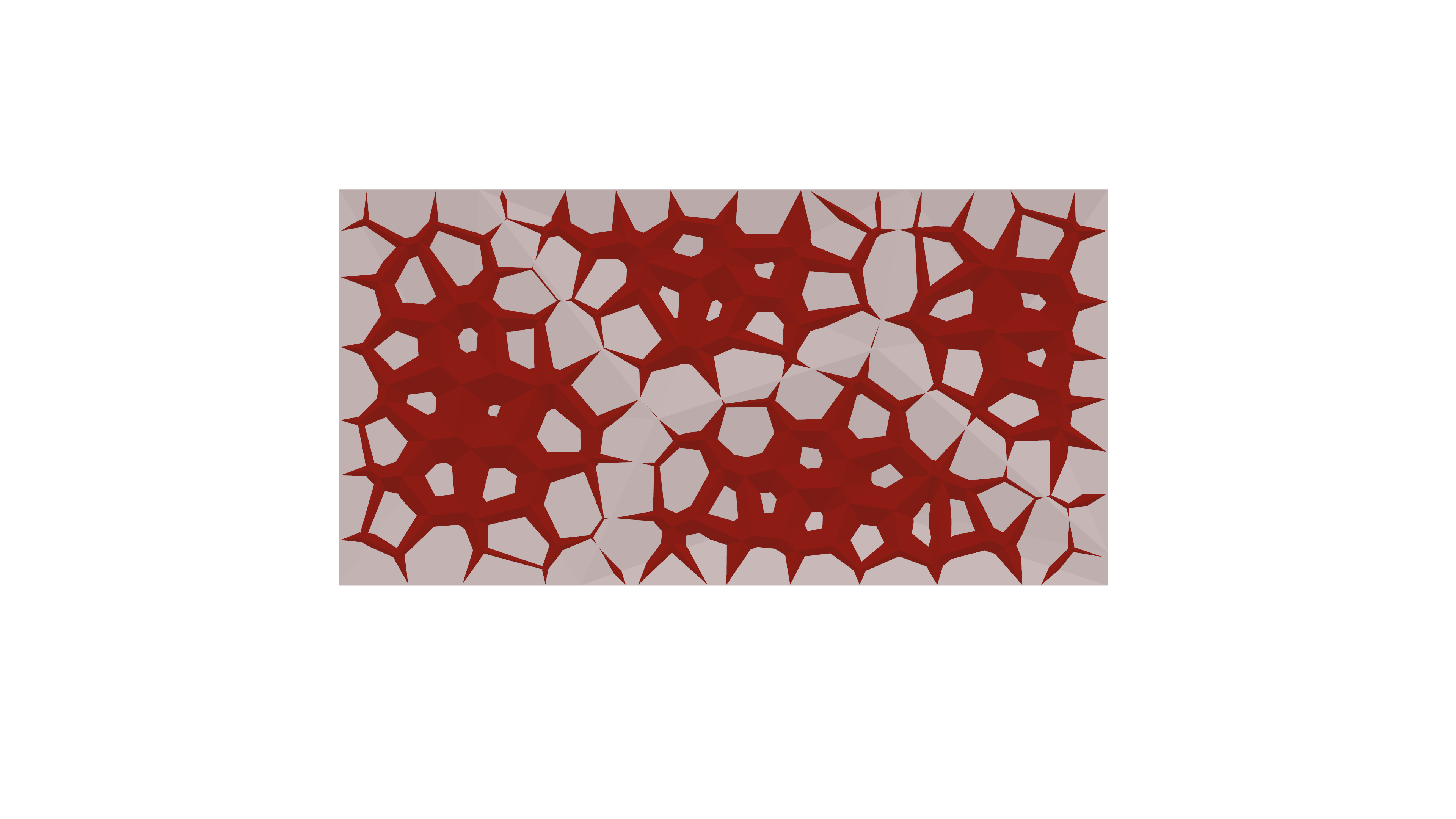
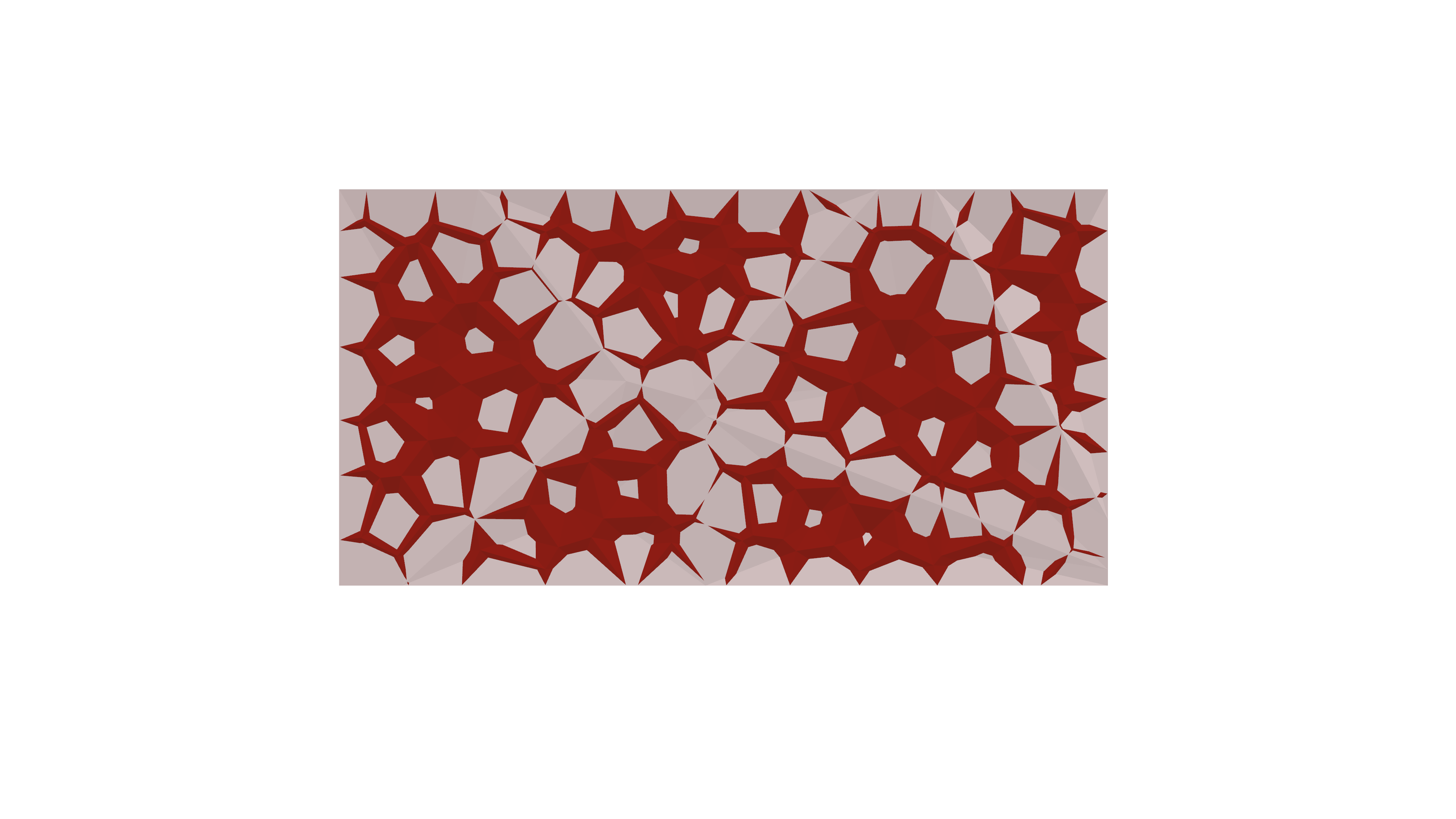
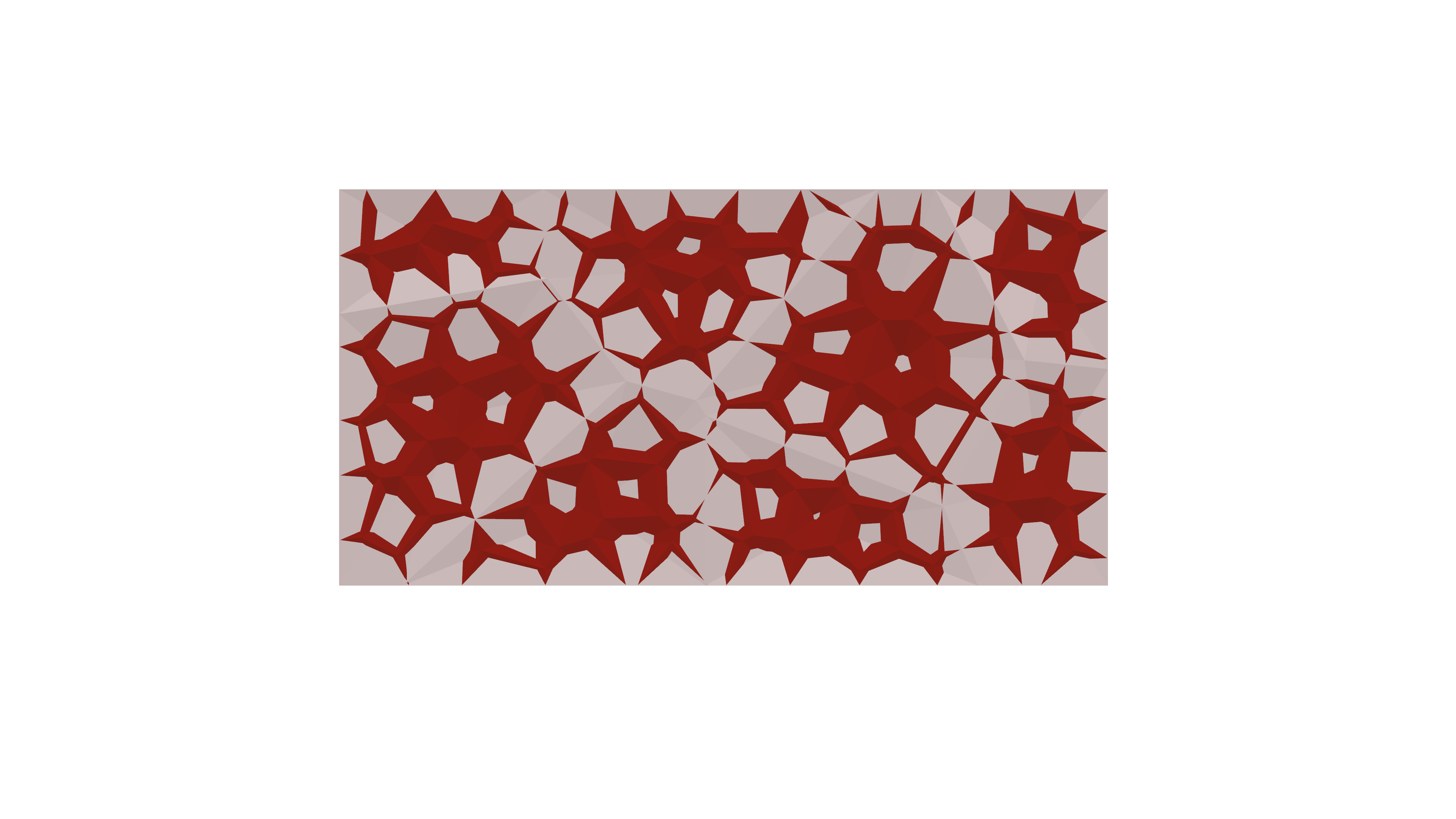
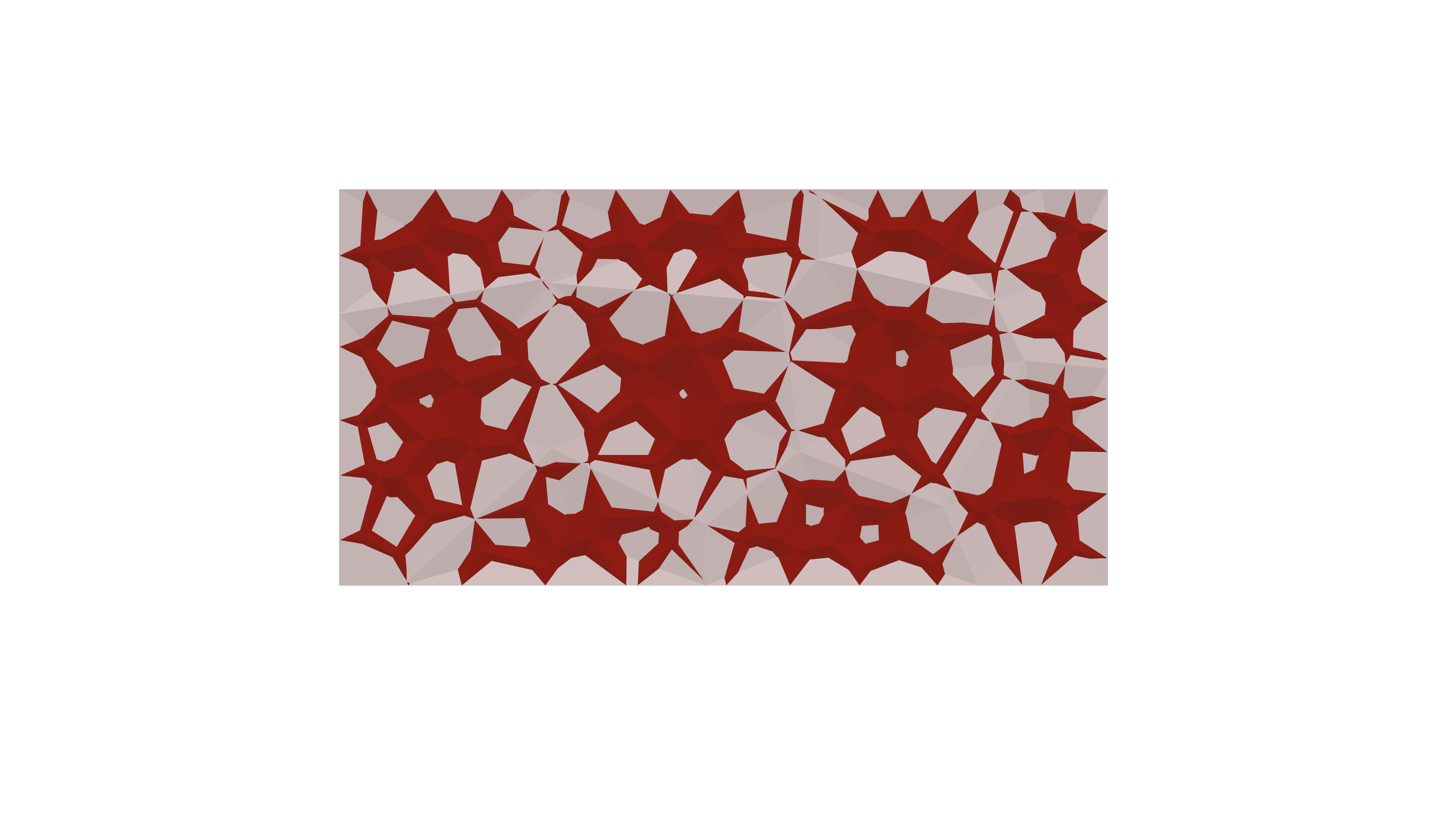
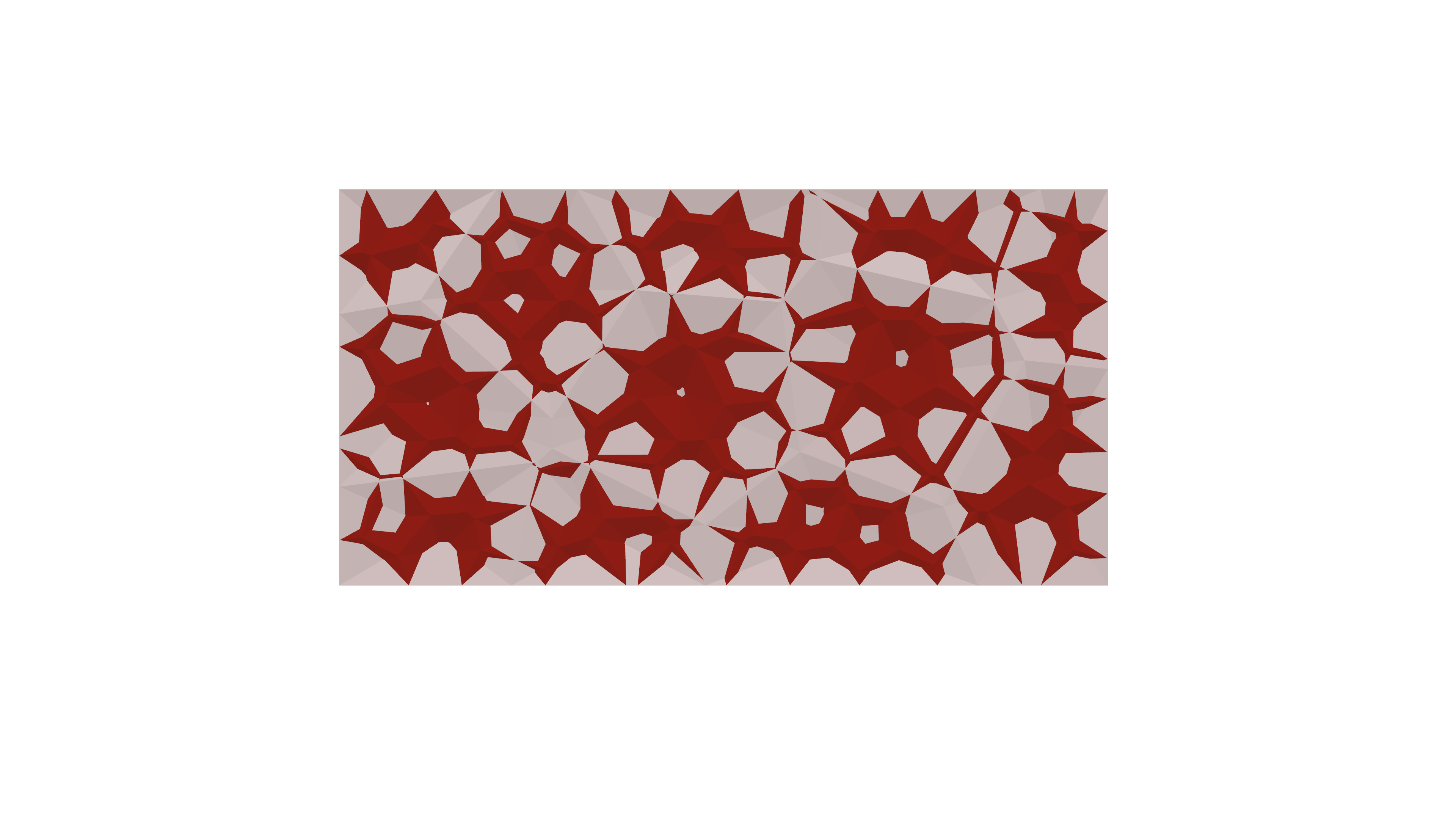
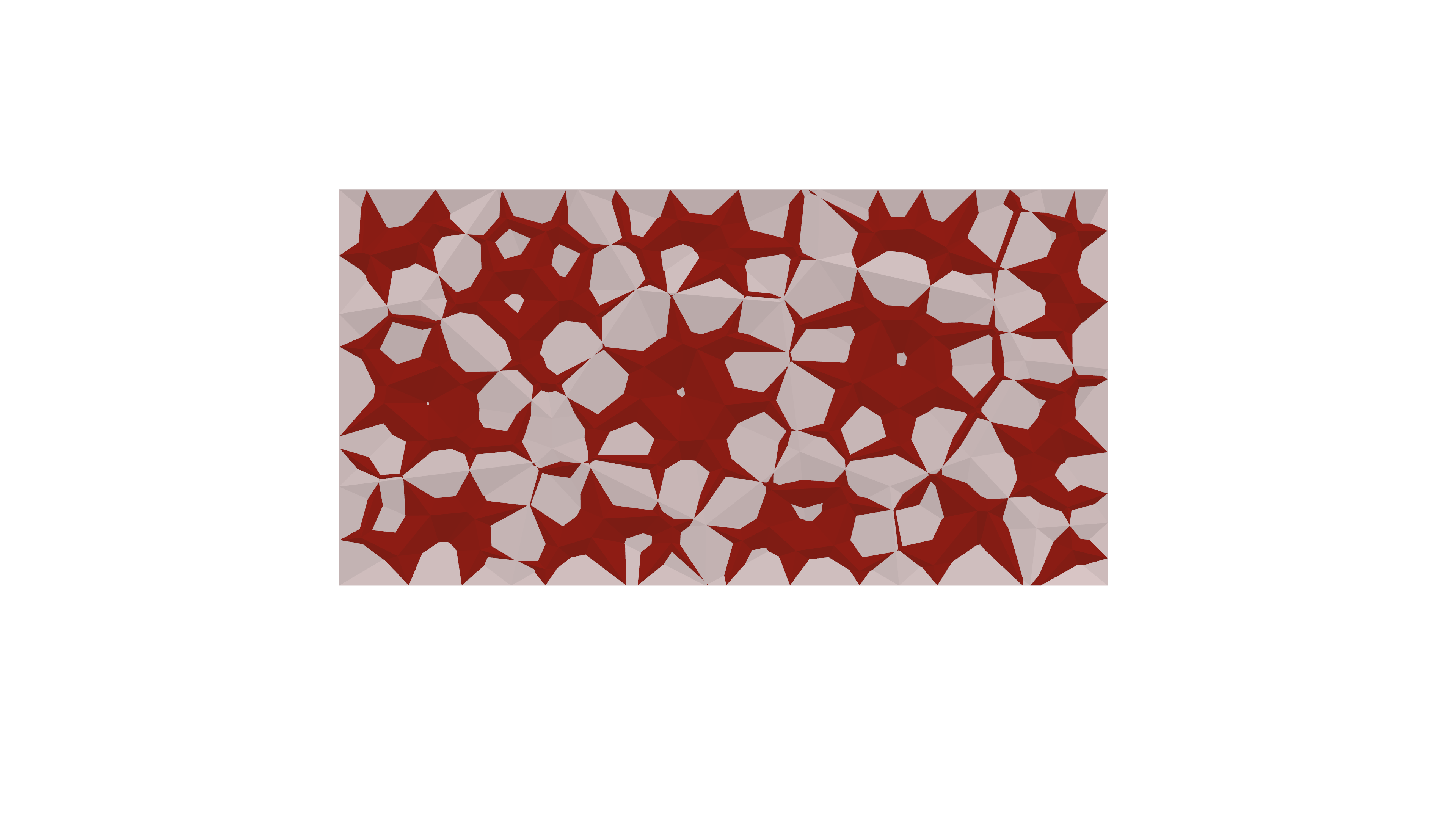
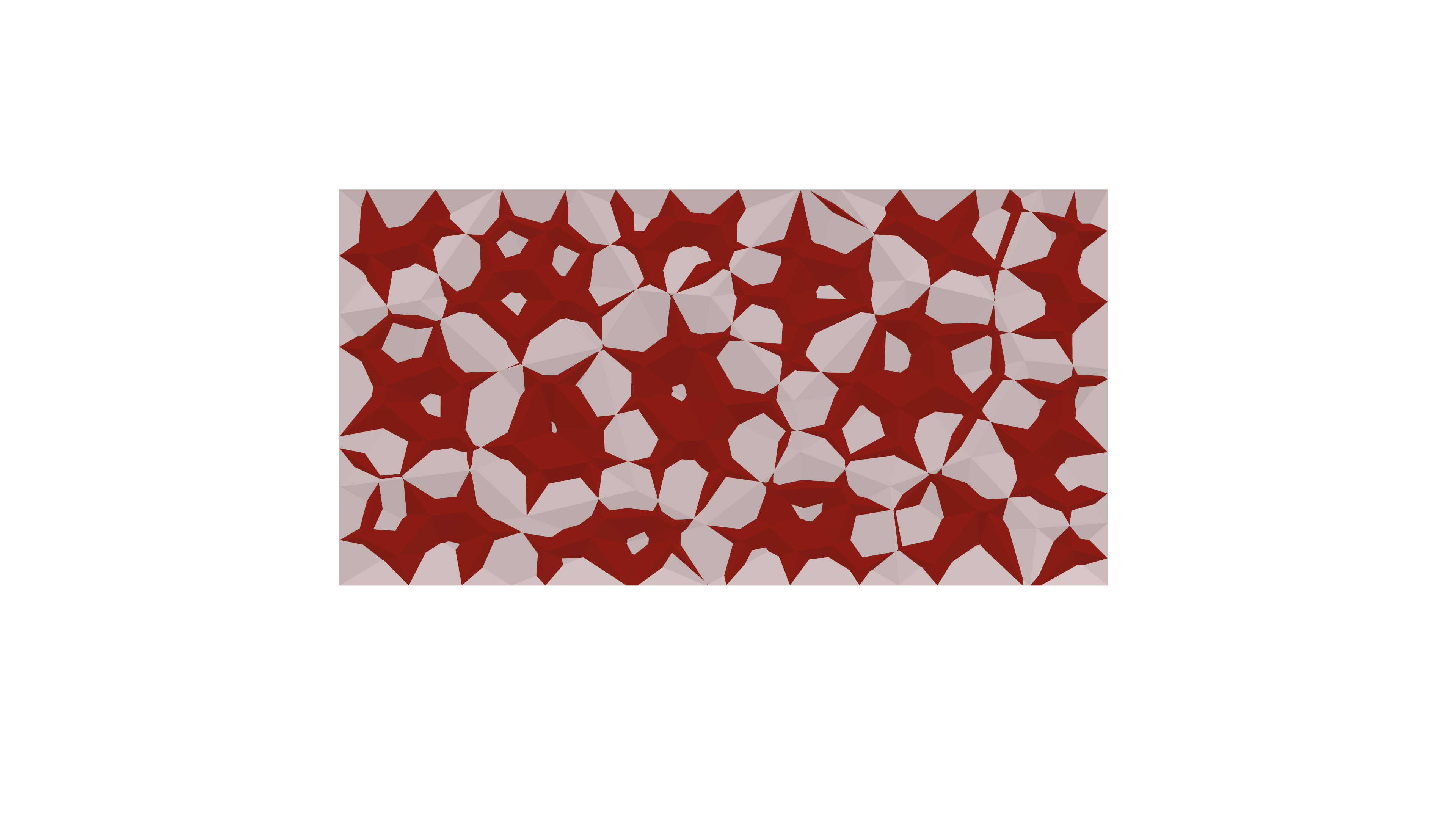
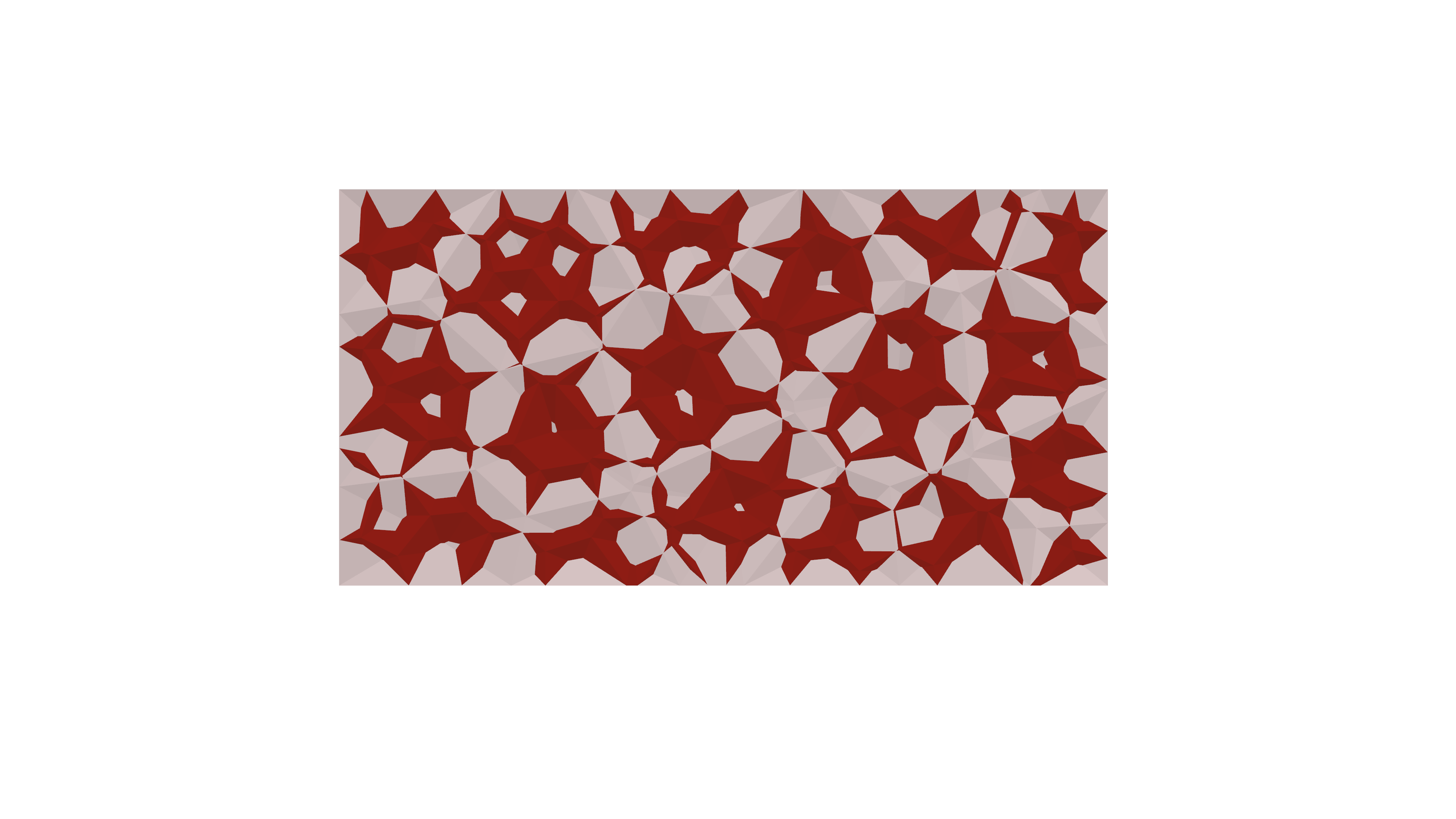
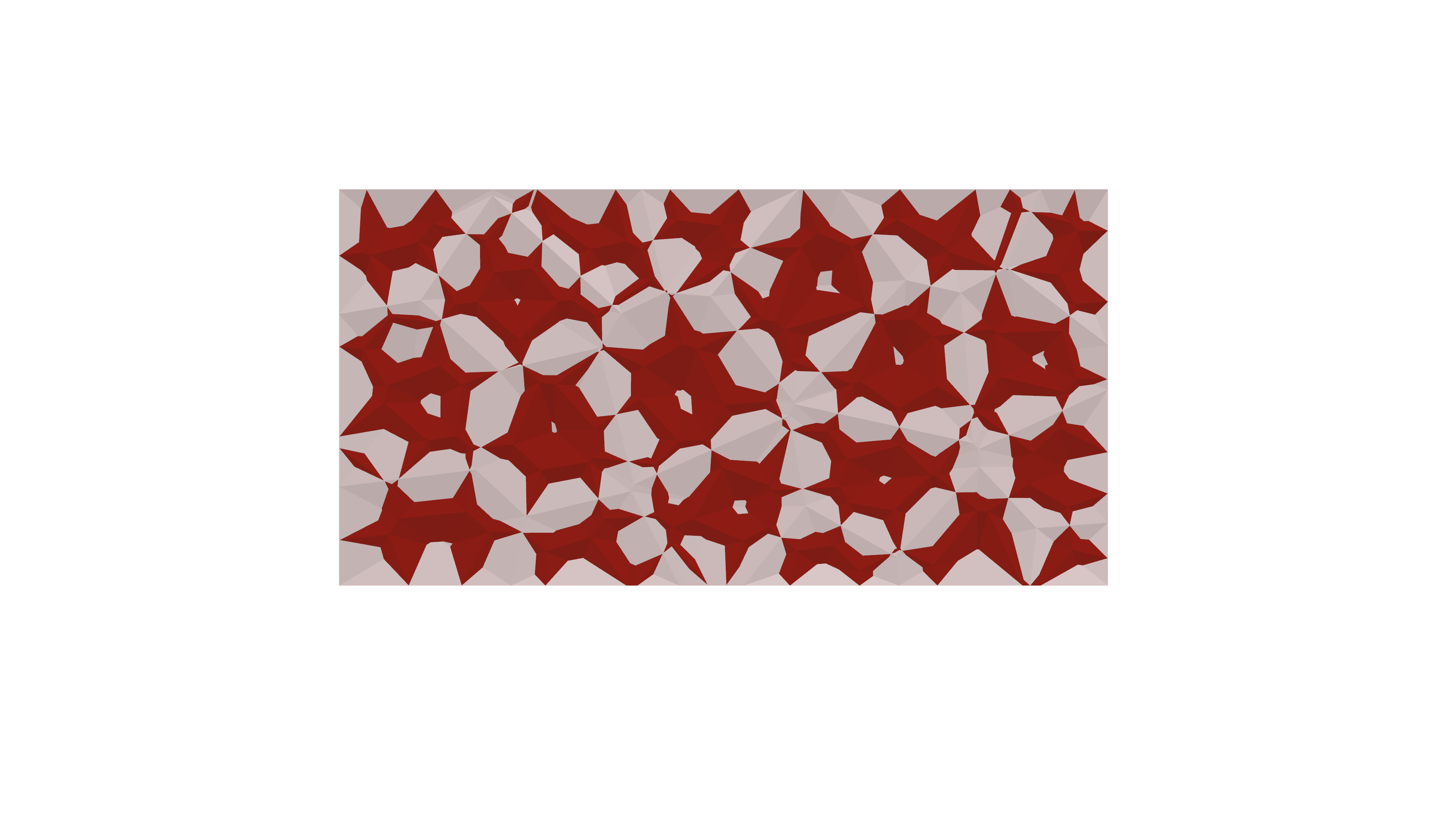
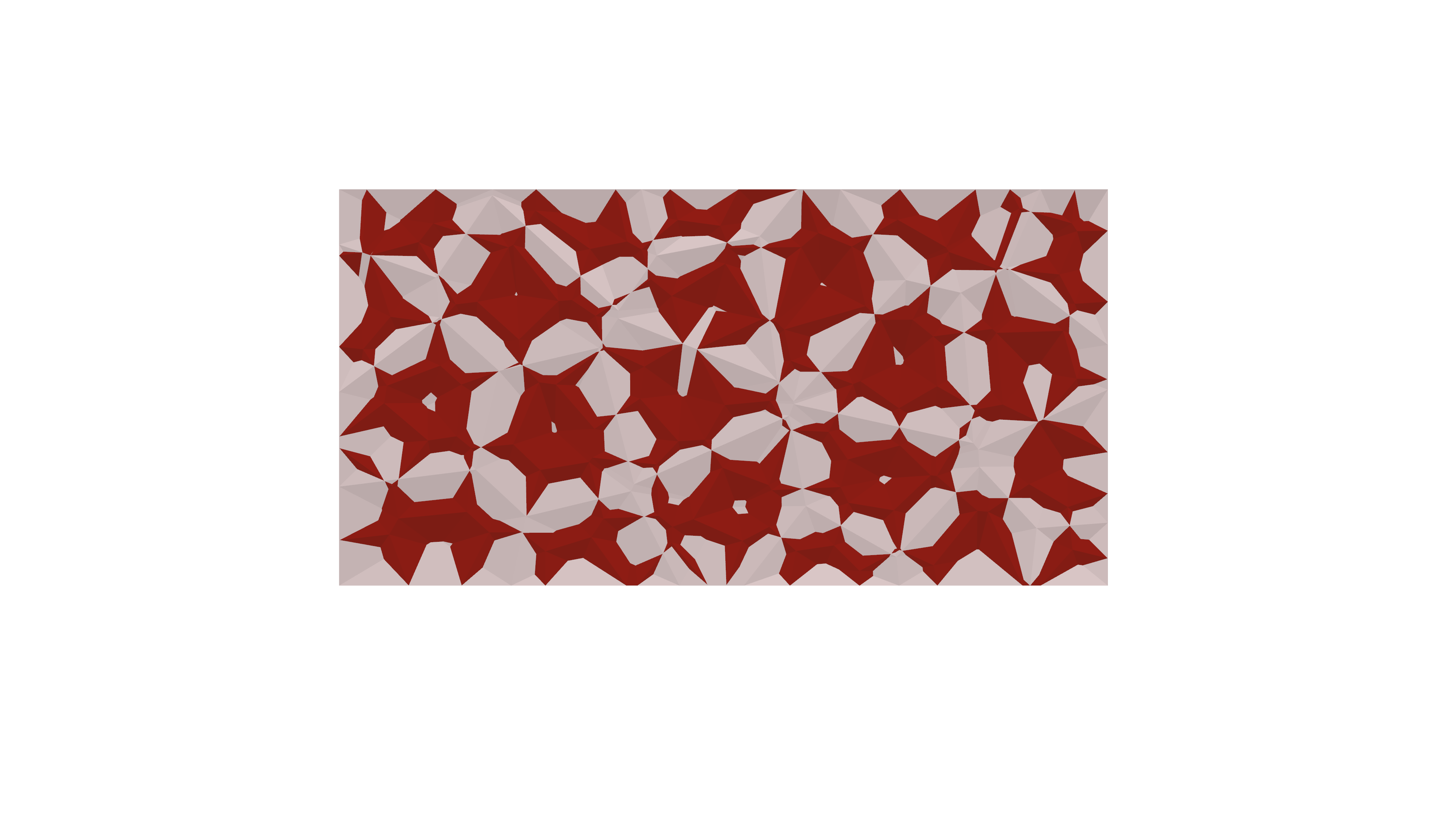
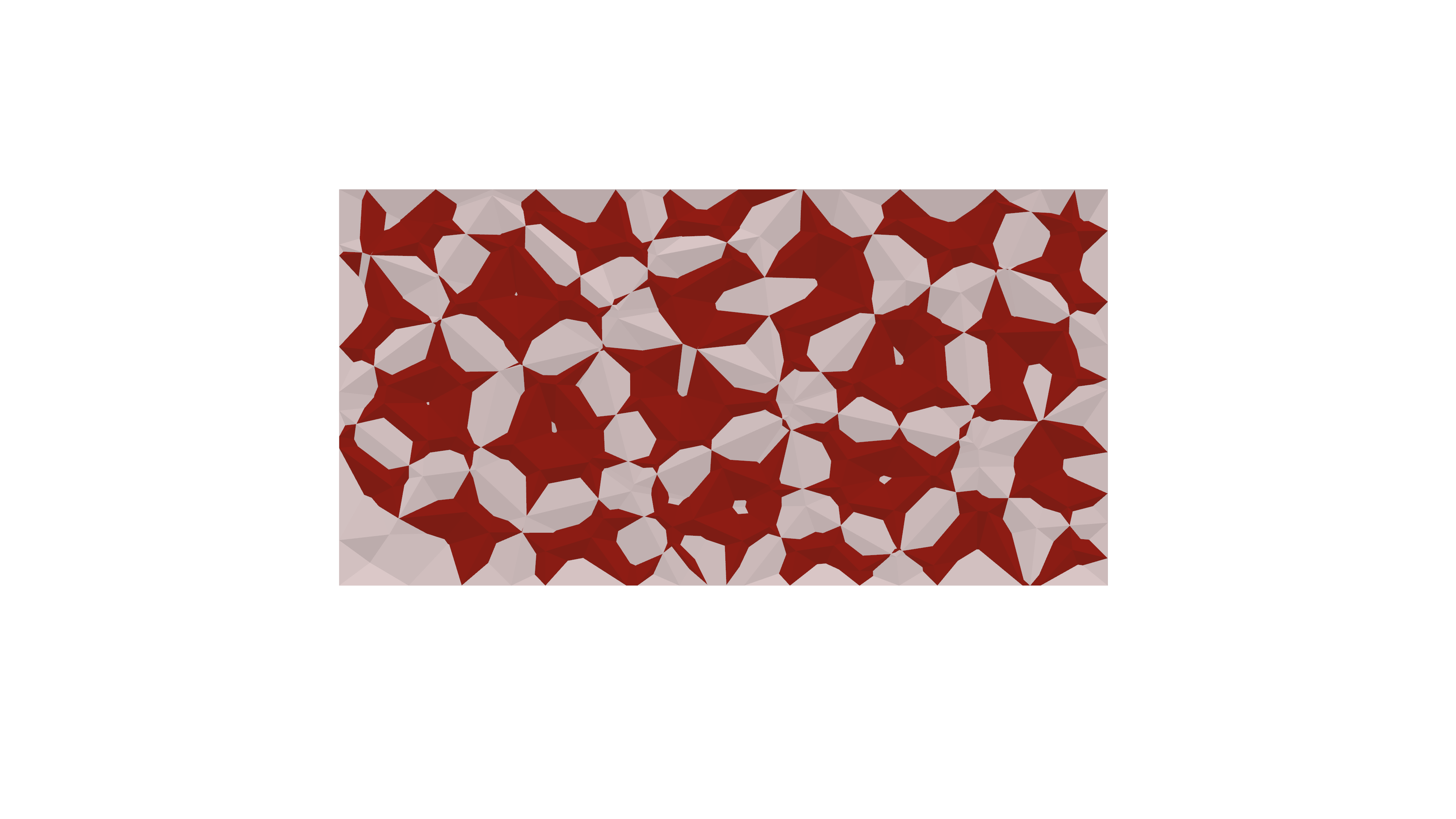
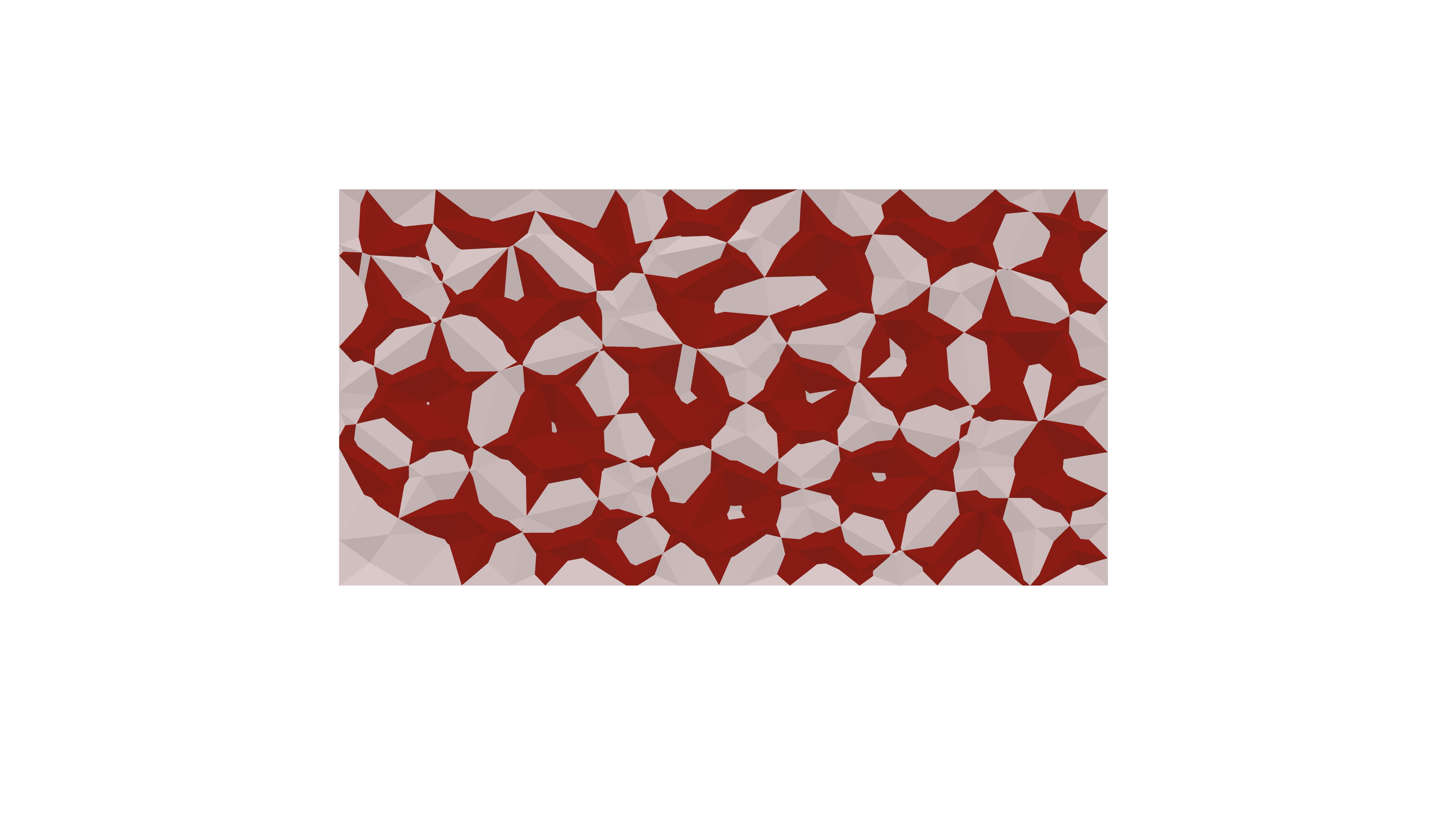
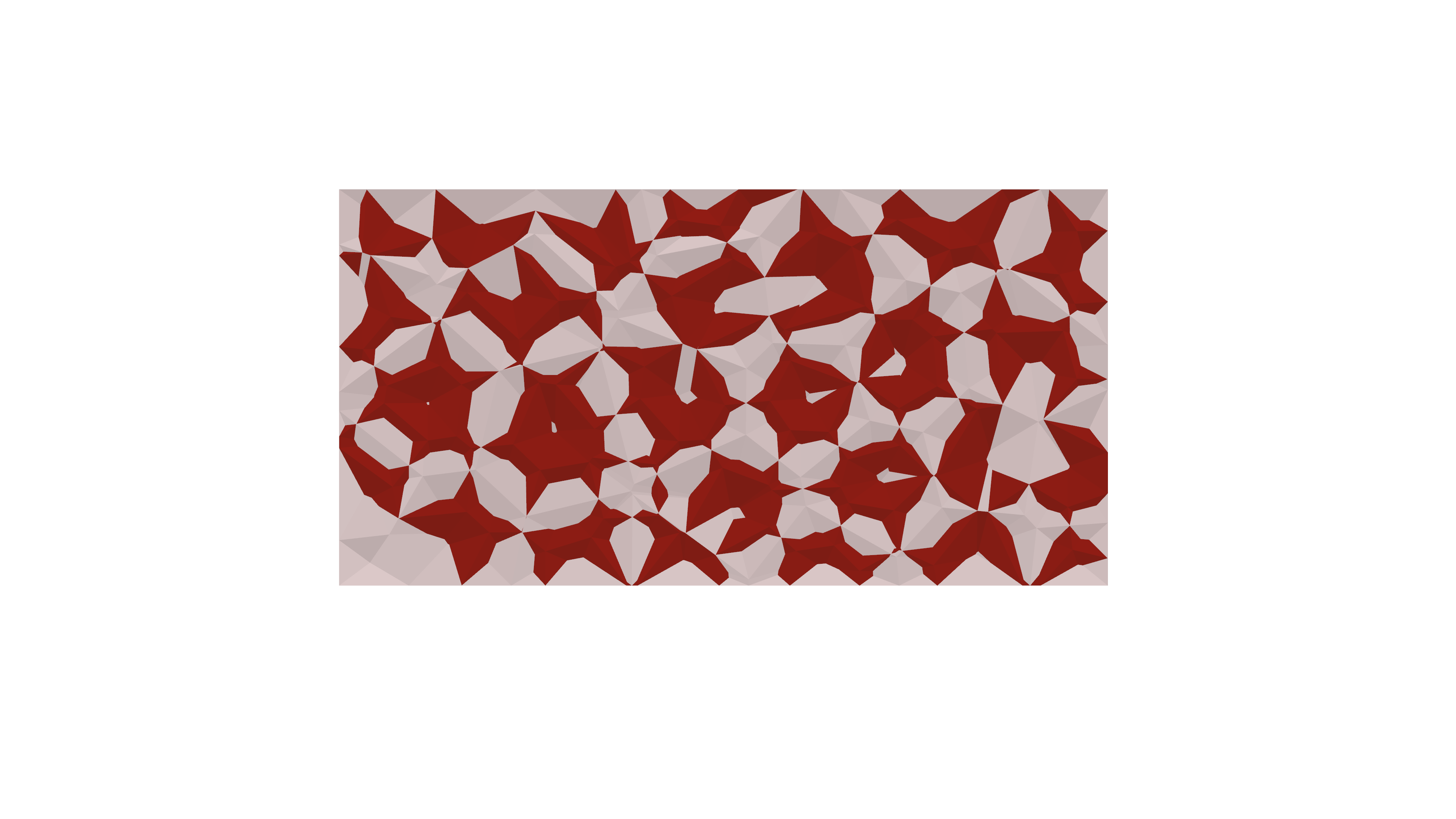
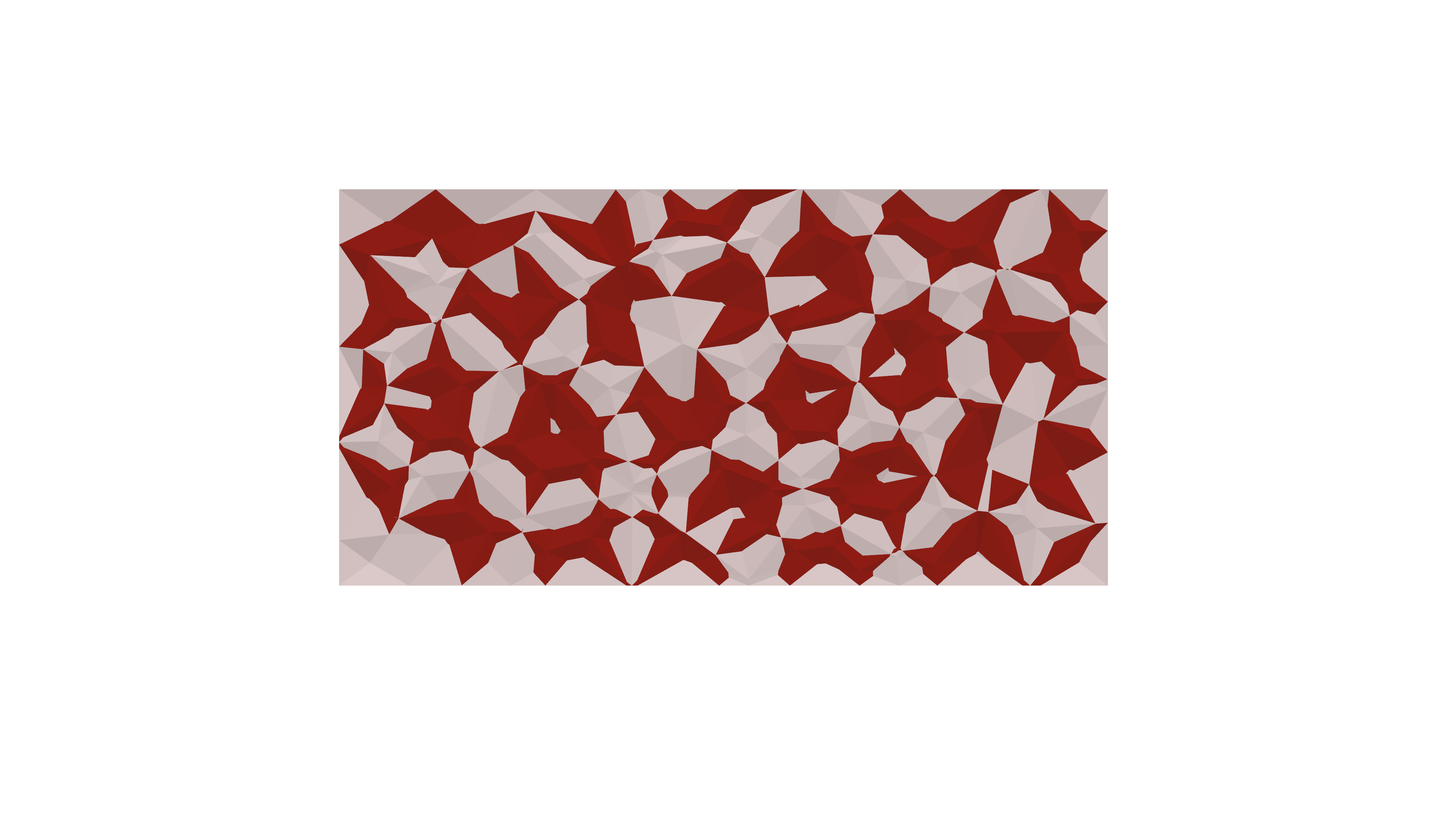
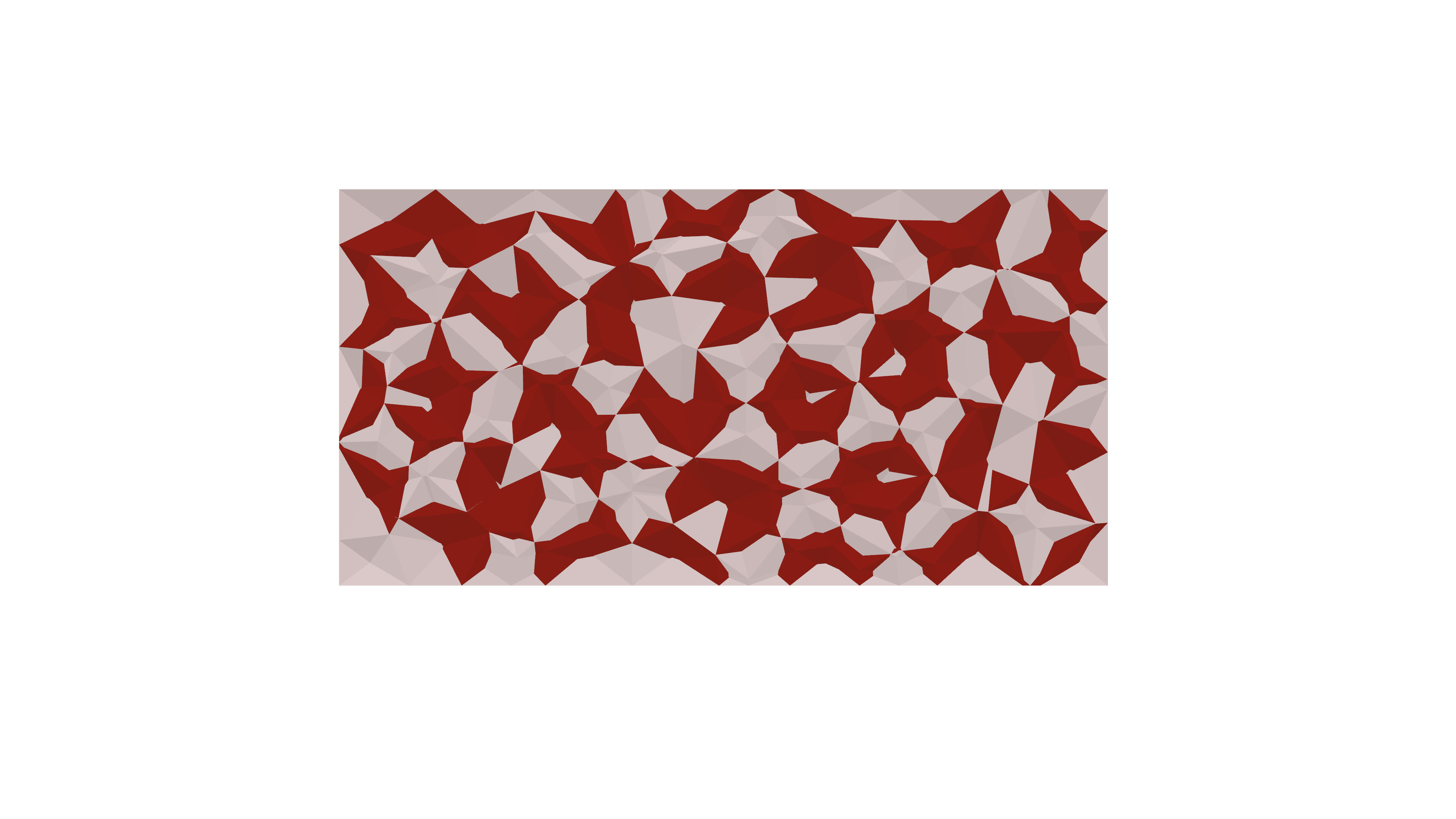
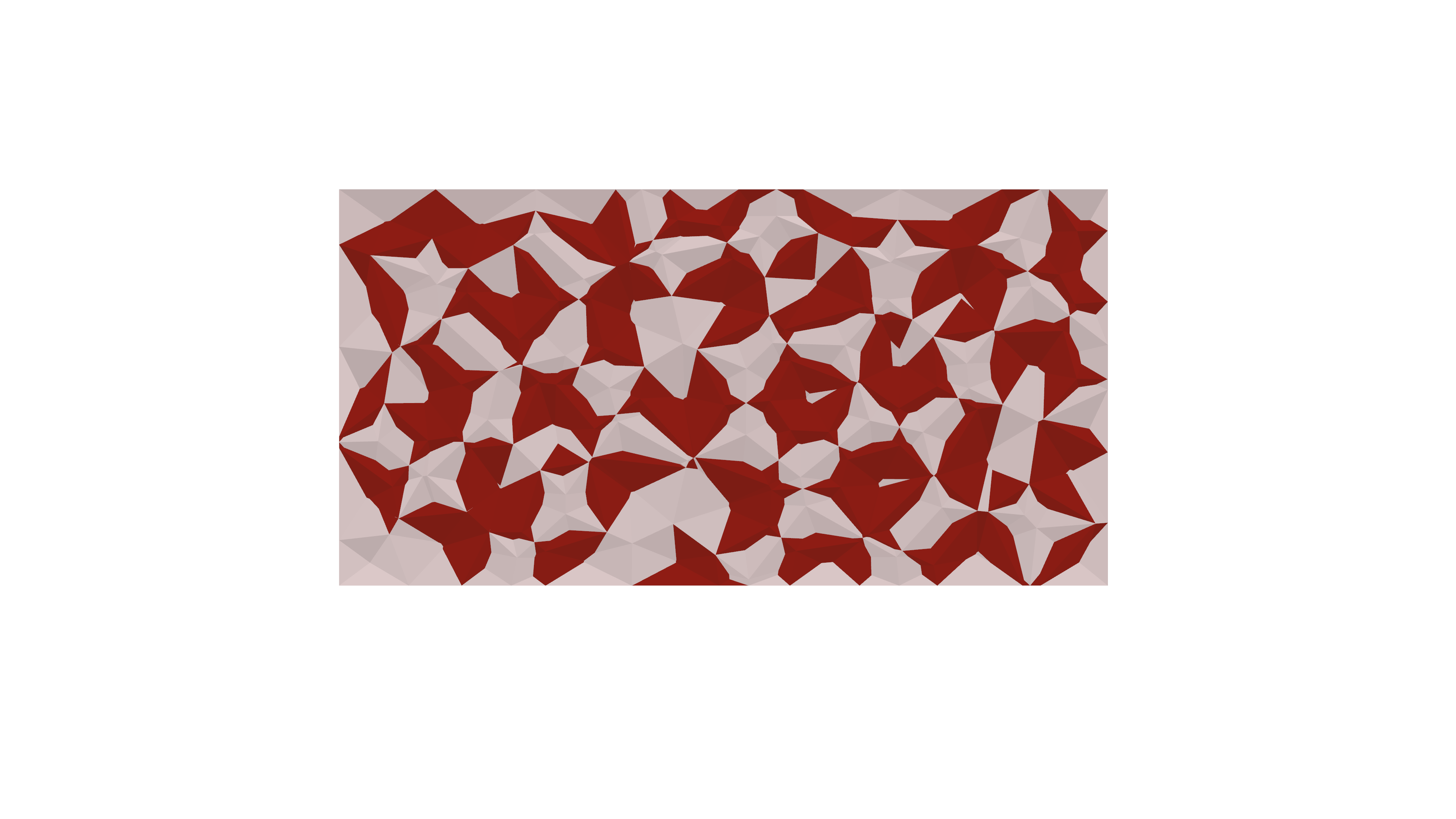
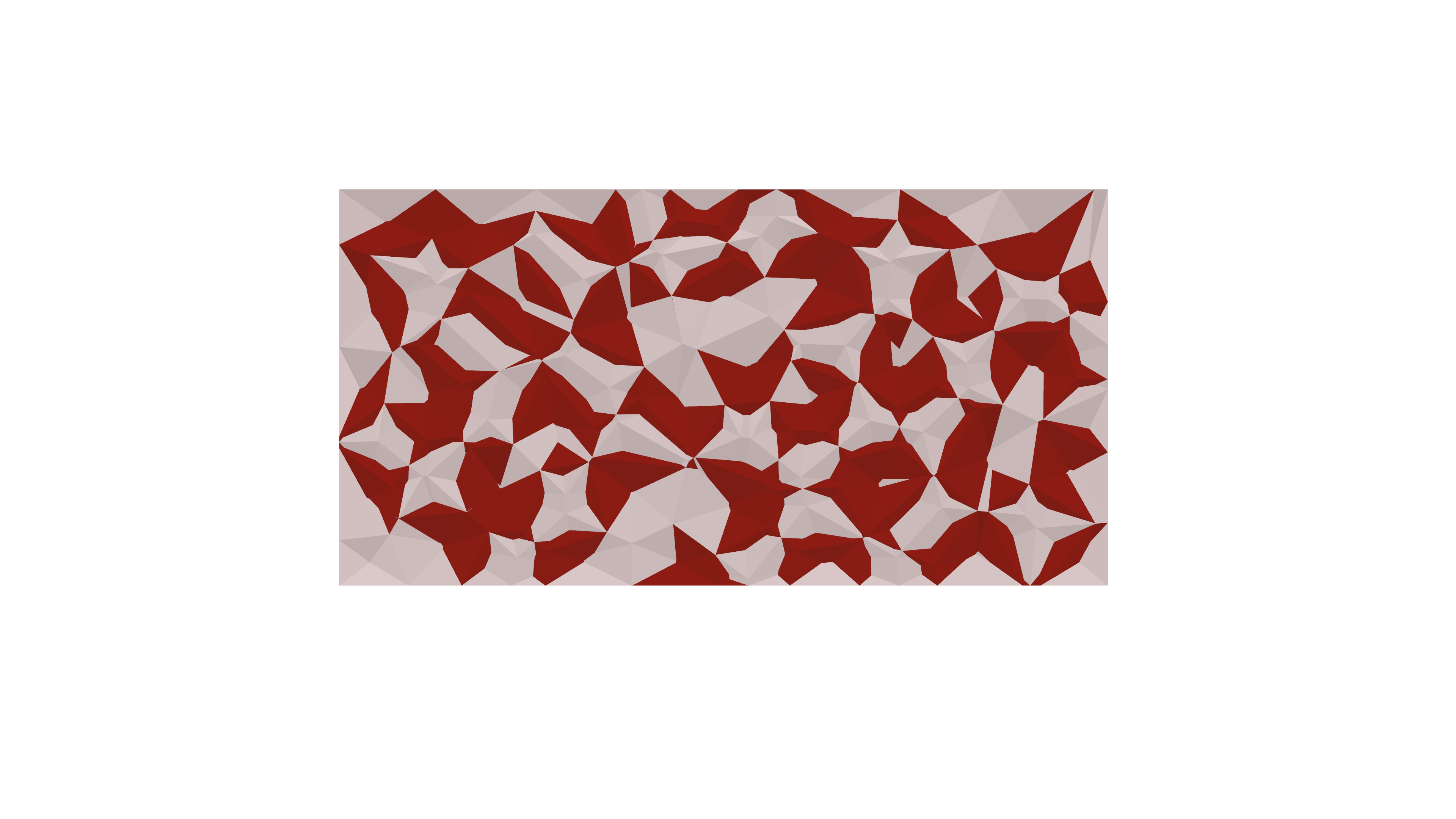
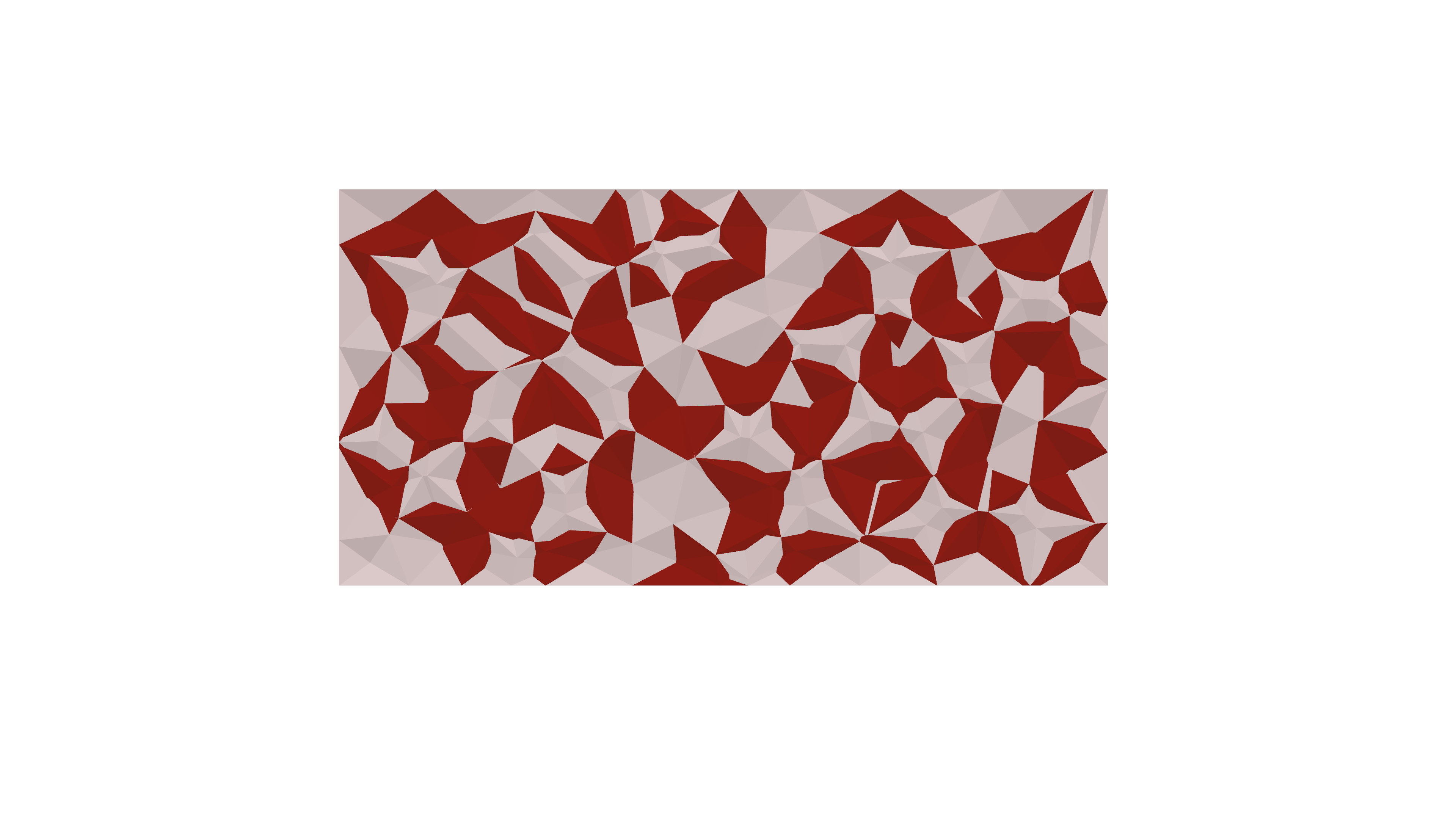
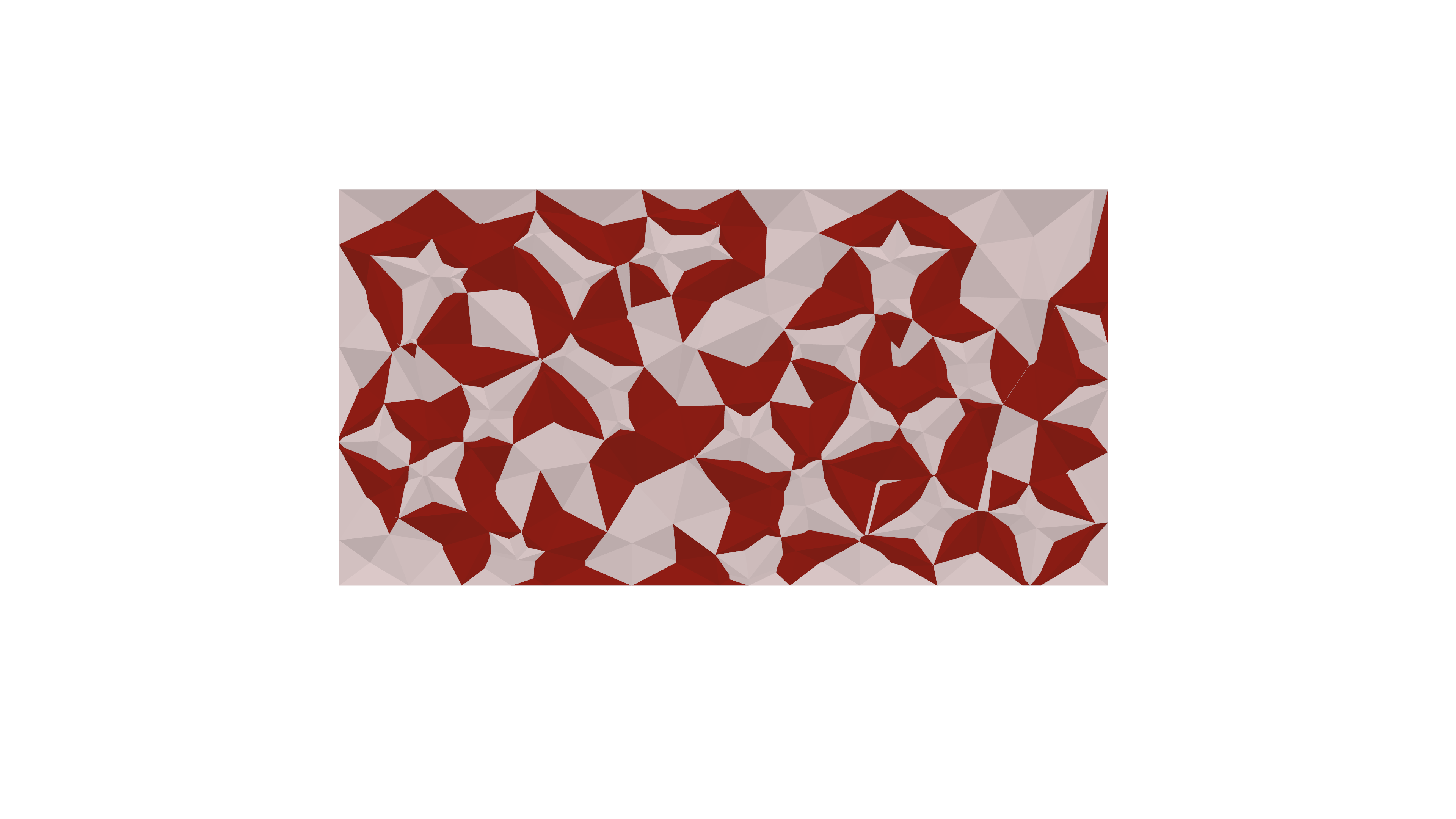
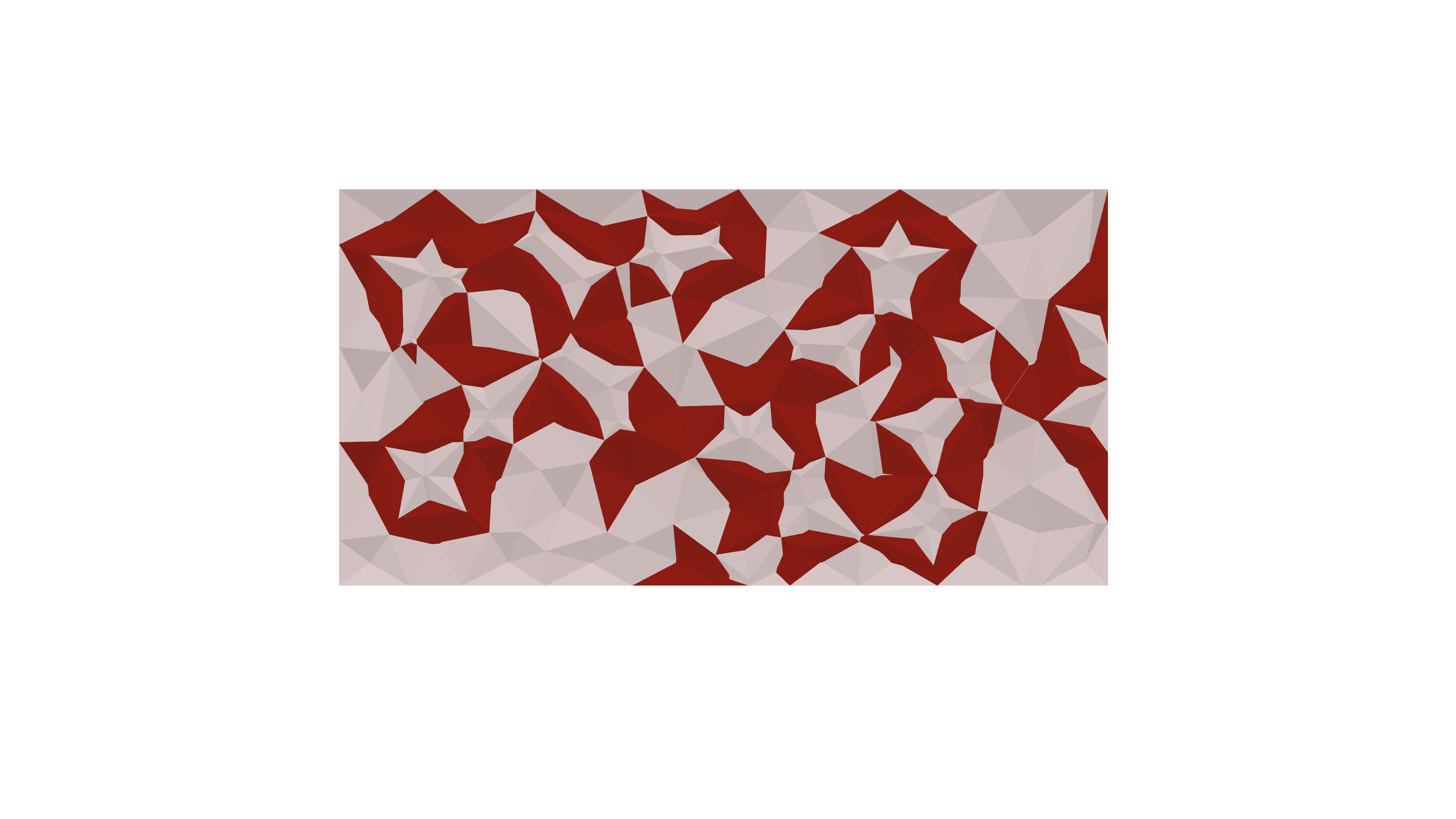
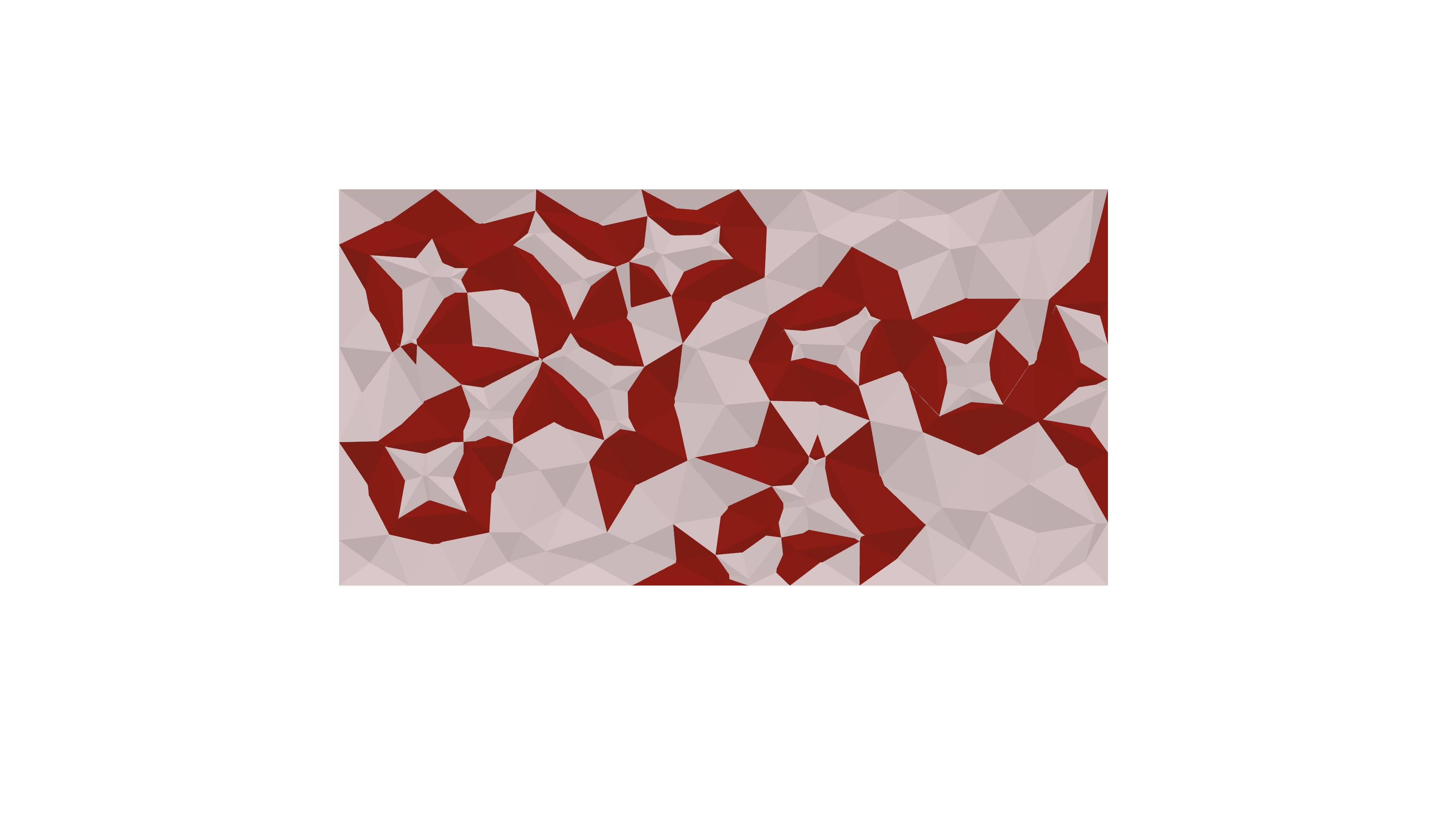
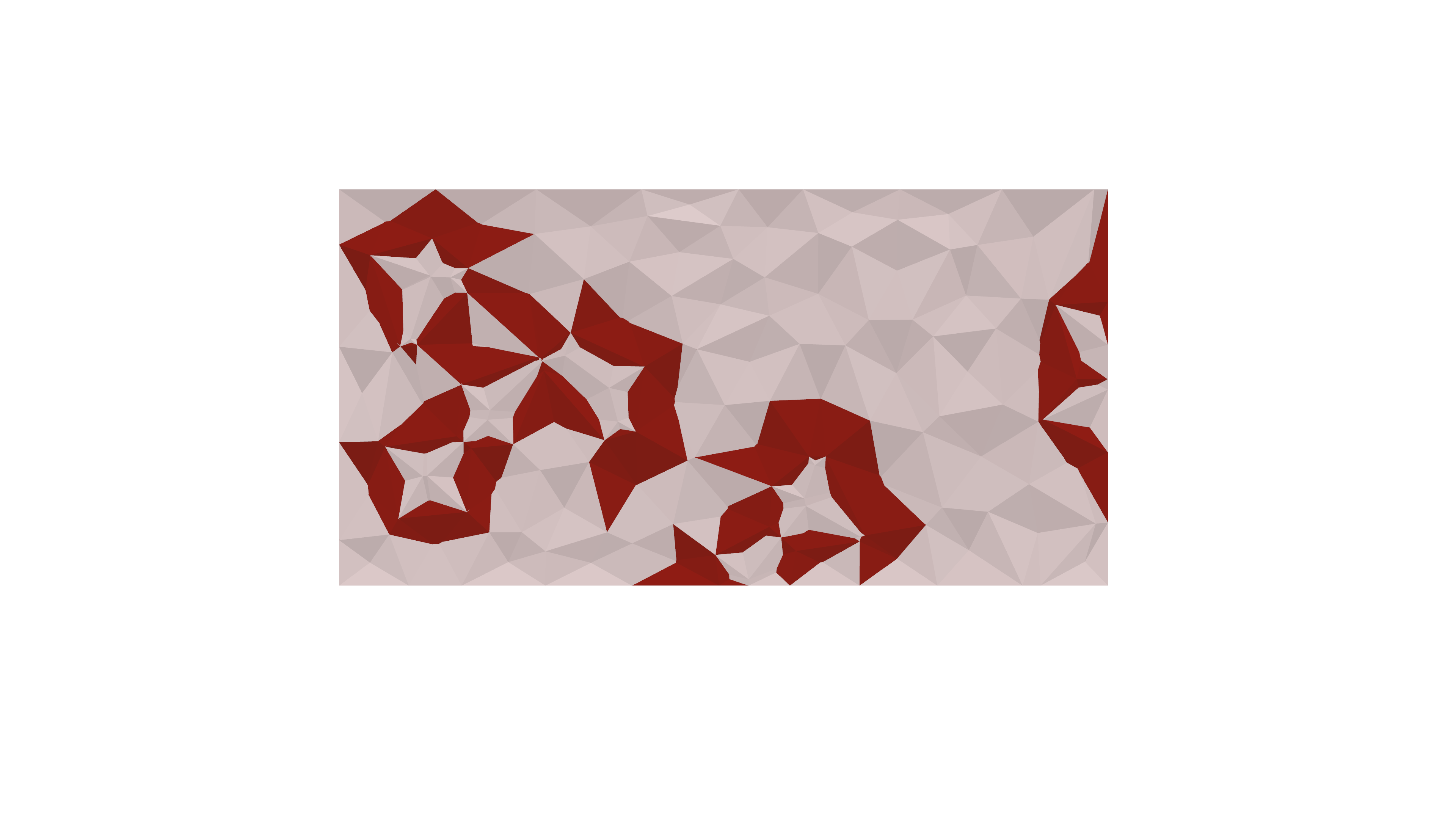
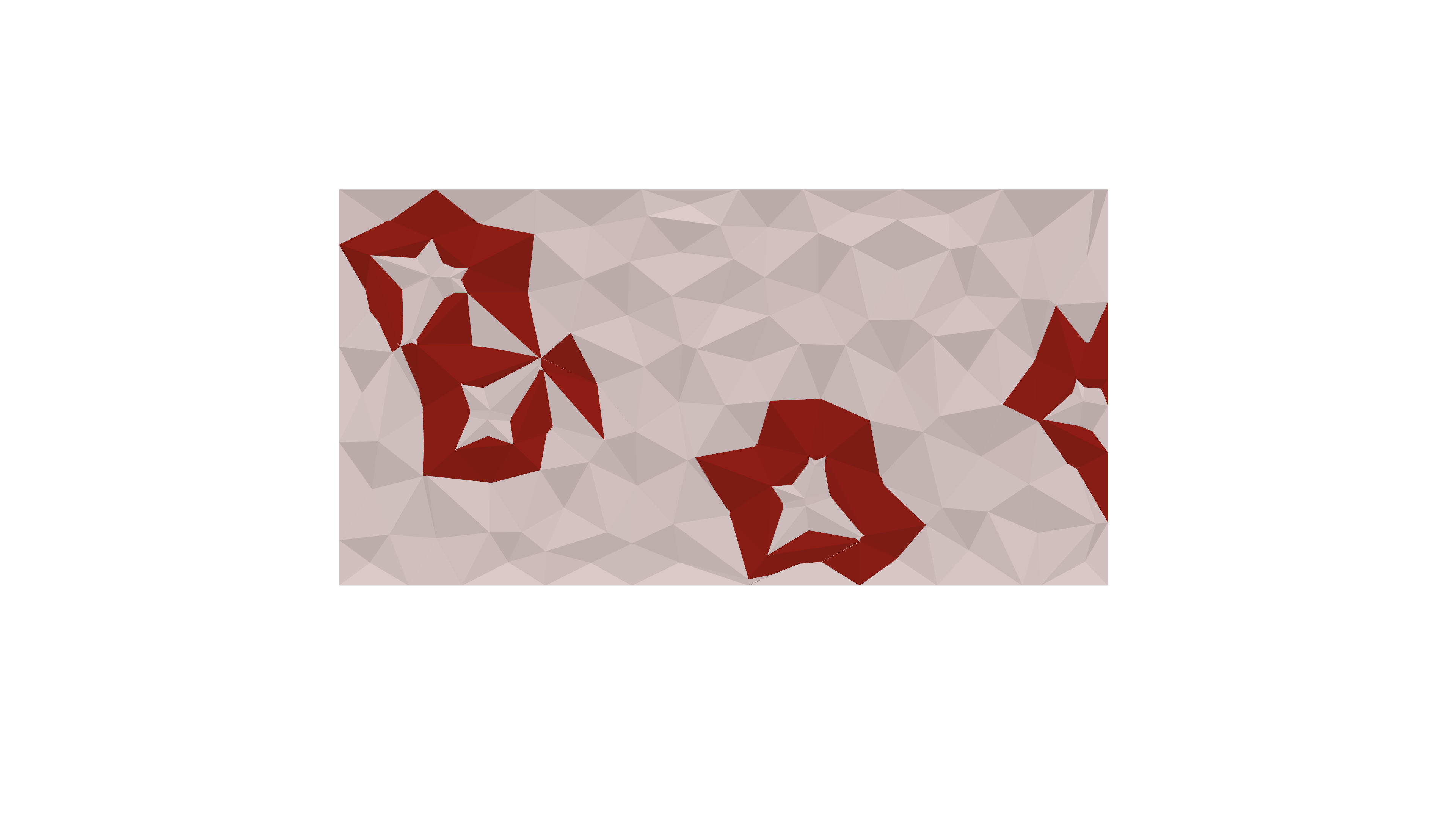
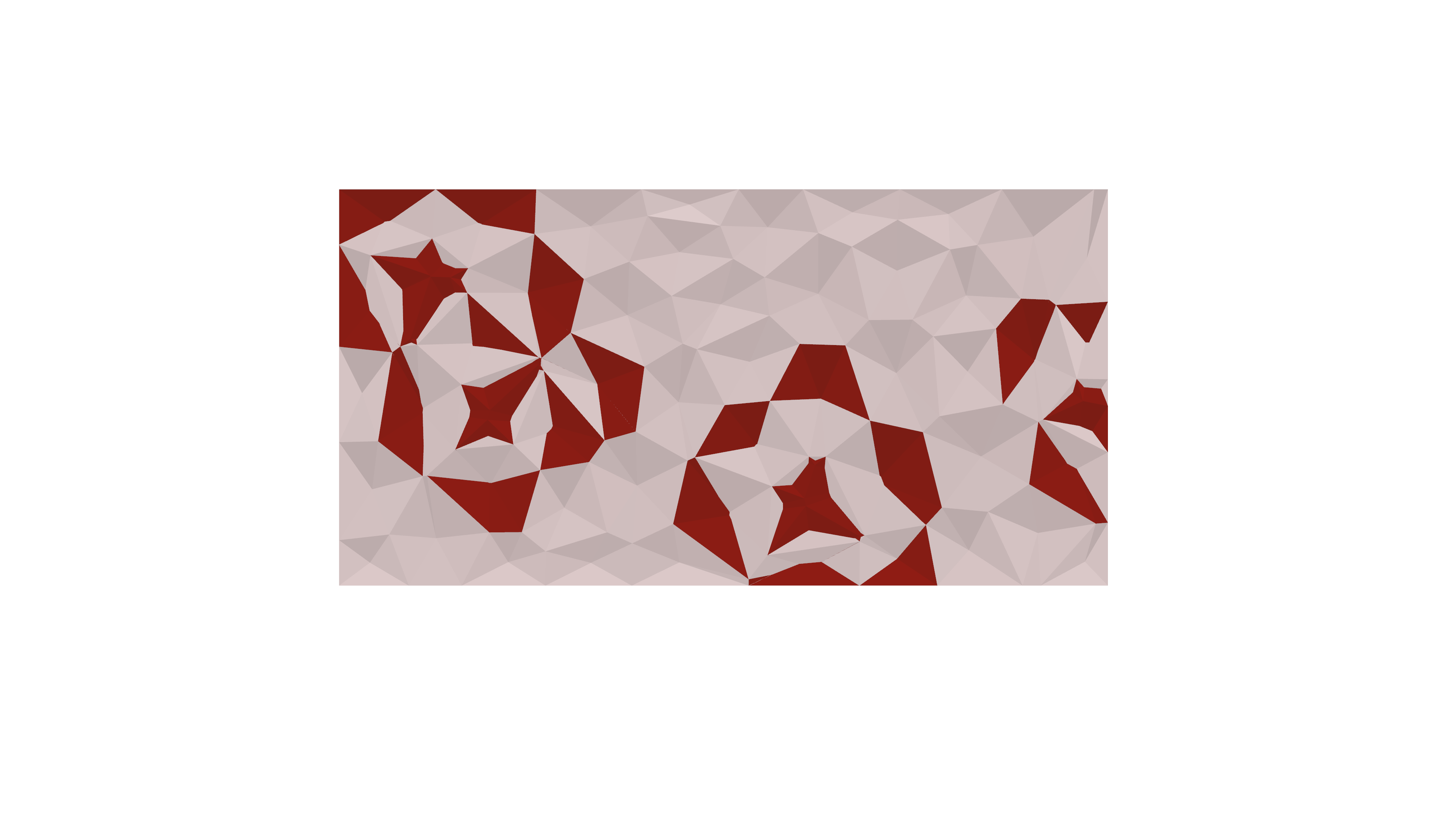
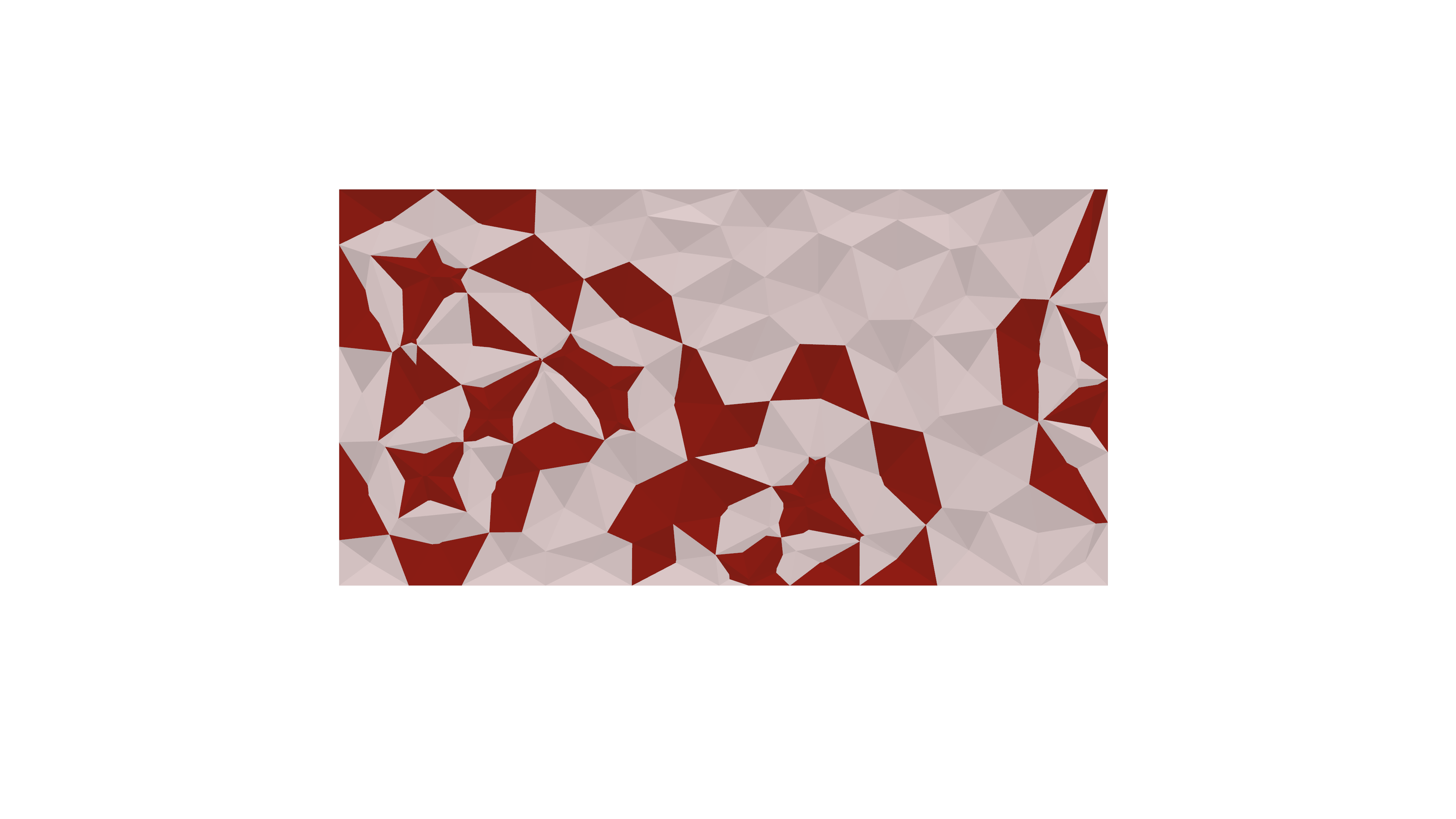
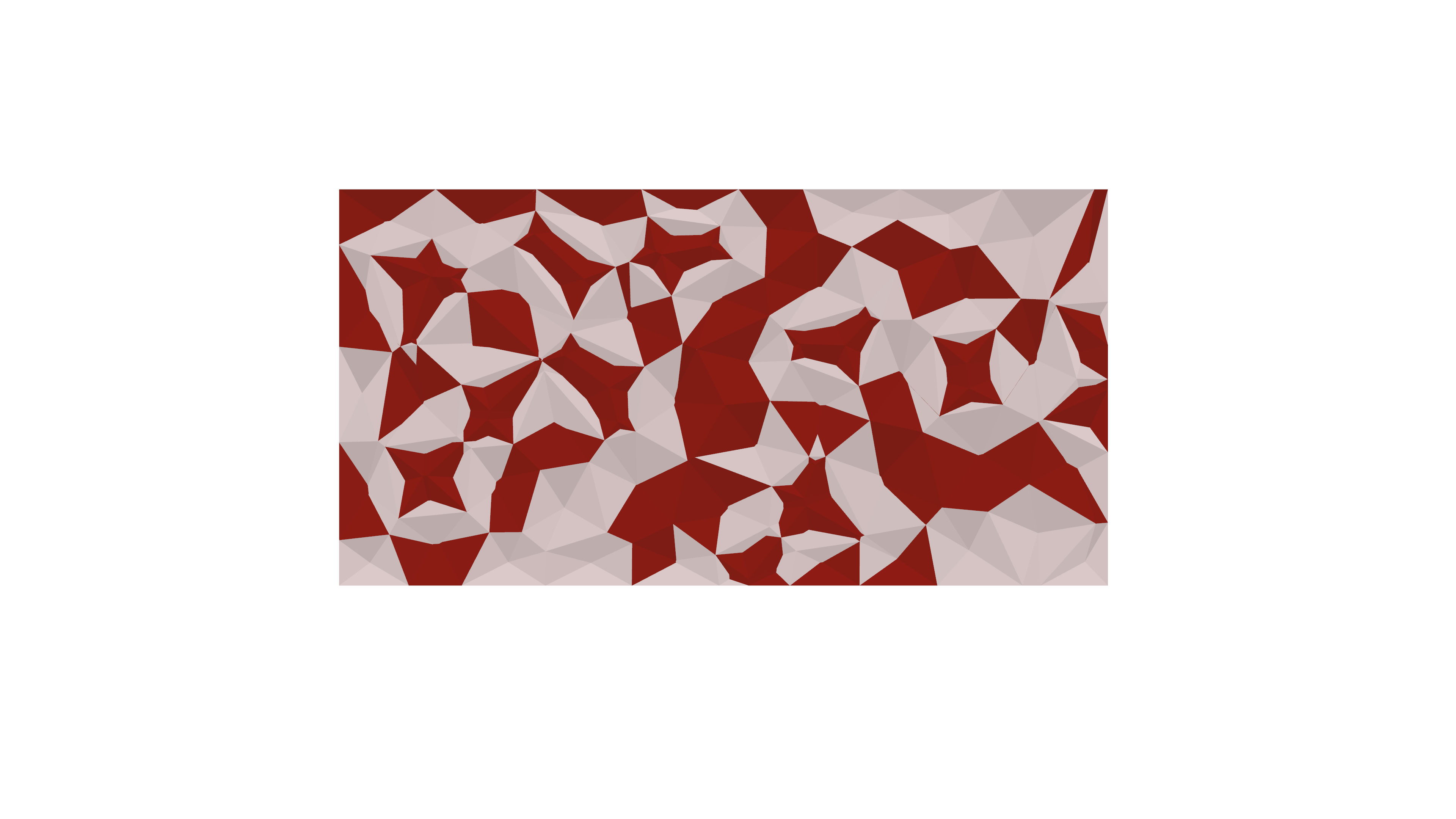
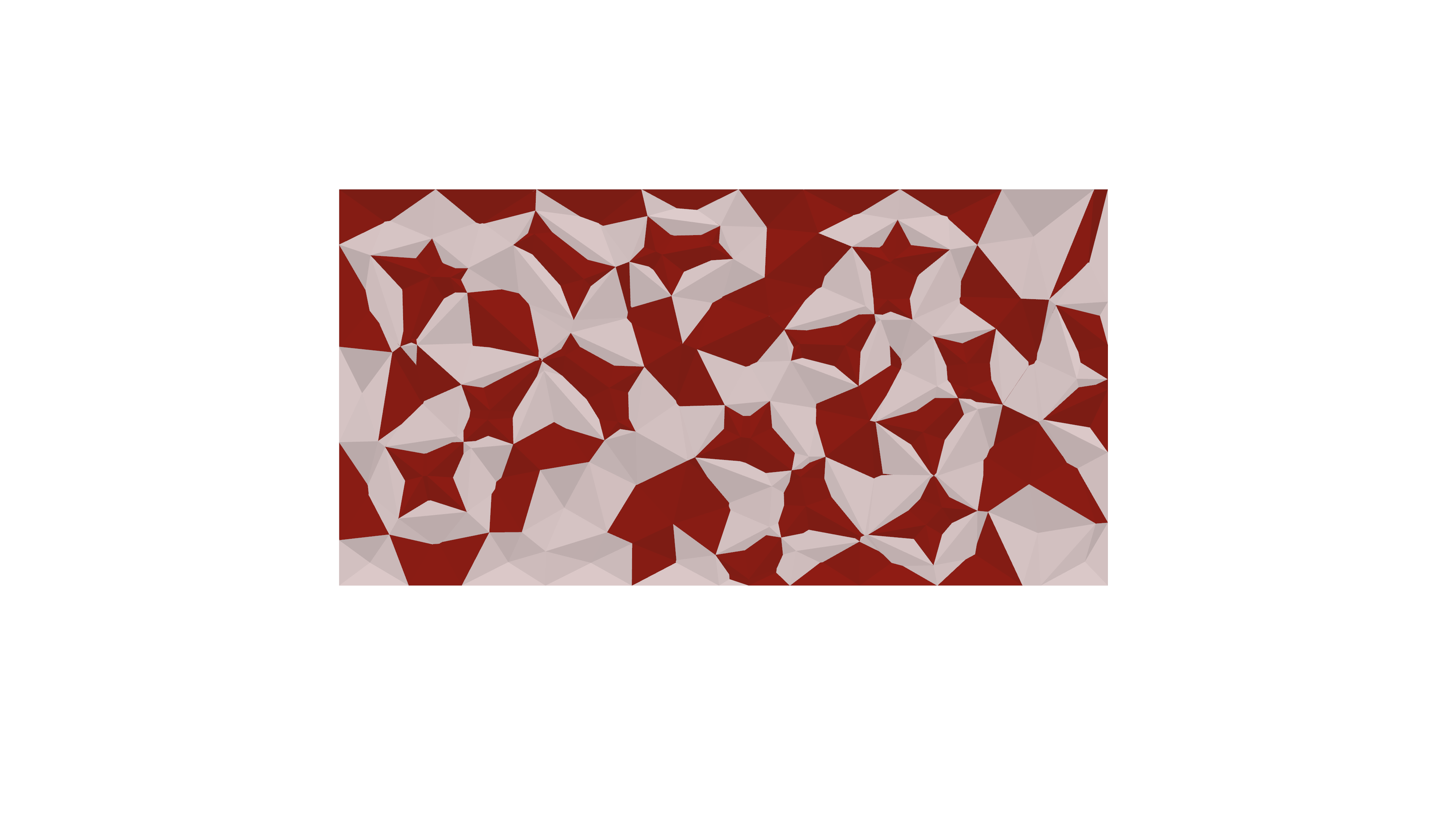
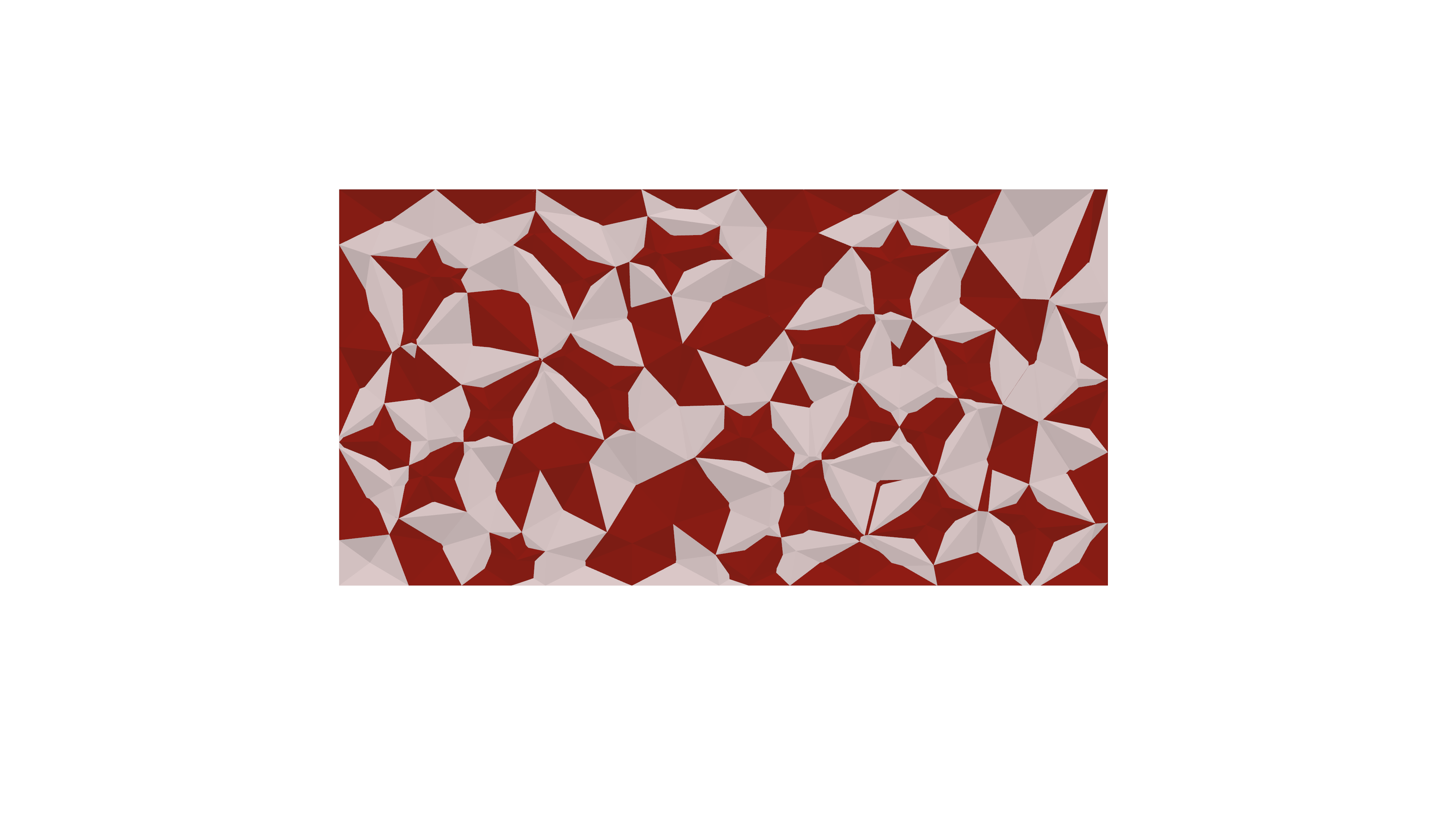
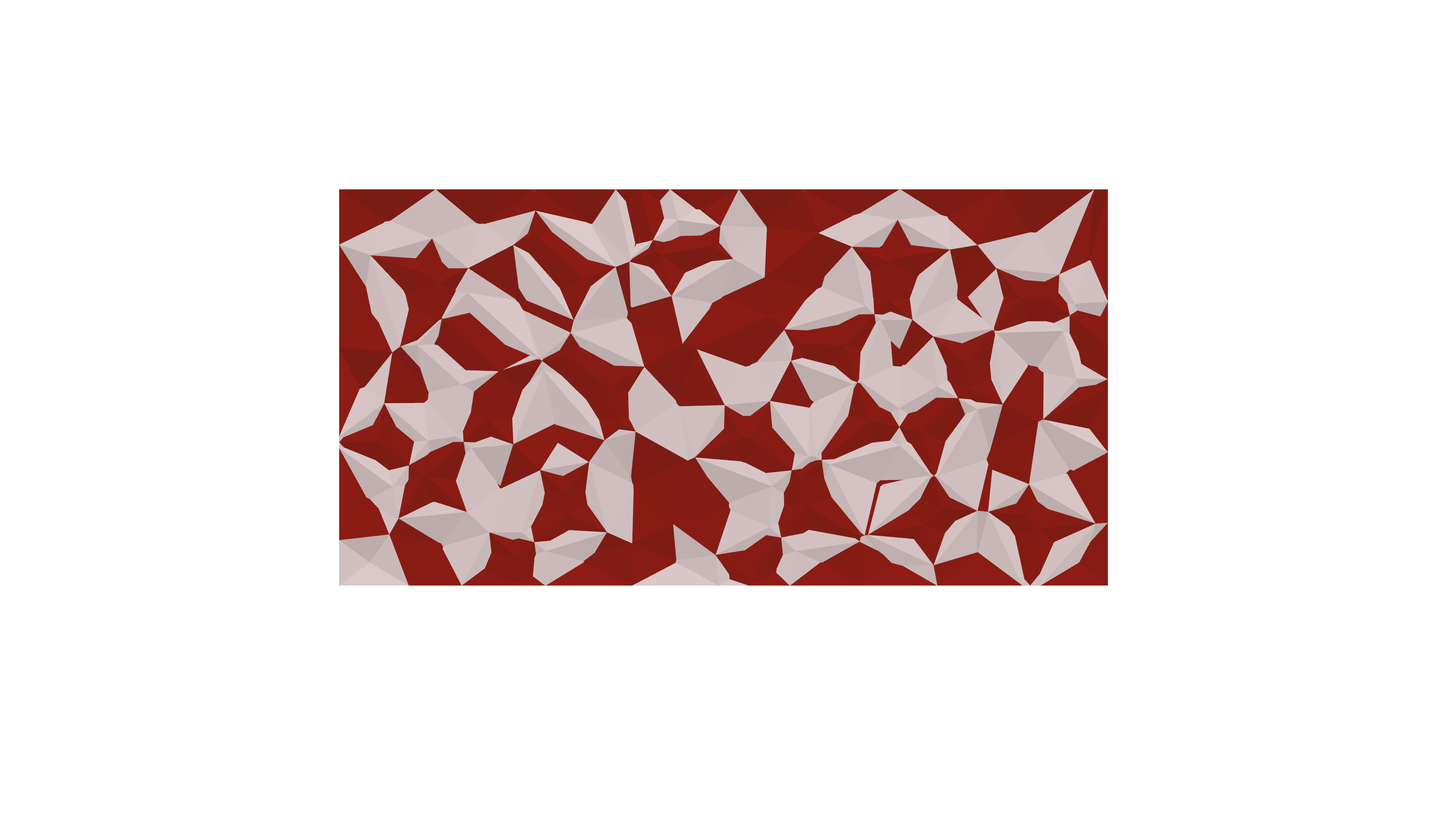
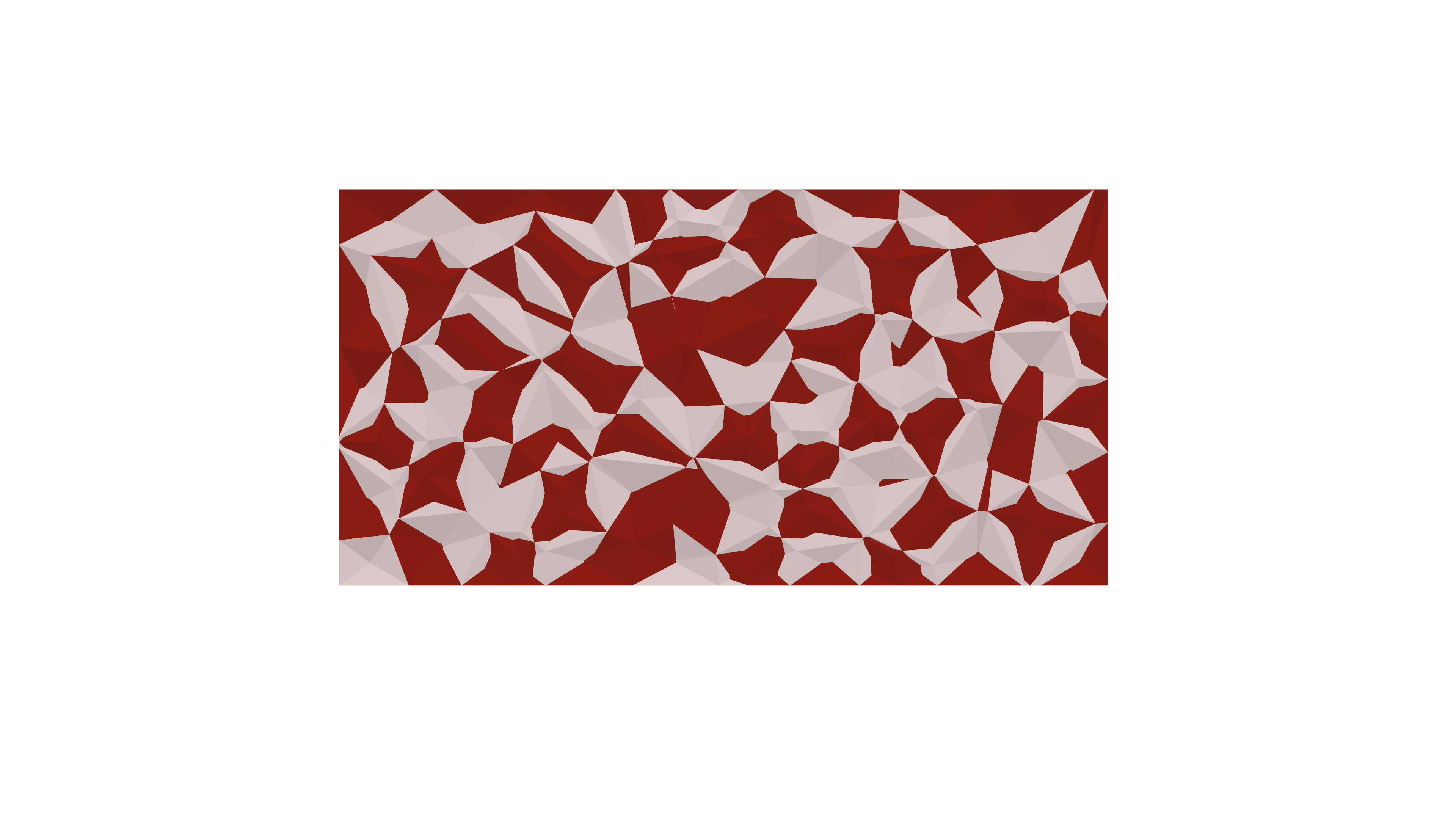
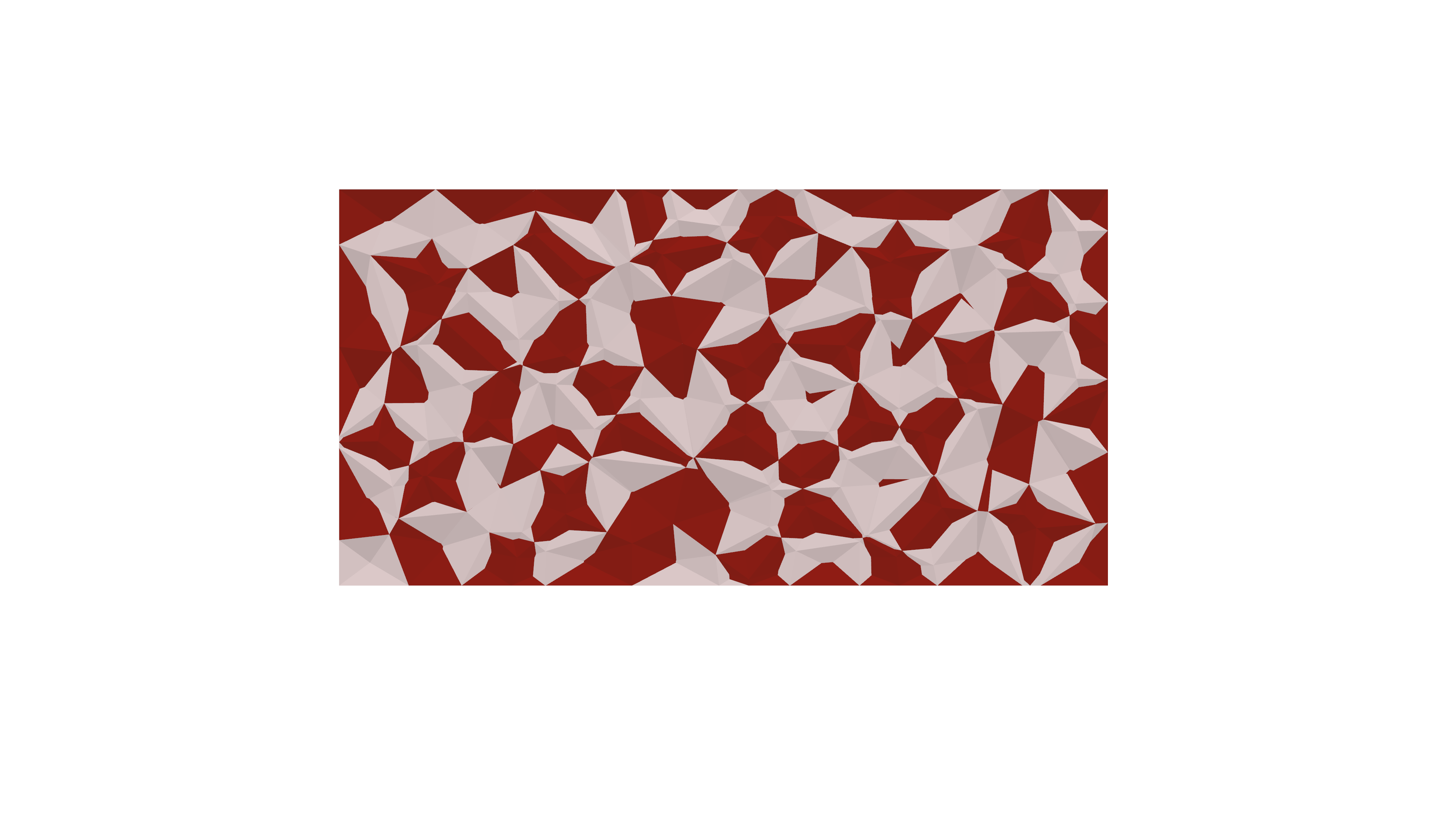
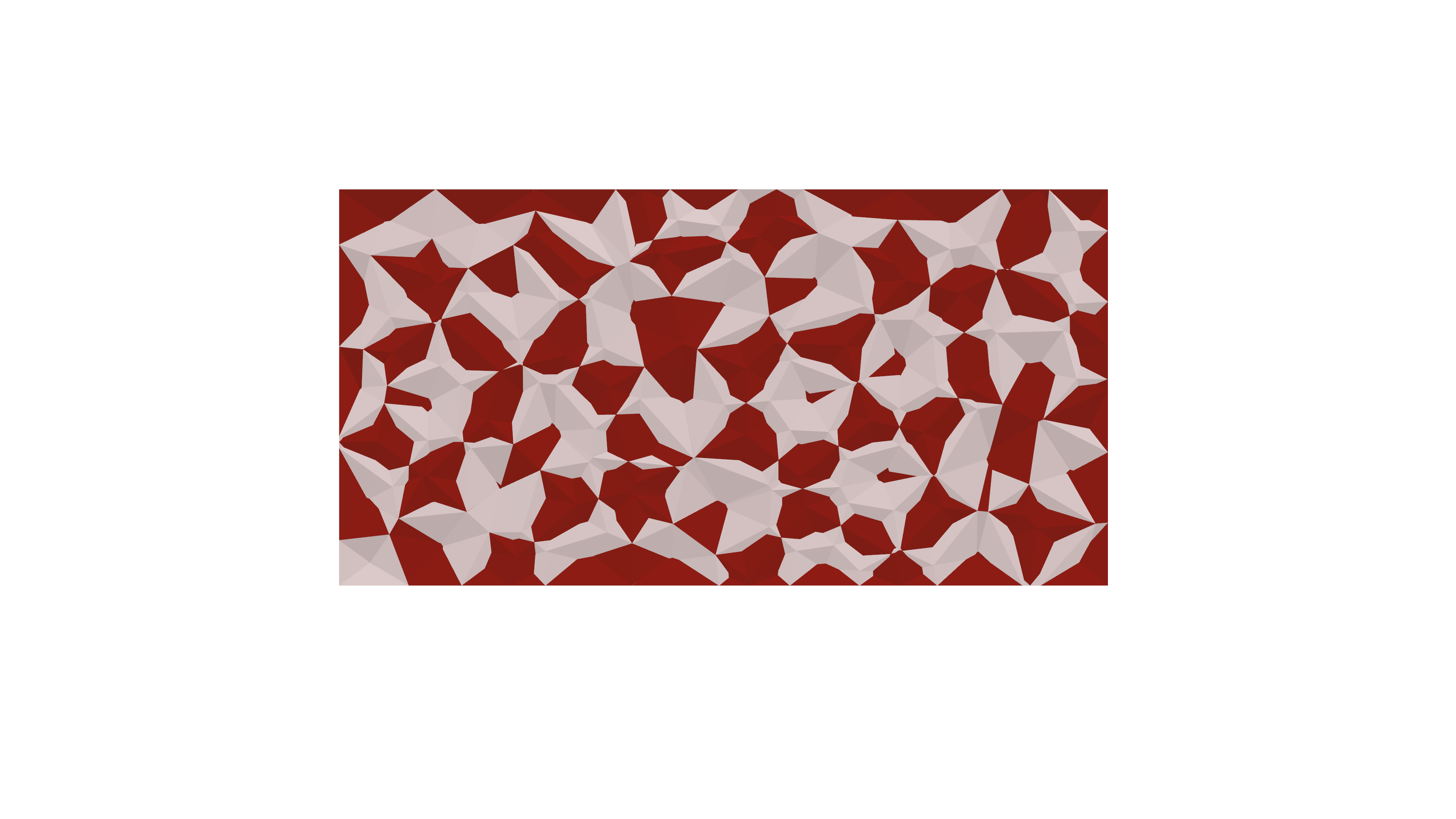
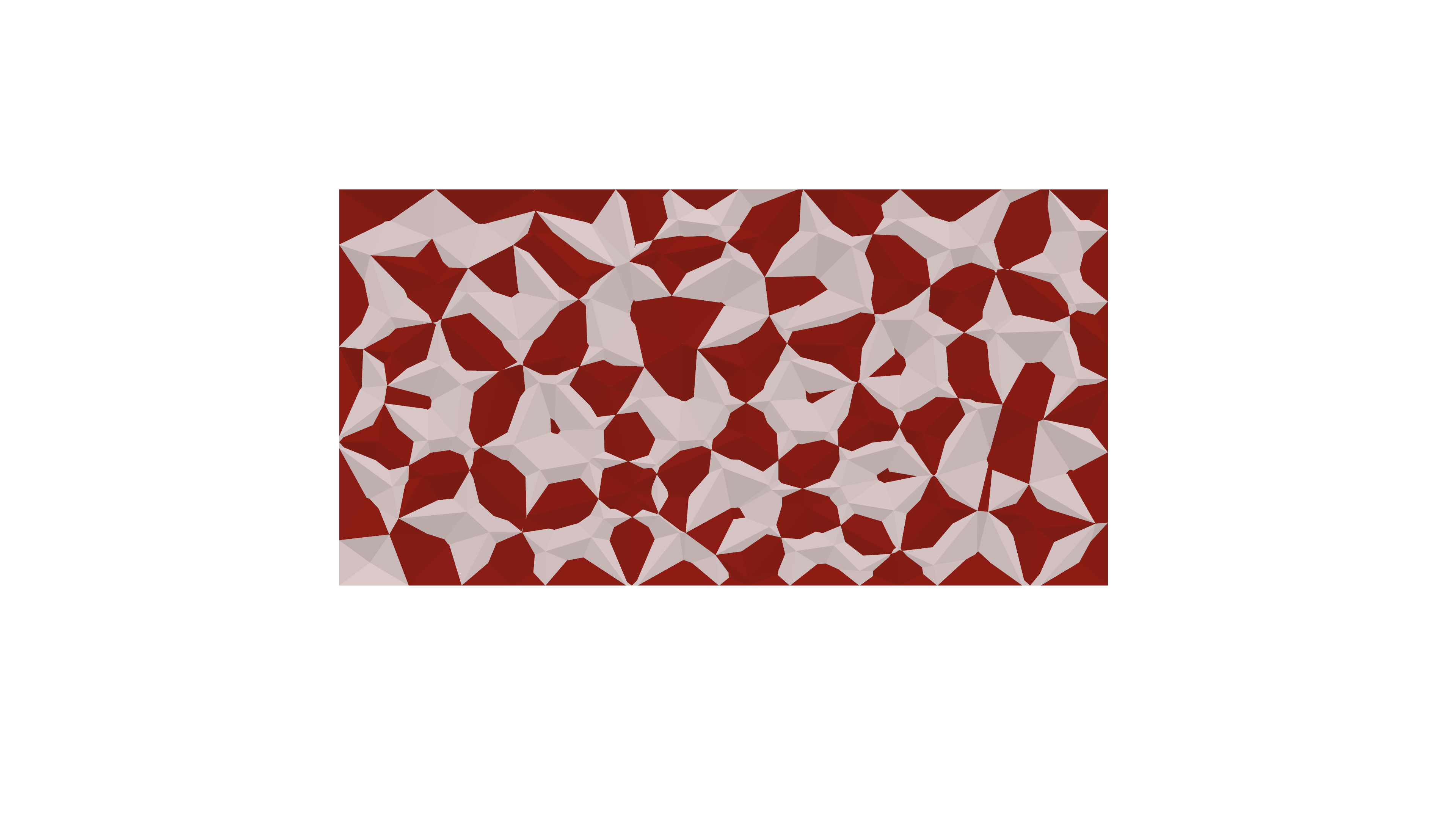
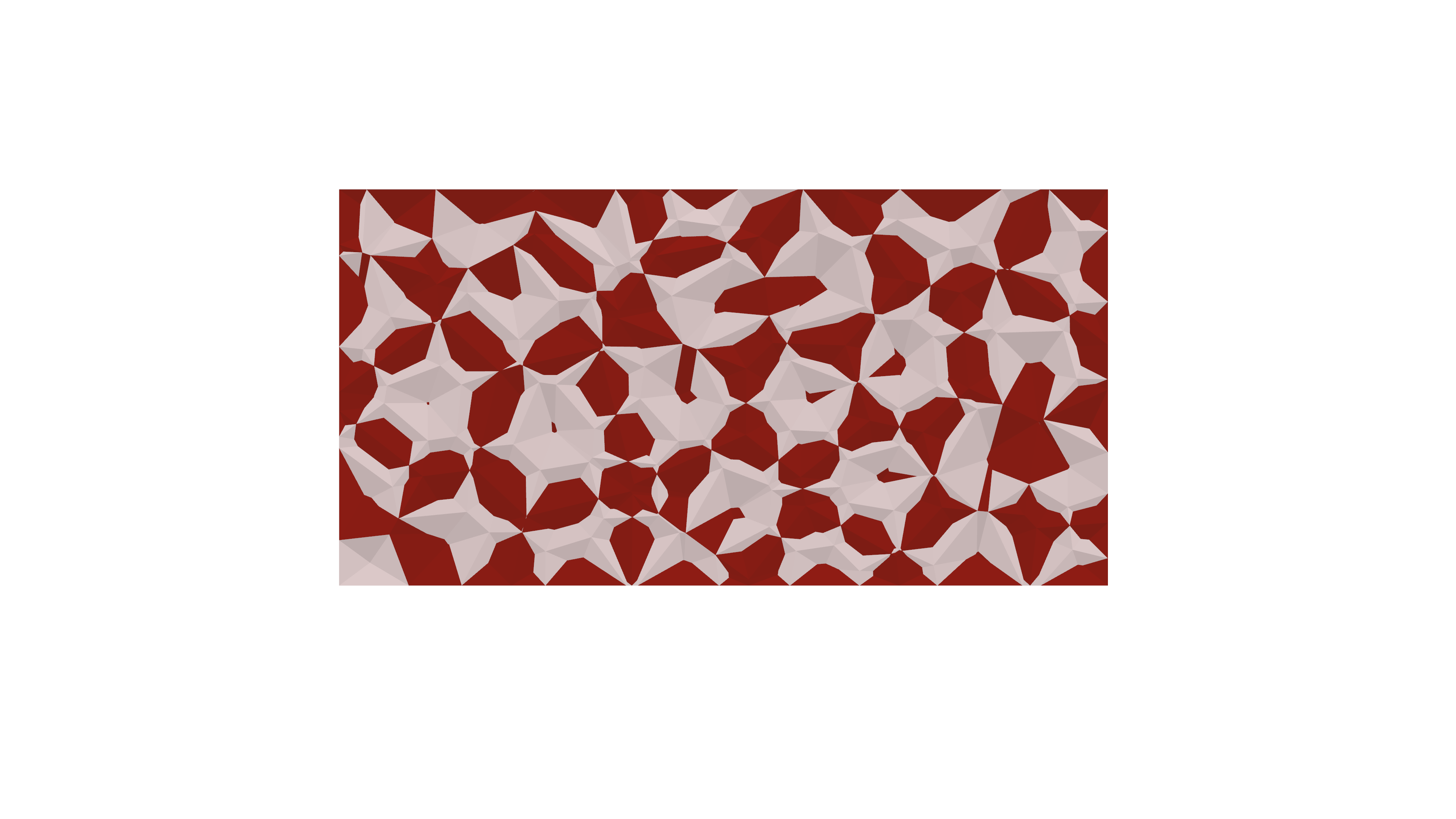
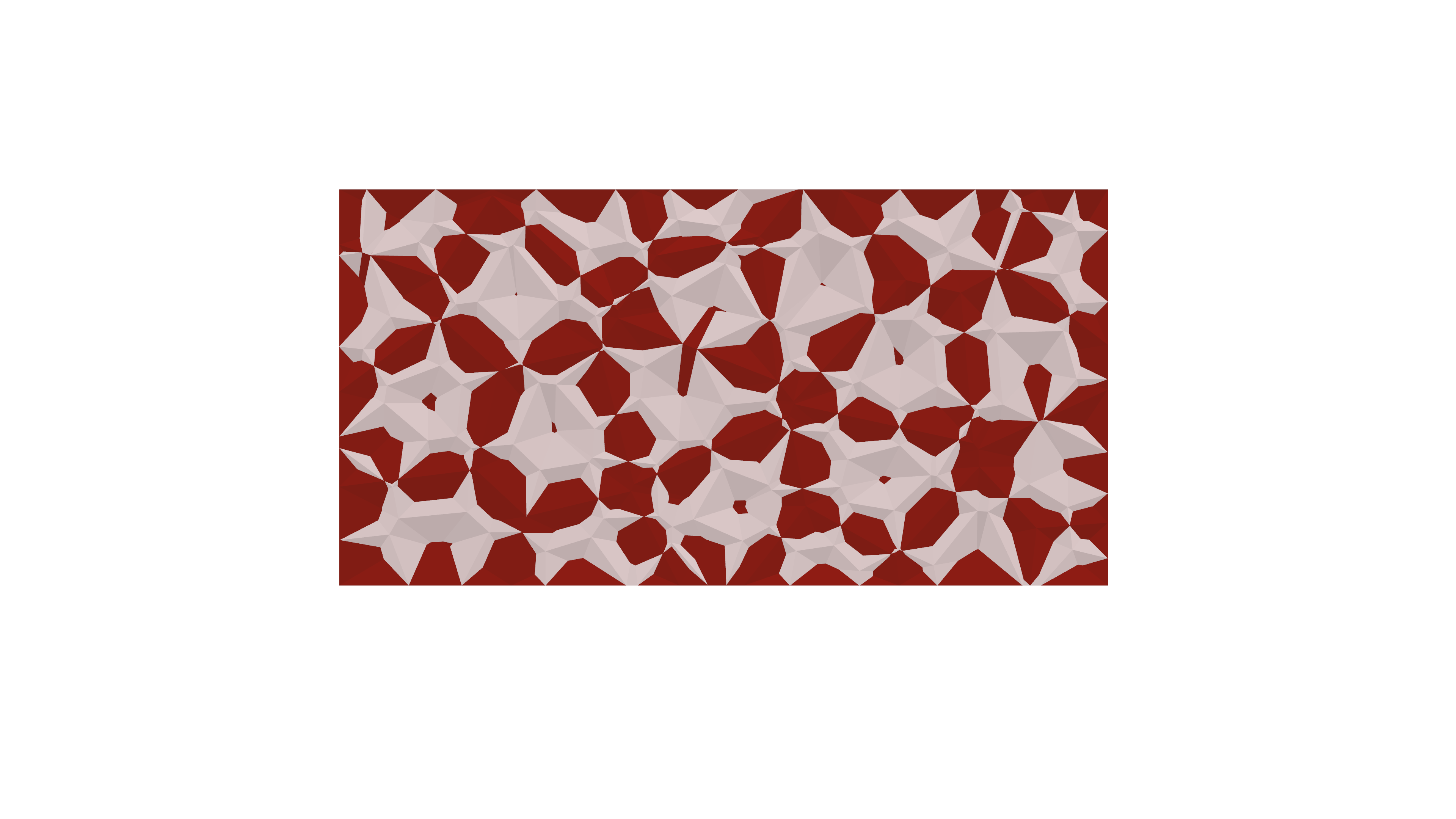
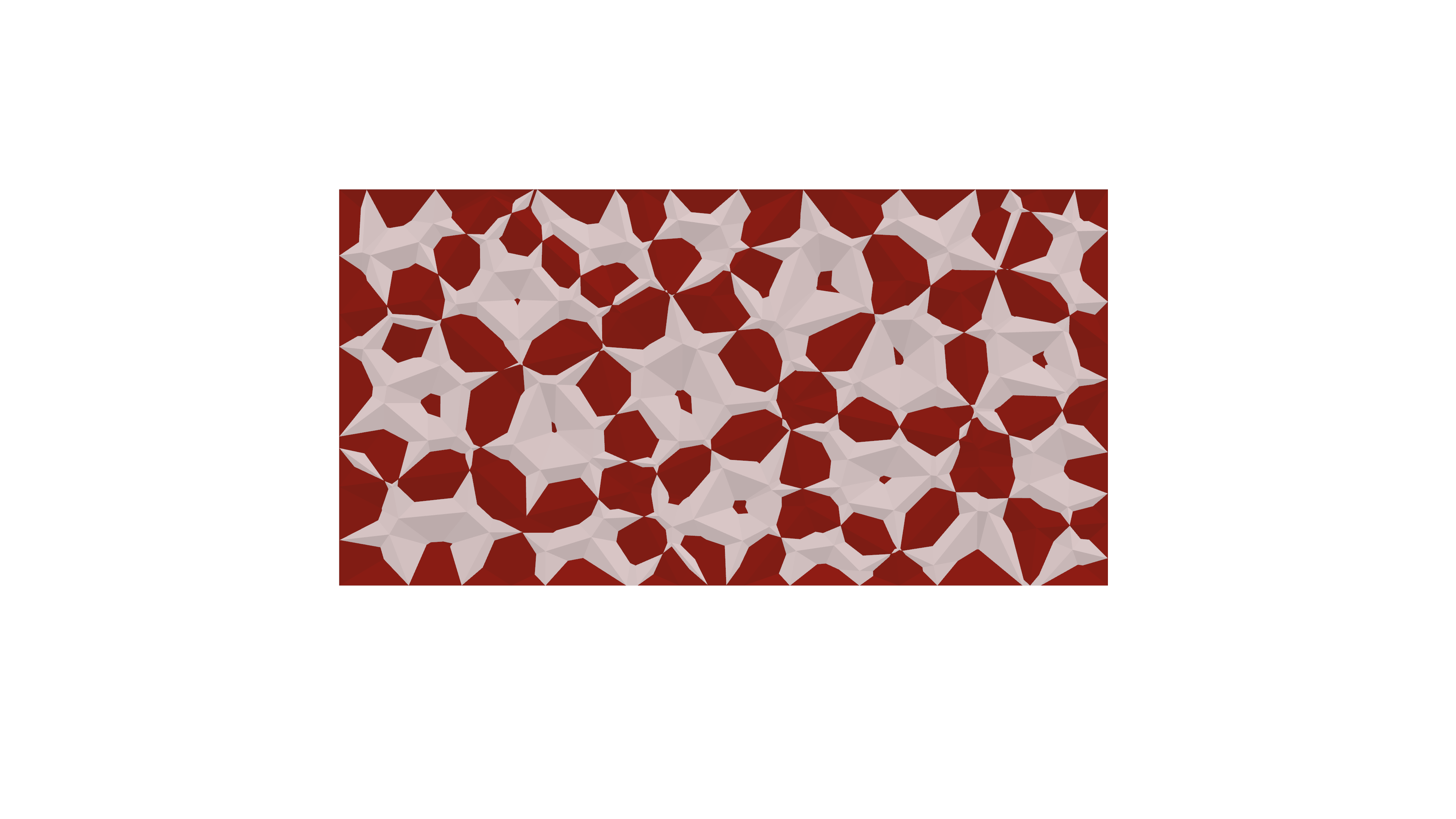
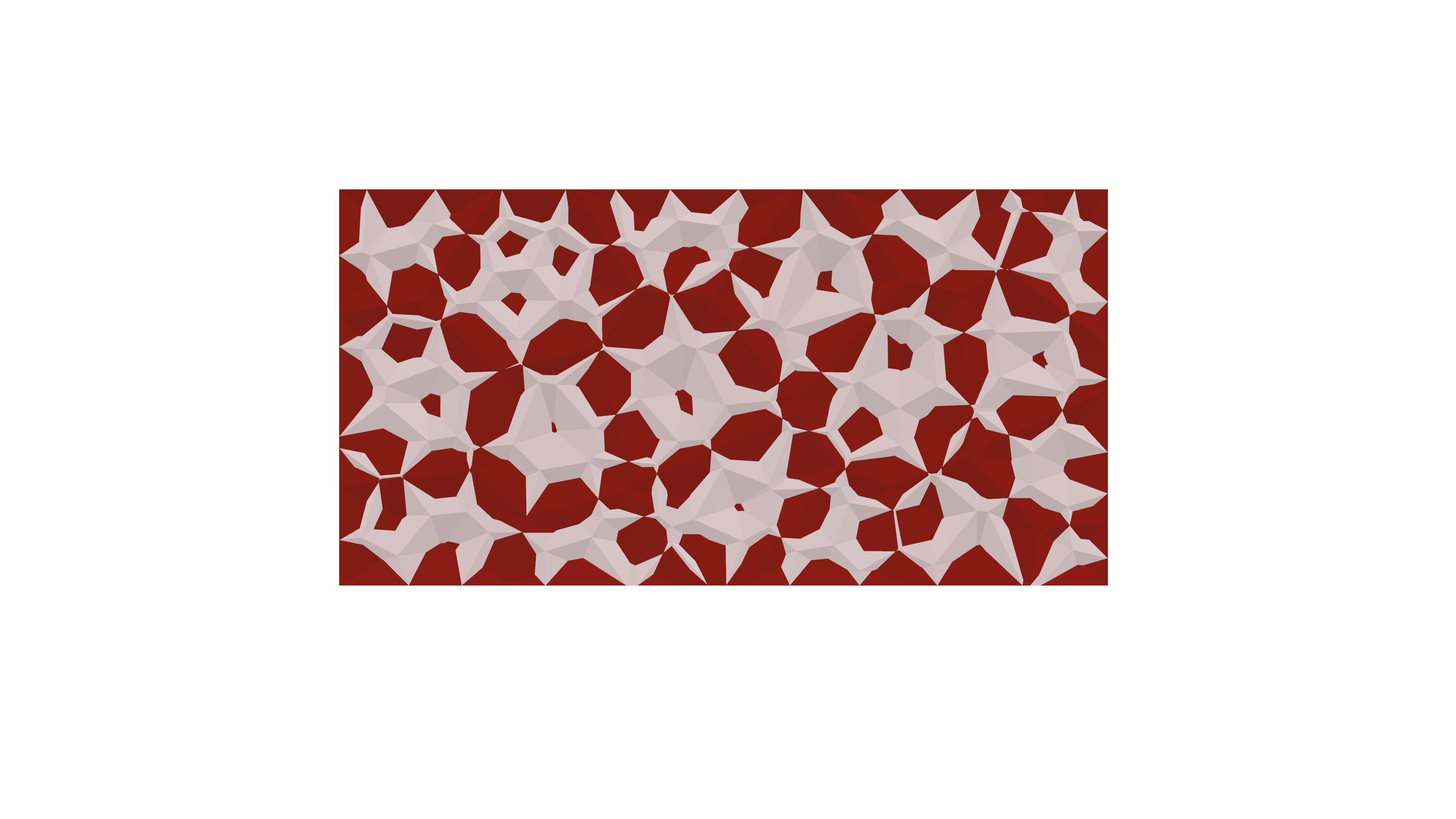
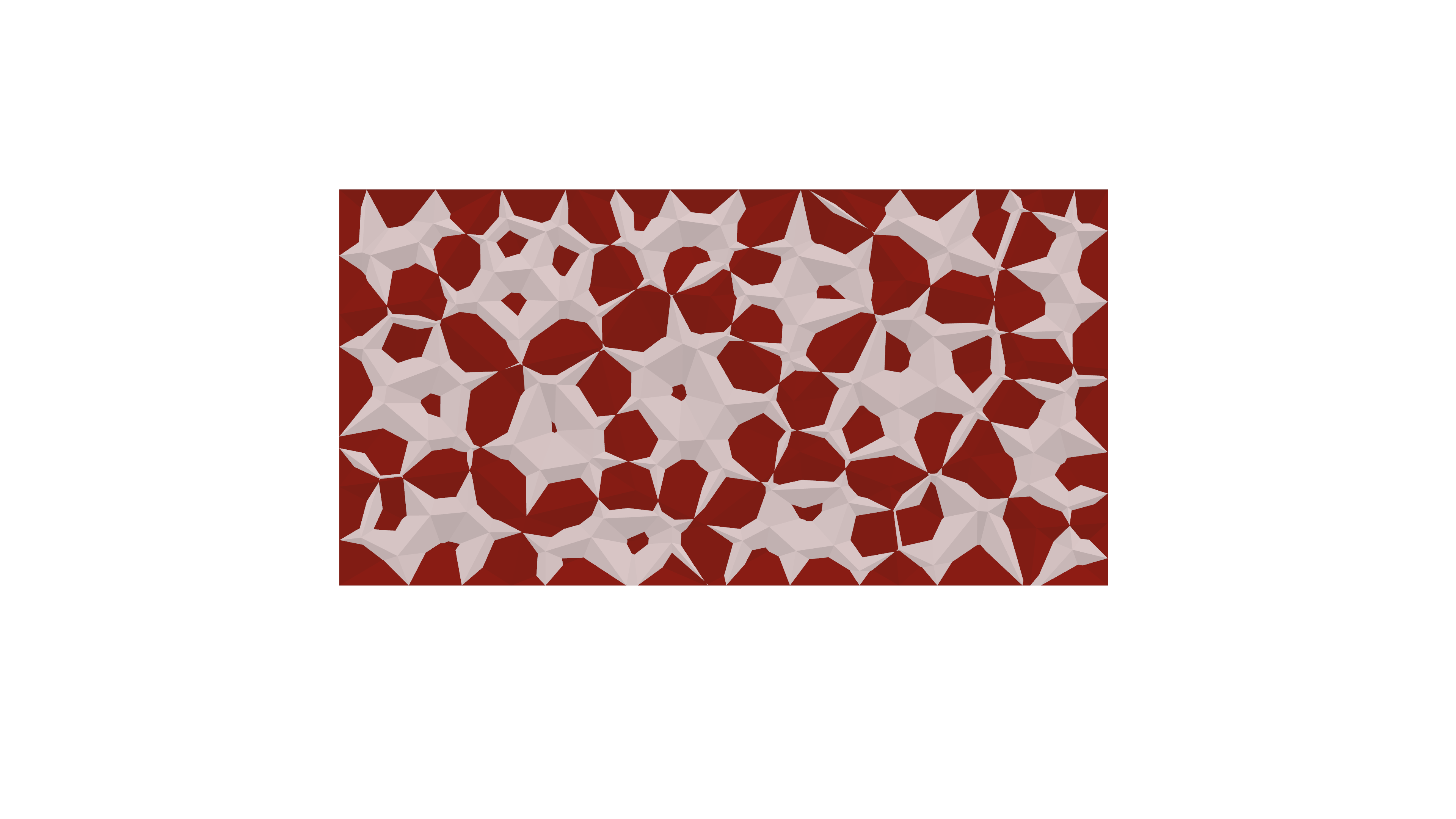
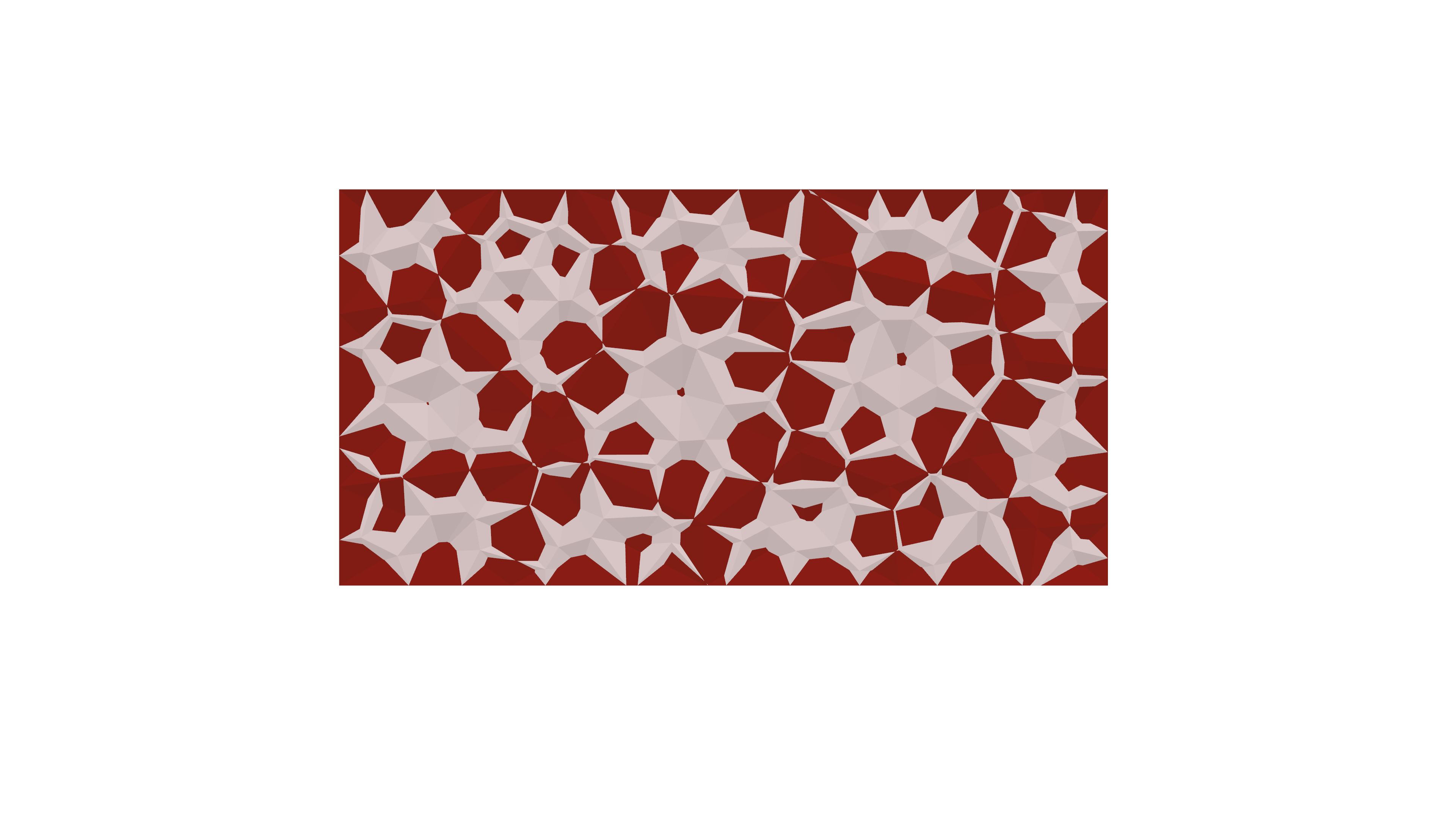
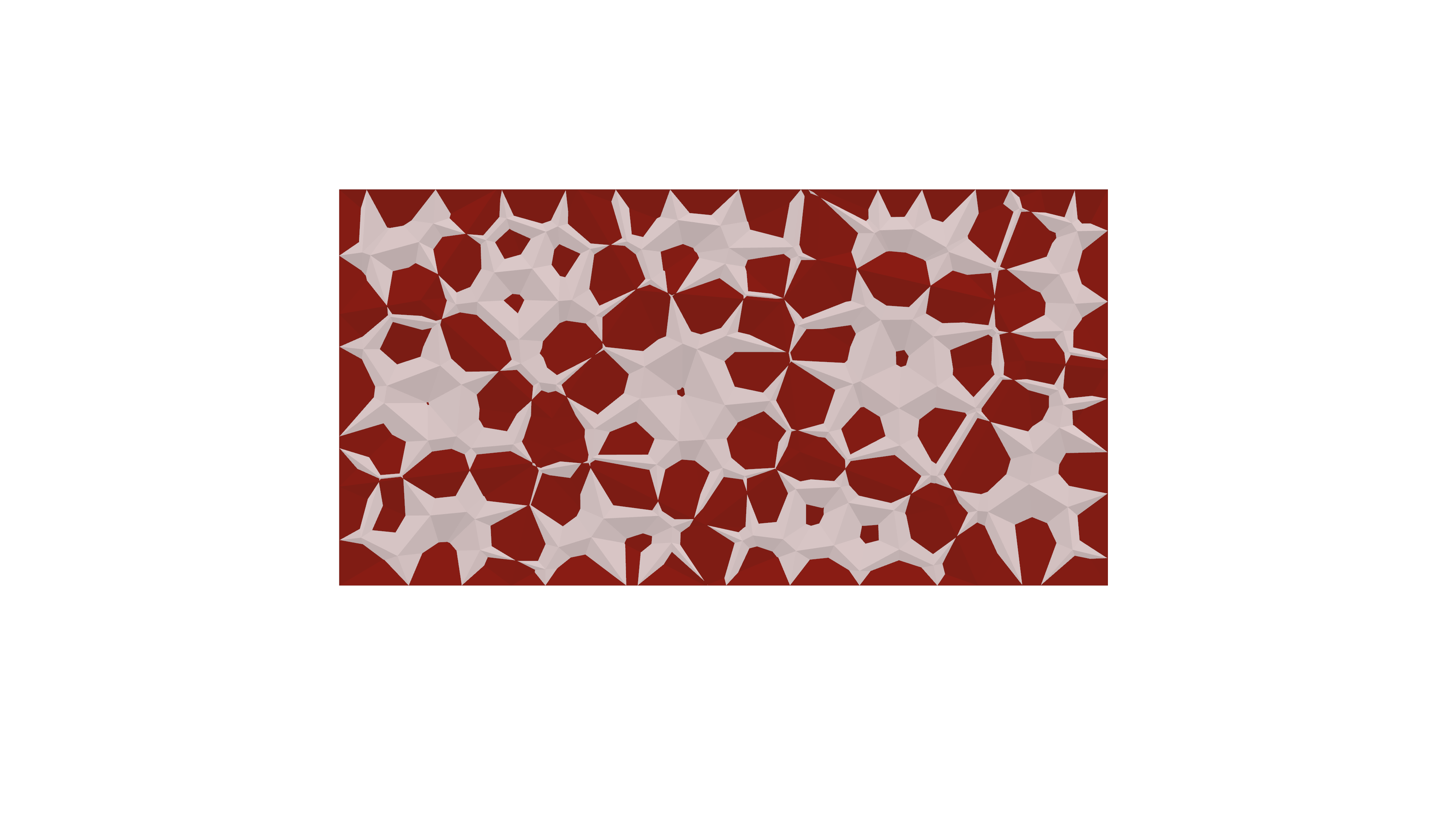
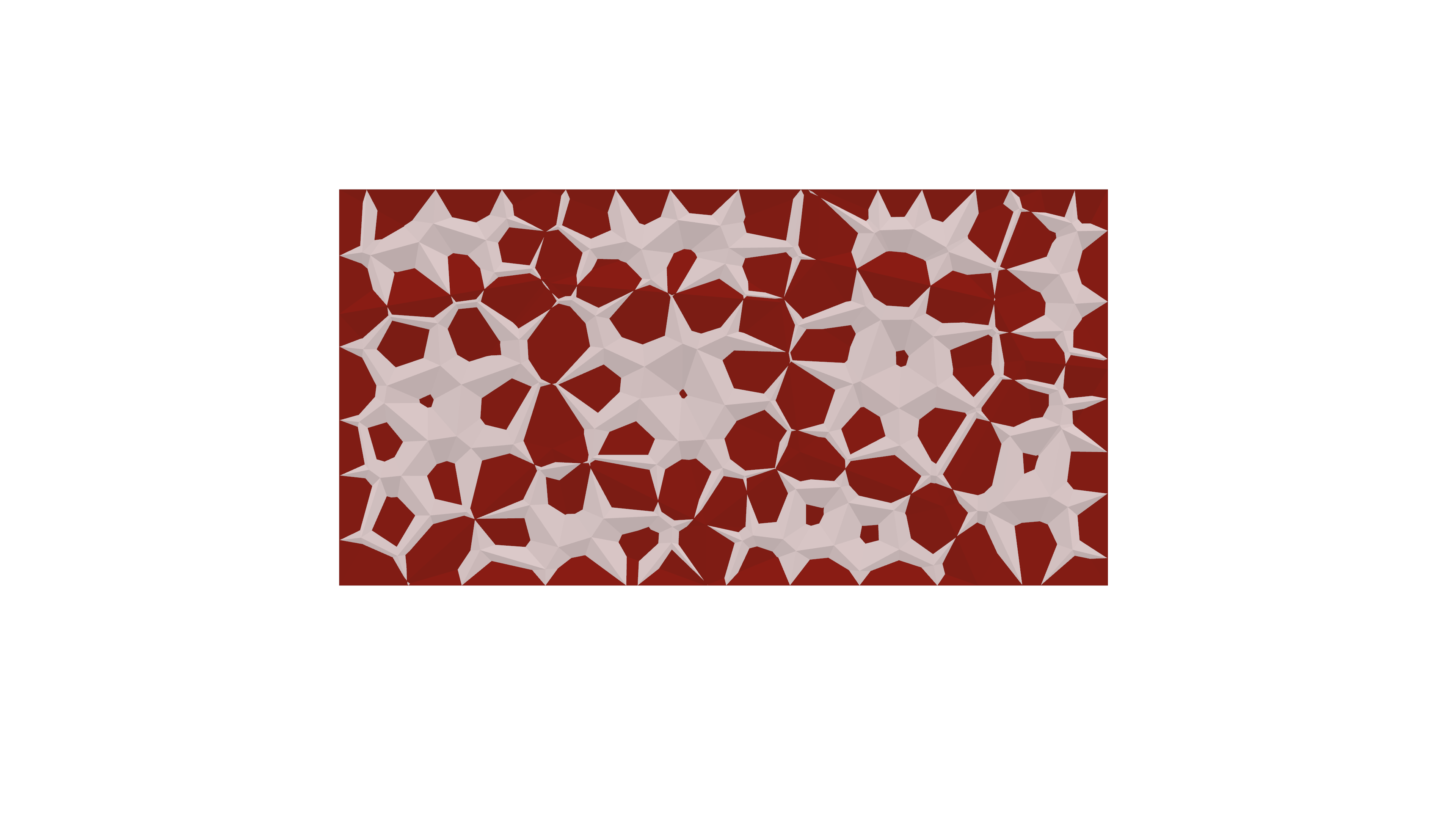
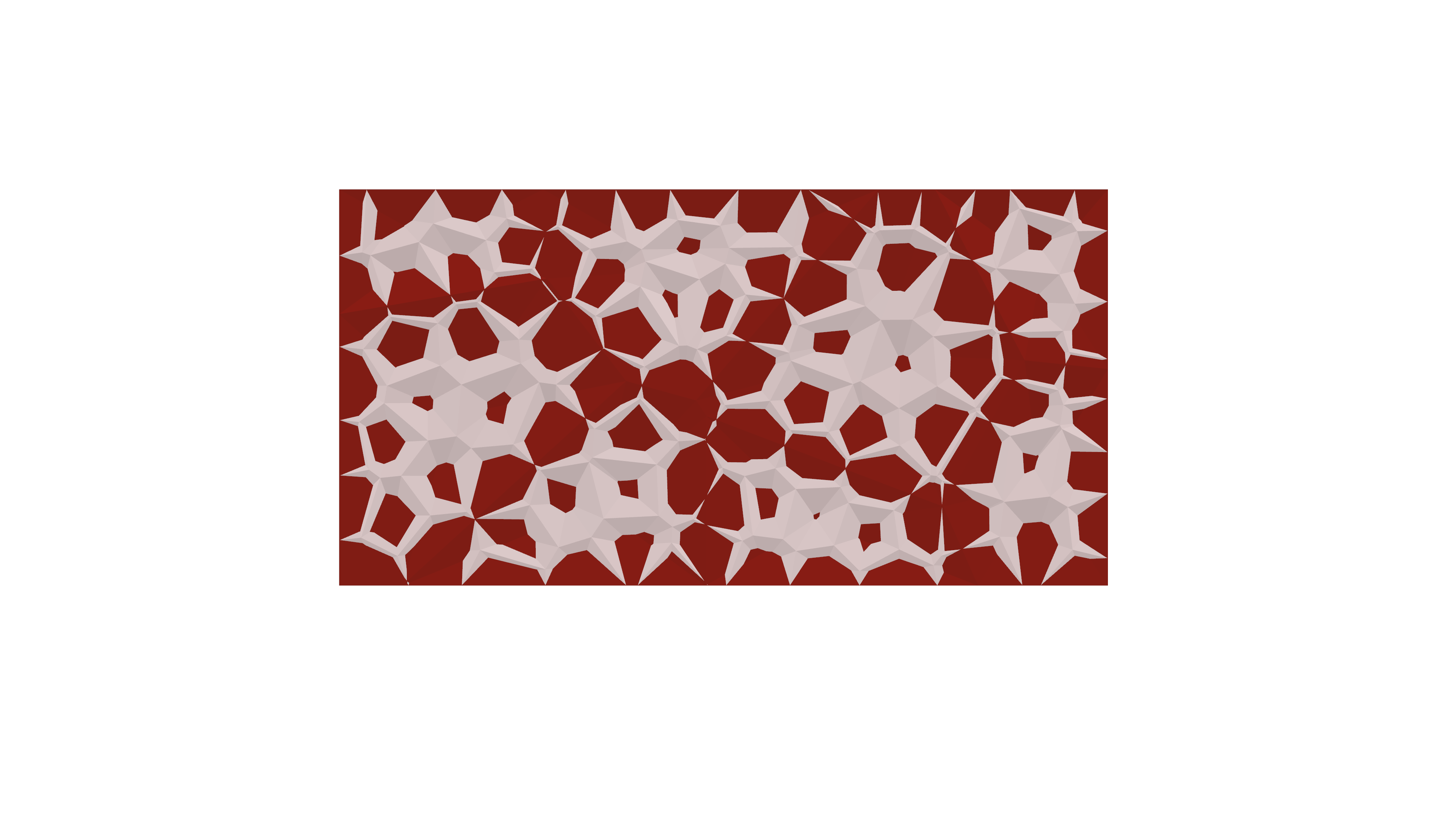
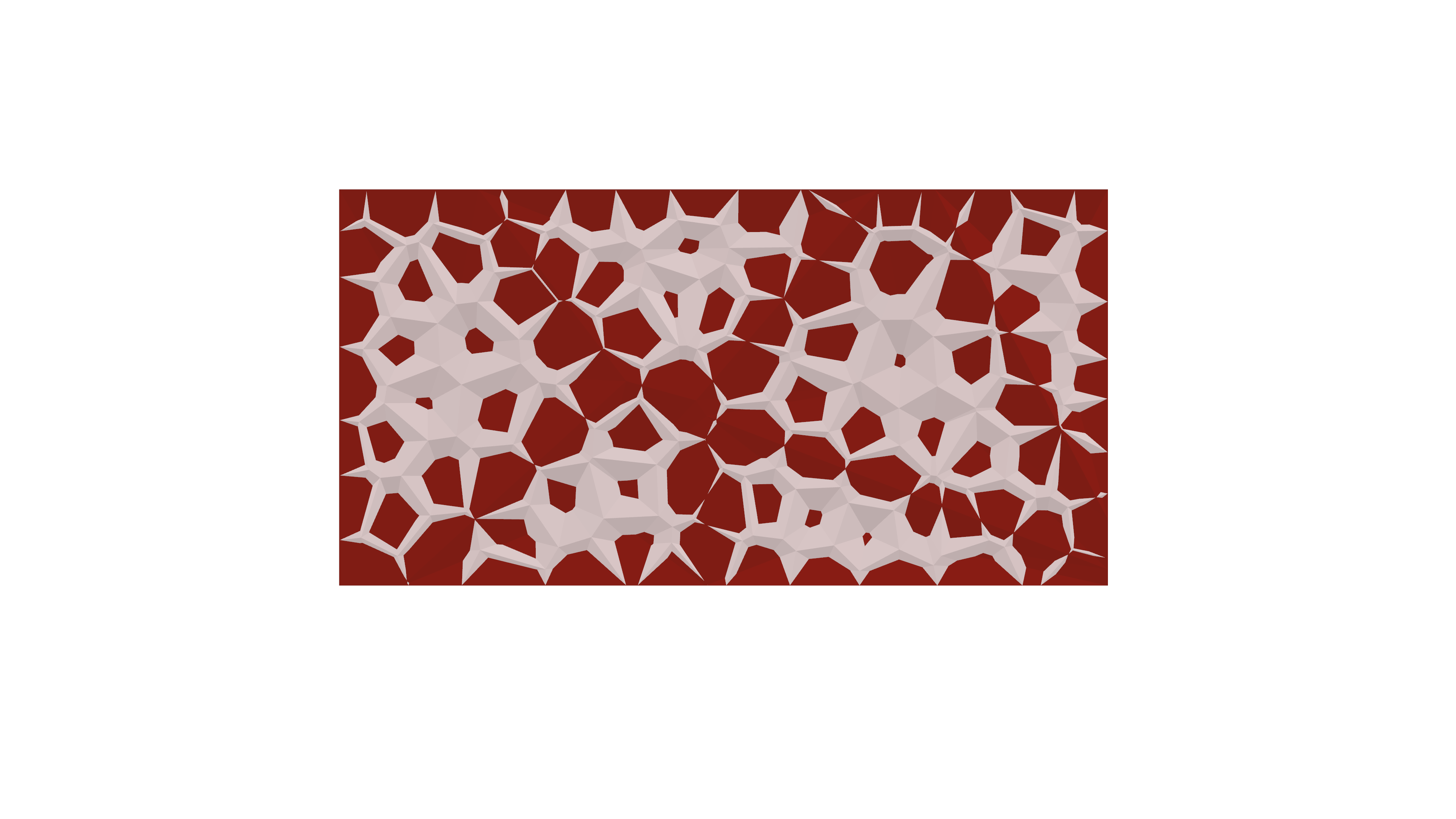
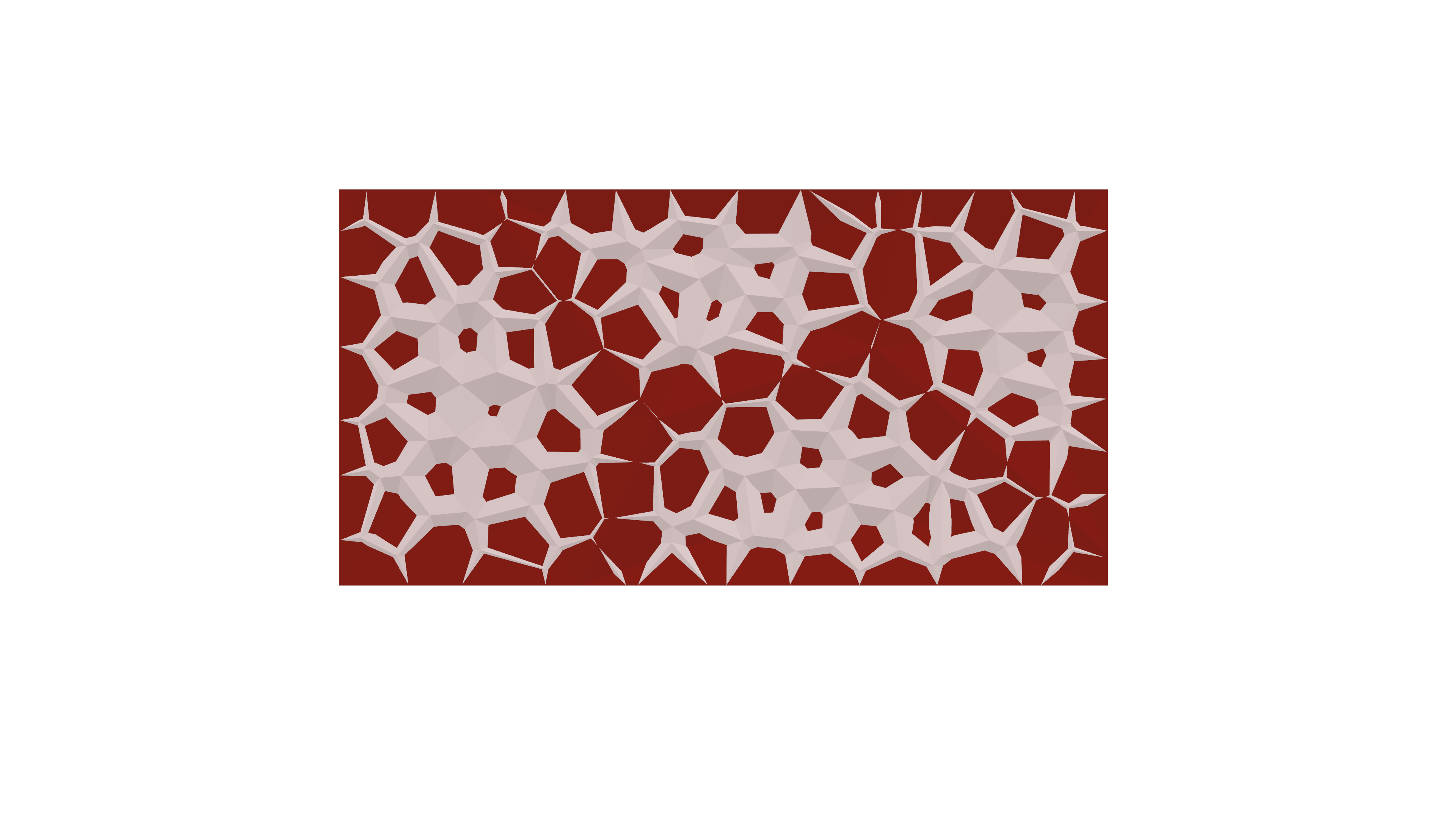
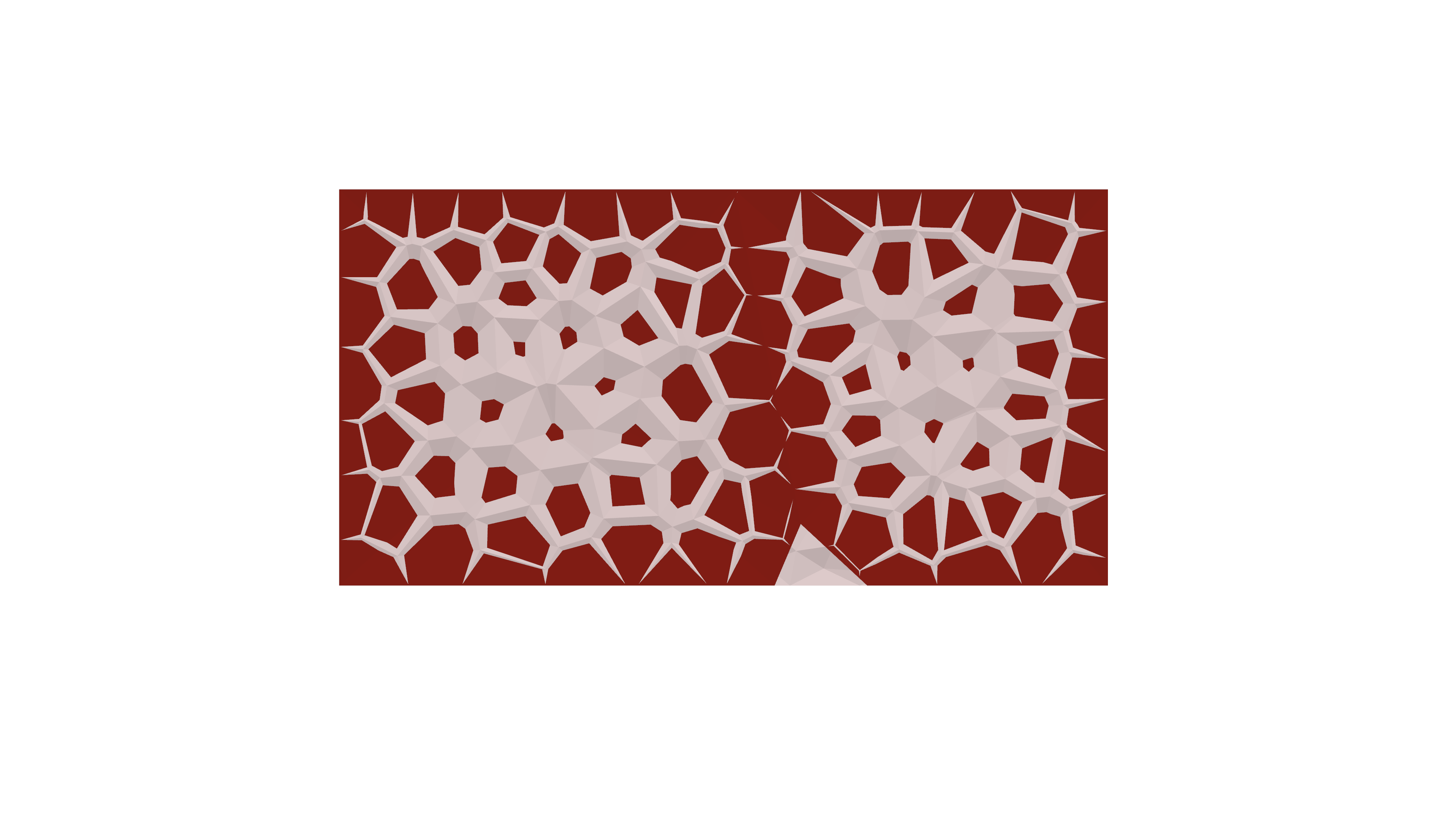
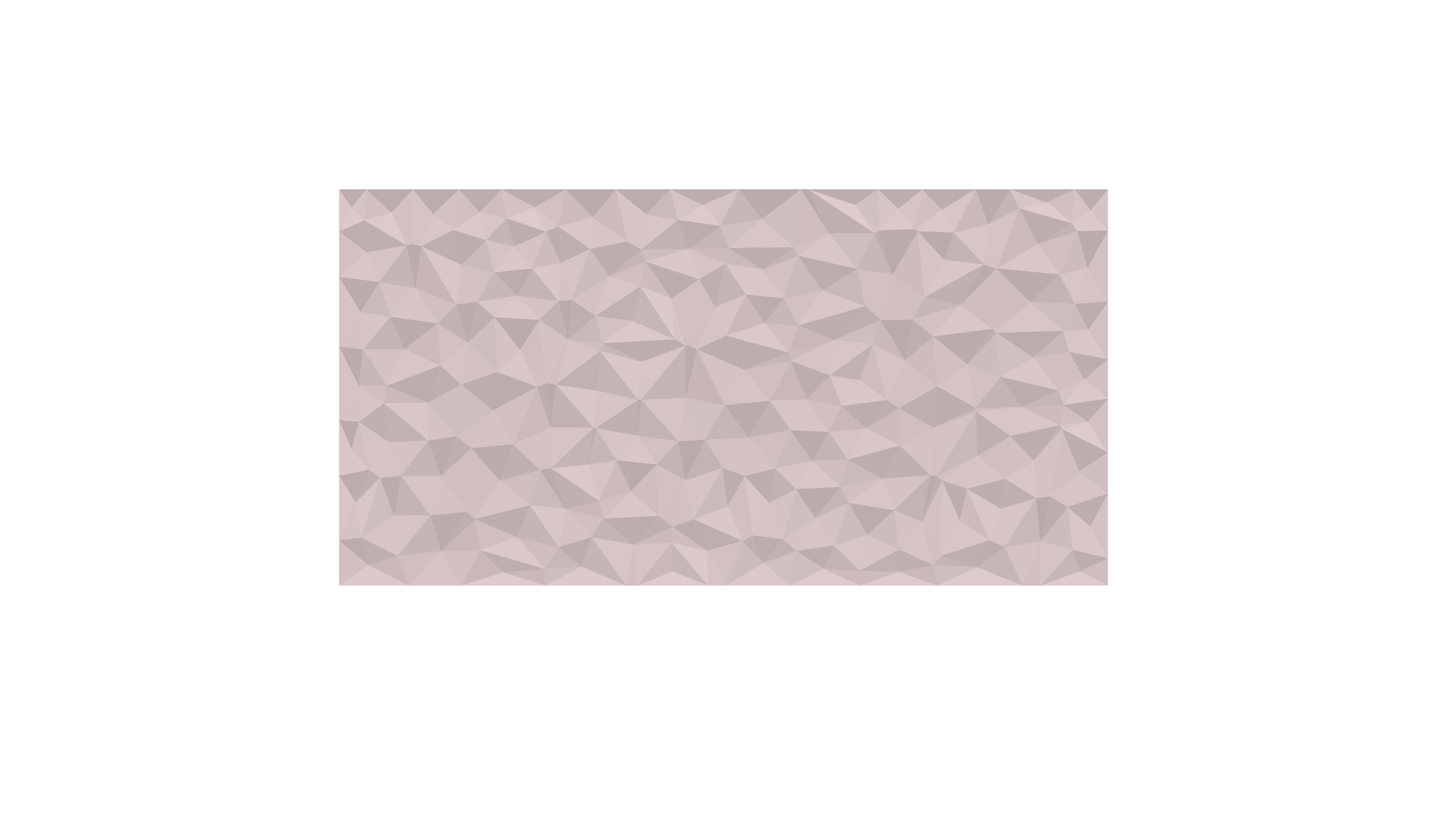
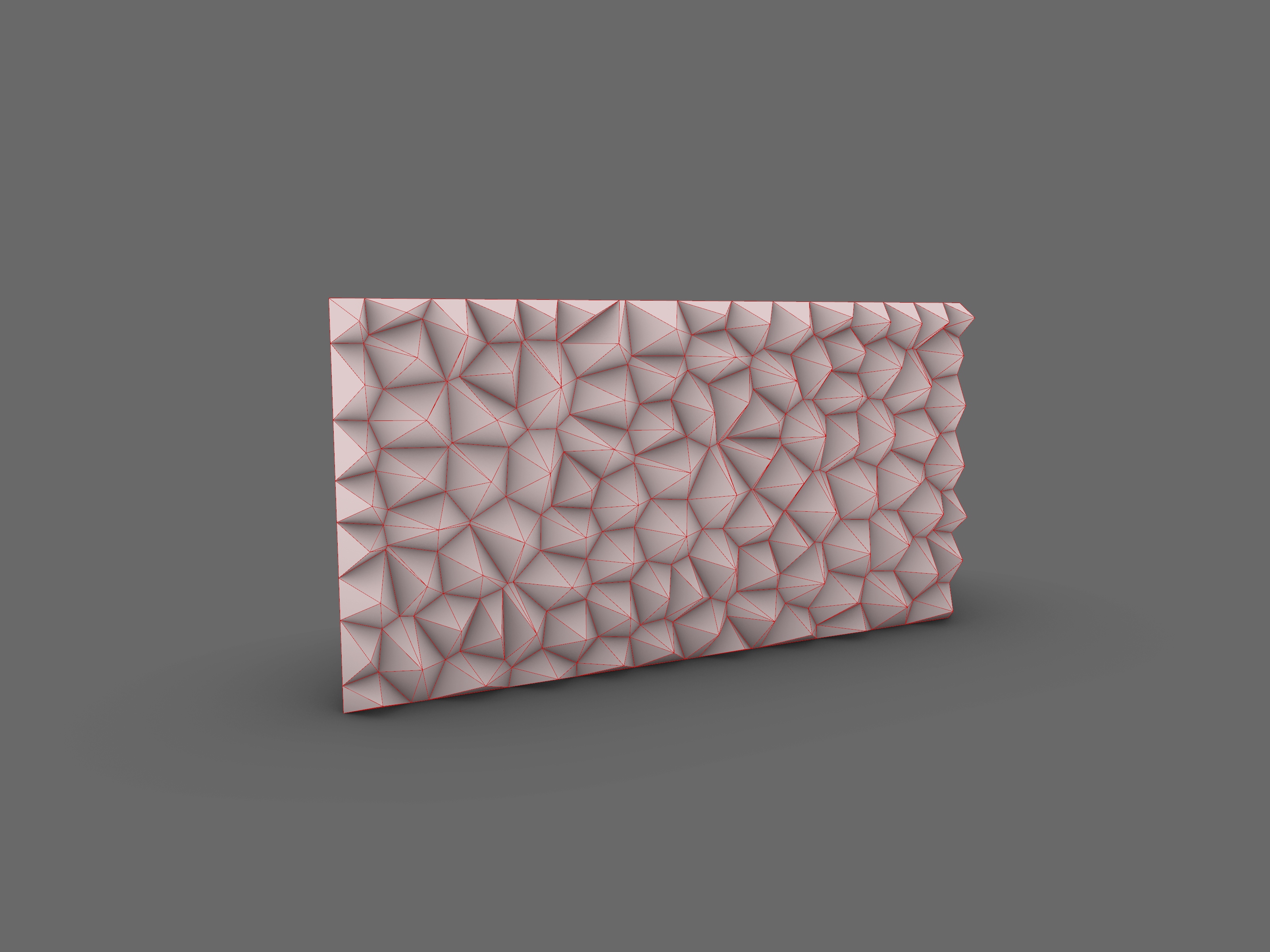
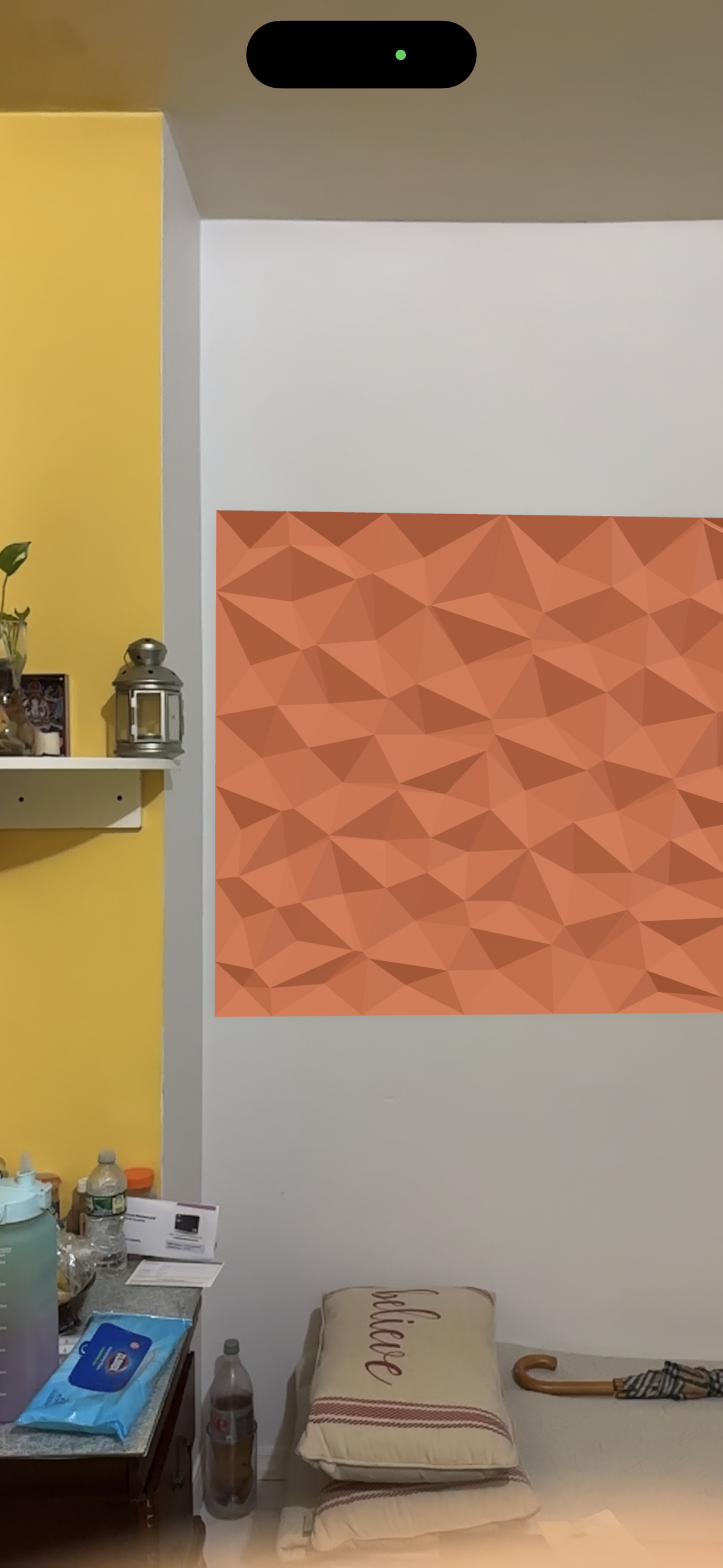
In my current 2 D project, I am crafting a versatile wall panel designed for use as an acoustical element in movie theaters. The process involves transitioning from a basic triangular shape to extracting the central point, thereby generating compelling three-dimensional forms on the wall.


The followings are the steps that I took to reach the final product.

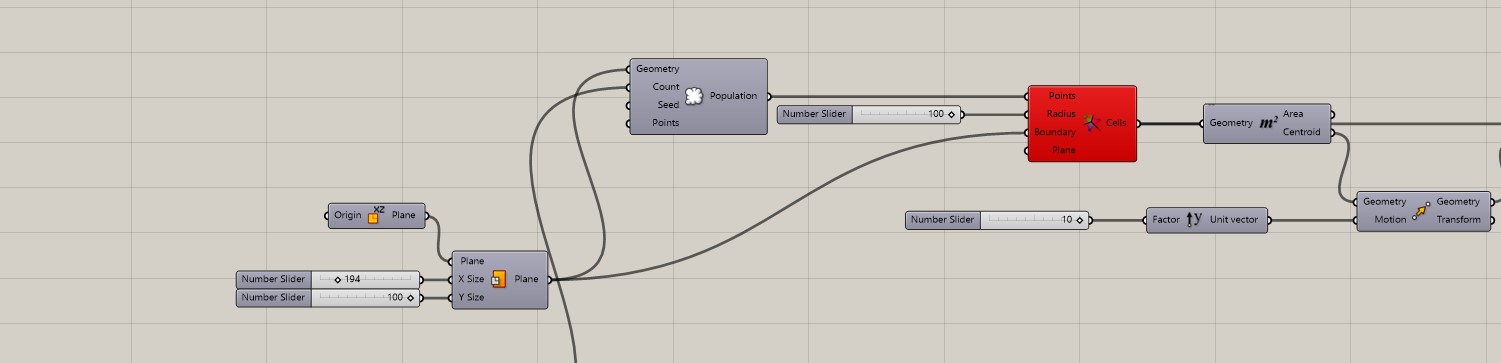
  1. Plane with X and Y Number slider to create a size of 7 width x 5 height.
  2. Used the population components with geometry from the plane, and also different number of counts
  3. Use Voronoi components.
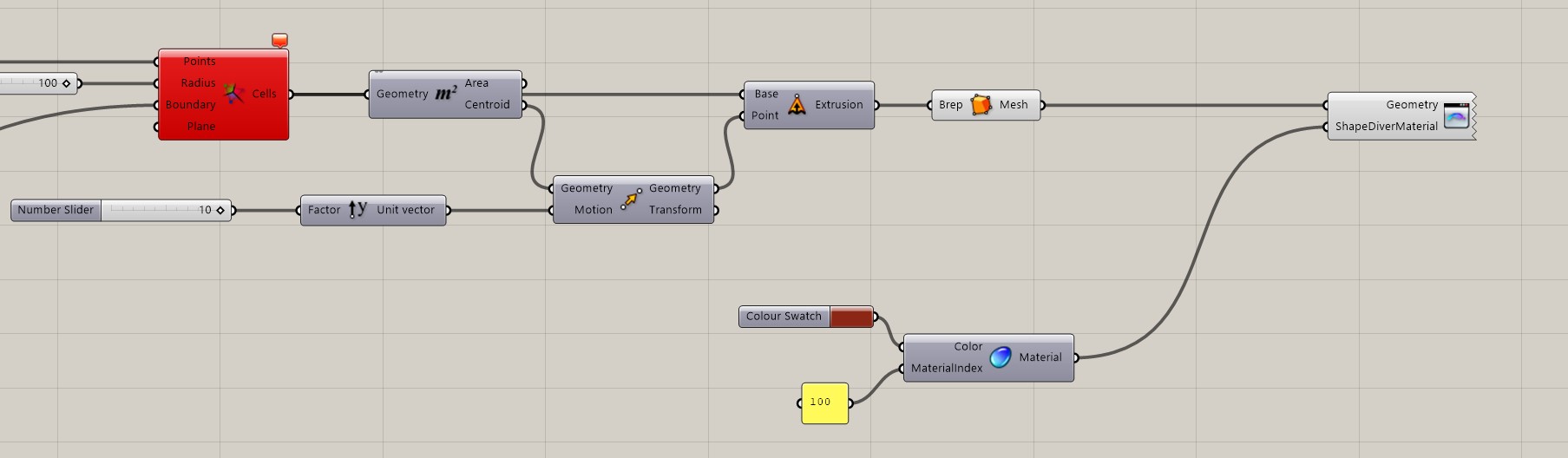
  4. M2 to extract the center and area.
  5. Created a vector extrusion to Unit Y (number sliders)
  6. Geometry extrusion- mesh
  7. Copy all of the above and place on top of each part.
  8. Create result slider a and b for both sets to have 100 of iterations. (Please reference the following image to following the above instruction.)
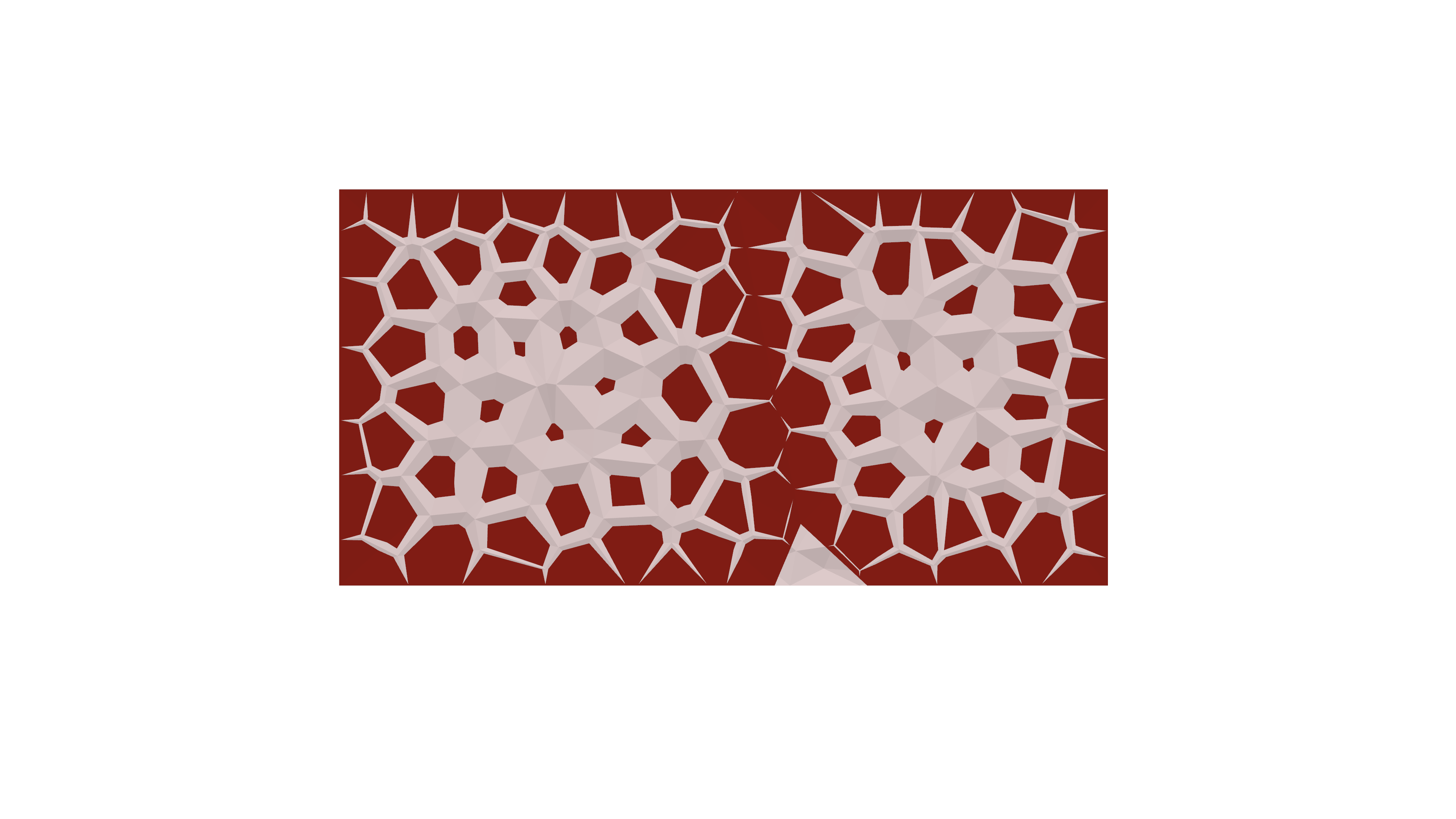
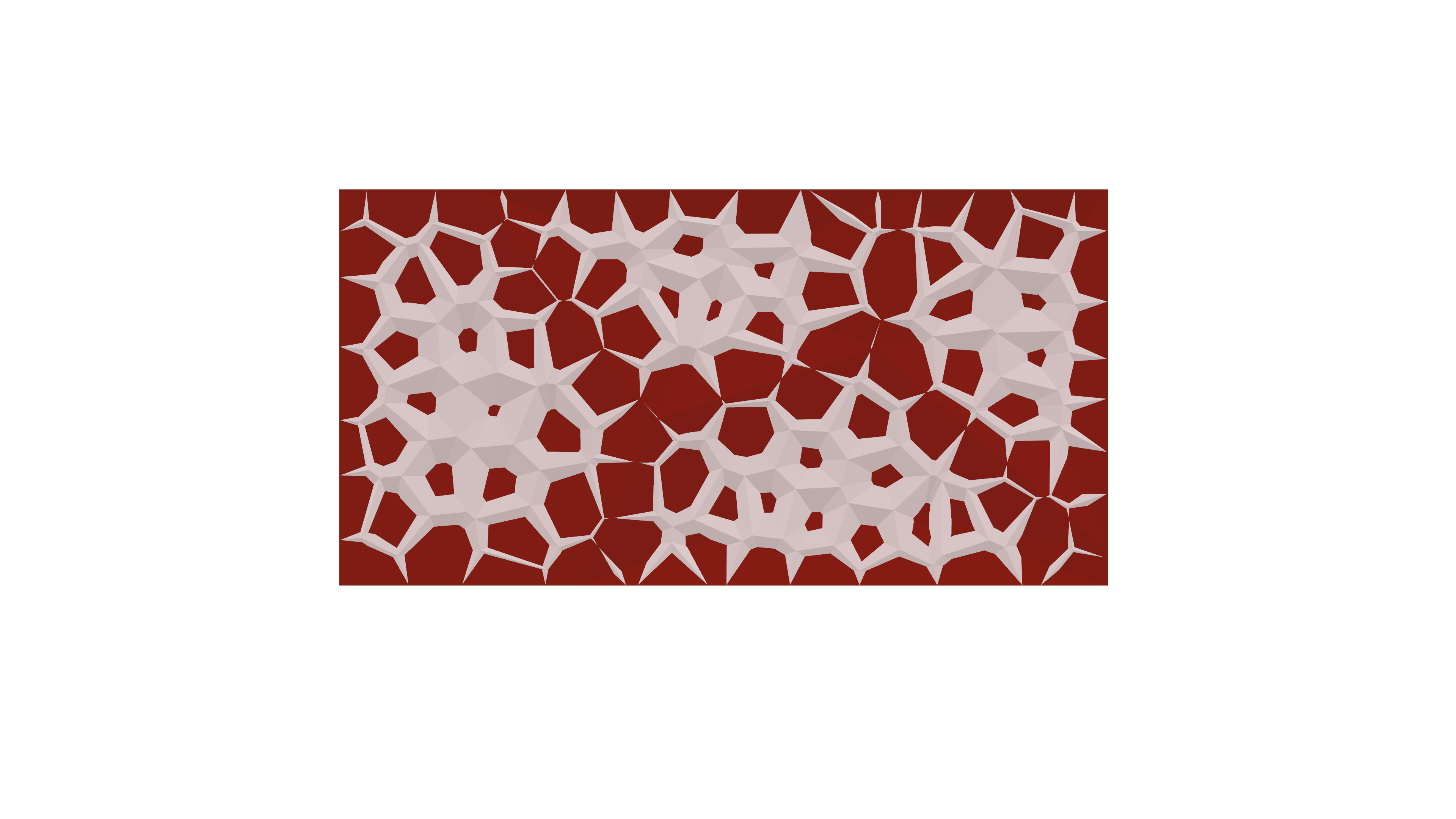
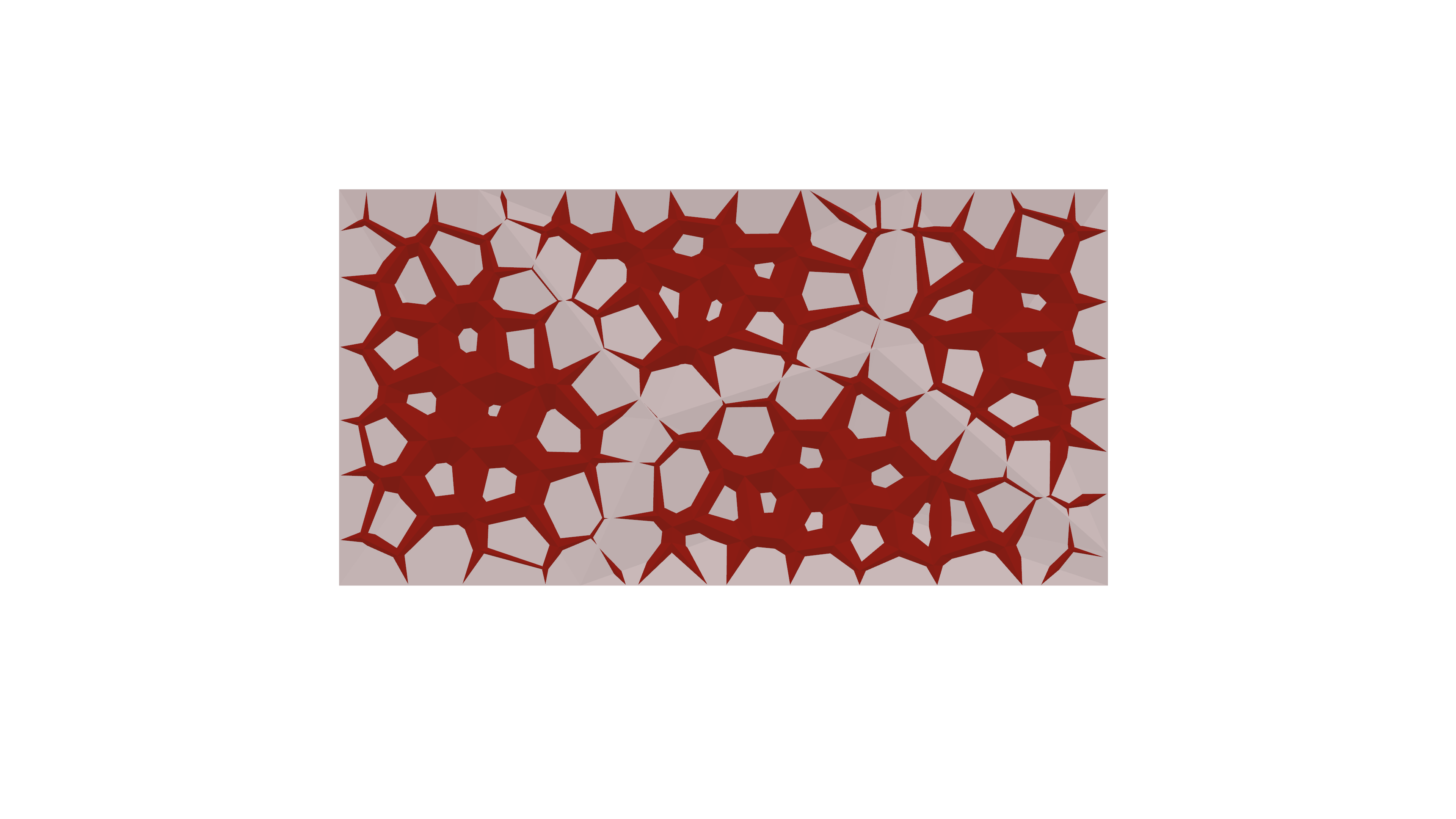
  9. Shapediver materials are used to create contrast between two different panels.

Grasshopper script

Shapediver QR code TWO DIFFERENT SHAPES

Rhino Image and Final product Image

Thank you for tuning in! The script follows a straightforward progression, evolving from a basic grid to a more intricate shape. The fundamental concept here is that every intricate form originates from simple geometries. Stay tuned for upcoming updates, as another exciting project is on the horizon. the following are real life application.

interior application

Spring 2014 Parametric Seating Assignment

The first assignment of the Spring semester is available online here.  This assignment, which we’ve done a few times before in this class, asks students to model a precedent seating system in Rhino, and to extend that surface parametrically in Grasshopper.

The assignment, including parts 1 and 2 is also embedded below.  Enjoy:

Rhino Resources

Now that everyone is into the first part of the parametric seating assignment, I thought it would be worthwhile to re-post some good online resources for learning rhino.  I first published these back in February 2012, and think all are still relevant.

Here’s the link to the original post: https://int659.wordpress.com/2012/02/02/rhino-resources/

GH Workshop 1 recap and additional examples

Since there were quite a few questions during our first GH workshop and we didn’t get through all of the examples, I thought a recap / demo video might be helpful.  The recording below covers the example we did in class, and includes two additional examples that should help you complete the roof structure assignment.
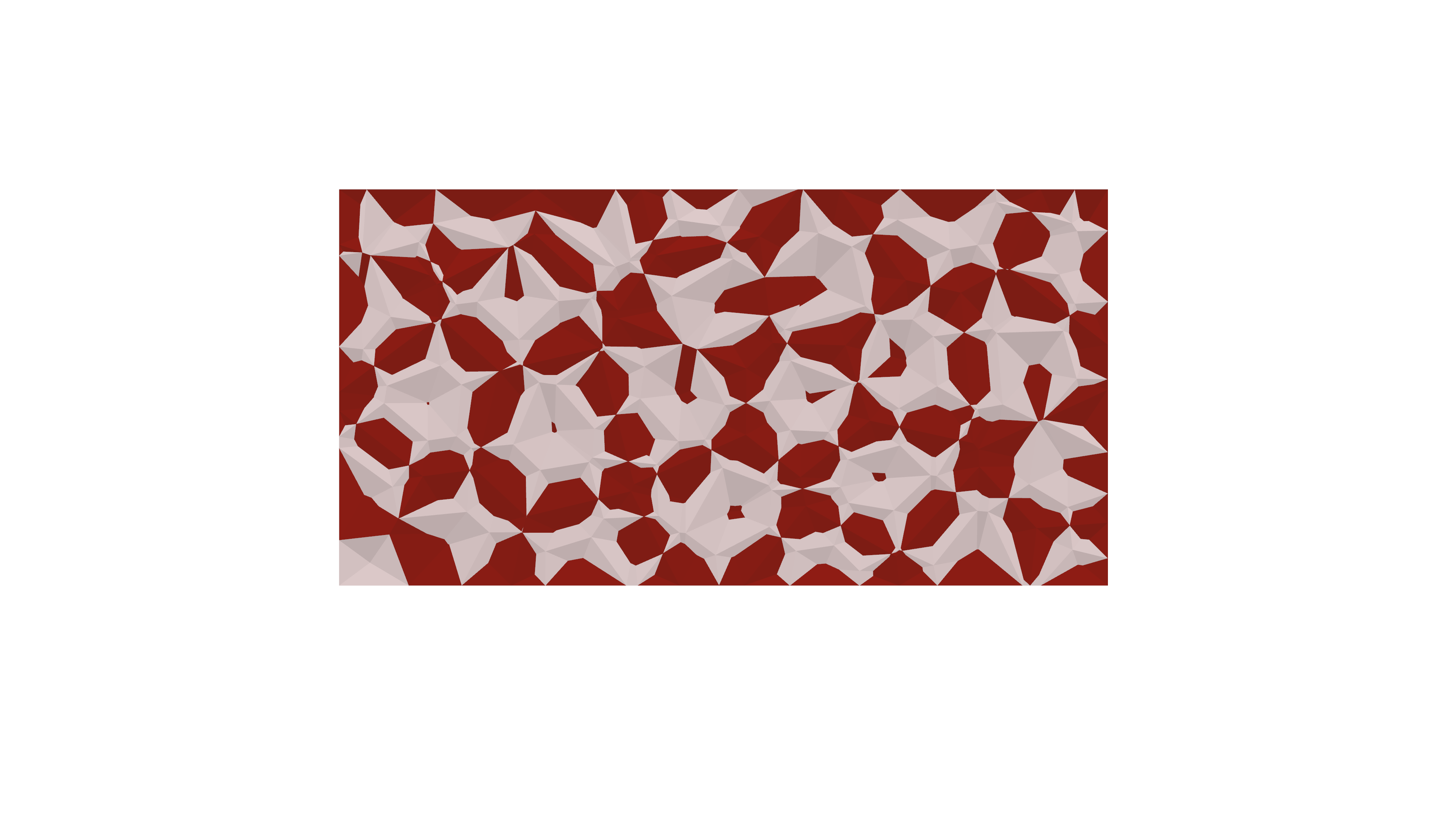
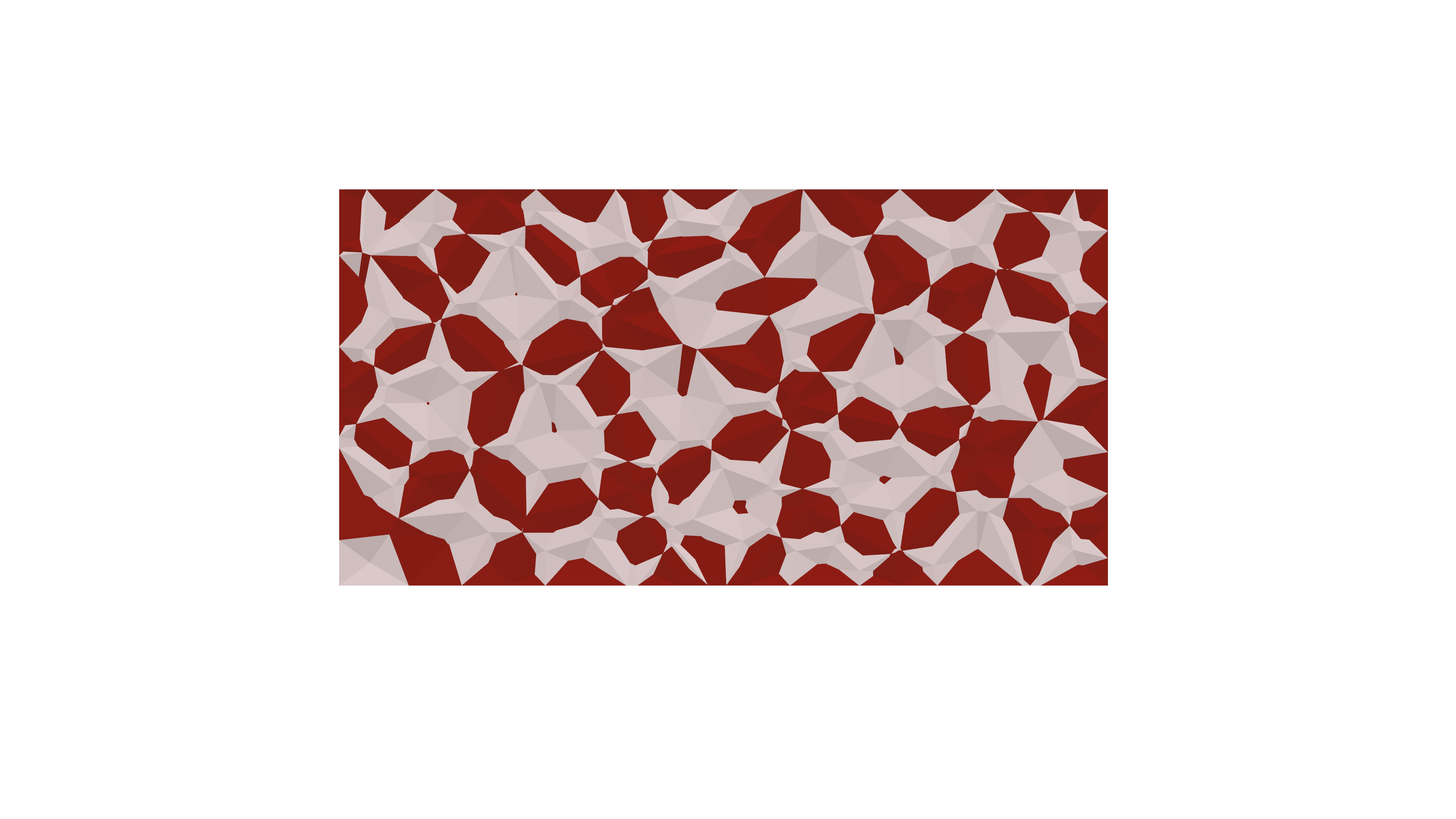
Hopefully this will be helpful for some of you – I know these types of tutorials are very helpful for me when I’m learning new software.  If there are any questions or comments, please post them in the comments.  Good luck with grasshopper!

Rhino Resources

I’ve compiled a few online Rhino resources over the past week.

I find the video tutorials to be the most helpful when learning a new piece of software, and there are a ton of resources out there on the web.  Here are a few good ones:

My colleague Jonatan referred me to digitaltoolbox.info today, which seems like a great resource.  I haven’t seen any of these yet, but the site seems very comprehensive.  If anyone has a look, let us know what you think in the comments.

Designreform.net has been around for years and has a wealth of video tutorials covering a very wide range of design software, including rhino and grasshopper.  Mostly focused on GH and rhinoscript, but there are a few good rhino ones in there too.

Paramod.net is another favorite of mine.  I haven’t seen the rhino tutorials, but I know that this guy is very thorough and clear.  There seems to be a great range here including a couple of more specific topics like rendering and drawing output.  Looks like good stuff.

On to the deep links.  The Rhino wiki and resources pages on McNeel’s site are the most noteworthy, and are very deep indeed.  The hidden secrets page is a little gem I just found today.

If anyone finds good Rhino resources out there, please share them in the comments.  Happy modeling!