In this Course, we learned the basic Grasshopper concept and how to use some plugins such as TT Toolbox and Lunch Box to better implement our design strategy.
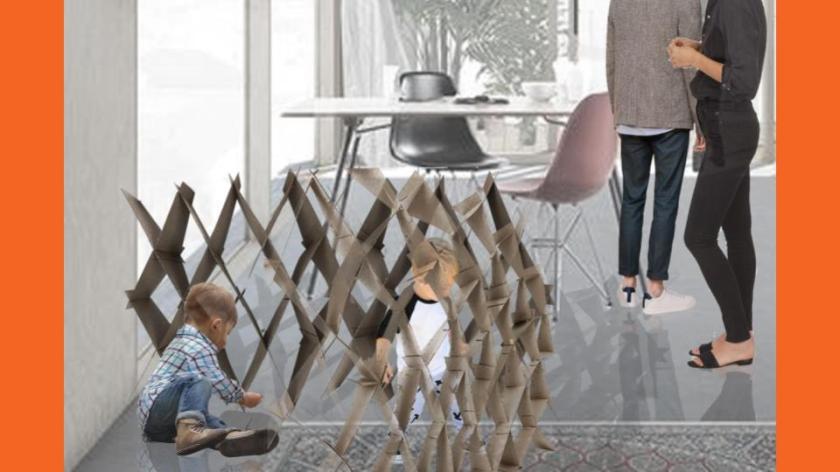
In this project, we use the theme of chess as a concept to create a series of screens that allow children to interact with them.
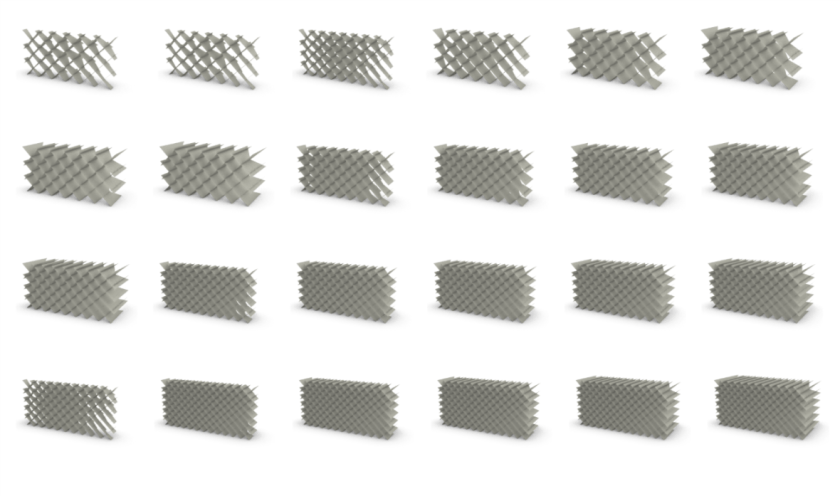
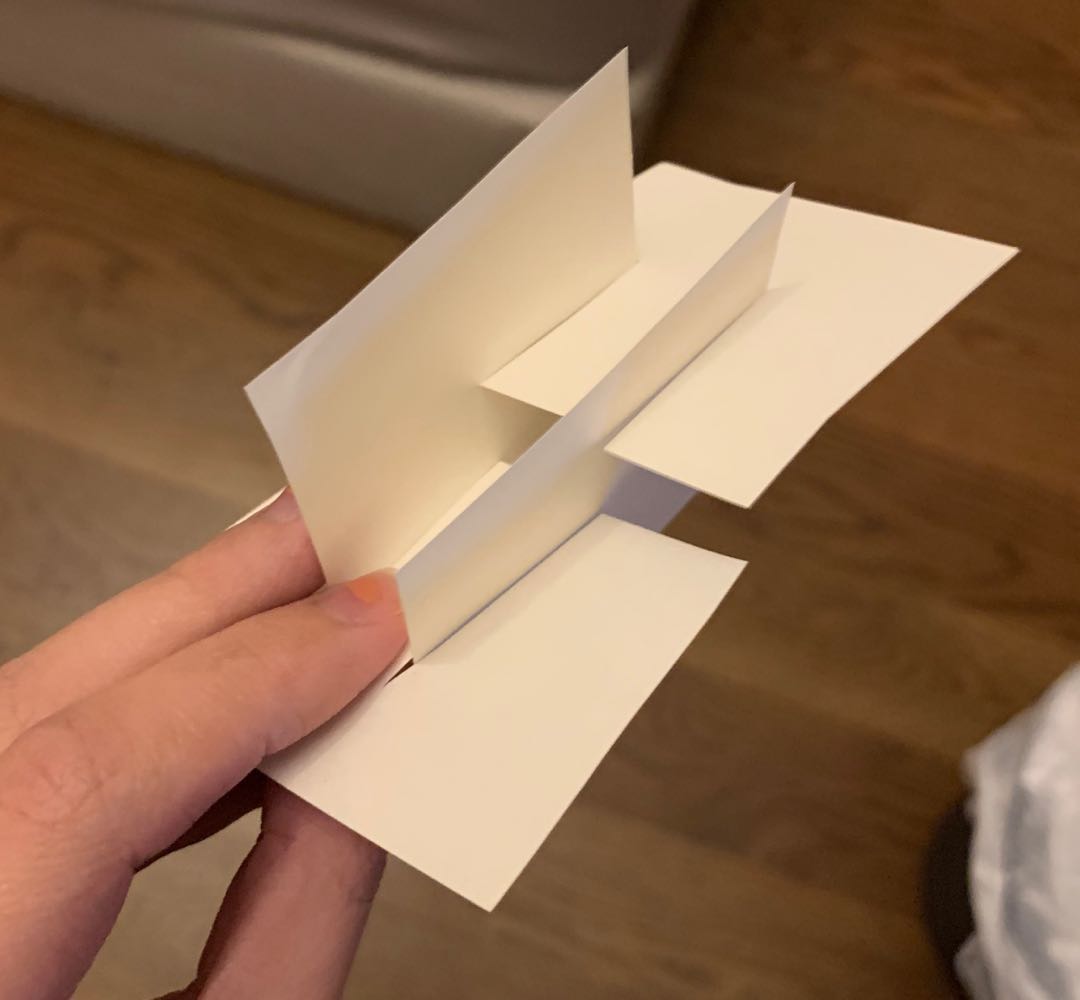
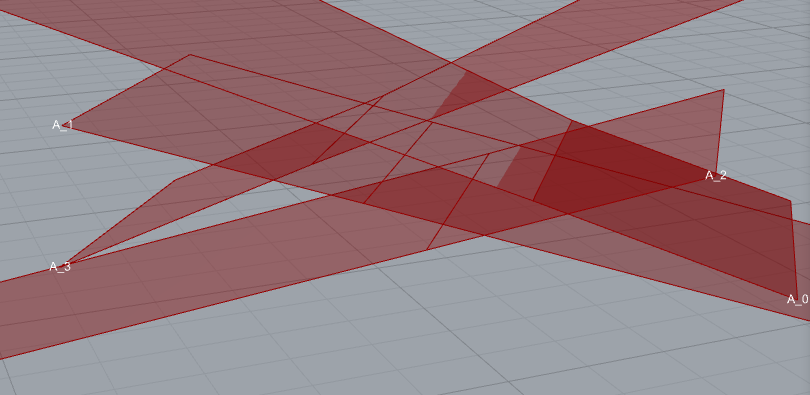
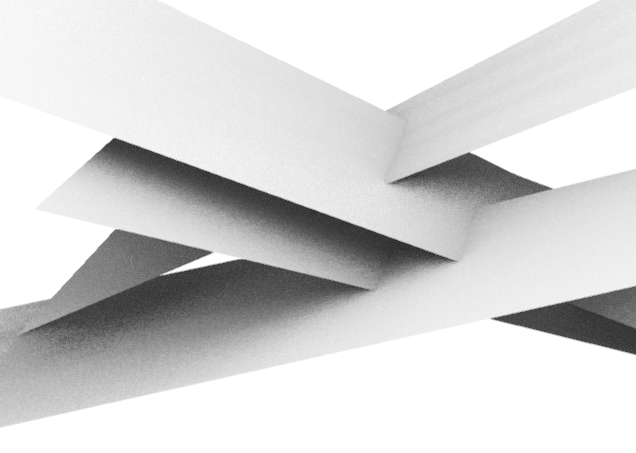
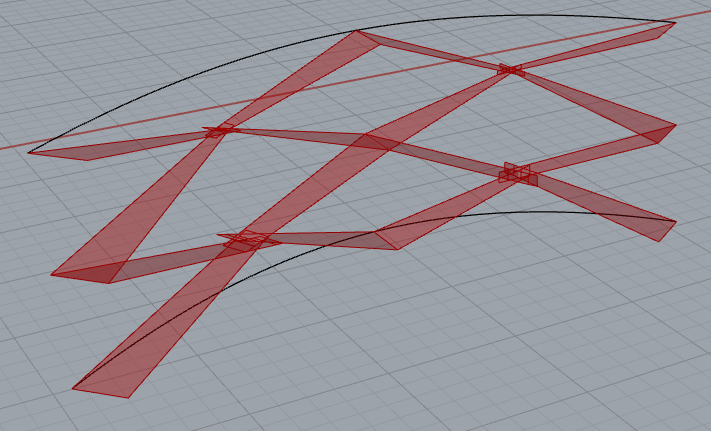
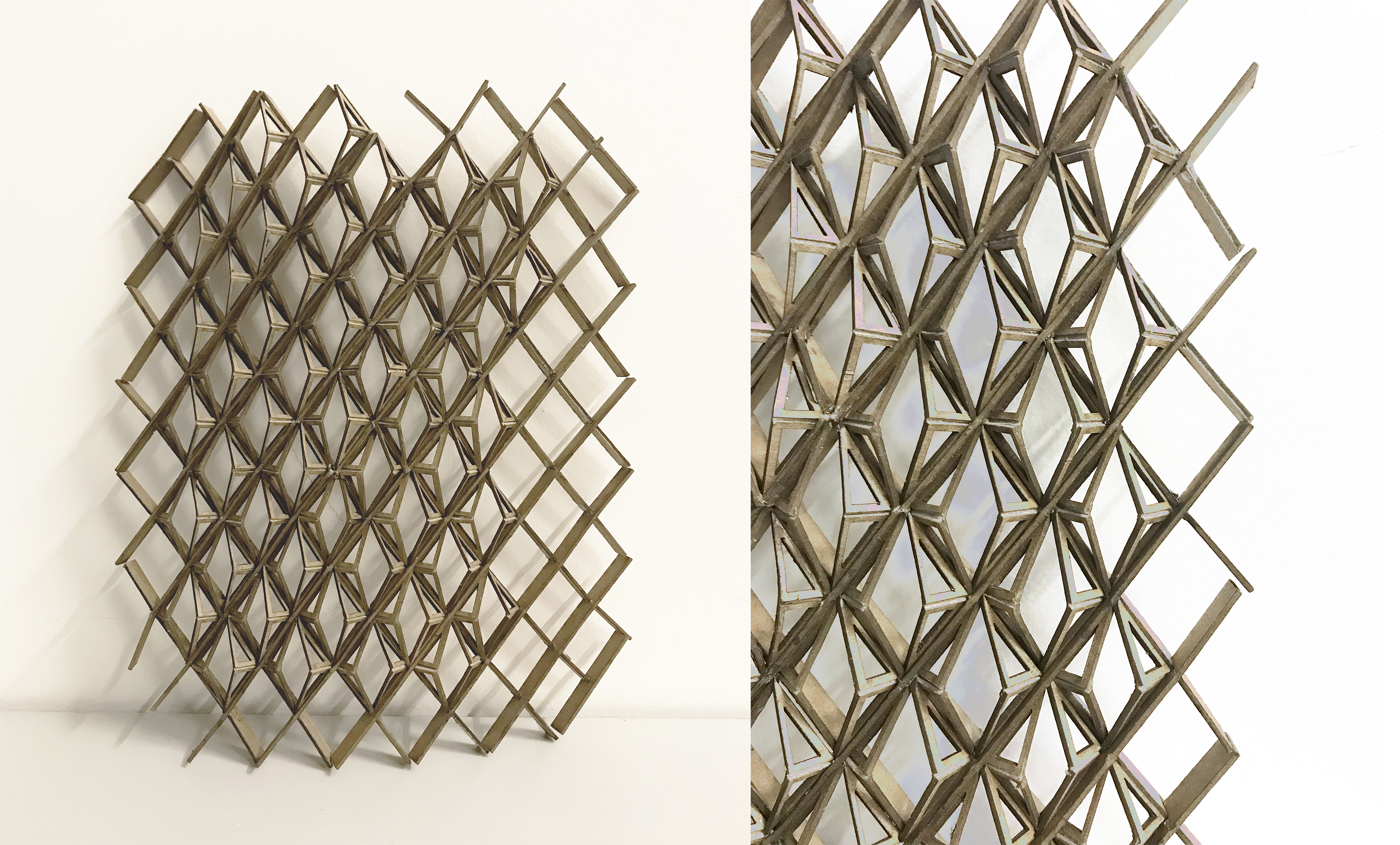
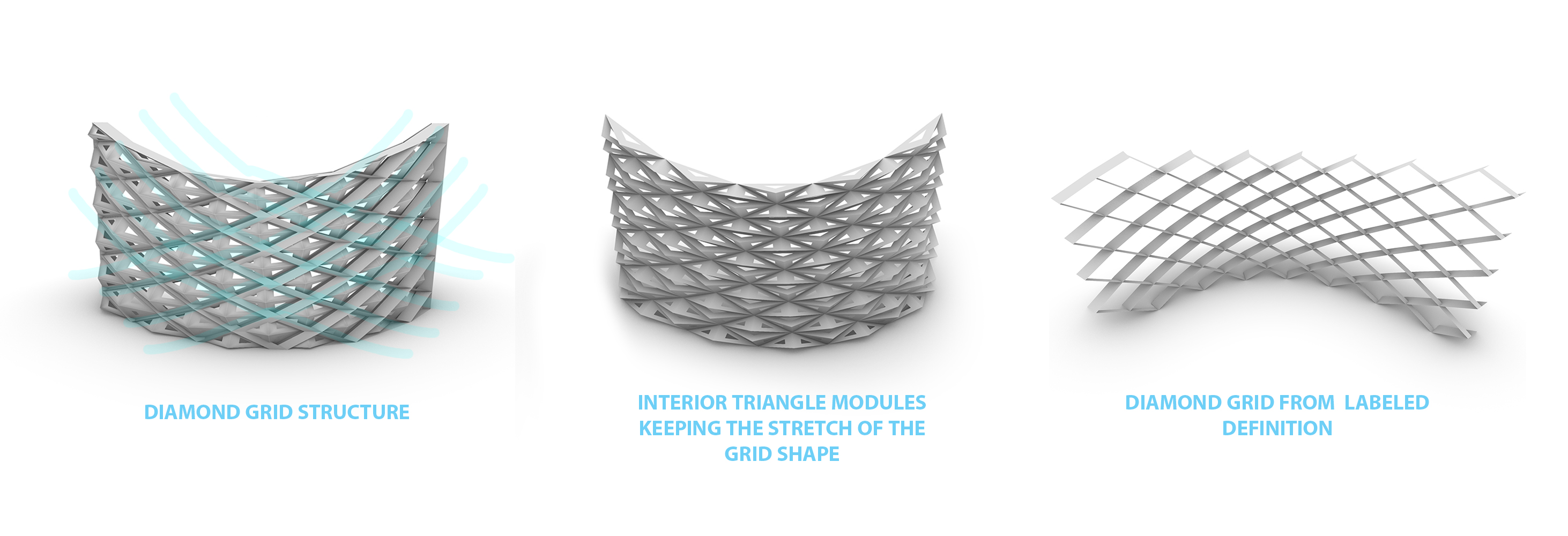
These screens are diamond-shaped and have a concave and convex shape on one side. Children can put their toys or stationery in the grid.
To be honest, this series of screens is not very privacy-protected. Because we consider the safety of children. We care if parents can observe children. But these screens still have the role of distinguishing regions. For the height of the children, they are still walls.
Throughout the design process. As a team of two people. We exchanged ideas. At the beginning we all had different ideas. One of us wants to have a curved design, and another wants to do more straight lines. Later we decided to do the design of the line, because the design of the arc is more difficult and takes more time. And because of the time problem, we chose to make this straight line design. Even so, because we have no experience, it took us a lot of time to learn and trouble shoot our grasshopper connections.

To be honest, this series of screens is not very privacy-protected. Because we consider the safety of children. We care if parents can observe children. But these screens still have the role of distinguishing regions. For the height of the children, they are still walls.
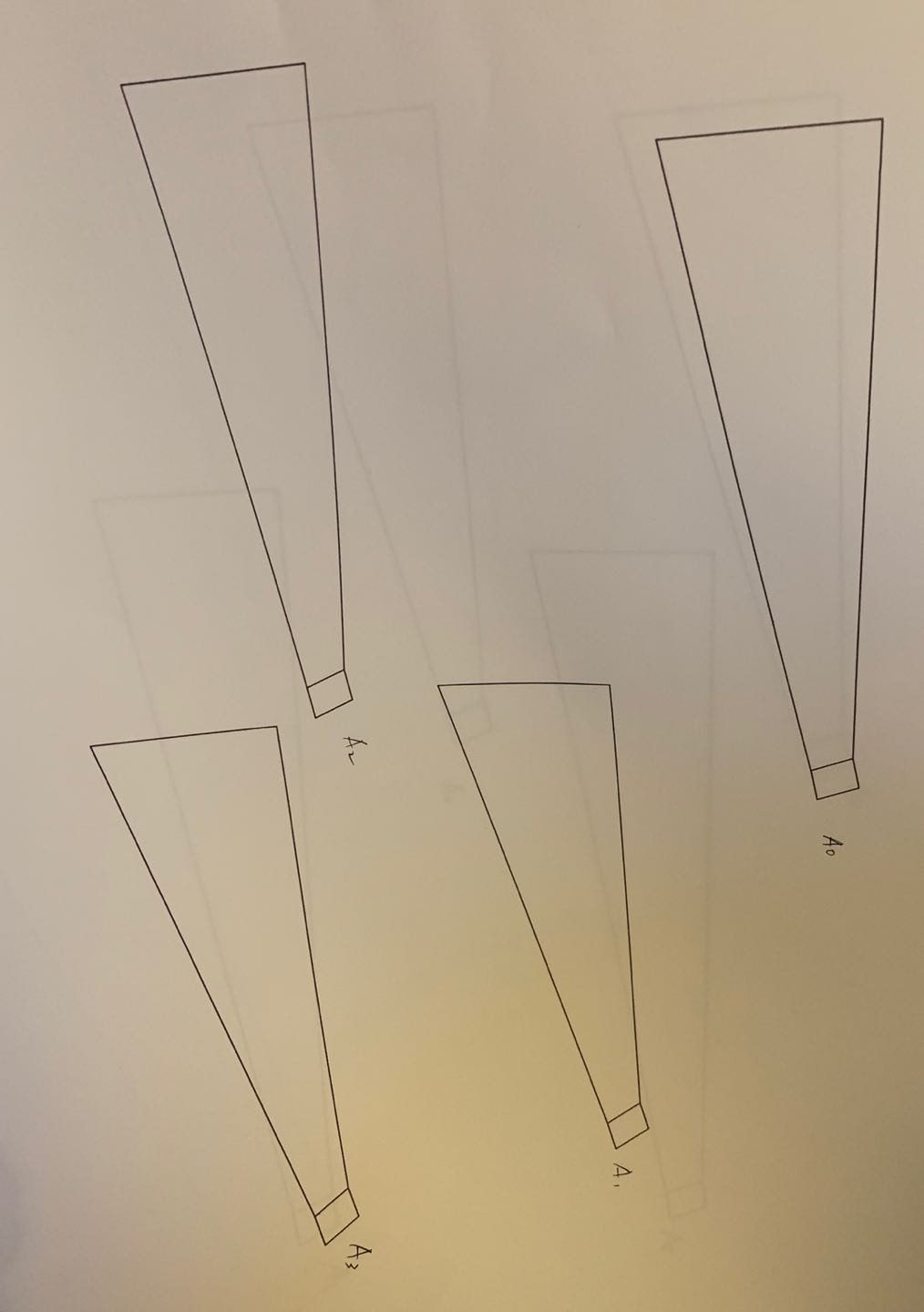
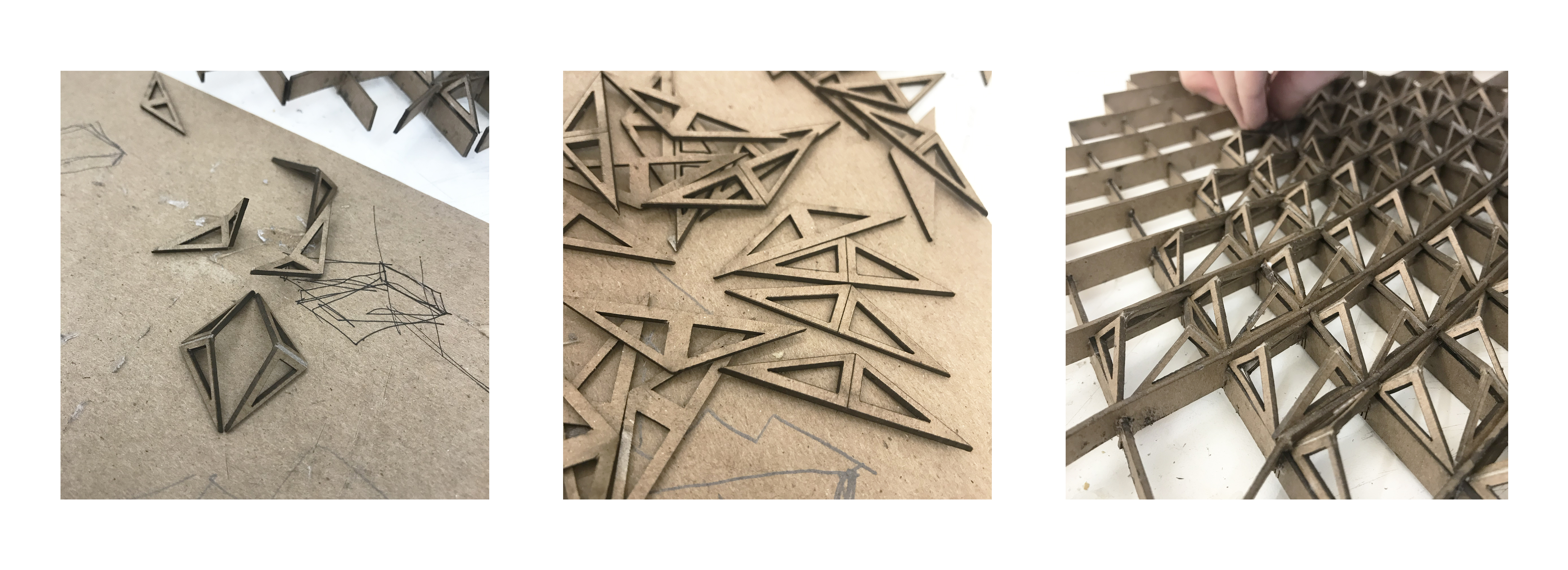
Finally, everything was smooth during the construction process. This is probably the convenience of designing with grasshopper. Because there are already electronic models and annotations. Therefore, the process of building the model is much faster than the previous design.



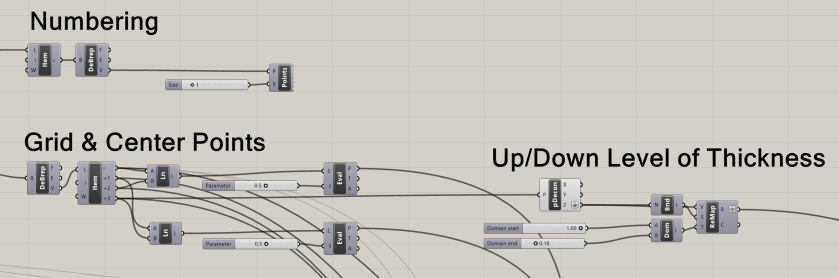
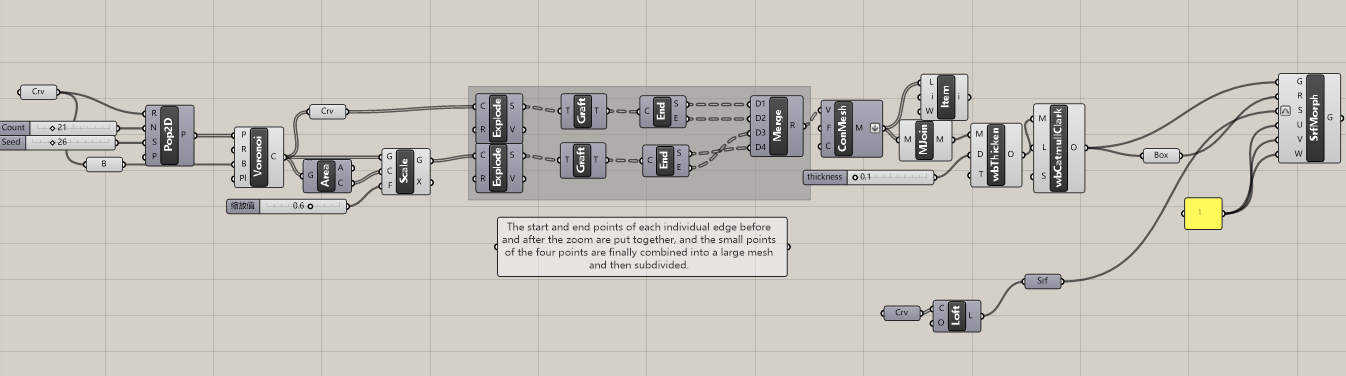
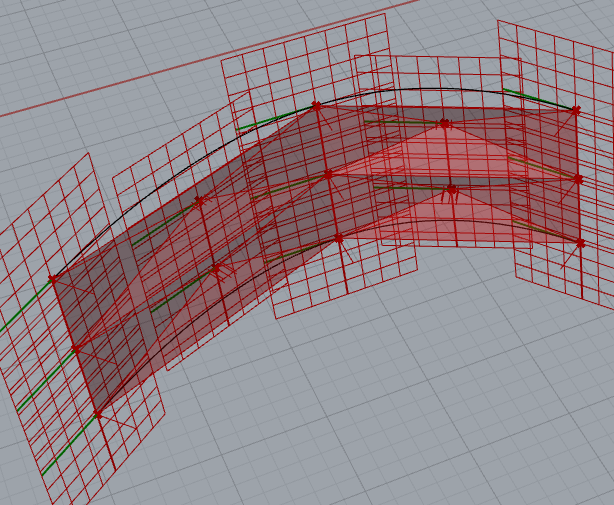
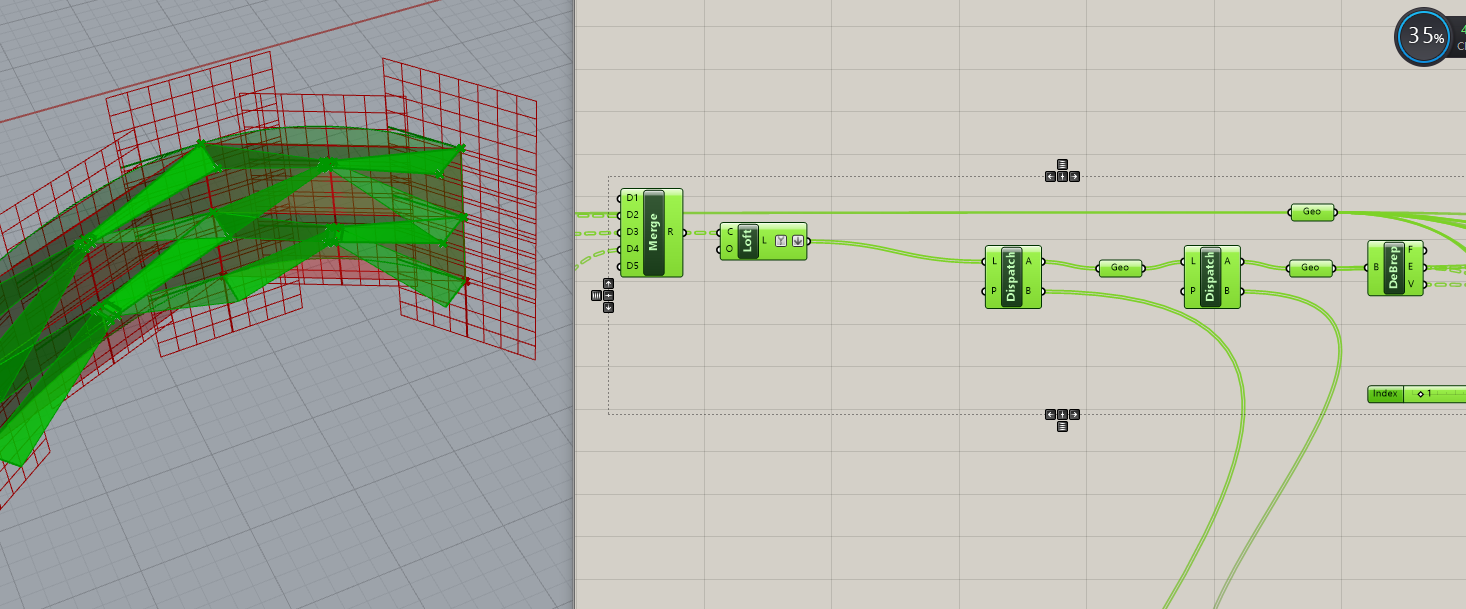
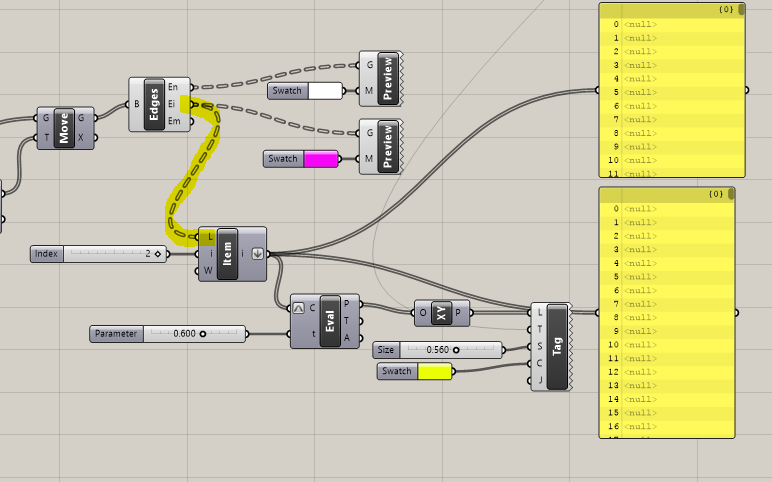
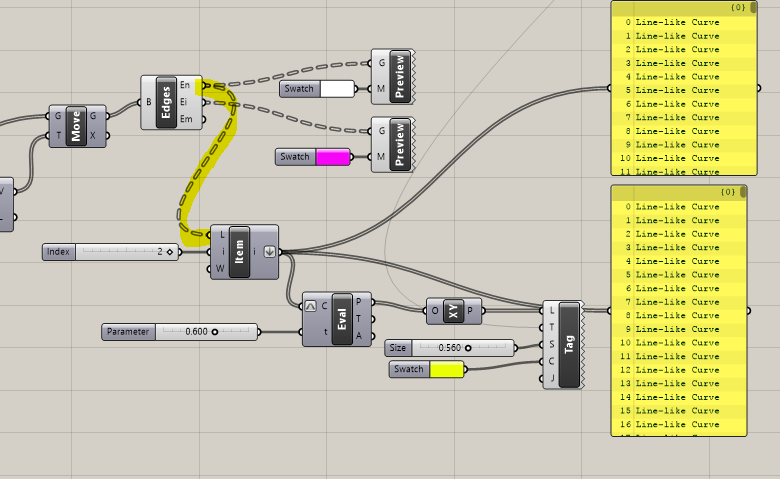
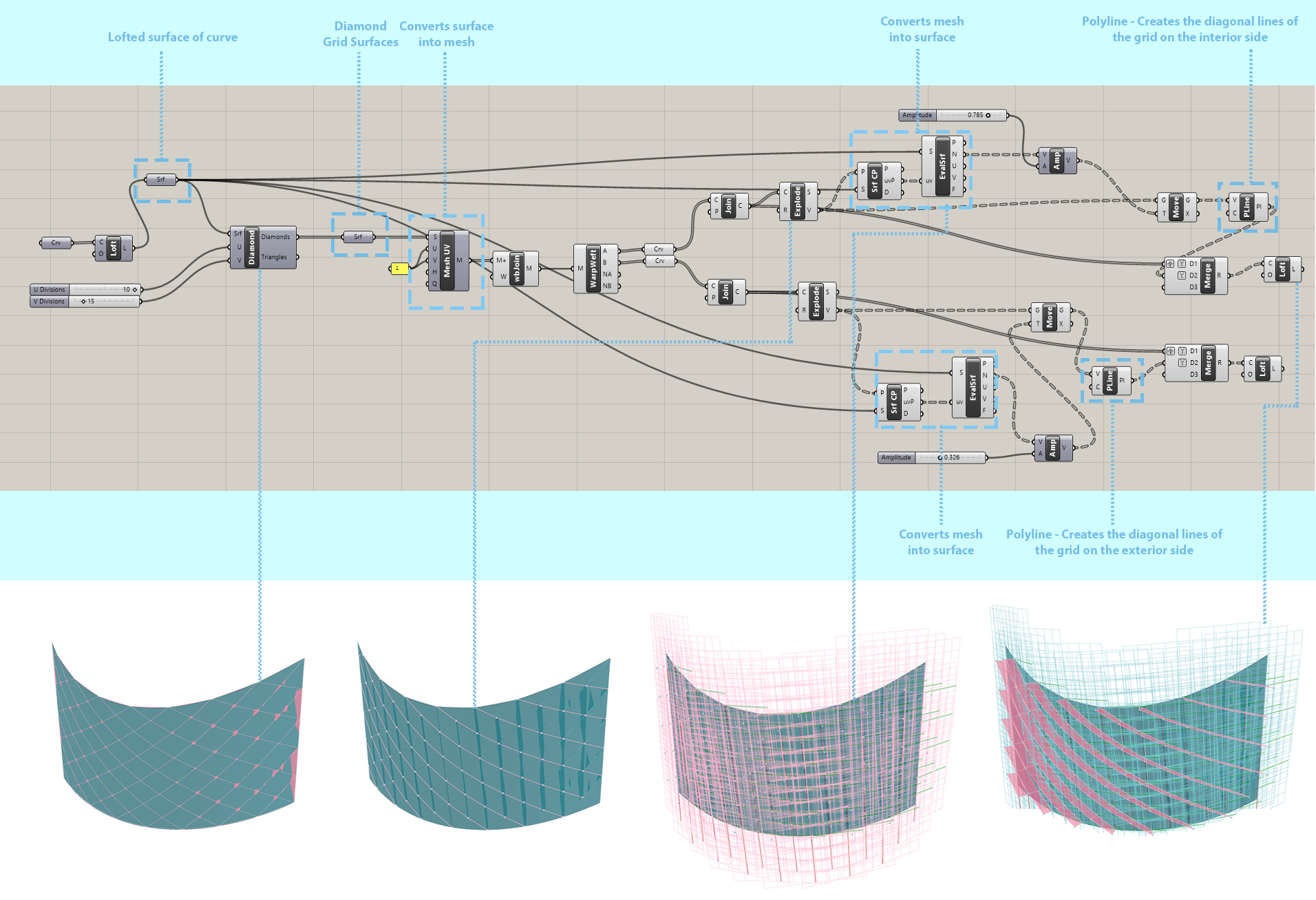
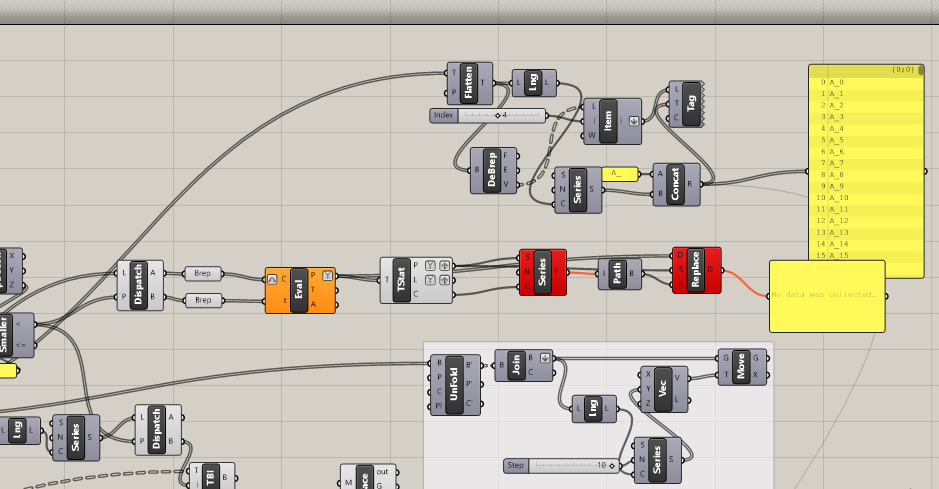
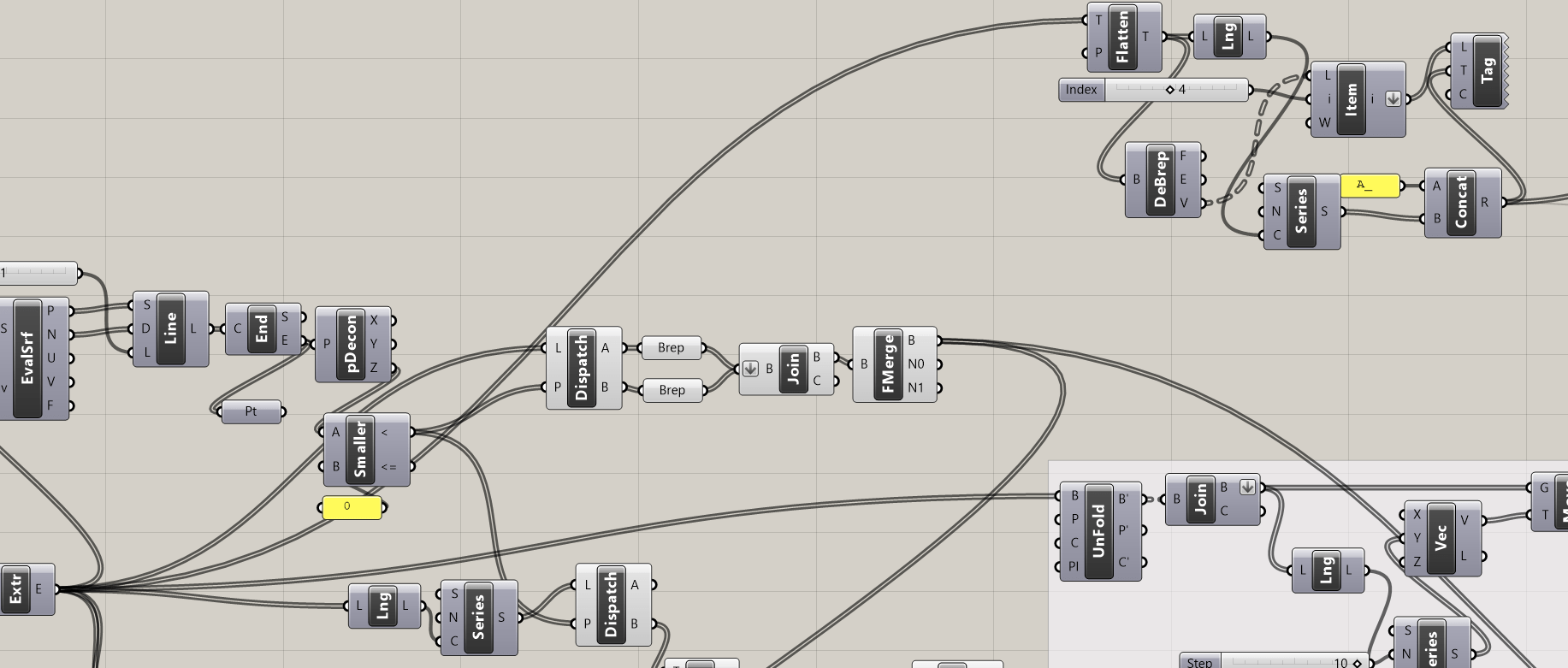
Grasshopper Definition


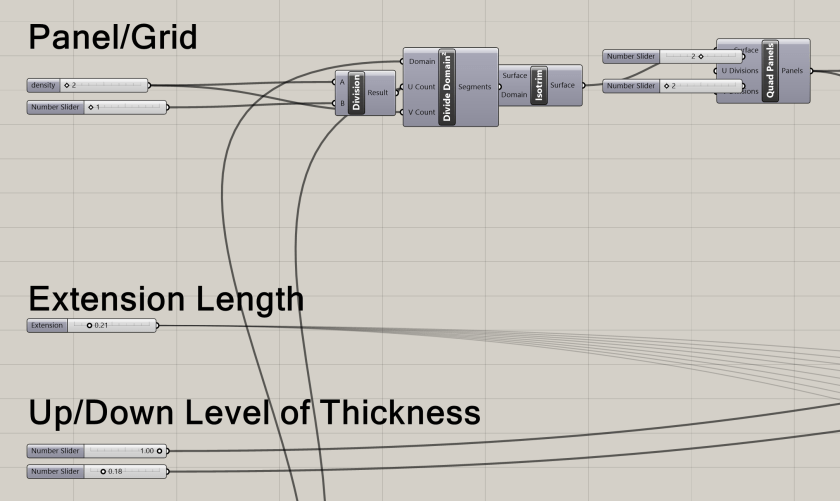










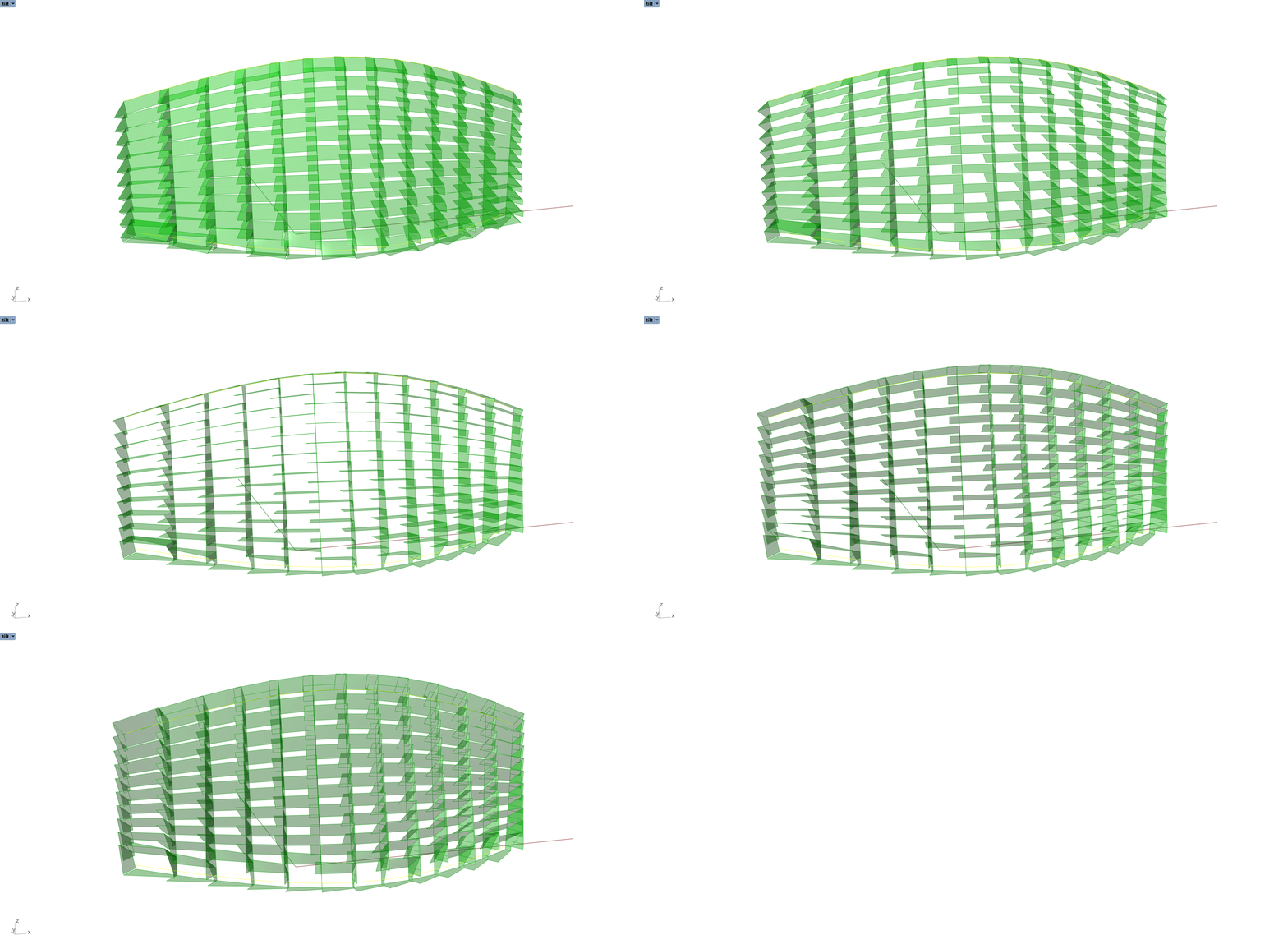
 Parametrics
You must be logged in to post a comment.