Category: Spring 2013
Project Process: Justin, Seal and Edeline
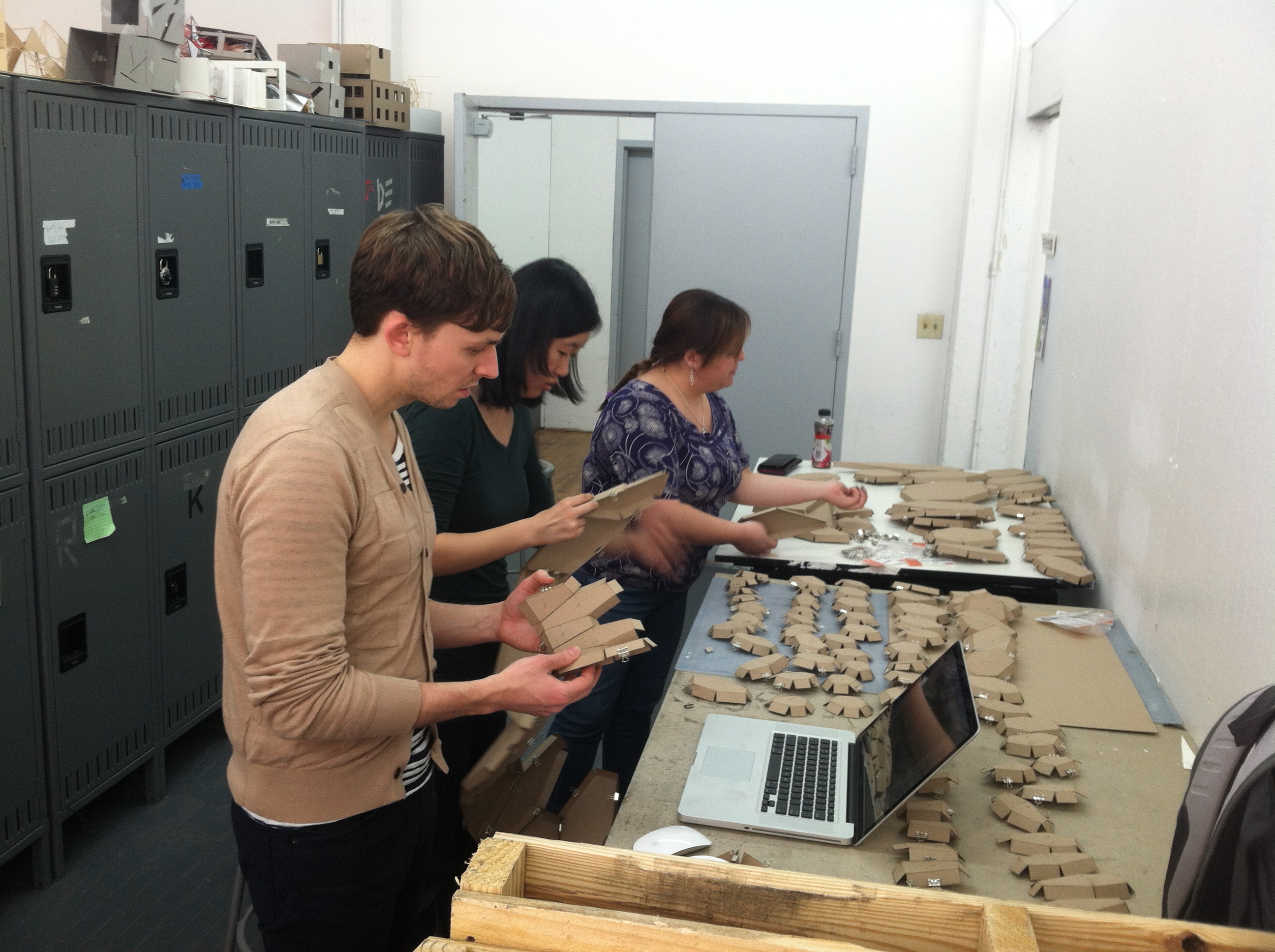
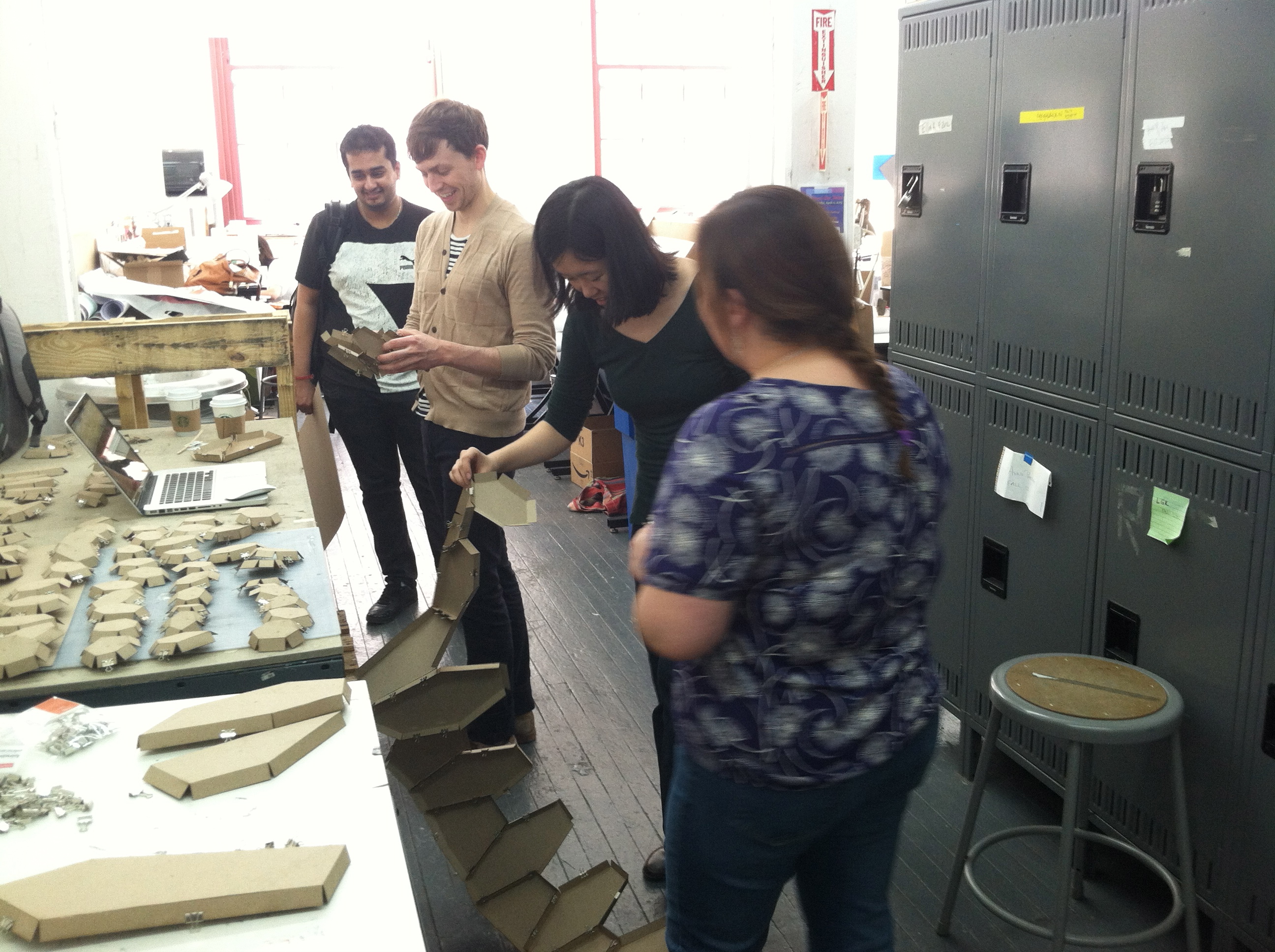
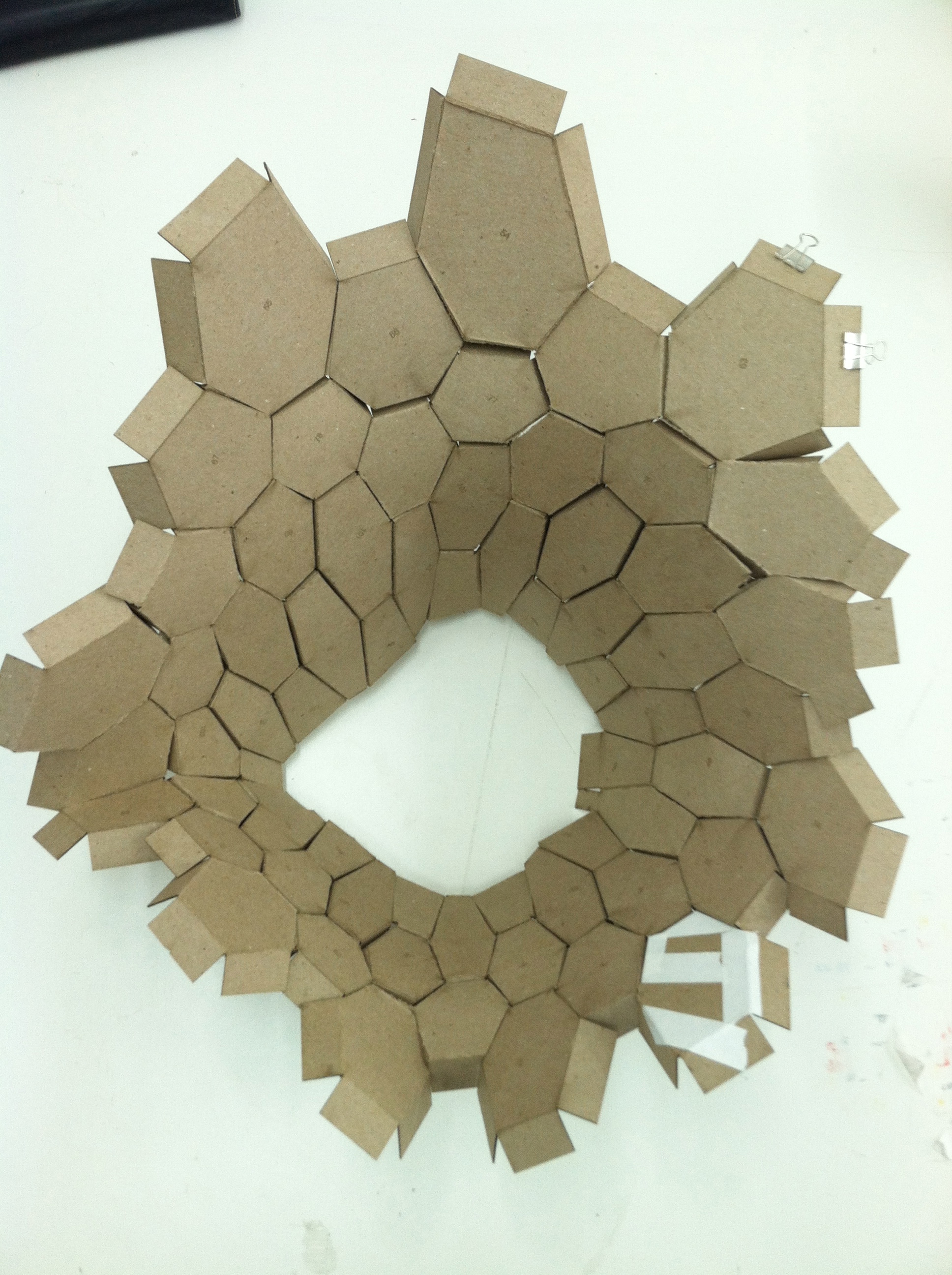
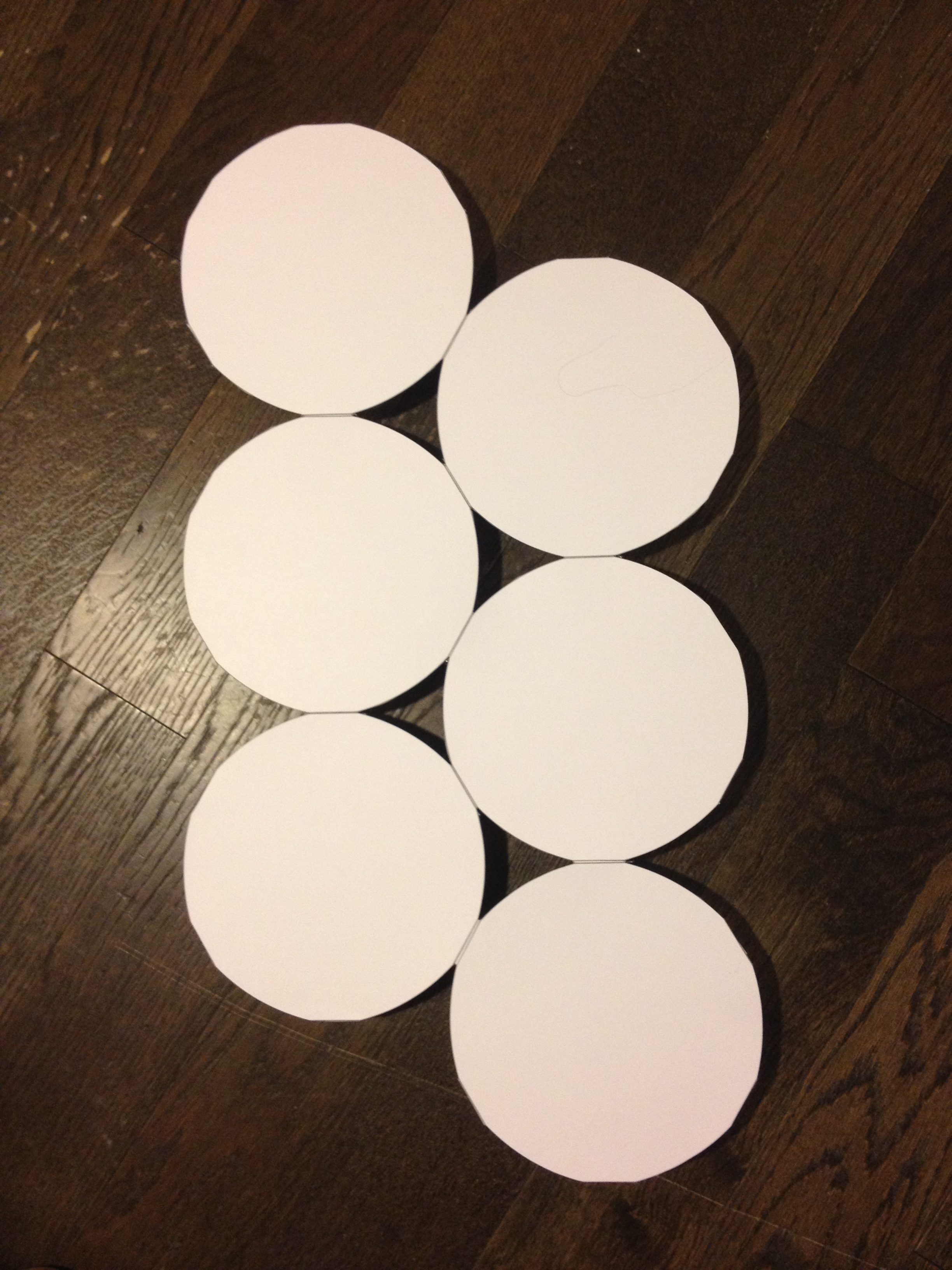
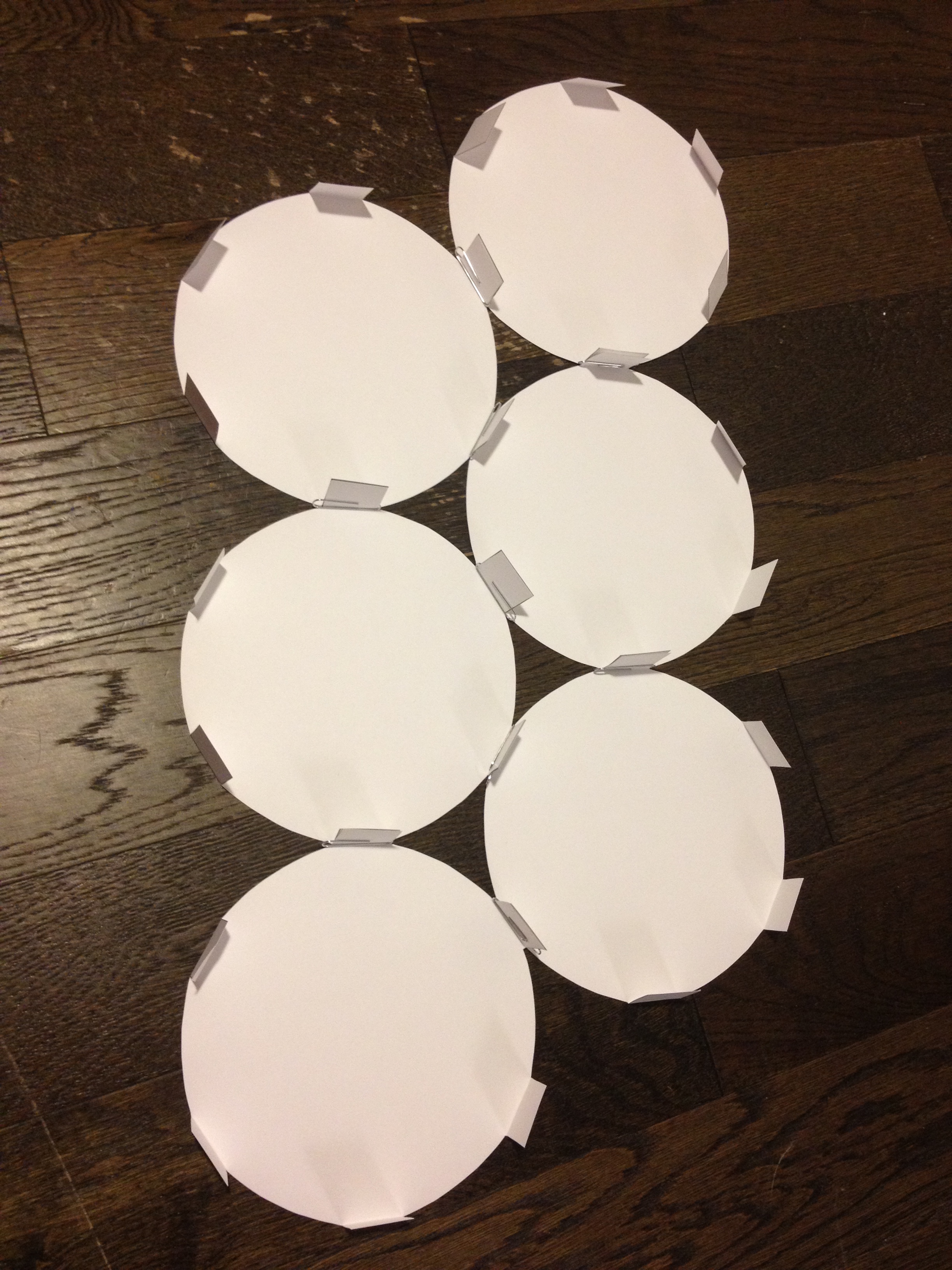
Here are some pictures of our group putting together the 1/4″ scale model of our project. After we put it together it seems that is not holding by it self and we had to tape the bottom parts to the table. We are going to address this fact in class to discuses how we are going to fix it.
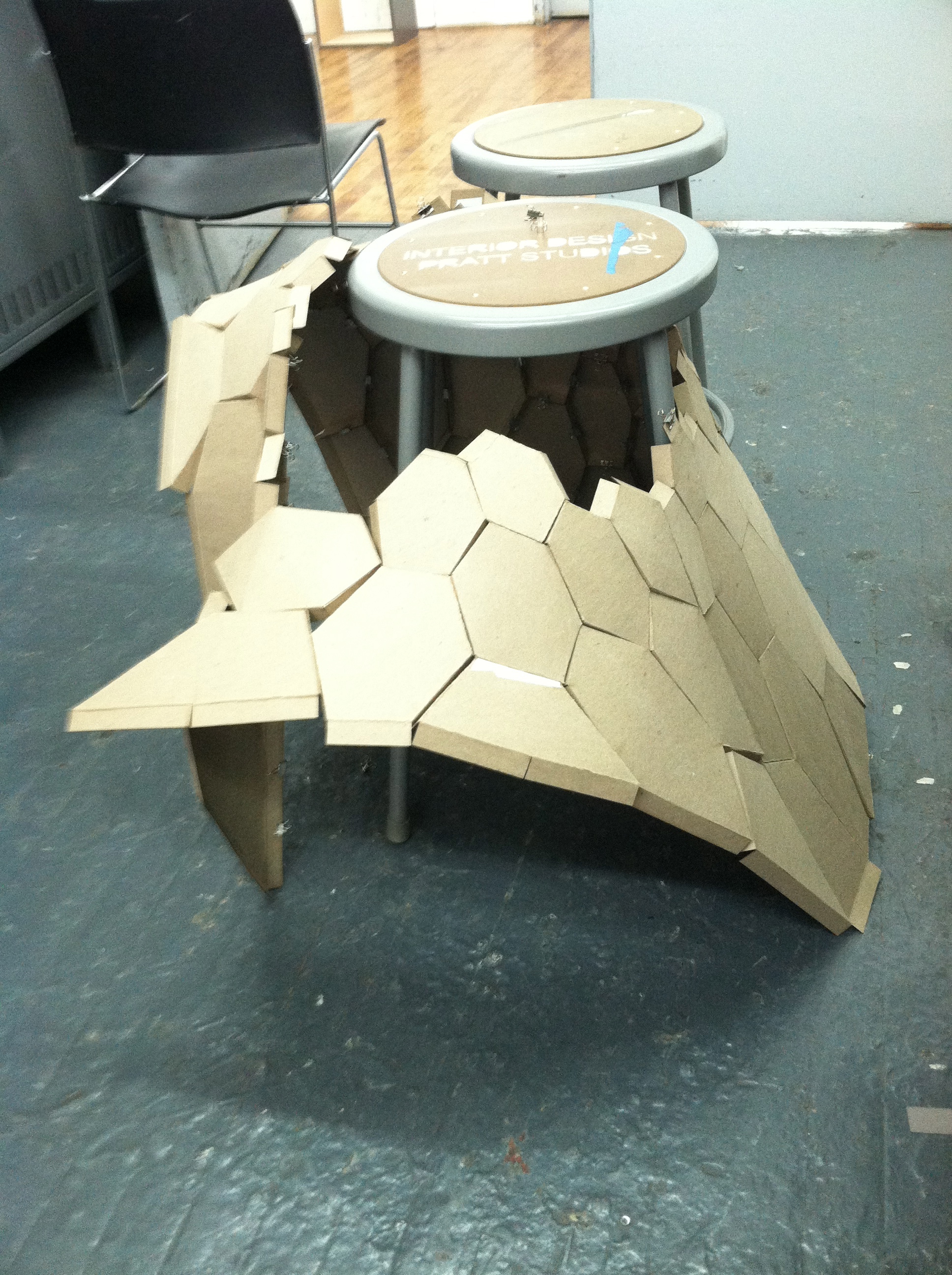
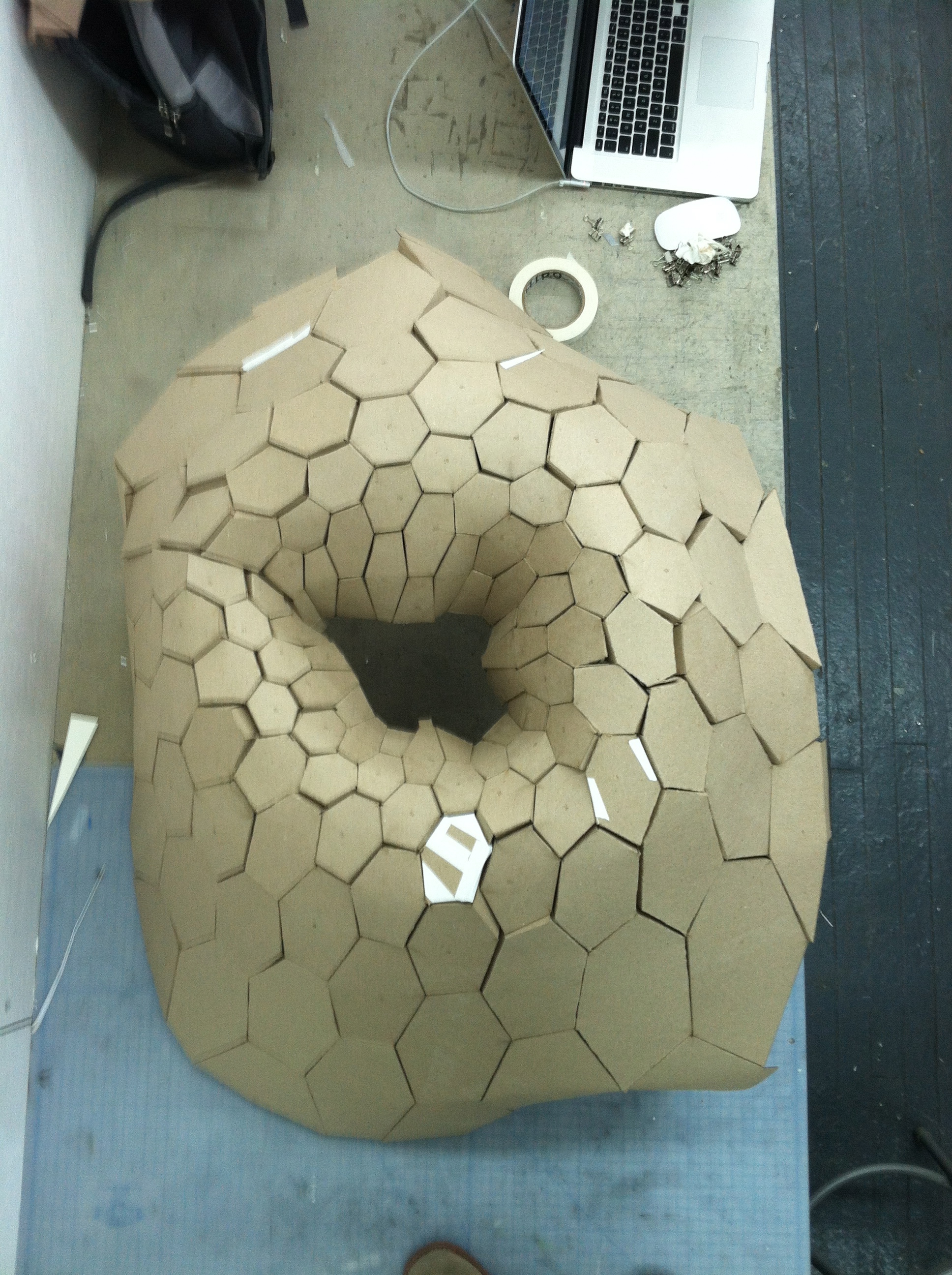
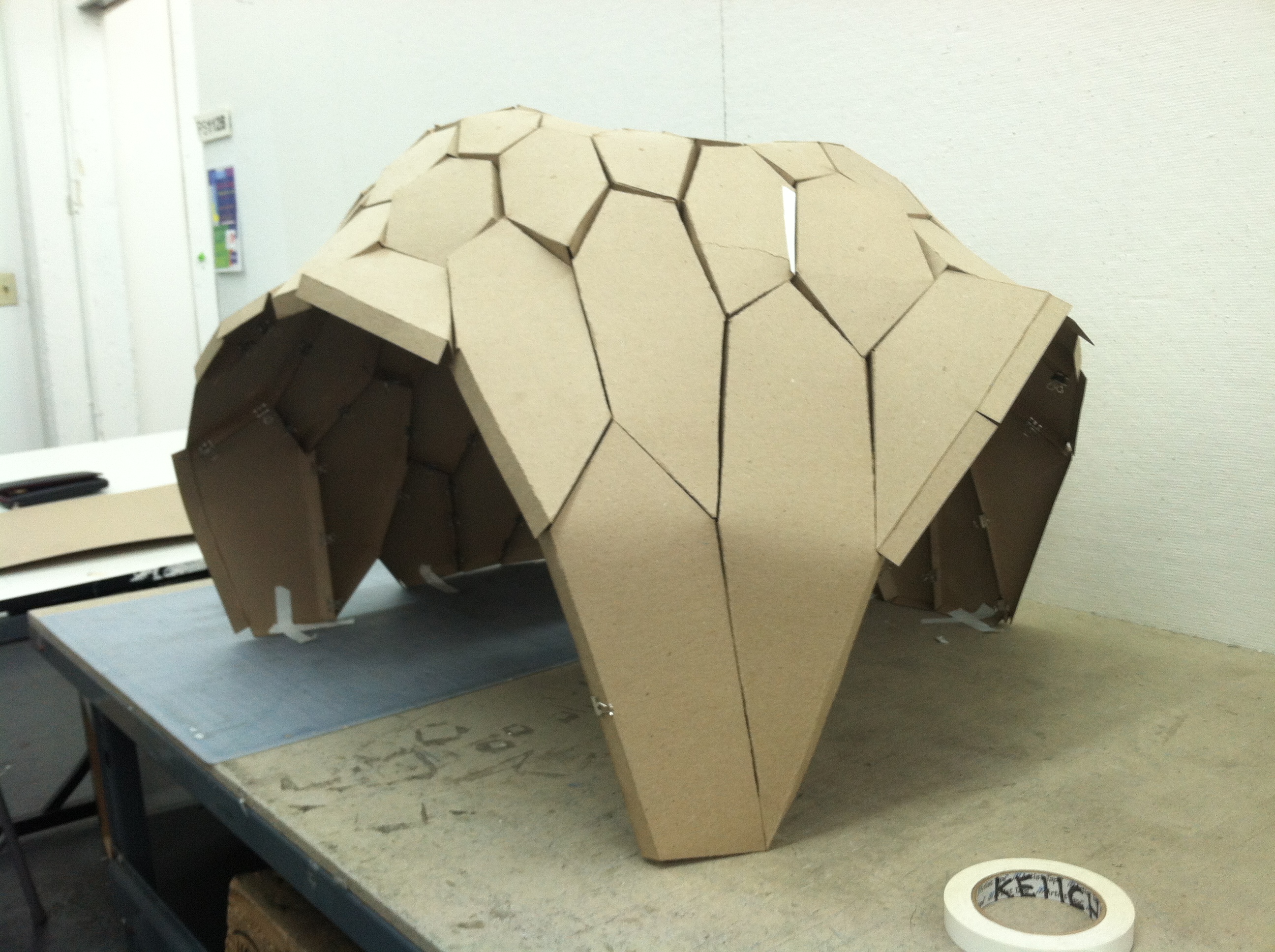
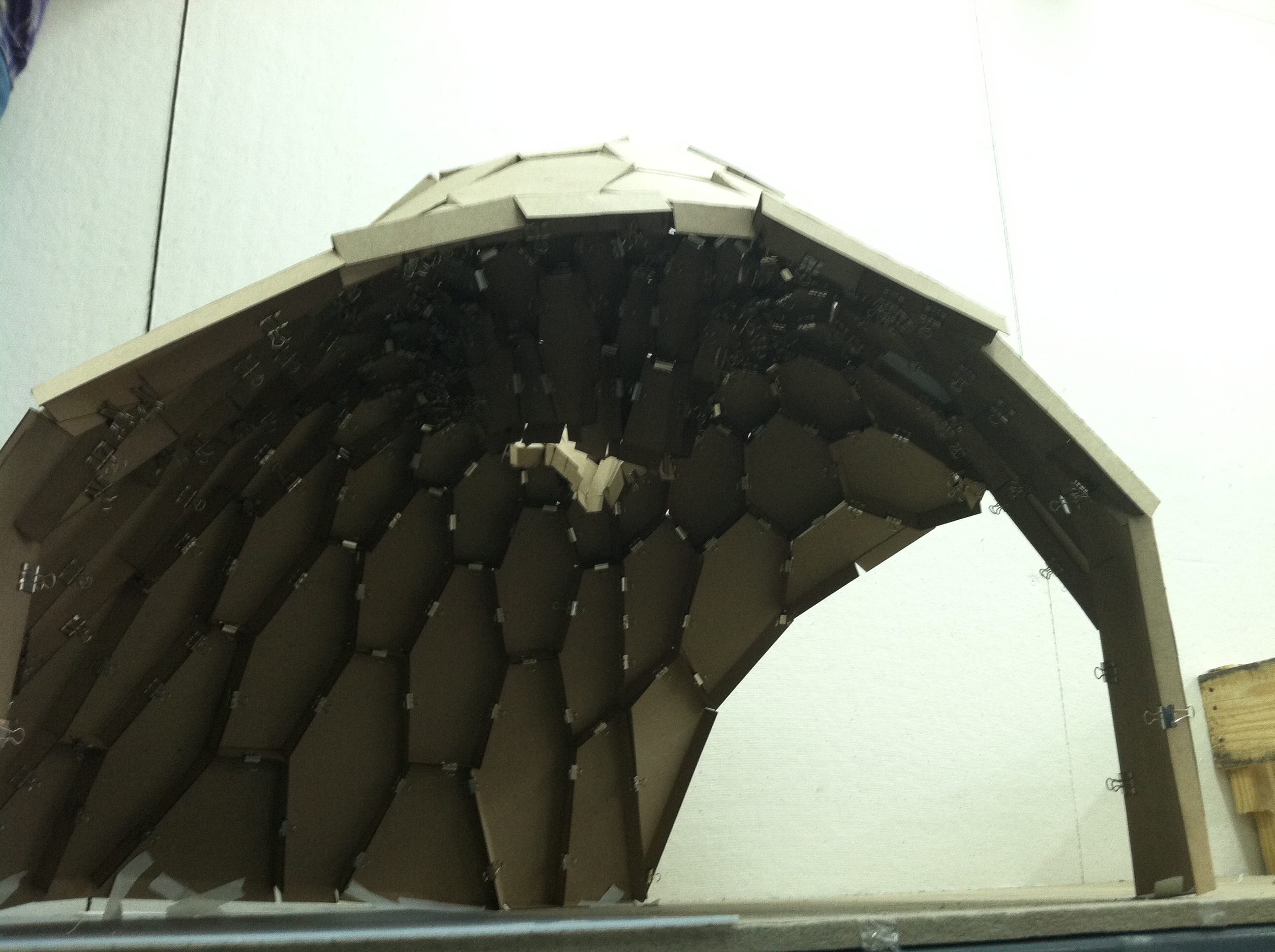
Building the mock-up – Seal, Edeline, Justin
Here we are just beginning to put together all of our lasercut pieces!
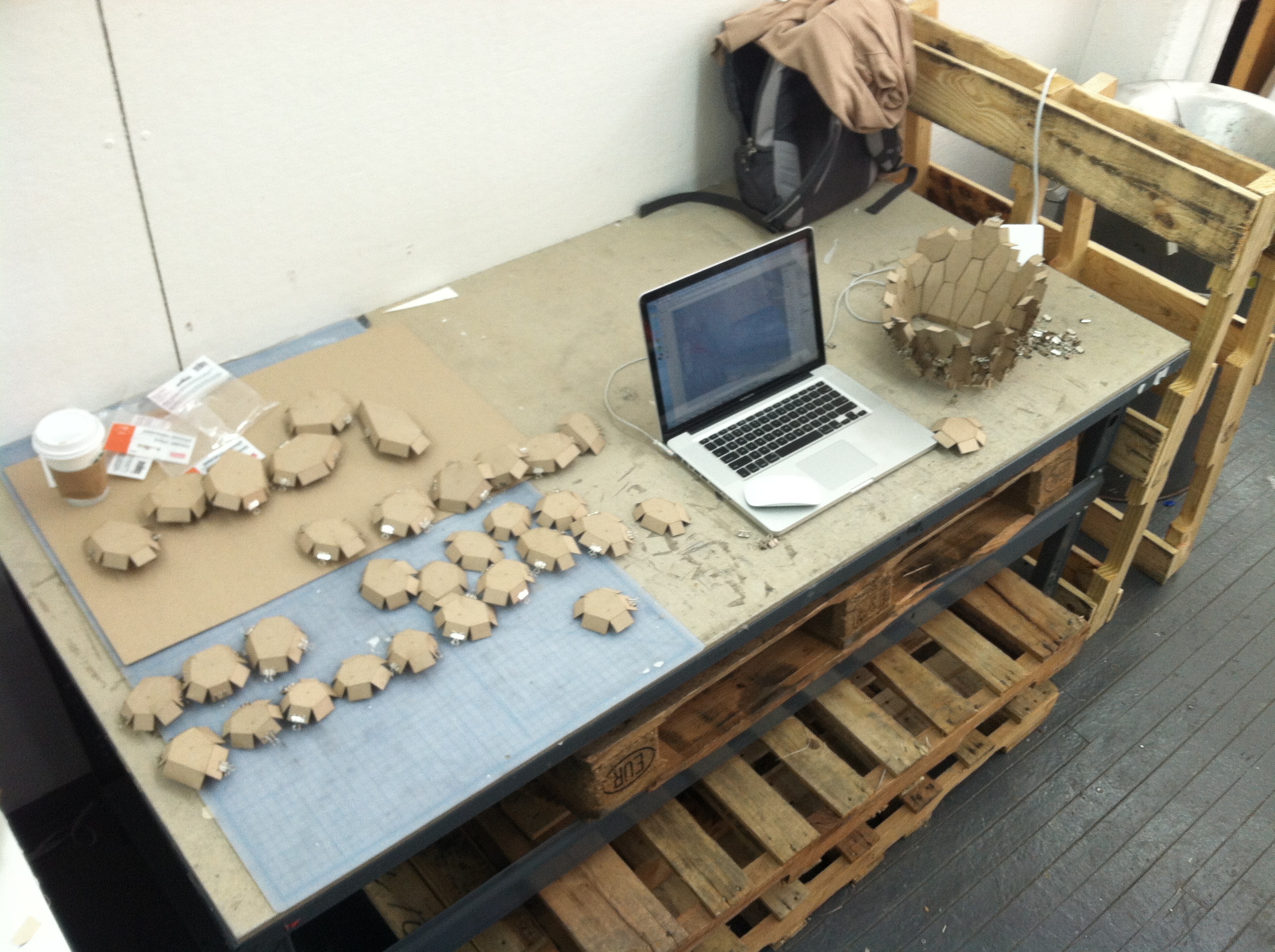
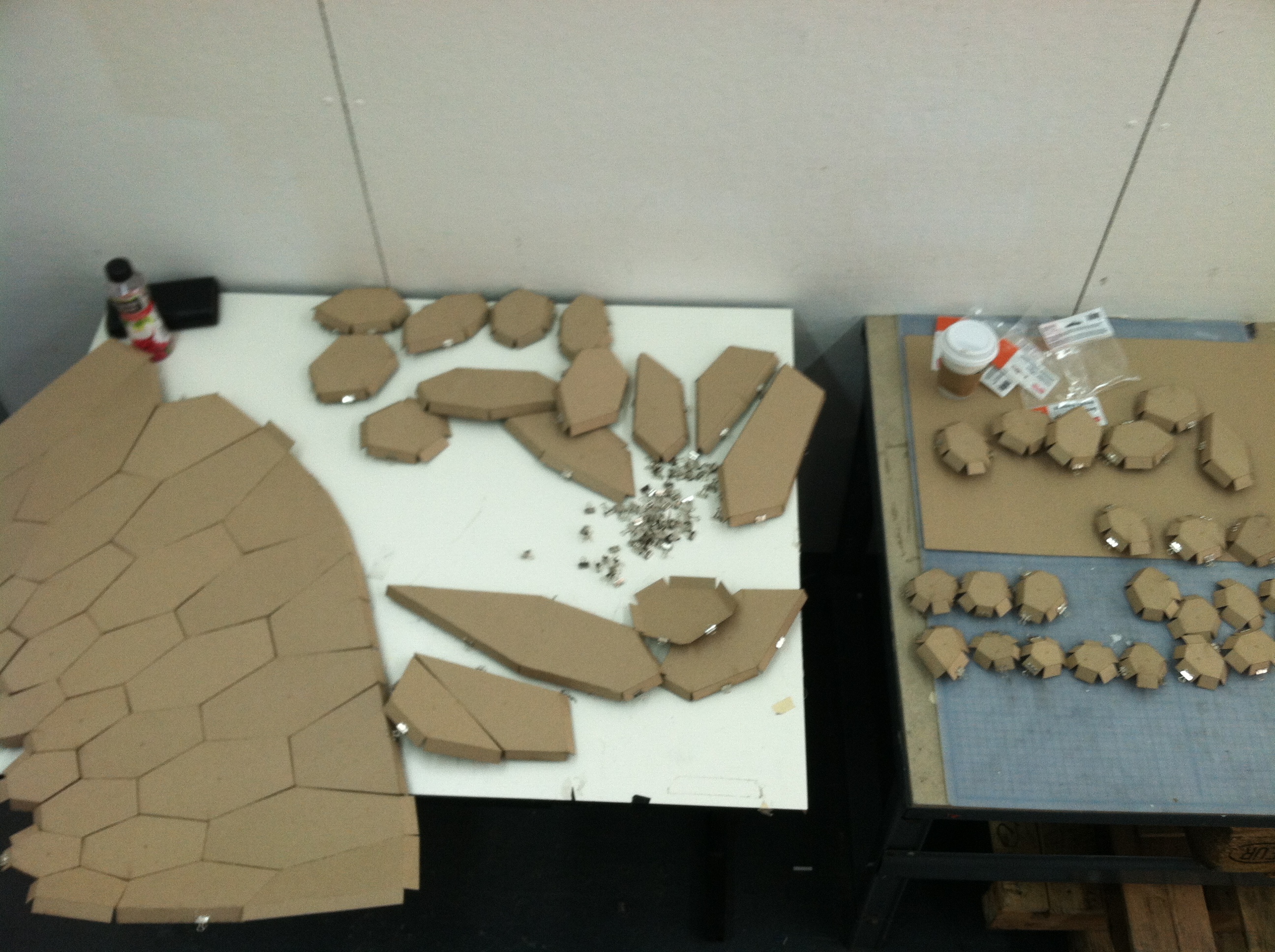
Preparing our 1/4 scale mock-up – Seal, Edeline, Justin
I’m a little behind on the blog posting!
Seal recently posted about finishing the form finding for our structure and flattening the pieces to be lasercut. We were also able to label each of the hex surfaces on the structure with its index using the Text Tag 3D component so we could identify each piece:
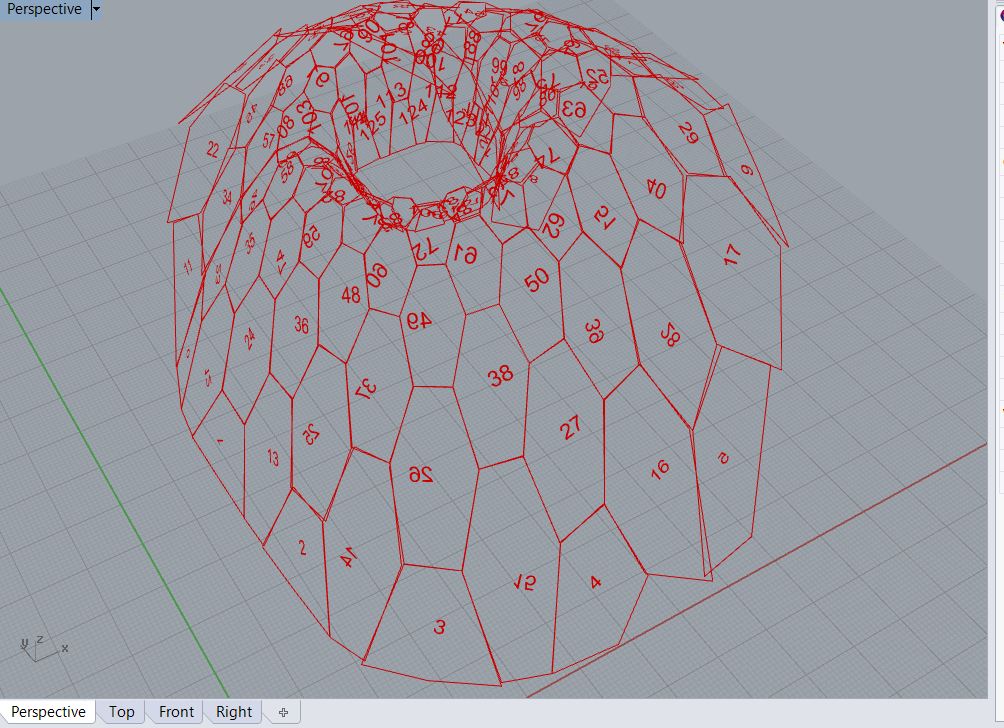
One problem that became apparent is that the normals for each of these surfaces do not face the same direction – some face inside and some outside (as you can see in the photo, some of the text is backwards). We need to establish a clear direction for the final so that the lasercut score line folds in the right direction.
Also, putting together the pieces based on this index alone was difficult because the orientation of each piece was not clear. For the final, we are thinking of labeling each edge or vertex so we know quickly how the pieces fit together.
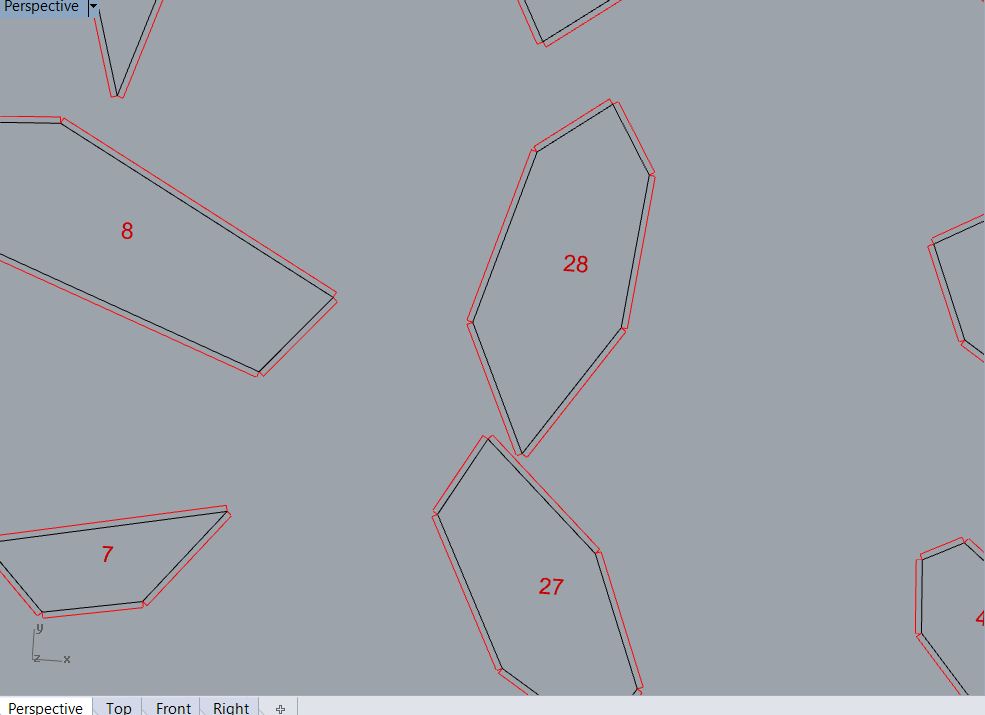
We were also able to generate “tabs” for each hexagon. We baked the flattened hex surfaces into Rhino and ran a separate GH file to generate the tabs. We identified the edges of each hex surface, offset each edge, and then drew a line from the start/end point of the original edge to the offset line. We were able to use the Color component in the Vector area to make the hex edges black (RGB 0,0,0) and the tab outline red (RGB 255,0,0) so they would be ready to lasercut.
project progress – Justin, Edeline and Seal
This is where we were in the midterm:

In the past two weeks, we were trying to rebuild the form by hexagon cells and kangaroo, add pattern on the form and prepare for laser cut.
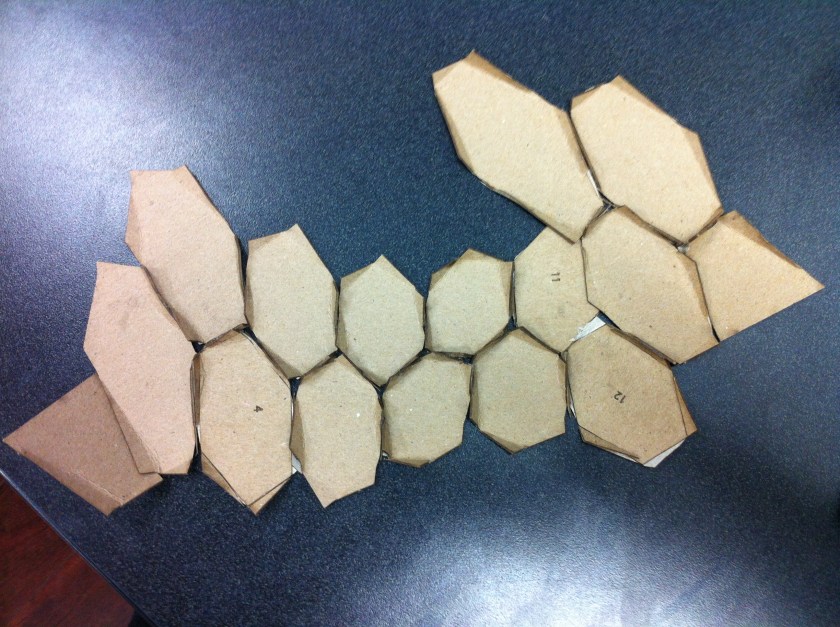
We succeeded in finding the form and flatten the hexagon shapes:

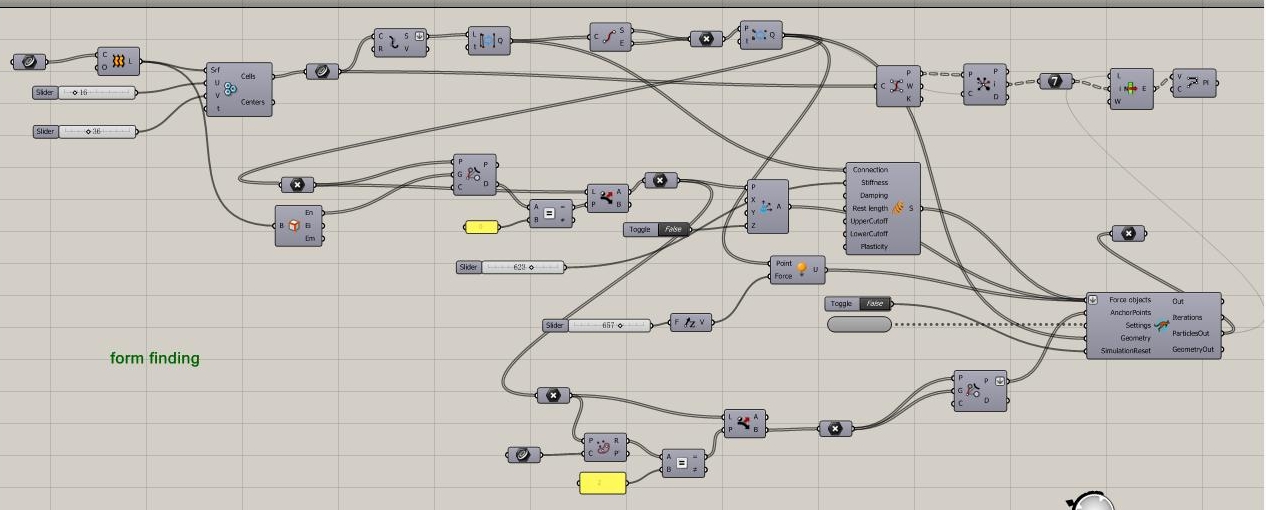
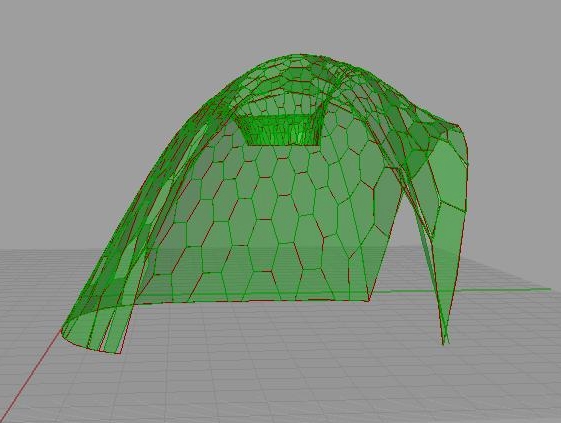
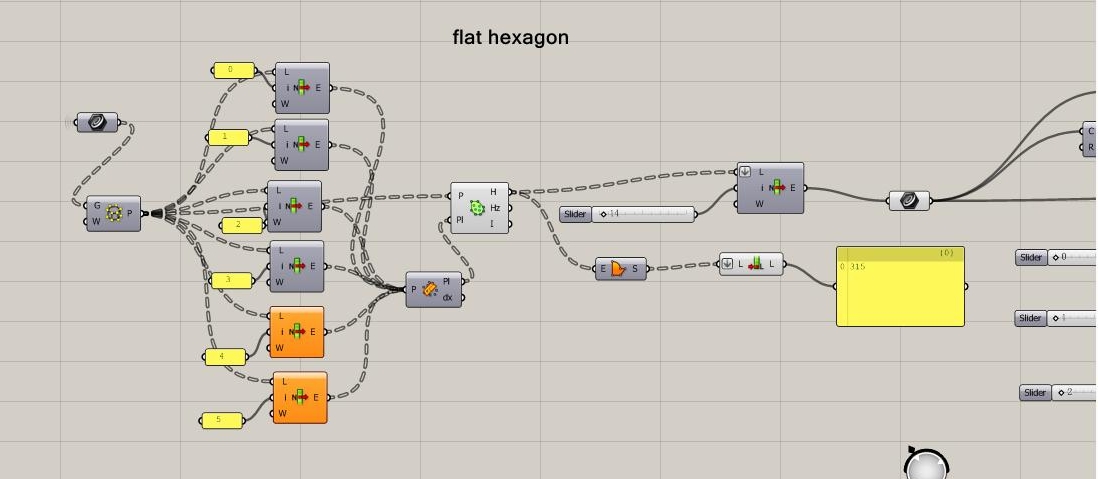
But there are some imperfections of the form,
Such as the seam bisecting some hexagons:
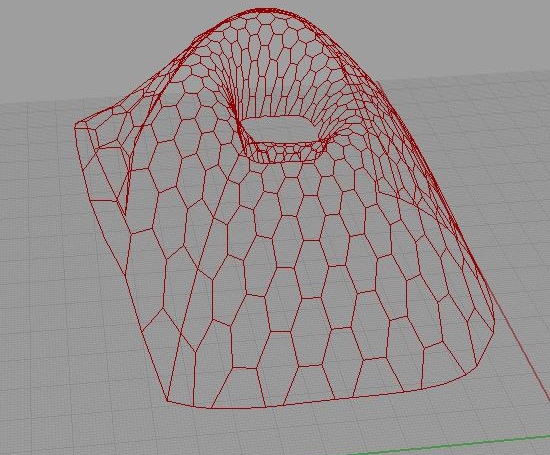
And, some borders are missing:
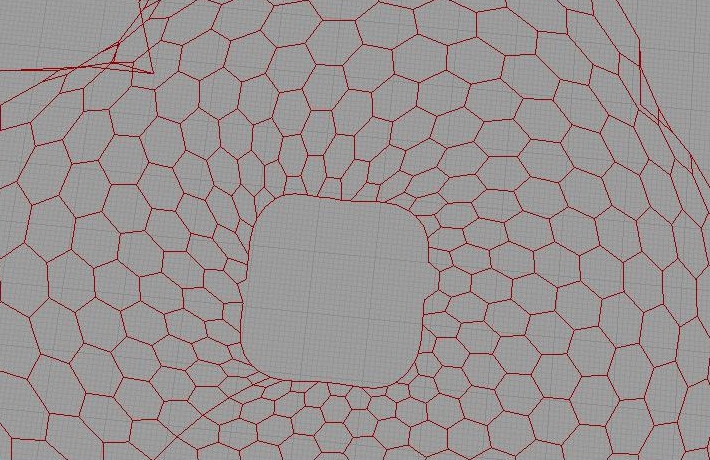
We may need to divide some large shapes for the full scale model:
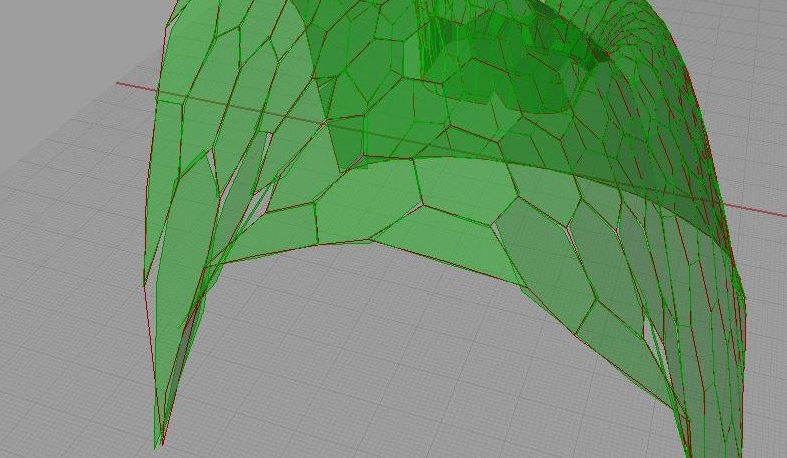
We tried to superimpose the pattern on the form,
But the pattern was only compatible with few sections. We think it was because the settings of the pattern need to be adjusted. We will work on that after the scale model.
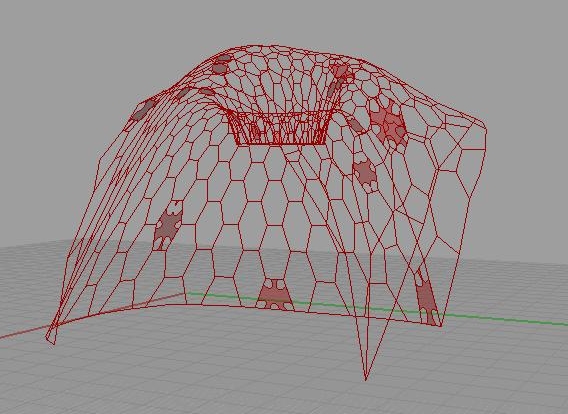

For the 1/4 scale model, we use fewer pieces (127 pieces instead of 315 pieces for the full scale model)
and all thin chipboard

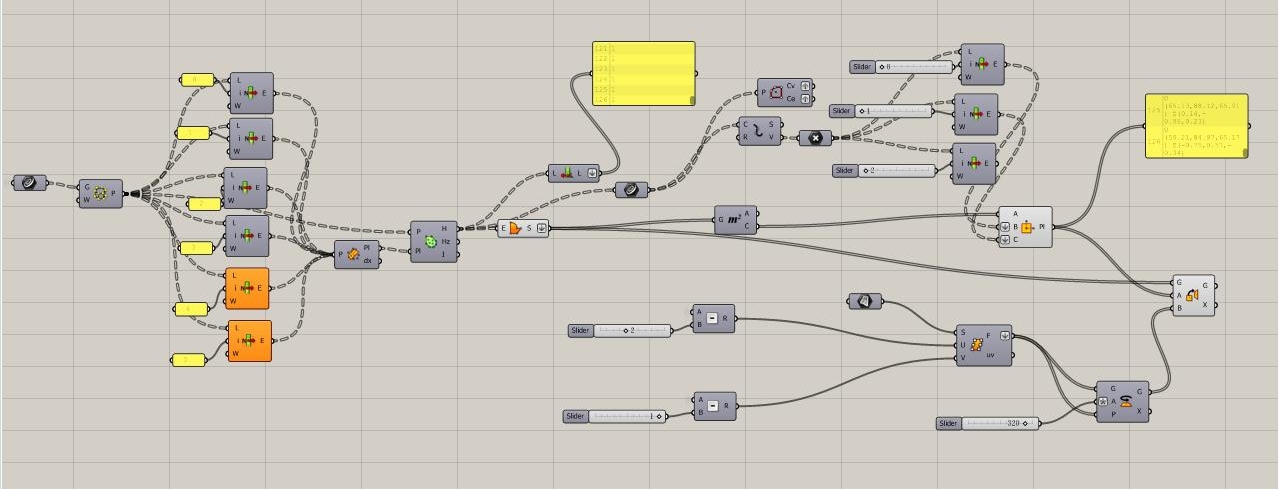
My partners will contribute more information shortly.
tutorial videos maybe useful to our current works
Digital toolbox (http://digitaltoolbox.info/) has tutorial videos about orient surface for laser cut, make text tag and other cool stuff. Ben mentioned that website in a previous post. It gave our group a big help about how to generate the laser cut file.
I feel some groups are struggling with the same problem as us in this week, hope this can help :D
hex tiles

hex tiles with offsets and fillet radius changing
cuts

As we discussed in class, we may do a diamond shape as well as the hexagon.
attached is an image of what the flaps will look like…
Project Process: Justin, Seal and Edeline
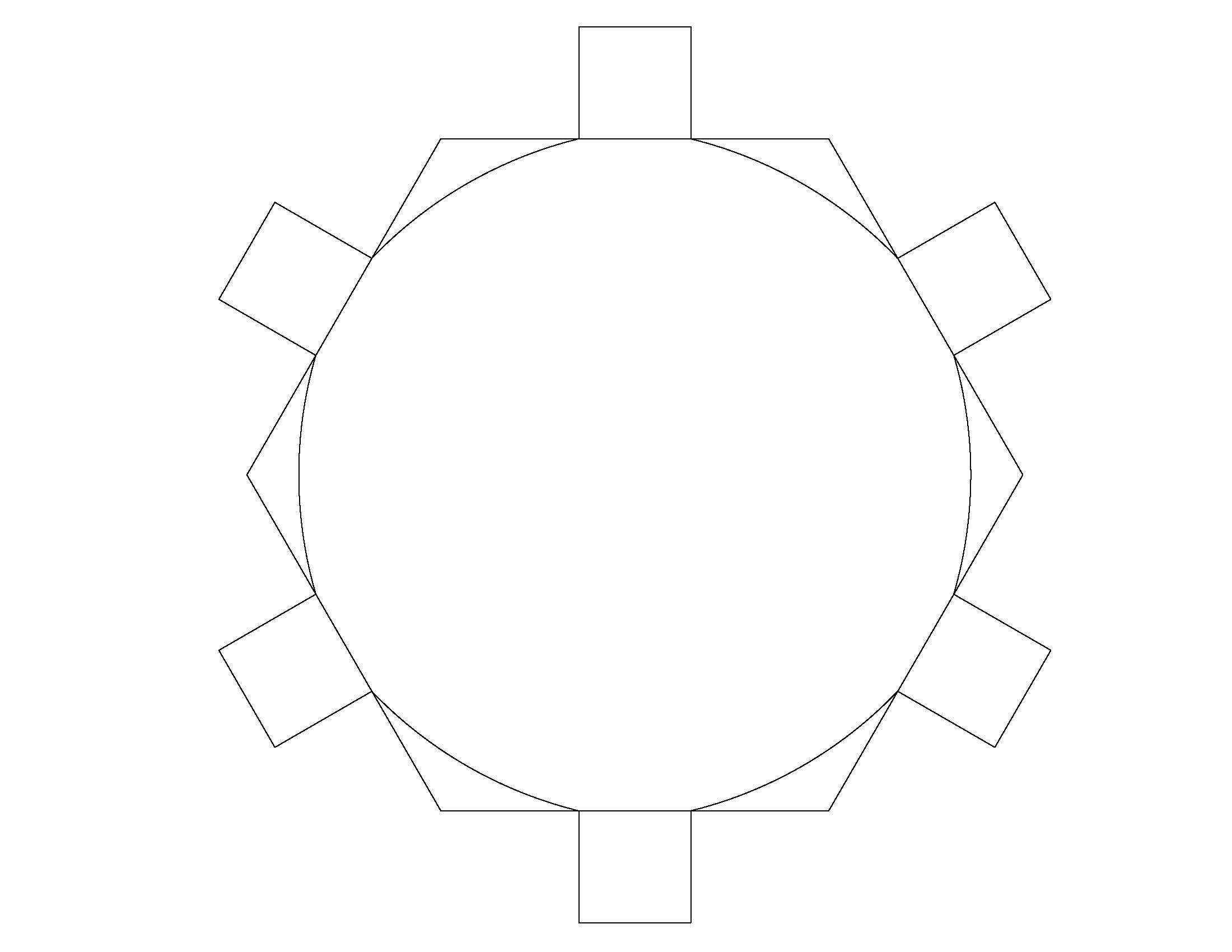
Here we are looking for a shape that could work for our mesh of our “form found”. It came from the hexagon shape and cutting out the triangular corners. It has the organic shape that could help us with our form. On the back it has the taps for the connections. Is still in process, but is something to consider.
Design forms
Youngchai and I are team
two weeks ago, we had some ideas of threshold, little enclosure at the corner of the gallery, and hanging enclosure. We decided to do hanging one in class. This file is the sketch file that we had done before spring break
Since we are little behind, we’ll post process as much as we can. design_ideas
 Parametrics
You must be logged in to post a comment.