I did it ! (Kinda)
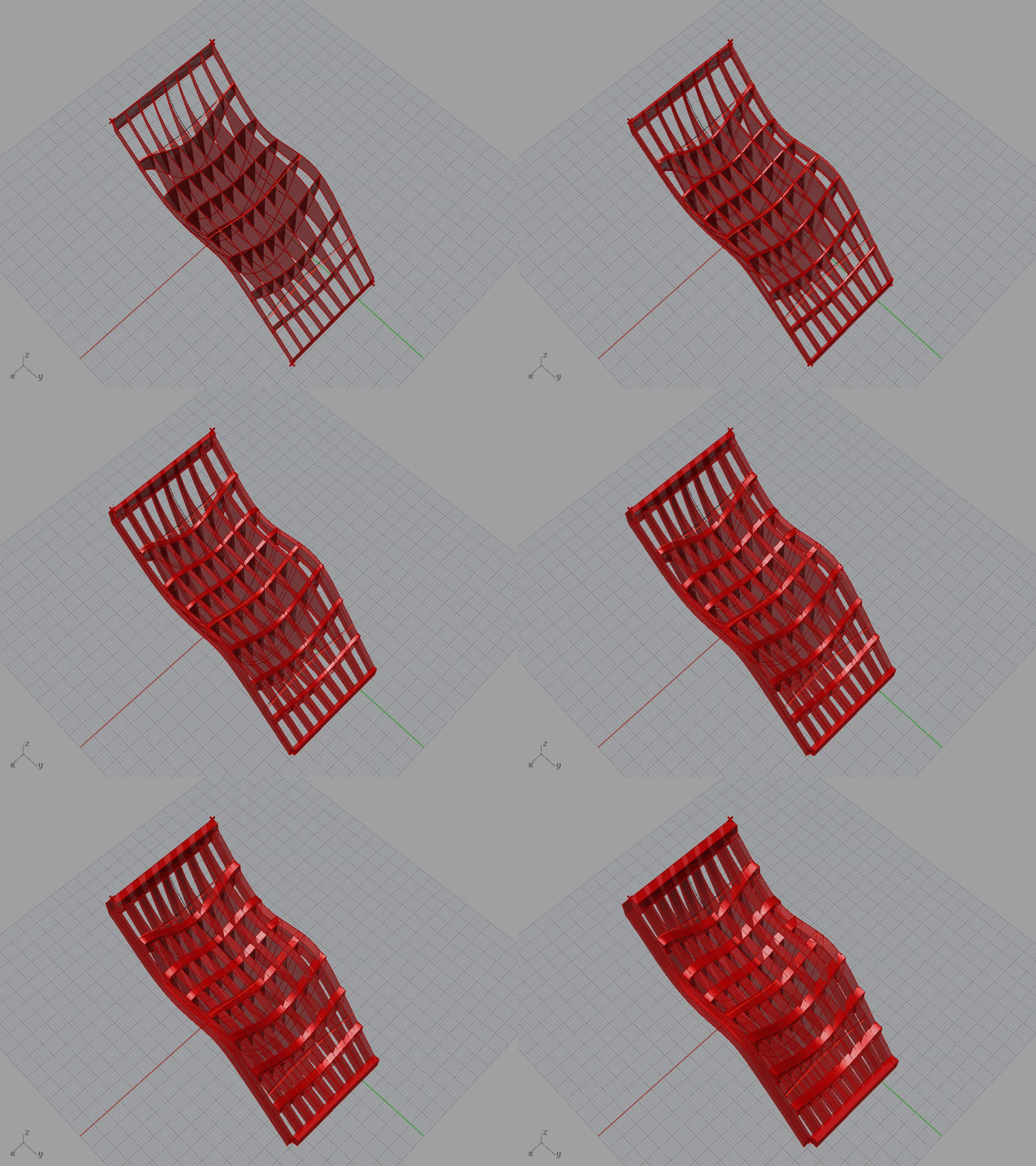
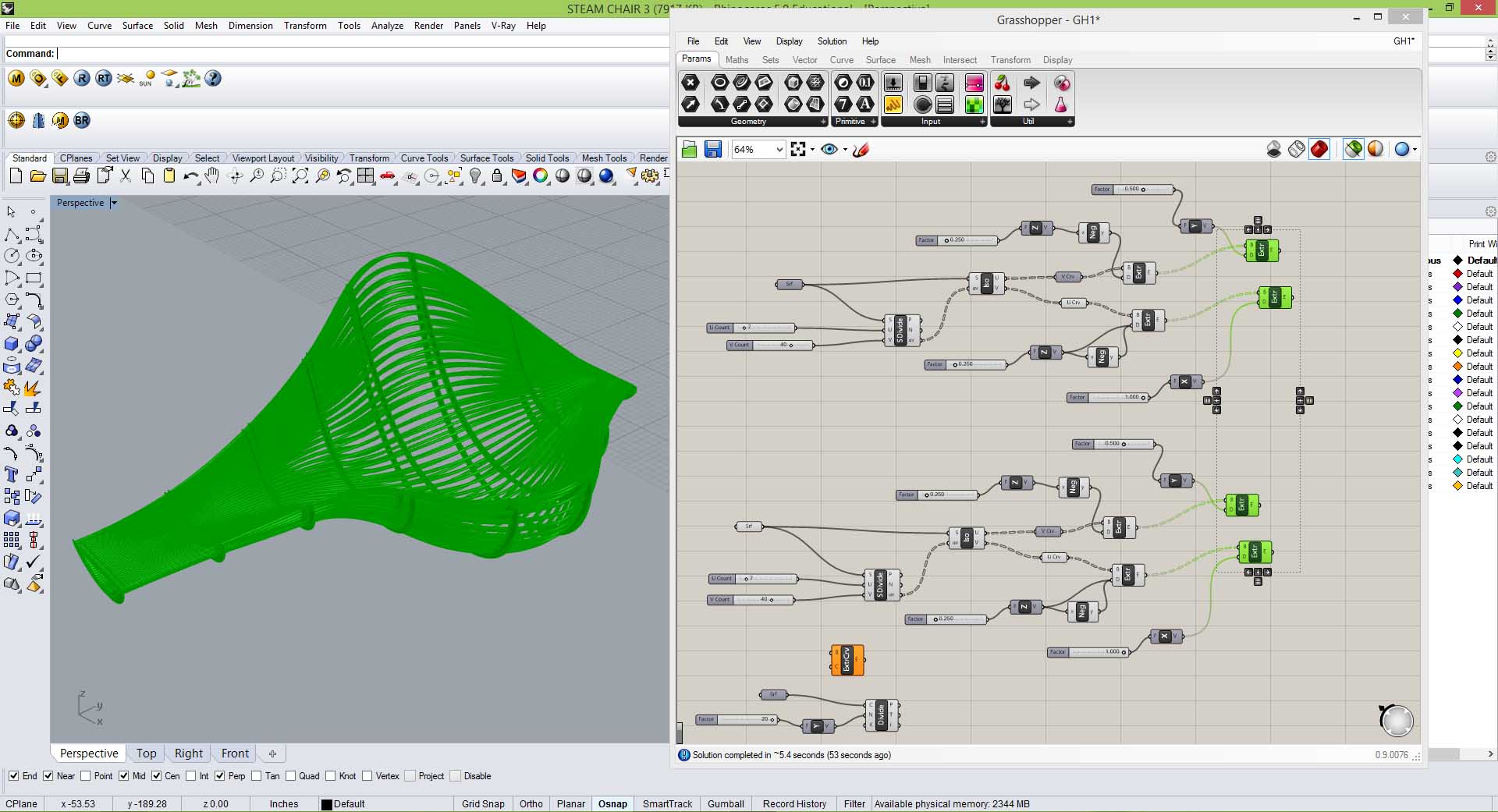
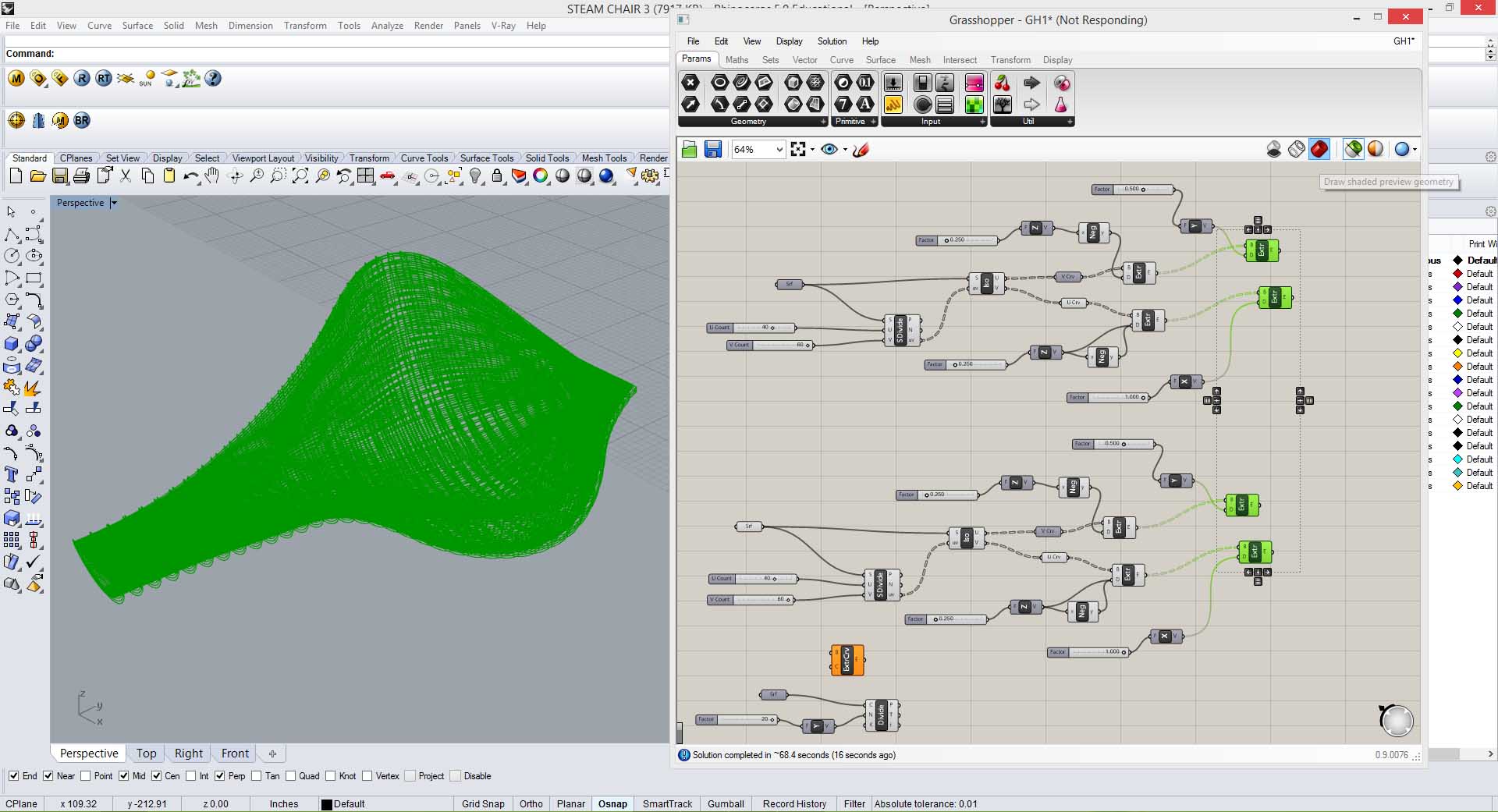
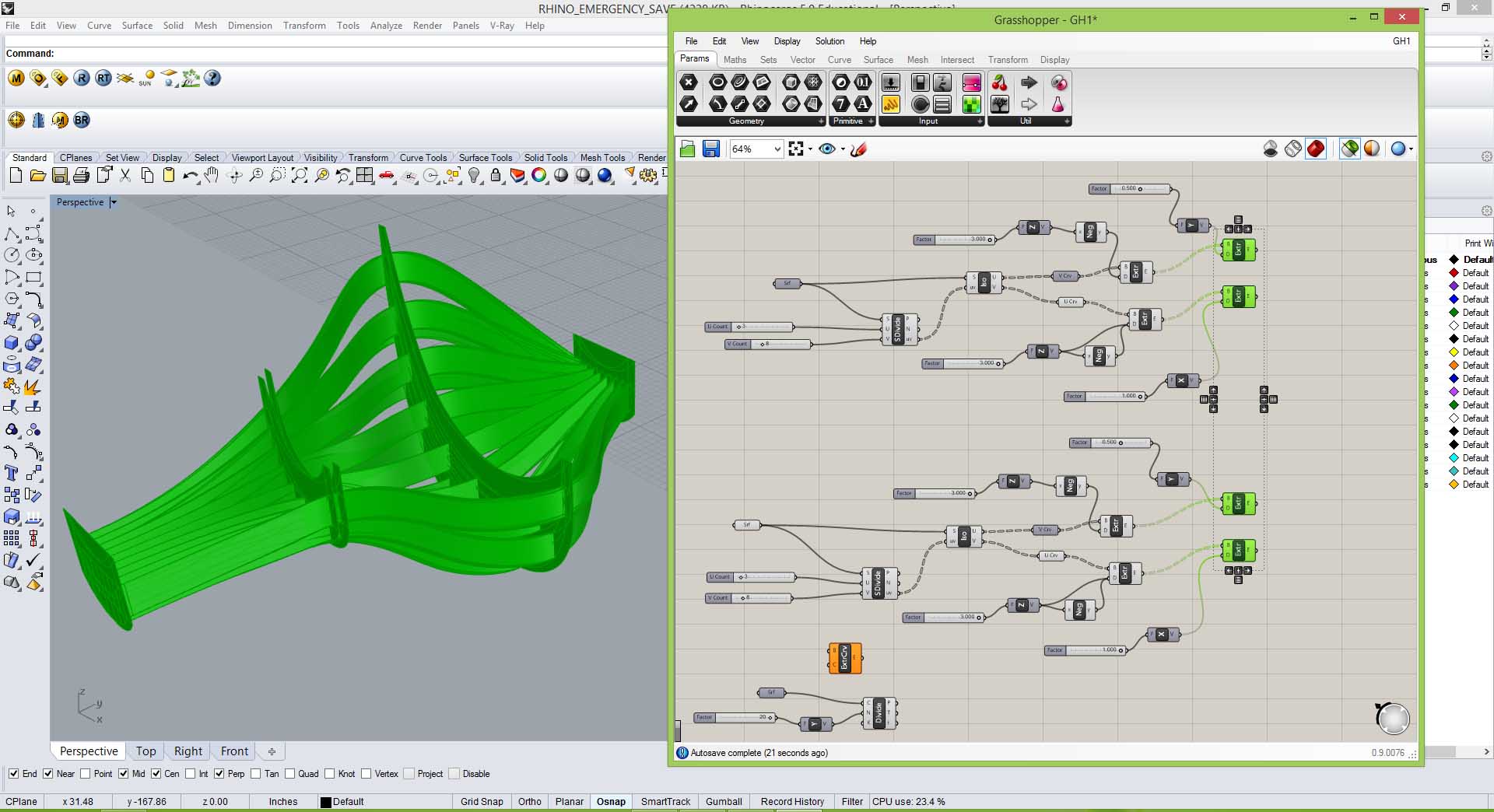
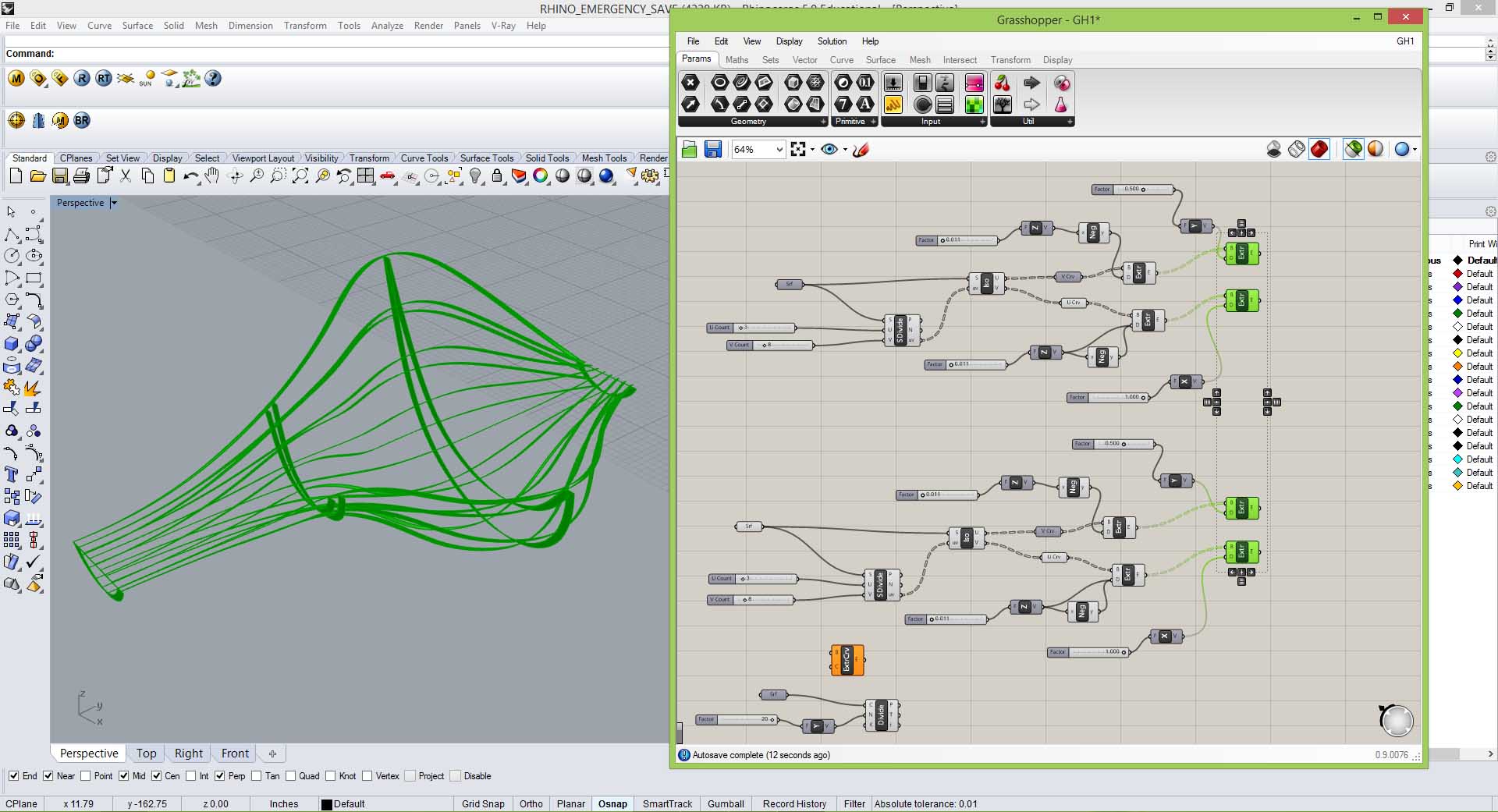
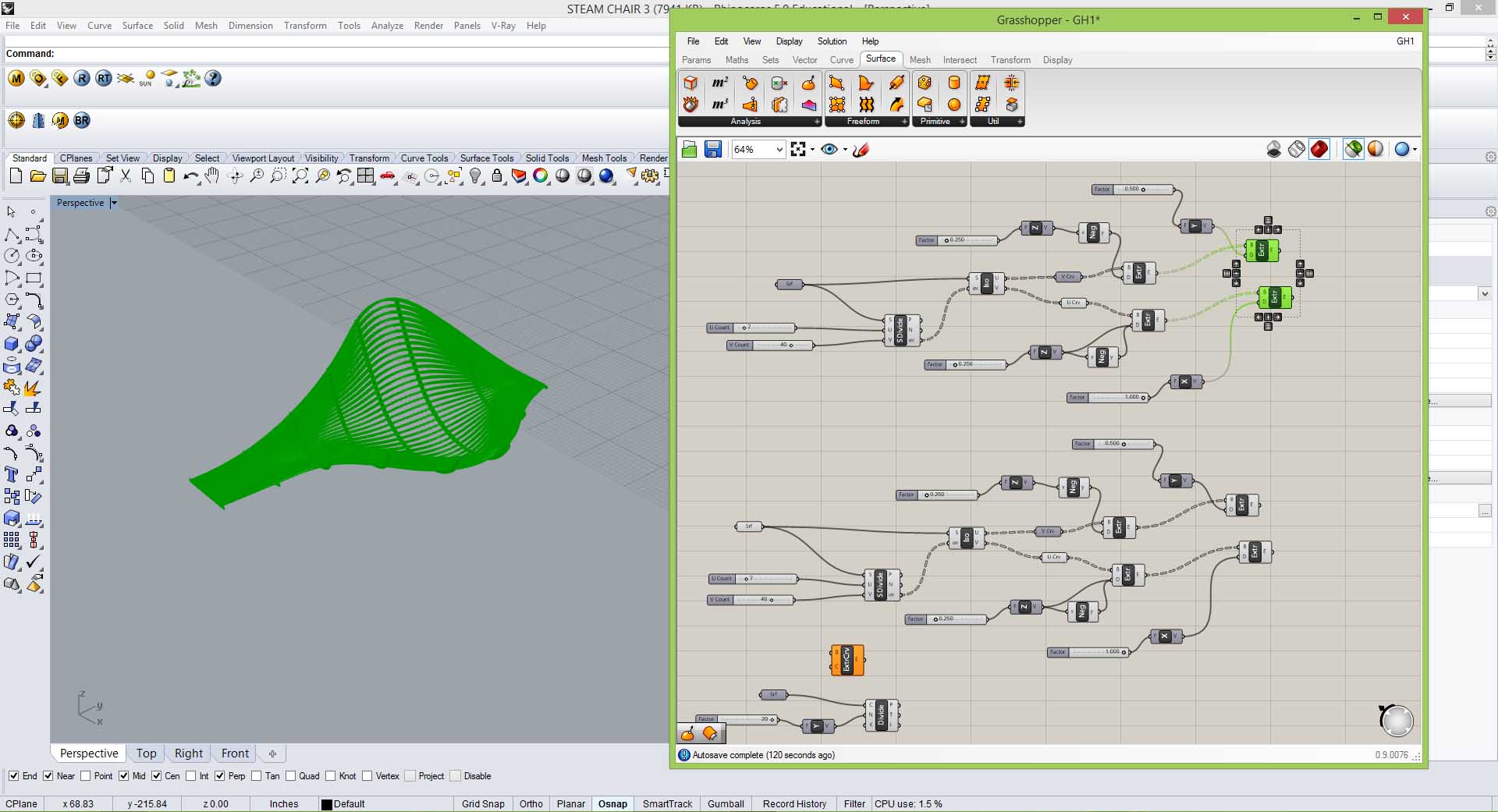
Driver 1: Thickness of slats
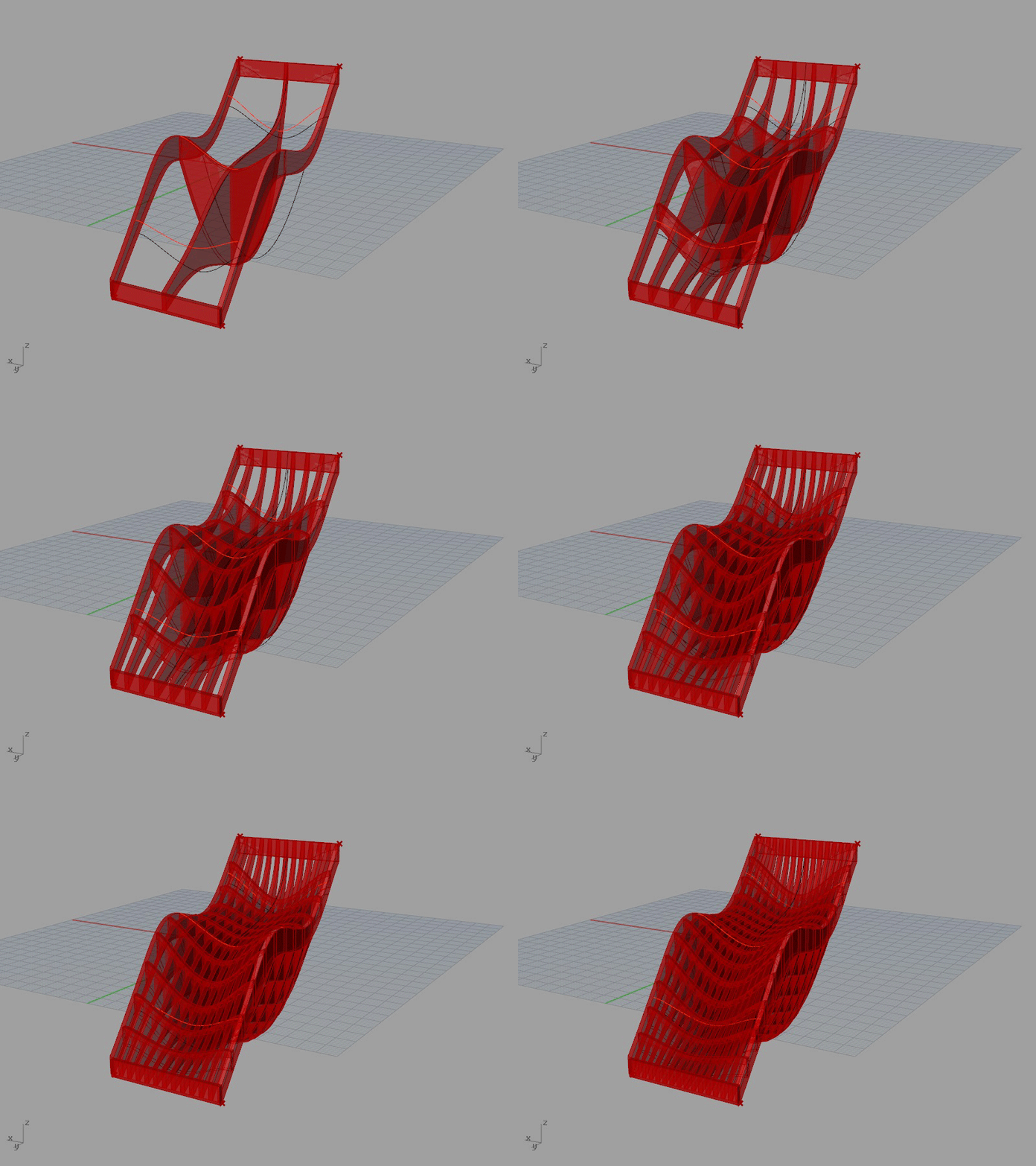
Driver 2: Number of slats
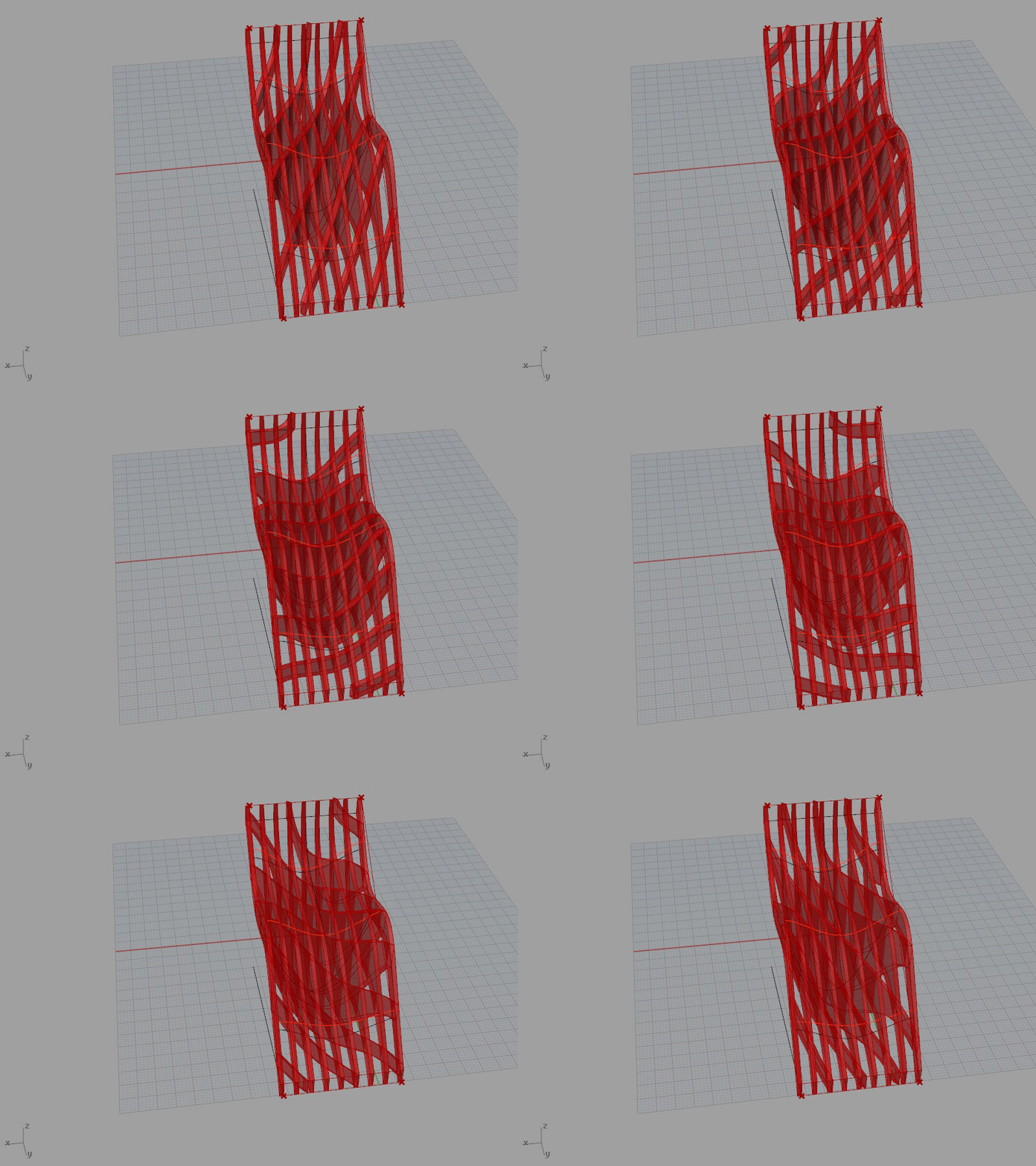
Driver 3: Direction of horizontal slats
PDF file:
I did it ! (Kinda)
Driver 1: Thickness of slats
Driver 2: Number of slats
Driver 3: Direction of horizontal slats
PDF file:
I’ve been struggling with the screen recordings, so here’s a low-tech version of my parameters in action:
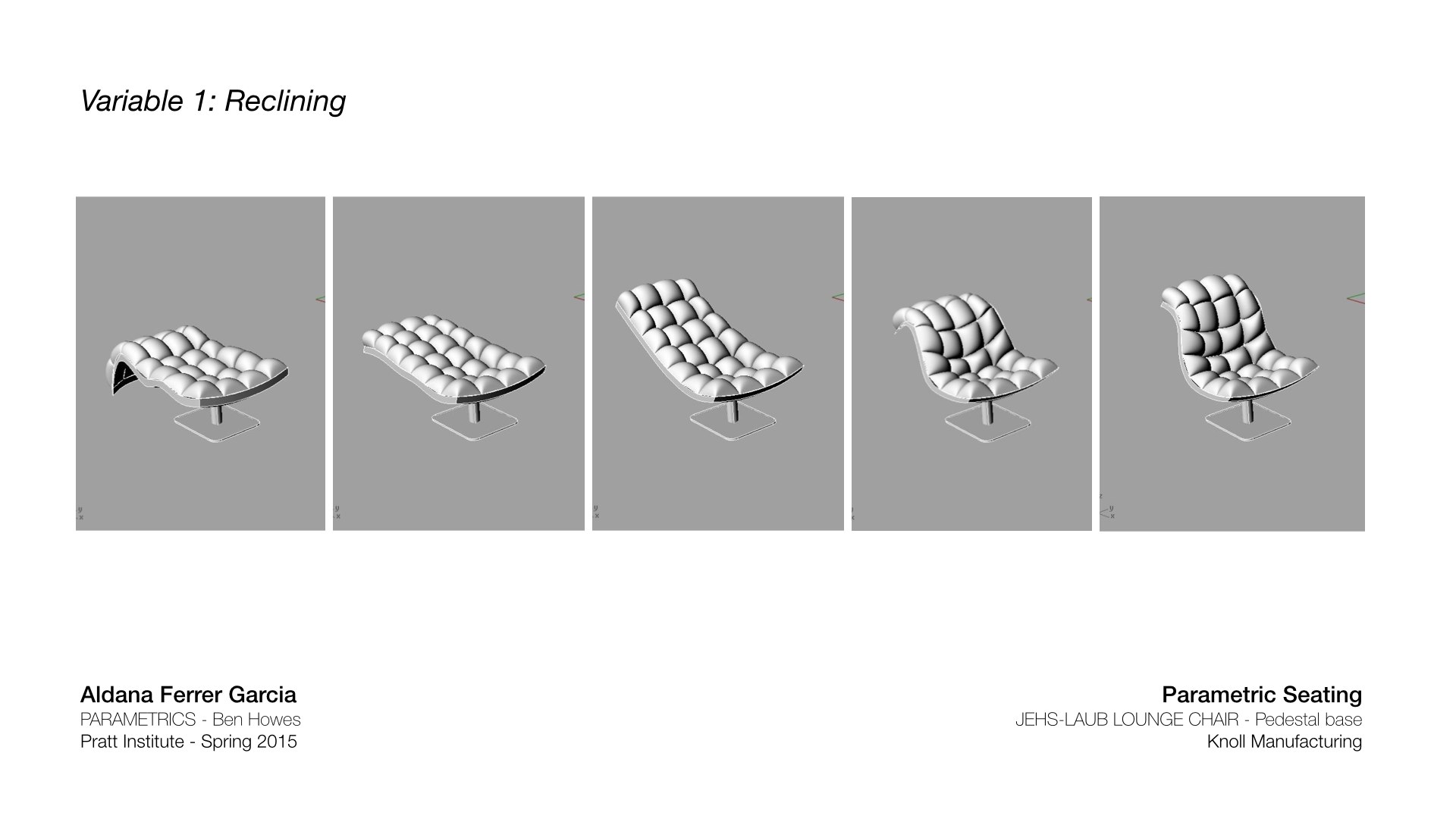
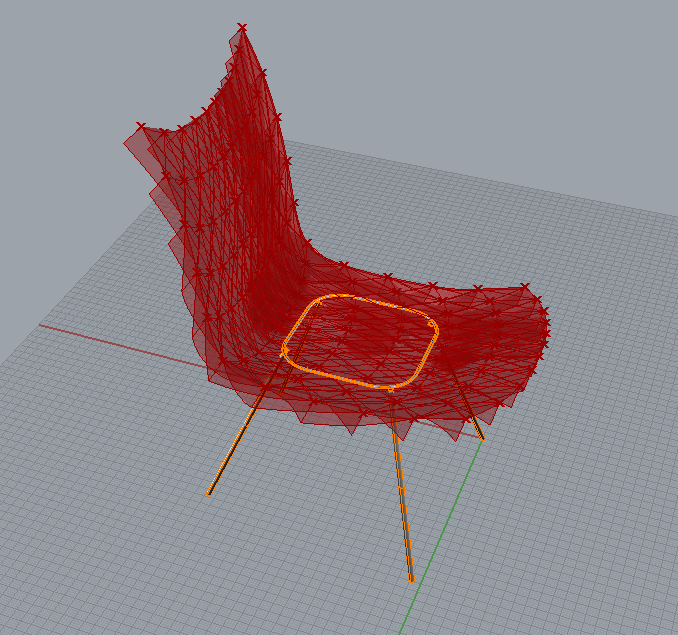
I created the curves for the chair by referencing points from Rhino. I selected the top 3 points and connected a slider to them to change the x and z coordinates.
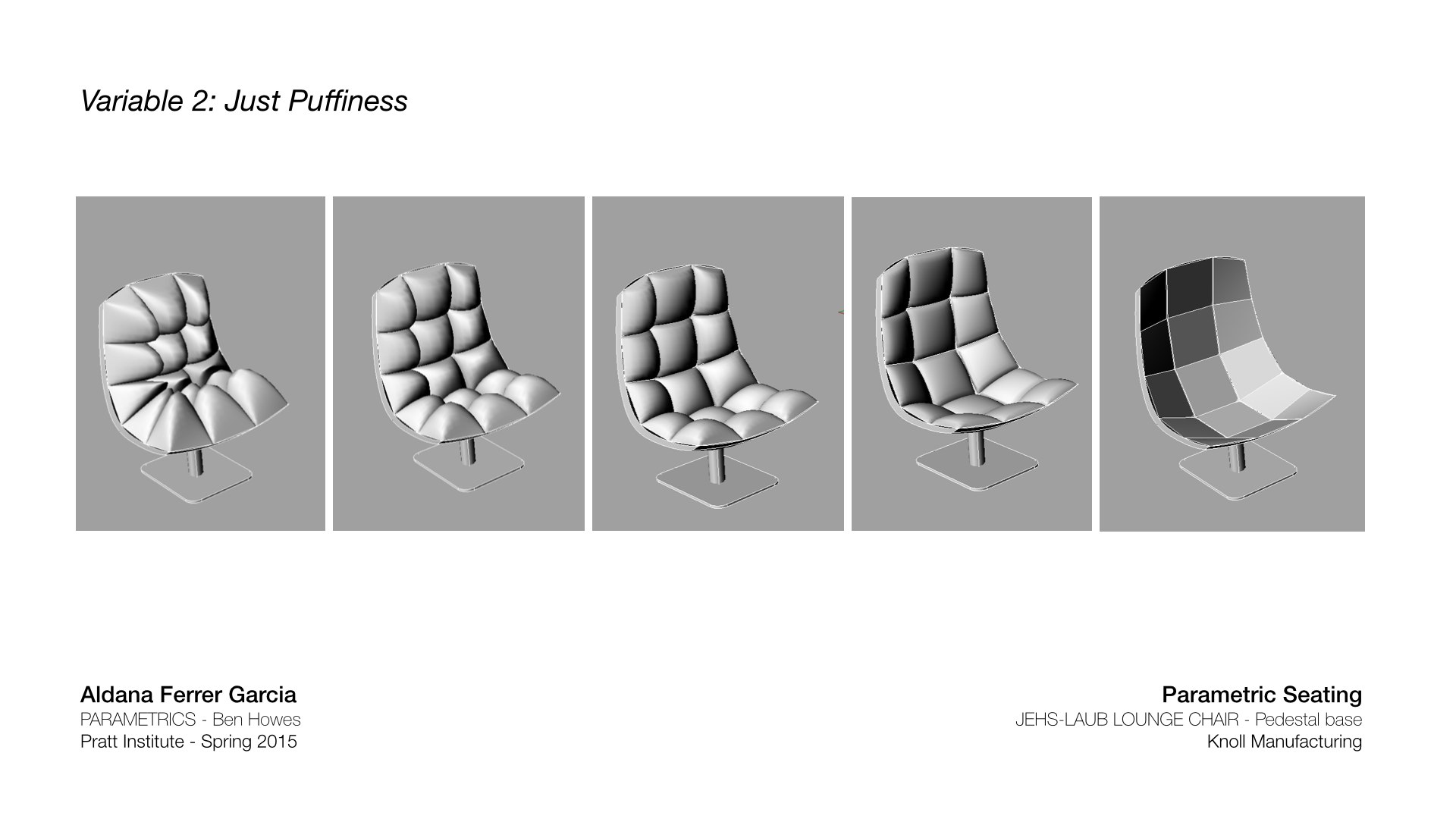
The bounding boxes that are referencing the geometry (“cushions”) onto the surface can change height by a number slider.
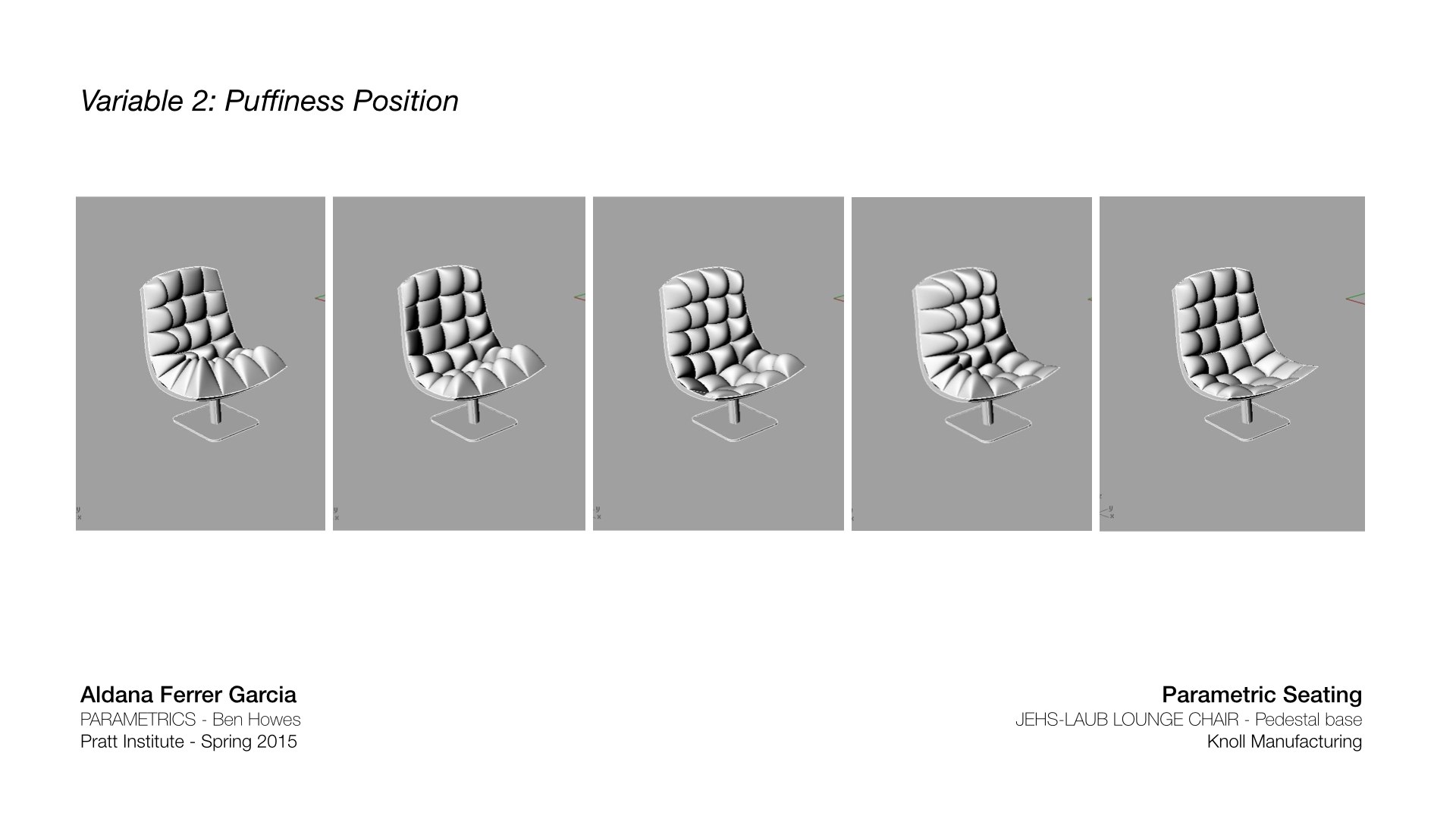
Those same bounding boxes can also be controlled by an attractor point, moving on the surface.
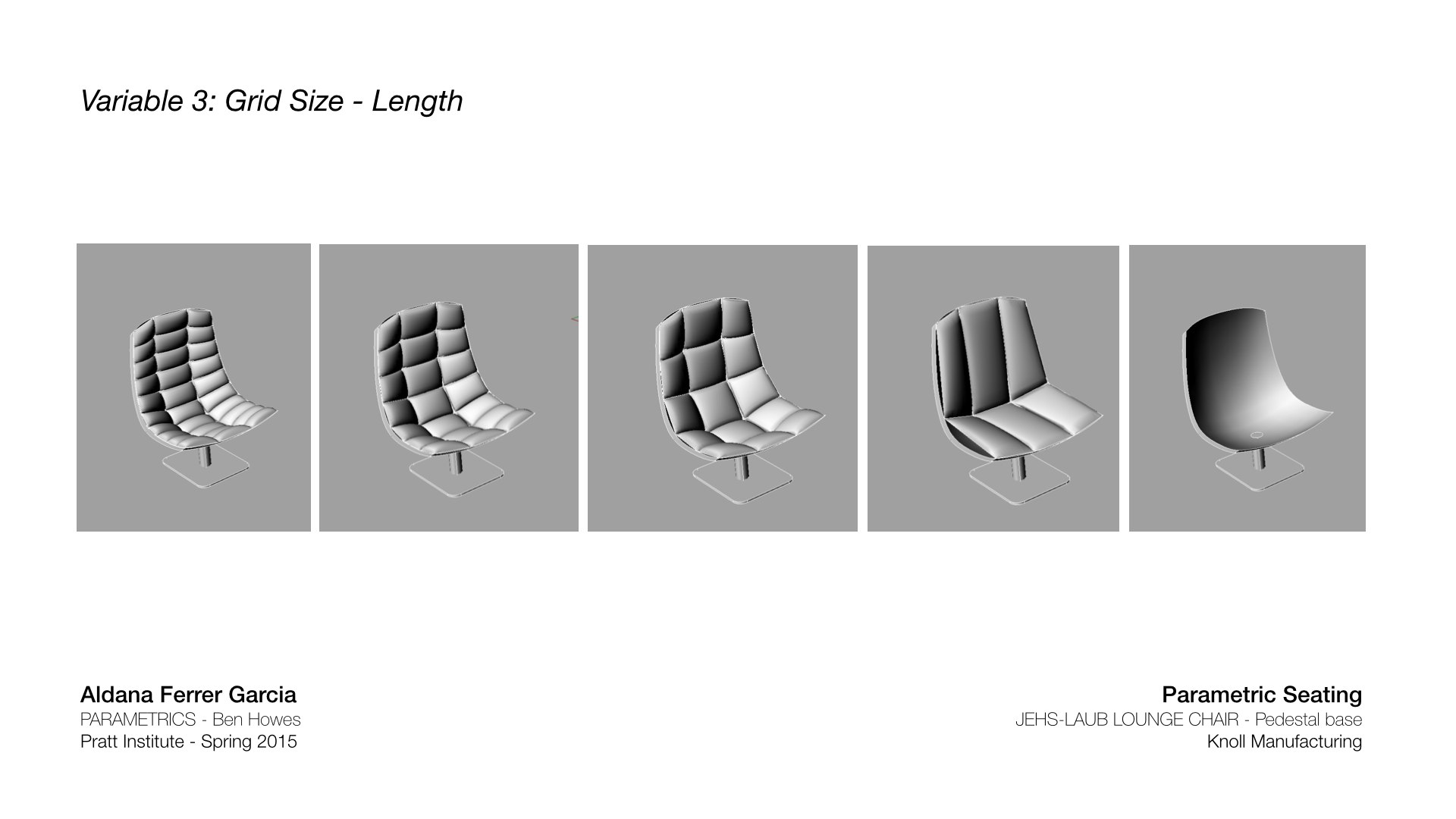
“Cushions” can change size in length….
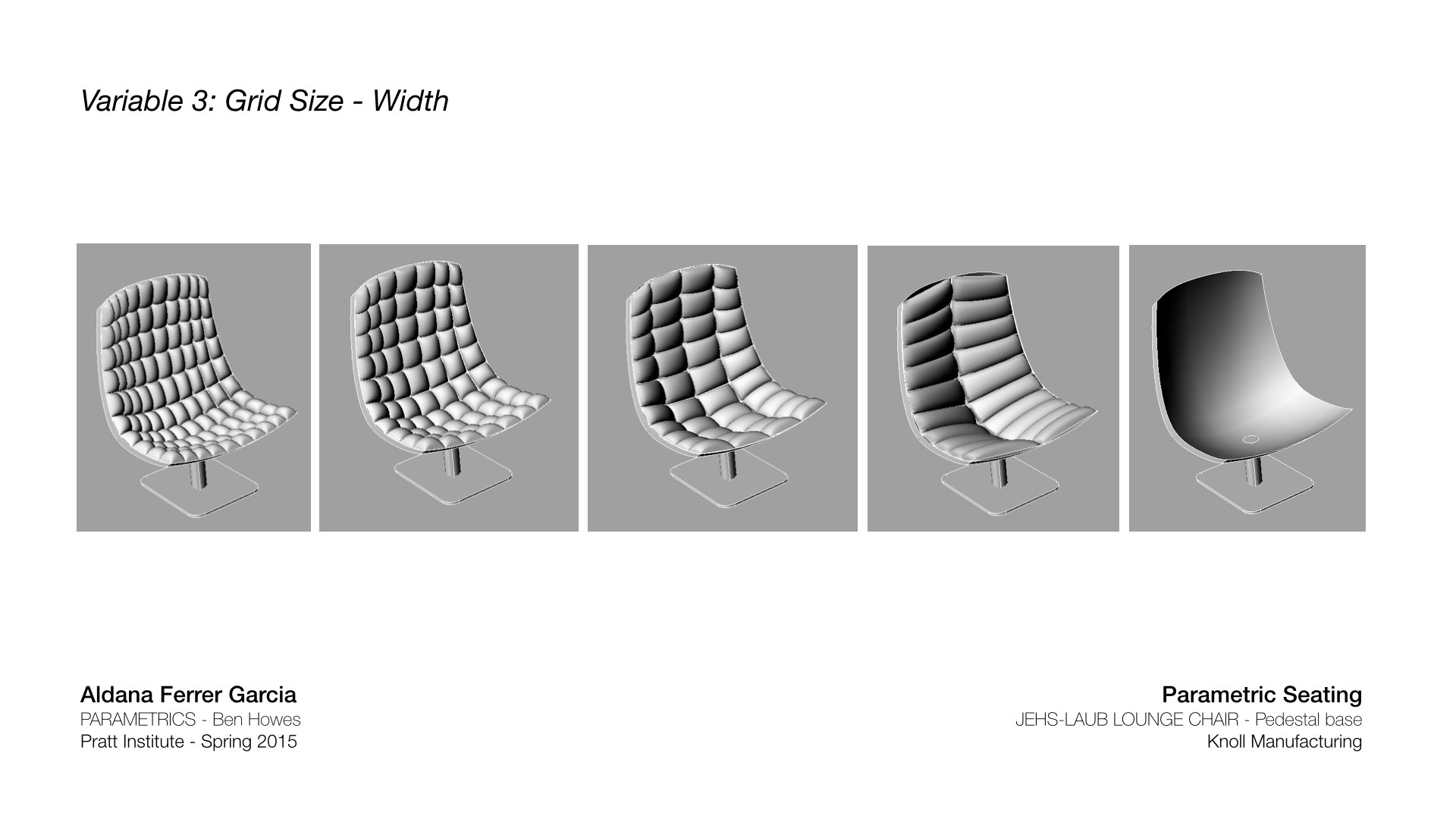
…and in width. The original chair is a 3×5 grid.
This is the original Jehs-Laub Lounge chair made in Grasshopper:

These are my 5 design proposals, including the Grasshopper parameters I used for each one:
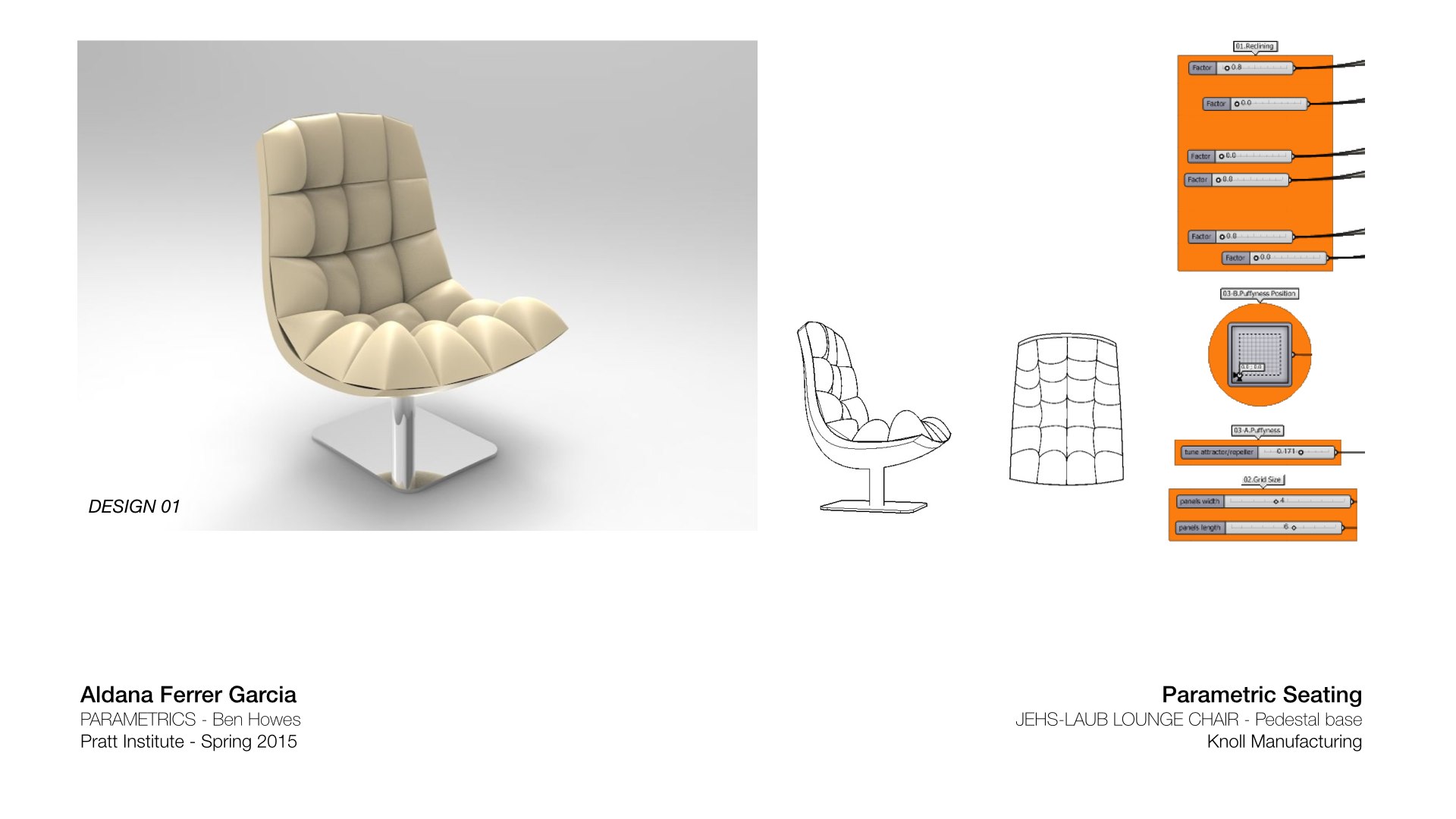
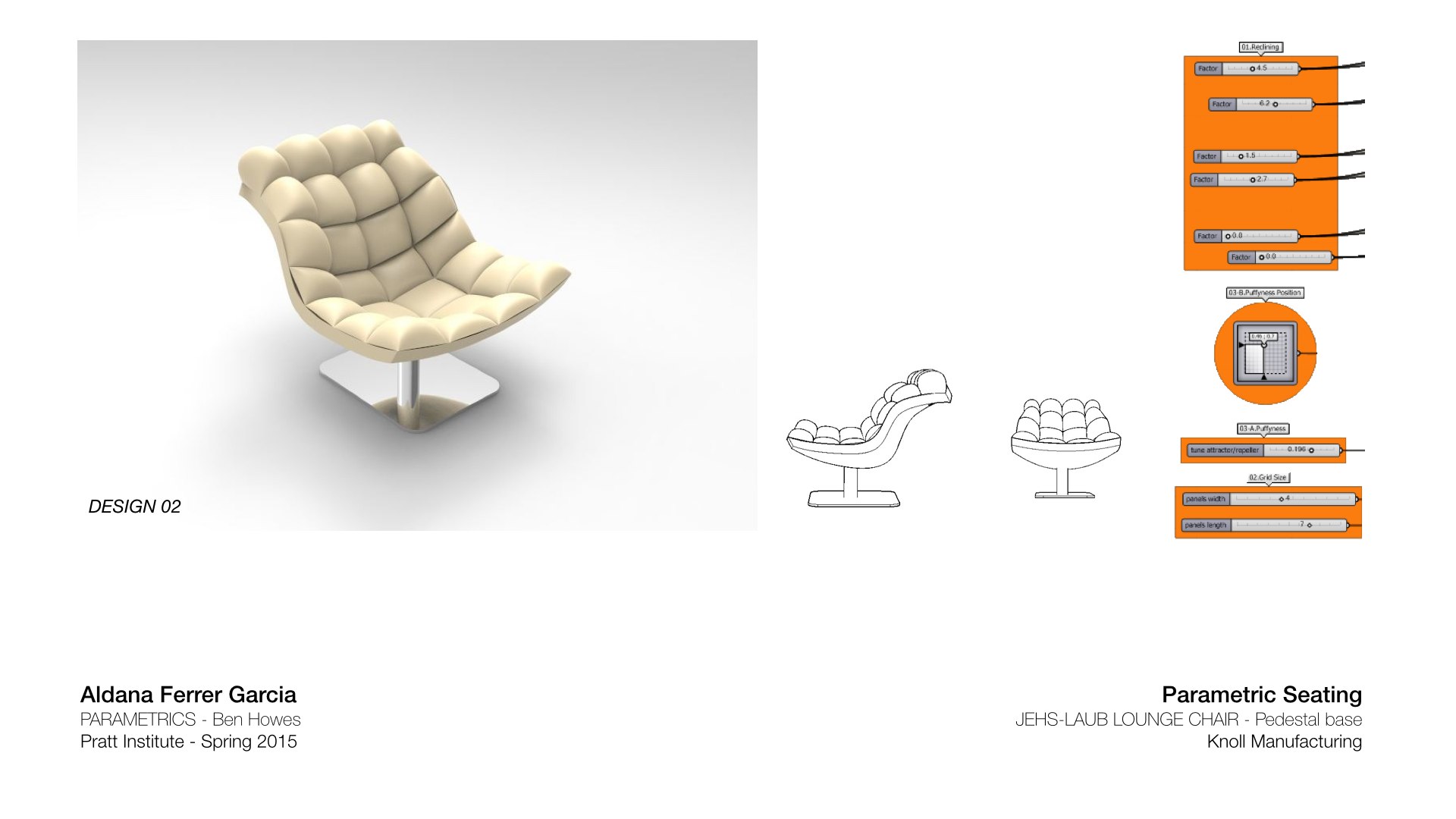
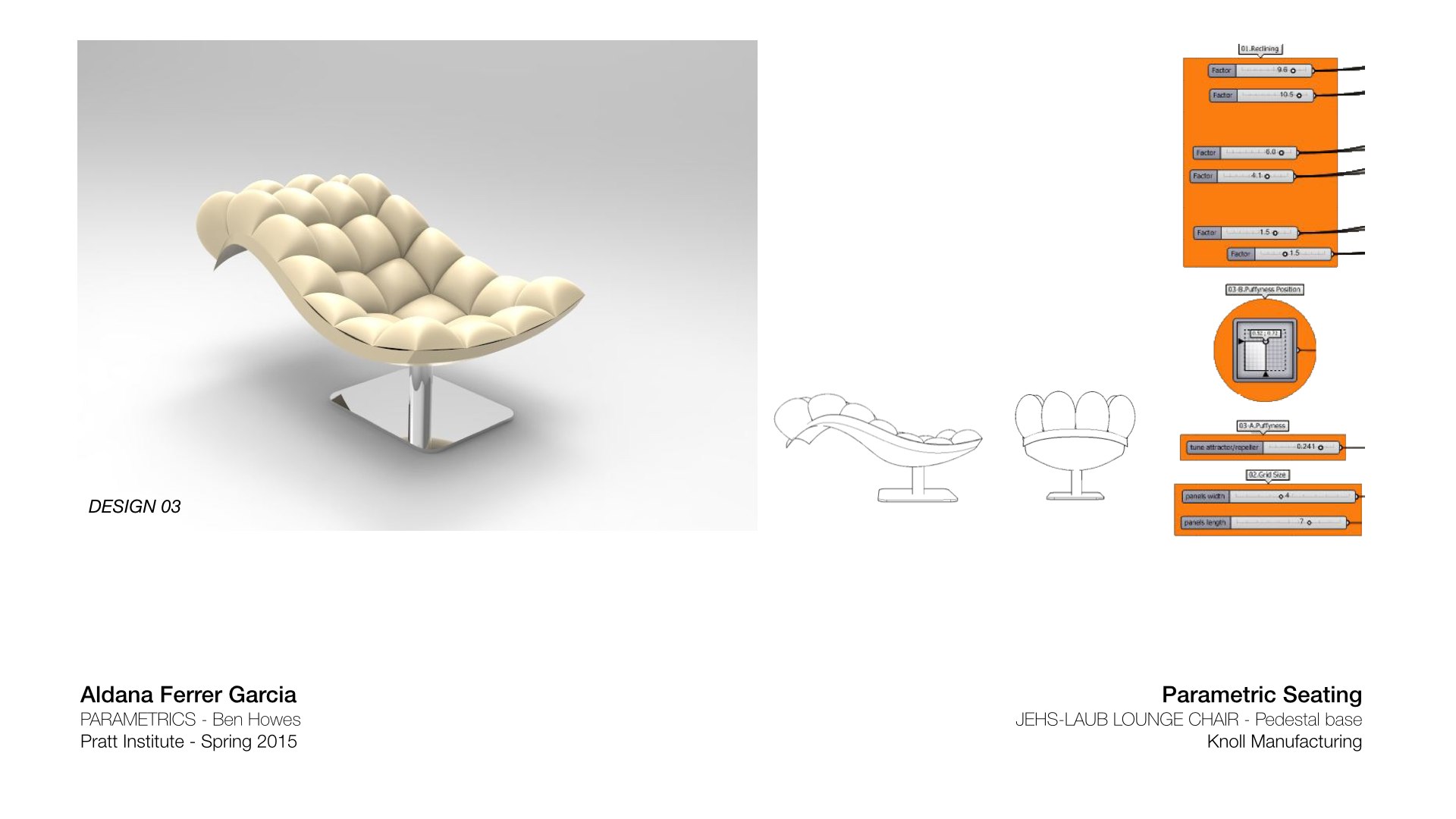
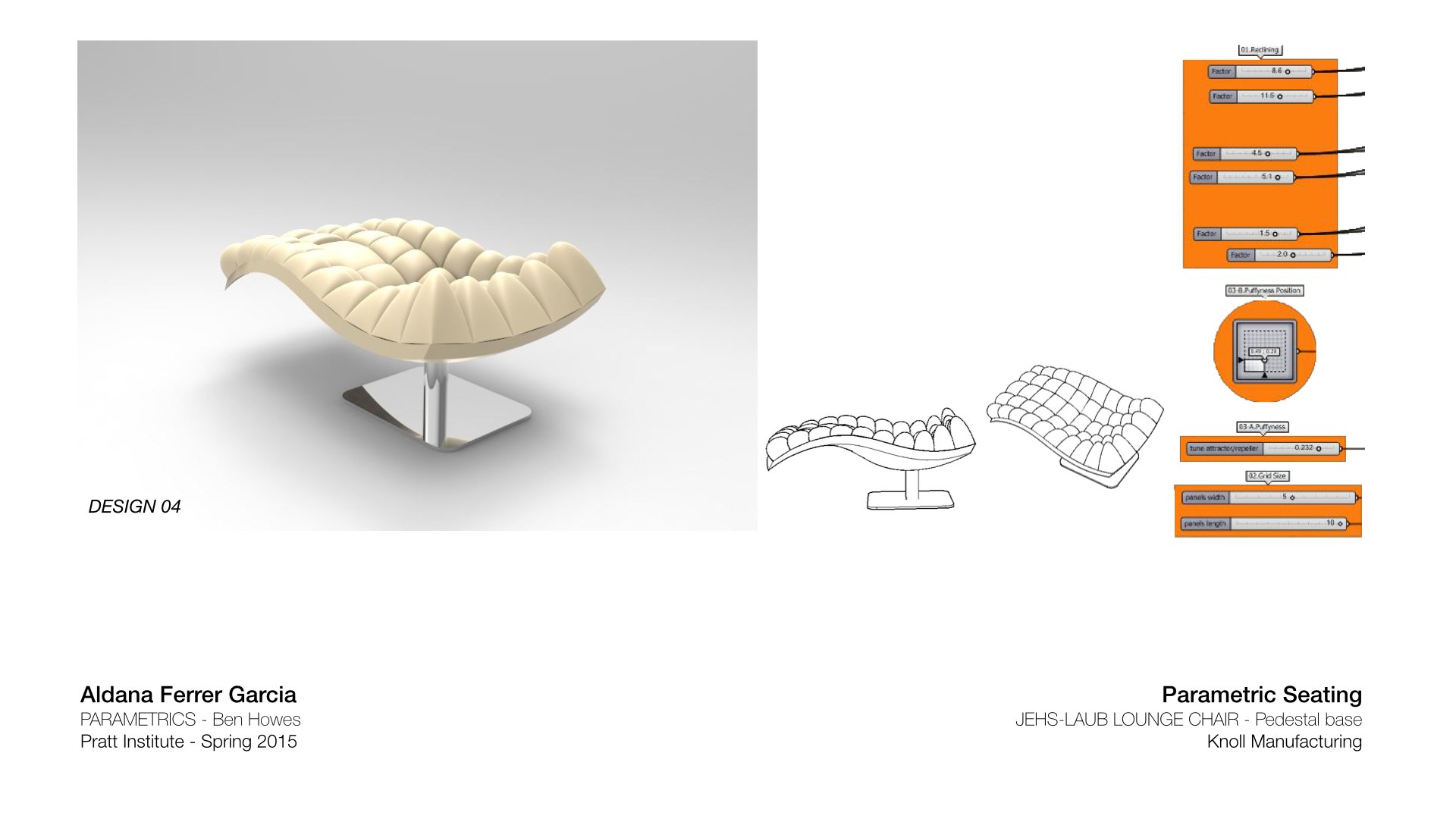
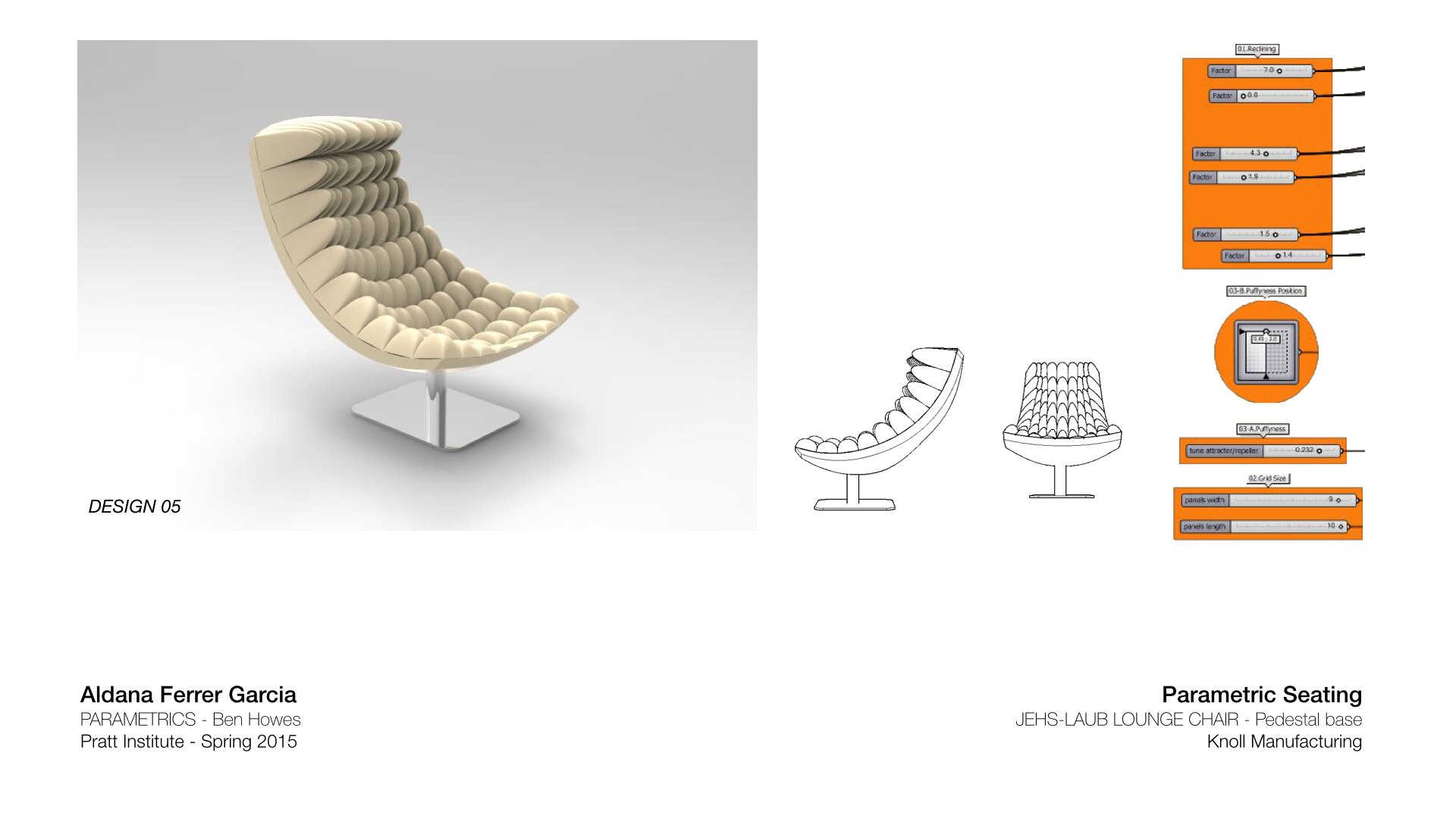
Aldana Ferrer Garcia.-
Posting because I am sticking a fork in it and it may help others with the sequences
DD 1: Changing Number of Slats
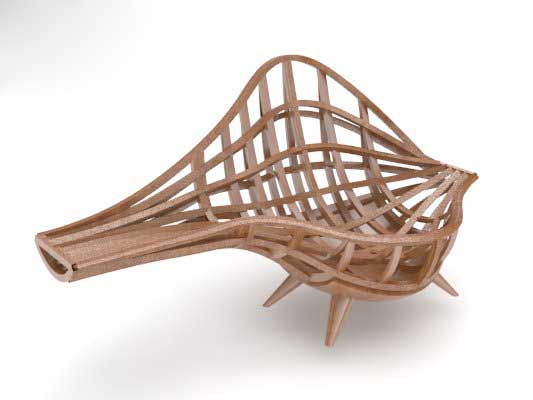
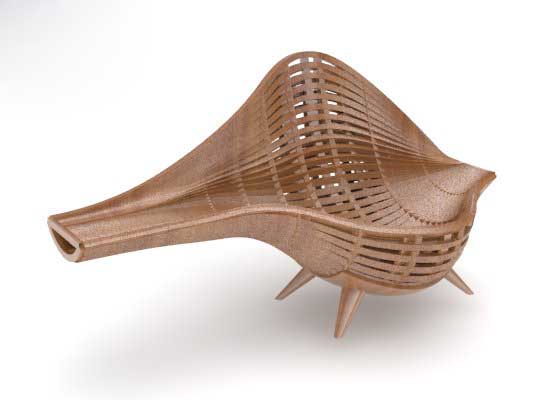
DD 2: Changing Thickness of Slats

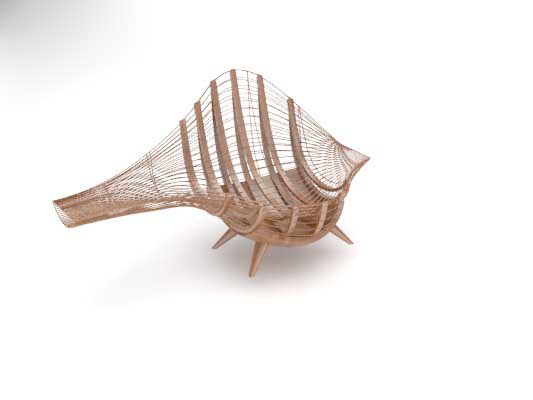
DD 3: Twisting Slats

Final Presentation:
Guys… I had to update everyone on my progress.
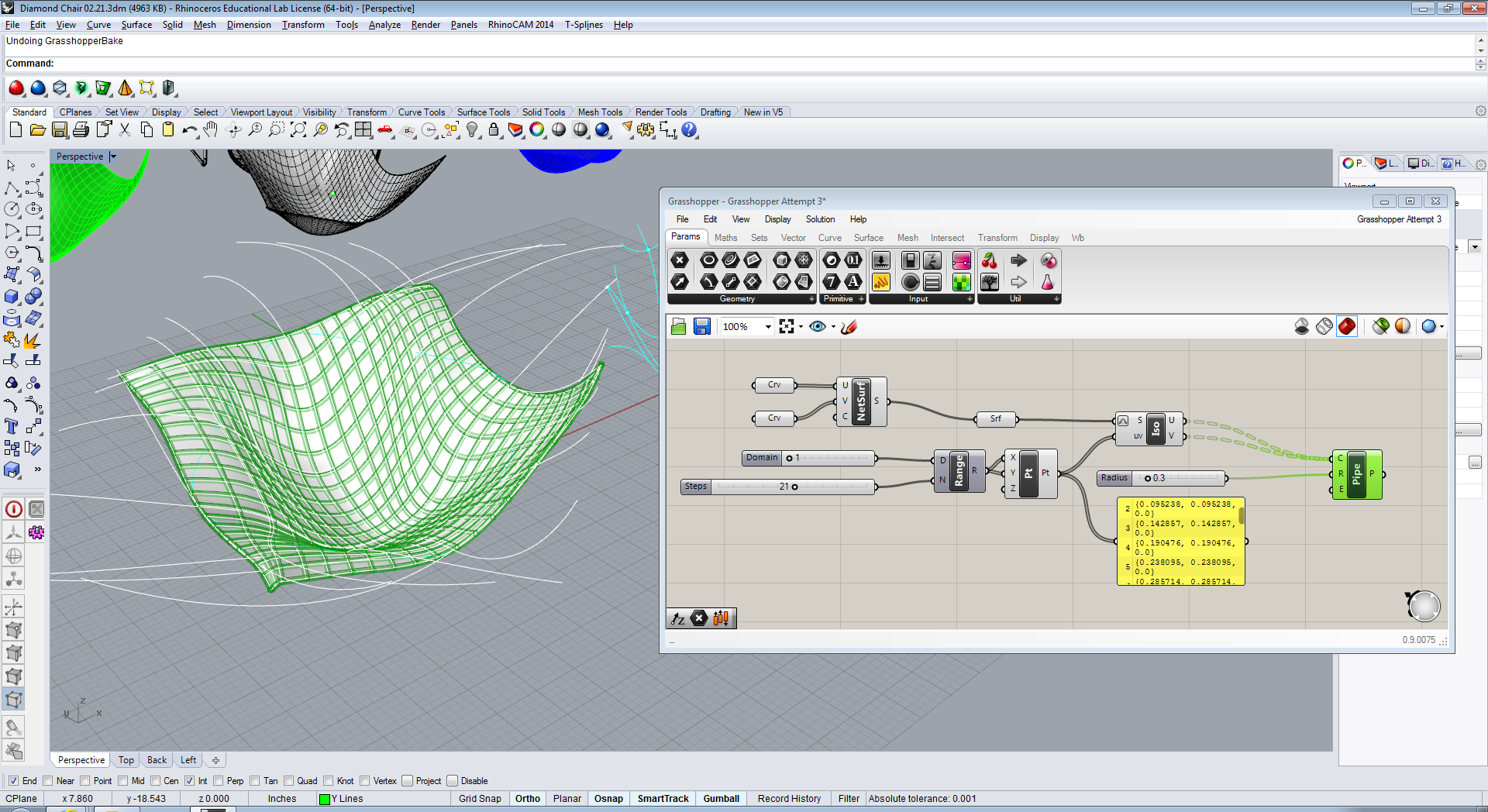
I almost wanted to cry when I was able to do this (from joy). It’s far from prefect but it’s something!
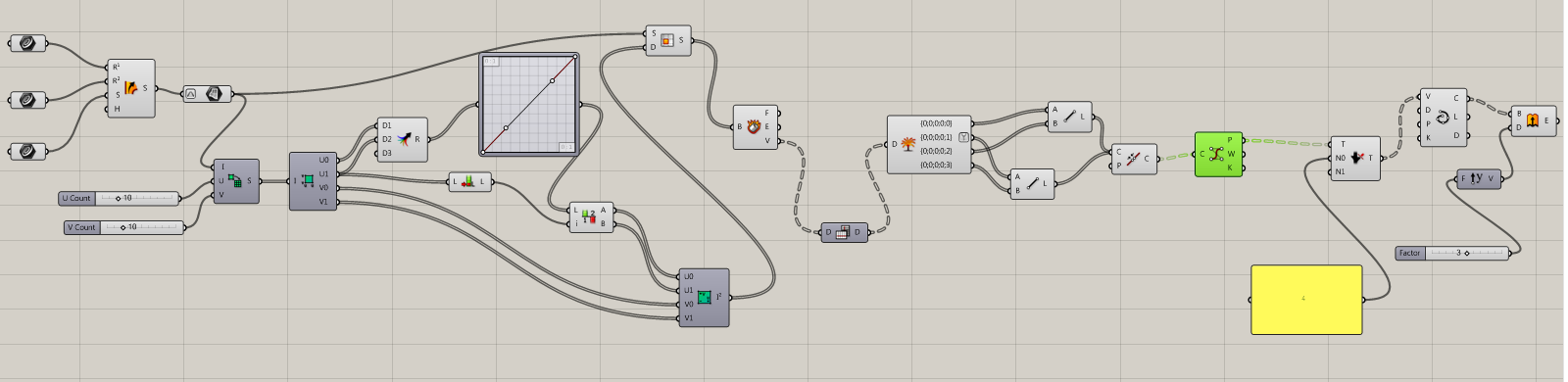
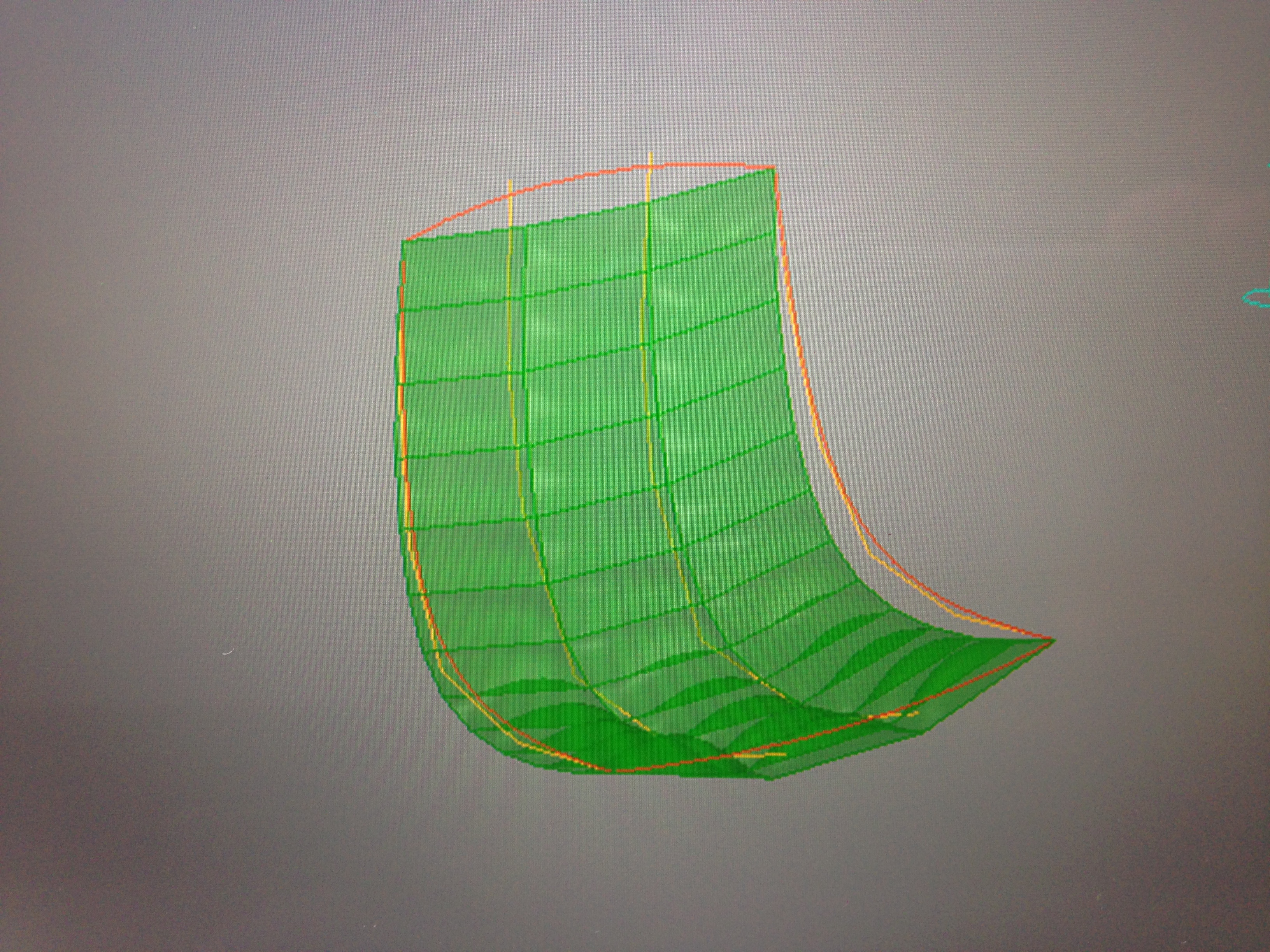
So I’m very excited because I feel like I accomplished two goals: create the form I want, and to create the same form in Grasshopper. I was able to successfully use Network Surface in both Rhino and Grasshopper in order to make my surface. 
I did as Ben suggested and used a plane over my model that I used as a reference. I was then able to create the network surface without any problems..
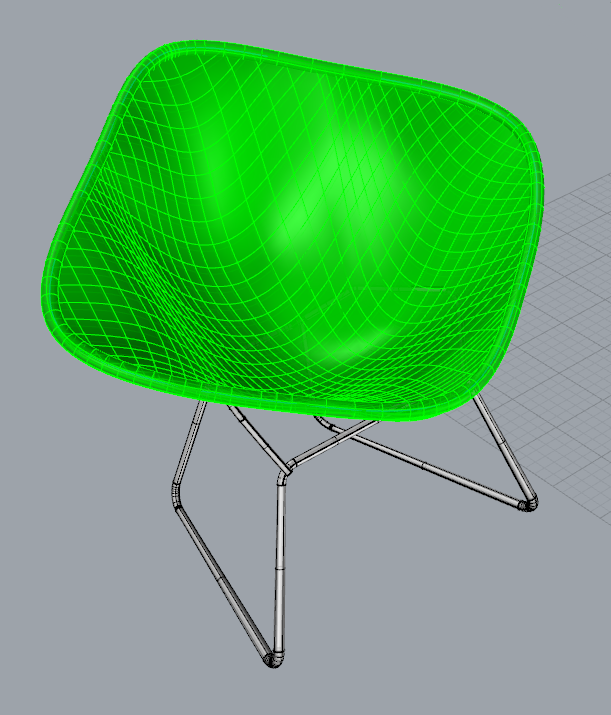
I was supper happy with this! Although yes, the metal mesh is still missing and currently the grid is in the wrong direction…….. BUT STILL, PROGRESS.
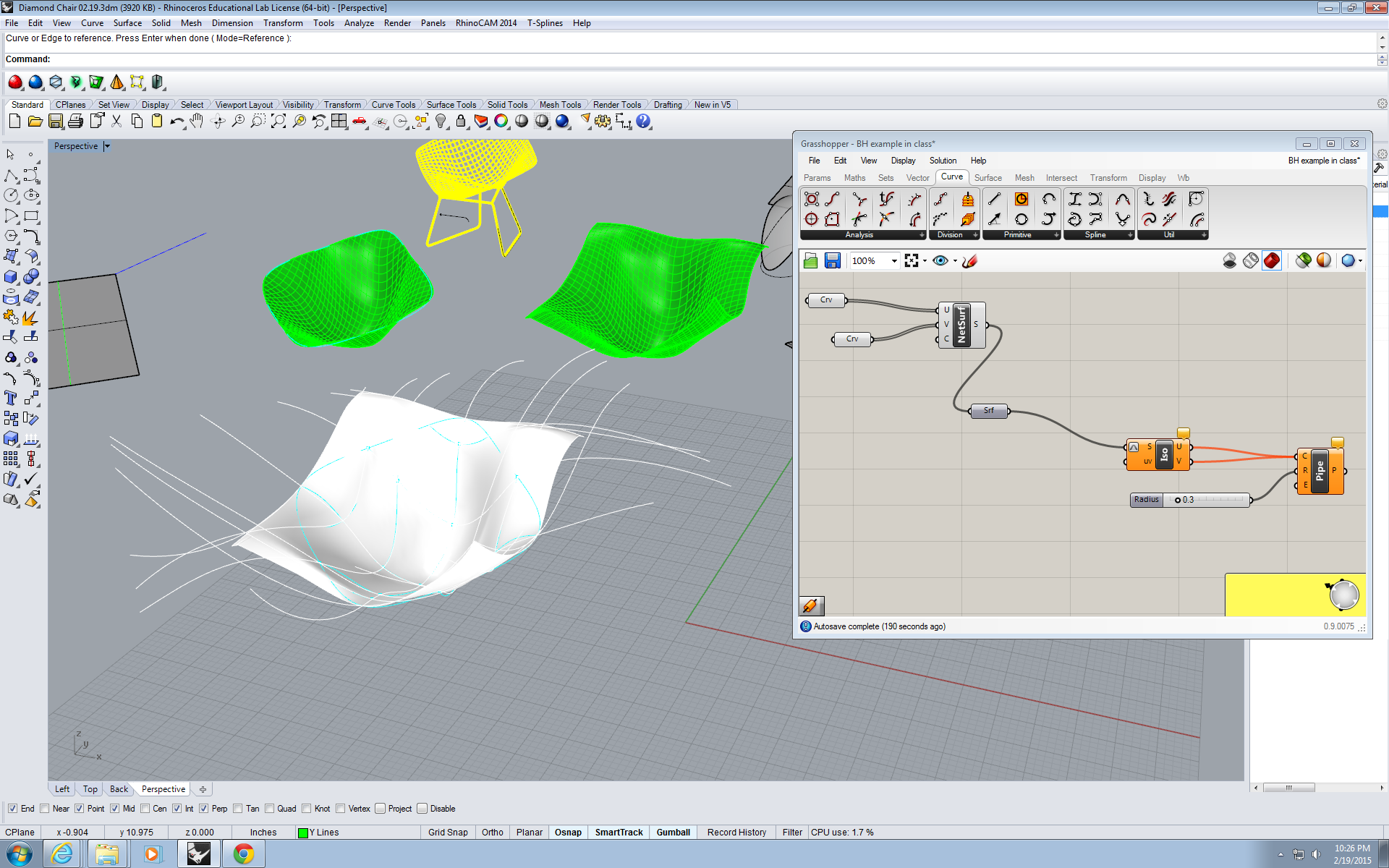
I was then able to successfully repeat the network surface command in Grasshopper… However, including not be able to do the pipe command, I also can’t seem to find information on Trimming in Grasshopper………….. HELP.
Because my chair has mesh like structure, I tried to use “rail intersection”
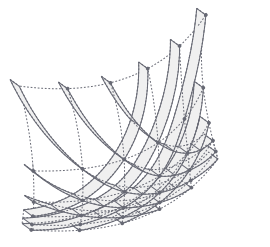
It was not successful after long stream of components….
Come check out my first Digital Futures workshop this Saturday! All Pratt students and faculty welcome.

Might be a small thing but on page 27, they switched the wireframe preview and the turn off preview. Should be the other way around
First parametric model.. Chose Variable02:Grid size. Made an attempt on Variable03:Puffyness, but was not very successful :(


 Parametrics
You must be logged in to post a comment.