Category: Spring 2018
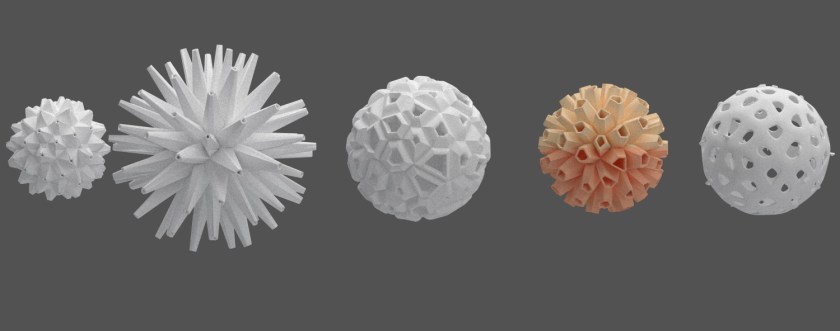
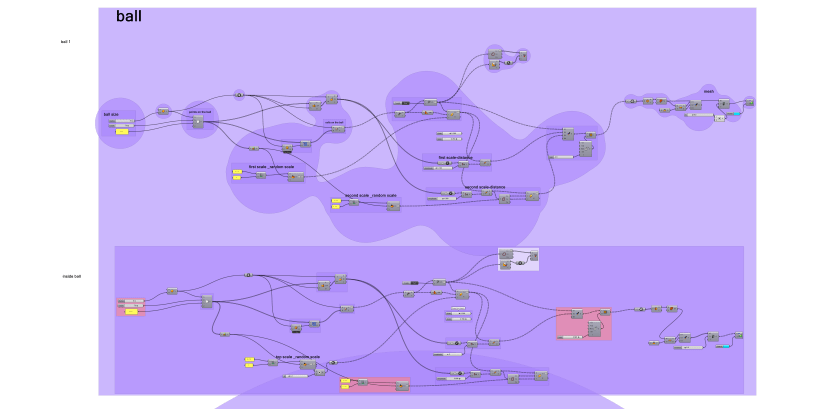
INT-731-03 _Ying Huang_Final project02
A good attempt, but unfortunately not printable because there are too manydetails. Moreover, it’s a jewelry so the size could not be too big.
I tried to change the scale but I only can change the frequency of the spiral shape, it still doesn’t work.

INT731_03_ShuhanDong_Progress1
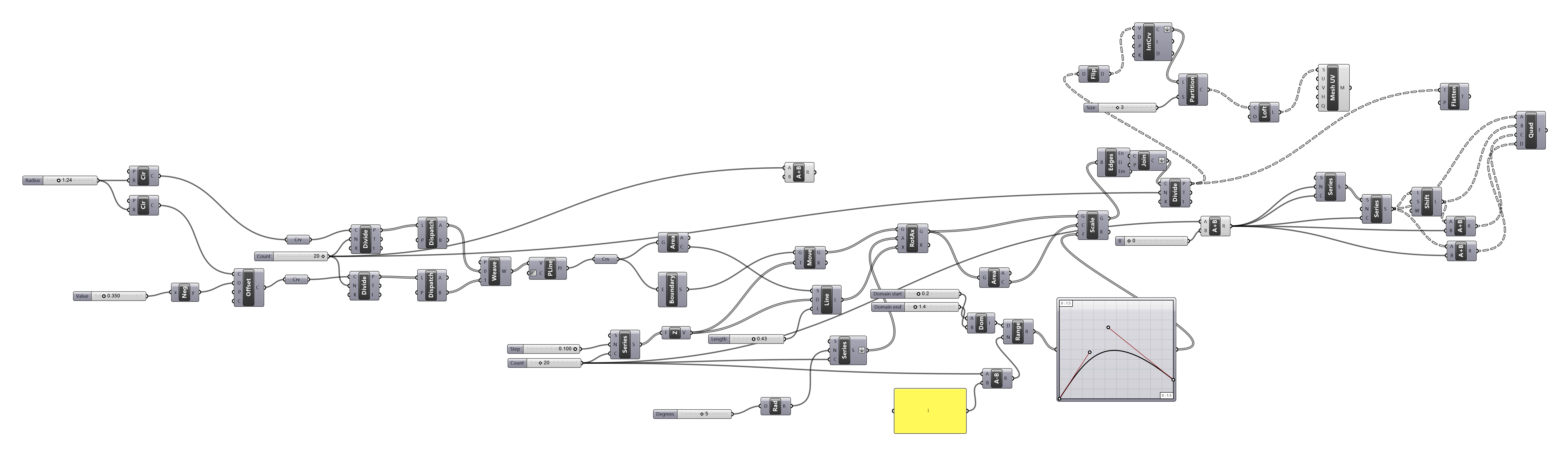
04/30 Product Family Progress – Chun-Wei Chen
To be sent to print:
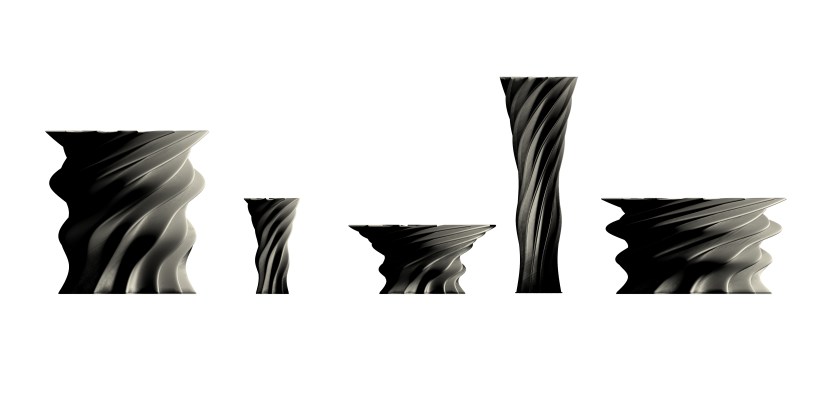
Process model:
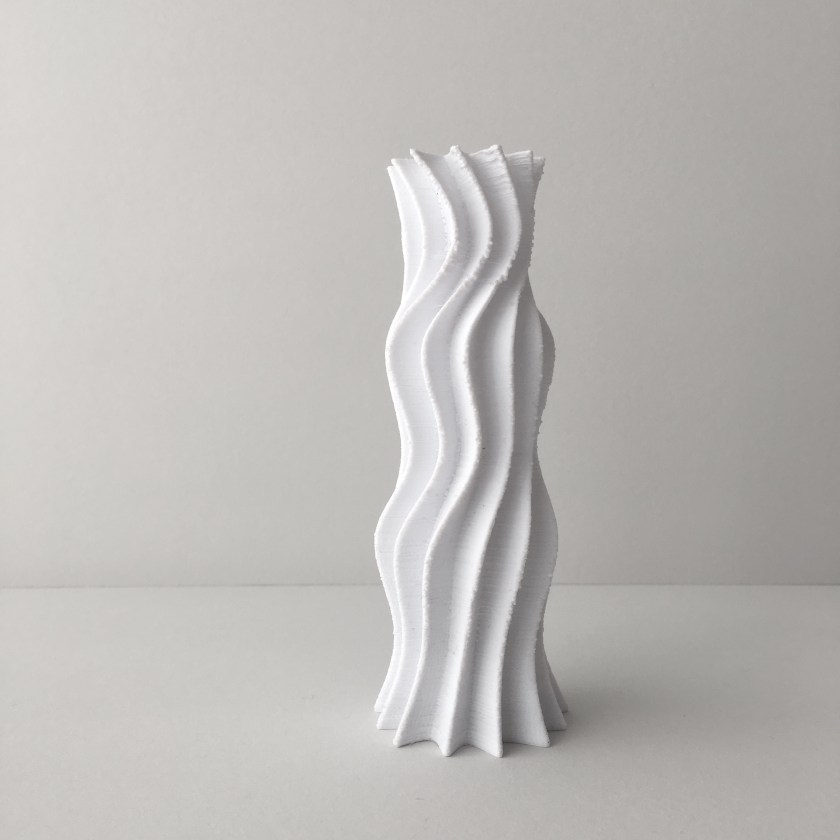
Redesigning Profile:


Progress on my Family
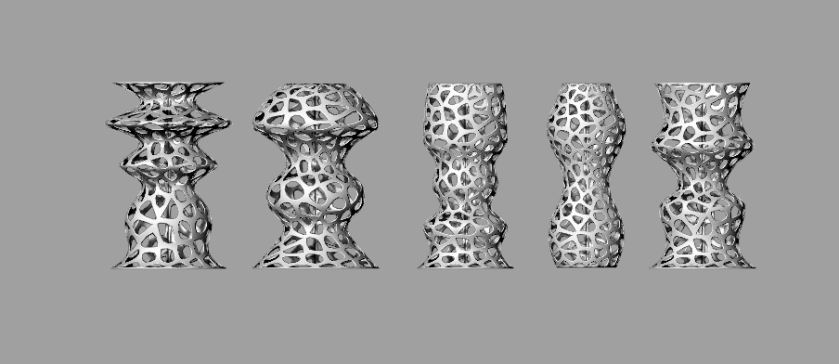

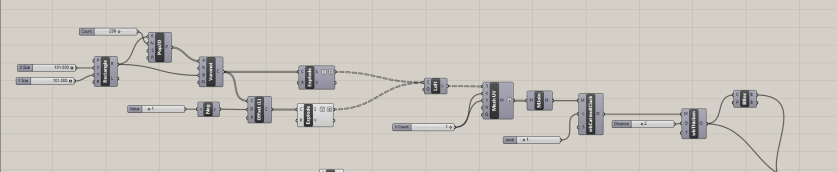
Progress _ Ziqian Wang

April 16 Progress – Chun-Wei Chen
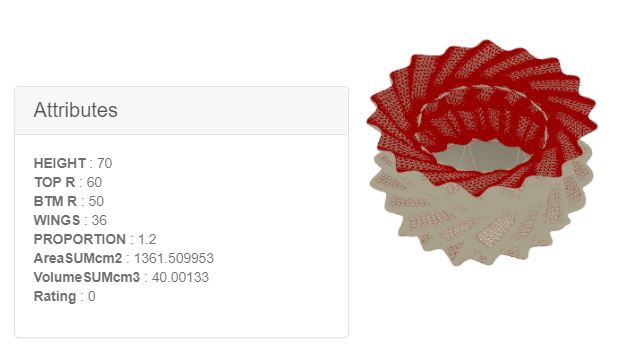
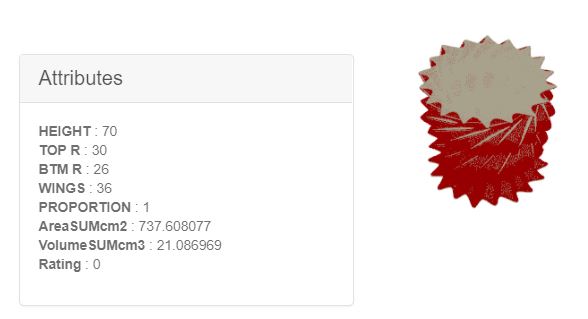
Design Explorer:

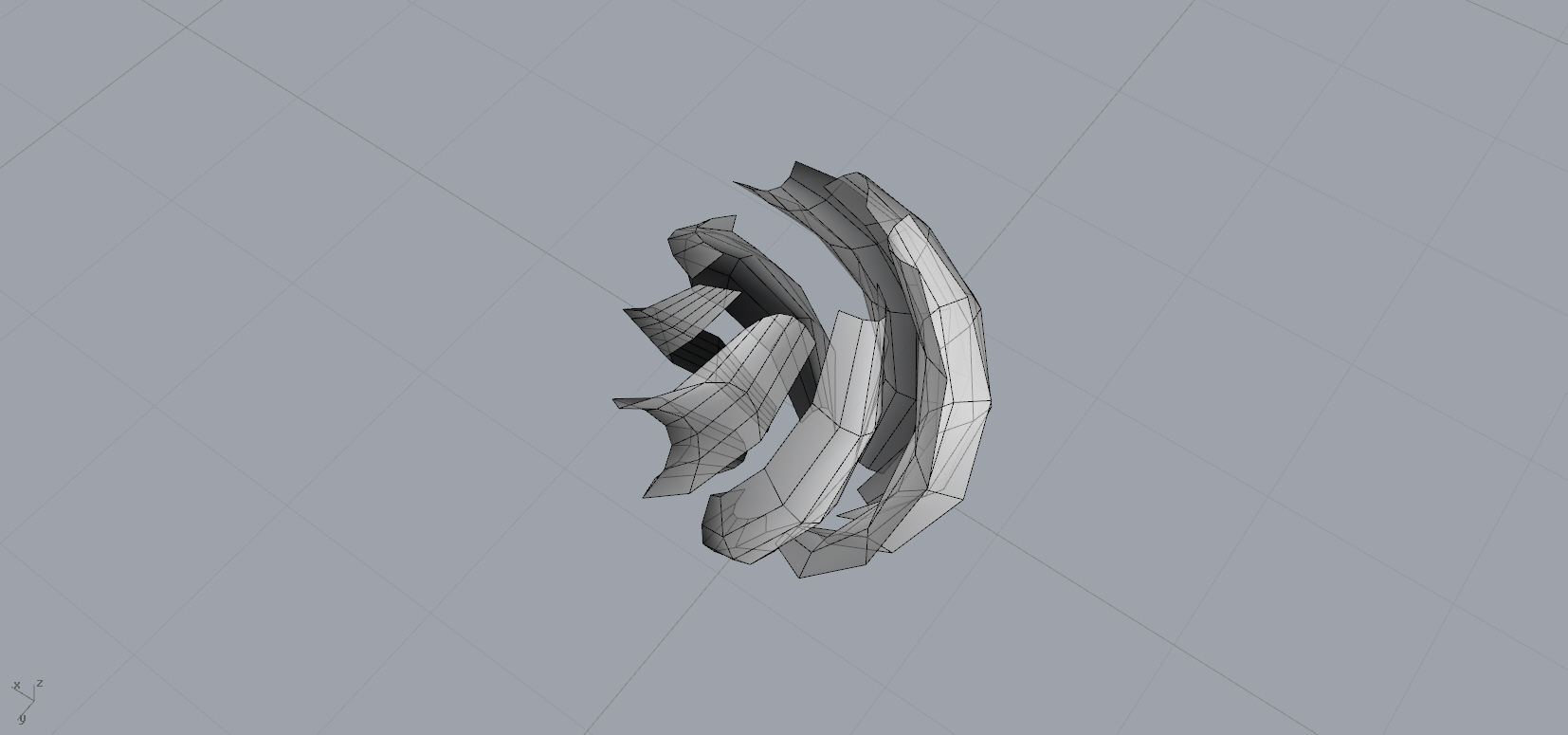
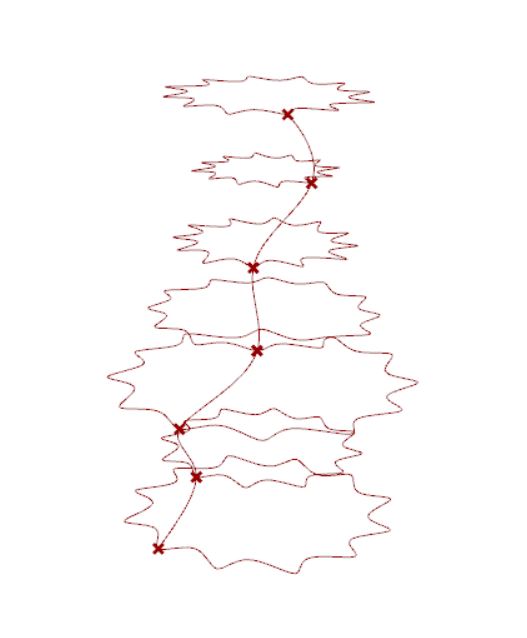
Ran into an issue: the top point does not follow the rotating direction.
Selection 1: Candle Cover
Selection 2: Candleholder
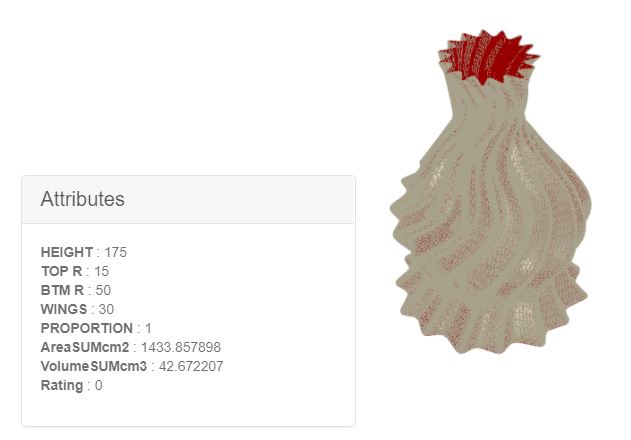
Selection 3: Vase
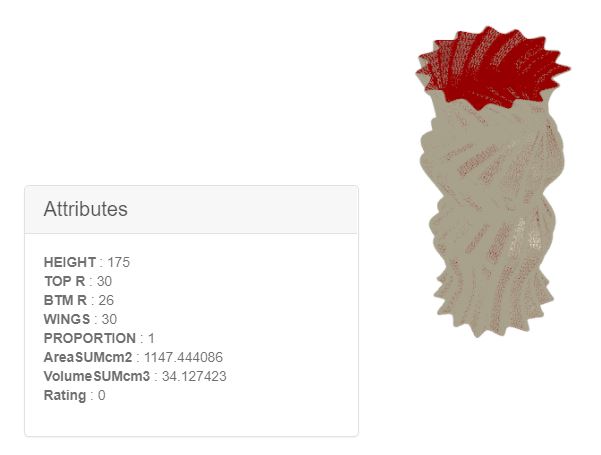
Selection 4: Fruit Bowl
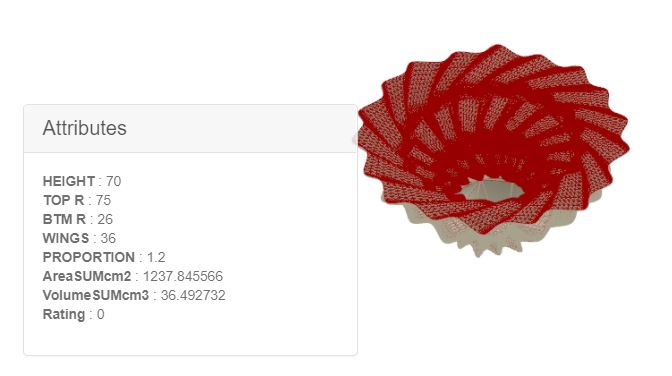
Selection 5: Suspended Lamp
2D Project
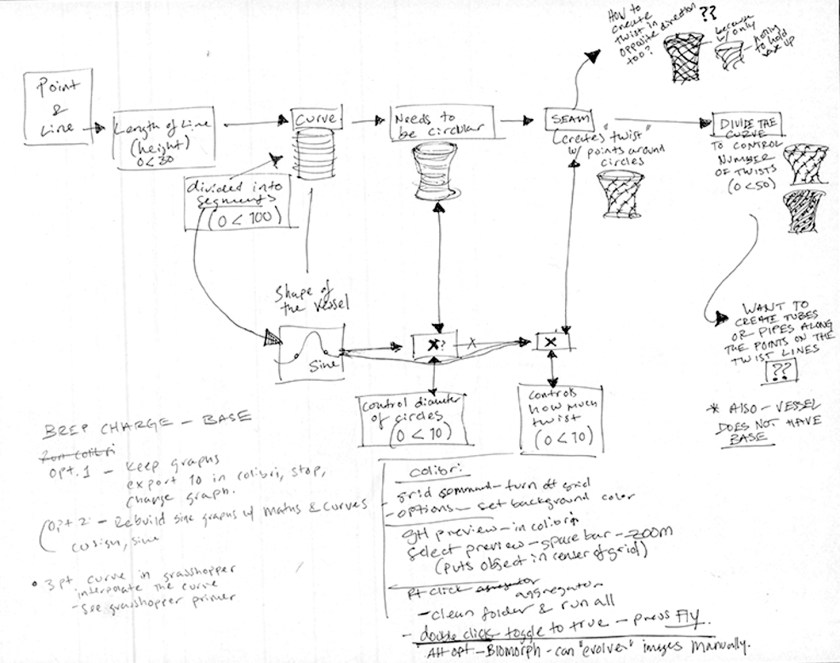 I began to write this definition by jotting down what I wanted to do then figuring out which components I could use to execute each step. I started with a line that is divided into segments. A circle is added at each of those points to create the vessel volume. A slider controls how many or those circles are visible to determine the height. I used a sine curve to control the shape of the vessel with two separate controls for the diameter of the circles and how much the vessel twists. I used the seam component to create and twist with points around each circle, and divided the curve to control the number of twists. At this point, the main question is how I can create the twist in the opposite direction too, because right now it is only in one direction and thus there is nothing connecting or supporting the curves.
New Attempt For Product Family

I use dispatch to divide the item into two target items. Then, I draw lines between the edges of one part and cocoon all of them.
I use “pipe” only for observing the outcome more easily.
I’ll keep try other way.
INT-731-03 _Ying Huang_Final project01
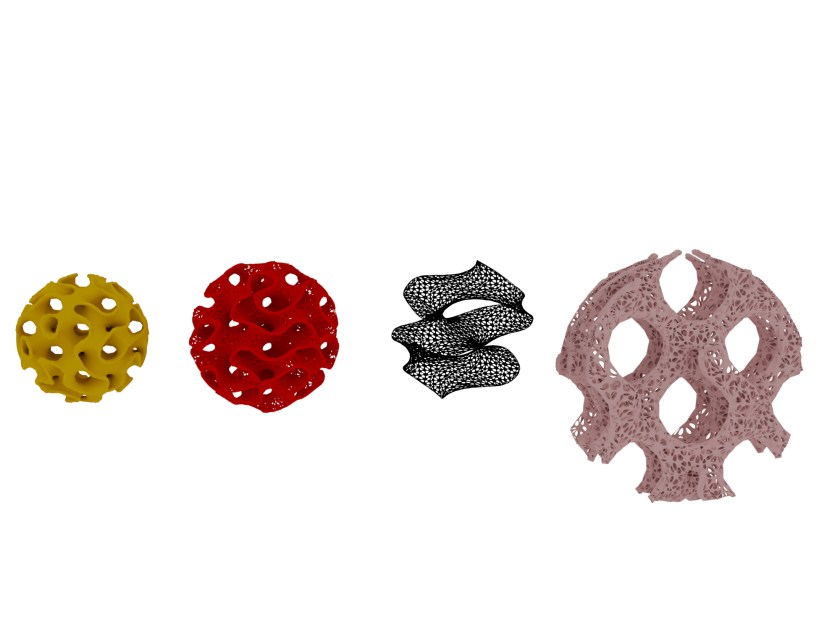
test by millipede
Millipede is cool to create this kind of ‘cells’. By changing the frequency of the spiral surface, the geometry is different. However, I can see these kinds of sharp turning transition are not printable.
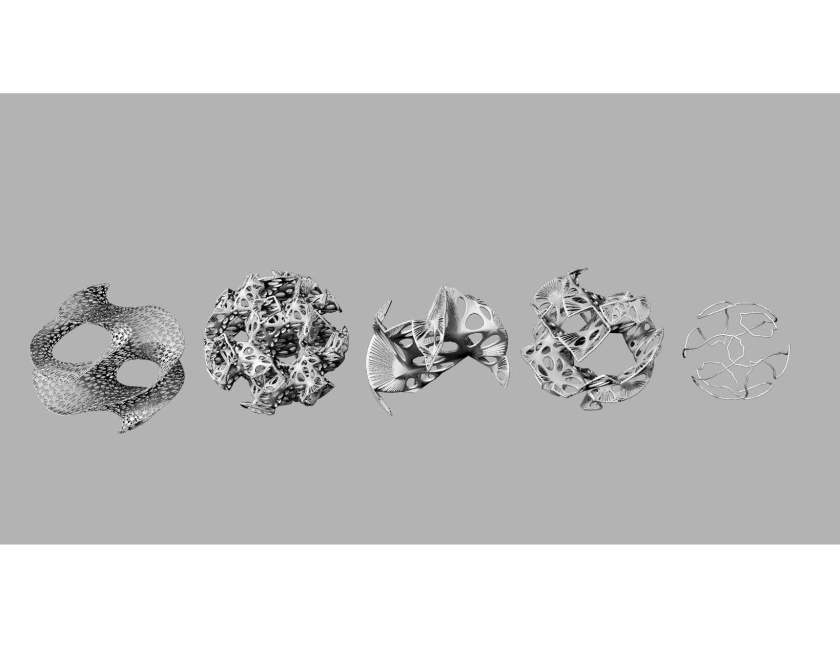


transfer holes to the sphere- ‘BOUNDRY BOX’ —‘ISO SURFACE’
add edge – ‘PIPE’
 Parametrics
You must be logged in to post a comment.