




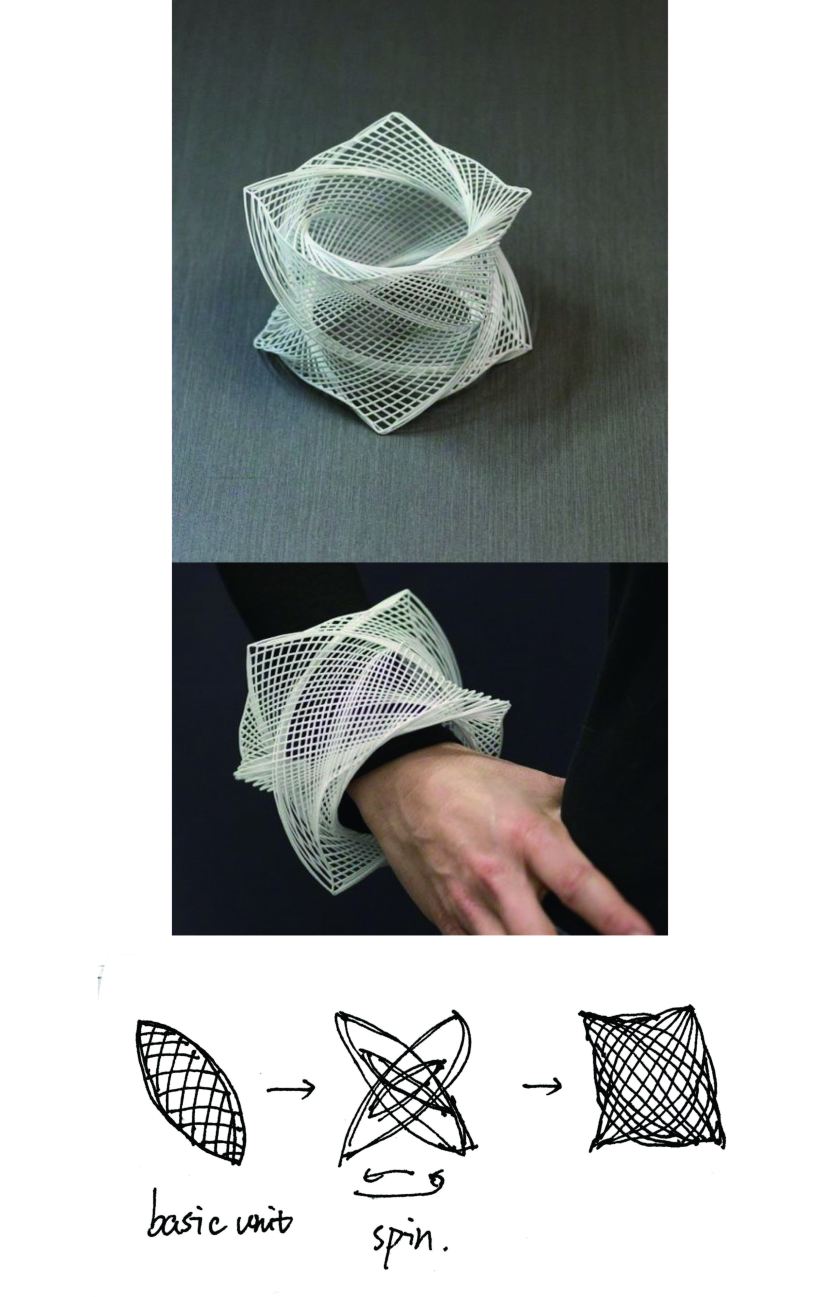


I try to build a pen holder. And its appearance is composed of convoluted branches.


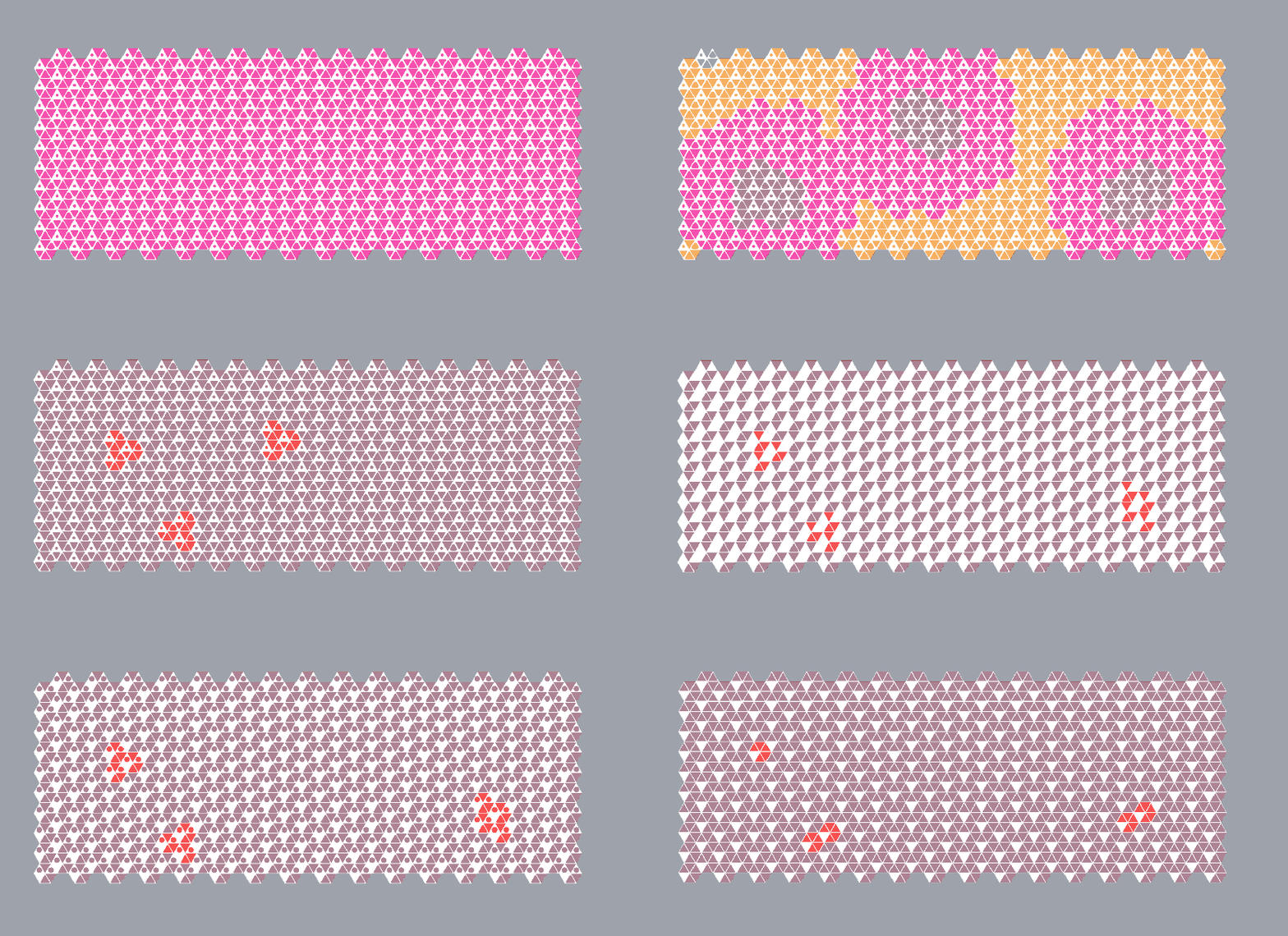
2D interiors project
As the first exercise we did by grasshopper, it’s a tough process to understand each component and use skillfully.
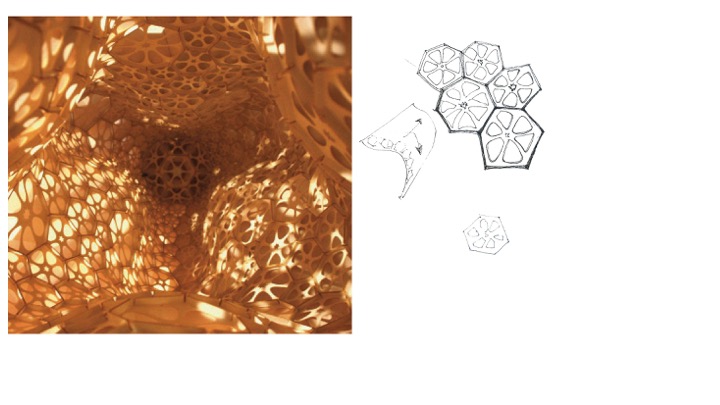
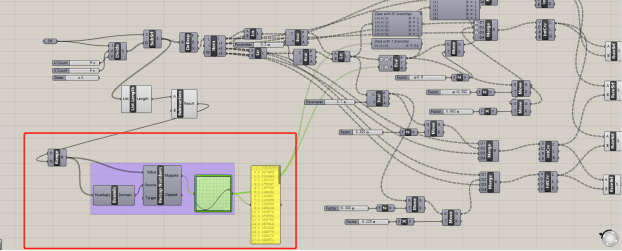
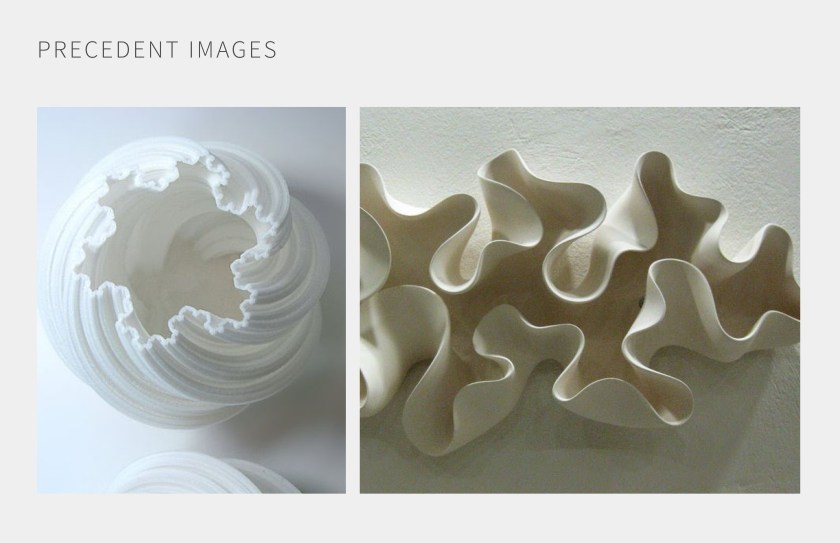
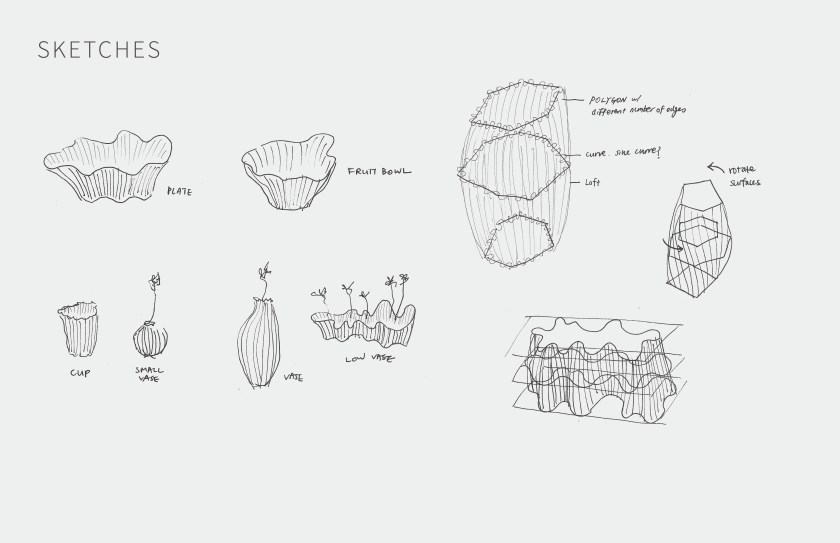
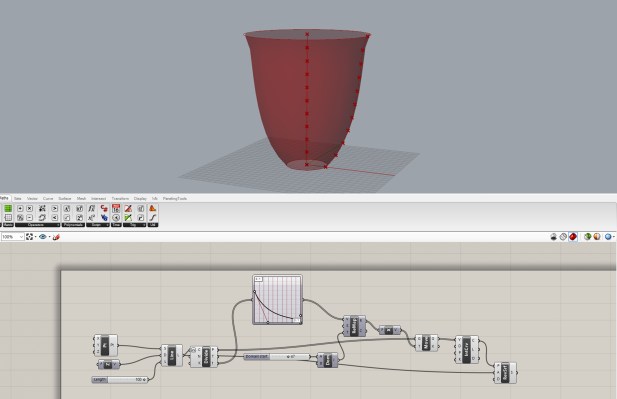
The precedent I followed is a 3D surface, it also can be used as a wall pattern. In the beginning, I wanted to make a curved surface with this hexagon and hollow out the circle pattern. Therefore, my first test used the morph component to hollow out a circle. The first step is making two polygons and boolean difference. The second step is making a curved surface which I can control the fluctuation frequency.

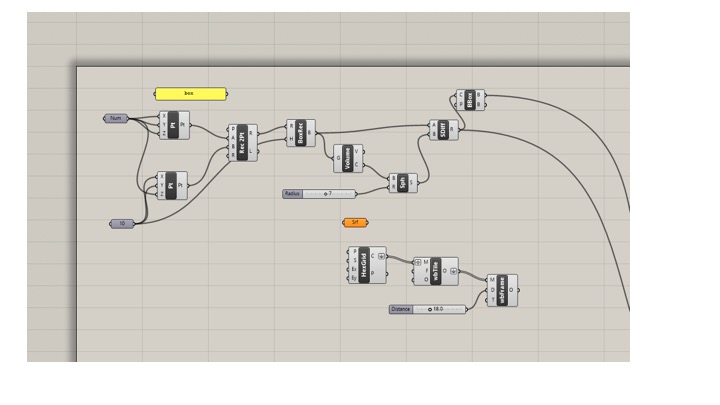
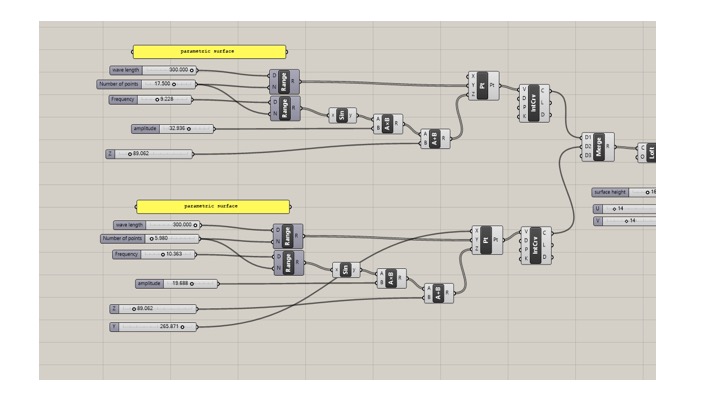
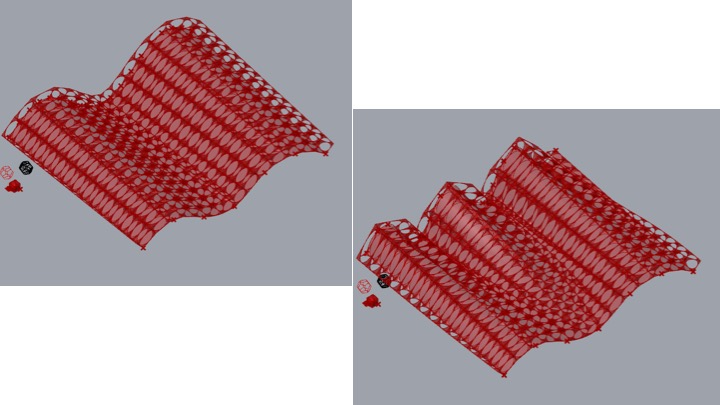
This method works but I failed to get the hexagon shape. The shapes I can get are very basic polygons such as cones and cubes. However, it’s difficult to make a hexahedron.
My second test used ‘Project’ so firstly I used the same surface, but I tried to project the hexagon shape on the surface. However, I don’t know how to get the hollow circles in the hexagon frame. 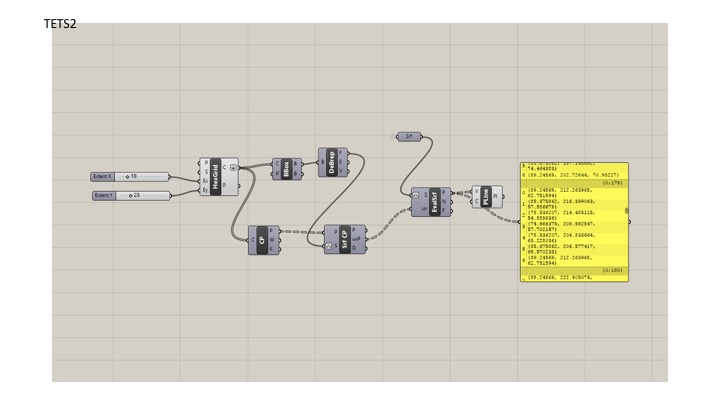
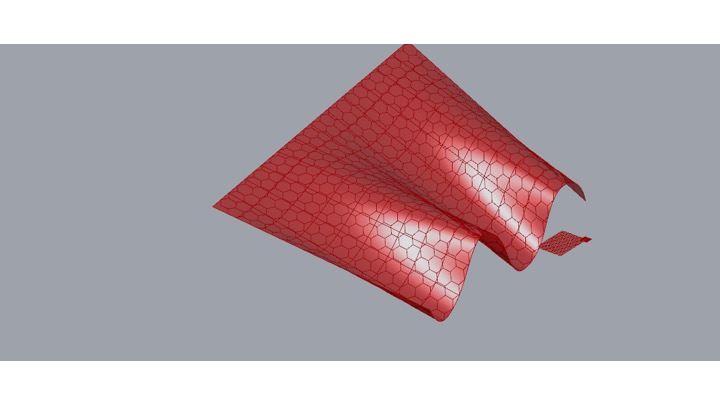
The third test I used a flat surface… I divide the surface into small grids and get hexagon shape through creating Points and Centrepoint and connect them with lines. Thus I can get the small triangle surfaces. Then I used Offset and get the hollow circle. I also can change their sizes by changing the distance. The next step is using Scale and Move to change the size and position of some ‘special hexagons’ and I used Swatch to change colors. 


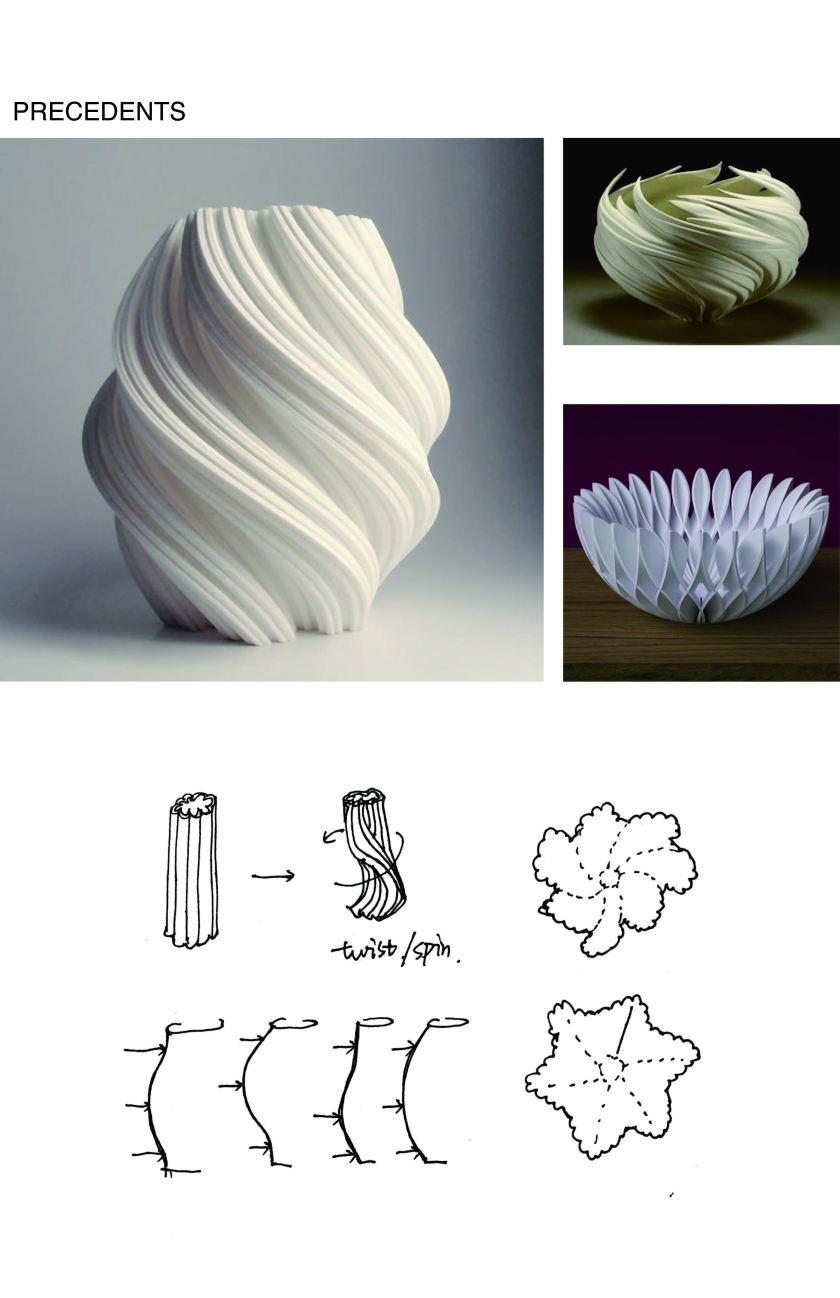
The 2D interior project I designed is a ceiling system project. The material of the ceiling is traditional Chinese brick. My intent is to make each piles of the bricks start to rotate and do series of movement in order to create more amazing ceiling structure. I believe this design will allow visitors have different experiences in both horizontal and vertical directions.
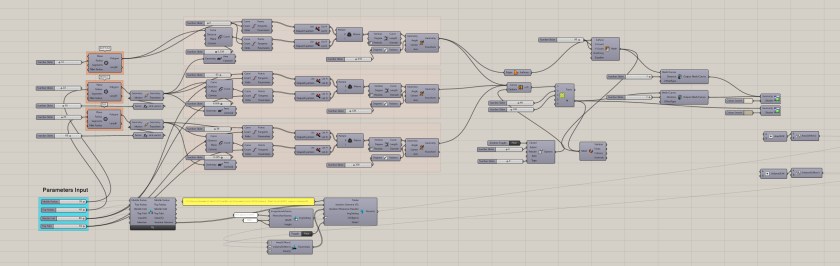
In the final project, I set up 3 lines, which are consisted of 12 x-y-z points, and then I loft these three lines to build a surface. I also create a geometry and morph this box to the existing surface to build a group of boxes. However the surface moves, the boxes will move along with the surface which of course is connected with the 12 points. Then, the twisted piles of boxes start to be same as the geometry in my drawings.
I also build the surface boxes to surround each of the geometry to create some spaces like the real bricks do.
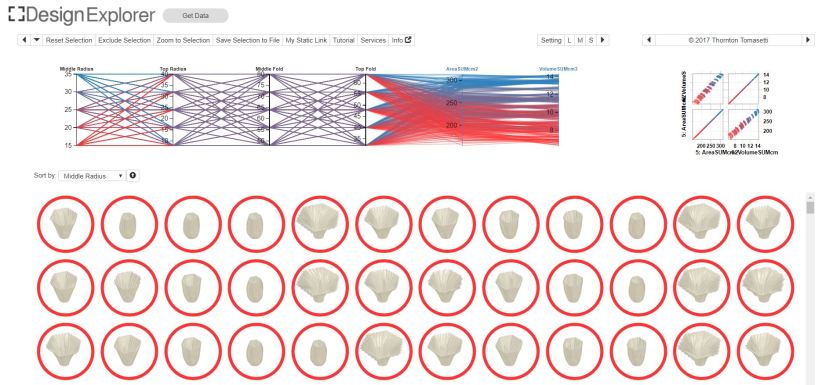
The geometry I create has thousands of alterations because of the different shapes of the surfaces.
I learned a lot from this lecture.
PRECEDENT AND DRAWINGS

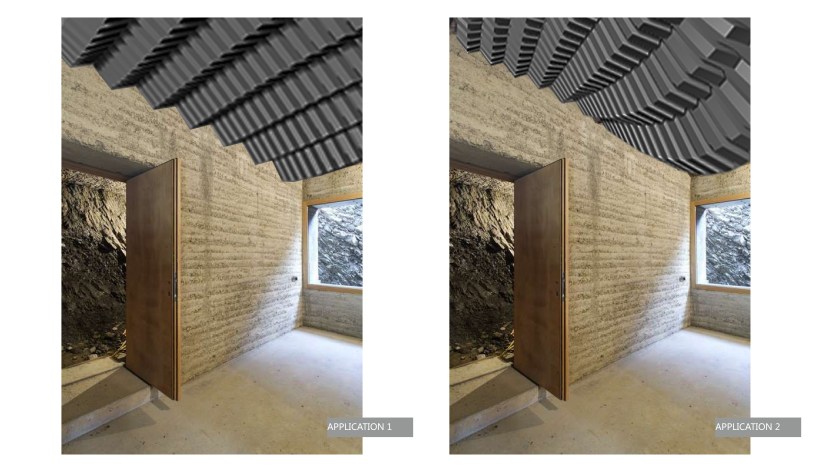
PARAMETERS
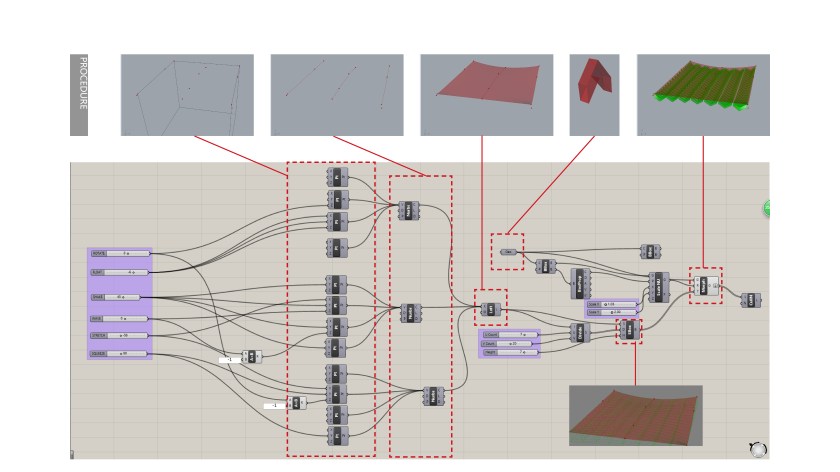
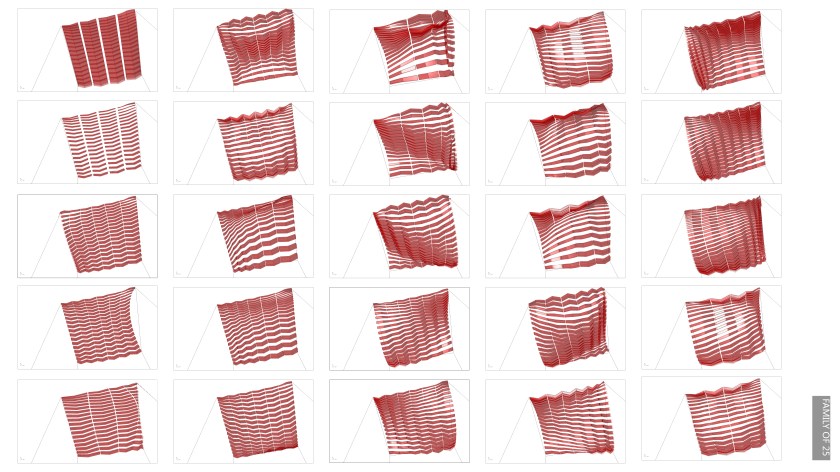

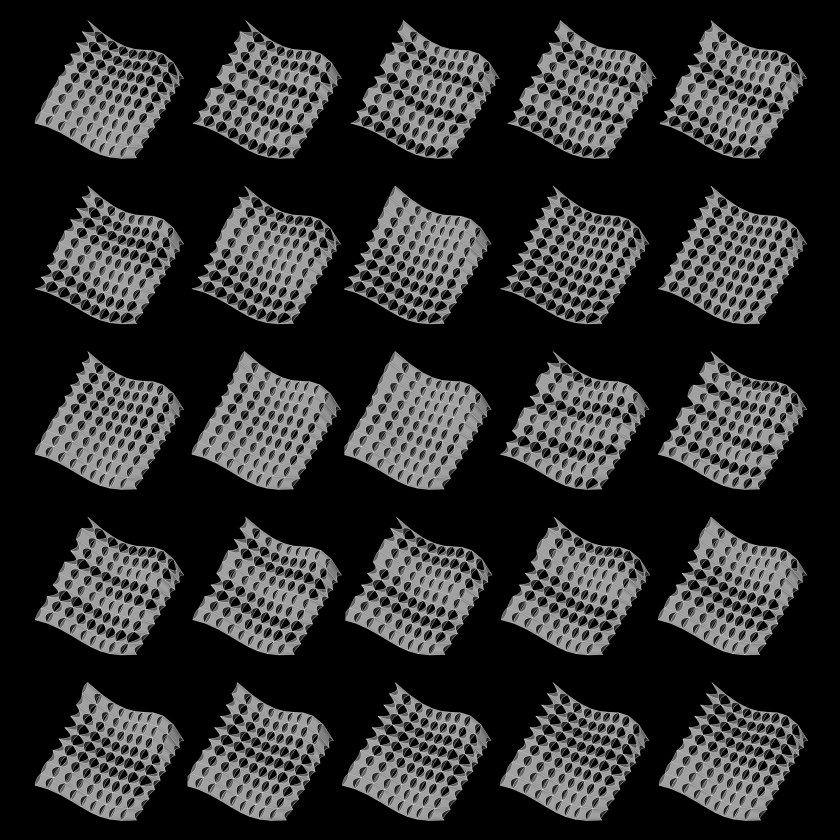
This is the gif of the family of 25. And below are the 6 functions.
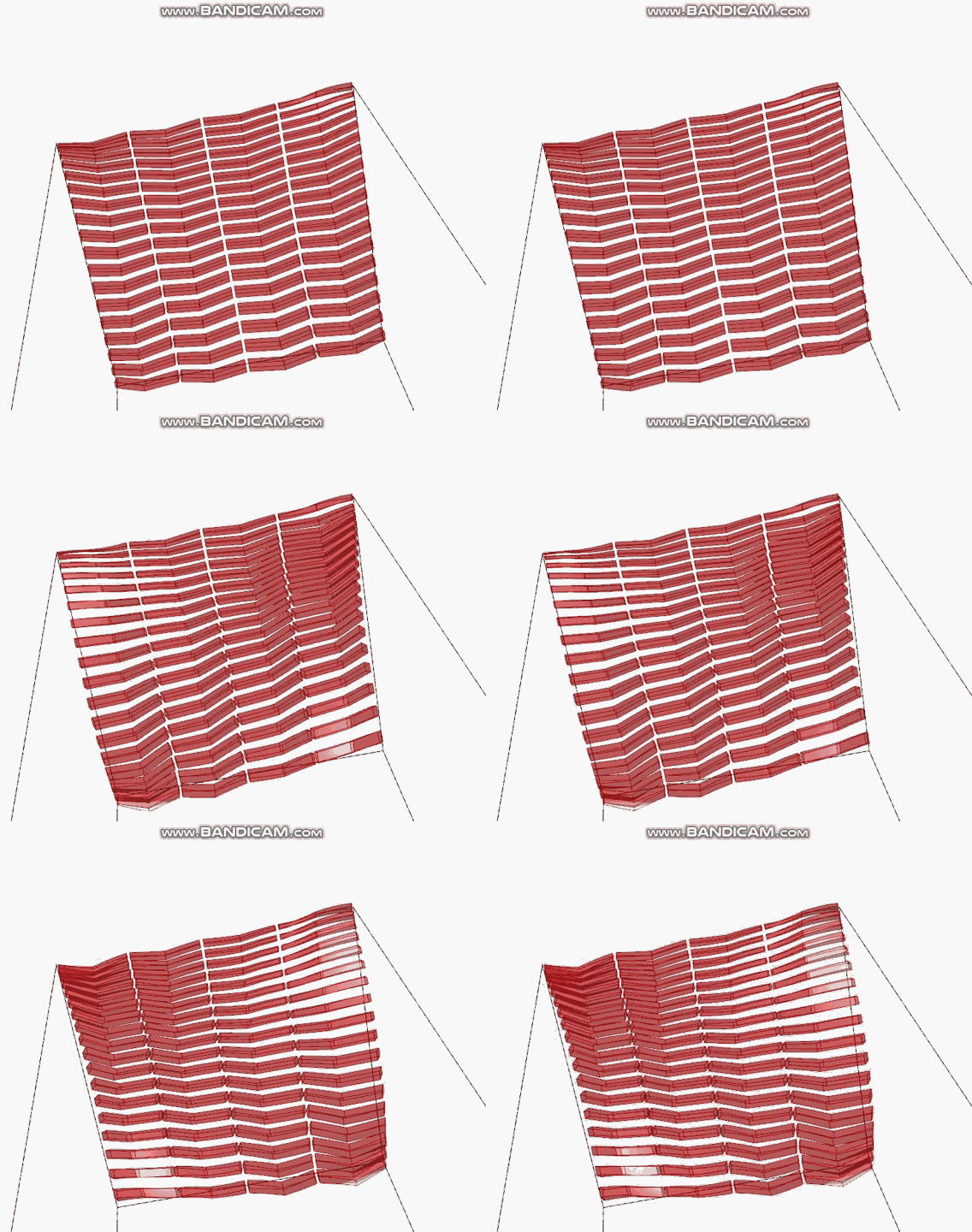
ROTATE
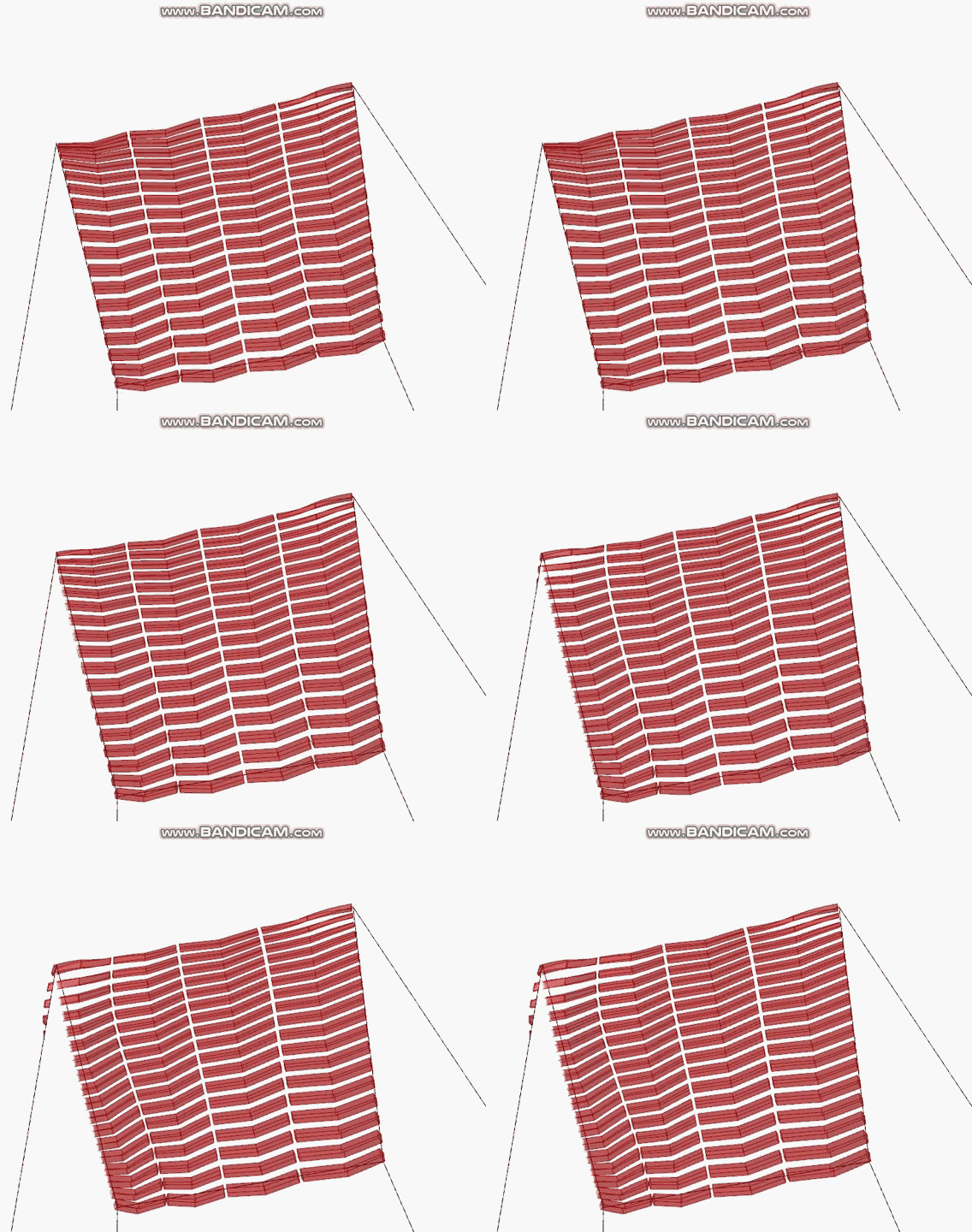
FLOAT

SHAKE

WAVE

STRETCH

SQUEEZE

 Parametrics
You must be logged in to post a comment.