



Sijia Liu
Error
This video doesn’t exist


2D Interior Project – Chun-Wei (Maxwell) Chen

For this 2D interior project, I have developed a wall system that interacts with daylight and the interior space. The wall system is intended to be a screen that let light penetrates through to create patterns of light and shadow. The different angled faces of the wall would also subtly create different shades. The wall has seemingly random and rectangular apertures that brings some lives into space. It is made of made of modular sizes of blocks, which compensated the randomness of the apertures and sets a uniform frame to the system.
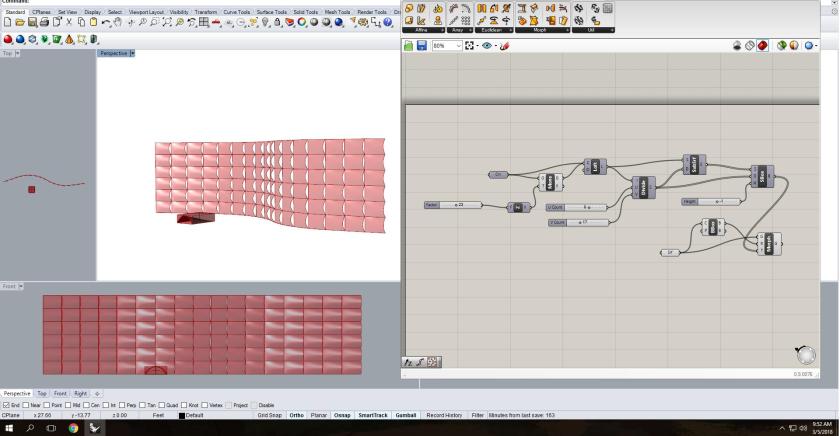
To design the wall system, I first created a rectangular grid. I united the whole grid as a surface and provide input for setting its surface centers. The input is the attraction points that are one of the determinants of the general sizes of apertures. I then set up a domain and remapped the numbers from the center of each rectangle to provide input values for the specific sizes of apertures. Since I wanted the apertures to be more vertical, I constructed another domain so that the value runs from negative to positive, making the aperture expanding both sides from the center. I also added a jitter function to shuffle the sizes of apertures a bit to create a more organic look. The second rectangles in the grids are combined with the grid to create surfaces with openings. I repeated this process and created another panel of surfaces with uniform apertures. At last, I pull the lists of individual edges, matching them accordingly, to loft the surfaces between the two panels to create volume and angled faces between apertures.
Throughout the process of making, I have better understood the logic of visual programming and how objects are formed. They also have information to be extracted and used towards other functions. The project allowed me to comprehend visually of how each component is a tool for creating, retrieving or changing parameters. I would like to further work on the ideas behind inputs so that objects respond to specific ideas or issues.
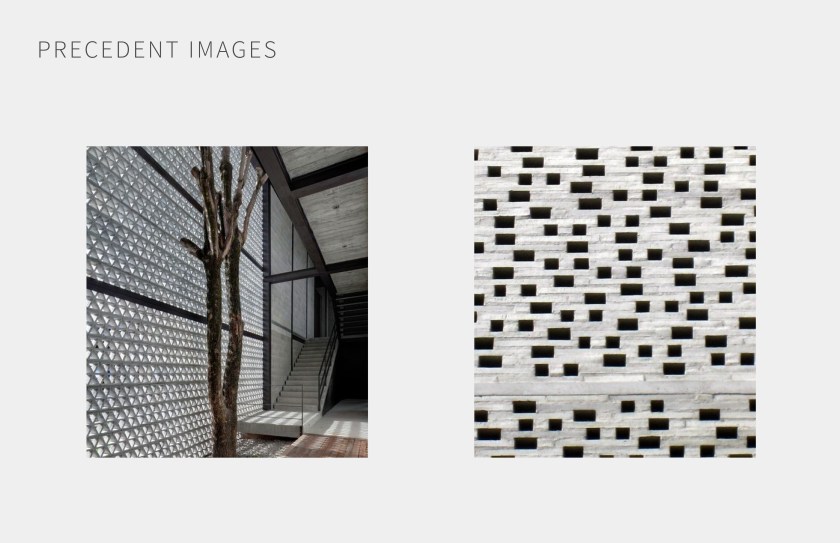
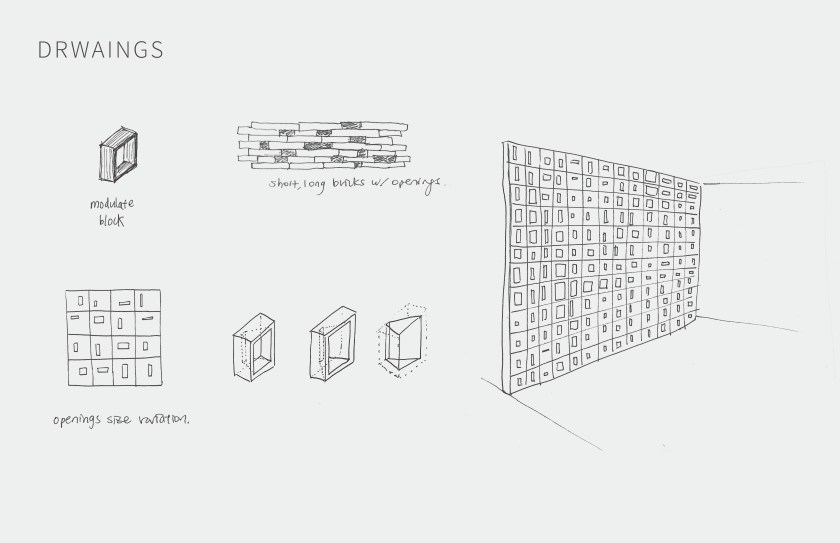

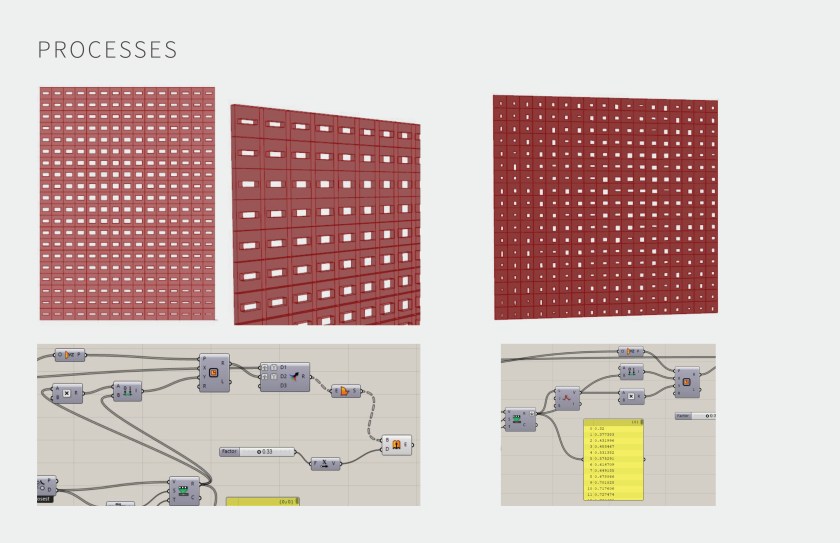
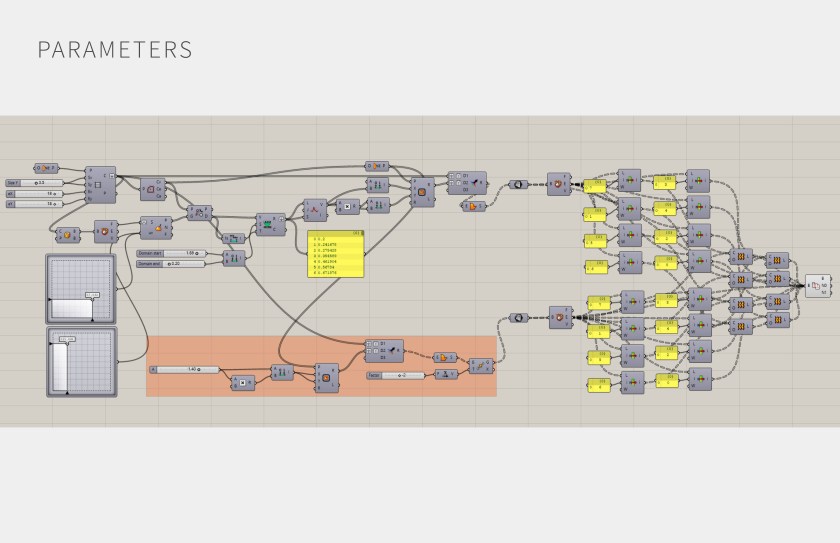
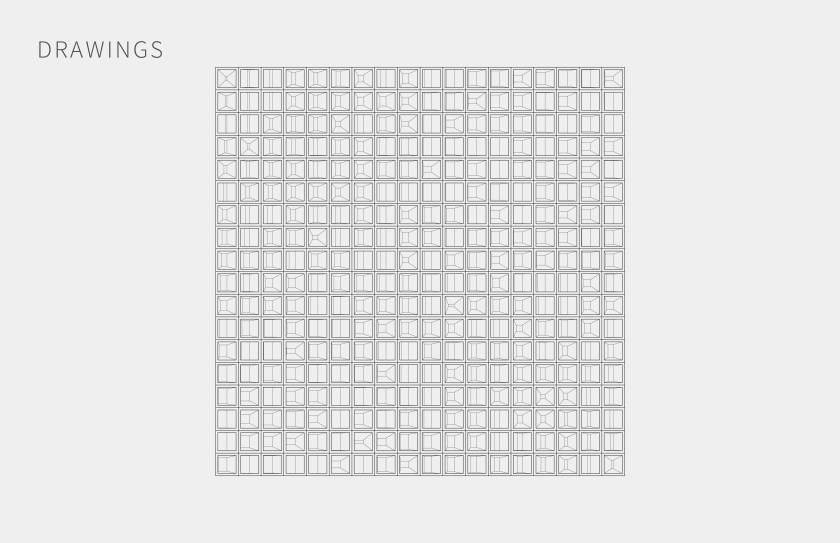
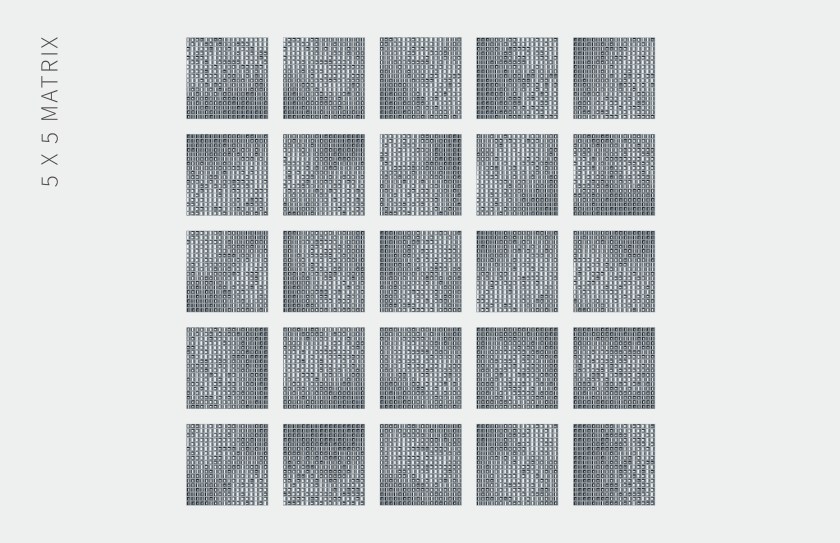
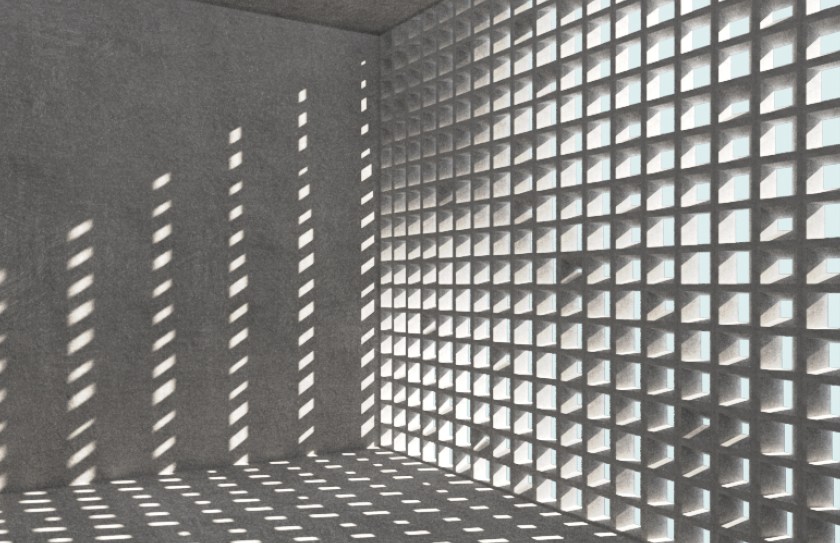

Design Explorer Link
http://tt-acm.github.io/DesignExplorer/
Get Data:
https://drive.google.com/open?id=1-DlgY7NxcMrqW7lTdOYmVgbHlR92KZMC

INT731-03-2D Interior-Chulun Sun
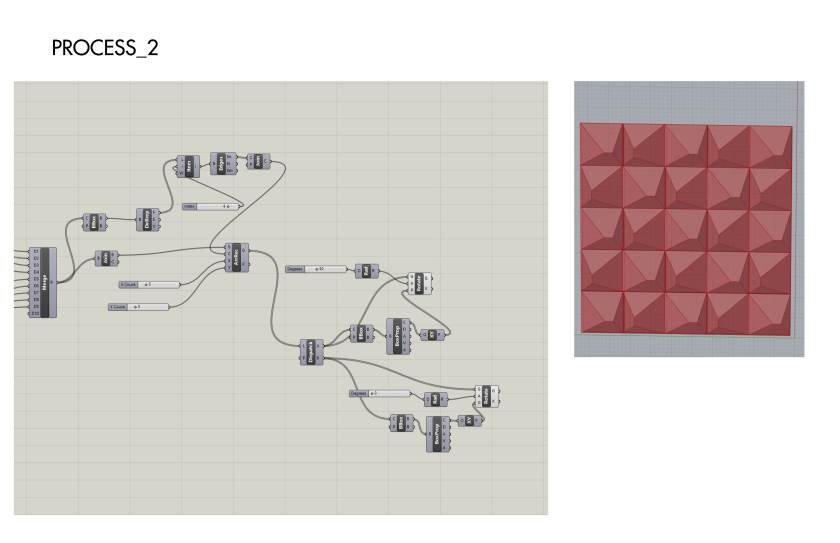
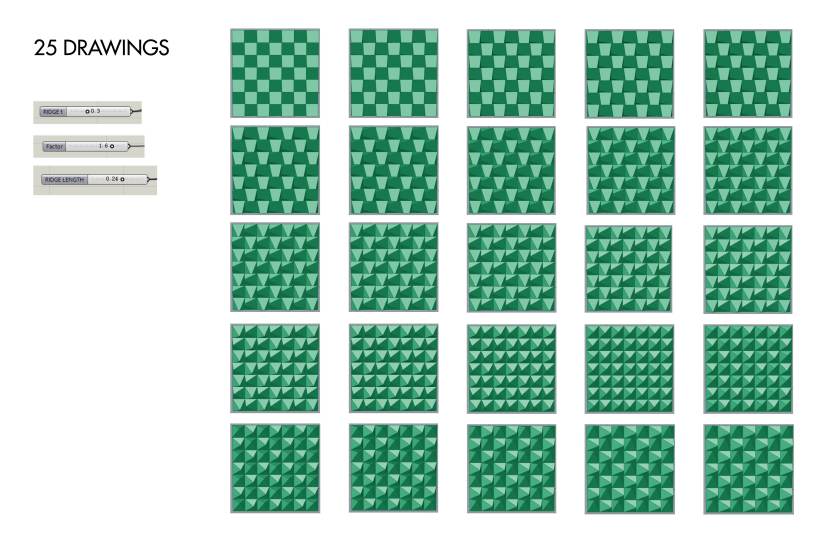
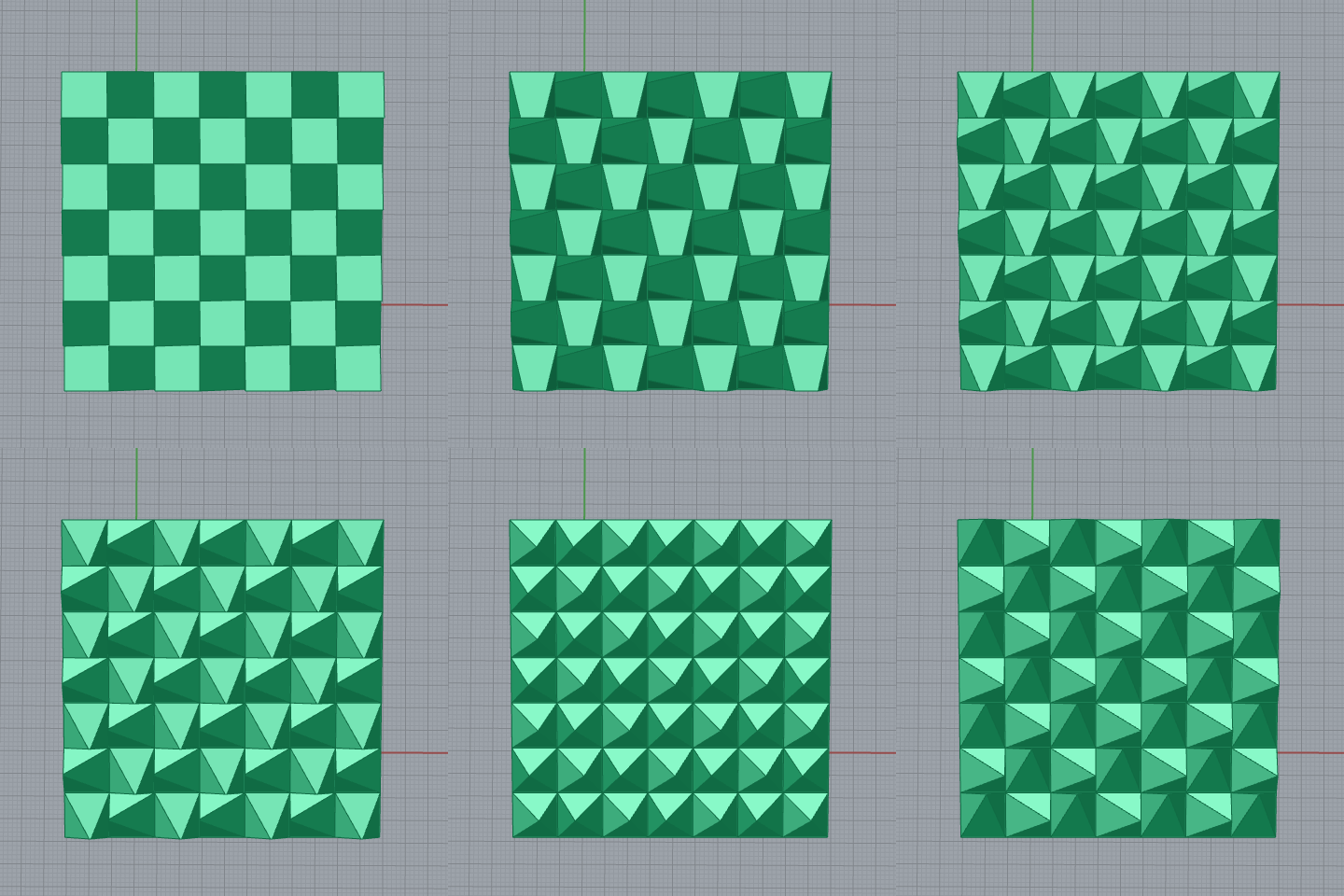
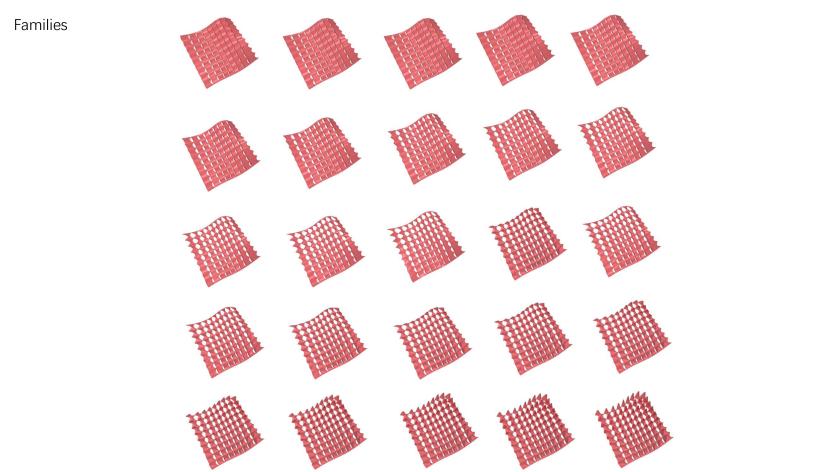
I try to use a single unit as a geometry shape and fit it into surface bounding box to create a regular curve facade. In this case, you can change the pattern by changing the length,height and depth.
Precedent Images

25 Drawings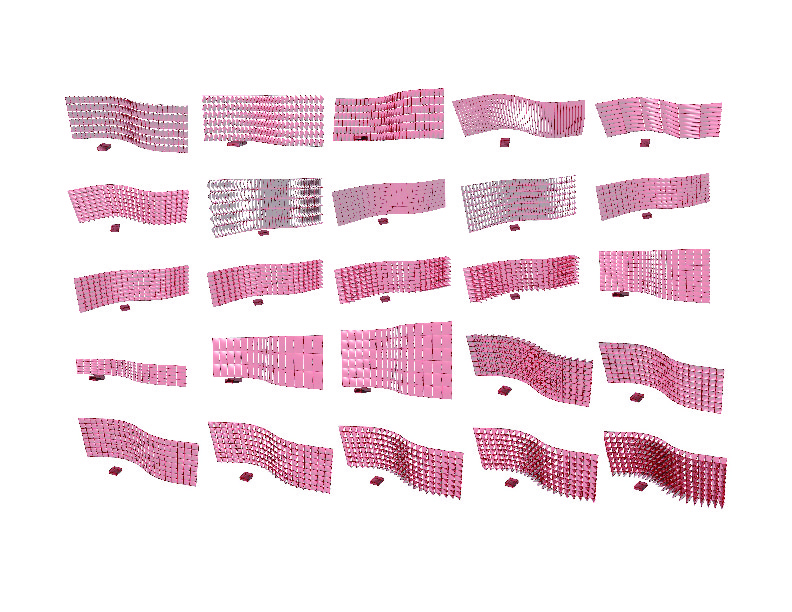
GIF

INT731_03_2D Interiors_Jiahan Yu
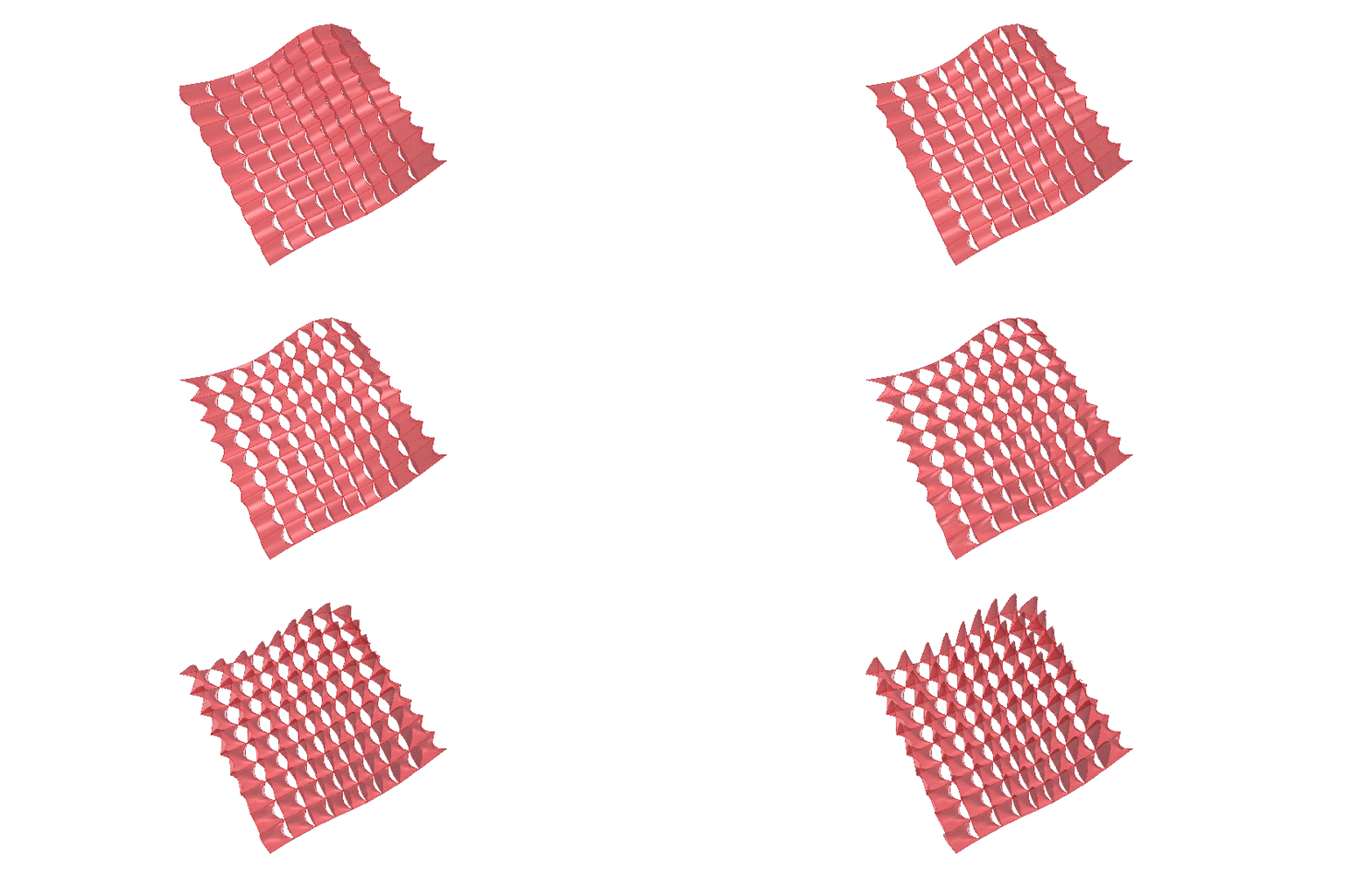
This is the first practice of parametric. My 2D interior is about the relationships. The first relationship is about hexagon and surface. The second one is about hole and curvature and the third one is thickness and curvature, so I got four variable quantities, which are surface changing, size & numbers of hexagon, size of holes and thickness of every pieces.
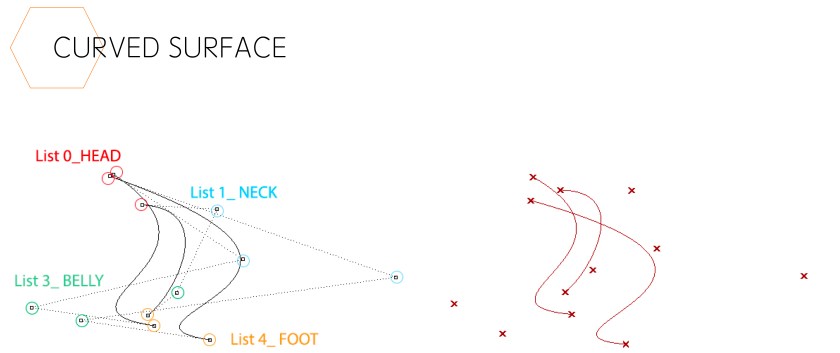
For the curved surface, I divide the control points in to four groups which control different parts of surface, so you can control the surface through changing these four elements. However, how to put hexagon on the surface is a very difficult step. In grasshopper, I use discontinuity and deconstruct vector to achieve that, so if you want to change the number and size of the hexagon on the surface, you can just change the grid.
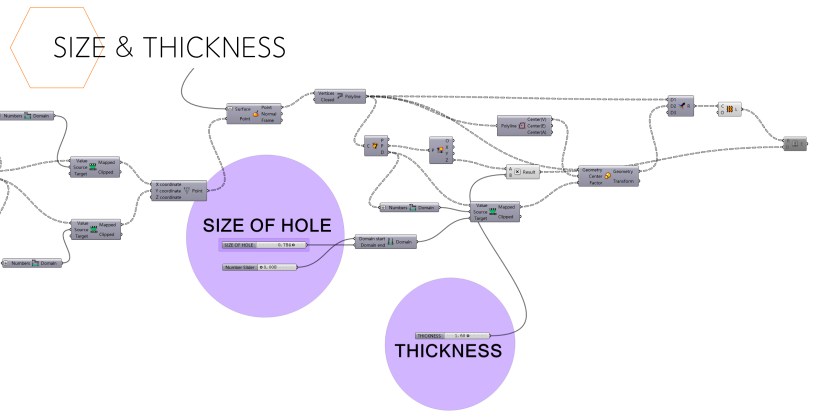
For the size of hole and thickness I use planar to look for the centers of every hexagons and to find the curvature of centers, and use it to become the variable quantity of holes and thickness. Then I use remap to control the size of hole and use multiplication to control the thickness.
I use these 4 variable quantities to control the final works, but I still have a question about the thickness and vector. The extrude comes from the front and back. I know it may because of the curvatures, which are plus or minus. I was wondering if there is a way to make them all plus?
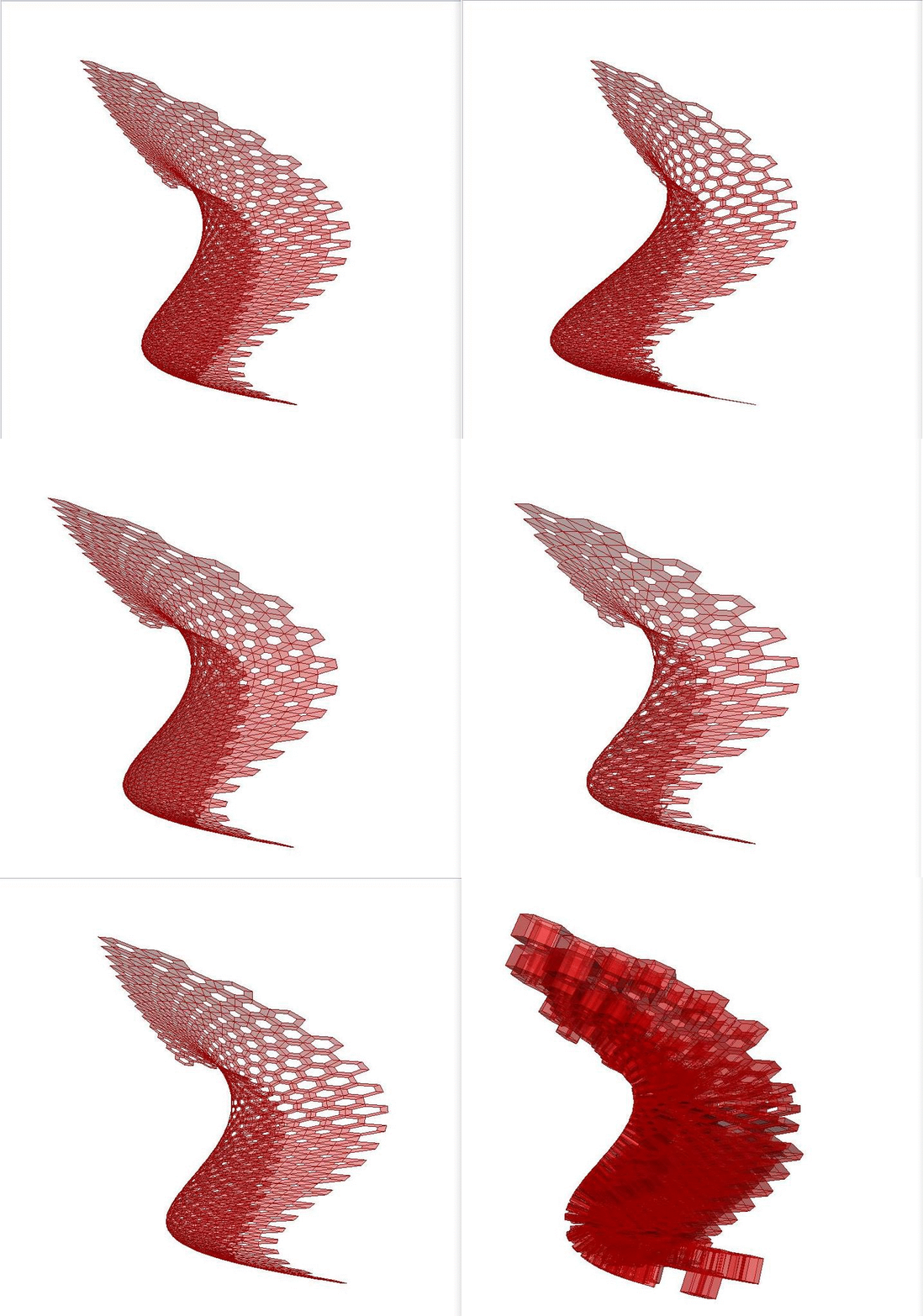
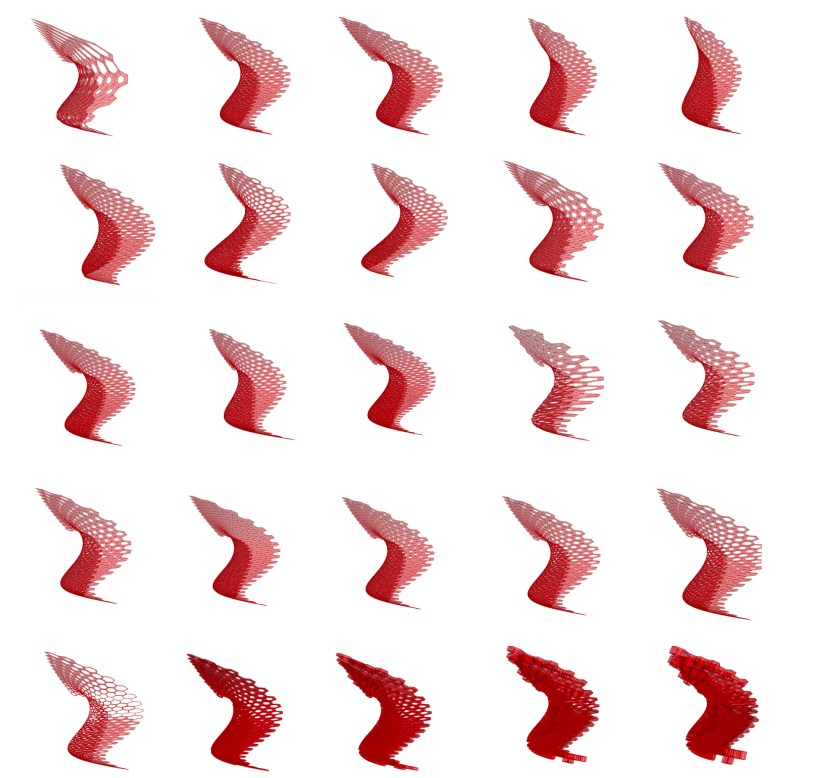
PRECEDENT DRAWINGS


EXTENSION DRAWINGS




2D interior Presentation_ Jiahan Yu
2D Project


INT731_03_2D Interiors_ShuhanDong
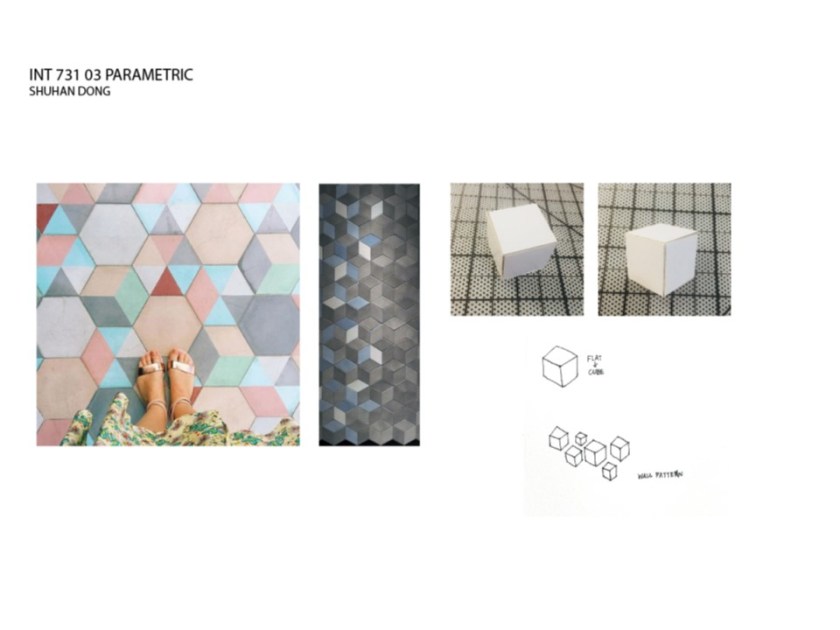
I try to use grasshopper to build a various hexagon patterns. I separate a hexagon into pieces and give order to them. Changing the colors and orders of them.


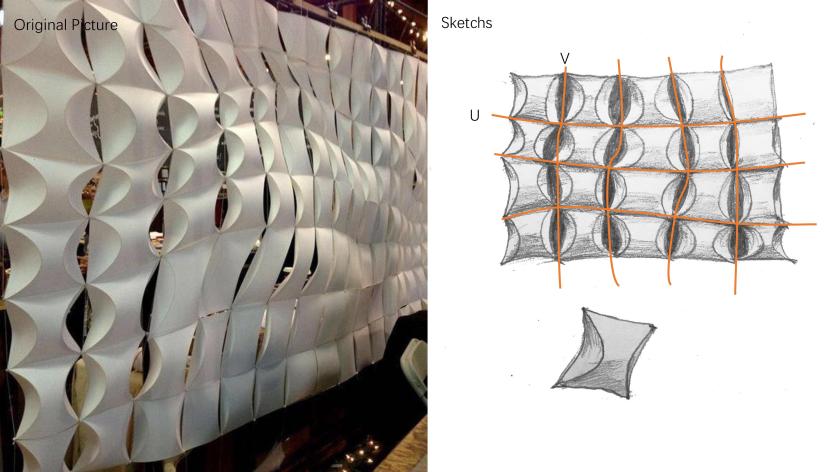
Interior 2D System_Ziqian Wang



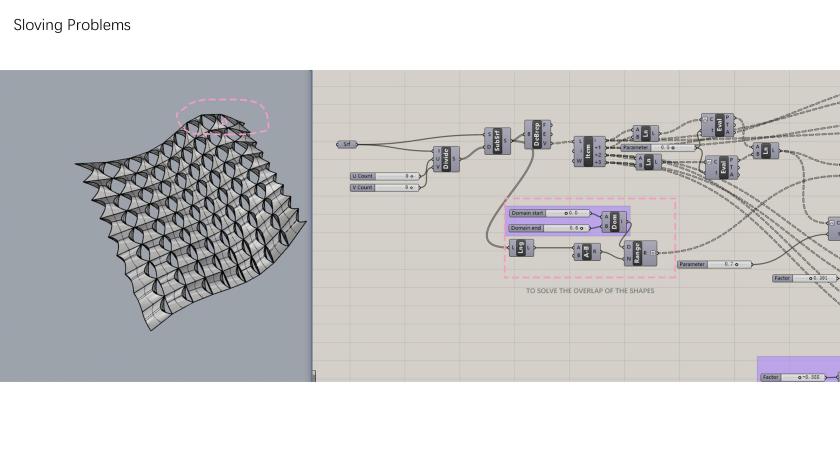
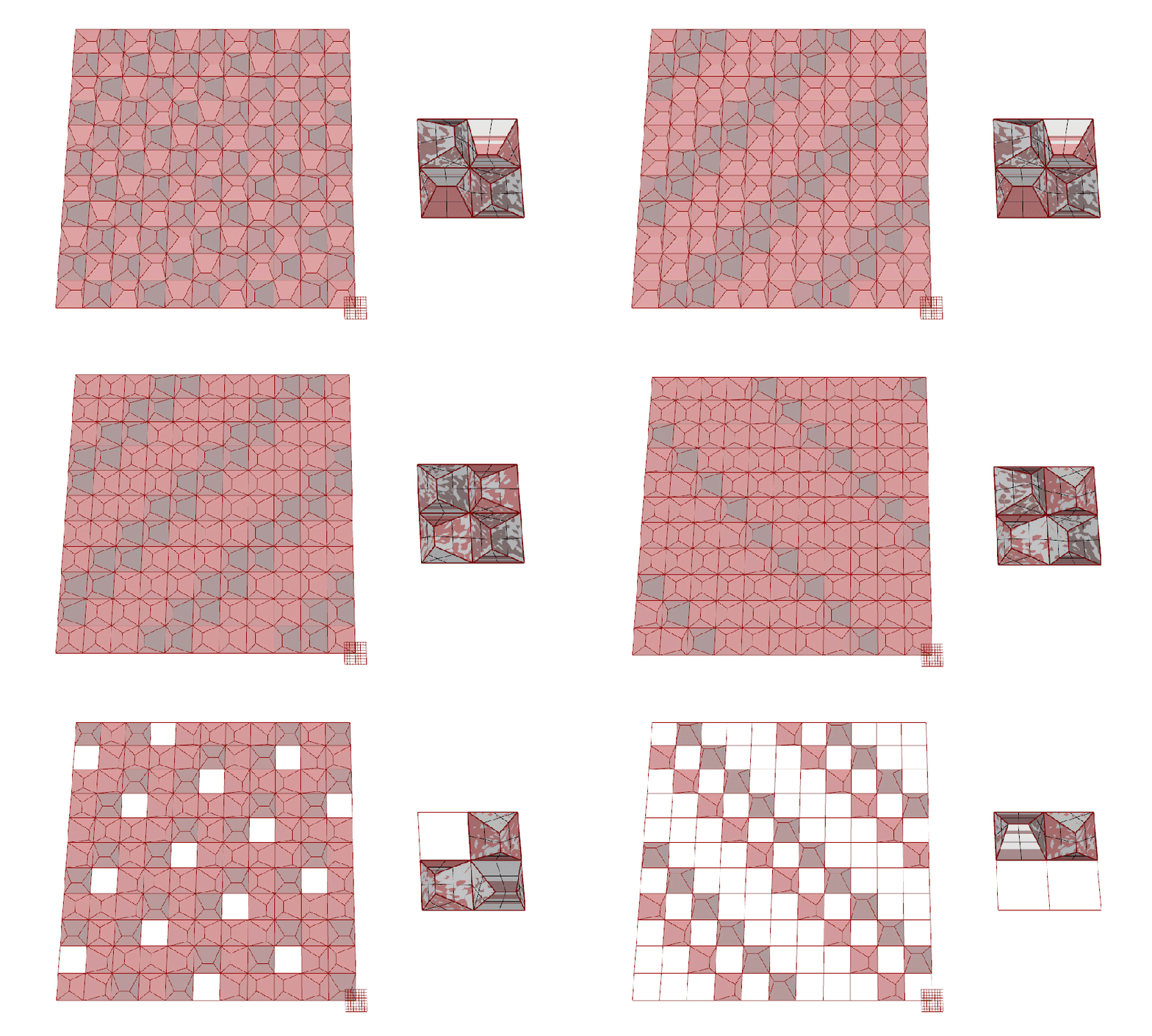
Project 1 – Nijat Bunyadov – PDF
Trouble creating a random pixel effect
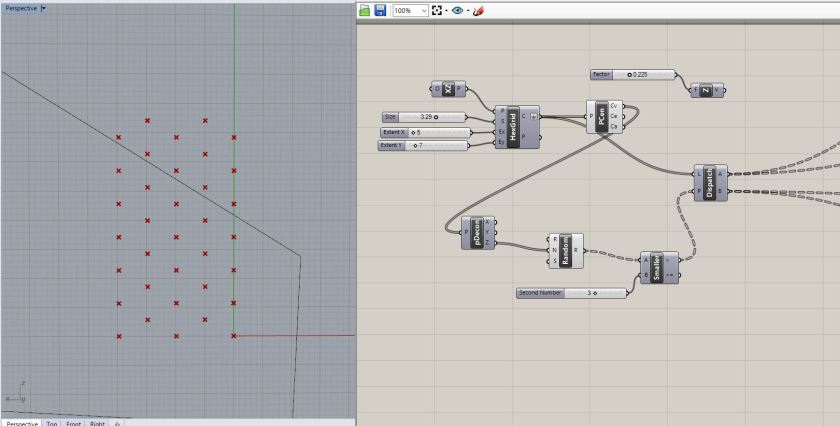
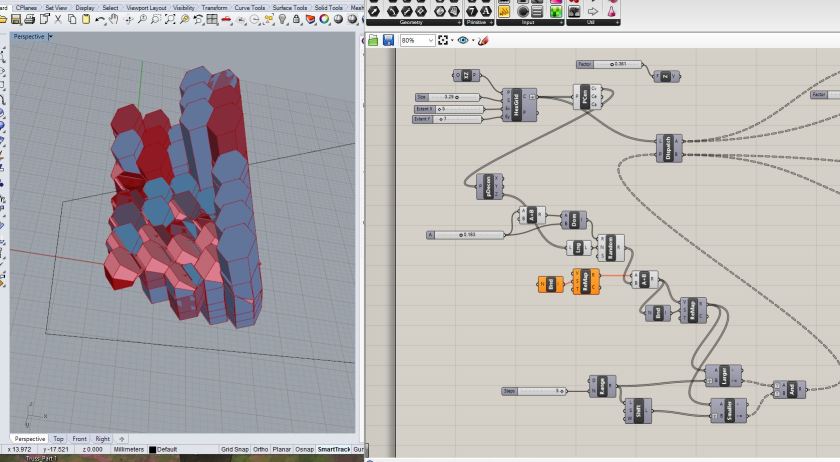
Trying to add randomness to my hex grid but running into problems. I’m working off of the file we did in class. In the second of the two screenshots below there is some randomization going on but the hexes are also extruded and randomly so, and I’m not sure what is controlling this versus the randomization of the color. Ben – I just sent you an email about this.
 Parametrics
You must be logged in to post a comment.