Assignment 01-2D patterning Nima Luorong

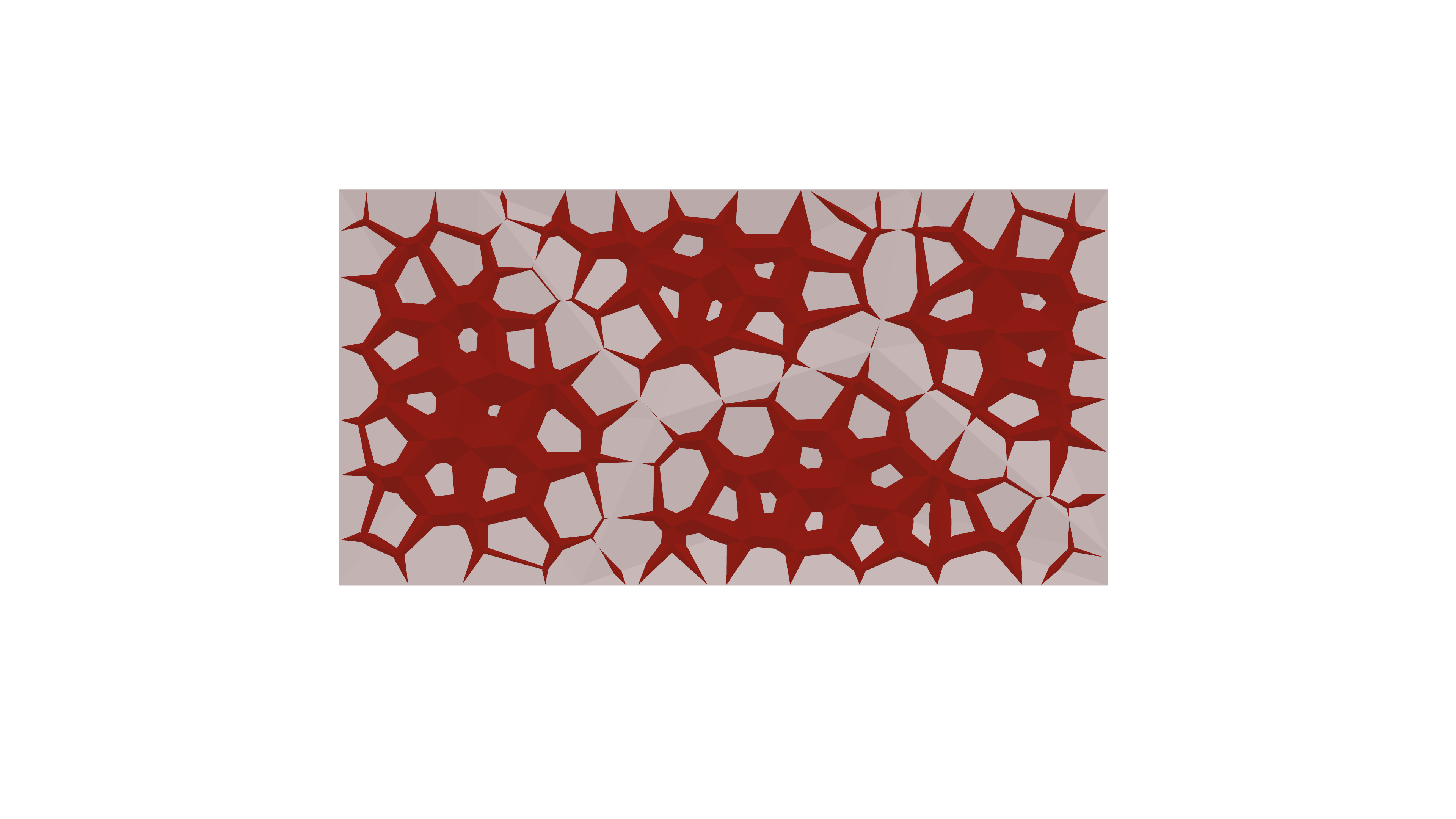
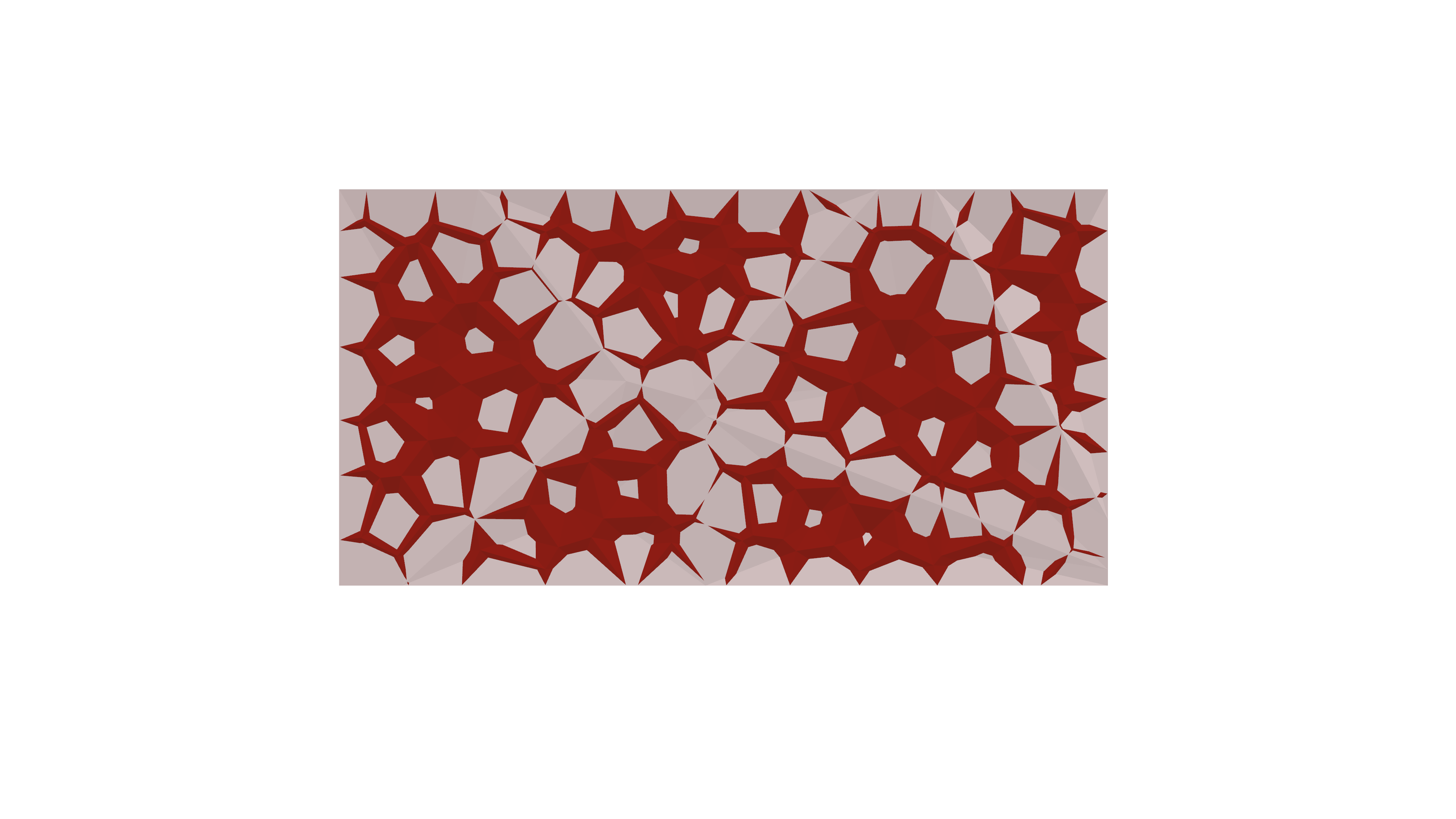
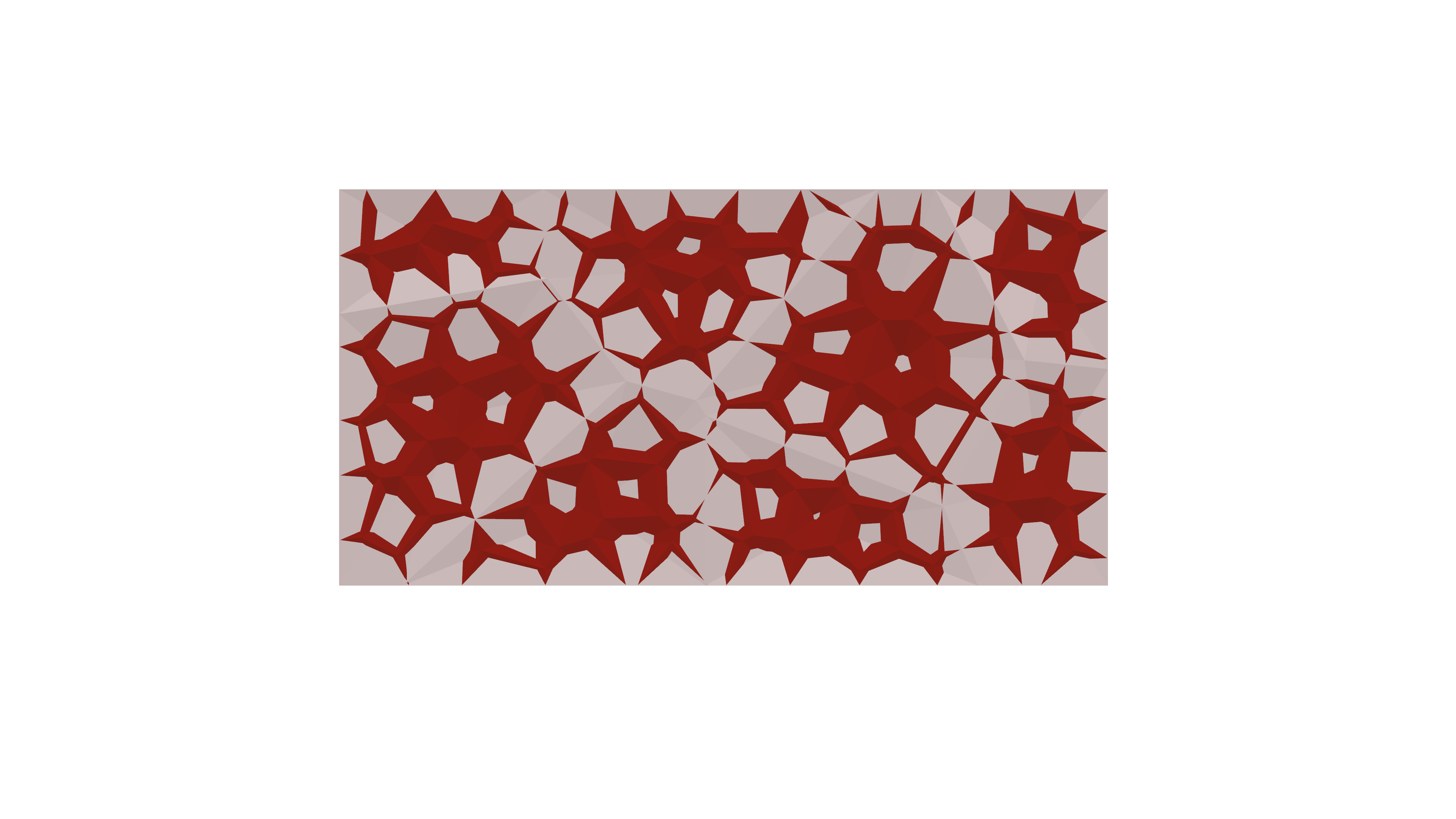
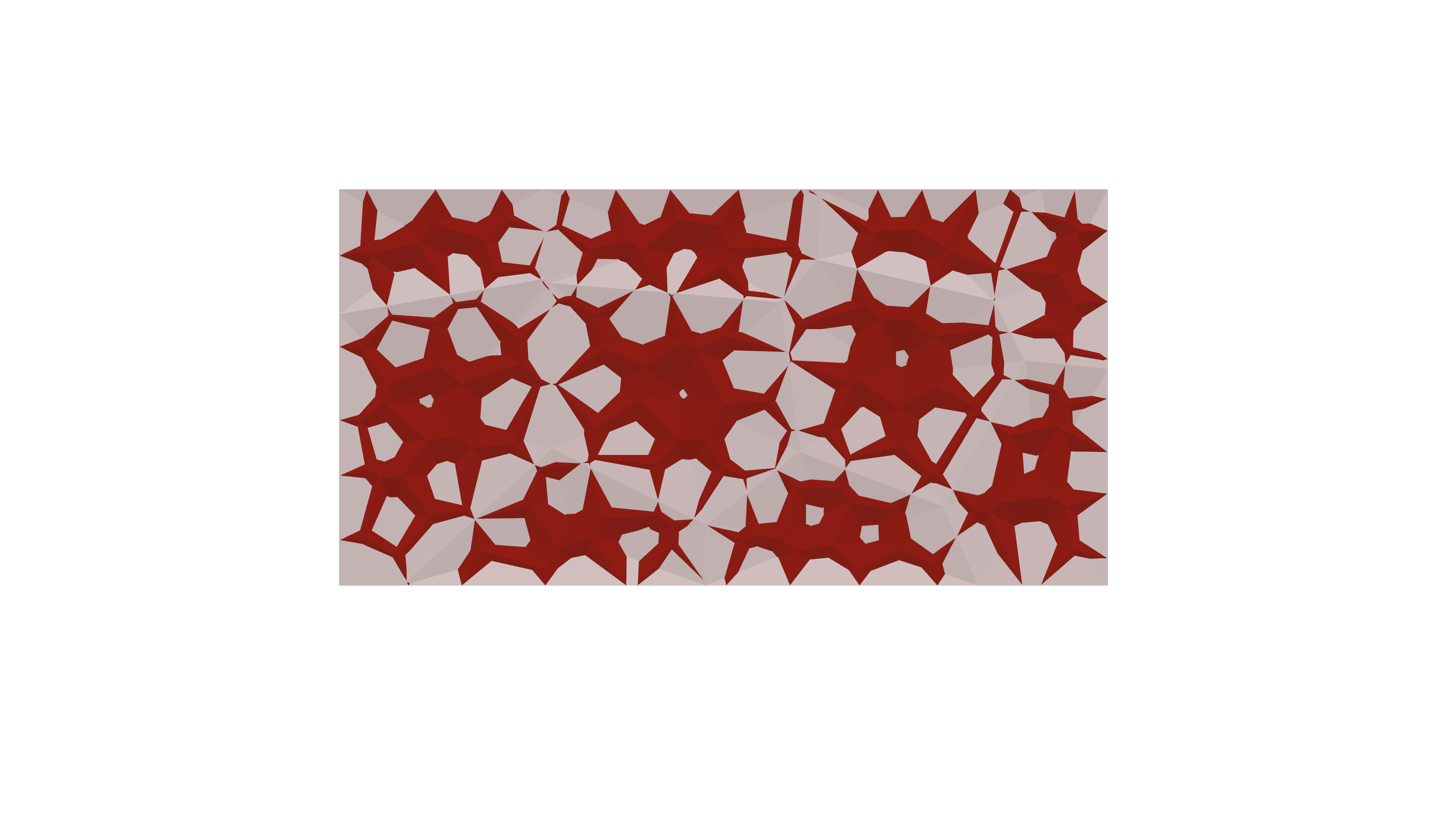
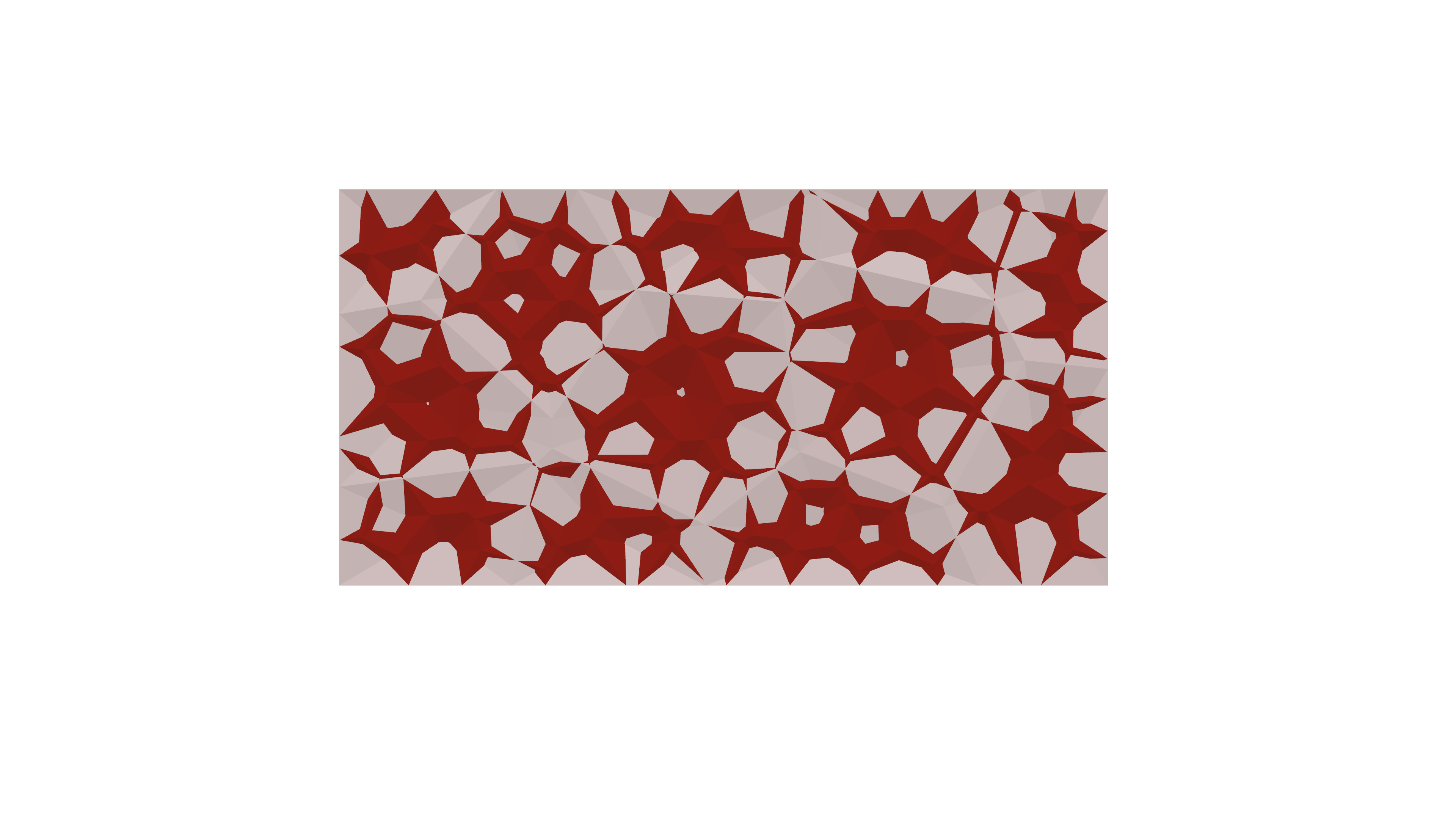
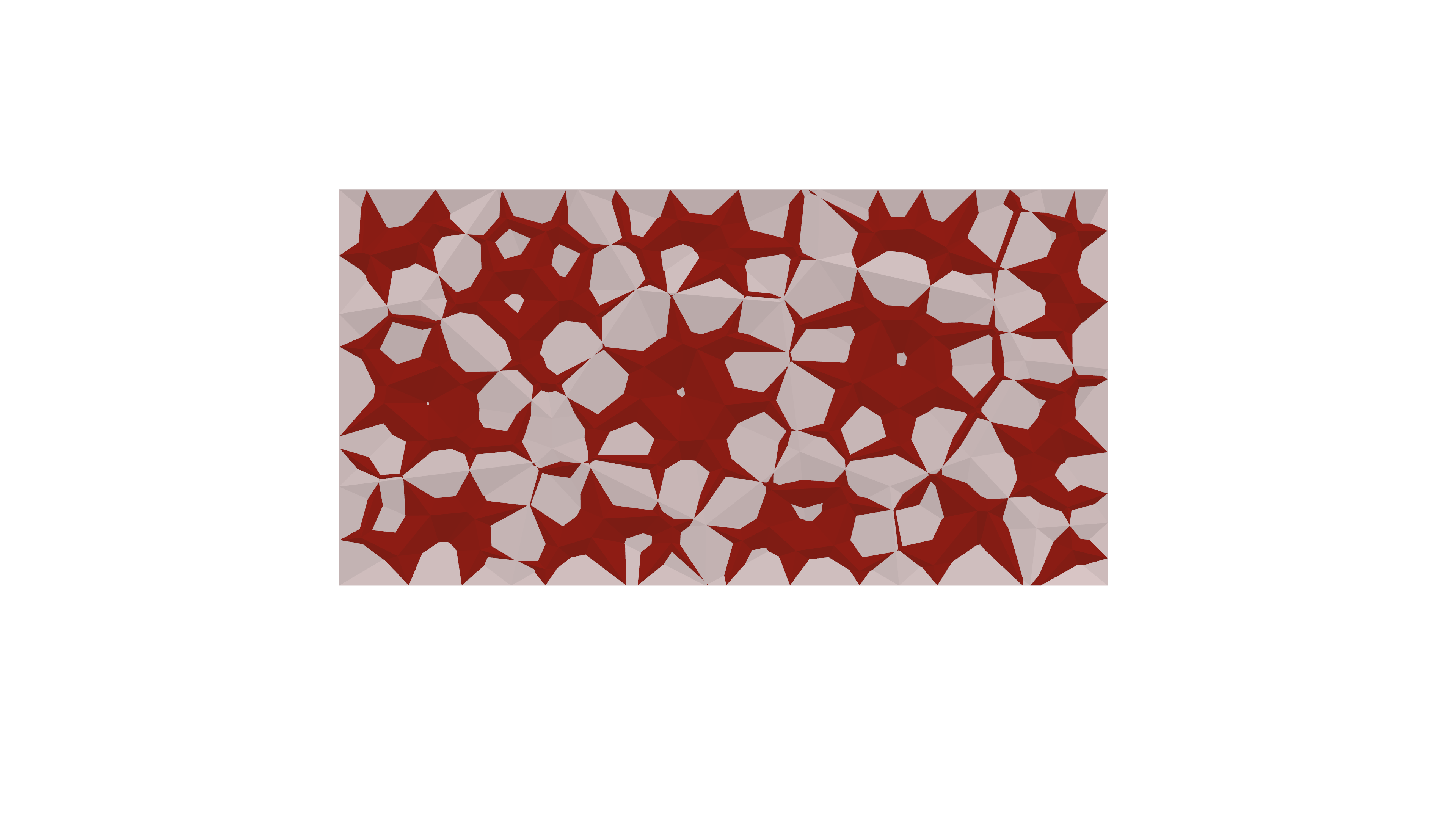
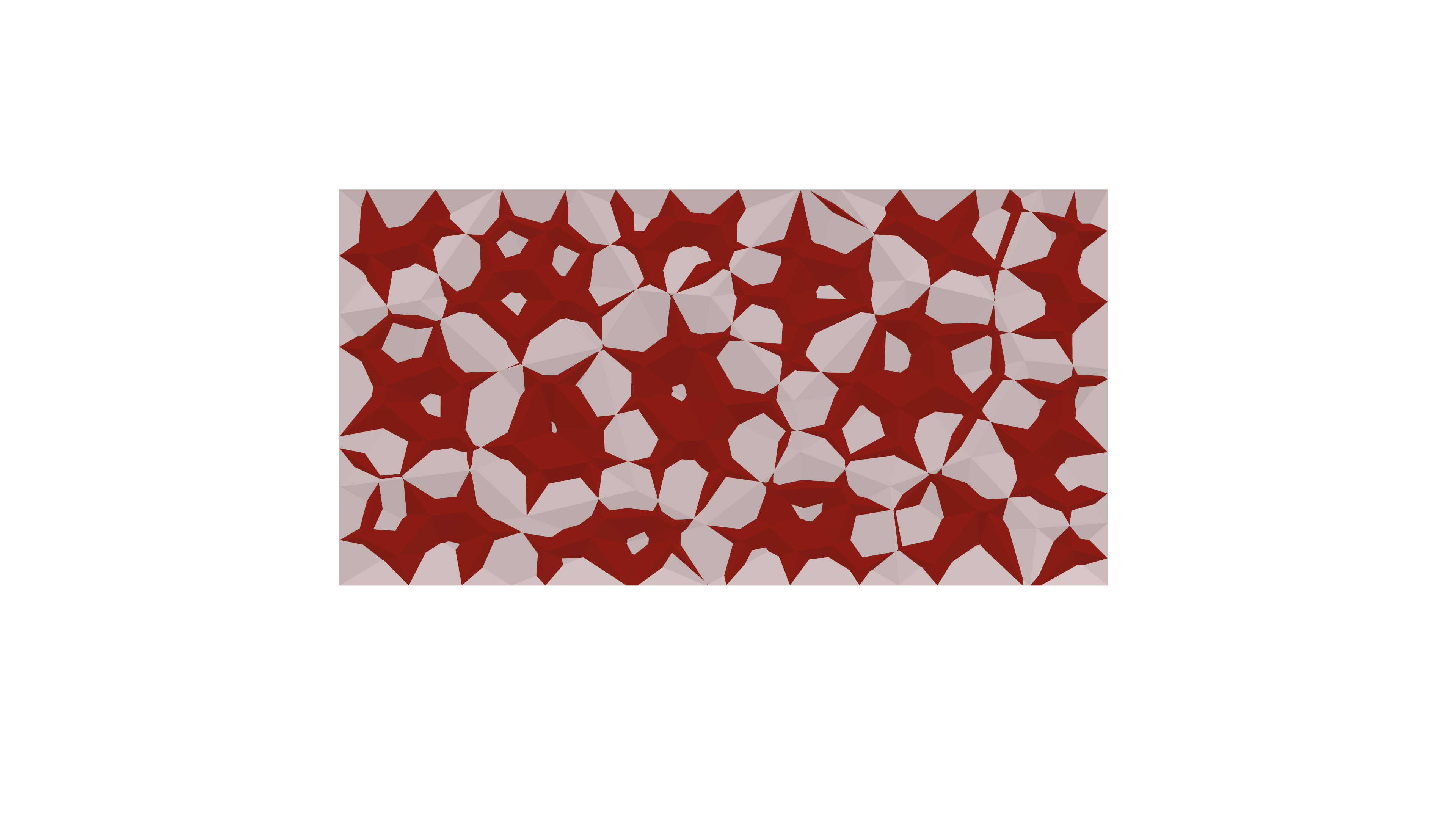
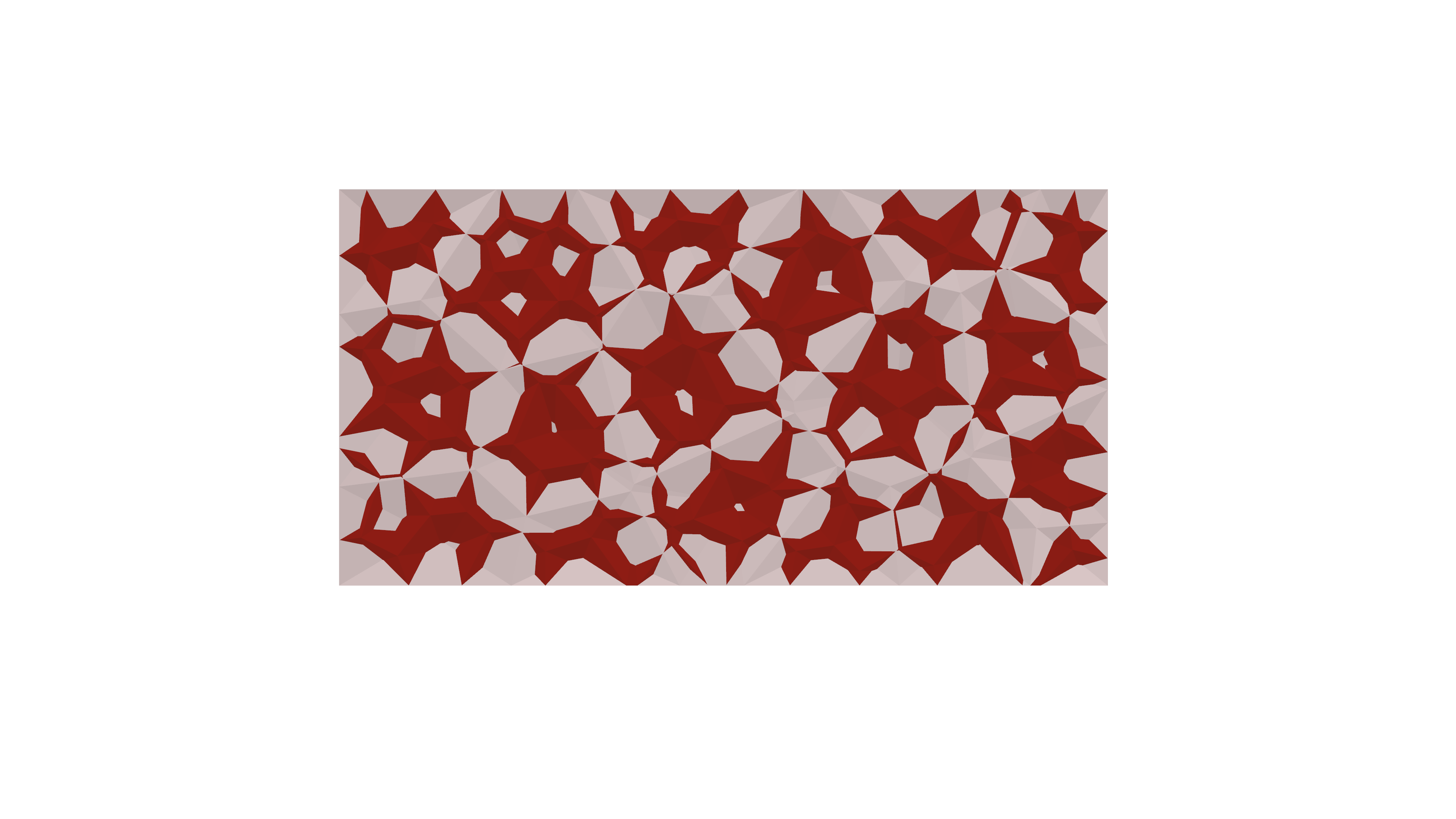
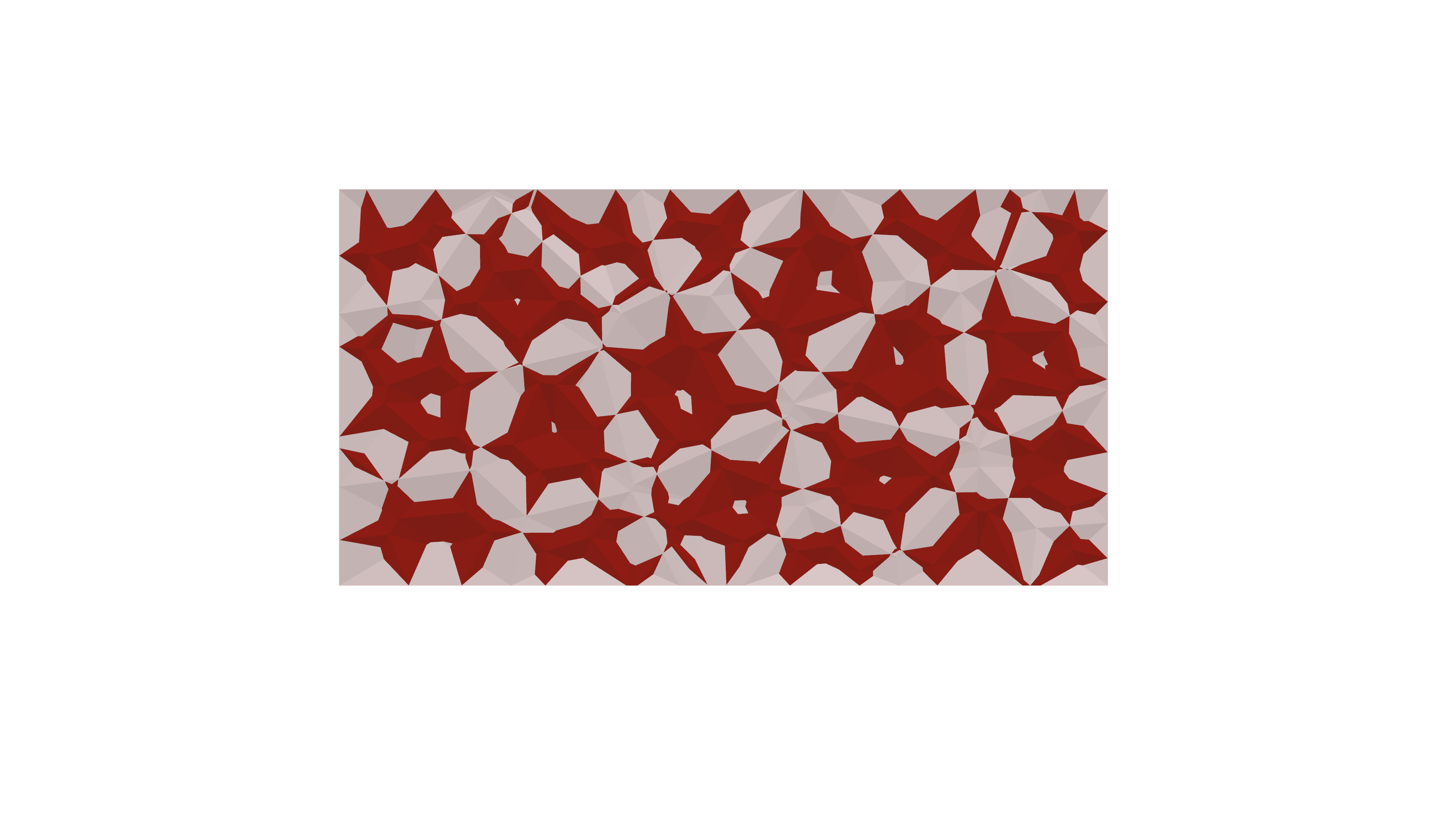
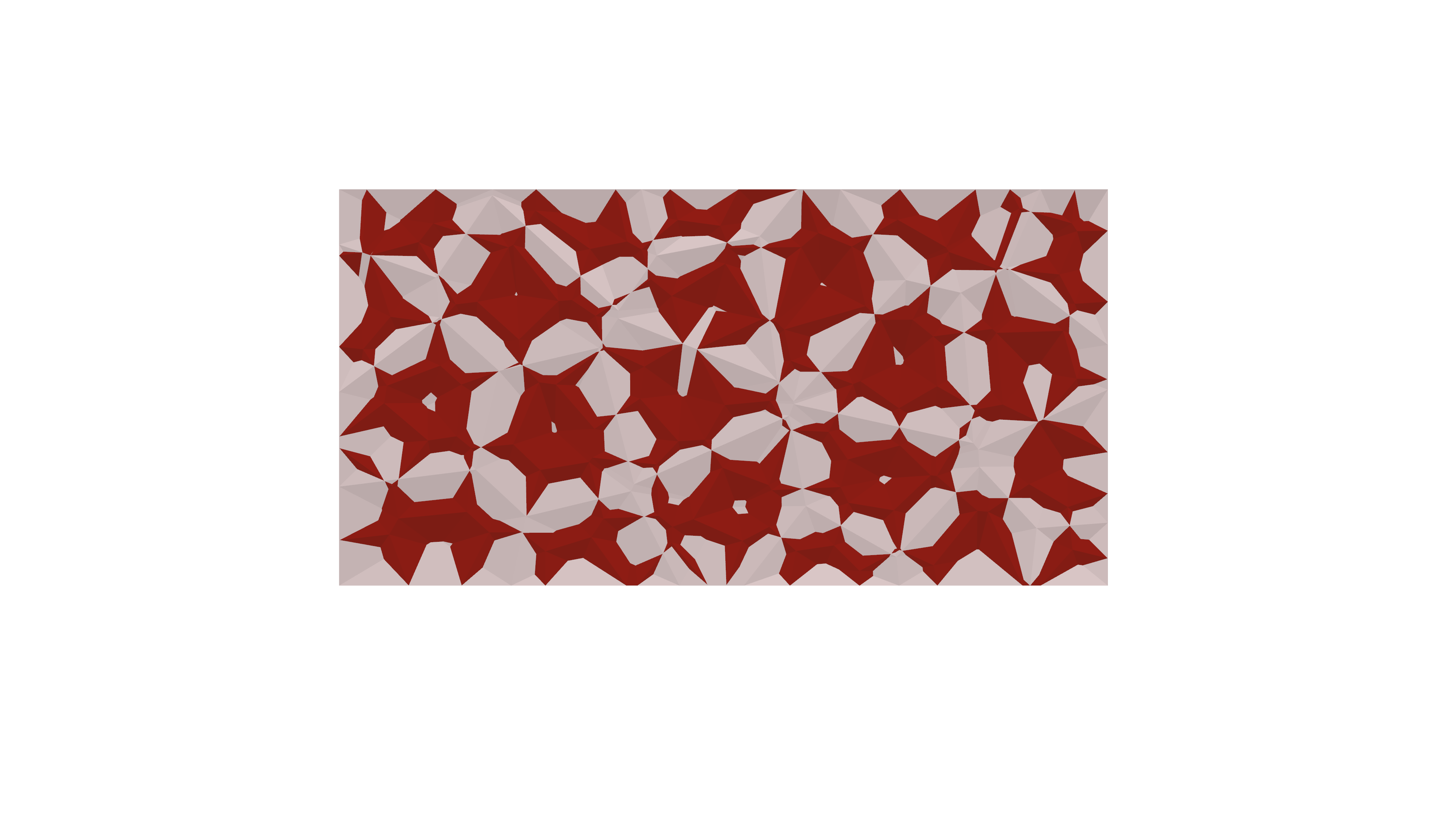
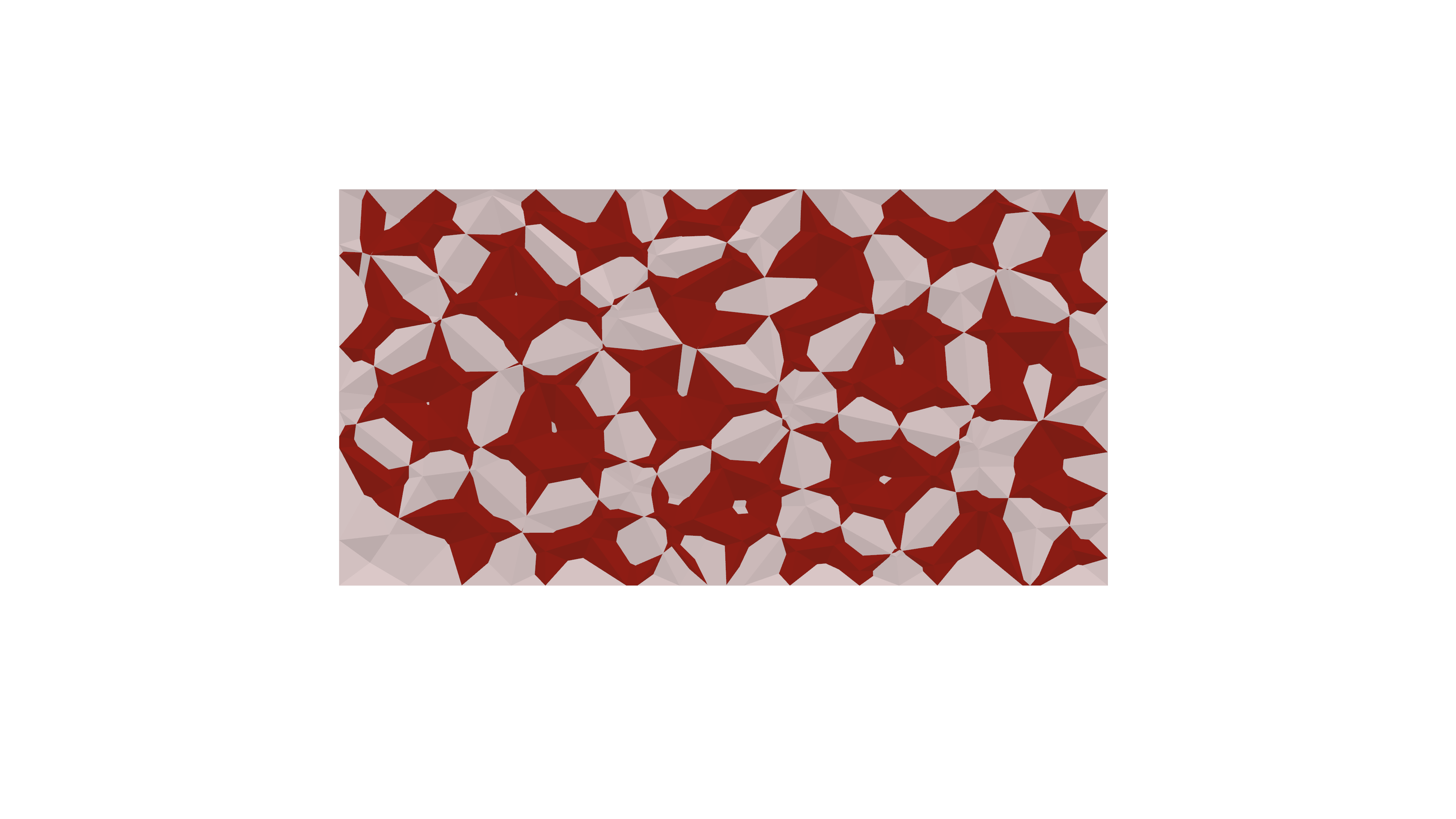
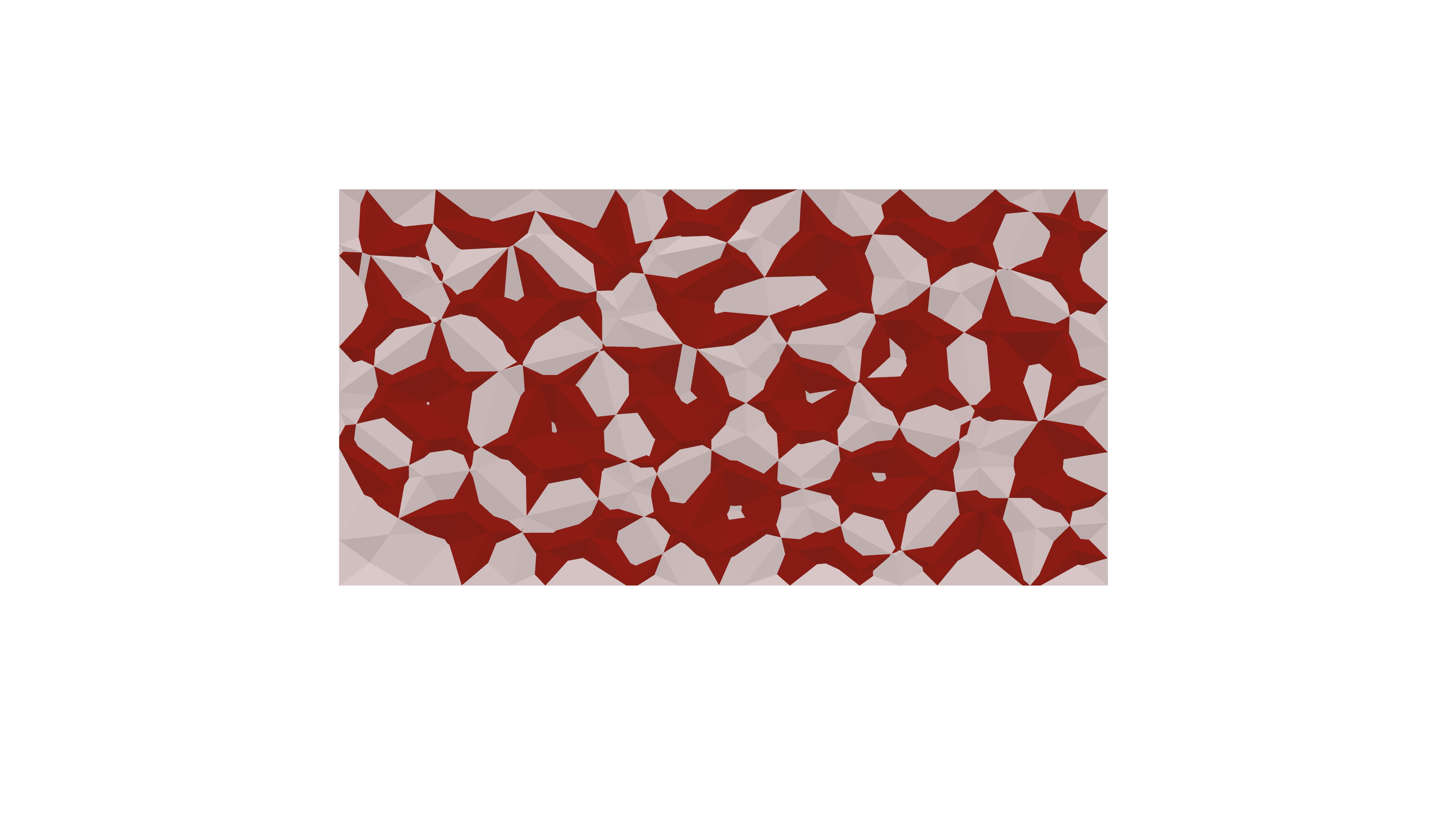
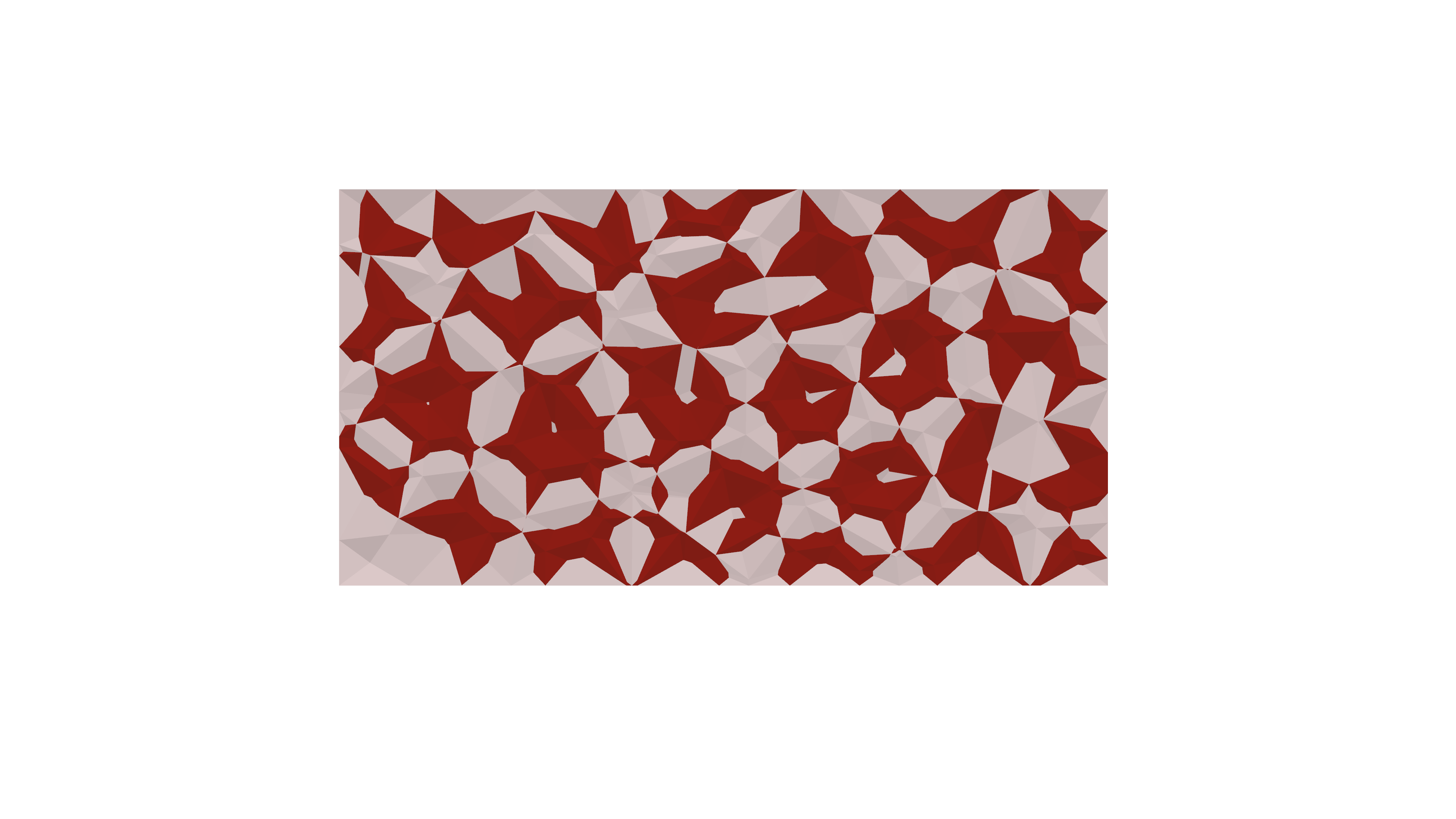
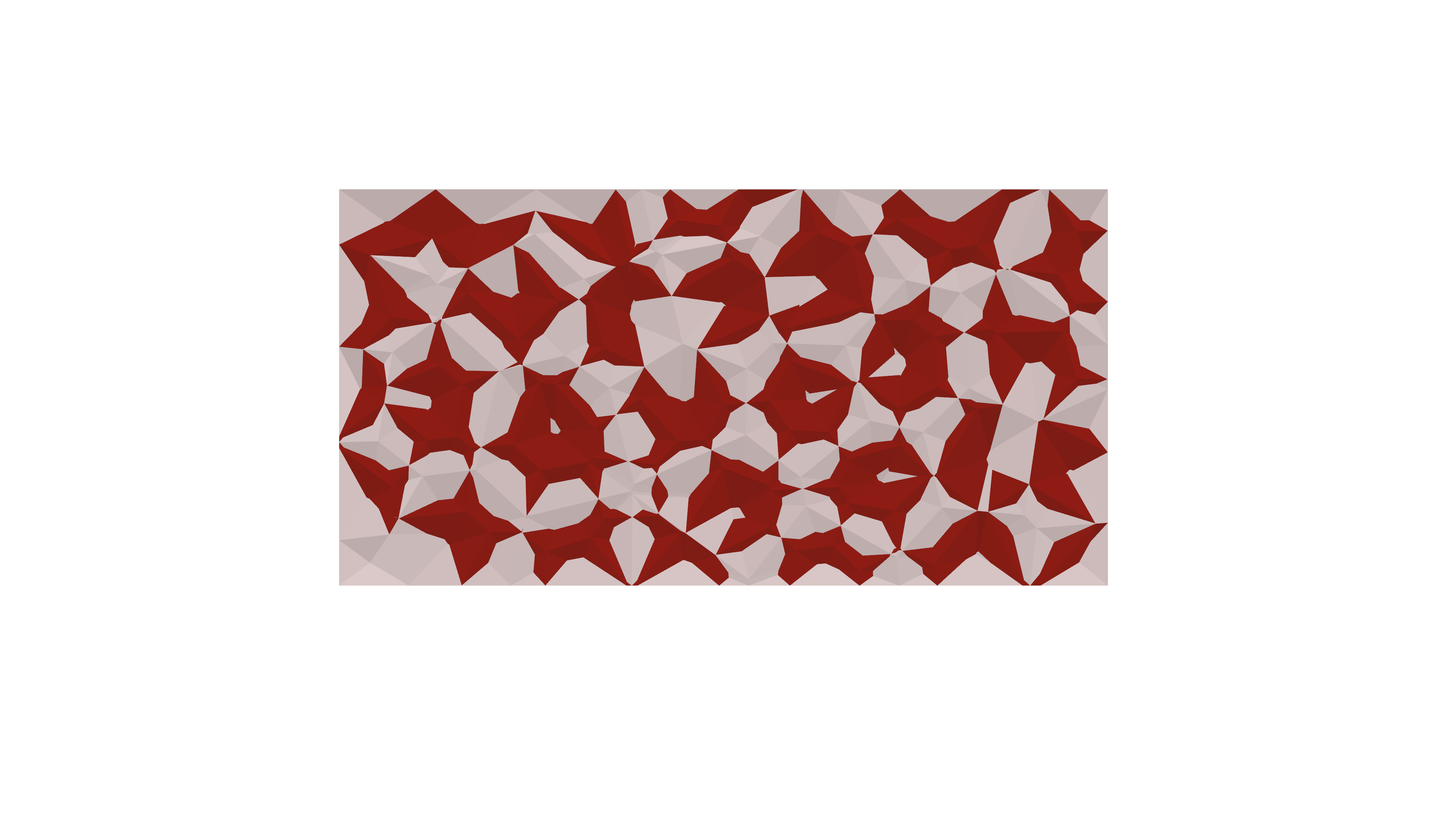
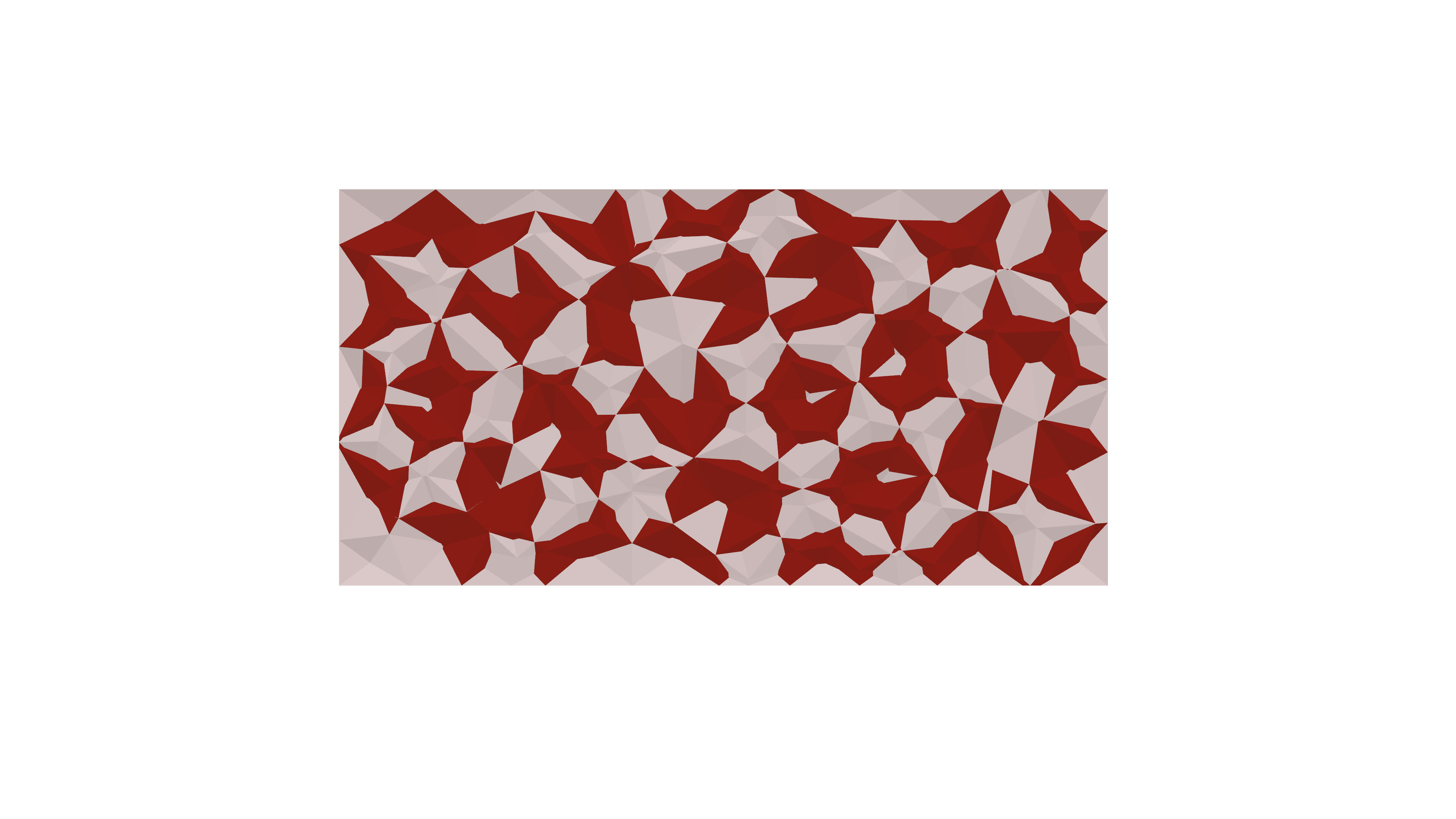
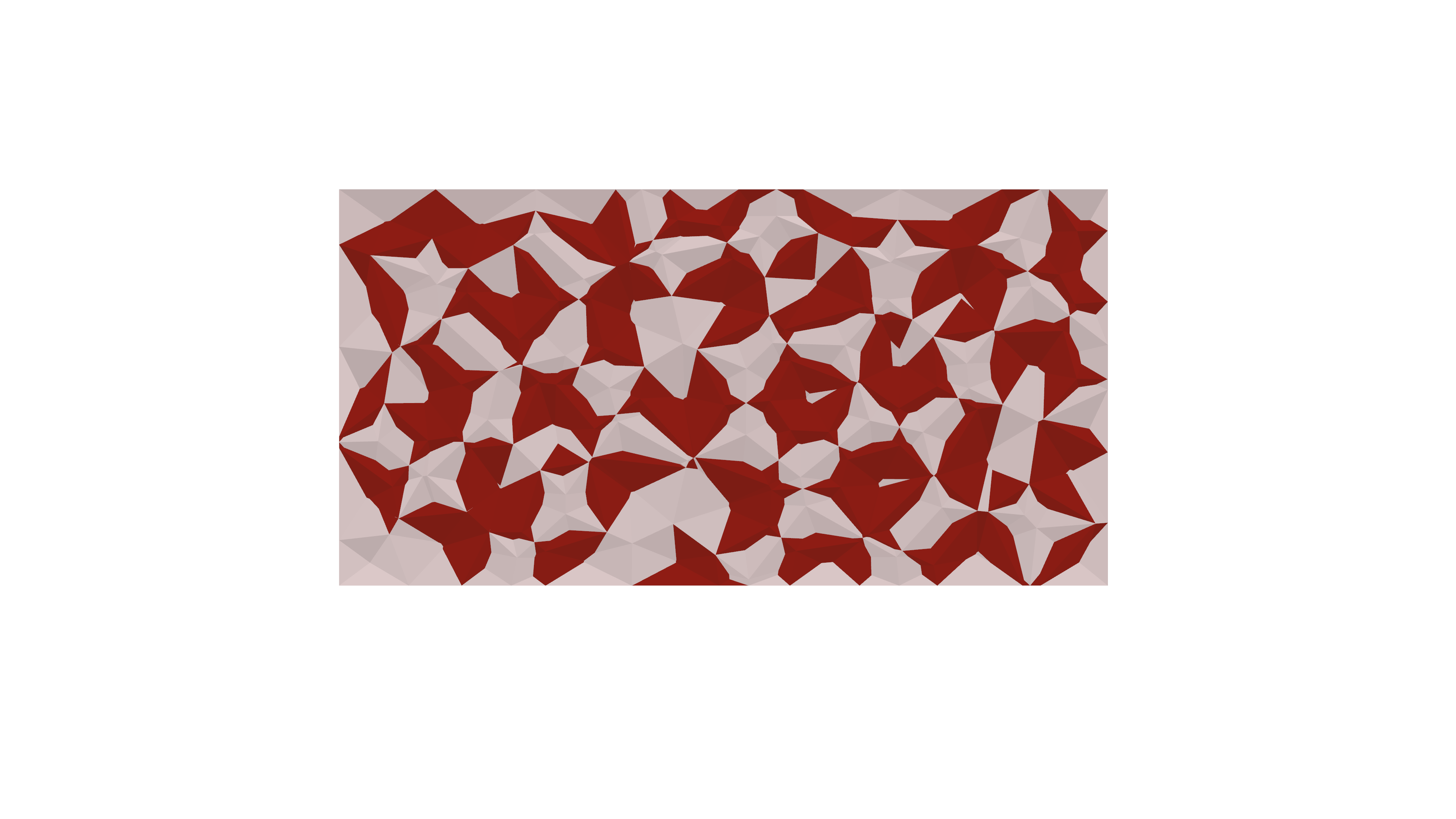
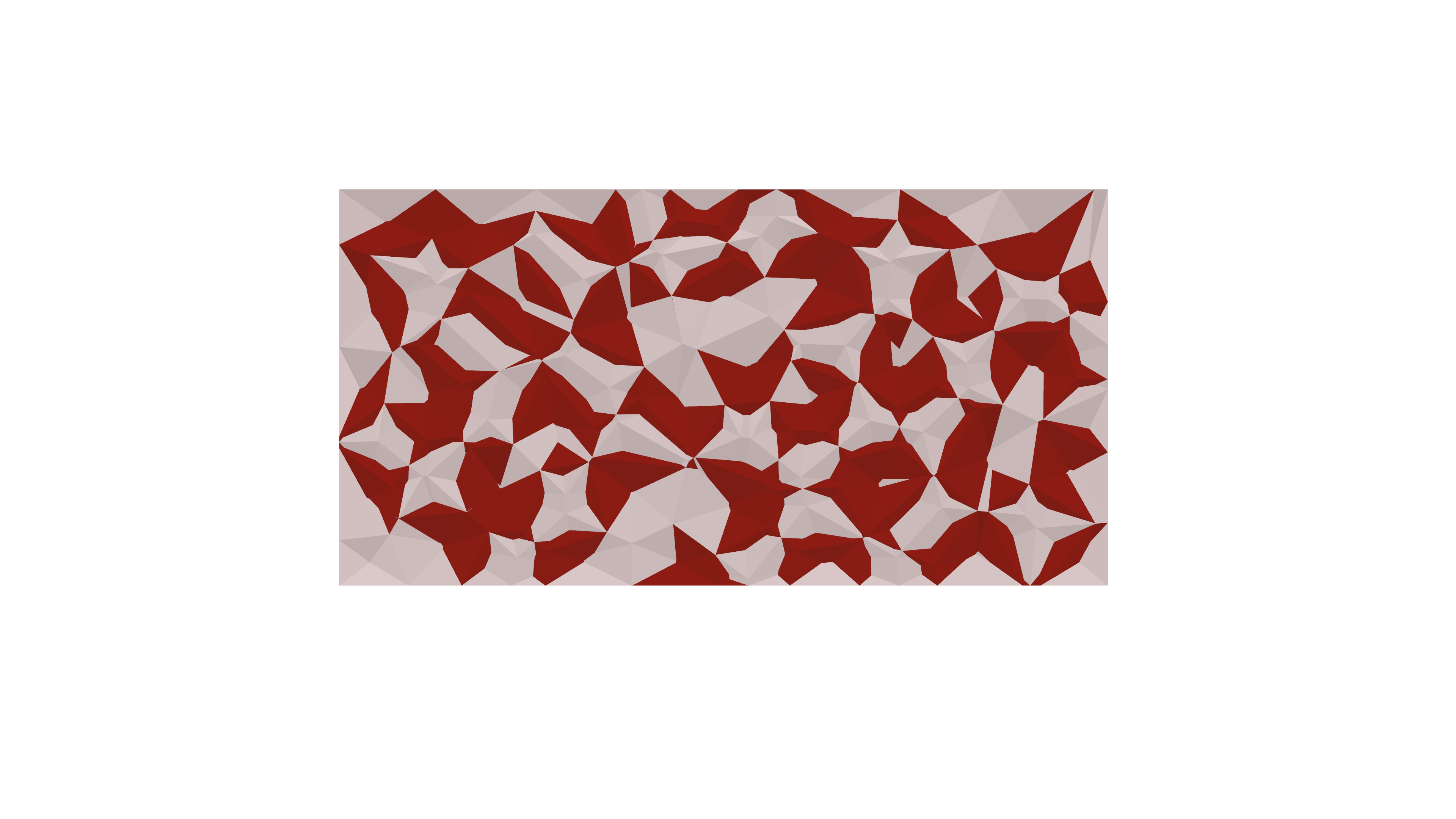
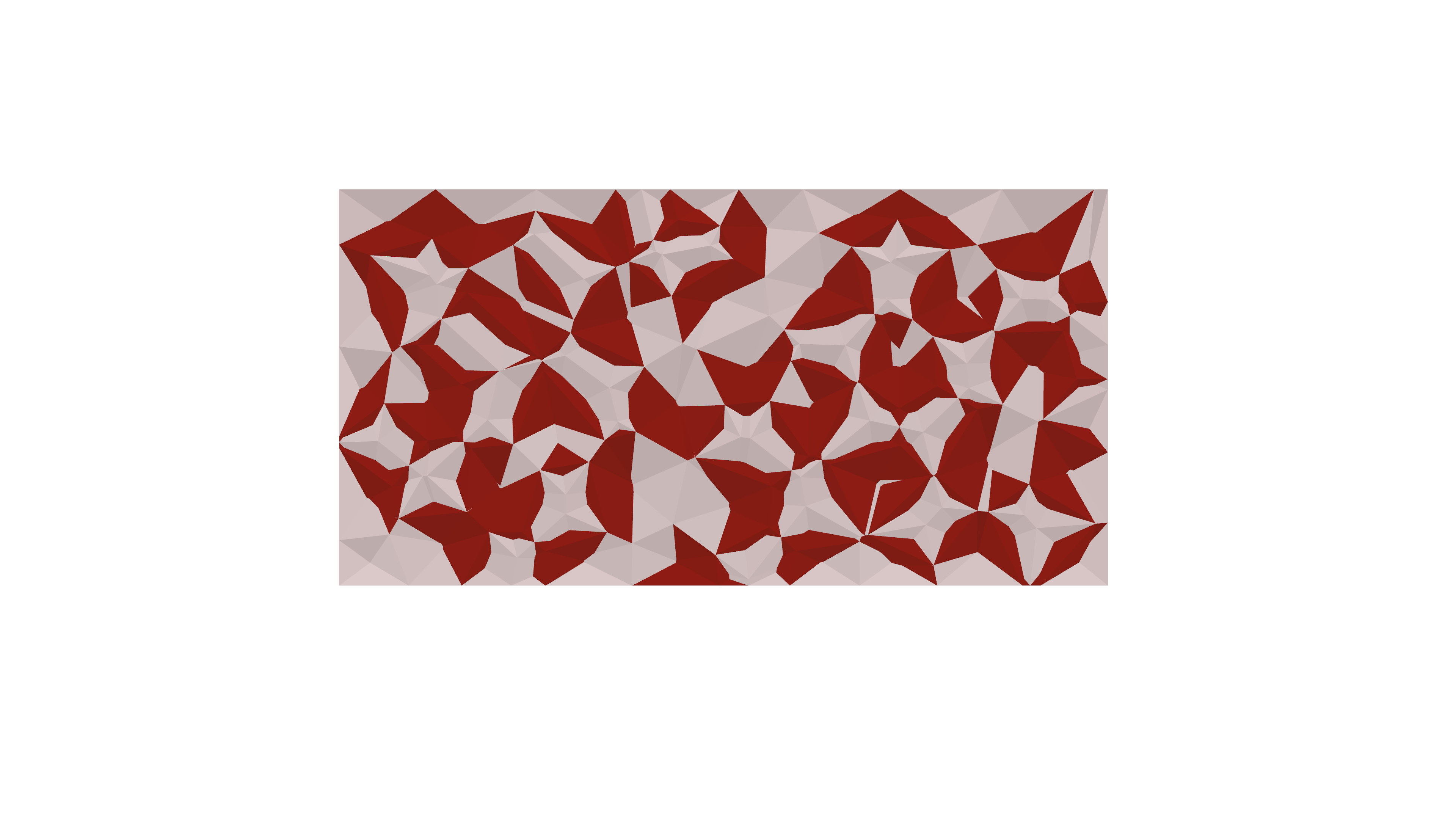
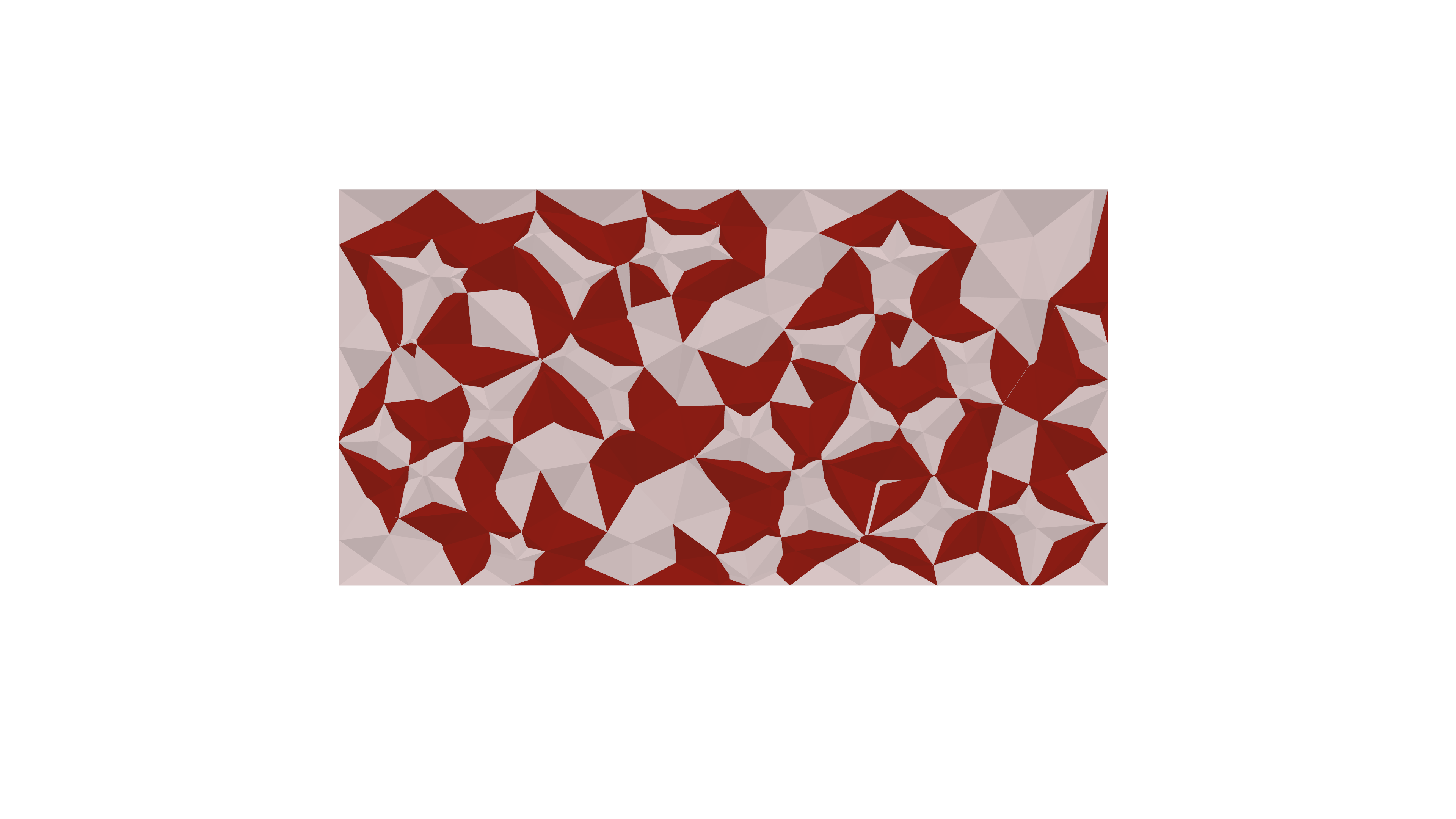
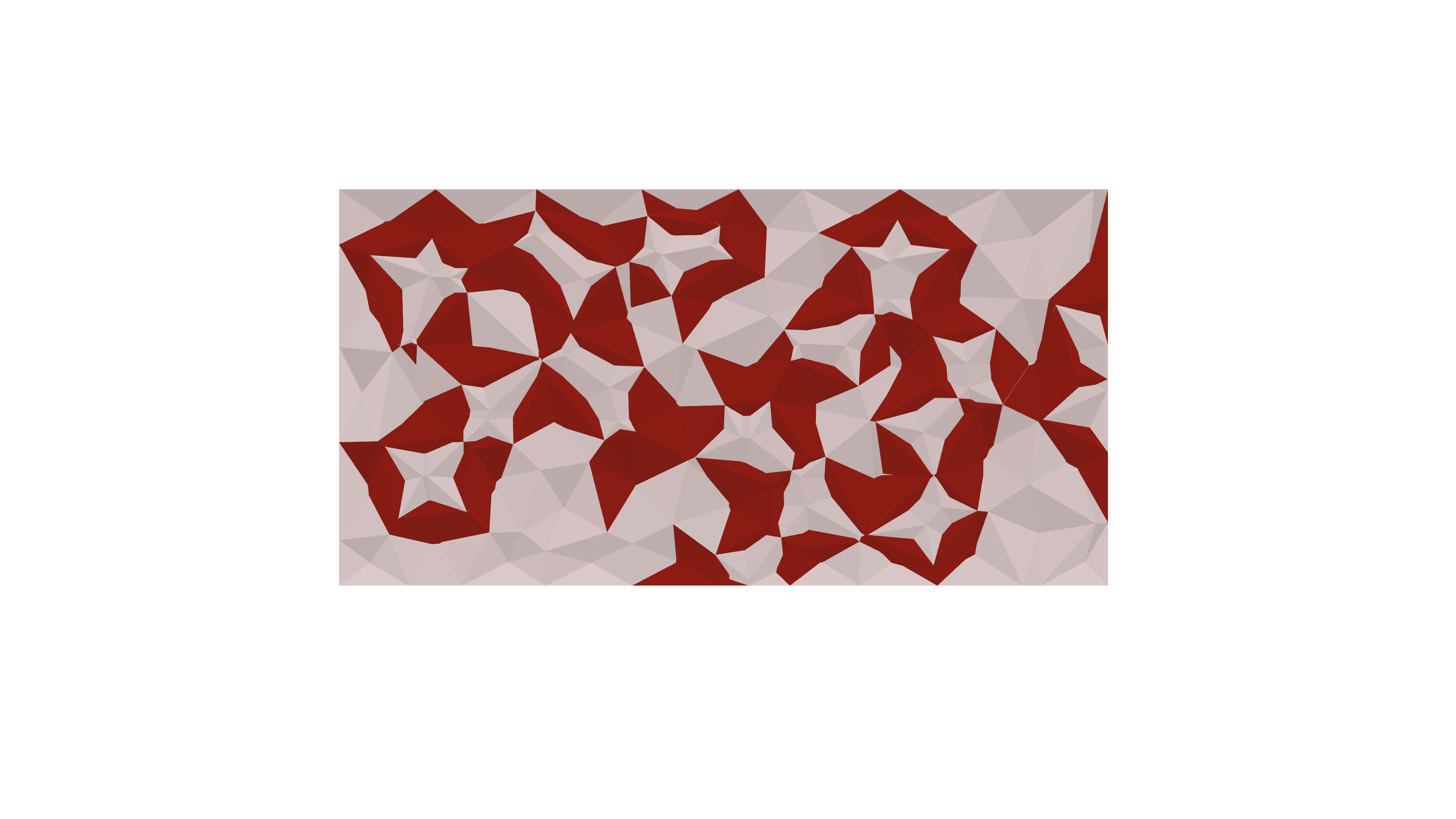
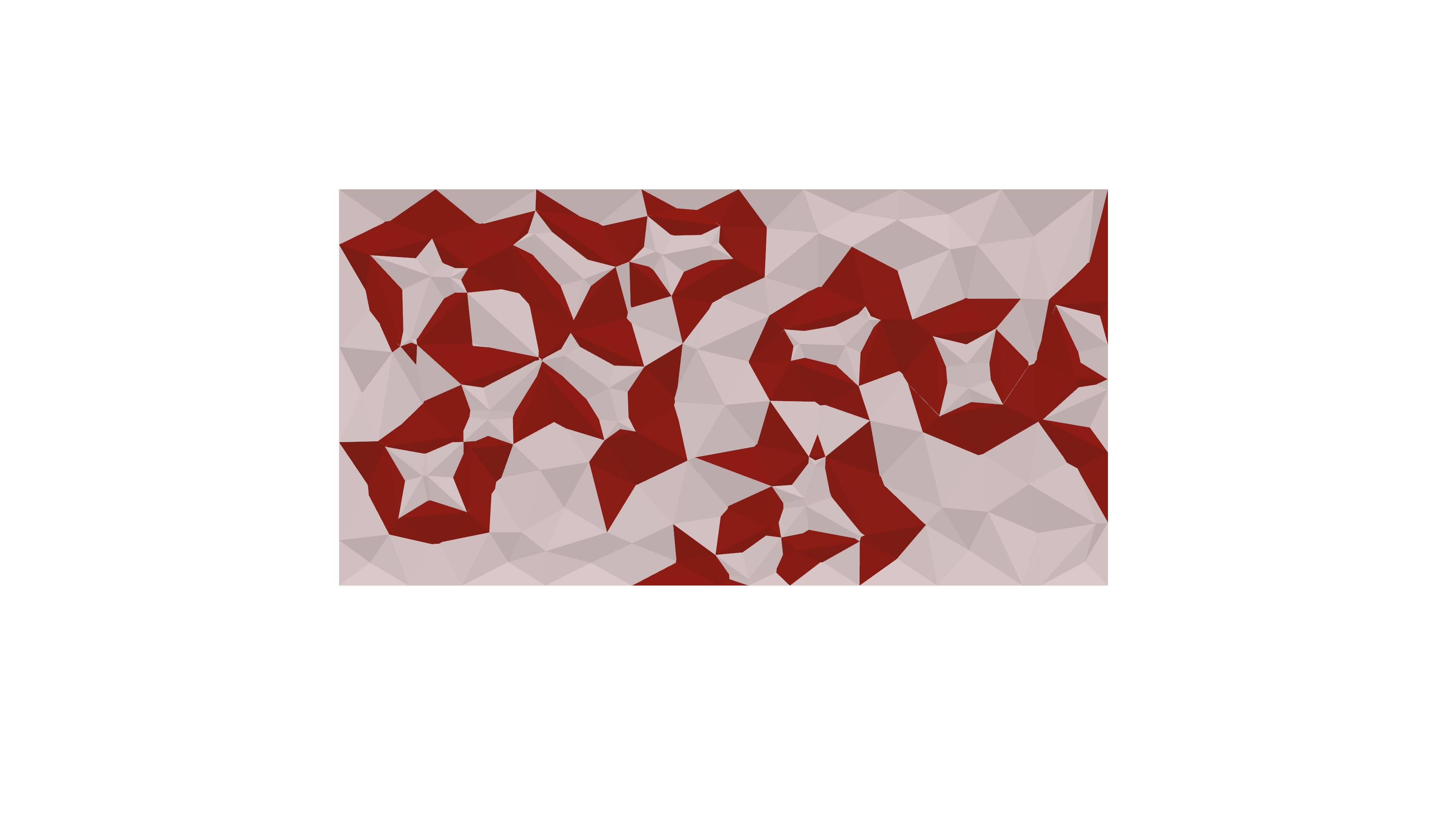
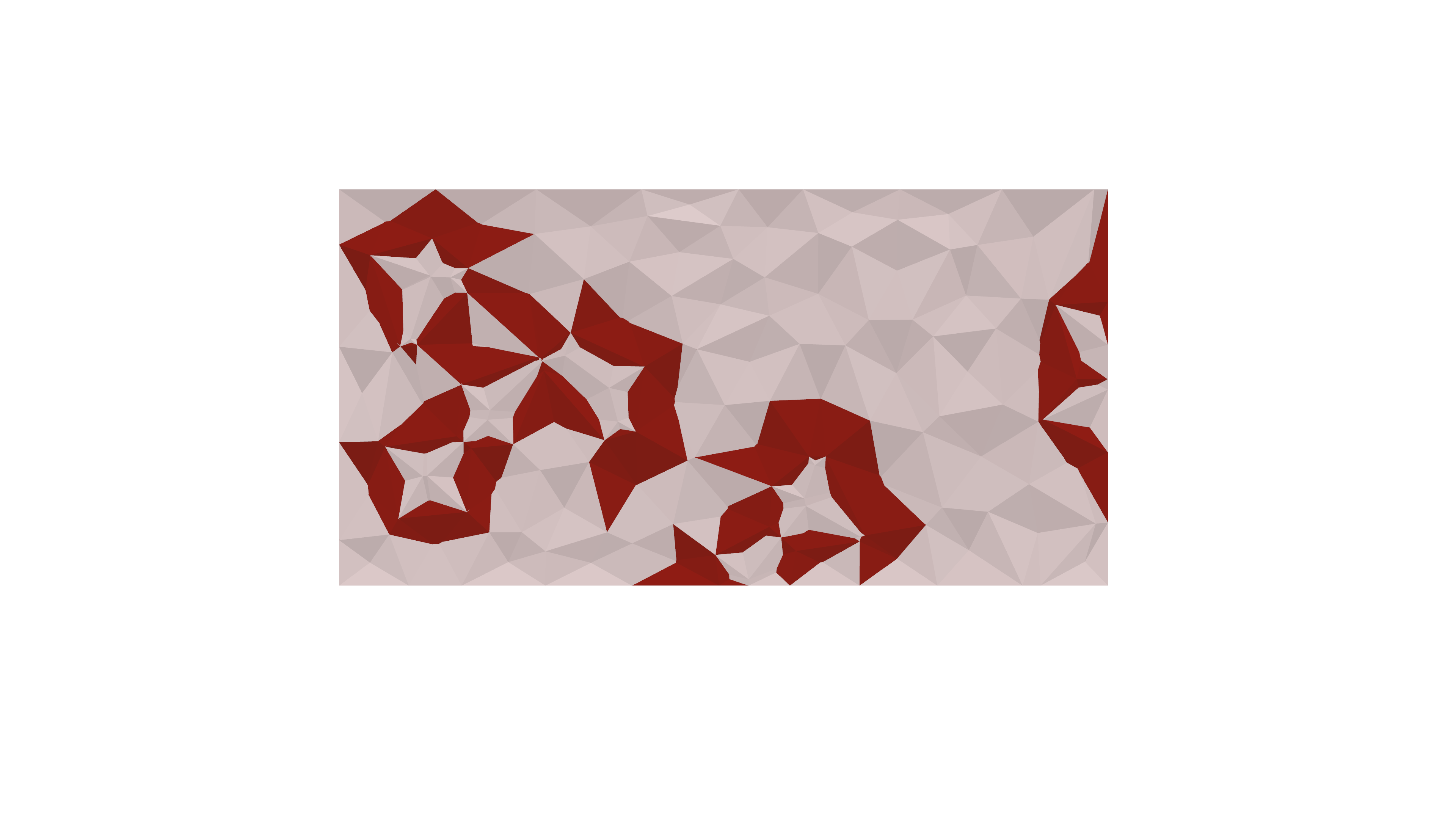
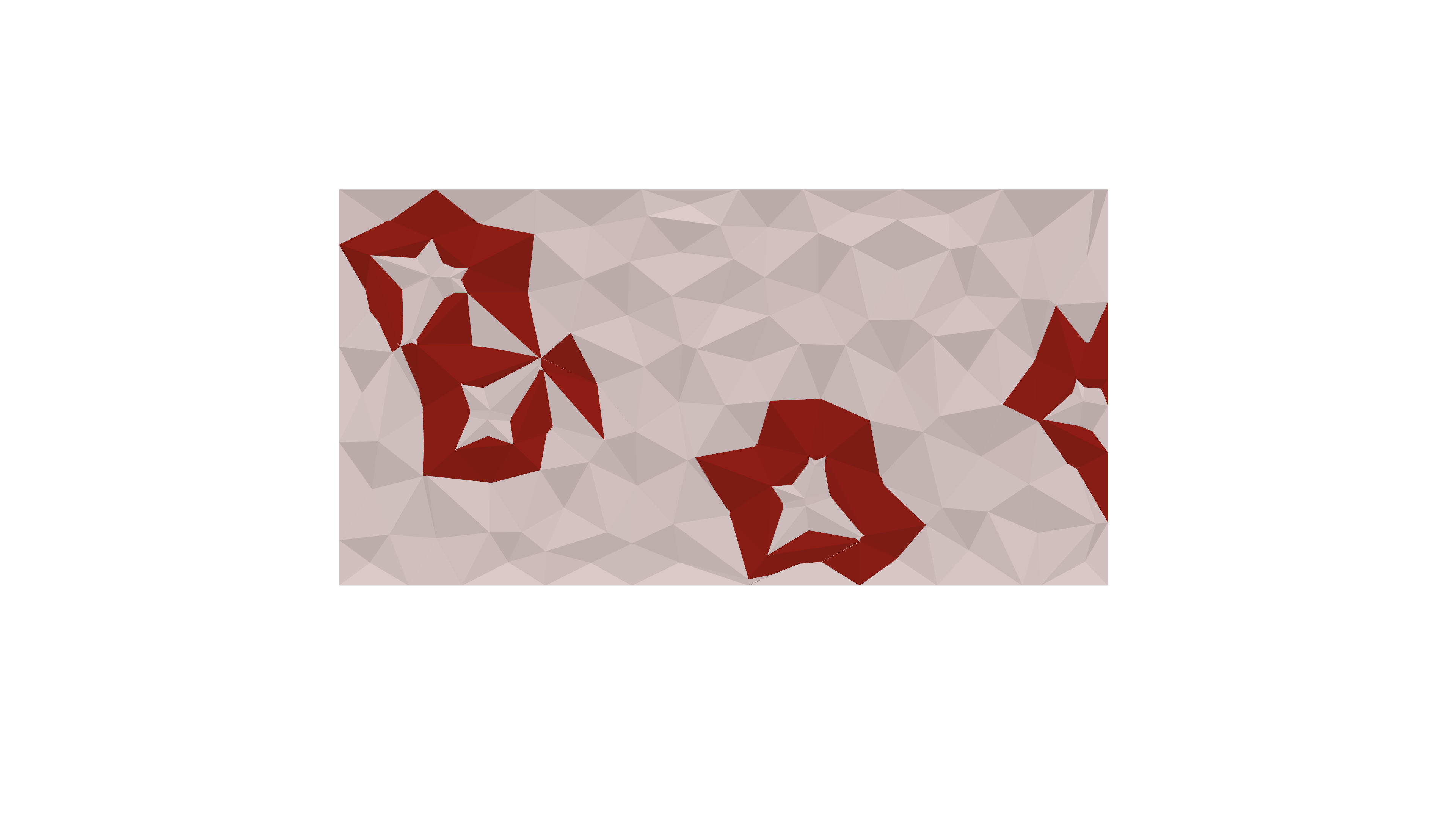
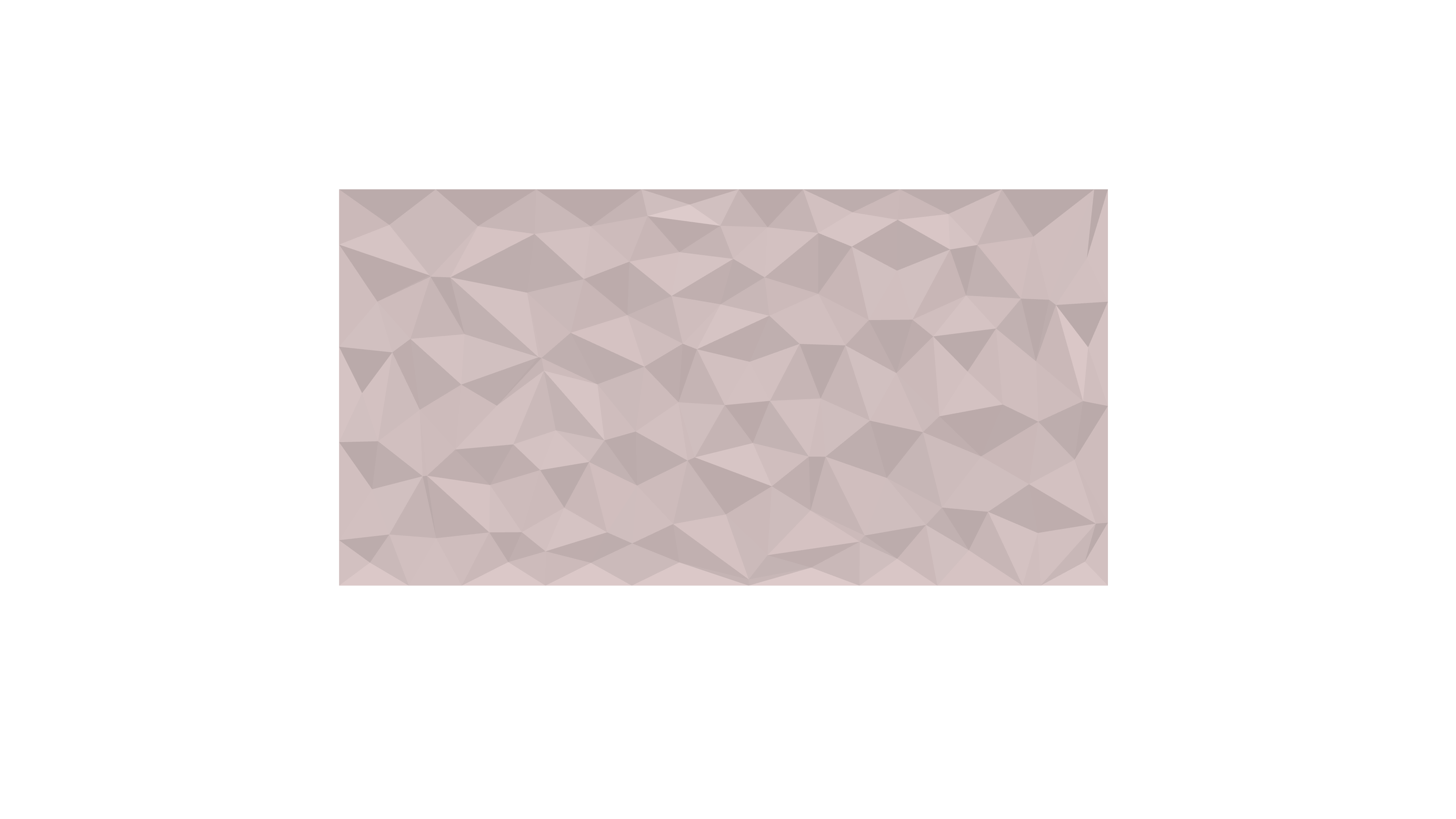
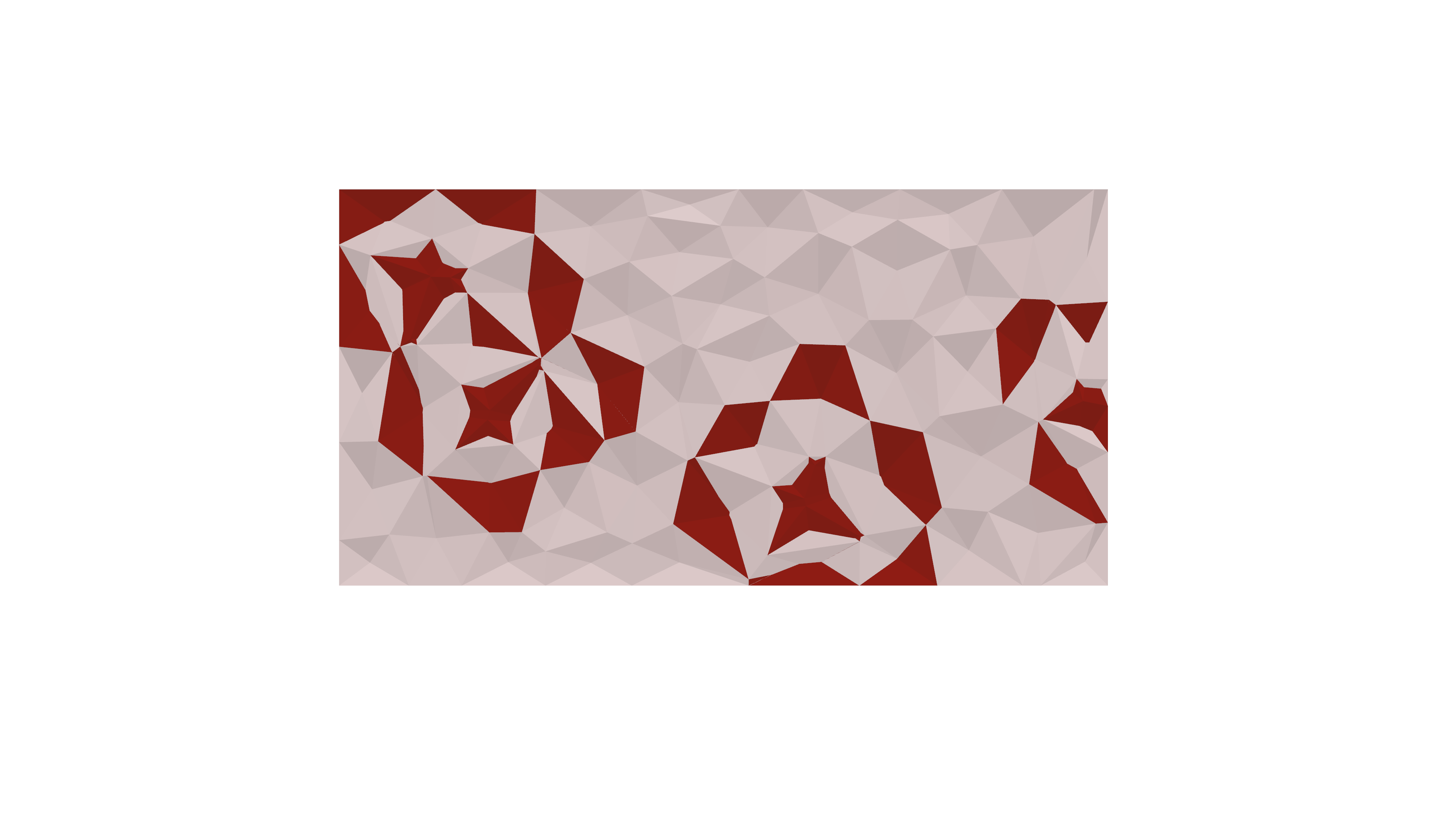
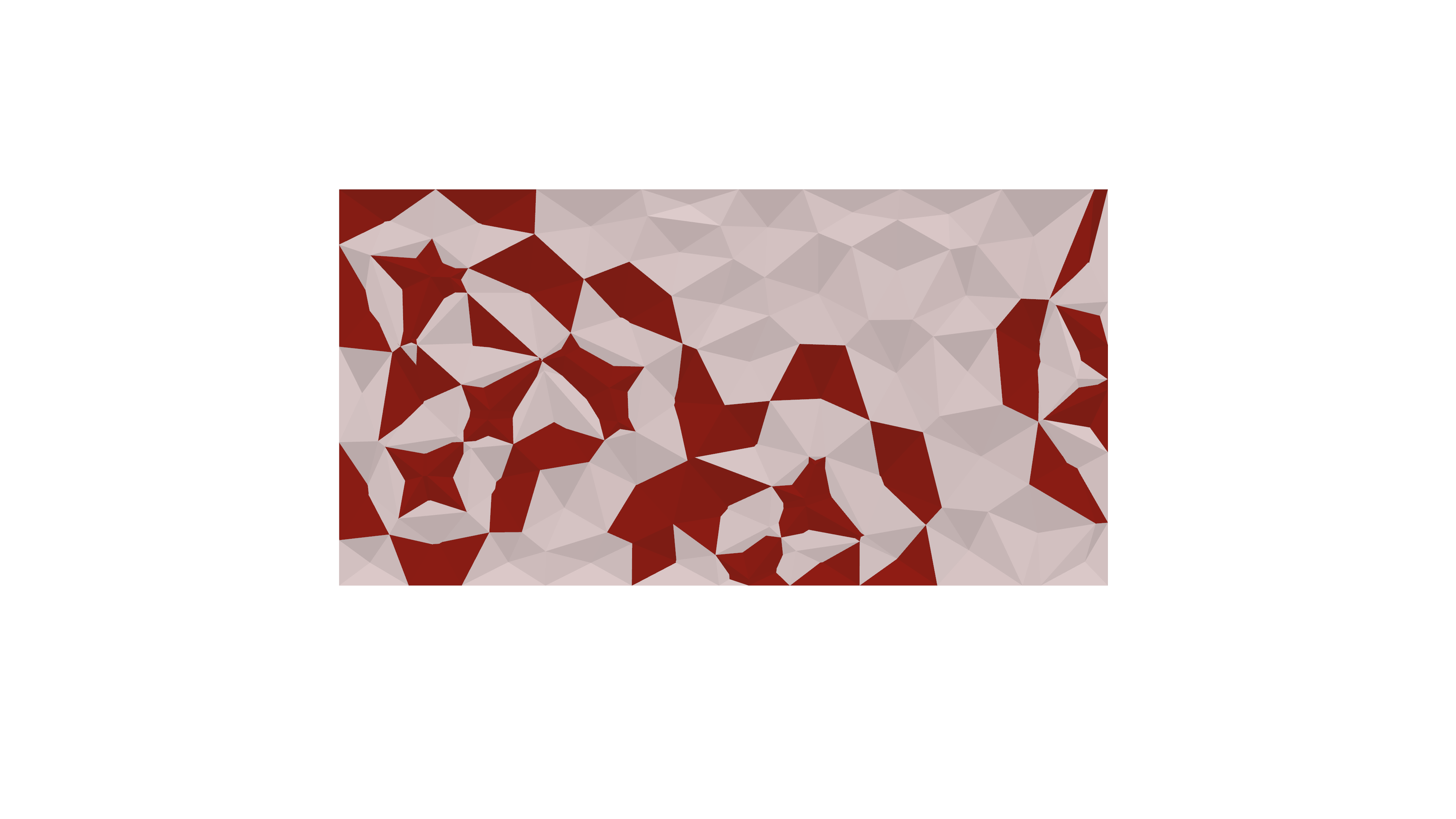
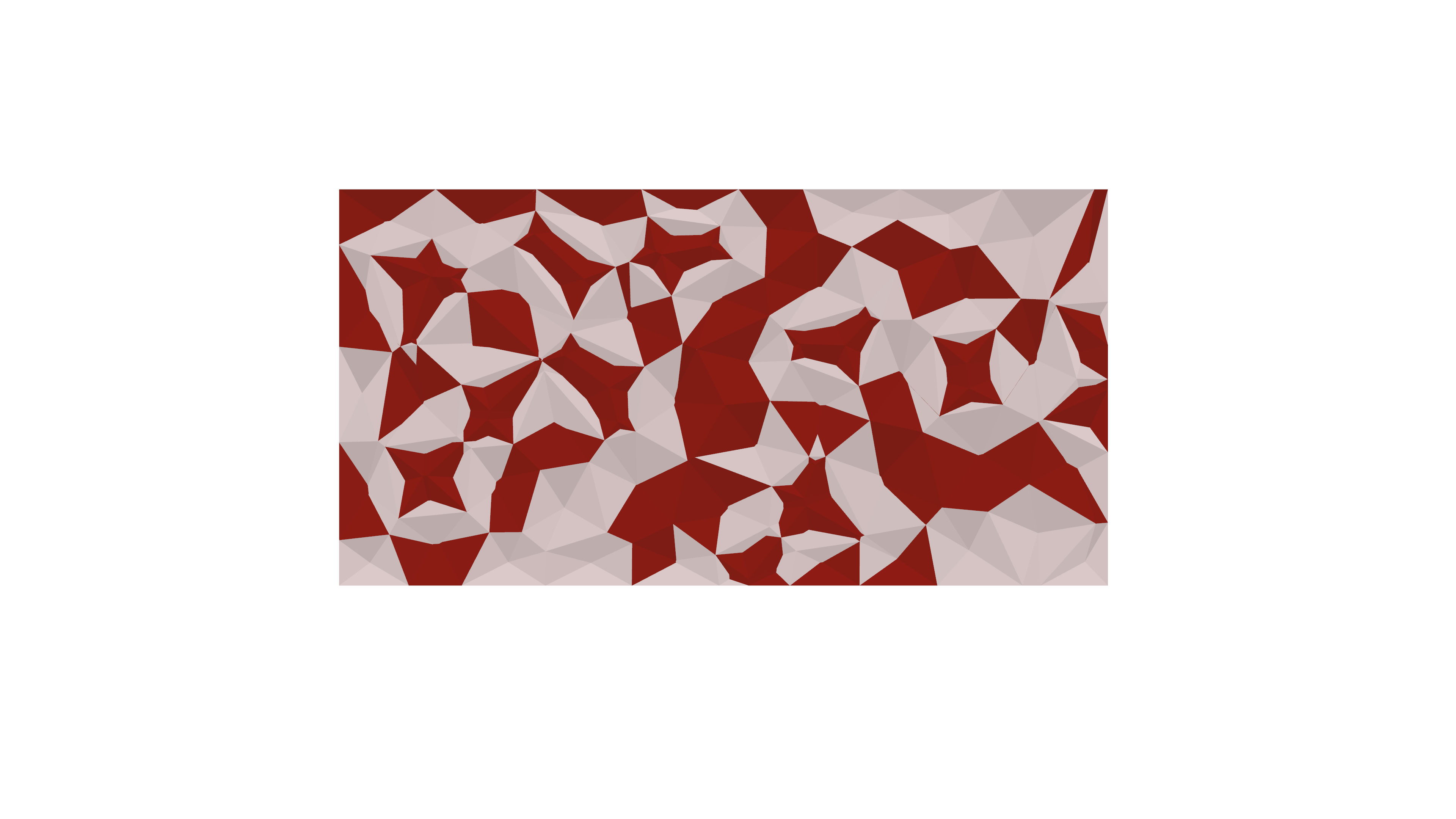
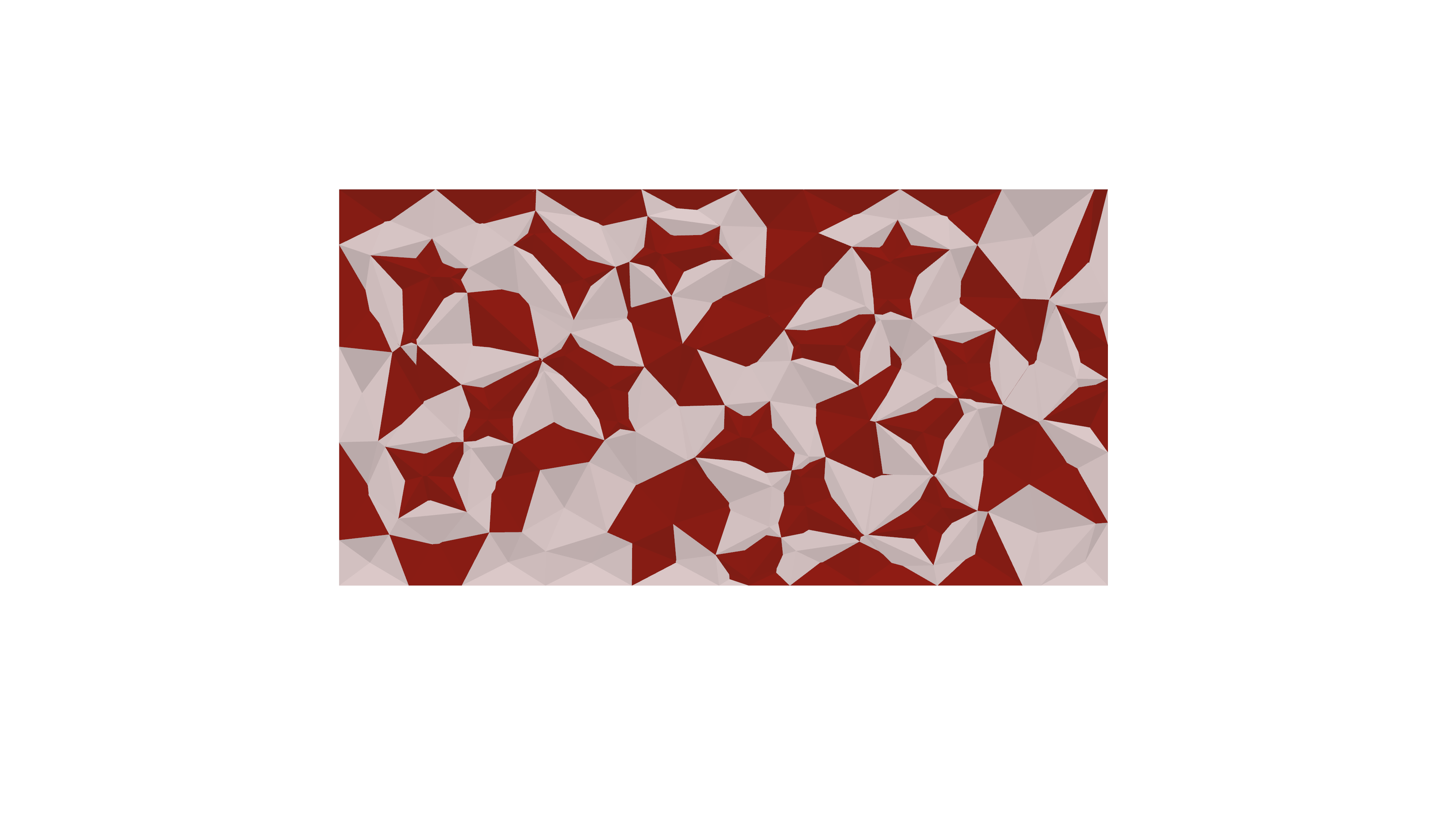
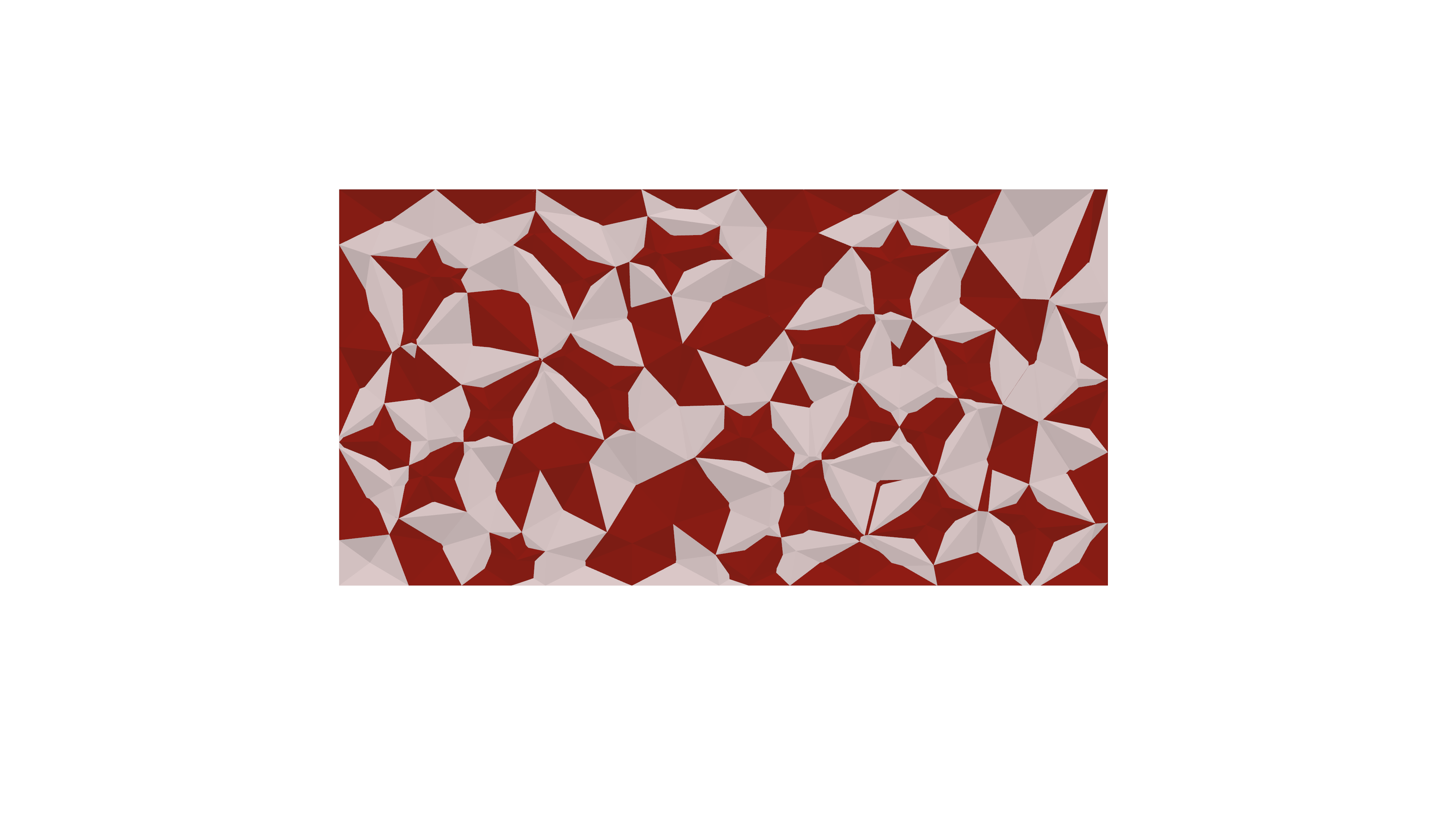
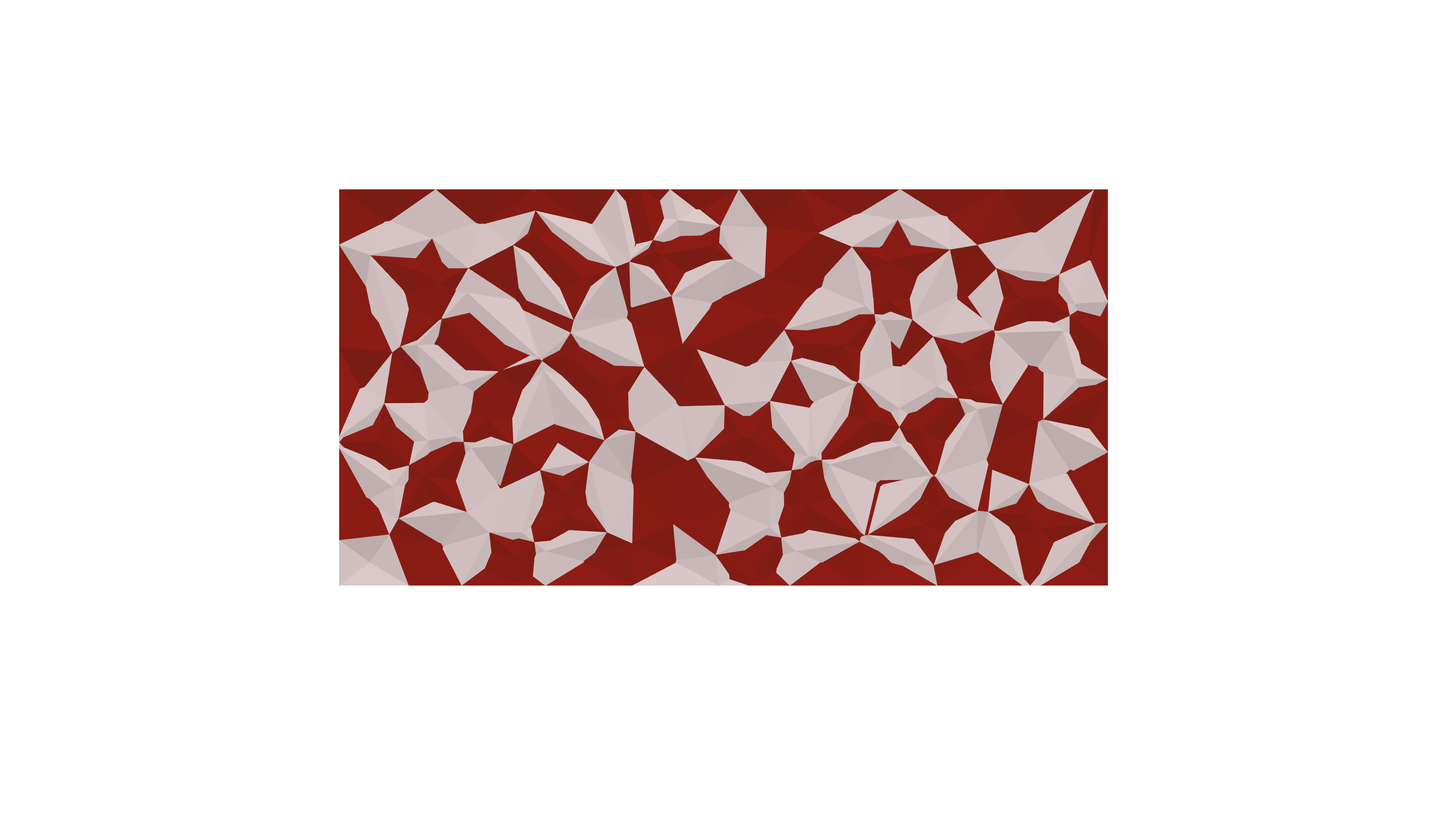
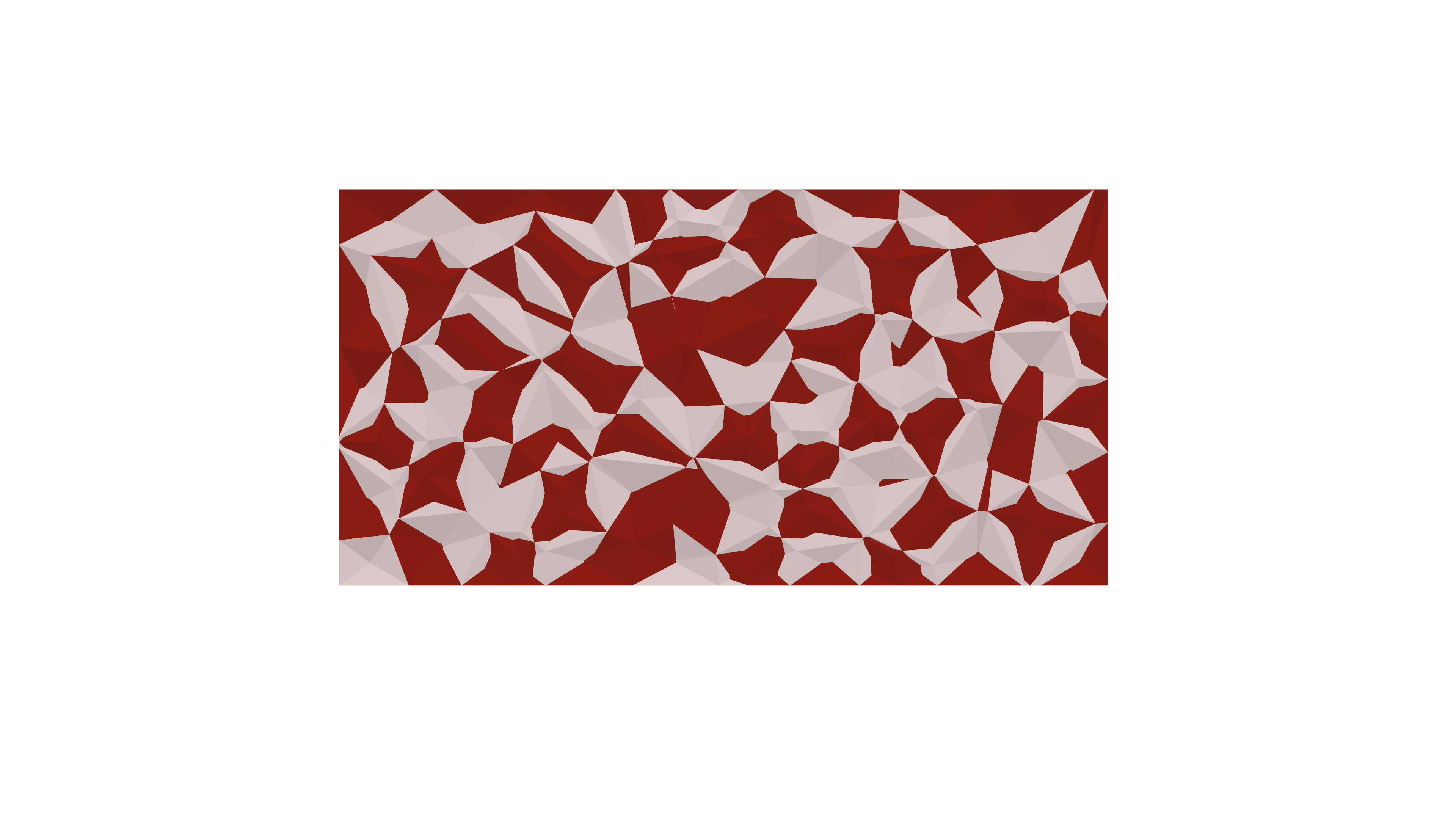
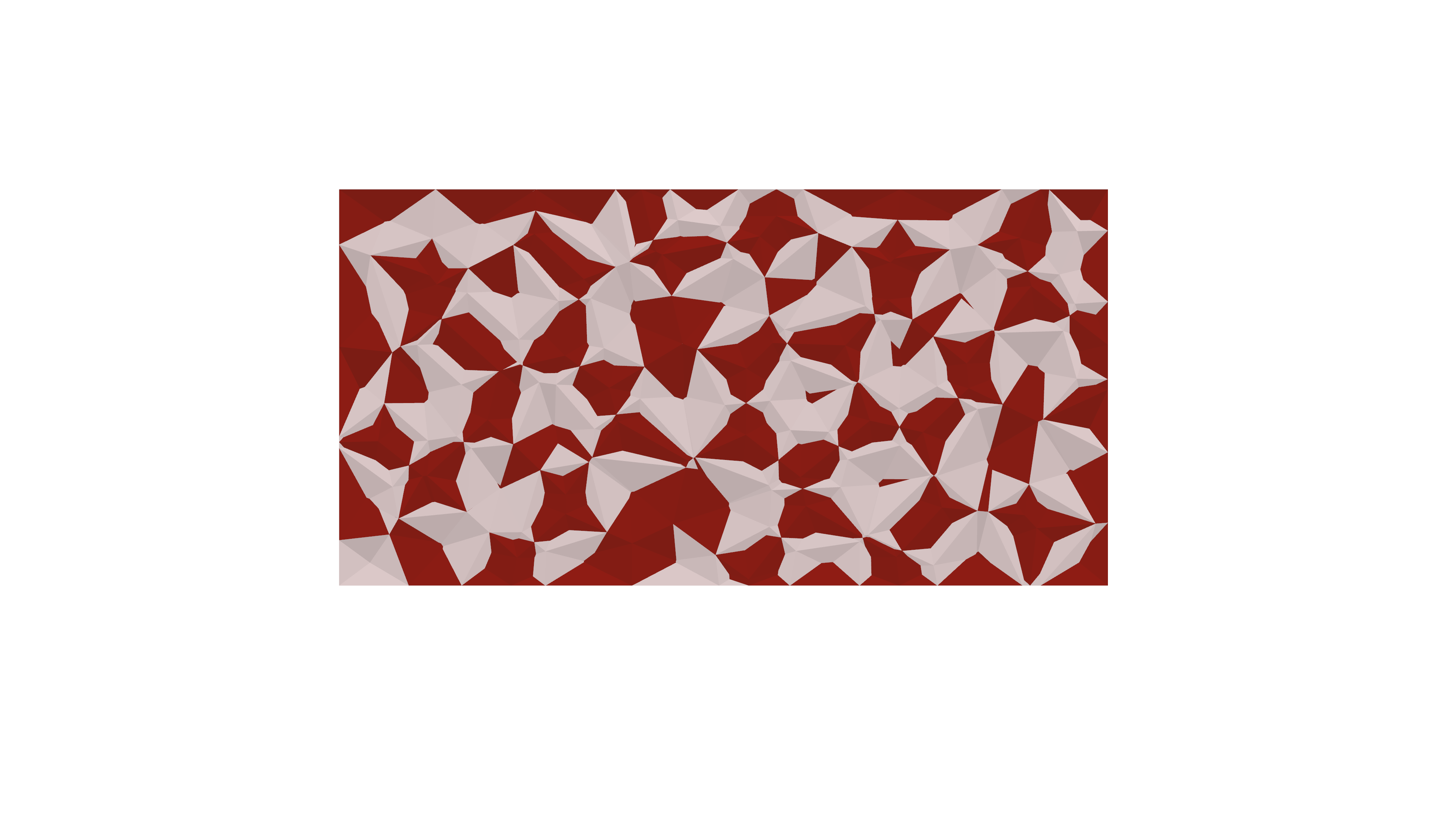
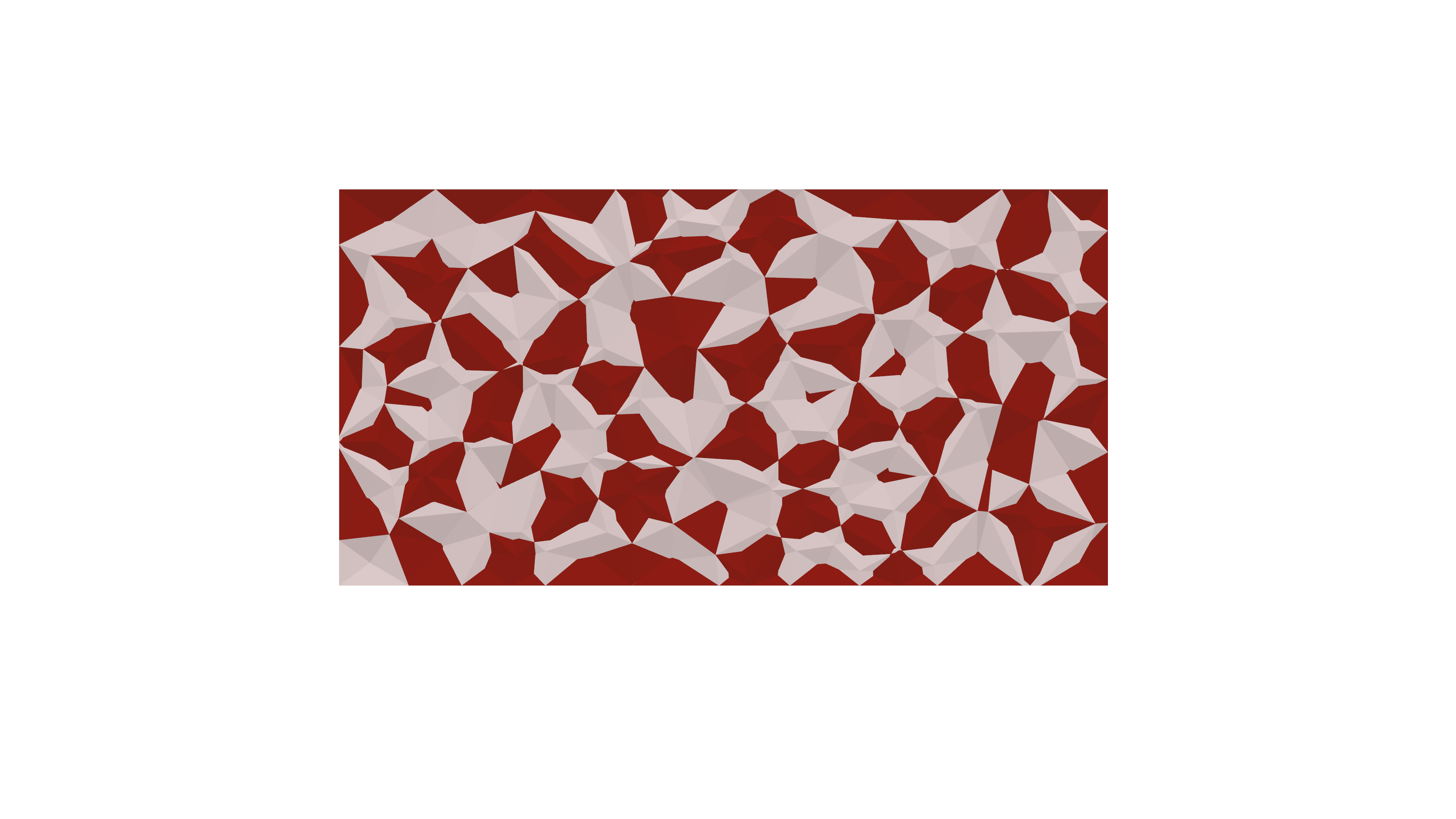
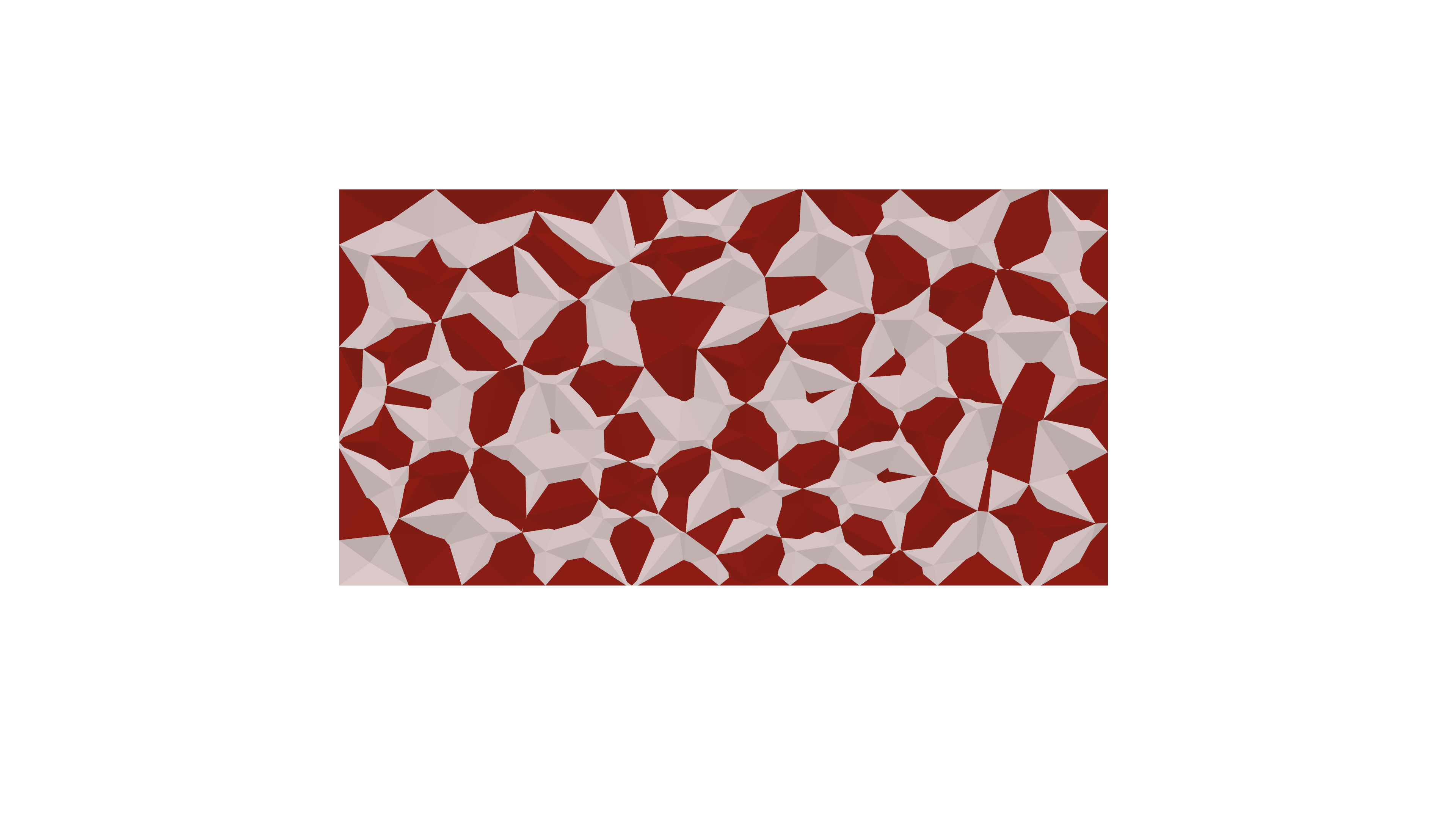
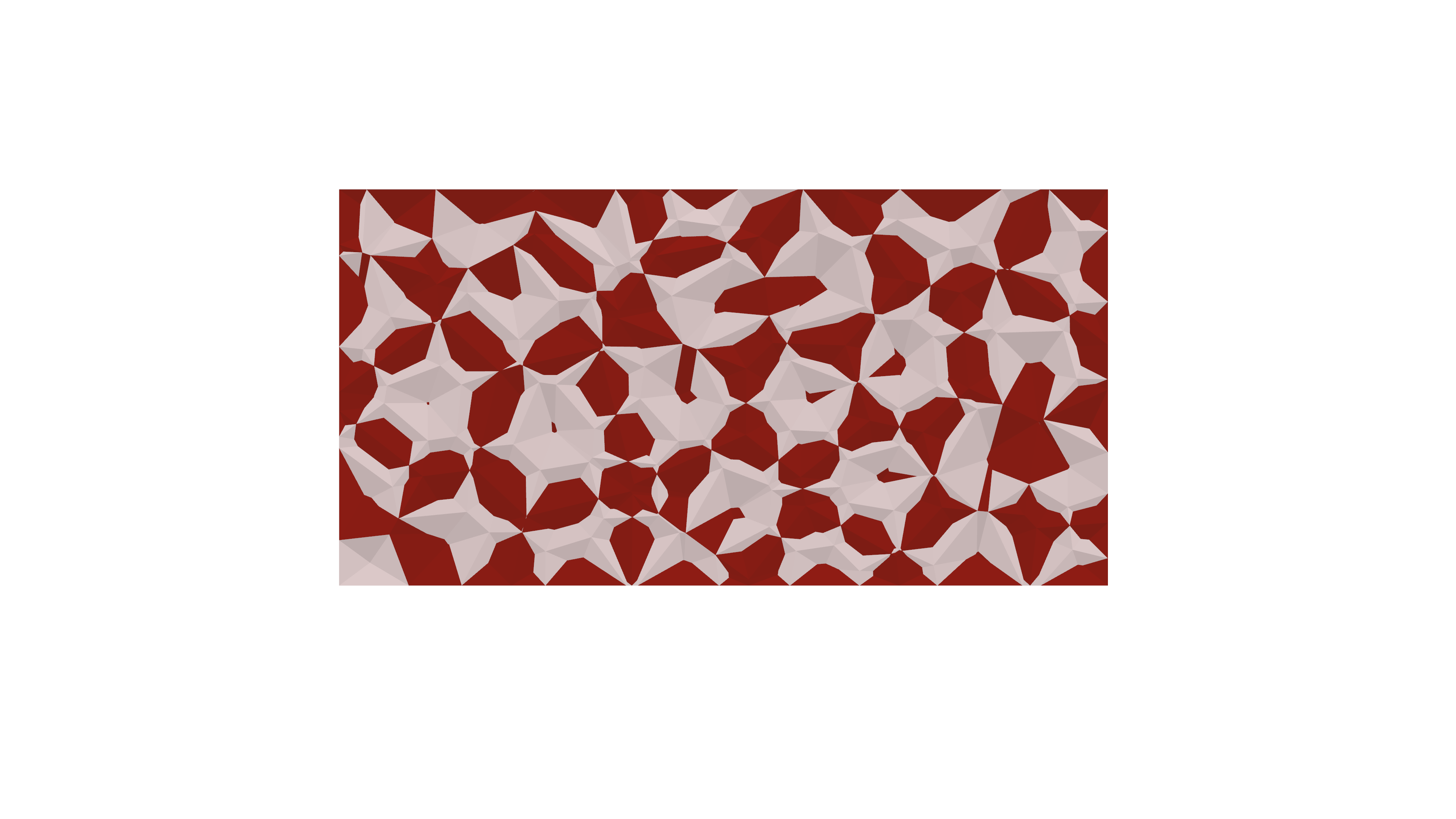
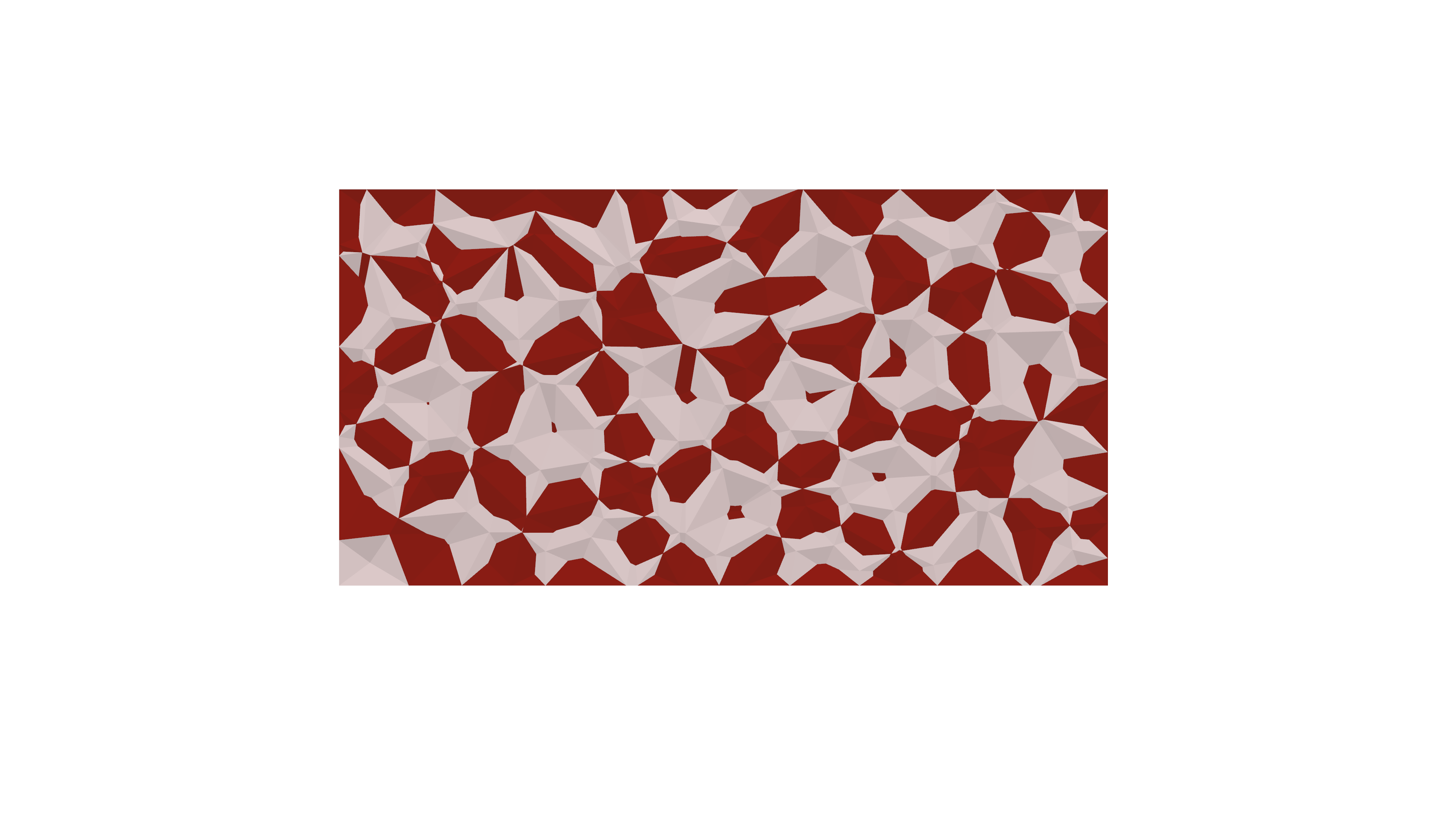
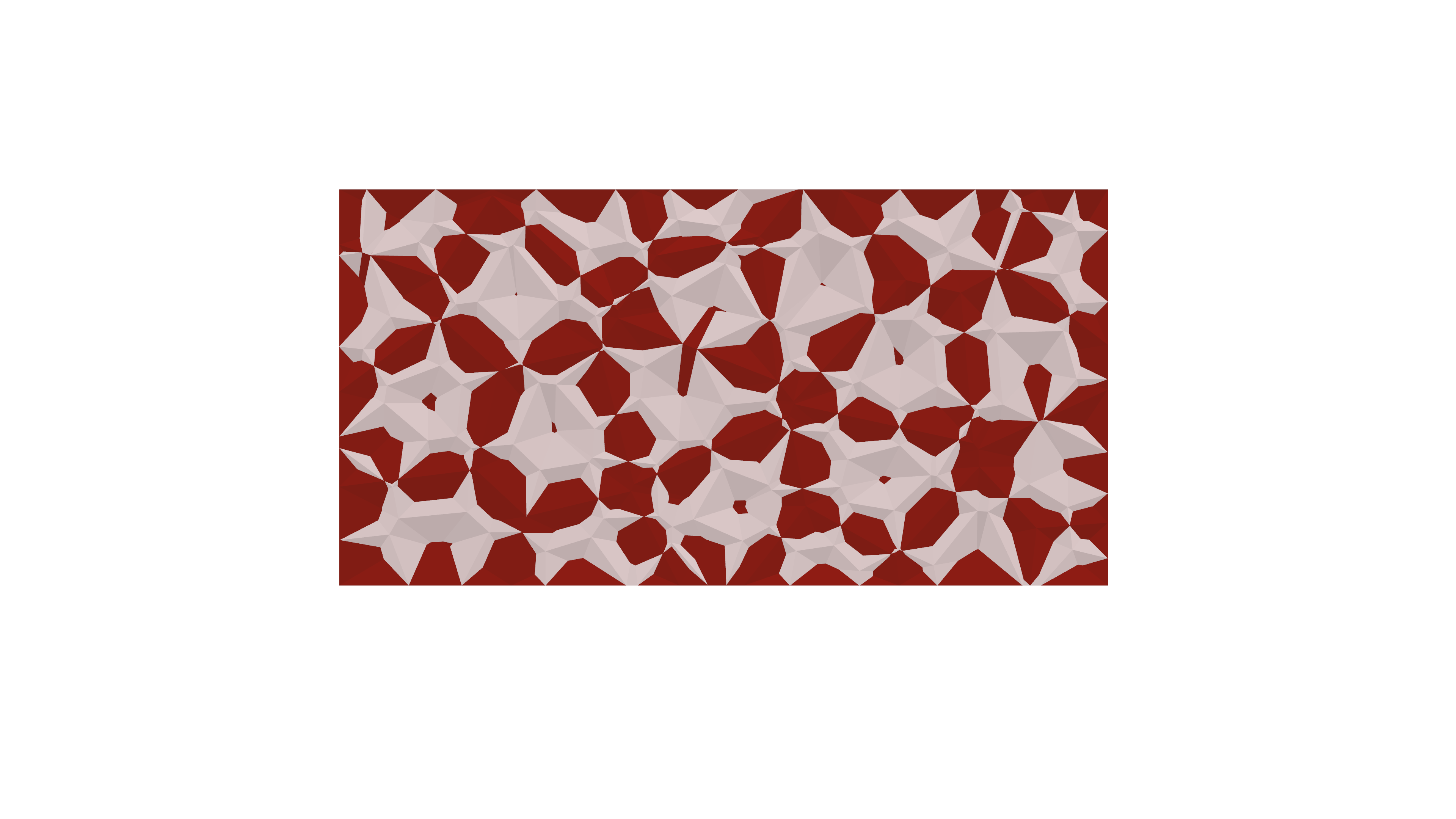
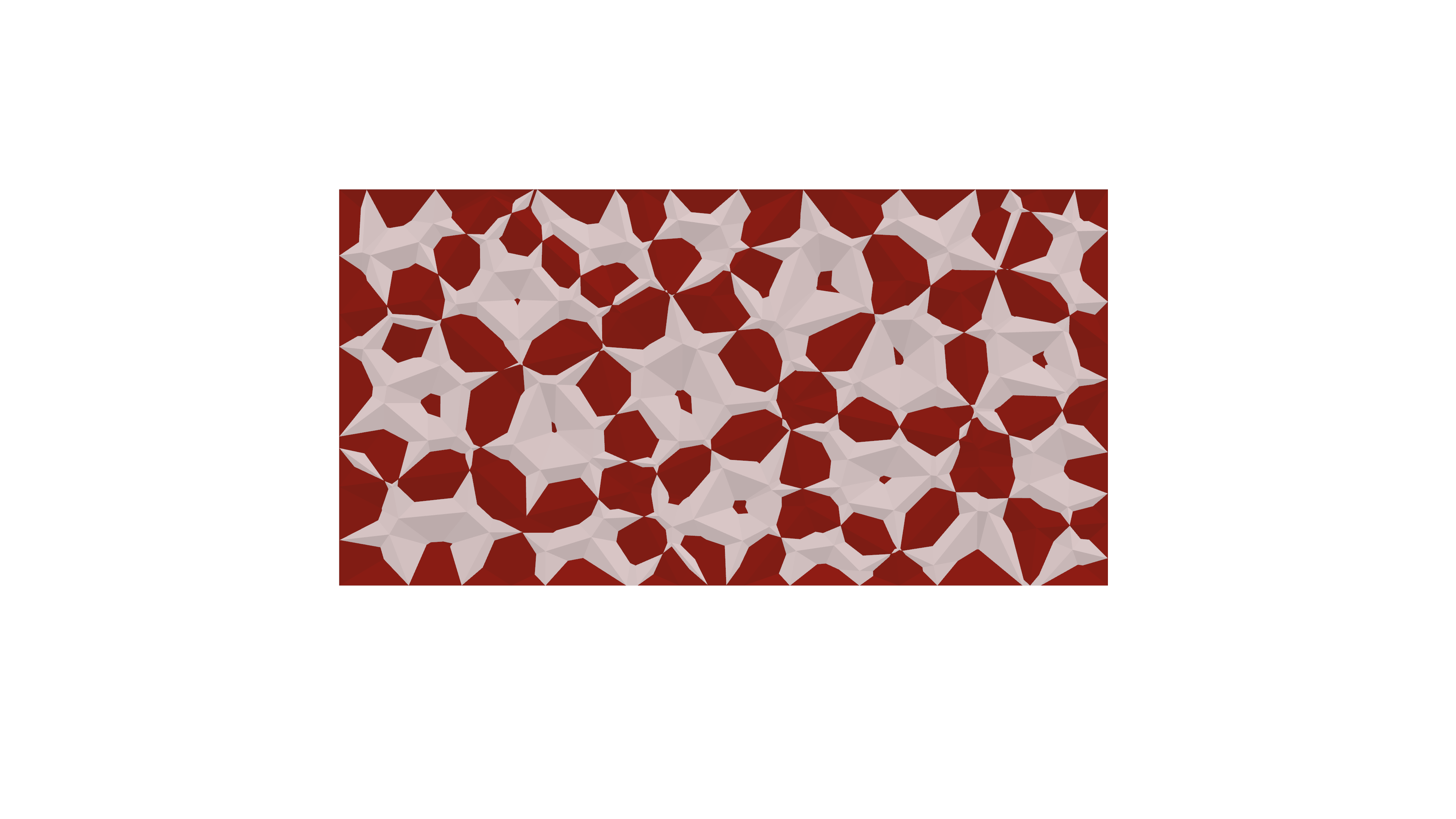
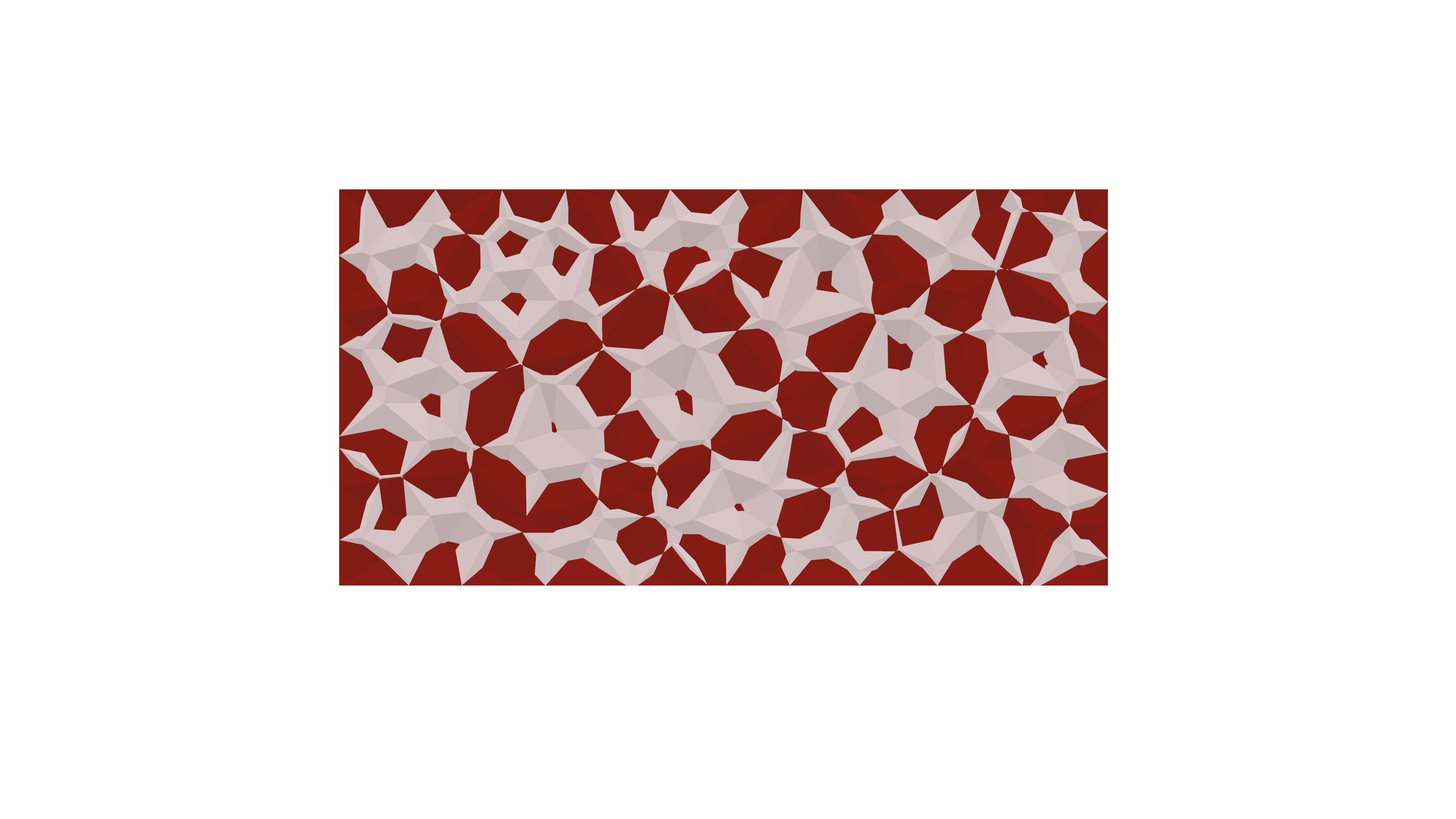
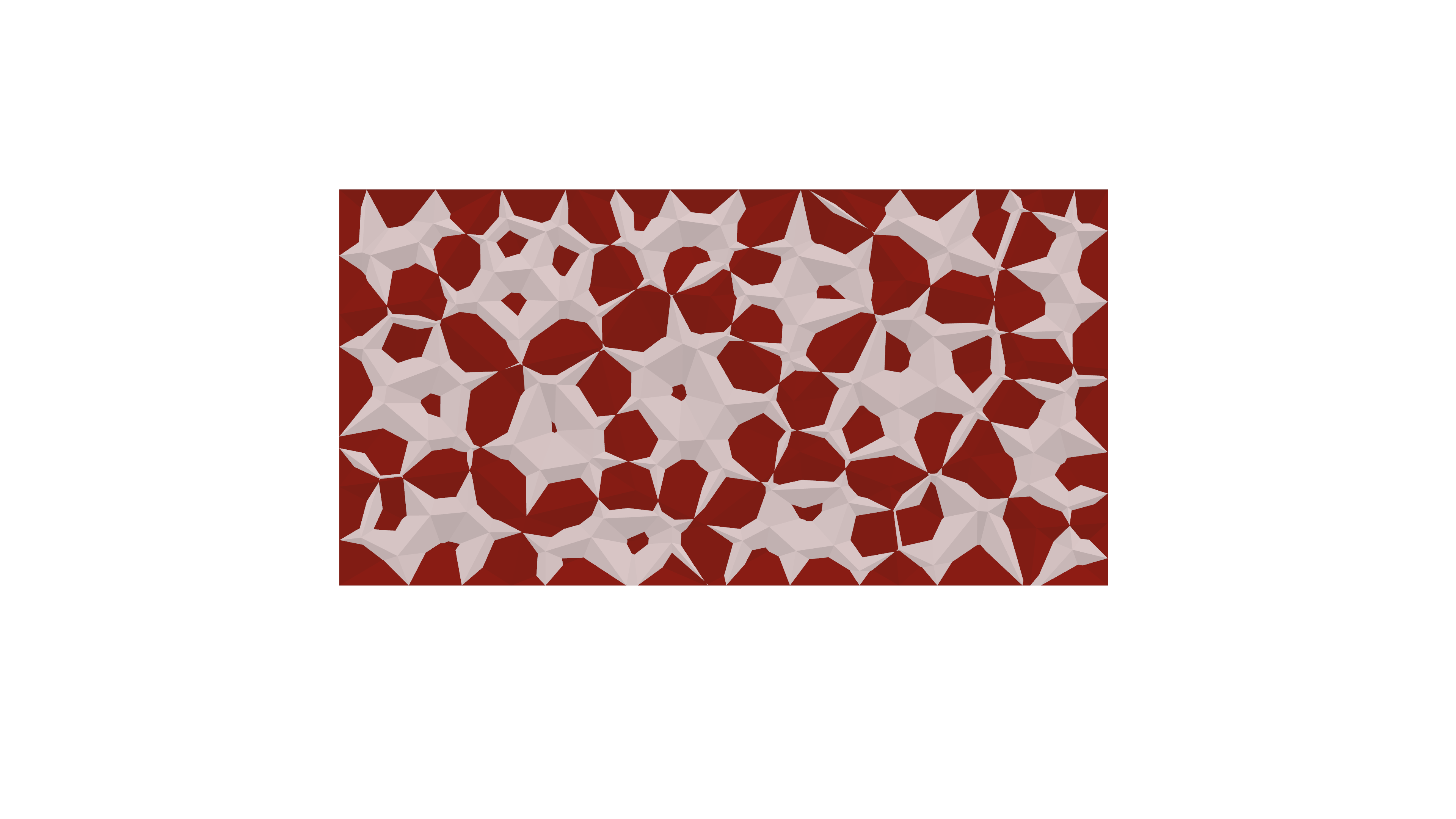
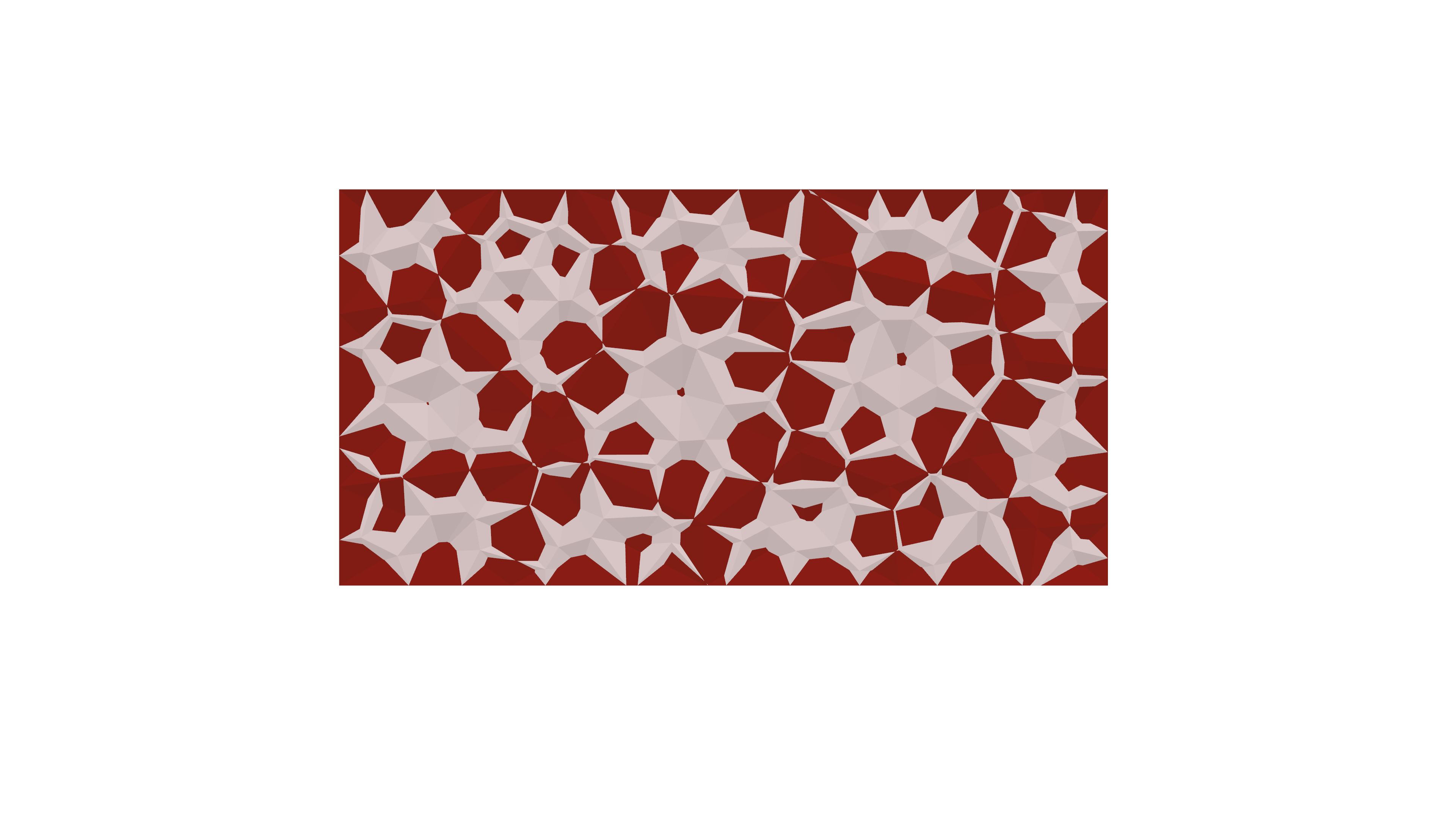
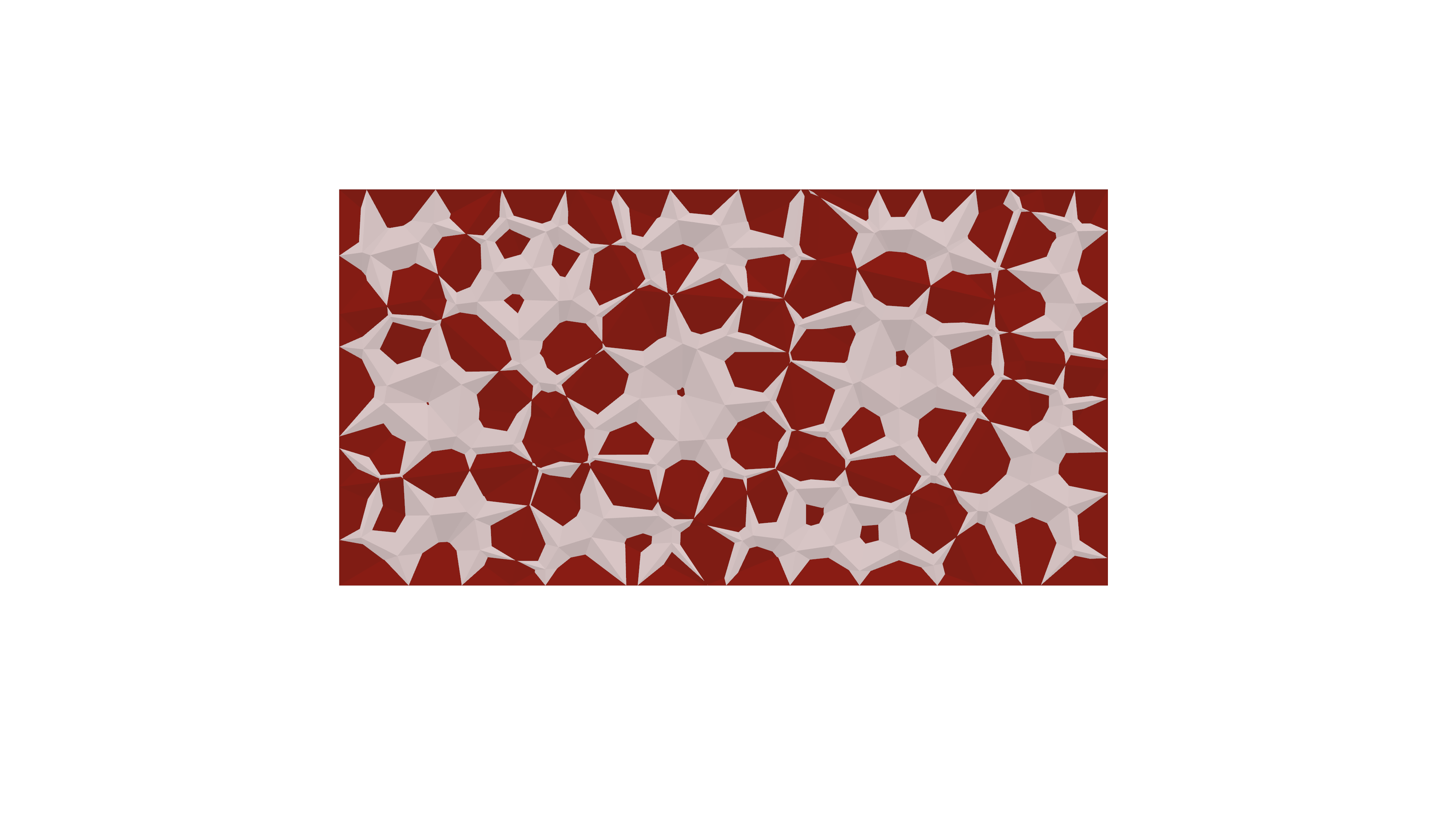
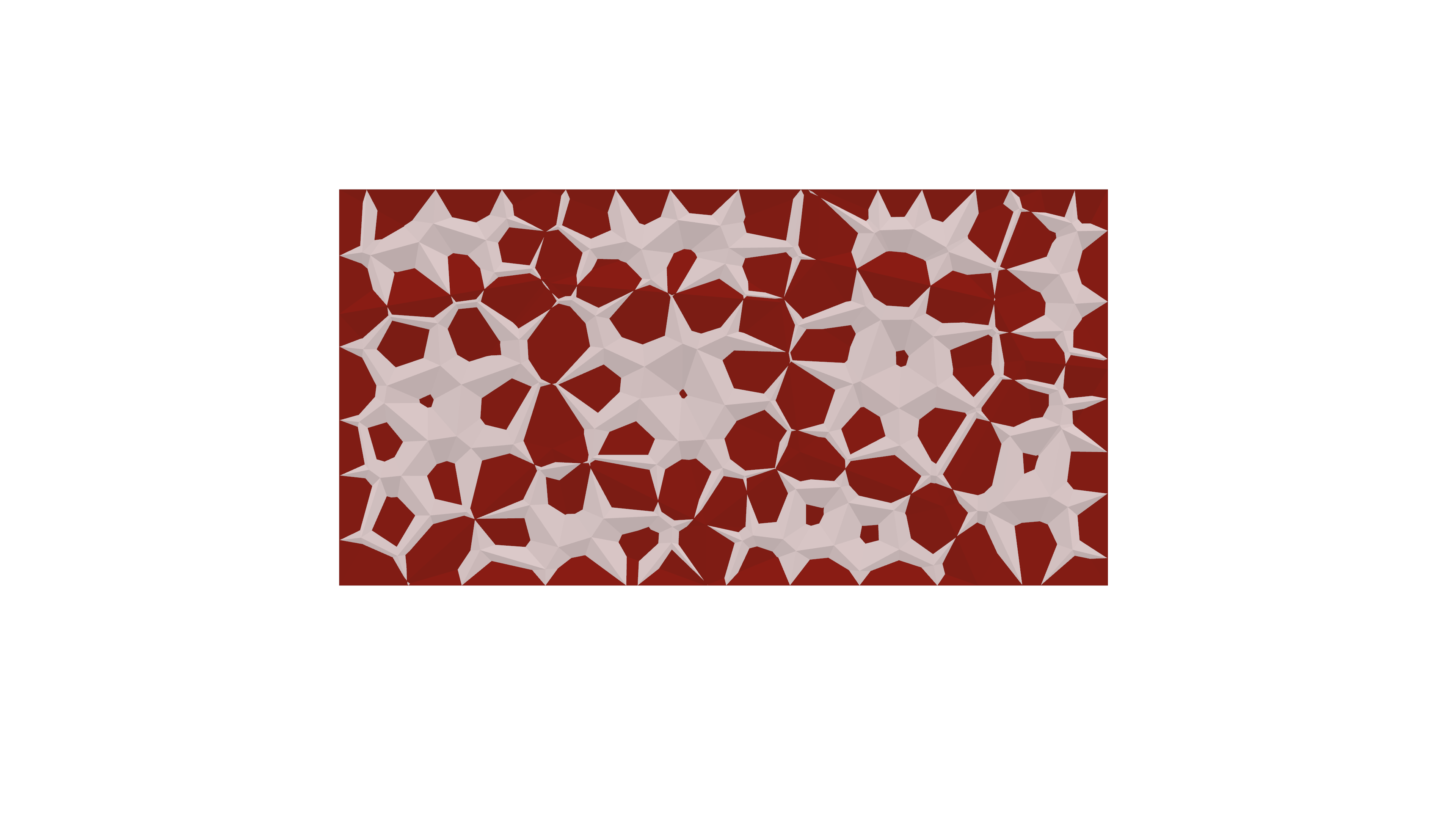
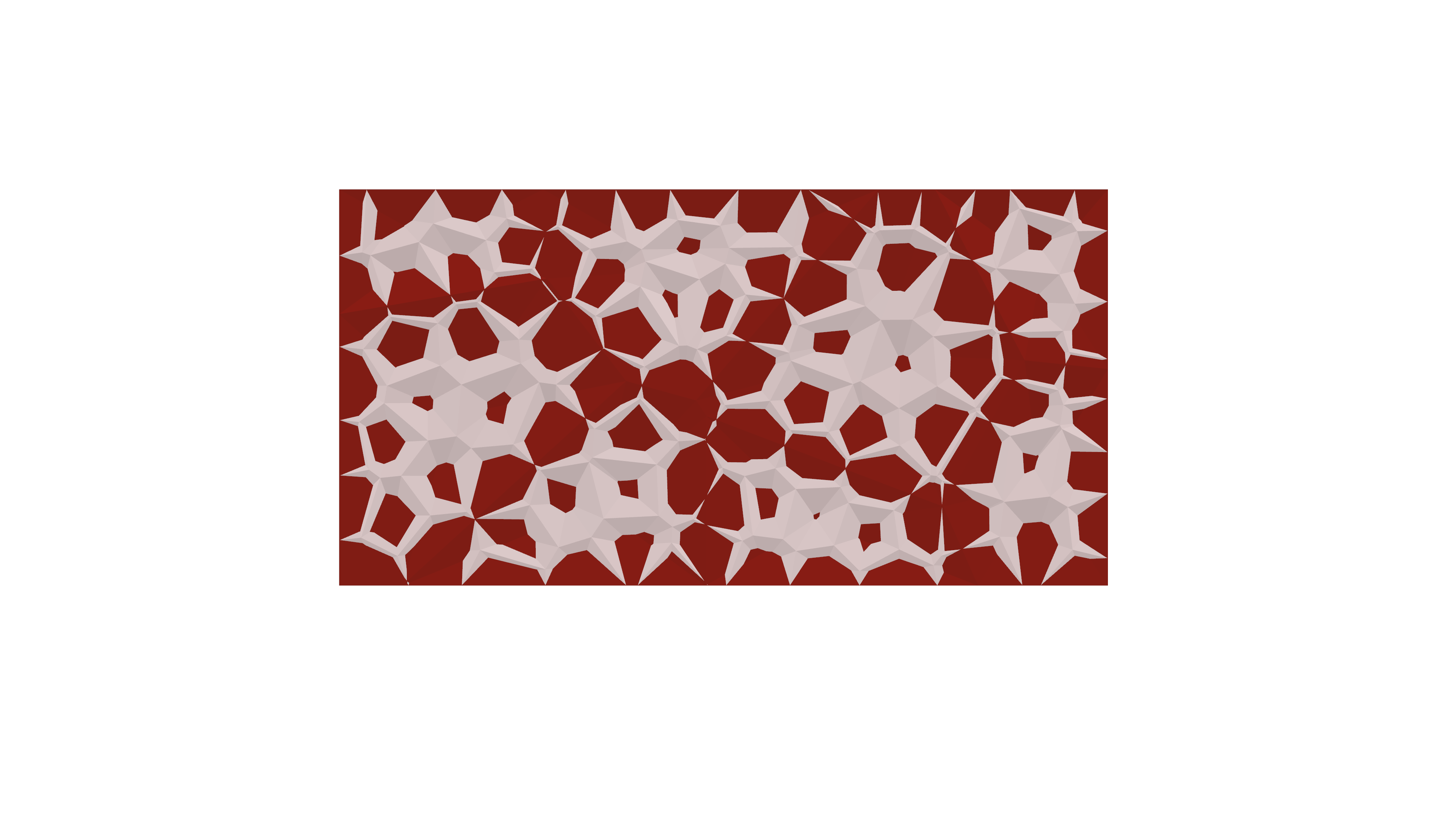
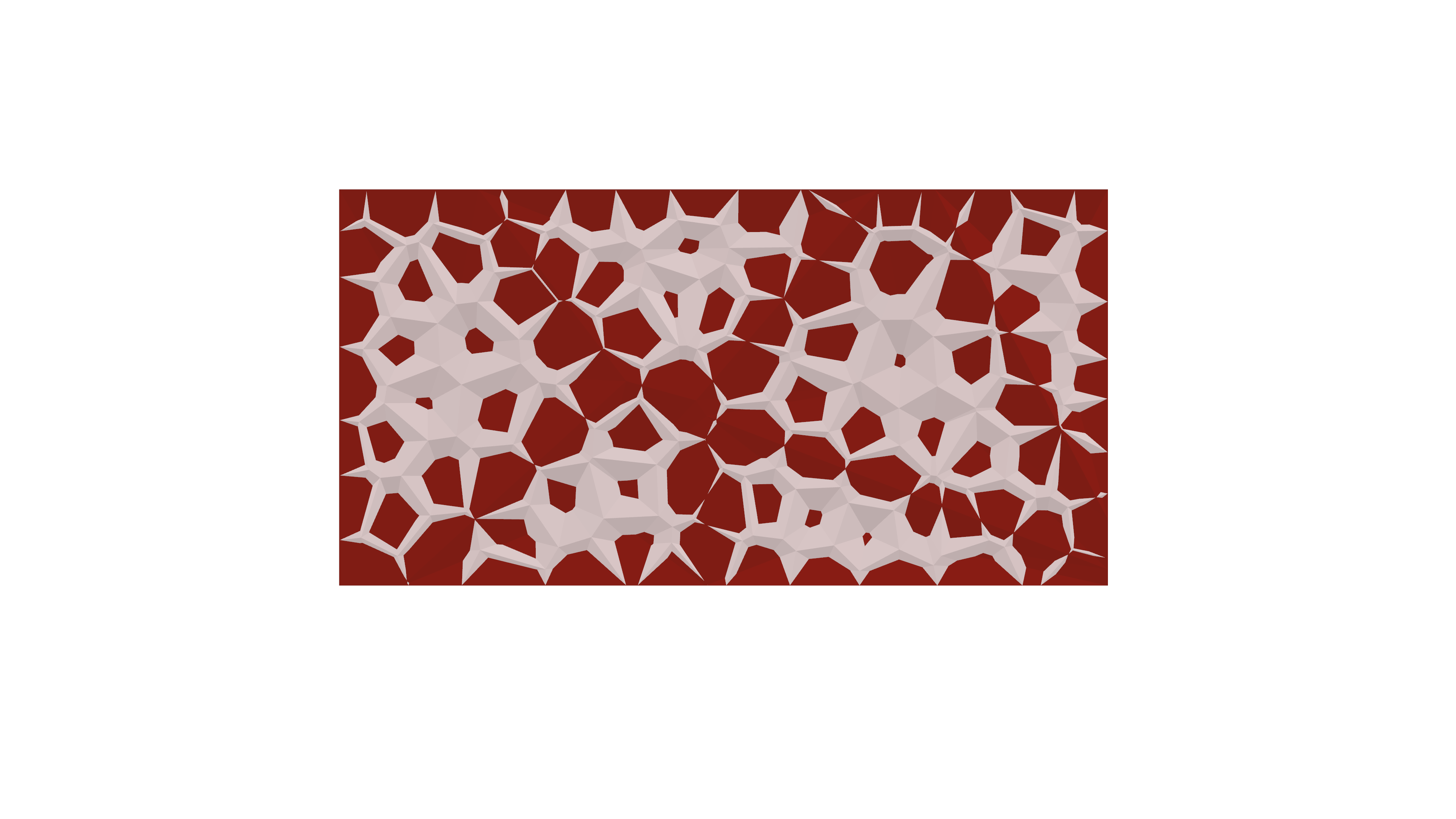
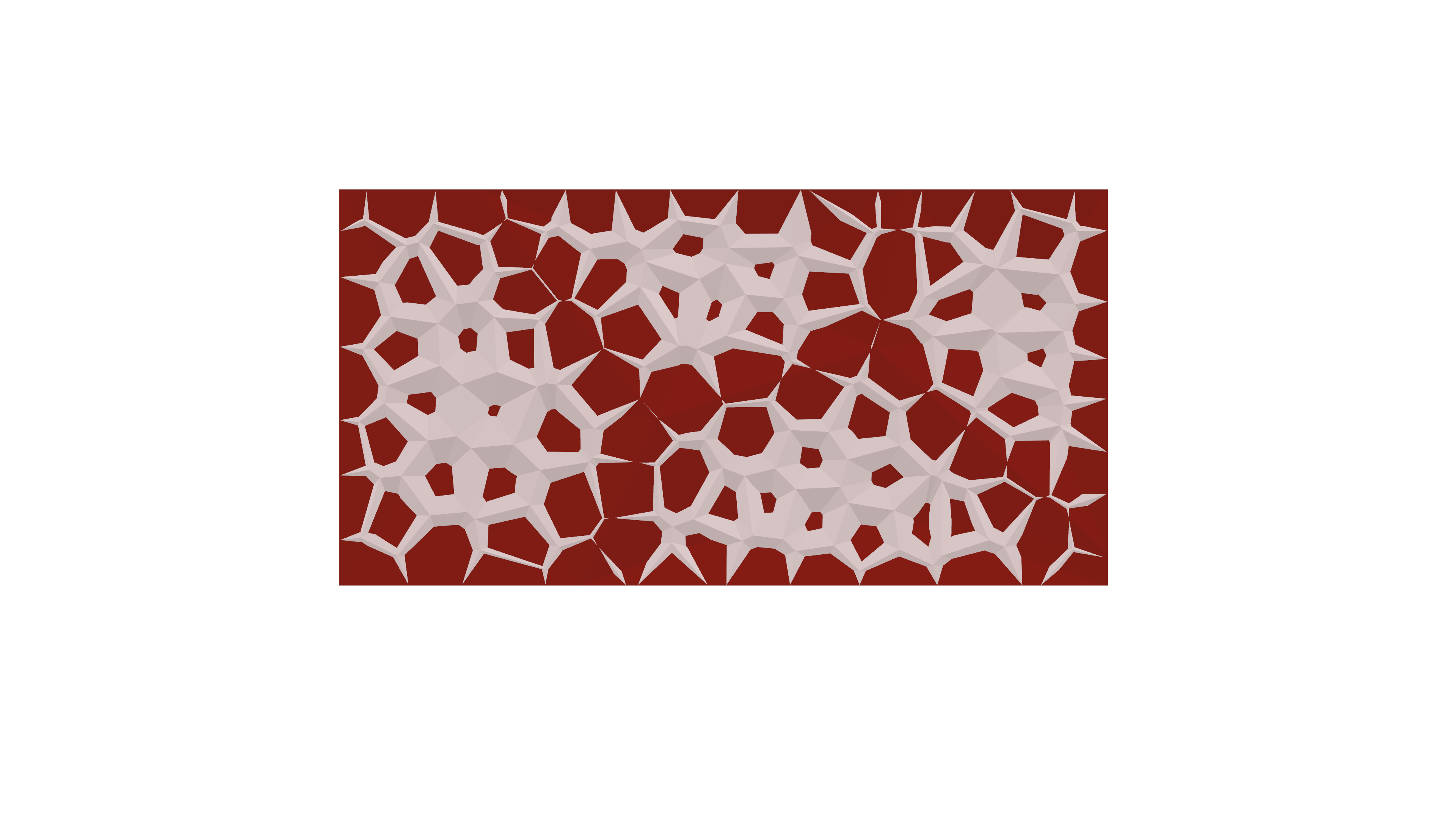
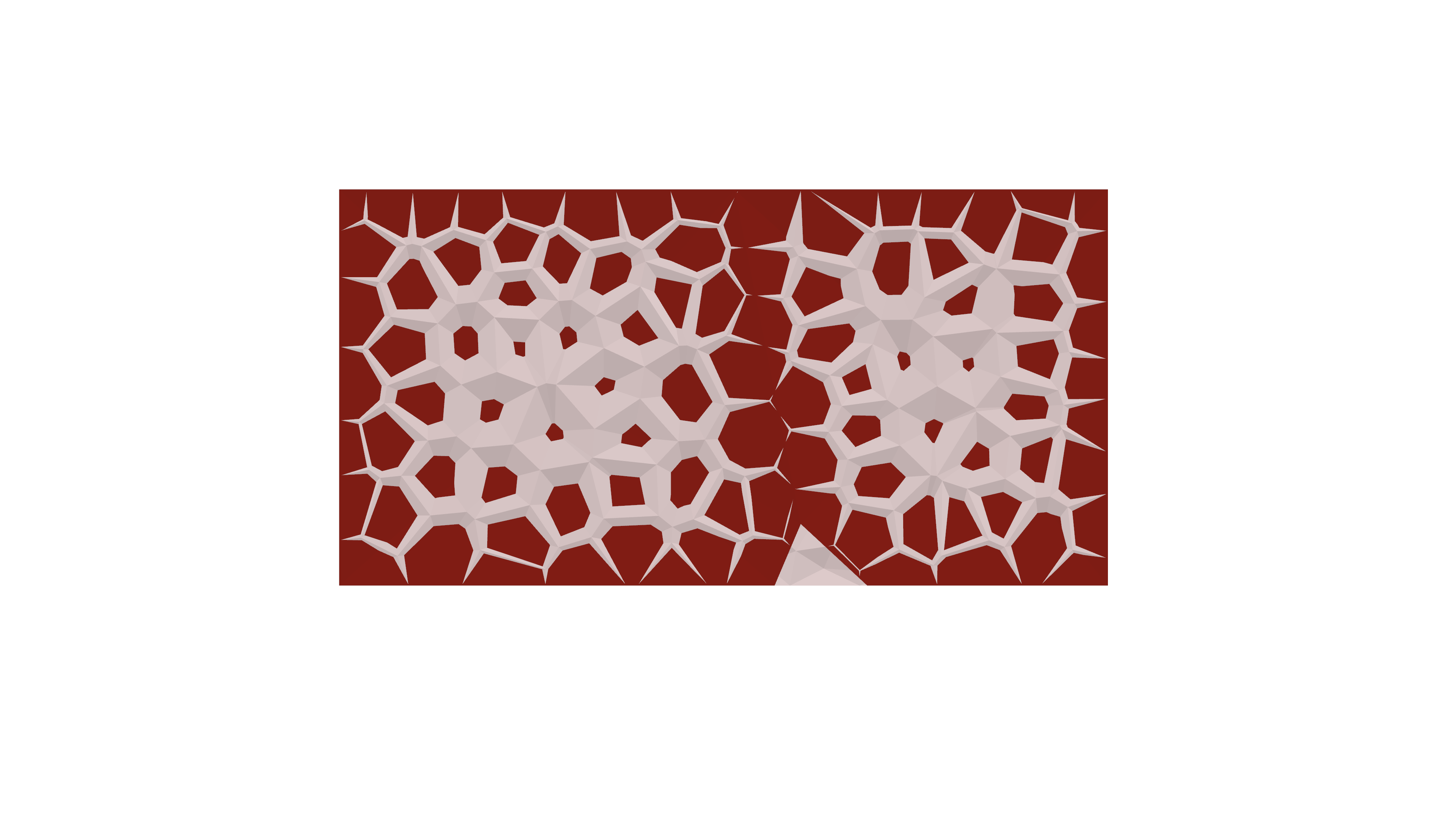
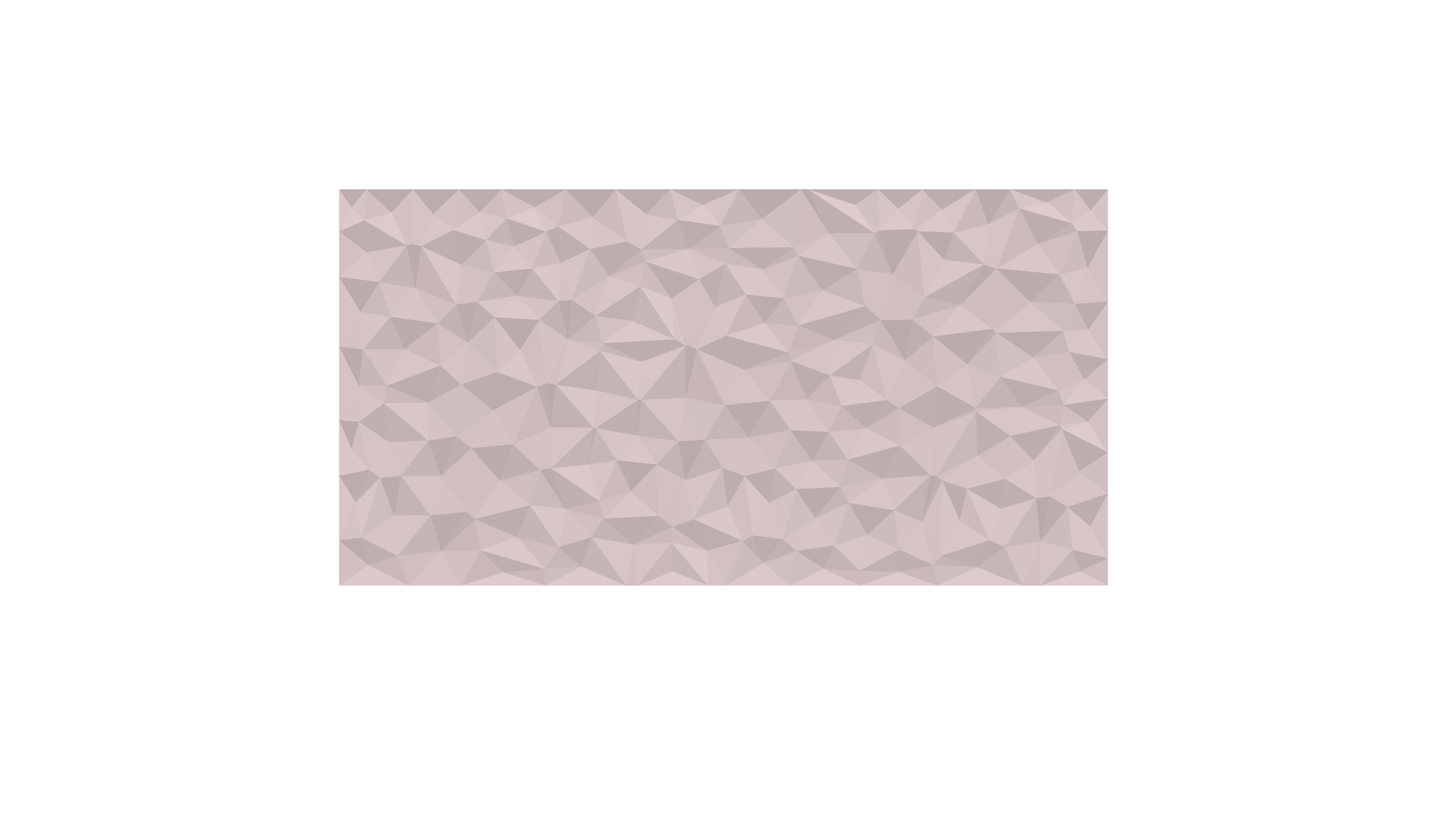
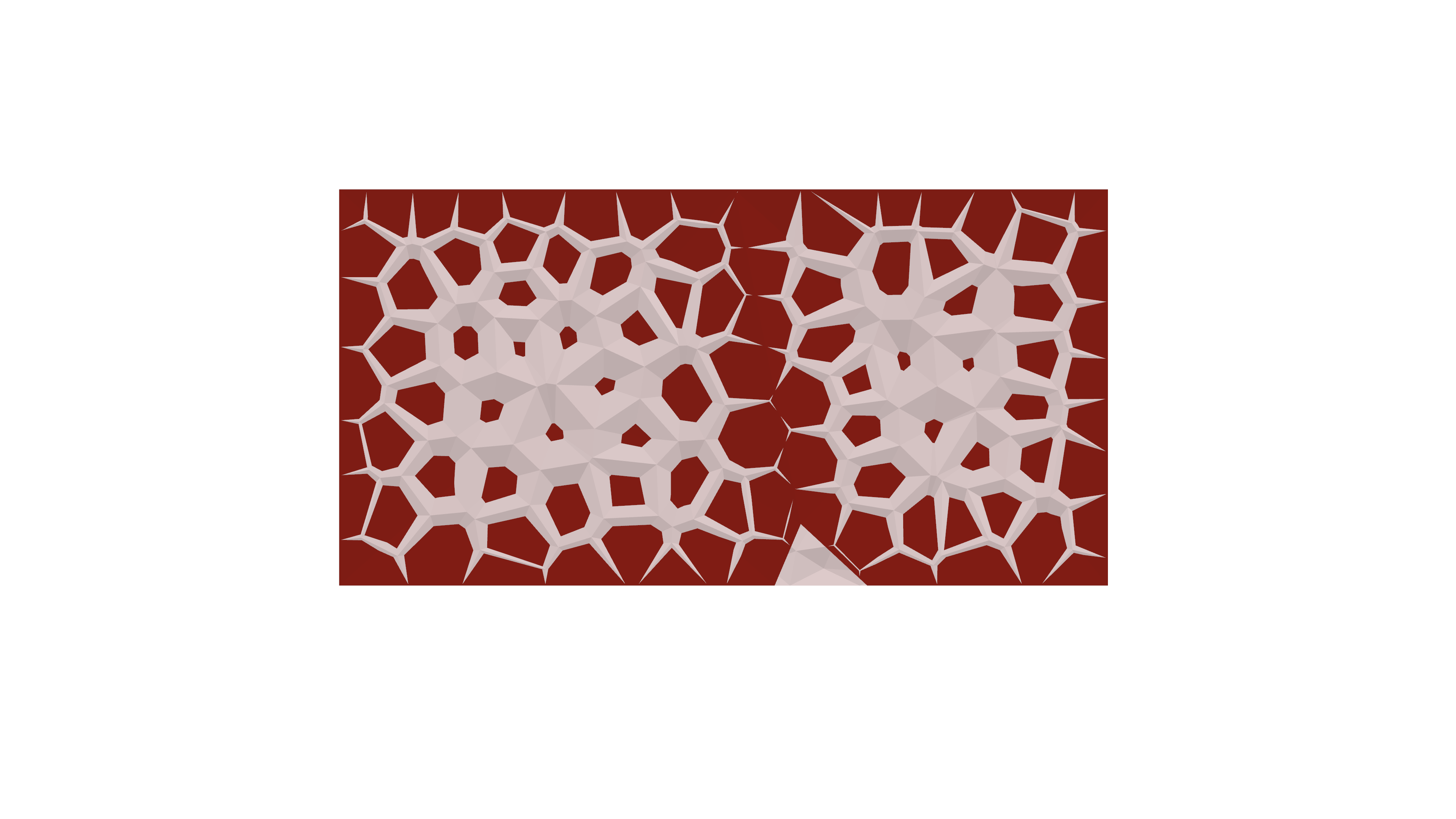
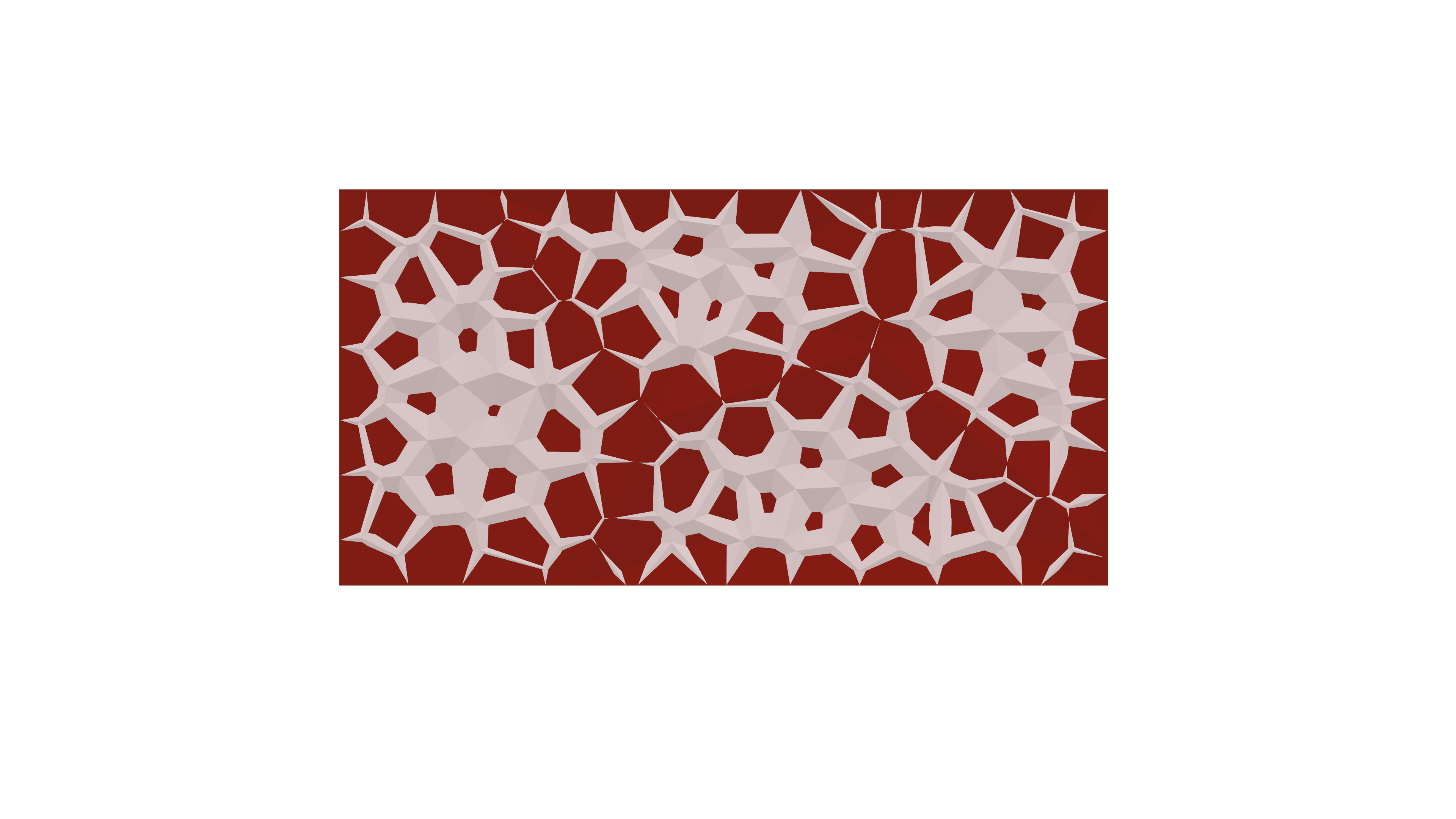
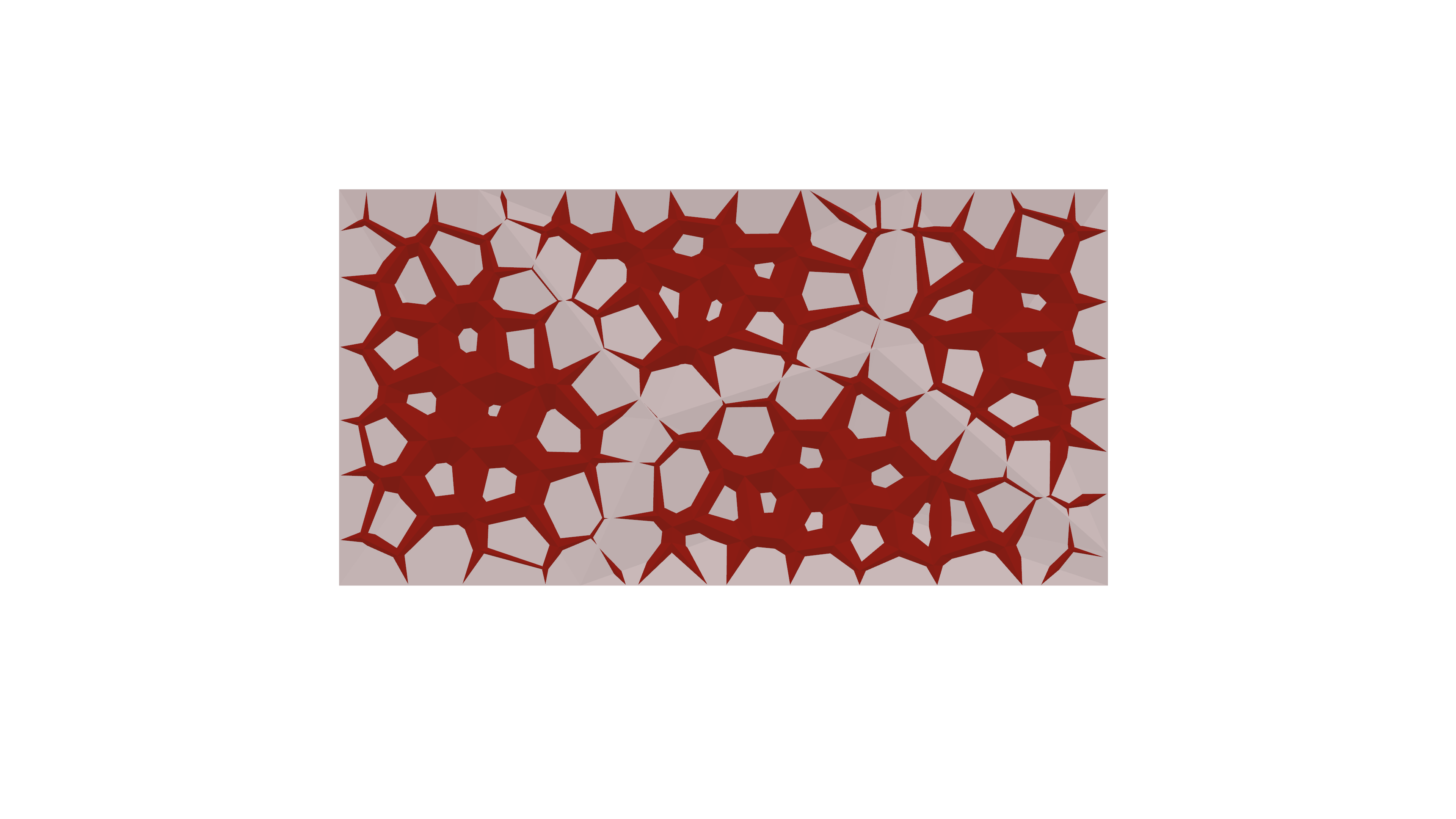
In my current 2 D project, I am crafting a versatile wall panel designed for use as an acoustical element in movie theaters. The process involves transitioning from a basic triangular shape to extracting the central point, thereby generating compelling three-dimensional forms on the wall.


The followings are the steps that I took to reach the final product.
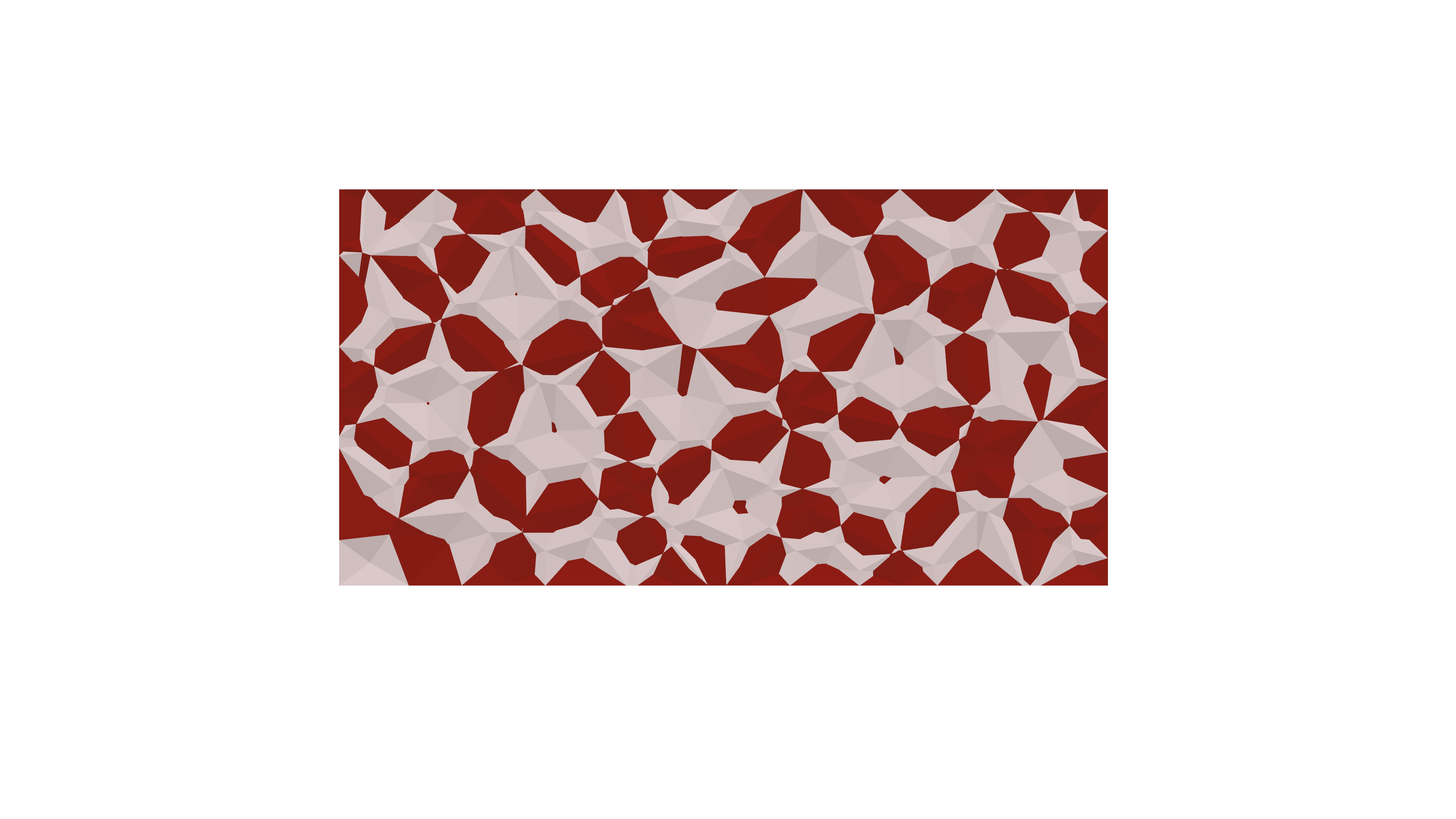
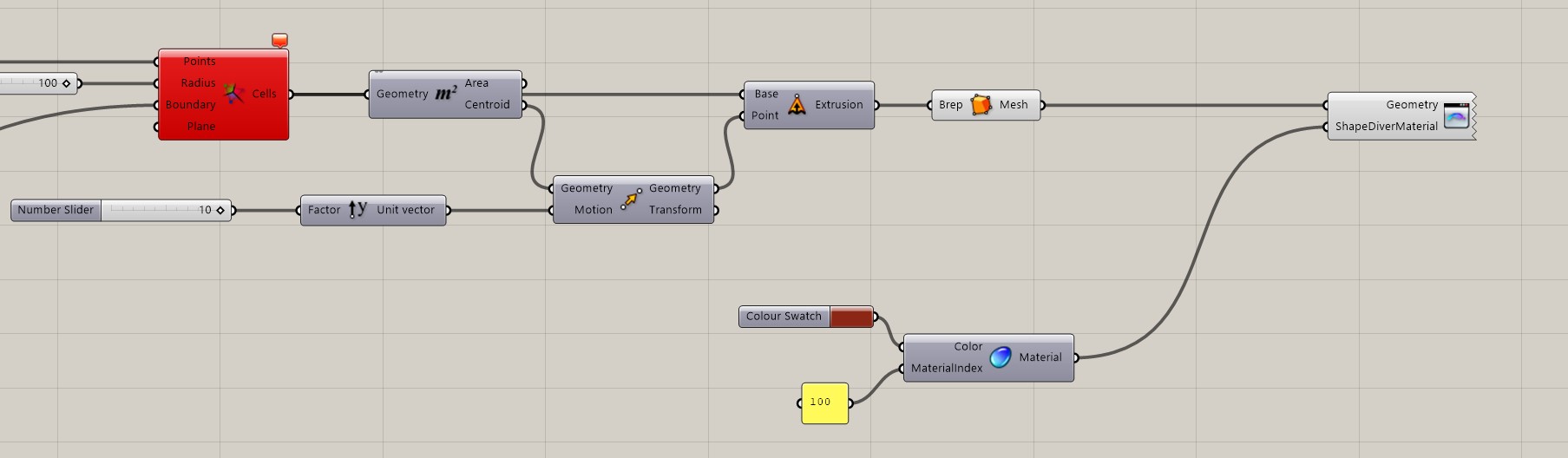
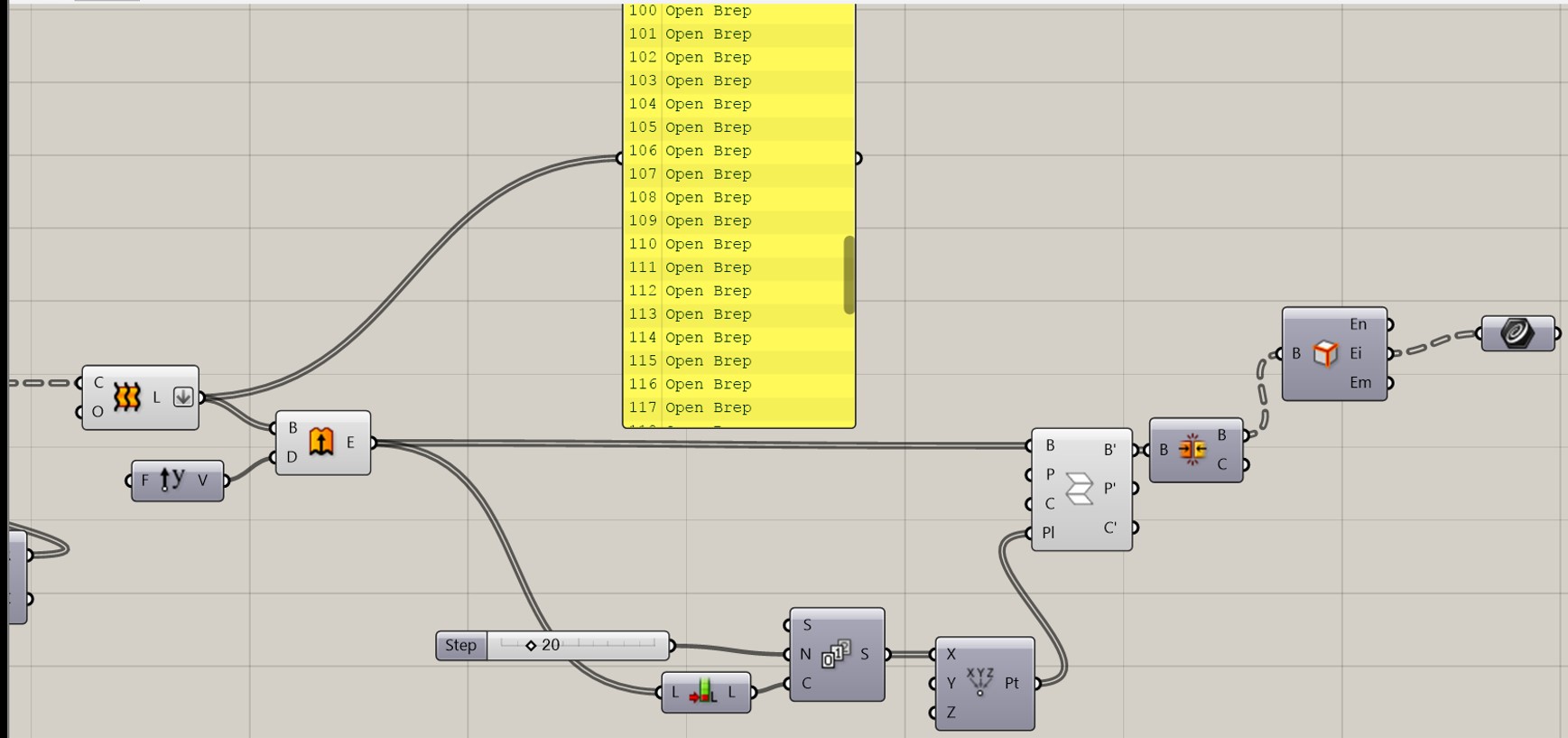
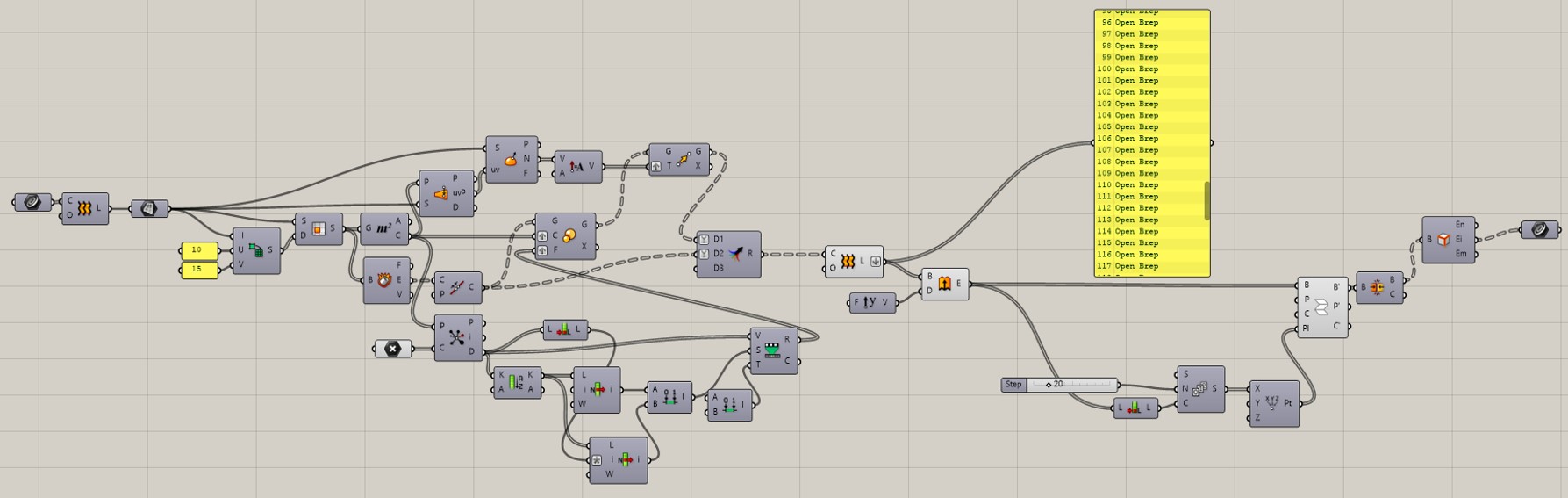
  1. Plane with X and Y Number slider to create a size of 7 width x 5 height.
  2. Used the population components with geometry from the plane, and also different number of counts
  3. Use Voronoi components.
  4. M2 to extract the center and area.
  5. Created a vector extrusion to Unit Y (number sliders)
  6. Geometry extrusion- mesh
  7. Copy all of the above and place on top of each part.
  8. Create result slider a and b for both sets to have 100 of iterations. (Please reference the following image to following the above instruction.)
  9. Shapediver materials are used to create contrast between two different panels.
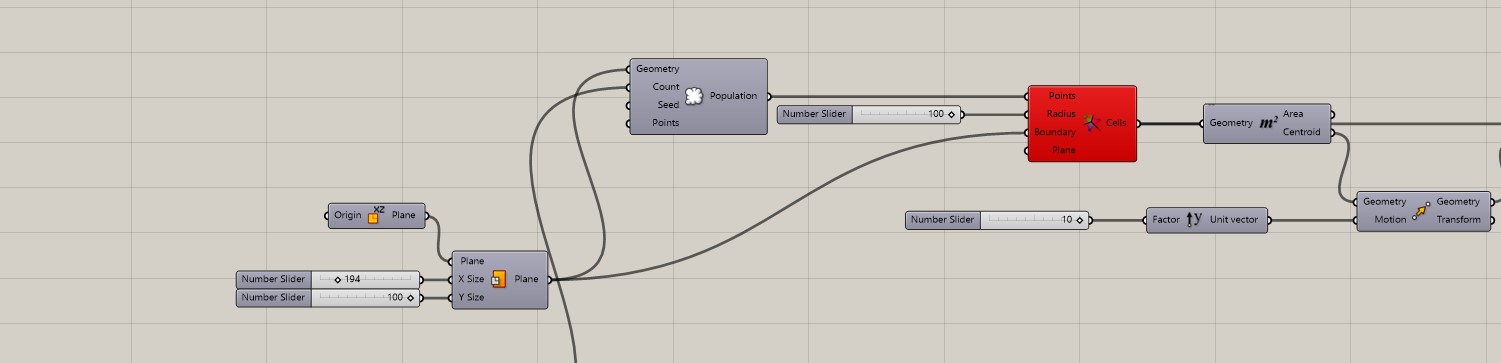
Grasshopper script

Shapediver QR code TWO DIFFERENT SHAPES
Rhino Image and Final product Image
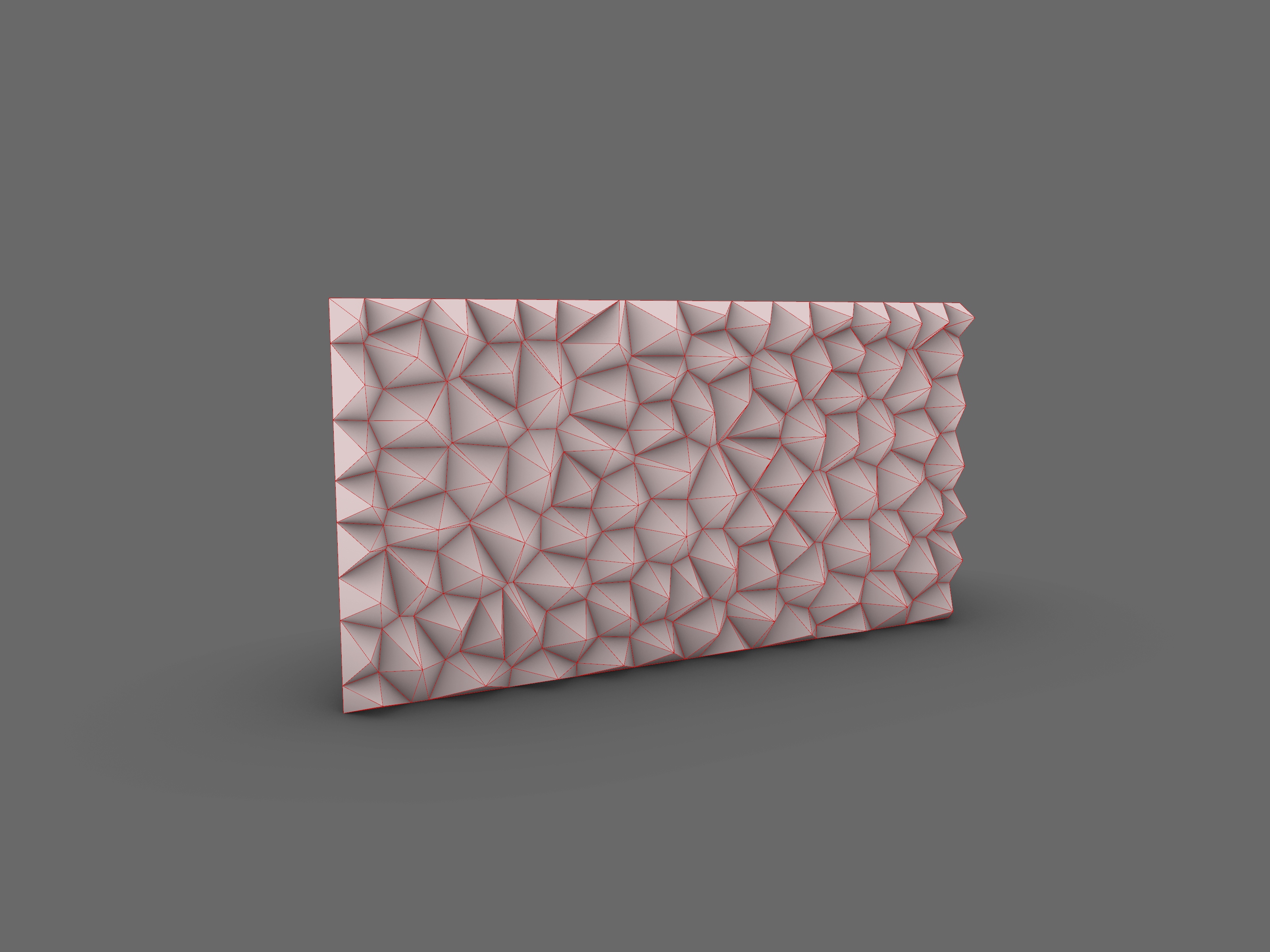
Thank you for tuning in! The script follows a straightforward progression, evolving from a basic grid to a more intricate shape. The fundamental concept here is that every intricate form originates from simple geometries. Stay tuned for upcoming updates, as another exciting project is on the horizon. the following are real life application.
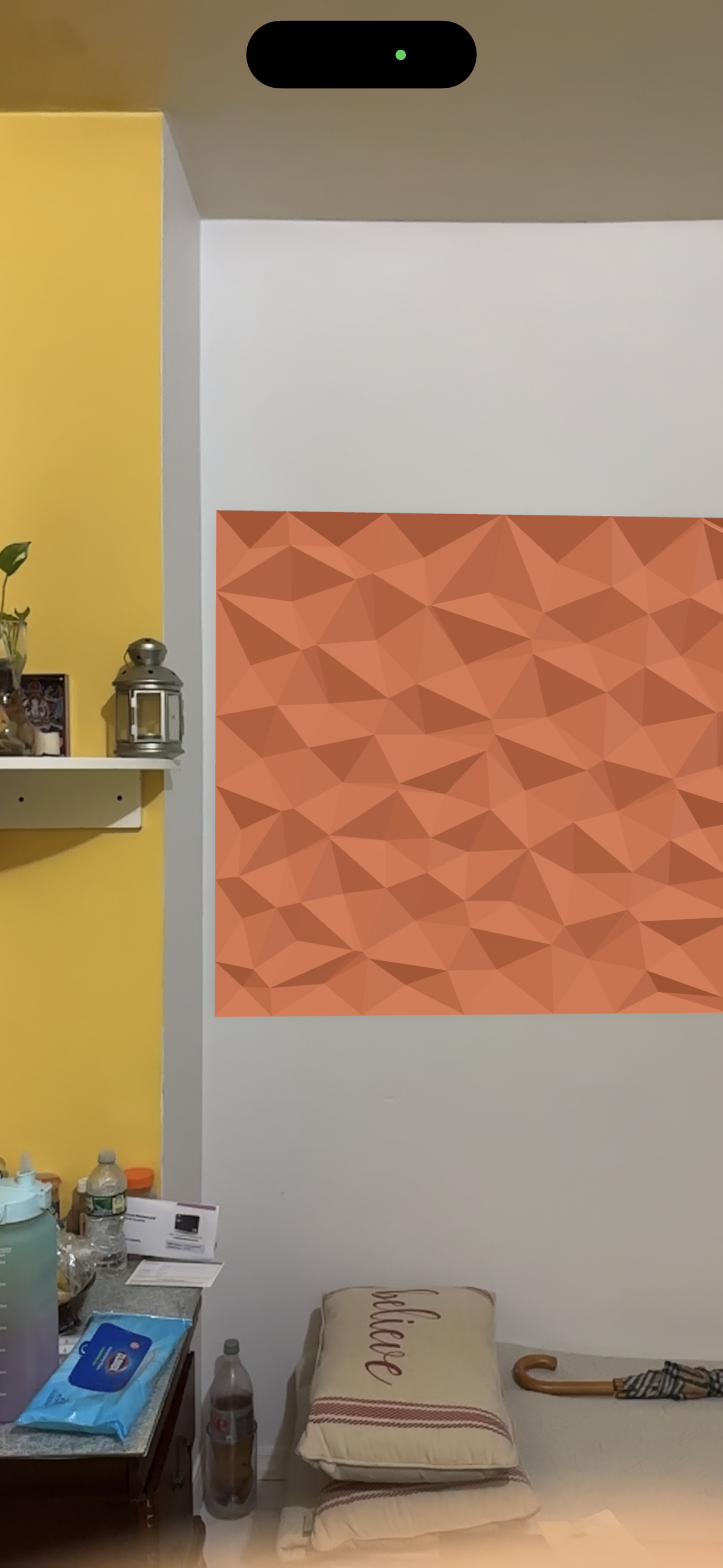
interior application

Mesh to Surface

Hi folks,

Anyone know how to convert a mesh to a surface? My partition code ends in a mesh, and in order to properly use the Unfold component we learned last class we need to plug in a surface. I tried “Deconstruct Mesh” and “Explode Mesh” but no luck so far. I did some internet searches, but no luck so far on finding a straightforward solution.

Help!

Capture

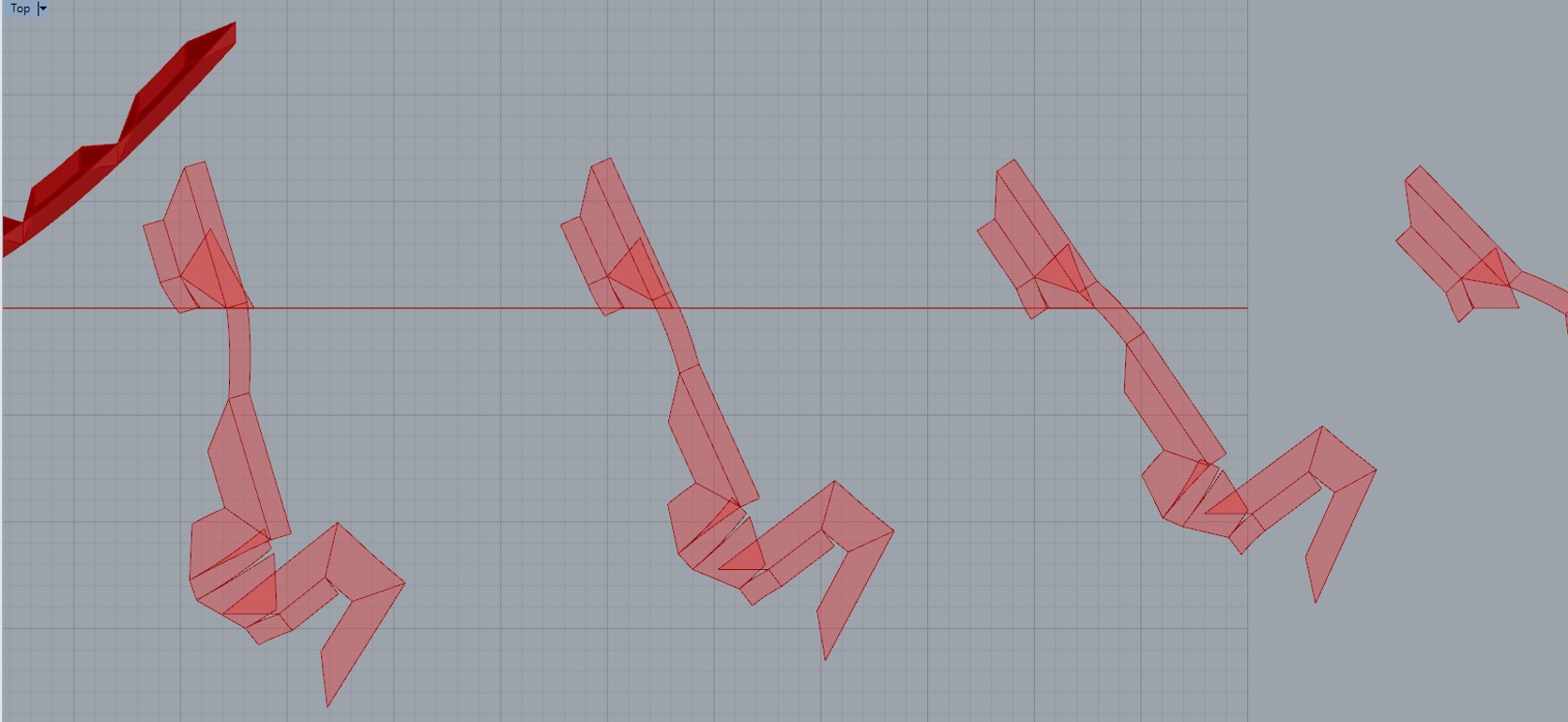
Unfold component creating overlapping pieces

We are working on transforming our partition into its component parts for laser cutting, but are having some trouble with the Unfold command you showed us in class. As you can see in the last photo, the planes are overlapping in some places. We tried to change the sliders to space things out, but no luck. Do we need to spread them out in Rhino? Could you make a recommendation?

Thanks,

Jin and Lily

1 2 3

Digital Futures Meshing Workshop Tomorrow!

image

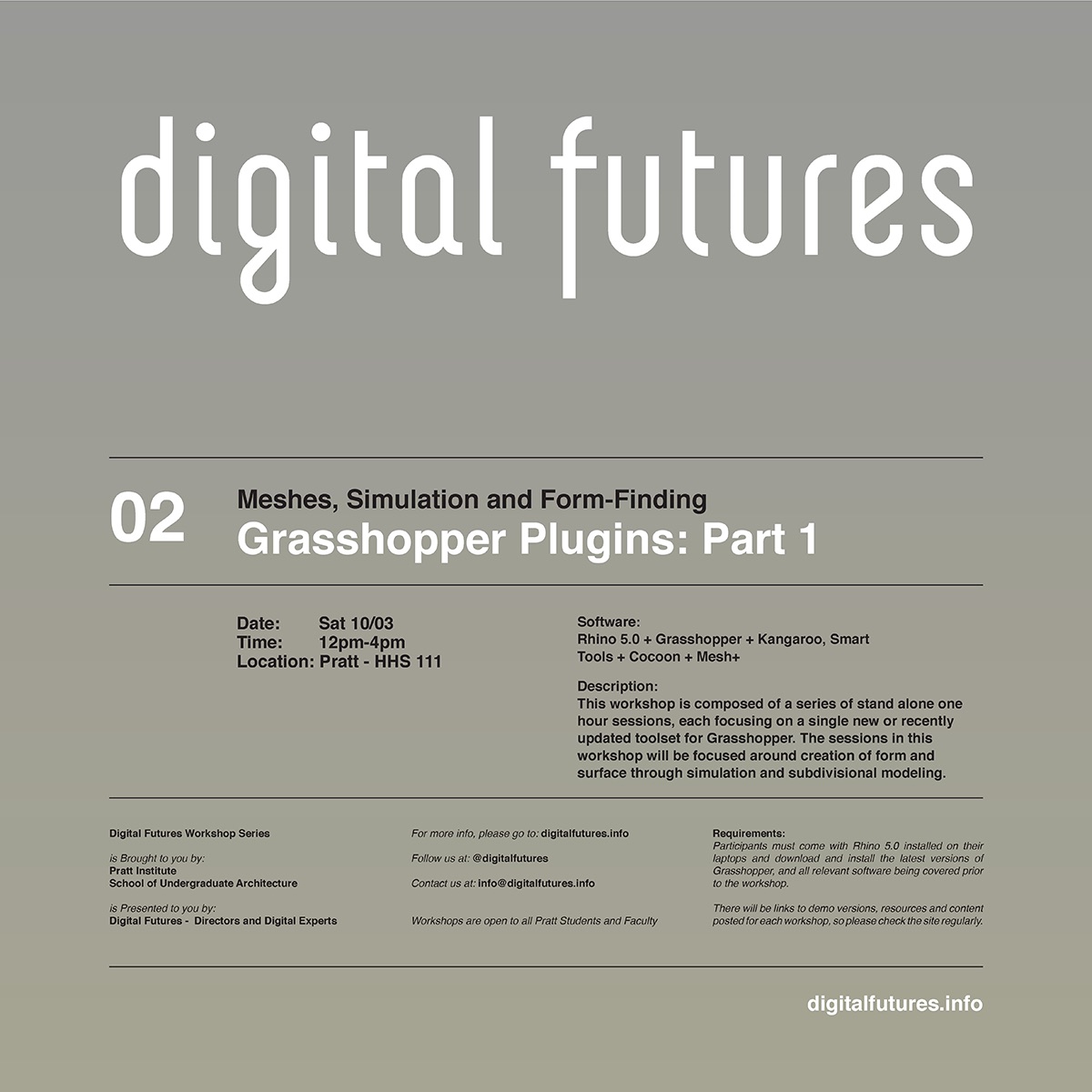
Tomorrow from 12-4pm, David Mans of Grimshaw Architects and Digital Futures (also the developer of Mesh+) will give a series of [4] 1-hour workshops on form-finding and advanced meshing workflows in Grasshopper.  This promises to be highly excellent material – I’m hoping to catch the Mesh+ and Cocoon sessions myself.   What better way to spend a rainy Saturday could you ask for, eh?


Product Families Assignment

The final assignment for the Spring 2015 term, Product Families, can be viewed at the following location:

https://docs.google.com/document/d/1mN2T_o-62gY5uGWuIuHQxA94477JJYdhtWuUx0n2NCw/edit?usp=sharing

Students are asked to design and produce a family of 3D printable products with grasshopper, and to iteratively print family members to help inform the design process.

Jehs-Laub Lounge: Grasshopper Final Version

I’ve been struggling with the screen recordings, so here’s a low-tech version of my parameters in action:

JL_Presentation.006

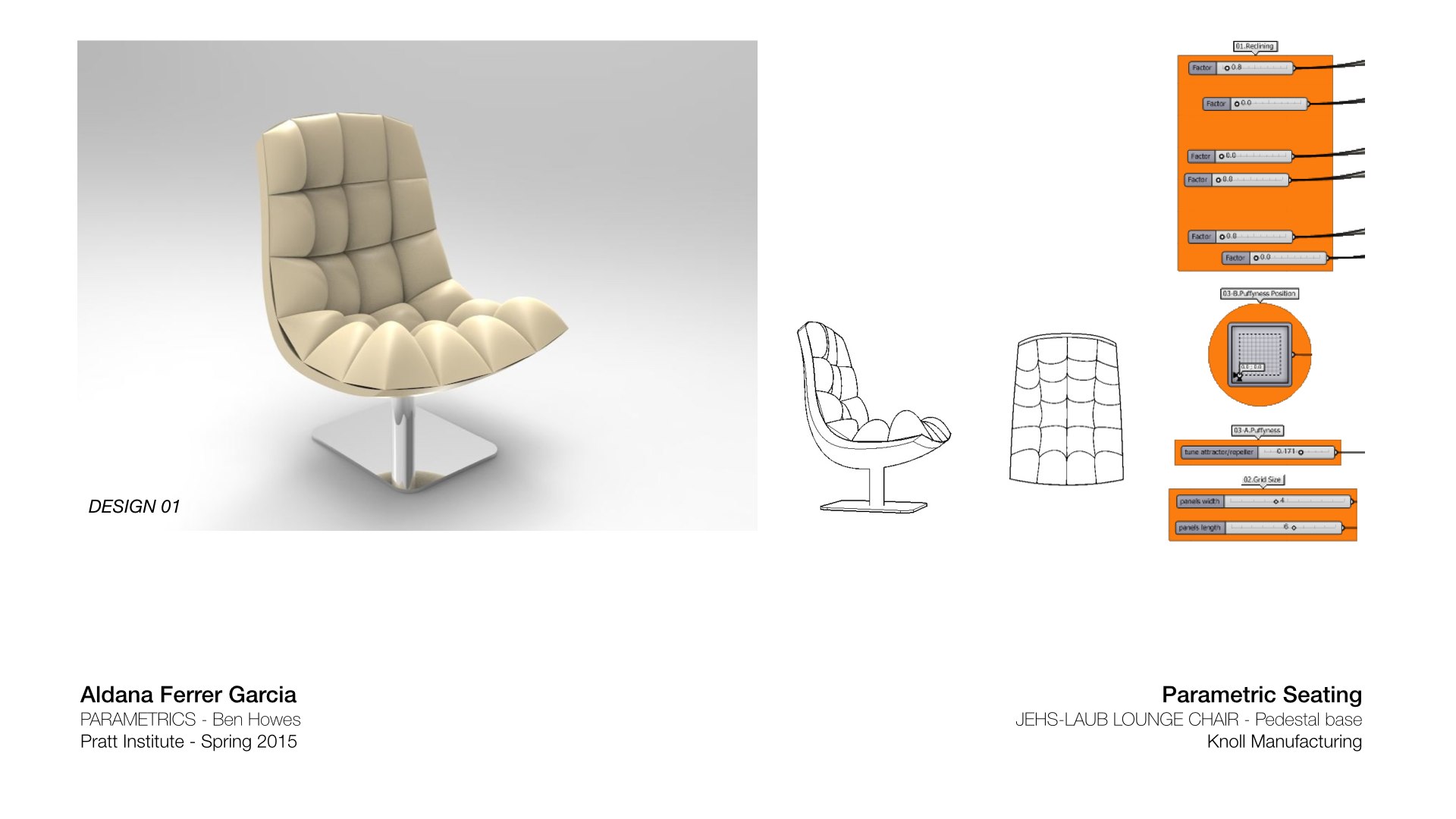
I created the curves for the chair by referencing points from Rhino. I selected the top 3 points and connected a slider to them to change the x and z coordinates.

JL_Presentation.007

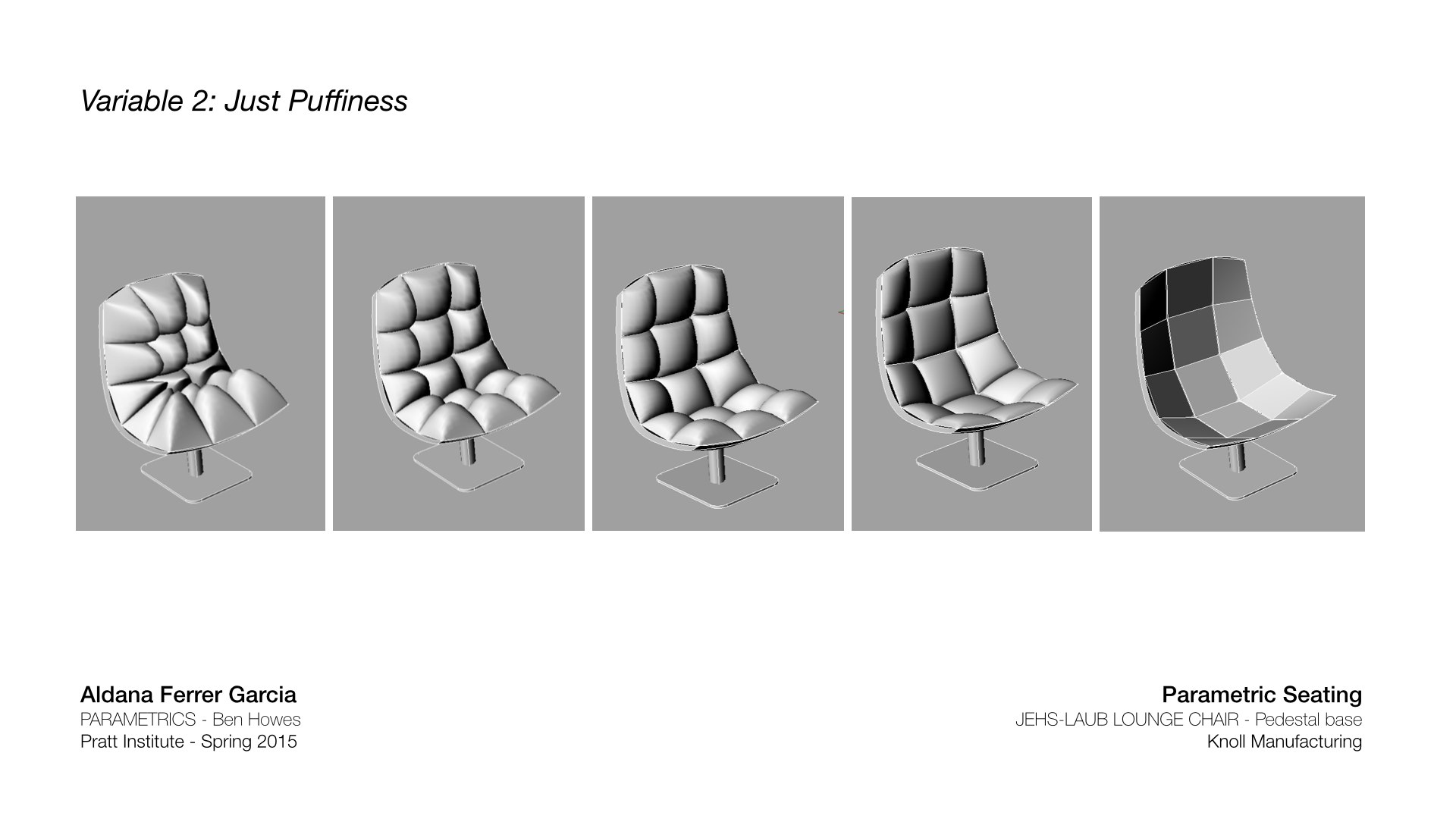
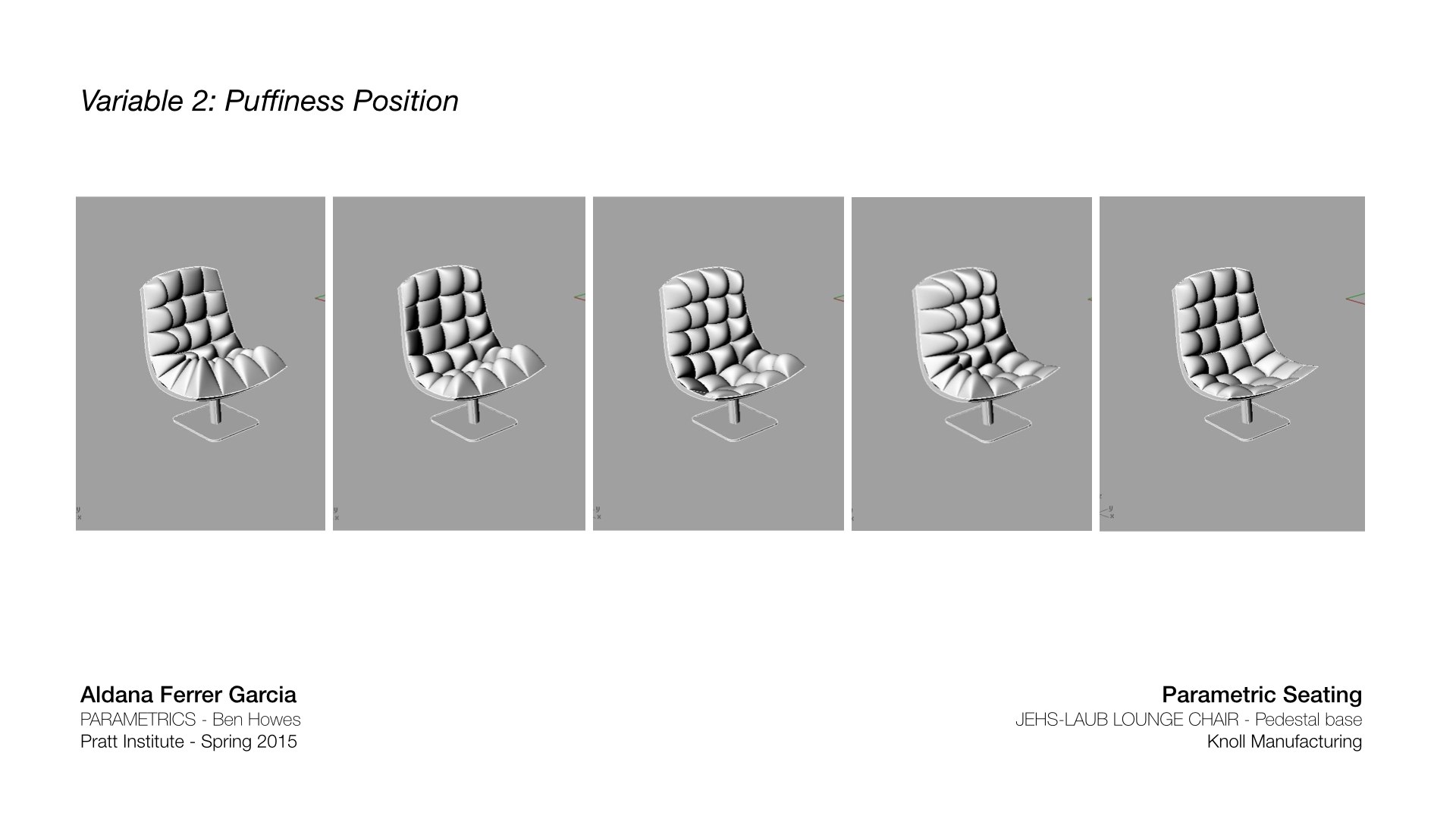
The bounding boxes that are referencing the geometry (“cushions”) onto the surface can change height by a number slider.

JL_Presentation.008

Those same bounding boxes can also be controlled by an attractor point, moving on the surface.

JL_Presentation.009

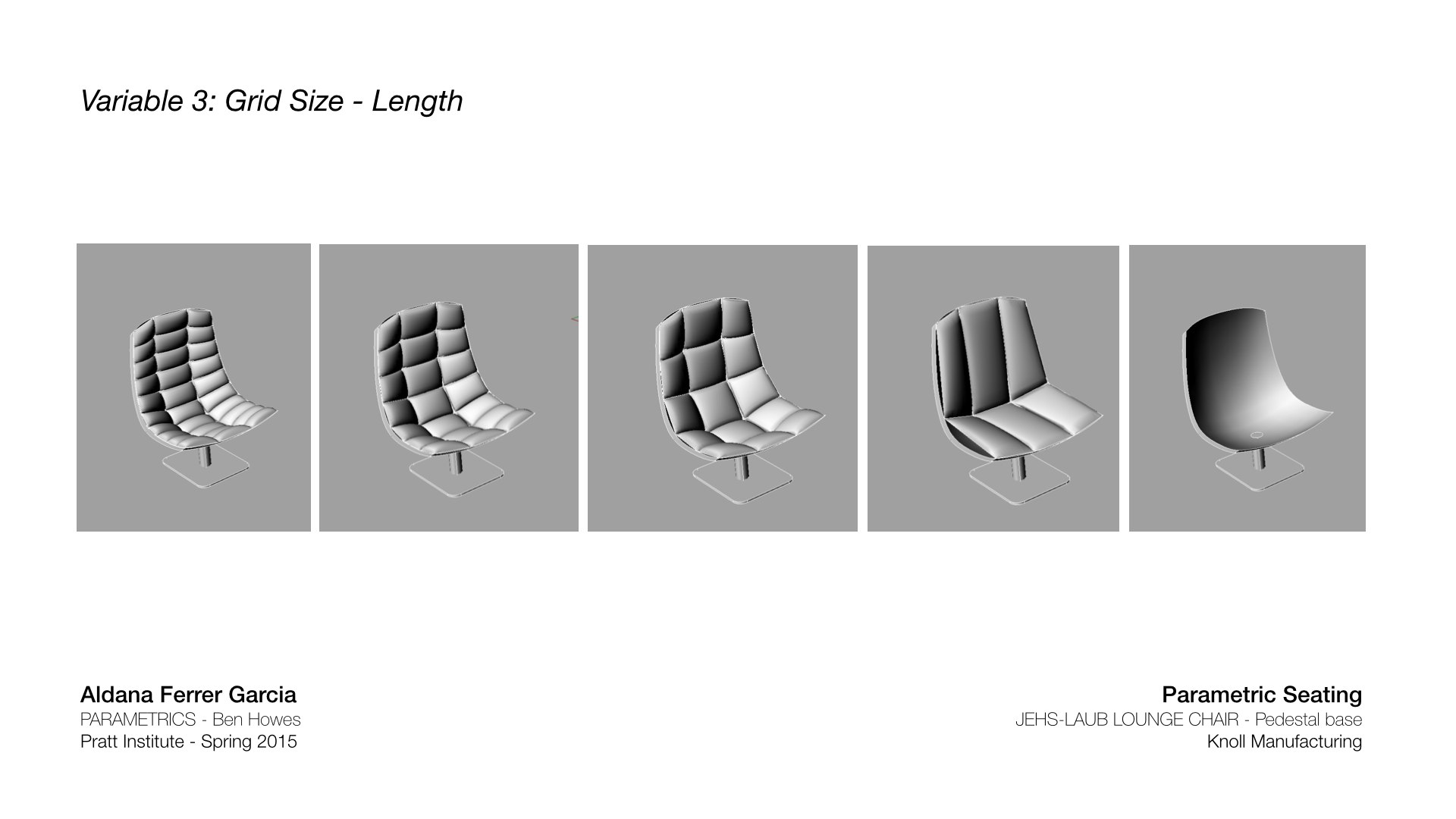
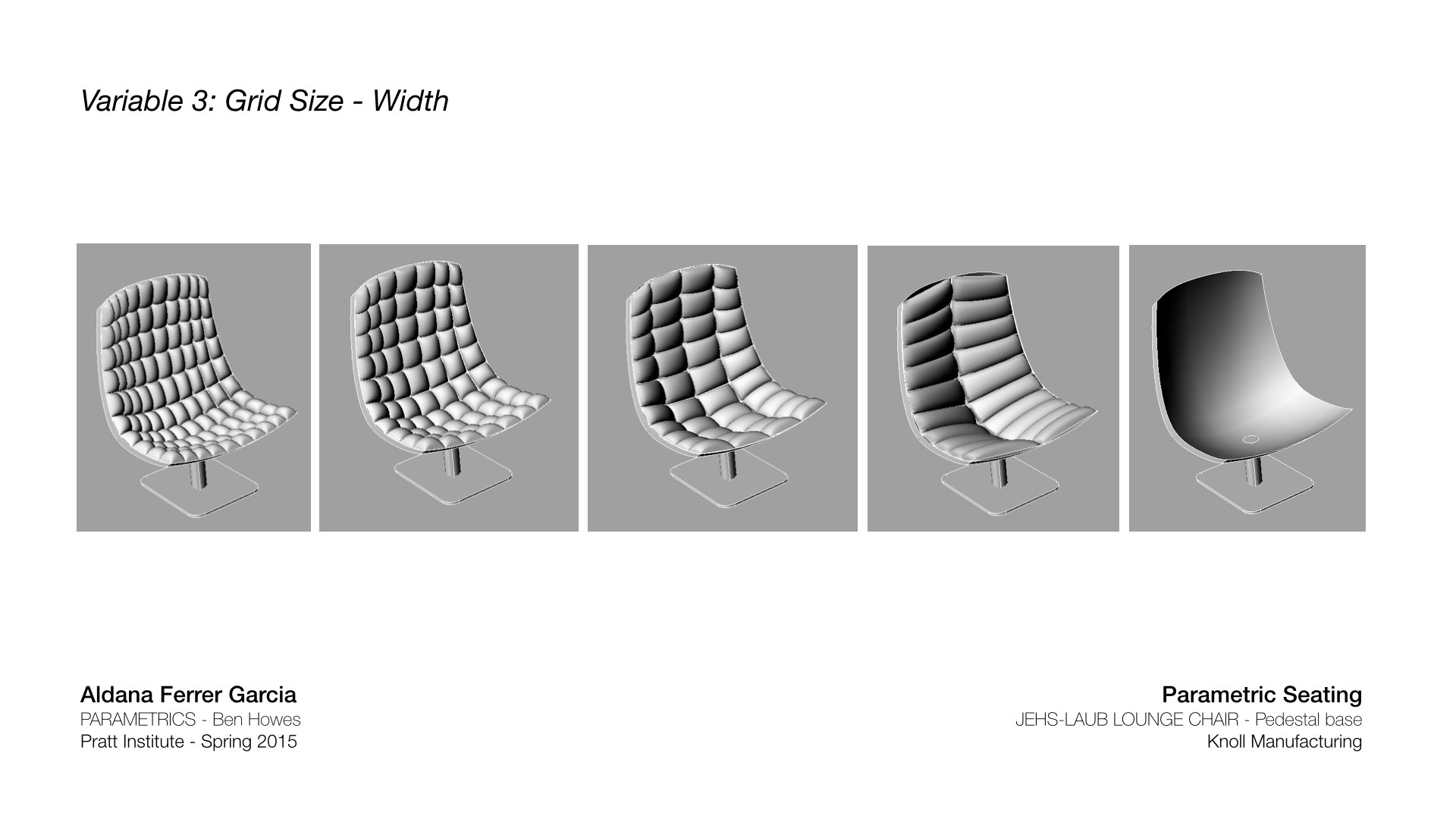
“Cushions” can change size in length….

JL_Presentation.010

…and in width. The original chair is a 3×5 grid.

This is the original Jehs-Laub Lounge chair made in Grasshopper:

JL_Presentation.011

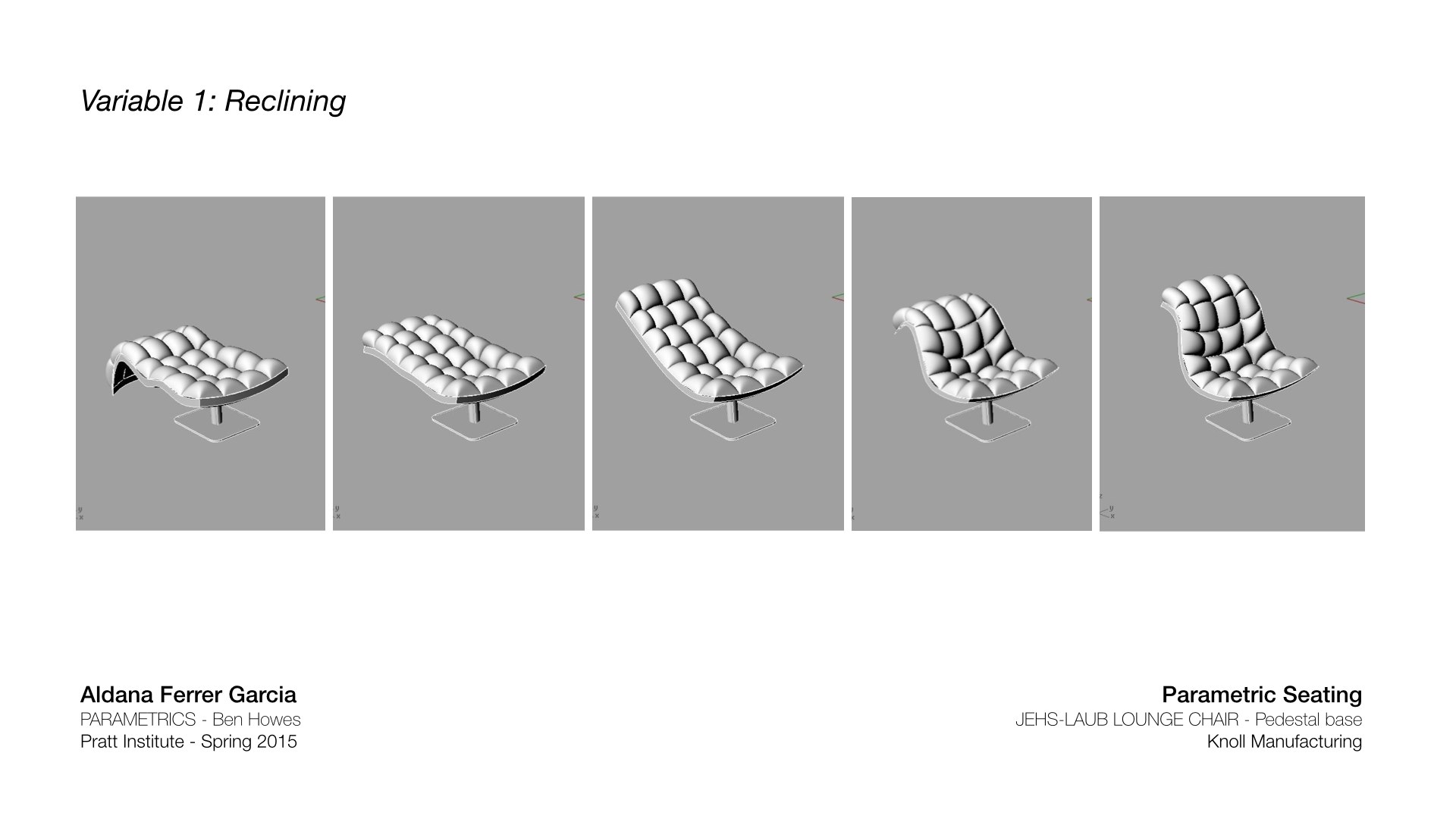
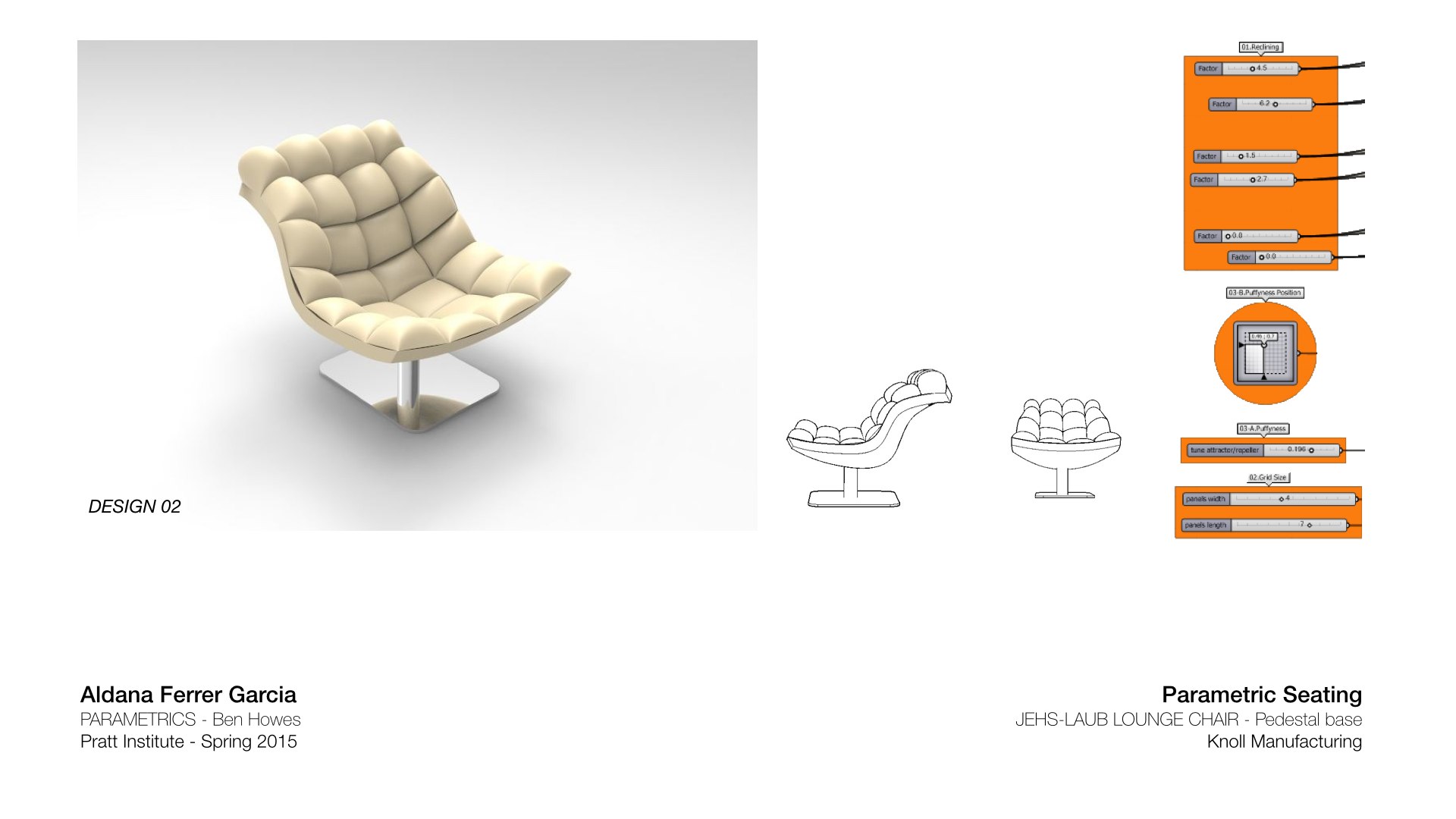
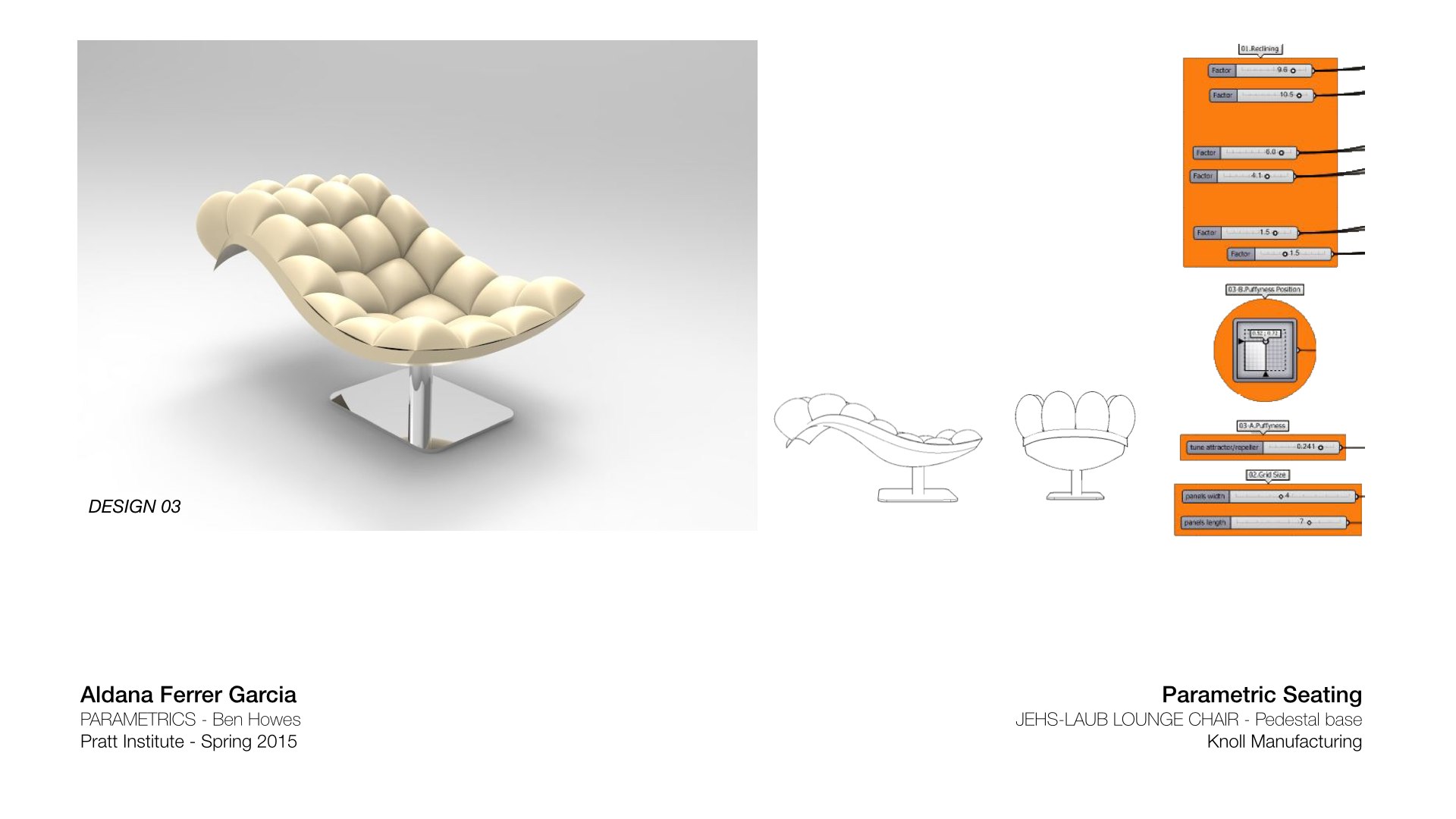
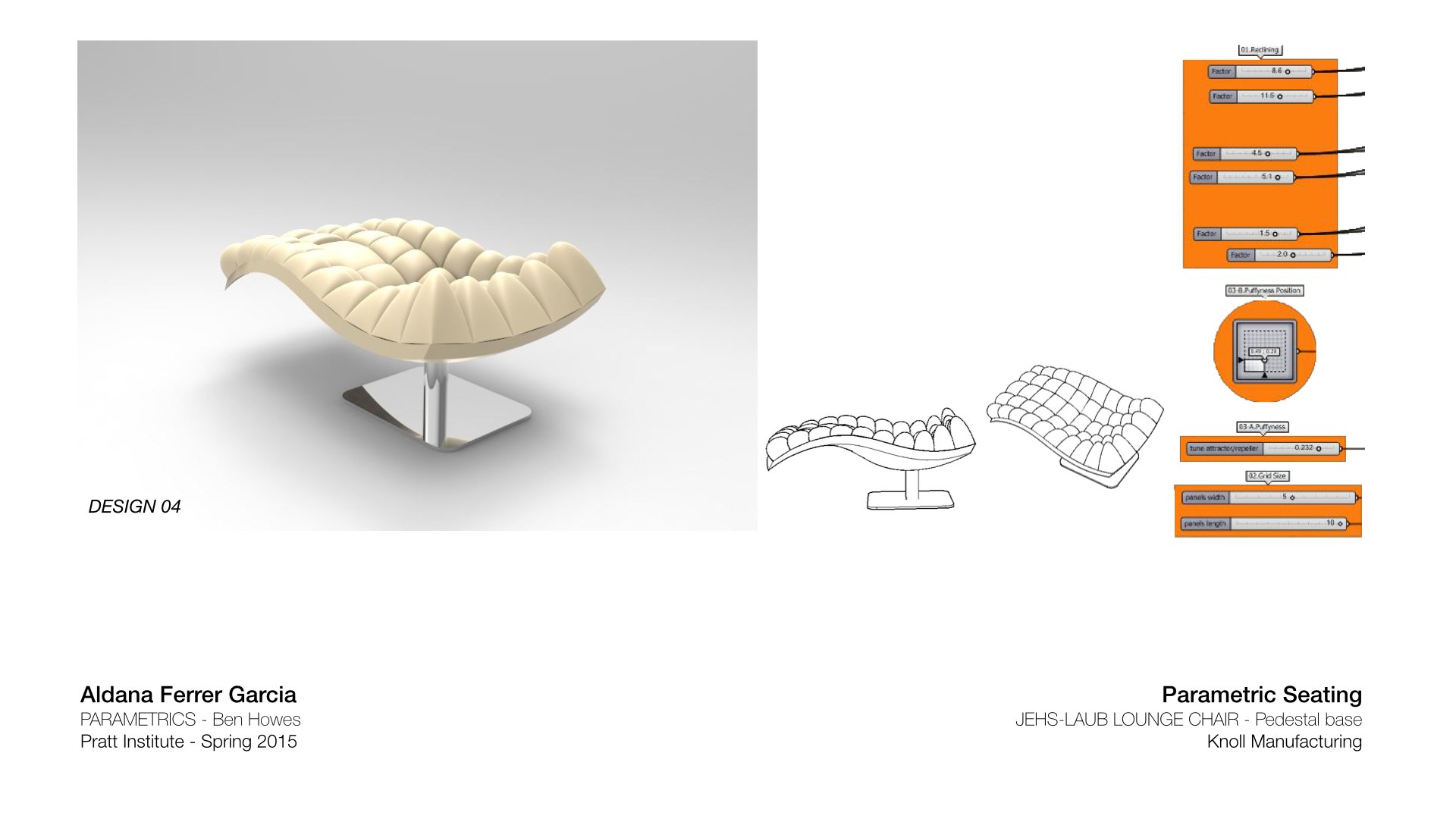
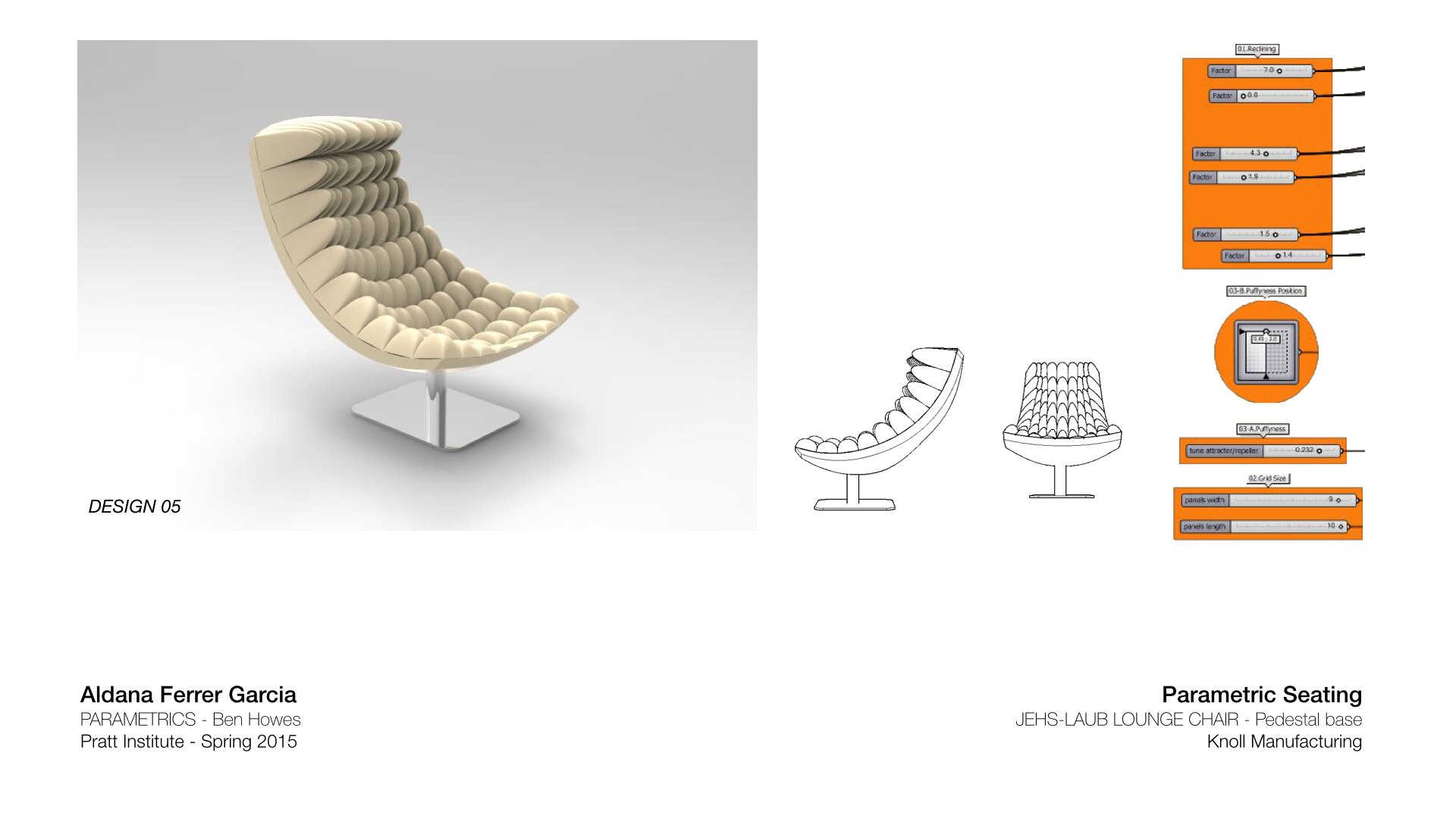
These are my 5 design proposals, including the Grasshopper parameters I used for each one:

JL_Presentation.012 JL_Presentation.013 JL_Presentation.014 JL_Presentation.015 JL_Presentation.016

Aldana Ferrer Garcia.-