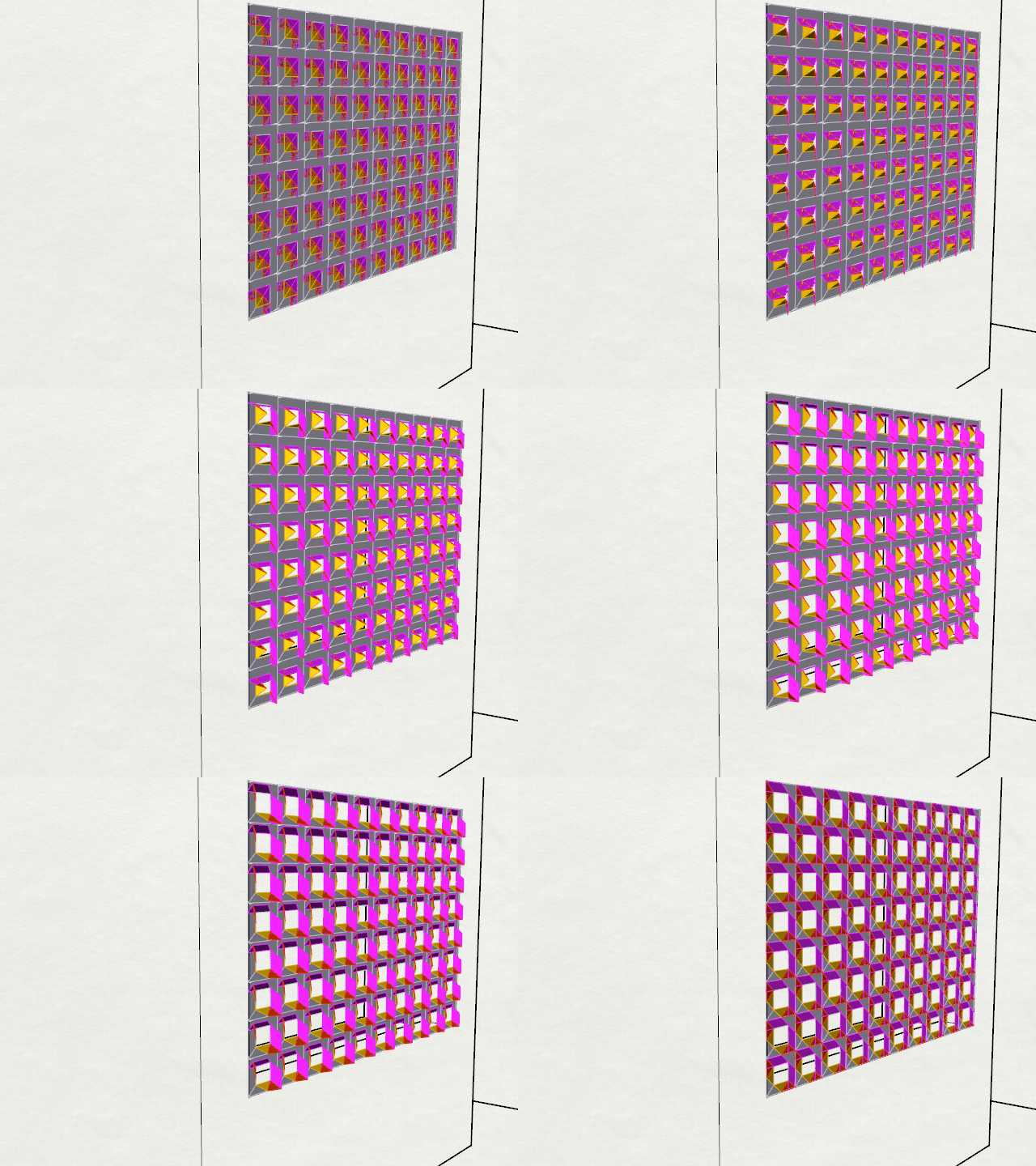
Responsive Screening System

module-animationimage-9

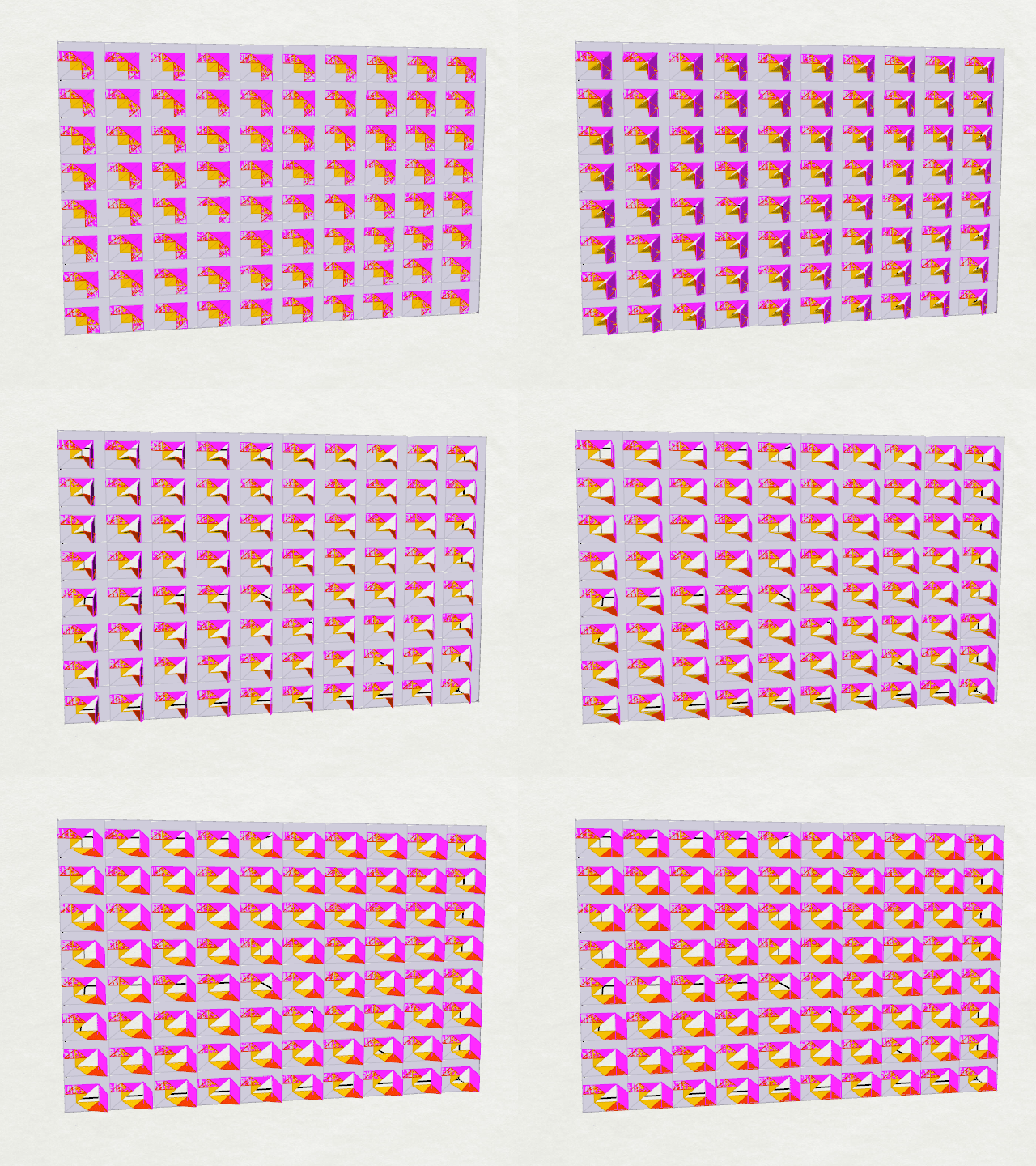
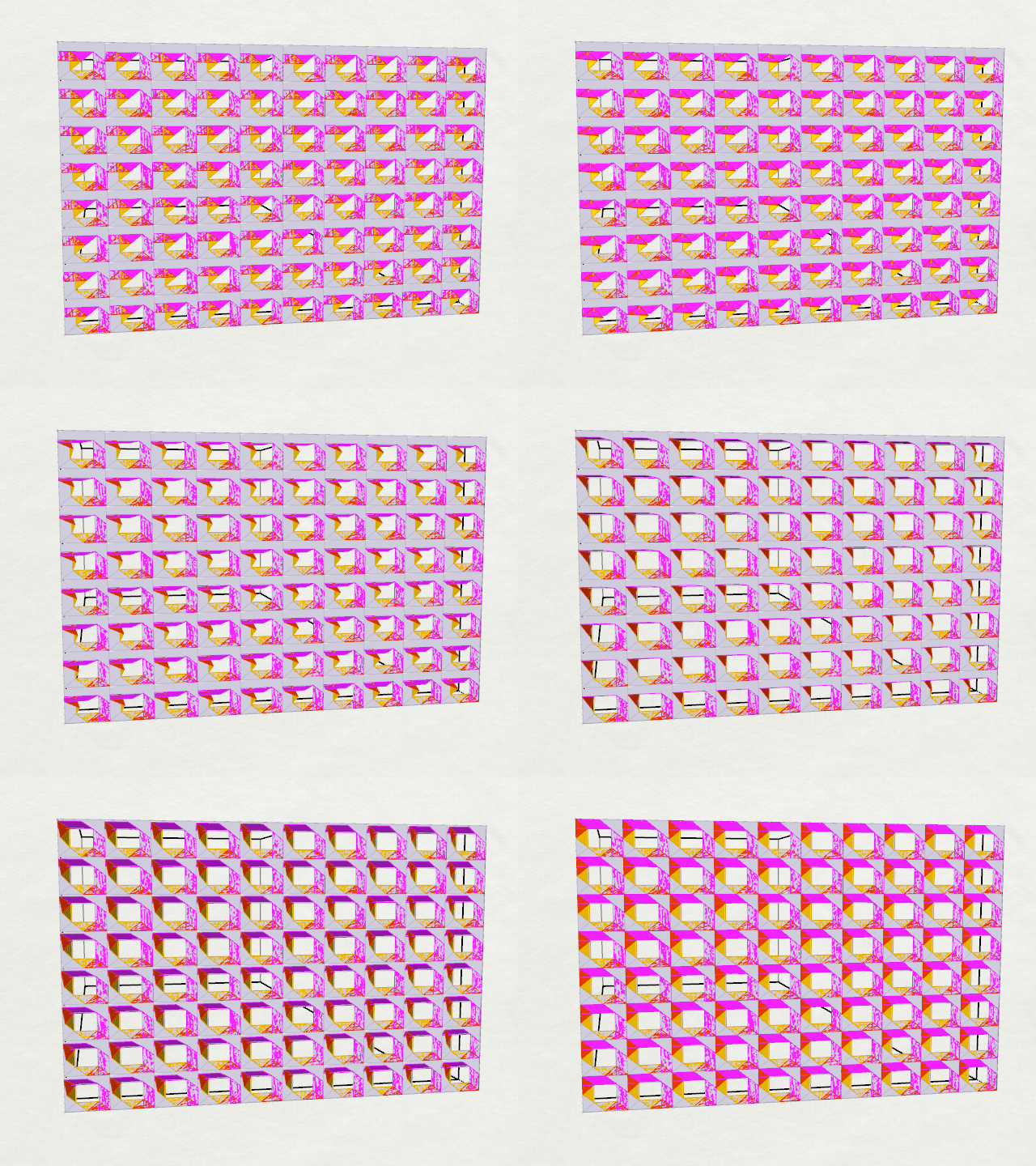
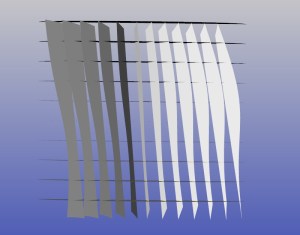
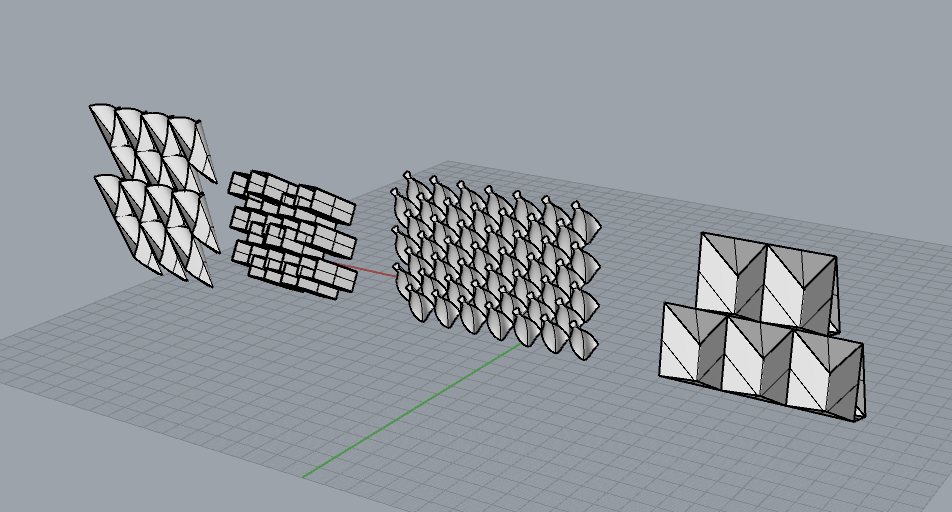
The parametric screening system will account for realtime weather, light and temperature conditions to control for an ideal interior condition. Using a egg crate structural system, smaller, flexible modules made of mylar or textile will be inserted into each frame module. The flexible components will have to segments that unfold independently on a Y and Z axis. By allowing the axis of each to work independently, the system can respond more intelligently to data, either blocking, bouncing or non-interfering with light and temperature.

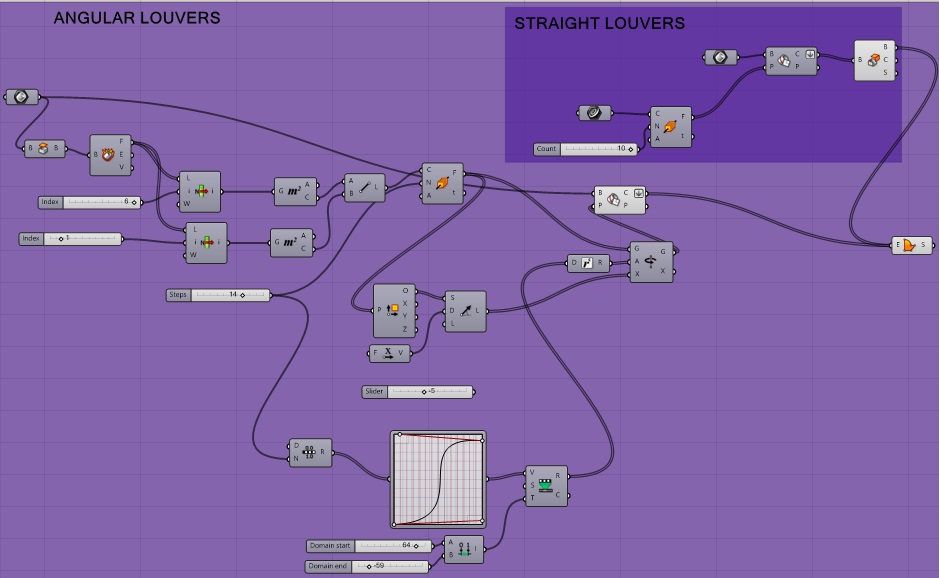
Grasshopper Definition:

The grasshopper frame is based on a rectangular grid system and broken down to an egg crate support frame. Two flexible modules per rectangular component are them created based of of proportional points of the frame. The geometry movement is created by rotation around points.

animation-4

Movement only the Y axis:

animation

Movement on the Z axis:

animation-two

Movement on the Z and Y axis concurrently:
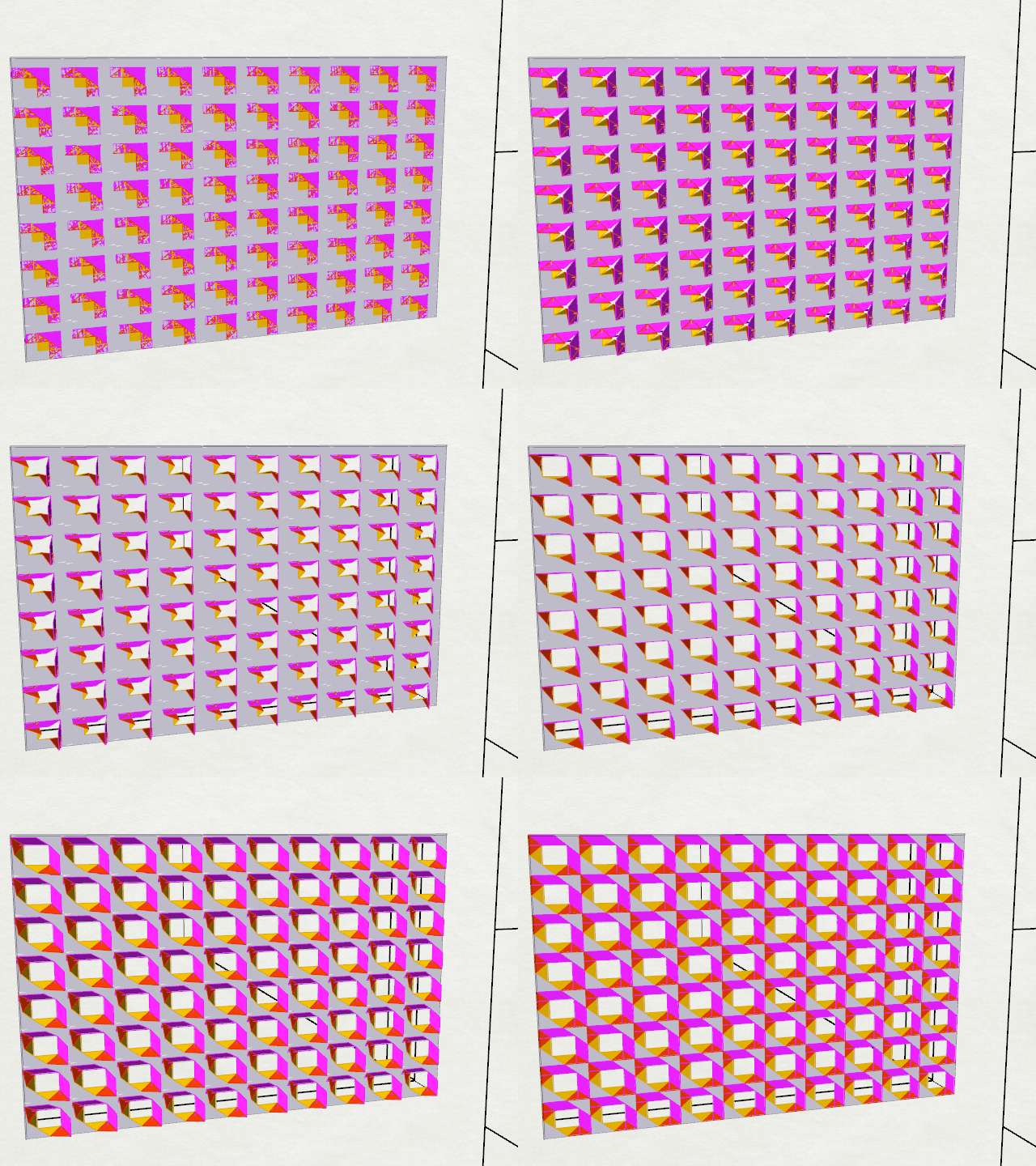
animation-3

Kinetic Prototyping 

The prototype uses linear motion to pull on the corners of each modular component. Currently the prototype is activated by pulling on the end handles. Next steps will include moving towards a rack and piston mechanical movement.
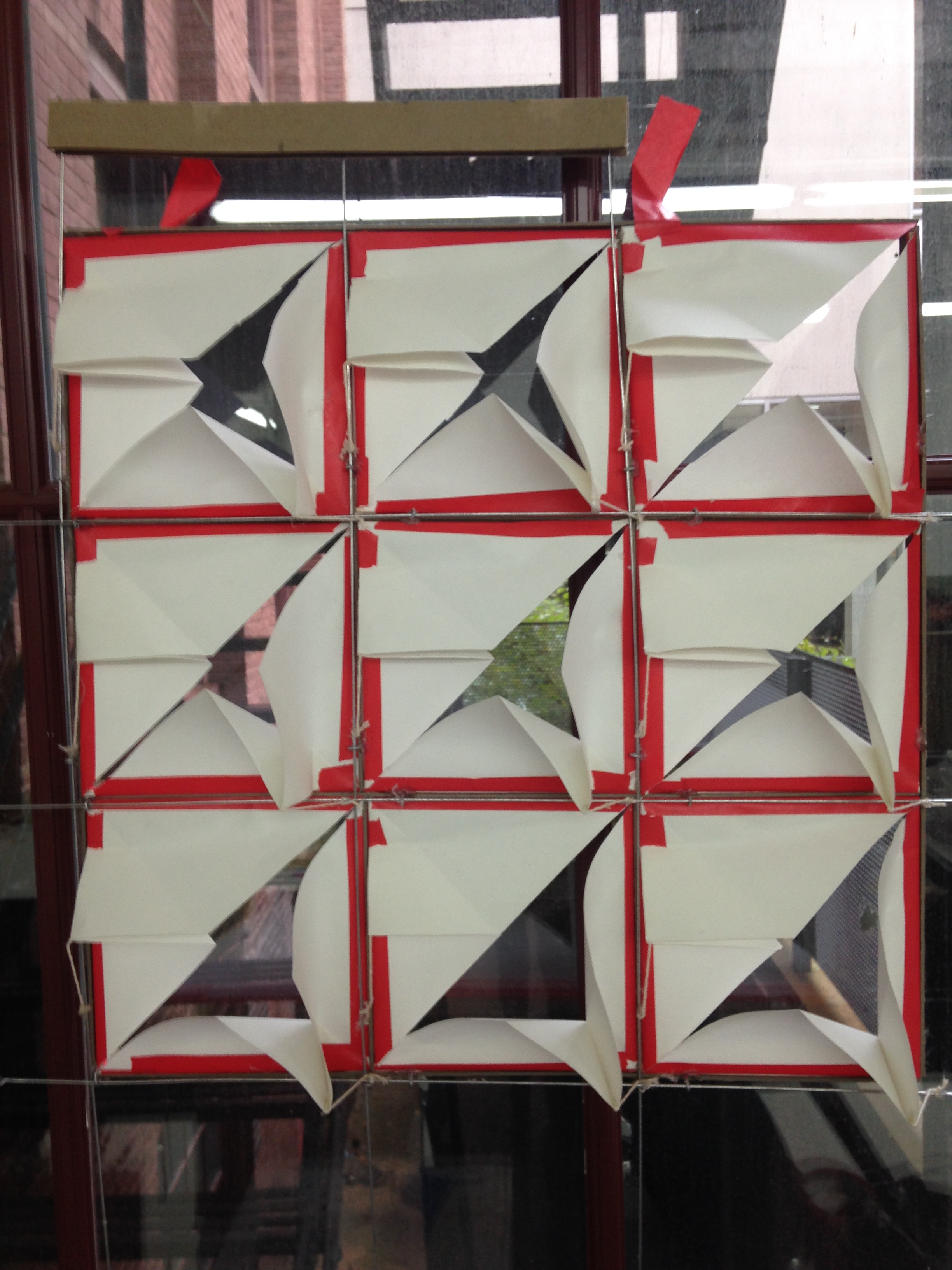
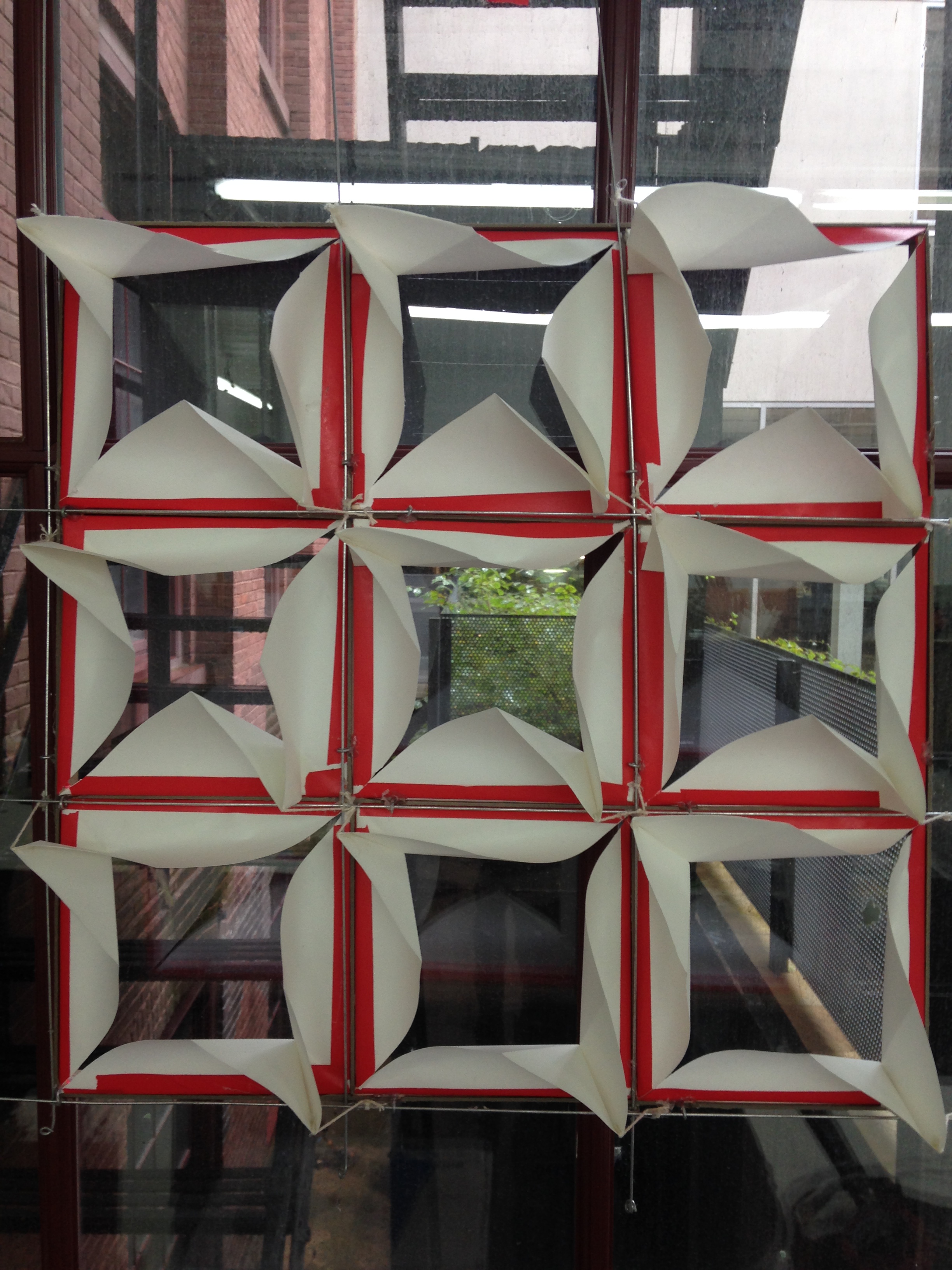
photo 5

photo 2

photo 3

Robotic Next Steps:

I will begin moving into using Arduino in order to respond to realtime environmental conditions. Possibly, I will using streaming weather data via a wifi connection. Other options would be to use on site sensors to collect light and temperature data.

Arduino:
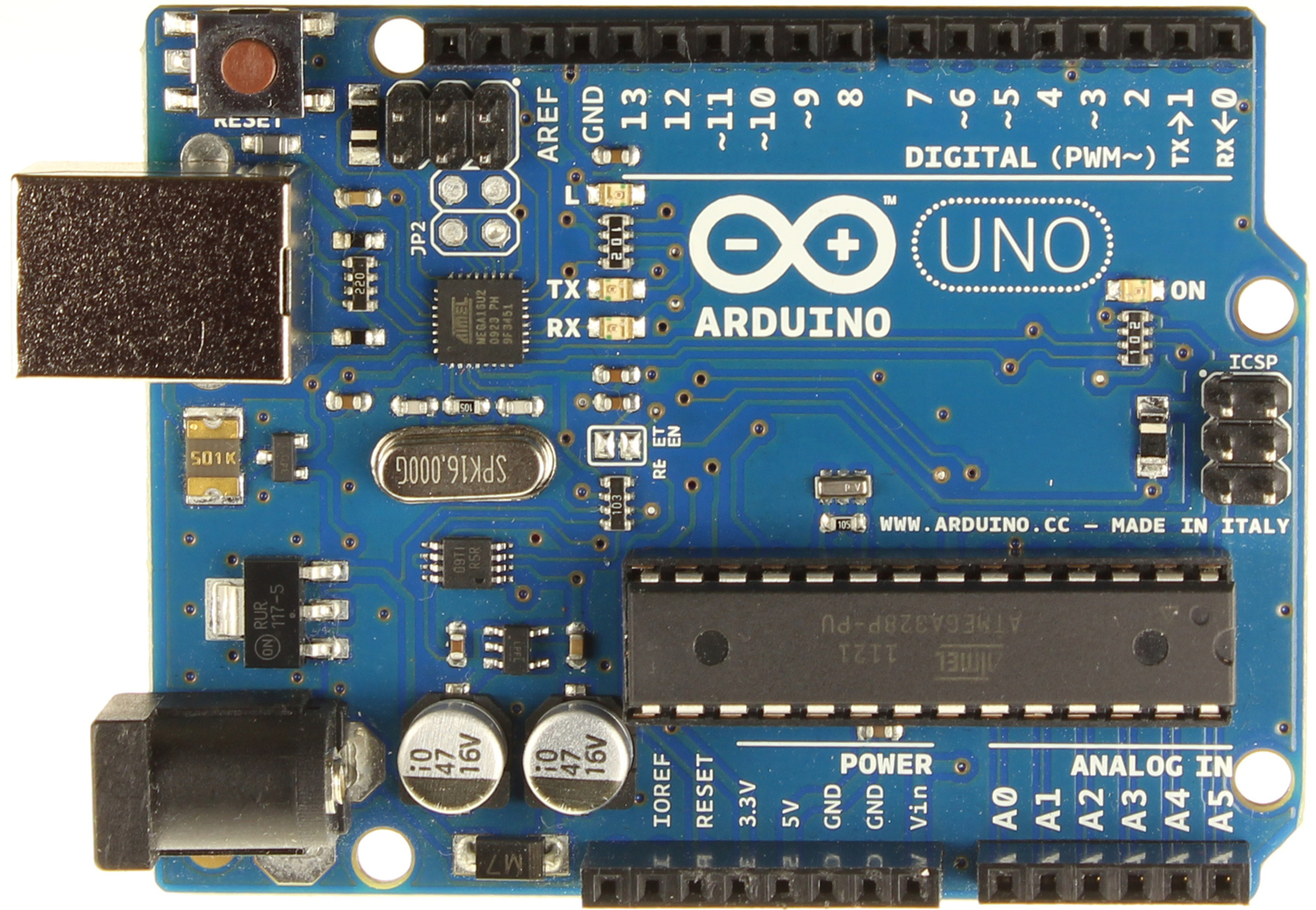
ArduinoUno_R3_Front

Stepper Motor for activating movement via a rack an piston.

Nema_17_Stepper_Motor

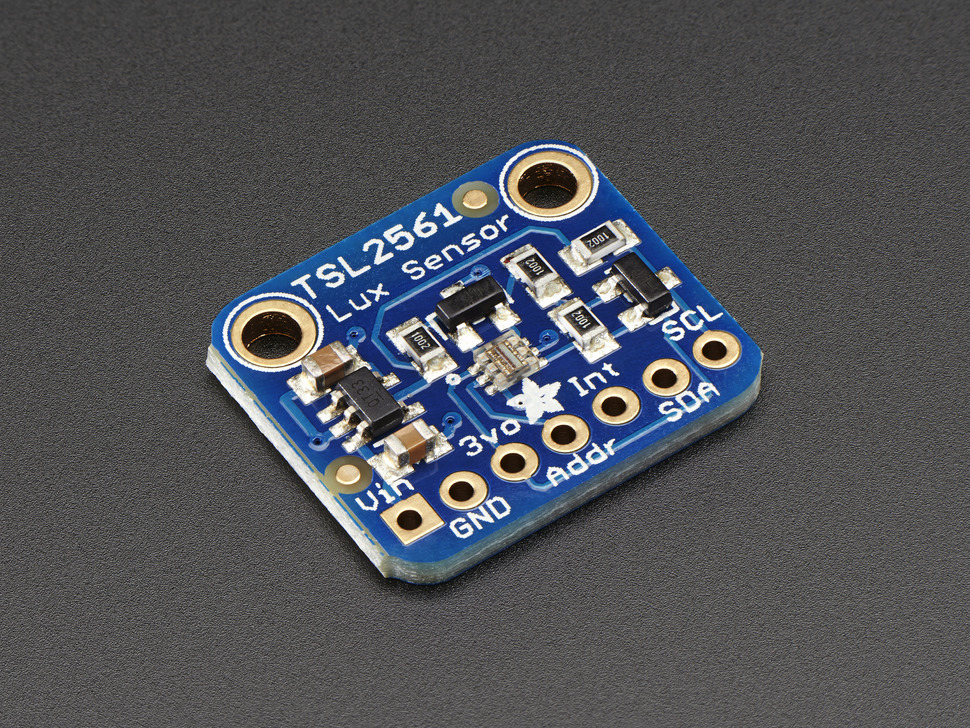
Light/Luminosity sensor.

luminosity-lux-light-sensor-439-00

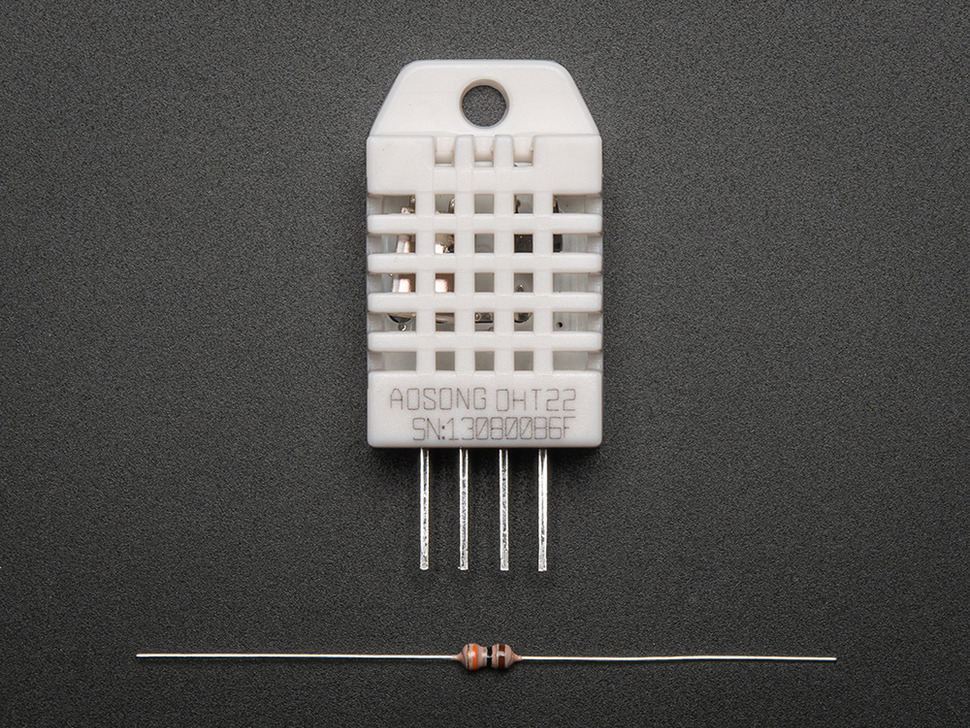
Temperature and humidity sensor.

temperature-humidity-385-00

Window Screen – Hexagons

Hi All,

So I have my window screen. Yay. The room has a window facing the East which means there’s a lot of sunlight that comes in which I hate, so I wanted to make a screen that would control the amount of light that comes into the space.

Slide2

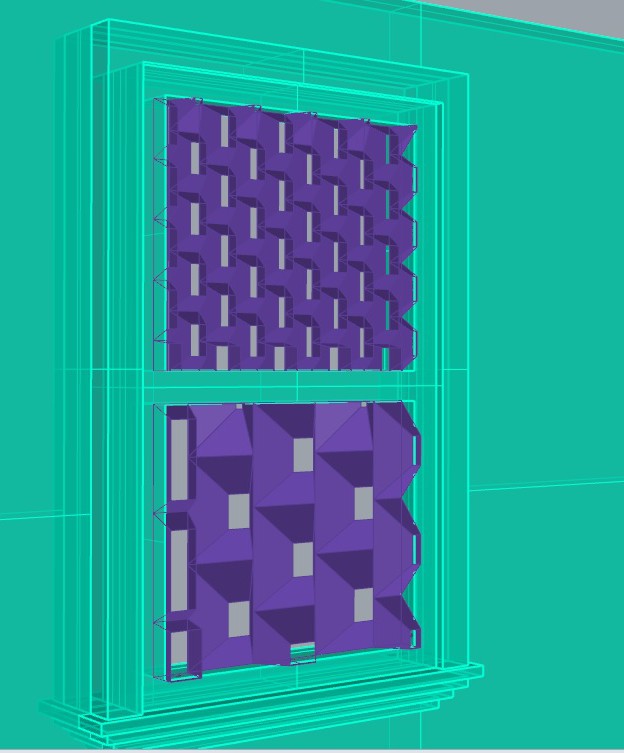
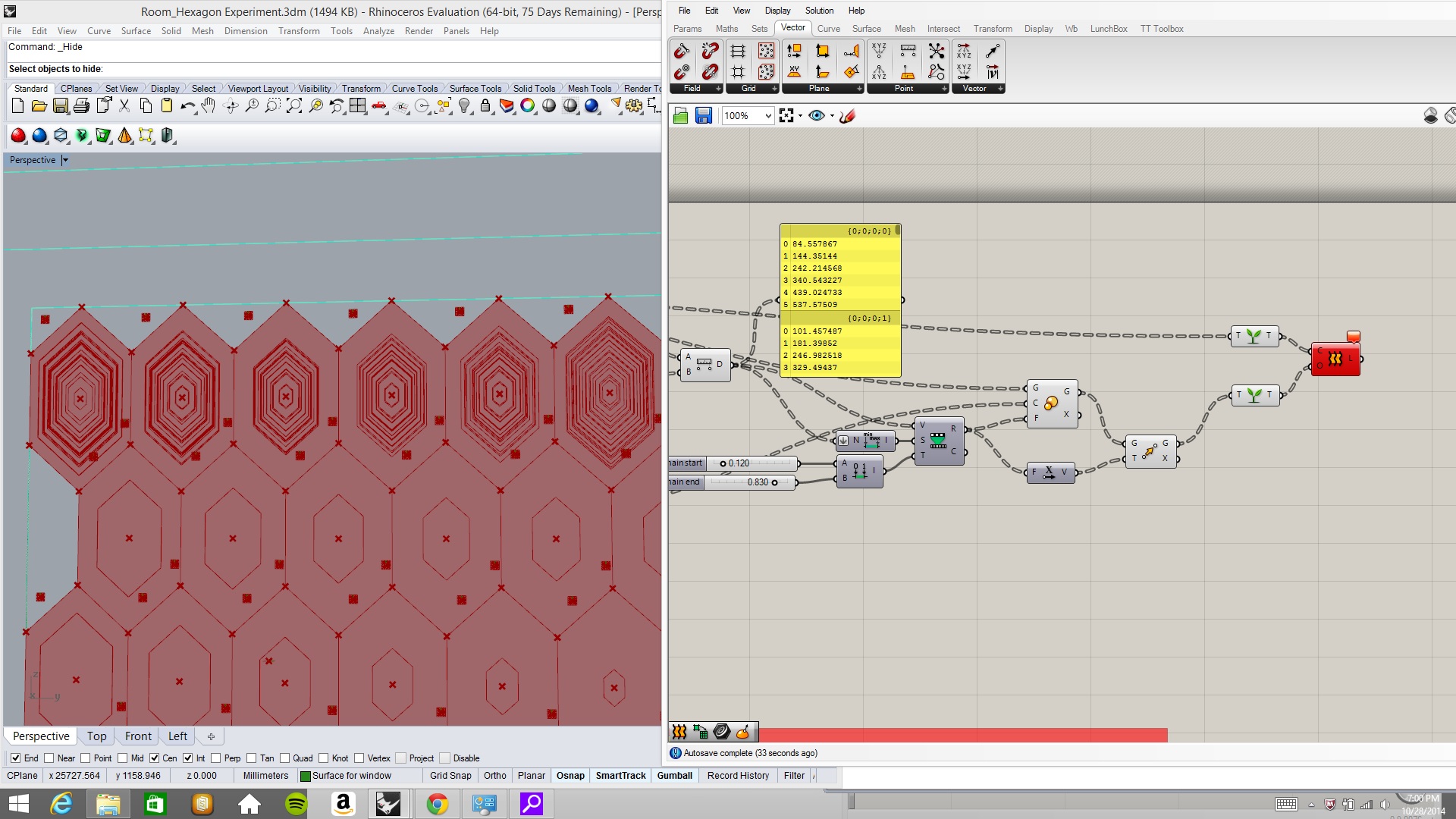
Below is the screen I decided to make followed by the definition.

Window image

Slide4

Design Drivers:

±Controlling the number of Hexagons (Length)

HexLength

±Controlling the number of Hexagons (Width)

HexWidth

±Controlling the Depth of the screen

HexDepth

±Controlling the Angle of the Hexagon

HexAngle

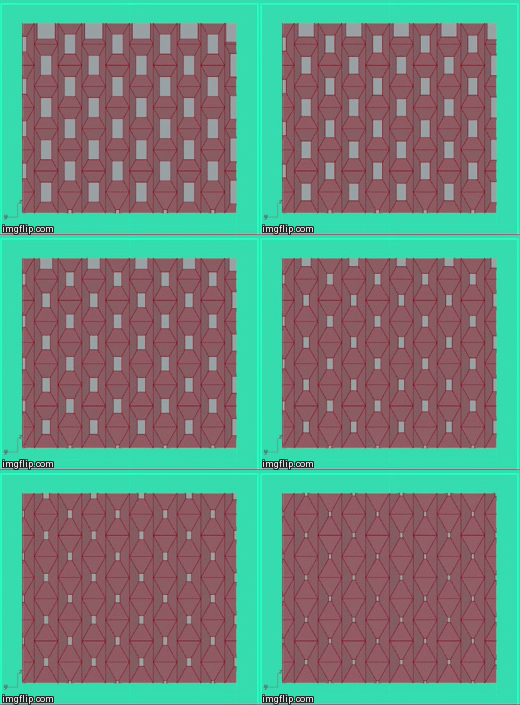
±Controlling the Size of the Hexagon center holes (Closer to UV = Smaller hole)

Attractor - size of hex hole

±Controlling the Maximum distance from the center of Hexagon

MaxDistance

±Controlling the Minimum distance from center of Hexagon

MinDistance

Building a Prototype:

To build a prototype of my screen, I used the unfold tool to laser cut my file. I tried tagging the items but it looked a bit weird as the tags were floating by the objects, but not on them. I just used Illustrator to add the tags to the pieces myself.

Slide5

Unfolded pieces

1415149559862  Snapchat--7966599030237766992 Snapchat--7356075119314060376

I’m pretty happy with how it turned out. It would be easier to assemble if I had tabs but I kind of like the way it looks without the tabs. As far as attached it to the window, I would want to attach it to brackets. It’s against the window above. Of course this is at night, so I’ll have to see how it does in the daytime…when it is not cloudy and raining.

HANGING WINDOW ATTACHMENT TRY 1

Hi Guys!

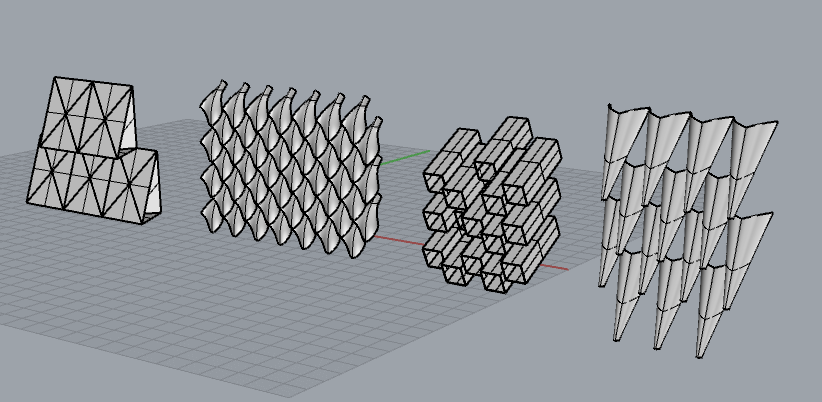
I revisited Ben’s Window Tutorial to figure out how exactly I am going to accomplish what I want. I want to create a hanging egg crate system that will diffuse and redirect light. Ultimately, I want to harness the sunlight and use it to create a “natural lamp”. In my trial, I only influenced one axis to twist, however, I am still researching what will be best for my situation.

Here are some updates on my process:

FIRST TRIAL UPCLOSELight will be redirected left and right.
FIRST TRIAL Above my bed.

FIRST TRIAL_GH Grasshopper definition

Any suggestions on how to hang this thing?

Window system

So i wanted to create a system that would control the amount of light that comes in through my window. I was able to model it in grasshopper and then I tried to remap it onto my window surface and I’ve been led to a few stumps.  I have pictures of what i’ve been wanting to do (the original model) and what happens when I try to do it with my window surface. What’s happening?

Original model only made in GH_2reference models in the back_3 ORIGINAL GH MODEL Front View

Side view of original model_5 ORIGINAL GH MODEL Side View

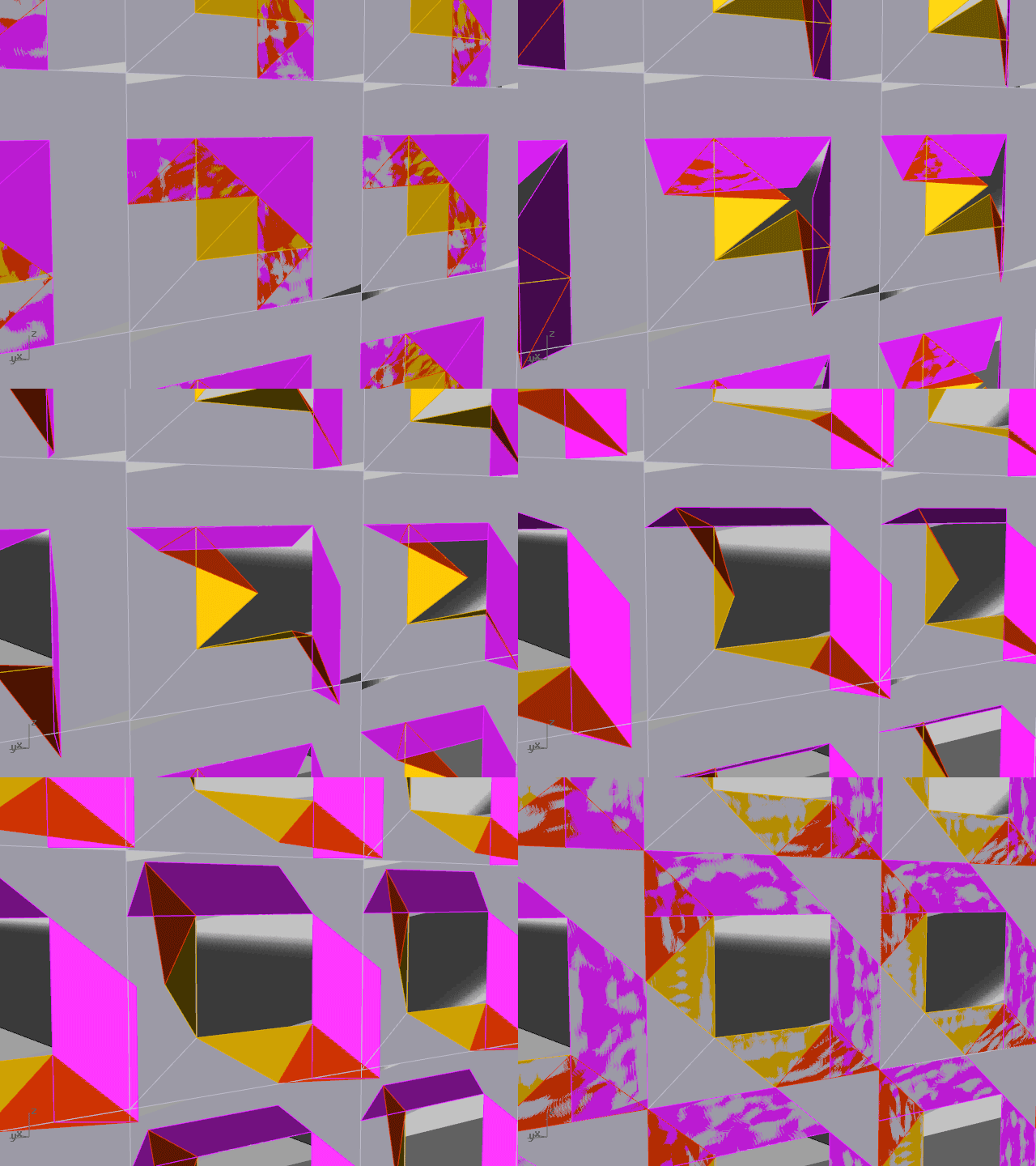
Failure for window to loft_also multiple lines in first row_4 Aftermath of being referenced onto the window. The top row has a lot of layers and the surfaces will not loft like in the original model.

GH Definition:

Code for hexagon

Weirdly Designed.

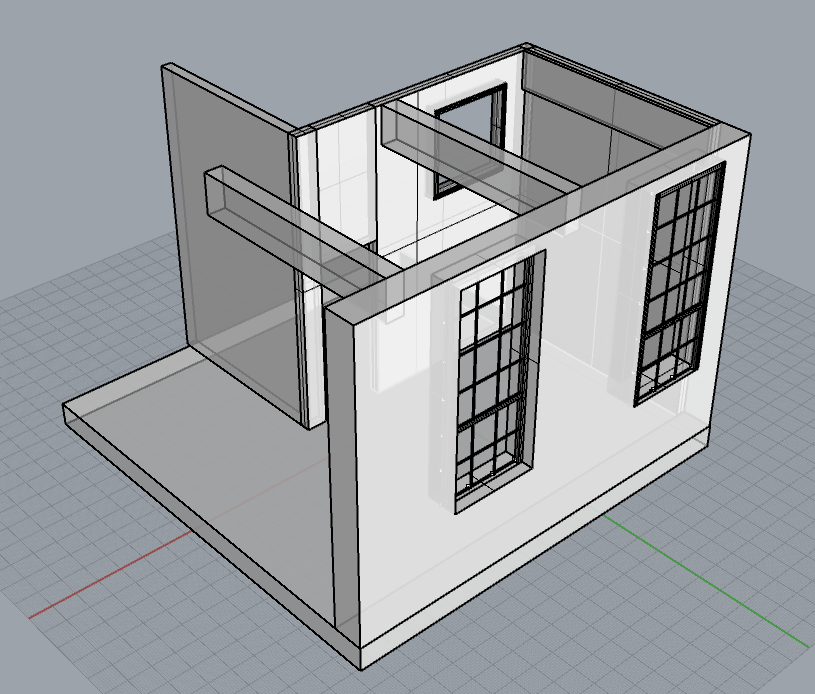
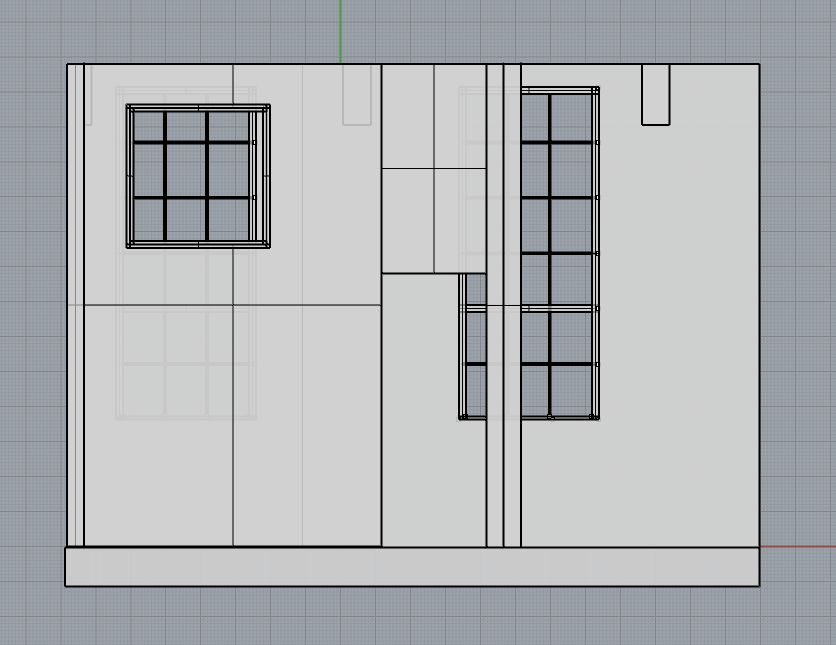
The main area with the two large windows is my living room, and the space with the door and smaller window is the boundary between my bedroom and the living room. No sunlight enters my bedroom, so I will create a structure that can shine the sun from the window of the living room to the ceiling so that more light can bounce into my bedroom.Screen Shot 2014-10-09 at 3.26.55 PM Screen Shot 2014-10-09 at 3.27.21 PM