Product Family Final Post – Bernita Ling

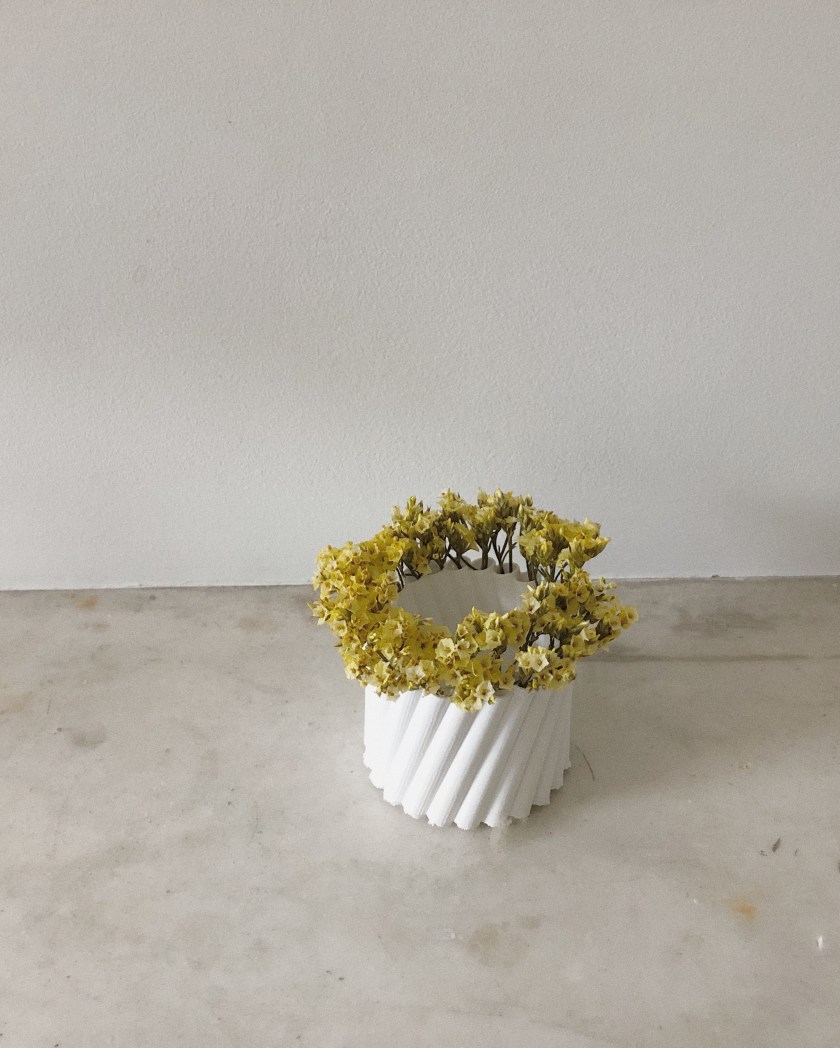
This project was inspired by the difficulty often faced when putting flowers in a vase. The flowers either clump together or are too far apart. This work aims to create a vase that makes a balanced bouquet no matter how many stems you have.

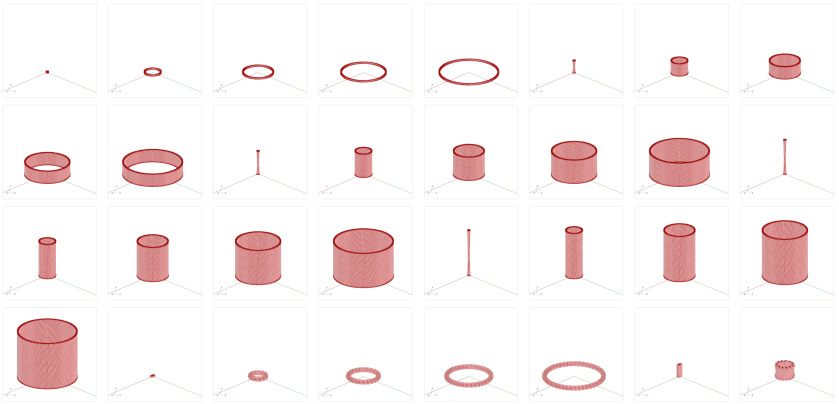
The design utilizes a series of tubes that run along a circle. The diameter of the circle and the tubes can change, independent of each other. The tubes can also be tilted at an angle, which gives the forms a tapered silhouette. The tubes can also change in height. I printed a range of products – from many tubes with low tilt to few tubes with high tilt.

The main challenges throughout the project: capping only one side of the tube, creating thickness without crashing grasshopper, and creating one solid piece instead of multiple tubes (I ended up using Boolean Union after baking).

Once printed, I was able to play with the space in the middle of the form. As the diameter of the circle grows, so does the empty space in the middle – providing a space for another vase to sit in. See below!

The original form of this project is relatively simple: a tube – but through manipulation of height, diameter, tilt, and quantity, this project produces a variety of very different forms.

FINAL PHOTOS

1AFE582F-BA82-4946-A9EC-F0006BFCCE8B

70816E13-3989-4FE6-A978-D45ACC90E7BE

A58548E5-B43E-4AB8-BF4A-5E59CD743896

C96A2FB6-3CD8-4C1F-ABAB-55A5C325476FEAC5DD2A-C3E0-4179-A12E-53A6CF5D3DB5

PROCESS


DANCING GIF

PROCESS

FINAL FAMILY MATRIX

family 1FAMILY 2family 3FAMILY 4


INTERACTIVE THREAD REPORT


Privacy Screen Final_Lynn&Zhuoyun_The Ever-Changing Perception

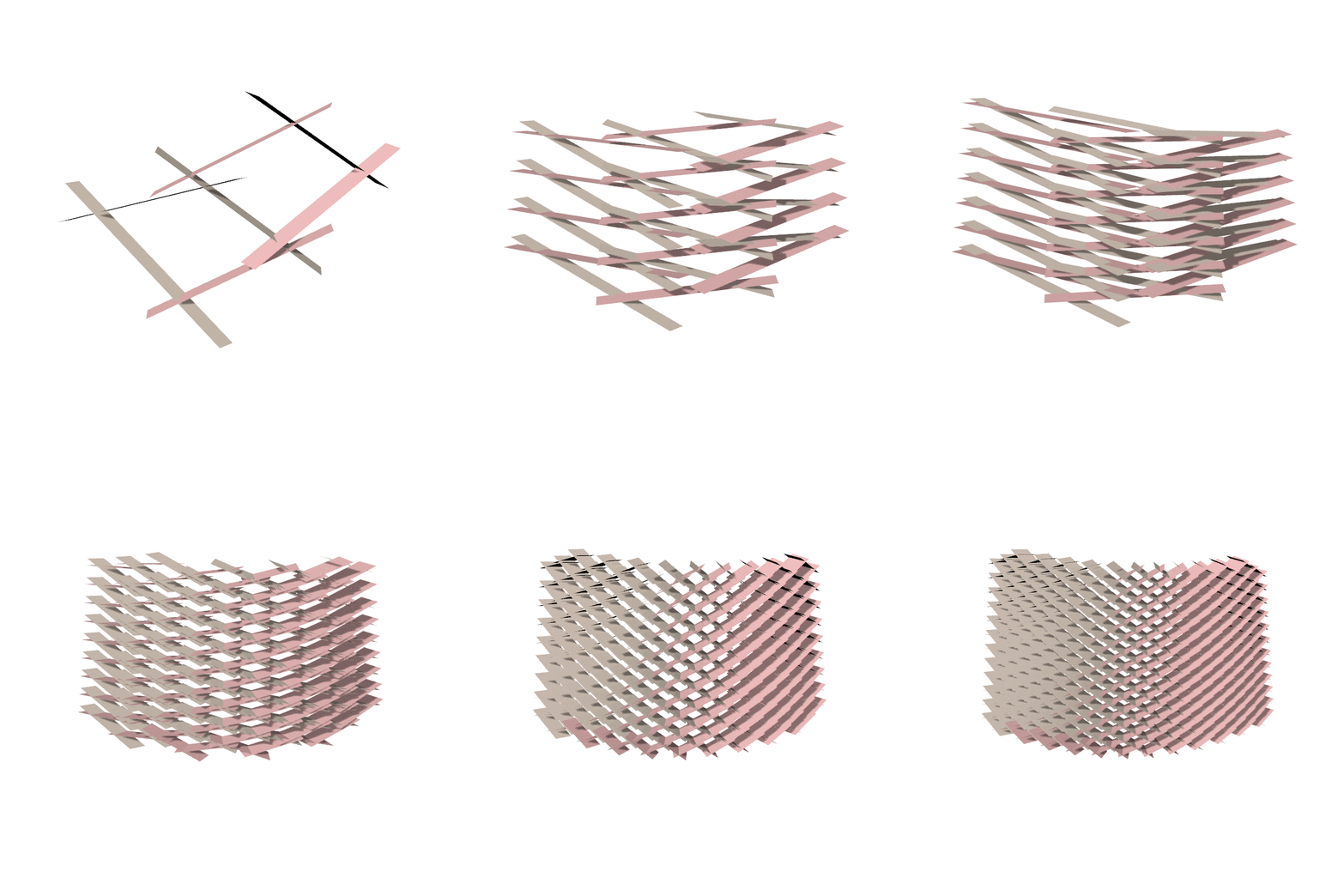
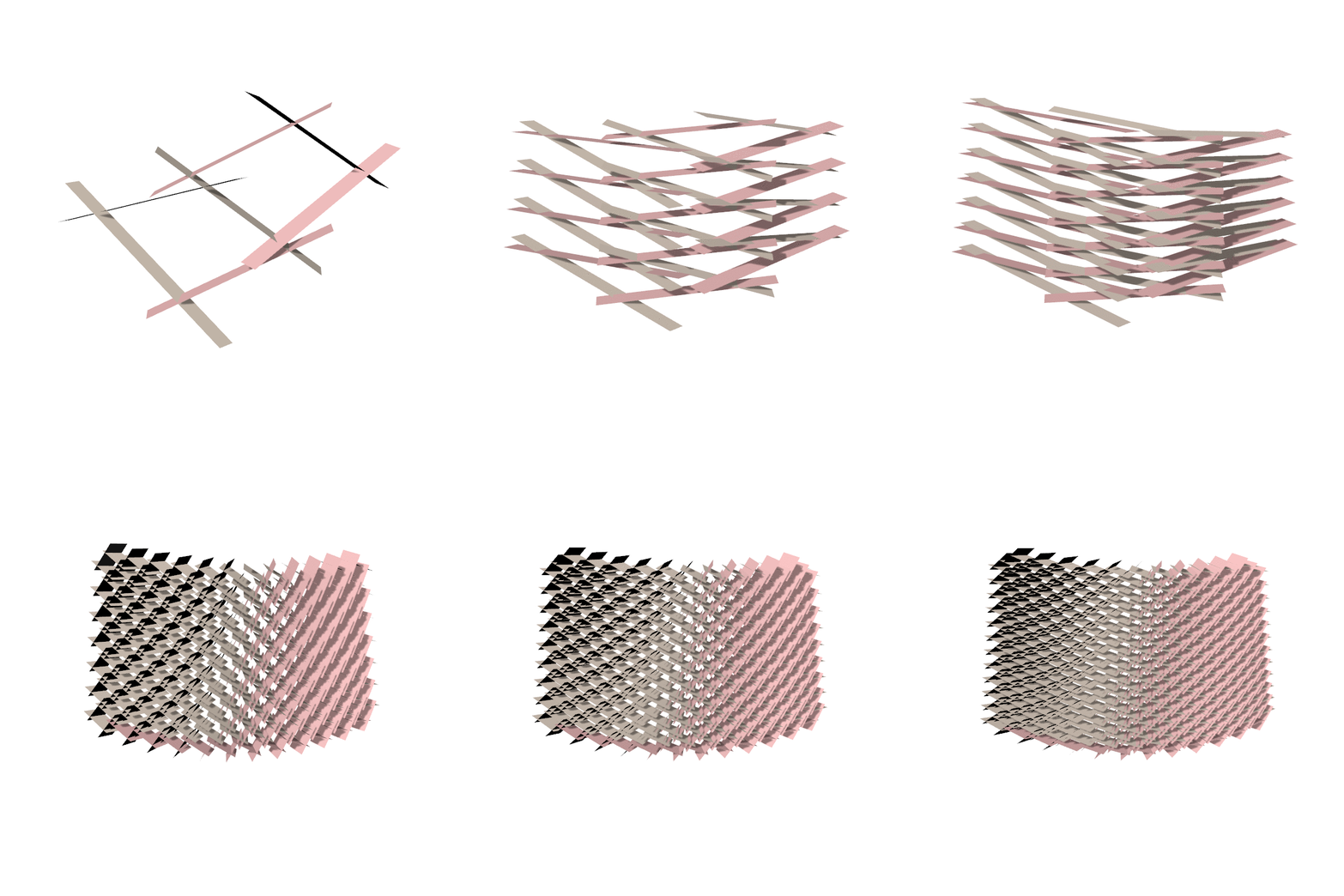
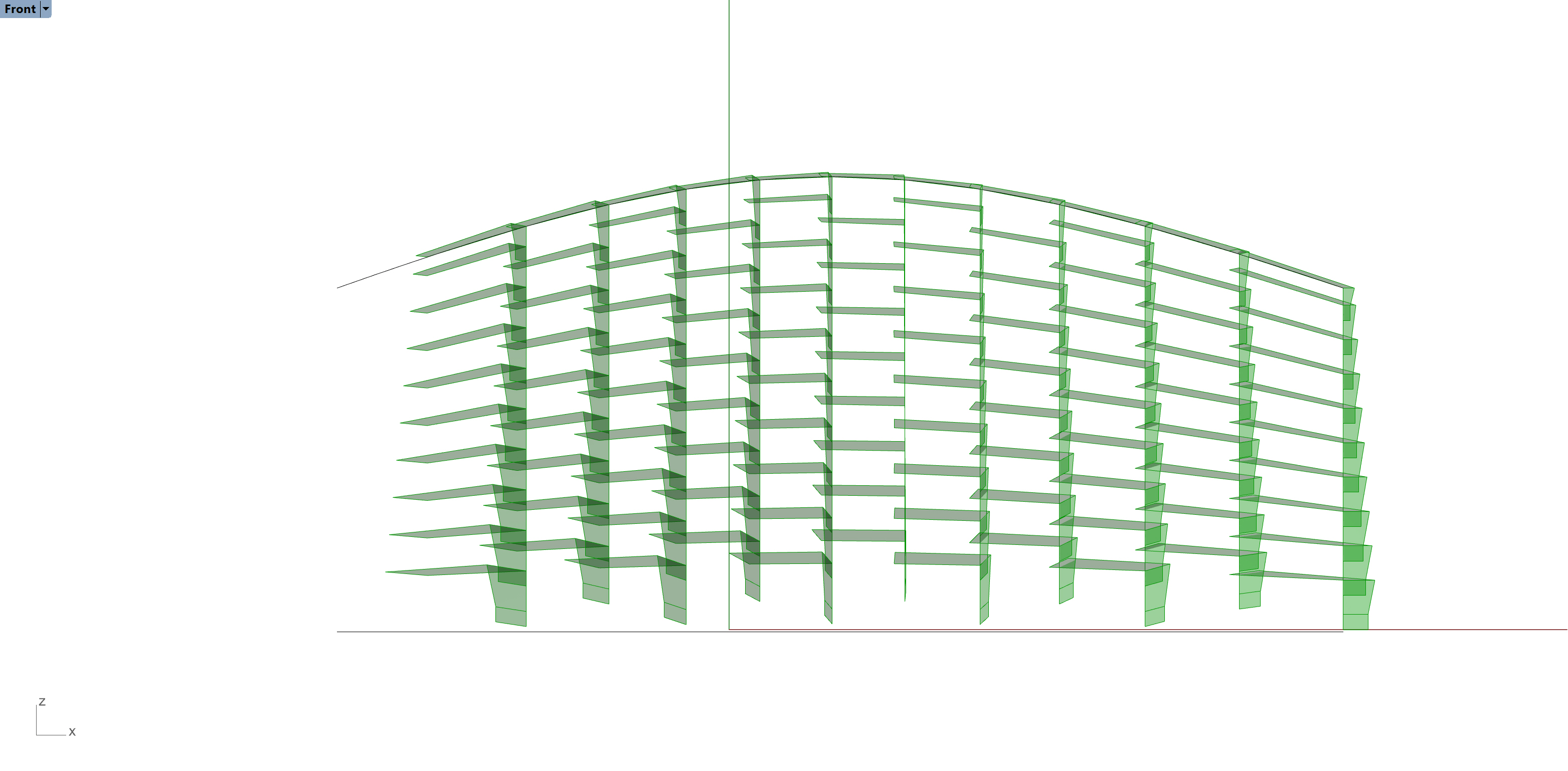
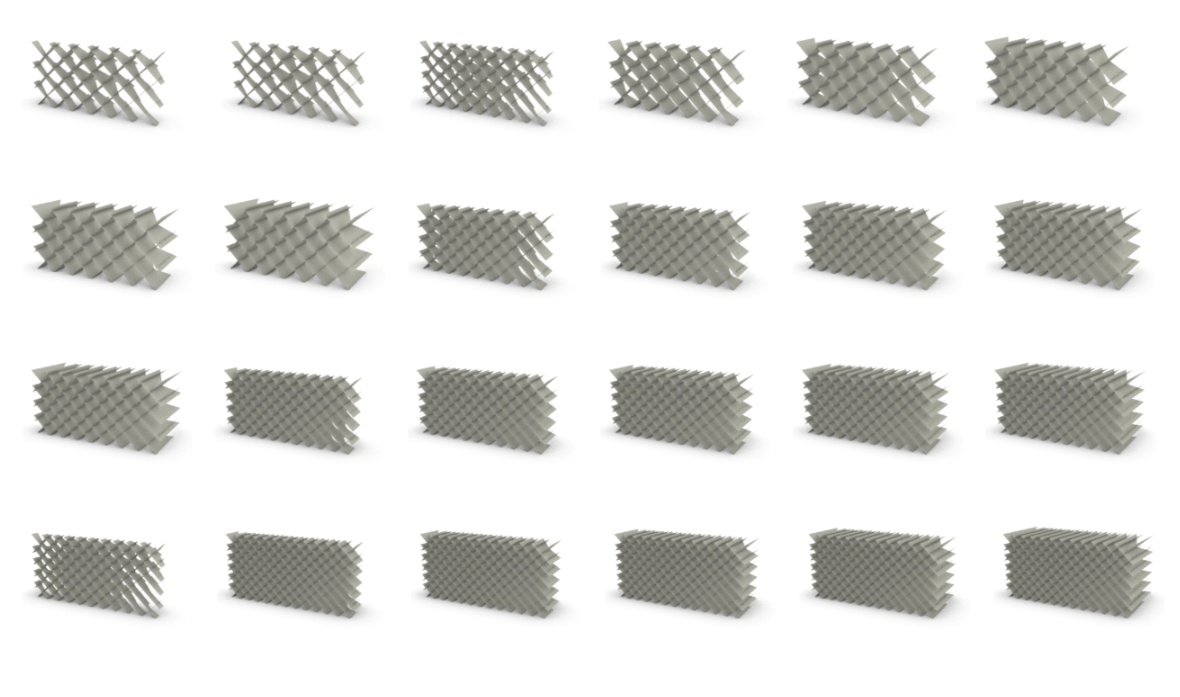
Inspired by some of the amazing brick design, we want to form a sophisticated private screen by using a rectangular base unit in a stacking motion like building a brick wall. At the beginning of our designing process, we decided that we are going to use interlocking joins (two slits merging together) to connect all the cards like pieces and placing them in a diagonal crossing composition to increase stability. Moving on, we mainly focused on experimenting with the variation in a different sequence of the rotation angle. At first, we were only able to make a relatively flat surface, but as we were continually improving it, we added the feature of gradient and curved surface which helps to make the partition much more dynamic. When you walk past the screen, just by changing the viewing angle, the parts that seem opaque at first becomes a hollow area that you can see straight through. It is inspiring to be able to explore both on regularity and irregularity of the pattern making. Eventually, we came up with 3 pattern options which are flow (a smooth, subtle horizontal gradient), ripple (two horizontal gradient combined to gather to form a wave-like pattern), and storm (a non-linear, more randomized pattern). It is fascinating that based on such a simple base unit, we can achieve some drastically different outcomes. In terms of the detail of the design, we also thought about using different colors on each side to further enhance the experience of the constantly changing view as well as add a lot more playfulness to it.

blog post re-01.png

ezgif.com-gif-makerWER.gif

privacy screen refinal.gif

Thread Report:

Initial:

https://thread.thorntontomasetti.com/project/5cd789e8cdb39b0004c72b79/explore?ds=5cd78a07cdb39b0004c72b7c&layout=5cd78c32cdb39b0004c72ee2

Revised:

https://thread.thorntontomasetti.com/project/5cd789e8cdb39b0004c72b79/explore?ds=5cdc03184770ae0004df18ba&layout=5cd78c32cdb39b0004c72ee2

Product Family Final_Lynn_The Leaf Vessel

At the very beginning of the project, I had this idea of making a design that is plant-like and consists of organic curves. After some sketching on vessels with curvature, I decided on this horizontal structure that is similar to a leaf. when i first started creating it in grasshopper, I struggled a lot, but eventually, I figured it out. I located the start, mid and end points of the shape, and then built three curves, based on the curves, I was able to get a surface from the loft command. moving on from that, I applied a grid system to the surface and used the cocoon to make it three dimensional. The grid enhanced the visual experience of the curvature a lot which is always a plus. Although the change in the shape is quite subtle, the outcome is still quite satisfying, they were all quite elegant and pleasing to the eyes. However, I encountered an additional problem when I did the first trail of 3D printing, the structure wasn’t able to stand on its own, so I had to go back, changing the three-curve base to a four curve base so that the vessel has a small flat part on the bottom to settle on. The second set of 3D printing was luckily very successful. Overall I am satisfied with the physical model of the design, the grid casts a beautiful shadow and the reflection of the color is also quite nice. The next step, potential, this form can be transformed into a larger scale, to become a chair, a sofa bed, or even an architectural element.

Product Family blog post-01.pngproductfamily gif.gif


Thread: https://thread.thorntontomasetti.com/project/5c7c616062e8b4000409ac80/explore?ds=5cdbe8244770ae0004df17ed&layout=5c9724a231353a0004eec2dc

Privacy Screen For Kids_Final_Lynn & Zhuoyun

blog post-01.png

Thread:

https://thread.thorntontomasetti.com/project/5cd789e8cdb39b0004c72b79/explore?ds=5cd78a07cdb39b0004c72b7c&layout=5cd78c32cdb39b0004c72ee2

ezgif.com-gif-makerWER.gif

Inspired by some of the amazing brick design, we want to form a sophisticated private screen by using a rectangular base unit in a stacking motion like building a brick wall. At the beginning of our designing process, we decided that we are going to use interlocking joins (two slits merging together) to connect all the cards like pieces and placing them in a diagonal crossing composition to increase stability. Moving on, we mainly focused on experimenting with the variation in a different sequence of the rotation angle. At first, we were only able to make a relatively flat surface, but as we were continually improving it, we added the feature of gradient and curved surface which helps to make the partition much more dynamic. When you walk past the screen, just by changing the viewing angle, the parts that seem opaque at first becomes a hollow area that you can see straight through. It is inspiring to be able to explore both on regularity and irregularity of the pattern making. Eventually, we came up with 3 pattern options which are flow (a smooth, subtle horizontal gradient), ripple (two horizontal gradient combined to gather to form a wave-like pattern), and storm (a non-linear, more randomized pattern). It is fascinating that based on such a simple base unit, we can achieve some drastically different outcomes. In terms of the detail of the design, we also thought about using different colors on each side to further enhance the experience of the constantly changing view as well as add a lot more playfulness to it.

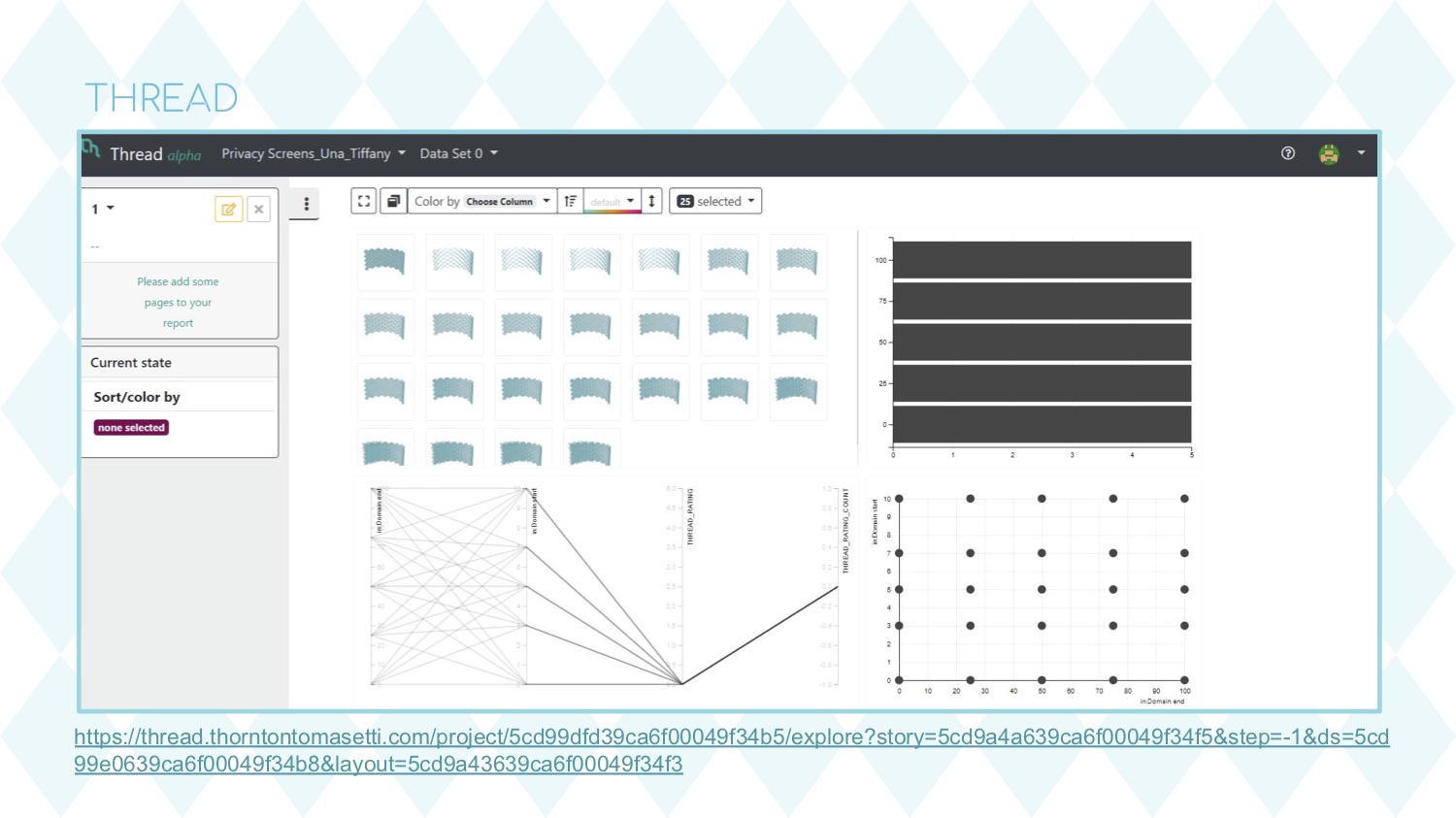
Gradation Privacy Screen_Una + Tiffany

Parametrics Final - Tak Ying Chan & Yuting Feng.jpg

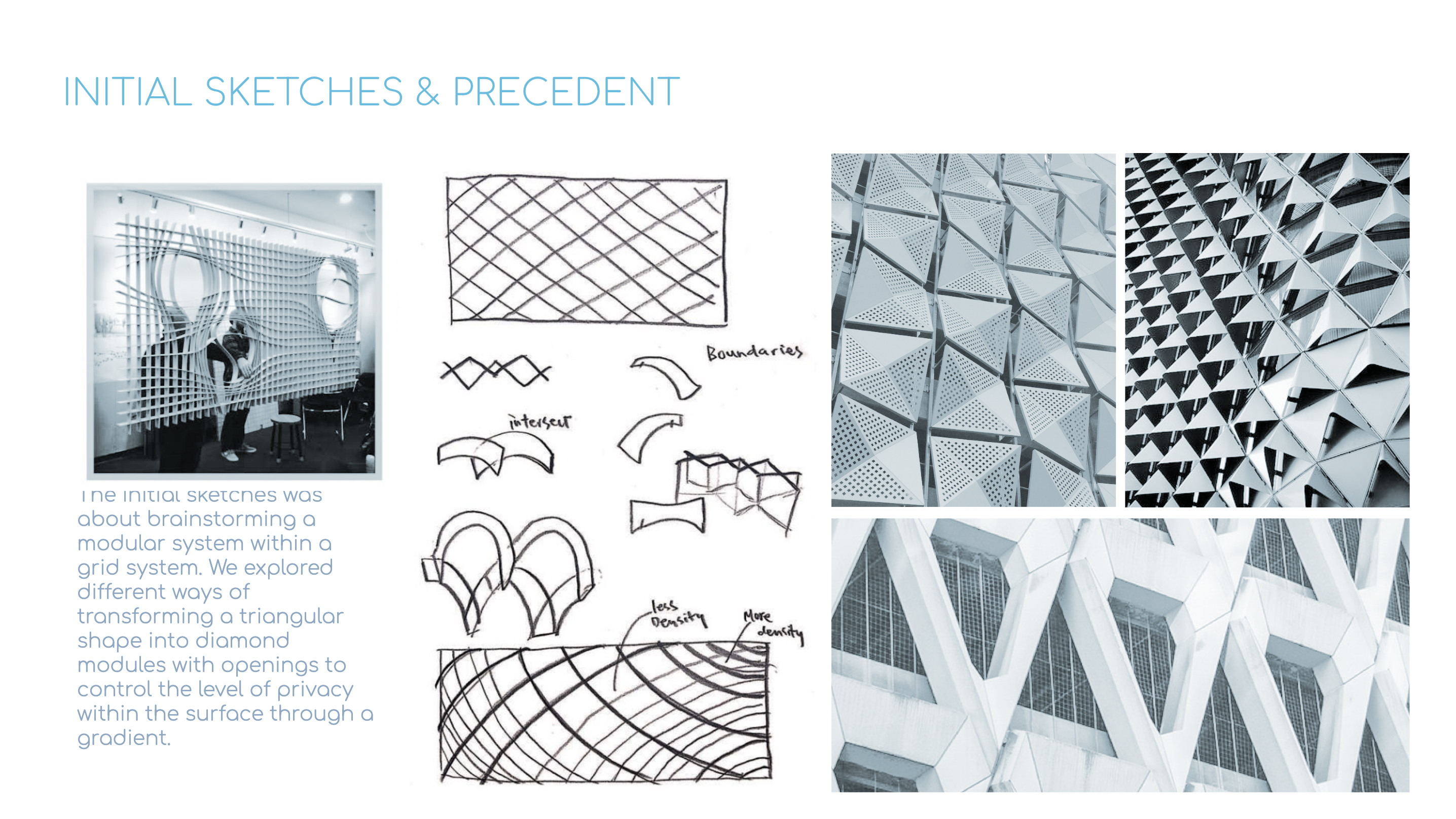
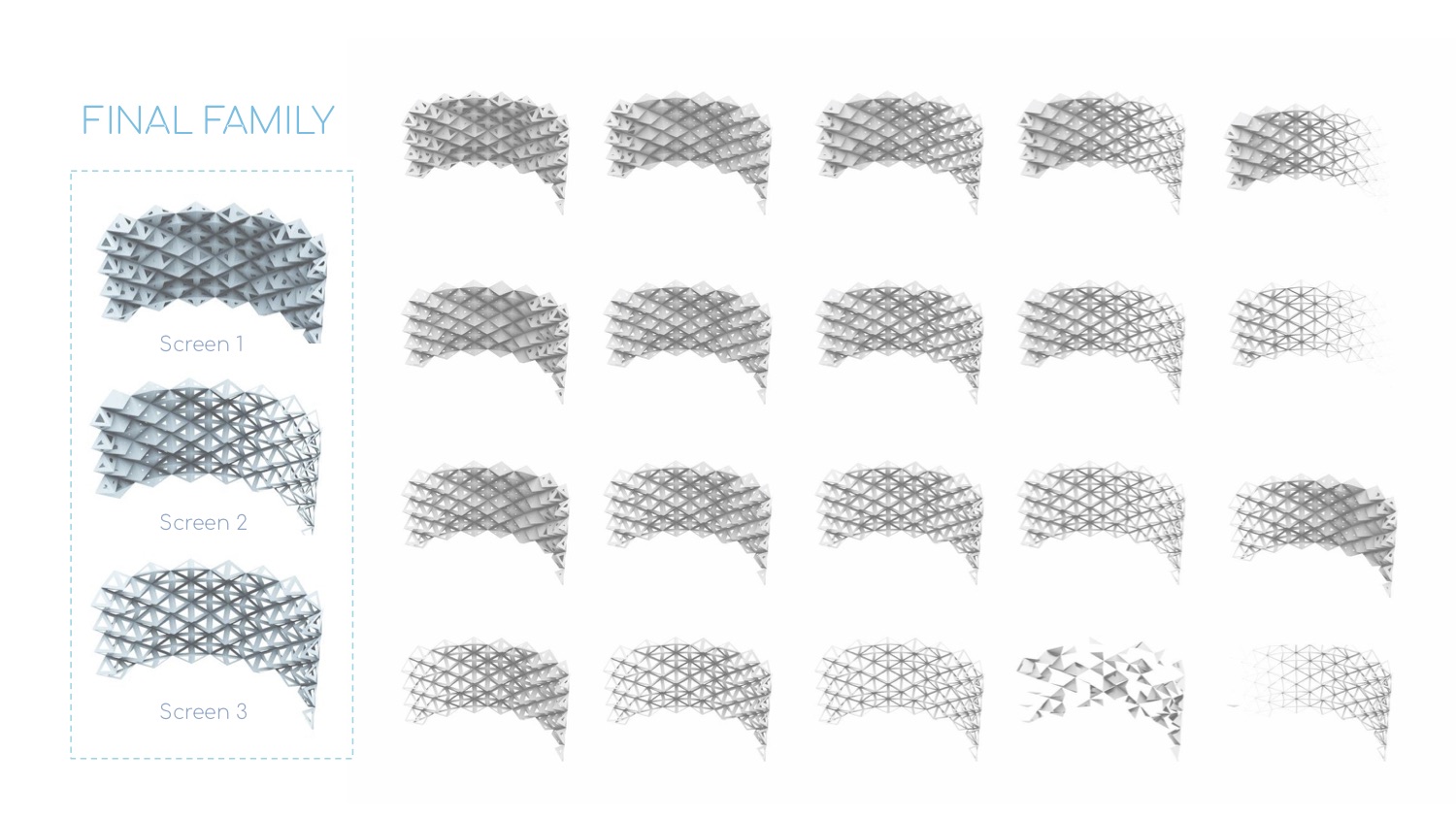
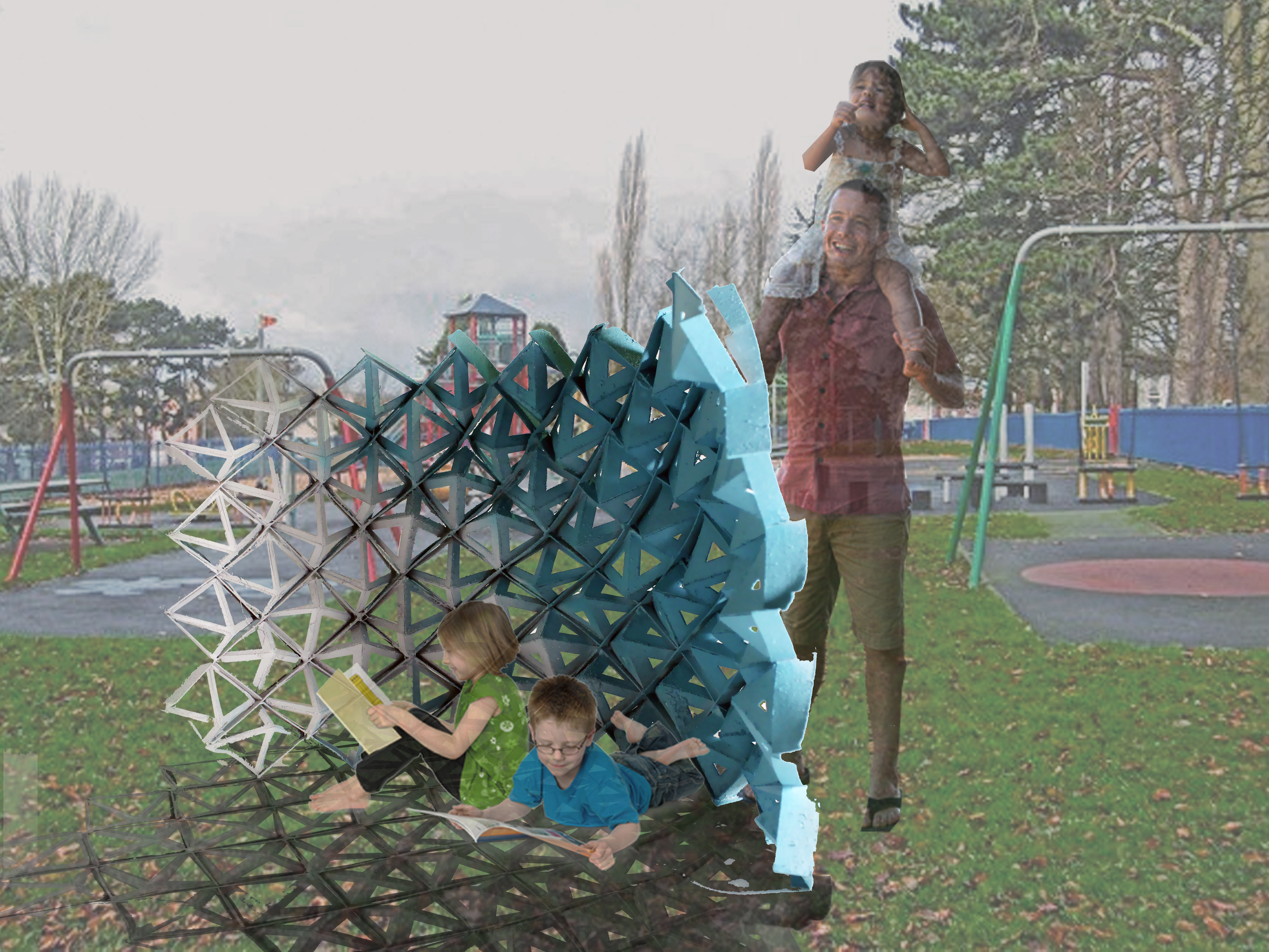
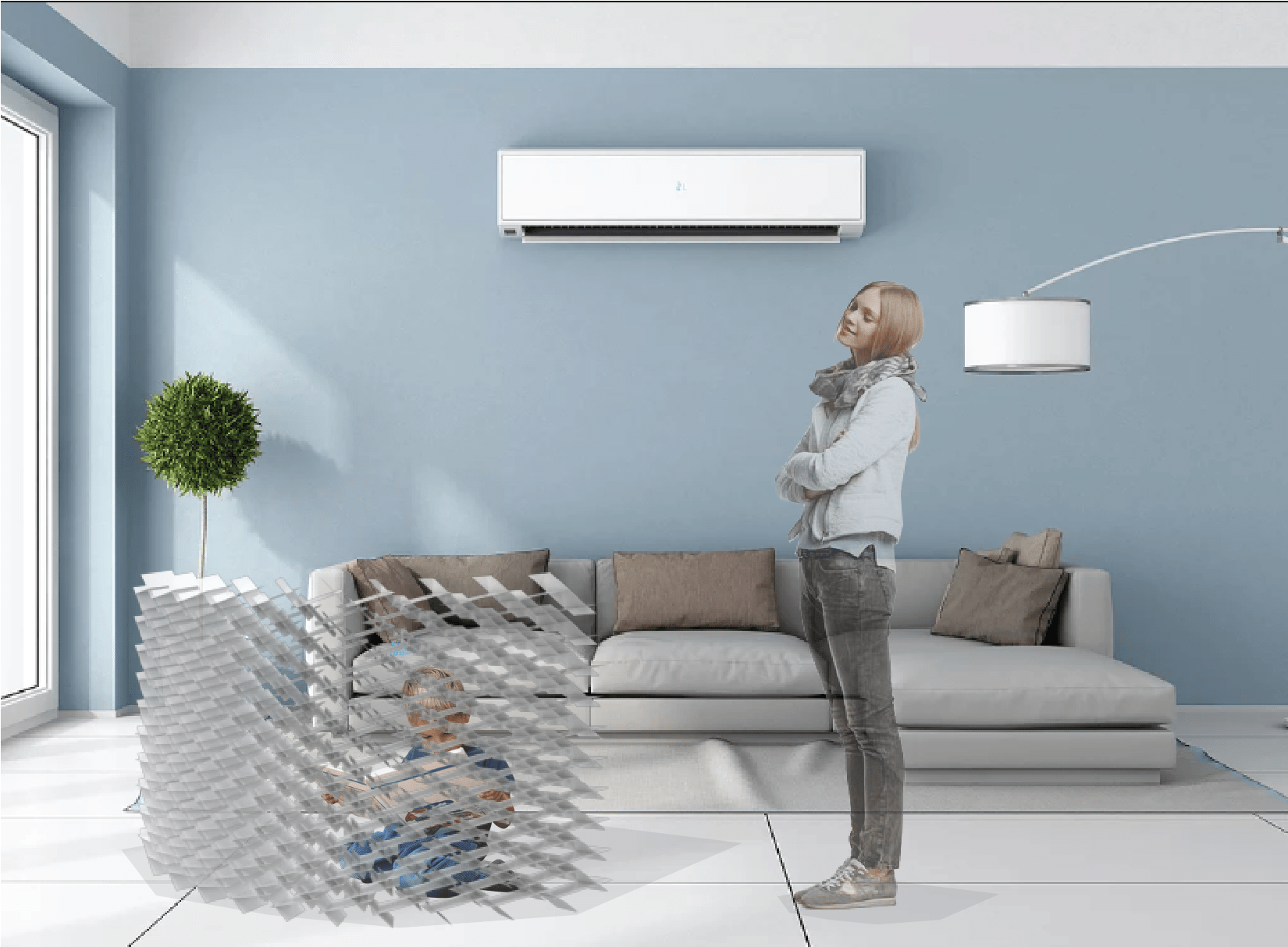
This project is designed by two members as a team, developing a privacy screen for children. We first started with individual ideas and concepts and later got together as a group. We were able to find a  common ground within our designs, which is creating openings inside geometric shapes in order to have control over the level of openness and and closeness.

Our concept for this privacy screen design for children is to create a screen that allows gradient in the overall screen surface, so that the changing of geometric openings forms a flow within the structure, providing a change of vision from different angles. The overall shape of the screen is designed to be a semi-circle in order to form a fluid curvature to serve contrast with the rigidity of the diamond shape.

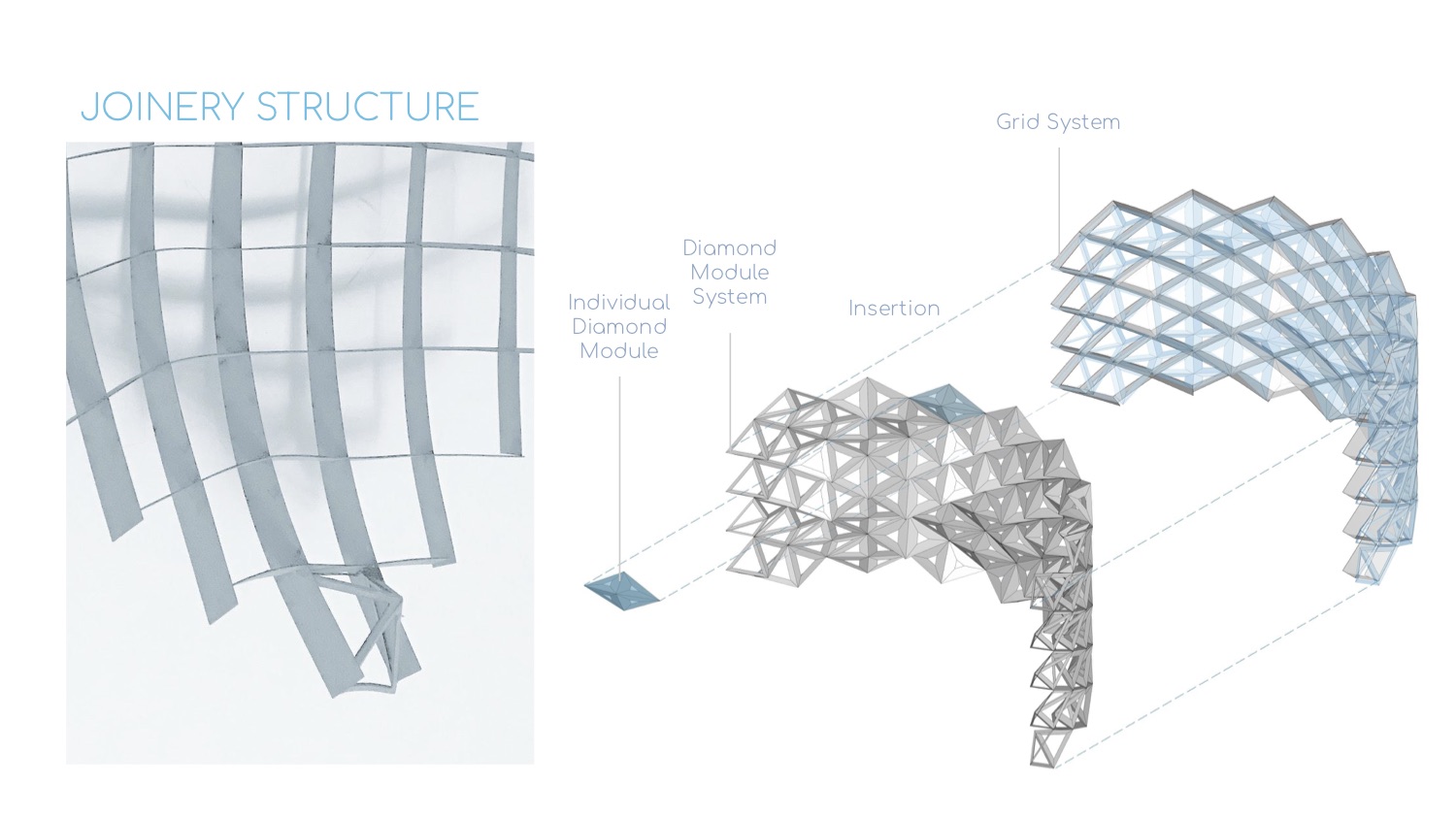
The screen structure is formed by two systems: one diamond grid system and one diamond modular system. The two systems combine into one by inserting the diamond modular system into the grid system in order for the grid to hold its shape of the curvature.

The final design successfully incorporates the effect of a gradient within the geometry, and this effect allows parents to be able to watch their child at an angle, but at the same time provides privacy in the screen space for children from another side.Screenshot 2019-05-13 at 9.10.07 PM.png02.jpg03.jpg04.jpg

Parametrics Final - Tak Ying Chan & Yuting Feng (1).jpg

iterationsslider 2.gif

ezgif-5-7d1536ff506e.gifball.gif

05.jpg

08.jpg

07.jpg

22.jpg


06.jpg

FINAL PRESENTATION LINK

https://docs.google.com/presentation/d/1tsXAX5AElyzS2h3B0bMFv8hQKpKCOFa1p-deO0CH_cI/edit?usp=sharing

THREAD LINK

https://thread.thorntontomasetti.com/project/5cd99dfd39ca6f00049f34b5/explore?story=5cd9a4a639ca6f00049f34f5&step=-1&ds=5cd99e0639ca6f00049f34b8&layout=5cd9a43639ca6f00049f34f3

Reciprocal Privacy Screen – Katie & Lily

      In this privacy screen project the main goal was to create a freestanding privacy screen for children sharing a space. Using grasshopper and rhino we were able to make various different iterations of 3’ x 5’ privacy screens of which we chose 3 to build at ¼ scale. The screen is meant to be for preschoolers who are generally around 4’ tall or shorter.

This project consisted of two people and although we had different ideas for screens earlier on we did end up agreeing on one particular screen to build after discussing our ideas with each other.

      For our project specifically we wanted to work with the idea of reciprocals. Although we did not build a completely reciprocal frame that supports itself with no joints, we ended up borrowing the reciprocal form and placing it into our screen. This idea was born from the previous product family project as a continuation of the gridded reciprocal design.

      We wanted to work with this design not only because it was a challenge to build because all the pieces were really similar, but also because we wanted to see if we could make a very structured and solid system for the screen. This is needed because children often knock into things and we wanted to be able to ensure that this screen was able to stand well. In the case that the screen did fall, over we also wanted to make sure that the screen was not too heavy but at the same time would be able to support the child’s weight so that the screen does not break under the weight of the child.

      The screen has a clear slotting system that although tedious is reproducible, so as a product this screen would function very well as long as the numbers are there. There is no additional glue required for the screen and all the slots hold themselves up. In the case of mass production as long as the numbers on the screen are followed there would be no problem for most people to build it following instructions. In addition, the density of the screen allows for a lot of privacy especially when viewed form an angle but at the same time is very porous when viewed from the front. This allows parents to be able to easily see their kids while they are behind the screen yet still allow the kids to feel that they are in a private space.

      The final construction of the screen went fairly well building-wise however a problem we ended up having with the other two iterations of the screen where we changed the angle and the density of the screen, was that gravity ended up playing too big of a role on the screen and it began to squish the screen downward. This also had to do with the fact that we used Bristol to build the screen which is a fairly thin material. Although this was not what we had intended it does show that not everything that works in grasshopper will definitely work in the real-world. There still needs to be a lot of consideration that is put into material choice, size and function.

parametrics 1


parametrics 2

all
100 PRODUCT FAMILY

parametrics 3

P1

Thread

Final Presentation

PRIVACY SCREEN FINAL POST (BERNITA LING + MICHELLE LEI)

Link to Interactive Thread Report

Link to Final Presentation

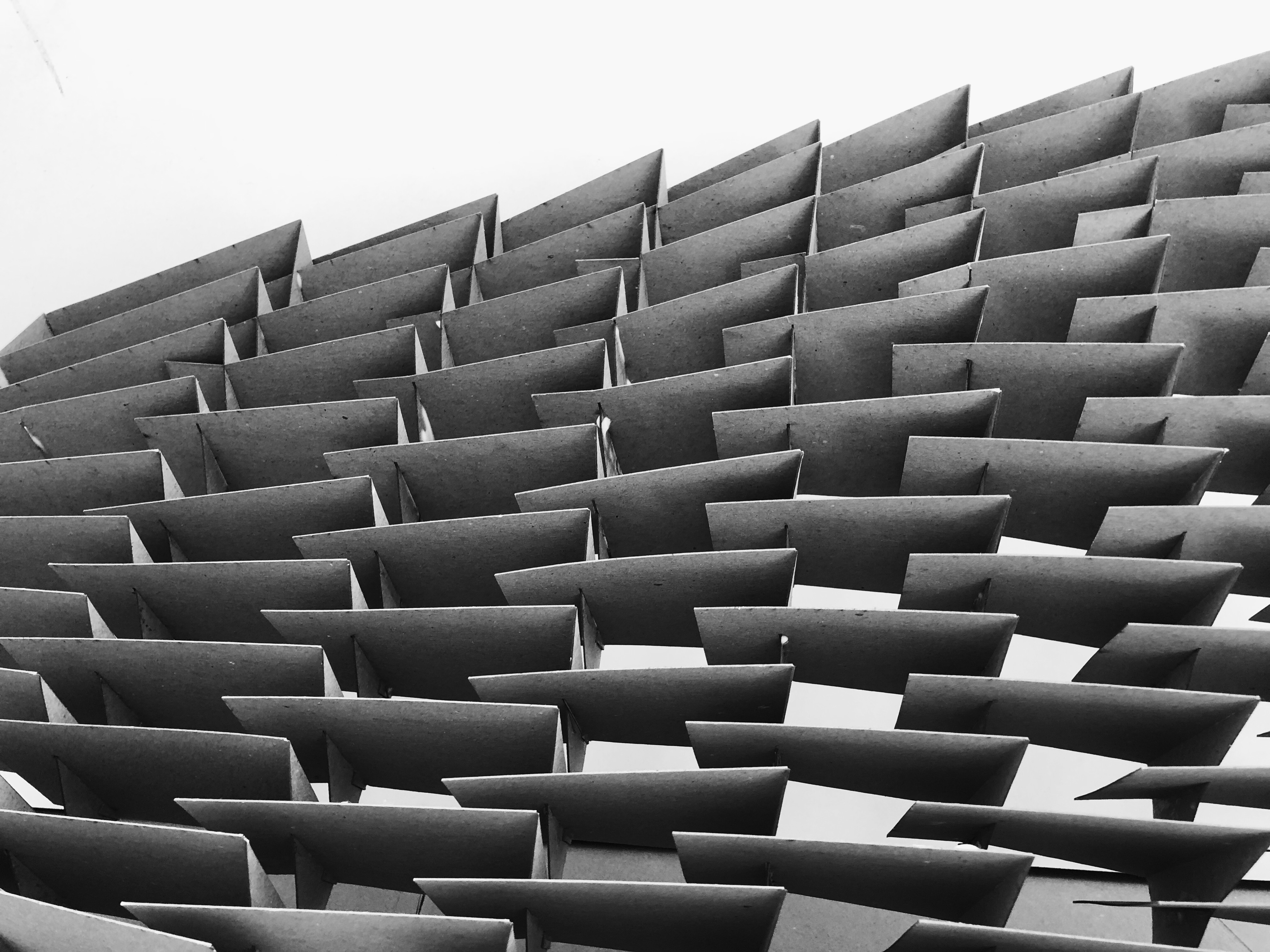
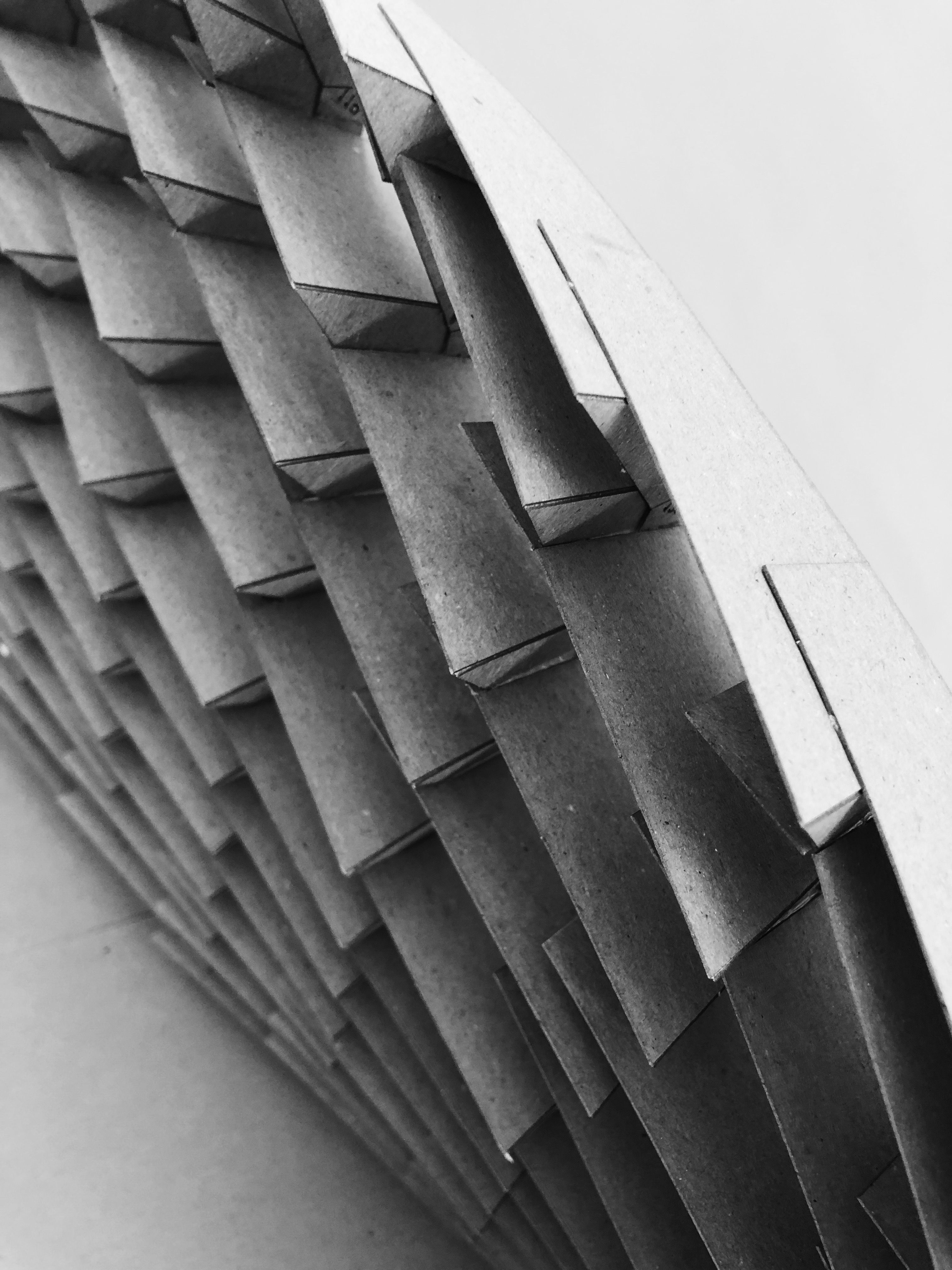
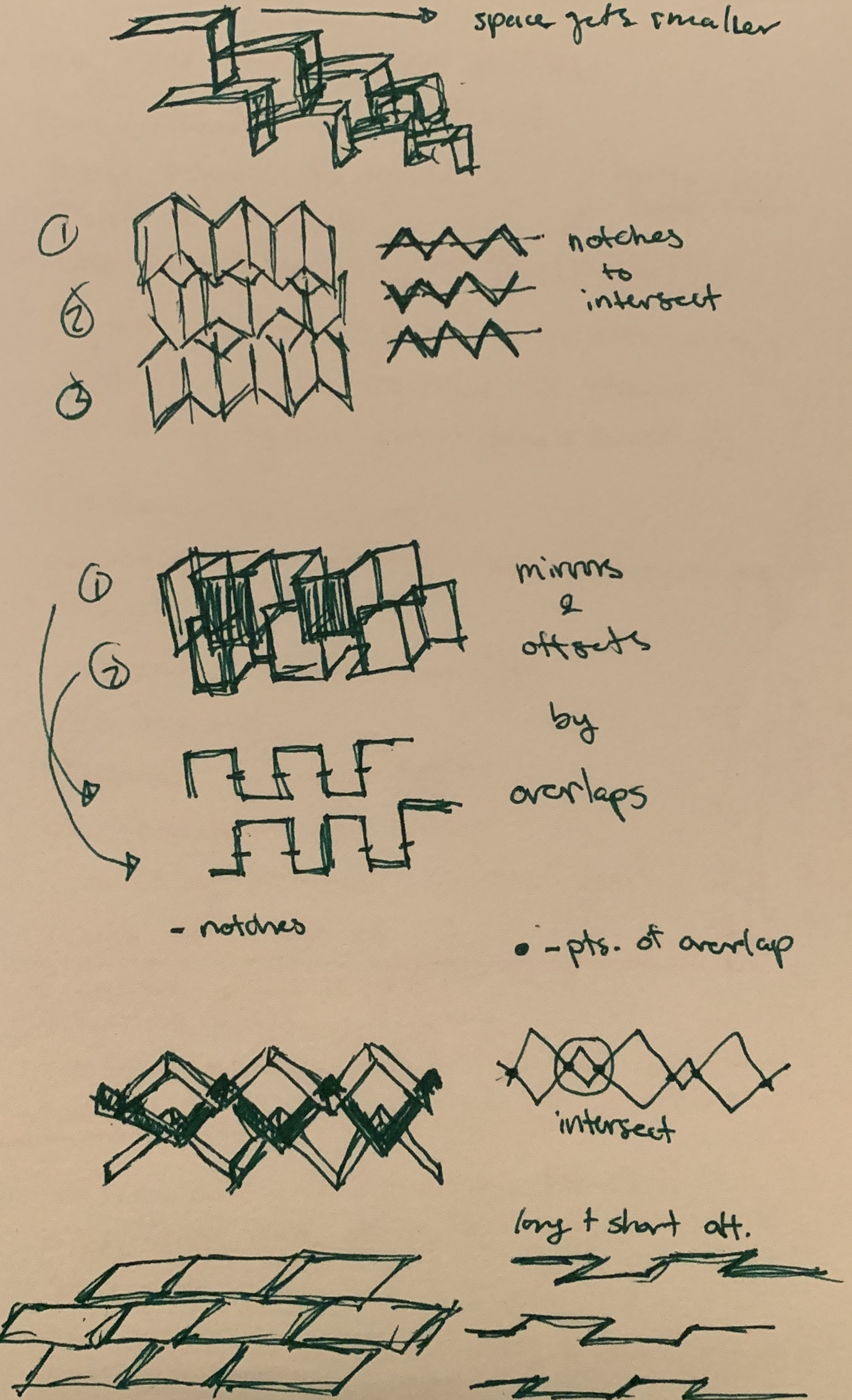
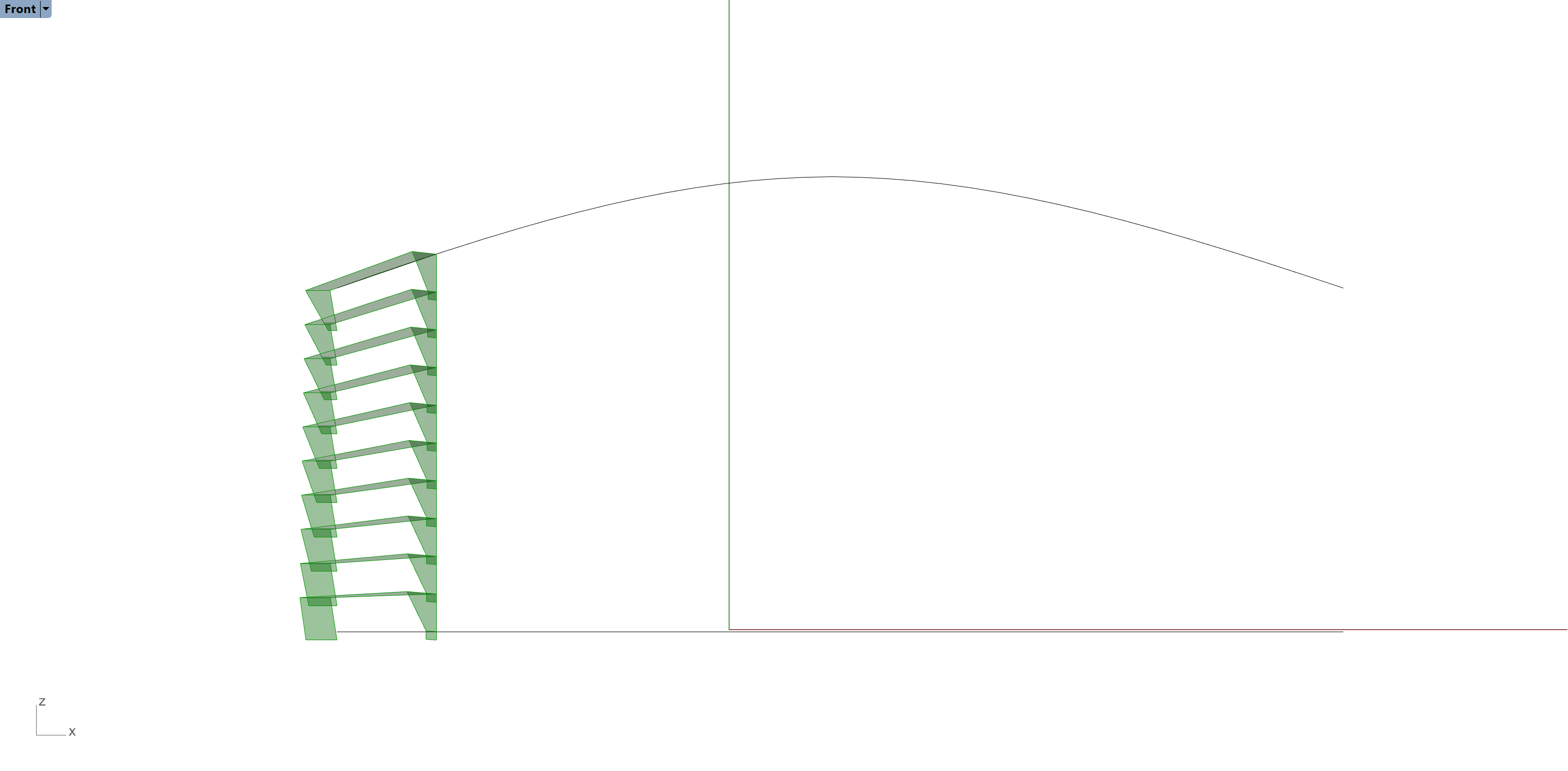
For our design or a privacy screen for children, we aimed to create something that we perceived as functional. Looking to shelves and shutters for inspiration, our screen takes the form of small cubbies that kids could use as shelving units. However, as the design evolved the idea of cubbies took a back seat. Instead, we added the ability to tilt each shelf to create more/less opacity in the screen. The three primary design variables are the number of quads, the angle of tilt, and the depth of the shelf. Below are images that better explains our design.

We faced a lot of challenges during this project. A lot of time was spent figuring out the edge conditions (left column and bottom row). We were applying the same code to all quads, but realized the left column needed to wrap around for structure, and the bottom row needed a larger piece below for stability. We isolated the left column and the bottom row and created separate functions for both. This process was successful until we tried to apply the tilt to the shelves again. The tilts were not matching up across the left column, bottom row, and the rest of the panel. Moreover, the intersection points between parts was not accurate when we tried to create notches for lasercutting. As a result, we decided to turn off the isolations and treat the panel as one whole for the purpose of successfully lasercutting.

While we were able to tilt the shelves, we wanted to tilt each shelf at a different angle to create a gradual transition. We tried to use MD sliders and attraction points from a class example. However, the class example was trying to change the length of parts not the tilt. Finding the correct points with attractor points was not successful for us.

Overall, we were able to test different configurations of our shelves and explore ways to manipulate different areas of the screen. The process of creating in grasshopper and then assembling lasercut pieces in real life is useful for studio.

Variable = # of quads
Variable = Tilt
Variable = Shelf detph
Part to whole assembly
Initial Ideas
Isolation: bottom row
Isolation: left column
Isolation: rest of panel
Product Family

Children Privacy Screen by Li Zhuang & Qixin Zhang

In this Course, we learned the basic Grasshopper concept and how to use some plugins such as TT Toolbox and Lunch Box to better implement our design strategy.

In this project, we use the theme of chess as a concept to create a series of screens that allow children to interact with them.

These screens are diamond-shaped and have a concave and convex shape on one side. Children can put their toys or stationery in the grid.

To be honest, this series of screens is not very privacy-protected. Because we consider the safety of children. We care if parents can observe children. But these screens still have the role of distinguishing regions. For the height of the children, they are still walls.giphy (1)

Throughout the design process. As a team of two people. We exchanged ideas. At the beginning we all had different ideas. One of us wants to have a curved design, and another wants to do more straight lines. Later we decided to do the design of the line, because the design of the arc is more difficult and takes more time. And because of the time problem, we chose to make this straight line design. Even so, because we have no experience, it took us a lot of time to learn and trouble shoot our grasshopper connections.

IMG_3409

To be honest, this series of screens is not very privacy-protected. Because we consider the safety of children. We care if parents can observe children. But these screens still have the role of distinguishing regions. For the height of the children, they are still walls.

Finally, everything was smooth during the construction process. This is probably the convenience of designing with grasshopper. Because there are already electronic models and annotations. Therefore, the process of building the model is much faster than the previous design.


Children Privacy Screen (3)

This slideshow requires JavaScript.


Sketch (1)

Children Privacy Screen (1)Children Privacy Screen (4)


Grasshopper Definition

Grid and Center PointsConnection and ComponentVeCanvas at 18_17_3011

Final Presentation